Overview
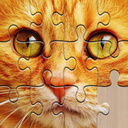
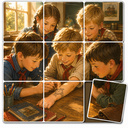
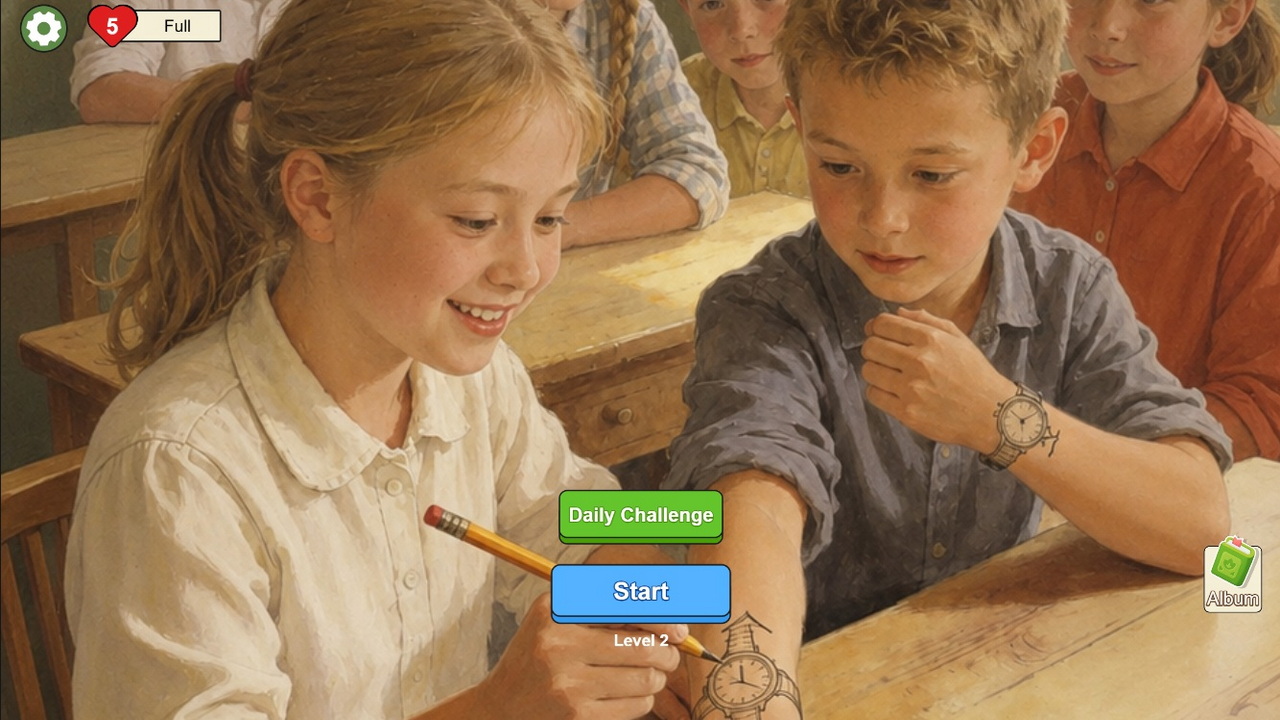
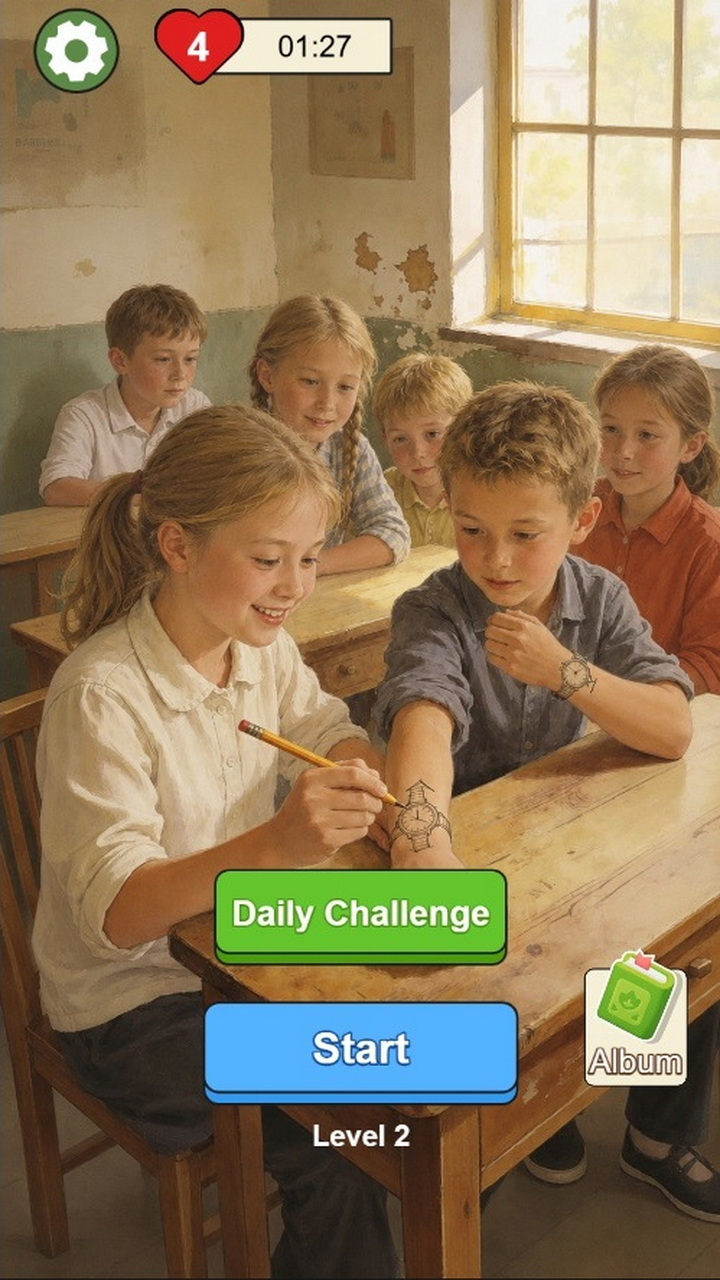
Nostalgic Puzzle is a cozy jigsaw game where you piece together warm pictures from the past, fragment by fragment. Every level is a new nostalgic scene: quiet village yards and old streets, children playing by the river, flower stalls and warm family evenings. No ultra-modern landscapes — just the things you love to look at and remember.
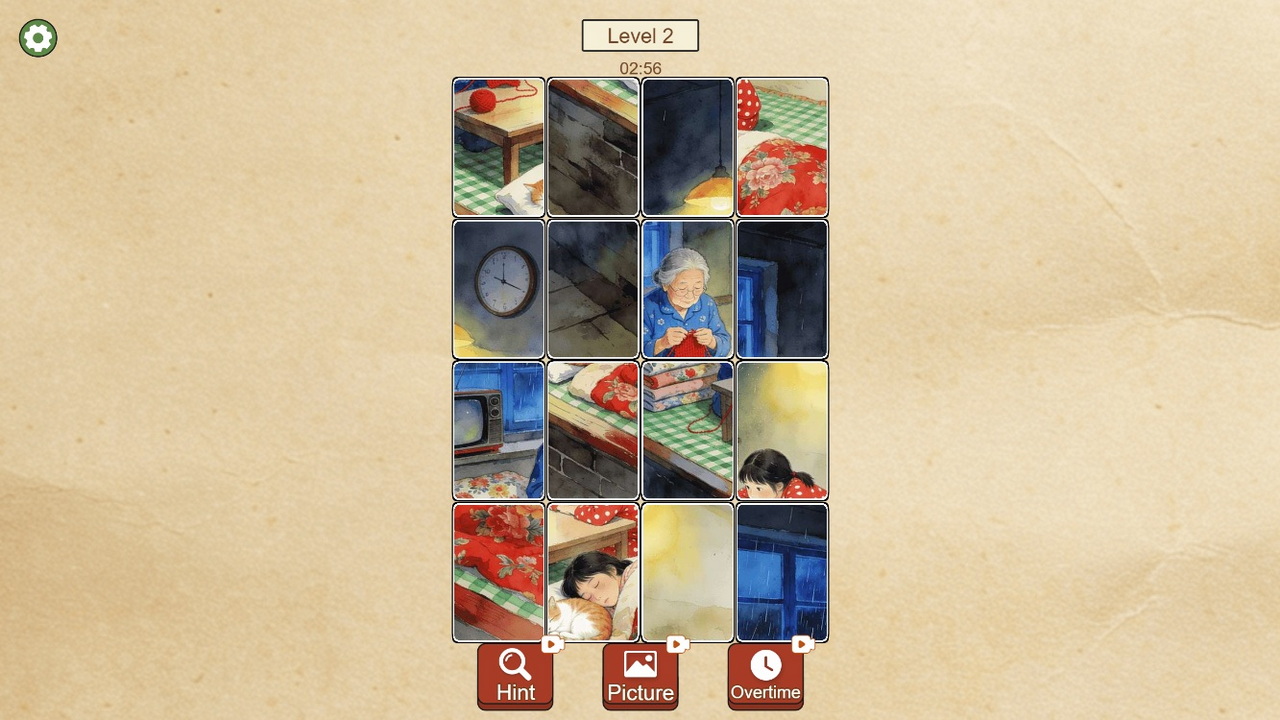
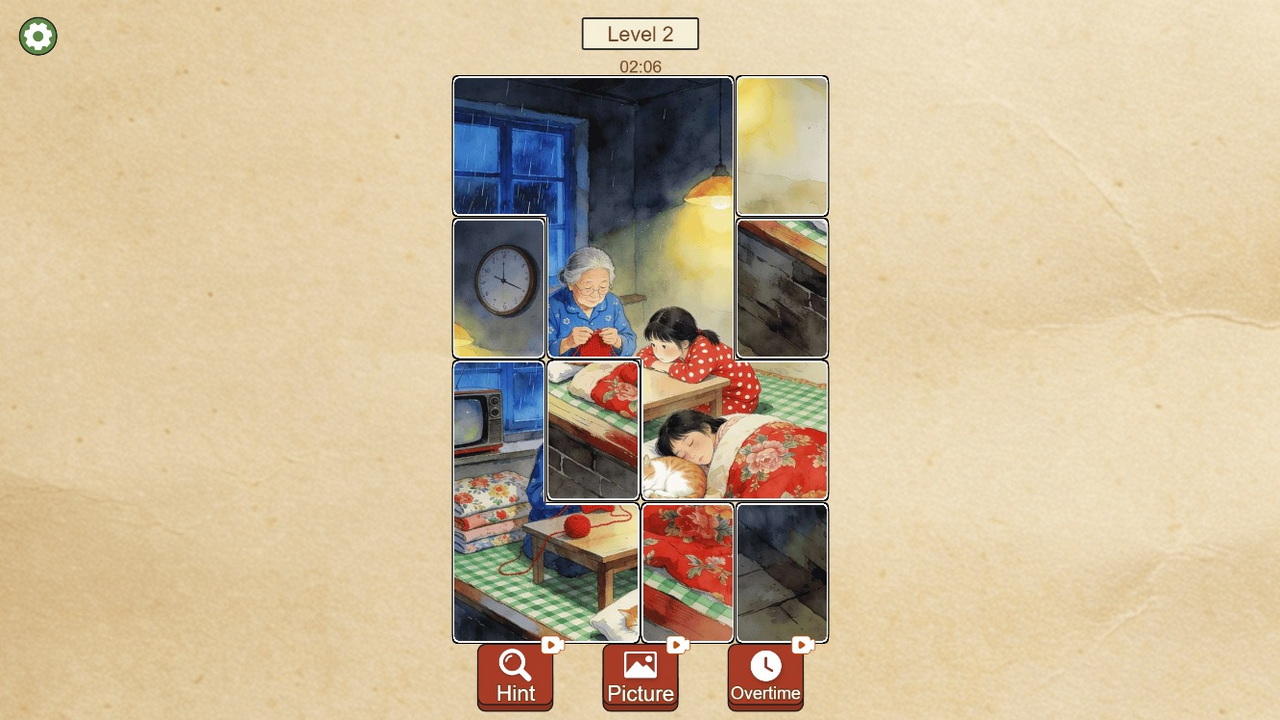
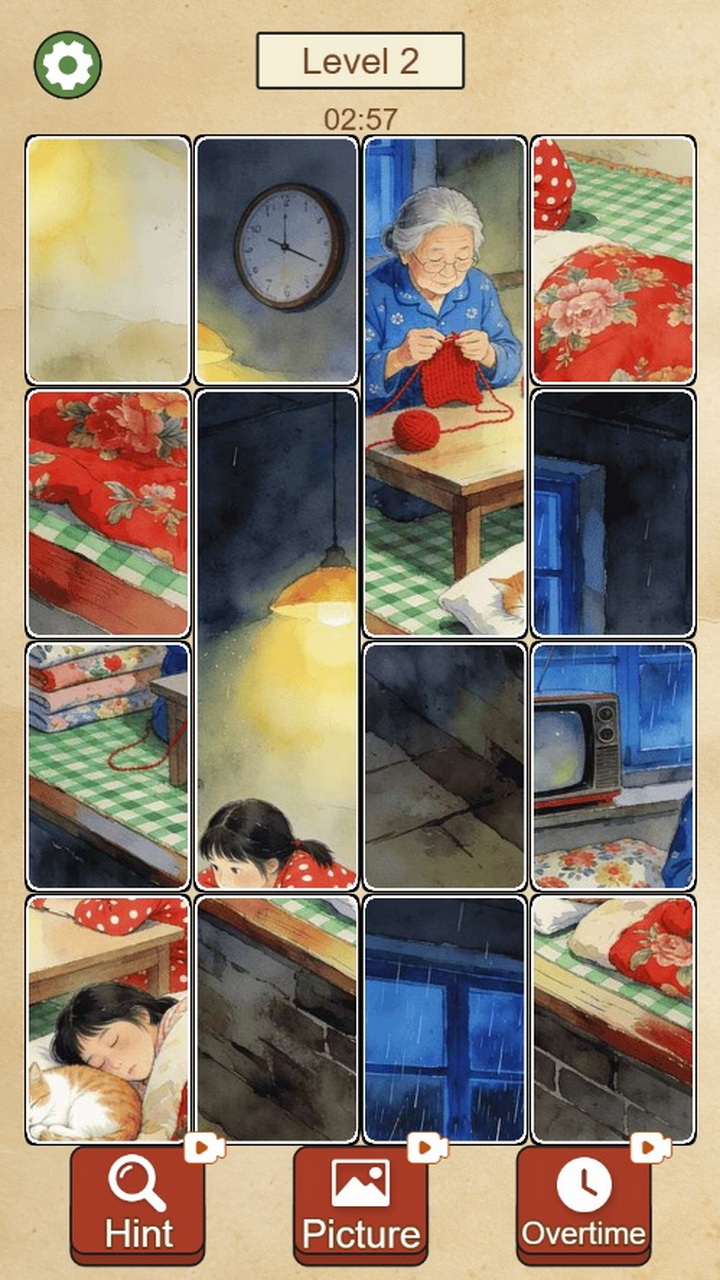
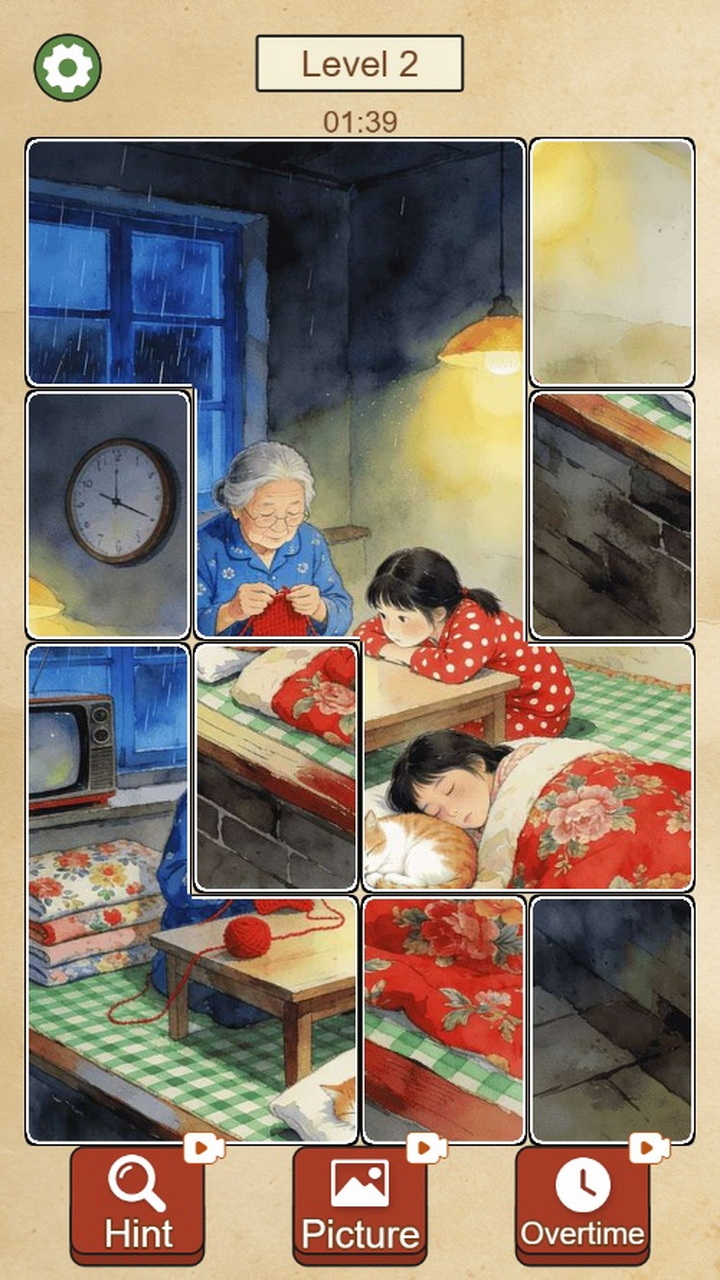
Place the shuffled fragments where they belong: matching pieces snap to each other on their own and merge into groups you can move together. The picture comes alive before your eyes, and every completed scene is saved to your personal Album.
Simple rules let you start right away, while the process is both relaxing and hard to put down. Great for adults and kids alike.
Features:
- Over 160 warm retro pictures
- Pieces snap together on their own — easy and satisfying
- Daily Challenge mode
- A collection of completed pictures in your Album
- A calm atmosphere for unwinding and relieving stress
Collect pictures and enjoy a peaceful puzzle anytime.
Videos and screenshots
12,967 players online
How to play
-
Open the game
Press Play now and the game opens on its own screen.
-
Follow the in-game instructions
The controls and goals are shown inside the game as you play.
-
Use the game menu
The floating button over the game reloads it, saves it to your favourites, or takes you back out.