Overview
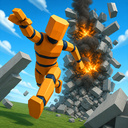
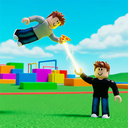
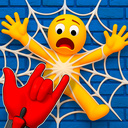
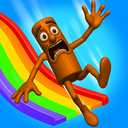
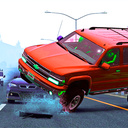
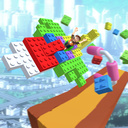
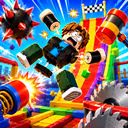
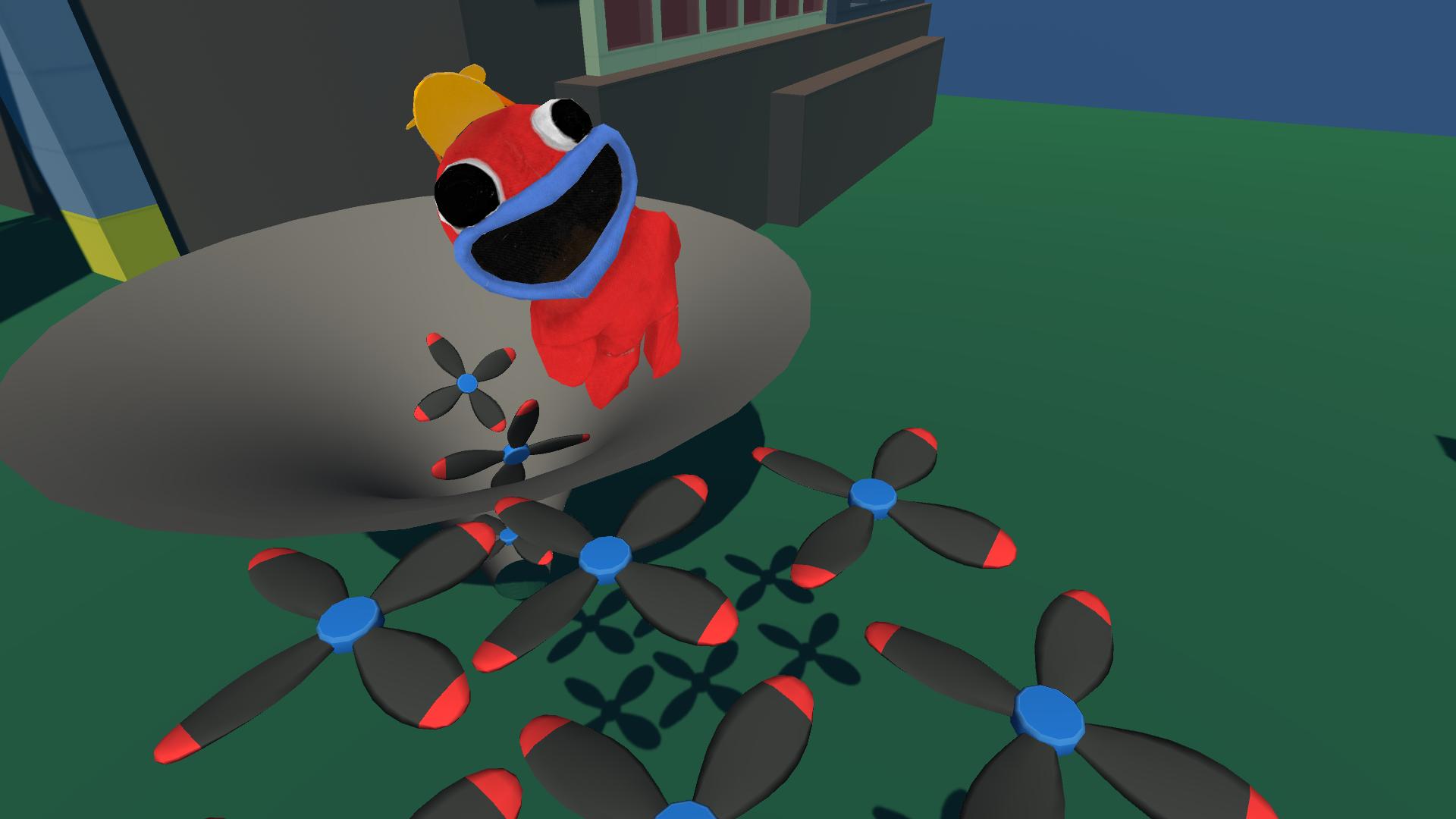
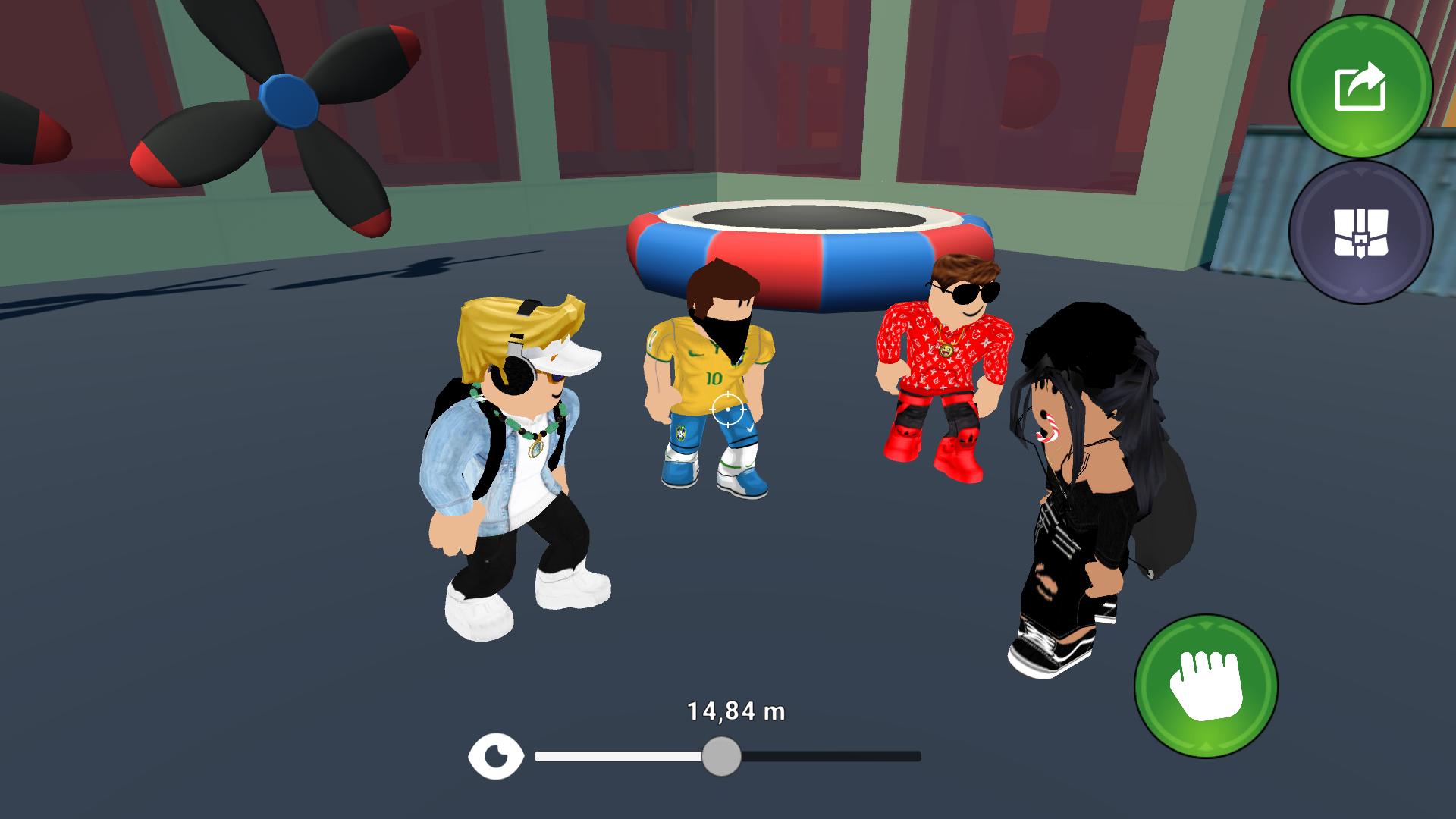
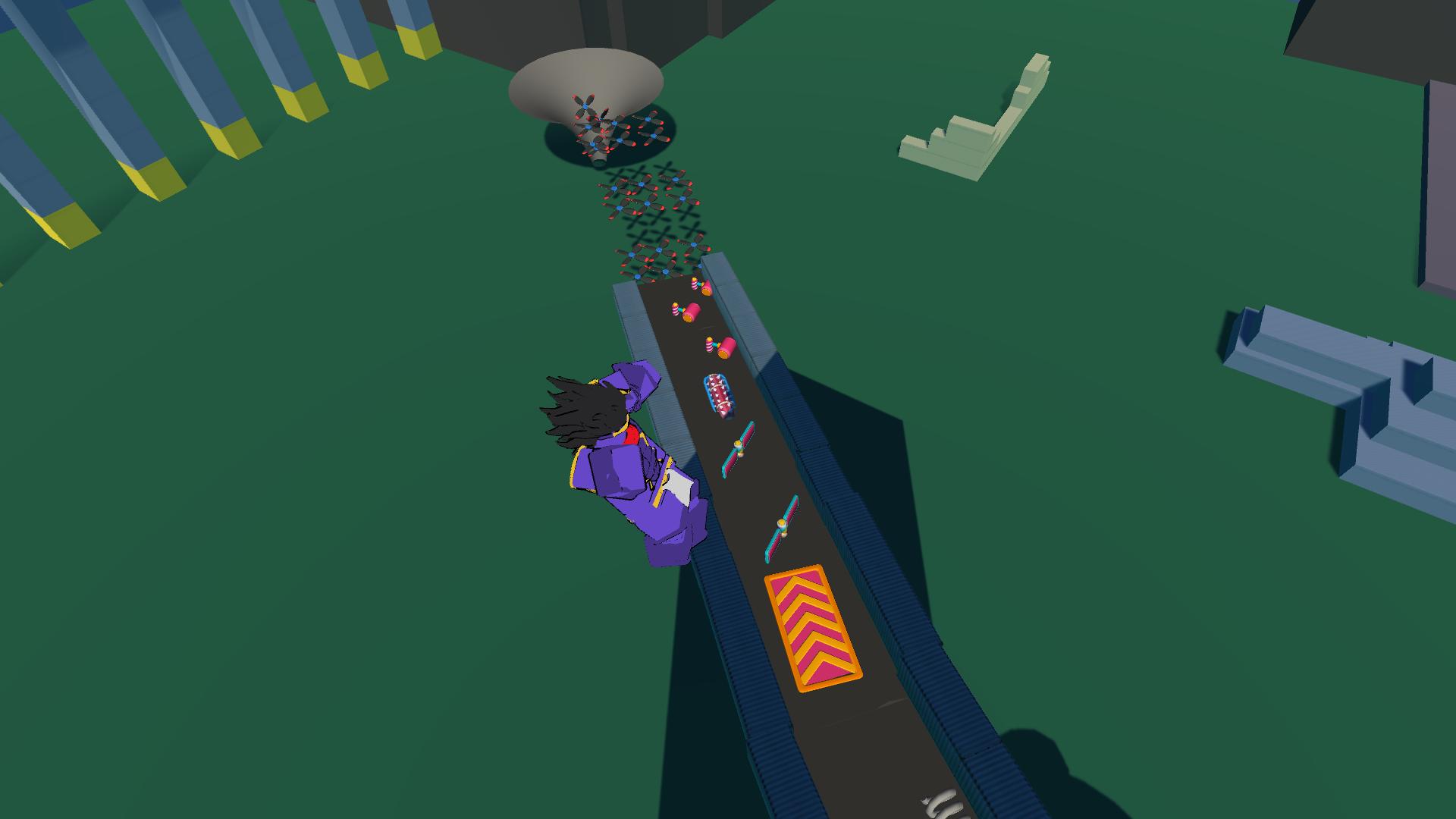
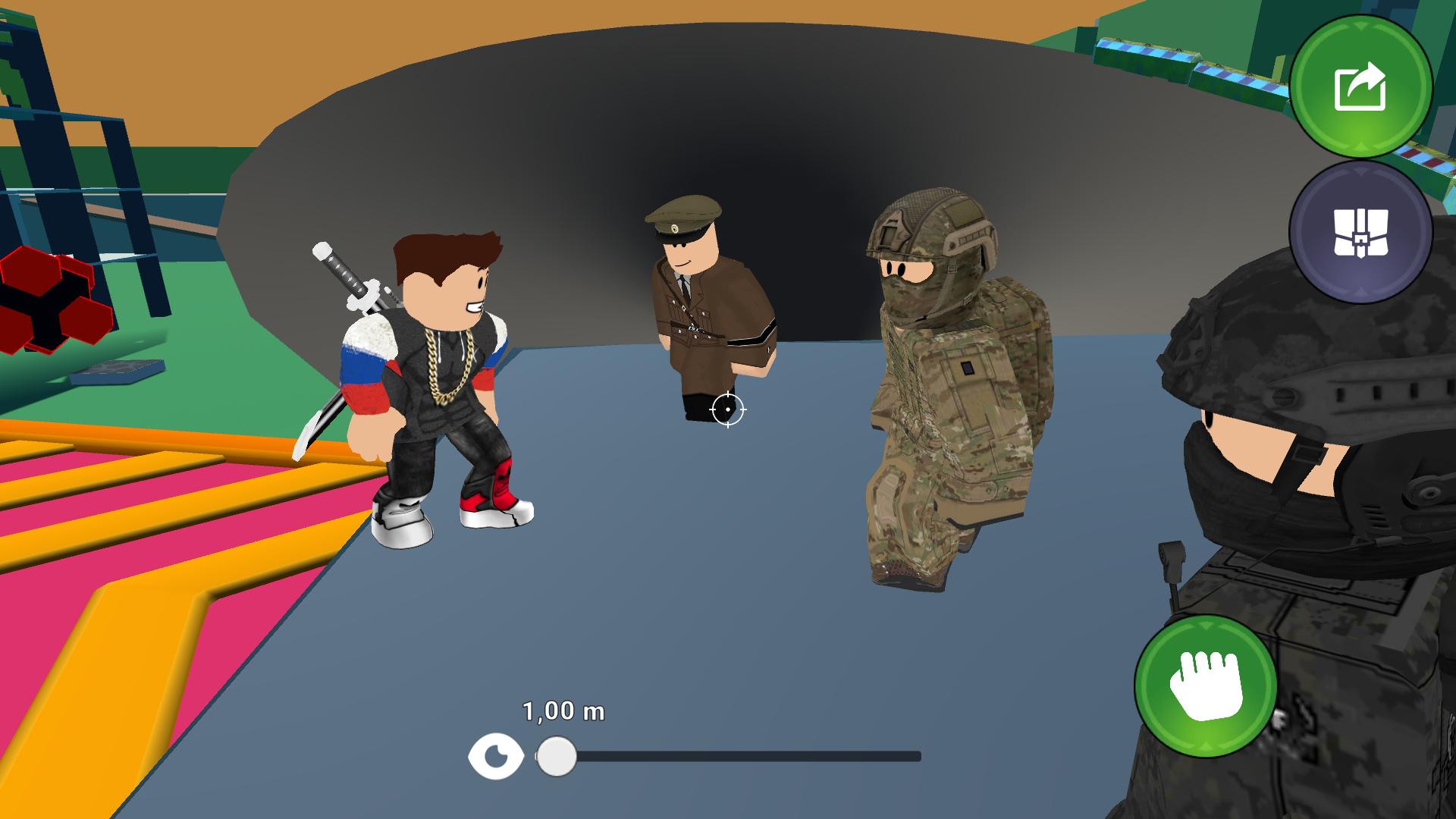
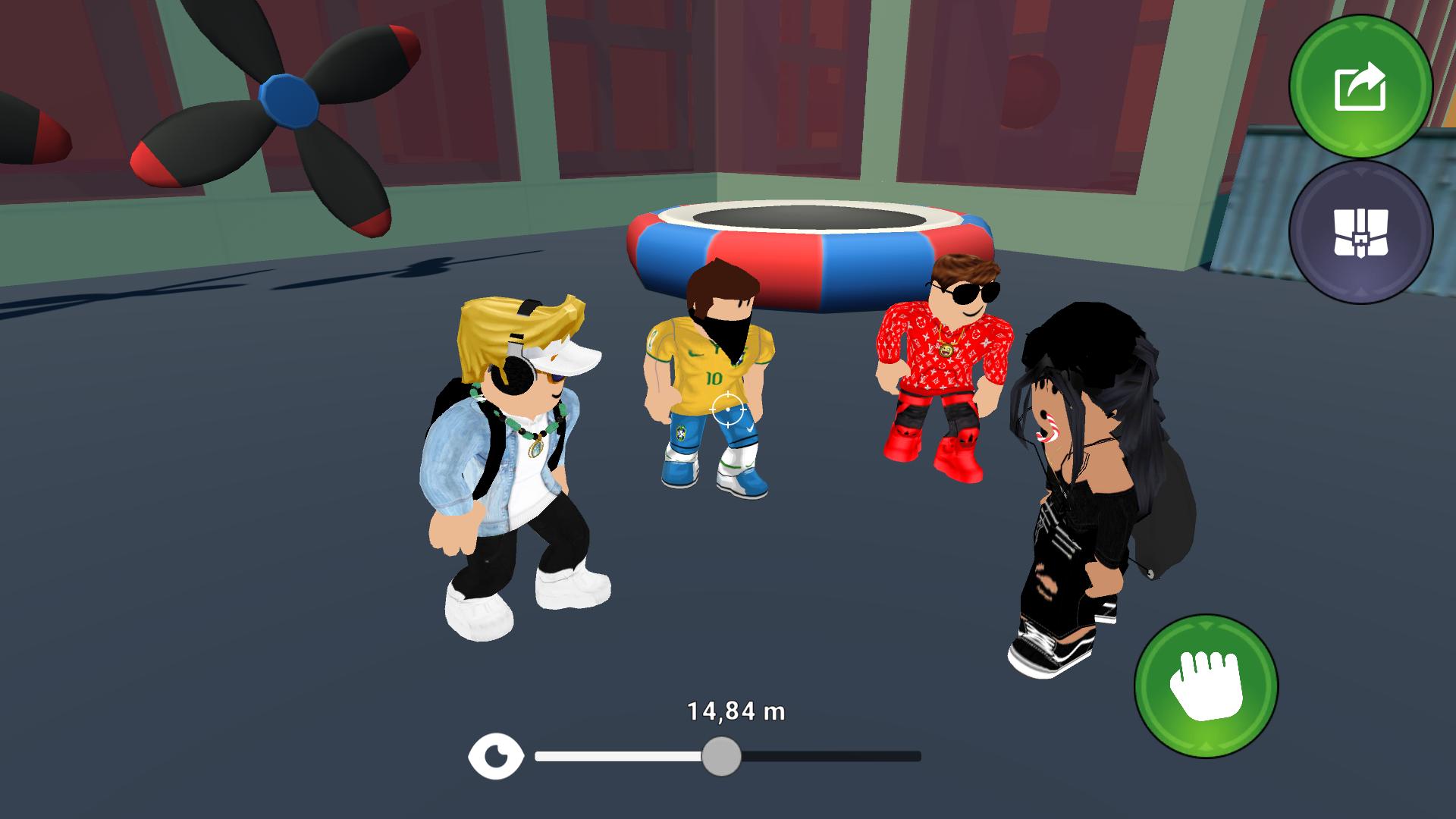
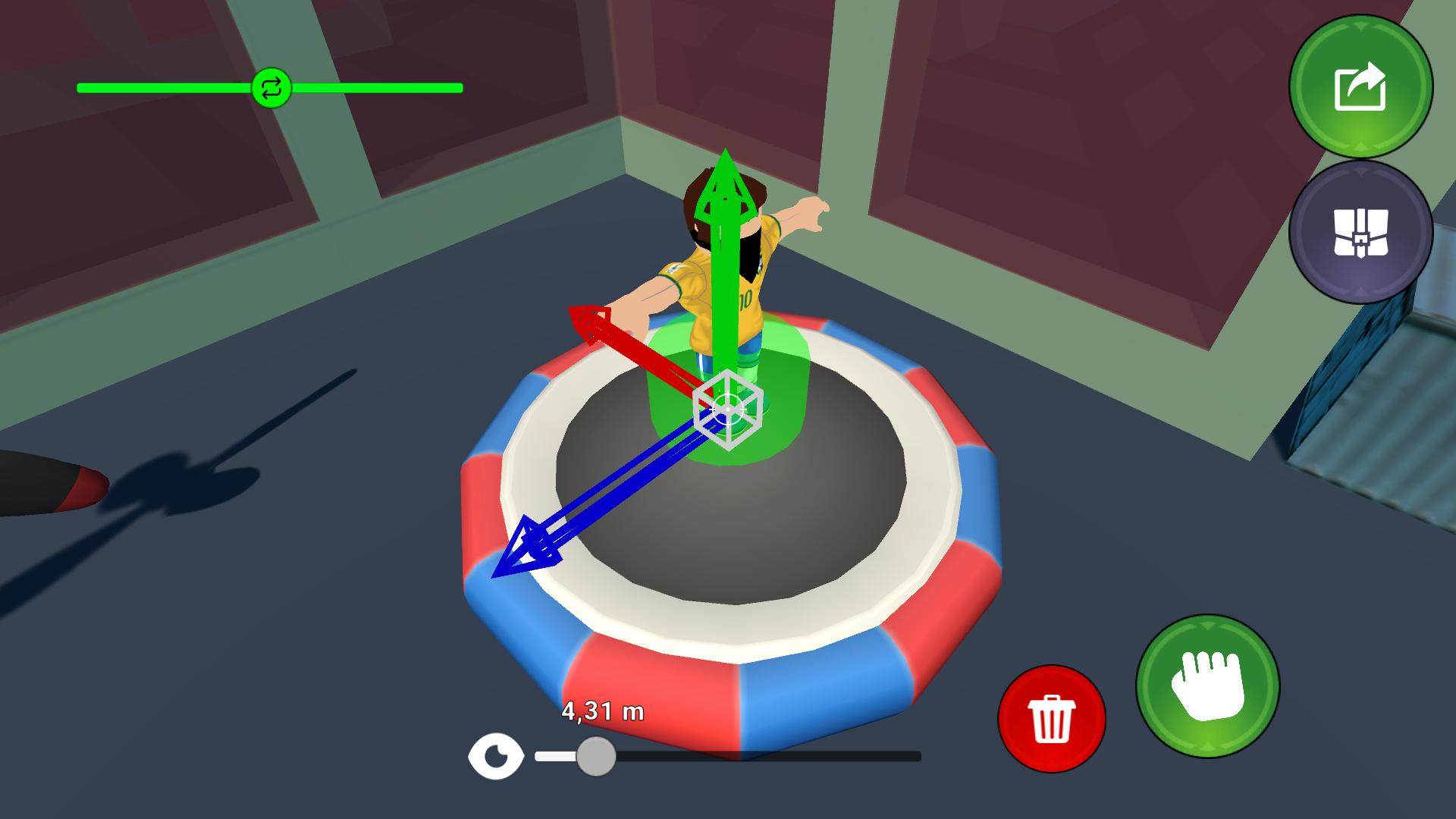
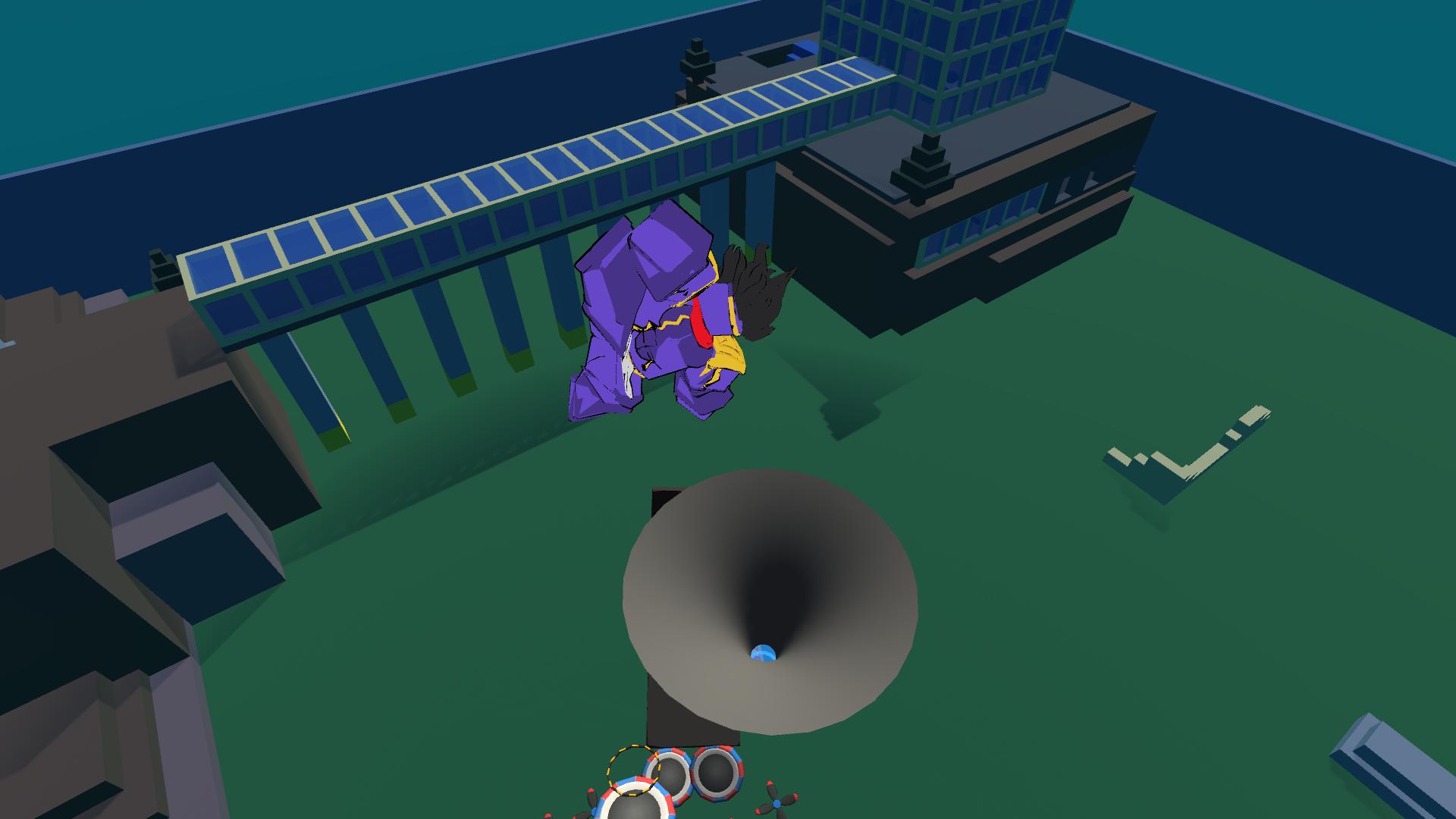
Obbie Playground: Free Fall is an exciting Roblox-style sandbox where you will find exciting falls, ragdoll physics and original levels with obstacle courses! Go through dizzying challenges, jump on trampolines, fly over giant spinners, overcome traps and strive to set a new record for the most spectacular fall.
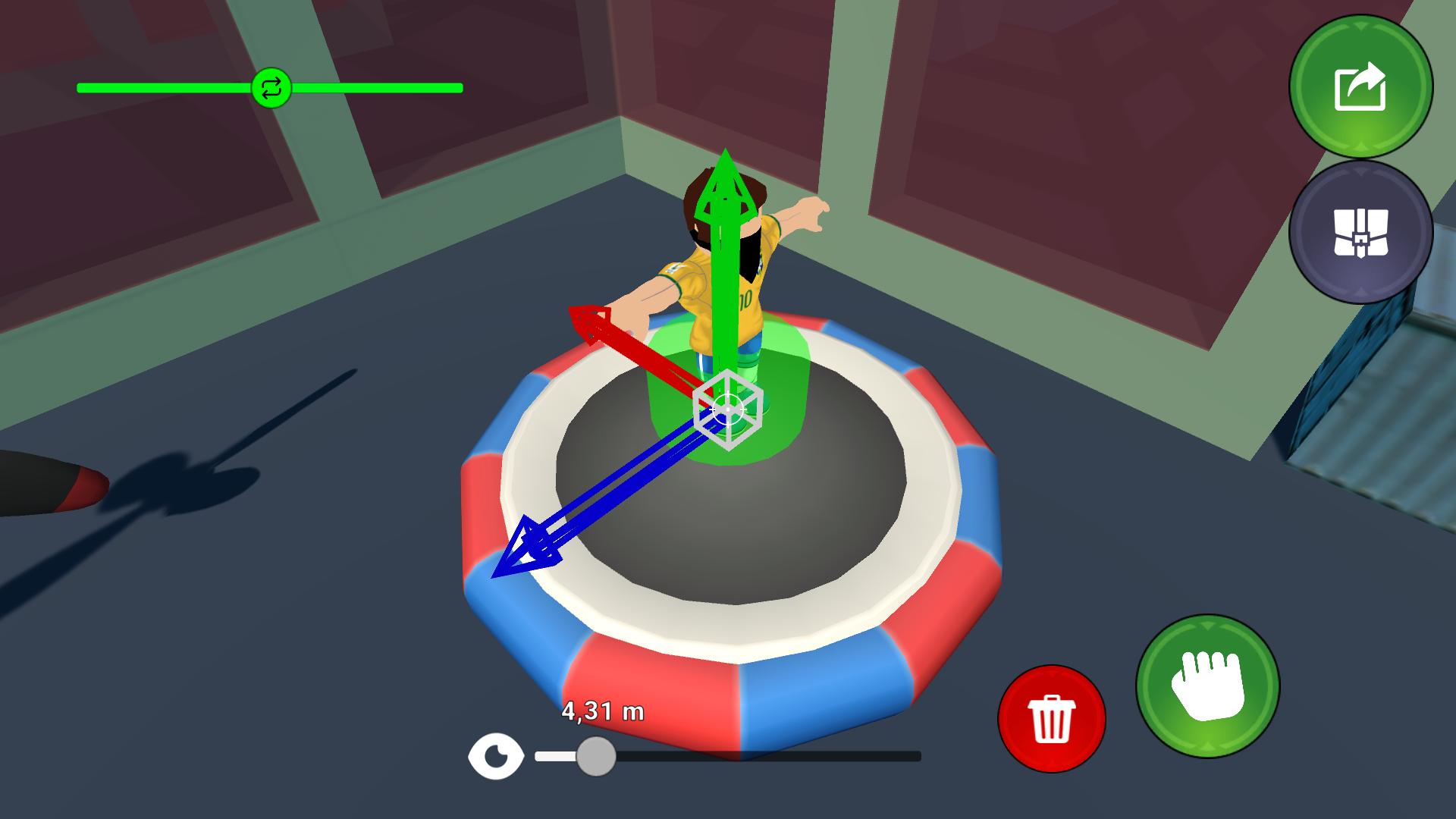
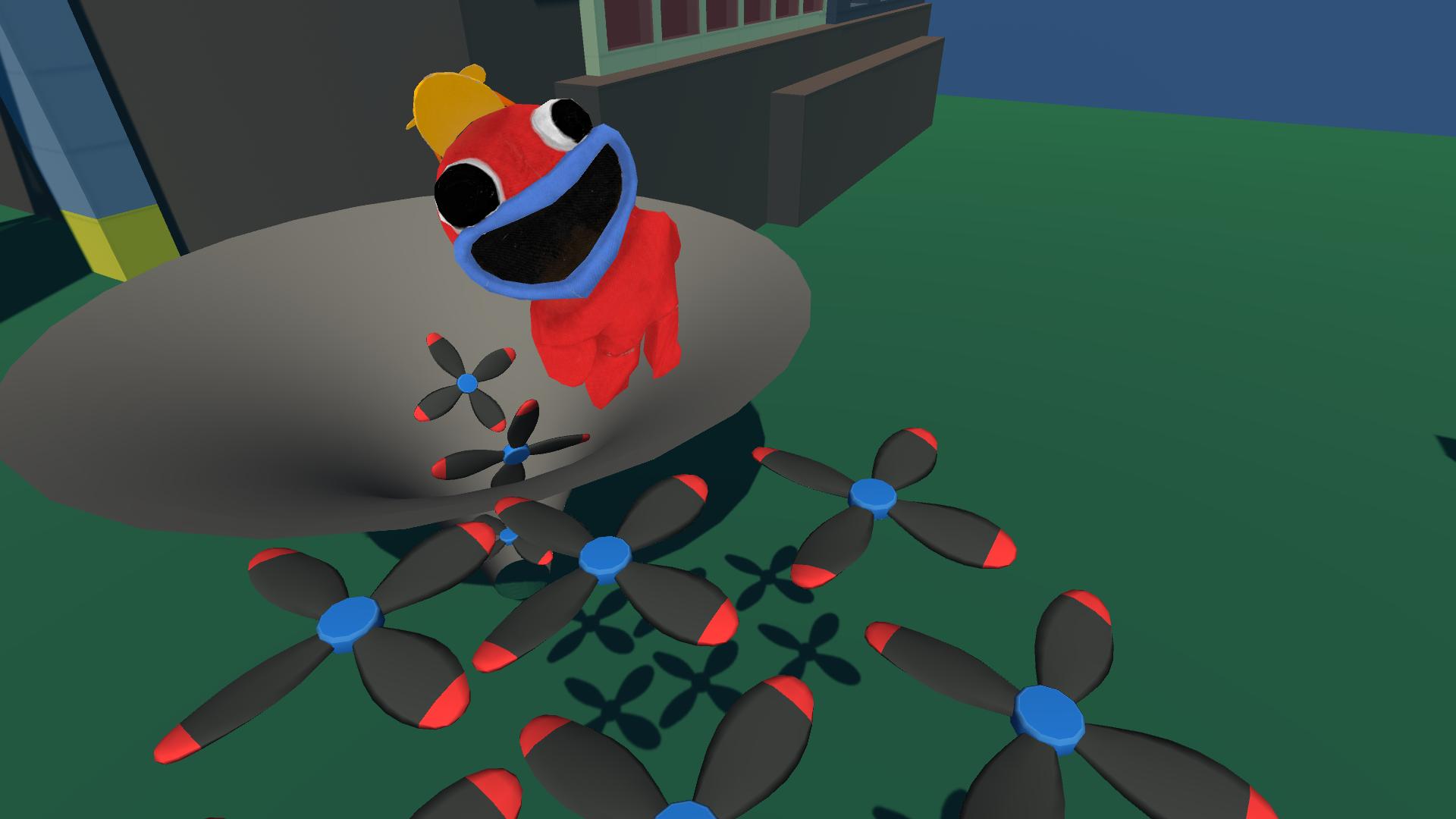
The game offers a unique creative mode where you can build your own levels using more than 50 unique building items. At your disposal are ladders, catapults, moving platforms, turrets, pipes, giant hammers, propellers, springs, magnets, lasers and much more. Create puzzles, obstacle courses or just experiment with physics!
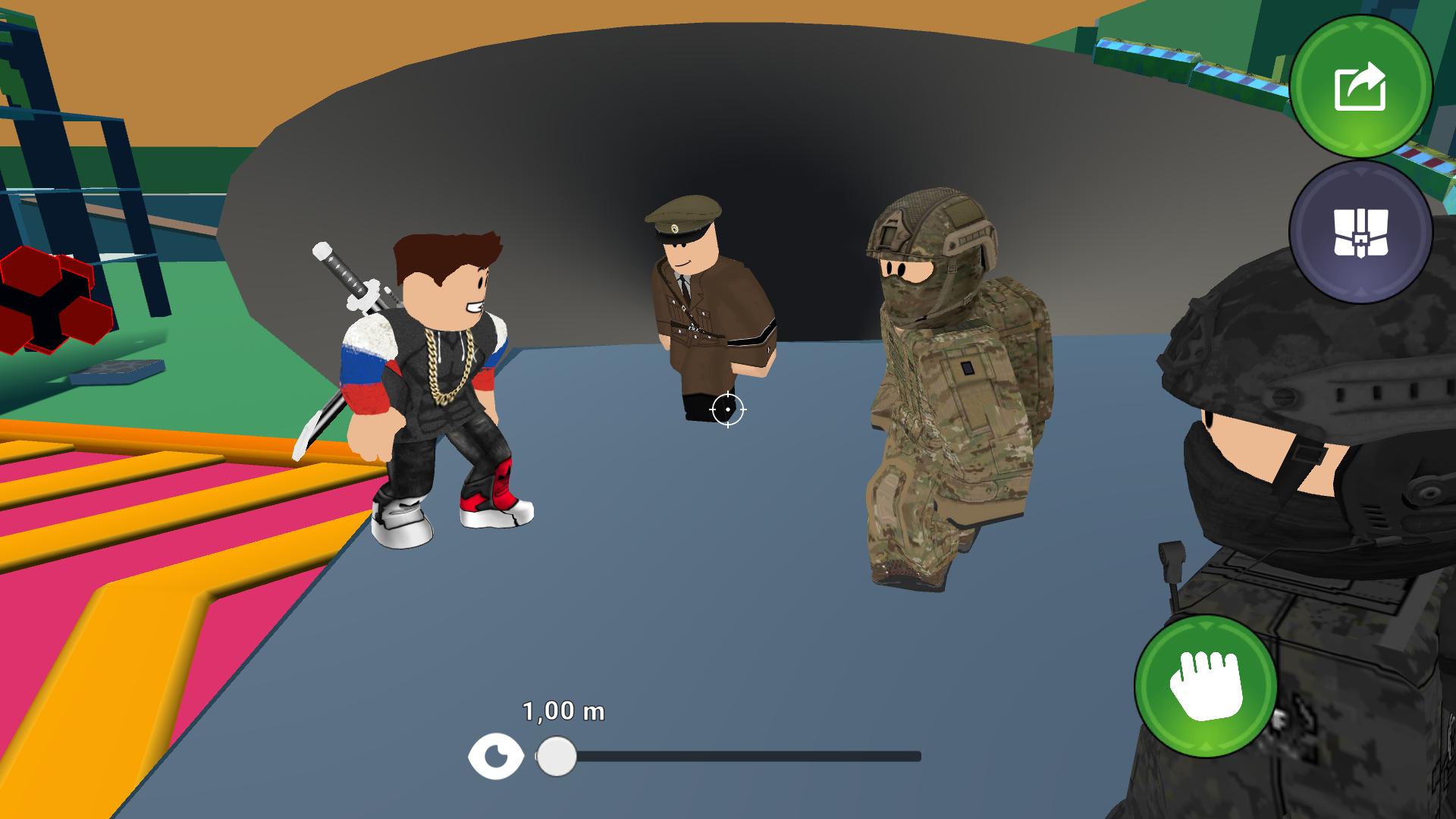
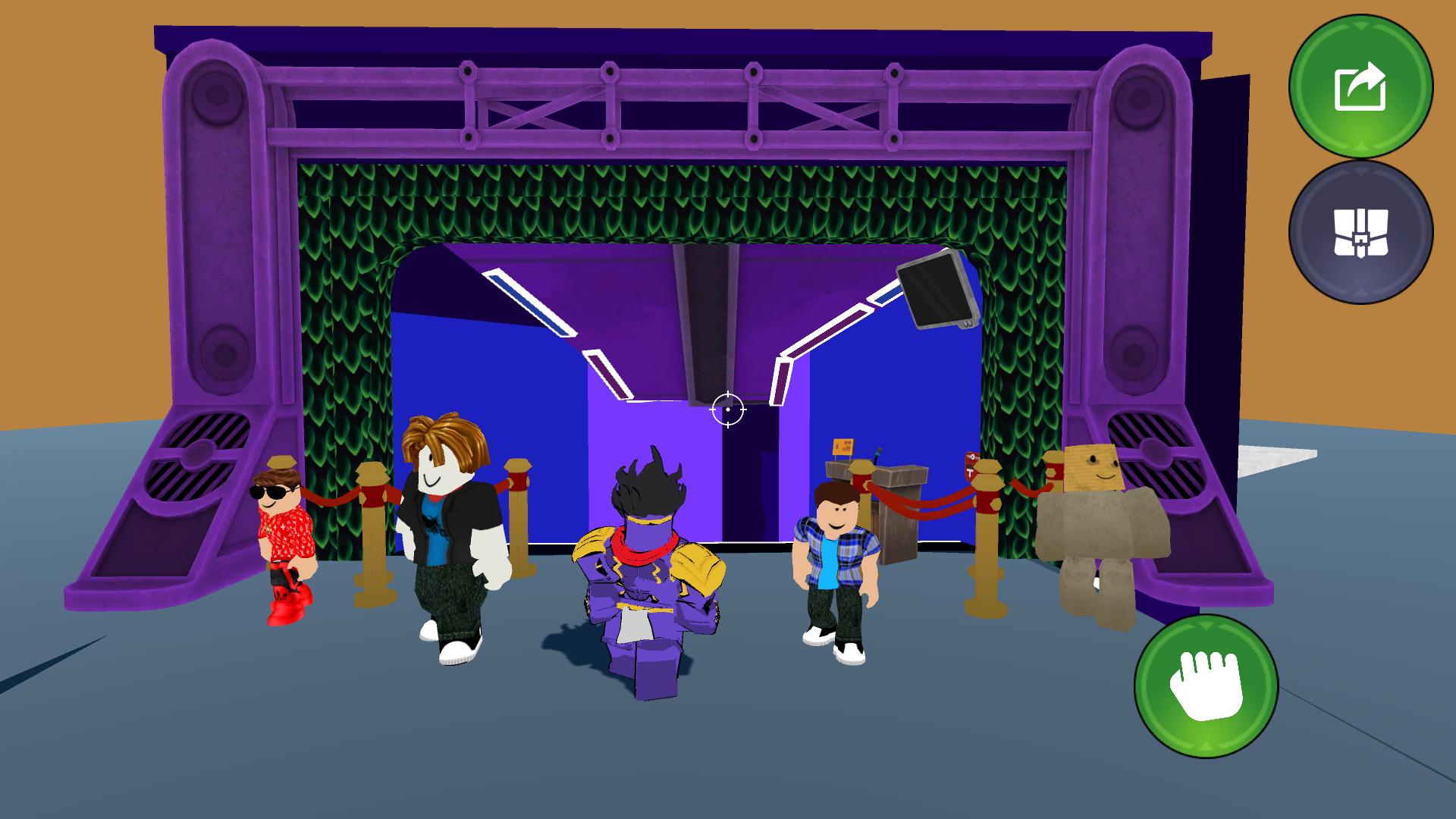
Explore the world with 19 unique characters in the Roblox style. Each of them has their own personality and original appearance.
Experience the fun in a bright and dynamic world where each level is an opportunity to create, destroy and start again.
Videos and screenshots

10,594 players online
How to play
-
Open the game
Press Play now and the game opens on its own screen.
-
Follow the in-game instructions
The controls and goals are shown inside the game as you play.
-
Use the game menu
The floating button over the game reloads it, saves it to your favourites, or takes you back out.