Skip to content
KG
Obby: Battle on the Keyboard

Obby: Battle on the Keyboard

26K plays 4.2 out of 5

Overview

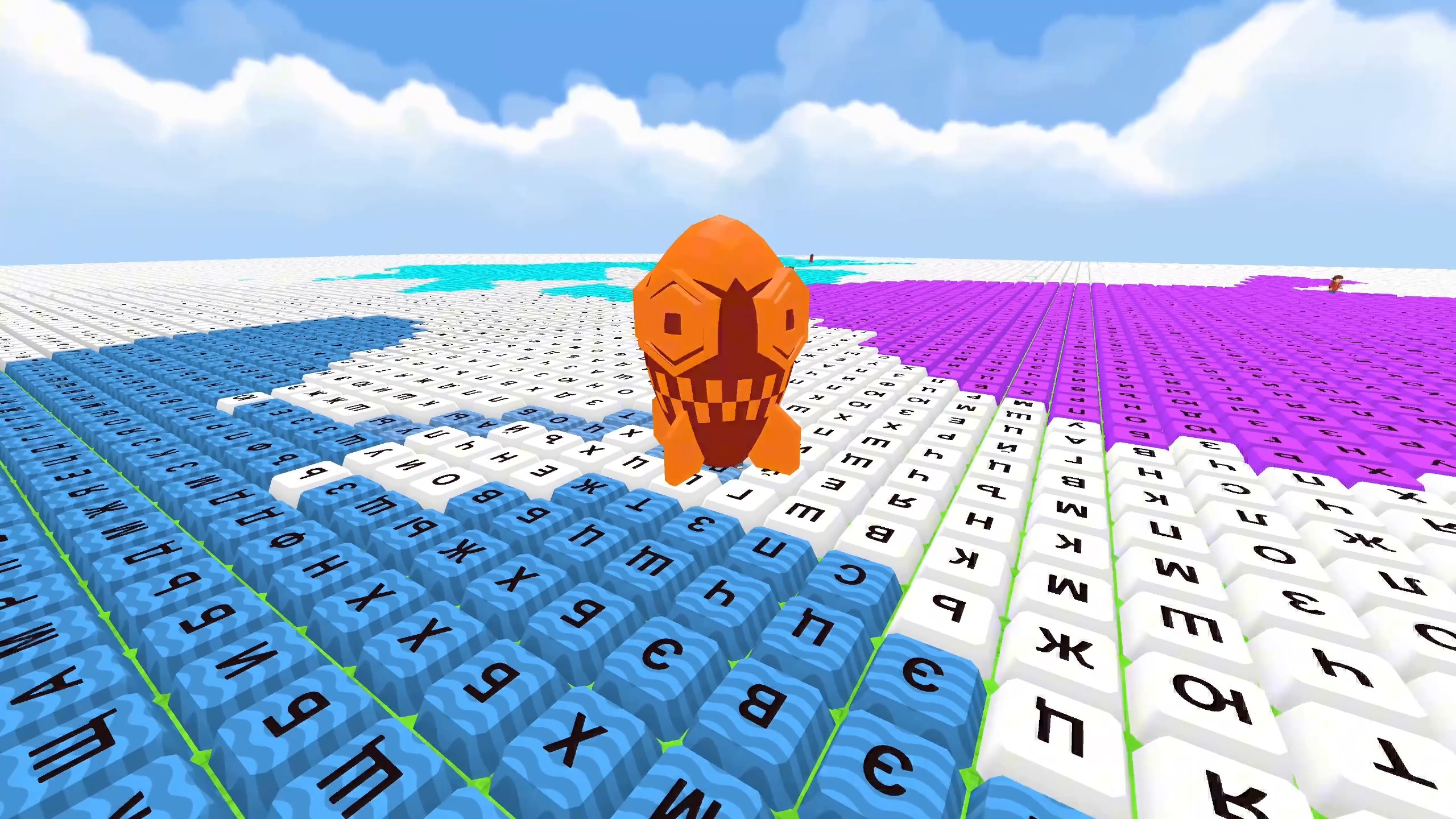
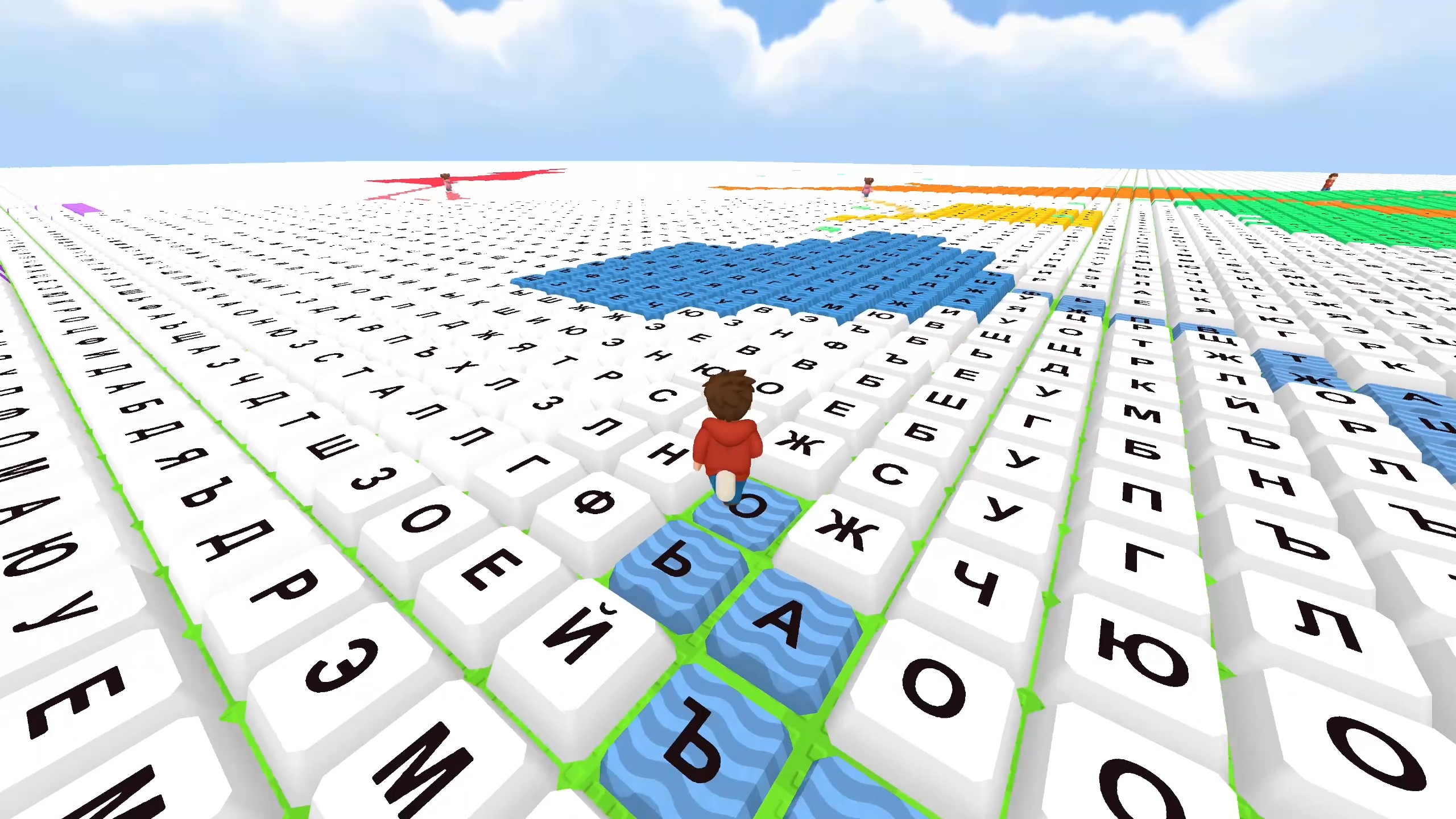
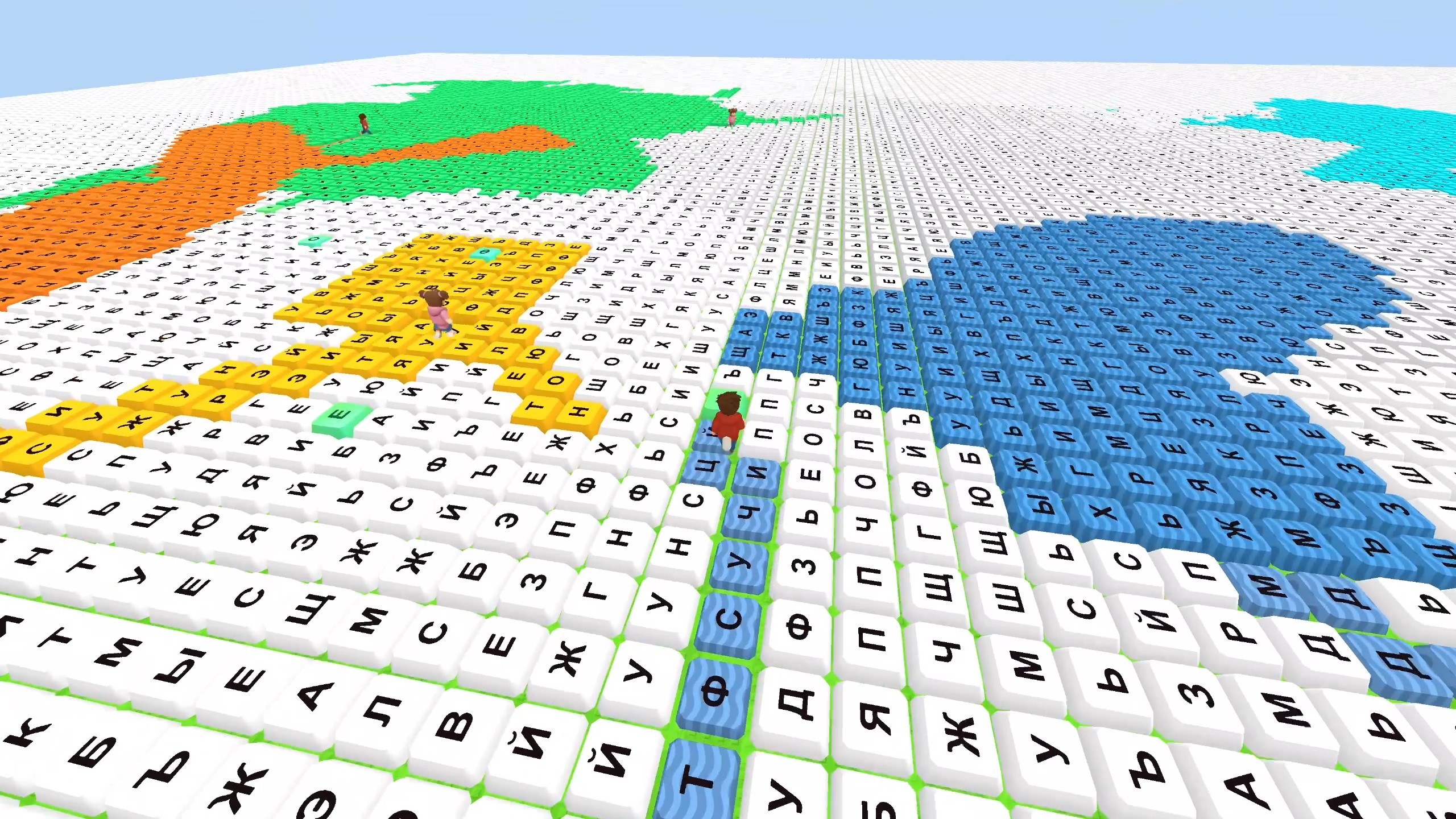
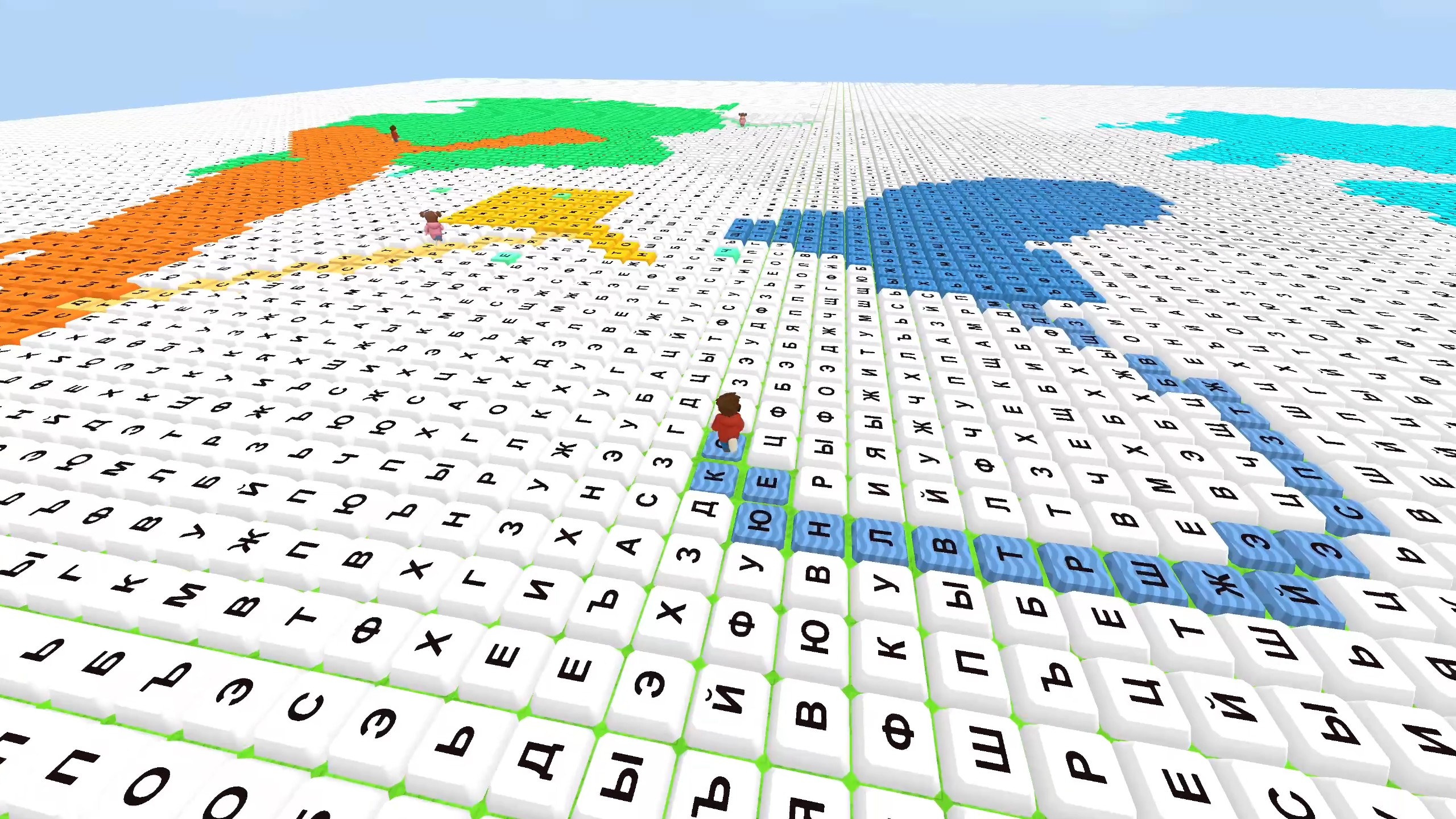
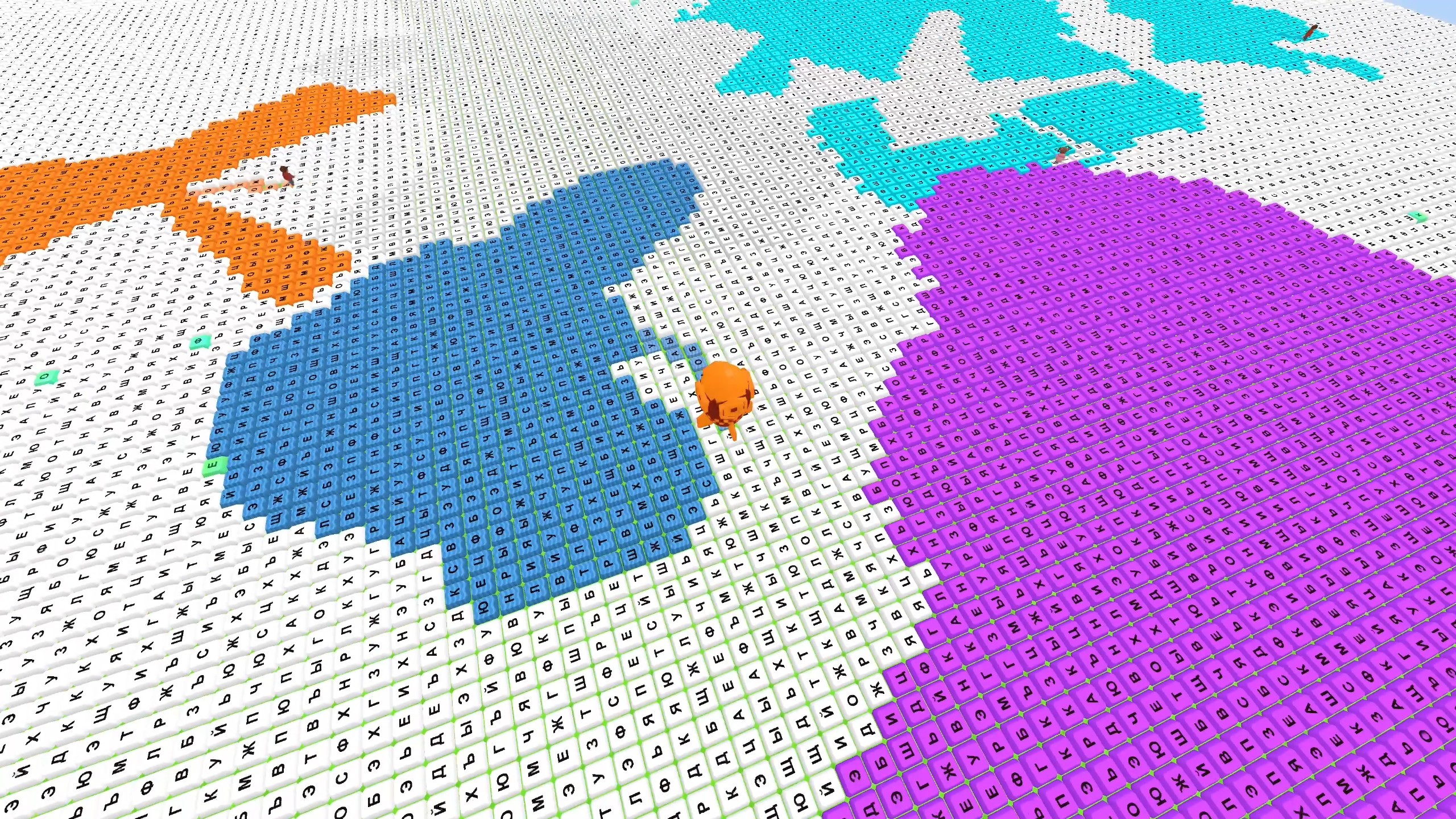
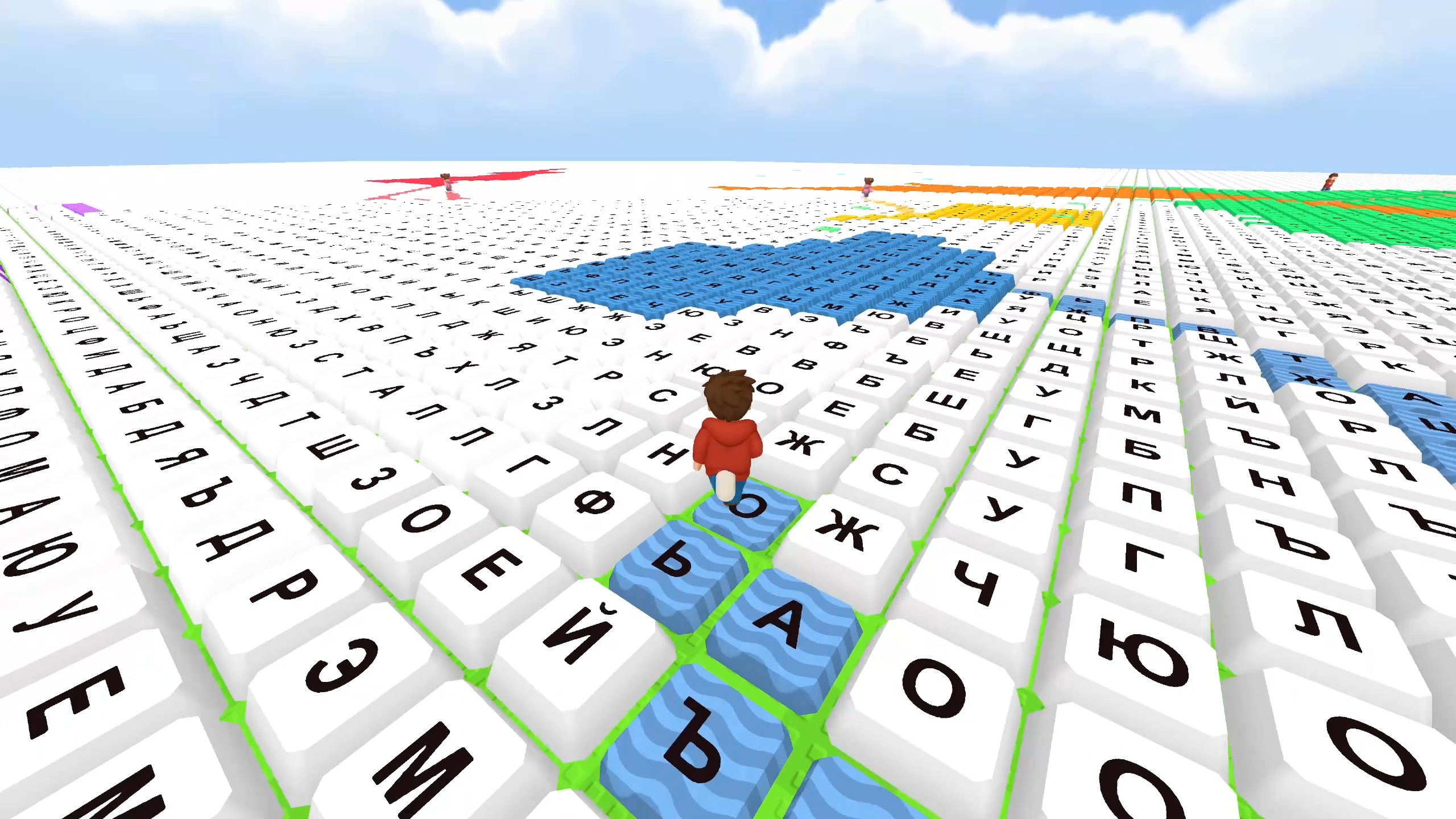
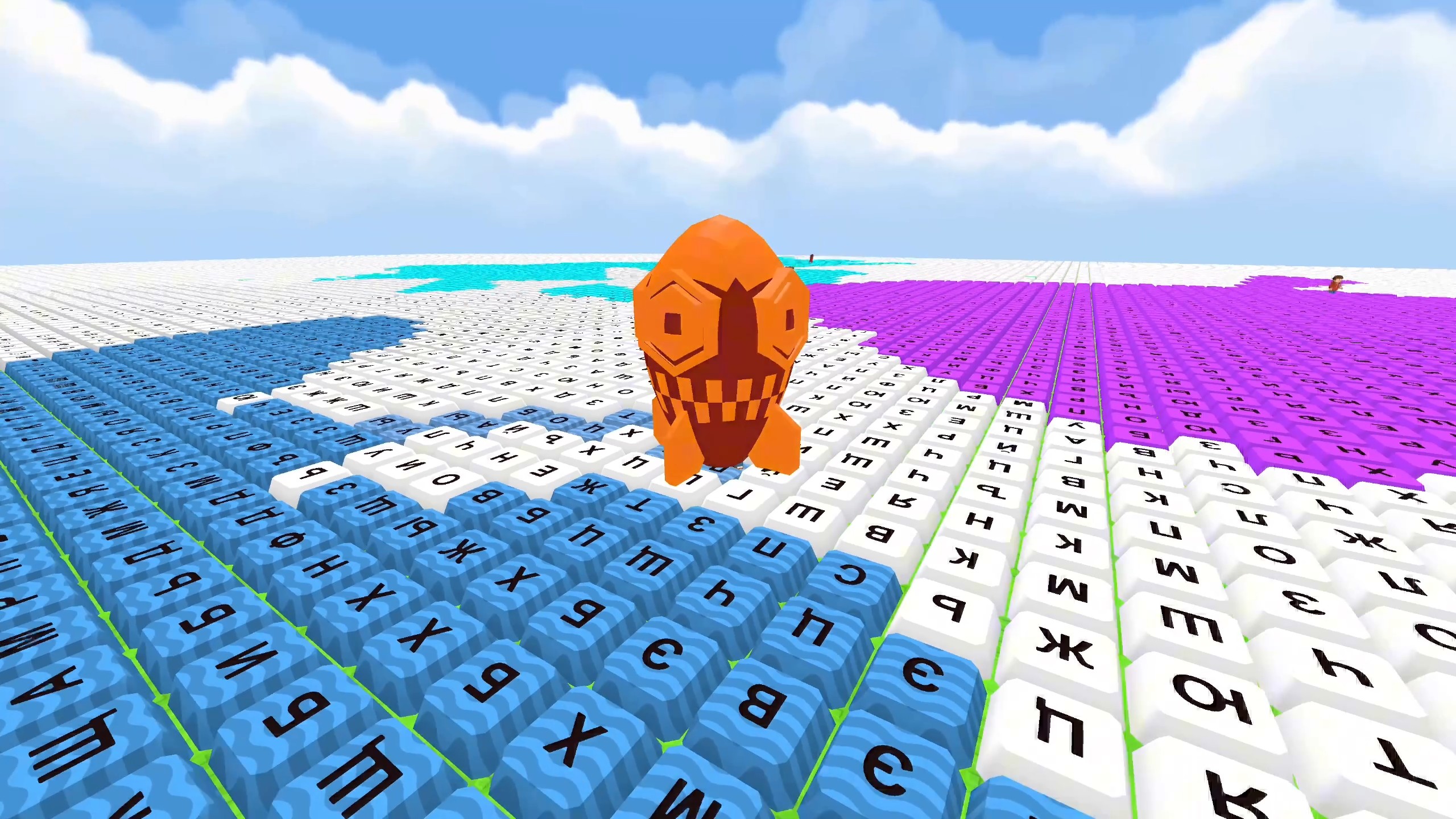
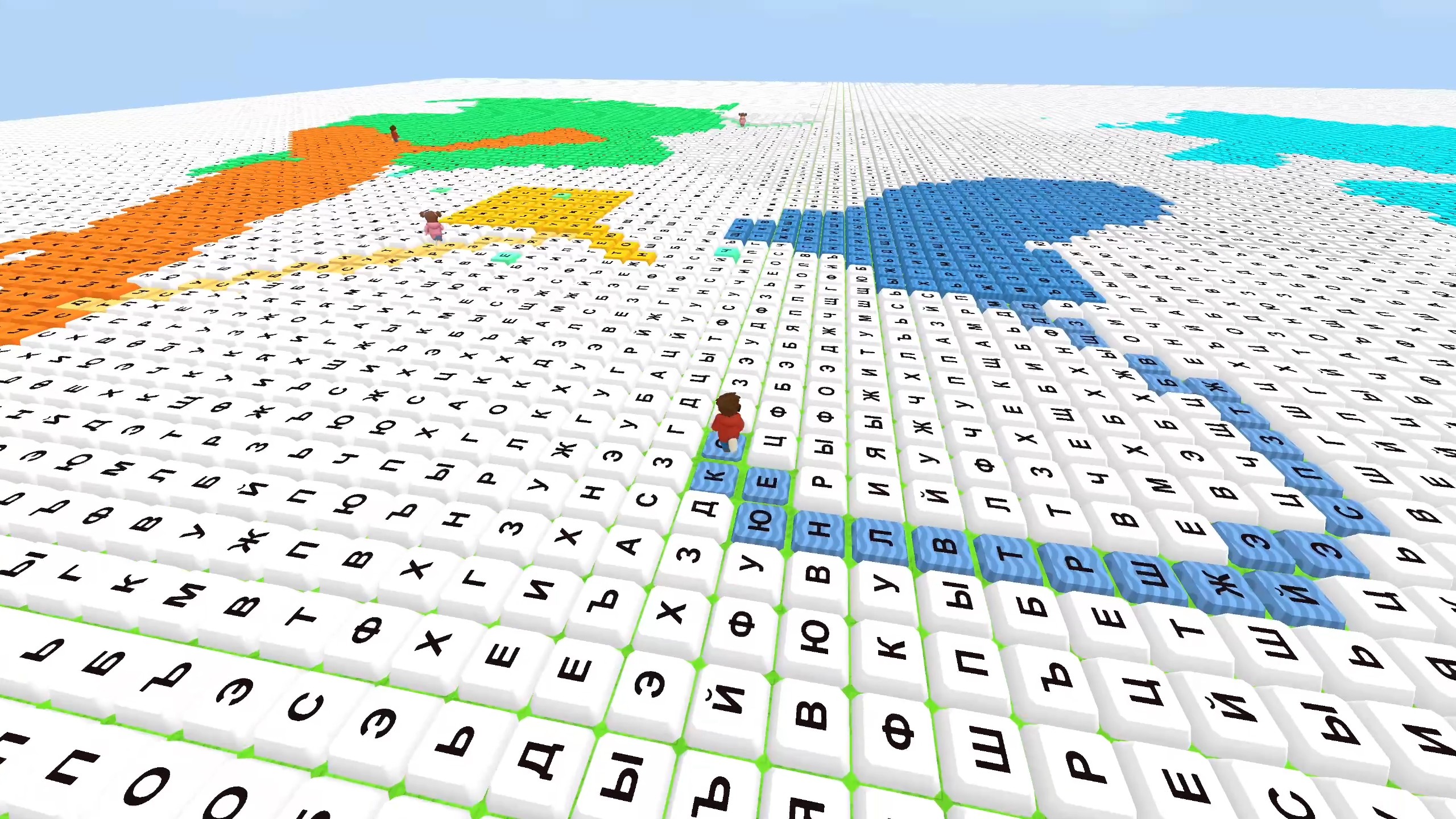
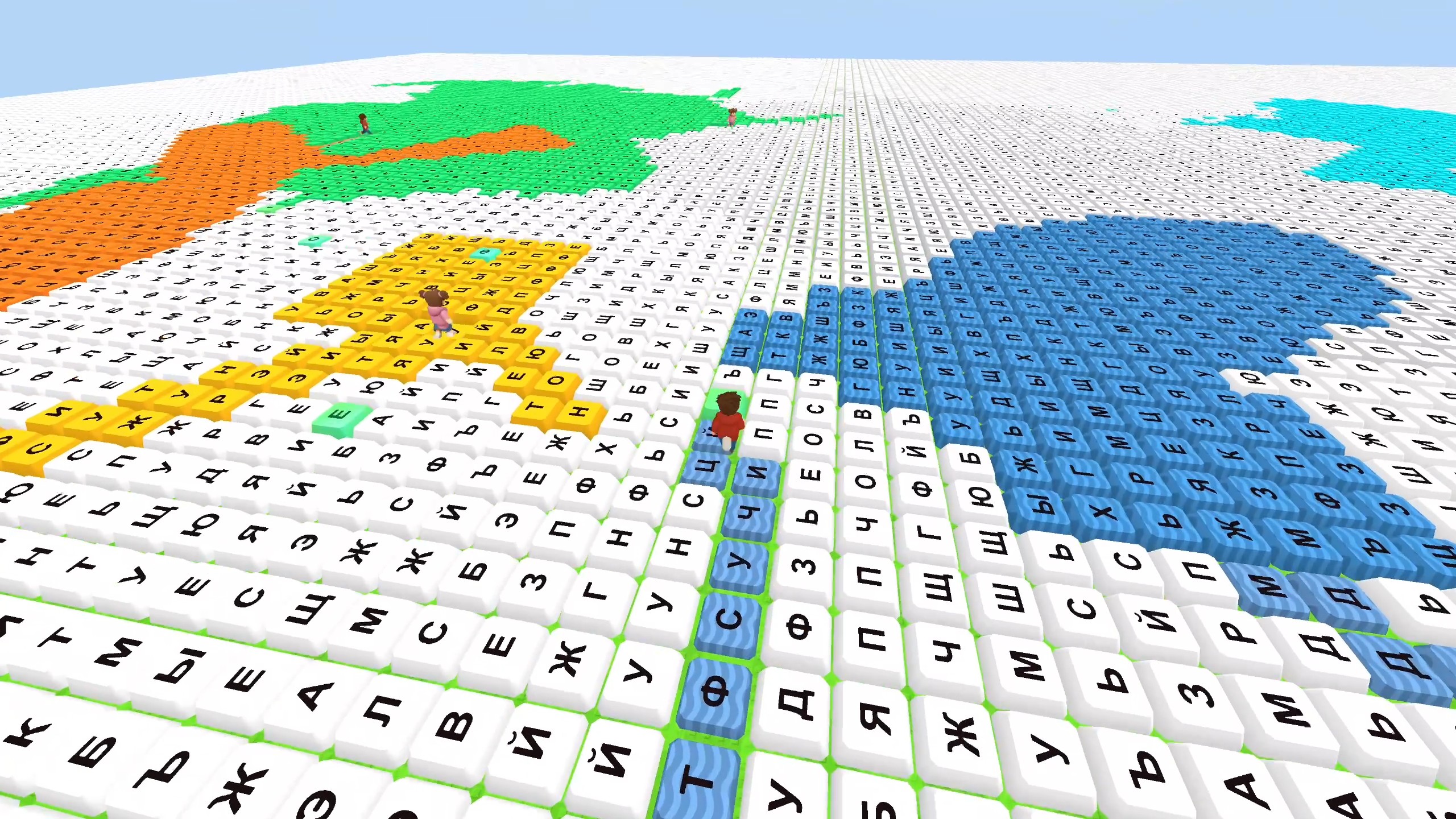
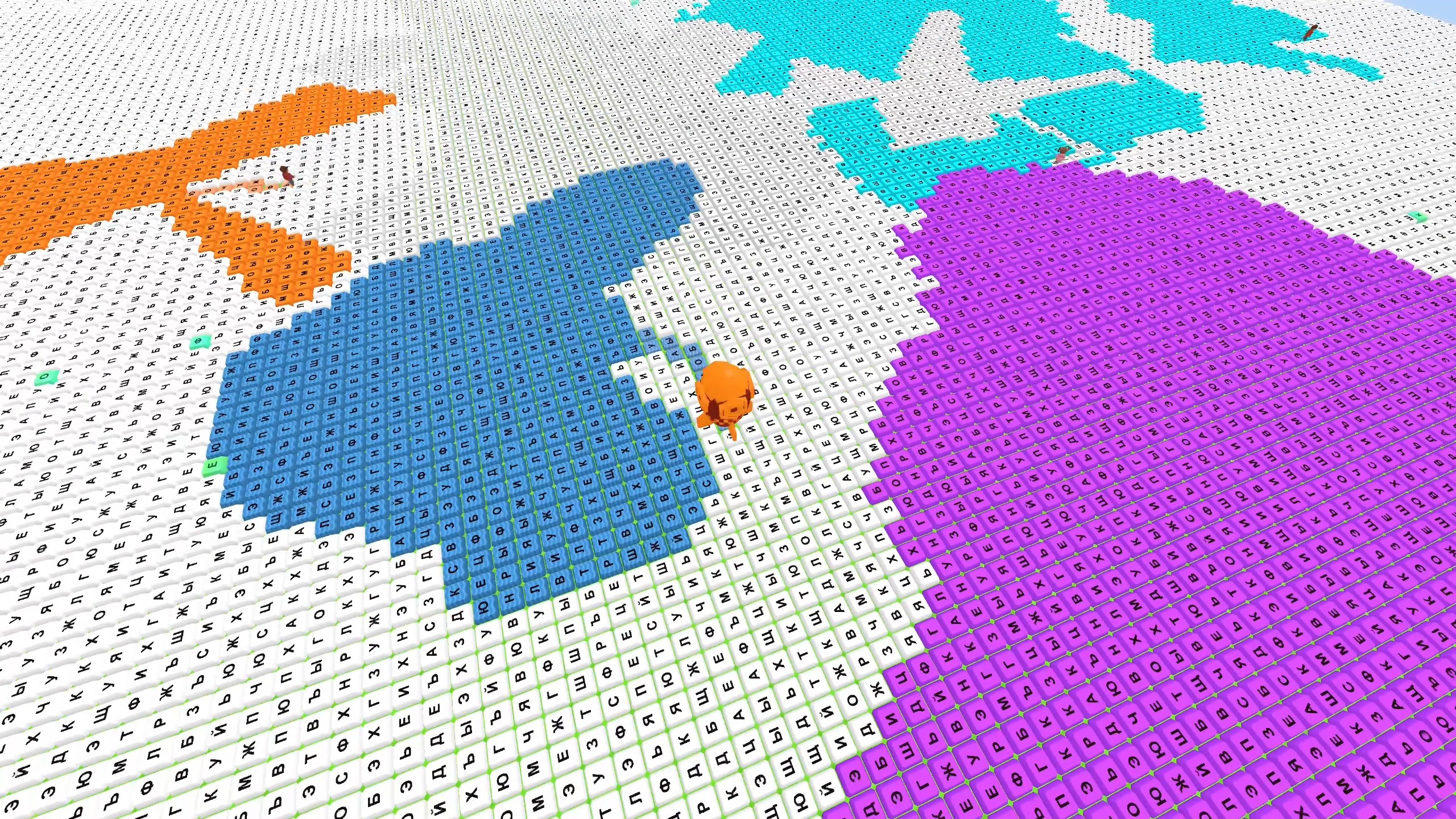
A huge field of keyboard keys is waiting, and every section can become part of your territory. Leave your safe zone, draw a colored trail, and return to your territory to close the loop and capture everything inside. Until the trail is closed, a rival can cut it and end your round. You can also cut rival trails or take all of a rival's territory. Step on the required letters in order, complete words, earn in-game rewards, and improve your starting zone. Use bombs and other power-ups to capture large sections faster. The goal is to be the first to claim 10,000 keys. Choose safe routes, defend your area, and gradually cut rivals off from the field.

Videos and screenshots
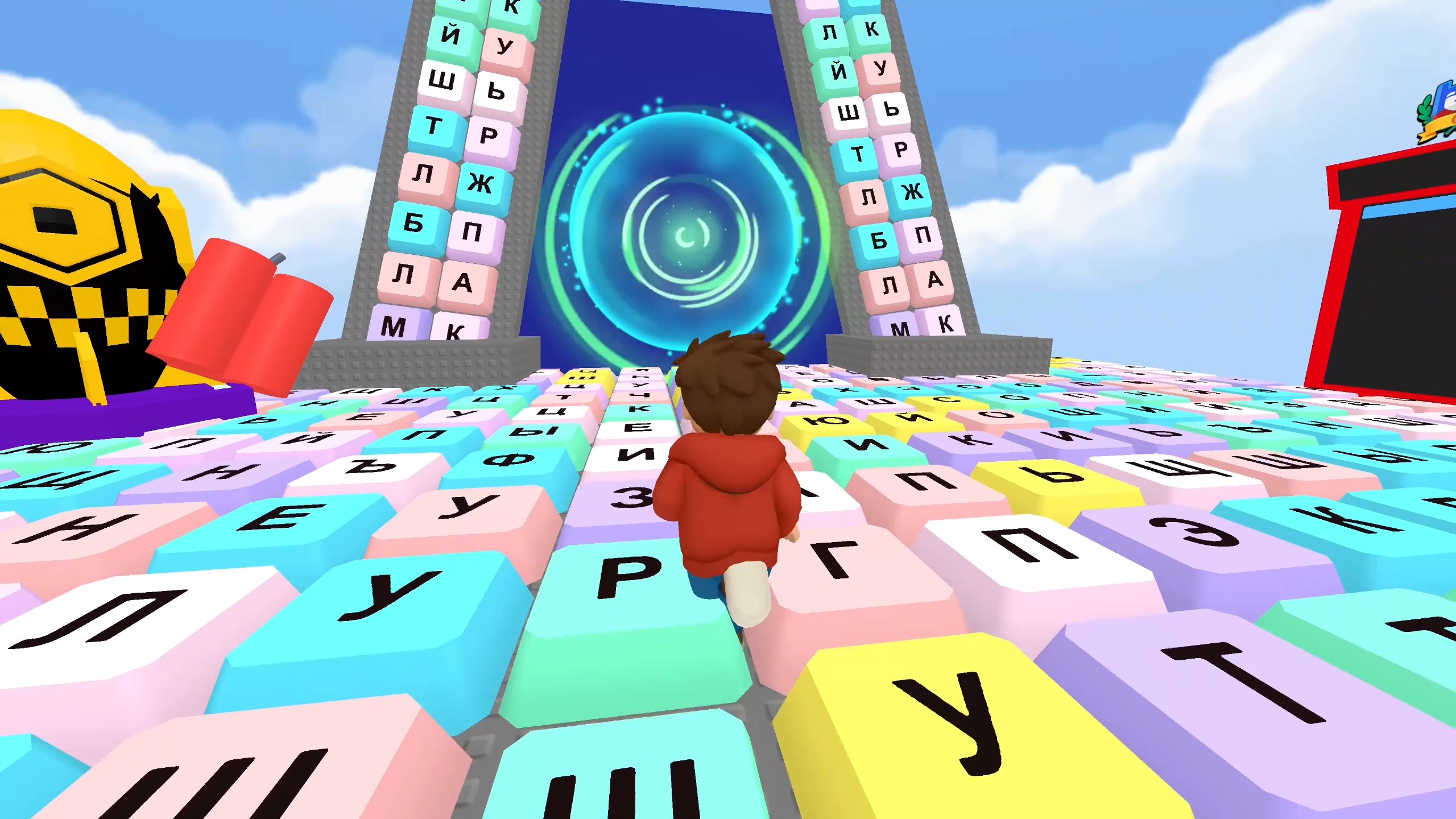
  • Obby: Battle on the Keyboard screenshot 1
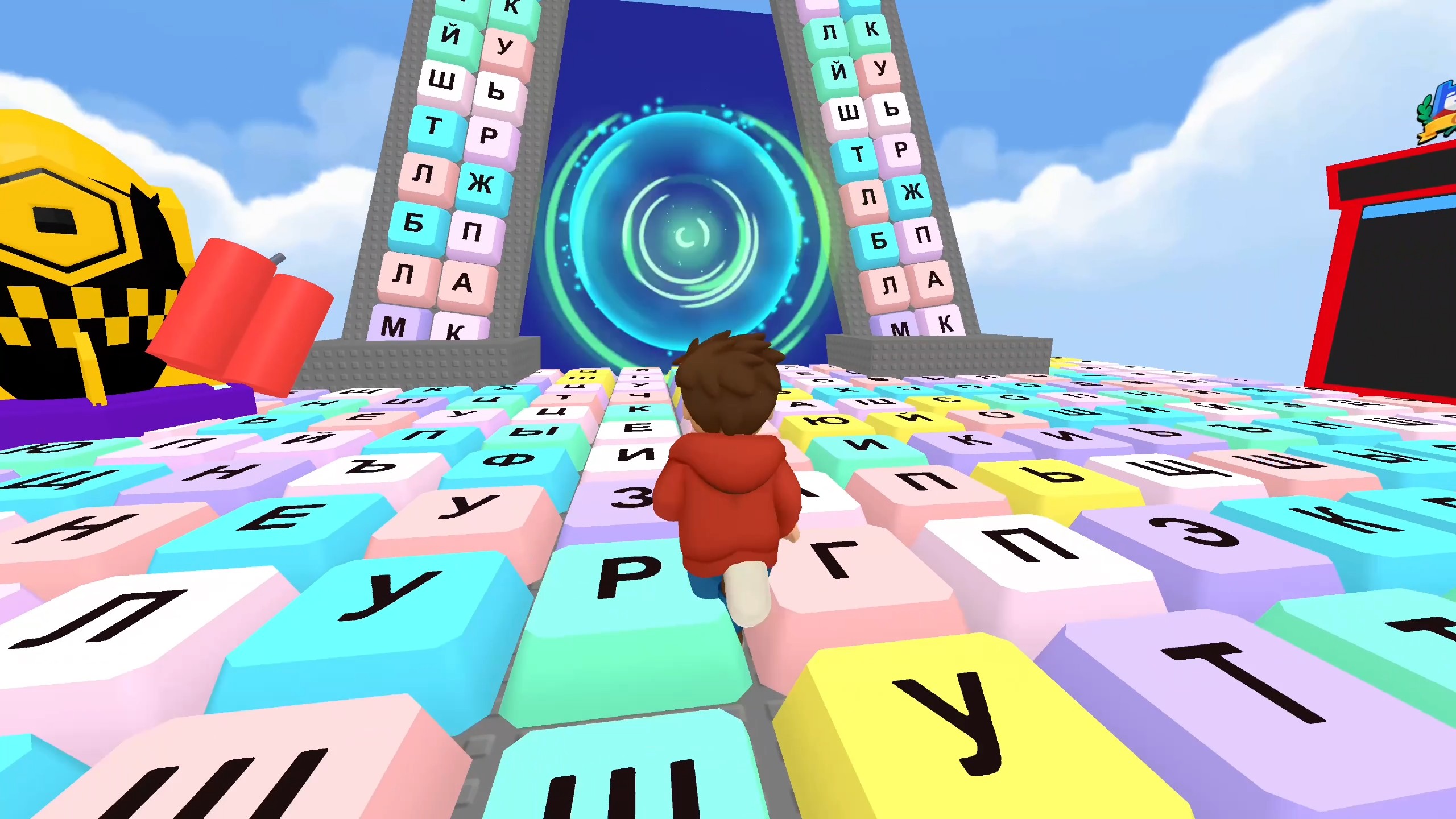
  • Obby: Battle on the Keyboard screenshot 2
  • Obby: Battle on the Keyboard screenshot 3
  • Obby: Battle on the Keyboard screenshot 4
  • Obby: Battle on the Keyboard screenshot 5
  • Obby: Battle on the Keyboard screenshot 6
  • Obby: Battle on the Keyboard screenshot 7
  • Obby: Battle on the Keyboard screenshot 8
  • Obby: Battle on the Keyboard screenshot 9
  • Obby: Battle on the Keyboard screenshot 10
  • Obby: Battle on the Keyboard screenshot 11
  • Obby: Battle on the Keyboard screenshot 12
Play Now

12,858 players online

How to play

  1. Open the game

    Press Play now and the game opens on its own screen.

  2. Follow the in-game instructions

    The controls and goals are shown inside the game as you play.

  3. Use the game menu

    The floating button over the game reloads it, saves it to your favourites, or takes you back out.
Game instructions

Goal: capture 10,000 keys before your rivals. Leave your colored zone, draw a trail across neutral or rival keys, and return to your territory. The closed area becomes yours. Do not let a rival cross your open trail. To complete a word, step on the required letters in order. Activate power-ups with the on-screen buttons. PC: • WASD — move. • Hold the right mouse button and move the mouse — rotate the camera. • TAB — toggle pointer lock. While the pointer is locked, moving the mouse rotates the camera without holding a button. • Mouse wheel — zoom in or out. • Space — jump. • Left Shift — run. • Click interface buttons with the mouse. Phone/tablet: • Left joystick — move. • Swipe across the look area — rotate the camera. • Jump and run buttons — perform the corresponding actions. • “+” and “−” buttons — zoom the camera. • Tap the on-screen buttons to use power-ups and open menus.

More games

More games