Skip to content
KG
Obby Brainrot: Escape from Natural Disasters

Obby Brainrot: Escape from Natural Disasters

383K plays 3.6 out of 5

Overview

🔥 SURVIVE IF YOU CAN! Extreme disasters in Roblox style! 🔥 Is the earth falling apart? Are meteorites falling from the sky? Is a giant tsunami washing away everything in its path? Welcome to the simulator of the craziest natural disasters! 🌪️🌋🌊 Your goal is simple: survive the end of the disaster and stay alive. Hide, run, climb, do anything to avoid the epicenter! Every second counts, and every disaster is unpredictable. Can you survive a tornado, a volcanic eruption, and acid rain in one game? Test your survival skills now! 🏆

Videos and screenshots
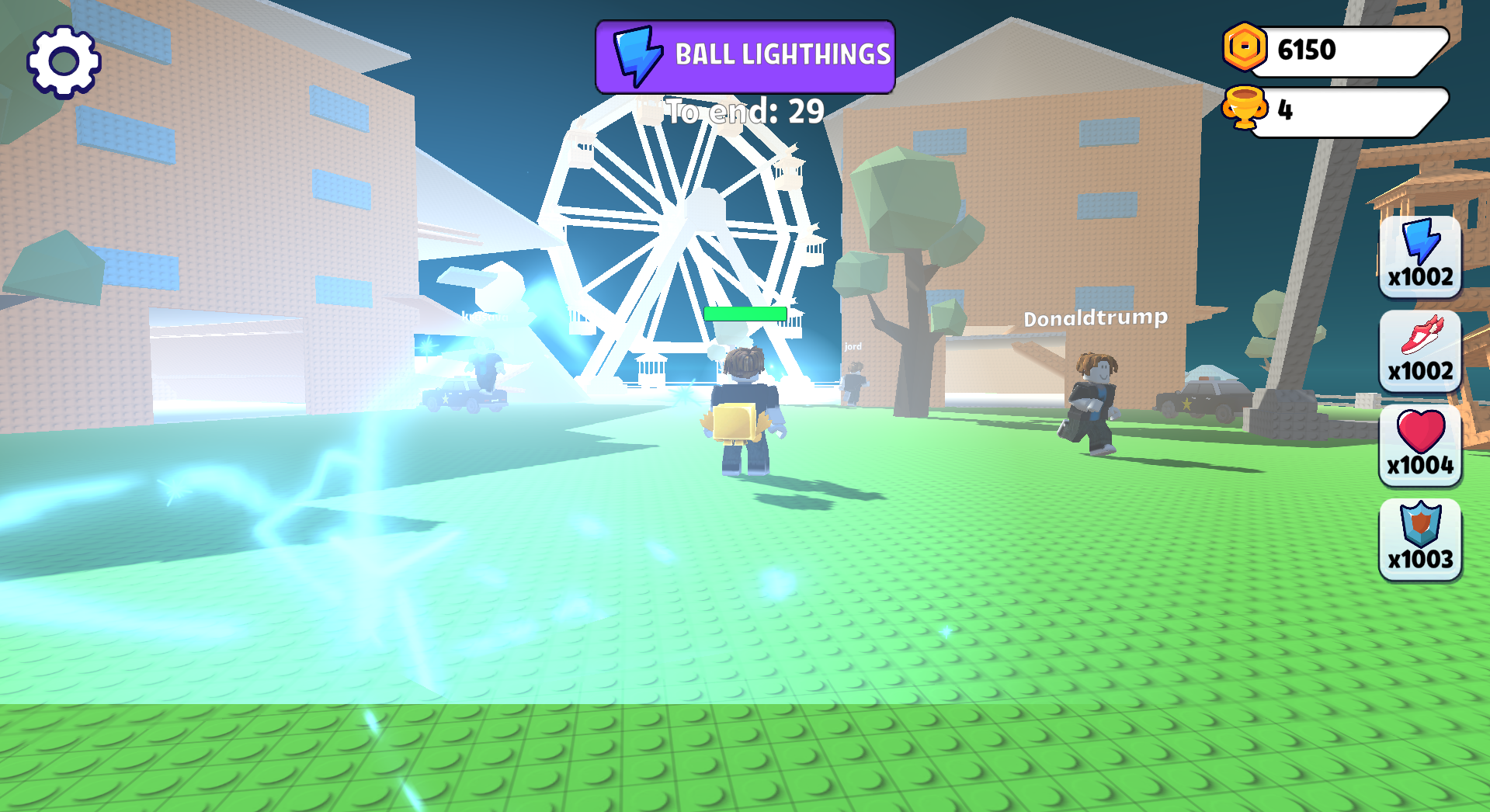
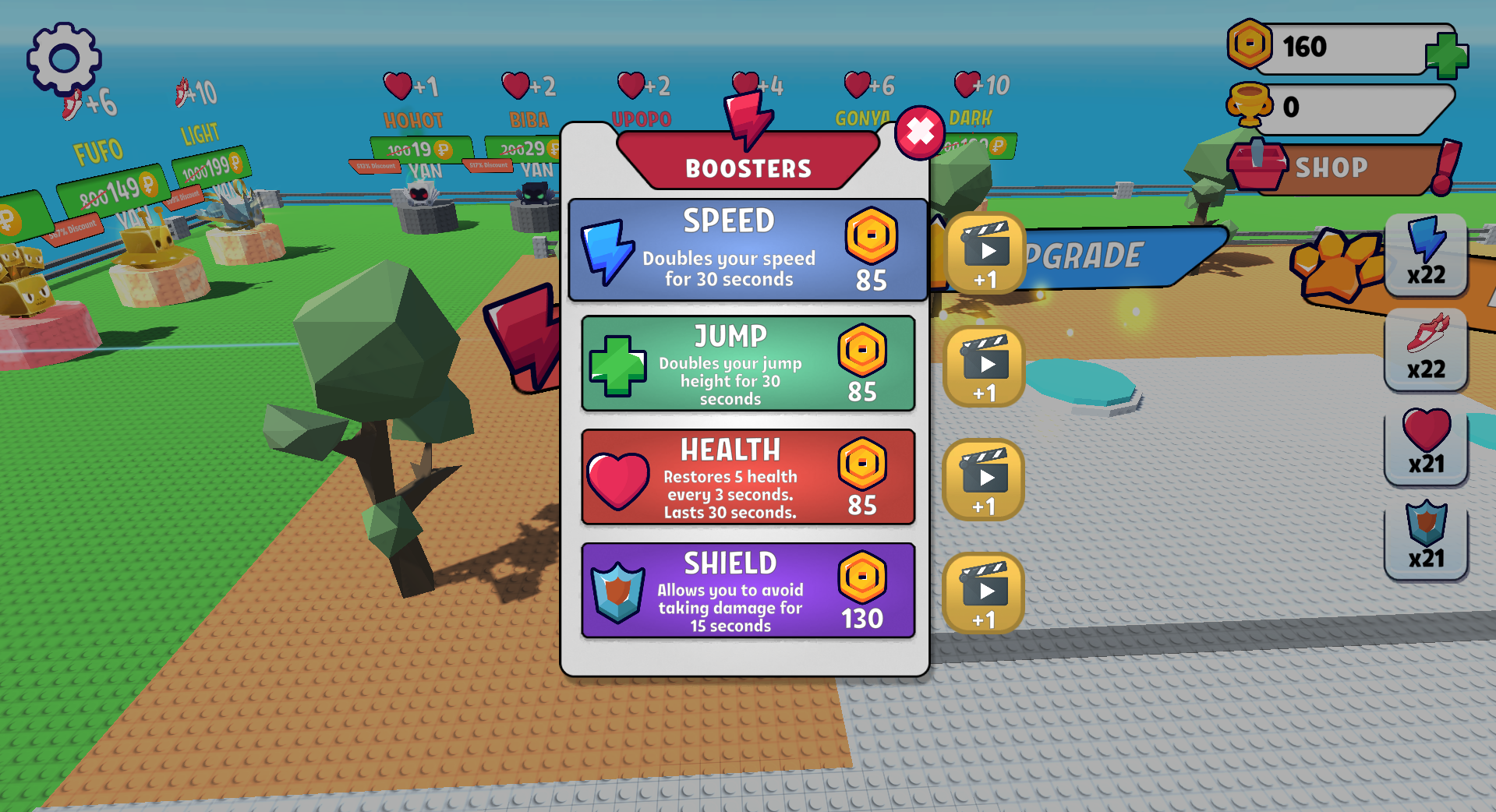
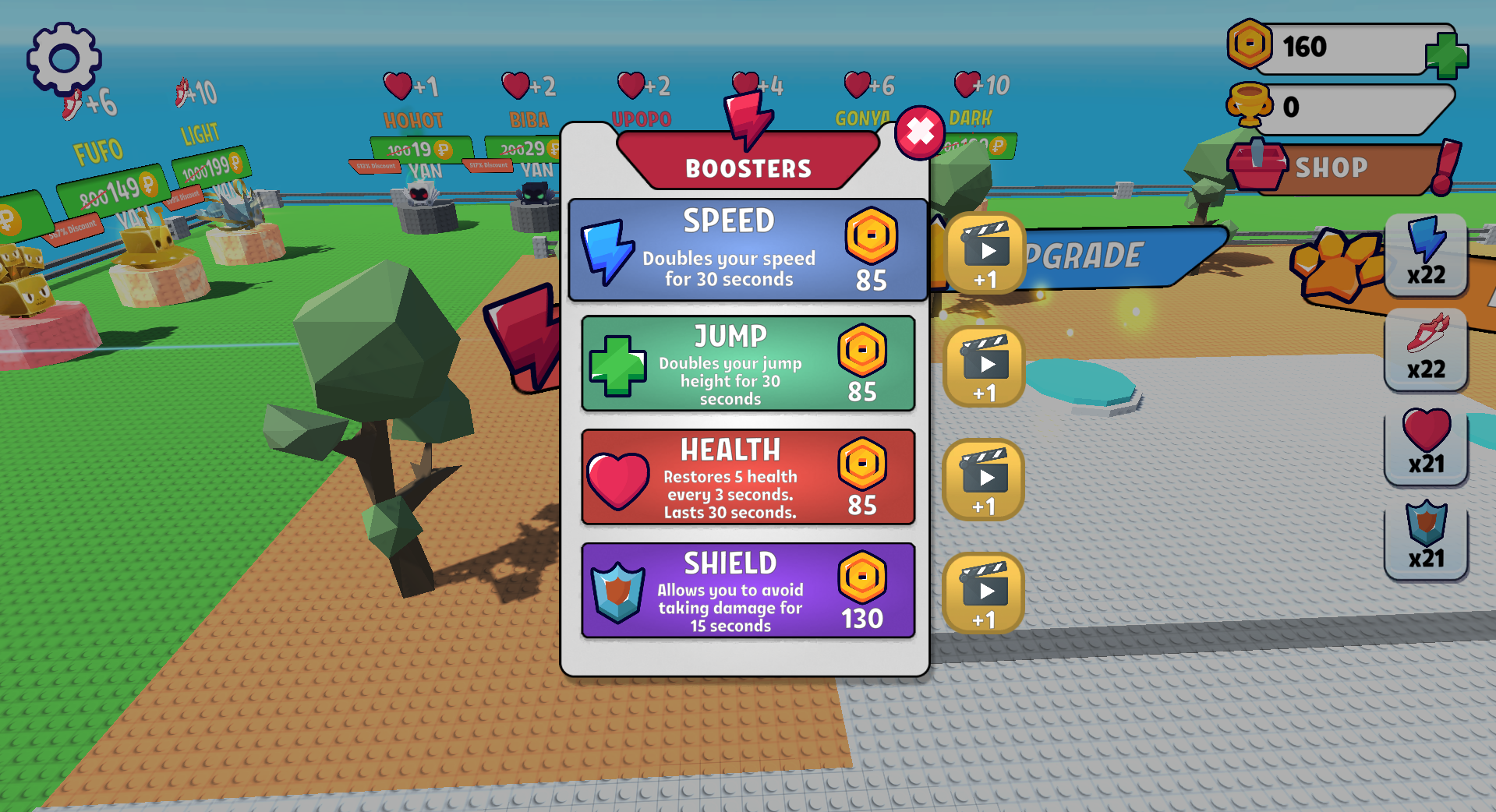
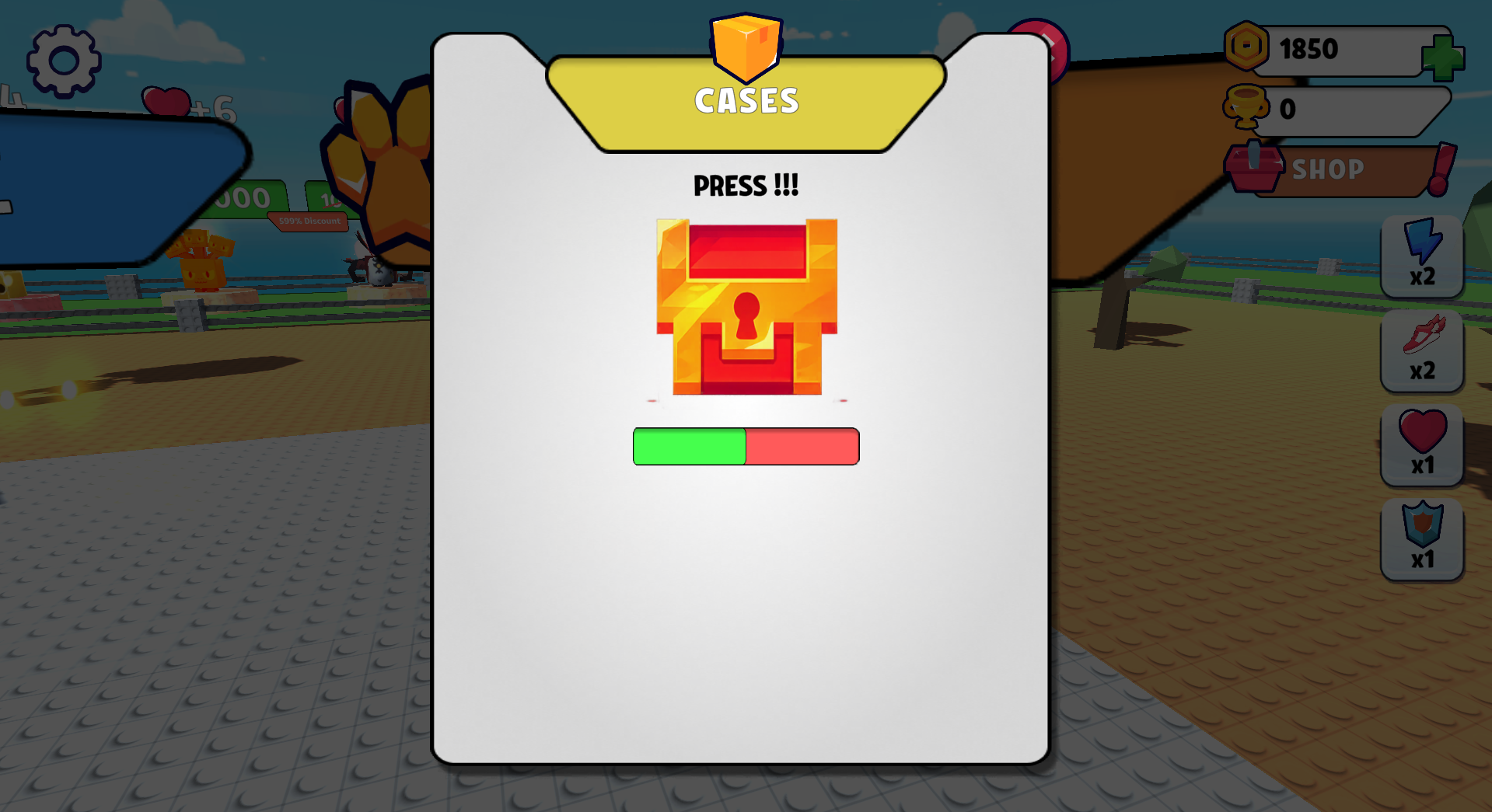
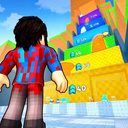
  • Obby Brainrot: Escape from Natural Disasters screenshot 1
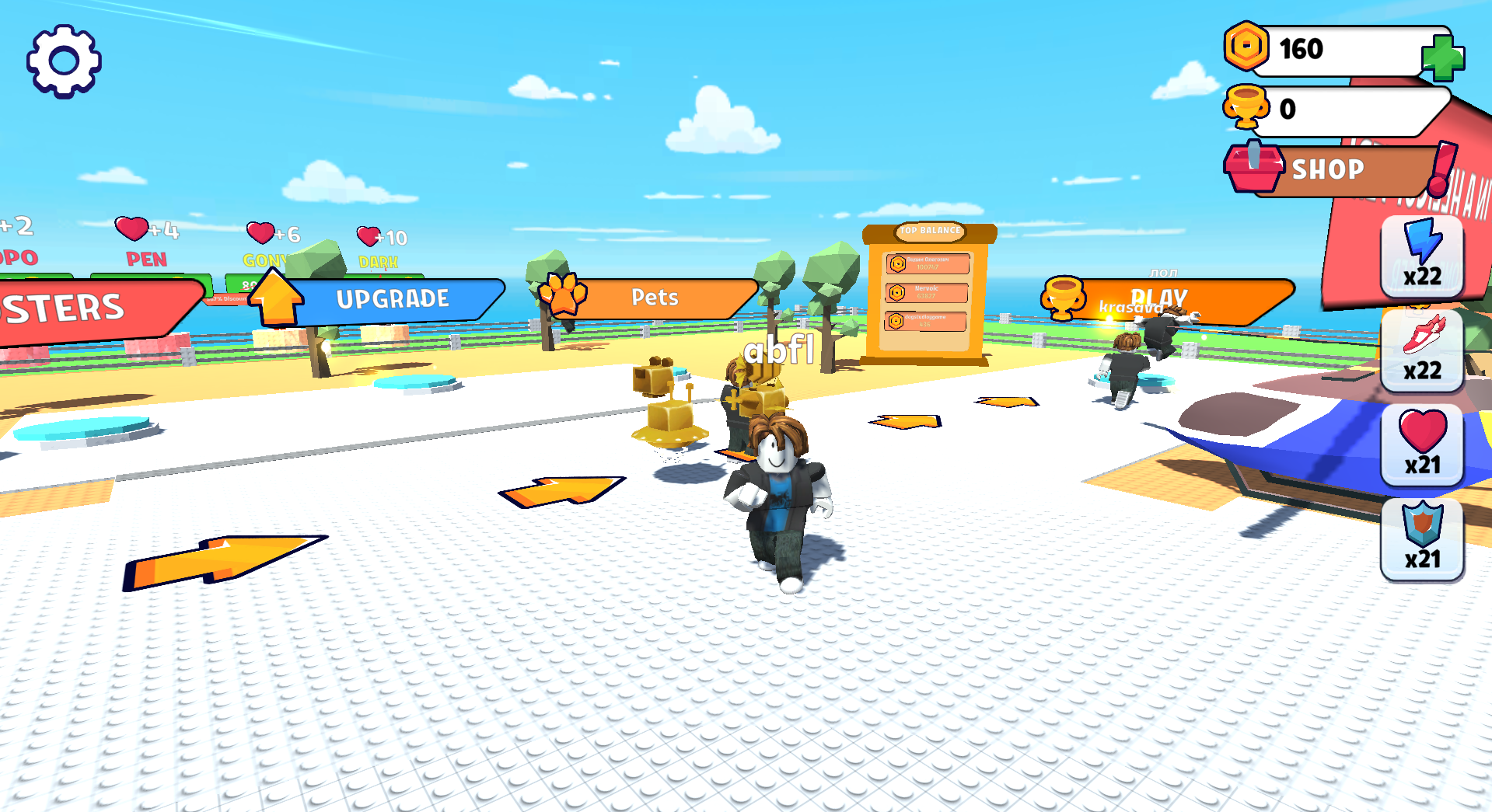
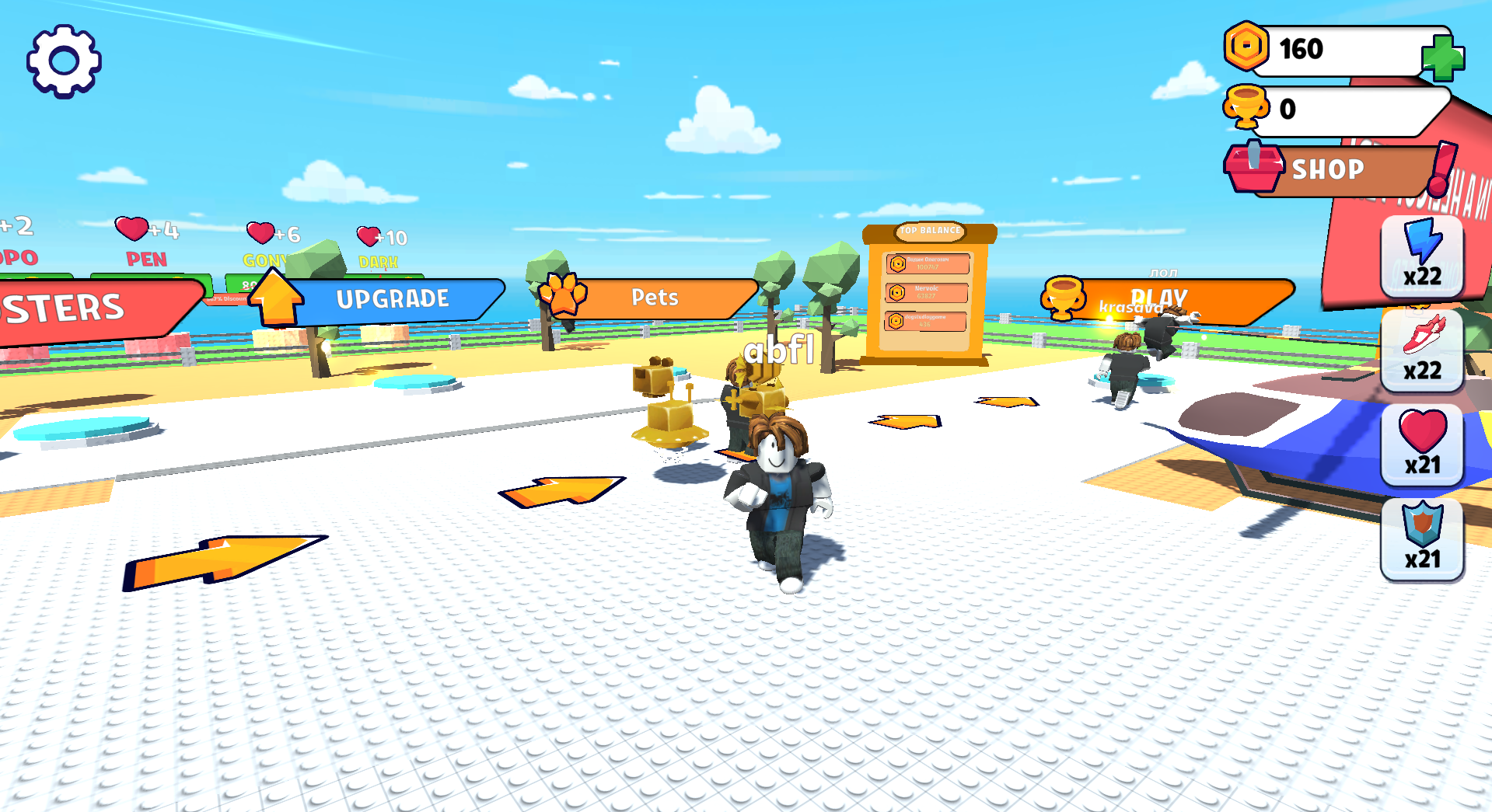
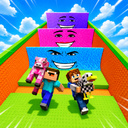
  • Obby Brainrot: Escape from Natural Disasters screenshot 2
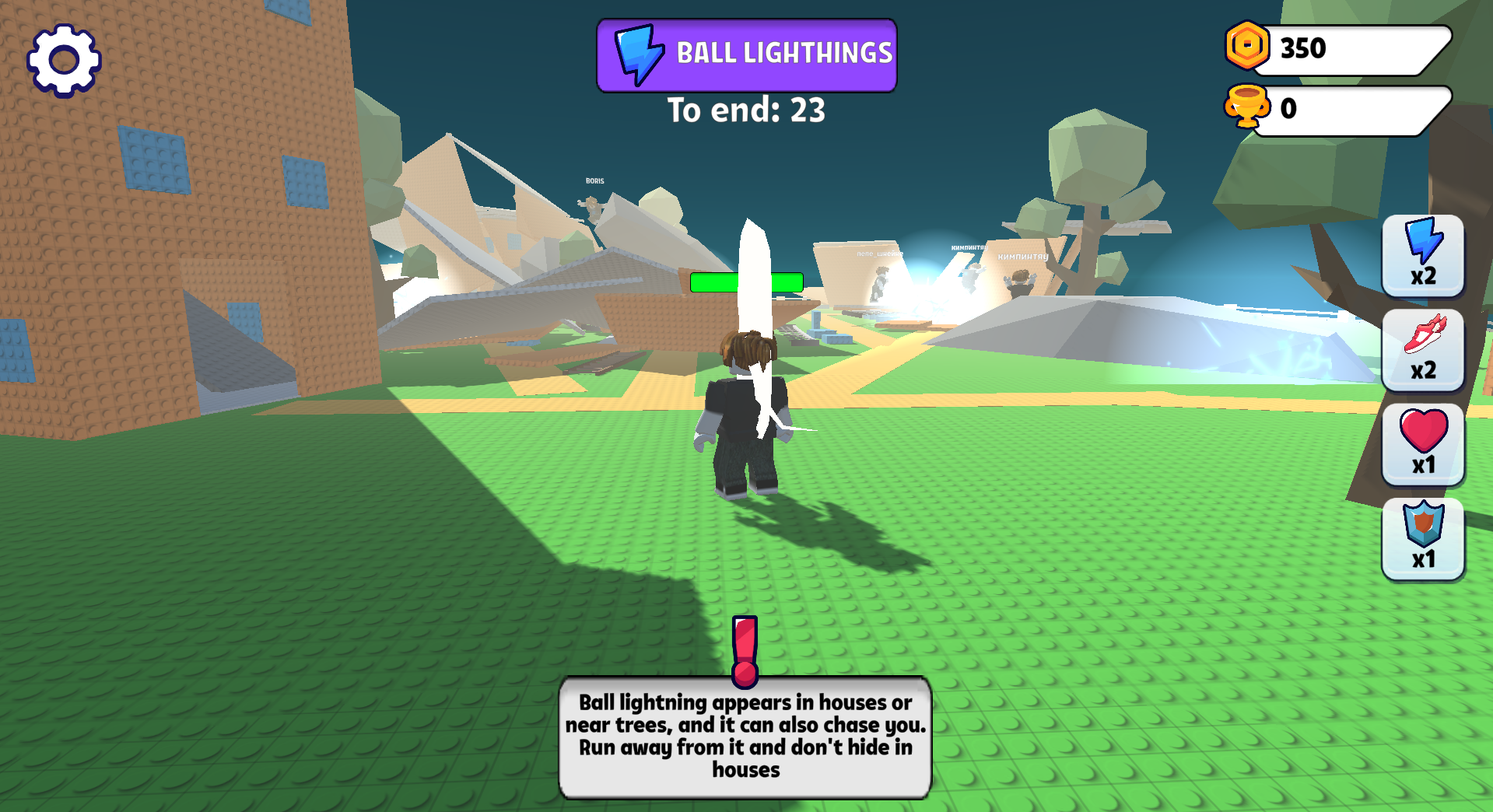
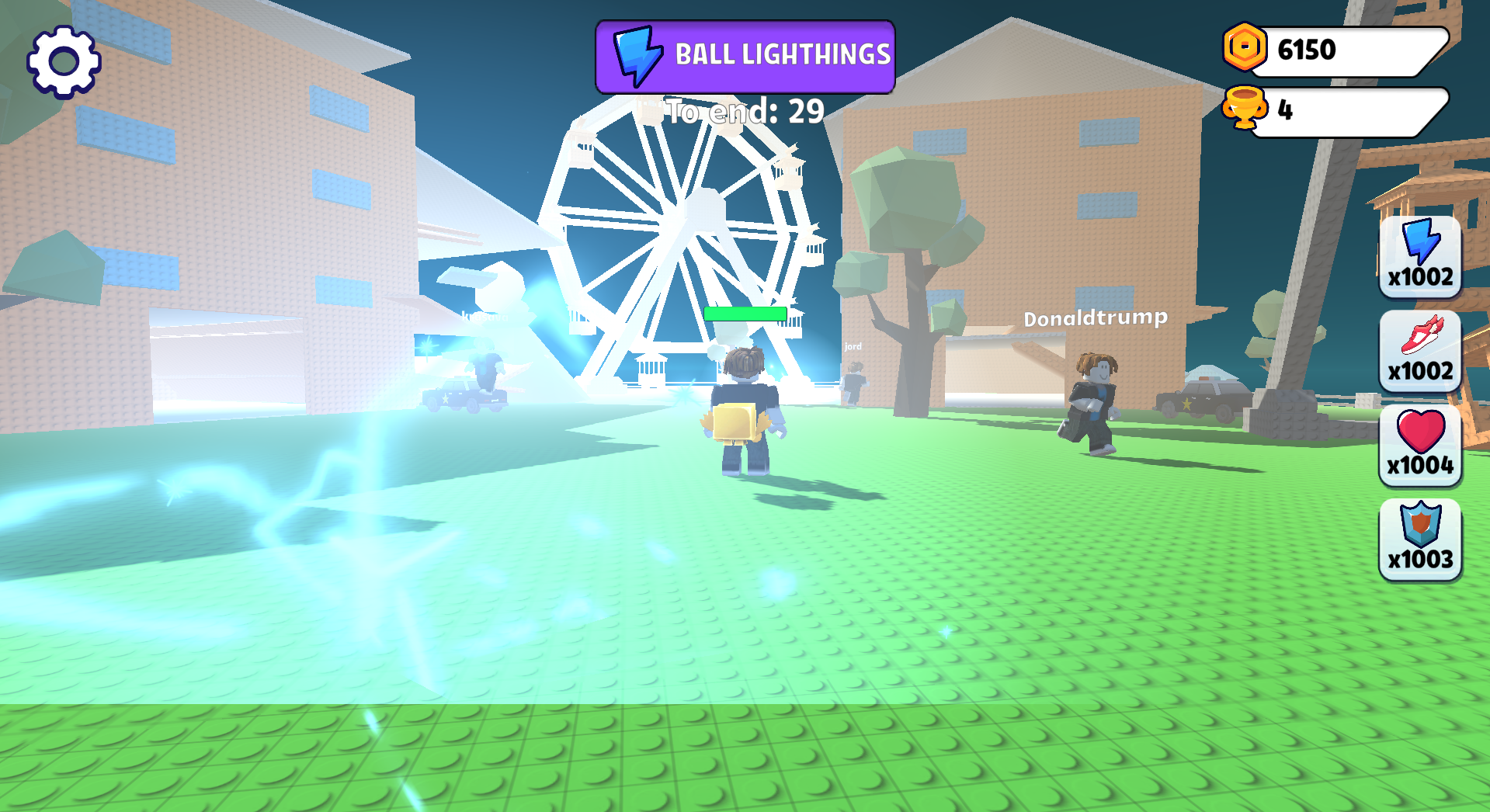
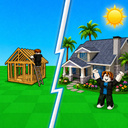
  • Obby Brainrot: Escape from Natural Disasters screenshot 3
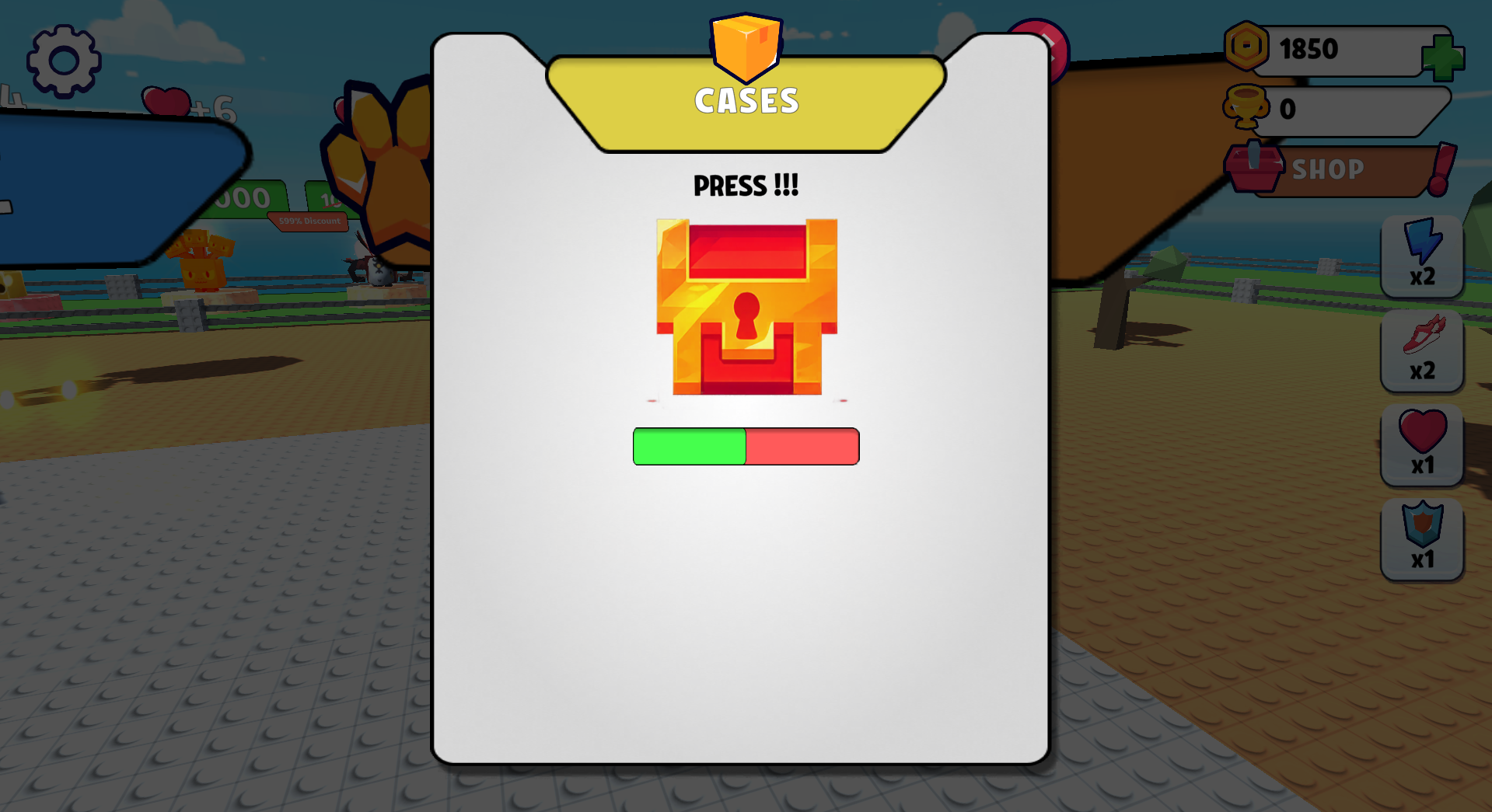
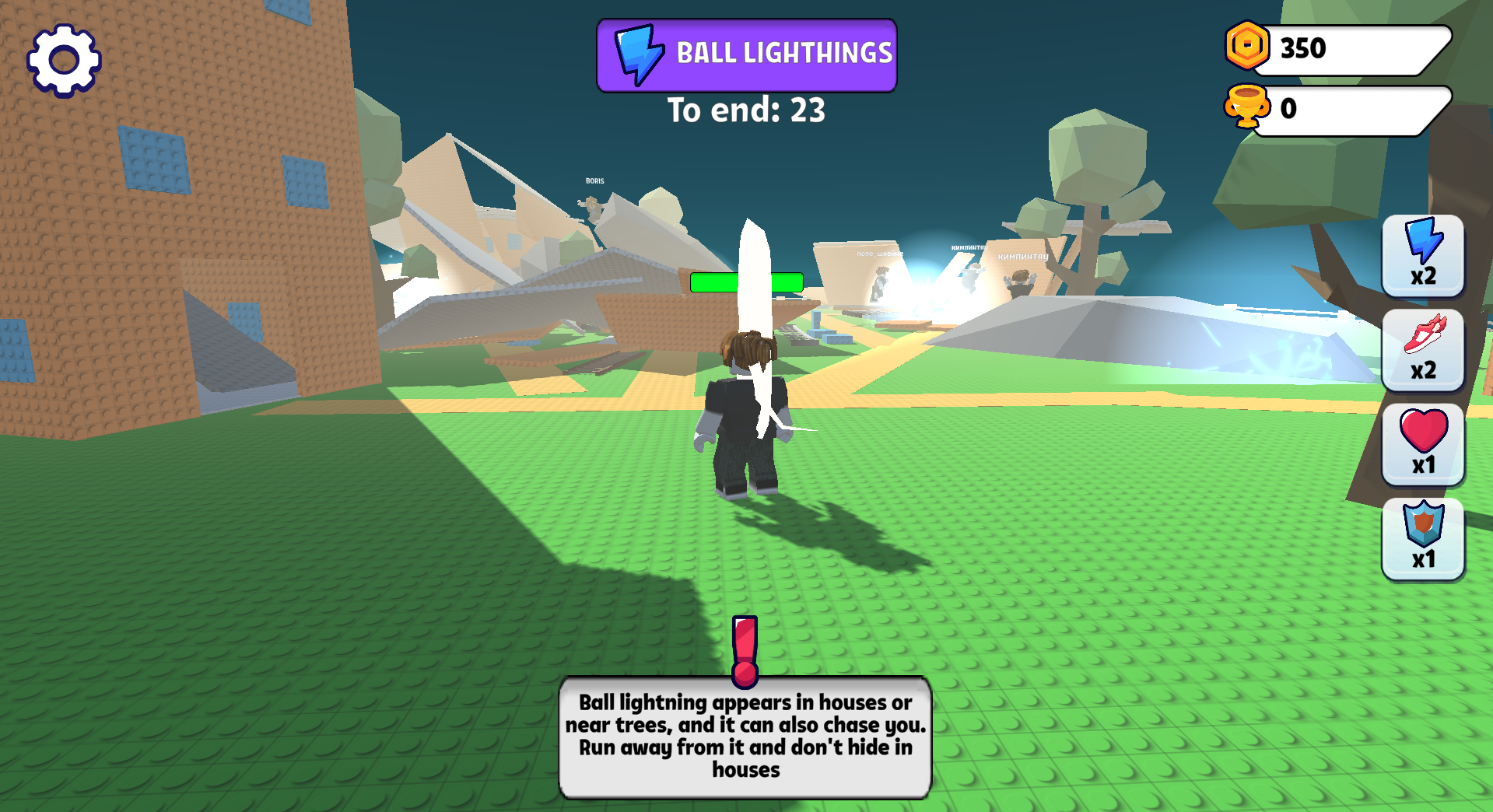
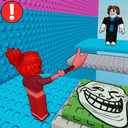
  • Obby Brainrot: Escape from Natural Disasters screenshot 4
  • Obby Brainrot: Escape from Natural Disasters screenshot 5
  • Obby Brainrot: Escape from Natural Disasters screenshot 6
  • Obby Brainrot: Escape from Natural Disasters screenshot 7
  • Obby Brainrot: Escape from Natural Disasters screenshot 8
  • Obby Brainrot: Escape from Natural Disasters screenshot 9
  • Obby Brainrot: Escape from Natural Disasters screenshot 10
Play Now

14,714 players online

How to play

  1. Open the game

    Press Play now and the game opens on its own screen.

  2. Follow the in-game instructions

    The controls and goals are shown inside the game as you play.

  3. Use the game menu

    The floating button over the game reloads it, saves it to your favourites, or takes you back out.
Game instructions

Survive in various natural disasters and on different maps! Level up your character and get rare Brainrot and Pets. PC: WASD - to move the character. Mouse - to rotate the camera. Spacebar - to jump. Shift - to run. Mouse wheel - to zoom in or out. Mobile: The left joystick (on the left side of the screen) is used to move the character. The right joystick is used to make the character jump. Moving the finger on the screen (on the right side of the screen) controls the camera. Use two fingers (on the right side of the screen) to zoom in or out.

More games

More games