Skip to content
KG
Obby: Build a Pyramid

Obby: Build a Pyramid

97K plays 3.7 out of 5

Overview

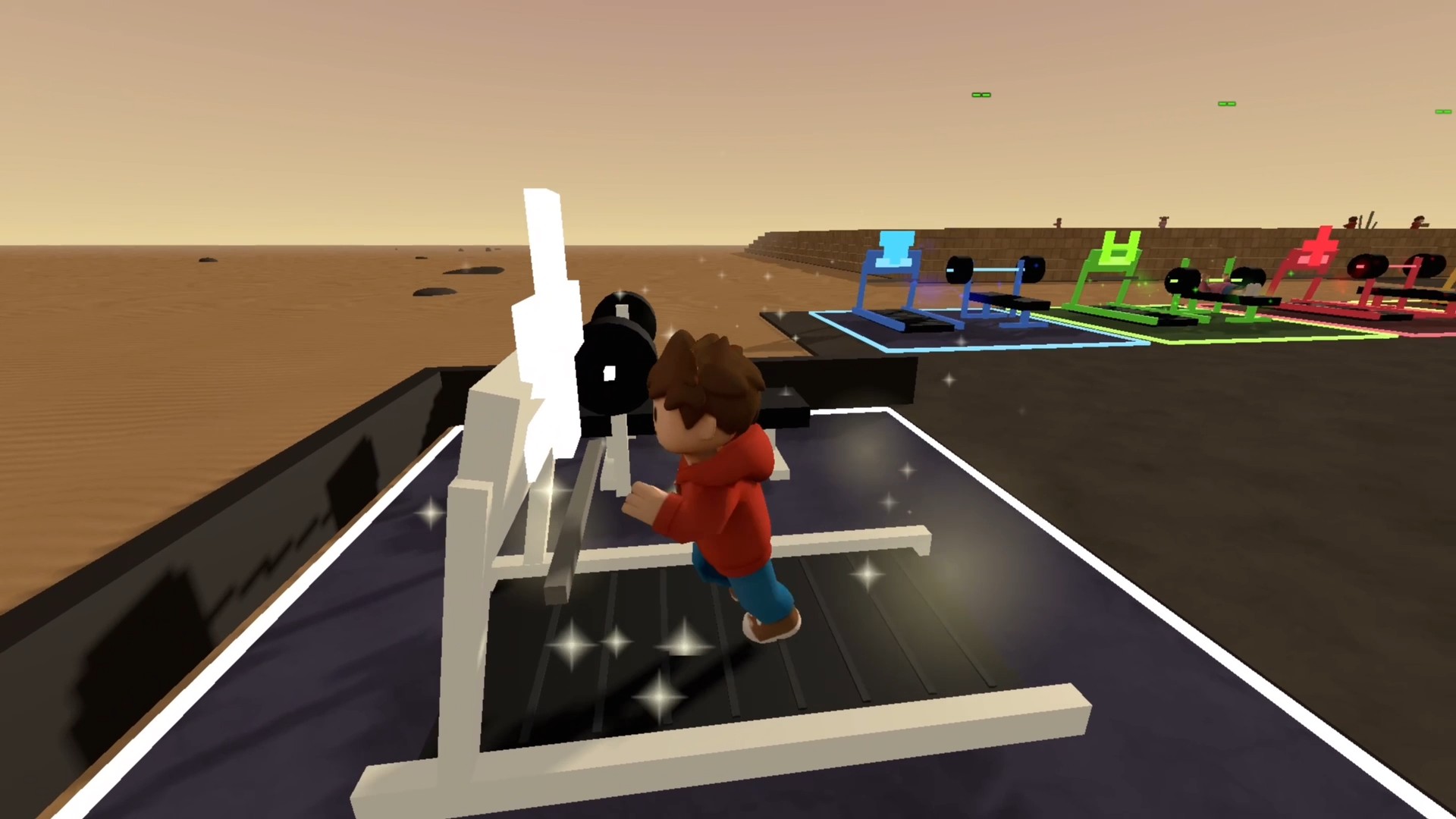
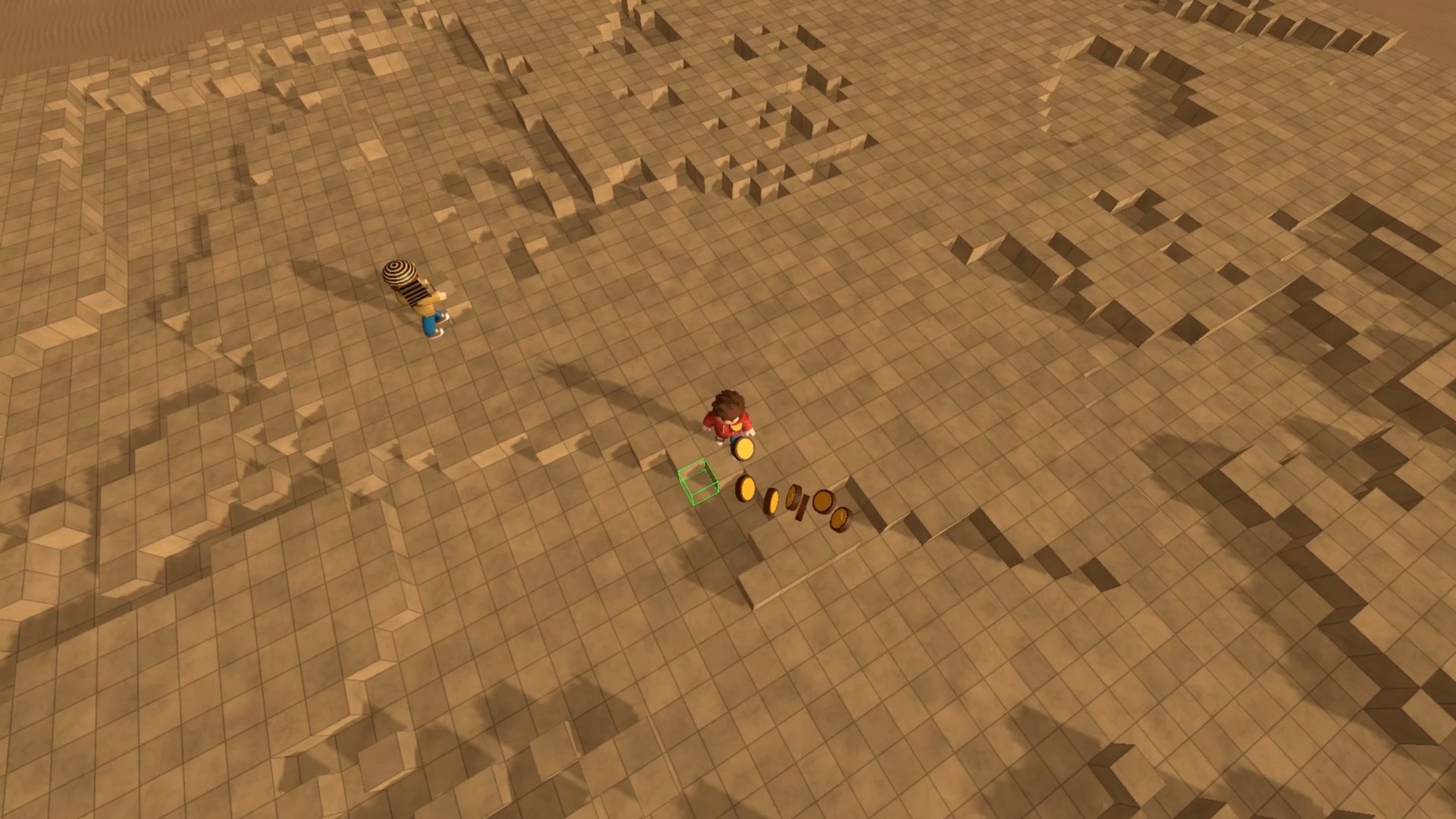
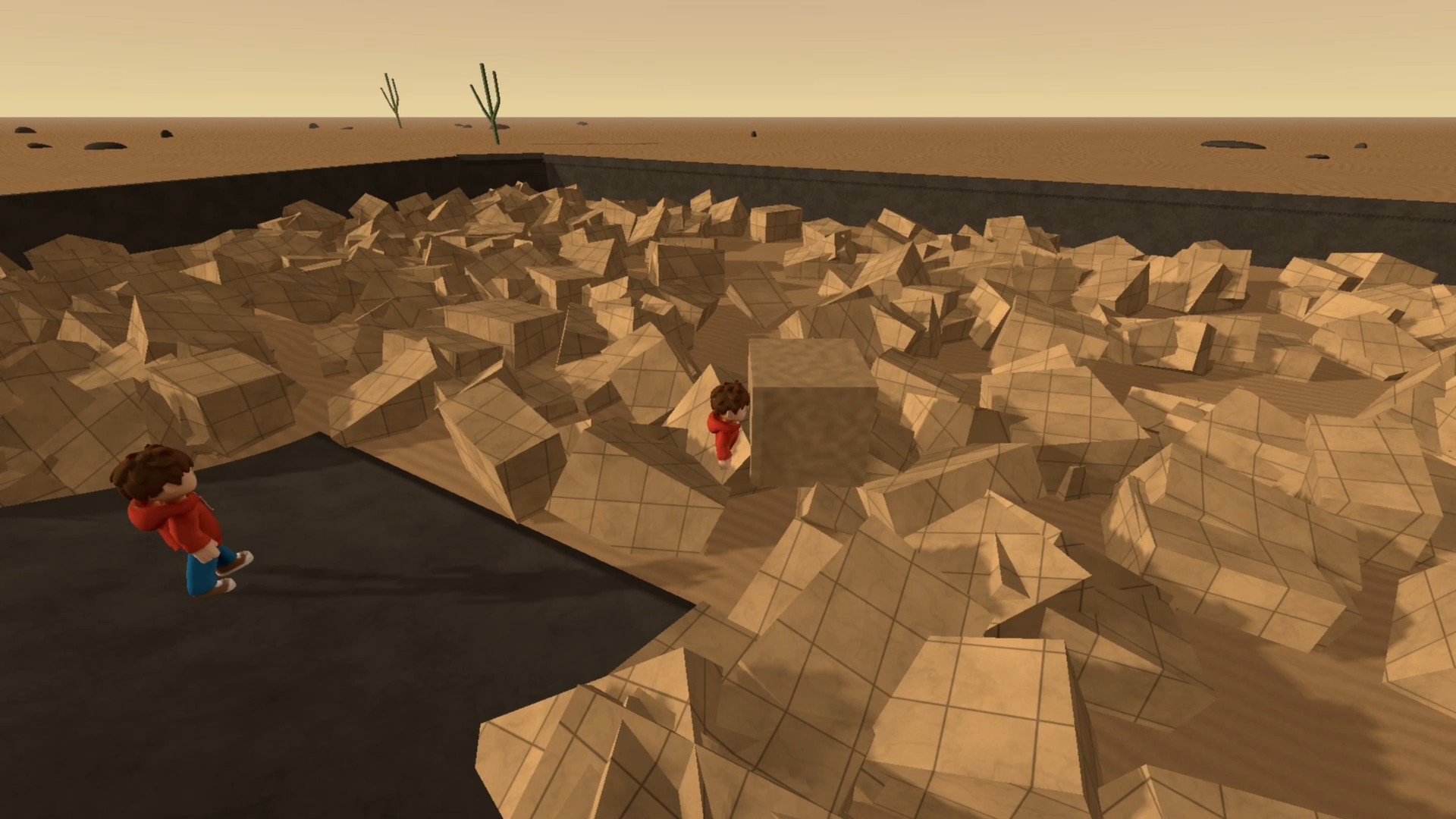
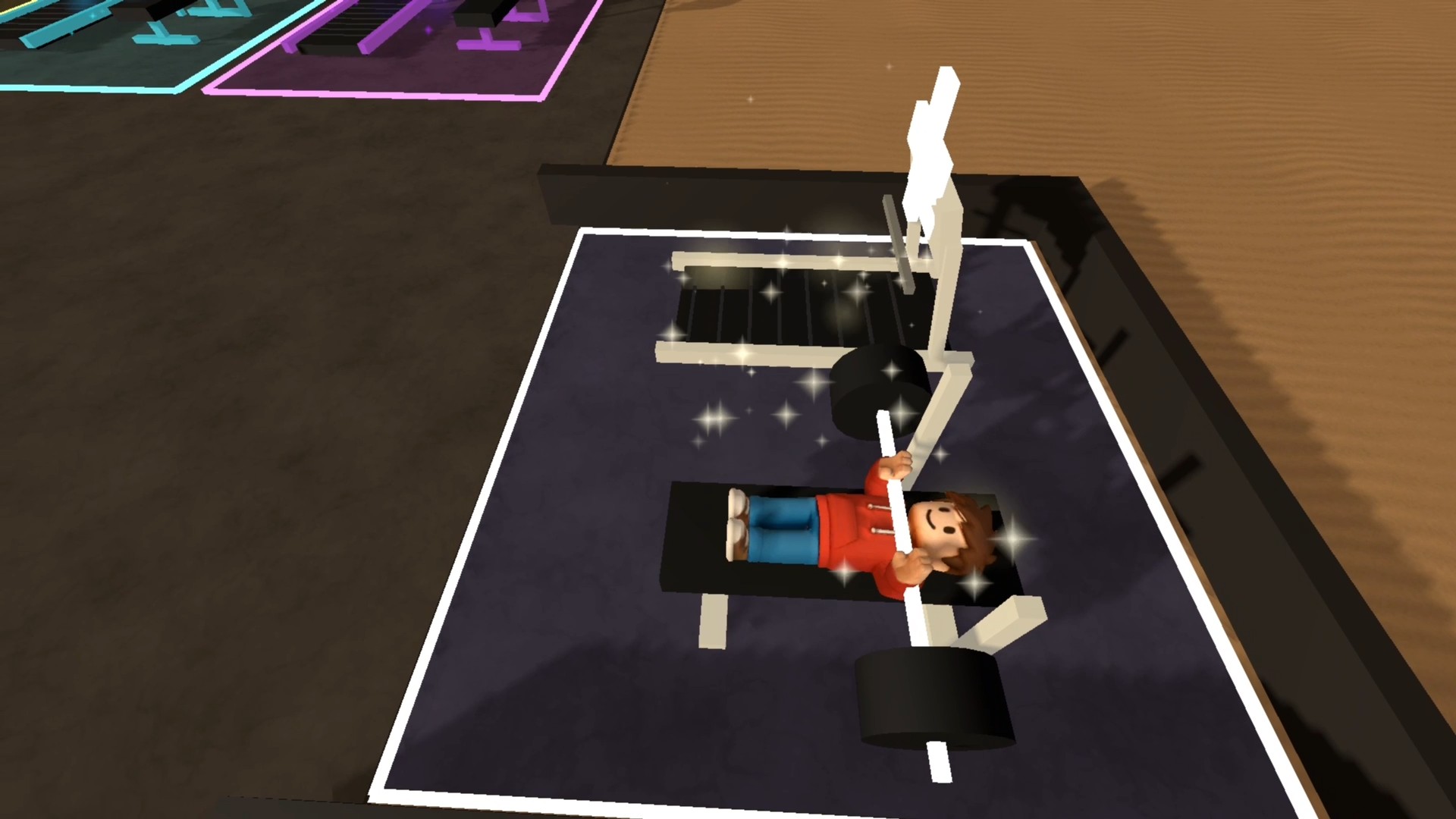
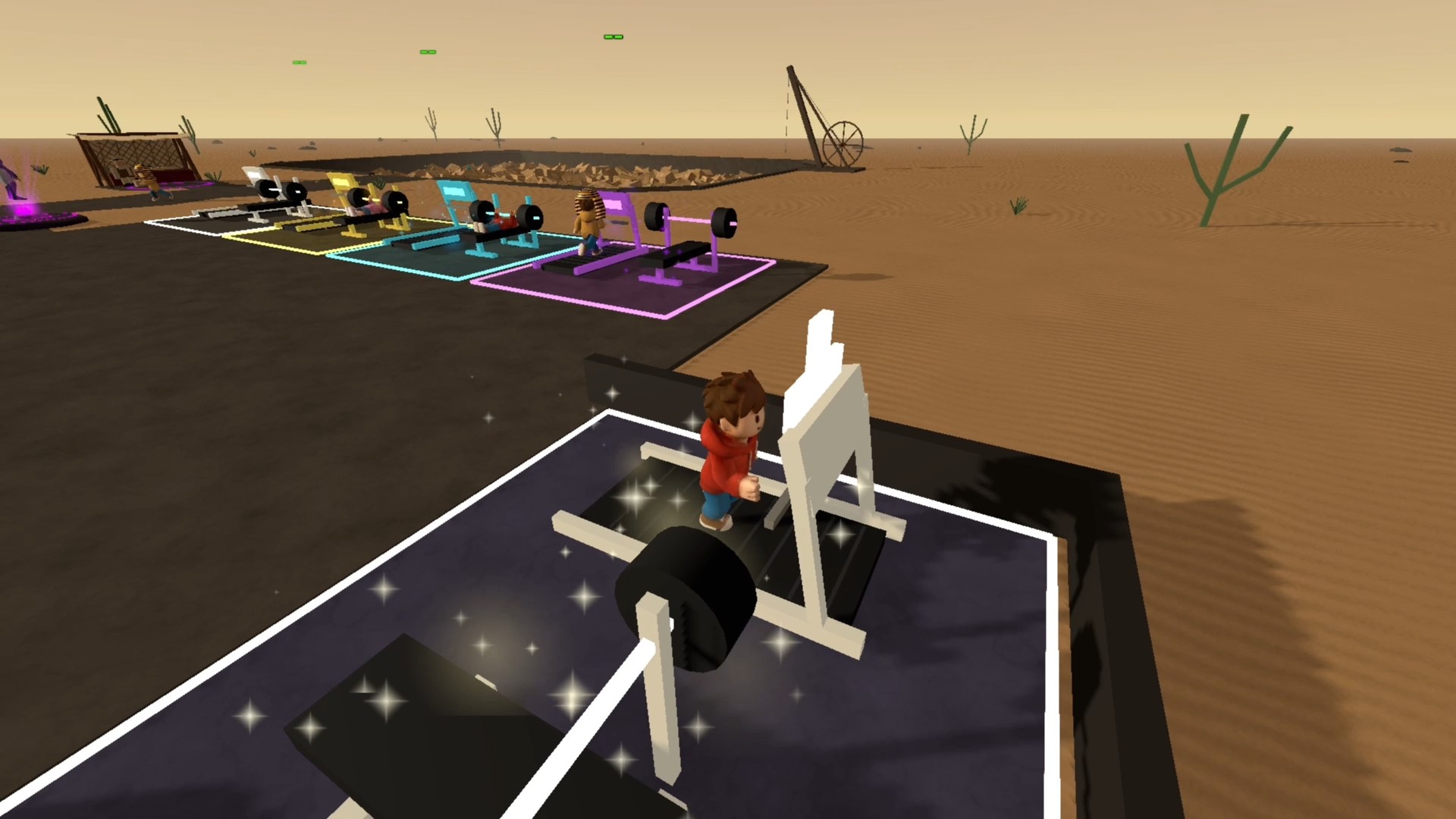
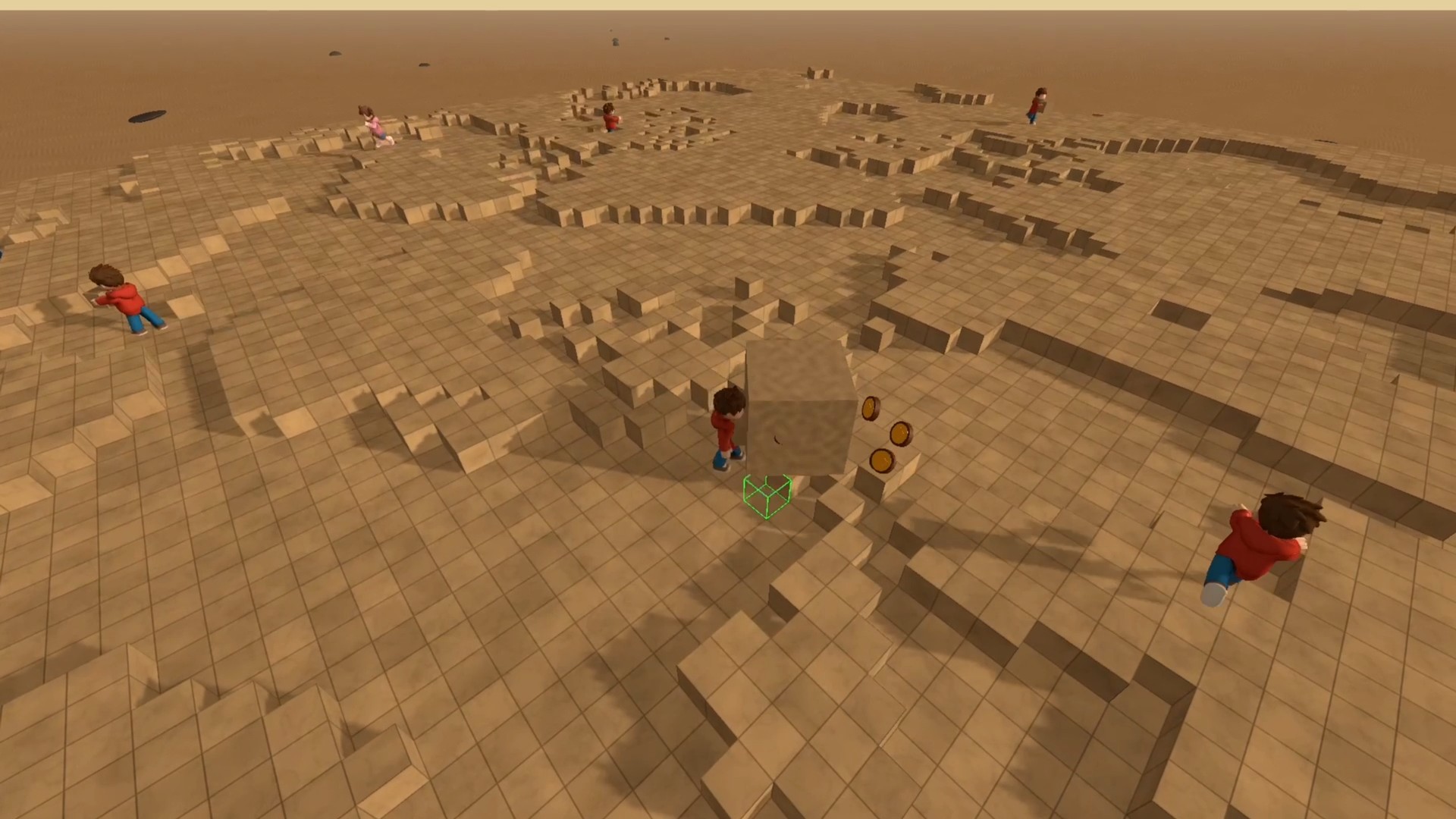
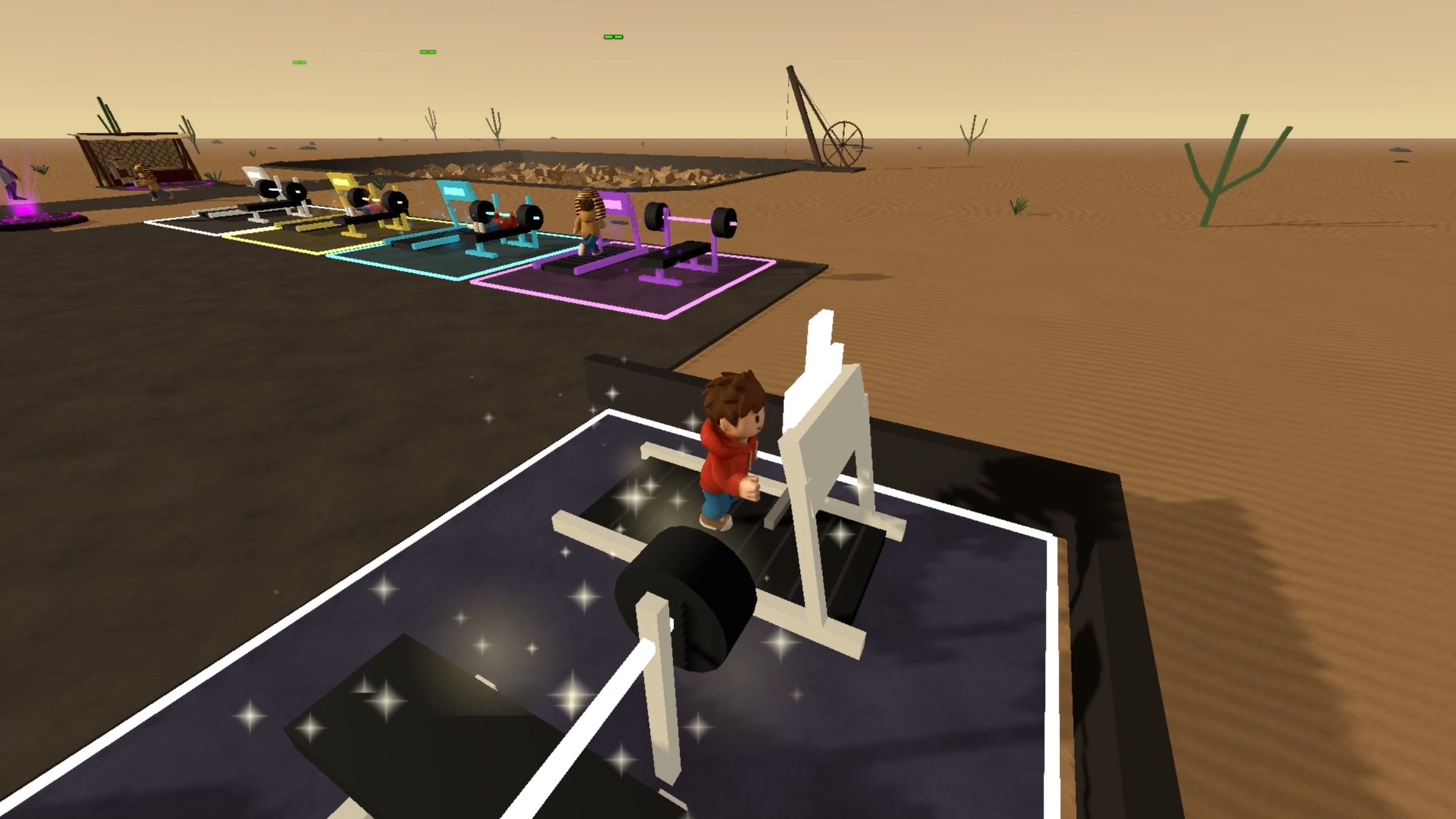
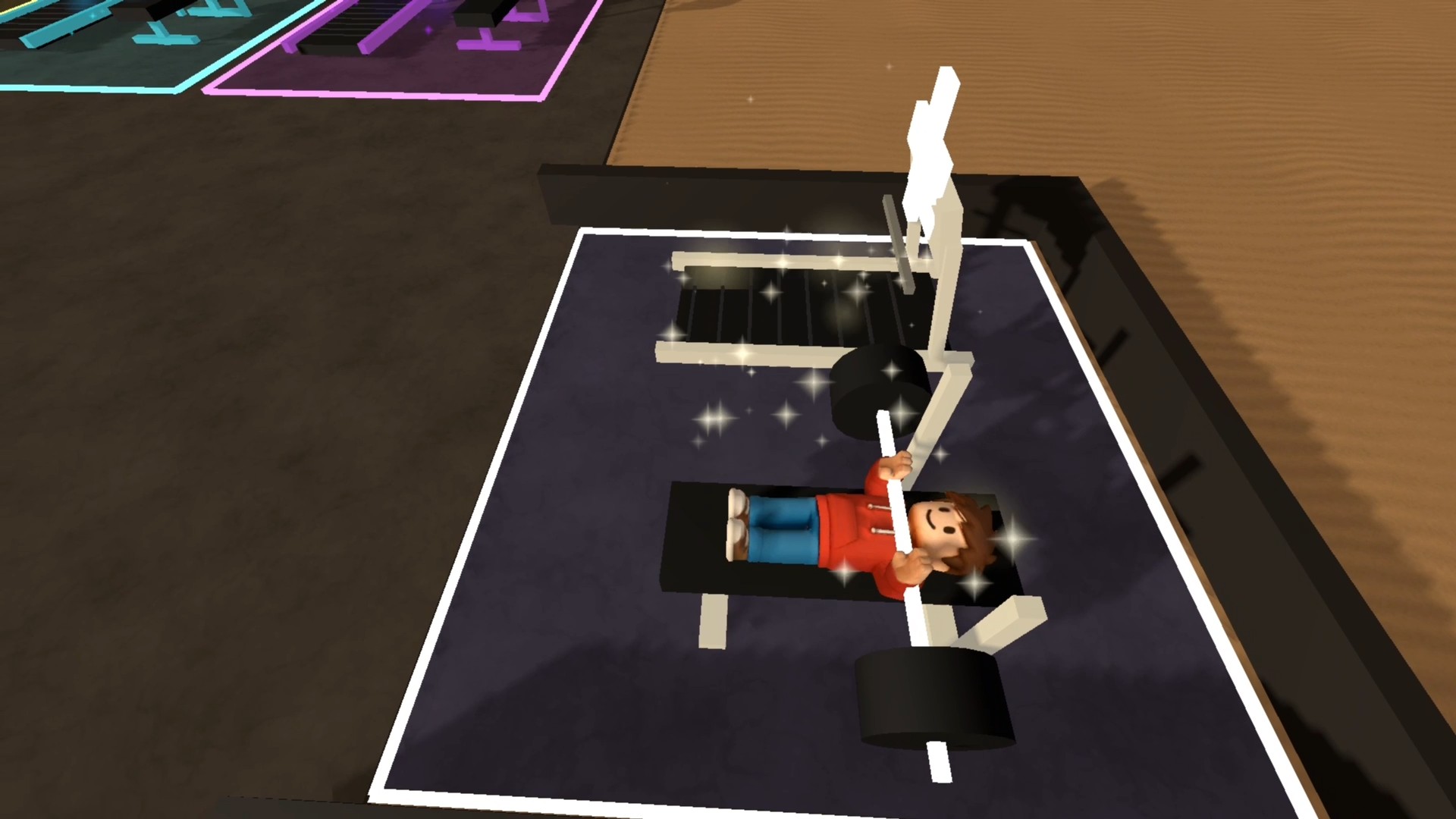
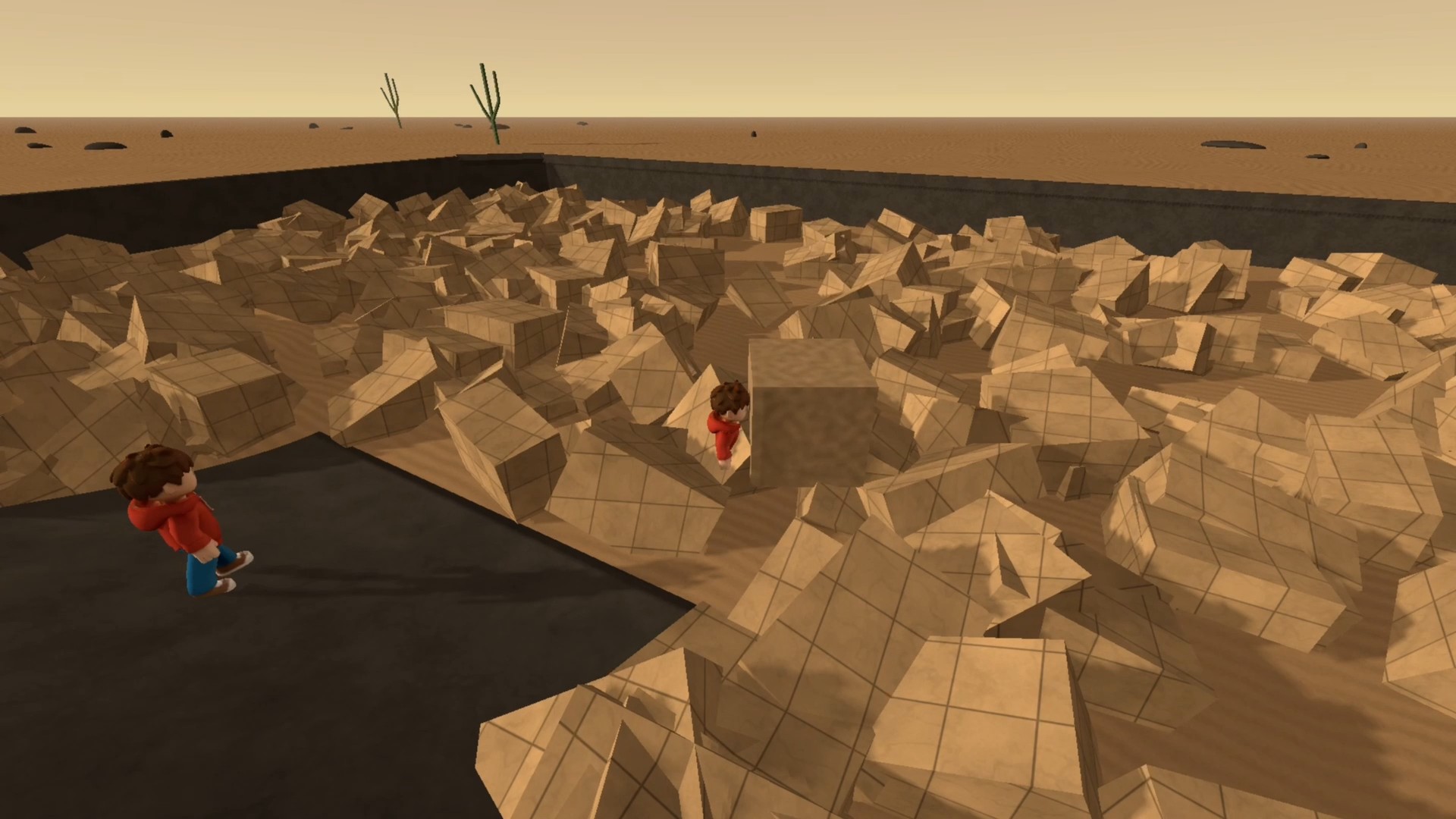
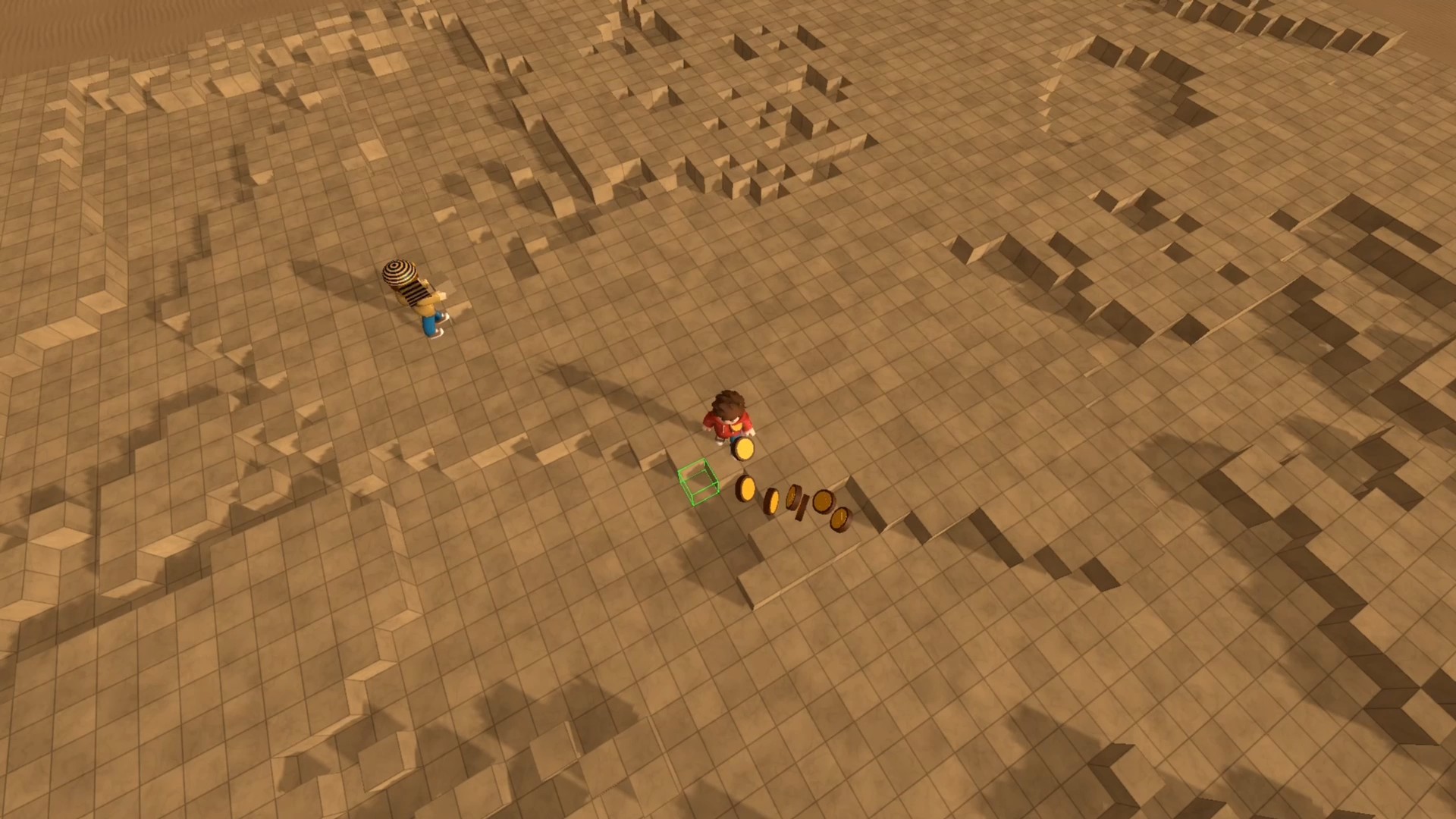
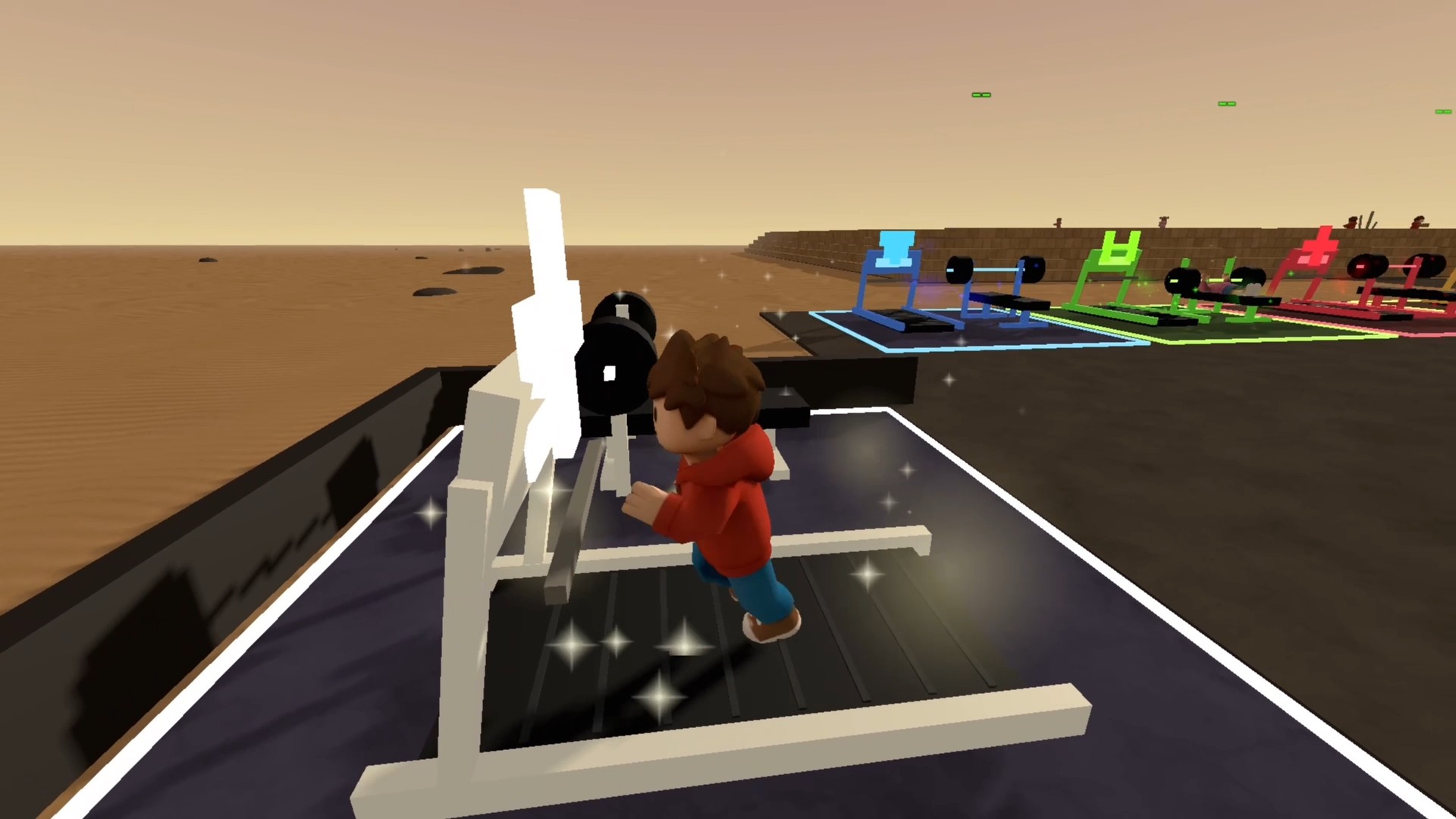
Build a pyramid from the first block to the very top! Collect stones at the quarry, carry them to the construction site and fill empty spaces as you climb higher. Train on treadmills and weight benches: speed helps you reach the site faster, while strength lets you carry more blocks in one trip. Spend in-game coins to improve block collection, placement and building reach. Completing a pyramid unlocks a temporary bonus training area. Then a new construction project begins. Keep developing your hero and building new types of pyramids!

Videos and screenshots
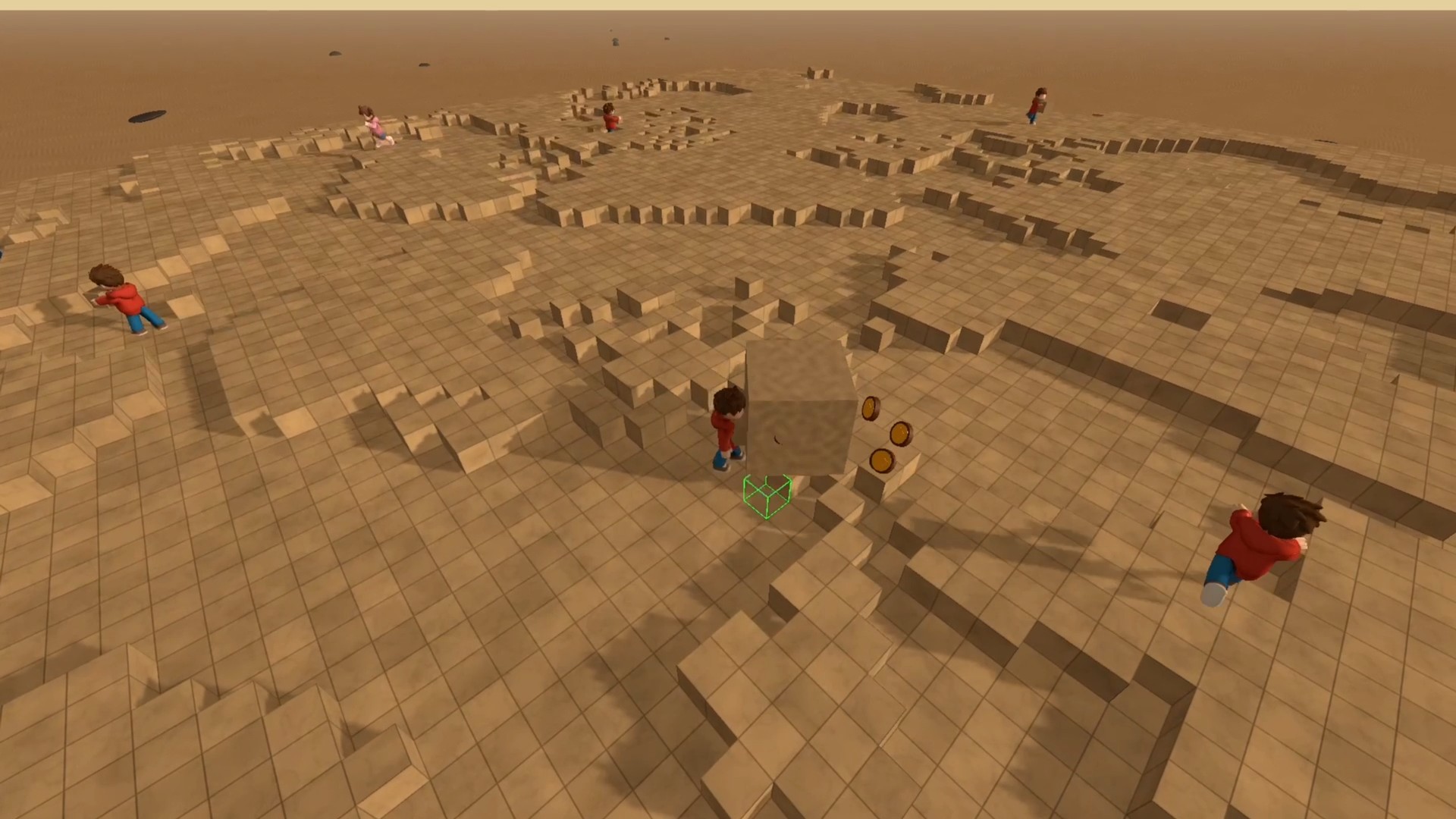
  • Obby: Build a Pyramid screenshot 1
  • Obby: Build a Pyramid screenshot 2
  • Obby: Build a Pyramid screenshot 3
  • Obby: Build a Pyramid screenshot 4
  • Obby: Build a Pyramid screenshot 5
  • Obby: Build a Pyramid screenshot 6
  • Obby: Build a Pyramid screenshot 7
  • Obby: Build a Pyramid screenshot 8
  • Obby: Build a Pyramid screenshot 9
  • Obby: Build a Pyramid screenshot 10
  • Obby: Build a Pyramid screenshot 11
  • Obby: Build a Pyramid screenshot 12
Play Now

14,253 players online

How to play

  1. Open the game

    Press Play now and the game opens on its own screen.

  2. Follow the in-game instructions

    The controls and goals are shown inside the game as you play.

  3. Use the game menu

    The floating button over the game reloads it, saves it to your favourites, or takes you back out.
Game instructions

Your goal is to collect blocks at the quarry and finish the pyramid. Blocks are collected automatically at the quarry. Step onto an available treadmill or weight bench to train; move to leave it. PC: WASD or arrow keys — move. Space — jump; left Shift — run. Hold the right mouse button and move the mouse — rotate the camera; scroll wheel — zoom in or out. Aim at an empty building space and hold the left mouse button — place blocks. Tab — toggle cursor lock; Esc — release the cursor. Phone/tablet: Joystick — move; swipe in the look area — rotate the camera. Jump button — jump; + and − buttons — adjust camera distance. Hold BUILD near empty building spaces to place blocks.

More games

More games