Skip to content
KG
Obby: Cut The Trees

Obby: Cut The Trees

2K plays 3.6 out of 5

Overview

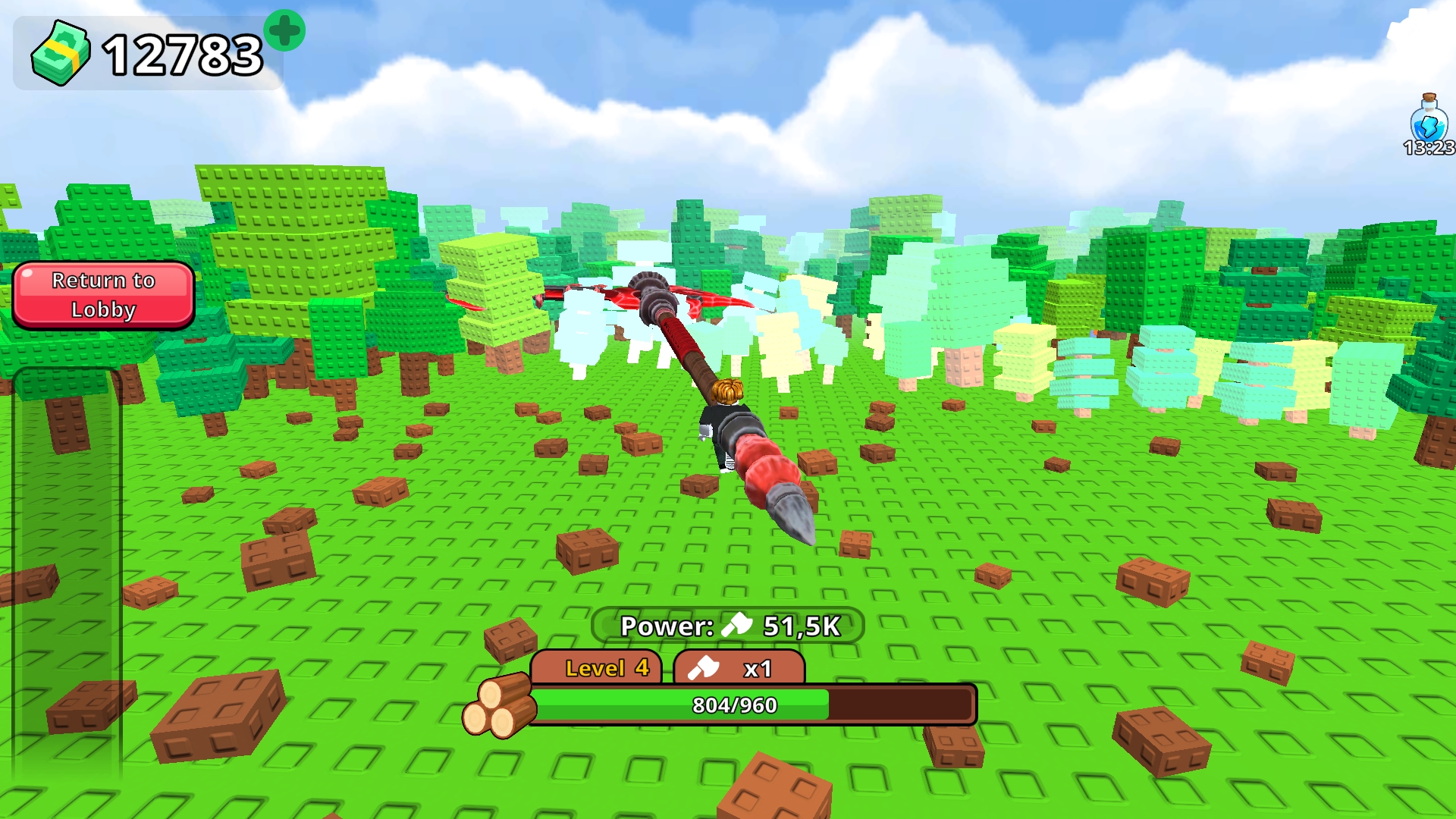
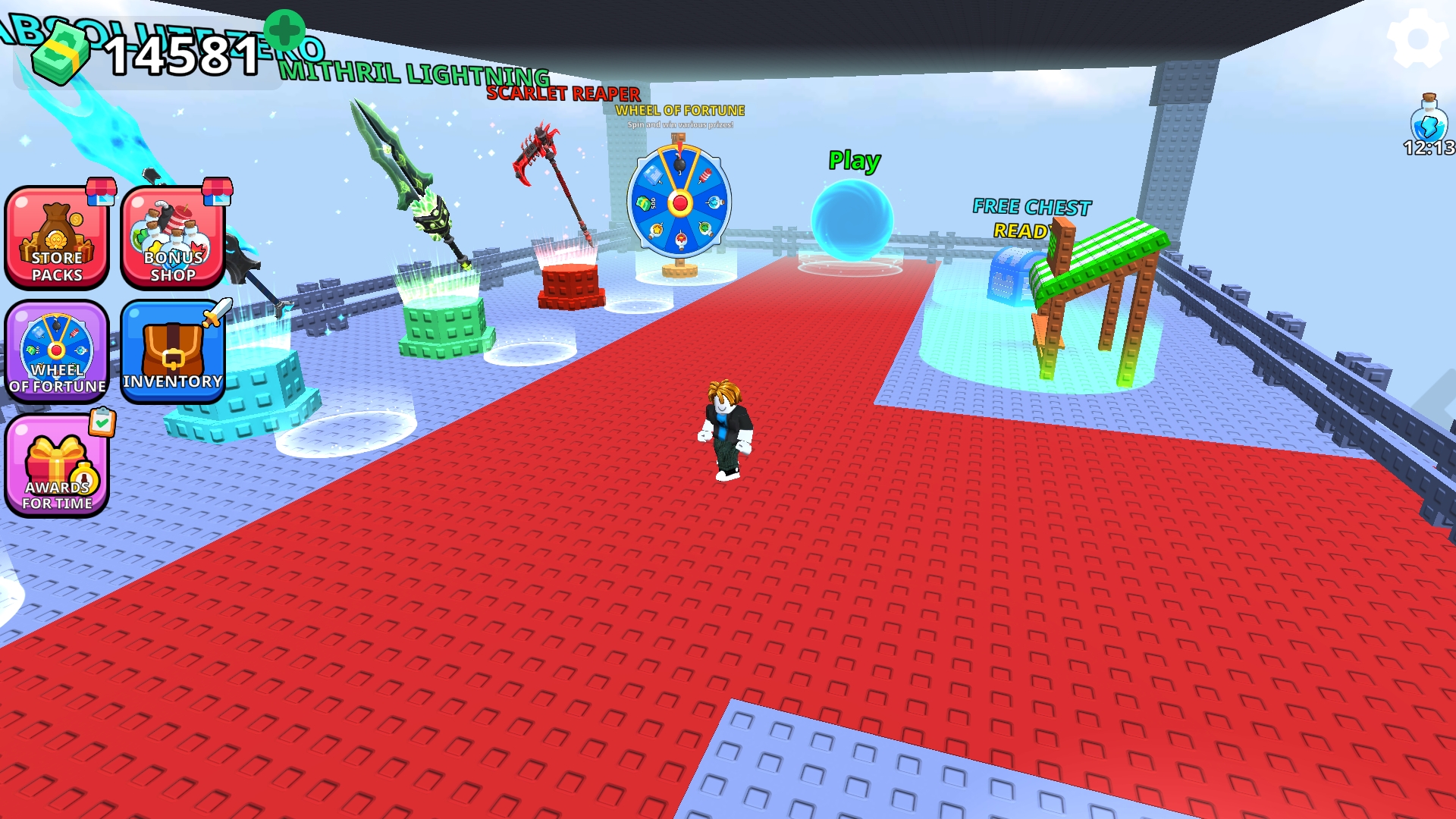
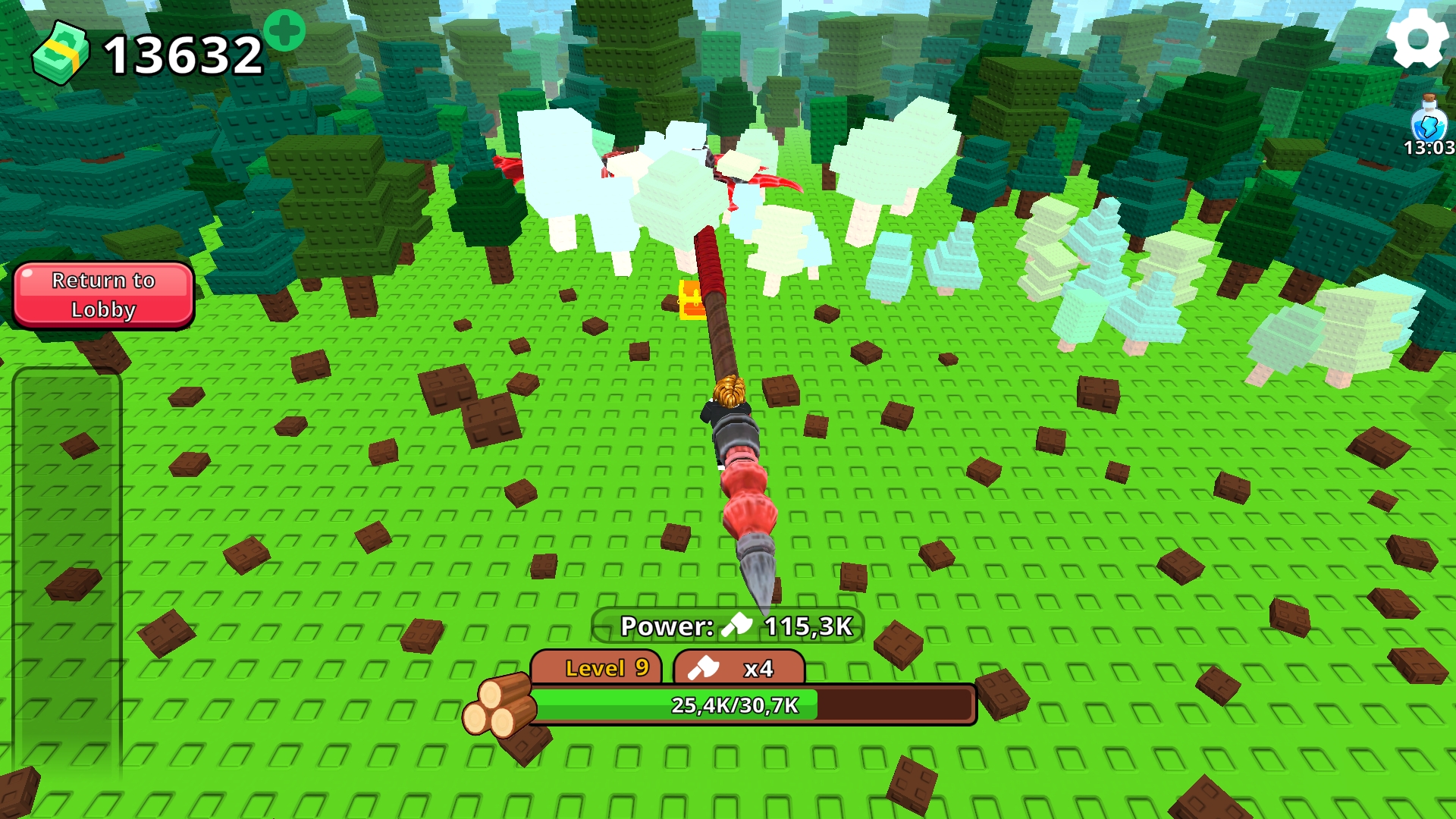
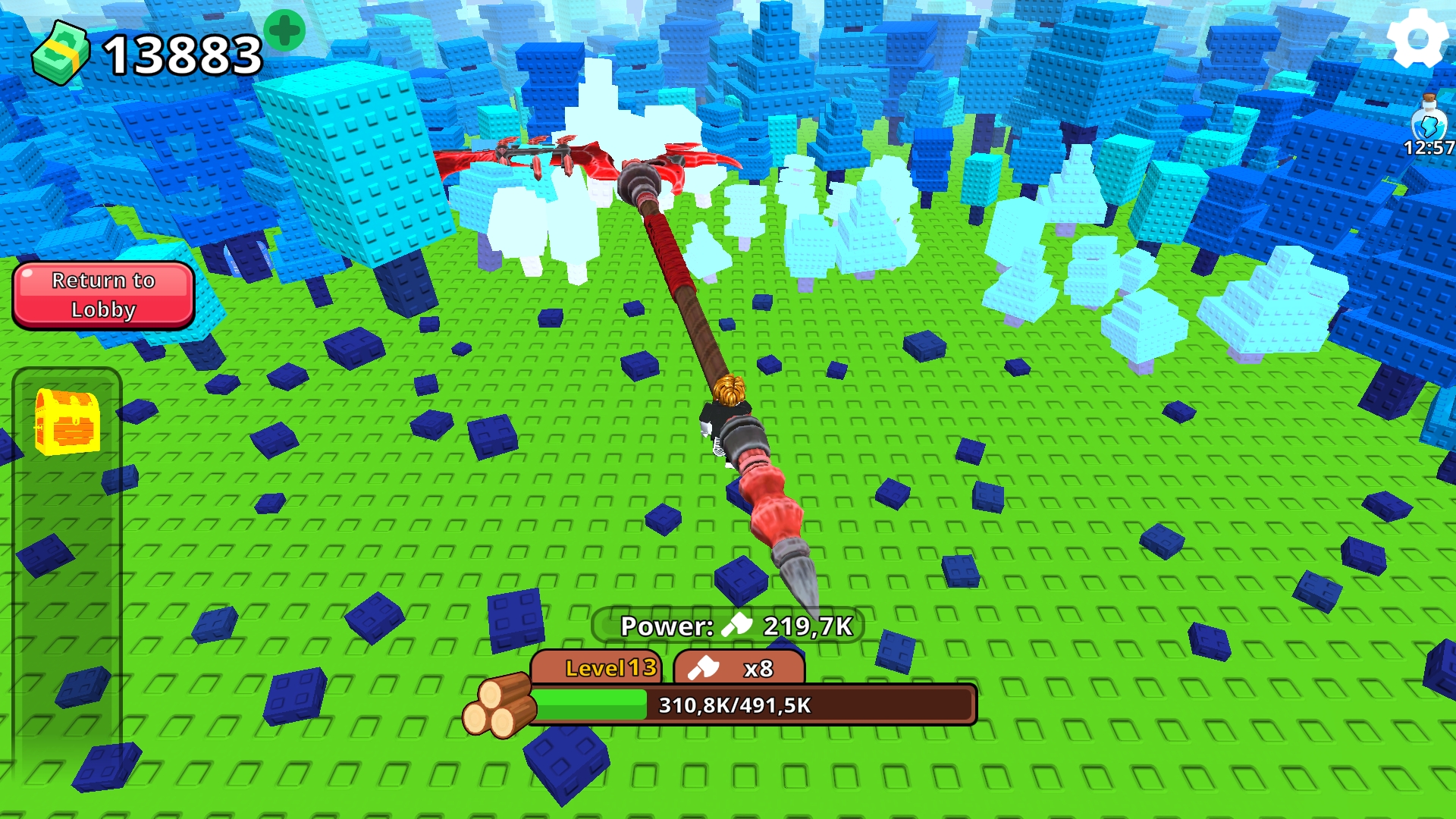
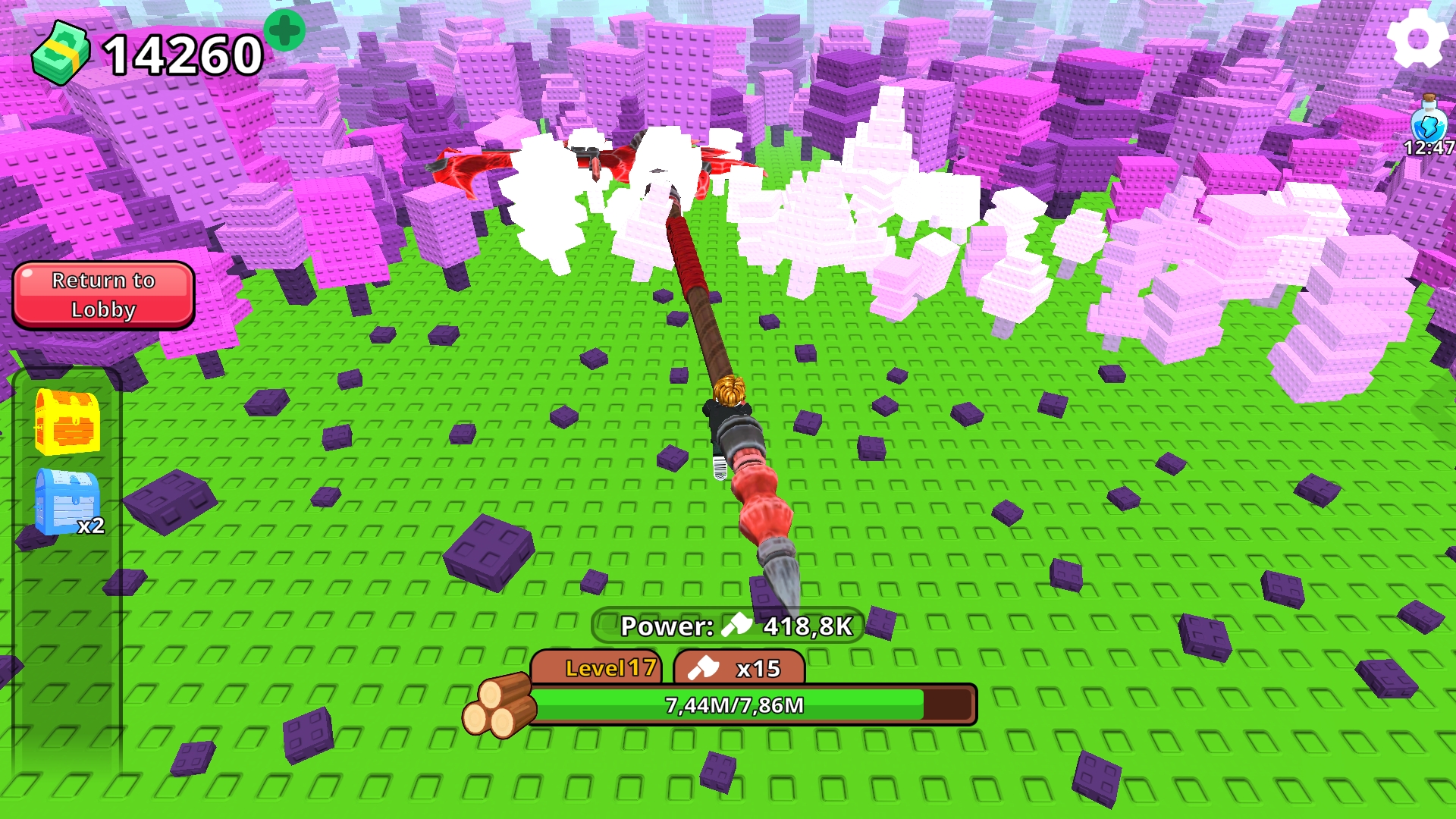
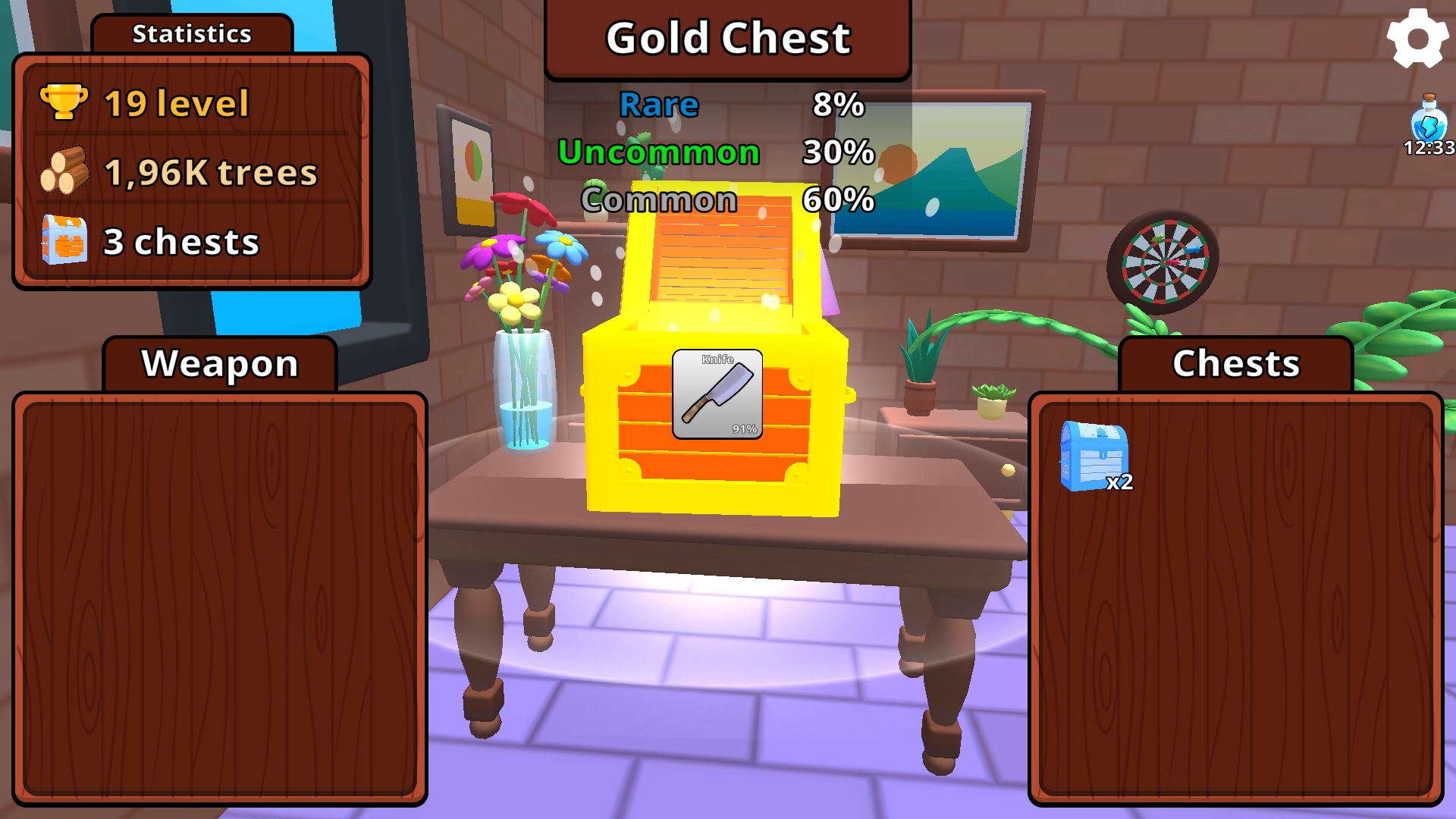
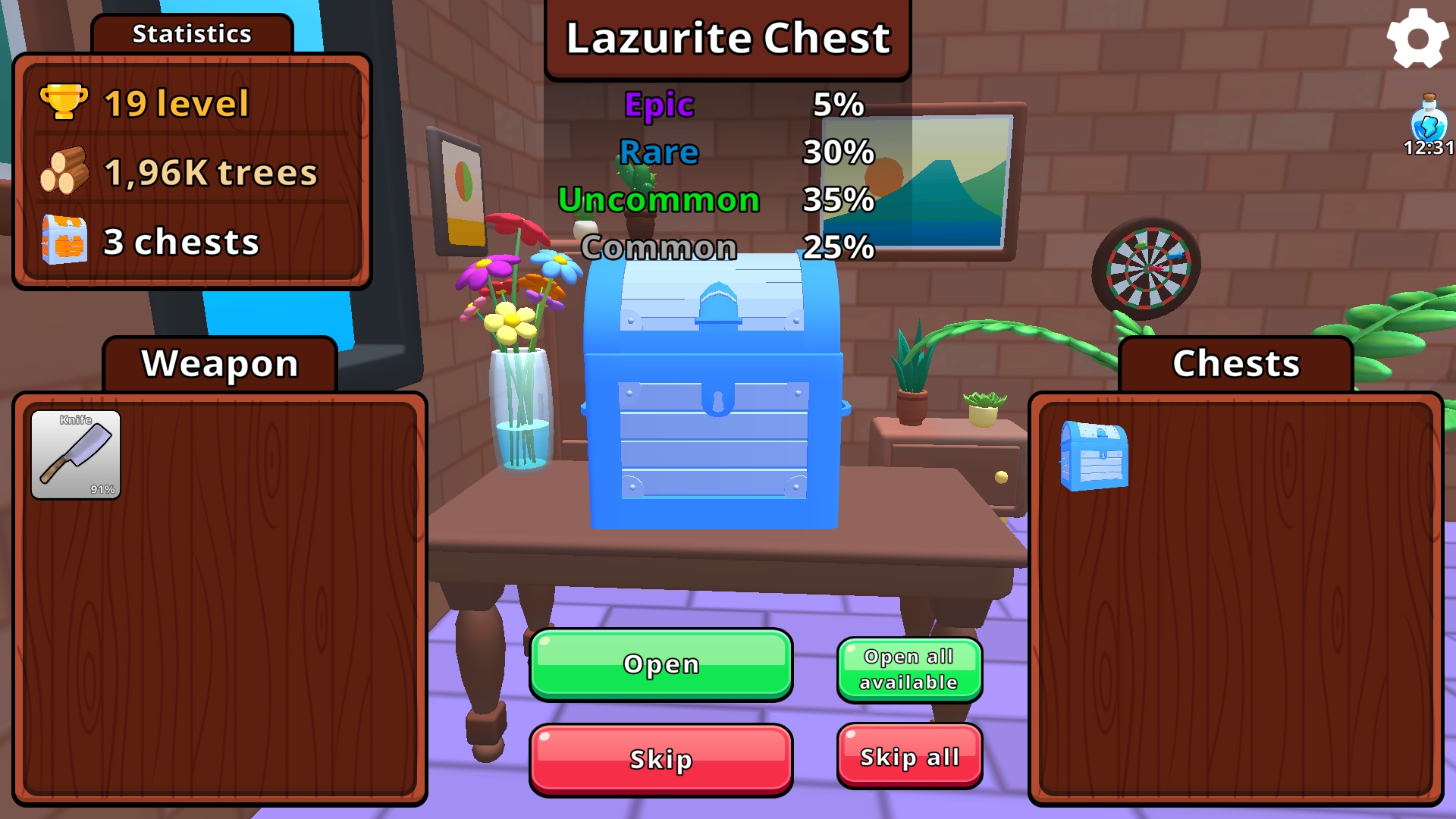
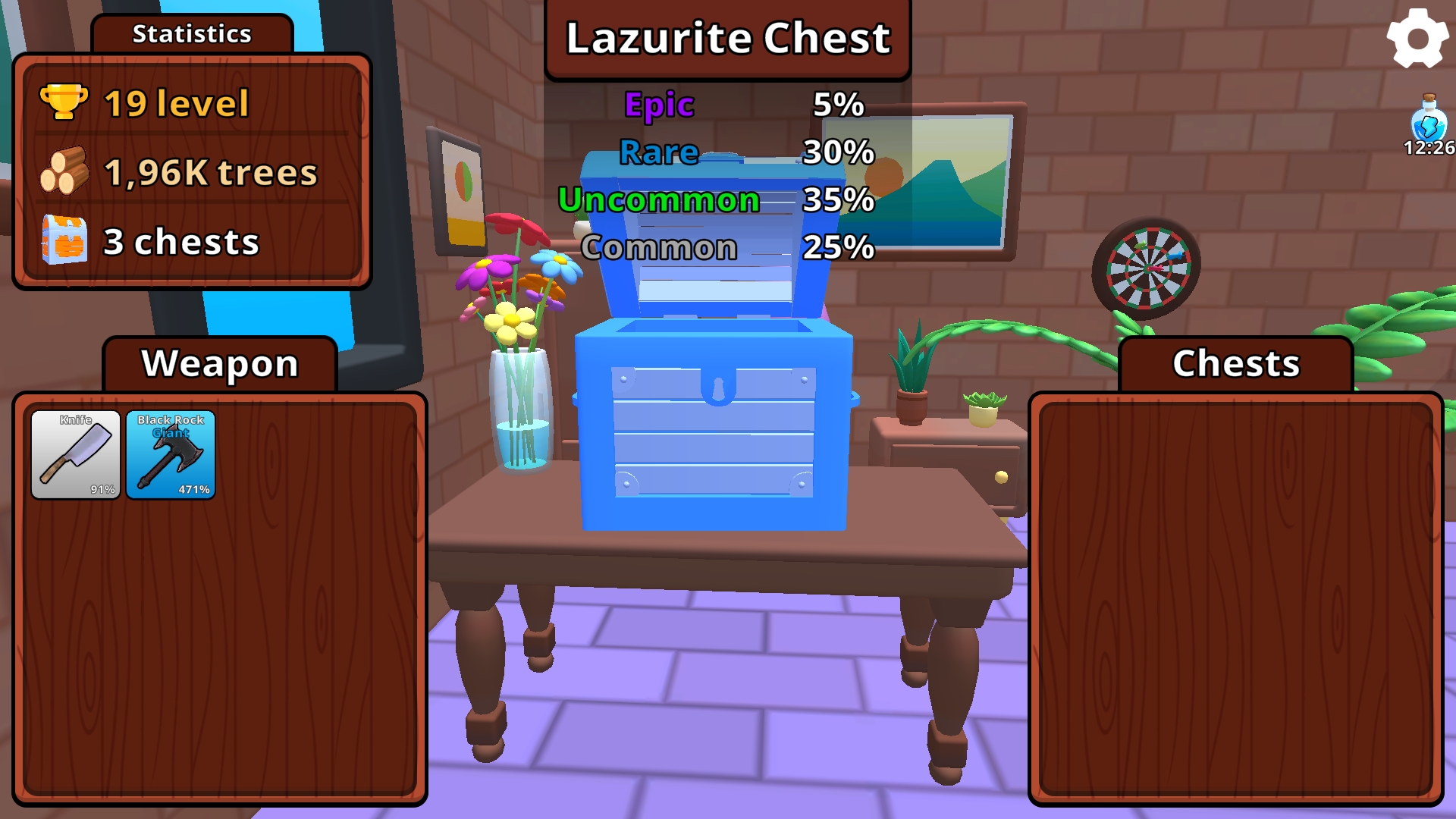
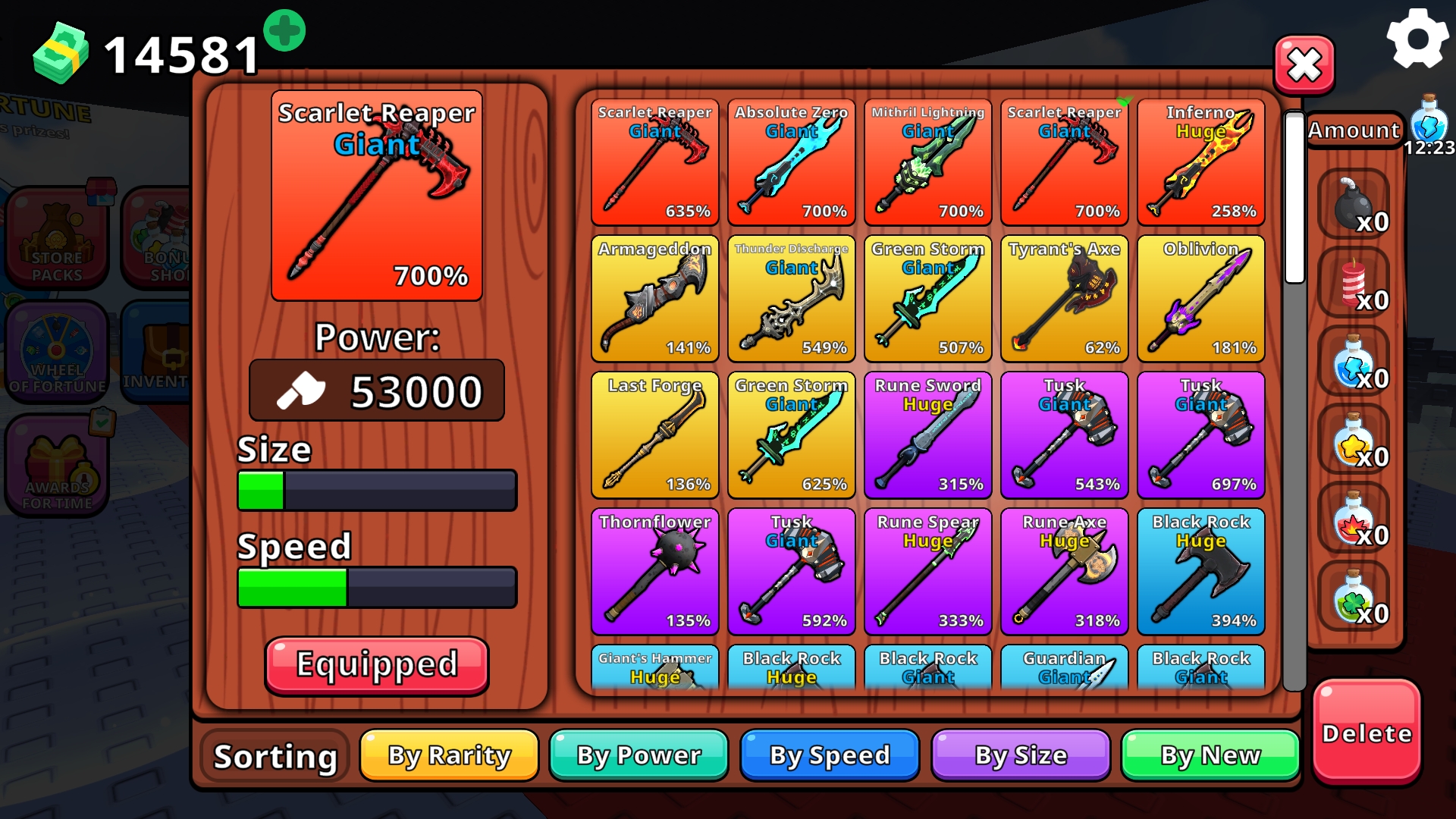
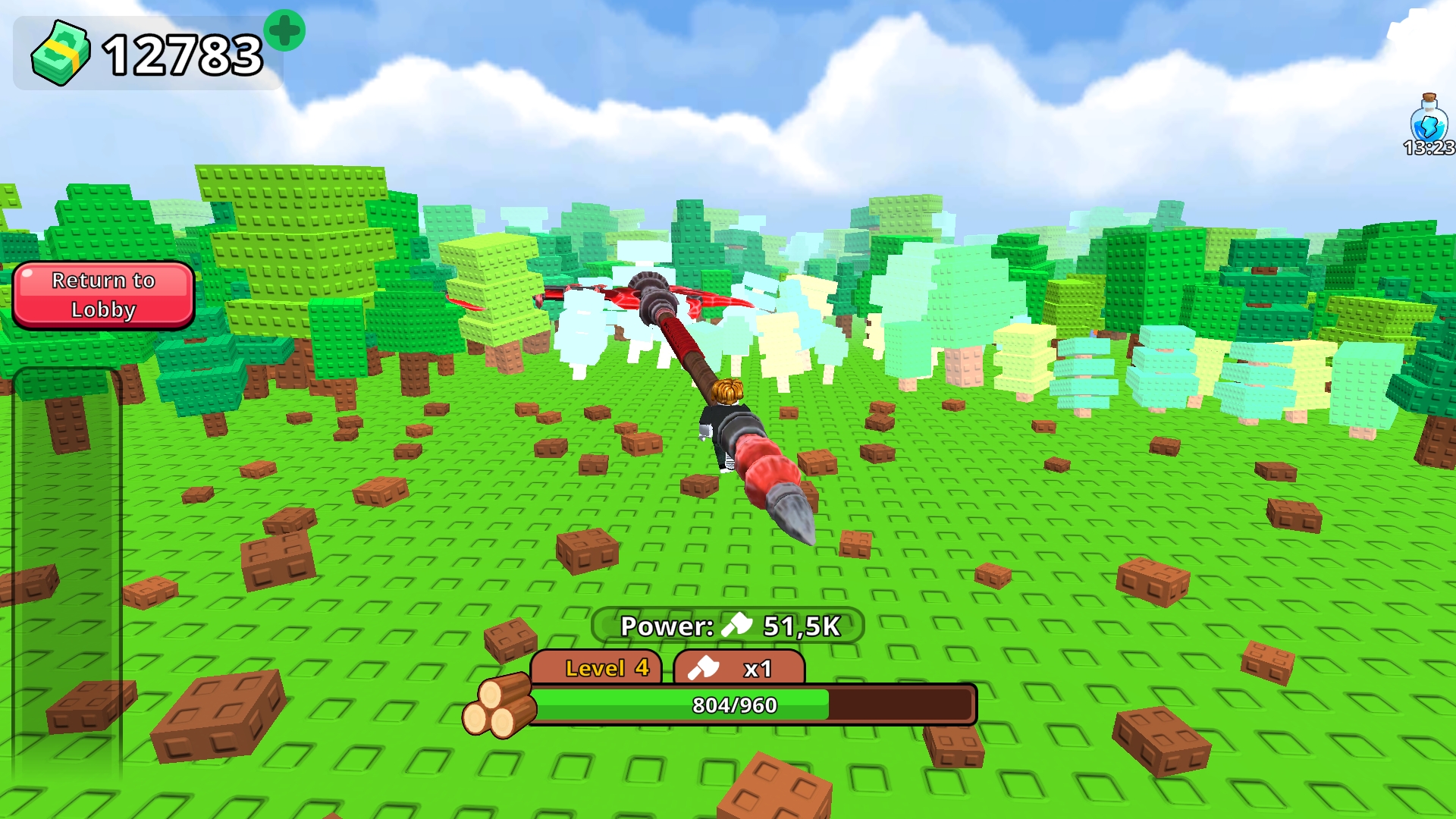
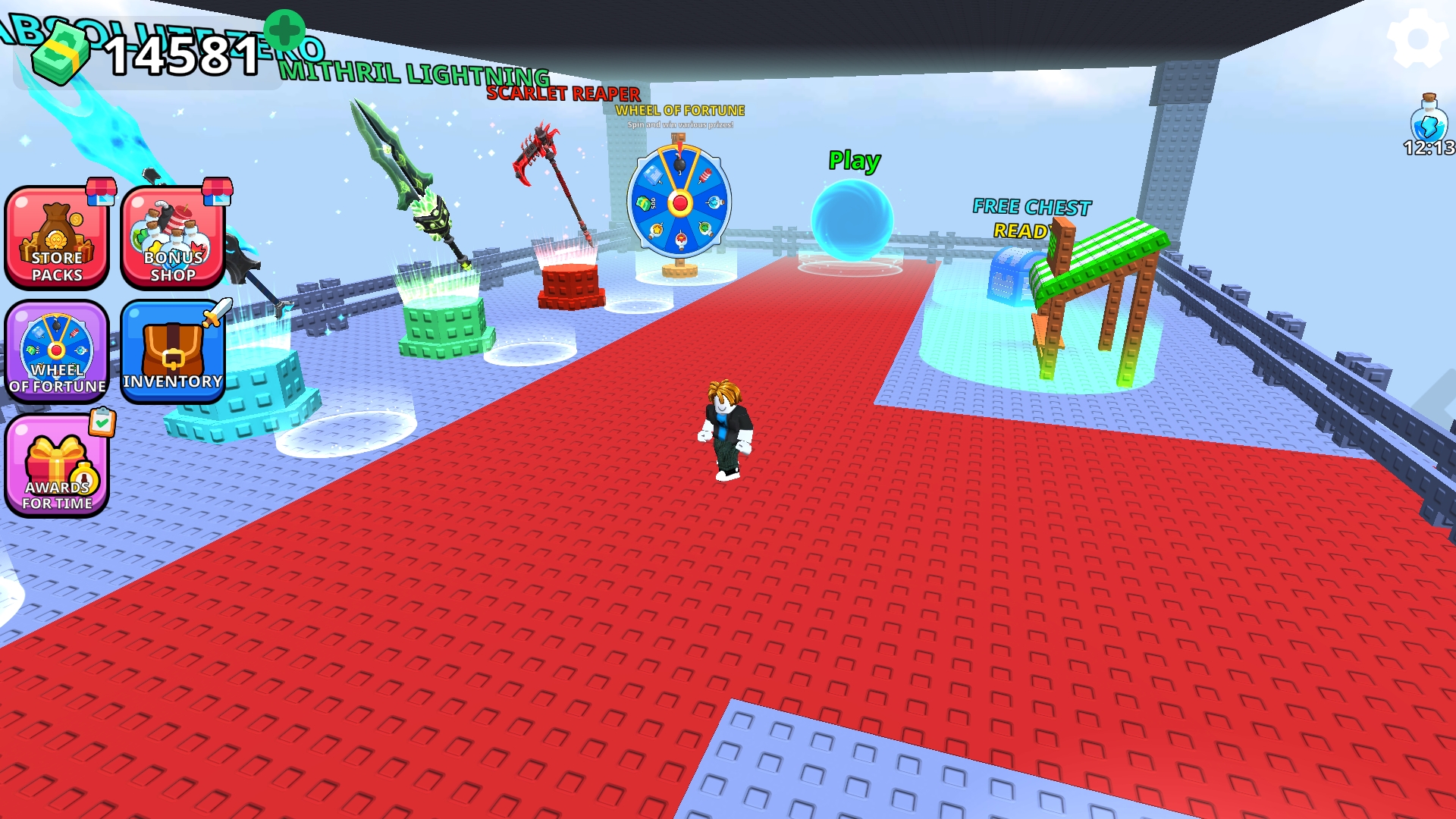
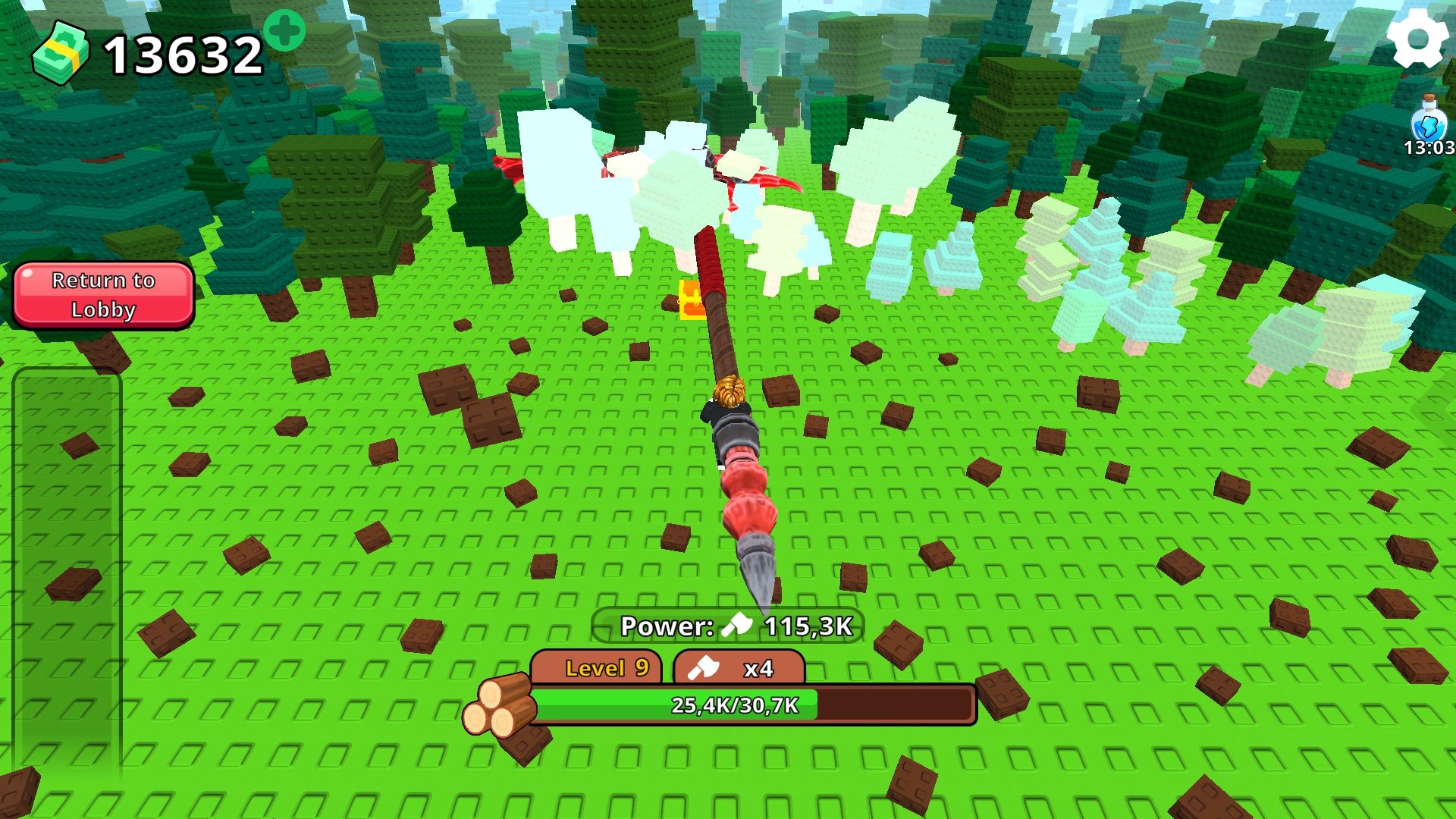
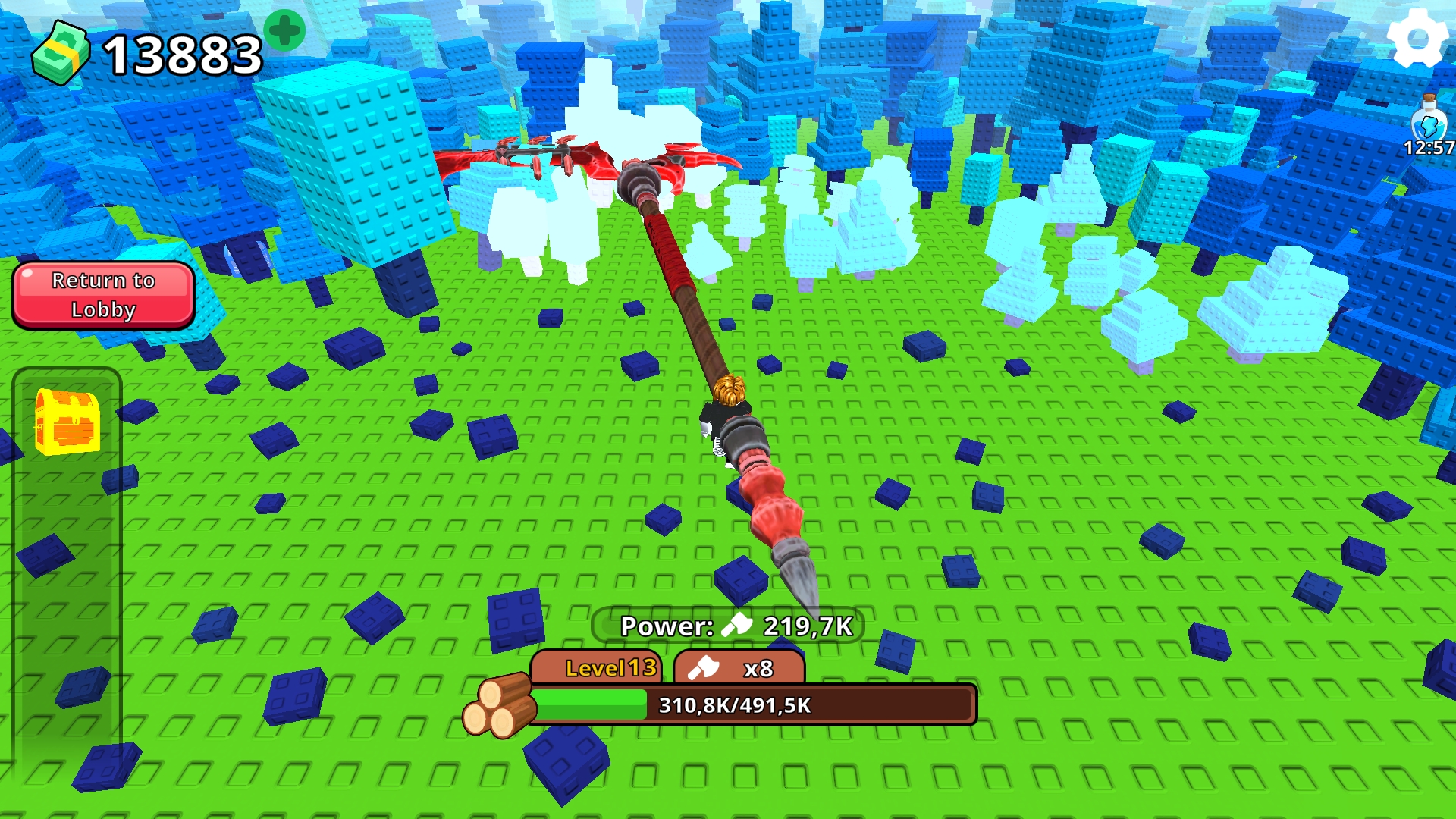
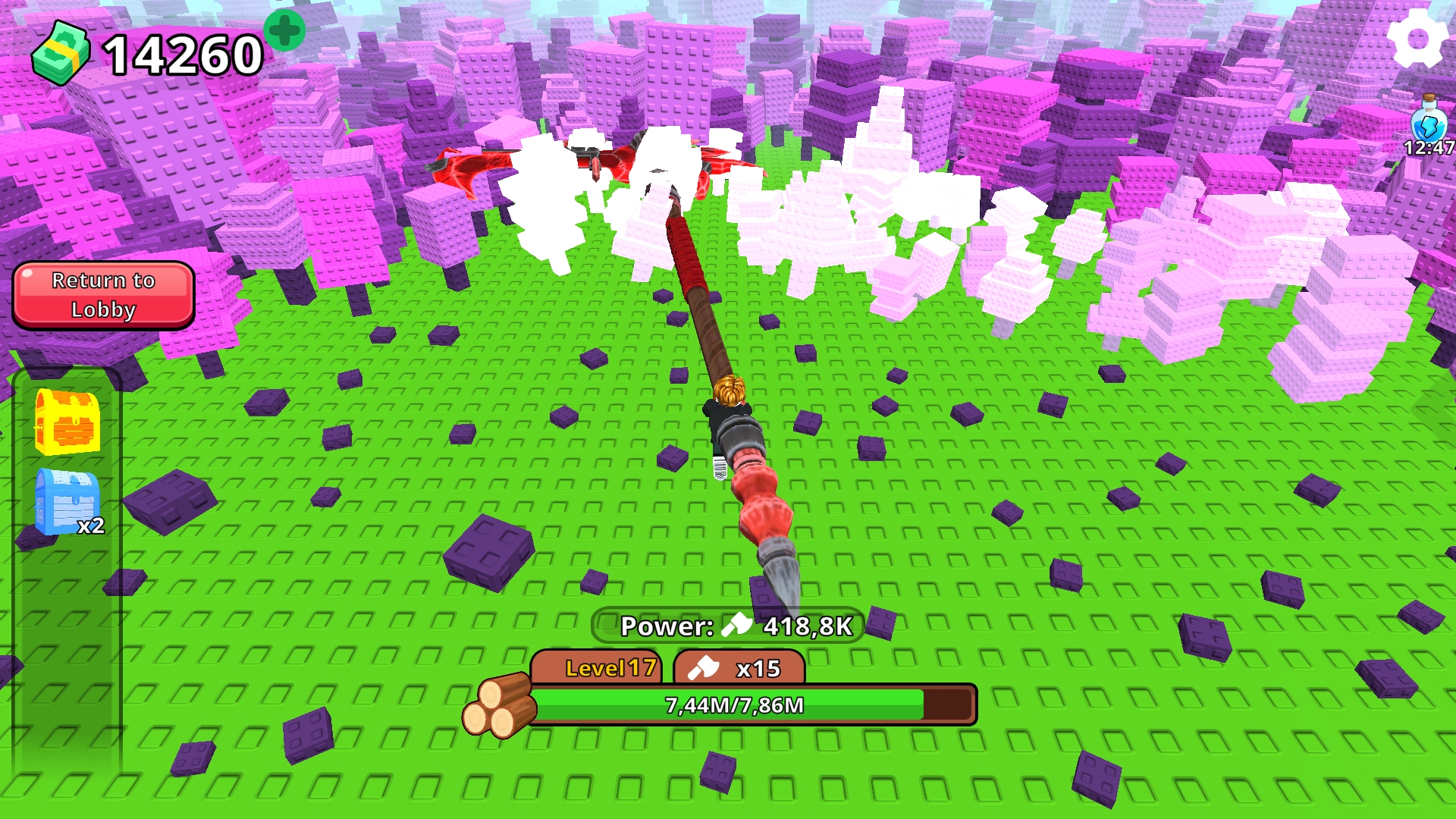
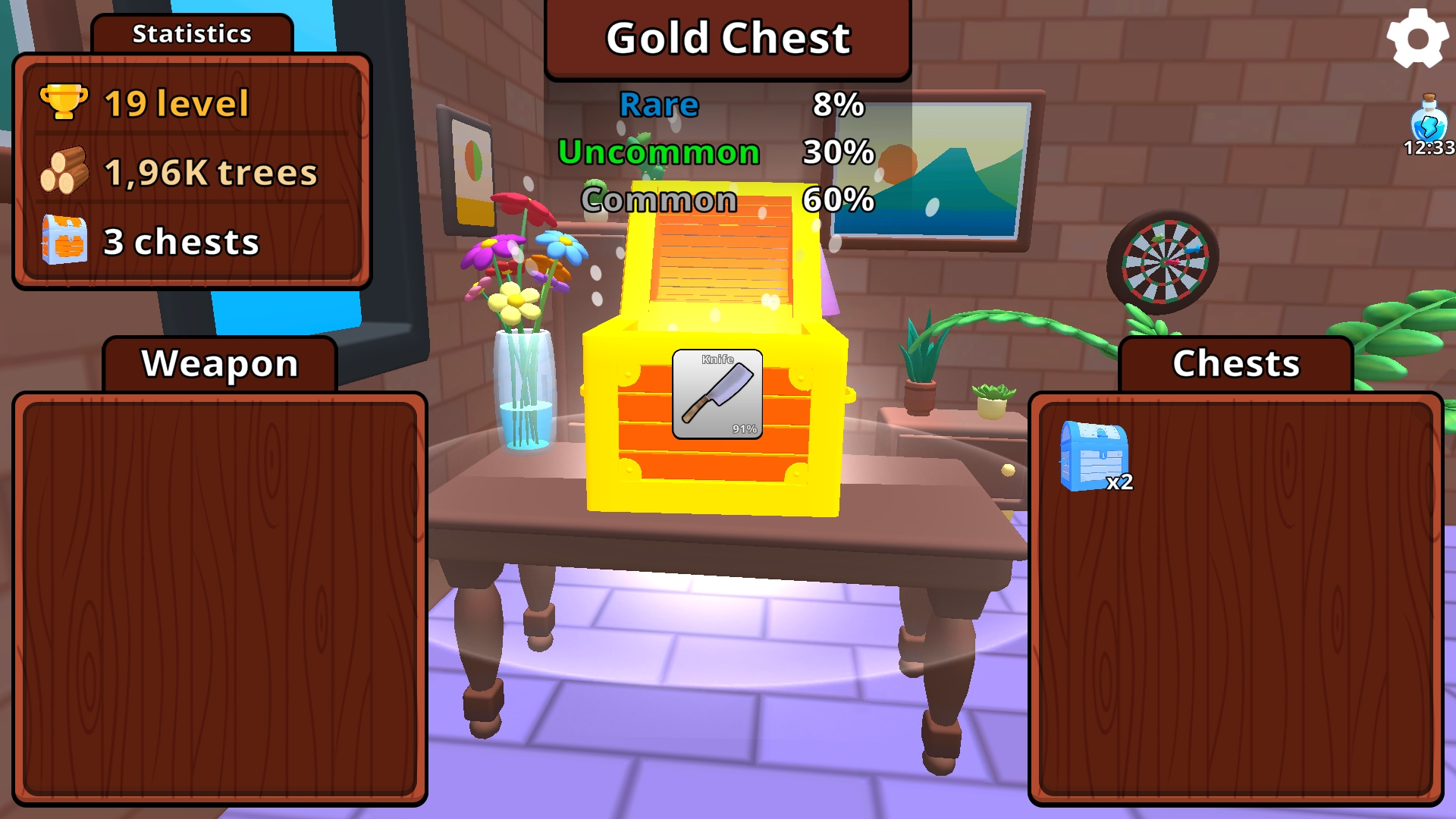
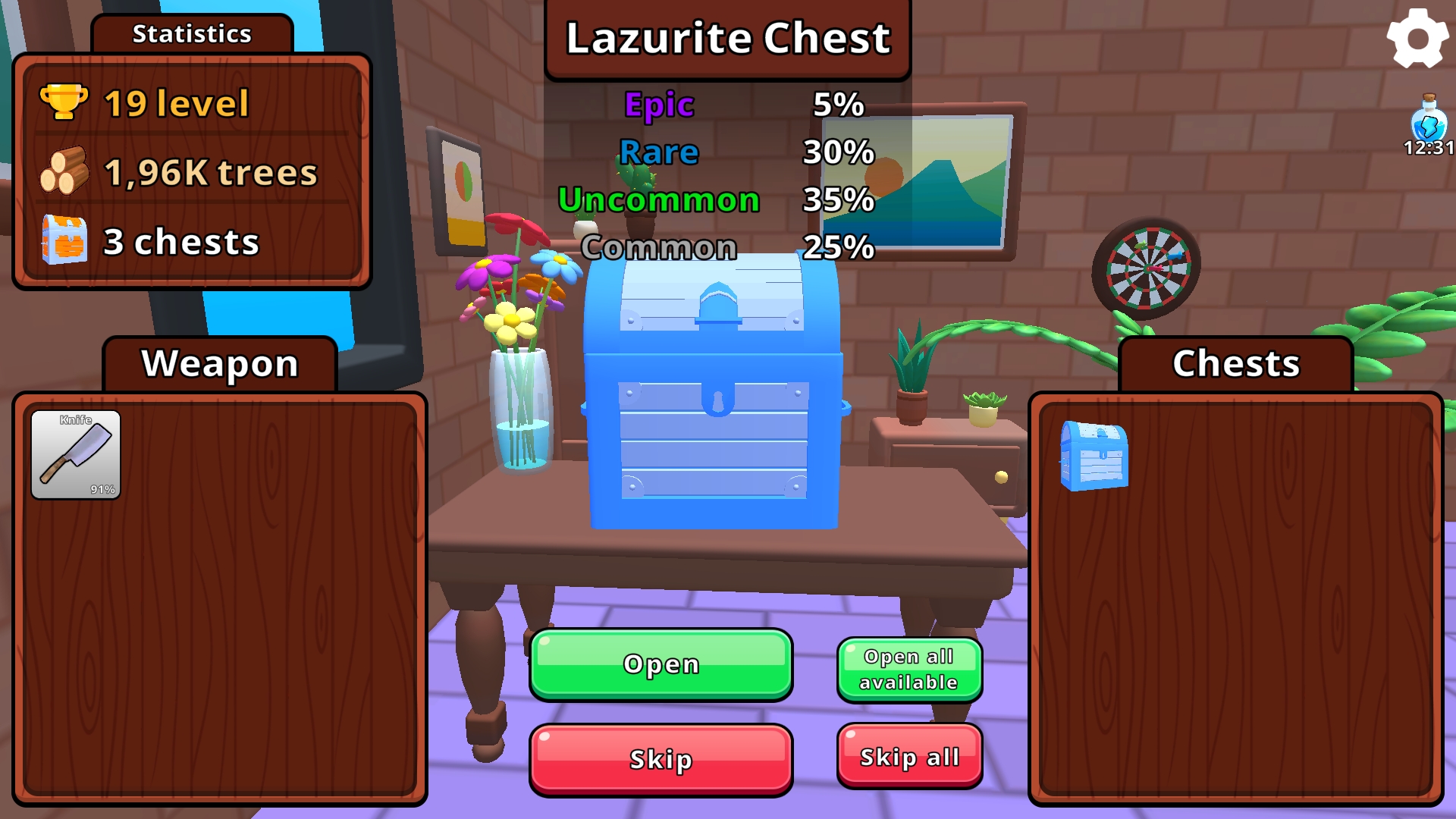
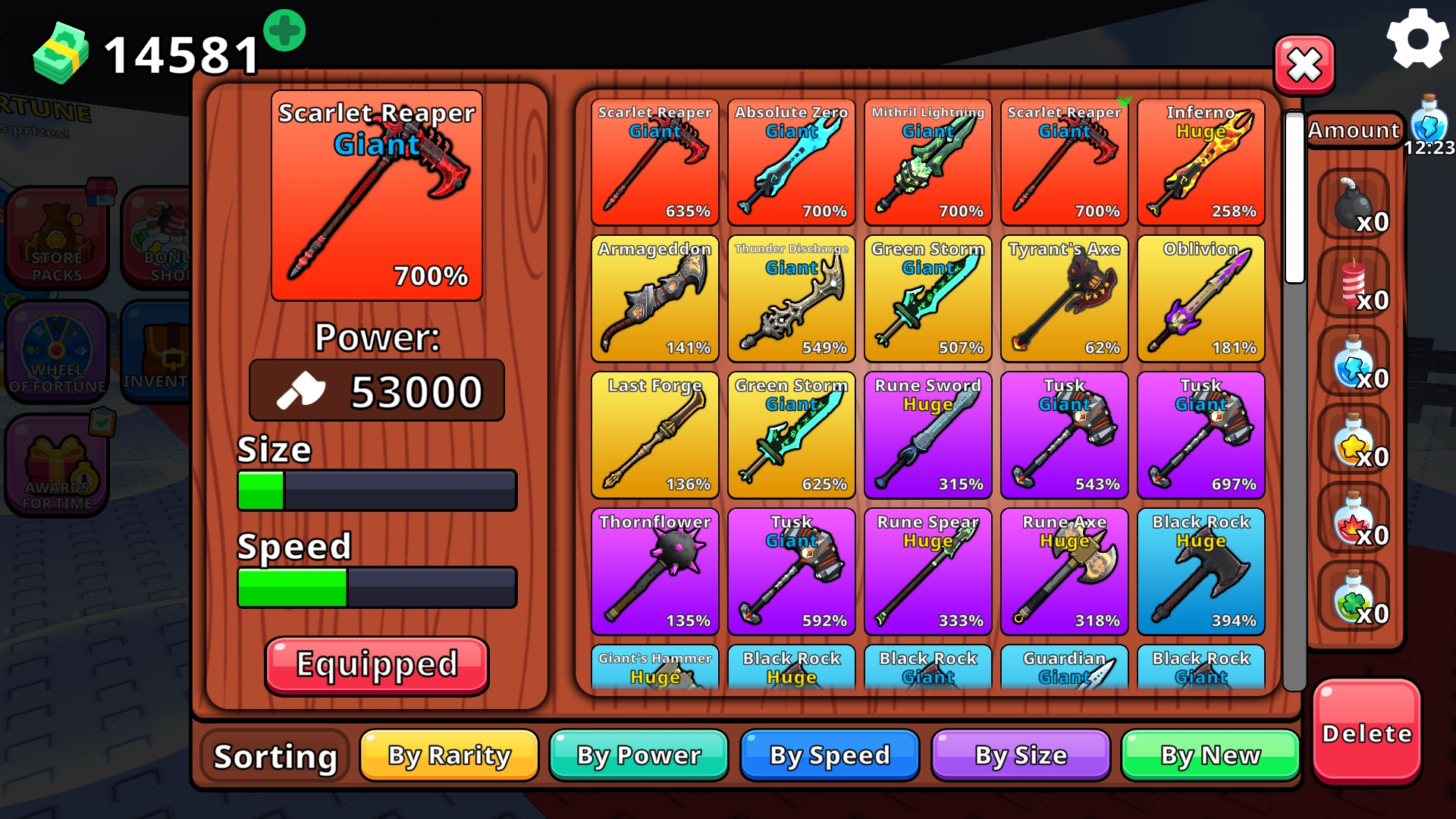
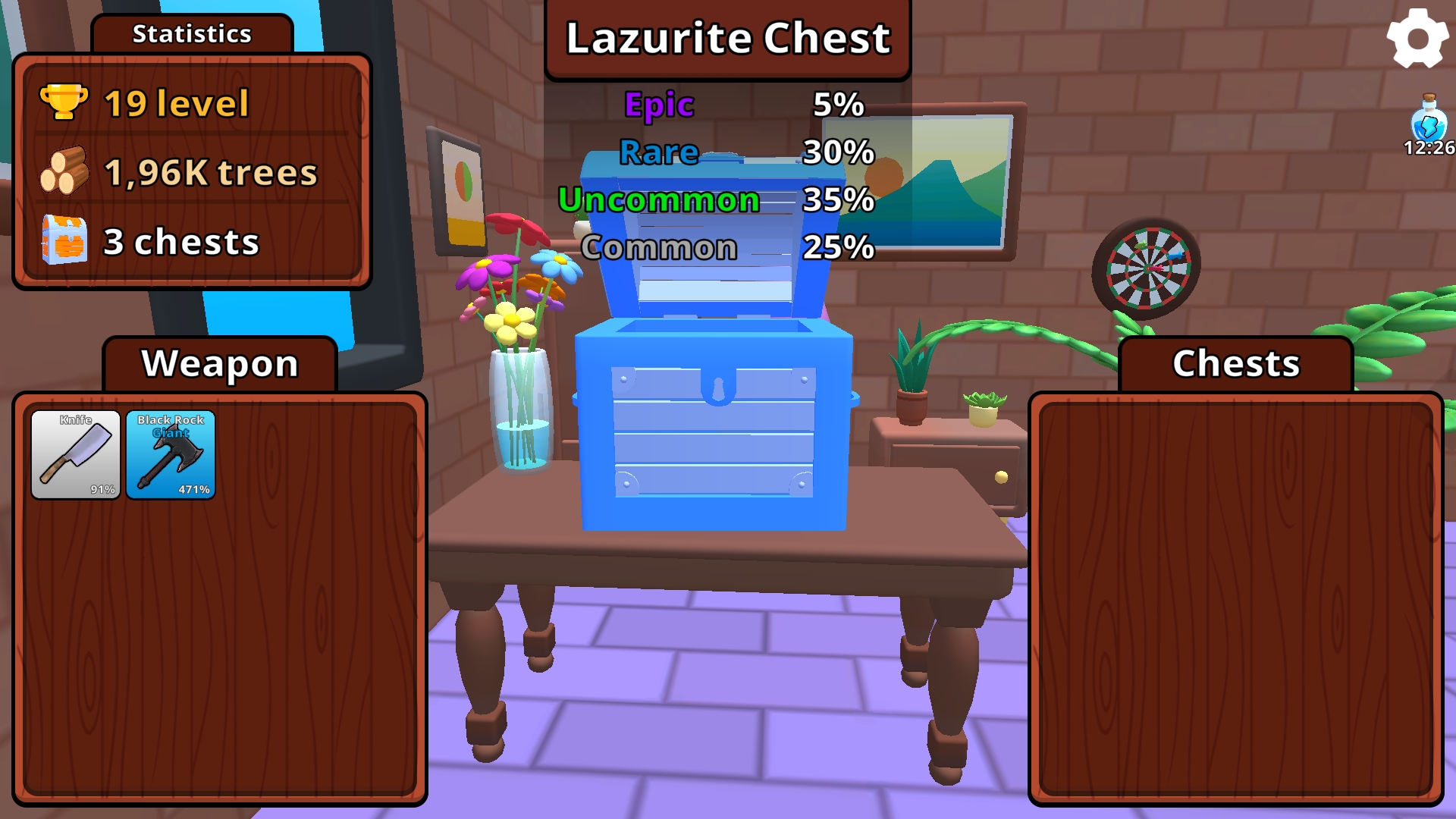
๐ŸŒฒ Chop Trees. Level Up. Become the Strongest! ๐Ÿ’ฅ Welcome to the lobby, where you can prepare for your run: buy speed, strength, and XP potions, stock up on bombs and dynamite, and open chests of different rarities to get random powerful weapons! Jump into the portal and youโ€™ll find yourself in an endless forest ๐ŸŒณ The farther you go, the tougher the trees become, and the more strength youโ€™ll need to chop them down. For every tree you cut, you earn XP, level up, and increase your weaponโ€™s power! Rare chests are scattered across the map โ€” collect them and open them in the lobby to get new gear. Each run starts at level 0, so your skill and strategy matter most! Build the best inventory and climb to the top of the leaderboard by level and time spent in the field! ๐Ÿš€

Videos and screenshots
  • Obby: Cut The Trees screenshot 1
  • Obby: Cut The Trees screenshot 2
  • Obby: Cut The Trees screenshot 3
  • Obby: Cut The Trees screenshot 4
  • Obby: Cut The Trees screenshot 5
  • Obby: Cut The Trees screenshot 6
  • Obby: Cut The Trees screenshot 7
  • Obby: Cut The Trees screenshot 8
  • Obby: Cut The Trees screenshot 9
  • Obby: Cut The Trees screenshot 10
  • Obby: Cut The Trees screenshot 11
  • Obby: Cut The Trees screenshot 12
  • Obby: Cut The Trees screenshot 13
  • Obby: Cut The Trees screenshot 14
  • Obby: Cut The Trees screenshot 15
  • Obby: Cut The Trees screenshot 16
  • Obby: Cut The Trees screenshot 17
  • Obby: Cut The Trees screenshot 18
Play Now

10,604 players online

How to play

  1. Open the game

    Press Play now and the game opens on its own screen.

  2. Follow the in-game instructions

    The controls and goals are shown inside the game as you play.

  3. Use the game menu

    The floating button over the game reloads it, saves it to your favourites, or takes you back out.

Game instructions

๐ŸŽฎ Controls ๐Ÿšถ Movement: ๐Ÿ’ป On PC: W โ€” forward A โ€” left S โ€” backward D โ€” right ๐Ÿ“ฑ On mobile: Use the joystick in the bottom-left corner of the screen. ๐ŸŽฅ Camera Rotation: ๐Ÿ’ป On PC: Hold the right or left mouse button and move the mouse to rotate the camera. ๐Ÿ“ฑ On mobile: Swipe your finger across the screen to look around.

More games

More games