Skip to content
KG
Obby: IQ Escape from the Laboratory

Obby: IQ Escape from the Laboratory

1K plays 3.6 out of 5

Overview

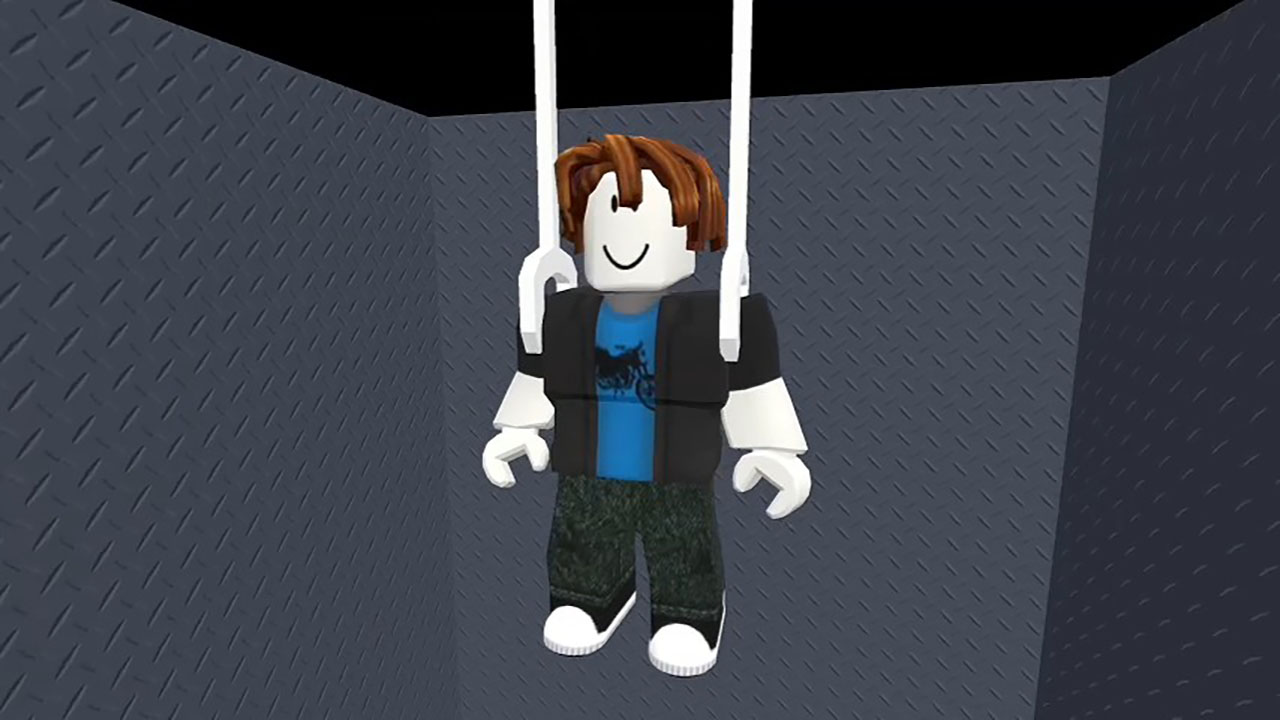
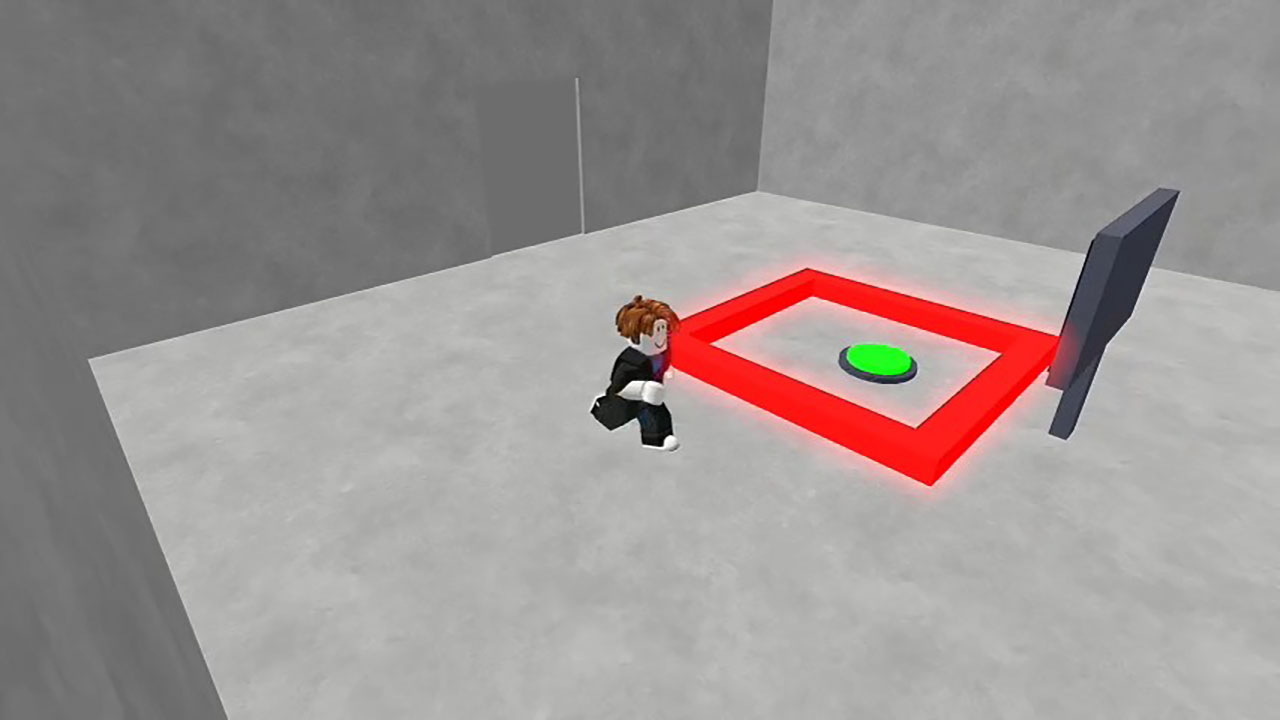
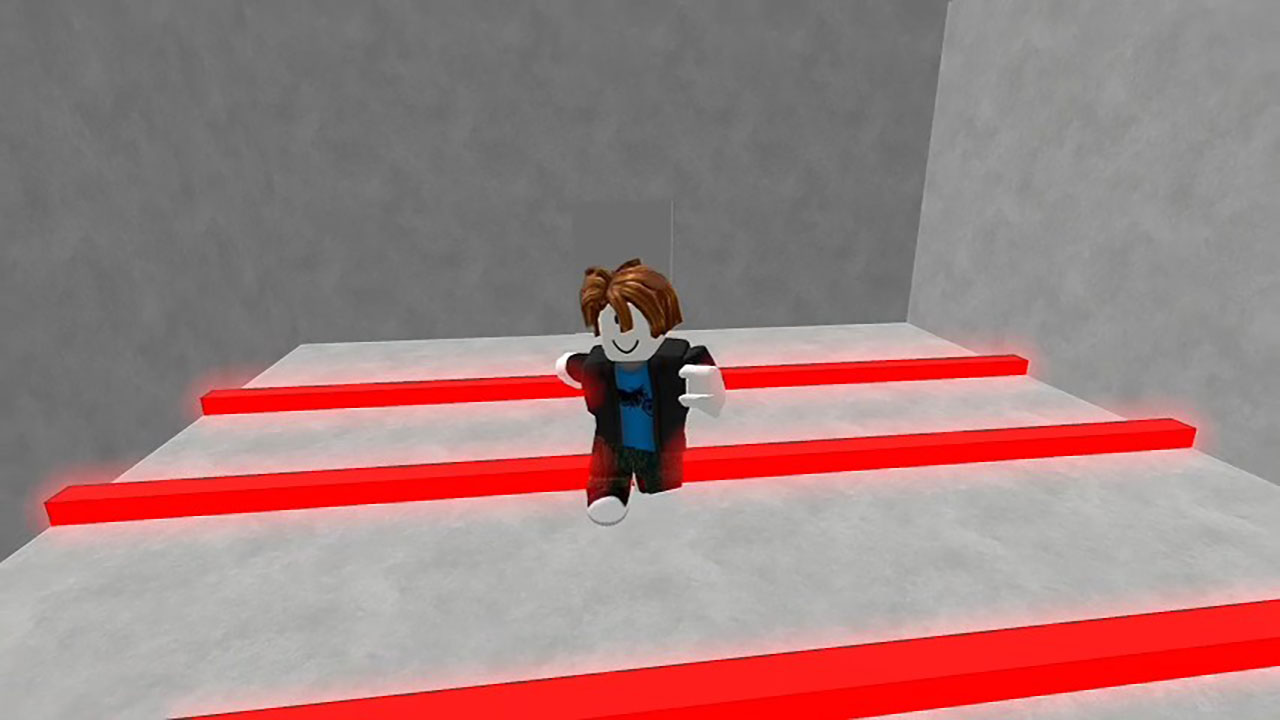
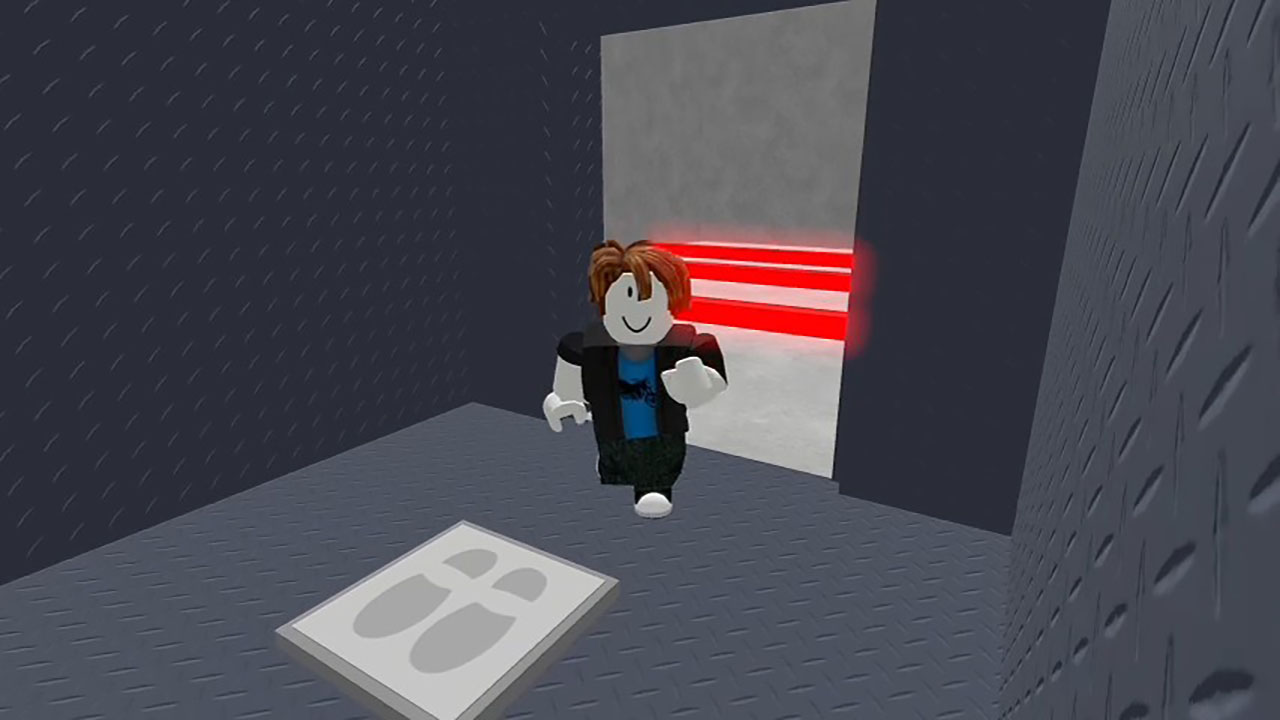
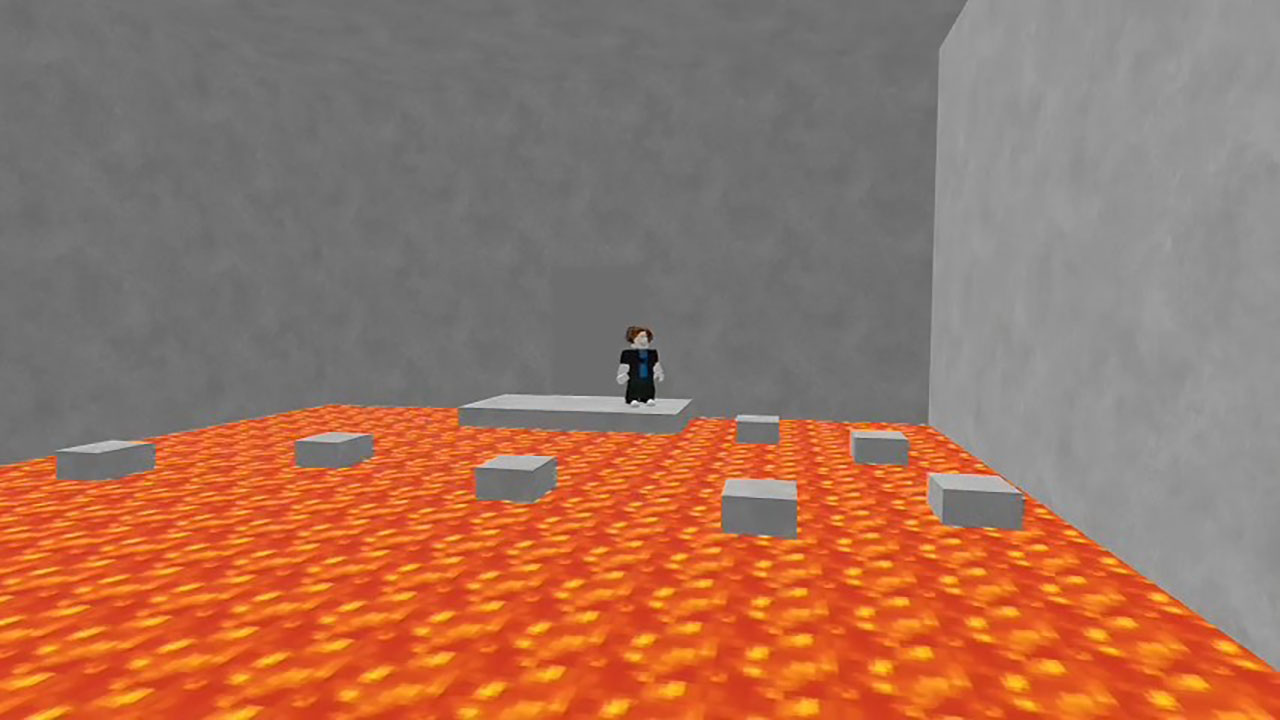
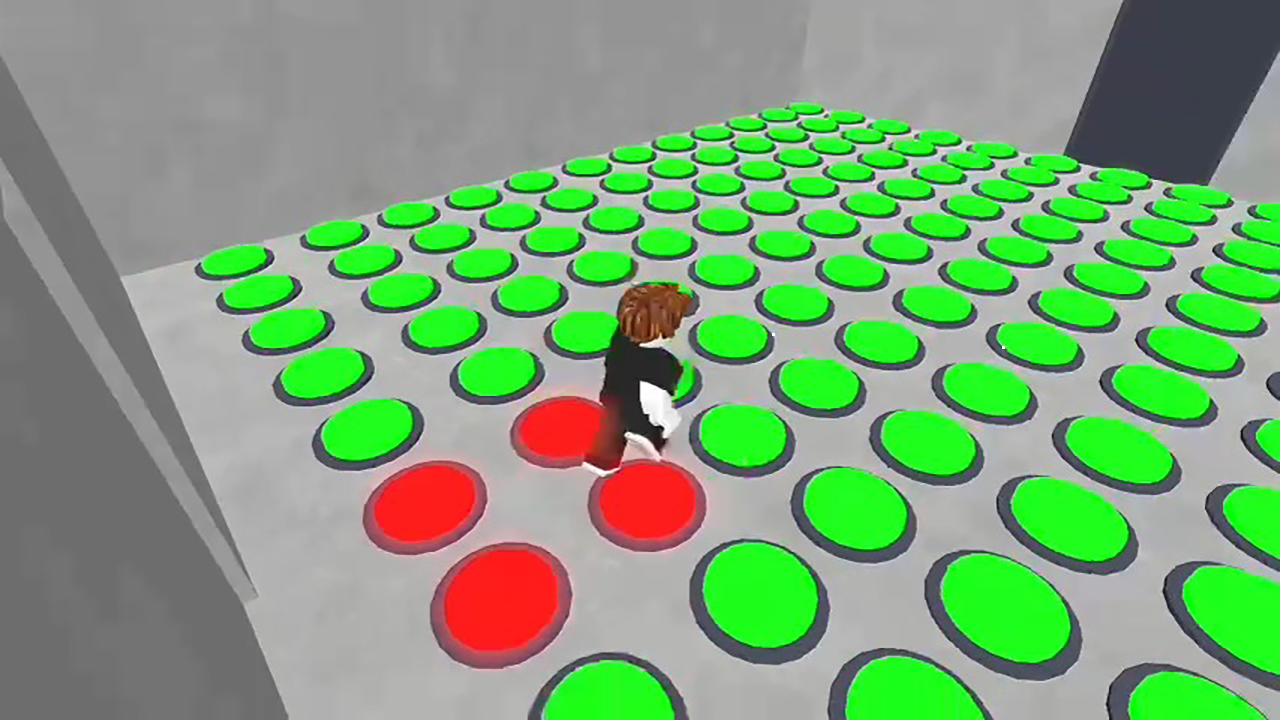
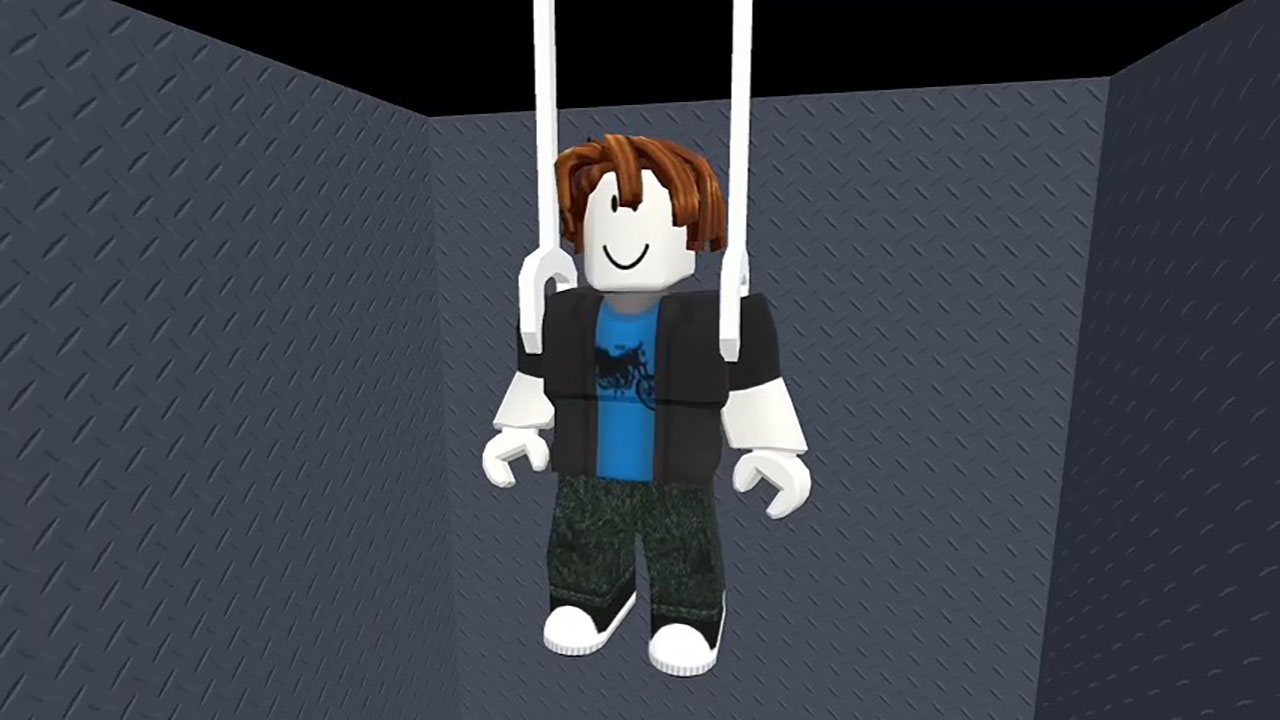
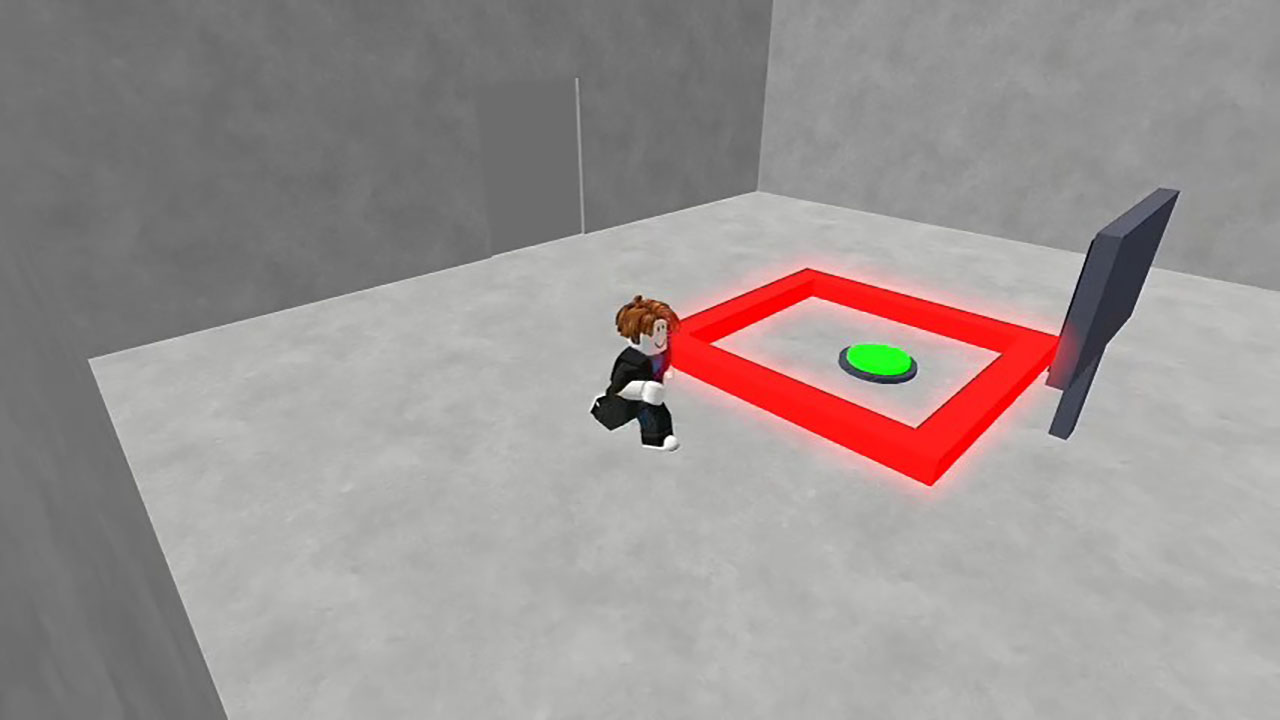
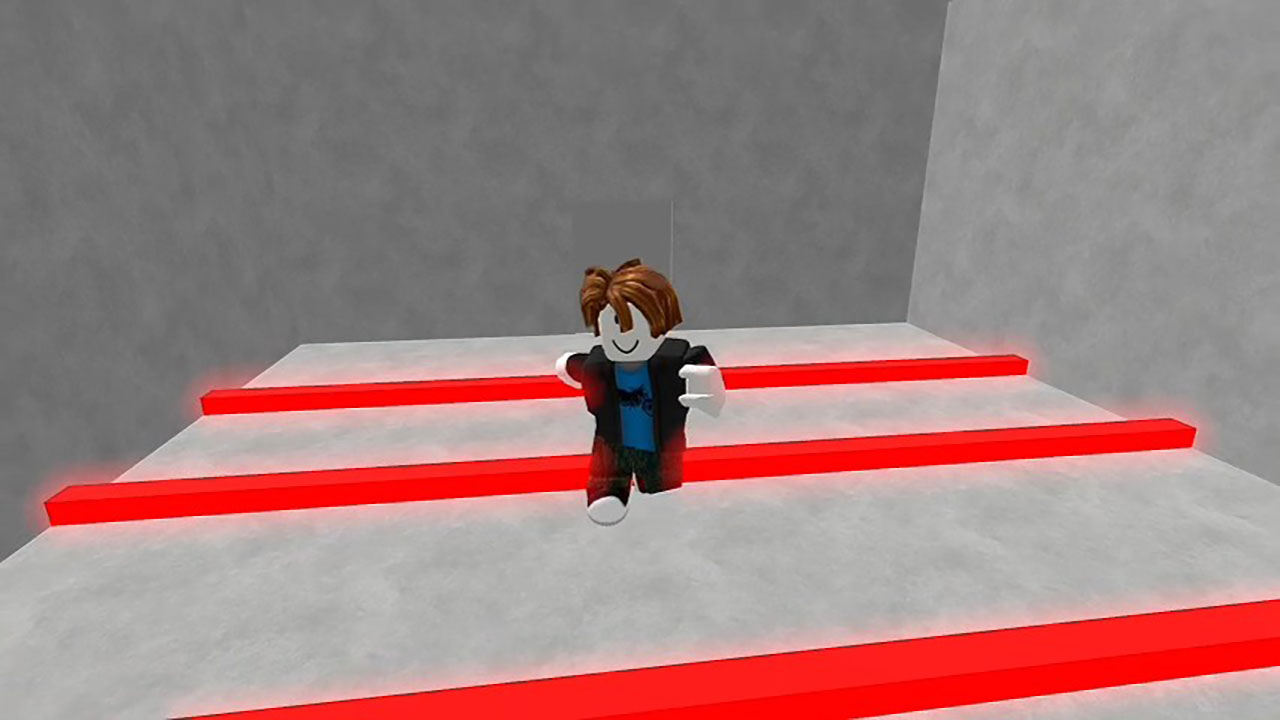
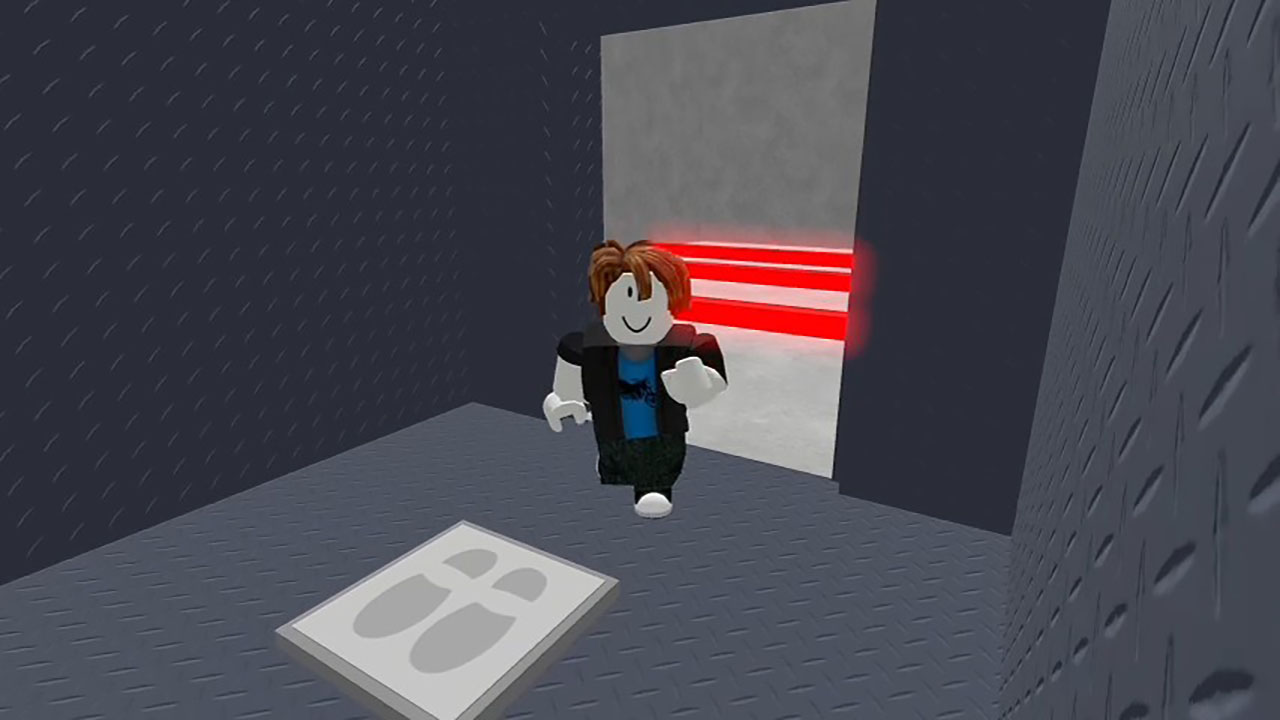
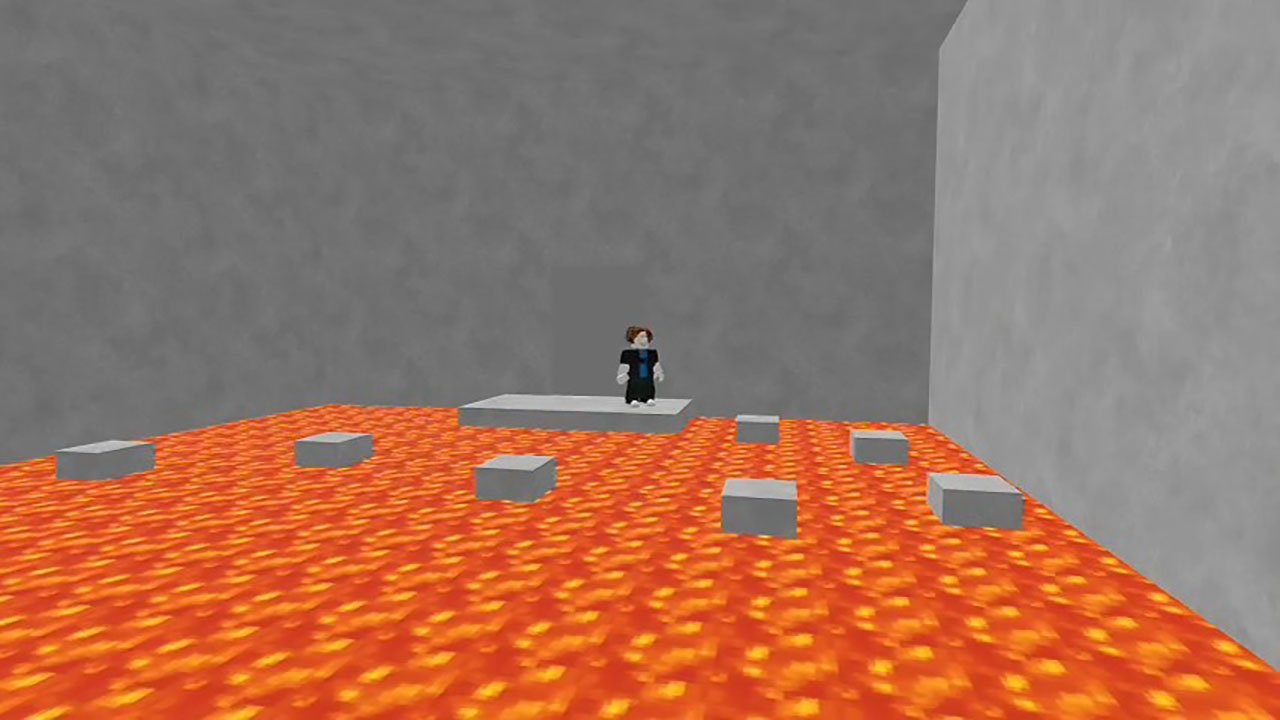
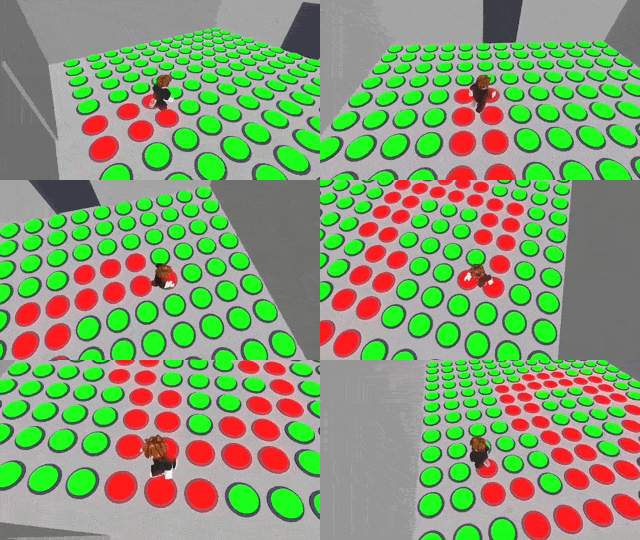
Welcome to “Obby: IQ Escape from the Laboratory” - a unique 3D game where each level tests not only your dexterity, but also your intelligence! You find yourself in a mysterious laboratory full of puzzles, traps and unusual challenges. To get out, you'll have to do more than just jump - you'll have to think! What awaits you: 🧠 IQ-tests - non-standard tasks that require logic, attention and wit. 🕹️ Fun mechanics - push, build, jump and destroy: each level offers a new approach to the solution. 🤣 Humor and surprises - unexpected traps and funny situations are waiting around every corner. 🏃 Parkour with brain - it's not just an obby, it's a real workout for mind and body! 🔓 Lab Escape - get to the exit by bypassing crazy obstacles and solving mysteries. It is a mix of parkour, logic and fun that will definitely not let you get bored!

Videos and screenshots
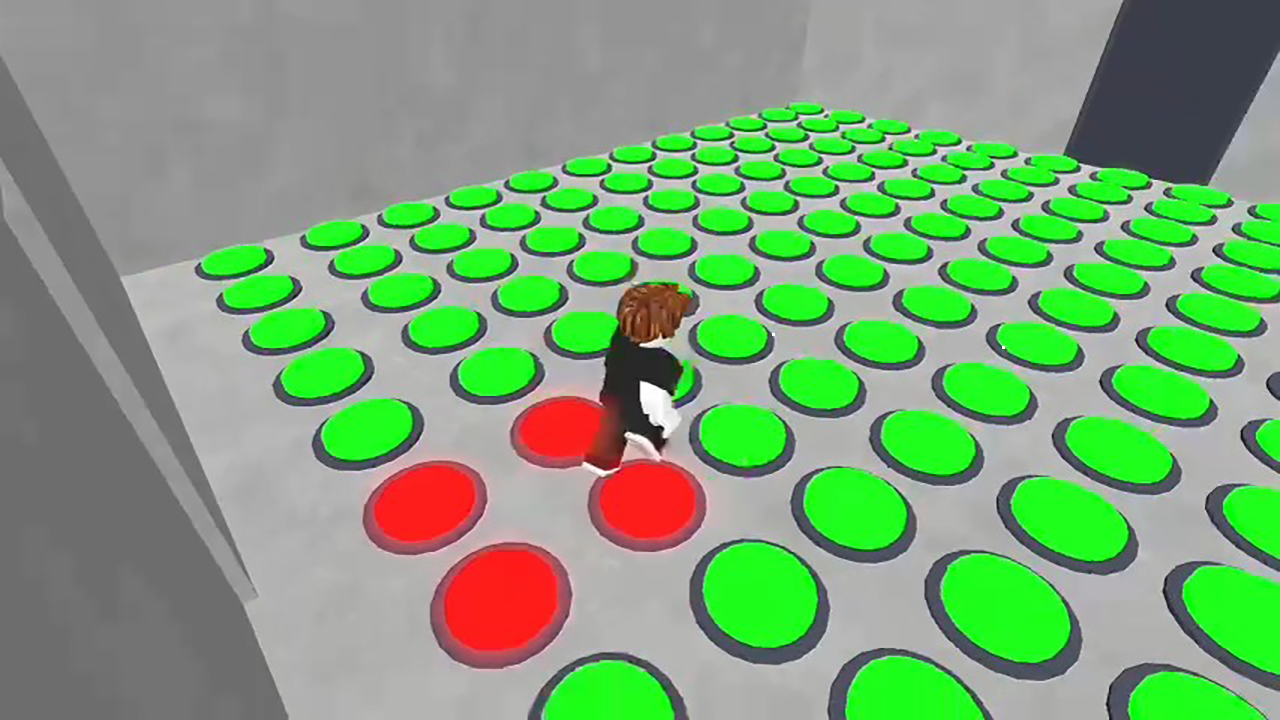
  • Obby: IQ Escape from the Laboratory screenshot 1
  • Obby: IQ Escape from the Laboratory screenshot 2
  • Obby: IQ Escape from the Laboratory screenshot 3
  • Obby: IQ Escape from the Laboratory screenshot 4
  • Obby: IQ Escape from the Laboratory screenshot 5
  • Obby: IQ Escape from the Laboratory screenshot 6
  • Obby: IQ Escape from the Laboratory screenshot 7
  • Obby: IQ Escape from the Laboratory screenshot 8
  • Obby: IQ Escape from the Laboratory screenshot 9
  • Obby: IQ Escape from the Laboratory screenshot 10
  • Obby: IQ Escape from the Laboratory screenshot 11
  • Obby: IQ Escape from the Laboratory screenshot 12
  • Obby: IQ Escape from the Laboratory screenshot 13
  • Obby: IQ Escape from the Laboratory screenshot 14
  • Obby: IQ Escape from the Laboratory screenshot 15
Play Now

12,388 players online

How to play

  1. Open the game

    Press Play now and the game opens on its own screen.

  2. Follow the in-game instructions

    The controls and goals are shown inside the game as you play.

  3. Use the game menu

    The floating button over the game reloads it, saves it to your favourites, or takes you back out.

Game instructions

📱 Control on your phone: - Move - virtual joystick on the left hand side - Jump - button on the right - Interaction (if needed) - additional button ⸻ 🖥 PC control: - Movement - W A S D keys - Jump - Spacebar - Camera - mouse (hold down PCM and move the mouse) - Zoom - mouse wheel Also in the settings you can change the sensitivity of the camera.

More games

More games