Overview
«Obby: Jump Tower with Pets» 🏃♂️🚀
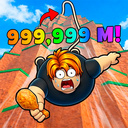
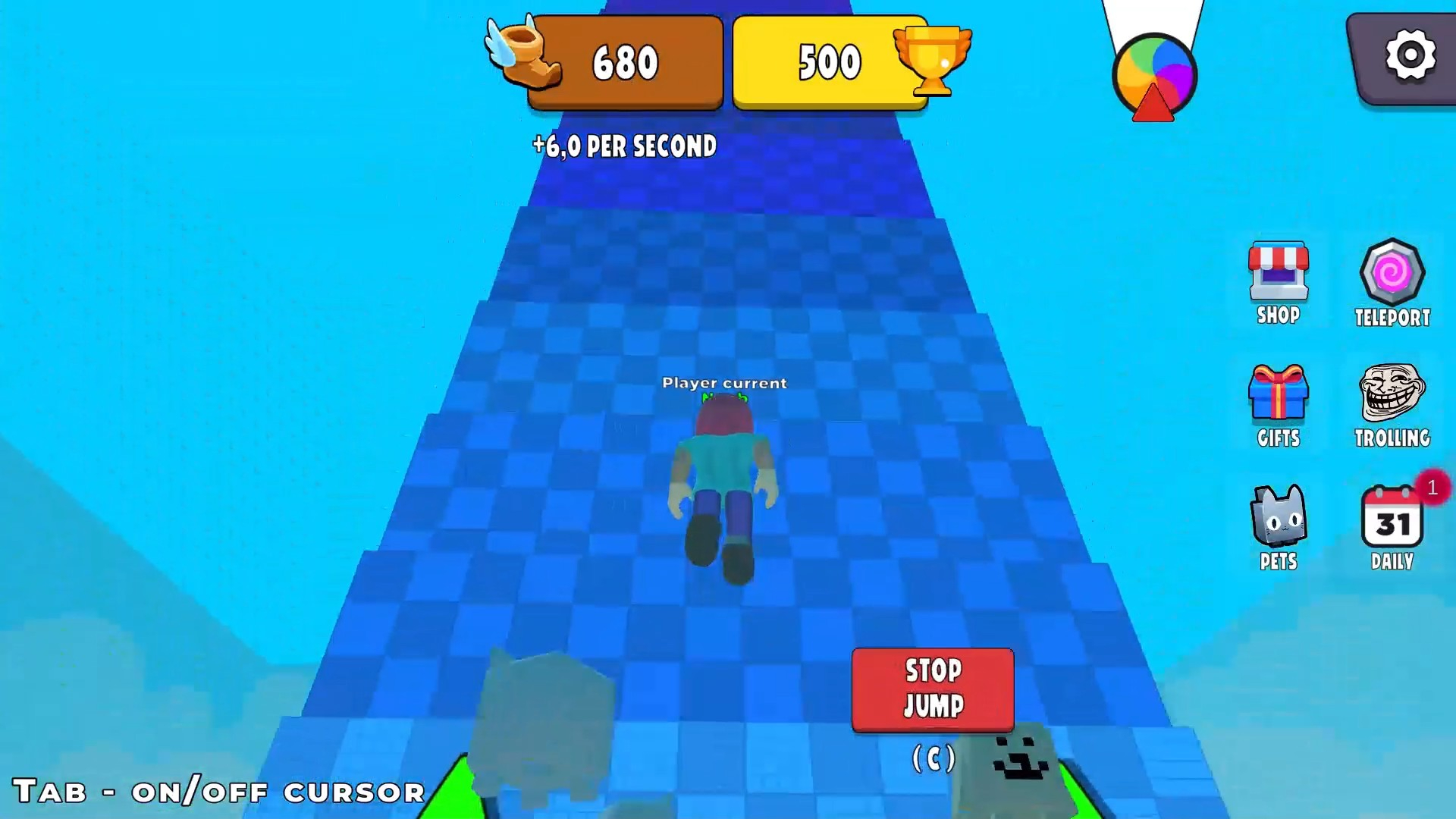
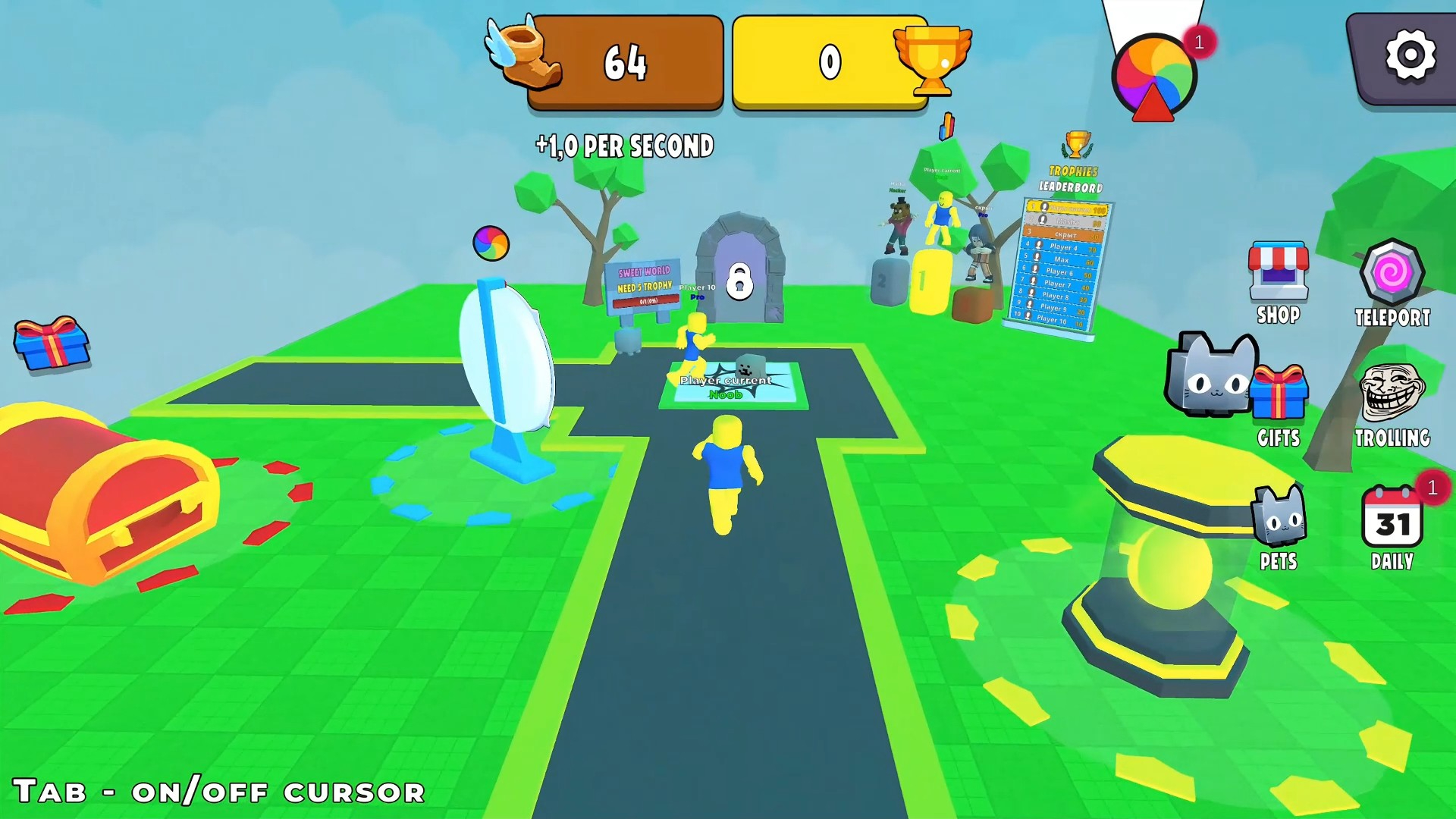
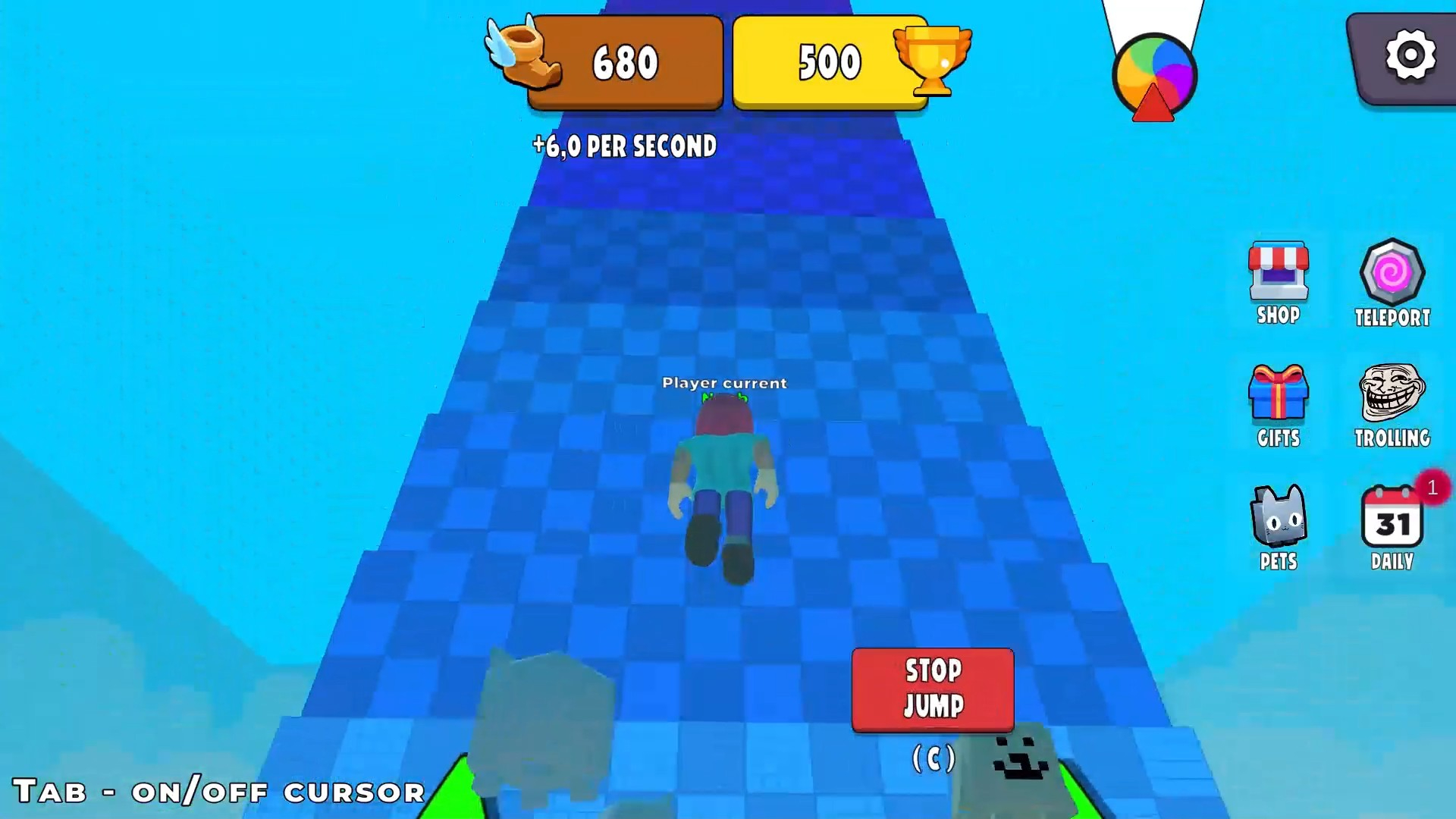
The coolest obby of 2025! Press space/tap the screen and your character jumps HIGHER and HIGHER up the giant tower! 😱 One wrong jump and you plummet all the way down 😂 But the farther you climb, the more trophies you get! 🏆
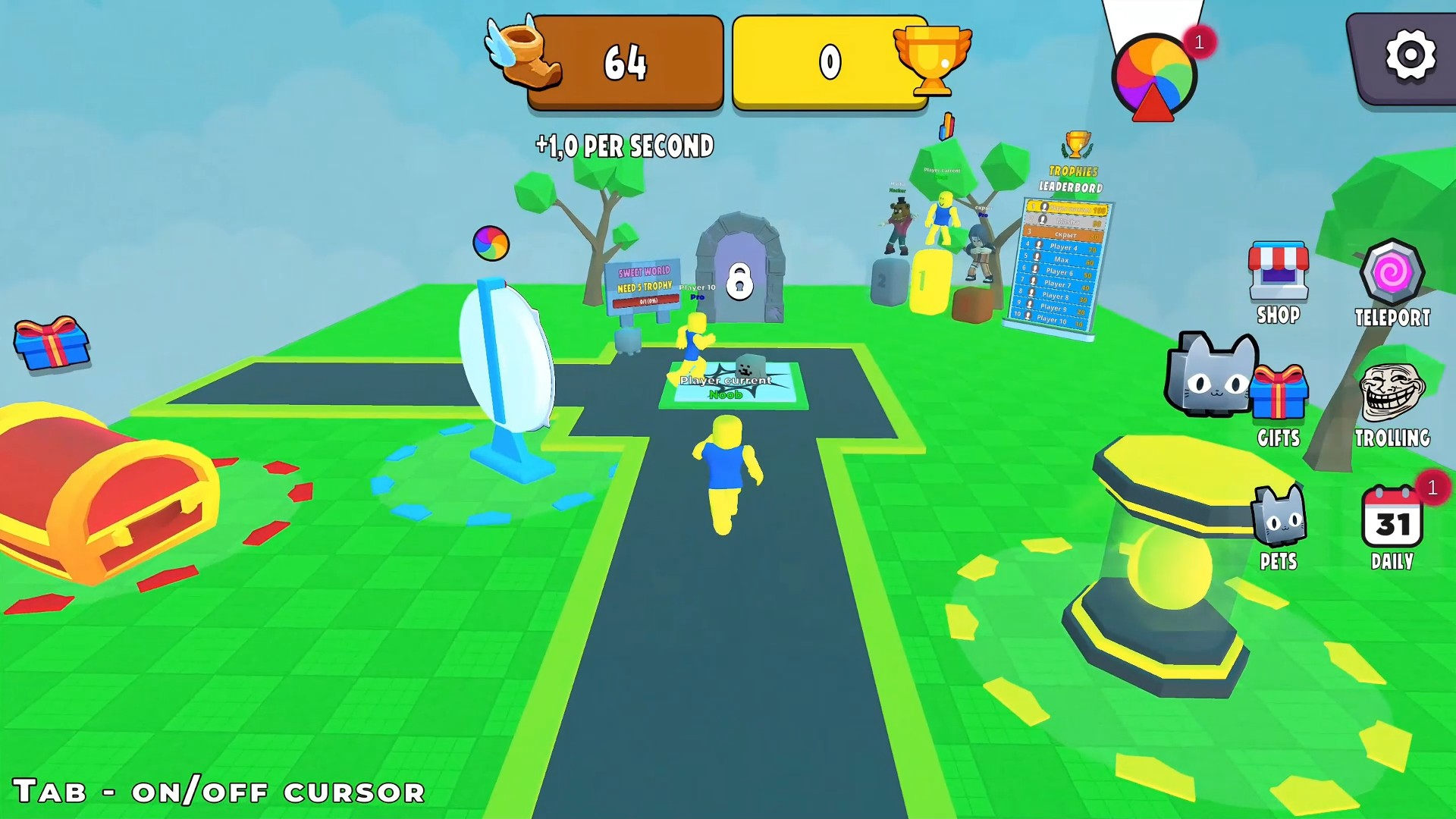
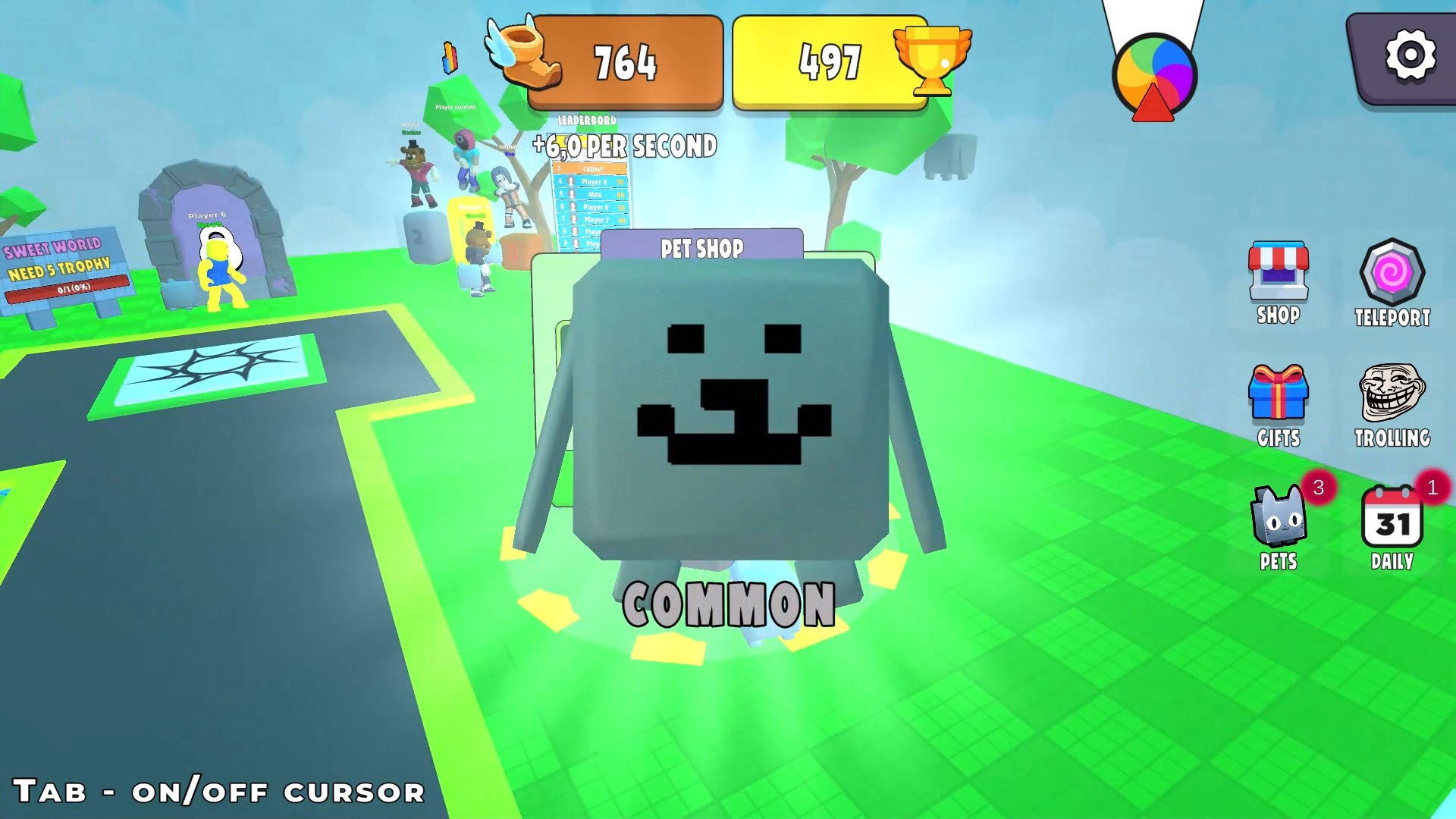
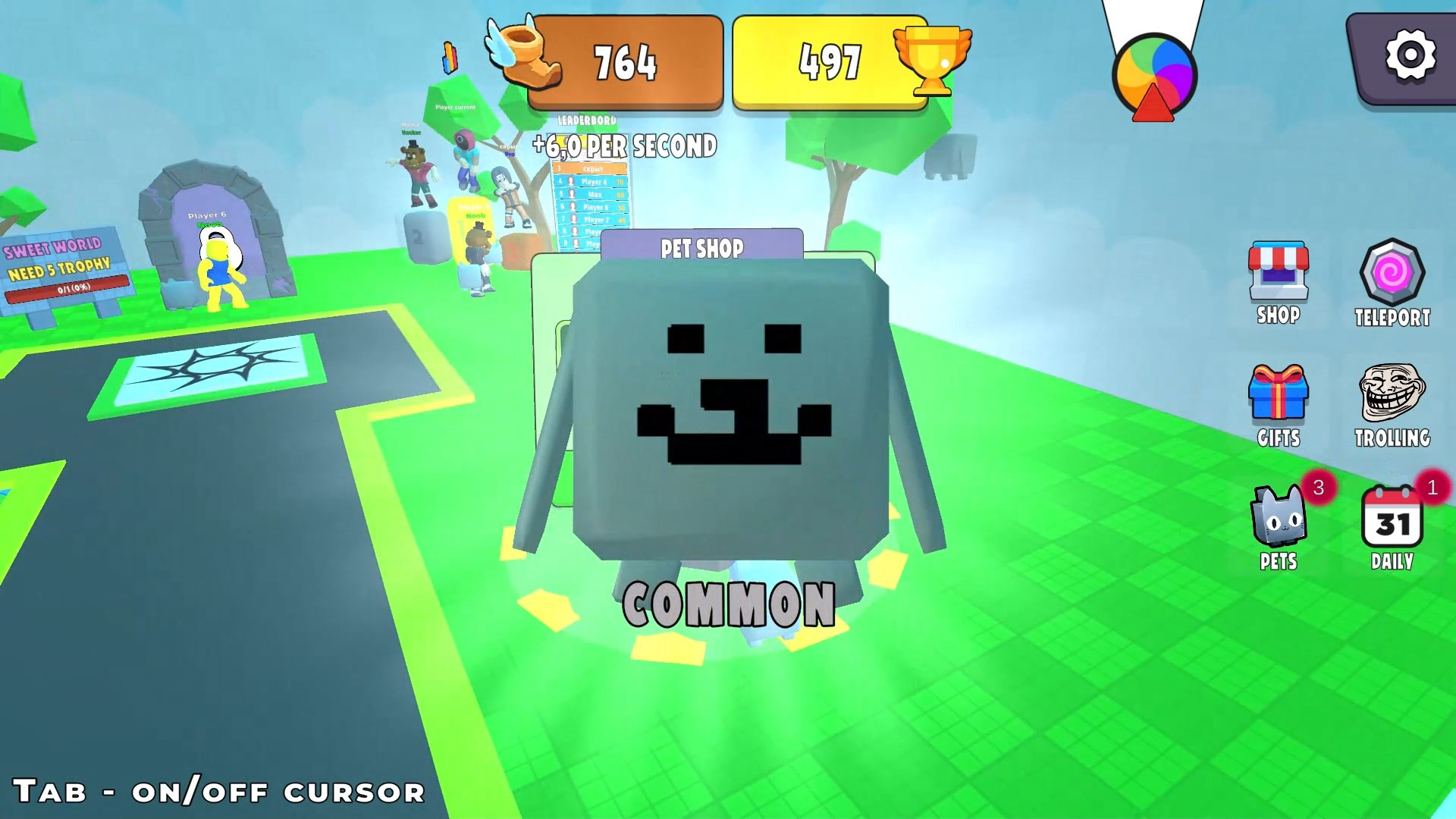
Hatch super cute pets from common to LEGENDARY ✨ — they give insane jump height boosts!
Put on an epic or legendary pet and jump like a rocket!
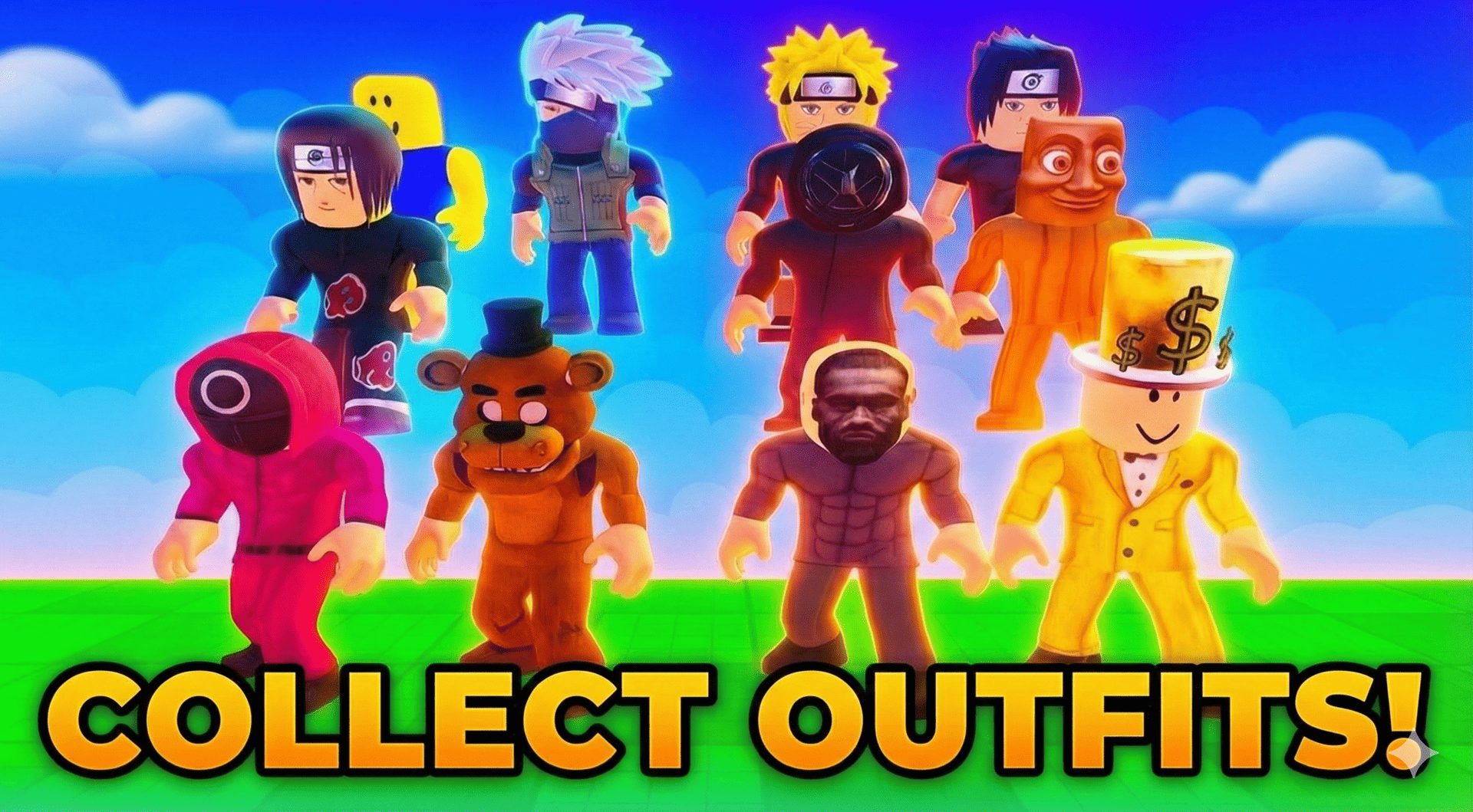
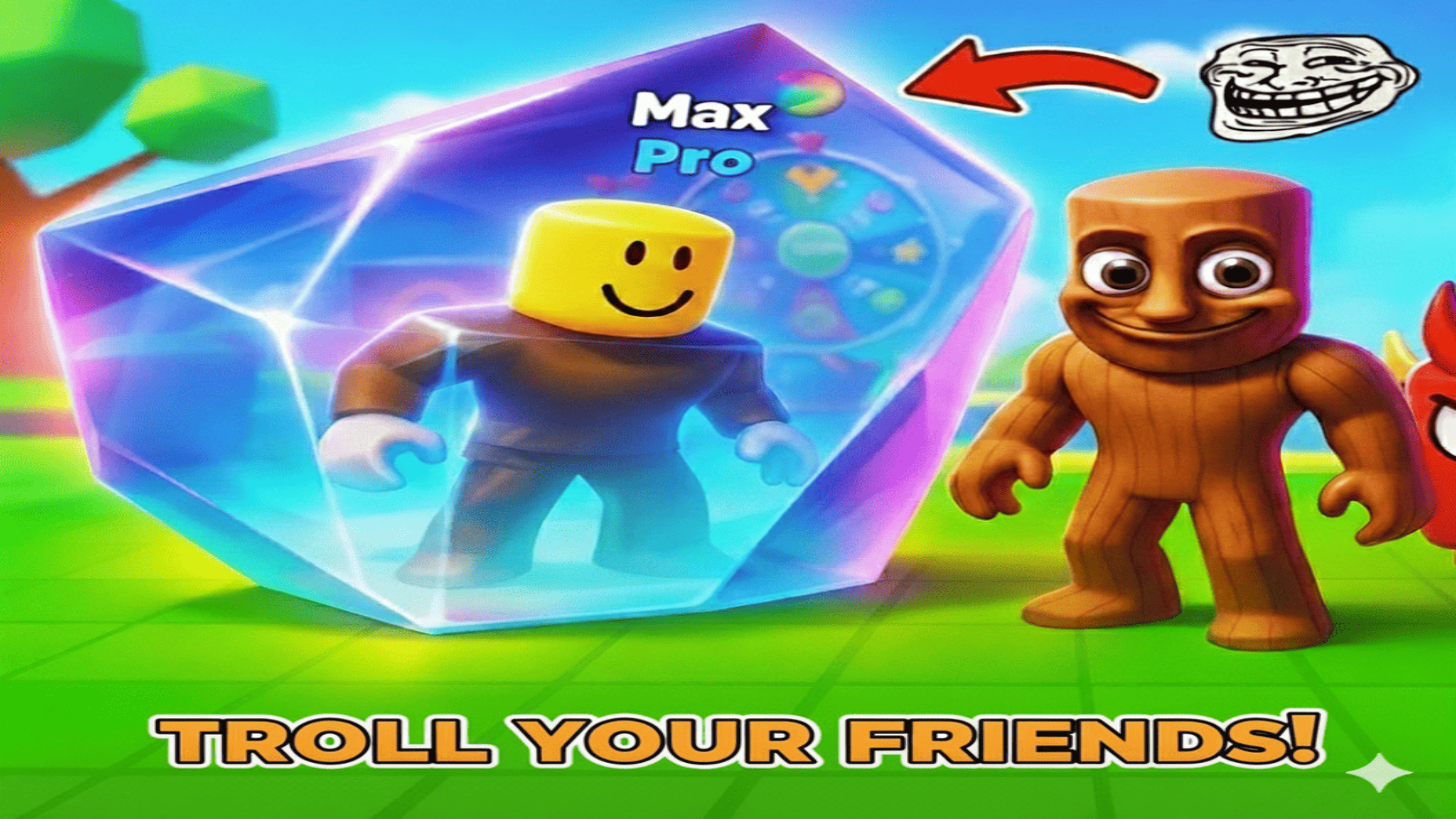
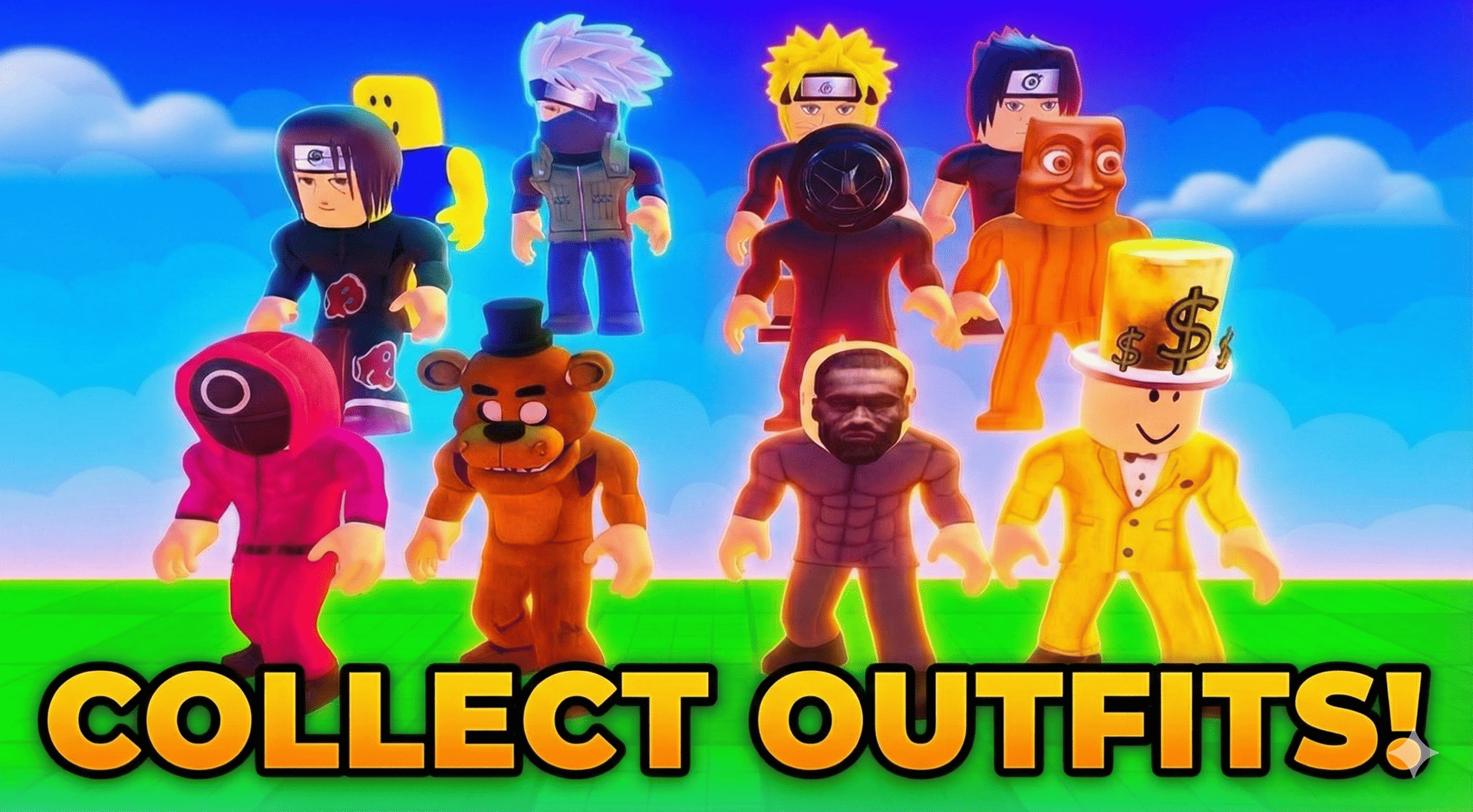
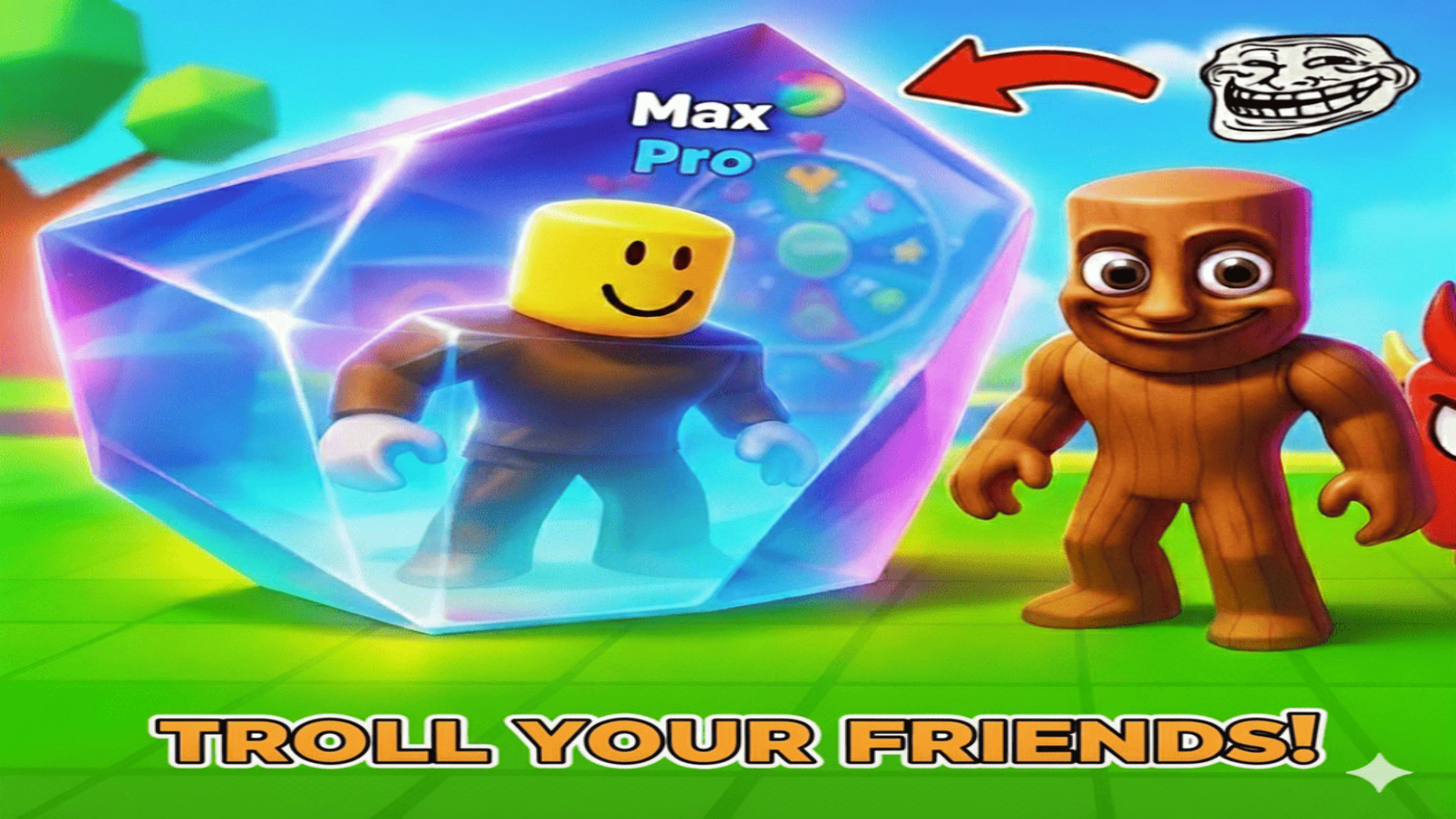
Change bright skins for body and head (yes, the legendary «Toon Toon Sahur» is here 🤡🔥)
Spin the Wheel of Fortune every day 🎰 — legendary pets, rare skins and mega boosts can drop!
Grab daily rewards with epic animations 🎁✨
Open timed gifts ⏰
Reach top-3 — your character will DANCE on the podium for everyone to see! 💃🕺
Rank up from Noob to LEGEND! 🏅
Tons of effects, smooth animations and endless collectibles! Play completely free in browser — jump in right now and prove you’re the king of the tower! 🔥🔥
Videos and screenshots
13,414 players online
How to play
-
Open the game
Press Play now and the game opens on its own screen.
-
Follow the in-game instructions
The controls and goals are shown inside the game as you play.
-
Use the game menu
The floating button over the game reloads it, saves it to your favourites, or takes you back out.