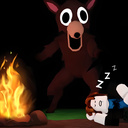
Overview
Immerse yourself in an exciting world of attractions and fun with our unique open-world game! Explore a huge amusement park full of amazing adventures and vivid emotions. Your main task is to find mysterious objects known as brainrots, hidden among colorful decorations and entertaining recreation areas.
Game Features:
🌍 Open world: Move freely through a huge theme park full of secrets and surprises.
Attractions: Enjoy a variety of unique and exciting attractions, each hiding its own story.
🔍 Search objective: Explore the park, solve puzzles and find mysterious objects.
Fun and humor: The game is filled with funny characters, unexpected situations and funny dialogues.
A variety of activities: in addition to the main quest, you will find mini-games, challenges and special tasks.
Videos and screenshots
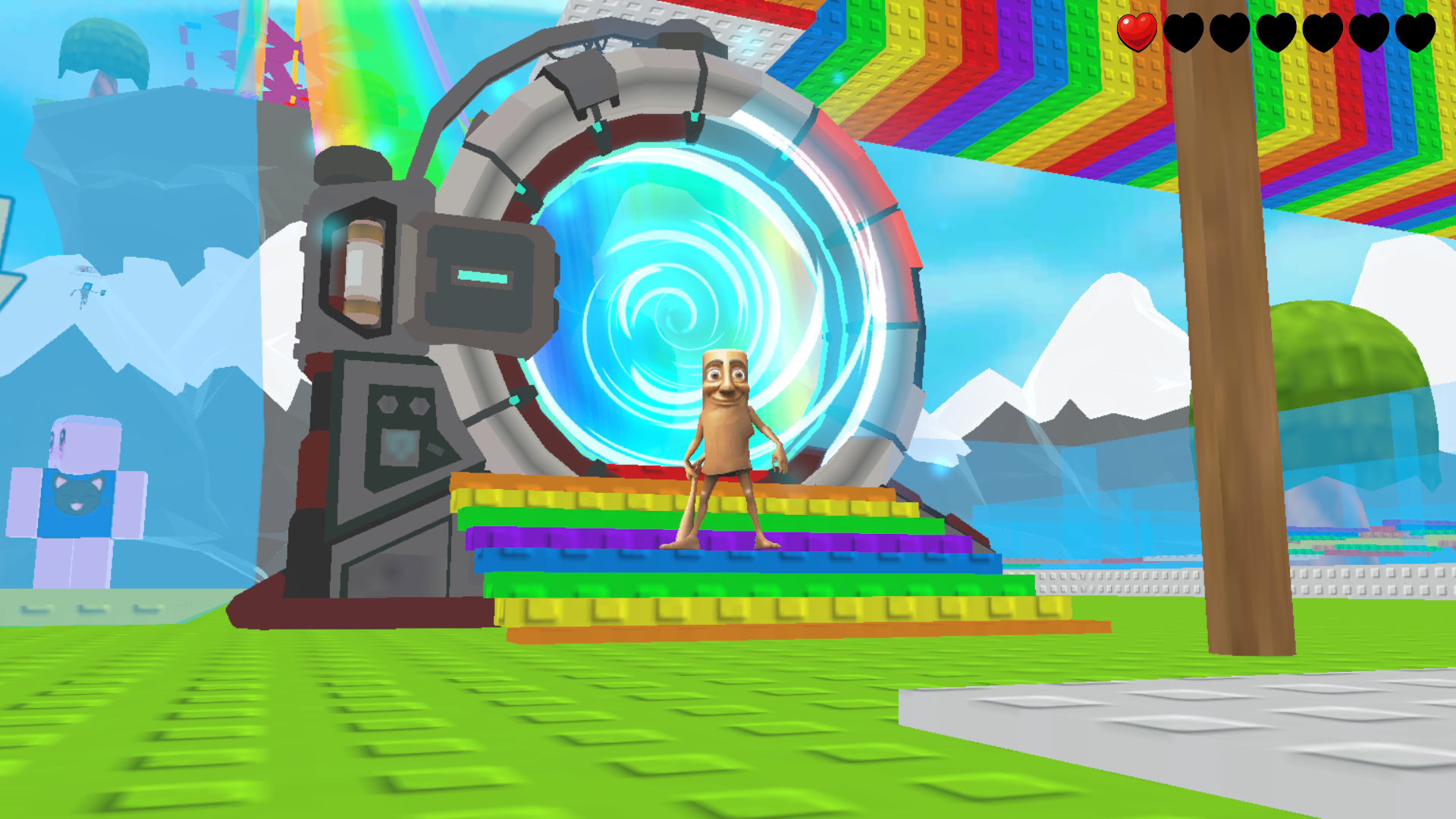

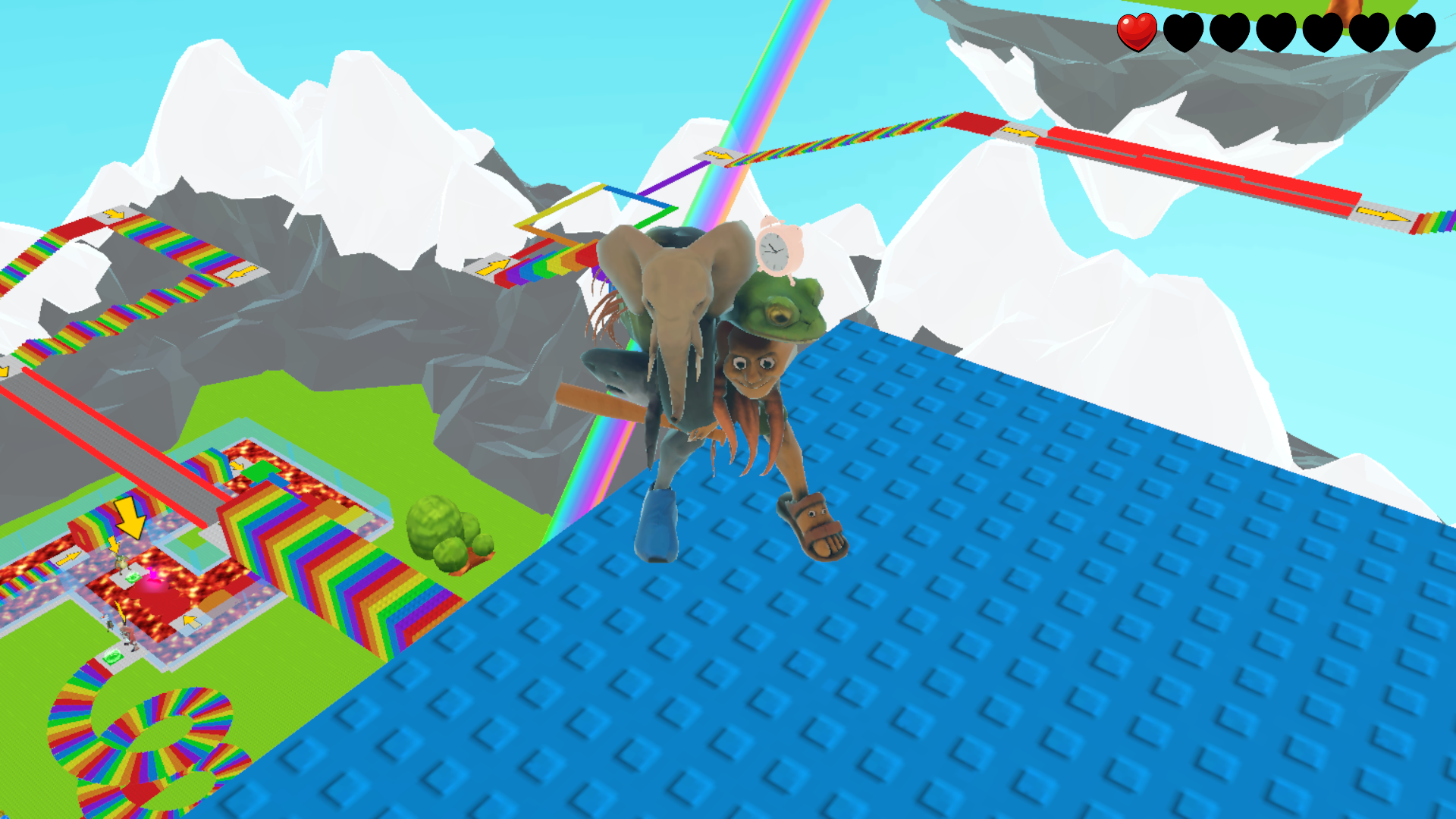
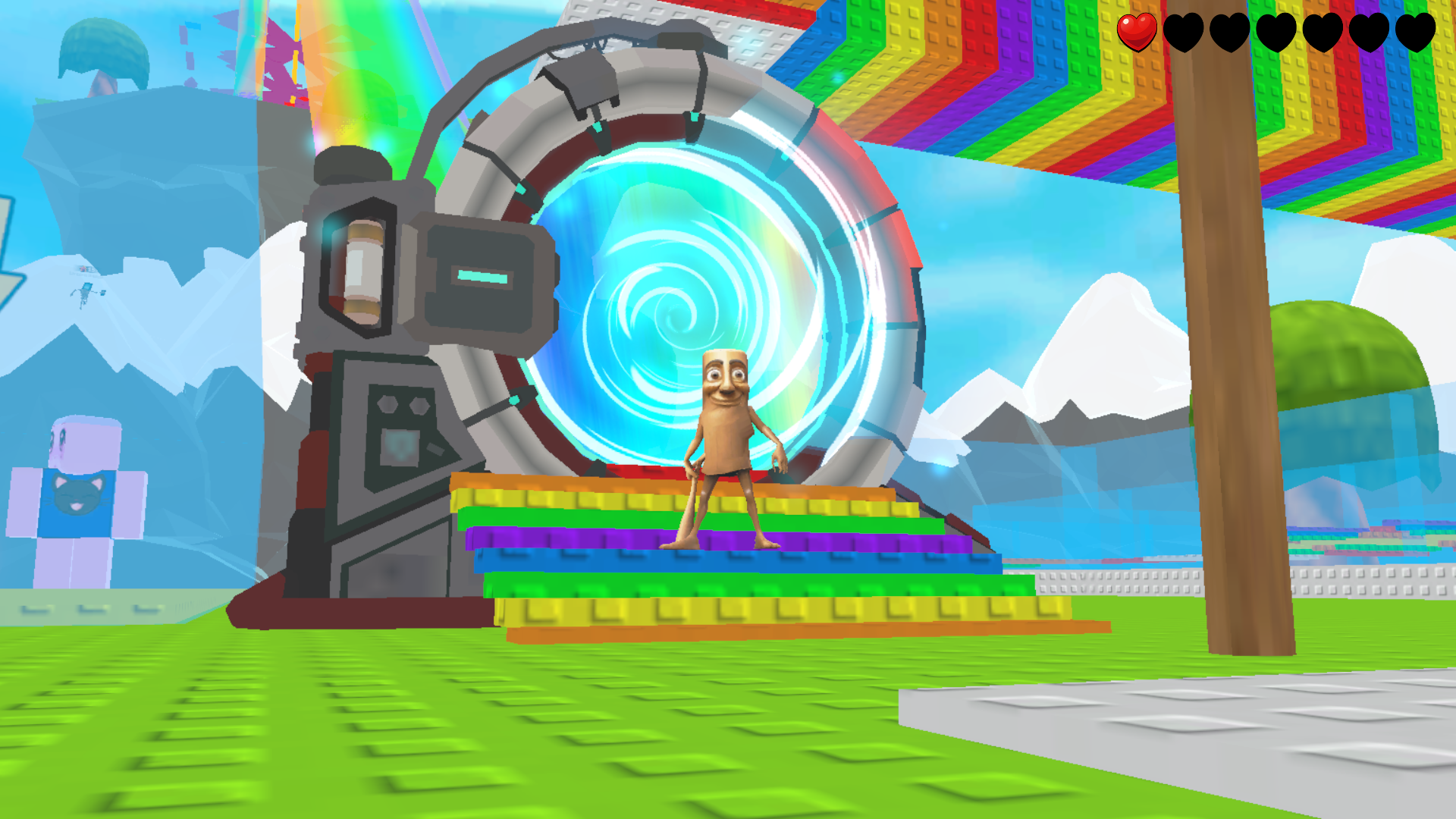
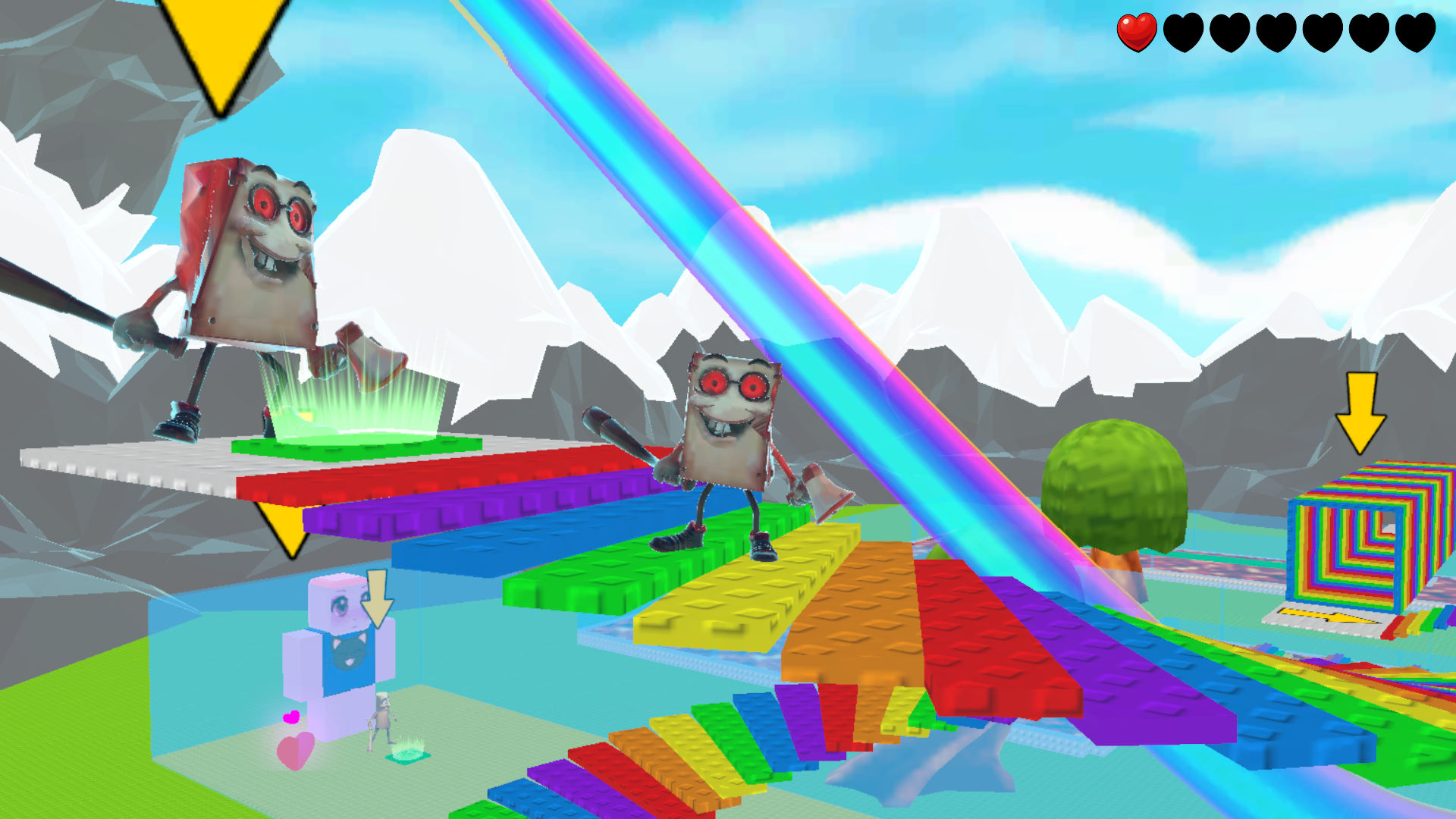
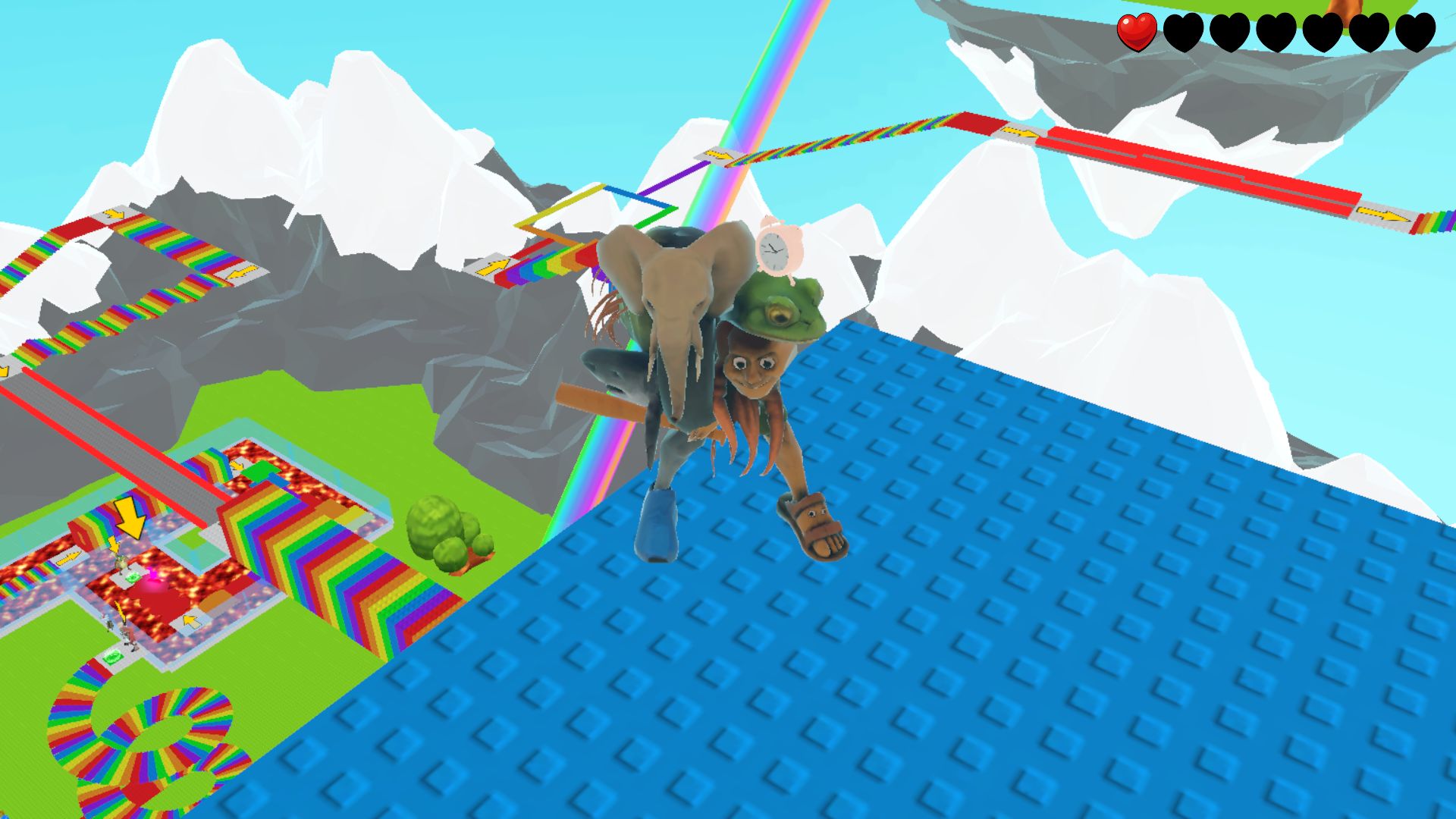
14,368 players online
How to play
-
Open the game
Press Play now and the game opens on its own screen.
-
Follow the in-game instructions
The controls and goals are shown inside the game as you play.
-
Use the game menu
The floating button over the game reloads it, saves it to your favourites, or takes you back out.