Overview
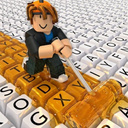
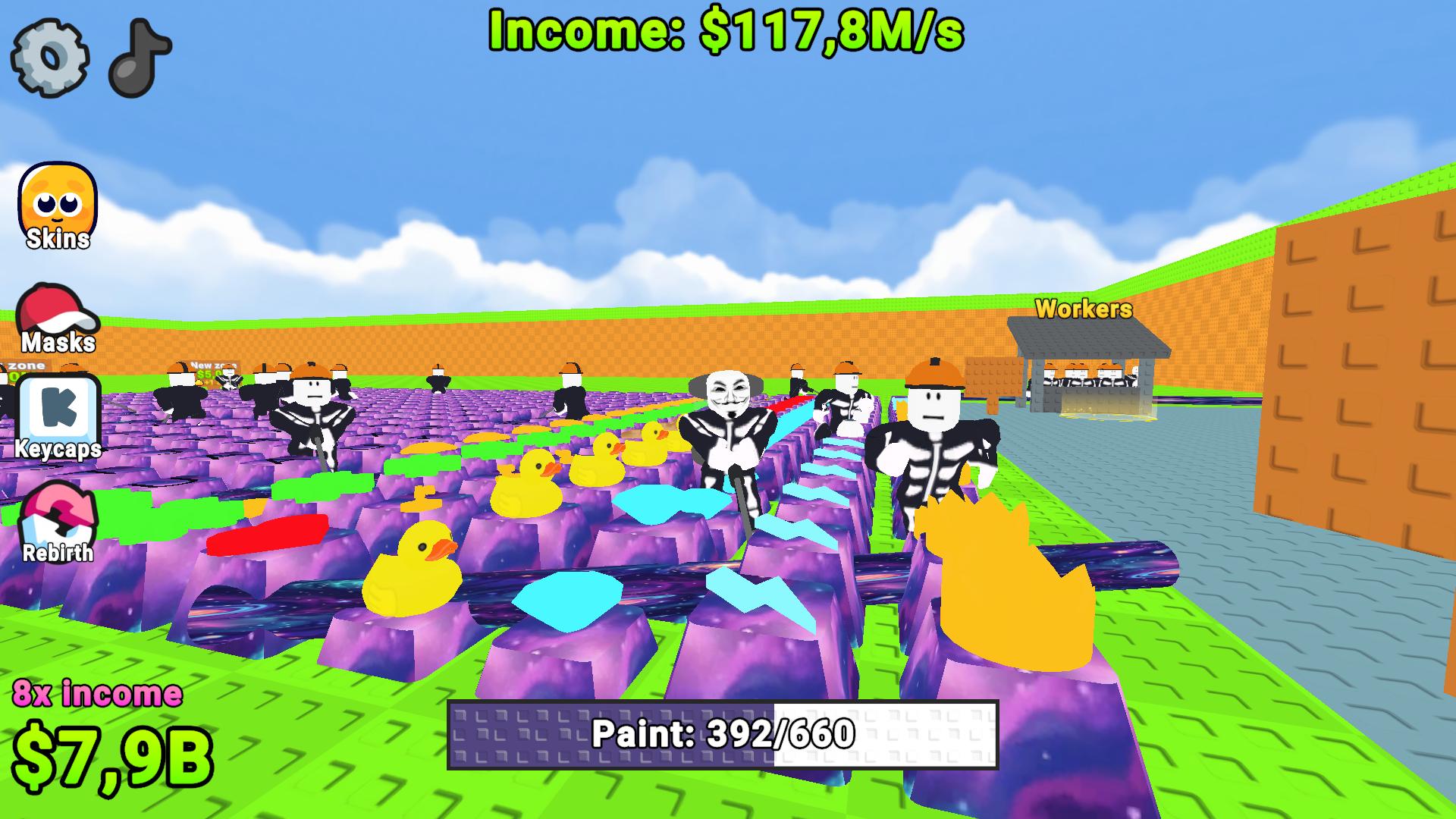
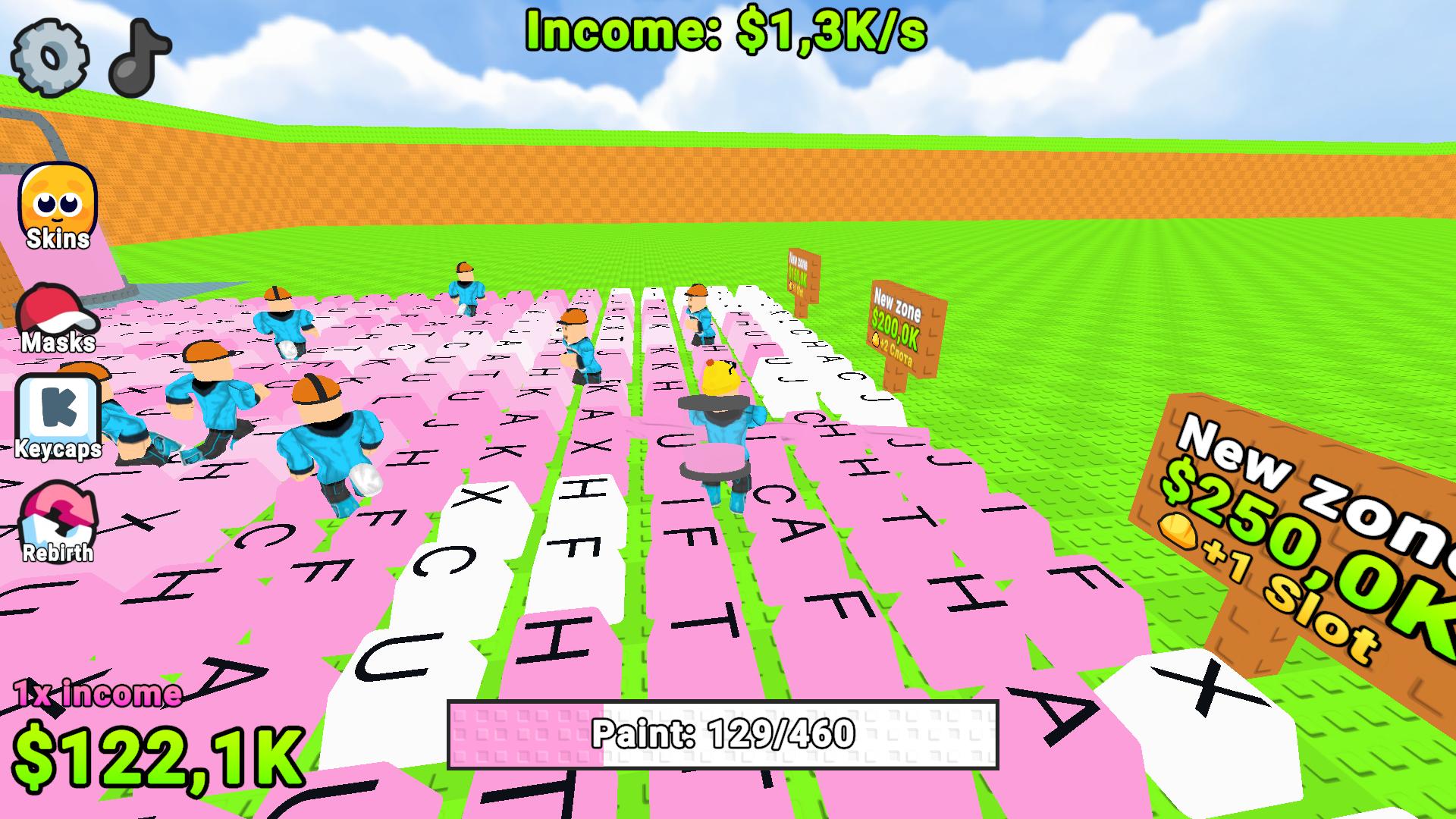
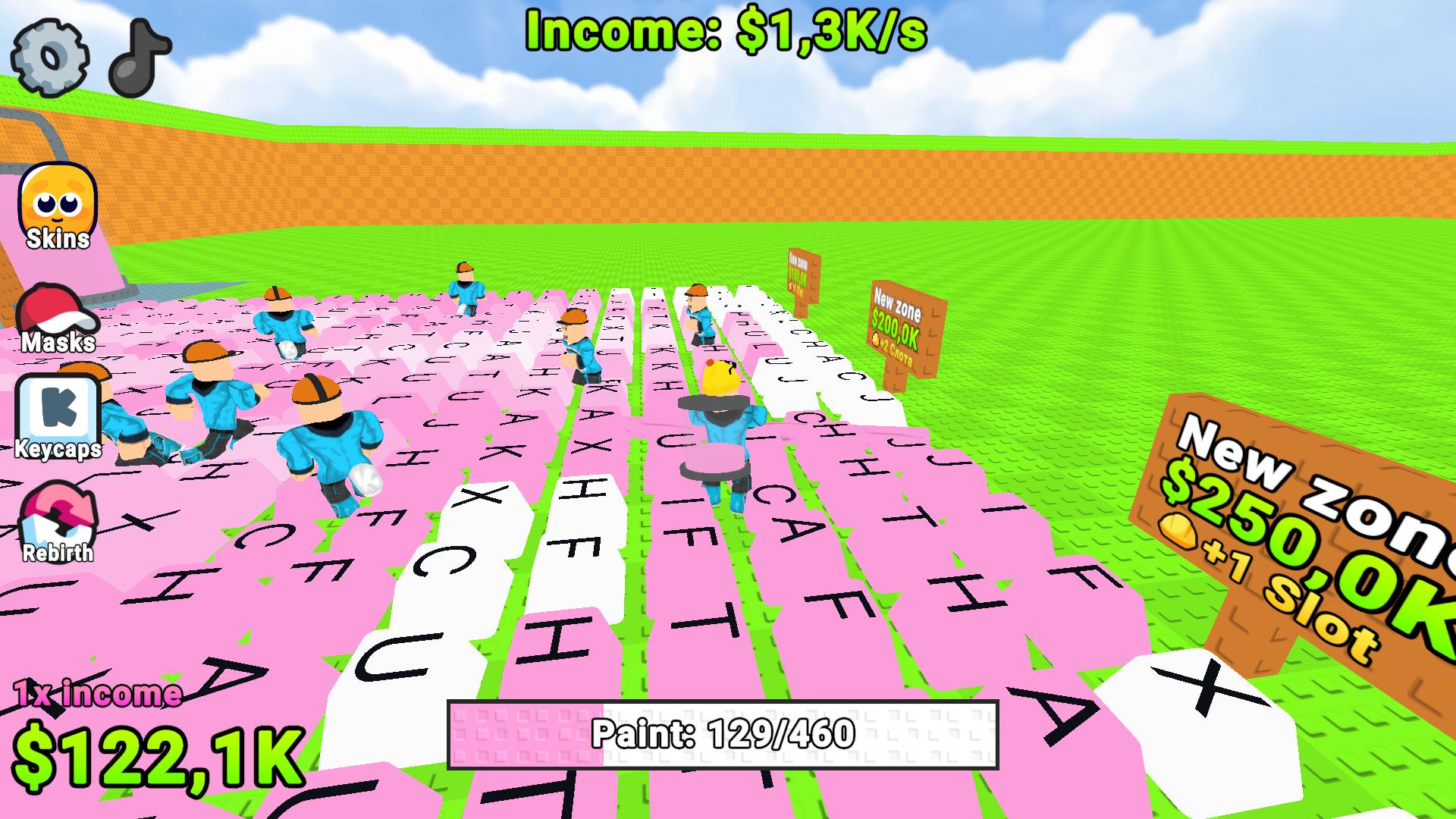
Ready to fill the entire keyboard with juicy colors? 🎨 Grab your roller, paint keys, and expand your base! Each painted key brings in more in-game currency. Paint everything down to the last pixel! 🚀
What awaits you in the game:
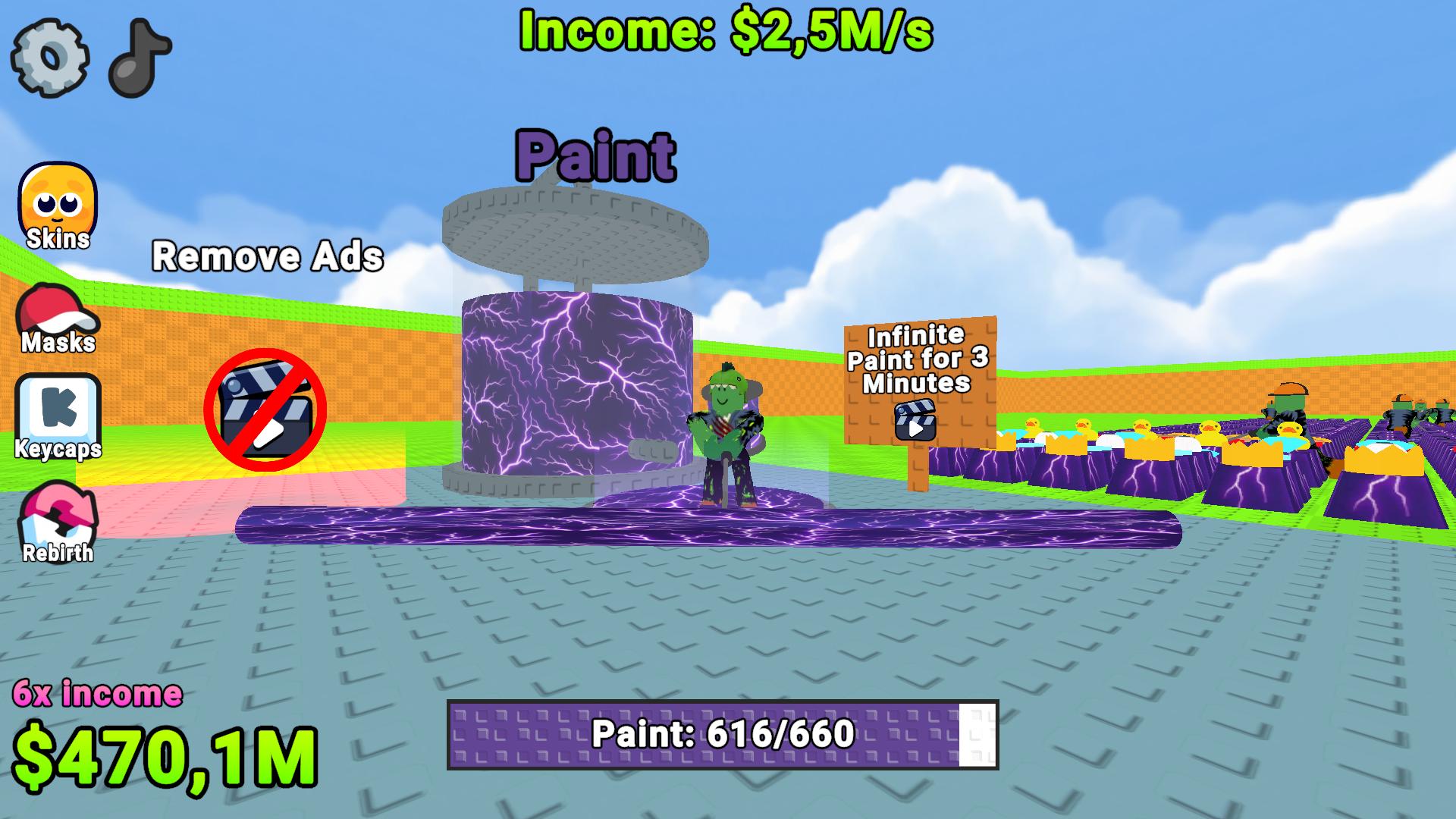
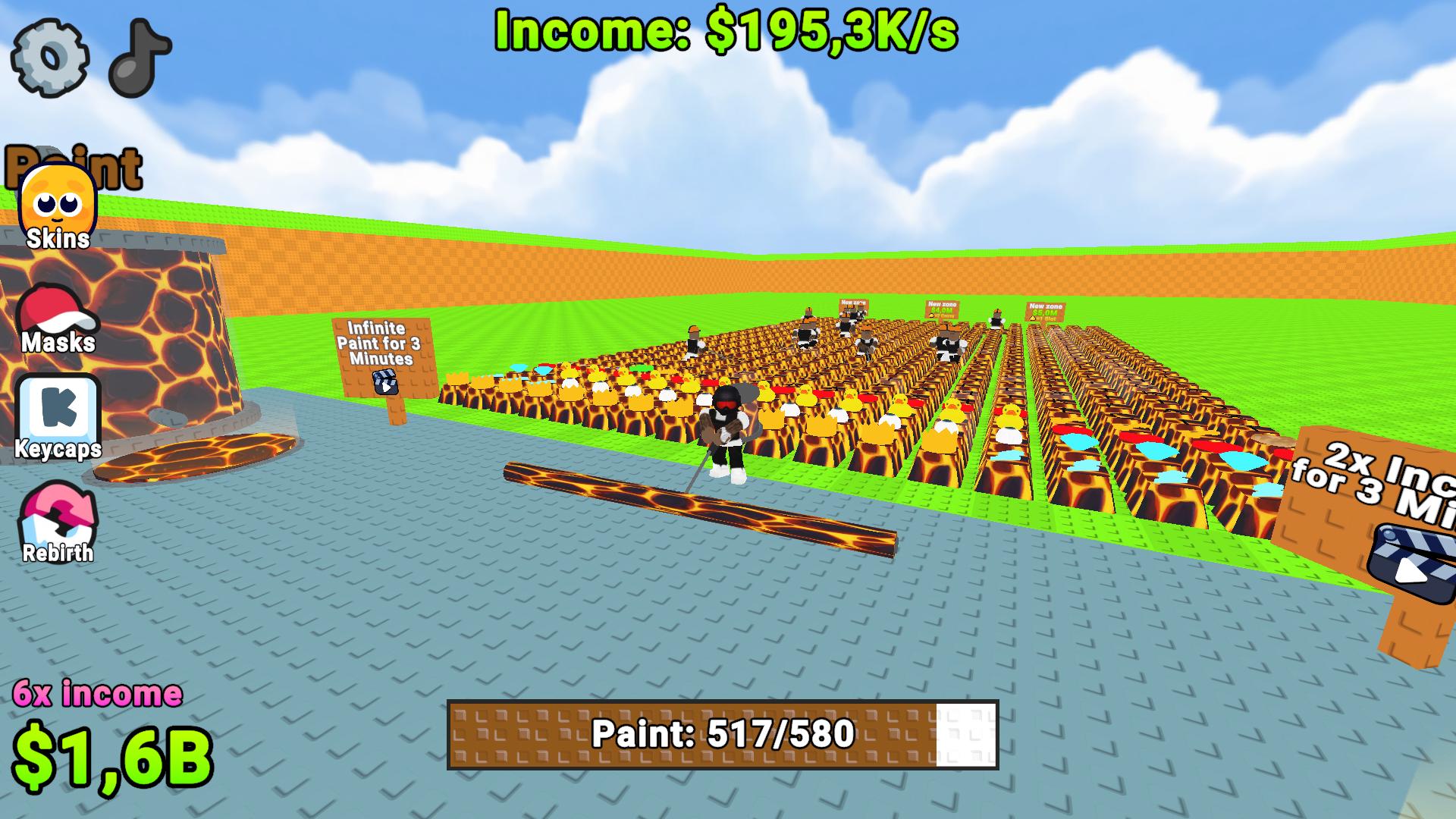
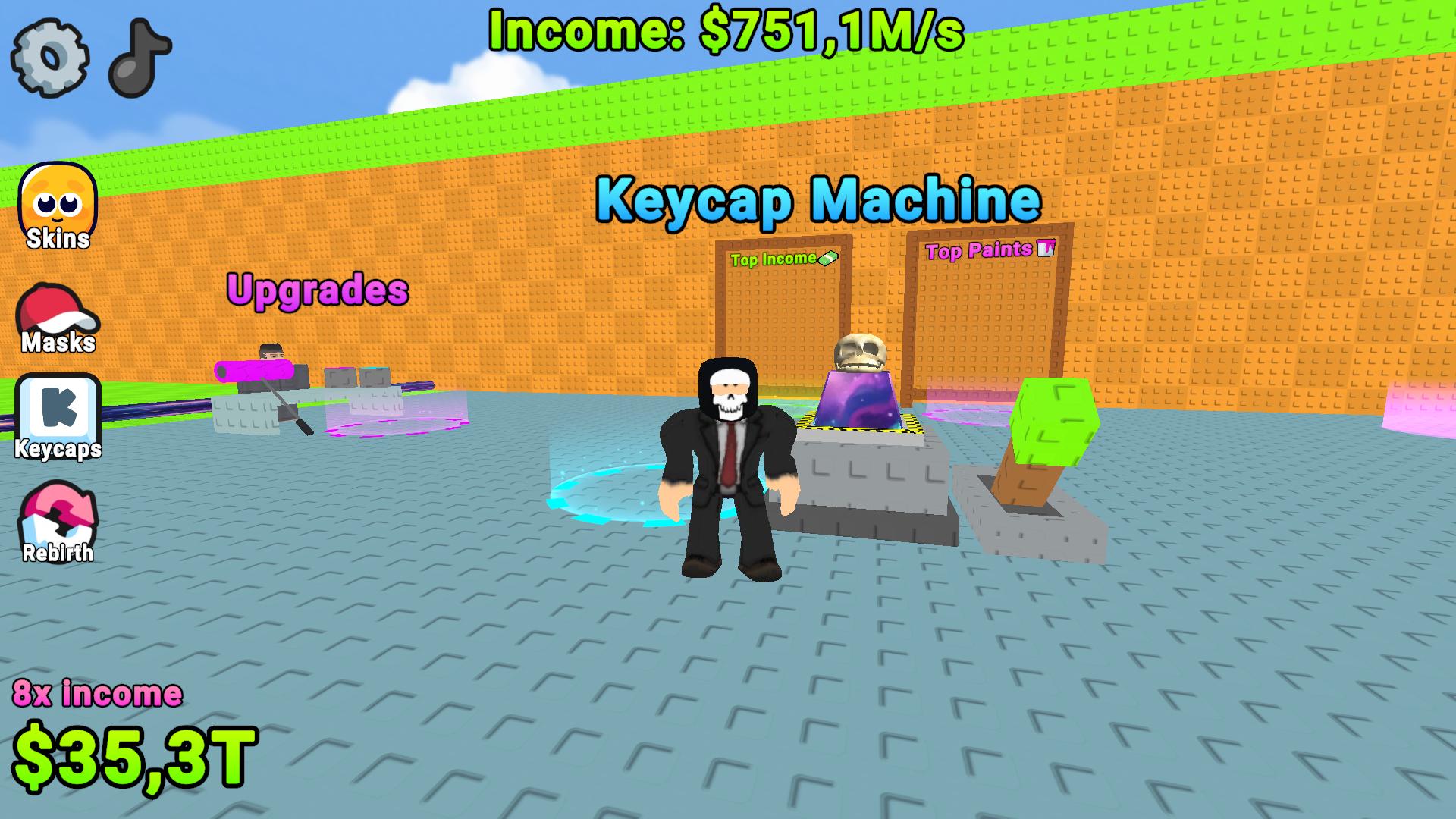
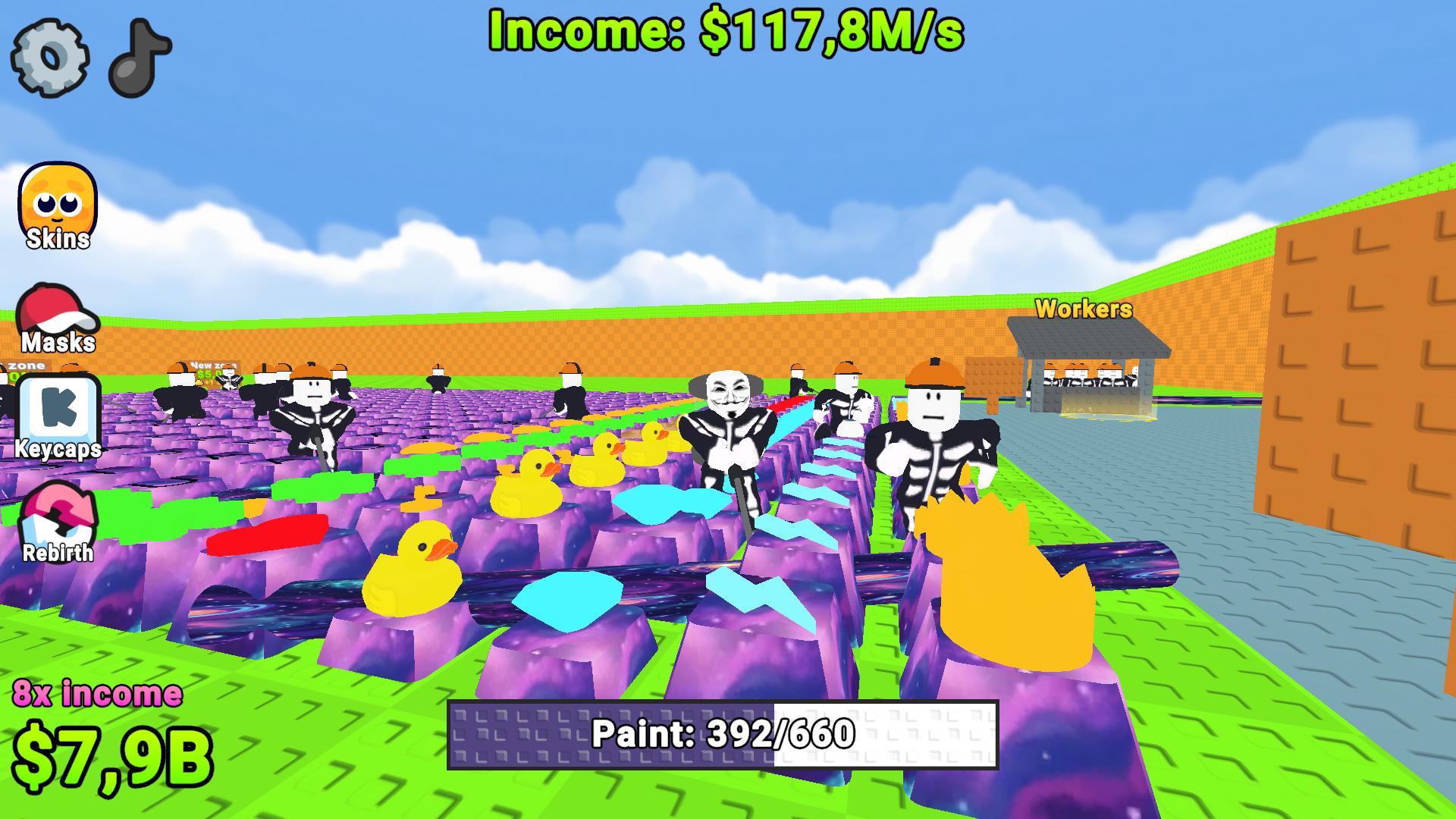
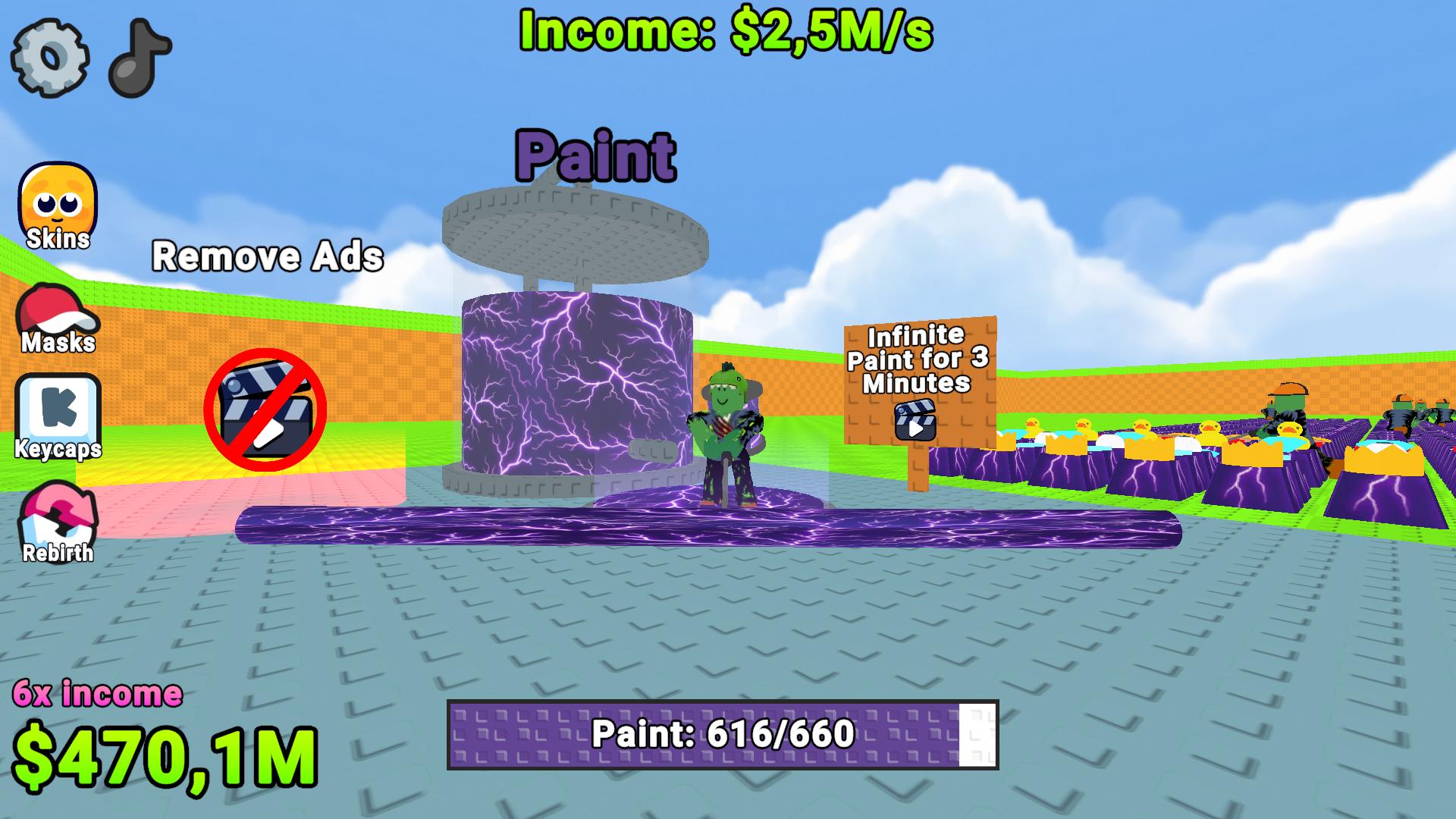
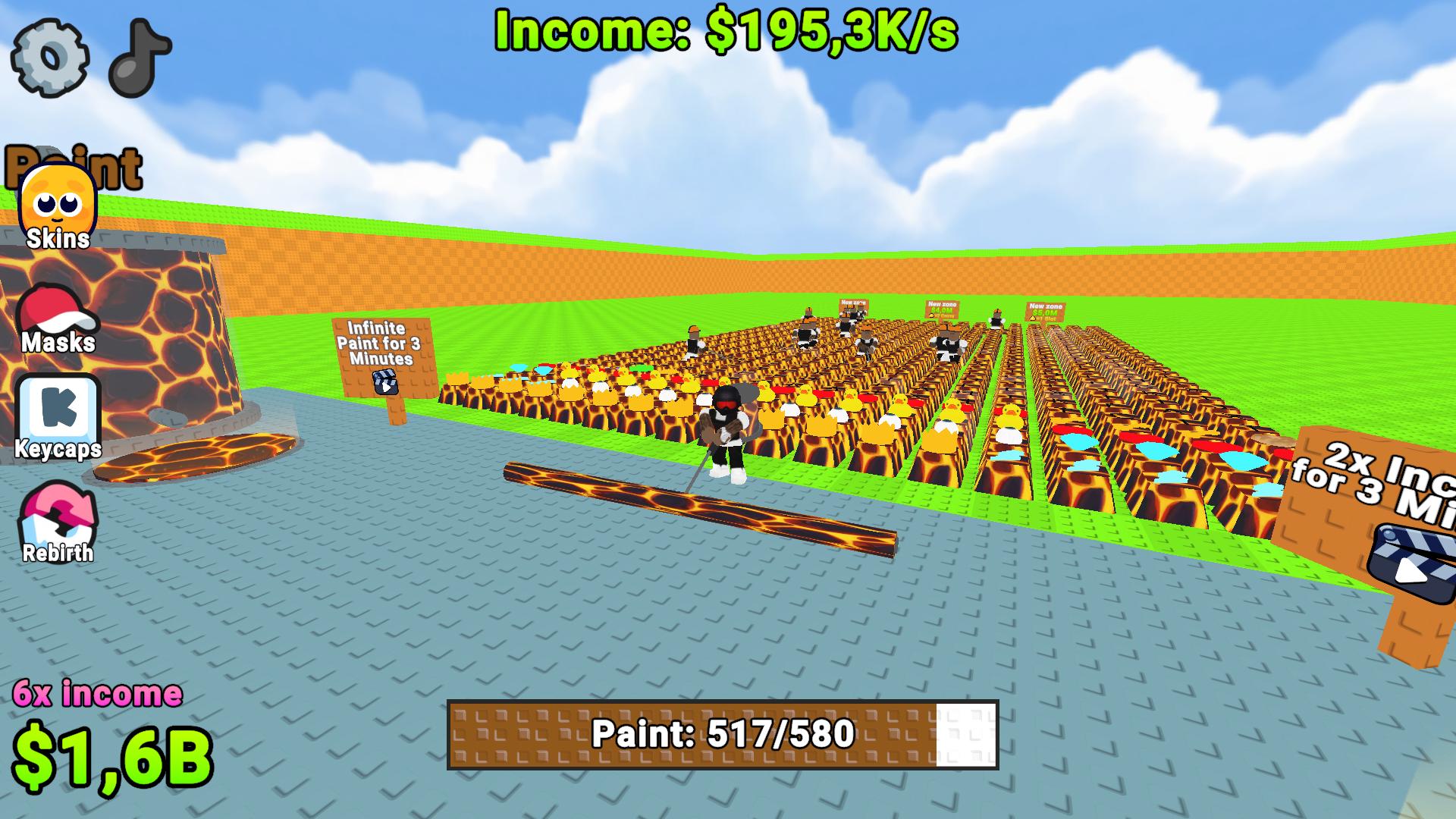
🎨 Unique Paints! Buy cool types: honey, galactic, lava, and more. Each new paint massively increases your income! ✨
💼 Workers! Hire helpers to automatically paint keys and bring you heaps of in-game currency! 💰
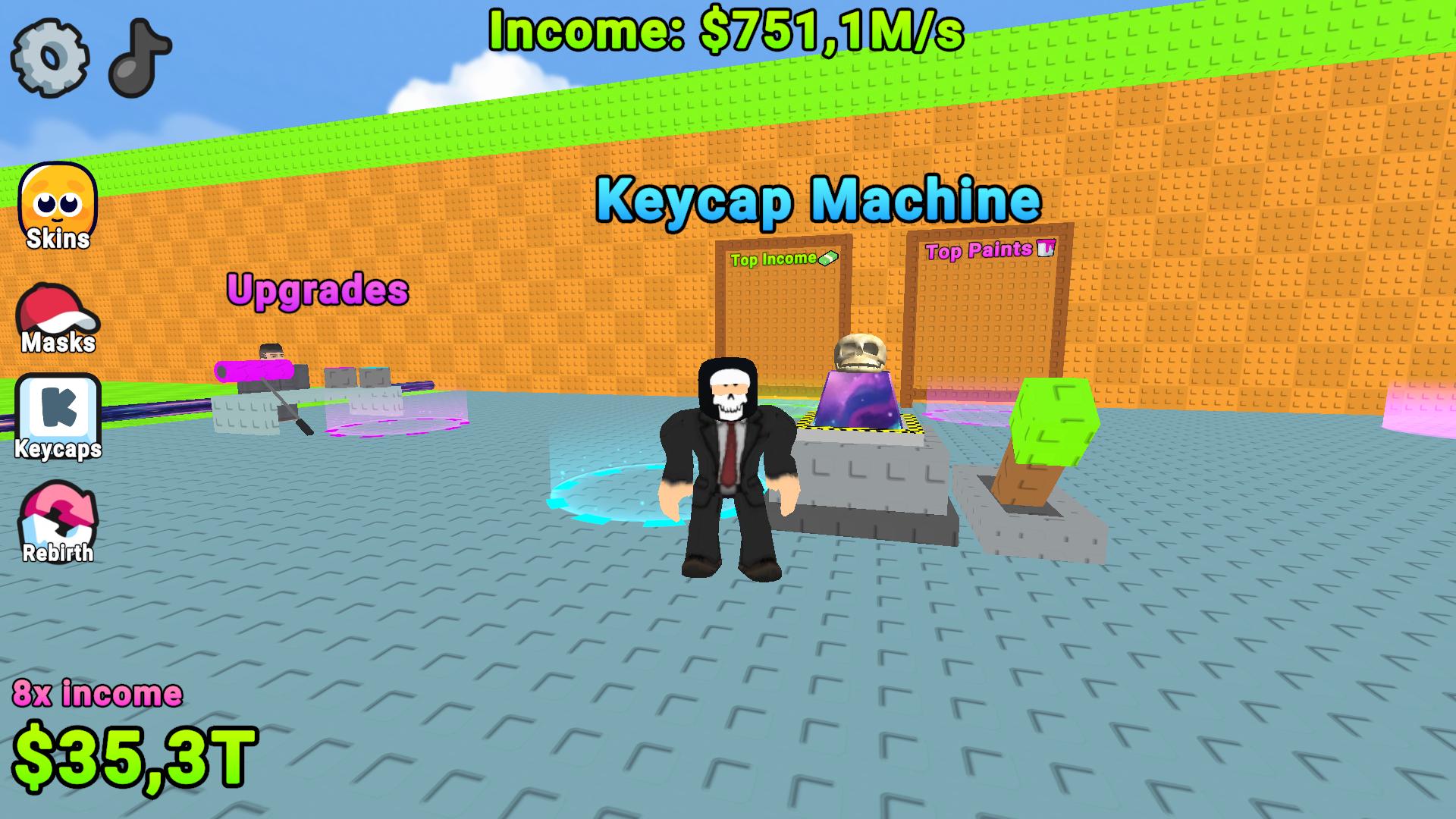
⚡ Upgrades! Upgrade your character and equipment to run faster, paint more efficiently, and earn way more! 🔥
🏆 Leaderboards! Compete with other players for the top spots in keys painted and total score! 👑
⌨️ Expansion! Save up coins, buy new plots, and expand your keyboard to an unbelievable size! 💎
Max out your gear, hire an army of workers, and become the king of painting! Jump in right now! 😎⌨️
Videos and screenshots
12,639 players online
How to play
-
Open the game
Press Play now and the game opens on its own screen.
-
Follow the in-game instructions
The controls and goals are shown inside the game as you play.
-
Use the game menu
The floating button over the game reloads it, saves it to your favourites, or takes you back out.