Skip to content
KG
Obby : Race on the Math Tower

Obby : Race on the Math Tower

1K plays 4.8 out of 5

Overview

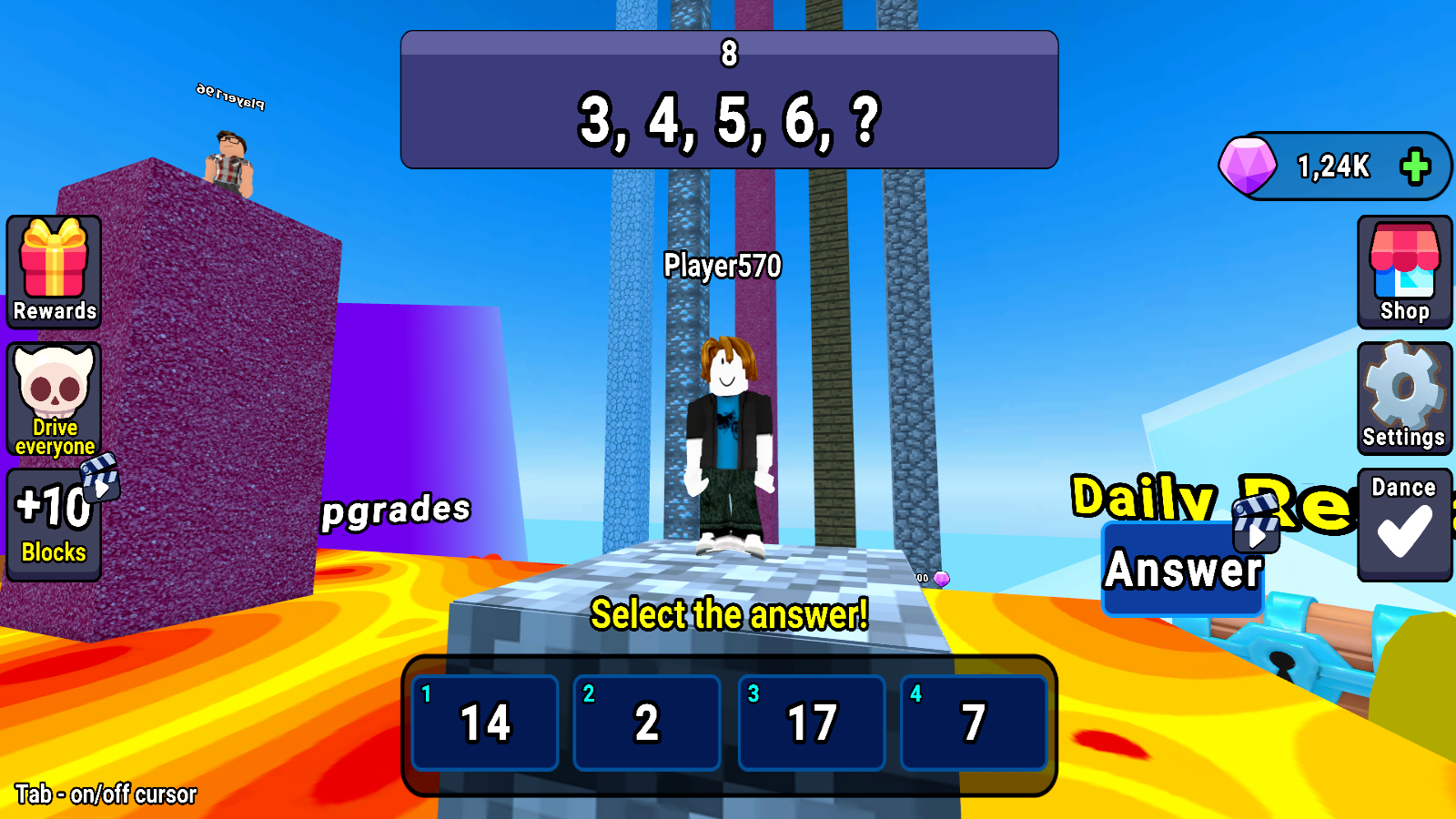
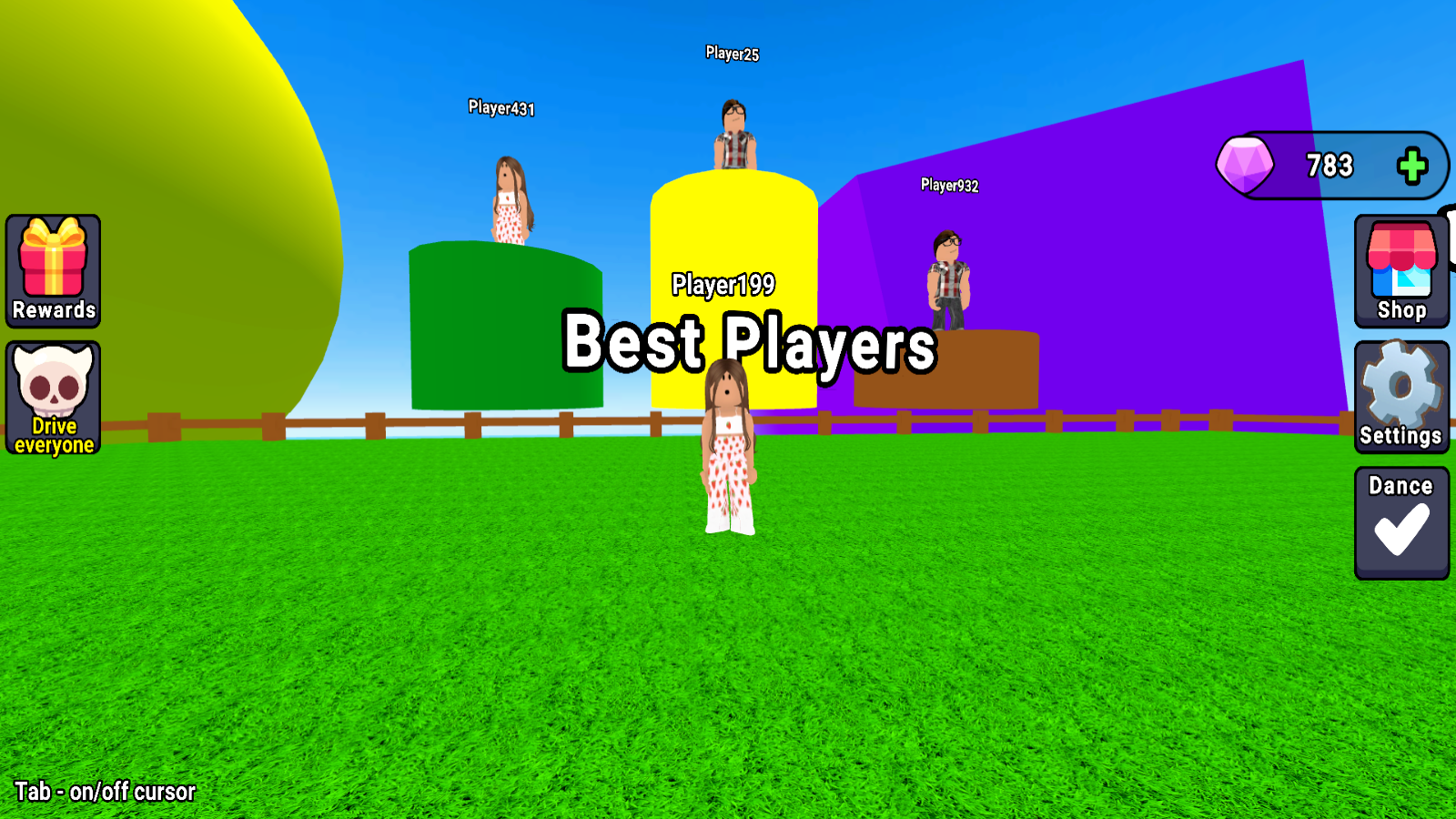
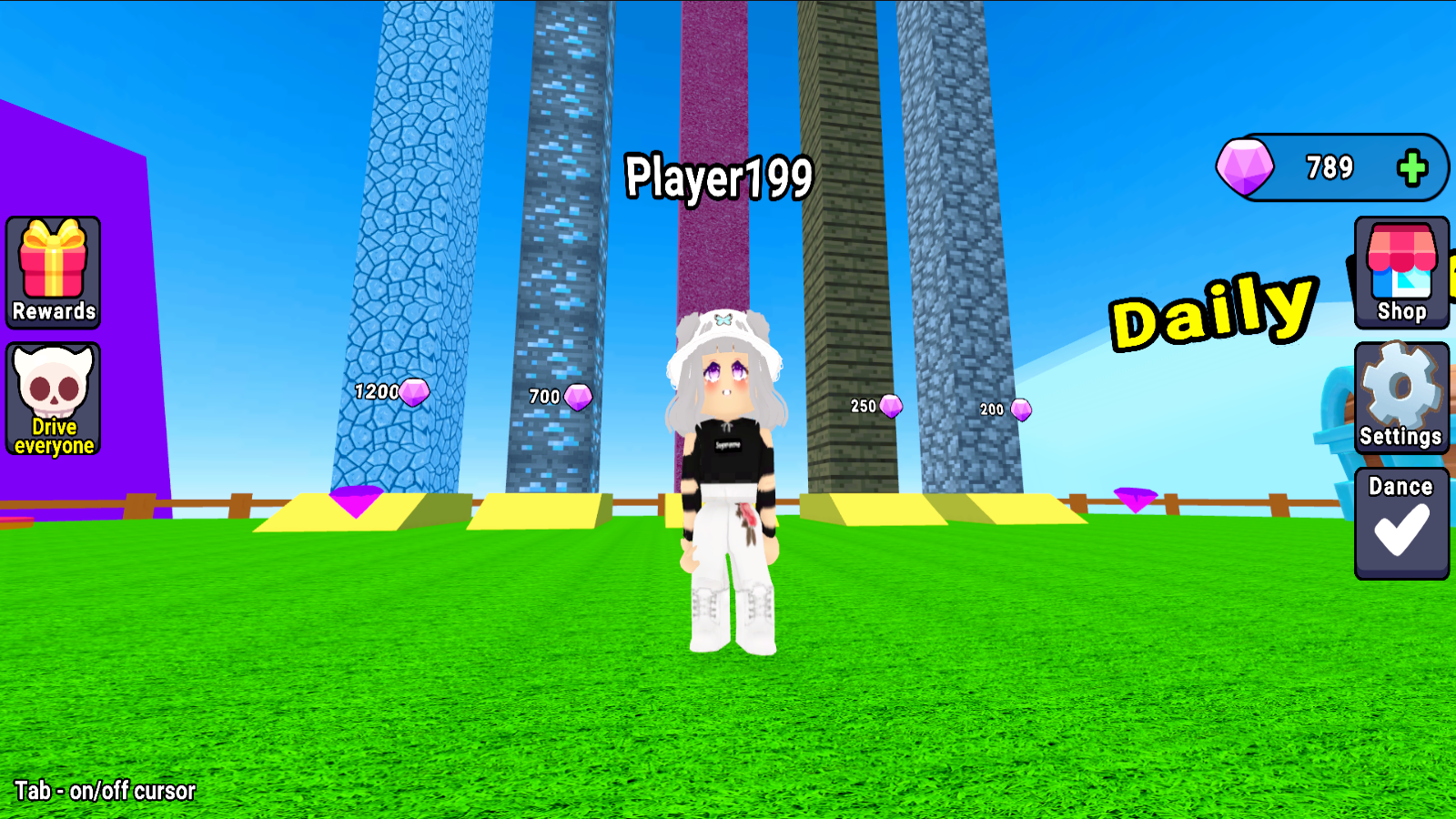
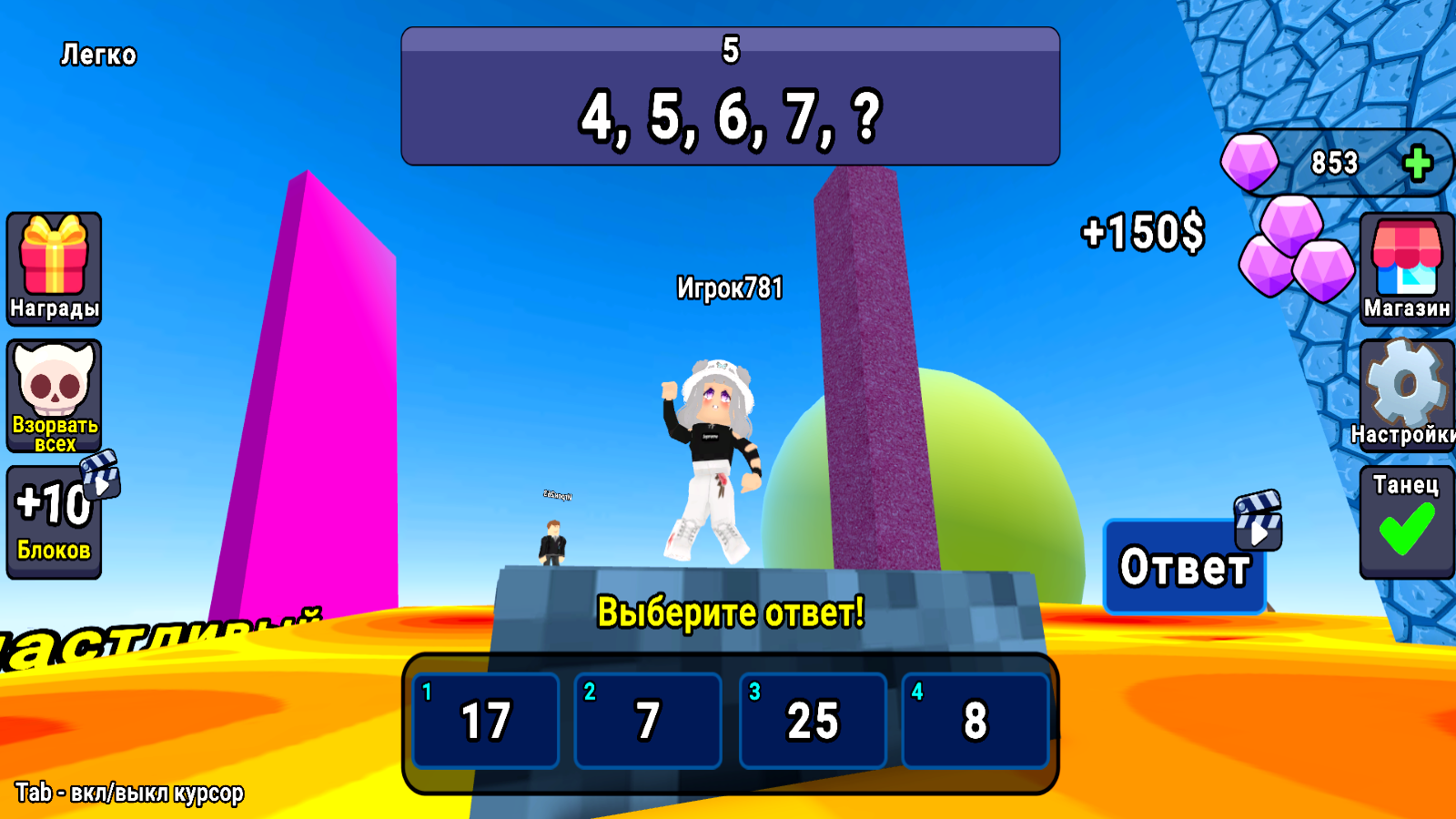
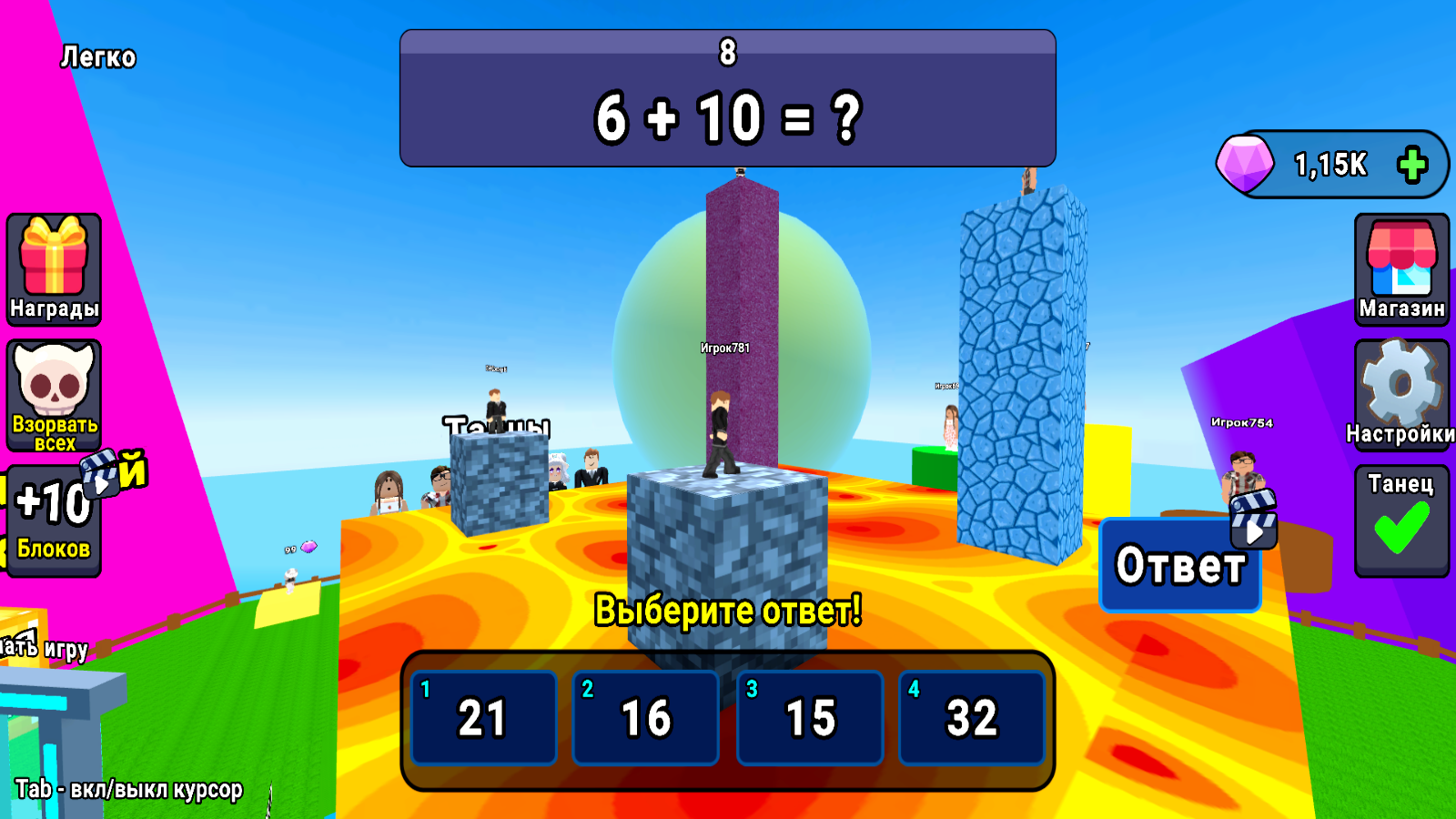
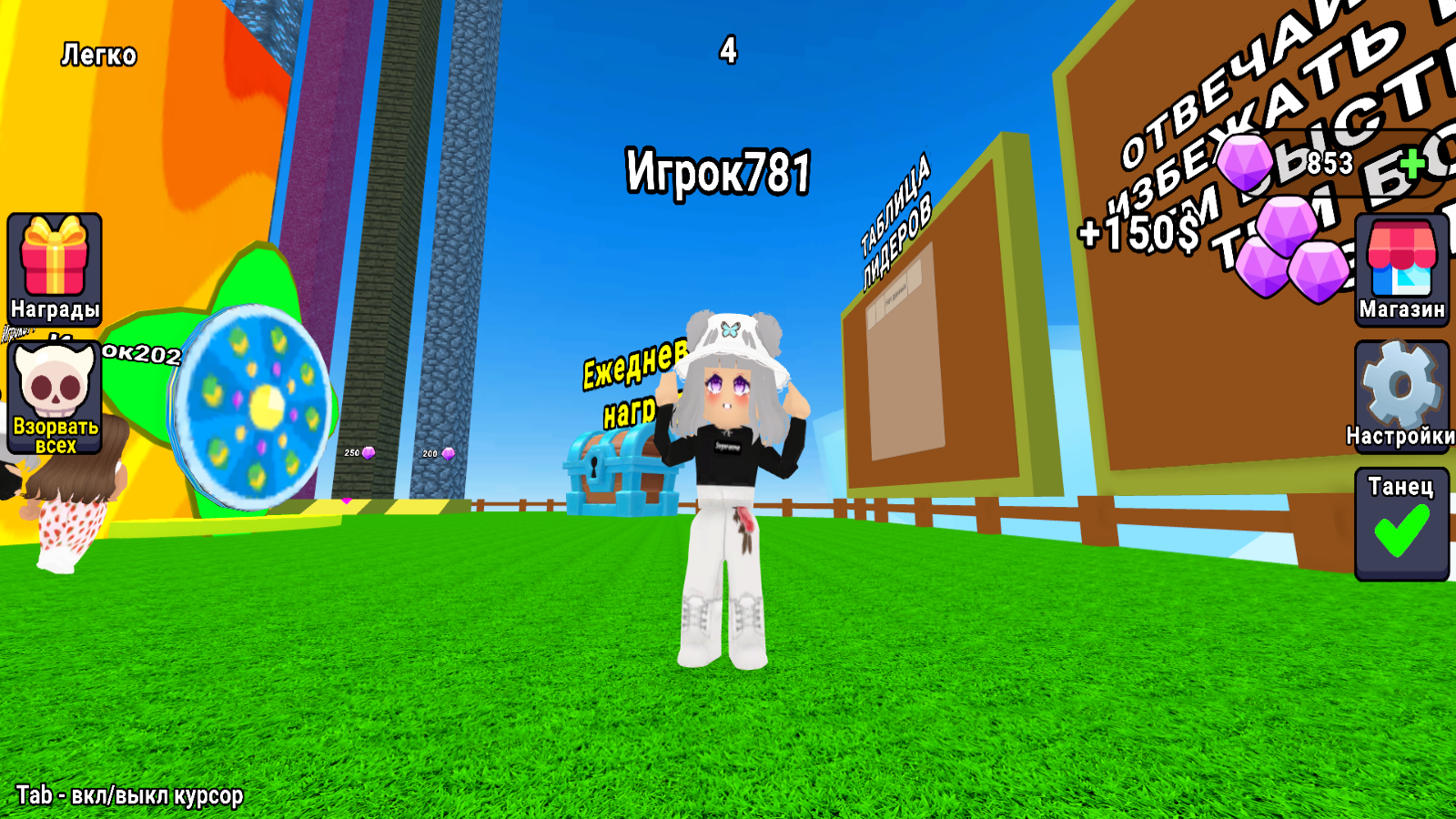
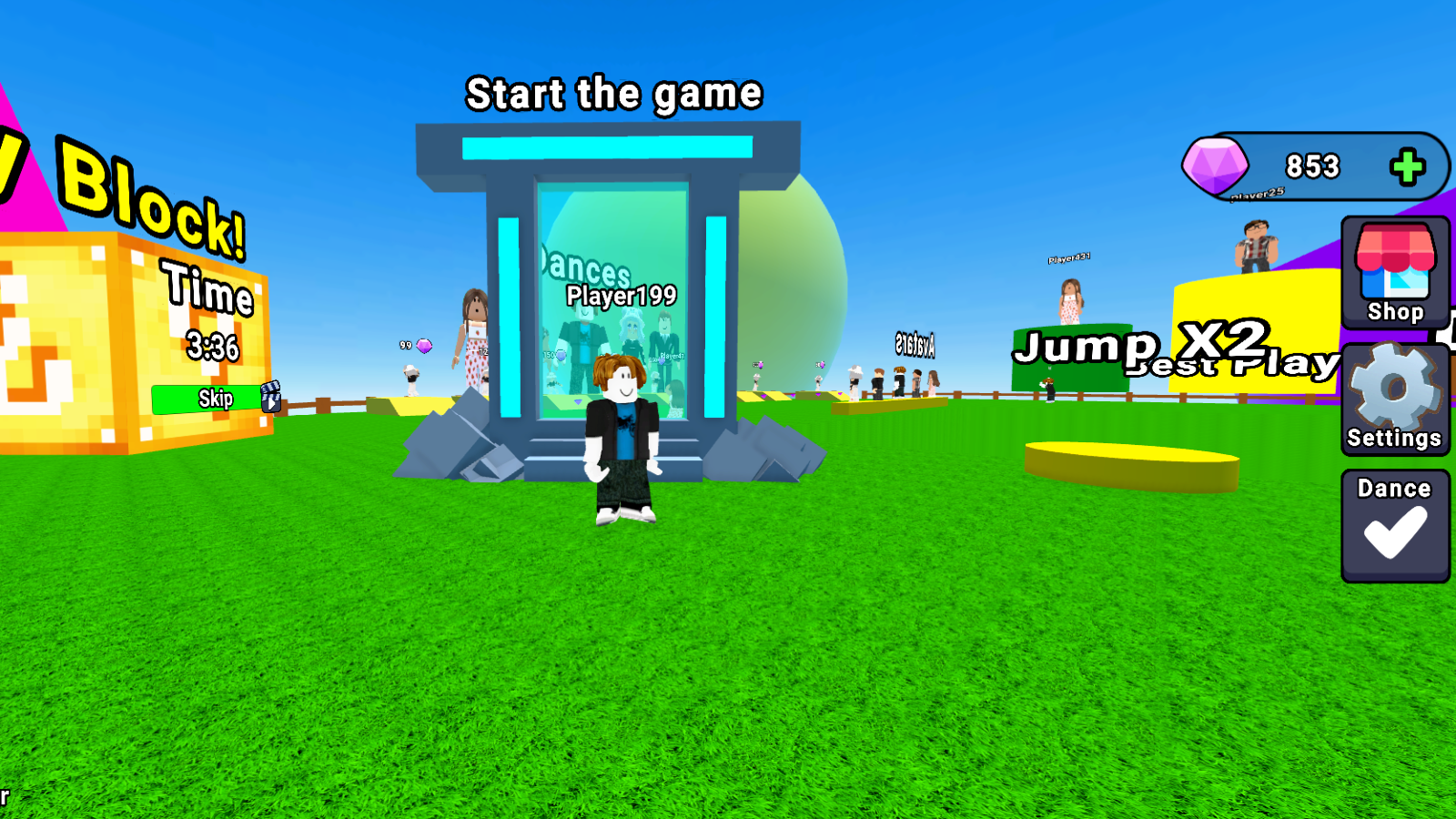
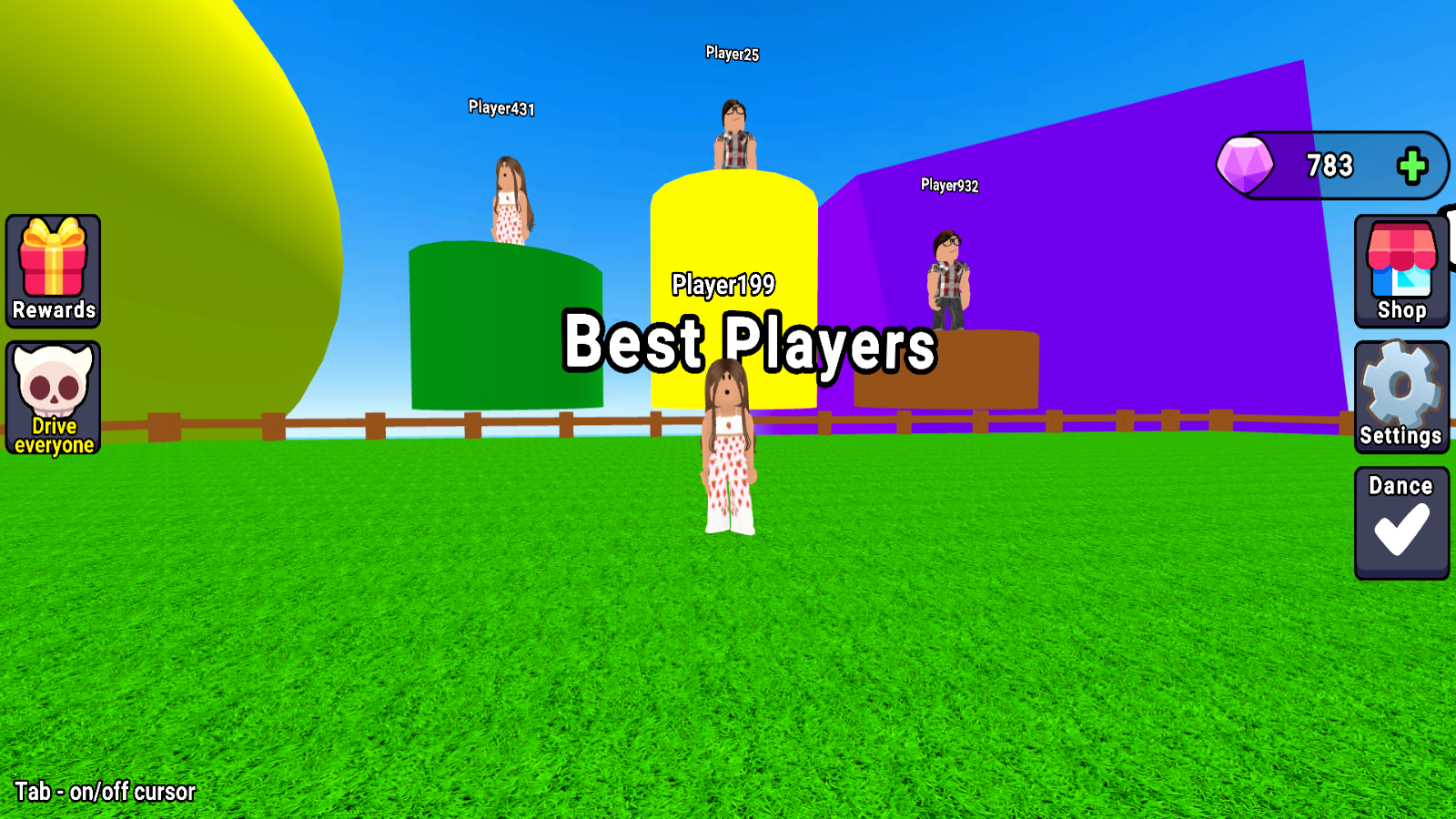
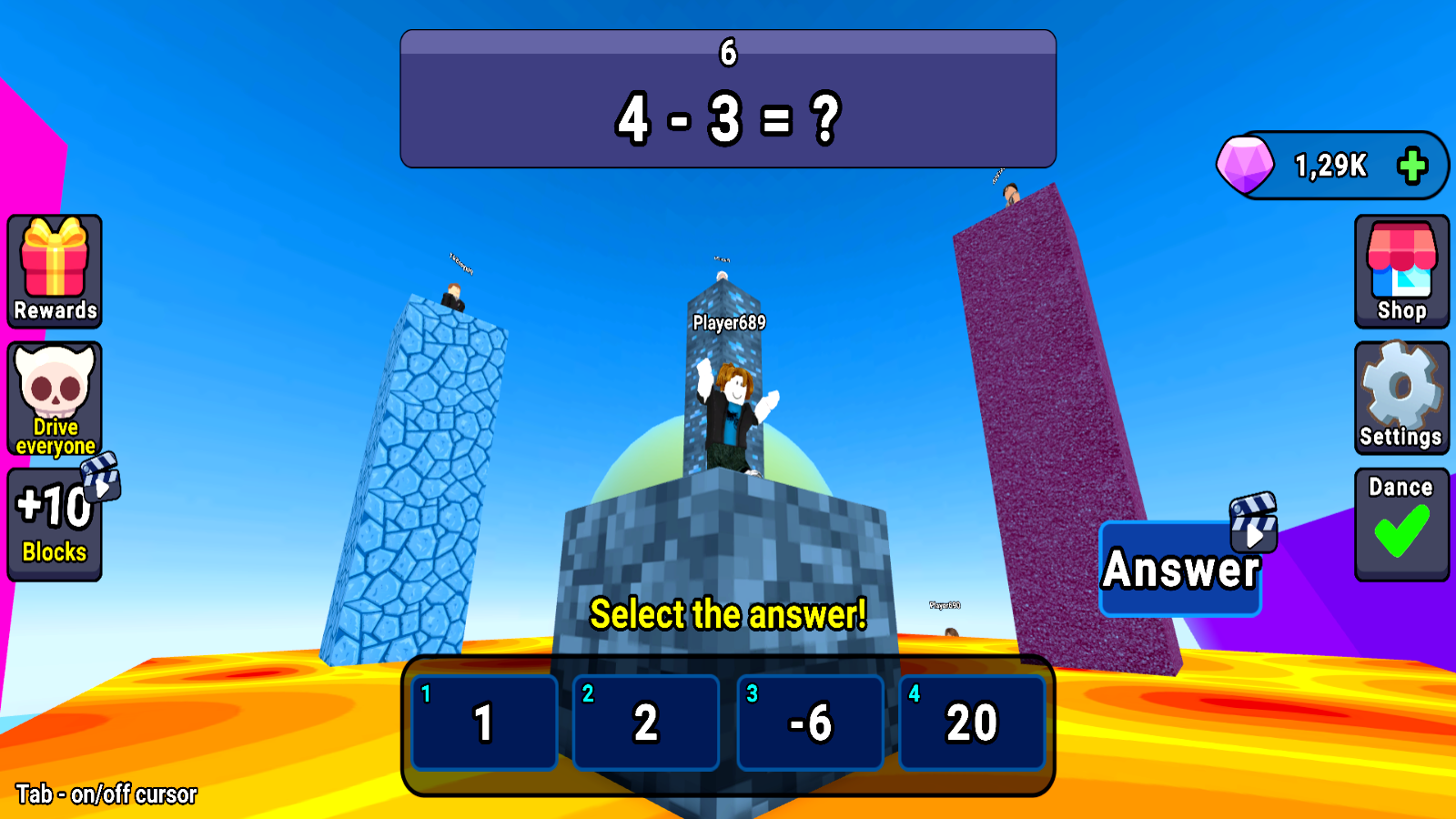
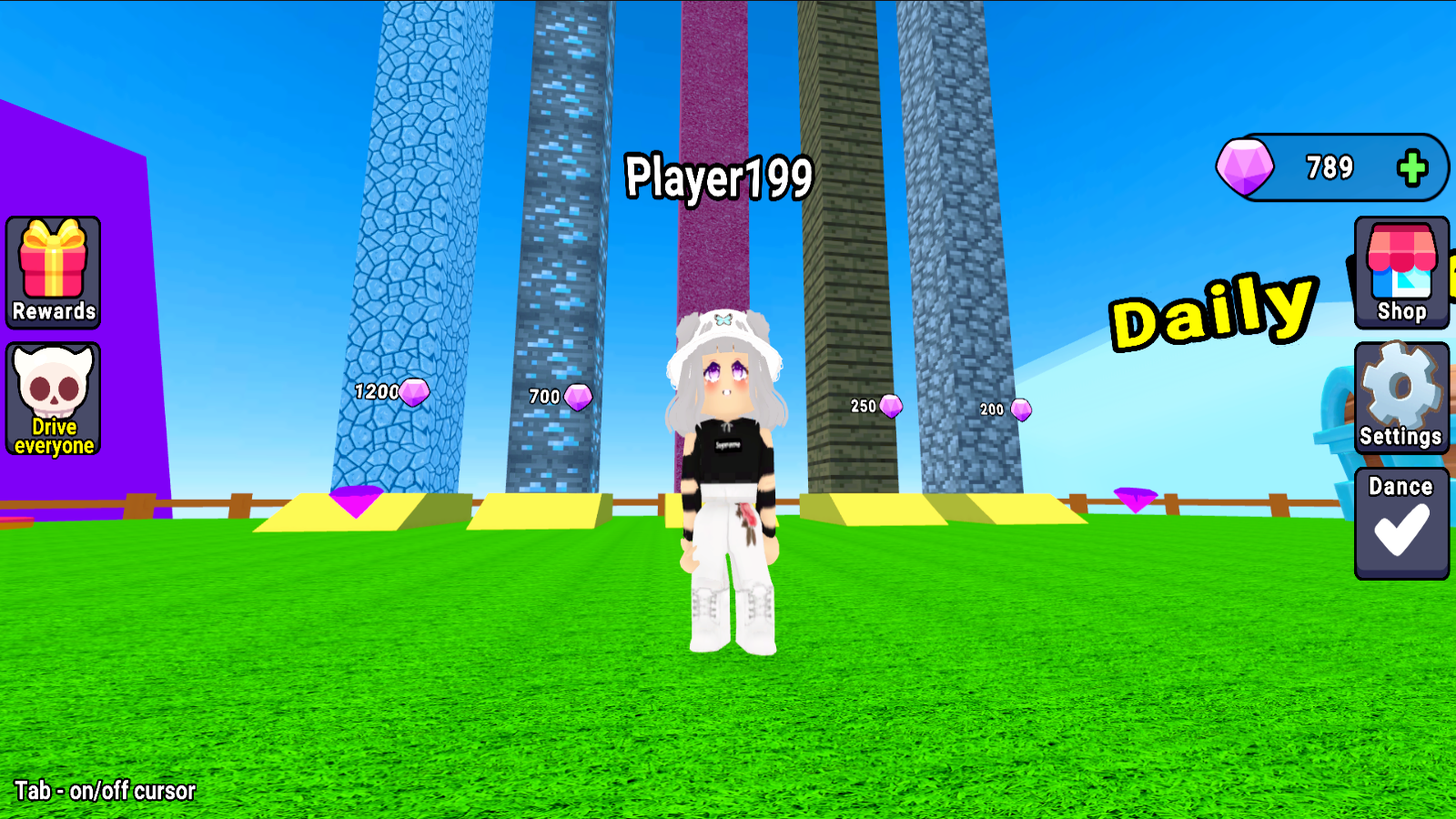
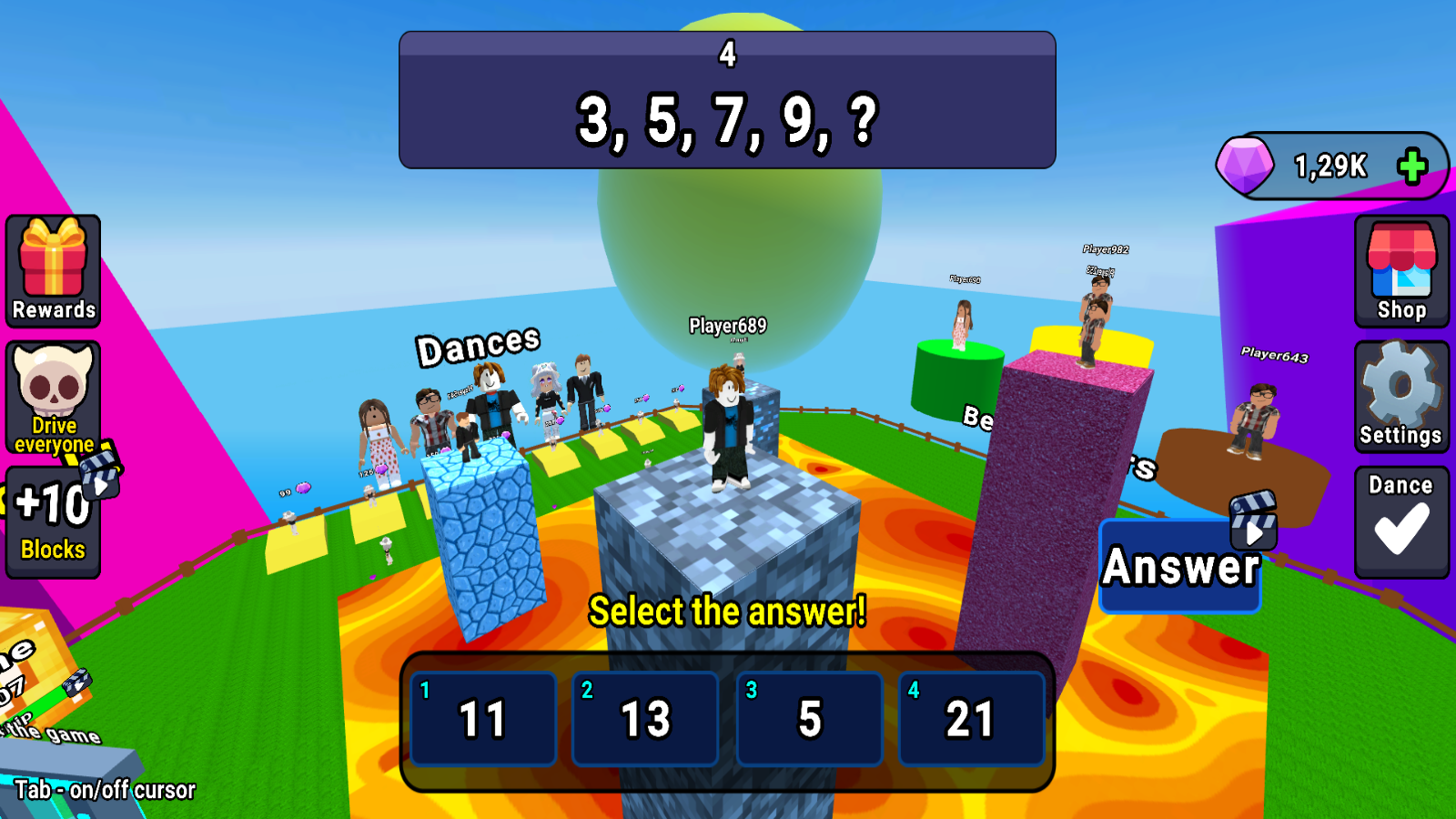
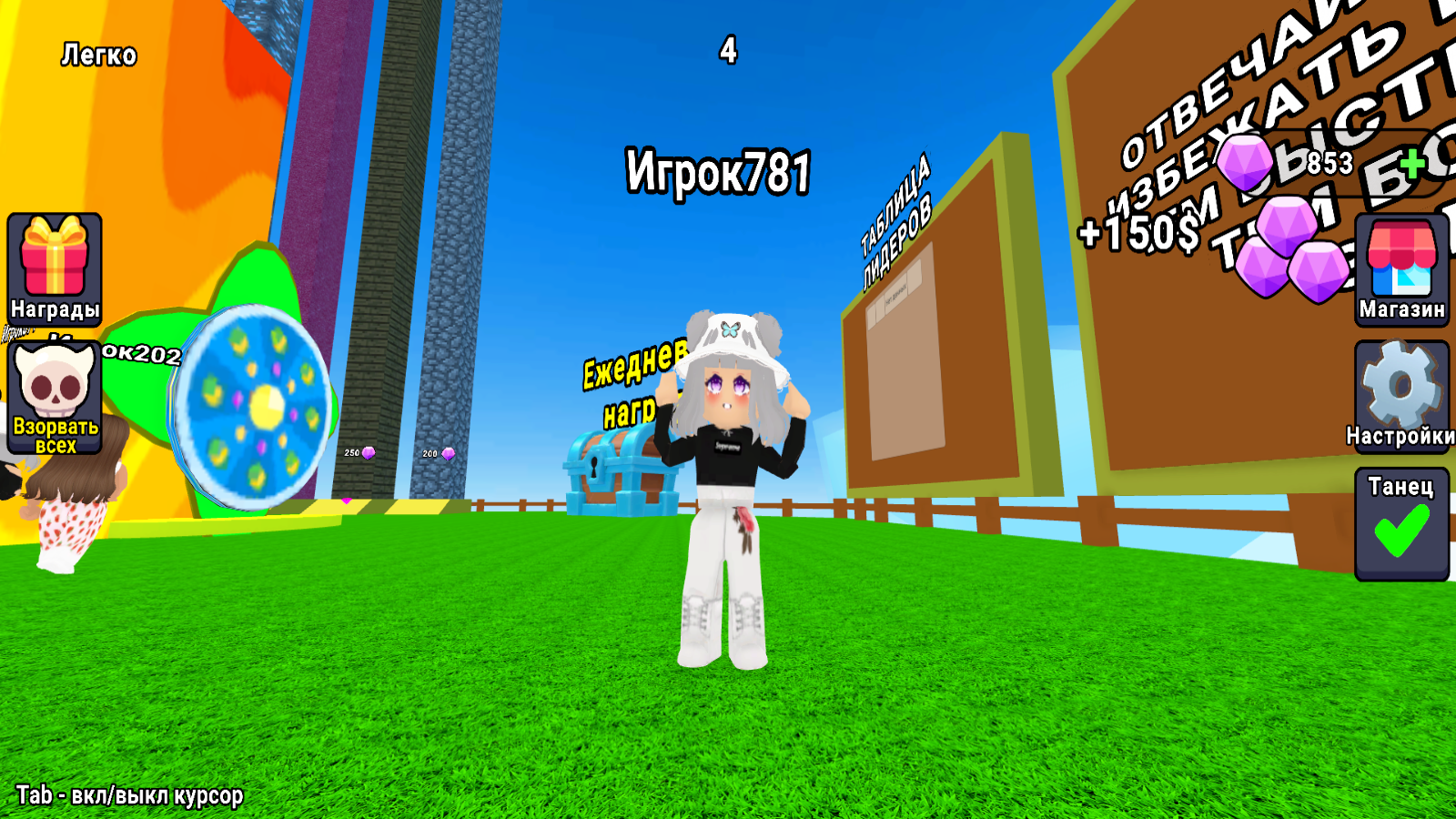
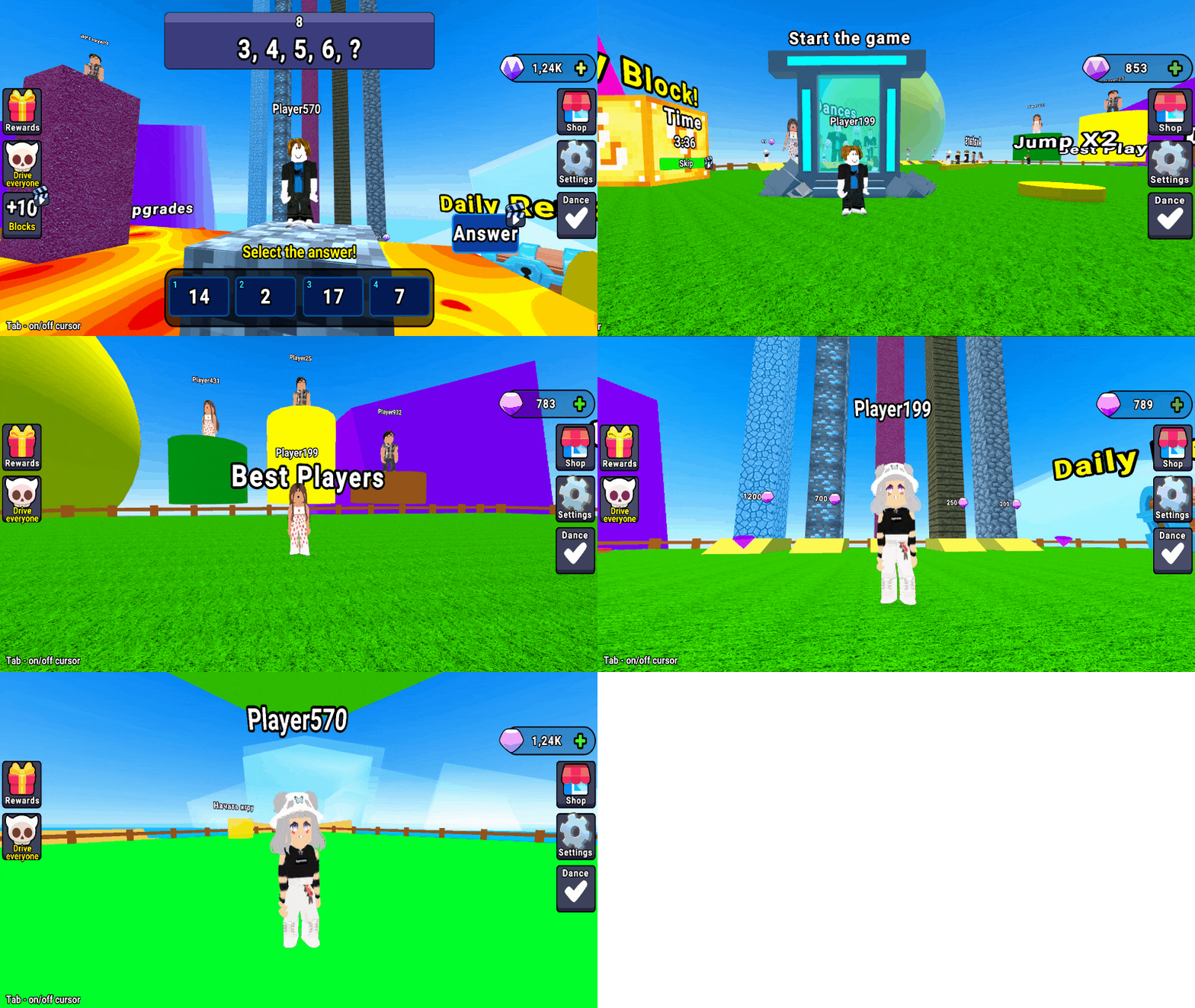
Obby : Race on the Math Tower you will face various challenges that require not only dexterity, but also strategic thinking. Each challenge has its own level of difficulty, from simple challenges to real survival challenges. Lava : You need to solve tasks of varying difficulty faster than other players in order not to drown in the lava. 🔴Rewards and Achievements: For successfully completing challenges, you will receive rewards that can be used to improve your character or unlock new features in the game. Compete with other players for high places in the leaderboard! 🔴Dancing : Buy different dances and have fun with other players.

Videos and screenshots
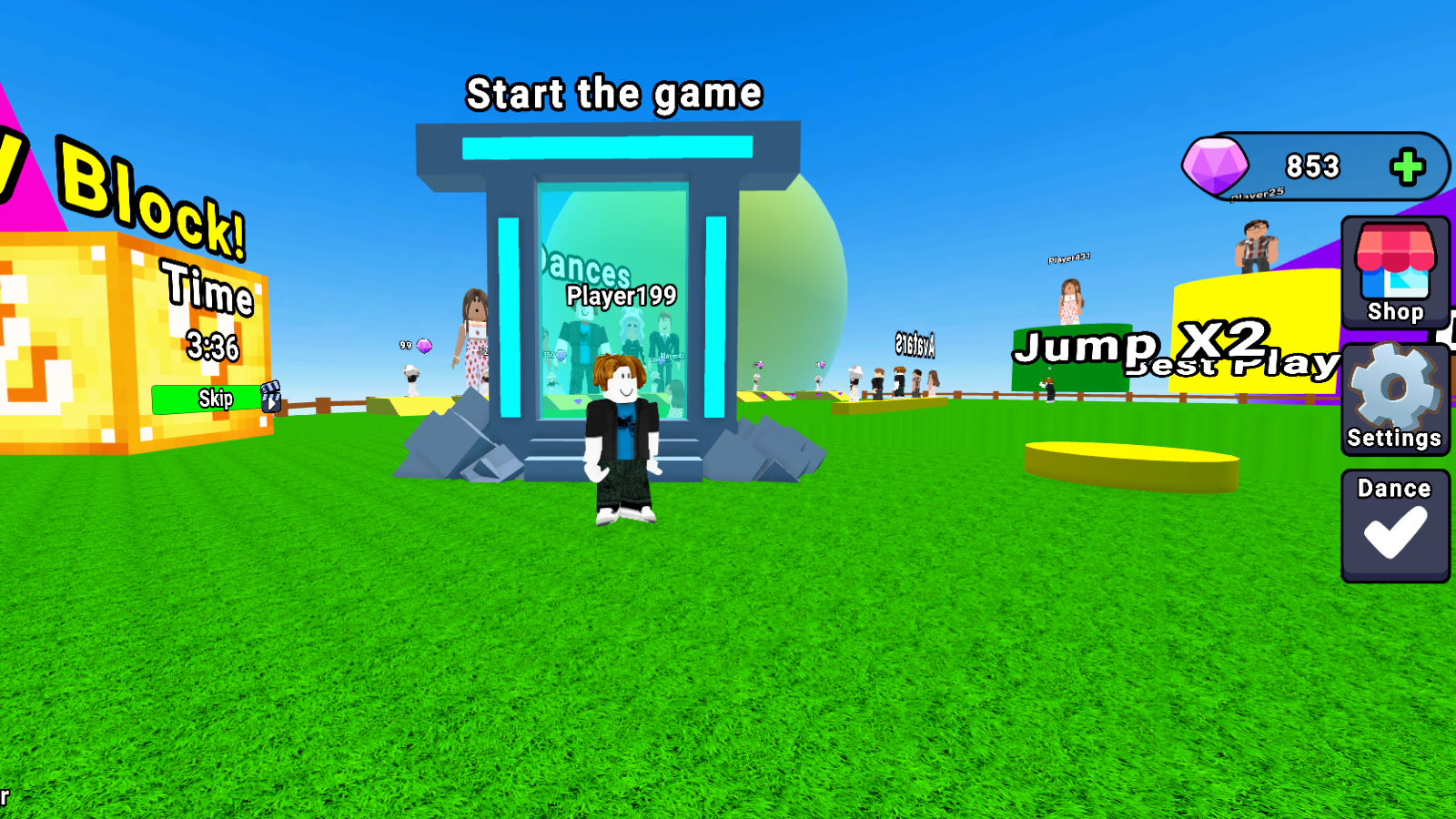
  • Obby : Race on the Math Tower screenshot 1
  • Obby : Race on the Math Tower screenshot 2
  • Obby : Race on the Math Tower screenshot 3
  • Obby : Race on the Math Tower screenshot 4
  • Obby : Race on the Math Tower screenshot 5
  • Obby : Race on the Math Tower screenshot 6
  • Obby : Race on the Math Tower screenshot 7
  • Obby : Race on the Math Tower screenshot 8
  • Obby : Race on the Math Tower screenshot 9
  • Obby : Race on the Math Tower screenshot 10
  • Obby : Race on the Math Tower screenshot 11
  • Obby : Race on the Math Tower screenshot 12
  • Obby : Race on the Math Tower screenshot 13
  • Obby : Race on the Math Tower screenshot 14
  • Obby : Race on the Math Tower screenshot 15
  • Obby : Race on the Math Tower screenshot 16
  • Obby : Race on the Math Tower screenshot 17
Play Now

10,734 players online

How to play

  1. Open the game

    Press Play now and the game opens on its own screen.

  2. Follow the in-game instructions

    The controls and goals are shown inside the game as you play.

  3. Use the game menu

    The floating button over the game reloads it, saves it to your favourites, or takes you back out.

Game instructions

Control (computer): ● W, A, S, D - Movement ● SPACE BAR - Jump ● Mouse Movement - Camera rotation Management (phone): ● Joystick on the left and buttons on the screen - Movement ● Pinch and move on the right side of the screen - Camera rotation

More games

More games