Overview
Sometimes a brilliant machine is missing just one part.
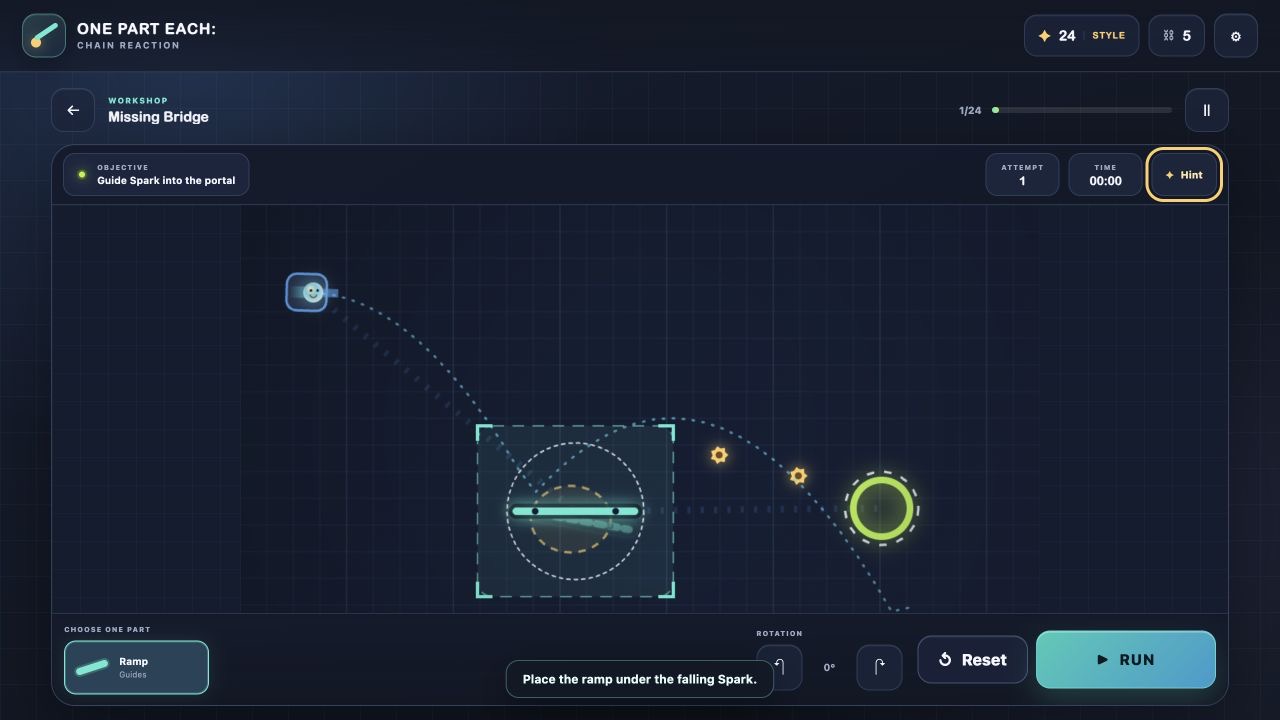
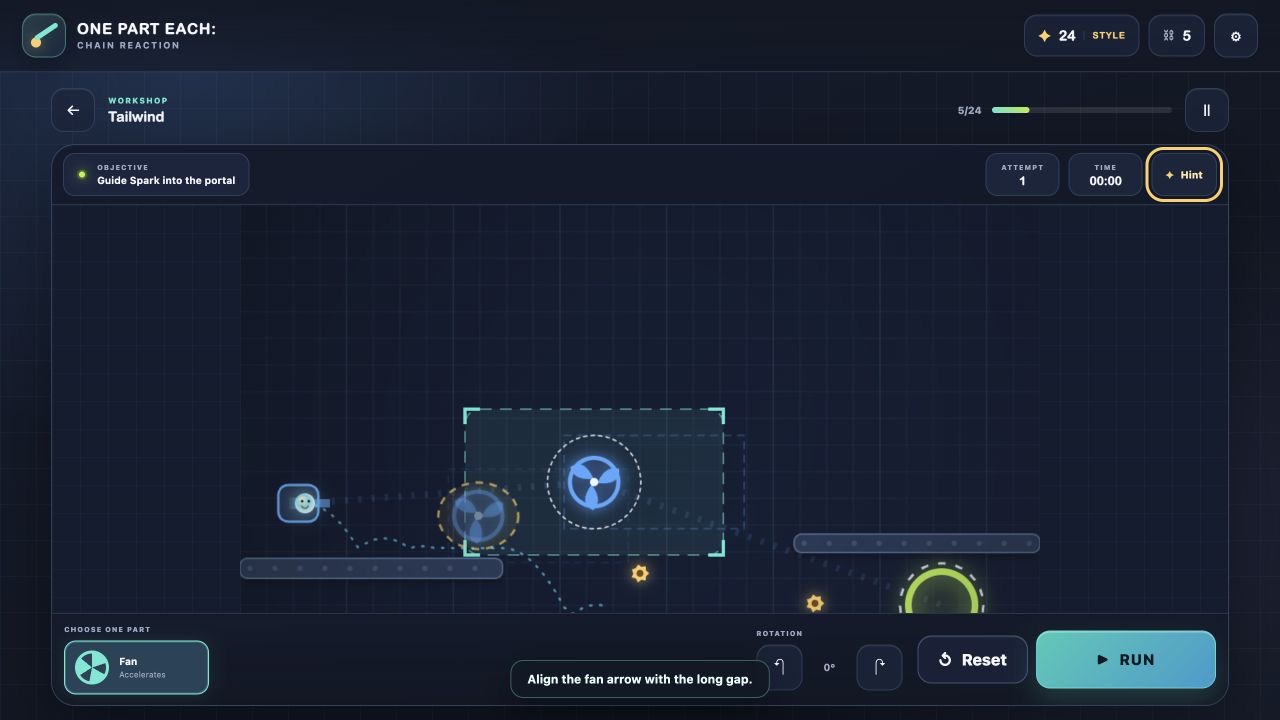
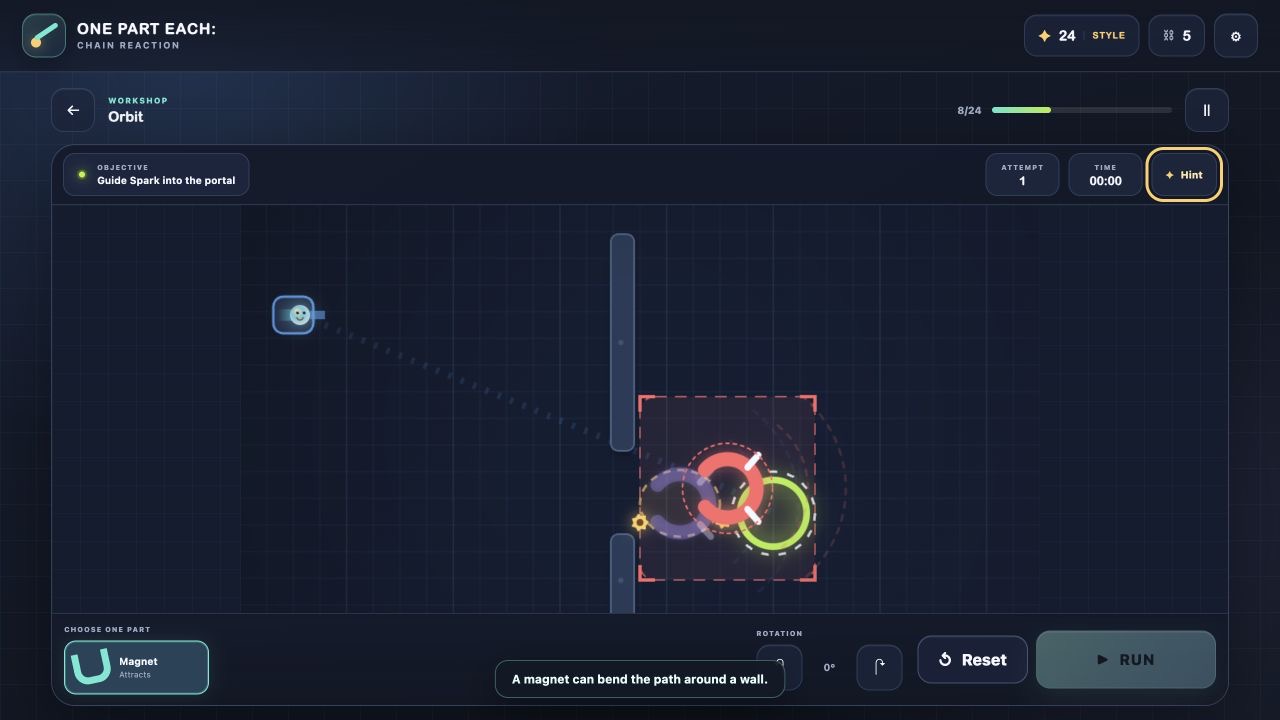
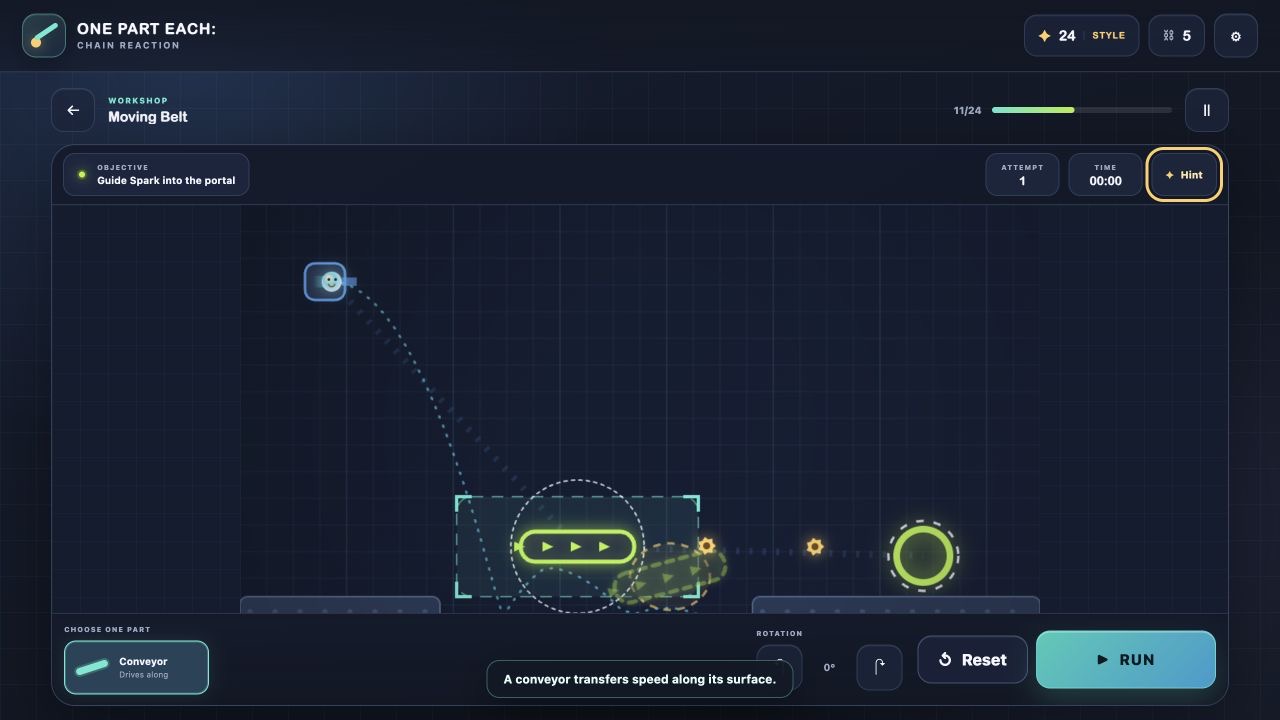
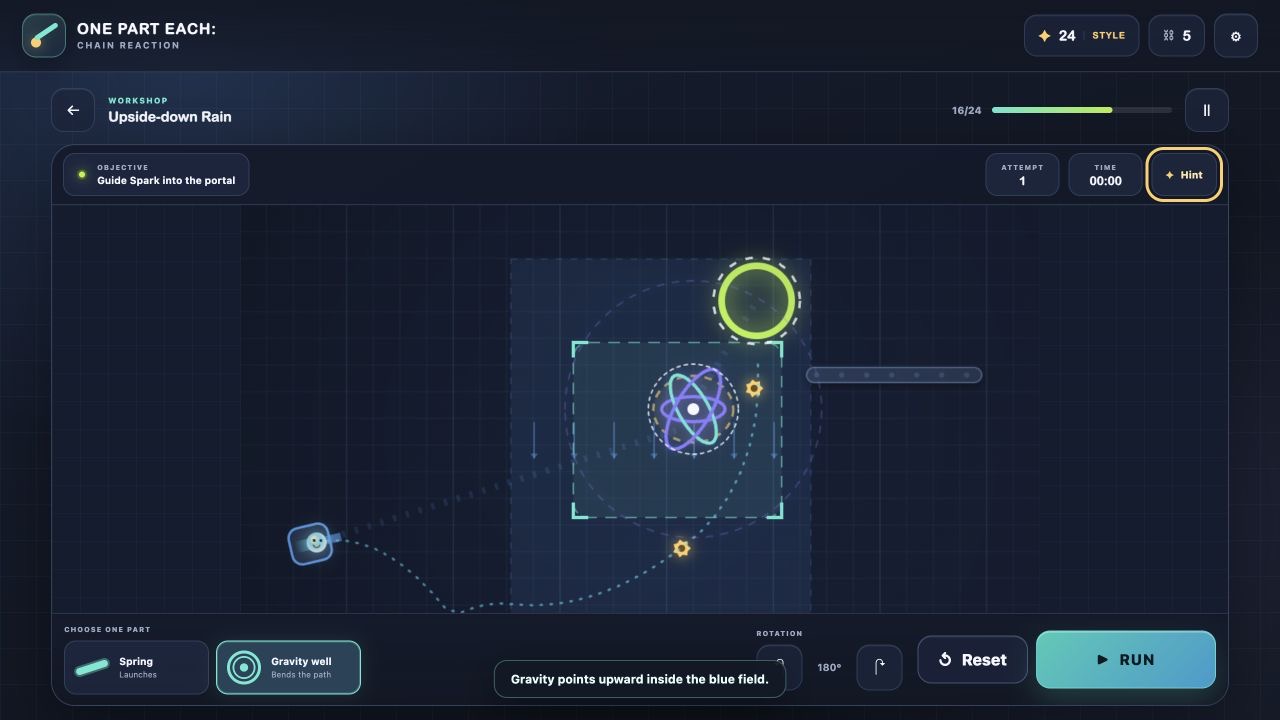
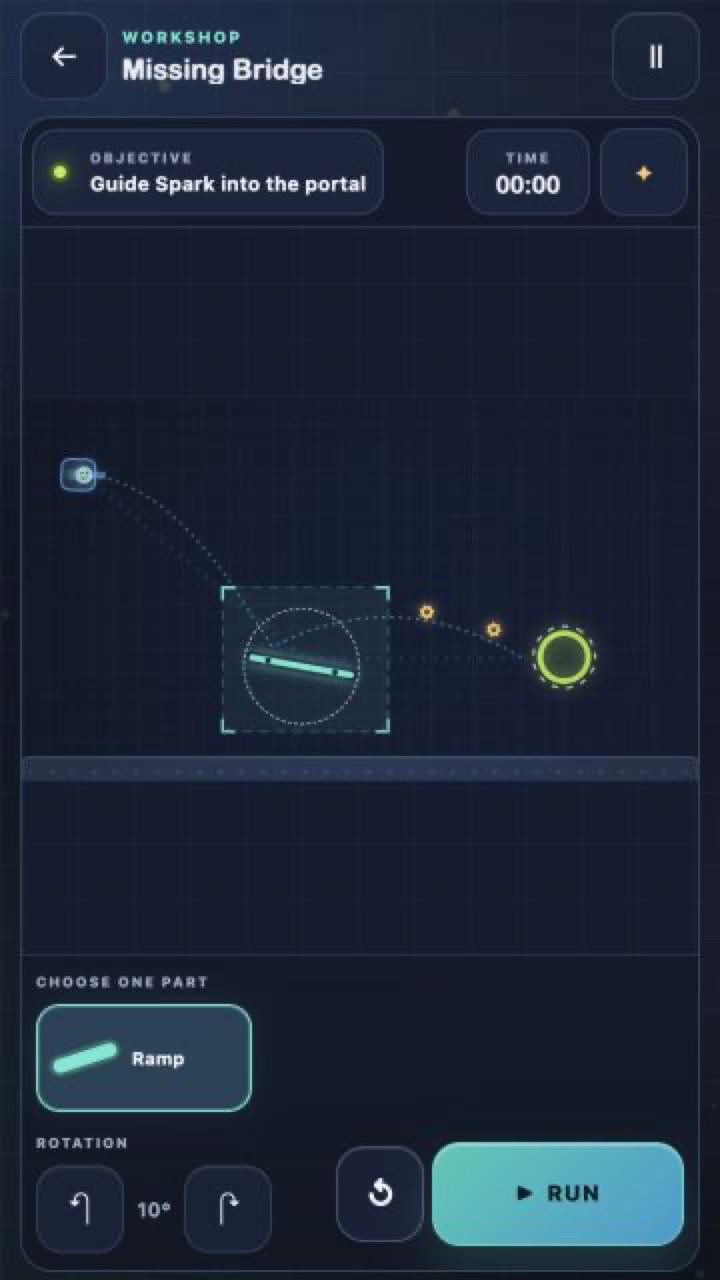
Choose a ramp, spring, bumper, fan, magnet, gravity field, or conveyor. Place it on the blueprint, find the right angle, and start the mechanism. Guide Spark past the obstacles, collect the gears, and reach the portal.
The game includes:
• 24 handcrafted puzzles across four chapters;
• a shared six-link Daily Machine;
• an endless challenge built for high scores;
• link-based relays you can continue with friends;
• free hints with no mandatory ads;
• one-finger, mouse, and keyboard controls;
• English, Russian, and Turkish interfaces;
• local progress with no sign-in required.
Every blueprint follows one simple rule: you may add only one part. There can still be more than one ingenious solution. Experiment, collect every gear, and turn physics into mechanical poetry!
Videos and screenshots
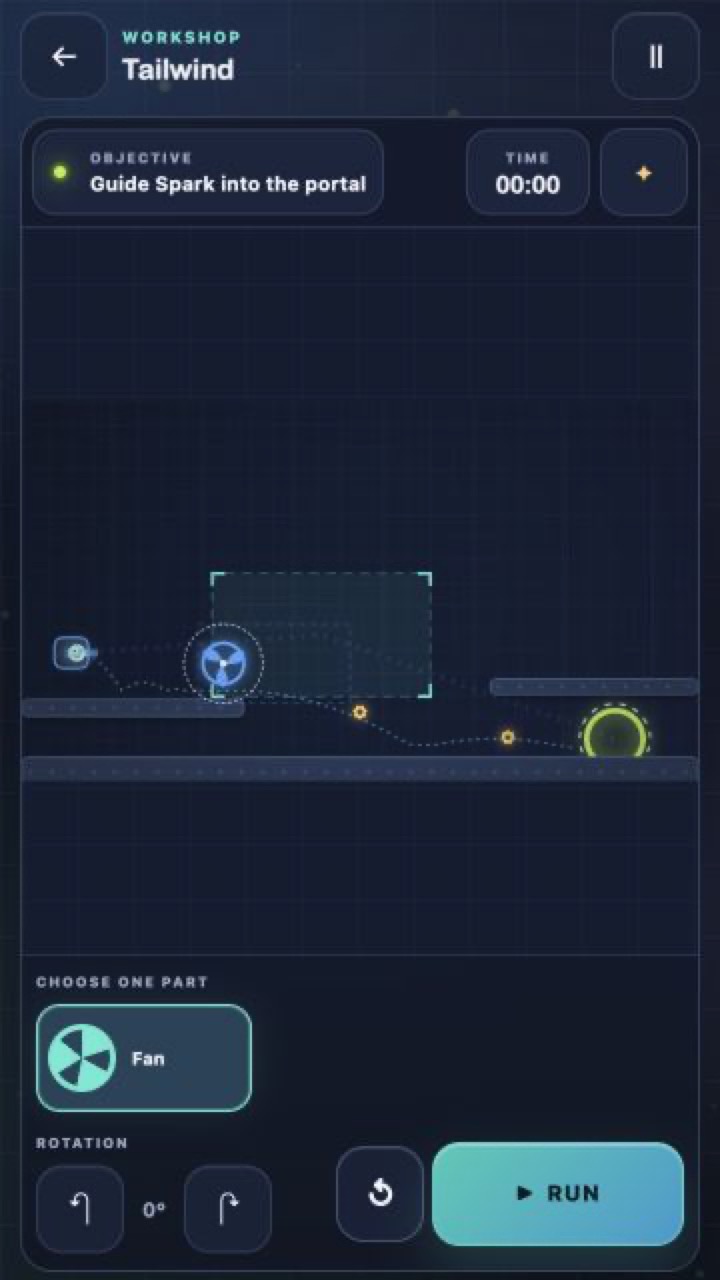
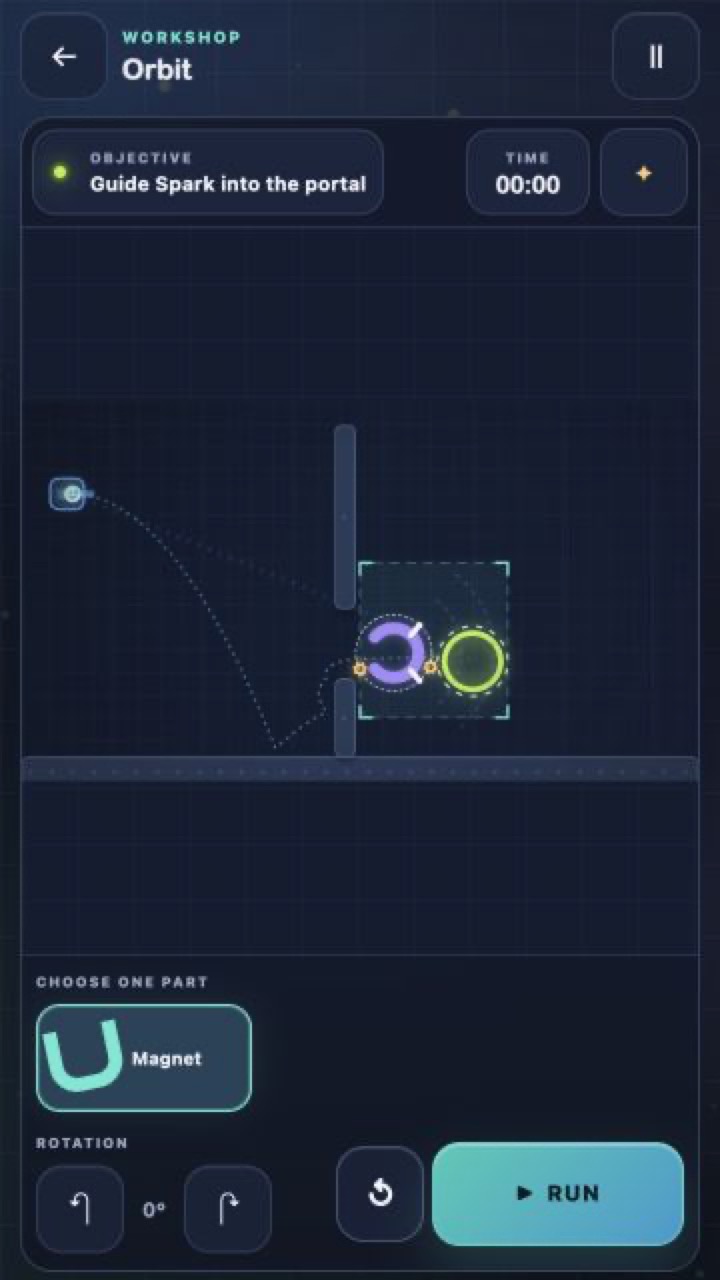
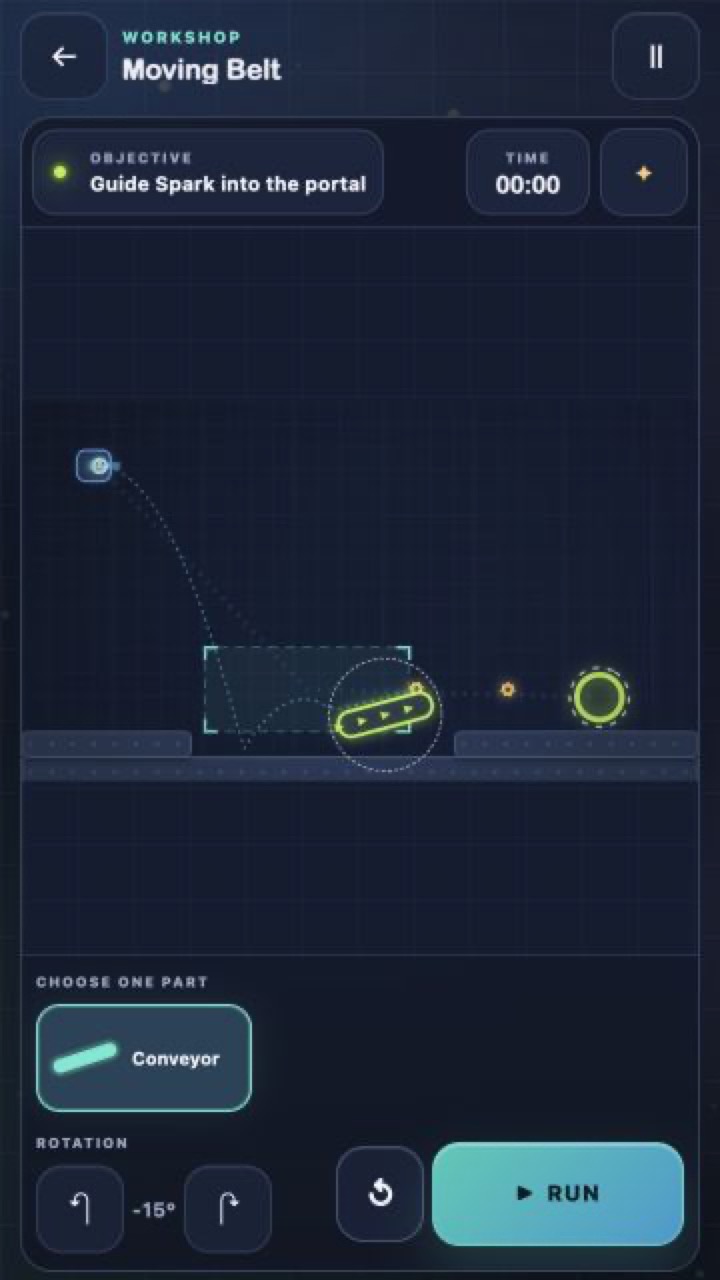
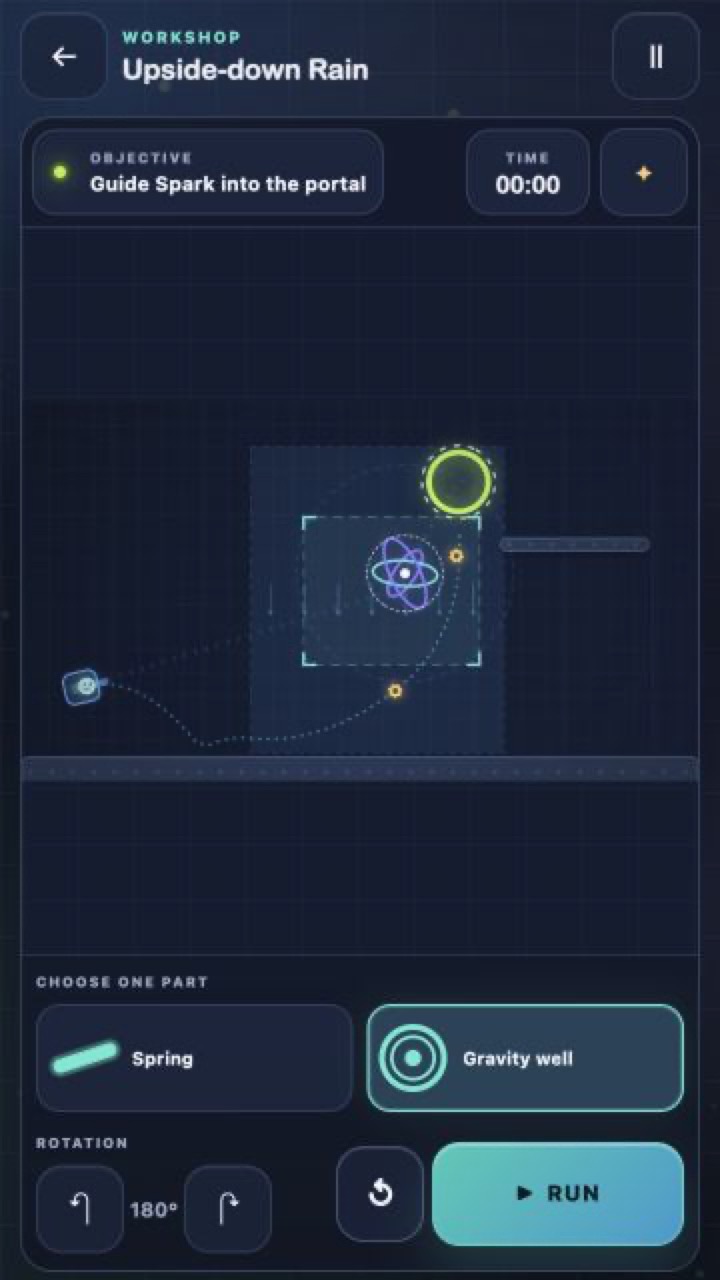
12,669 players online
How to play
-
Open the game
Press Play now and the game opens on its own screen.
-
Follow the in-game instructions
The controls and goals are shown inside the game as you play.
-
Use the game menu
The floating button over the game reloads it, saves it to your favourites, or takes you back out.