Skip to content
KG
Online Solitaire Collection

Online Solitaire Collection

76K plays 4.7 out of 5

Overview

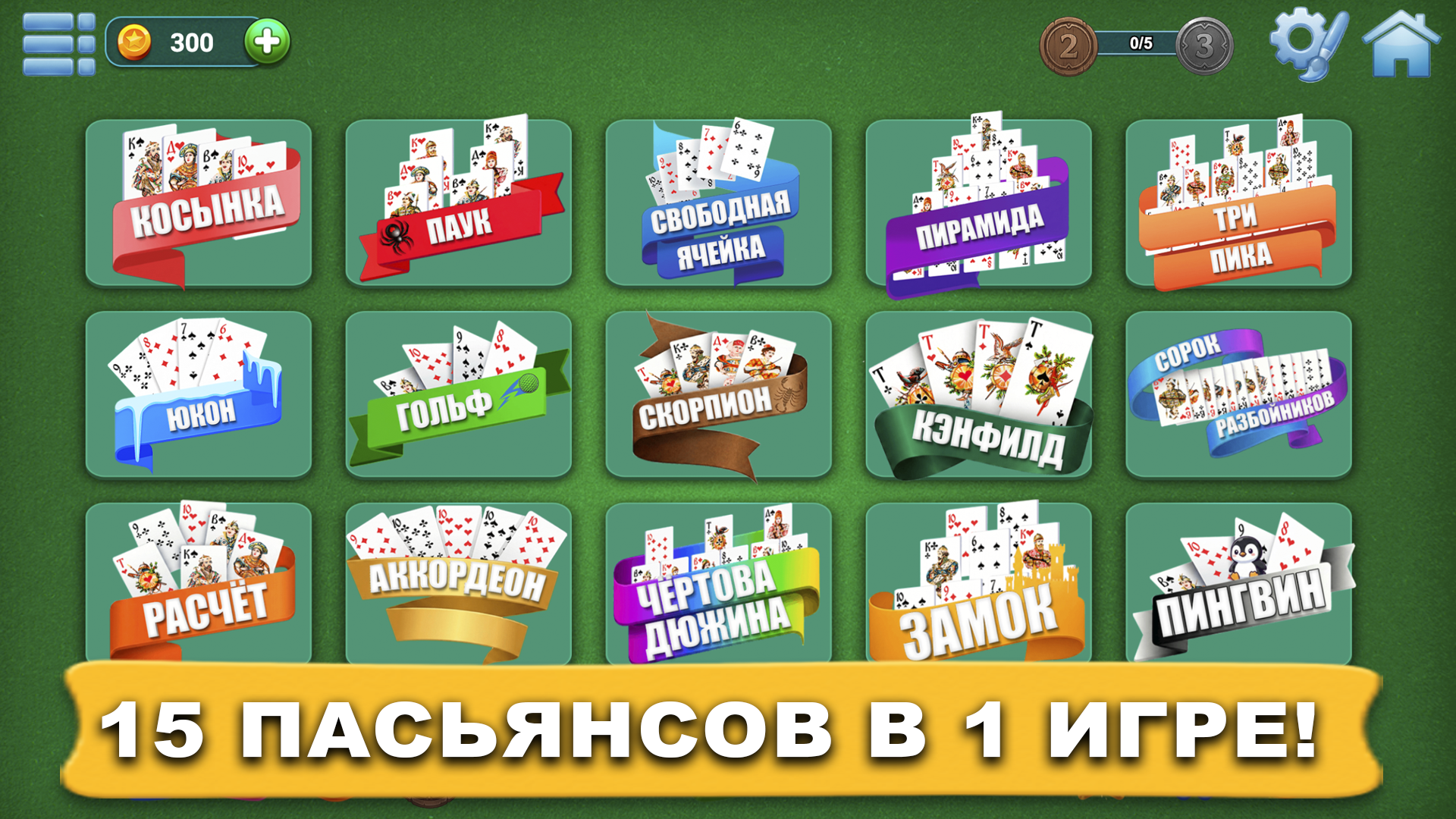
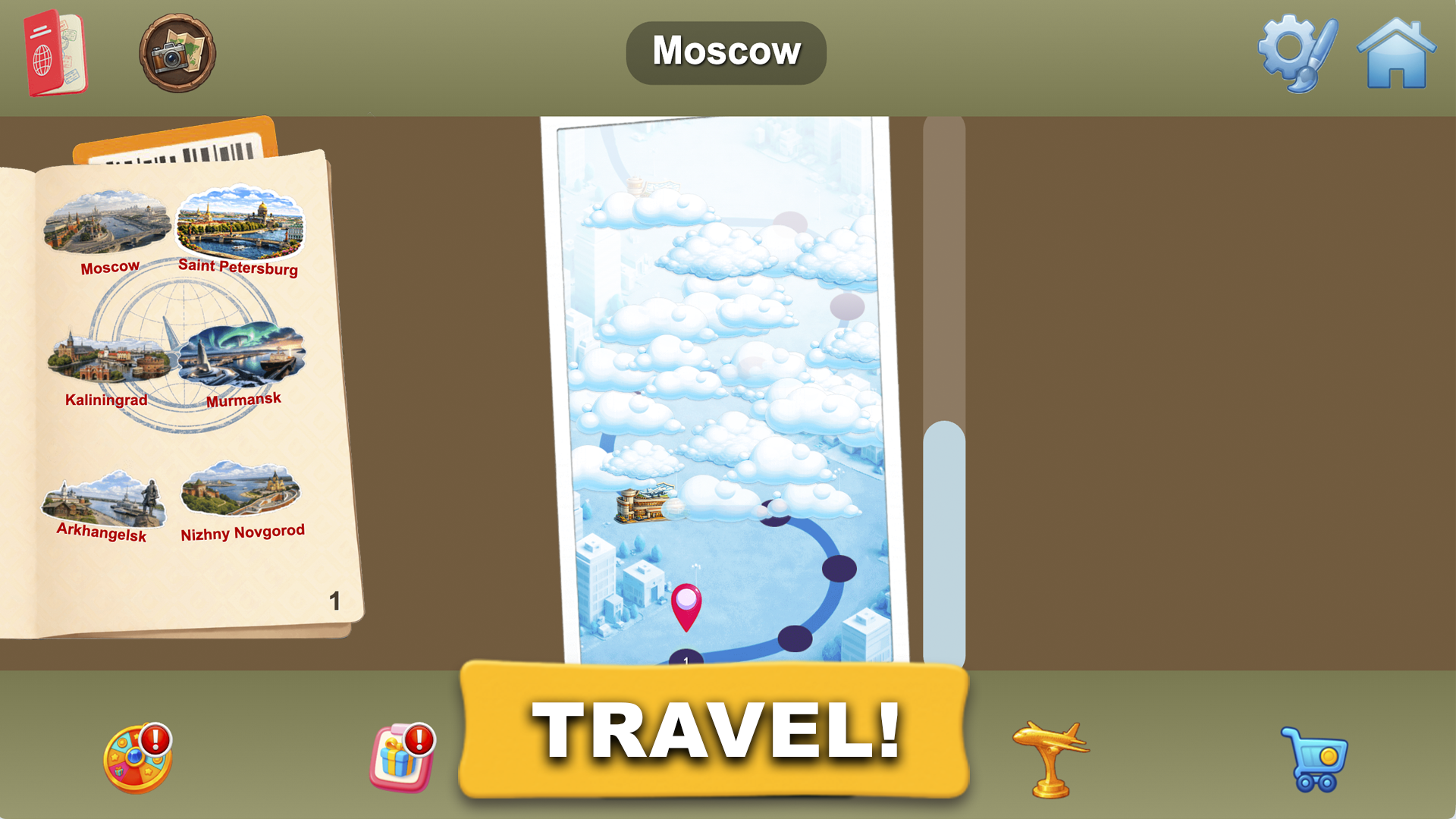
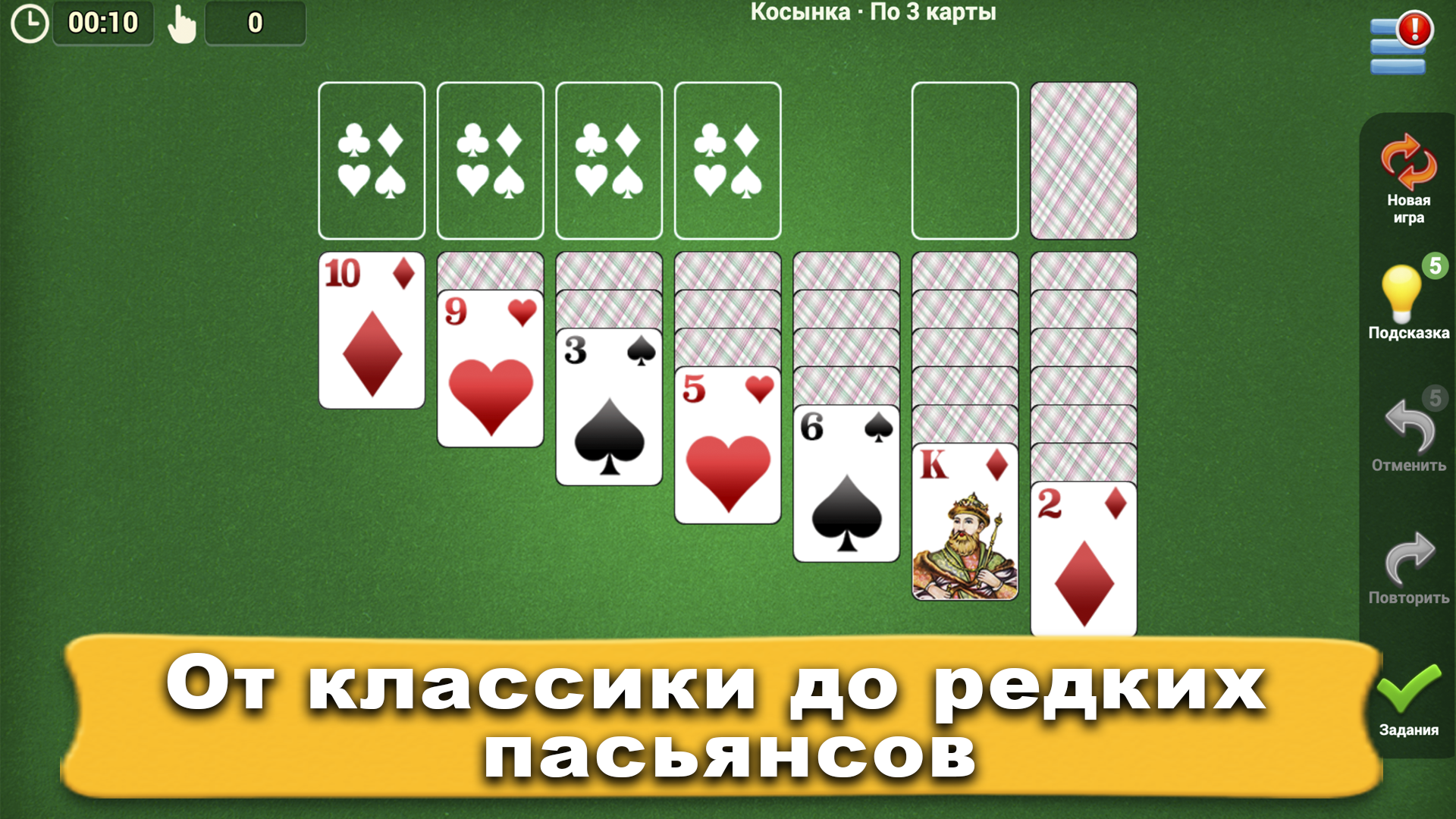
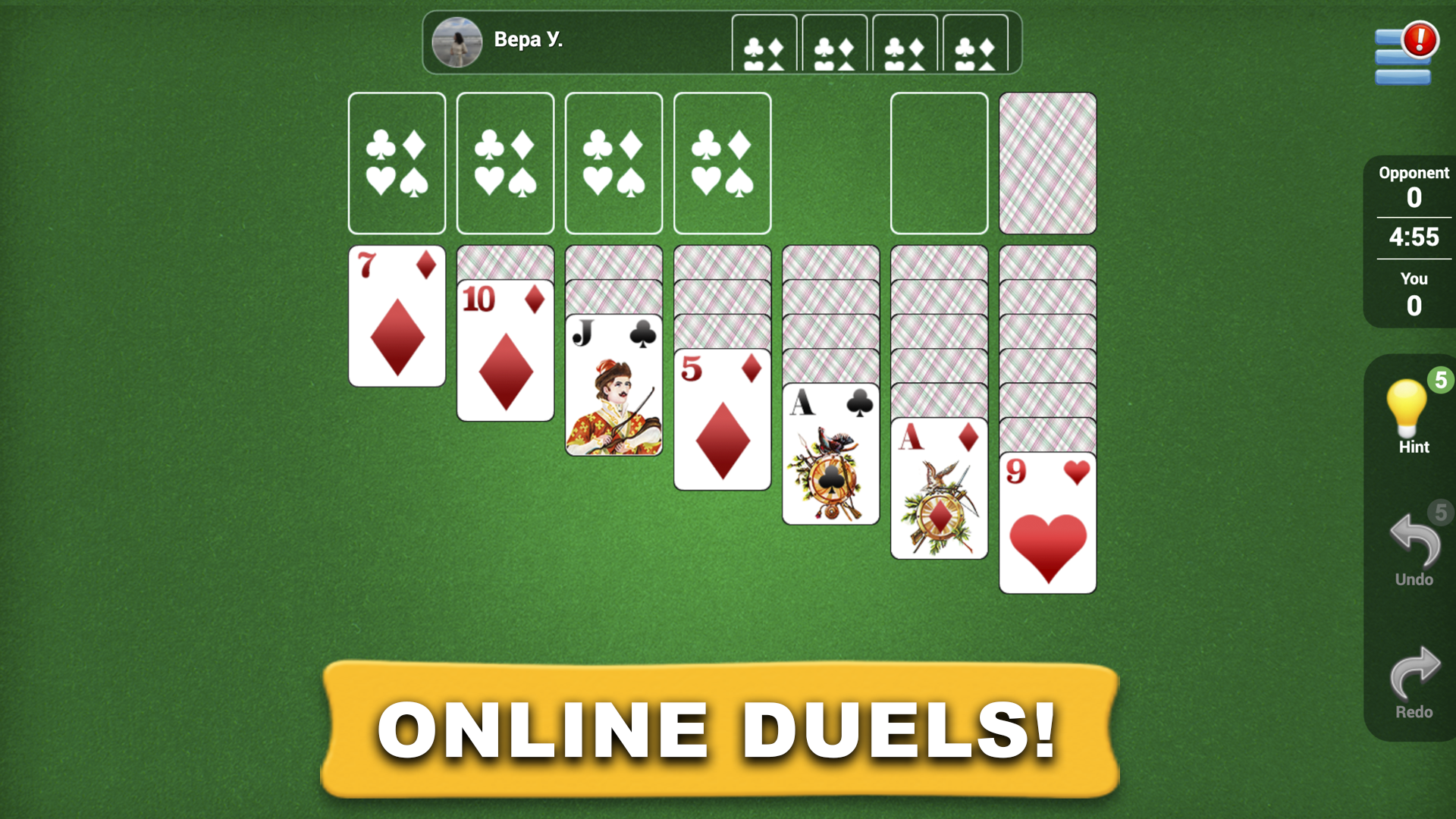
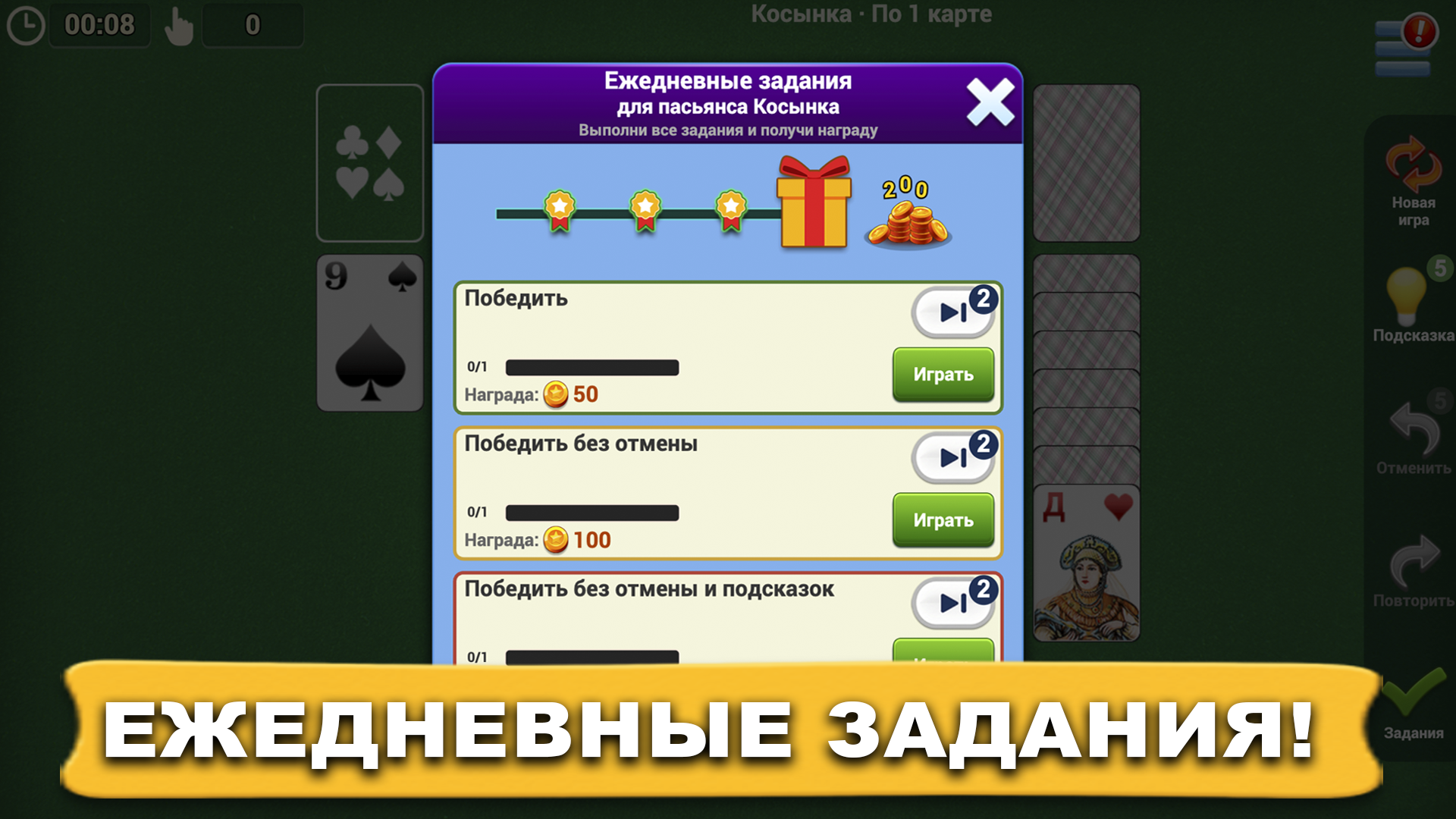
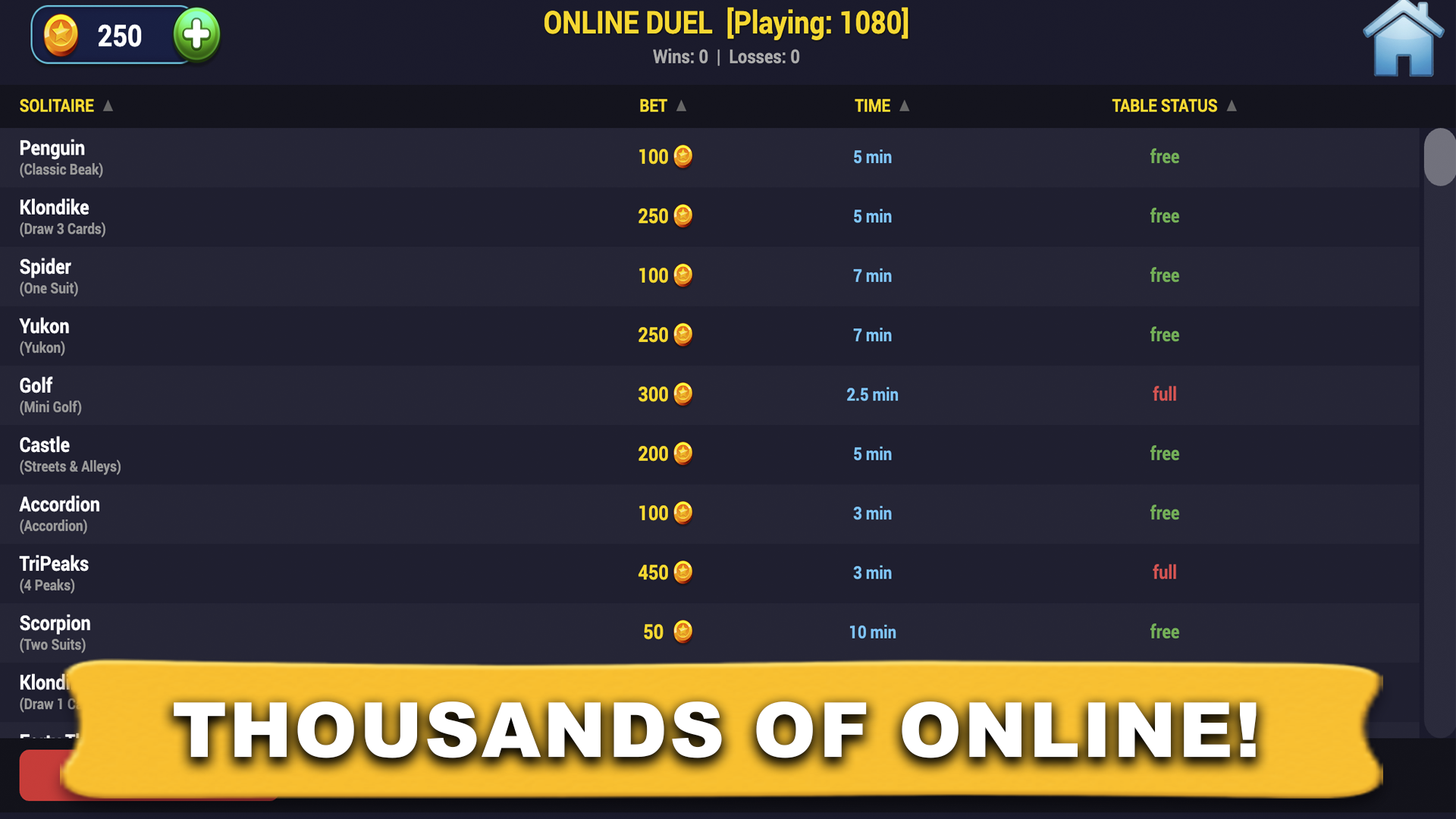
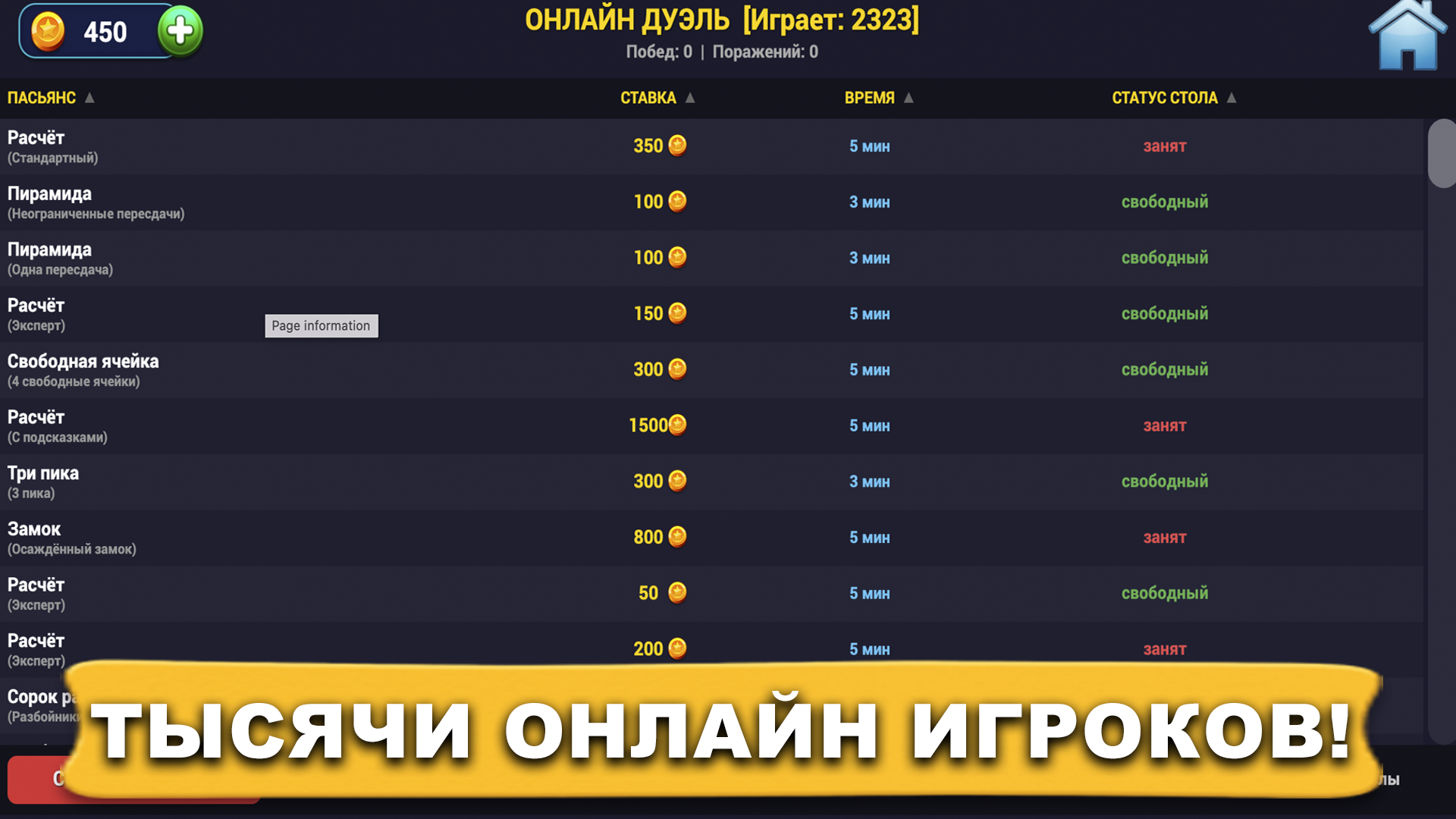
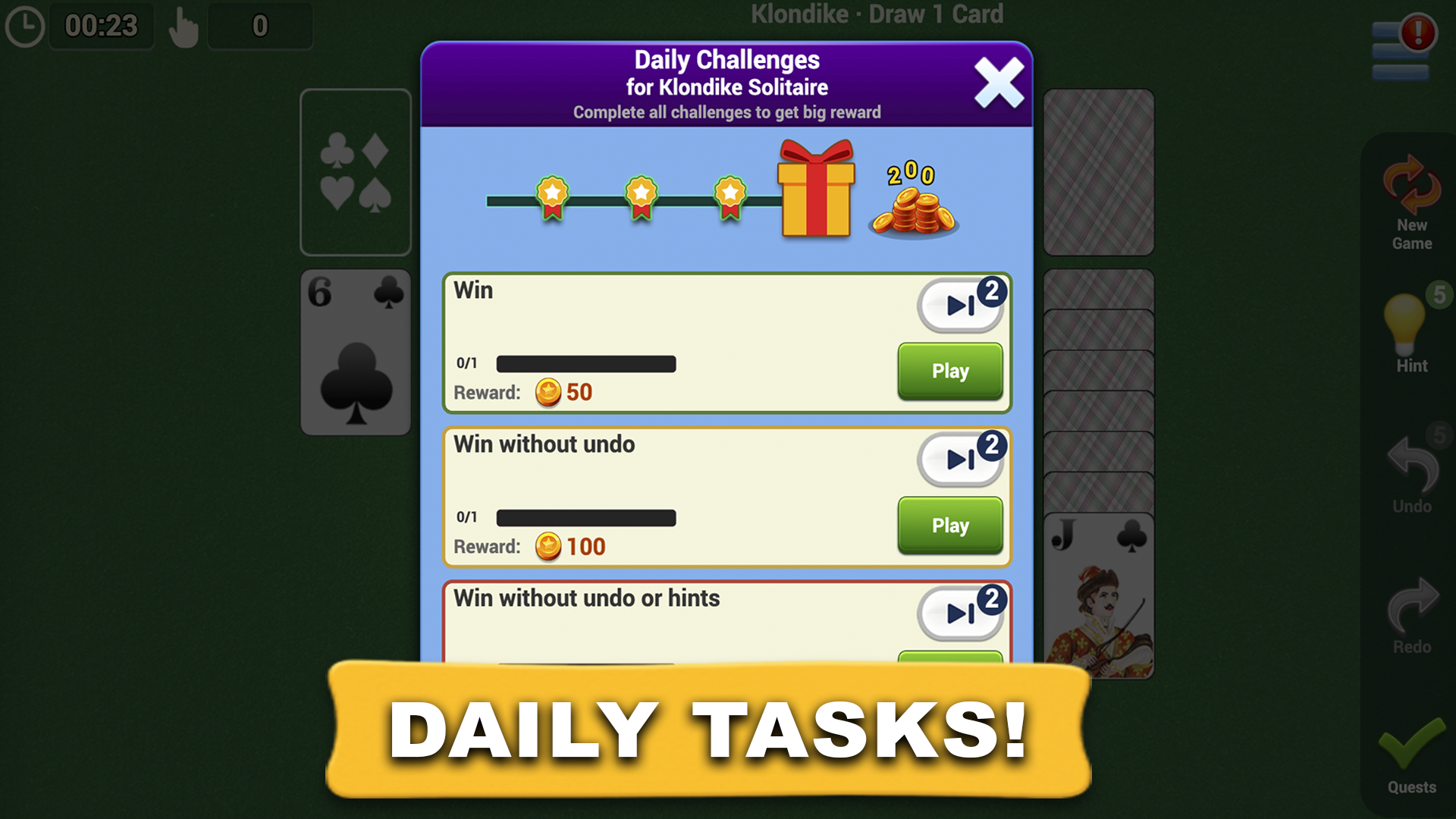
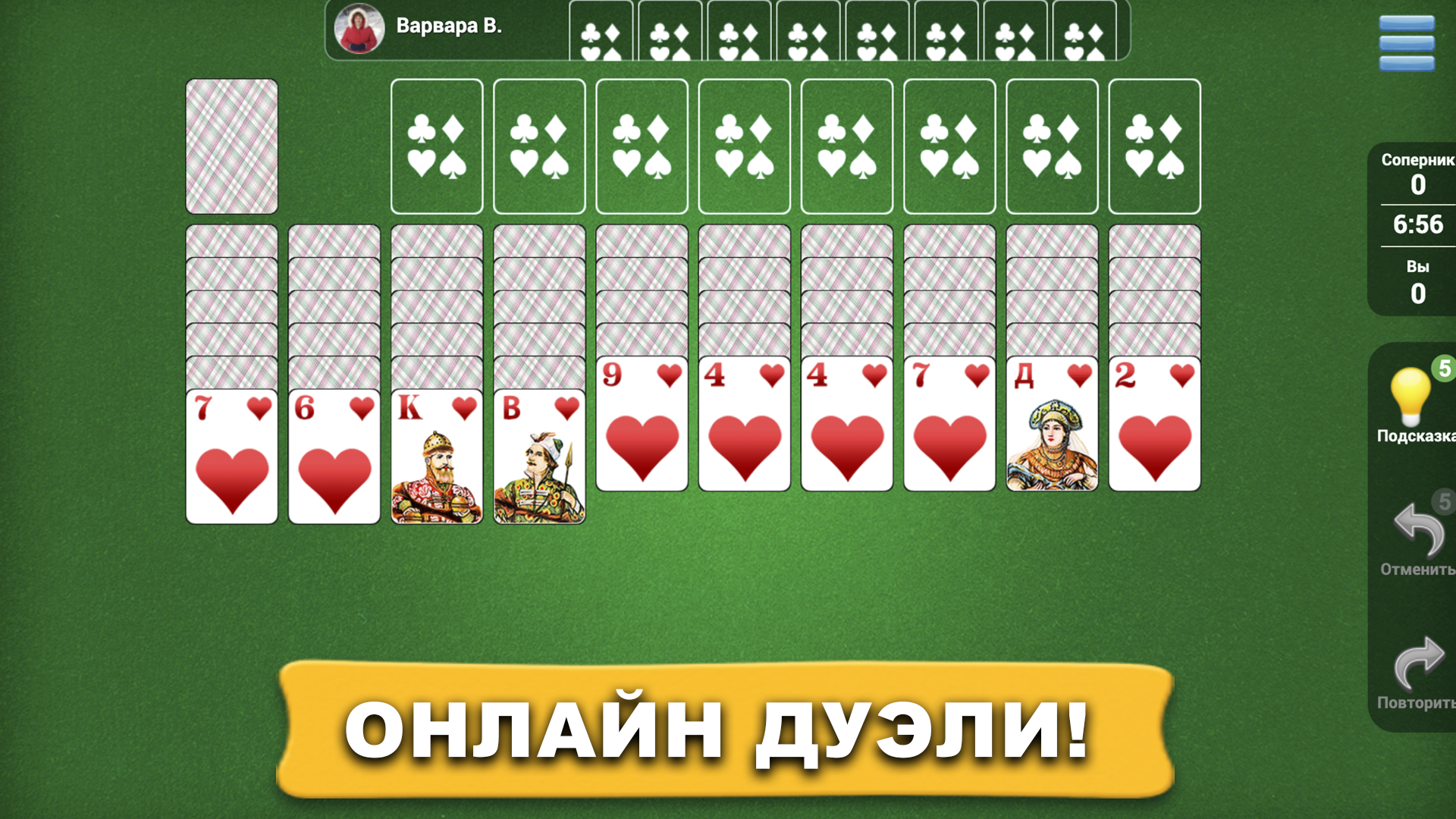
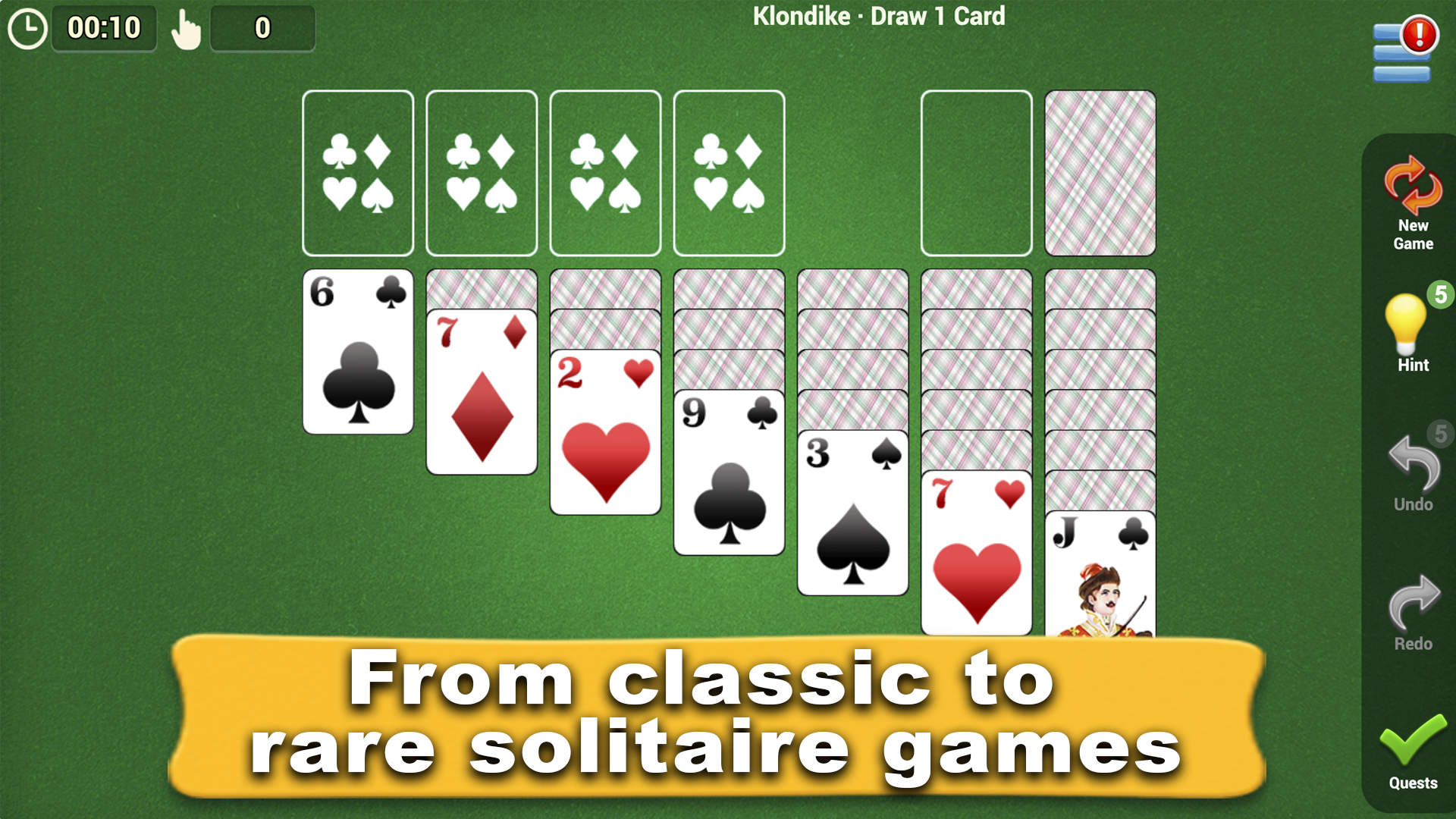
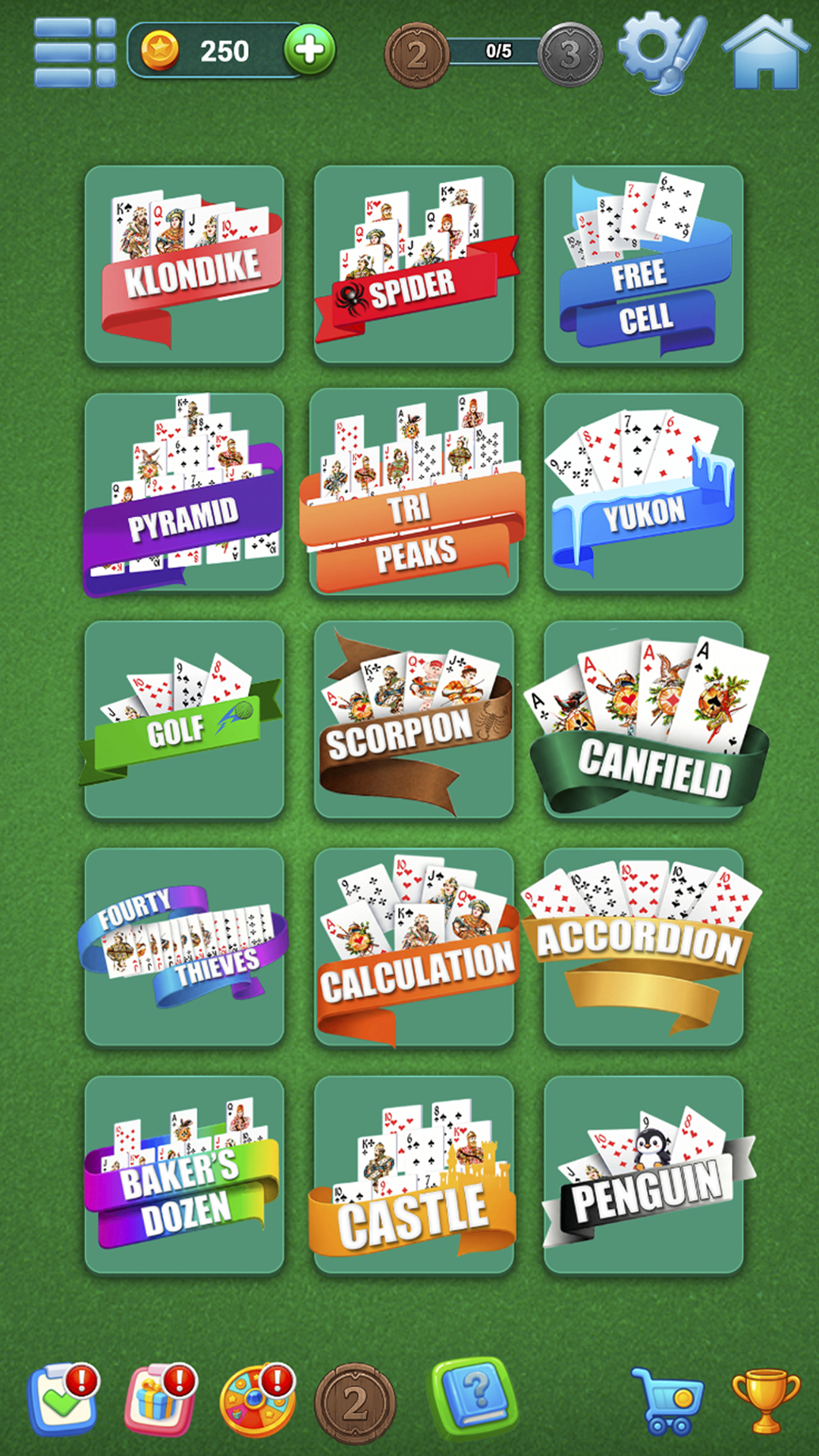
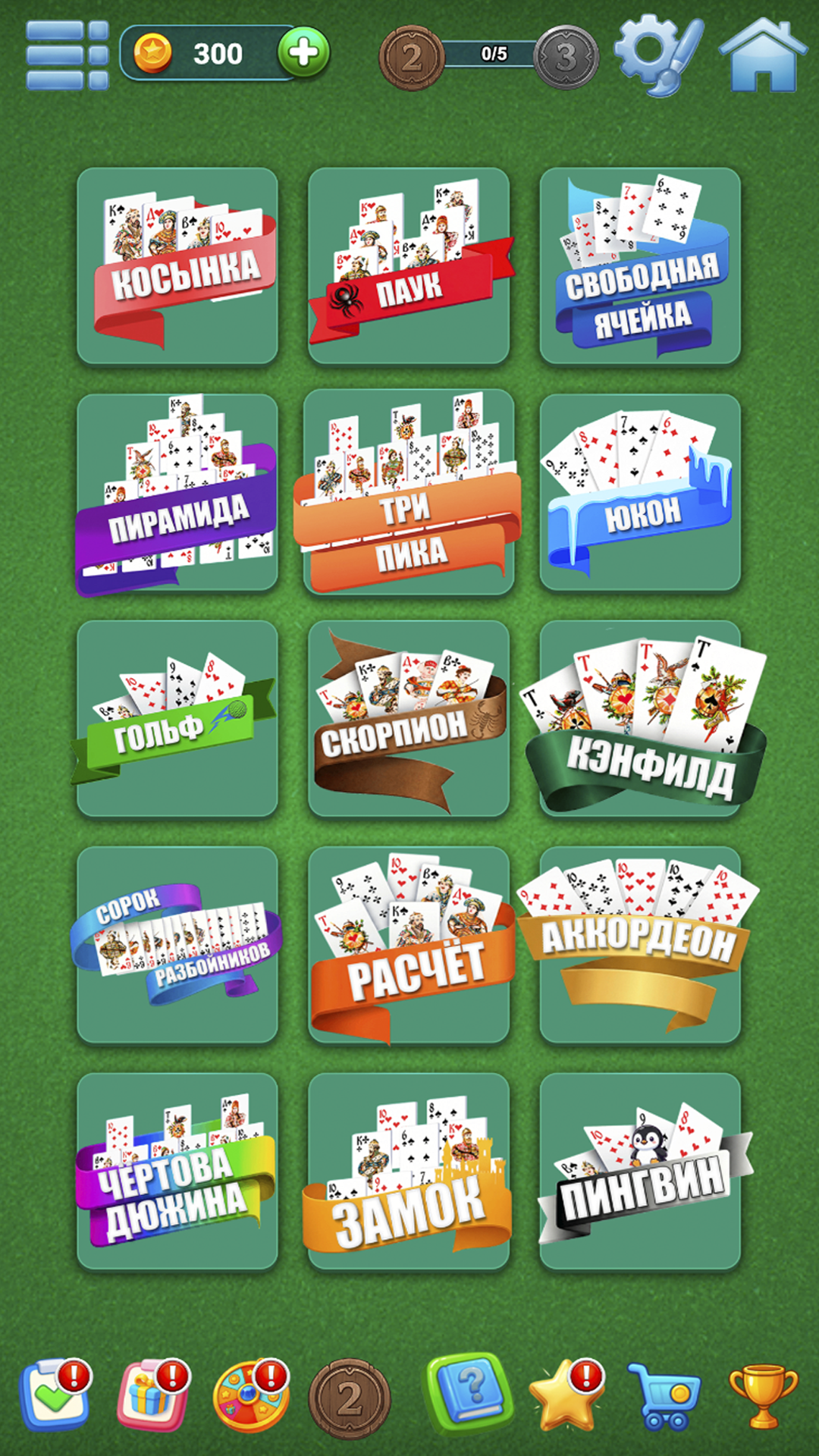
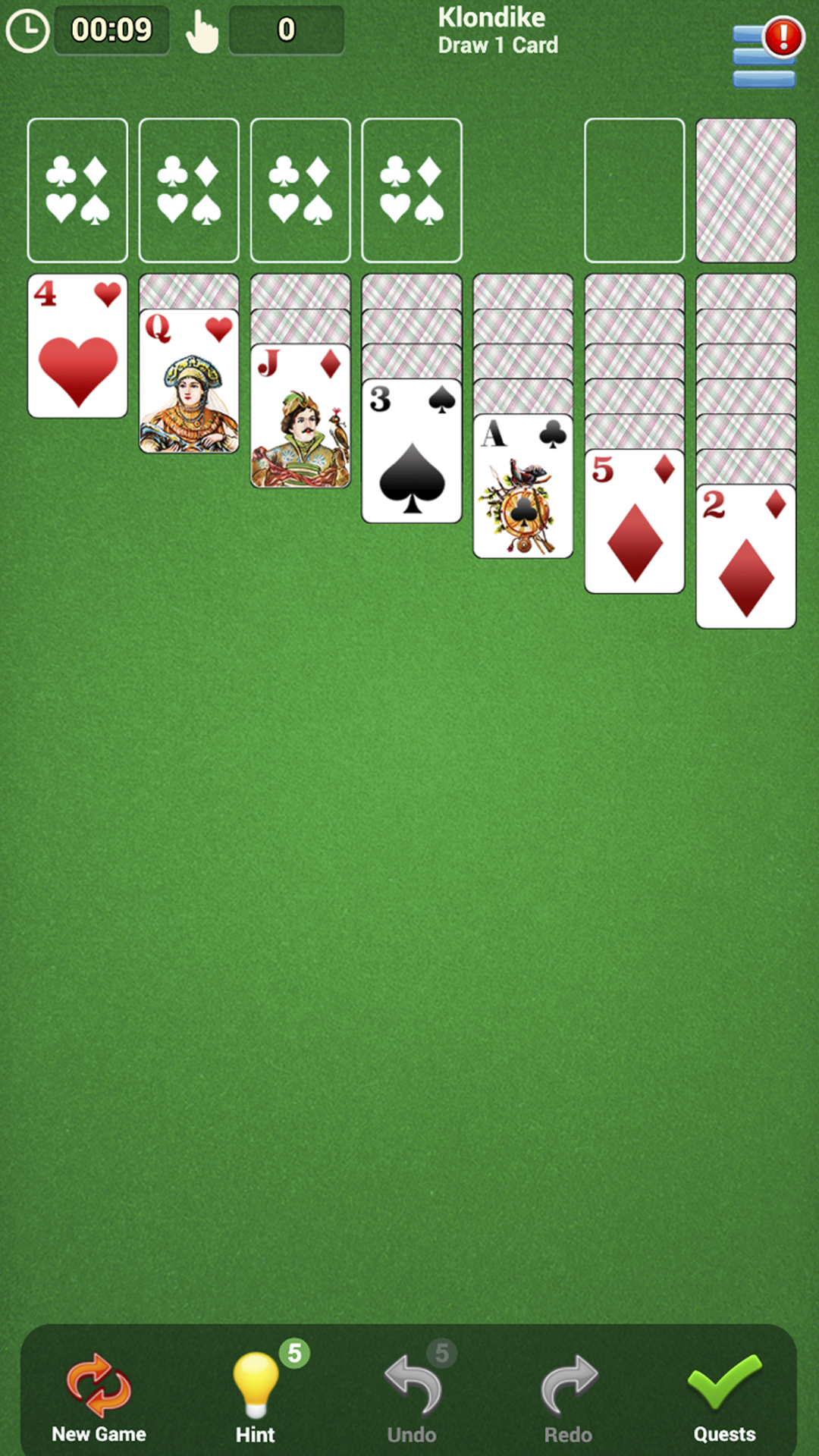
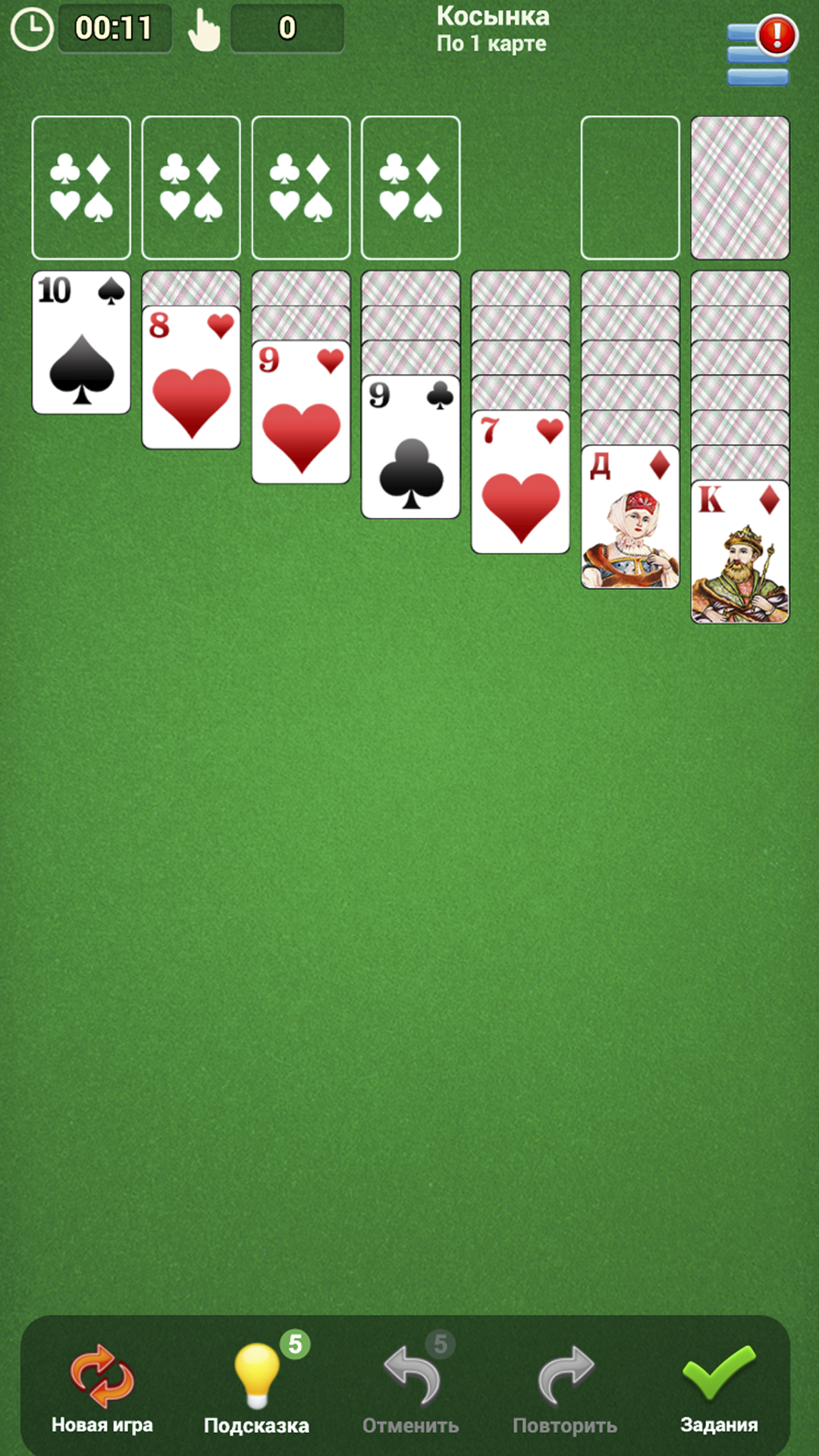
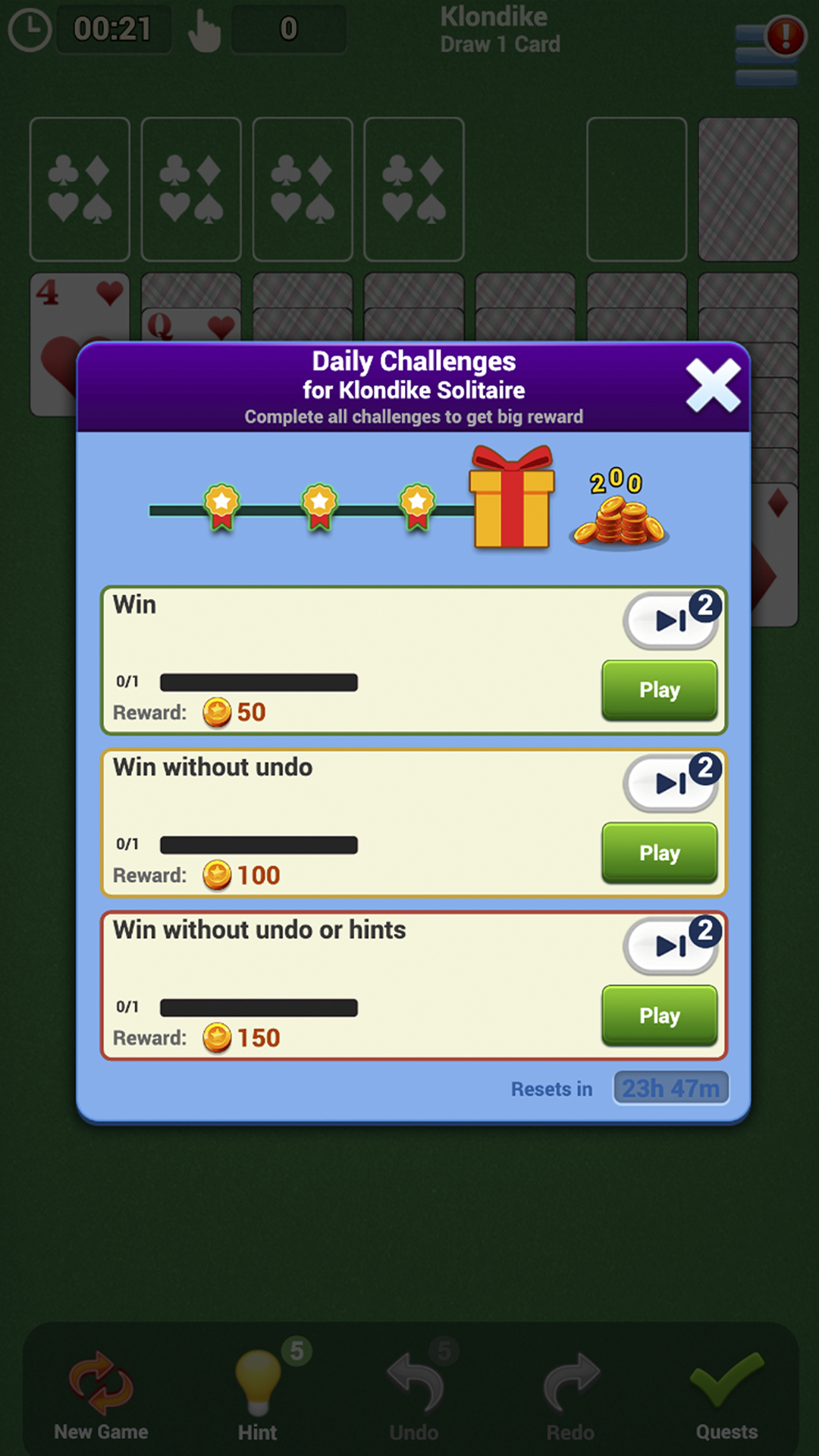
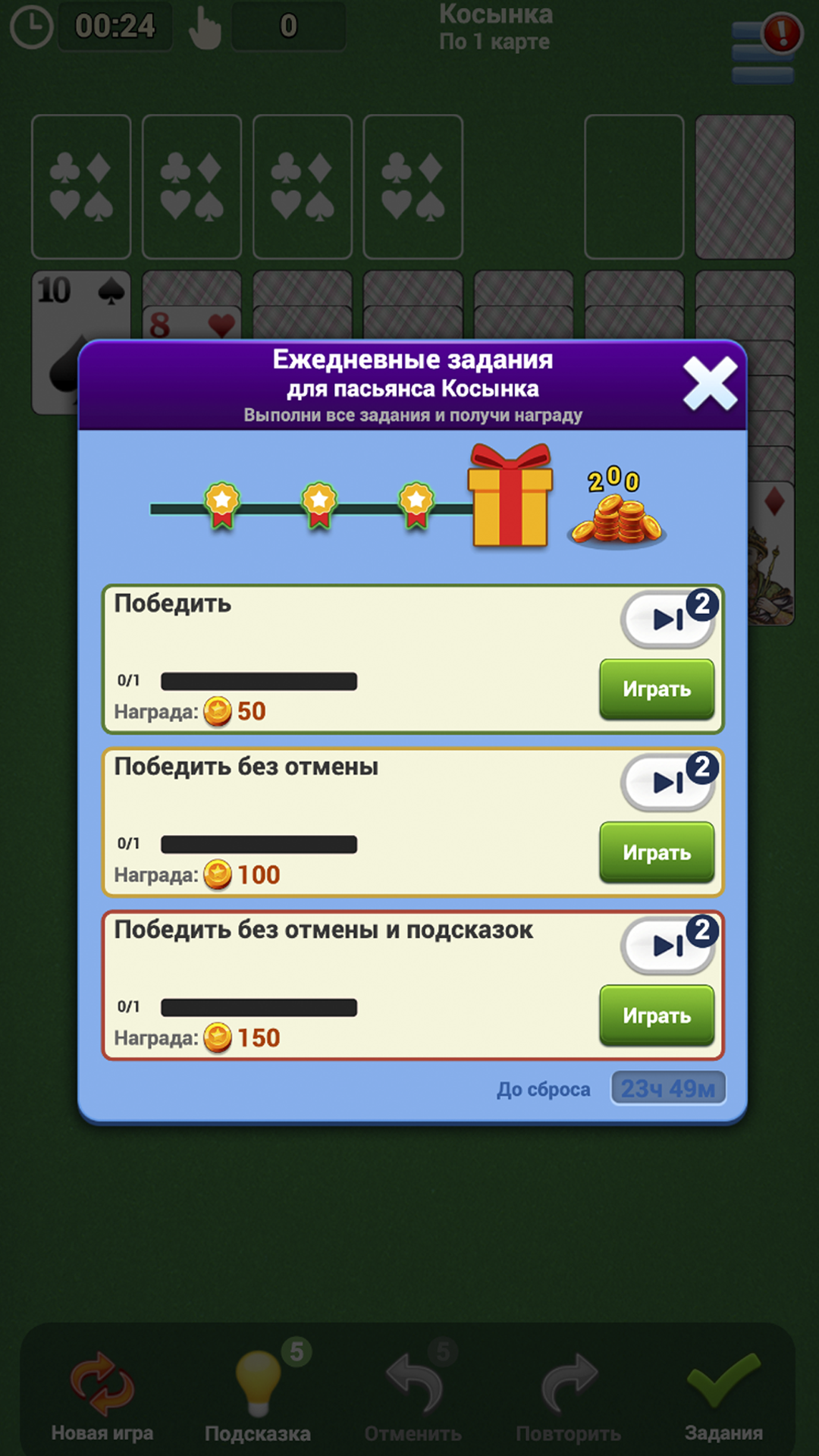
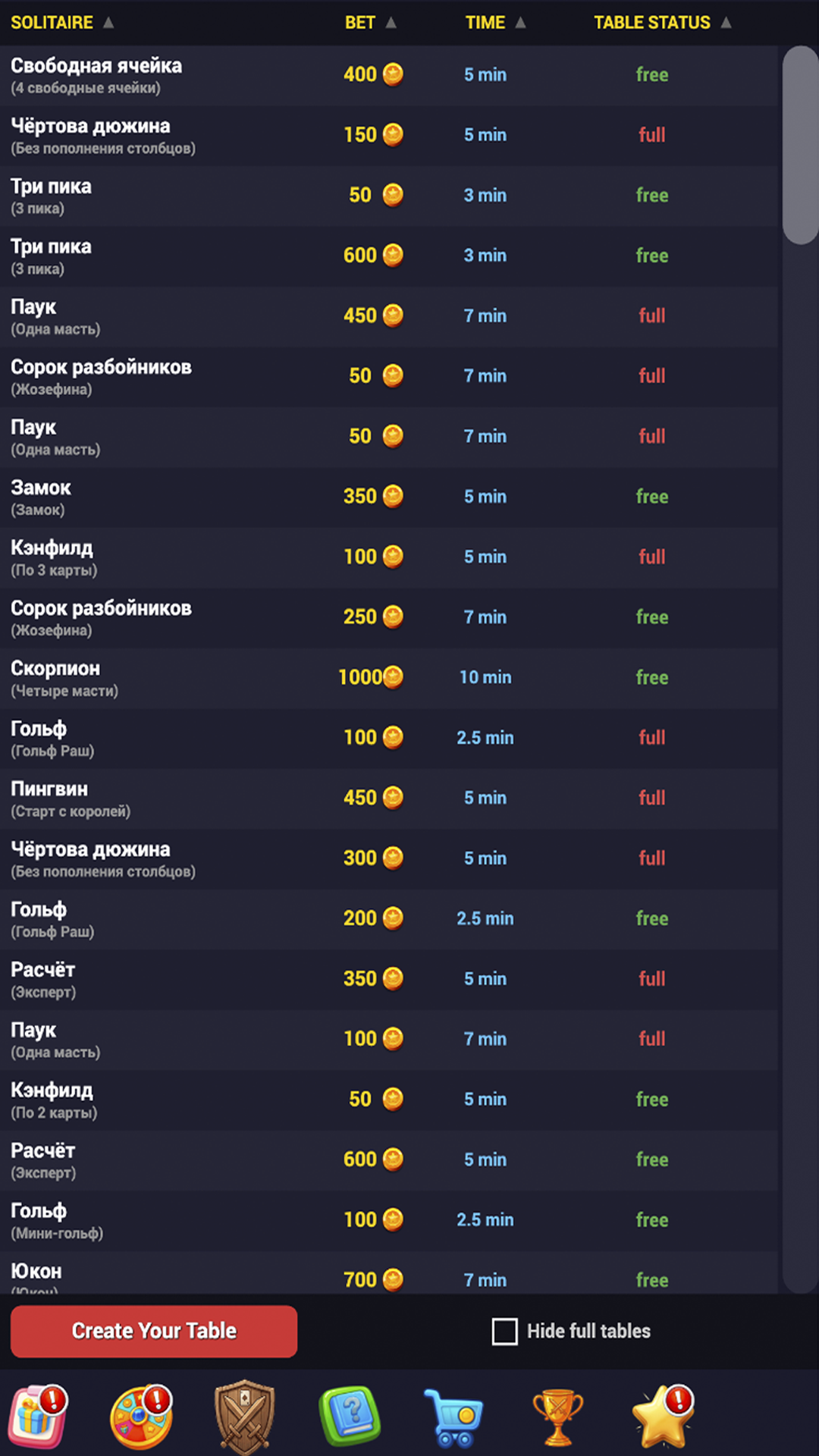
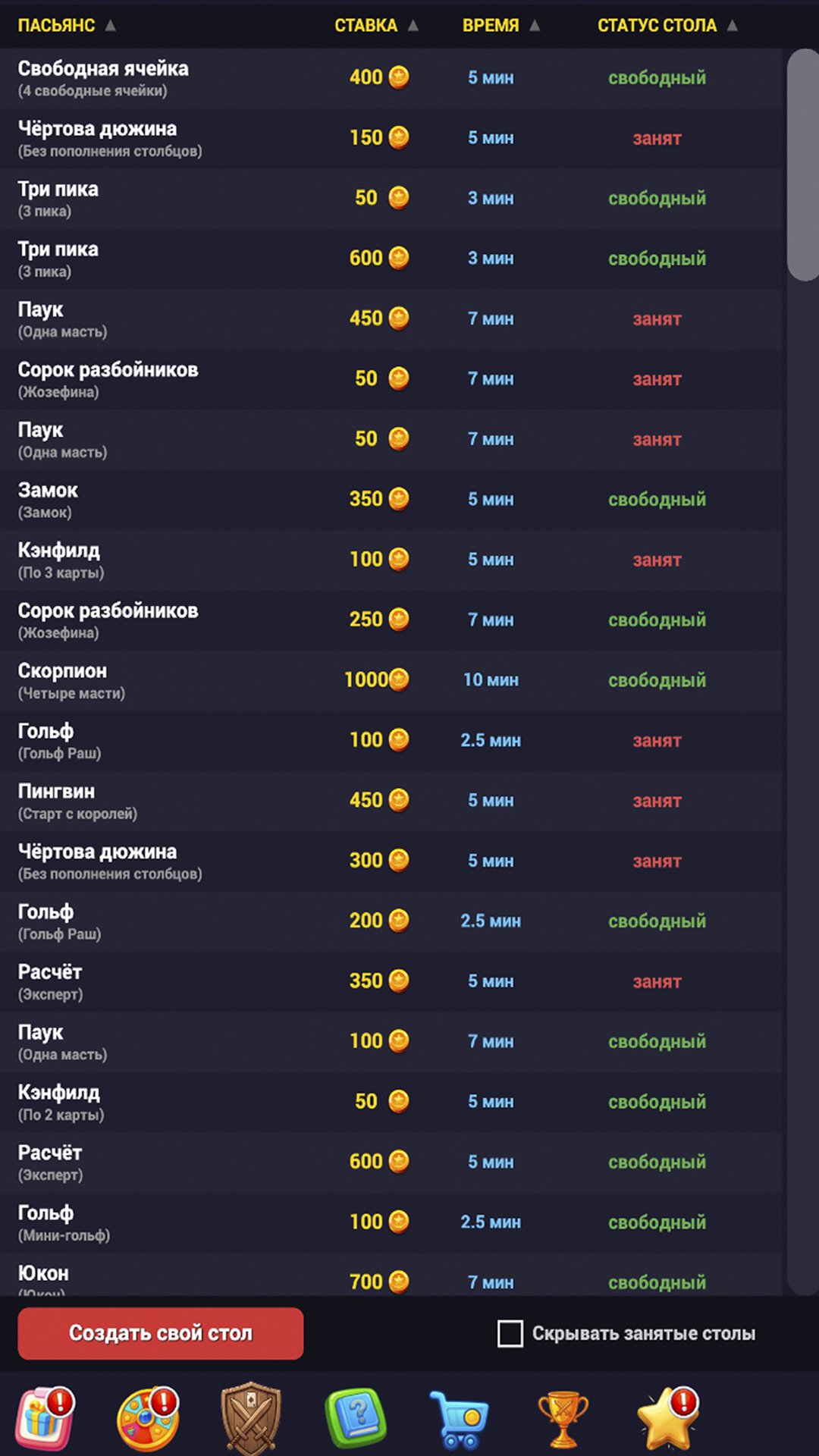
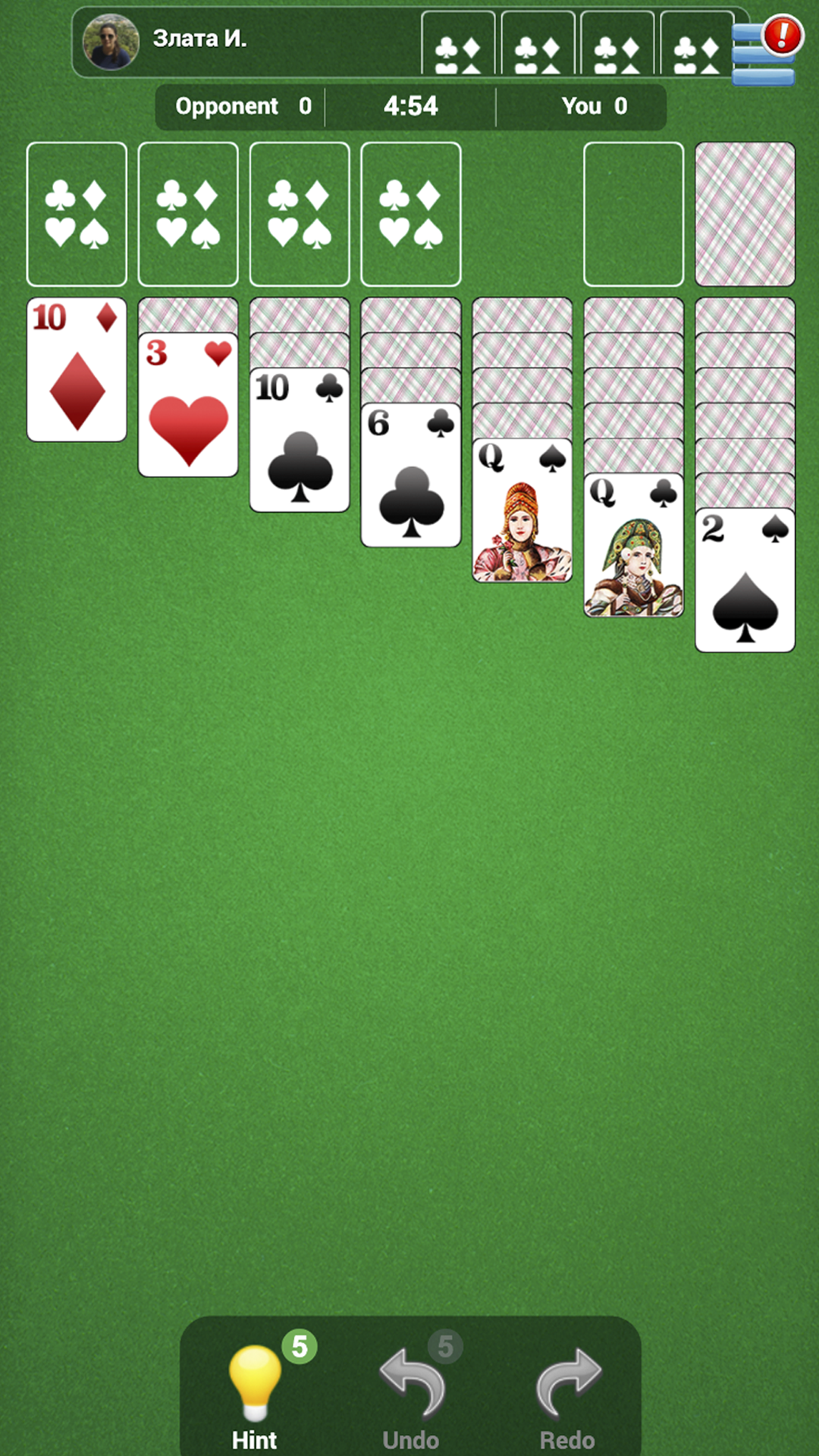
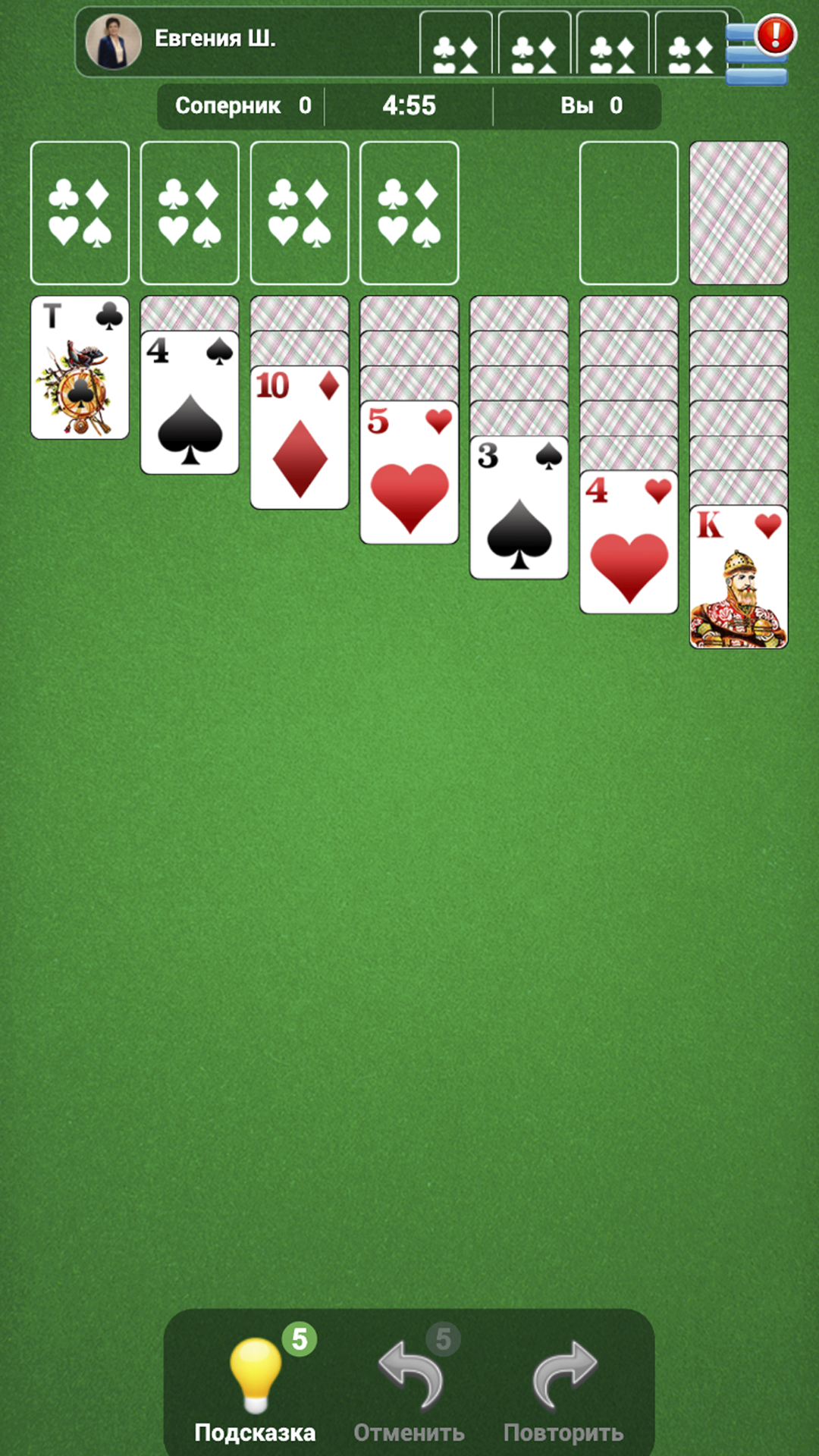
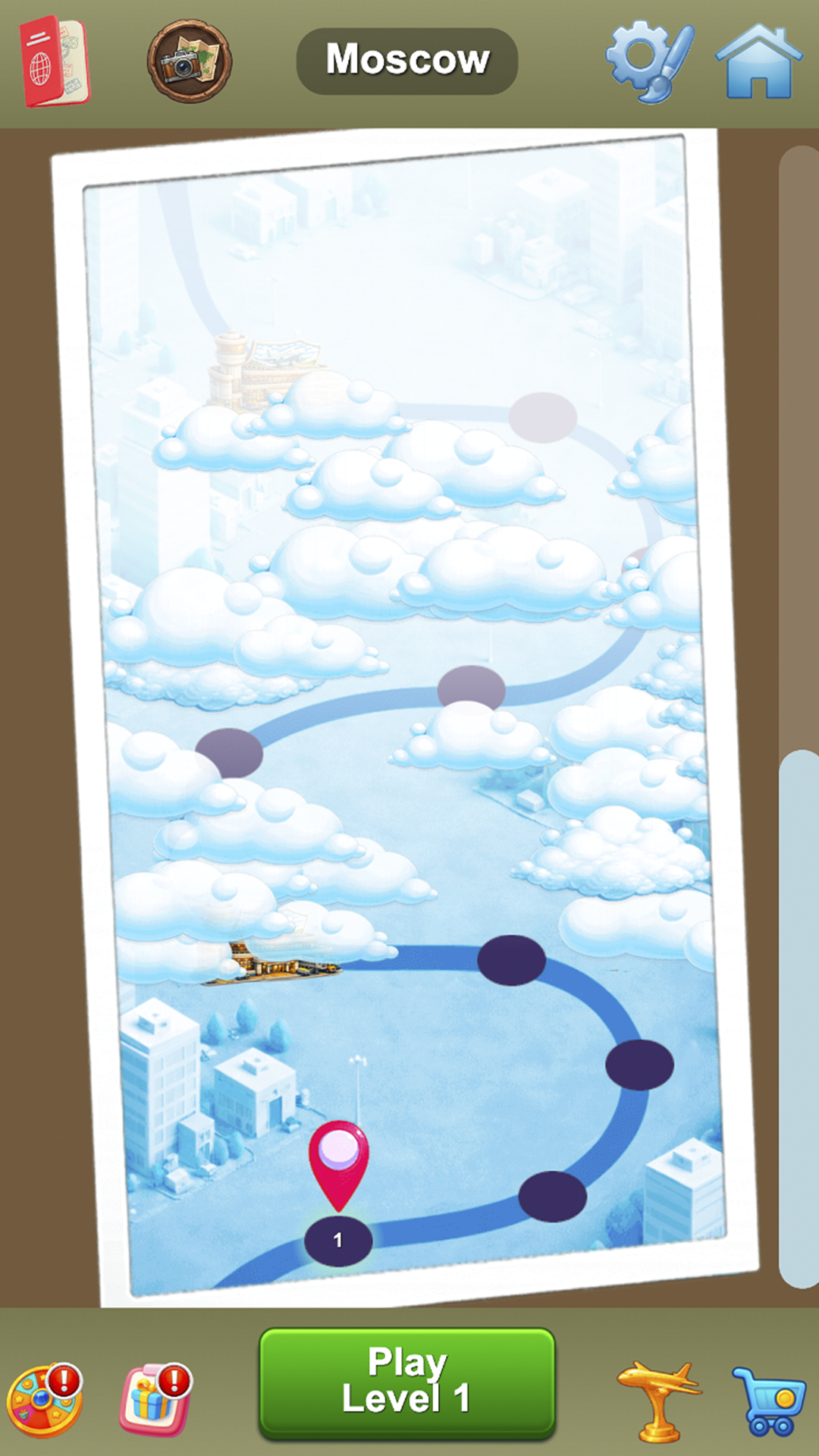
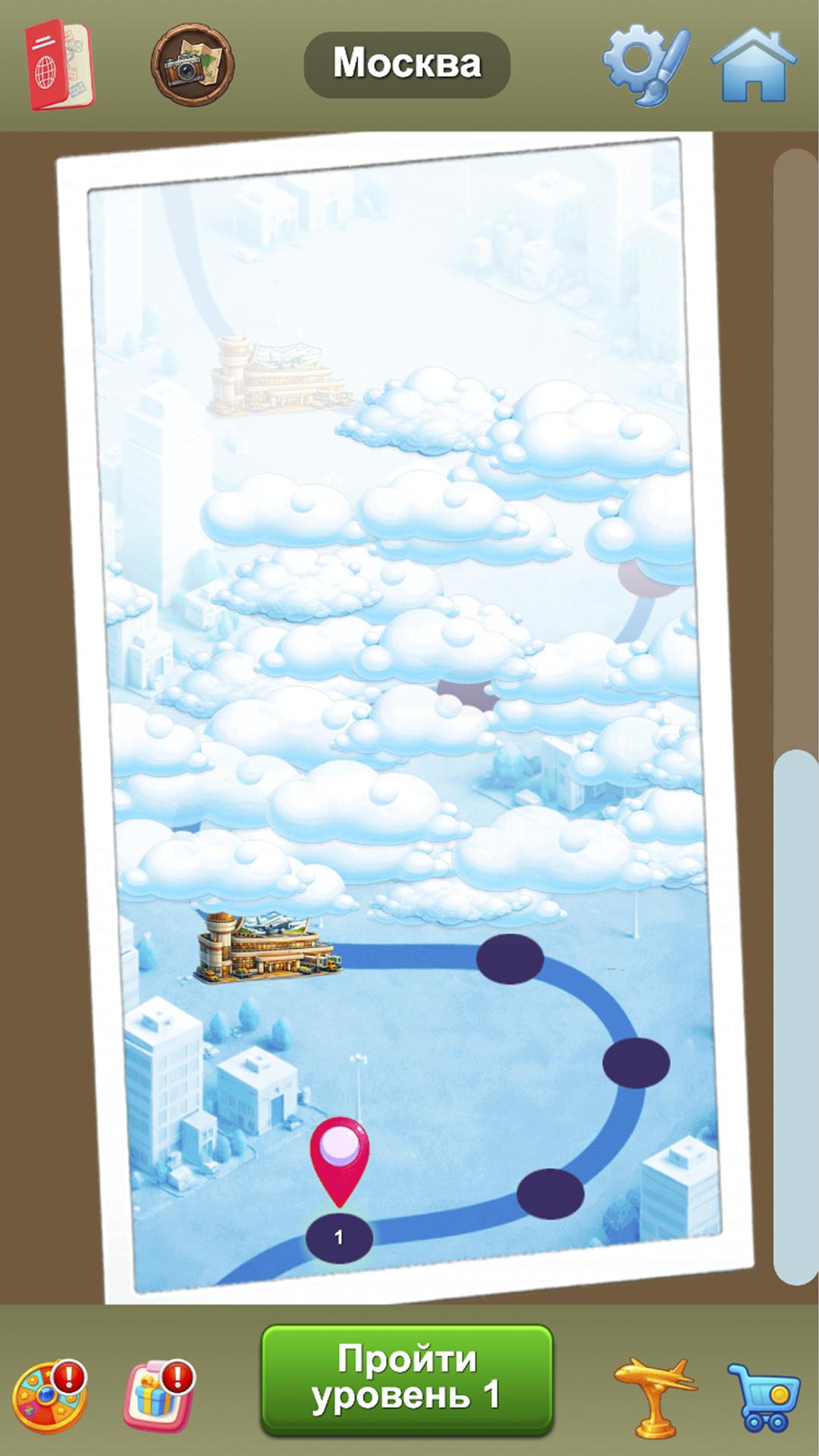
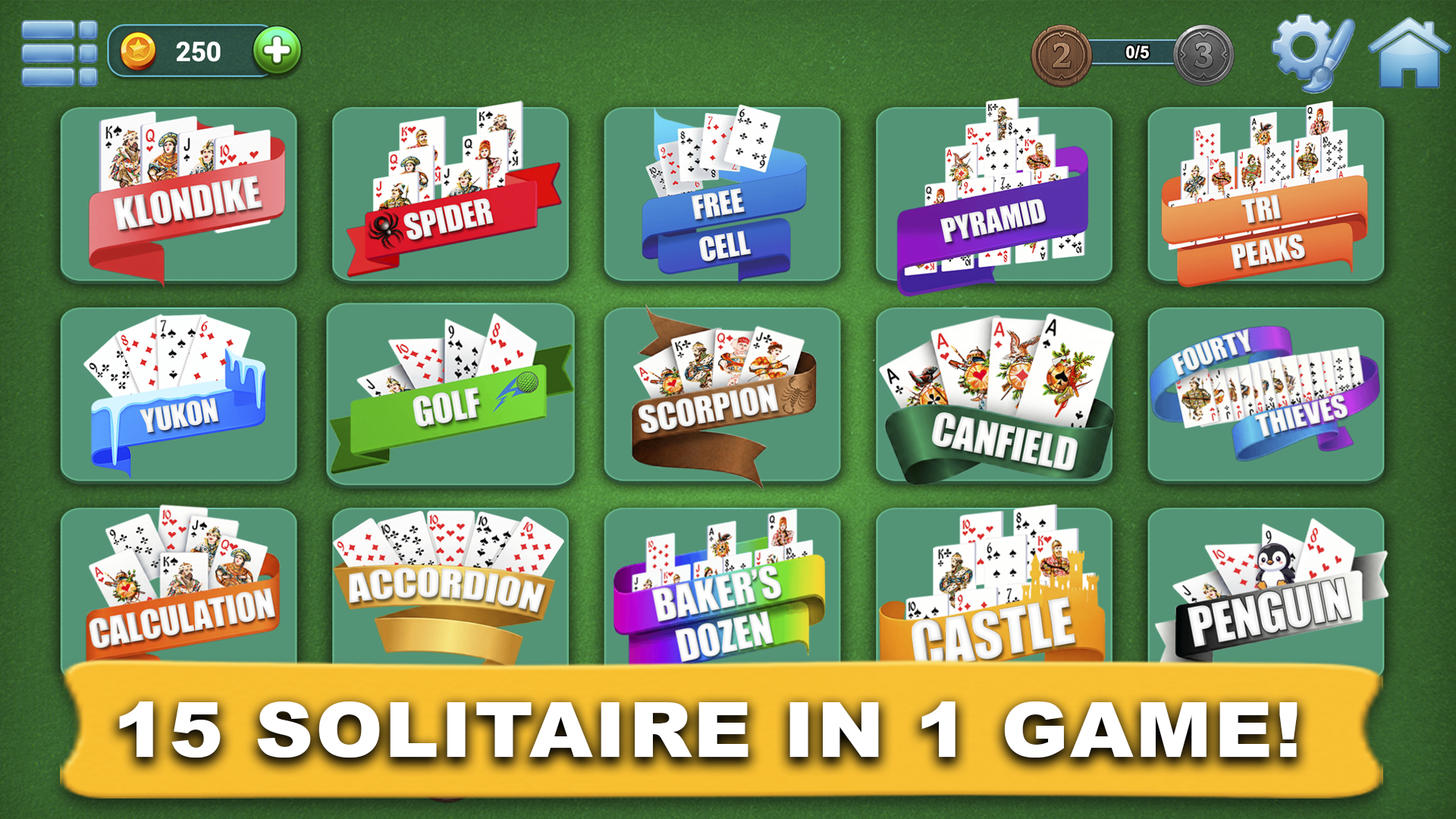
Online Solitaire Collection is a free collection of classic card games: Klondike, Spider, FreeCell, Pyramid, Golf, Yukon, and other popular solitaire variants. Play in a user-friendly interface, customize the look, complete levels, unlock new modes, and finish daily challenges. The game features ranks, leaderboards, online duels with other players, rewards, and coins. In Travel mode, you can collect city stamps from Russia and around the world in your traveler’s passport. Choose your favorite solitaire, improve your results, increase your rank, compete with other players, and discover new opportunities in one game.

Videos and screenshots
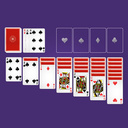
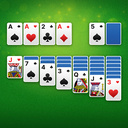
  • Online Solitaire Collection screenshot 1
  • Online Solitaire Collection screenshot 2
  • Online Solitaire Collection screenshot 3
  • Online Solitaire Collection screenshot 4
  • Online Solitaire Collection screenshot 5
  • Online Solitaire Collection screenshot 6
  • Online Solitaire Collection screenshot 7
  • Online Solitaire Collection screenshot 8
  • Online Solitaire Collection screenshot 9
  • Online Solitaire Collection screenshot 10
  • Online Solitaire Collection screenshot 11
  • Online Solitaire Collection screenshot 12
  • Online Solitaire Collection screenshot 13
  • Online Solitaire Collection screenshot 14
  • Online Solitaire Collection screenshot 15
  • Online Solitaire Collection screenshot 16
  • Online Solitaire Collection screenshot 17
  • Online Solitaire Collection screenshot 18
  • Online Solitaire Collection screenshot 19
  • Online Solitaire Collection screenshot 20
  • Online Solitaire Collection screenshot 21
  • Online Solitaire Collection screenshot 22
  • Online Solitaire Collection screenshot 23
Play Now

11,174 players online

How to play

  1. Open the game

    Press Play now and the game opens on its own screen.

  2. Follow the in-game instructions

    The controls and goals are shown inside the game as you play.

  3. Use the game menu

    The floating button over the game reloads it, saves it to your favourites, or takes you back out.

Game instructions

The controls are simple and easy to use. On desktop, use the left mouse button to select cards, move them, and press interface buttons. Cards can be dragged with the mouse or moved by clicking when the move is allowed by the solitaire rules. On phones and tablets, use touch controls: tap cards, drag them with your finger, and open game modes through the menu buttons. In different sections of the game, you can start levels, join online duels, complete daily challenges, and play Travel mode. The interface is designed for both quick sessions and longer play with progress, rewards, and rankings.

More games

More games