Overview
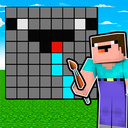
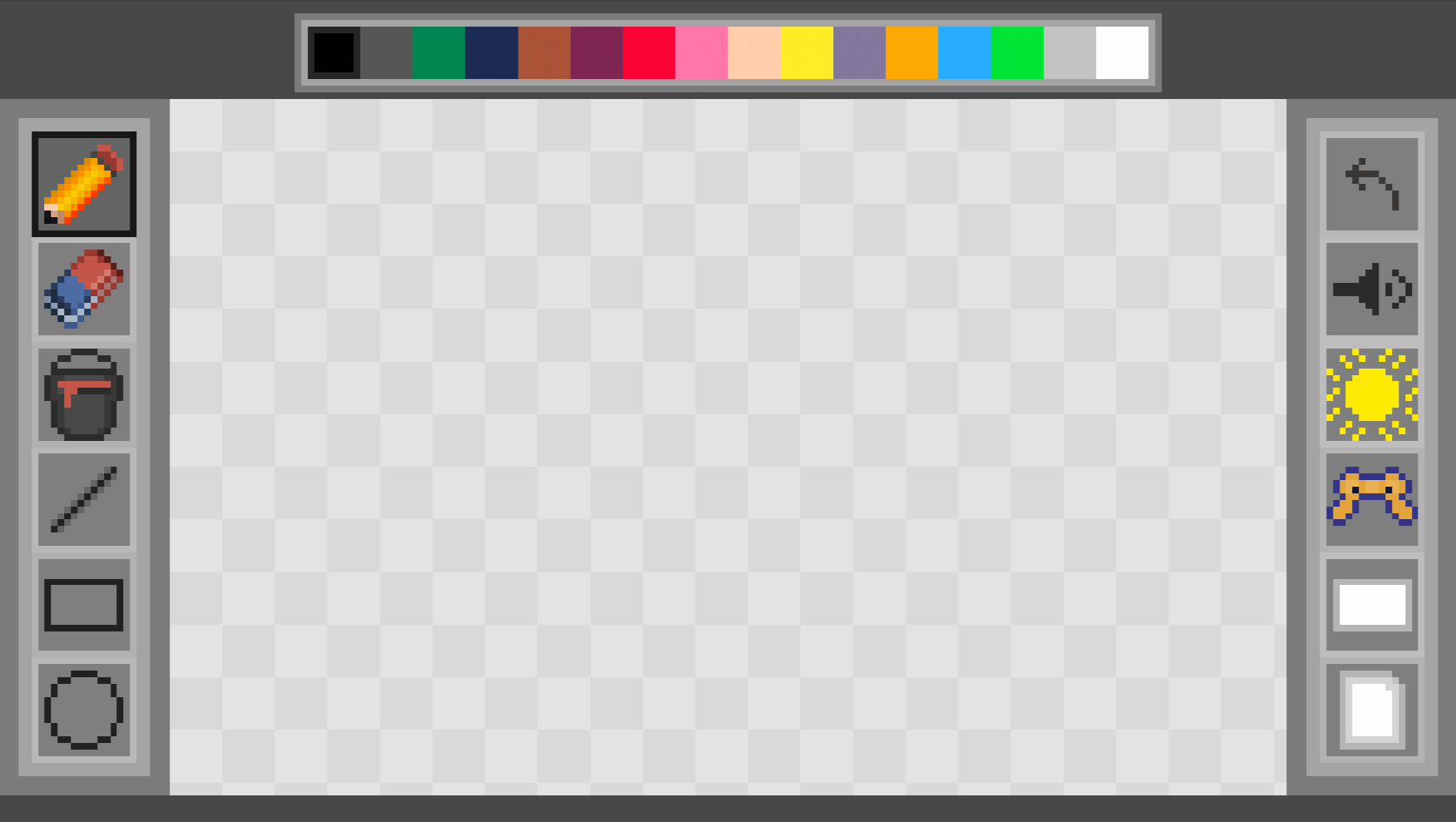
Painter is a lightweight and user—friendly drawing application. Create pixel art, make sketches or complete drawings using a variety of tools.
The main goal is to open and color over all the drawings and make them more compatible. You also need to receive a message about the passage of the game from the developer, after completing the game.
Main features:
• Creative tools: pencil, eraser, lines, rectangles, circles, triangles, rhombuses, stars, pentagons, hexagons — all for precise and fast work.
• Color palette: 16 base colors + the ability to create your own color through RGB fields. The selected color is instantly displayed on the cursor.
• Fill tool: Instantly fills enclosed areas with the selected color.
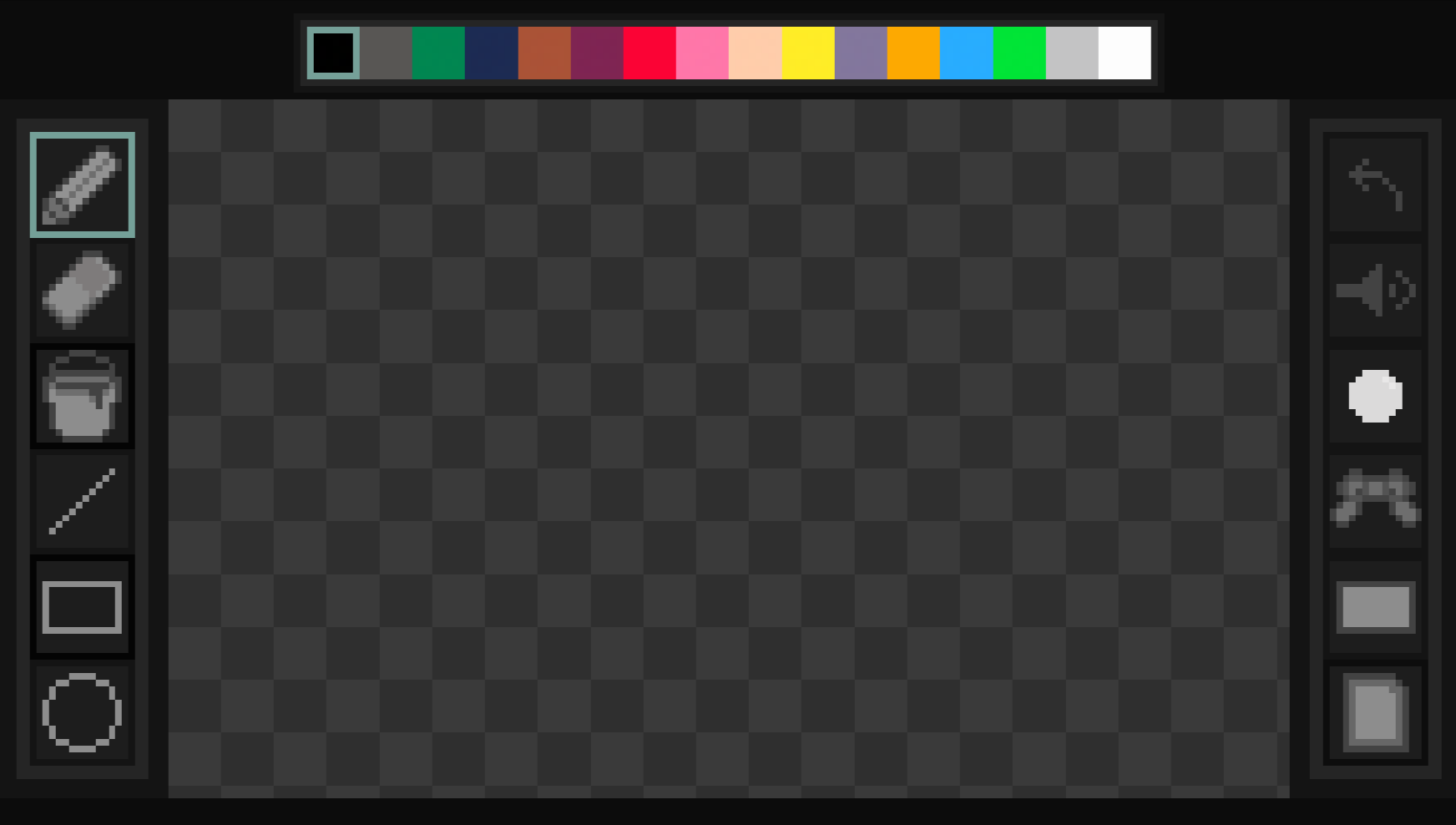
• Two interface modes: light and dark theme.
• Save drawings: export to PNG with one click.
Videos and screenshots
12,448 players online
How to play
-
Open the game
Press Play now and the game opens on its own screen.
-
Follow the in-game instructions
The controls and goals are shown inside the game as you play.
-
Use the game menu
The floating button over the game reloads it, saves it to your favourites, or takes you back out.