Skip to content
KG
Pazlyuni: Magical Album

Pazlyuni: Magical Album

1K plays 4.0 out of 5

Overview

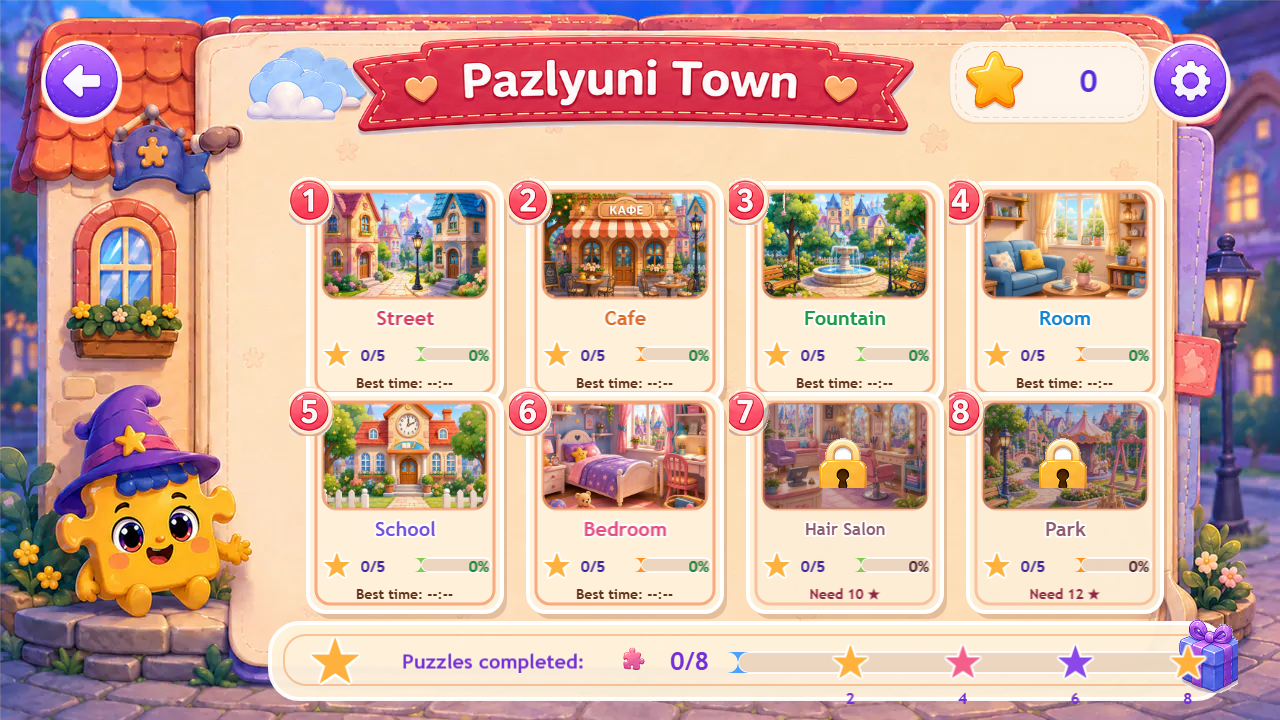
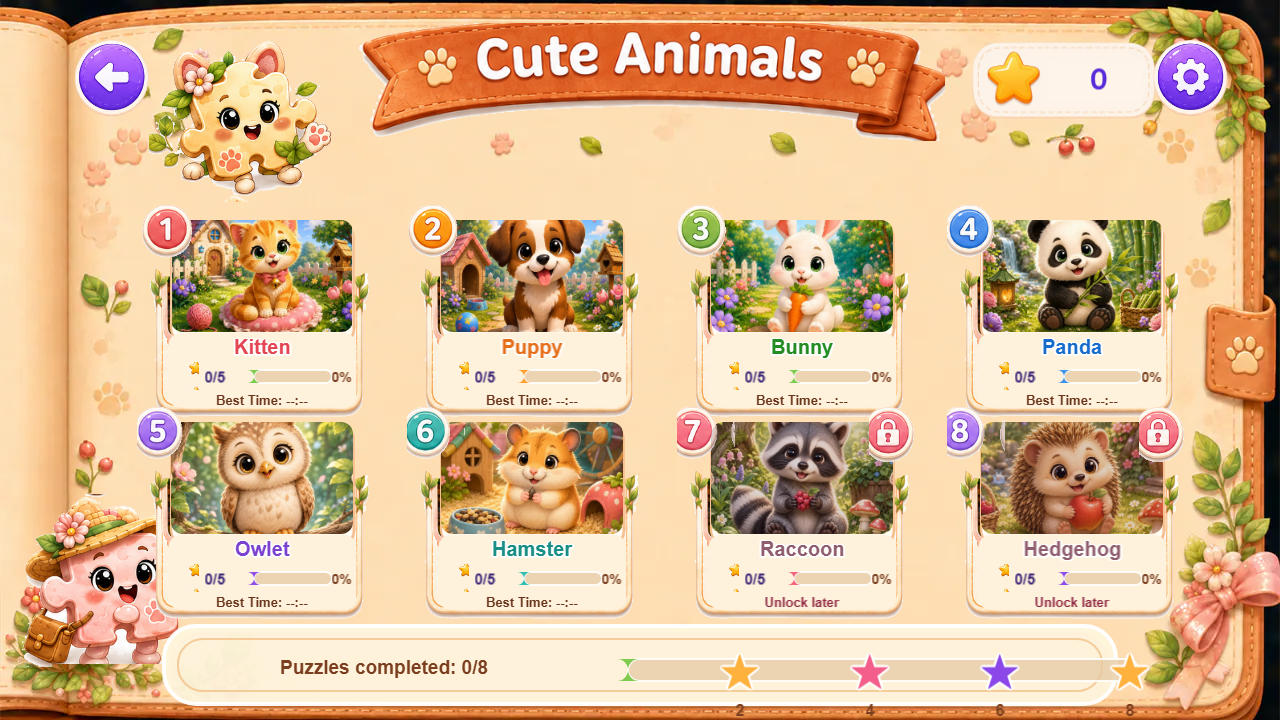
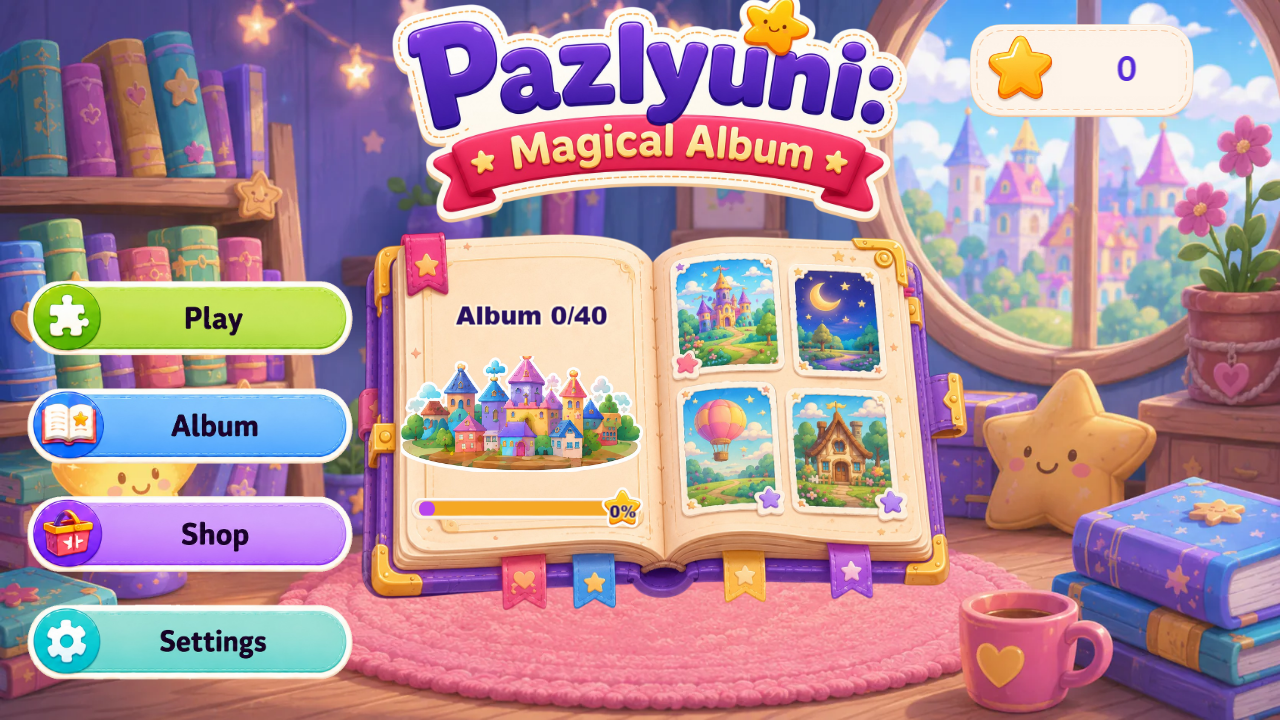
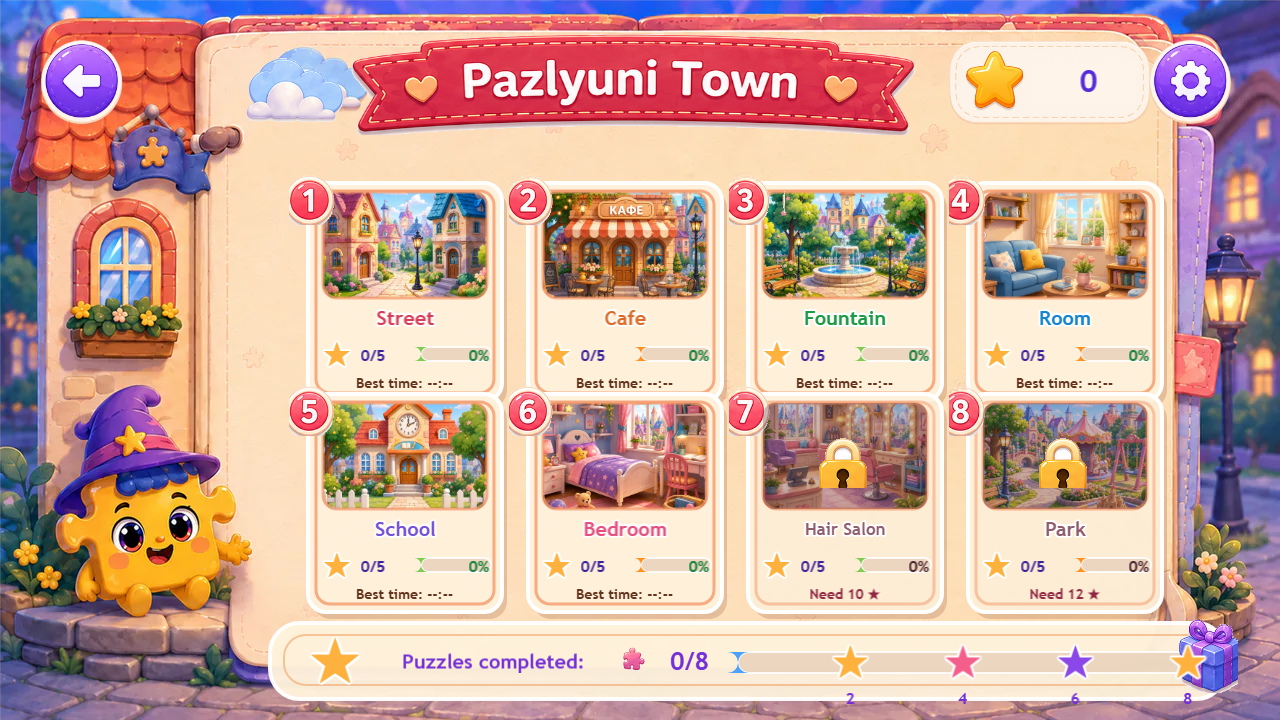
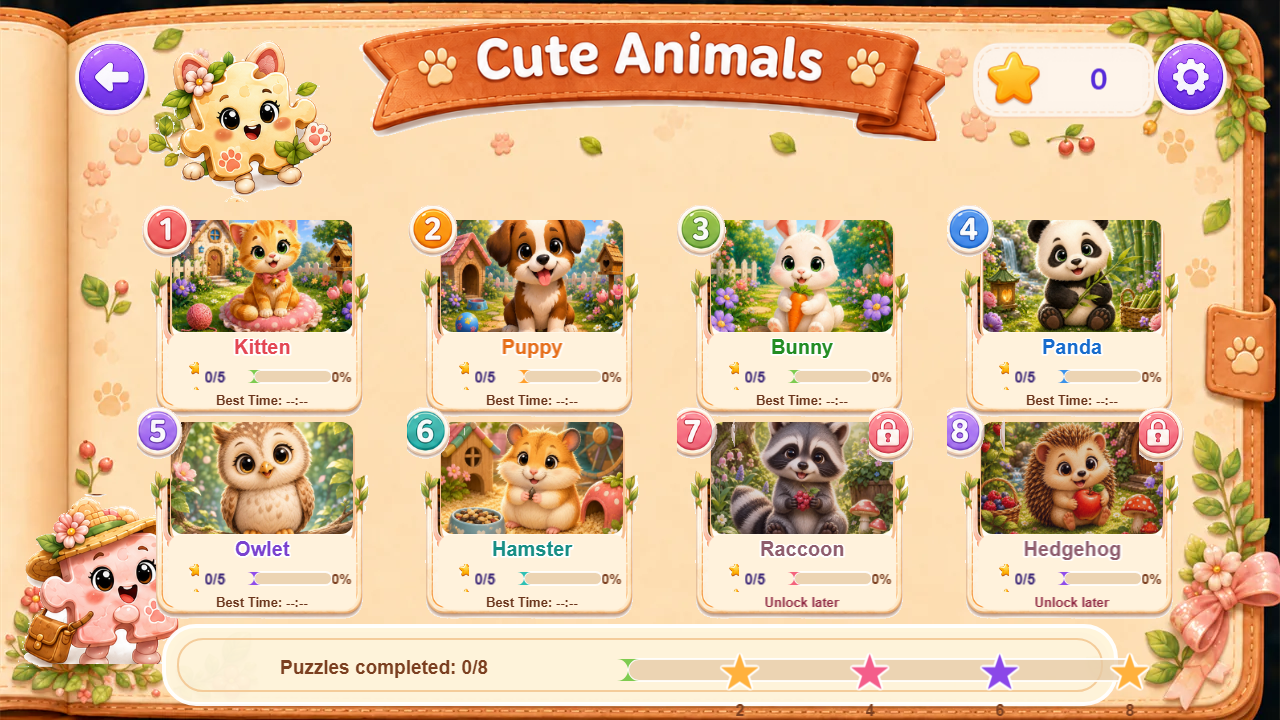
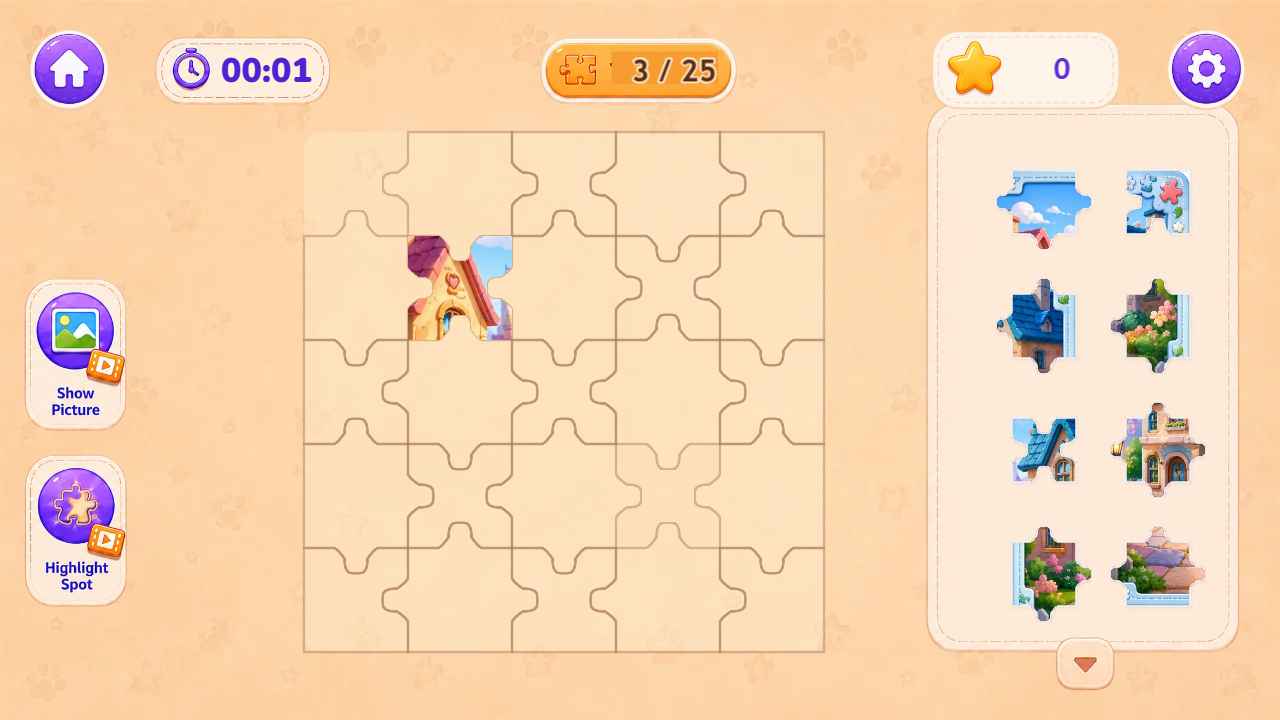
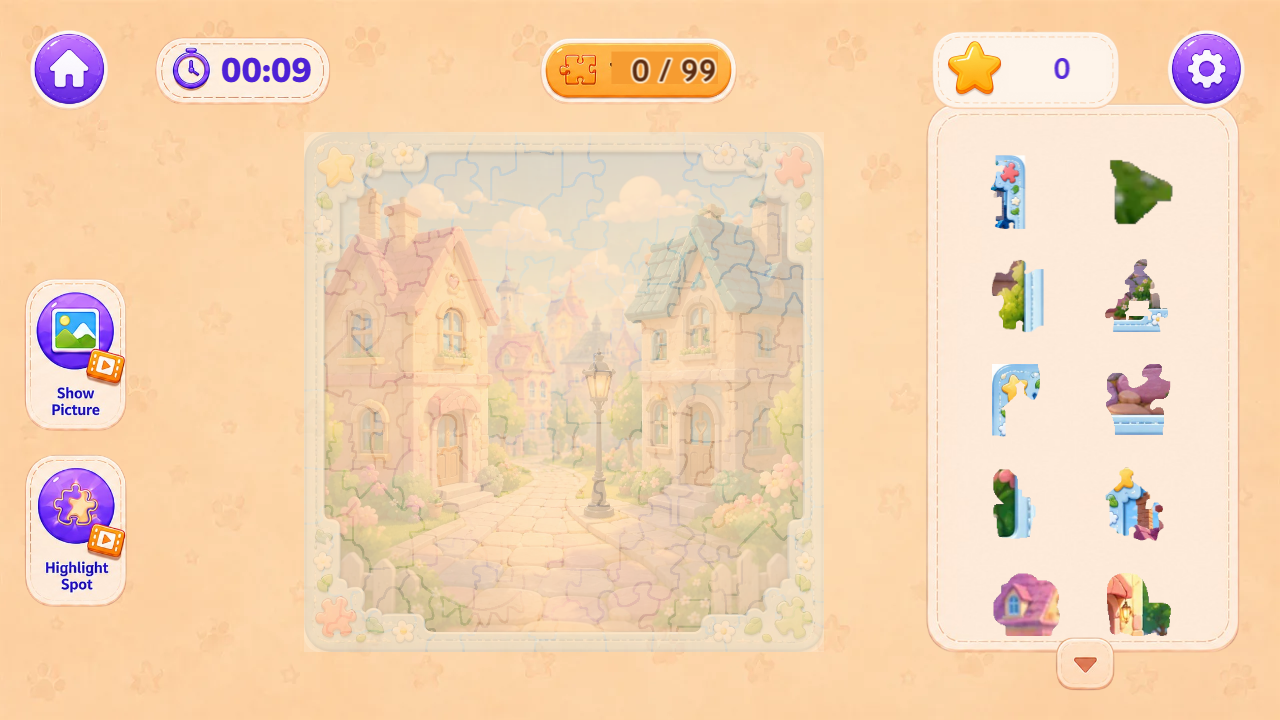
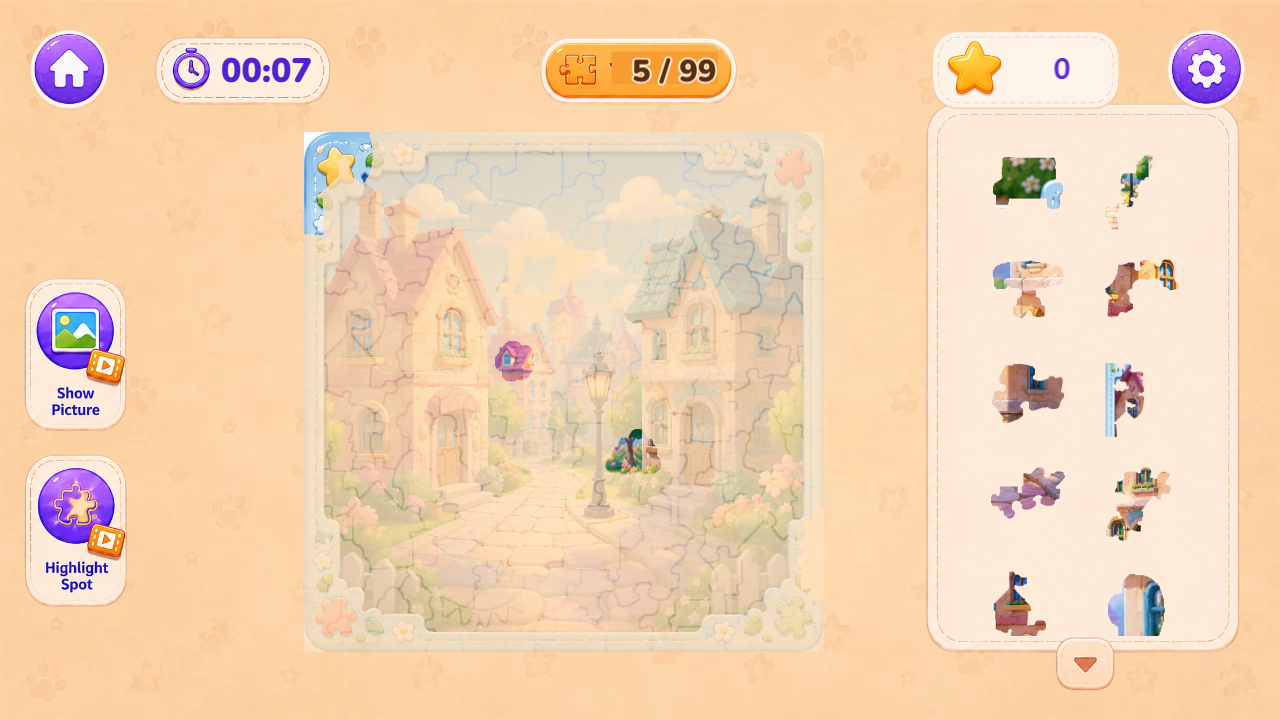
Pazlyuni: Magical Album is a cozy jigsaw puzzle game for kids and the whole family. Together with cute little PazlUni characters, players collect beautiful pictures from puzzle pieces, earn stars, unlock new puzzles, and gradually fill a magical album. The game includes several colorful worlds: Pazlyuni Town, Cute Animals, Sweet Town, Space Adventures, and Magic Forest. Each world has bright illustrations, friendly characters, and a soft fairytale atmosphere. Players can choose classic puzzle grids: 3×3, 5×5, 7×7, or 9×9. There is also a special shaped puzzle mode, where pieces have unusual silhouettes and are assembled by the outline of the picture. This is one of the main features of the game and makes every puzzle feel more fun and unique. There is no losing, no penalties, and no rush. Solve puzzles at your own pace, open locked pictures, collect stars, and build your beautiful magical album.

Videos and screenshots
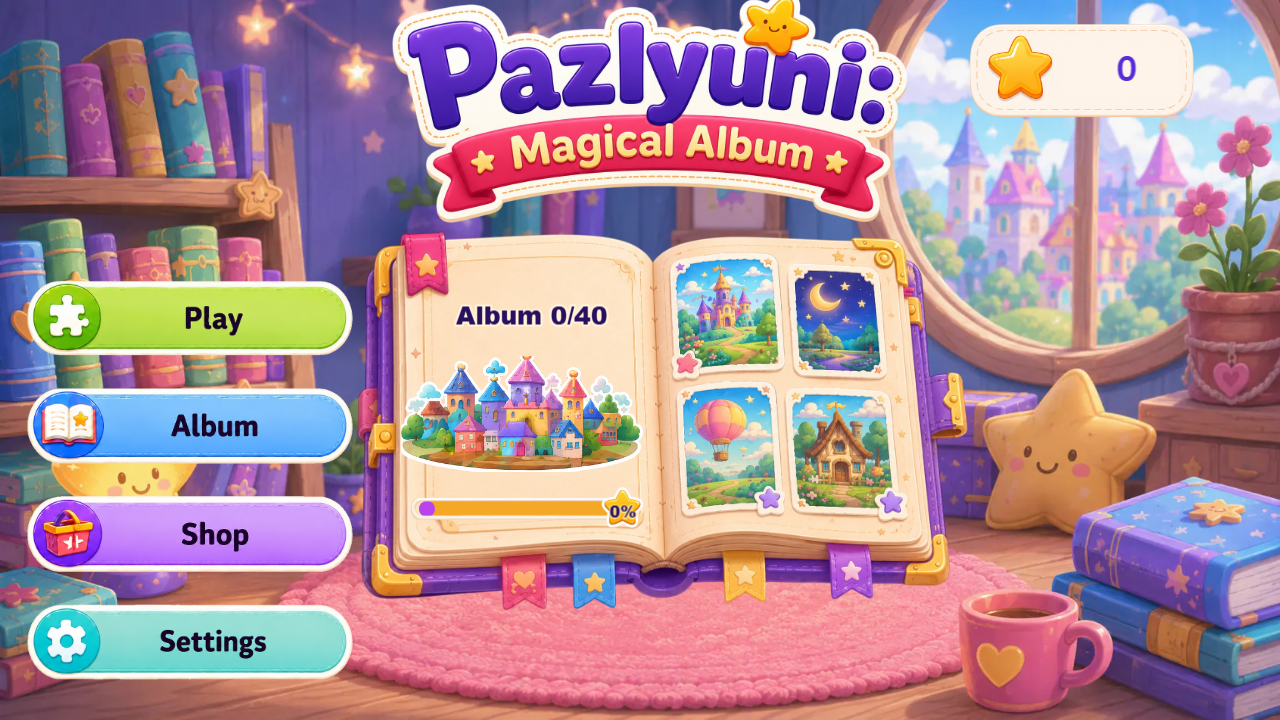
  • Pazlyuni: Magical Album screenshot 1
  • Pazlyuni: Magical Album screenshot 2
  • Pazlyuni: Magical Album screenshot 3
  • Pazlyuni: Magical Album screenshot 4
  • Pazlyuni: Magical Album screenshot 5
  • Pazlyuni: Magical Album screenshot 6
  • Pazlyuni: Magical Album screenshot 7
  • Pazlyuni: Magical Album screenshot 8
  • Pazlyuni: Magical Album screenshot 9
  • Pazlyuni: Magical Album screenshot 10
  • Pazlyuni: Magical Album screenshot 11
  • Pazlyuni: Magical Album screenshot 12
Play Now

13,173 players online

How to play

  1. Open the game

    Press Play now and the game opens on its own screen.

  2. Follow the in-game instructions

    The controls and goals are shown inside the game as you play.

  3. Use the game menu

    The floating button over the game reloads it, saves it to your favourites, or takes you back out.
Game instructions

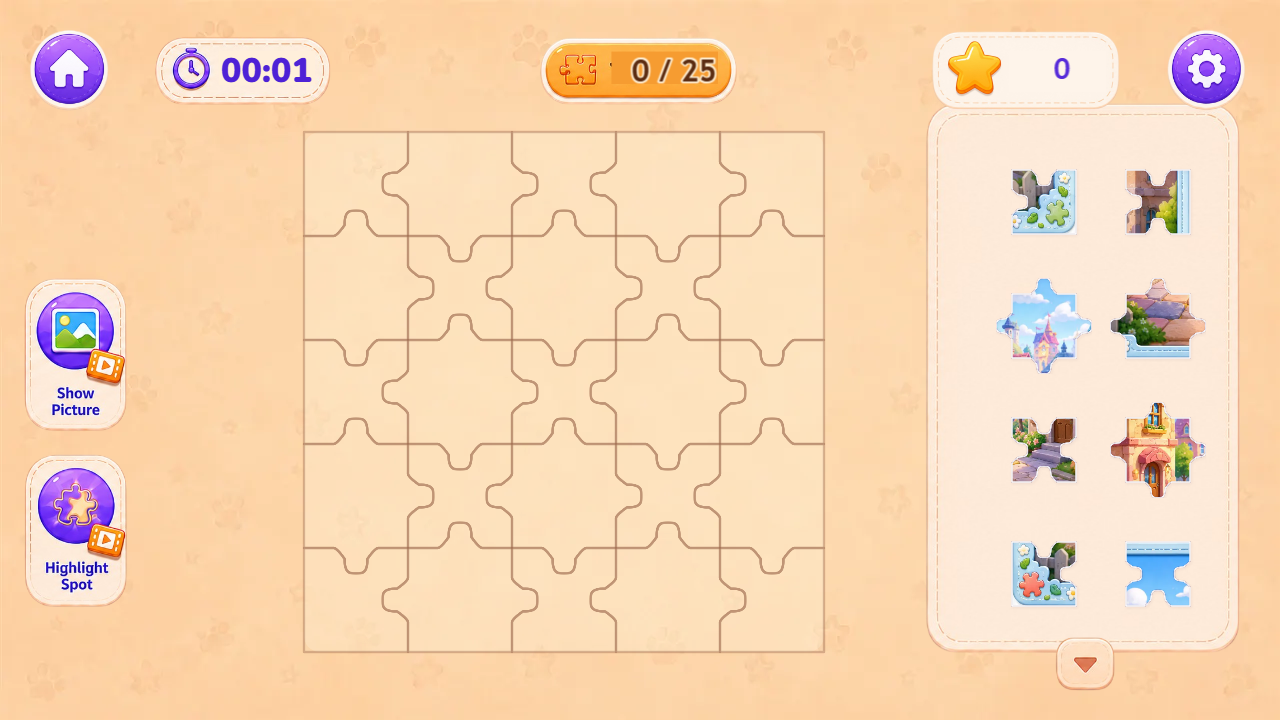
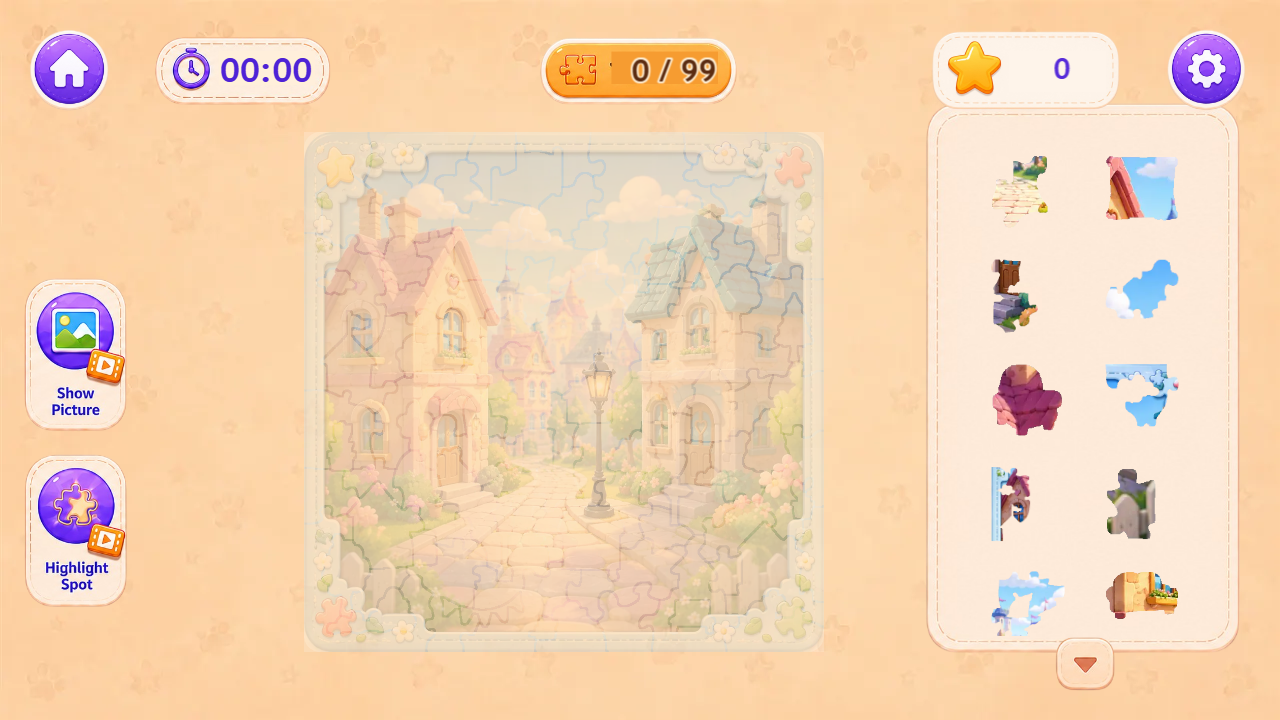
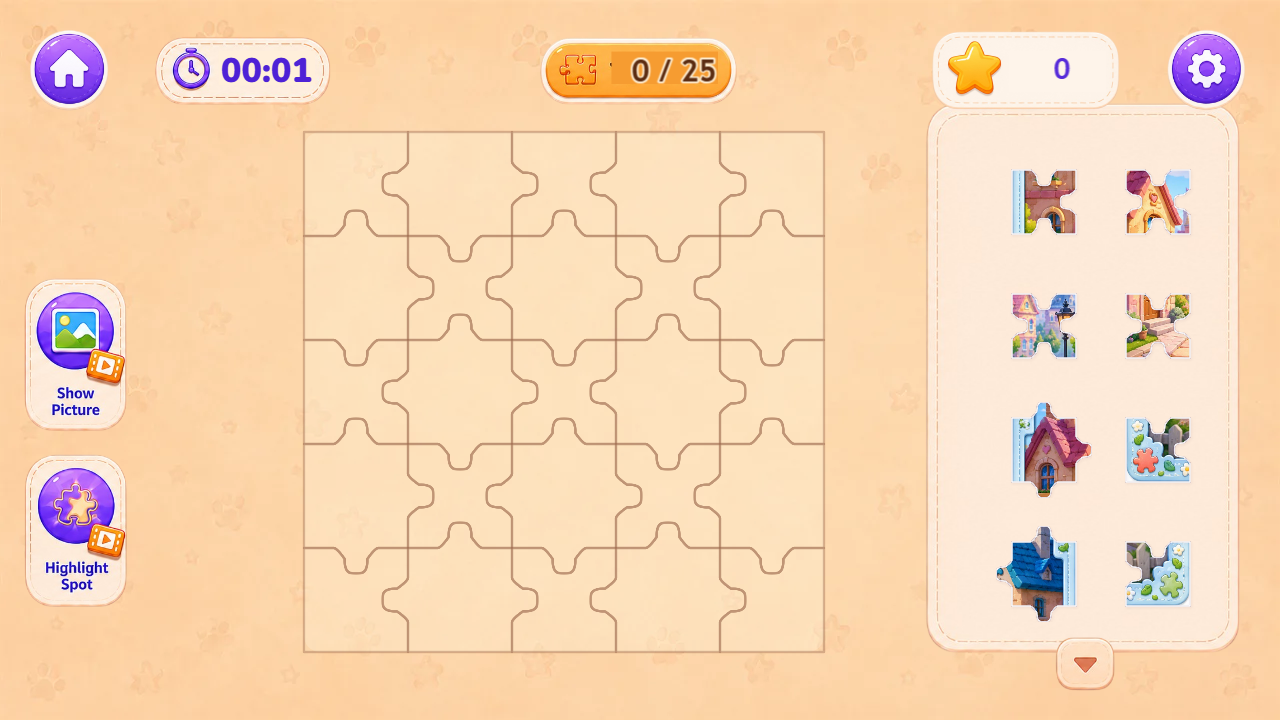
1. Tap “Play” and choose a world: Pazlyuni Town, Cute Animals, Sweet Town, Space Adventures, or Magic Forest. 2. Choose a picture, puzzle mode, and difficulty. In classic mode, you can play 3×3, 5×5, 7×7, or 9×9 grids. In shaped mode, pieces have special silhouettes and are placed by the outline of the picture. 3. Before starting, you can look at the picture preview. Then tap “Start”. 4. Drag puzzle pieces onto the board and place them in the right spots. Play at your own pace: there is no losing, no penalties, and no rush. 5. If you need help, use hints: show the picture or highlight the place for a piece. 6. When the puzzle is complete, you earn stars. Higher difficulty and better results give more stars. 7. Solve new puzzles, unlock closed pictures, and fill your magical album.

More games

More games