Skip to content
KG
Phoenix: Magic Blocks

Phoenix: Magic Blocks

22K plays 4.9 out of 5

Overview

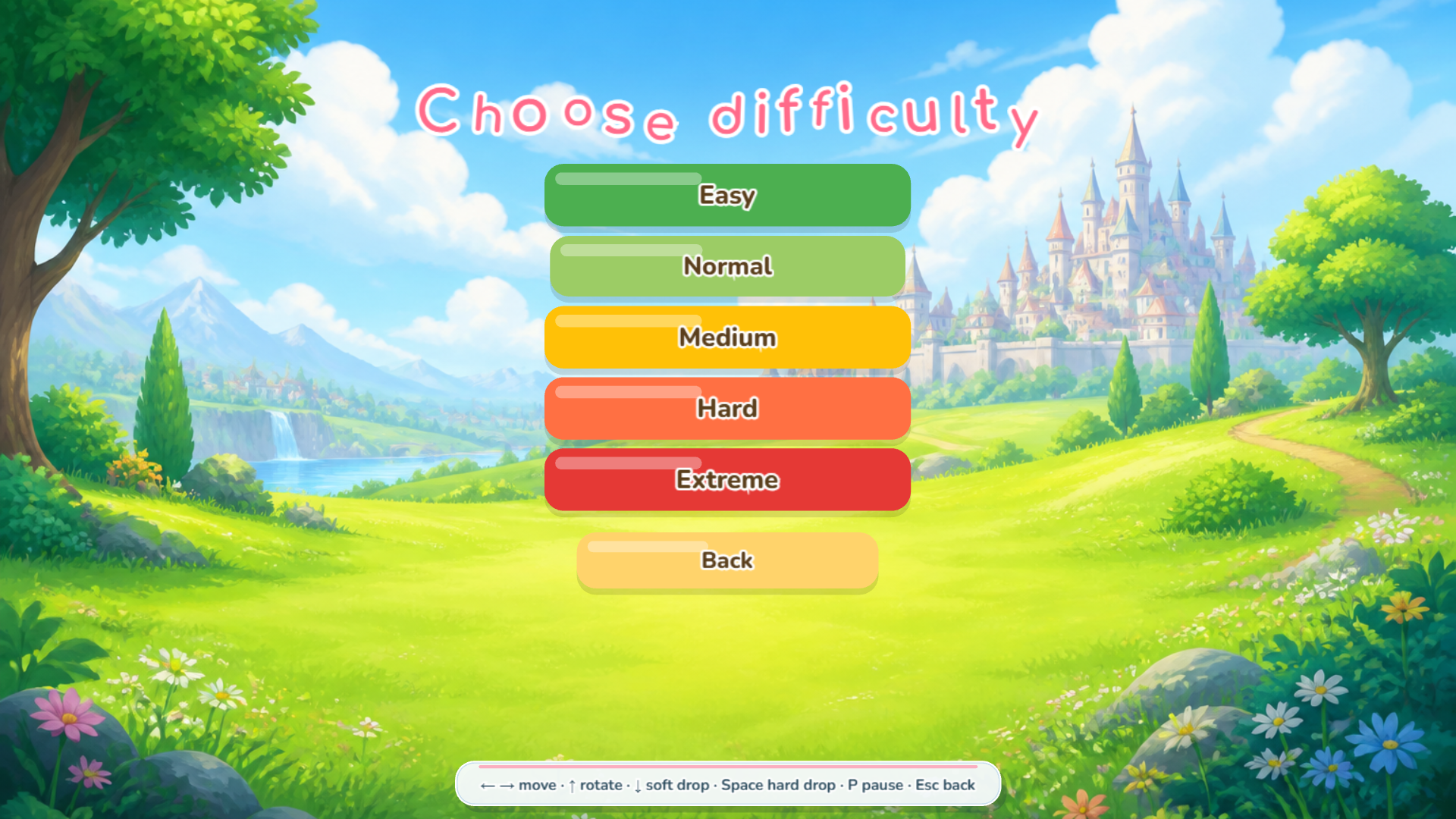
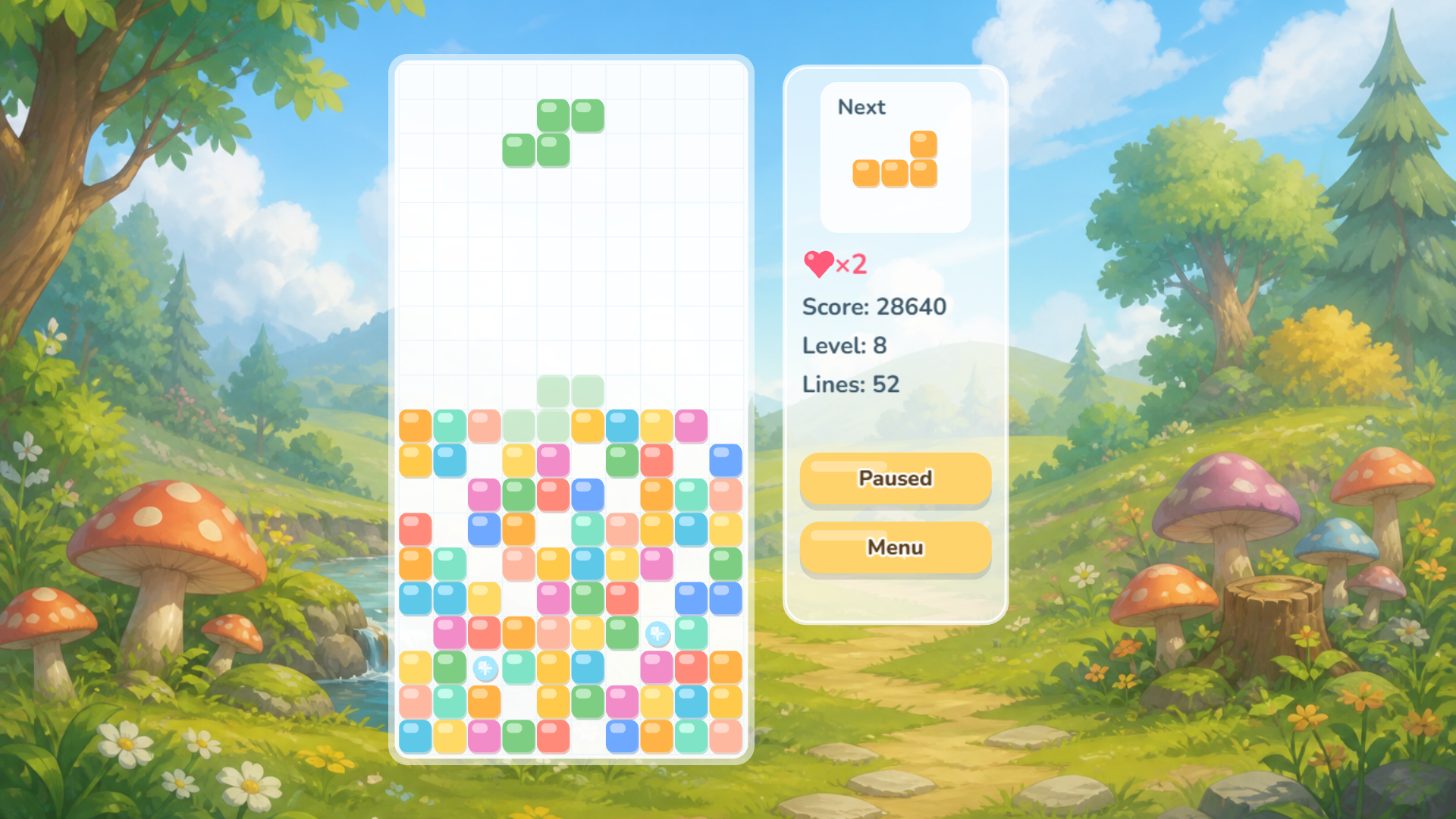
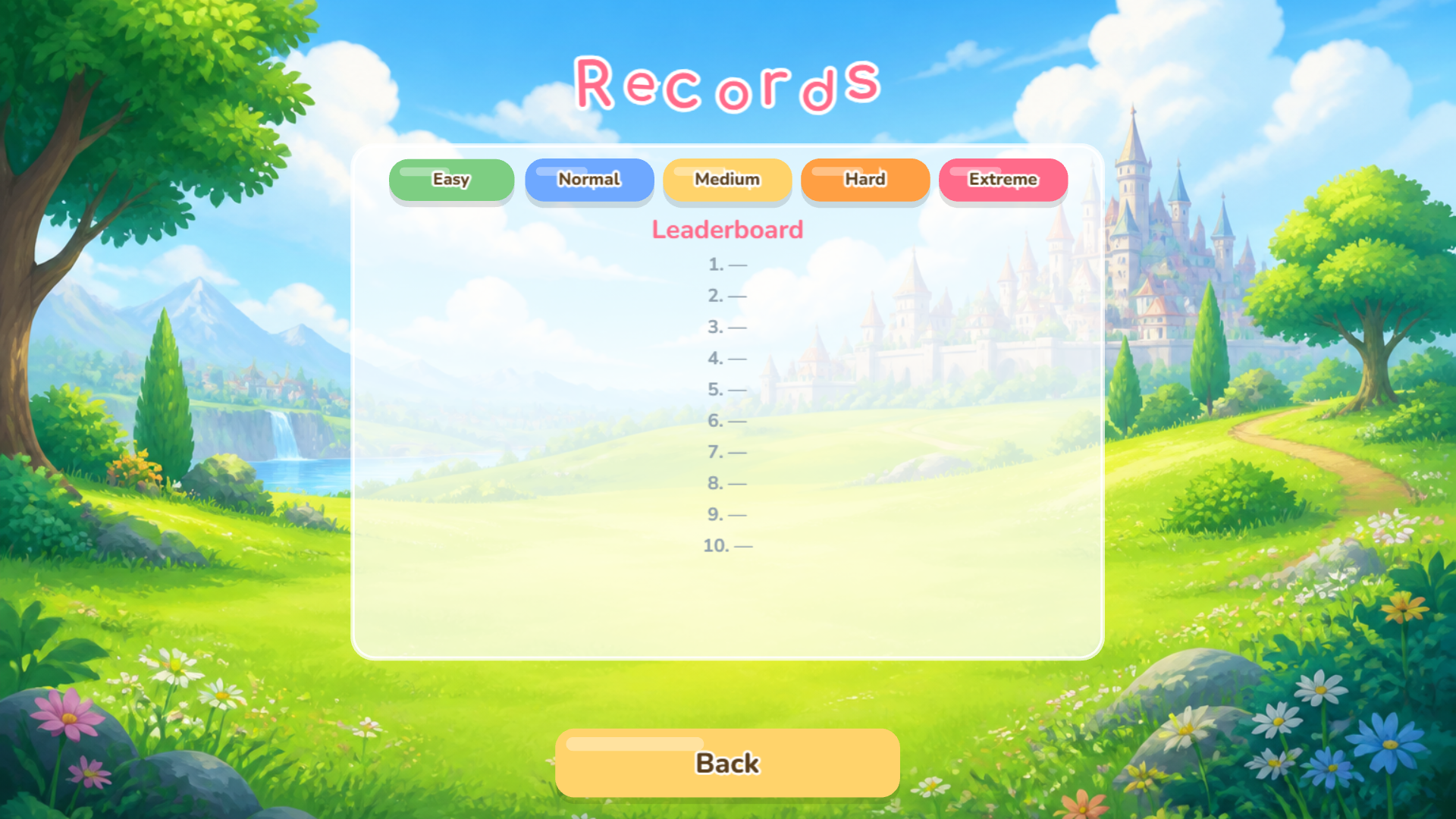
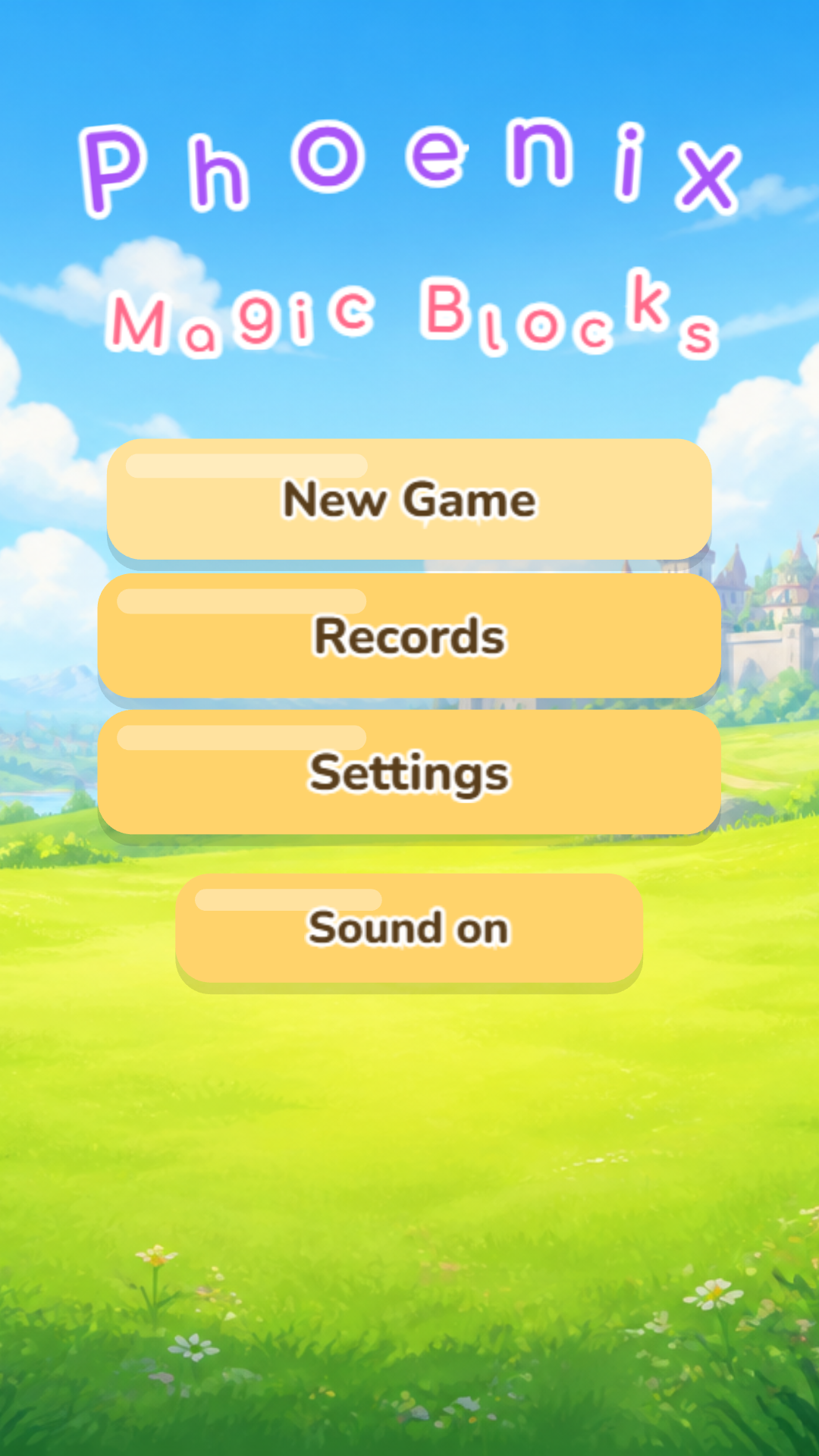
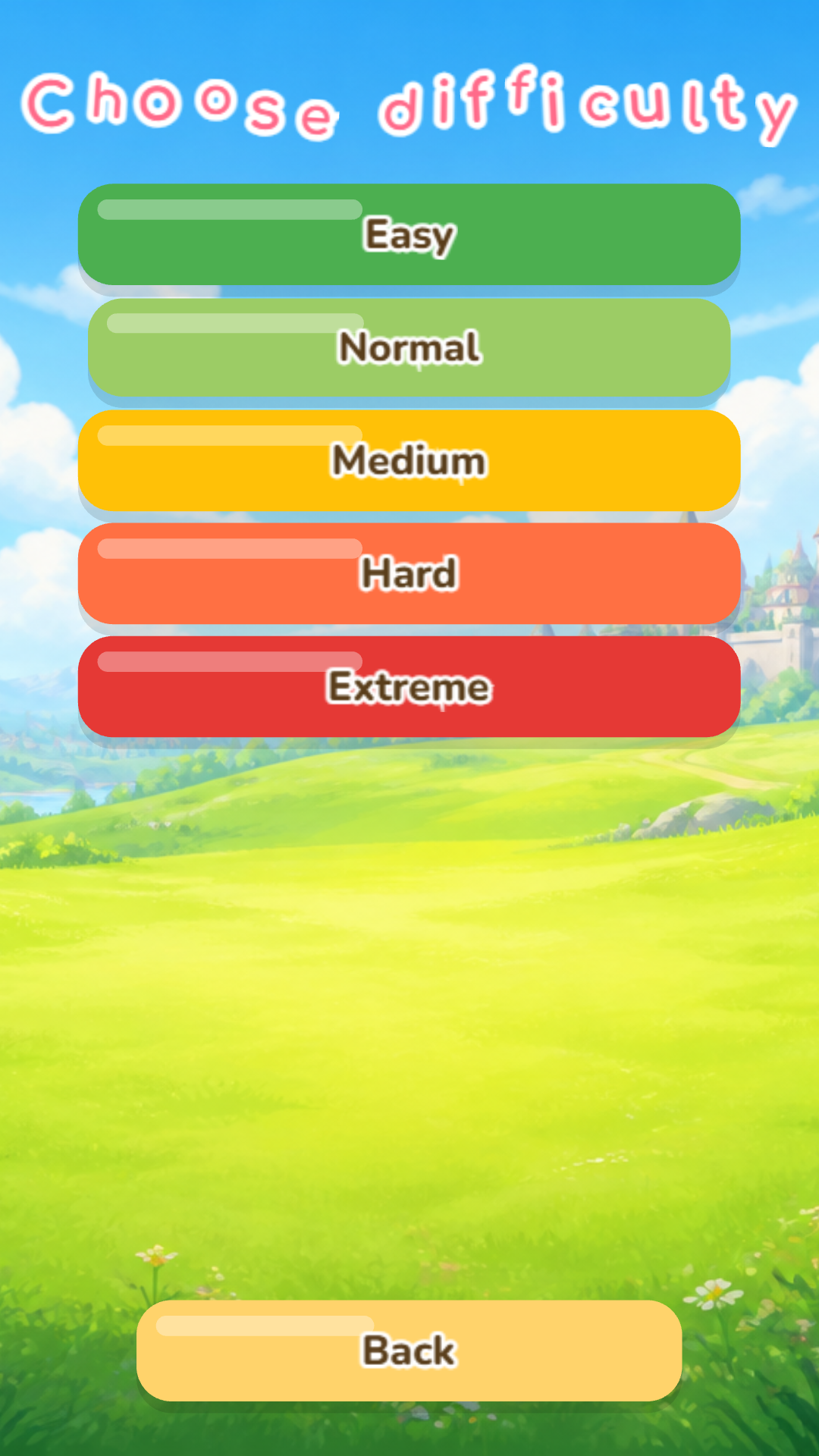
Phoenix: Magic Blocks is a classic line-clearing puzzle. Stack the shapes, clear the rows, and rack up points. Magic sometimes gives you a helping hand in this tricky task, making every round unforgettable. Choose your difficulty — from a chill easy mode to full-on extreme. There’s also a classic mode with no magic at all, for when you want pure, unadulterated Tetris. Jump in, set your high score, and try out every mode!

Videos and screenshots
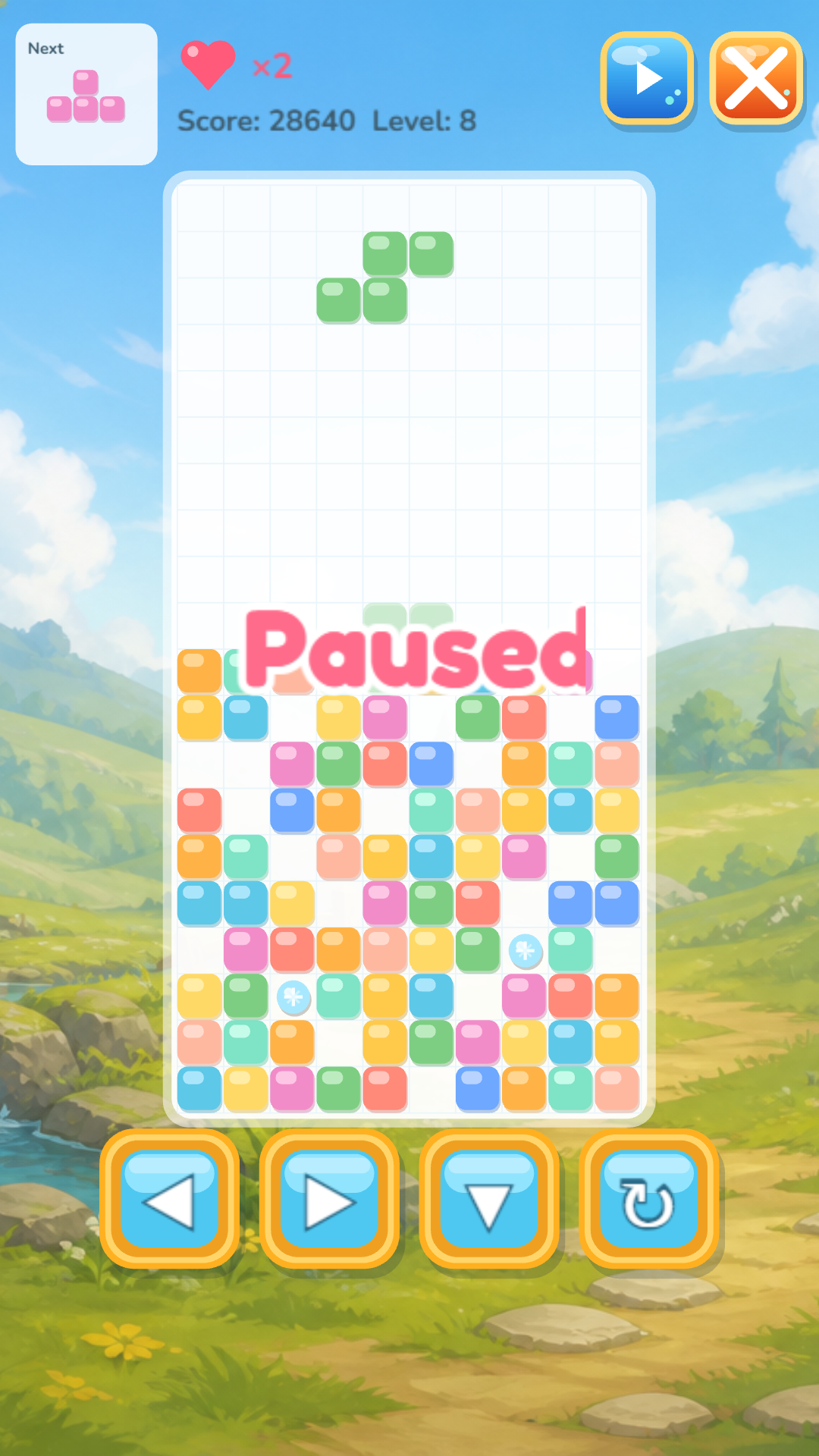
  • Phoenix: Magic Blocks screenshot 1
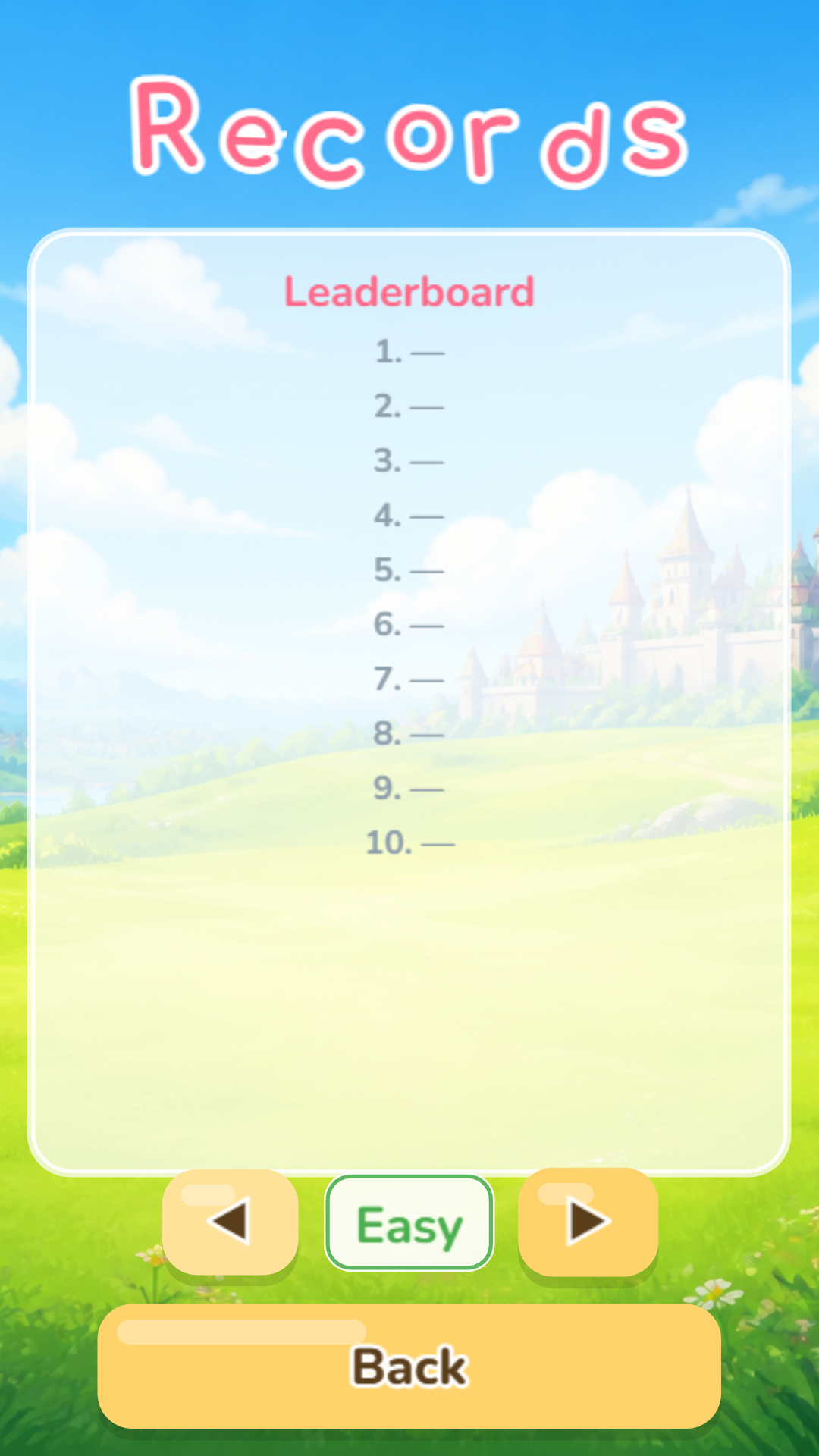
  • Phoenix: Magic Blocks screenshot 2
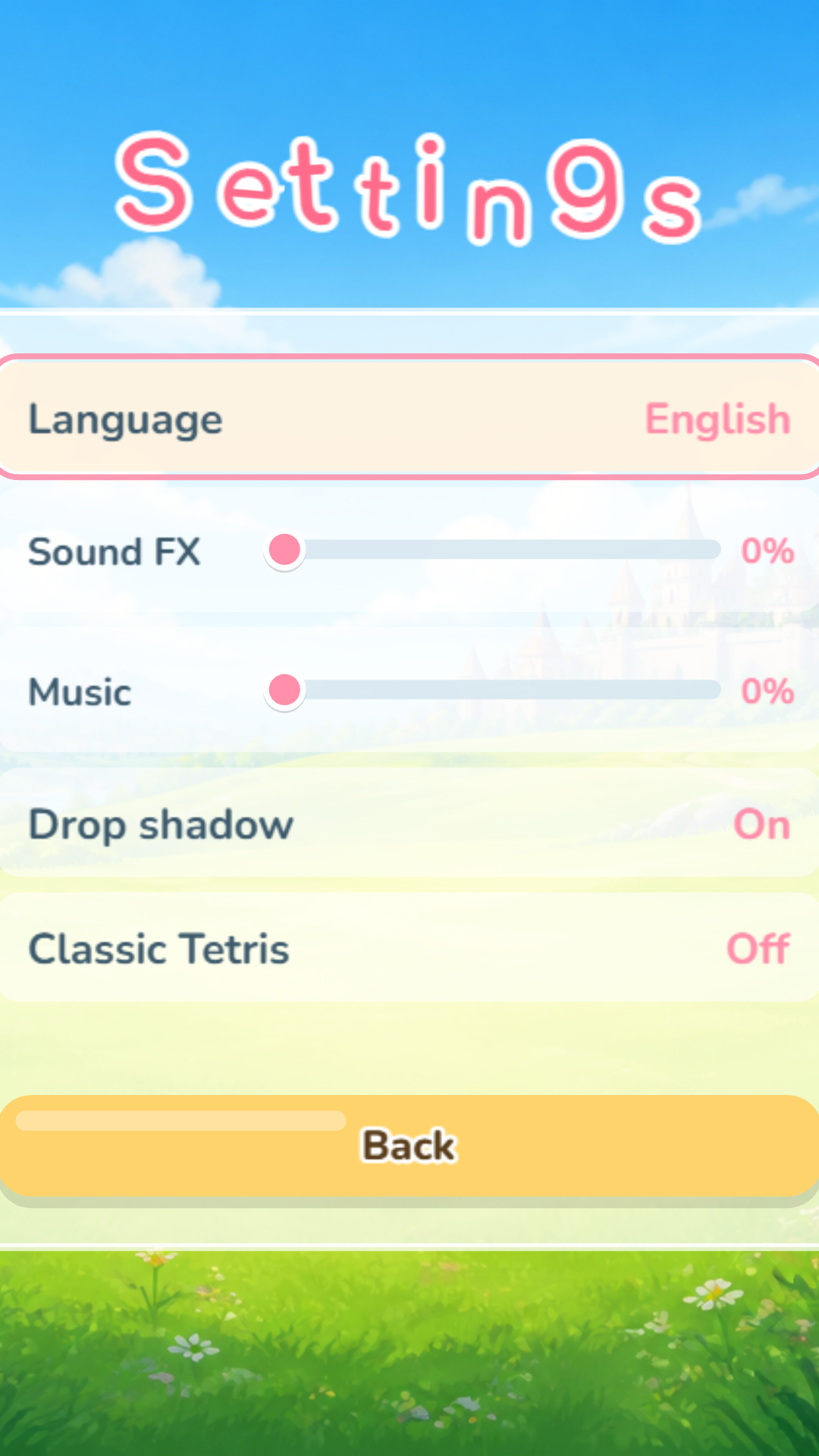
  • Phoenix: Magic Blocks screenshot 3
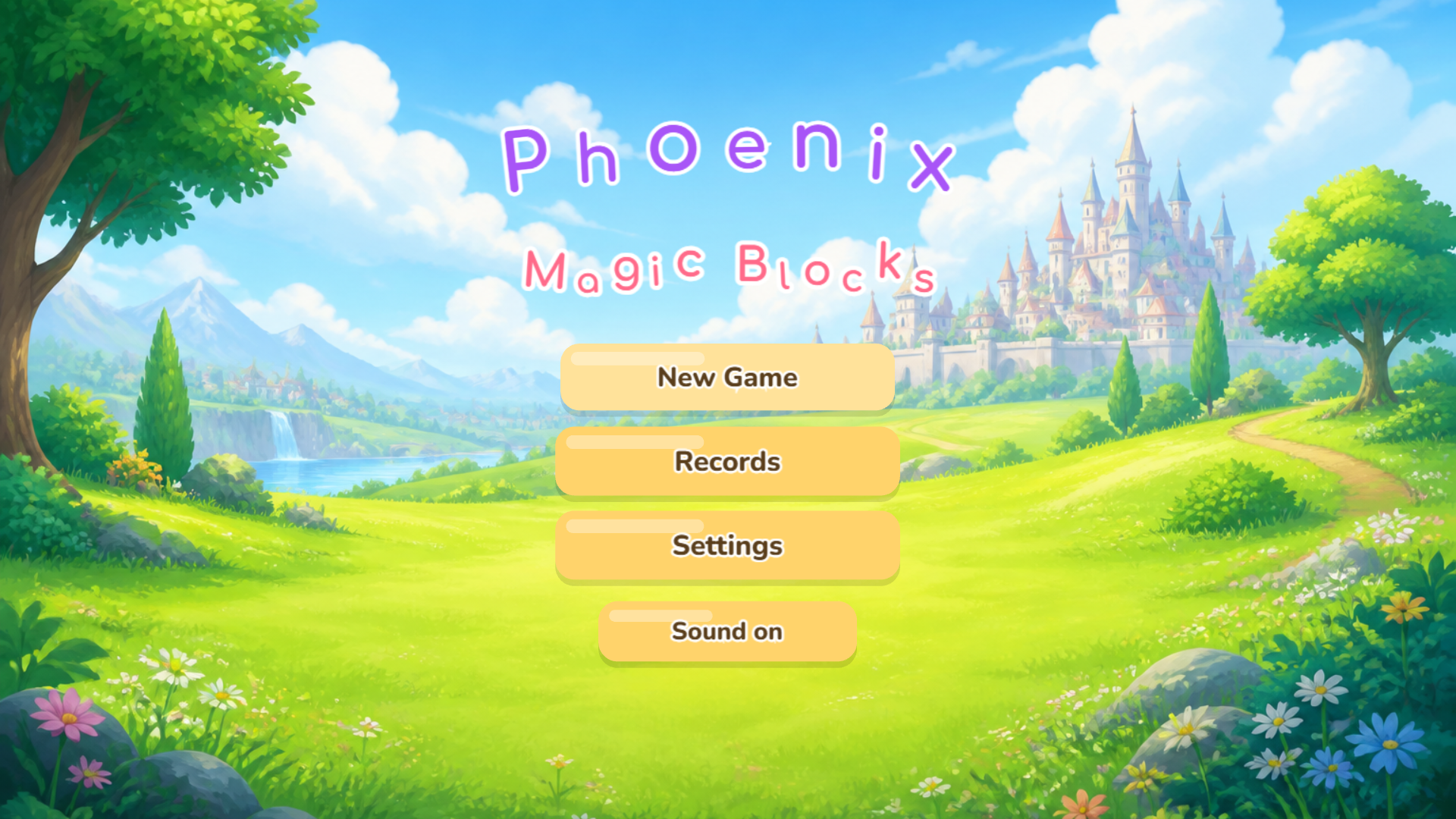
  • Phoenix: Magic Blocks screenshot 4
  • Phoenix: Magic Blocks screenshot 5
  • Phoenix: Magic Blocks screenshot 6
  • Phoenix: Magic Blocks screenshot 7
  • Phoenix: Magic Blocks screenshot 8
  • Phoenix: Magic Blocks screenshot 9
  • Phoenix: Magic Blocks screenshot 10
  • Phoenix: Magic Blocks screenshot 11
  • Phoenix: Magic Blocks screenshot 12
Play Now

12,371 players online

How to play

  1. Open the game

    Press Play now and the game opens on its own screen.

  2. Follow the in-game instructions

    The controls and goals are shown inside the game as you play.

  3. Use the game menu

    The floating button over the game reloads it, saves it to your favourites, or takes you back out.

Game instructions

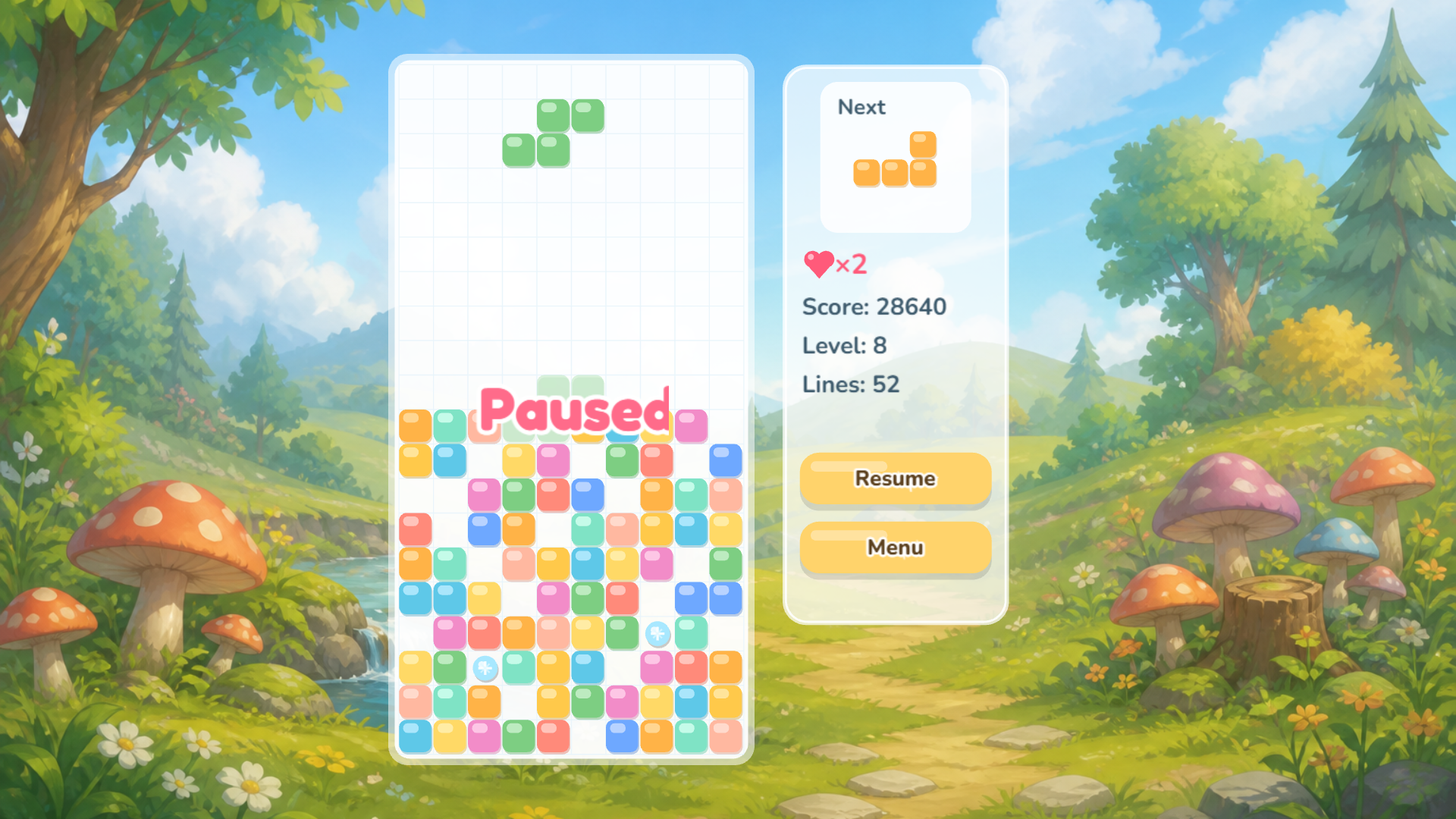
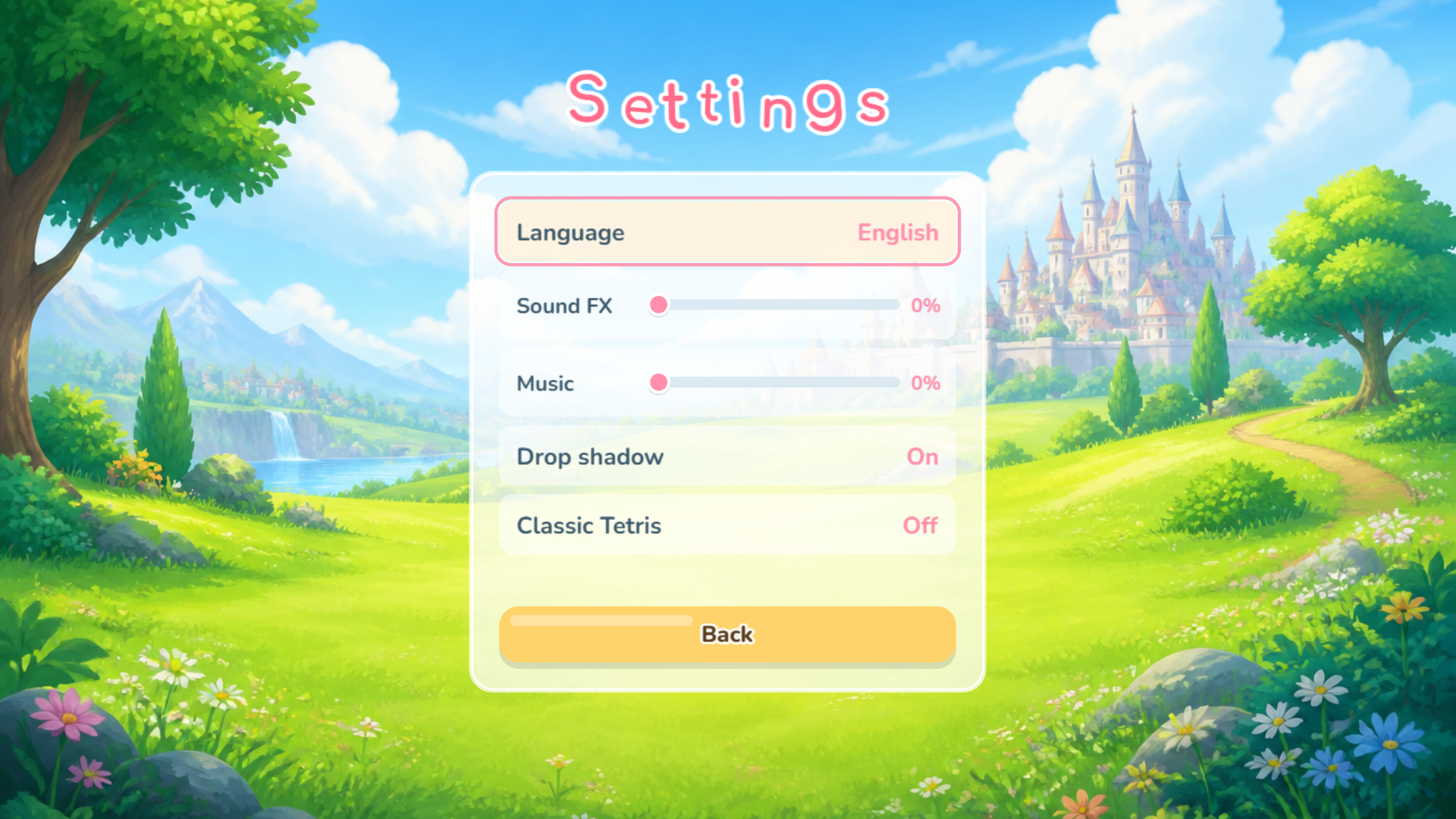
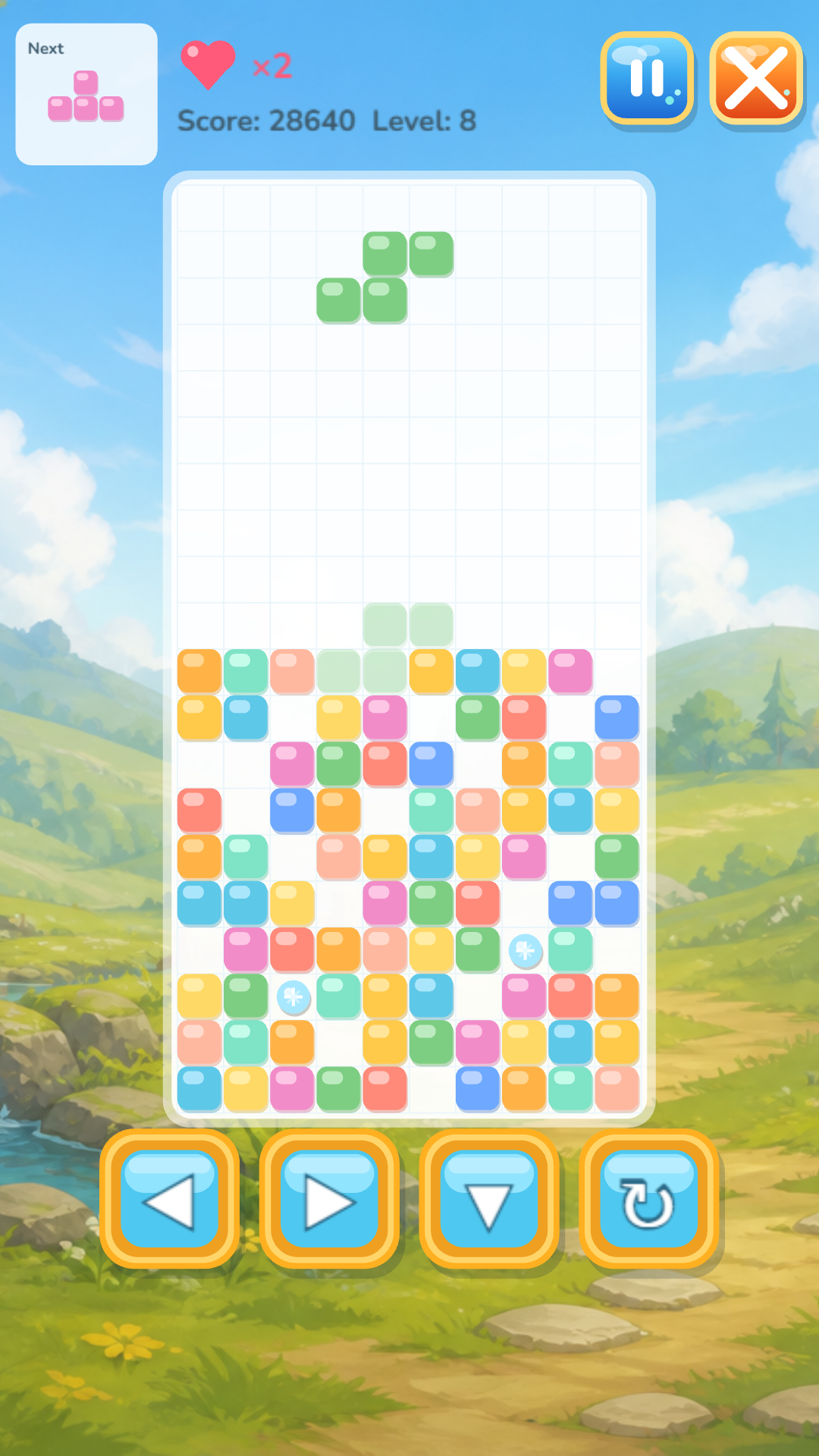
Score points by clearing lines of falling shapes. The more lines you clear in one go, the higher your score. Choose your difficulty level and jump right in! PC controls: ← → — move the piece left and right ↑ — rotate ↓ — speed up the fall Space — hard drop P — pause Esc — back to menu On phones and tablets, on-screen buttons appear right below the game field: ← → — move ↻ — rotate ↓ — speed up ❚❚ — pause The game features special power‑ups. In the settings, you can also switch to Classic Mode (no magic) and turn off the falling piece's shadow for an extra challenge.

More games

More games