
Overview
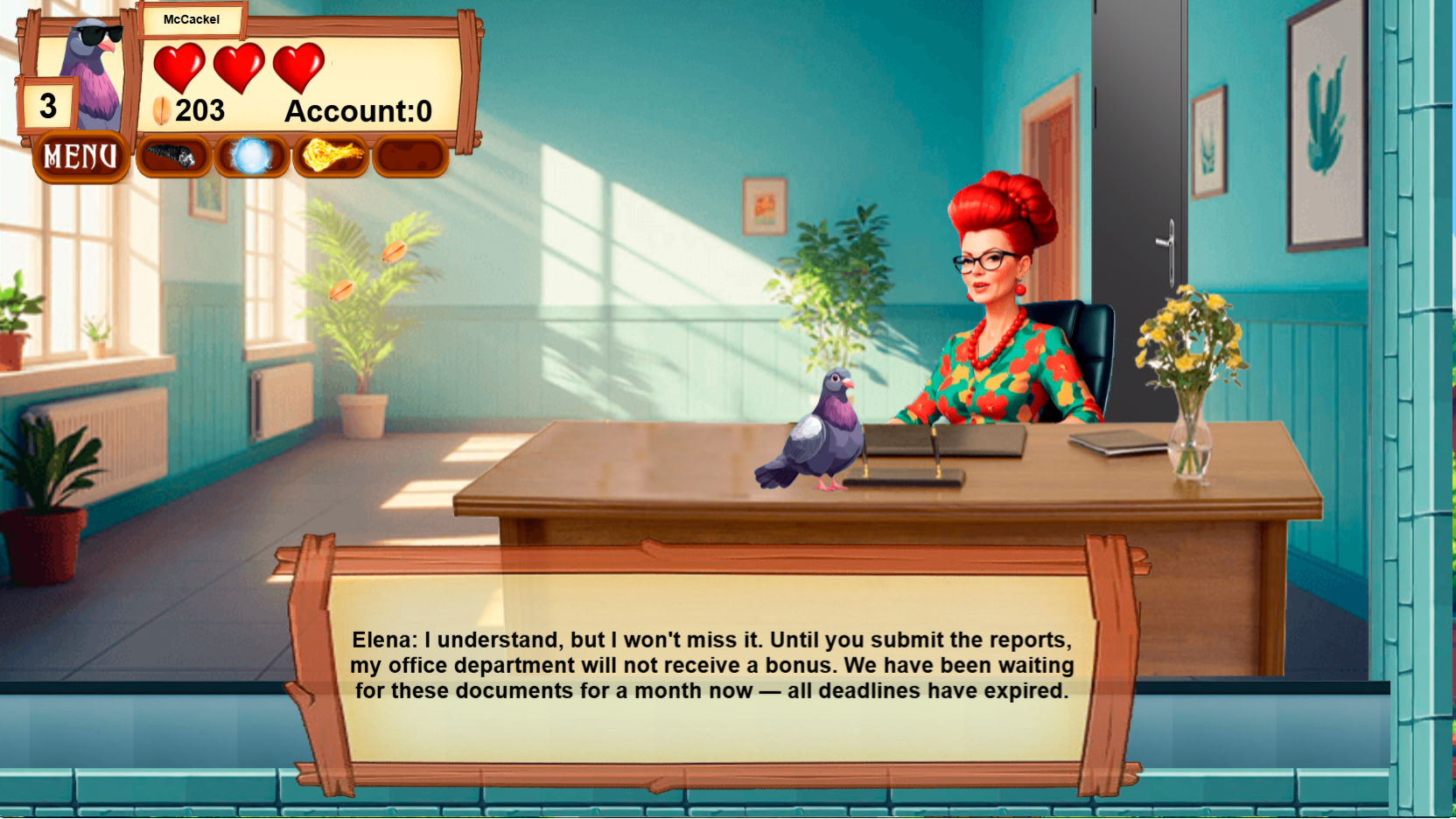
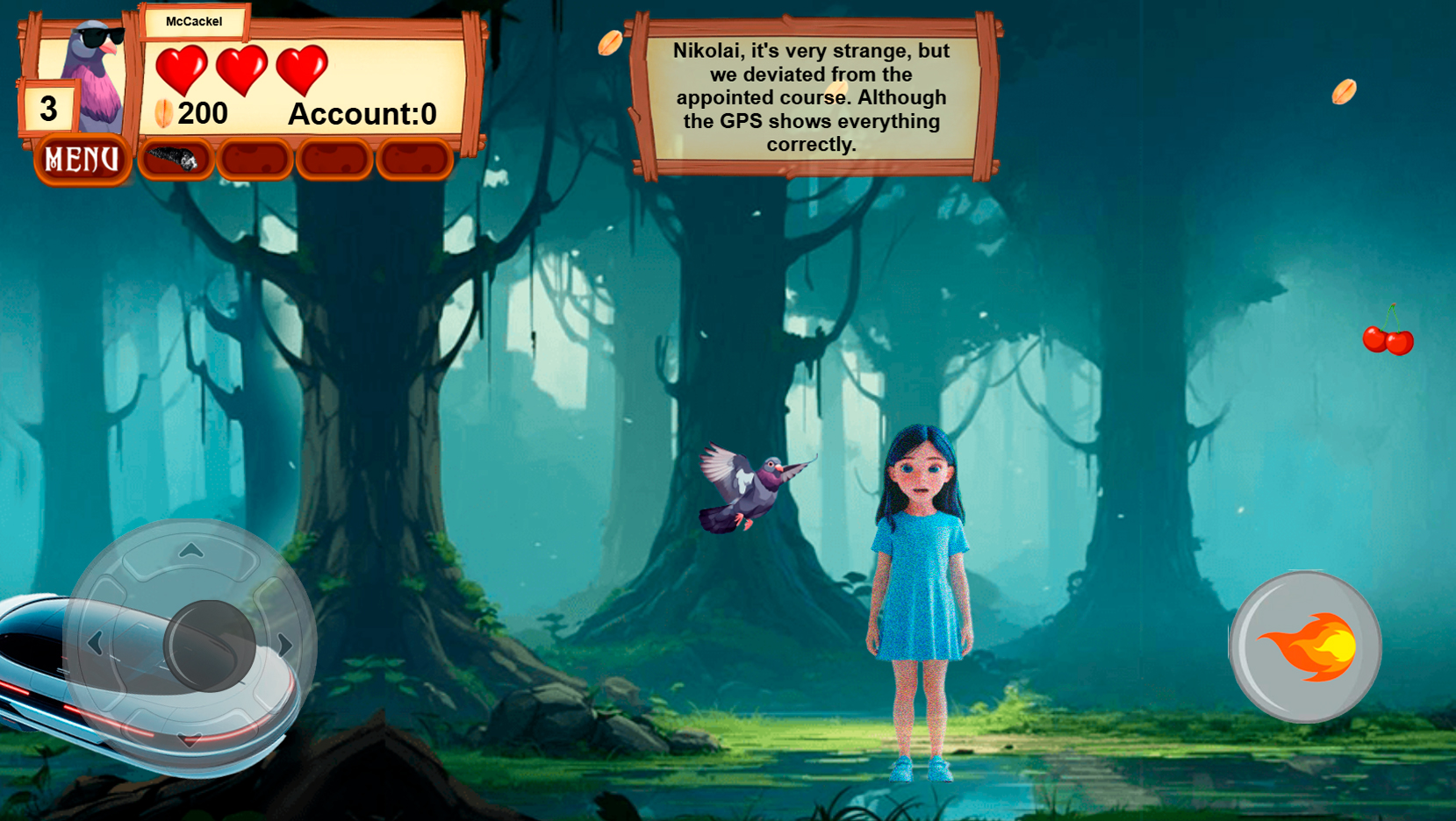
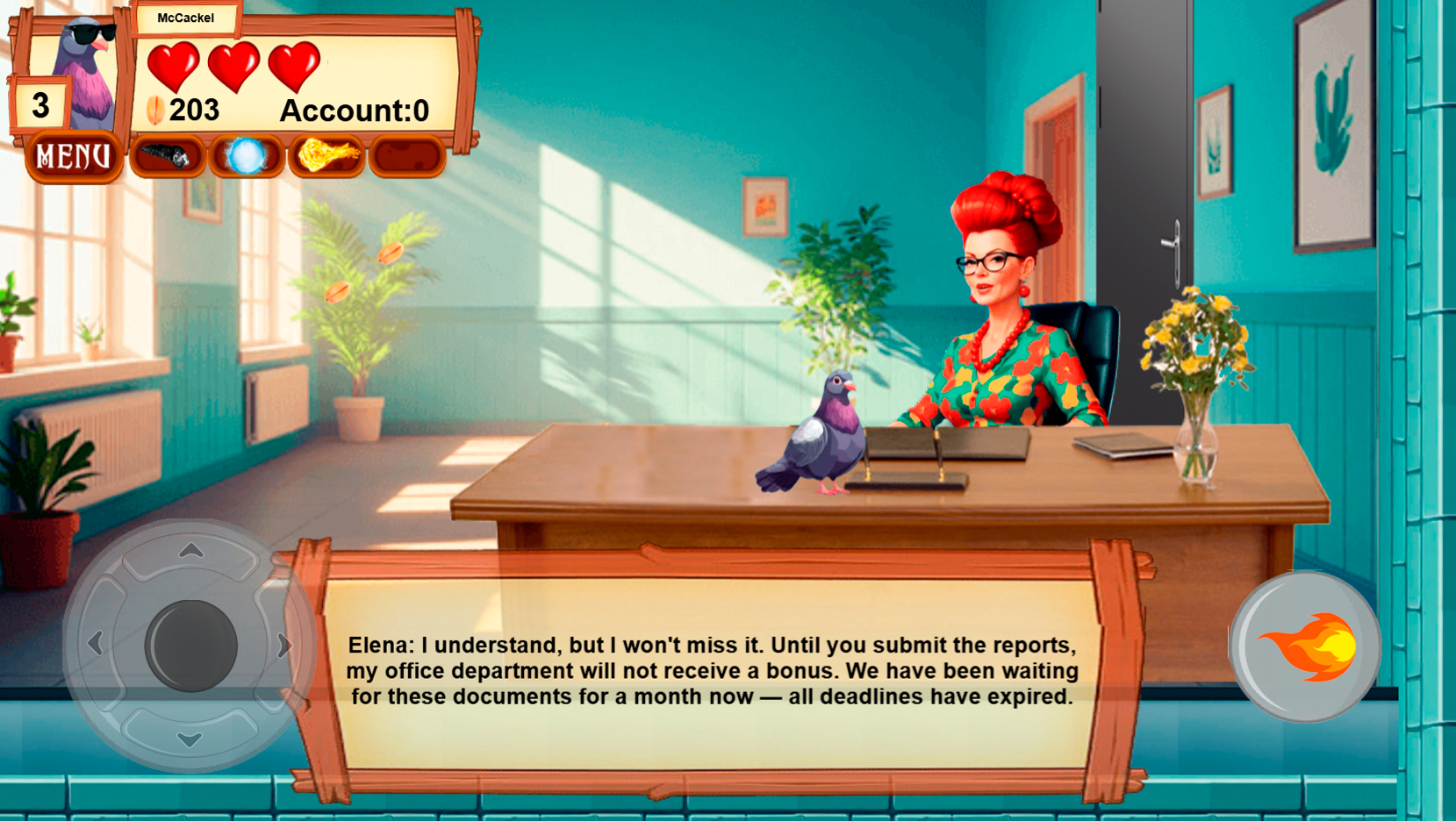
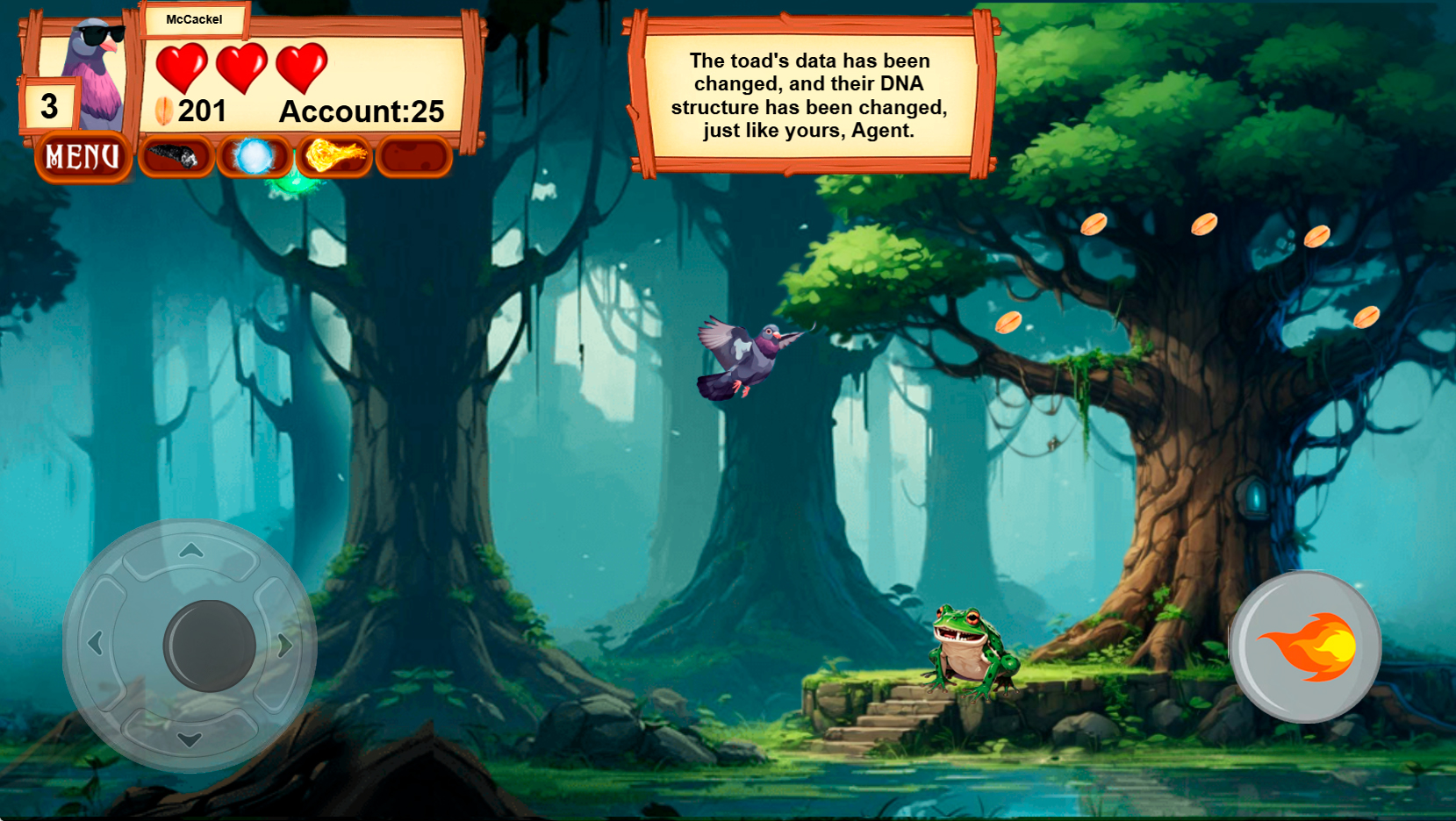
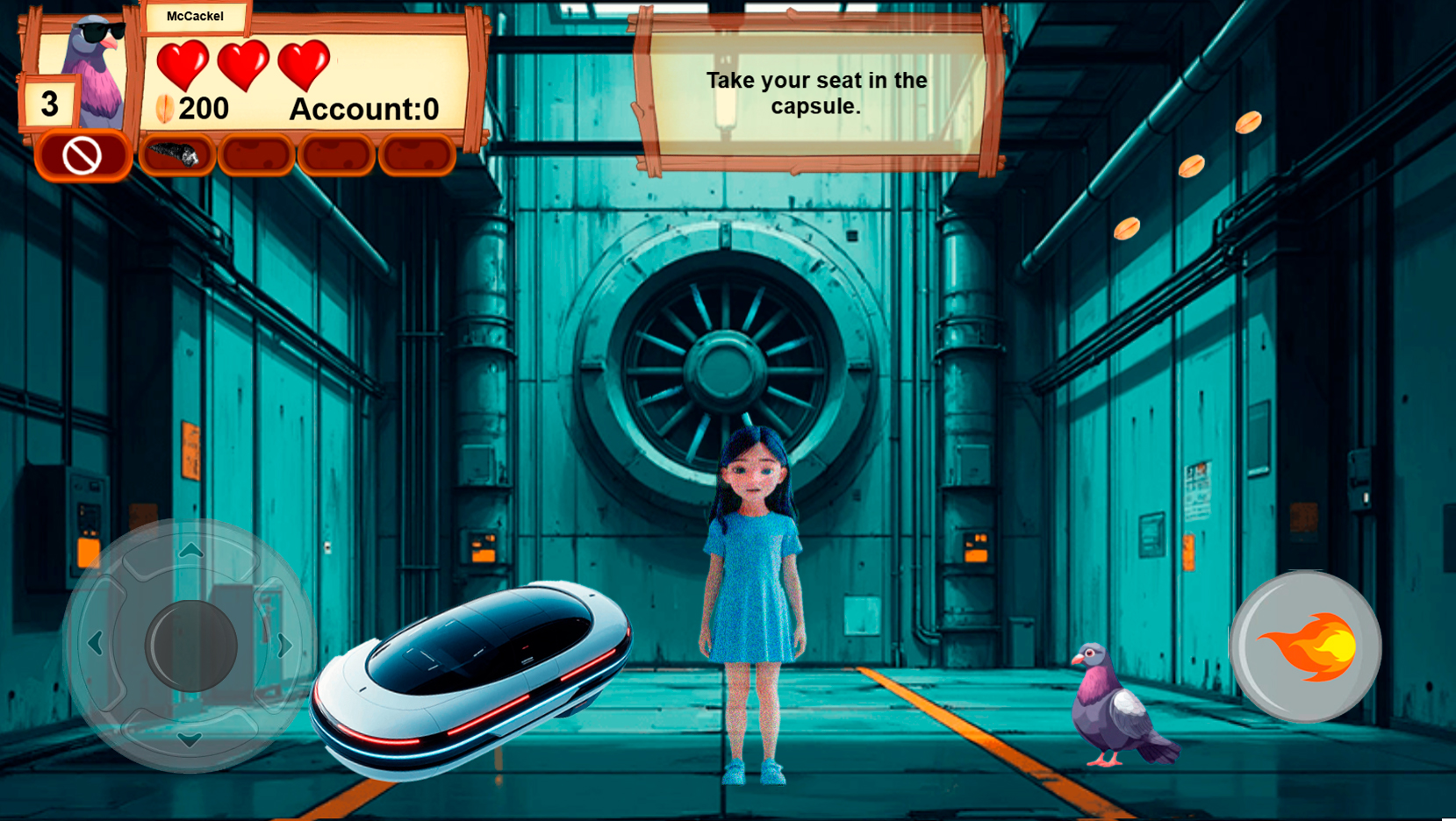
Pigeon McCackel: Wings of Destiny is an exciting arcade game with an interesting plot, where you have to uncover the secret conspiracy of a sinister corporation. In the role of special Agent Pigeon McCackel, a talking pigeon with superpowers.
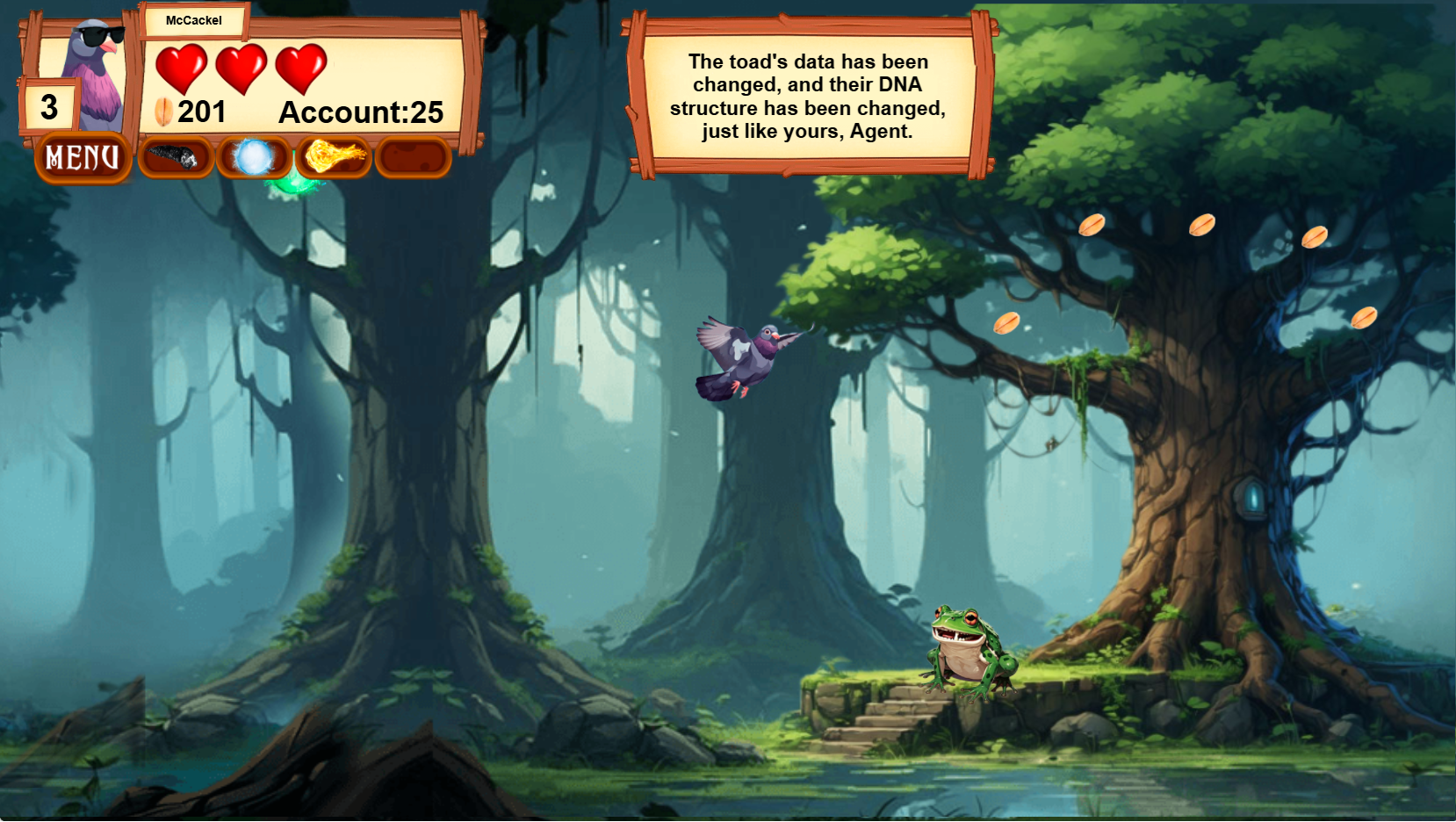
Nikolai McCackel is an active Secret Service operative endowed with the power of theta particles, accelerated flight, and a beak—sharp sense of irony. During the next mission, the pigeon gets into the center of mysterious events that have to be solved.
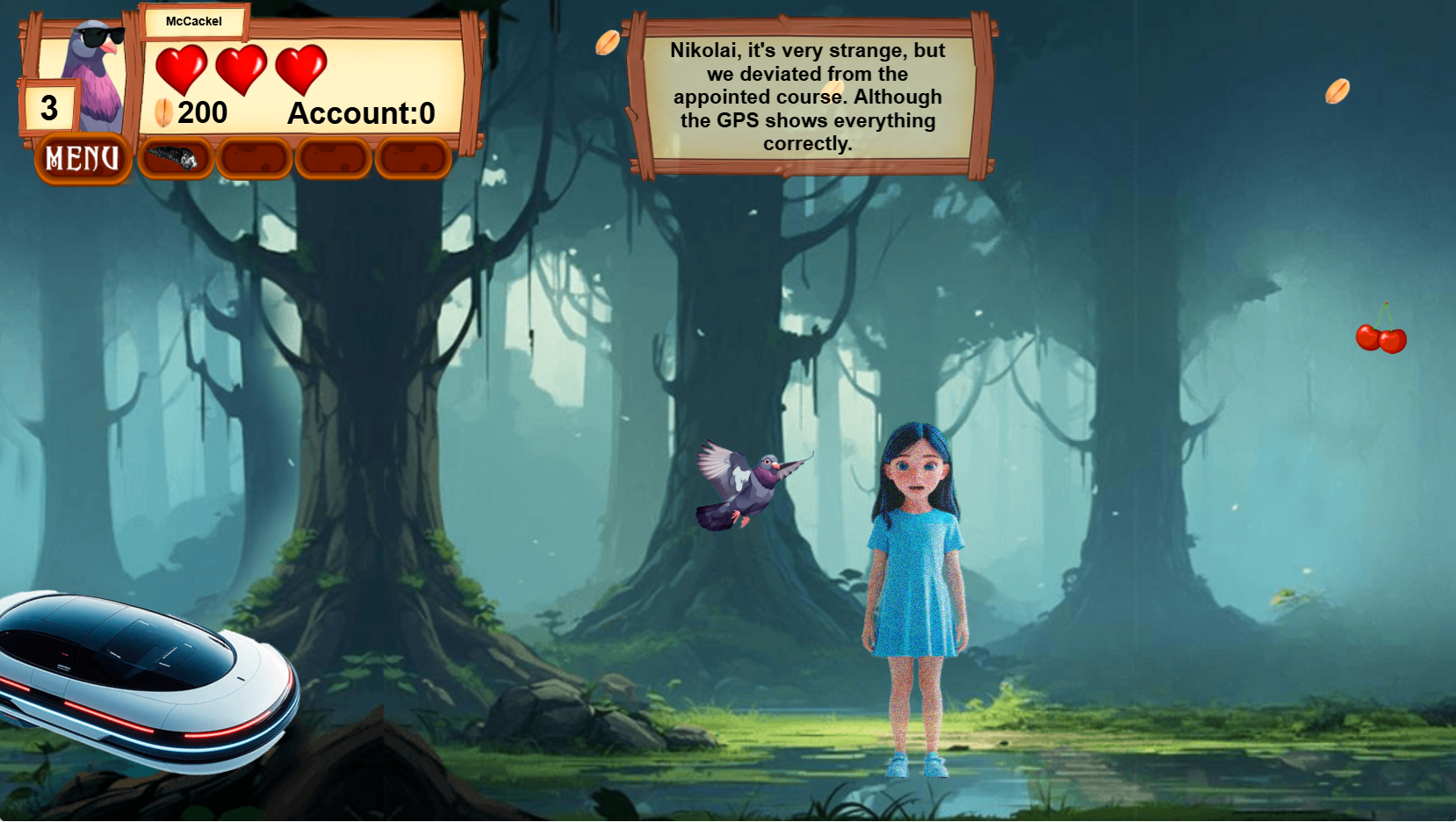
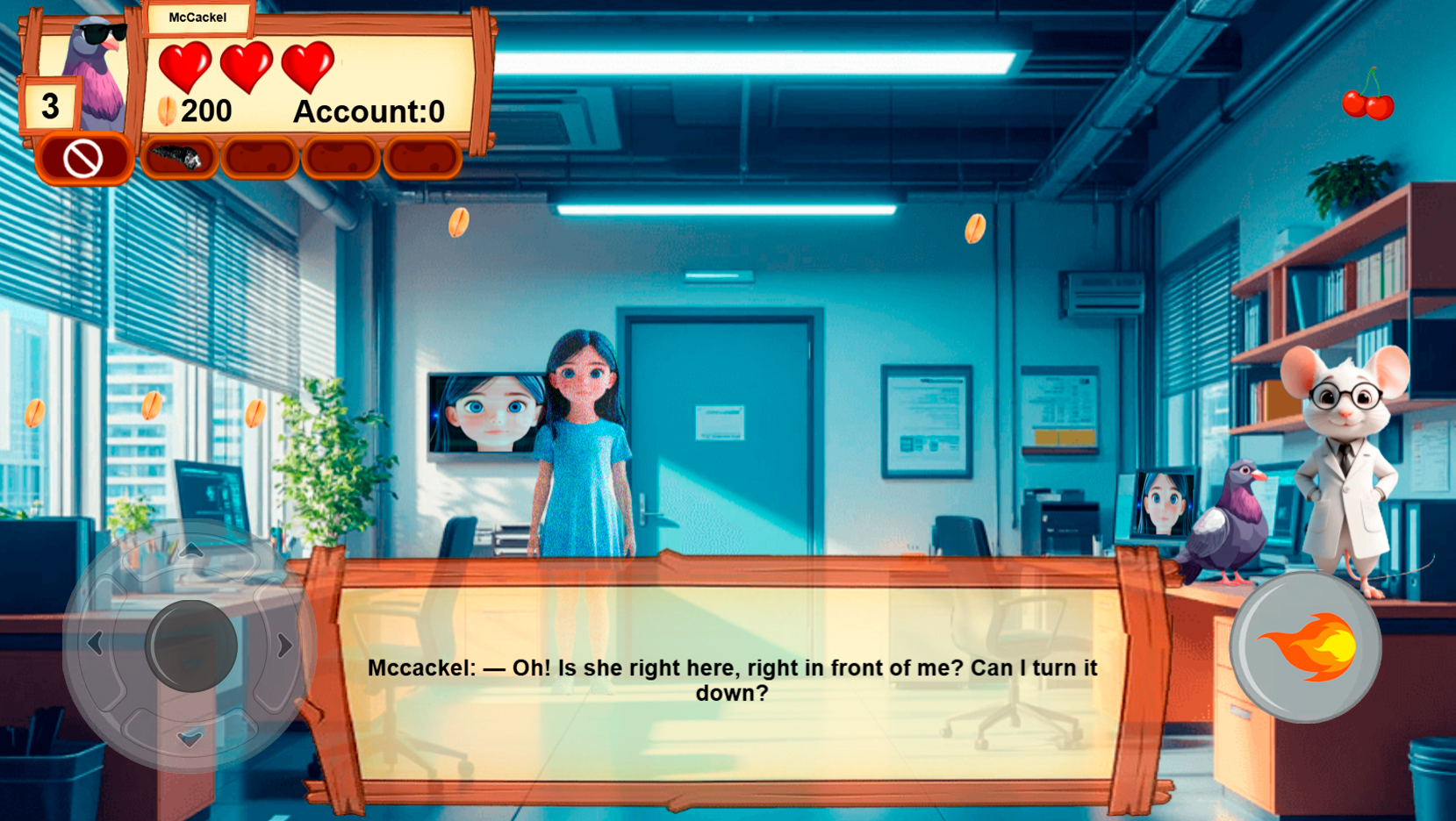
At each level, you will find dynamic platform scenes that require dexterity and ingenuity. But McCackel is not alone: he is helped by Faira, a young, witty artificial intelligence in the form of a hologram girl. She conducts dialogues, gives hints, sarcastically comments on what is happening and reveals parts of the plot, gradually bringing us closer to solving the main mystery of the game.
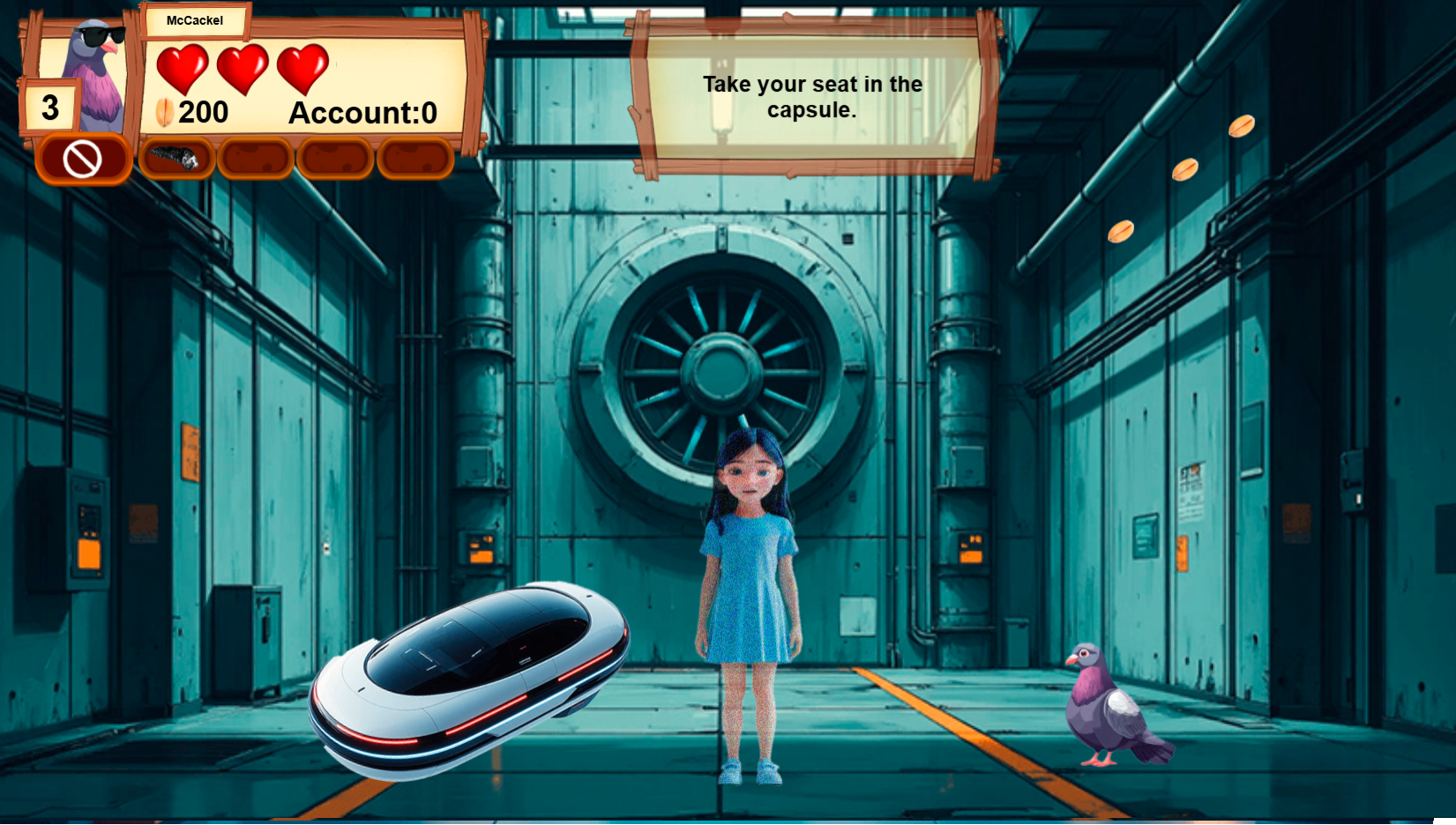
The game features atmospheric voice acting, lively dialogues, an intriguing plot and beautiful graphics.
Videos and screenshots






11,978 players online
How to play
-
Open the game
Press Play now and the game opens on its own screen.
-
Follow the in-game instructions
The controls and goals are shown inside the game as you play.
-
Use the game menu
The floating button over the game reloads it, saves it to your favourites, or takes you back out.