Overview
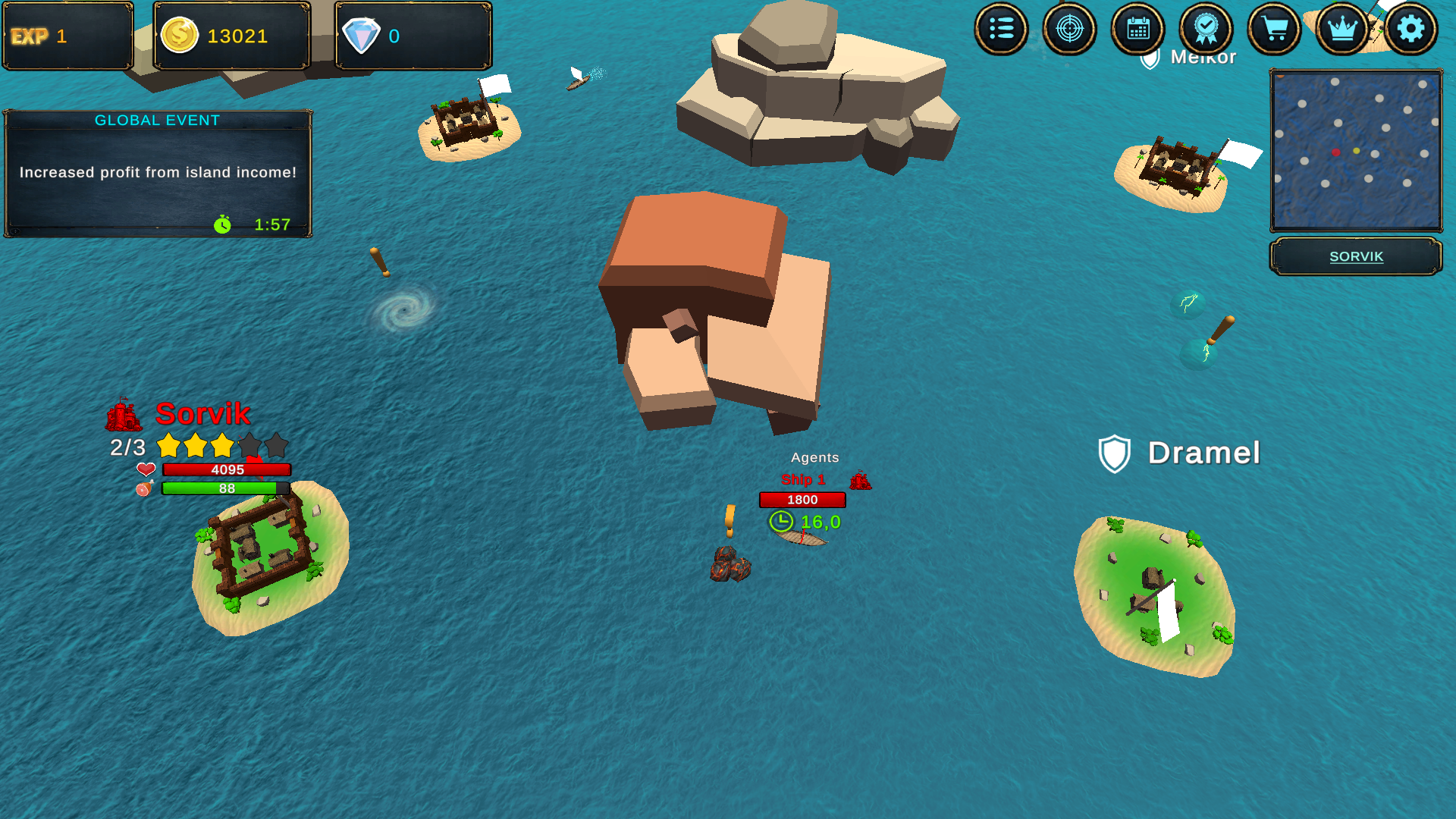
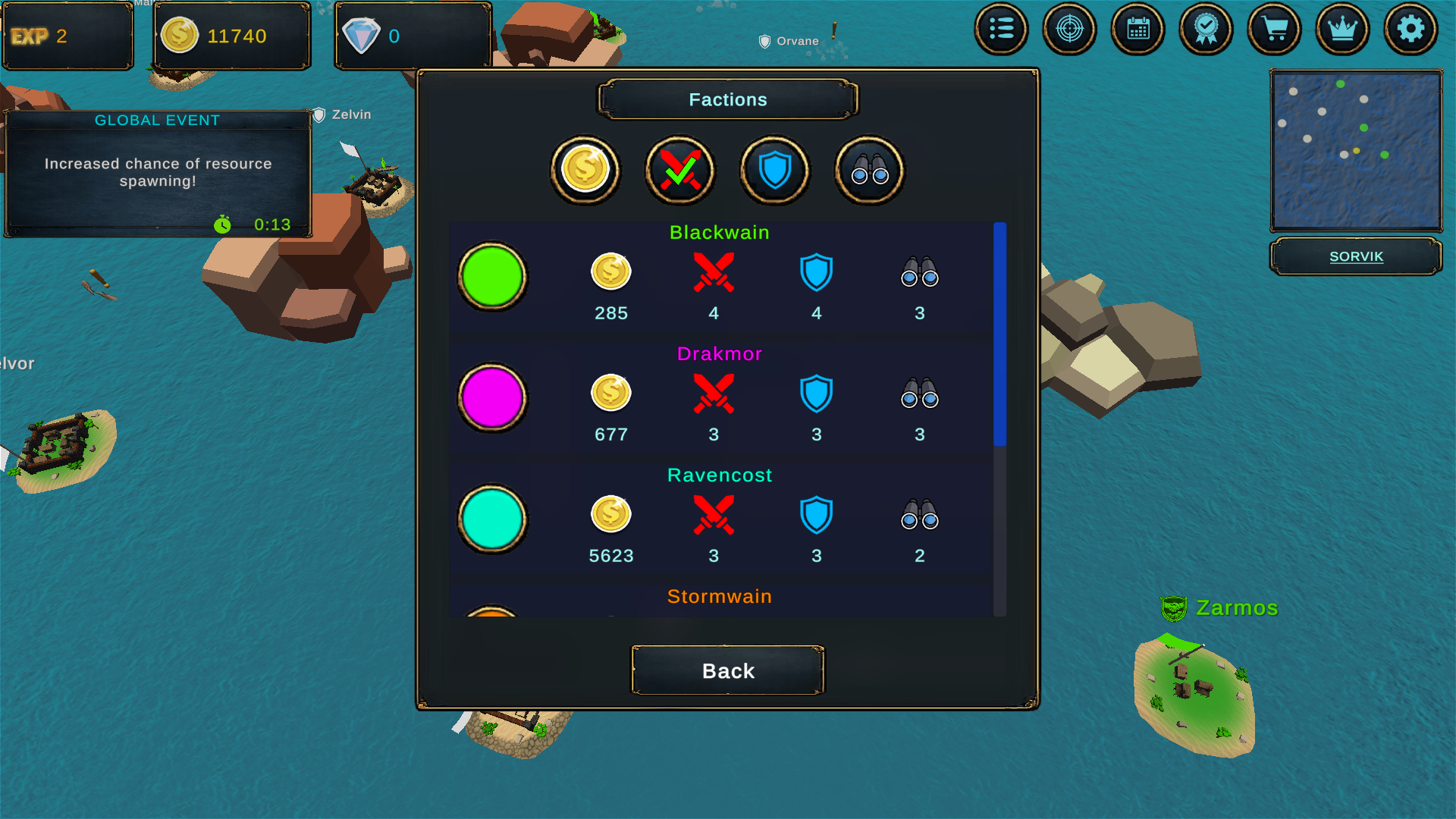
Create your own pirate faction, choose its color and flag and start the fight for domination of the islands!
🏆 GAME FEATURES:
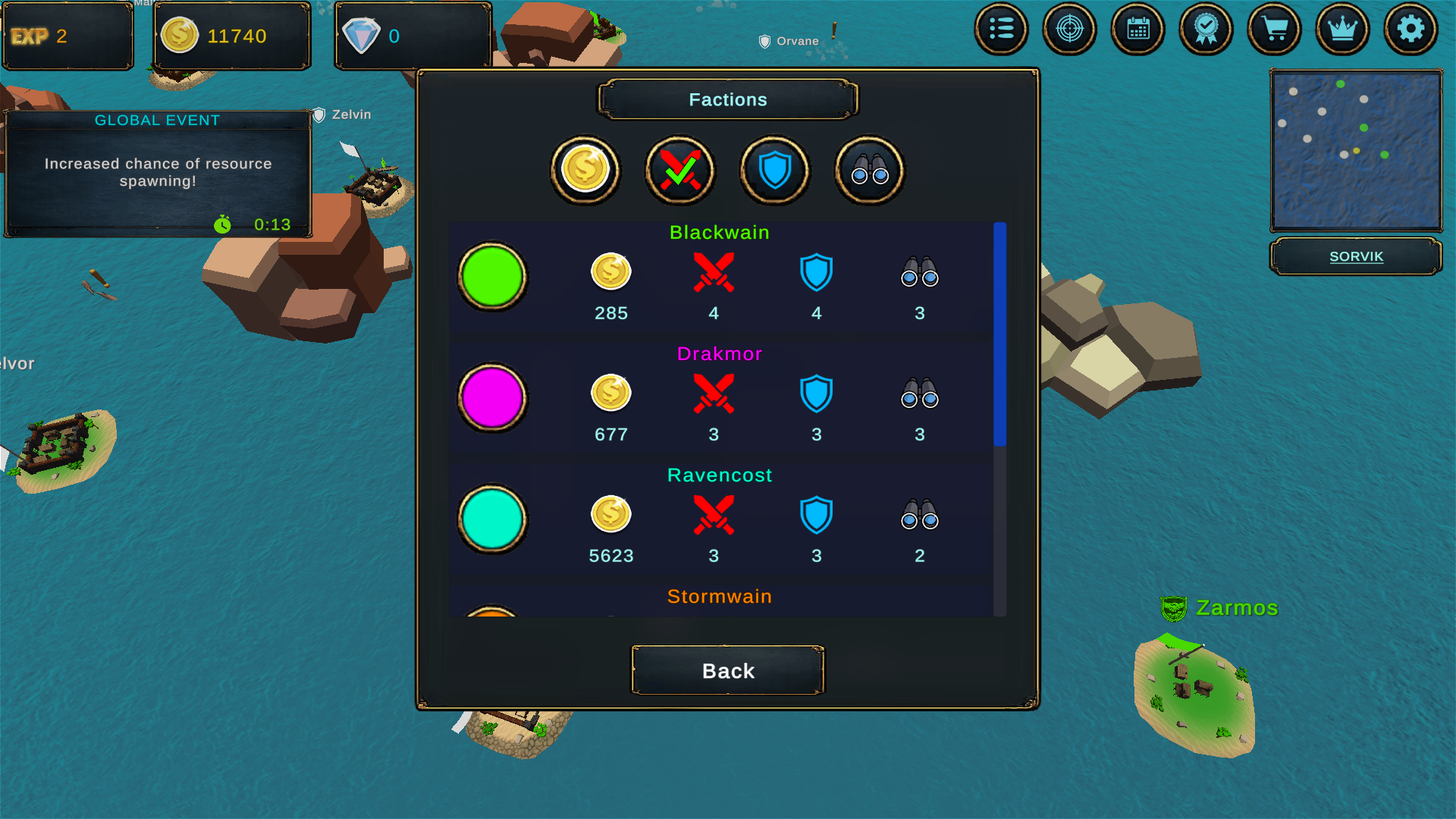
🏴☠️ Create your own faction:
Choose a color and a unique flag of your empire.
🌍 A unique world in each game:
Factions, islands, events, and resources are being generated anew.
⚔️ Capture the islands:
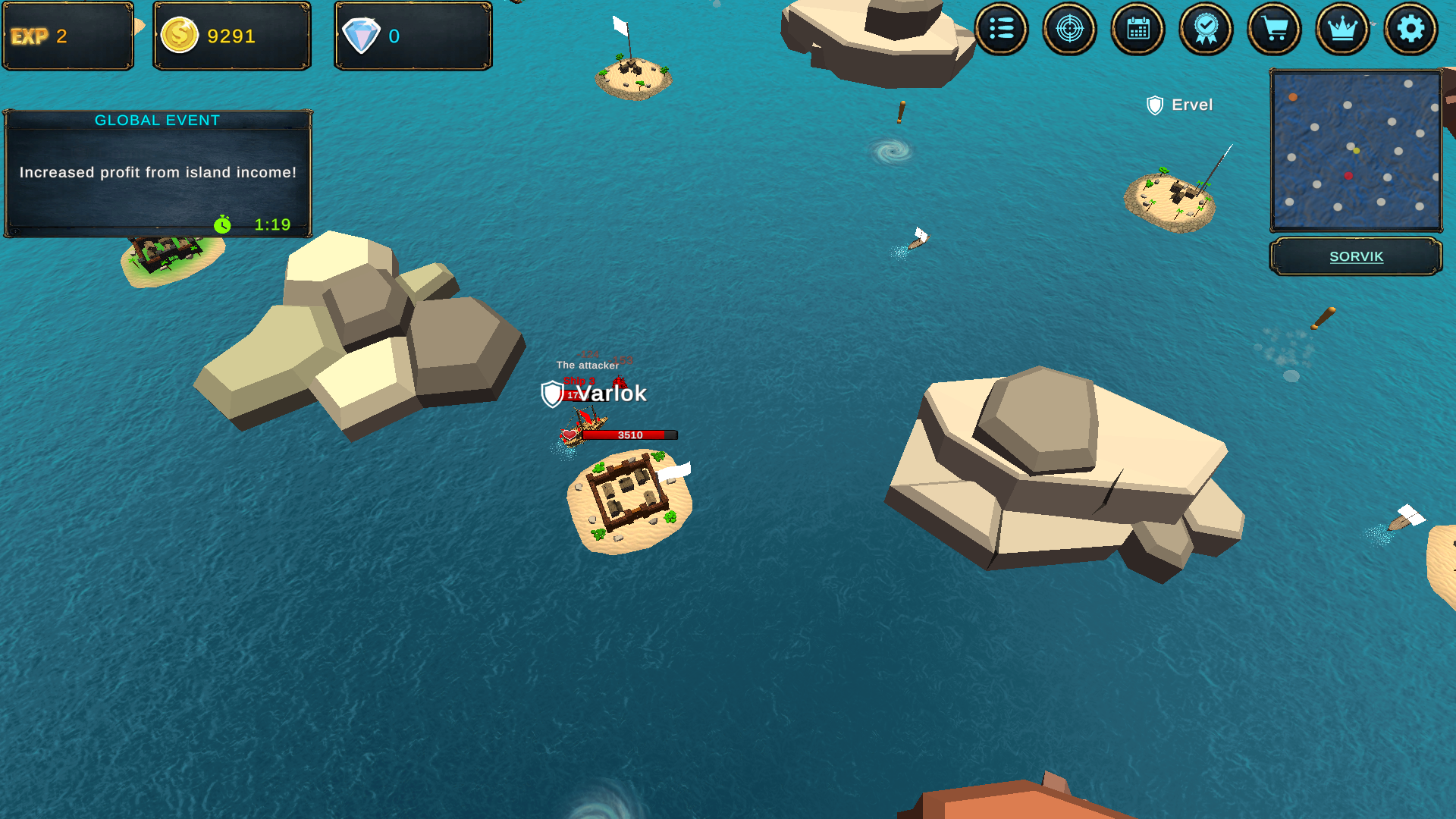
Attack your enemies and conduct real naval sieges.
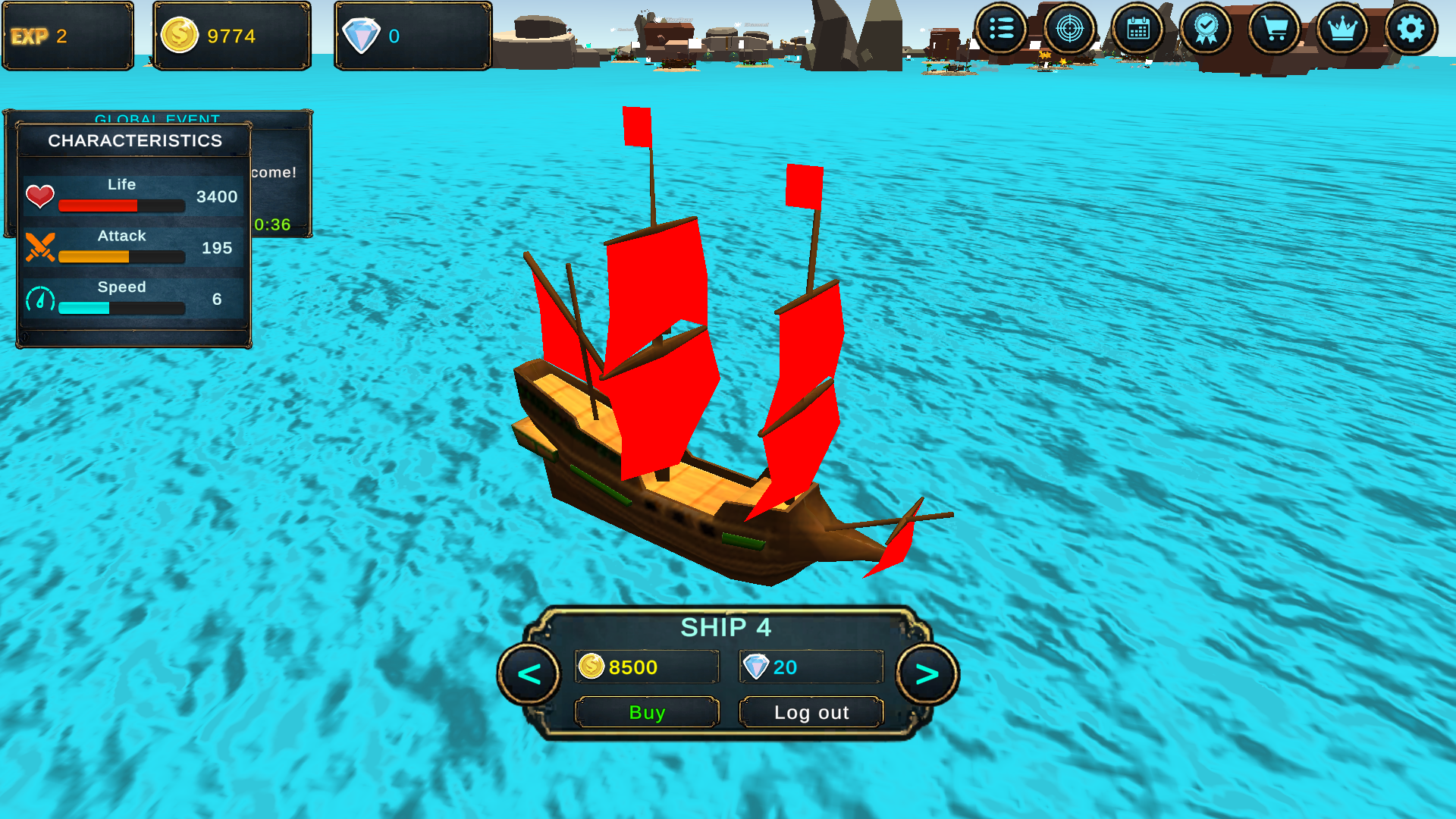
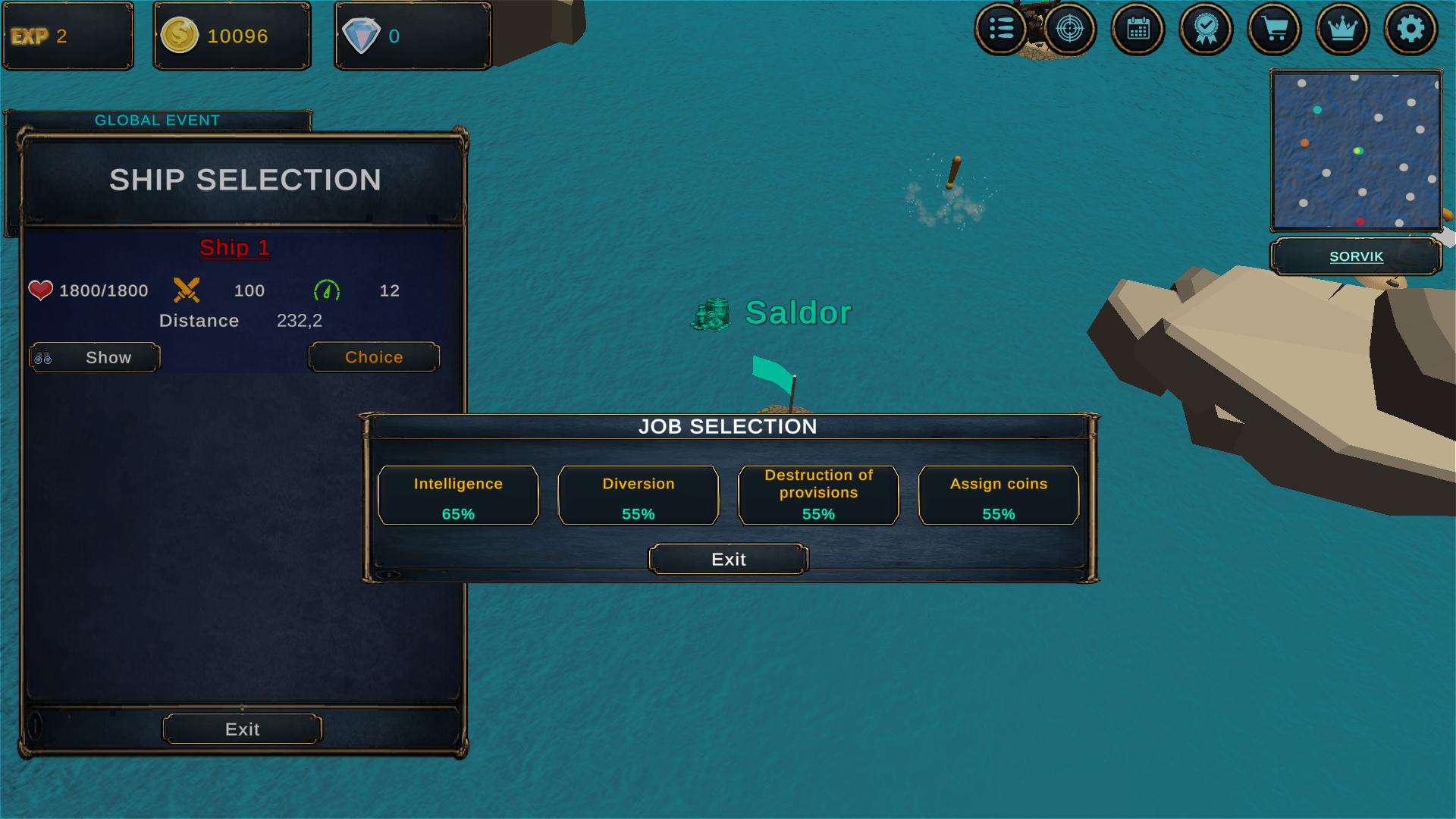
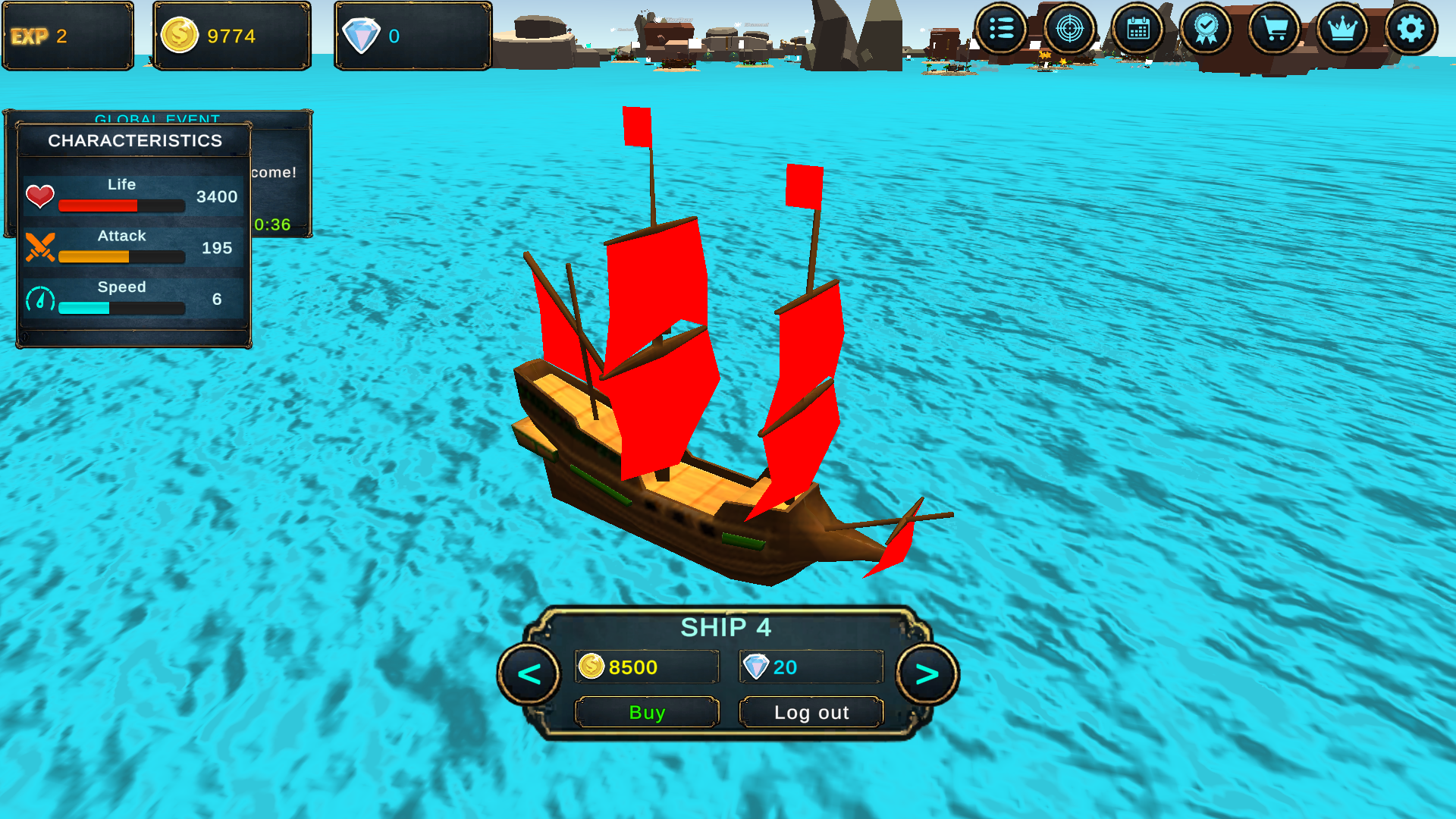
🚢 Create your own fleet:
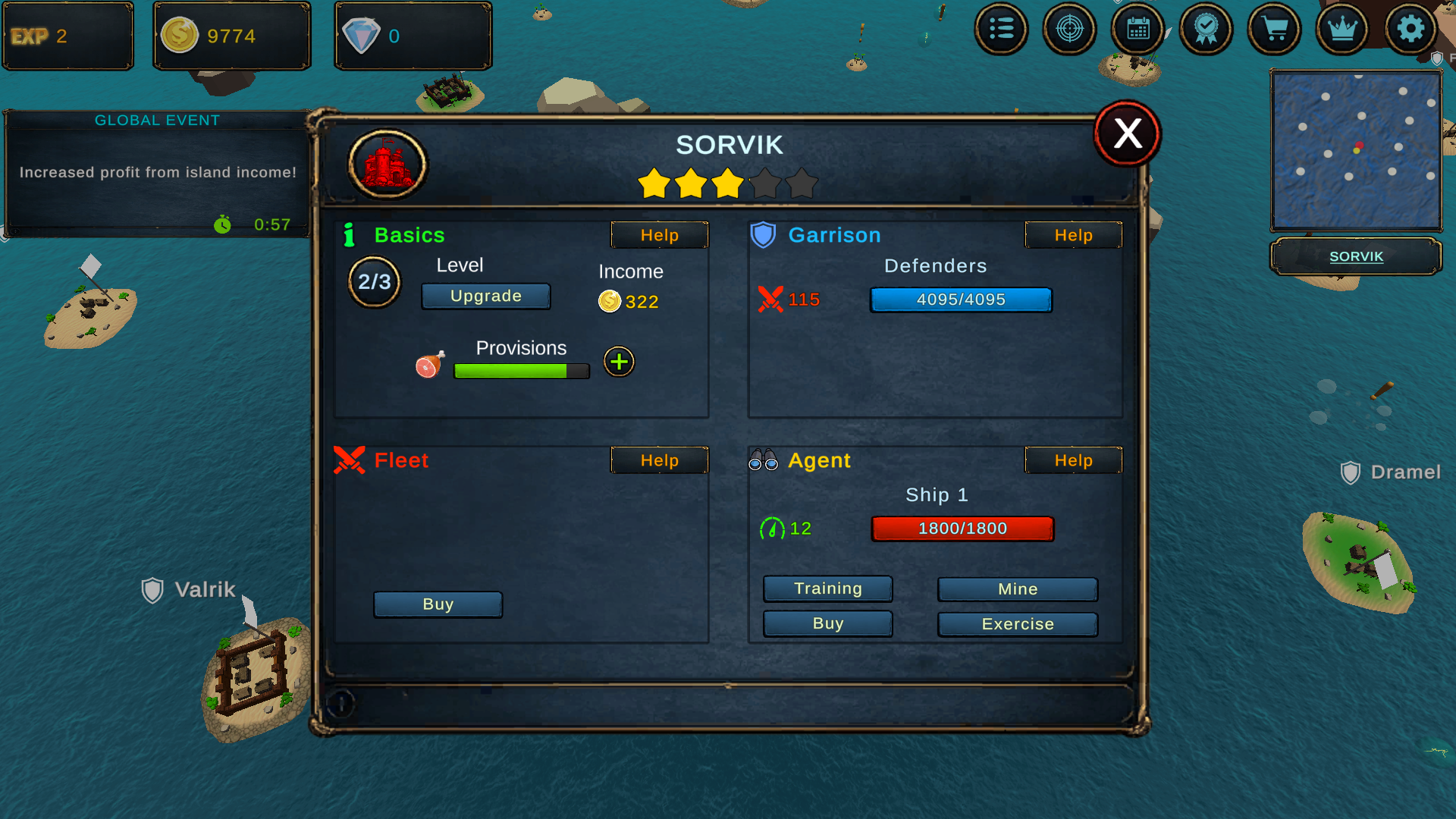
Buy ships and choose where to ship each one.
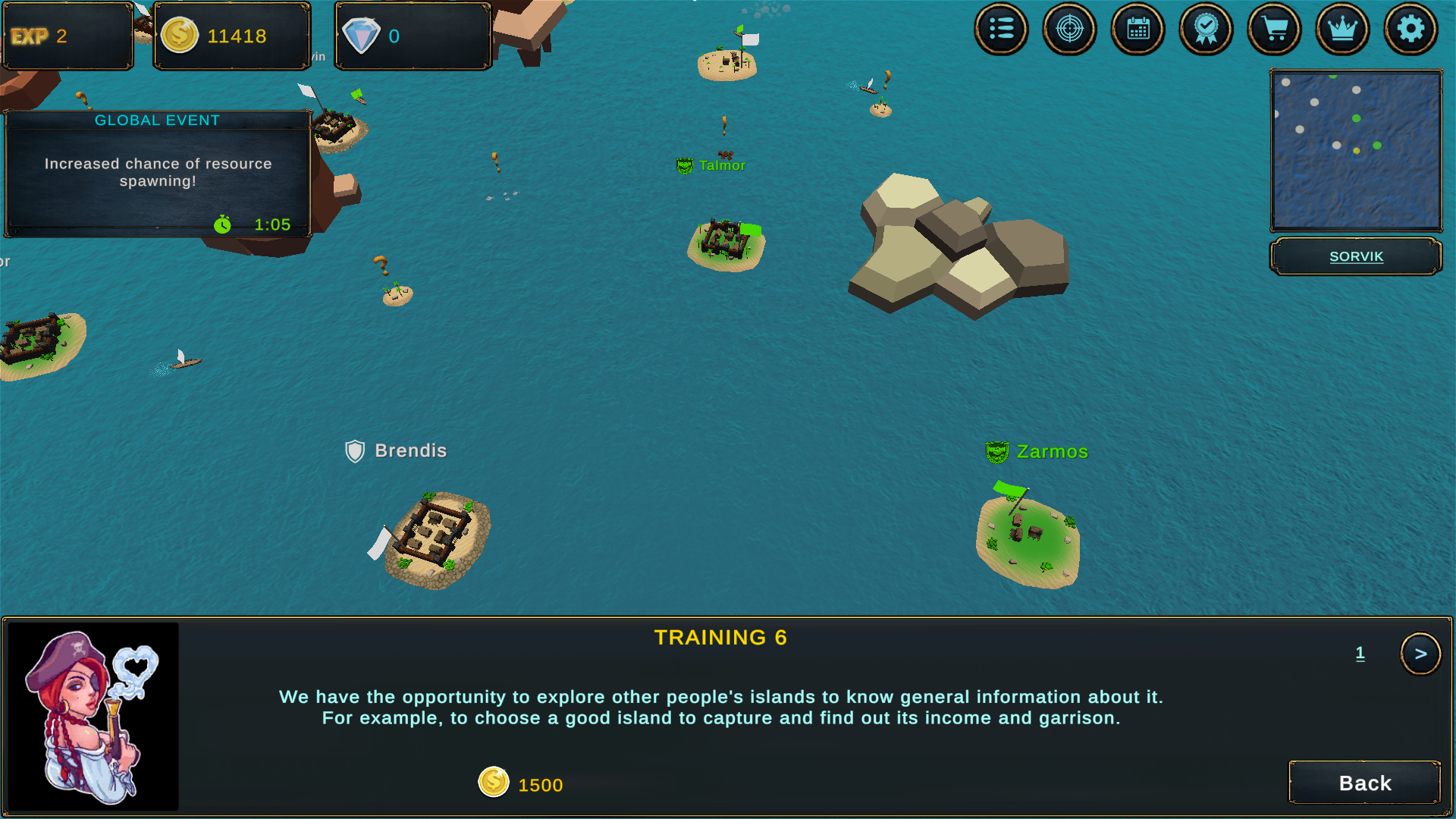
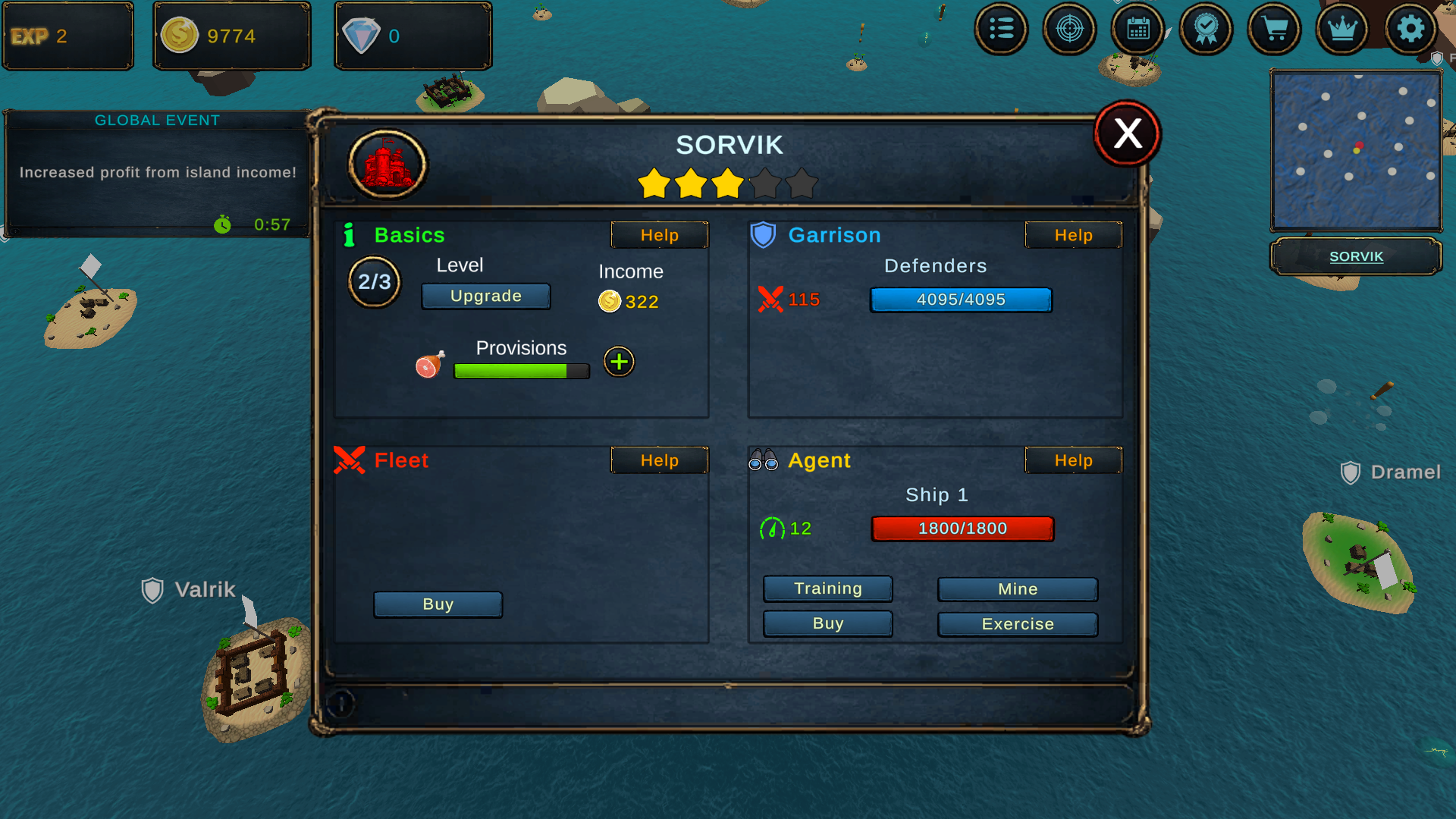
🧭 Use agents:
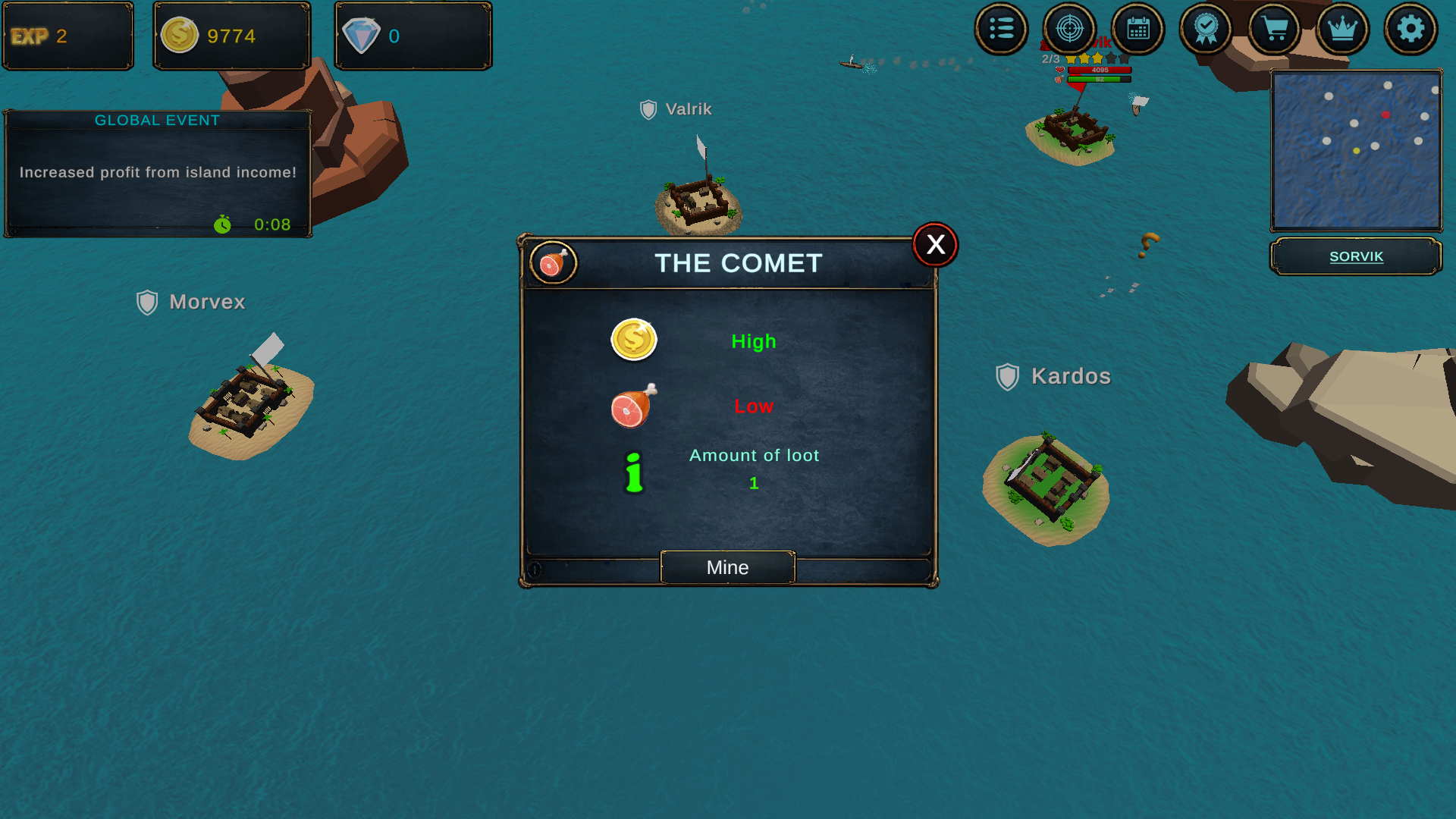
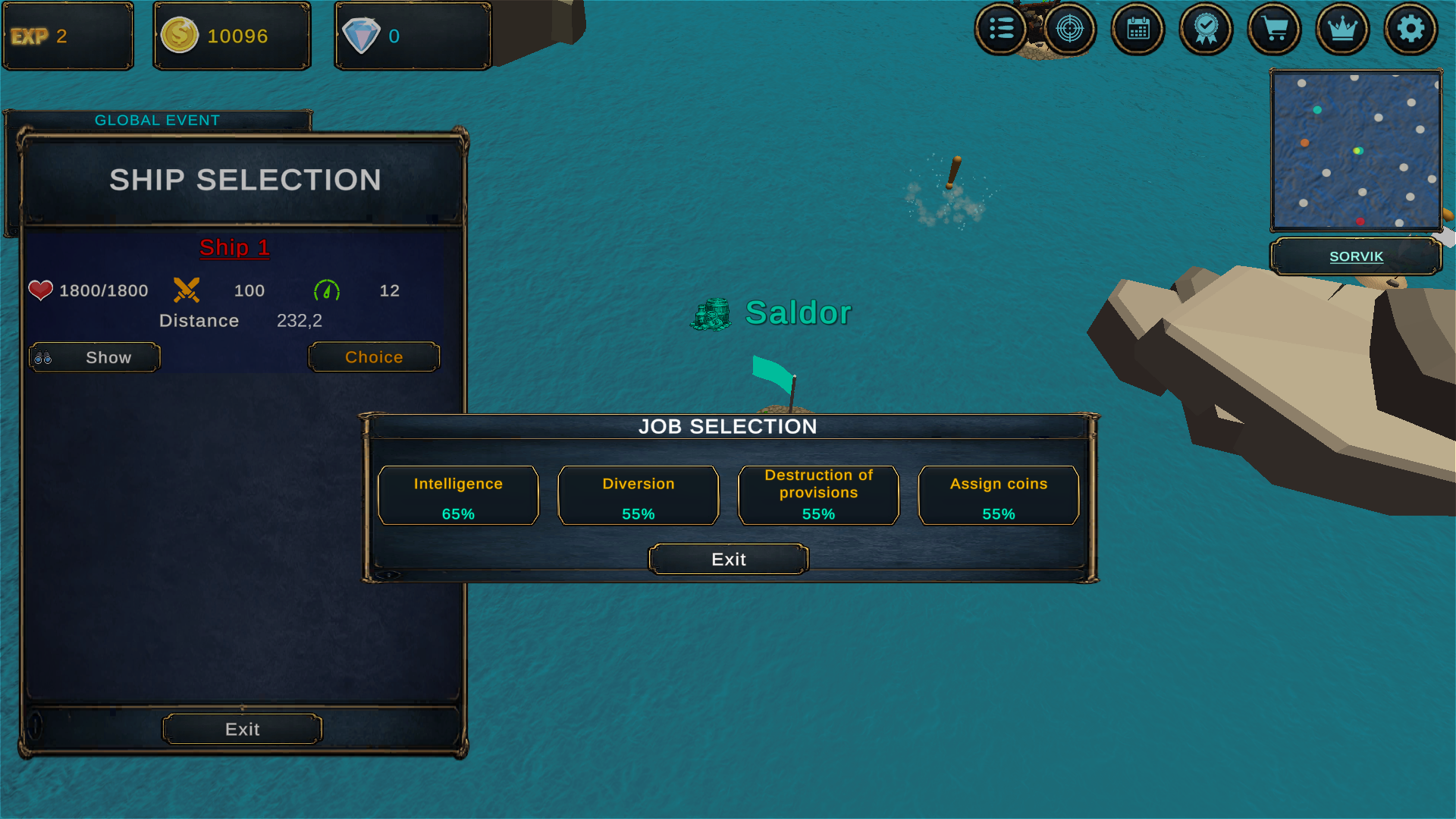
Exploration, extraction of resources and sabotage in enemy territories.
🌾 Keep an eye on the provisions:
Without food supplies, even the strongest fortress will begin to lose defenders.
🌊 The living pirate world:
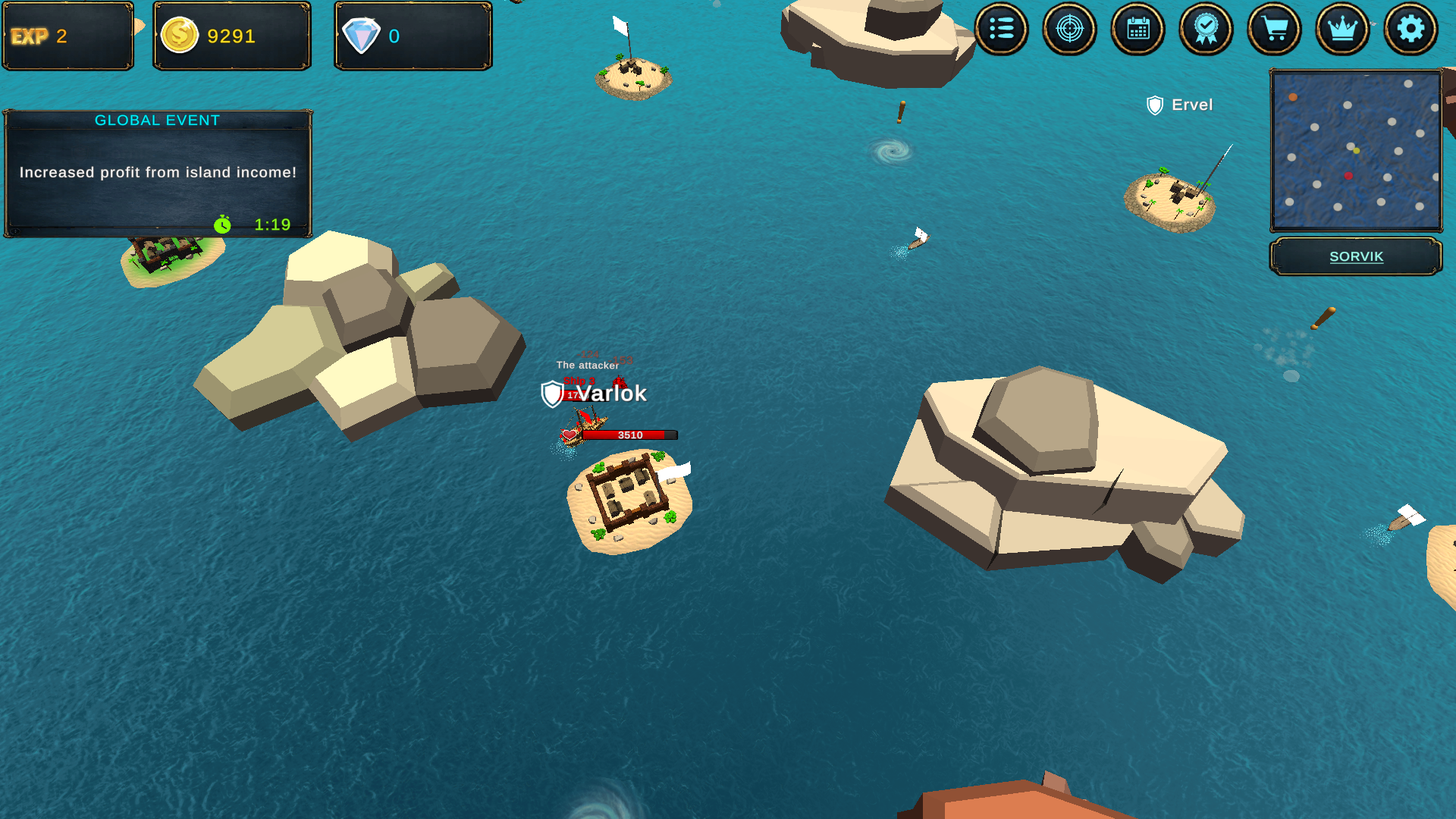
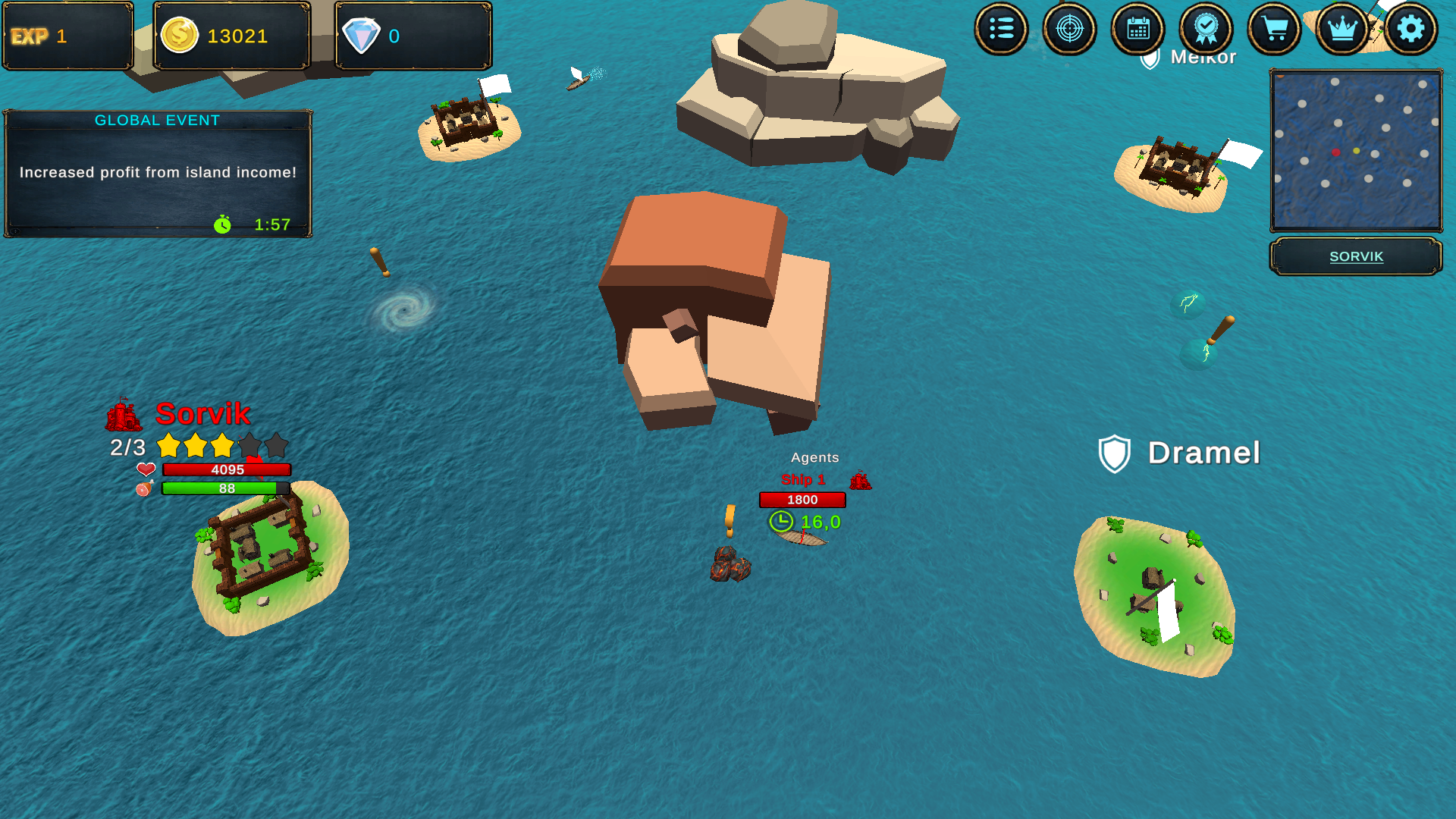
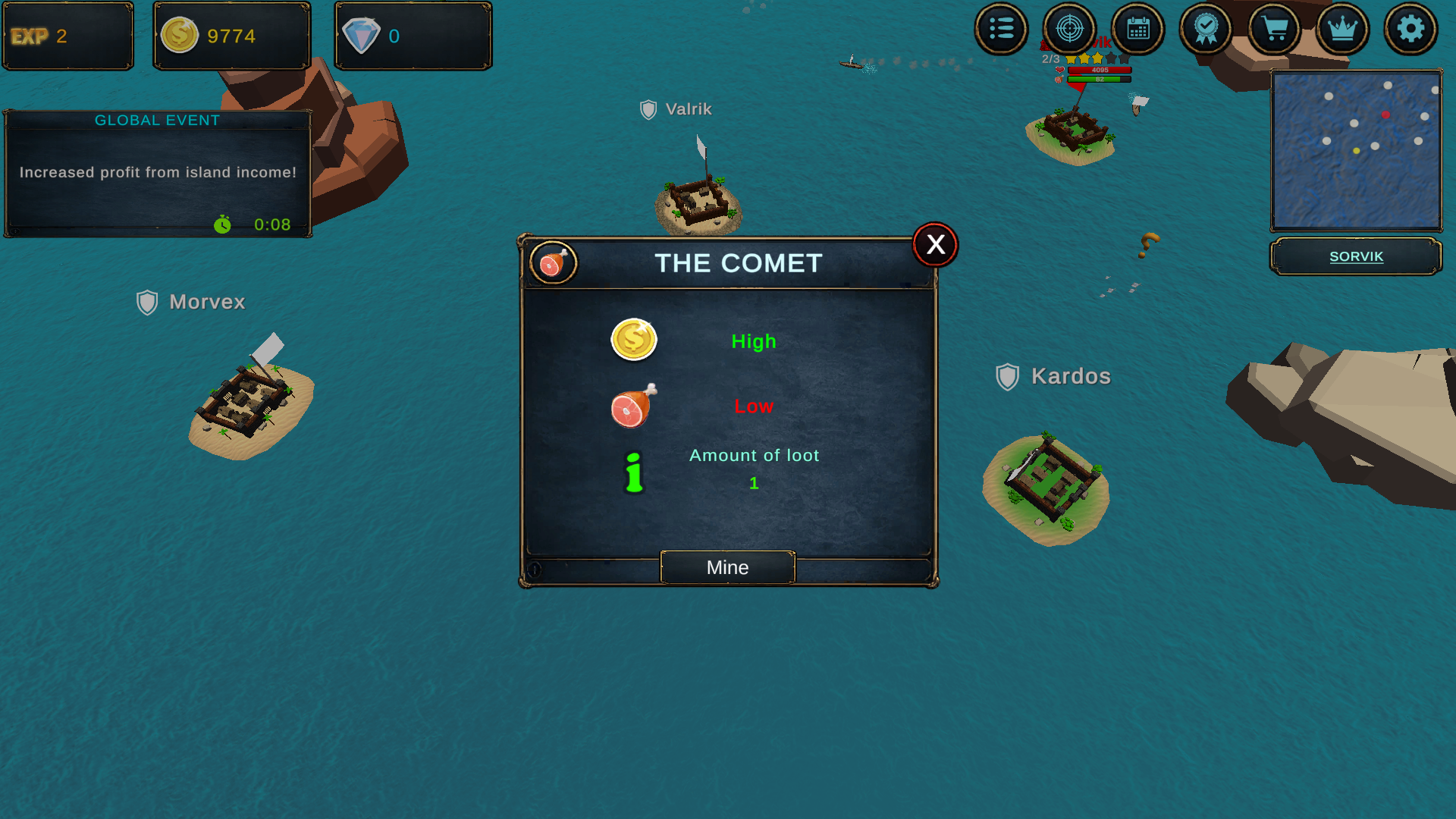
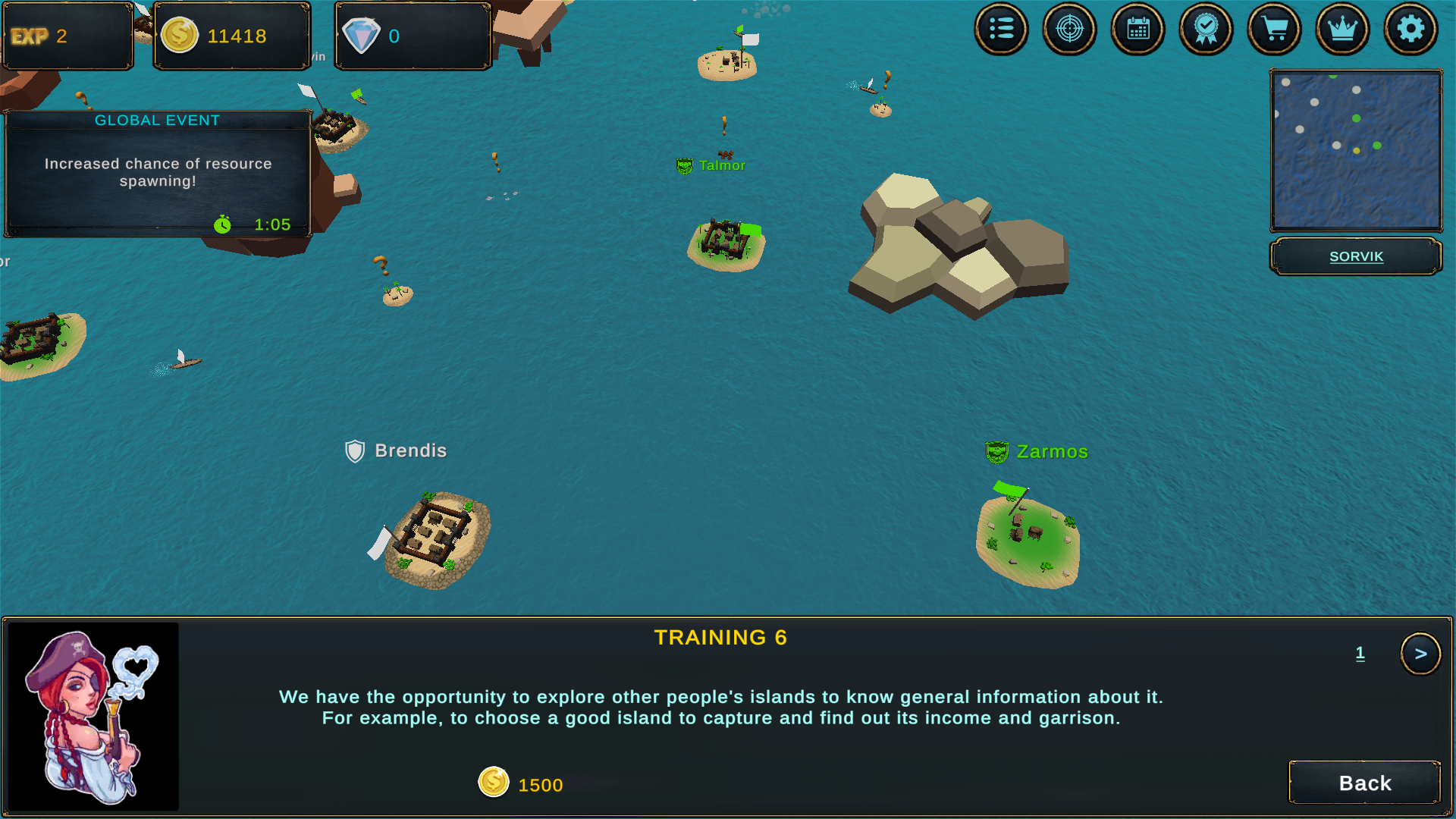
Resource zones, hazards, ships, flags, birds, rocks, and the atmospheric sea.
🎲 Unpredictable events:
Earthquakes, floods, strangers and other events can change the course of the game.
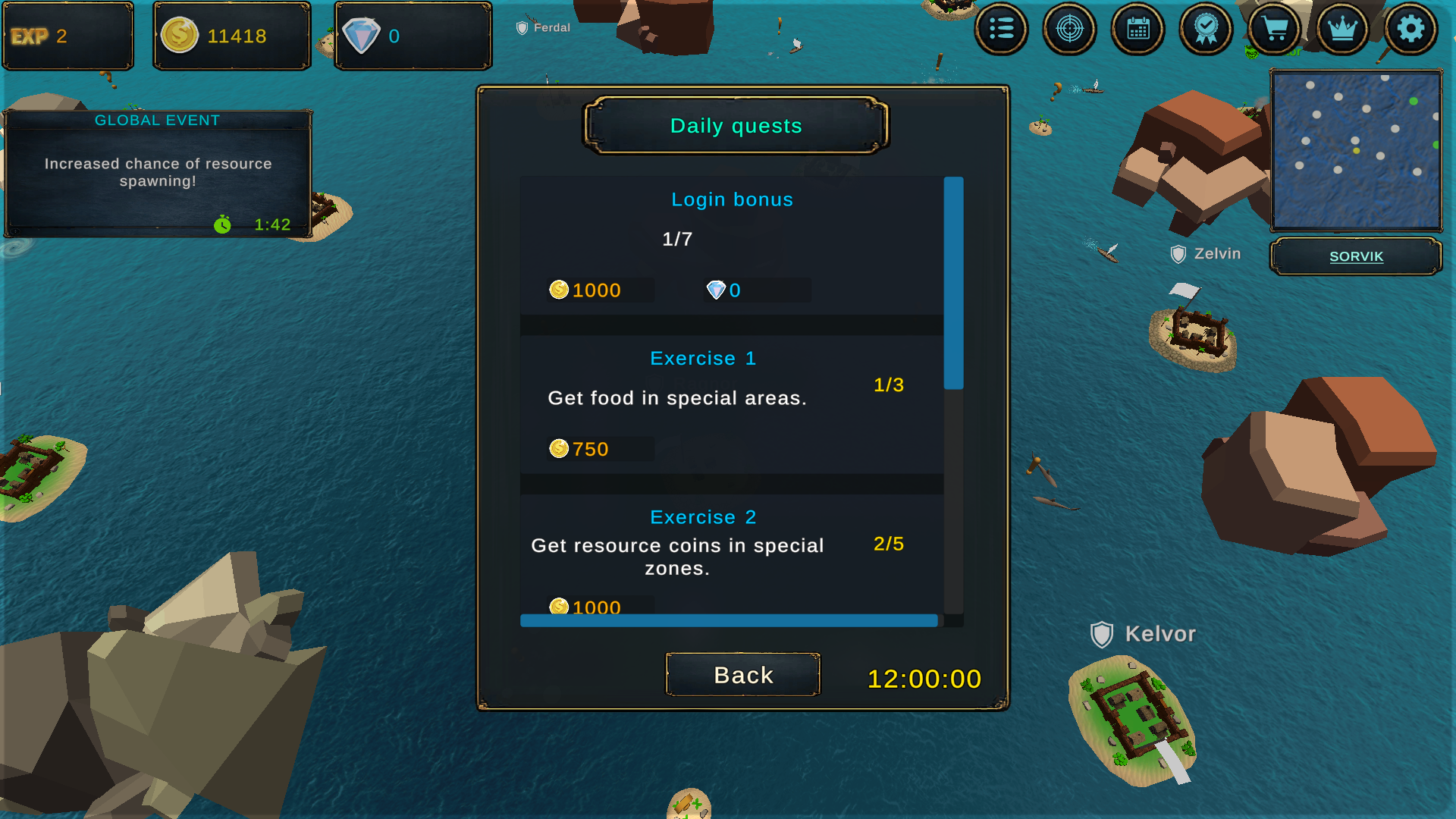
Videos and screenshots
11,335 players online
How to play
-
Open the game
Press Play now and the game opens on its own screen.
-
Follow the in-game instructions
The controls and goals are shown inside the game as you play.
-
Use the game menu
The floating button over the game reloads it, saves it to your favourites, or takes you back out.