Overview
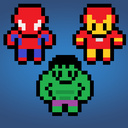
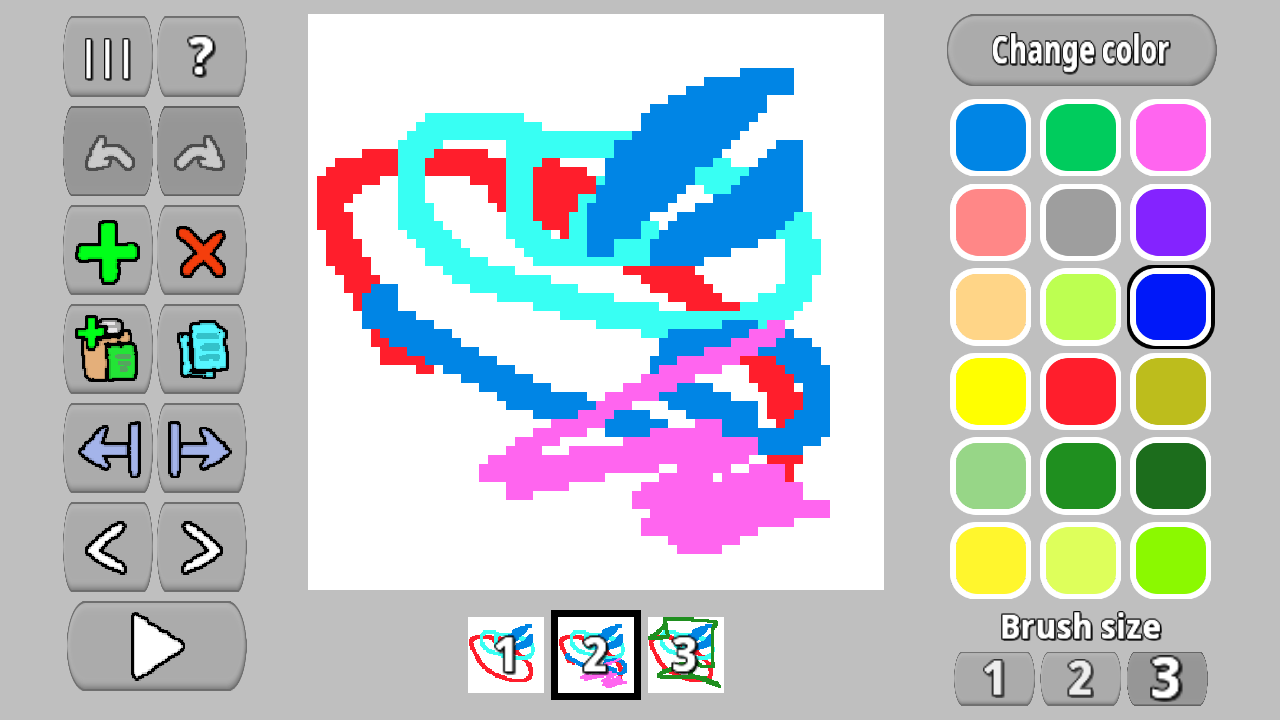
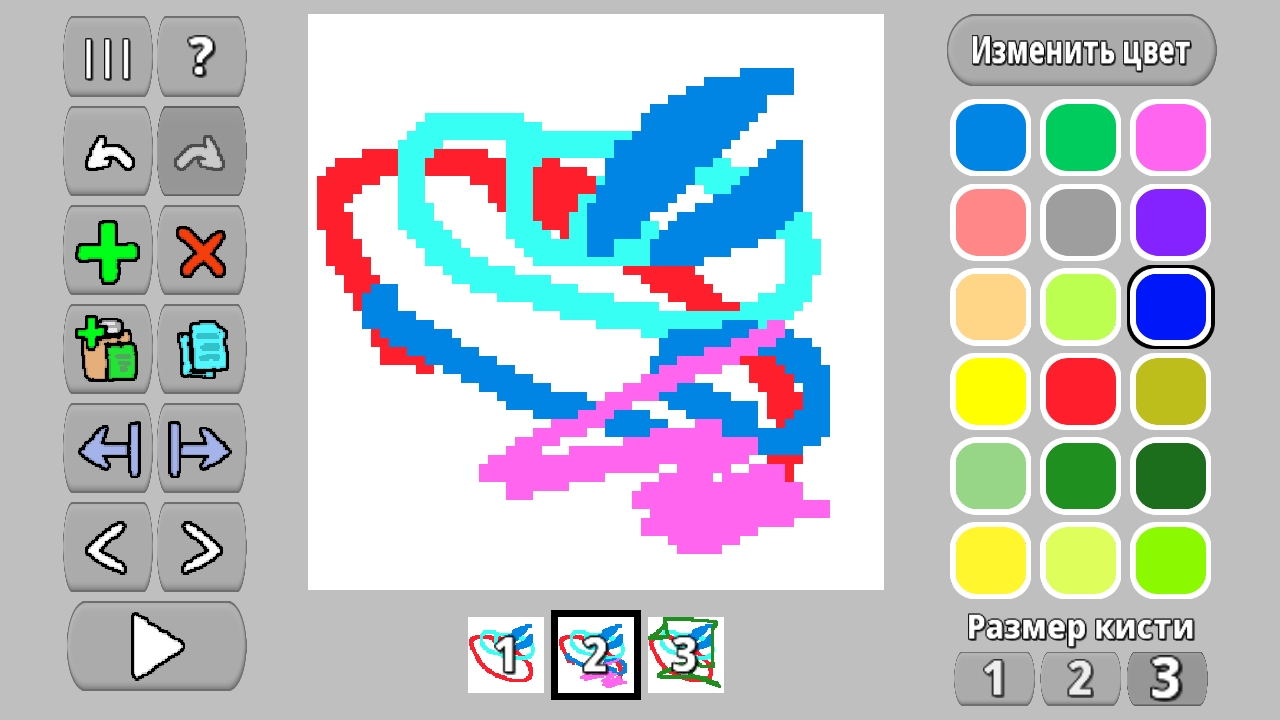
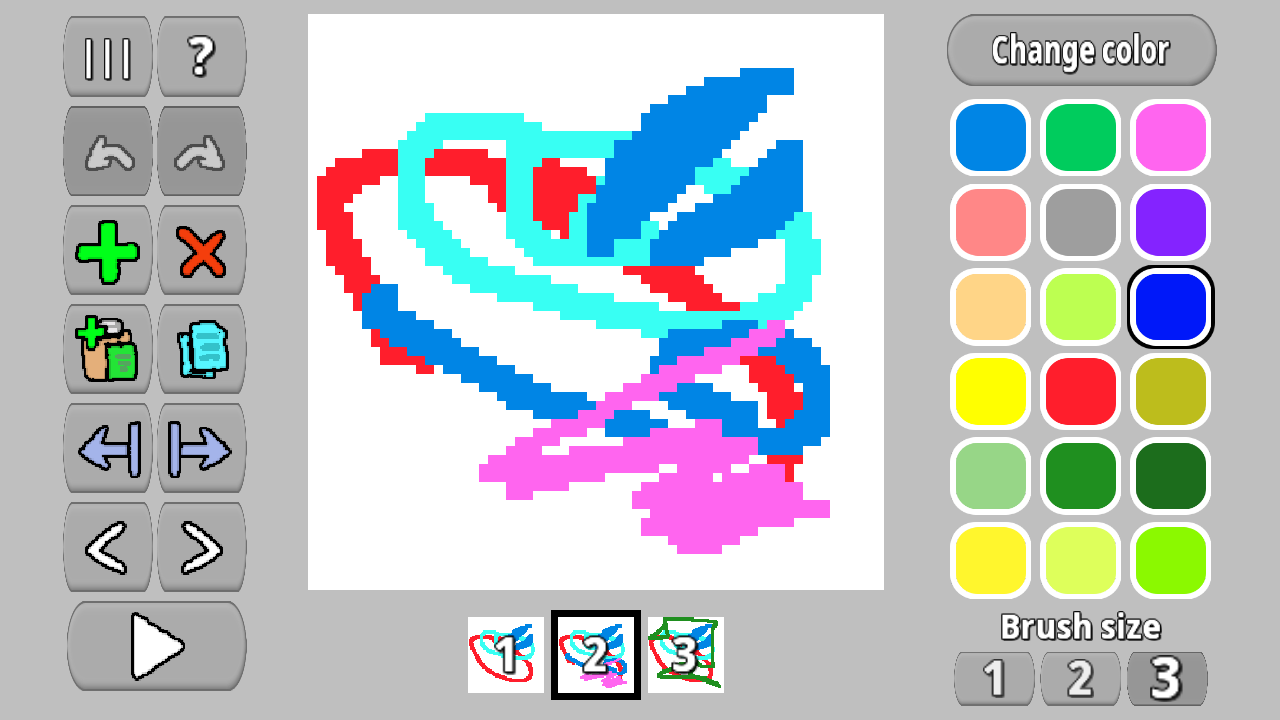
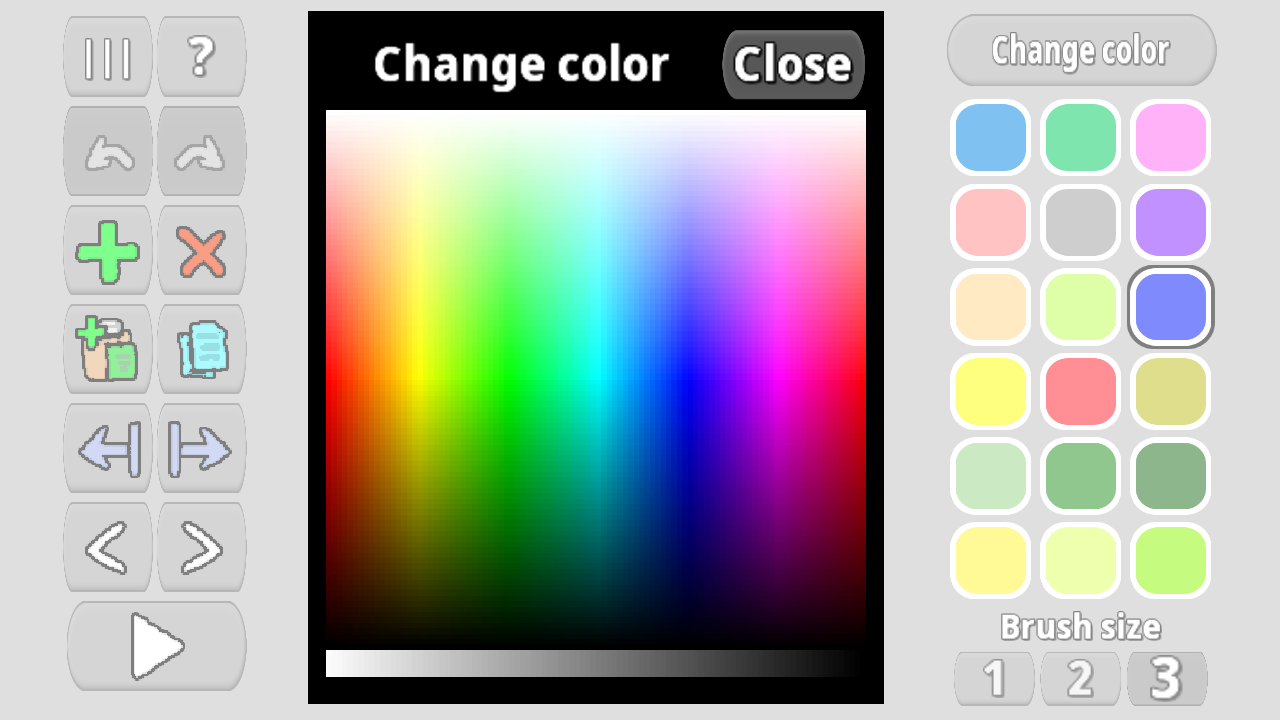
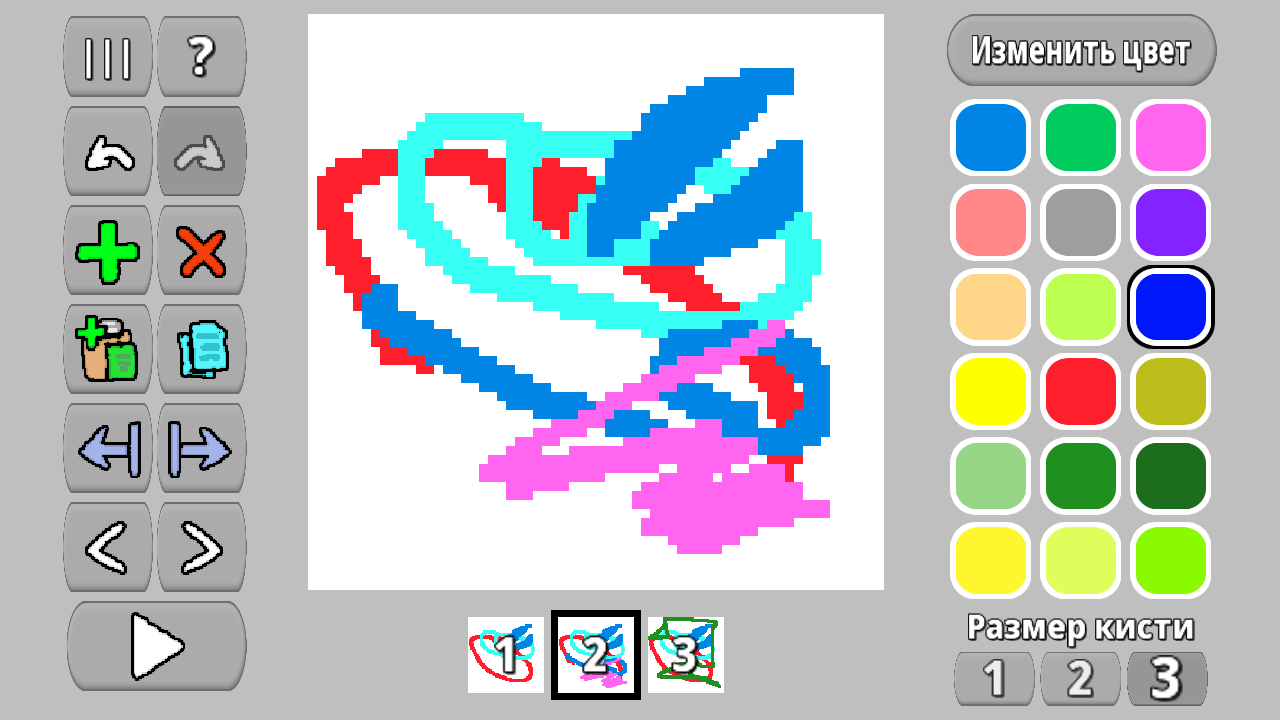
The game is a program for creating and editing frame-by-frame animation.
The game will be of interest to anyone who wants to create frame-by-frame animation.
In the game you can:
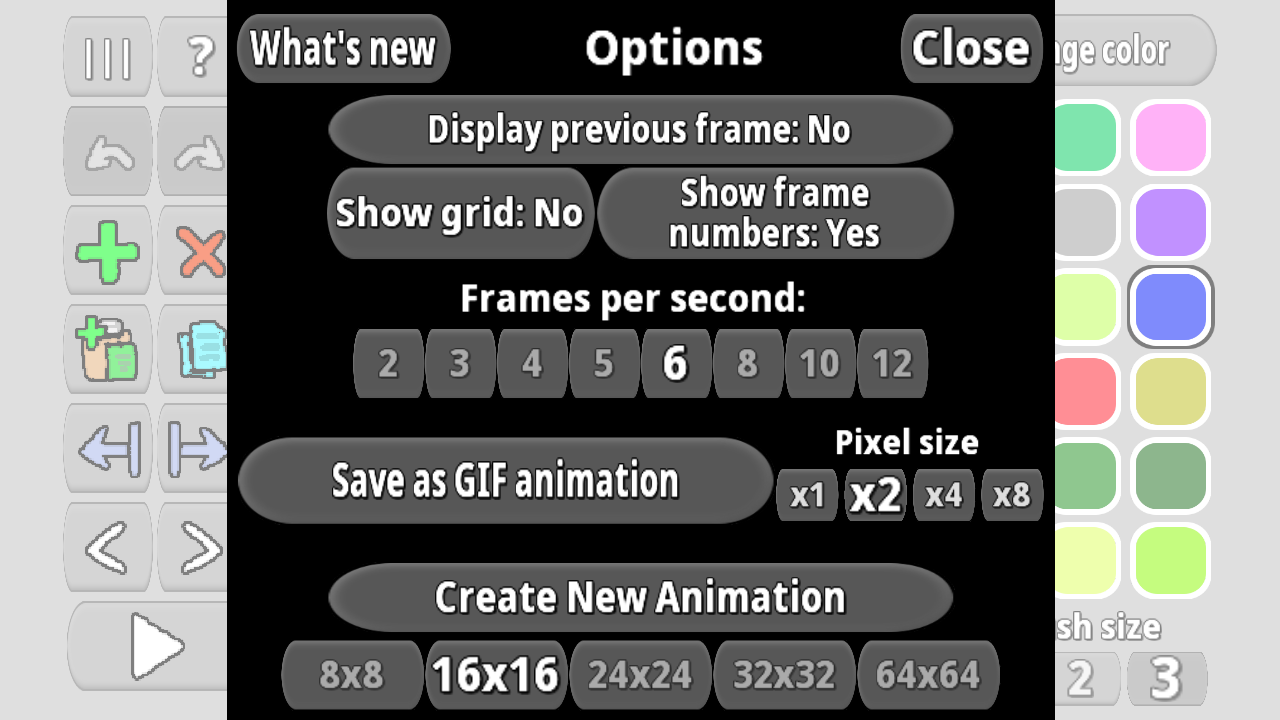
- create pixel animation with frame sizes 8x8, 16x16, 24x24, 32x32, 64x64, 128x128, 256x256
- adjust the number of frames per second (2, 3, 4, 5, 6, 8, 10, 12, 16)
- enable grid display
- enable highlighting of the previous frame for more convenient drawing
- enable display of frame numbers
- change brush size
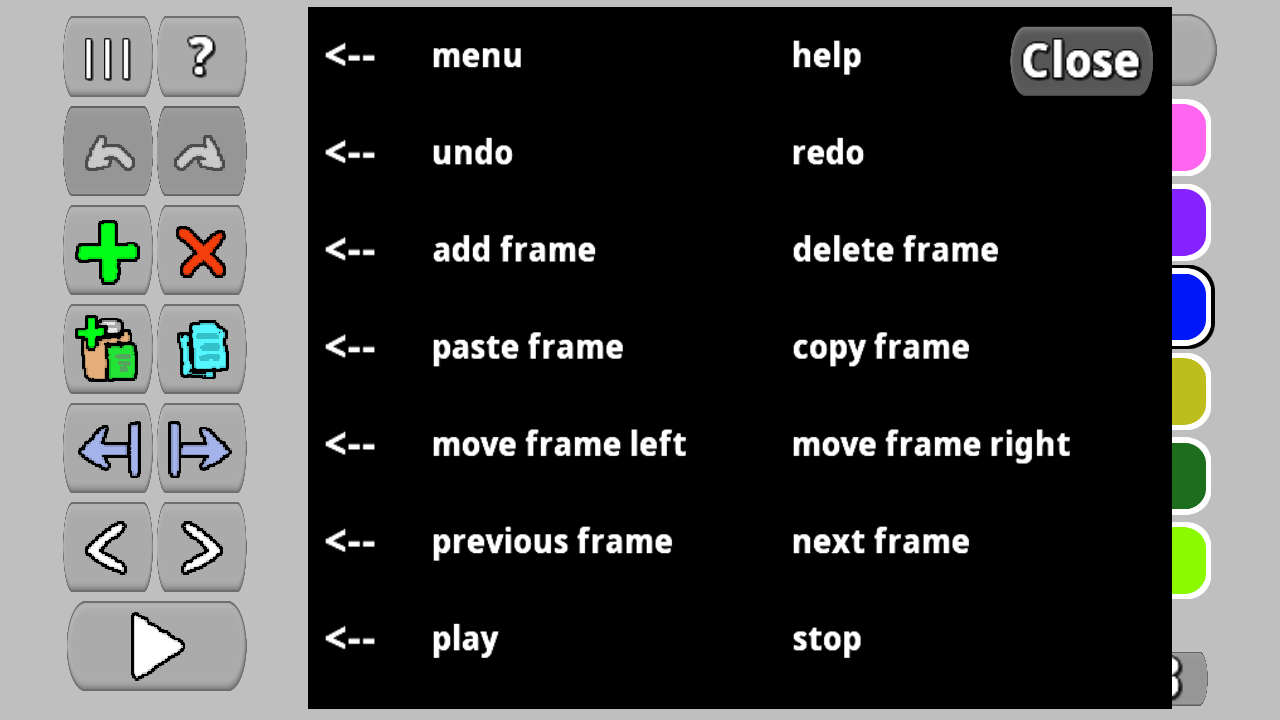
- copy, paste, and move frames of the image
- undo and redo actions (up to 20 undo times)
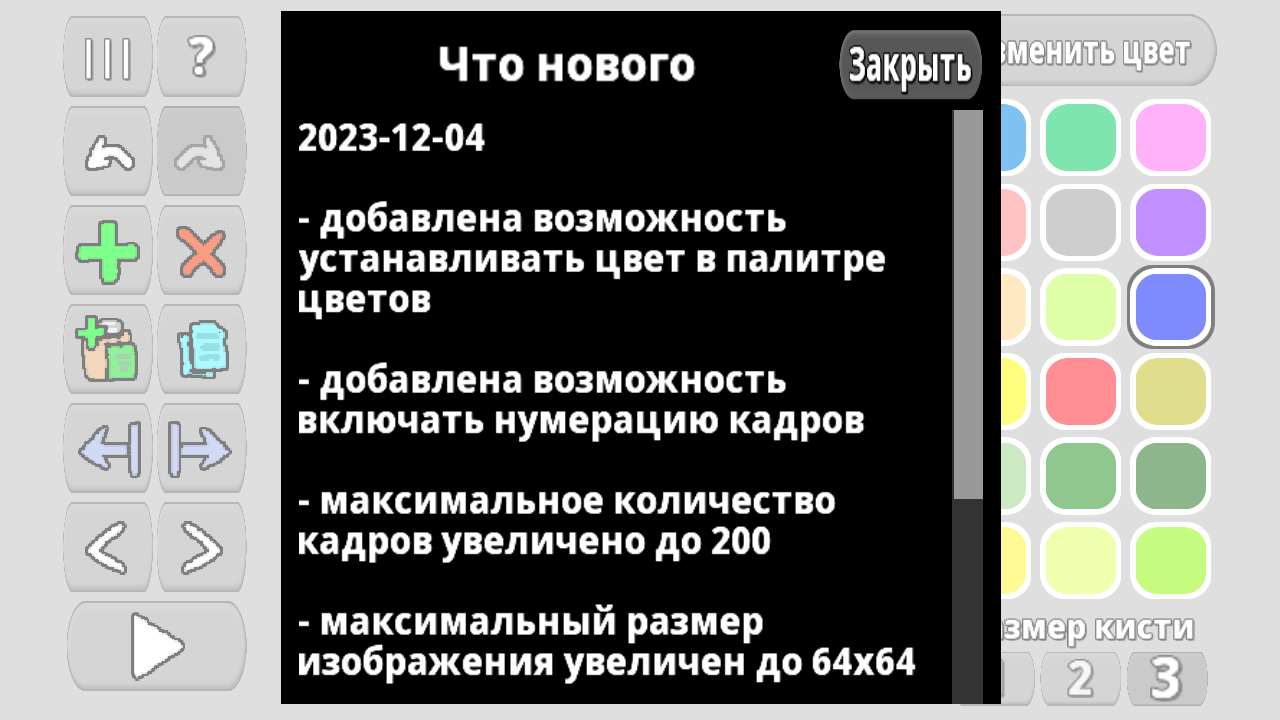
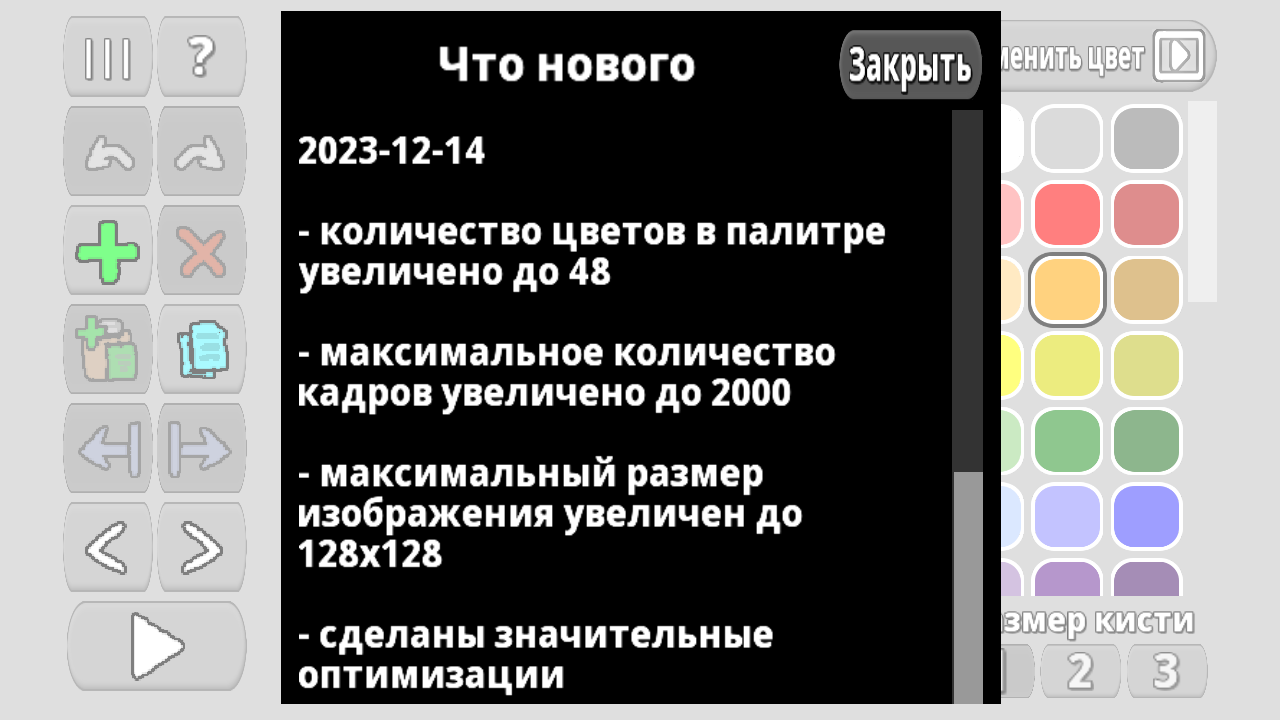
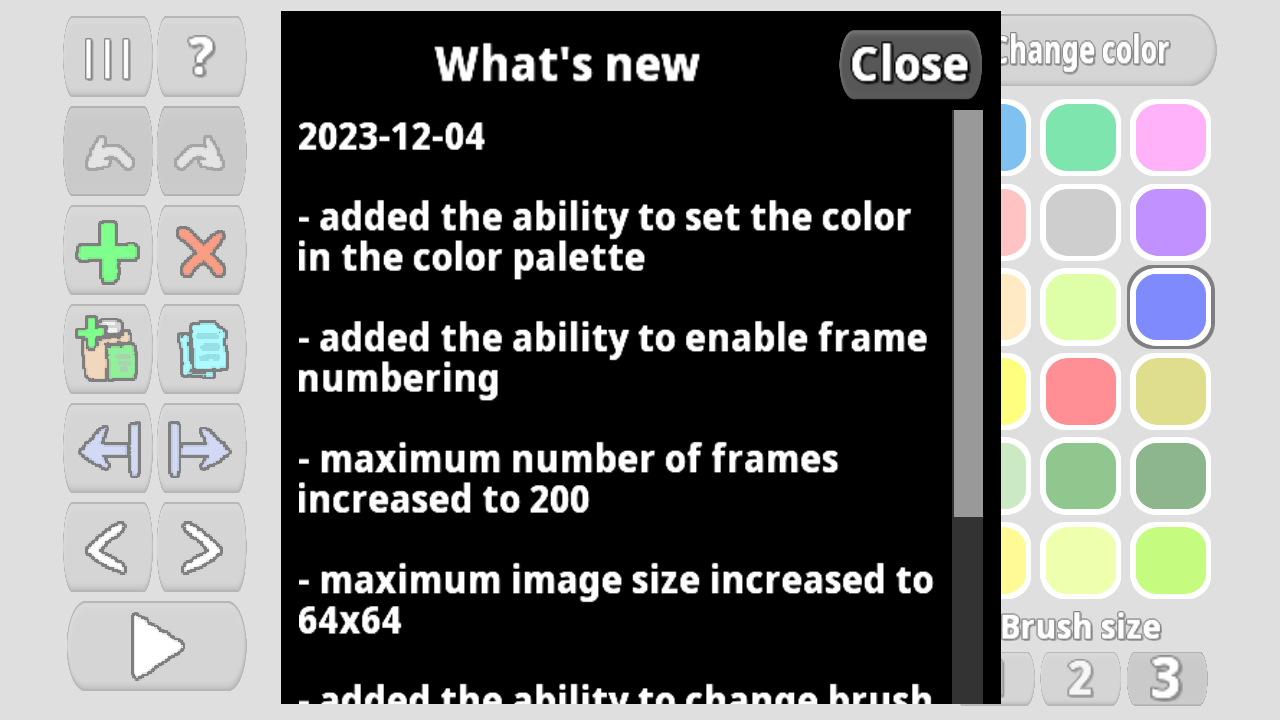
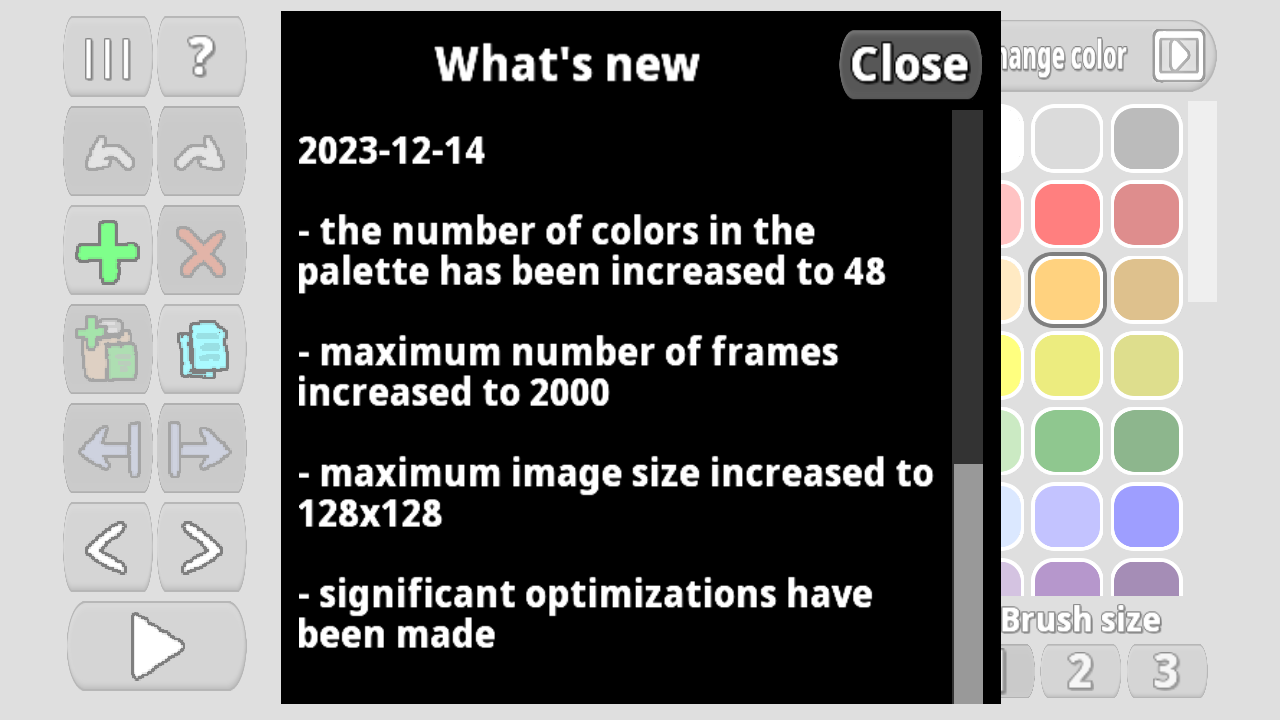
- create up to 2000 frames in one animation
- save animation to file as GIF animated image
- increase pixel size when saving as GIF animation
Videos and screenshots
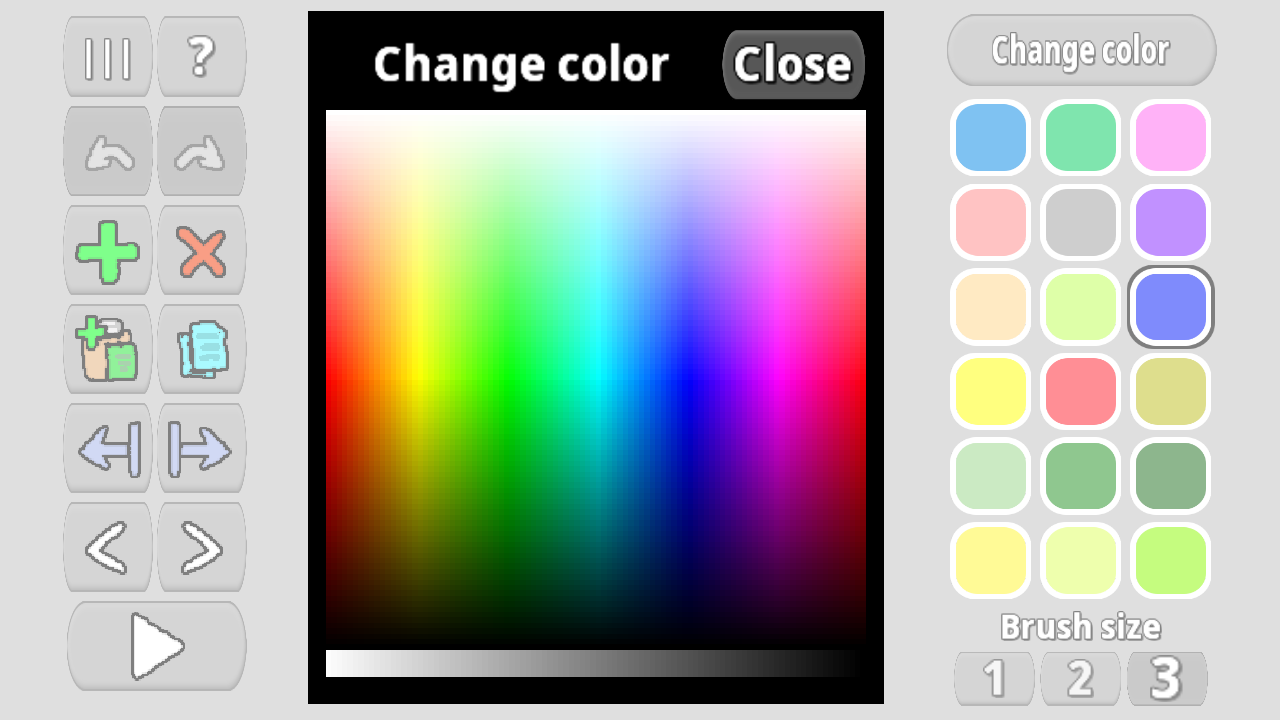

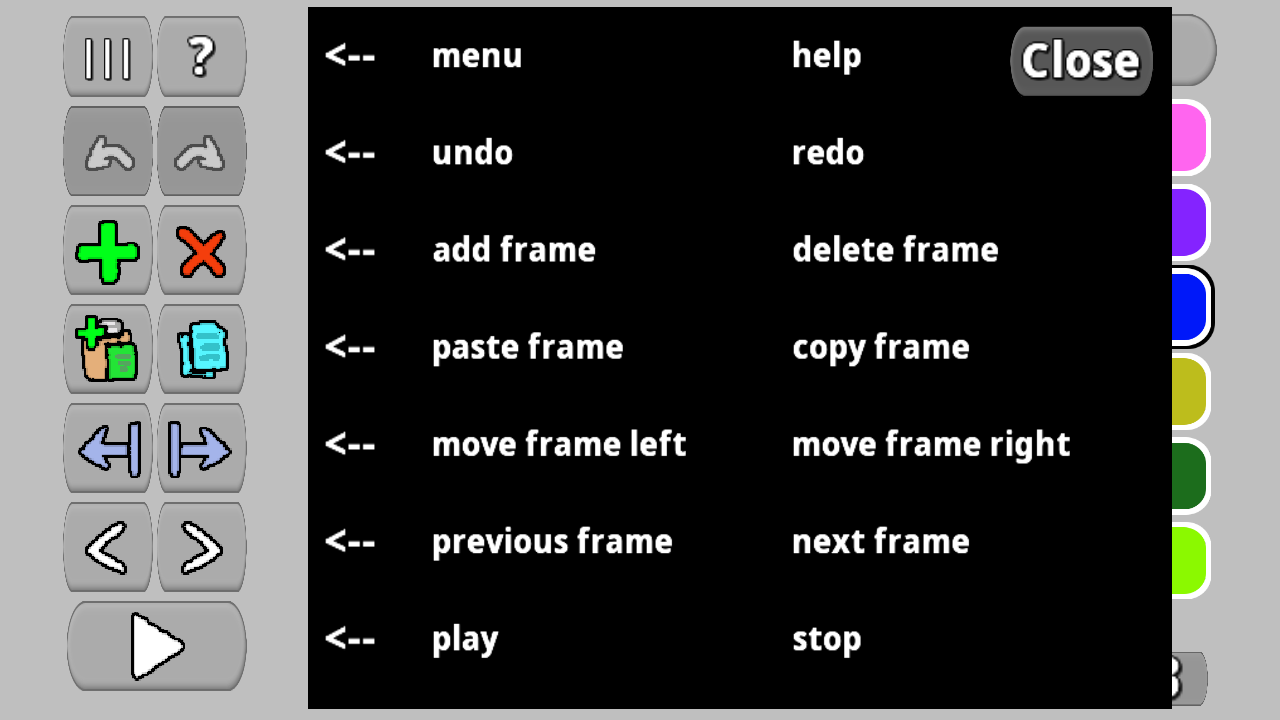
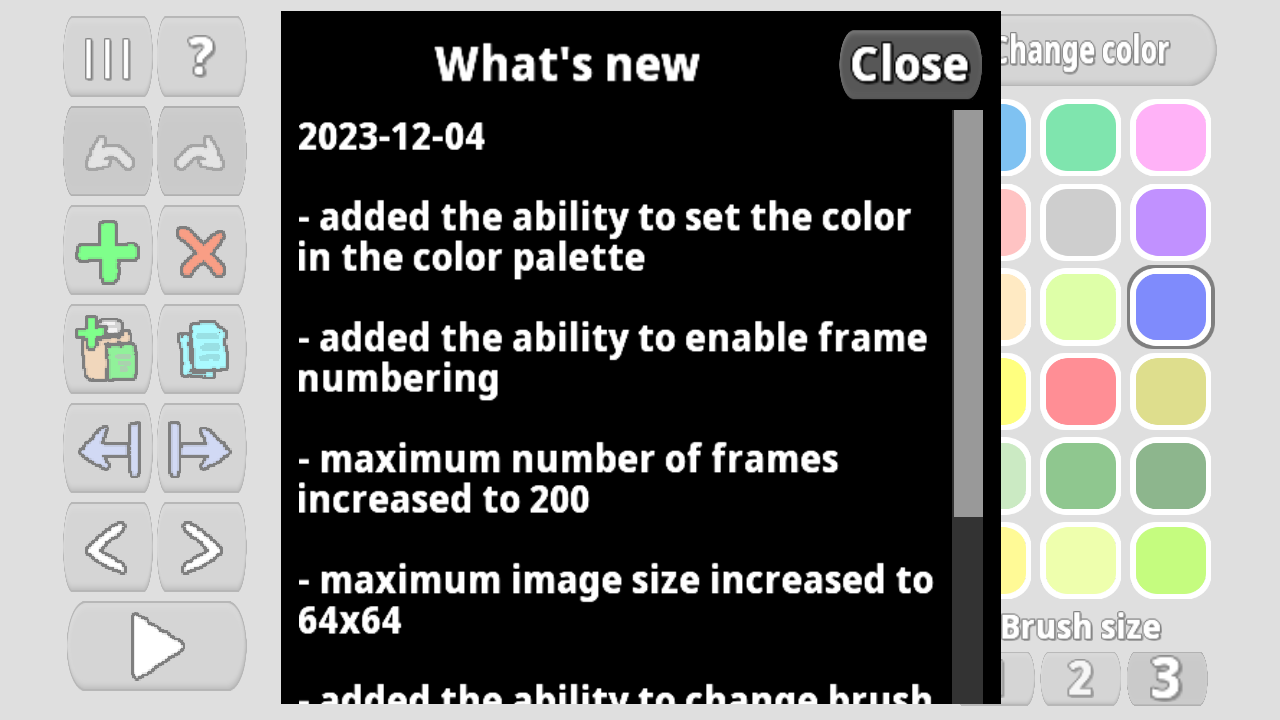
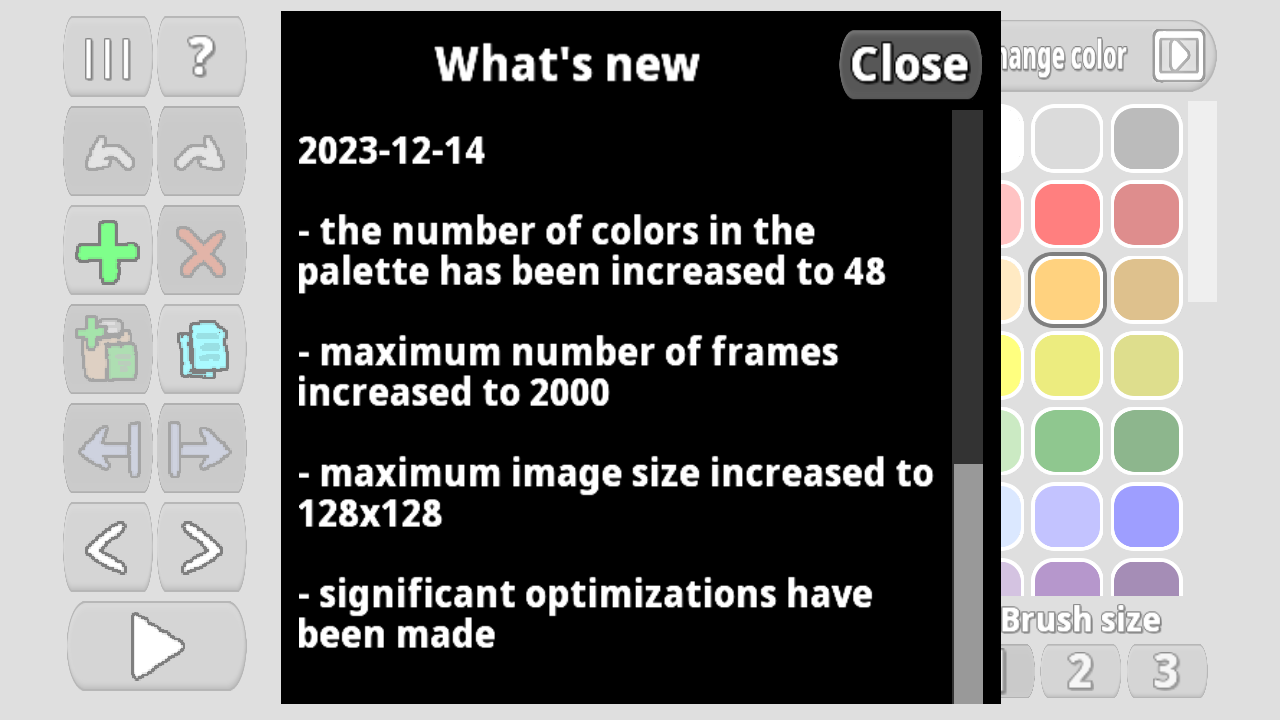

11,879 players online
How to play
-
Open the game
Press Play now and the game opens on its own screen.
-
Follow the in-game instructions
The controls and goals are shown inside the game as you play.
-
Use the game menu
The floating button over the game reloads it, saves it to your favourites, or takes you back out.