Skip to content
KG
PixelArt: Color the Pixels

PixelArt: Color the Pixels

1K plays 4.3 out of 5

Overview

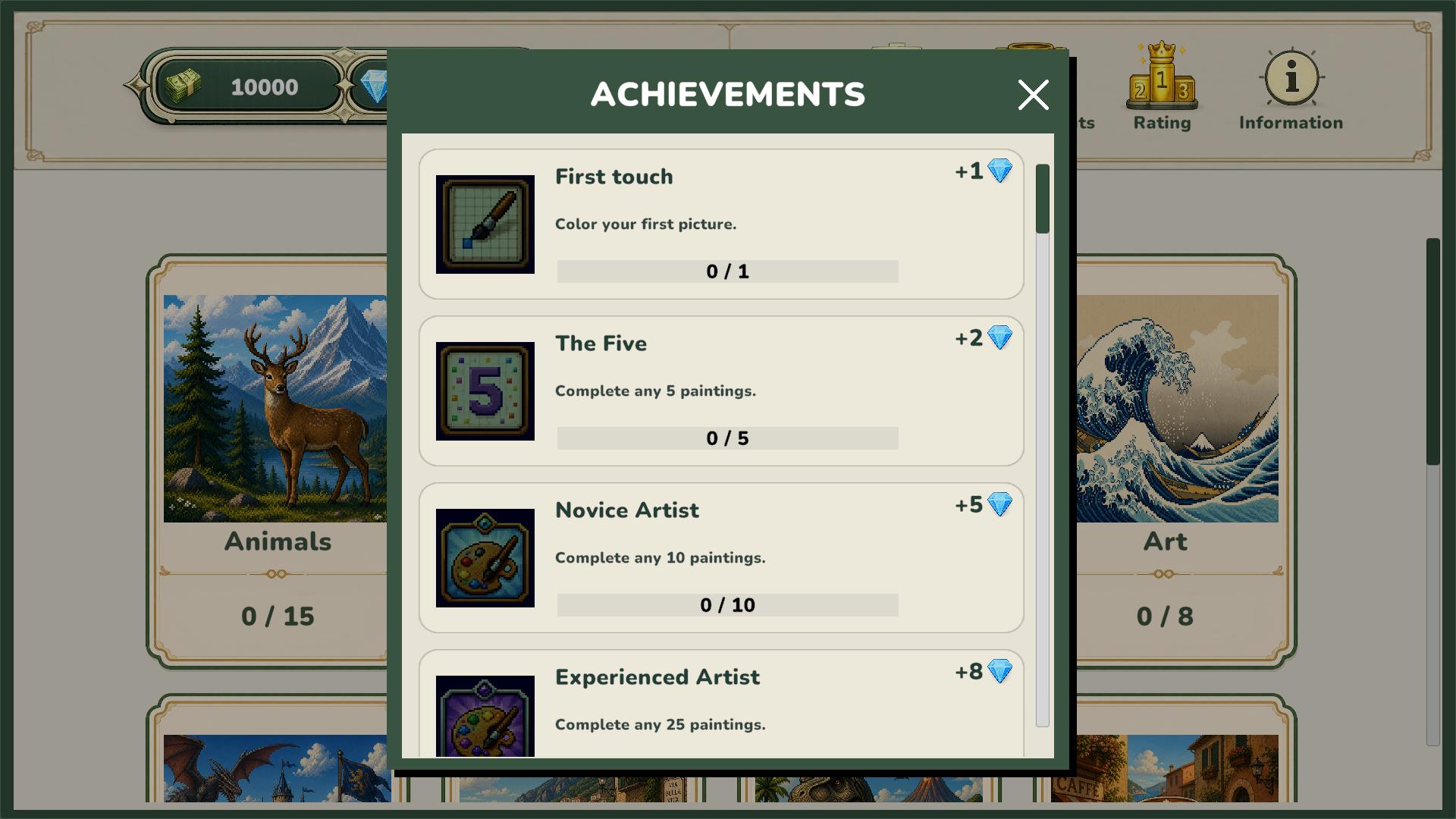
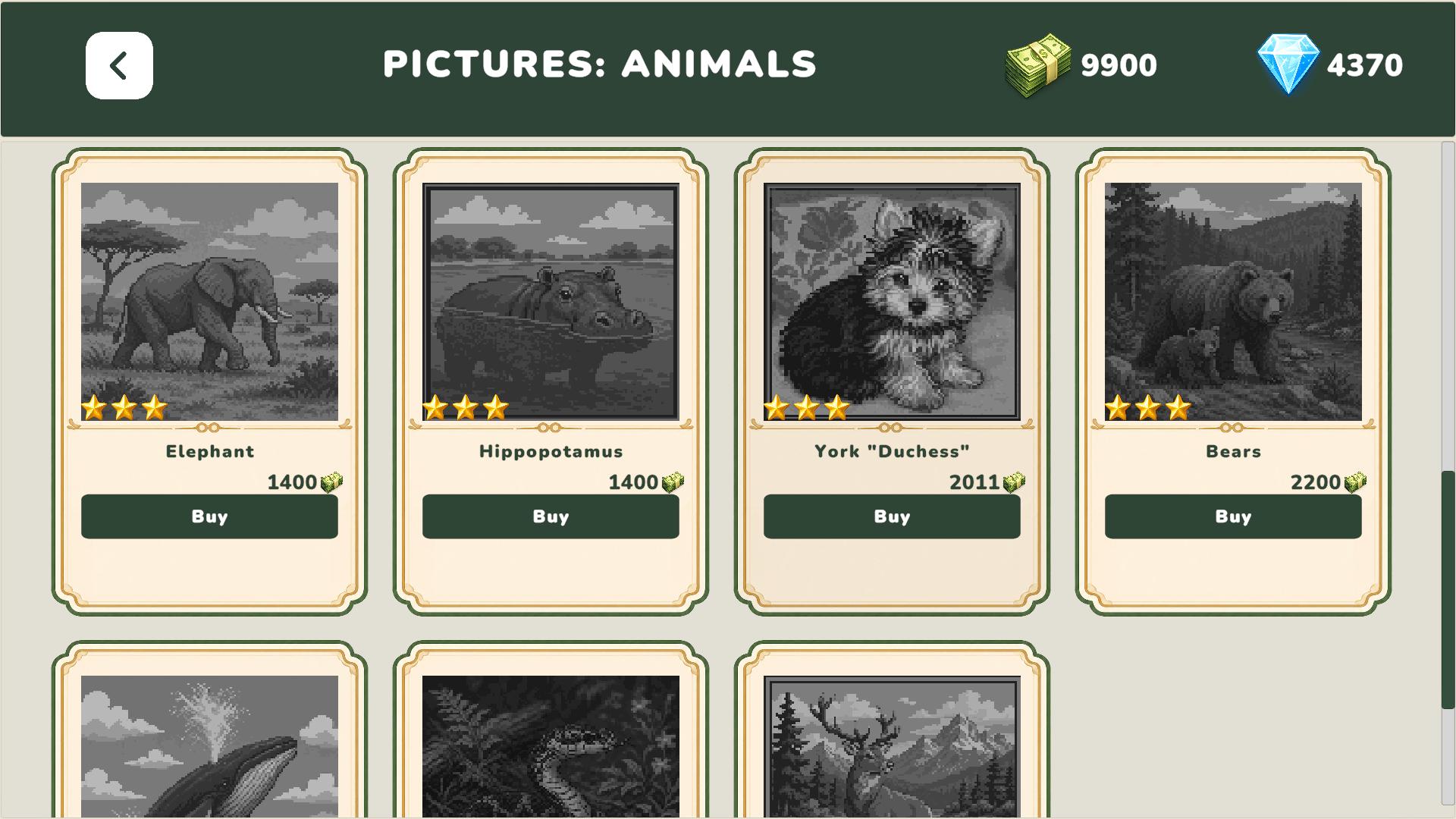
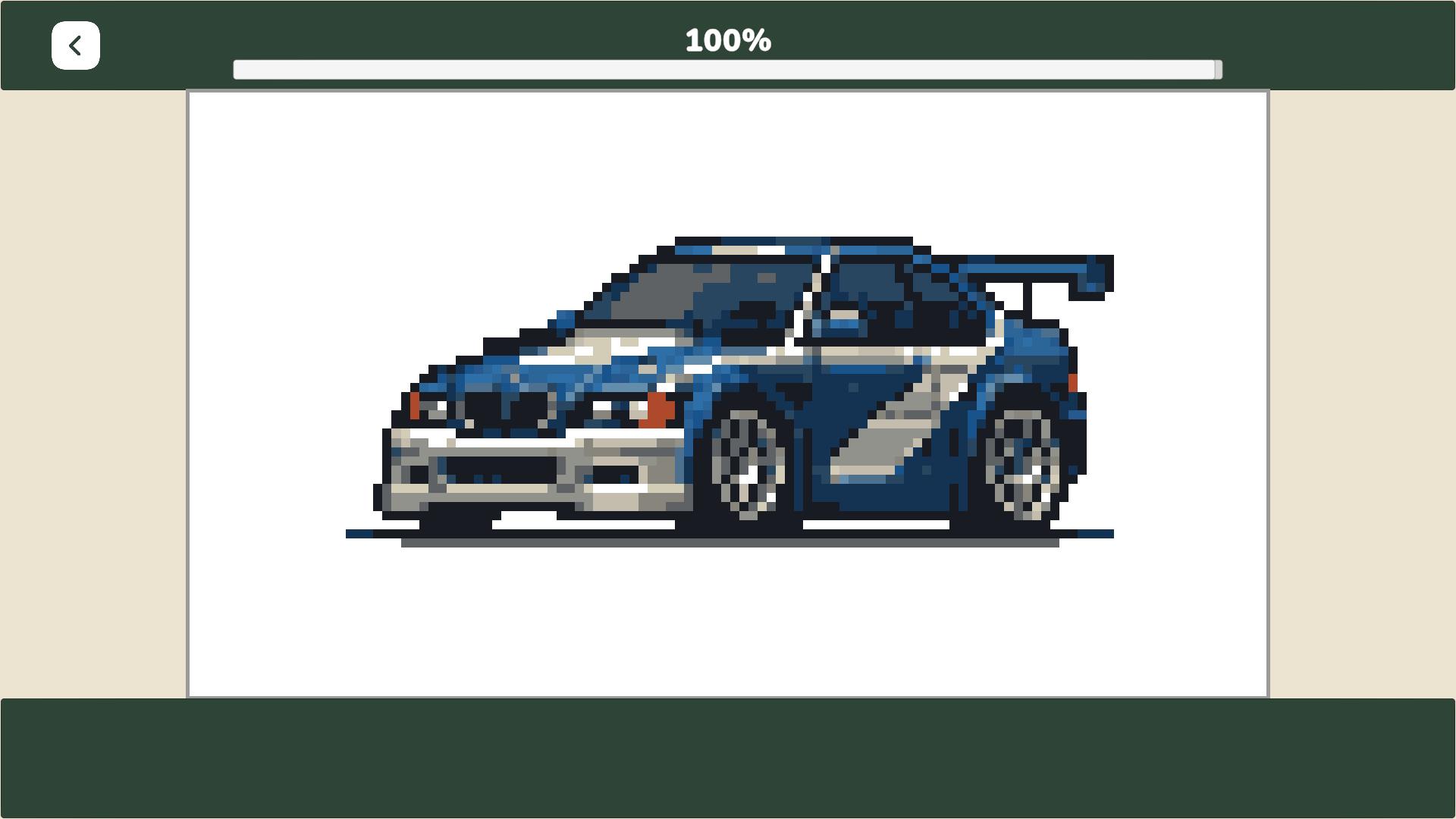
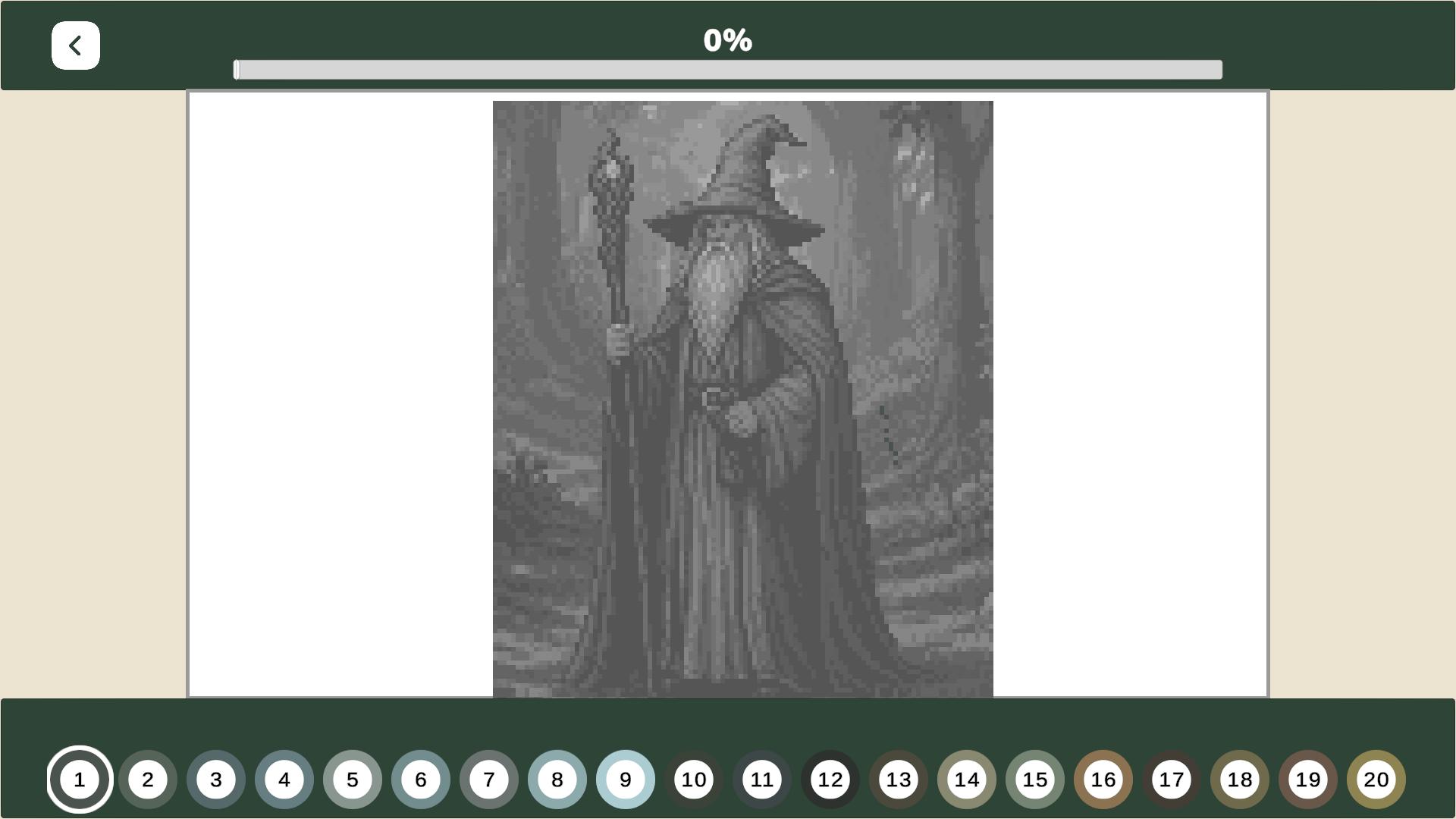
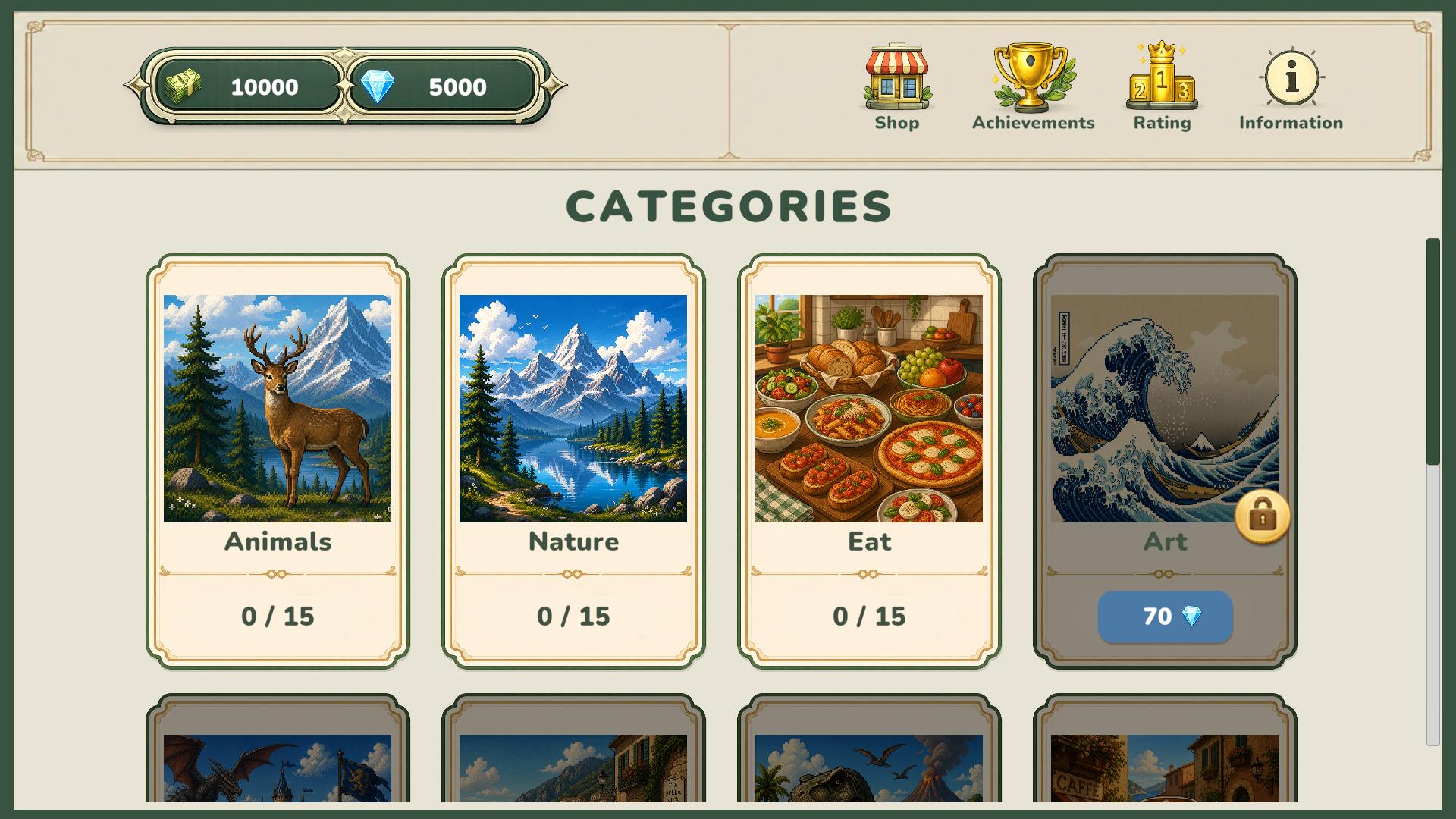
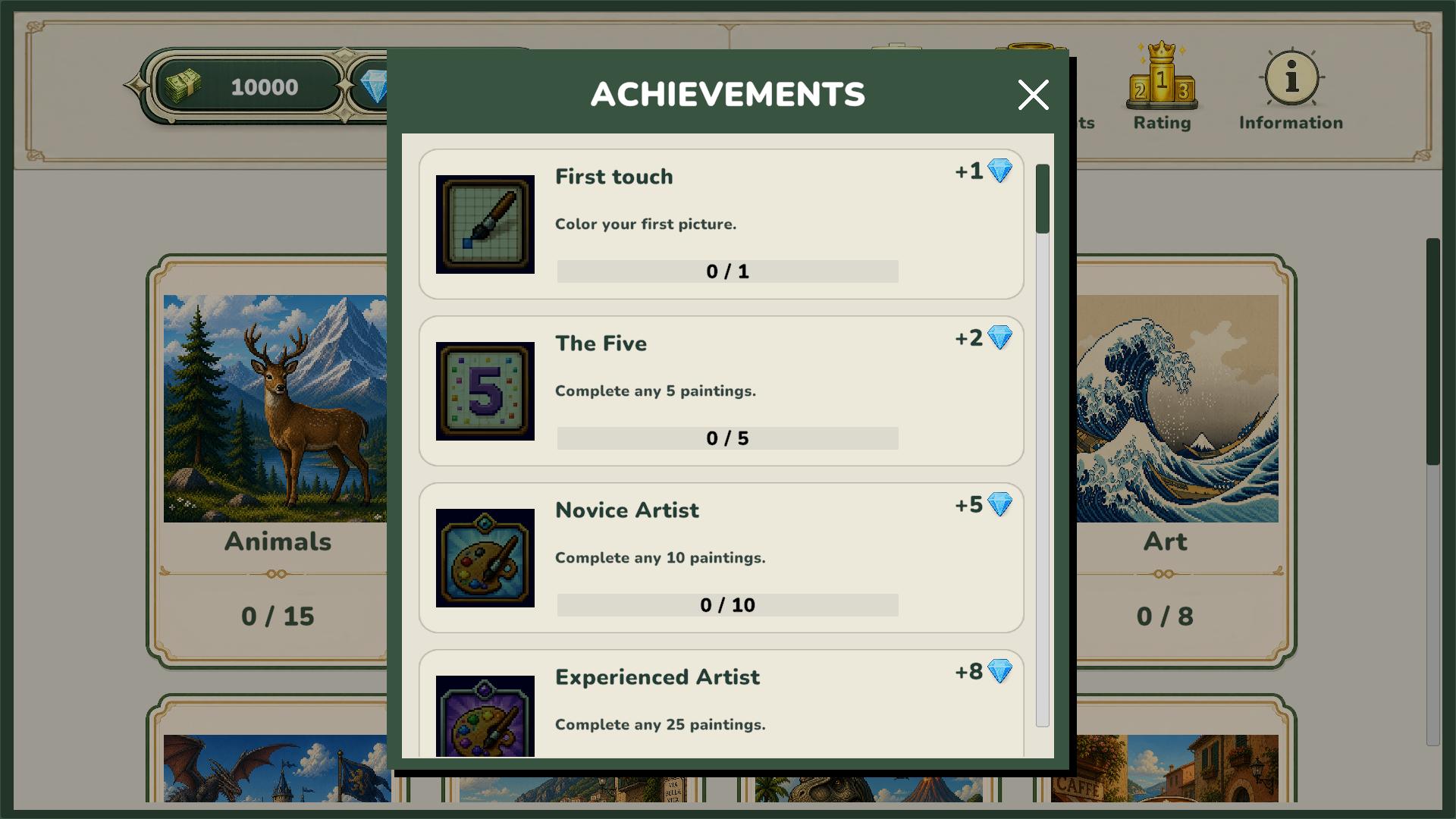
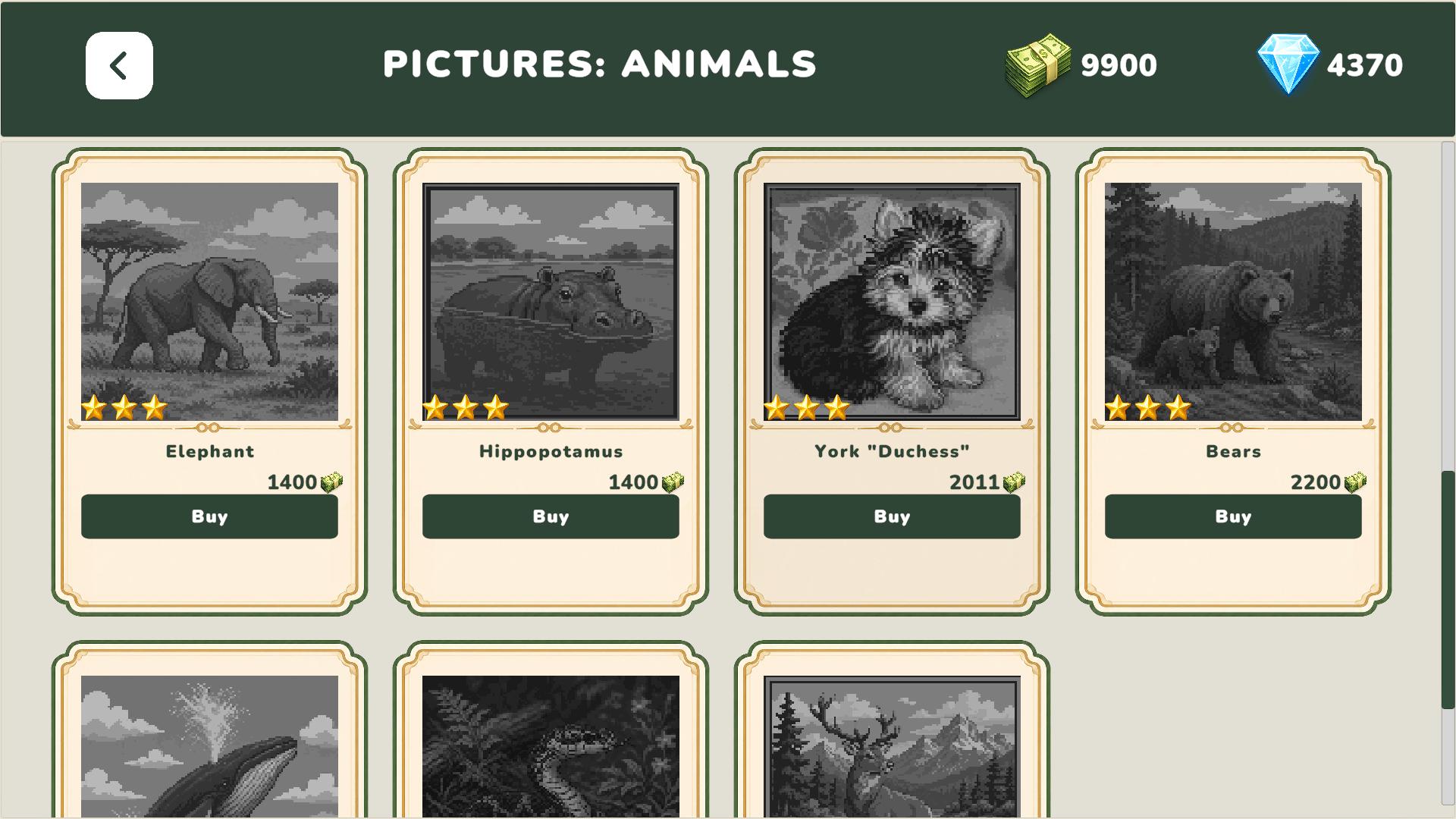
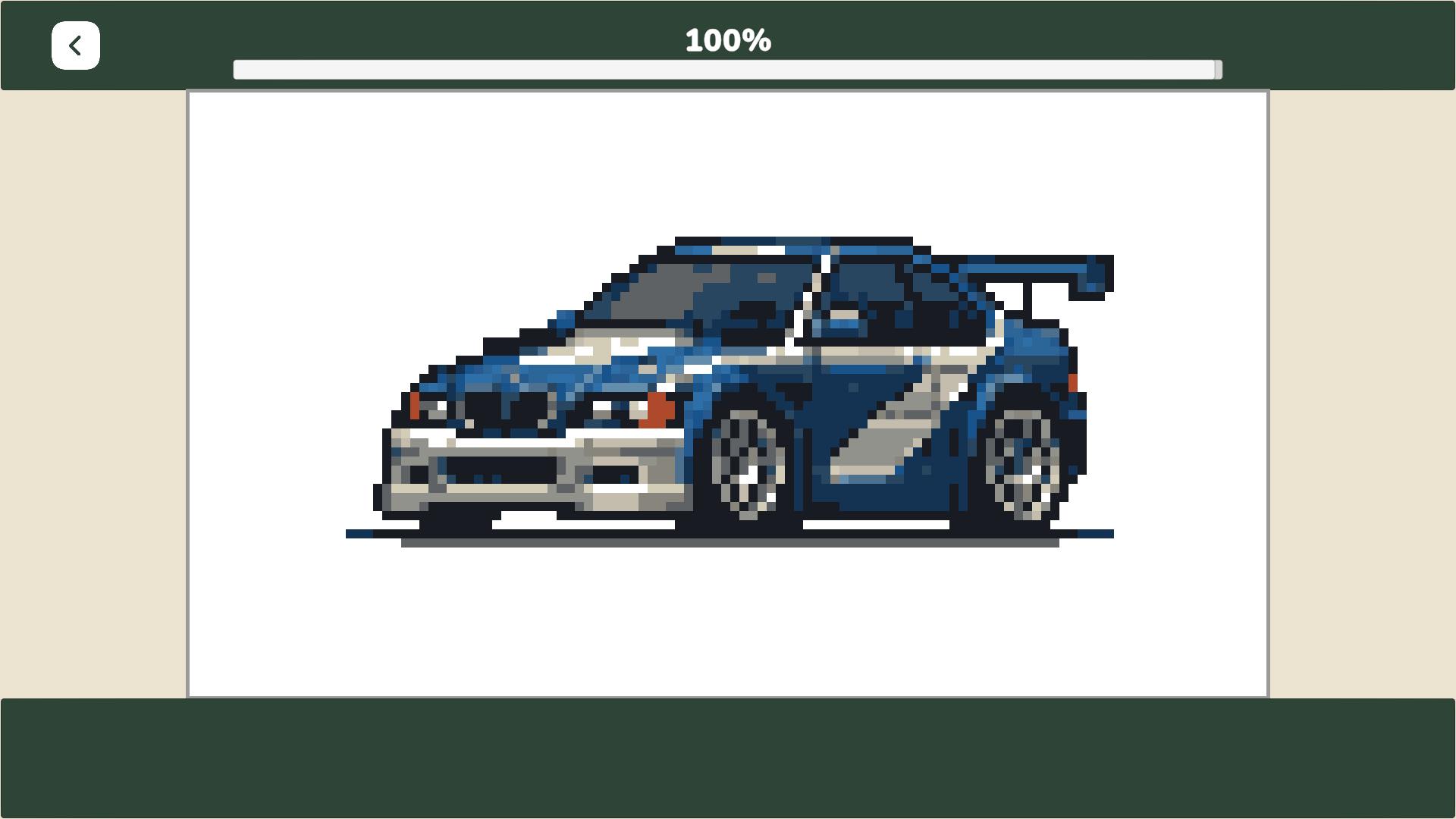
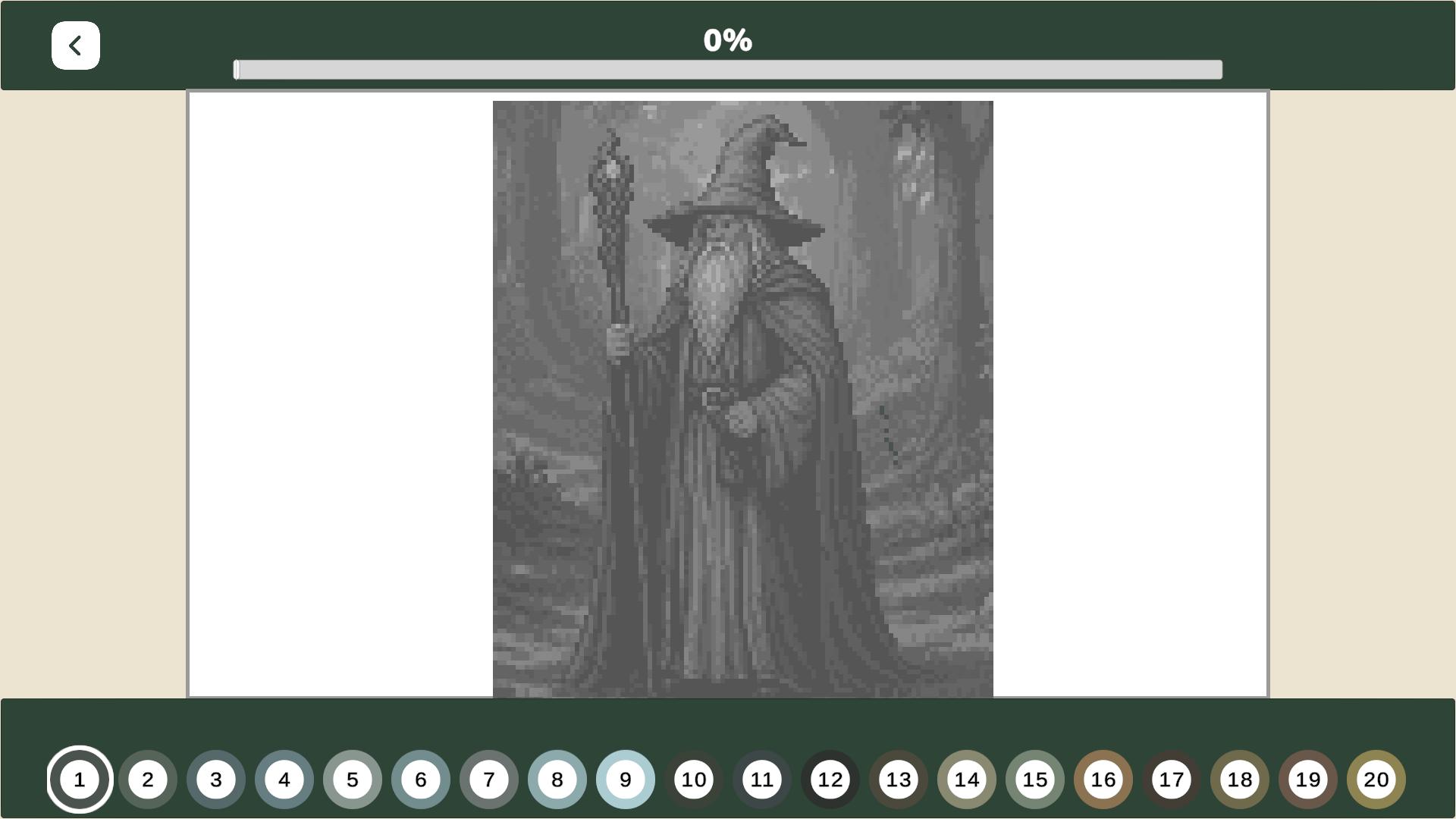
PixelArt: Color the Pixels is a paint-by-number game featuring dozens of unique pixel art images across various themes. Purchase pictures using in-game currency, color them by number, acquire diamonds, unlock new categories, and expand your collection. Earn rewards for completing pictures to unlock new images and progress further. Complete achievements, climb the player rankings, and unlock even more content. With its simple controls and customizable gameplay, the game is perfect for both extended sessions and relaxing downtime.

Videos and screenshots
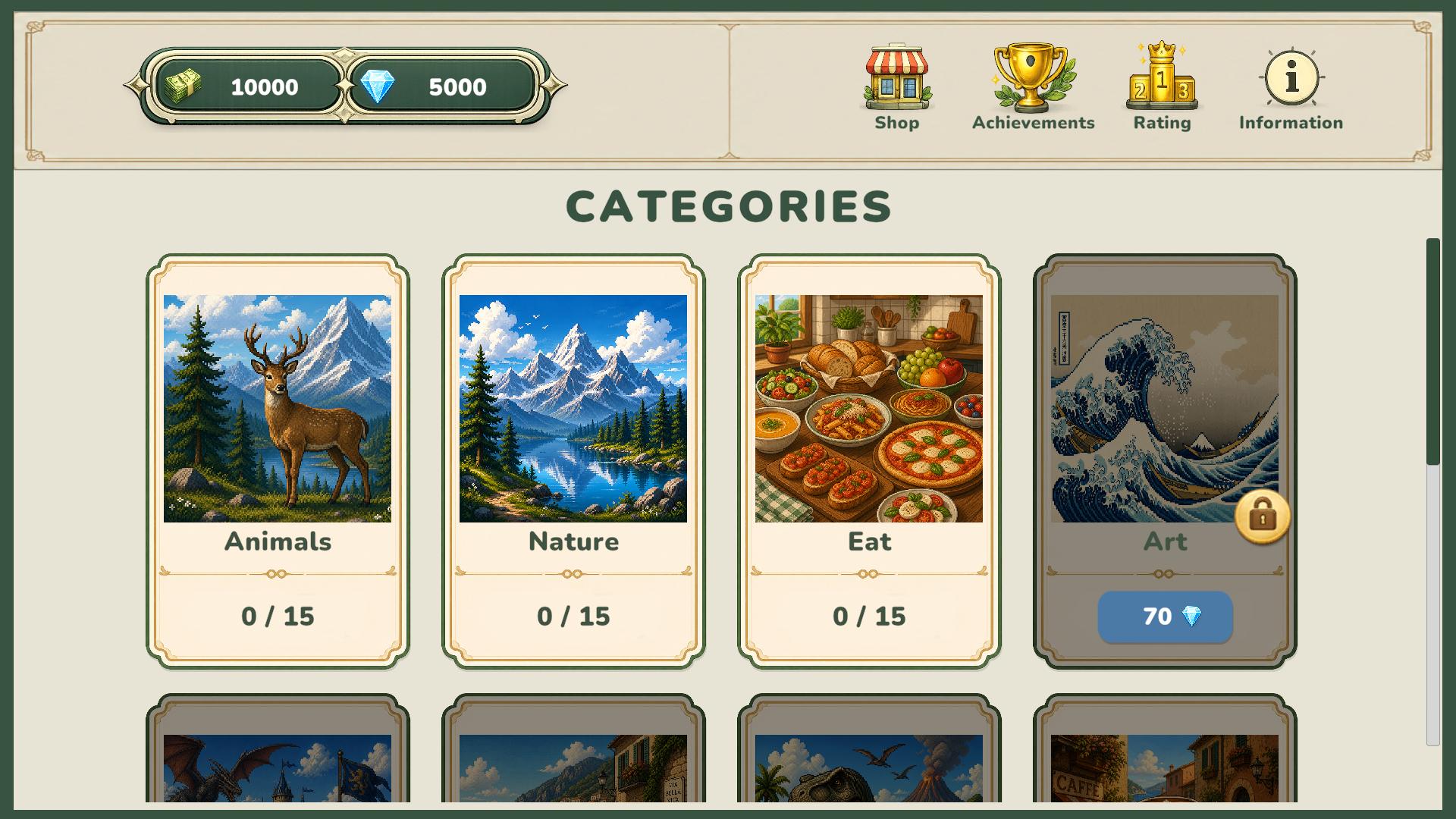
  • PixelArt: Color the Pixels screenshot 1
  • PixelArt: Color the Pixels screenshot 2
  • PixelArt: Color the Pixels screenshot 3
  • PixelArt: Color the Pixels screenshot 4
  • PixelArt: Color the Pixels screenshot 5
  • PixelArt: Color the Pixels screenshot 6
  • PixelArt: Color the Pixels screenshot 7
  • PixelArt: Color the Pixels screenshot 8
  • PixelArt: Color the Pixels screenshot 9
  • PixelArt: Color the Pixels screenshot 10
  • PixelArt: Color the Pixels screenshot 11
  • PixelArt: Color the Pixels screenshot 12
  • PixelArt: Color the Pixels screenshot 13
  • PixelArt: Color the Pixels screenshot 14
Play Now

14,040 players online

How to play

  1. Open the game

    Press Play now and the game opens on its own screen.

  2. Follow the in-game instructions

    The controls and goals are shown inside the game as you play.

  3. Use the game menu

    The floating button over the game reloads it, saves it to your favourites, or takes you back out.

Game instructions

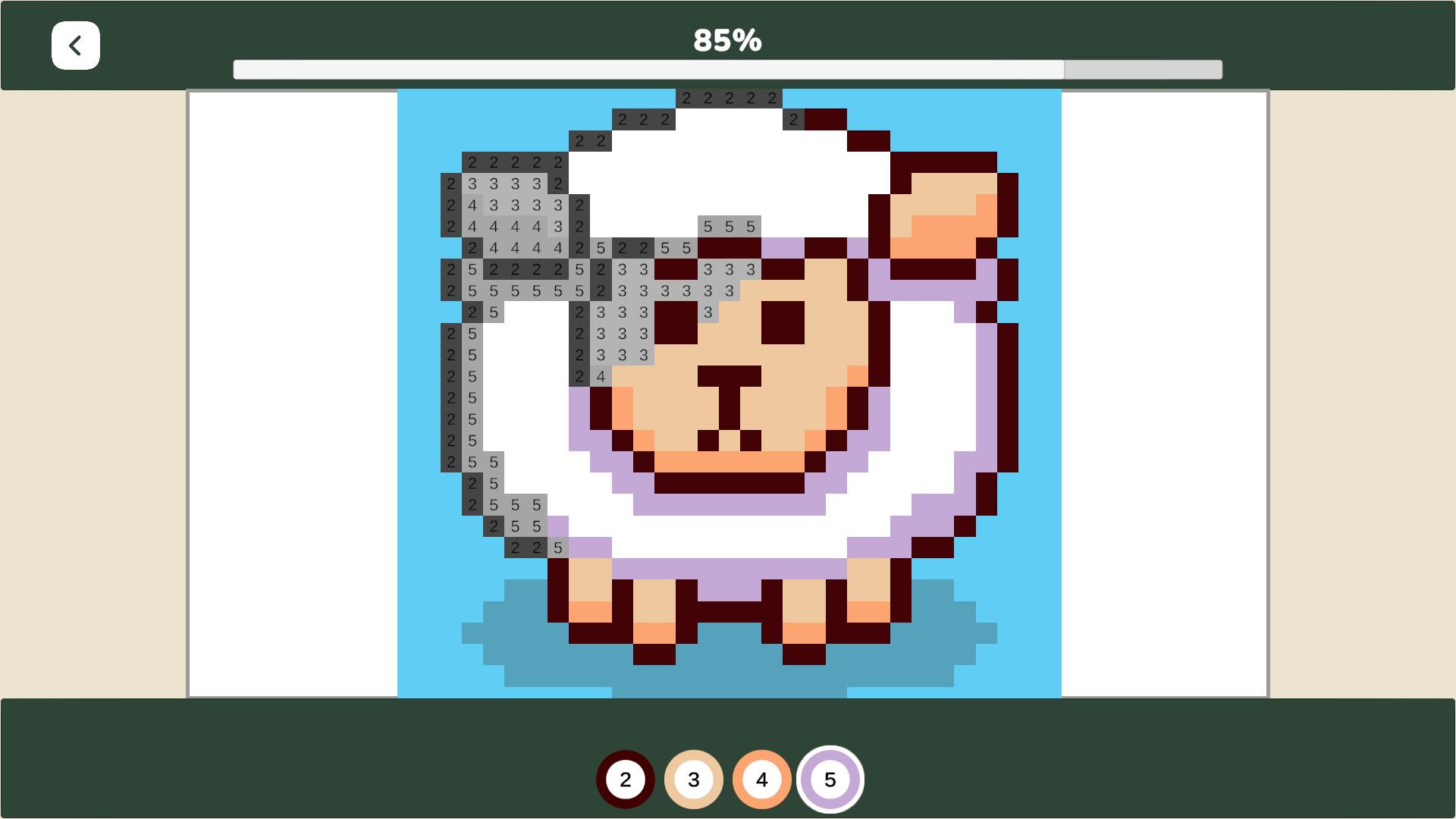
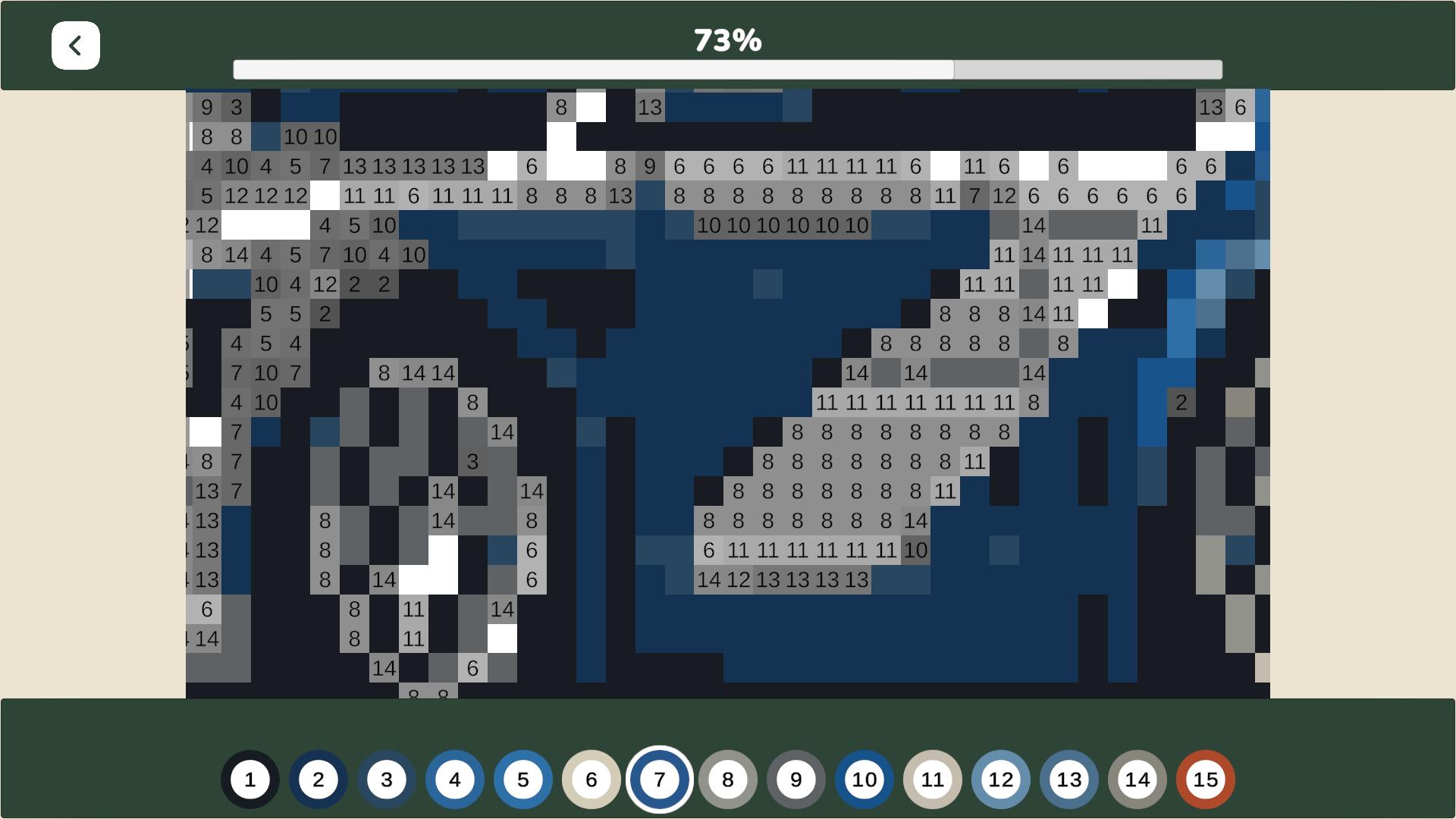
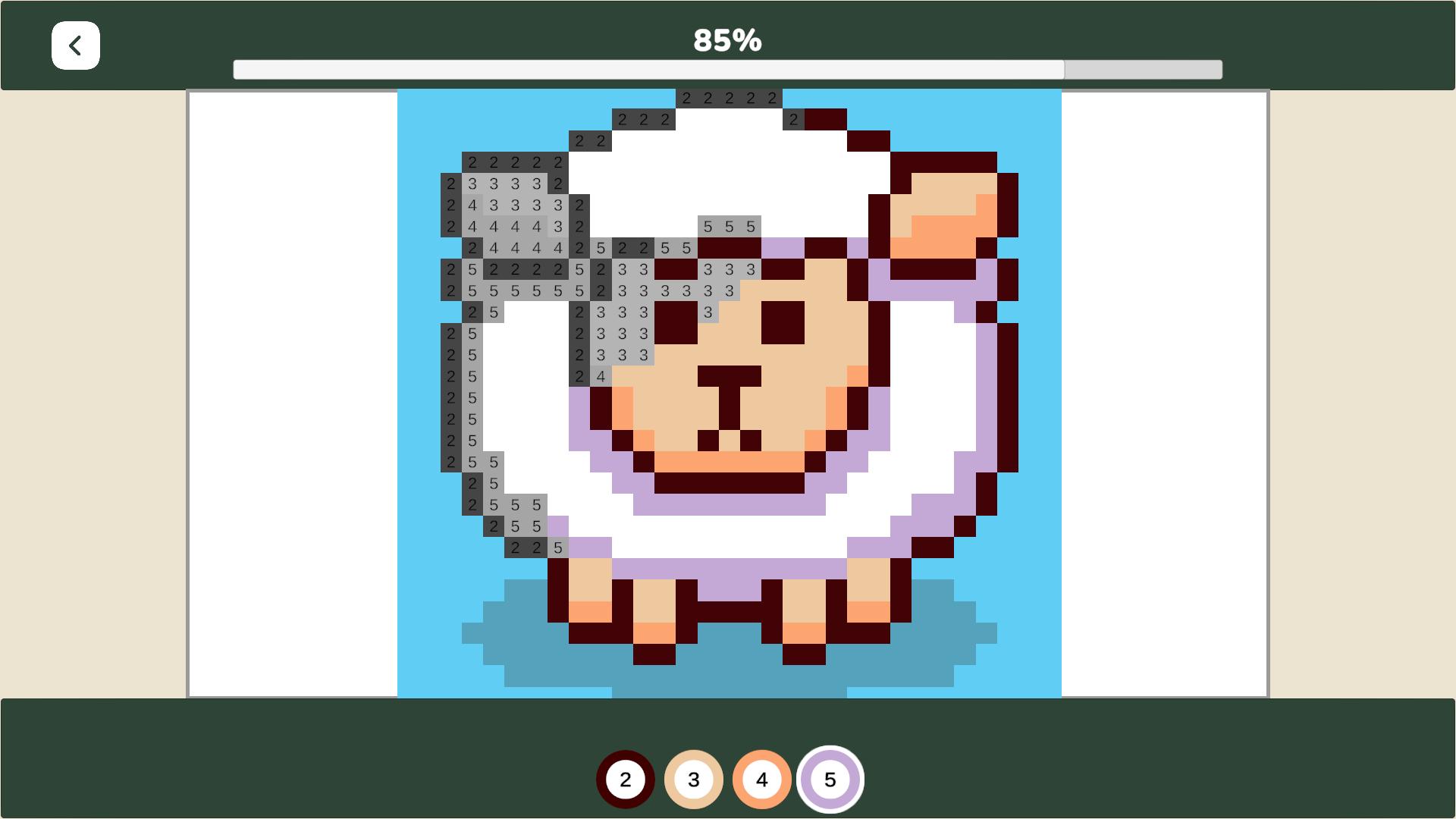
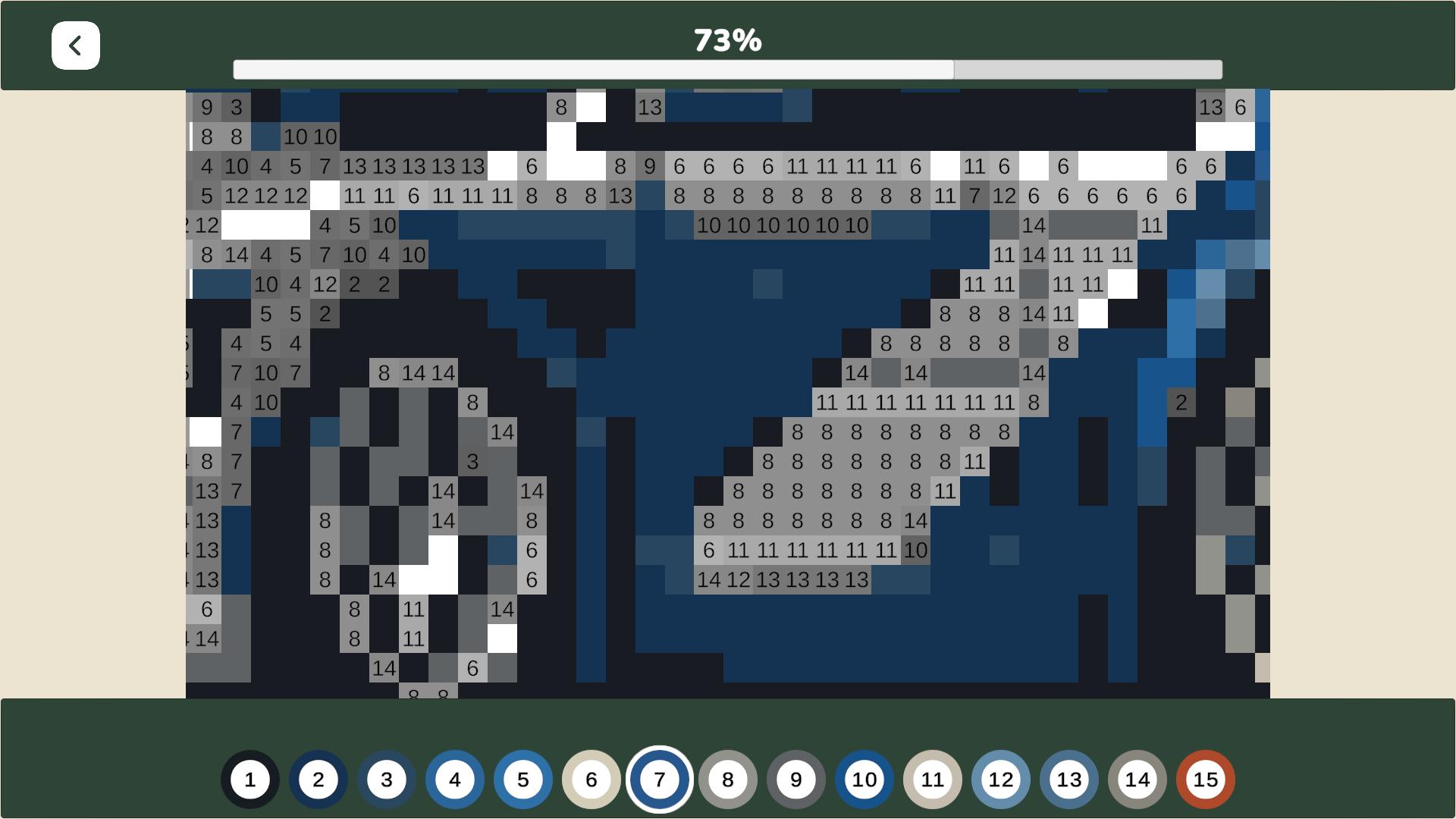
Select a category and a picture that appeals to you. If the picture hasn't been purchased yet, buy it using in-game currency. Then, color in the squares by selecting the correct color based on the number. You will receive a reward upon completing a picture. Earn in-game currency, unlock new categories, complete achievements, and climb the leaderboard. PC Controls: • Left-click — color cells. • Right-click — move the canvas. • Hold mouse wheel — move the canvas. • Scroll mouse wheel — zoom in and out. Mobile Controls: • One finger — color cells. • Two fingers — move the canvas. • Spread two fingers — zoom in. • Pinch two fingers — zoom out.

More games

More games