Skip to content
KG
Postal Empire: Simulator

Postal Empire: Simulator

940 plays 4.3 out of 5

Overview

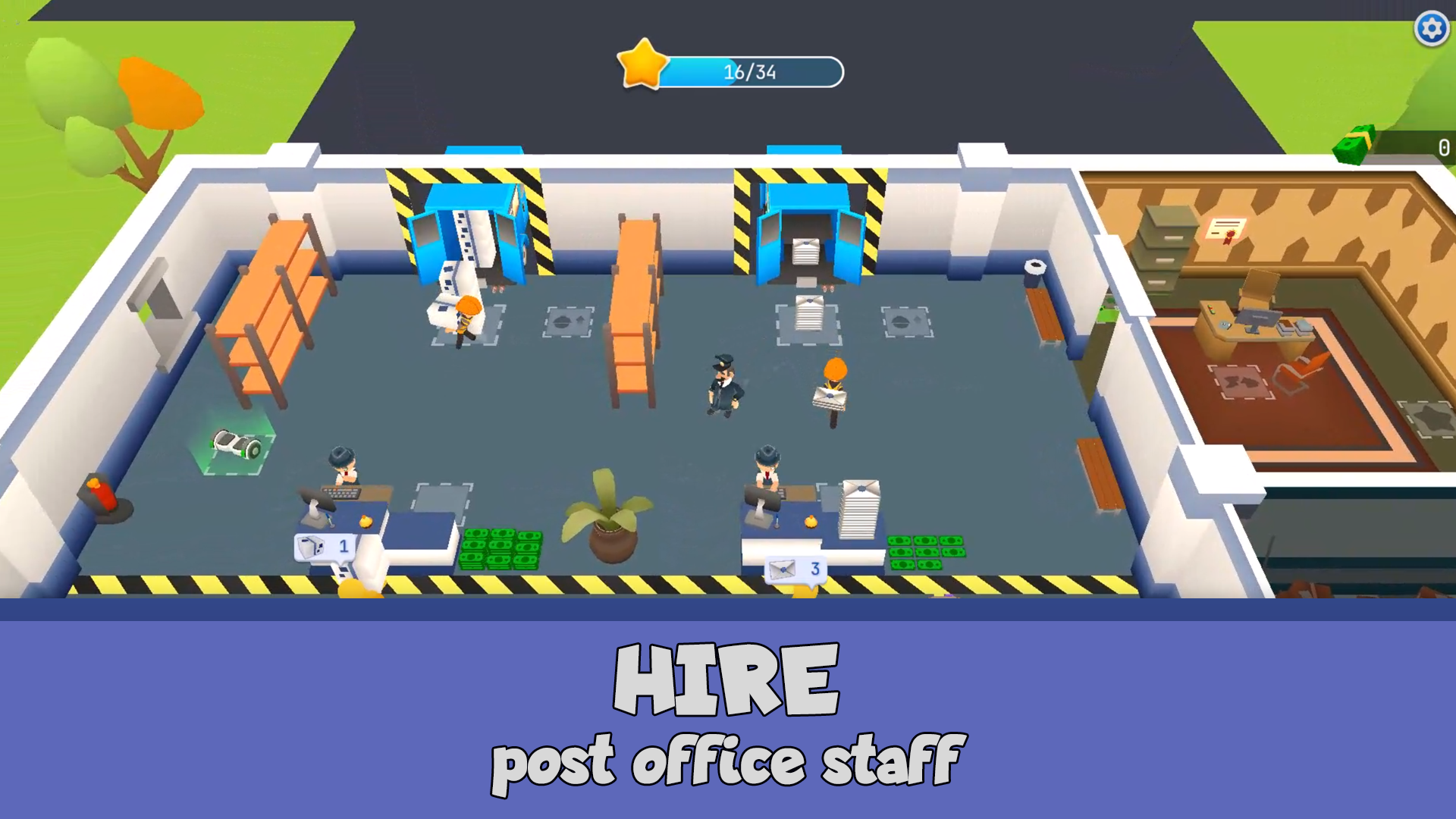
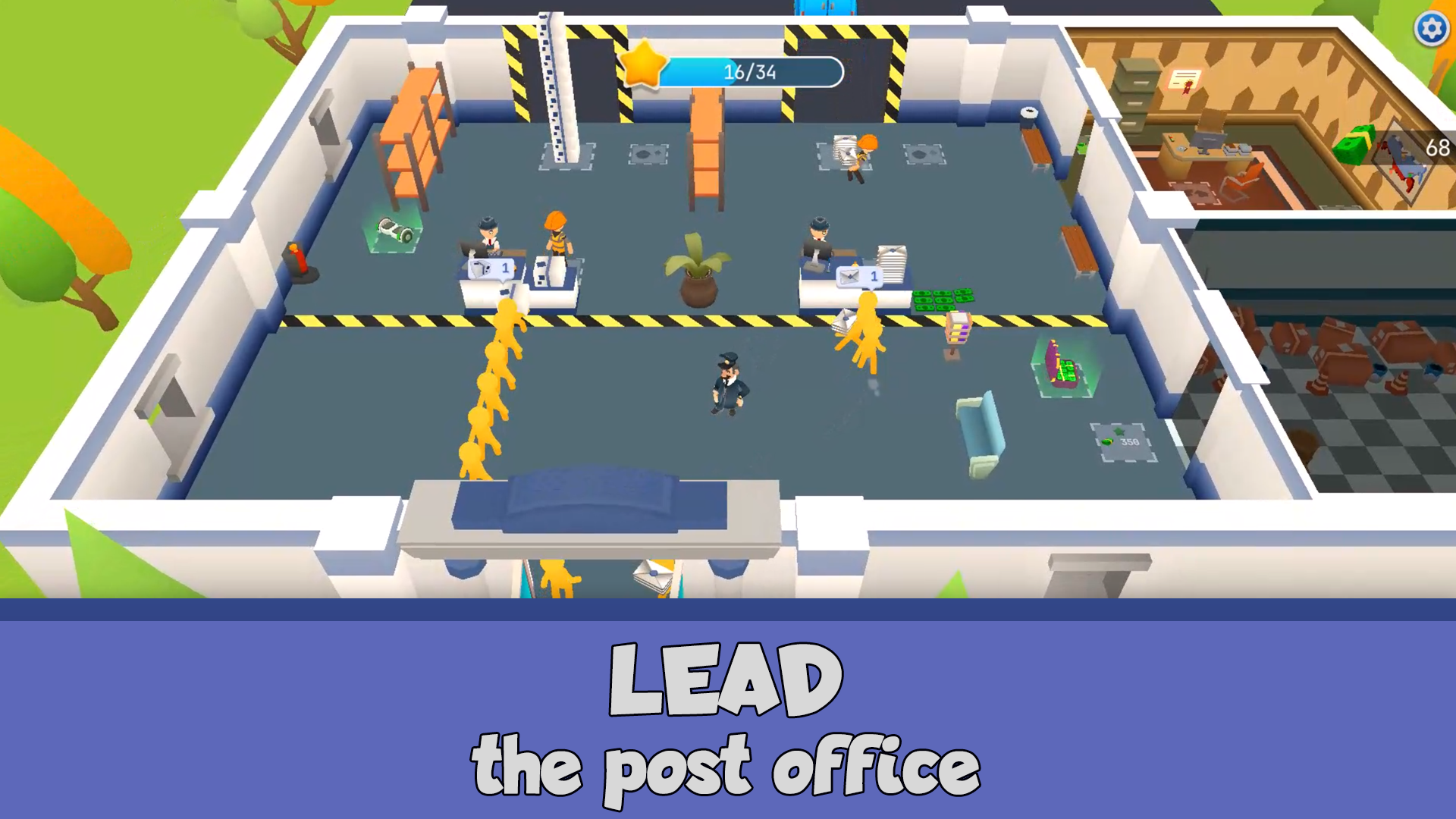
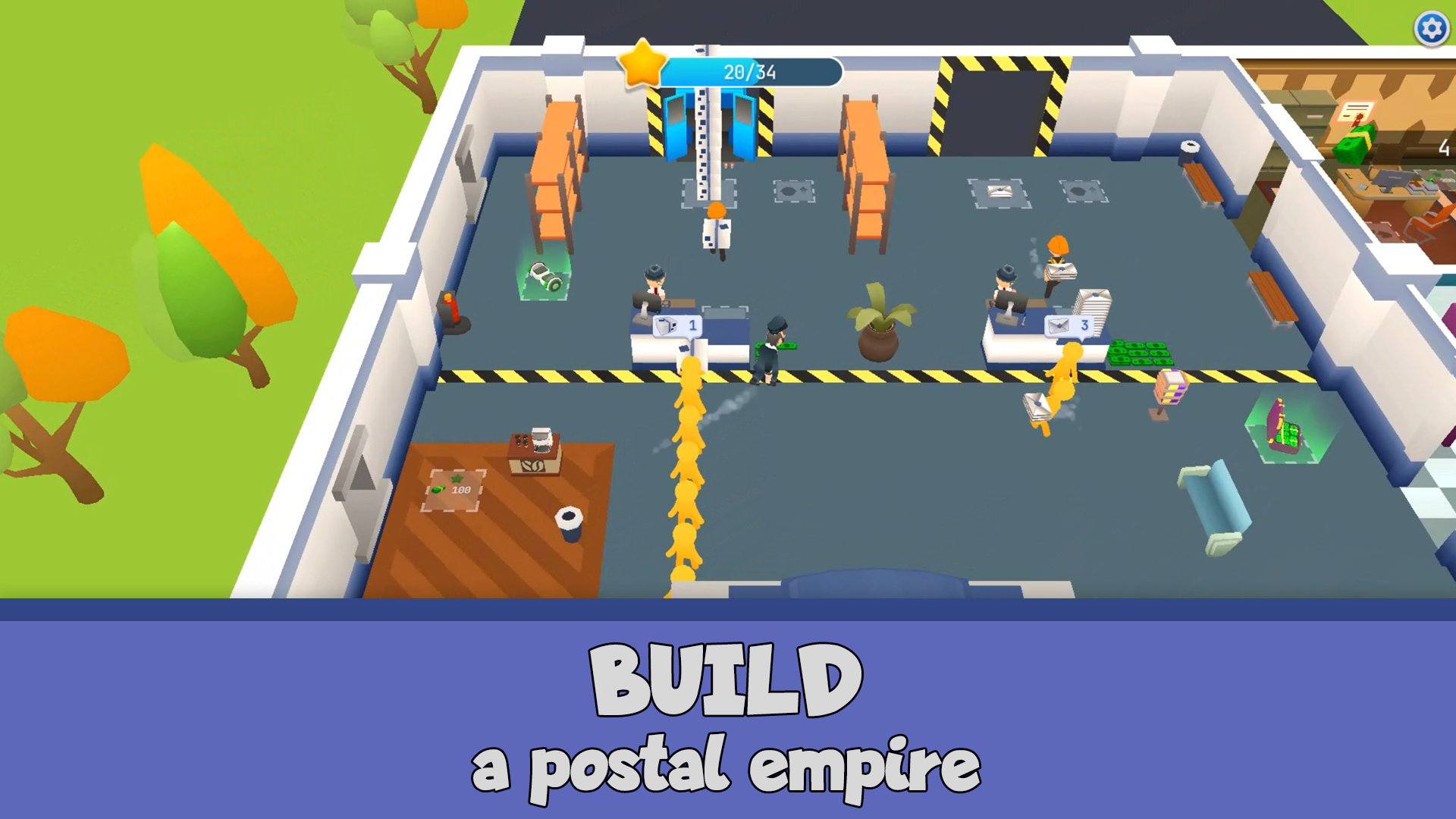
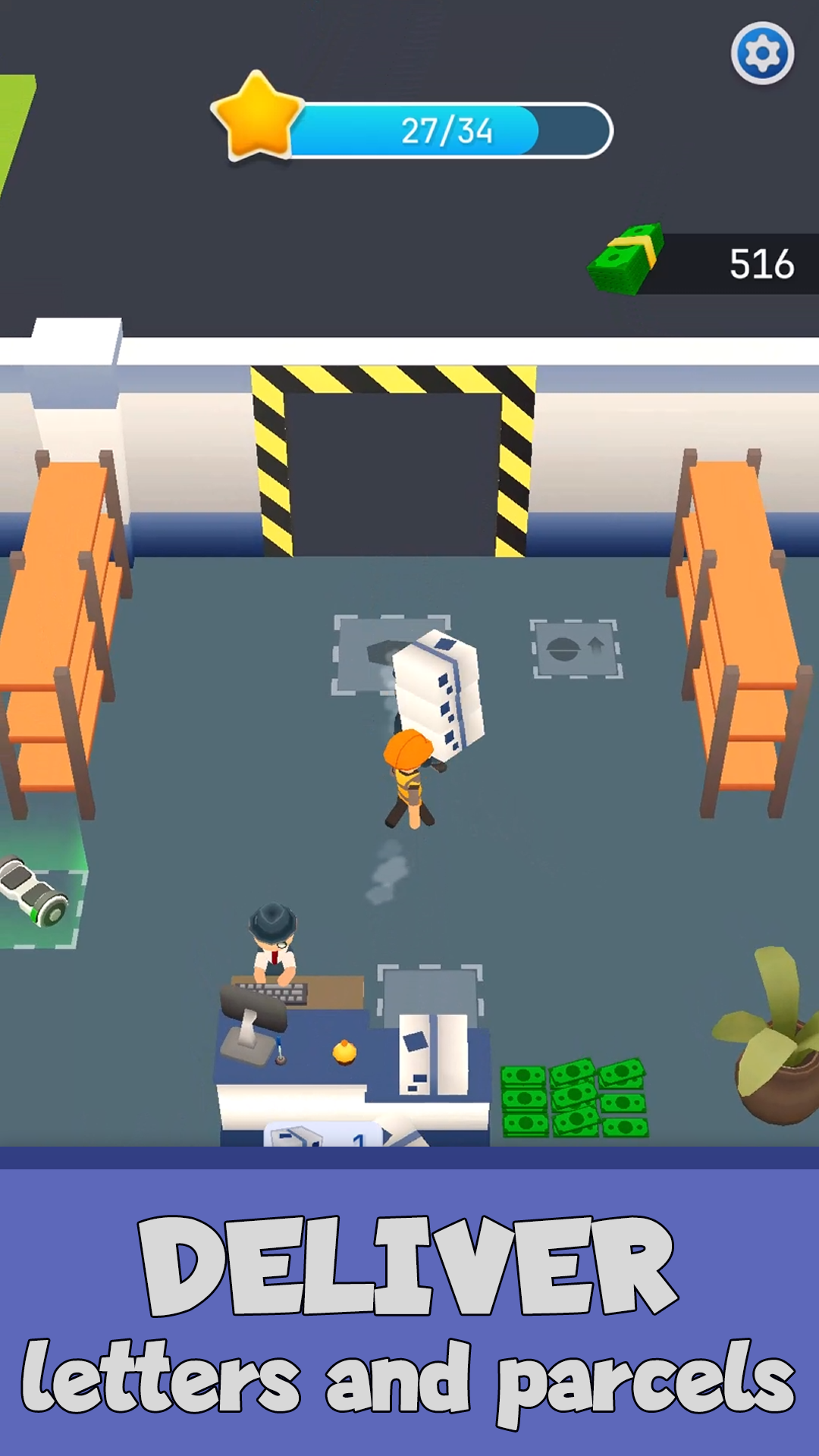
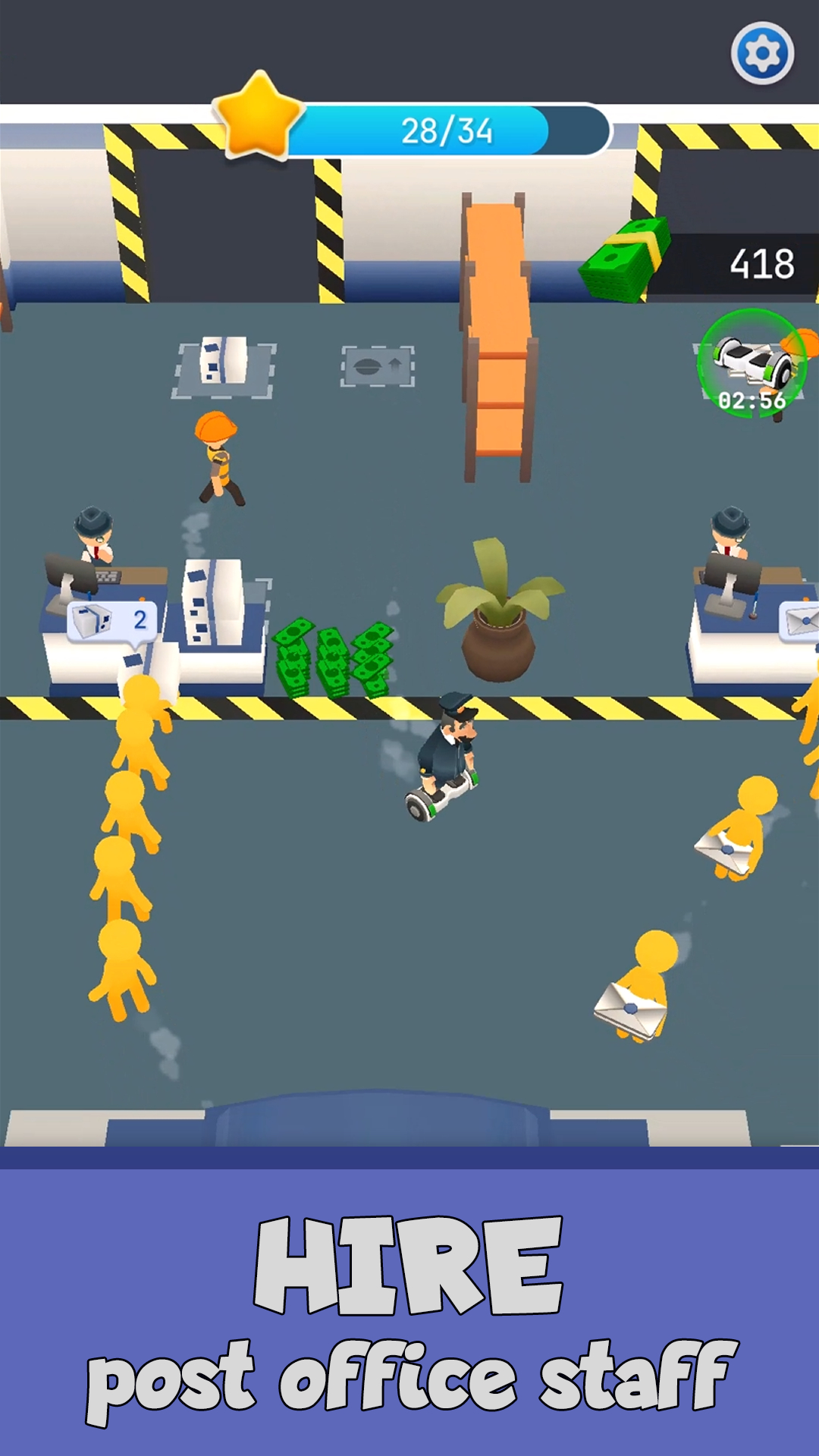
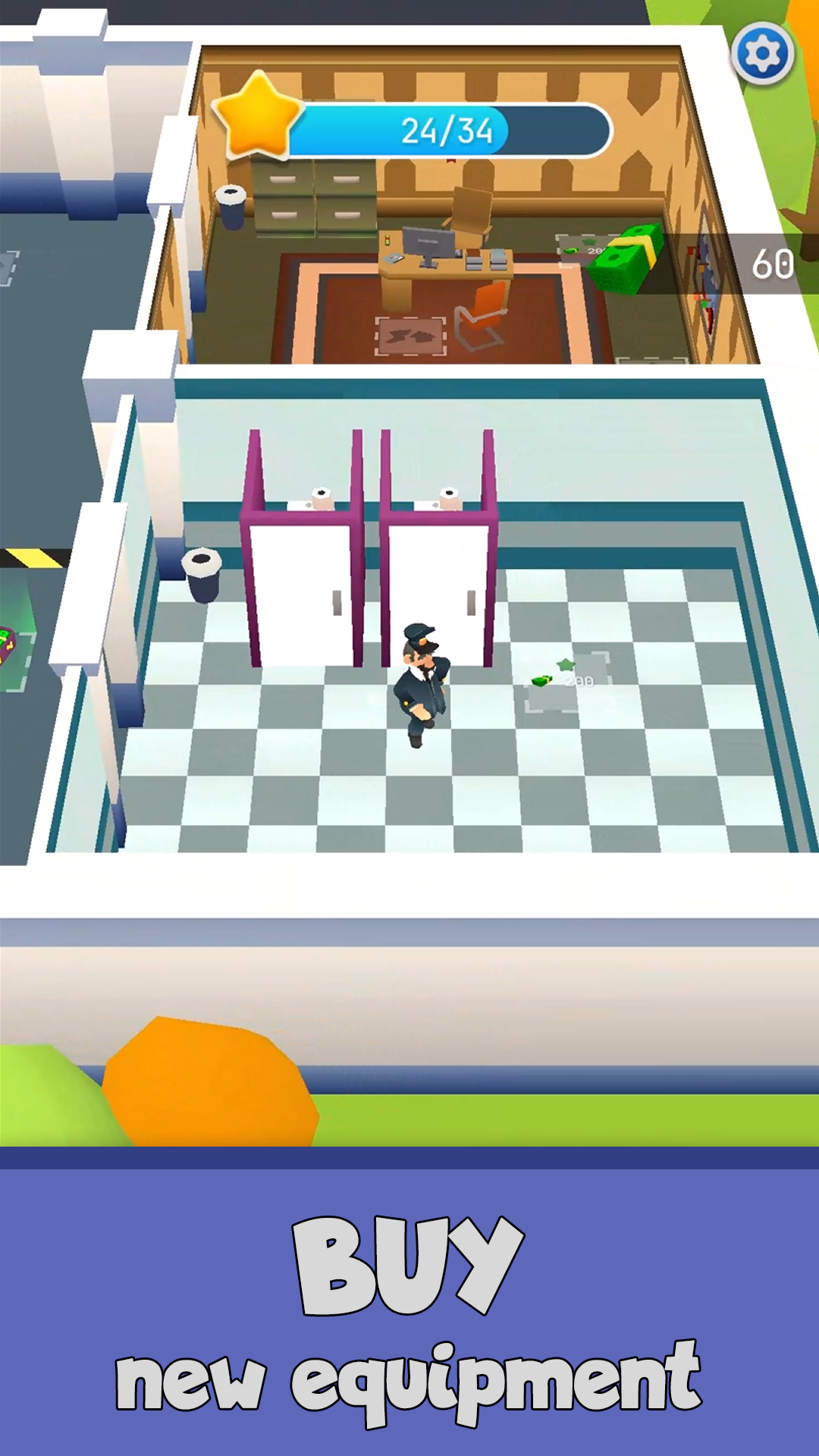
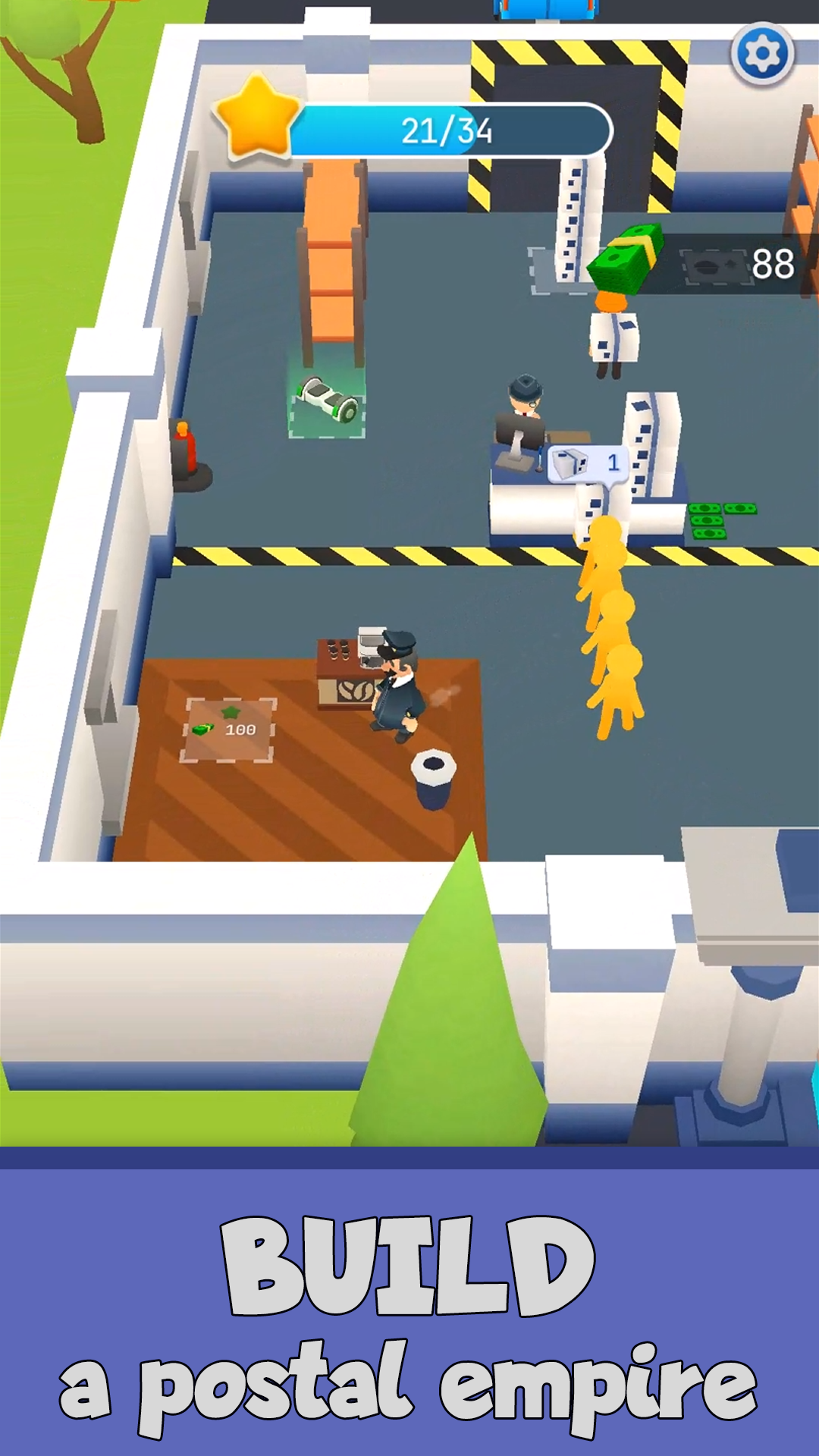
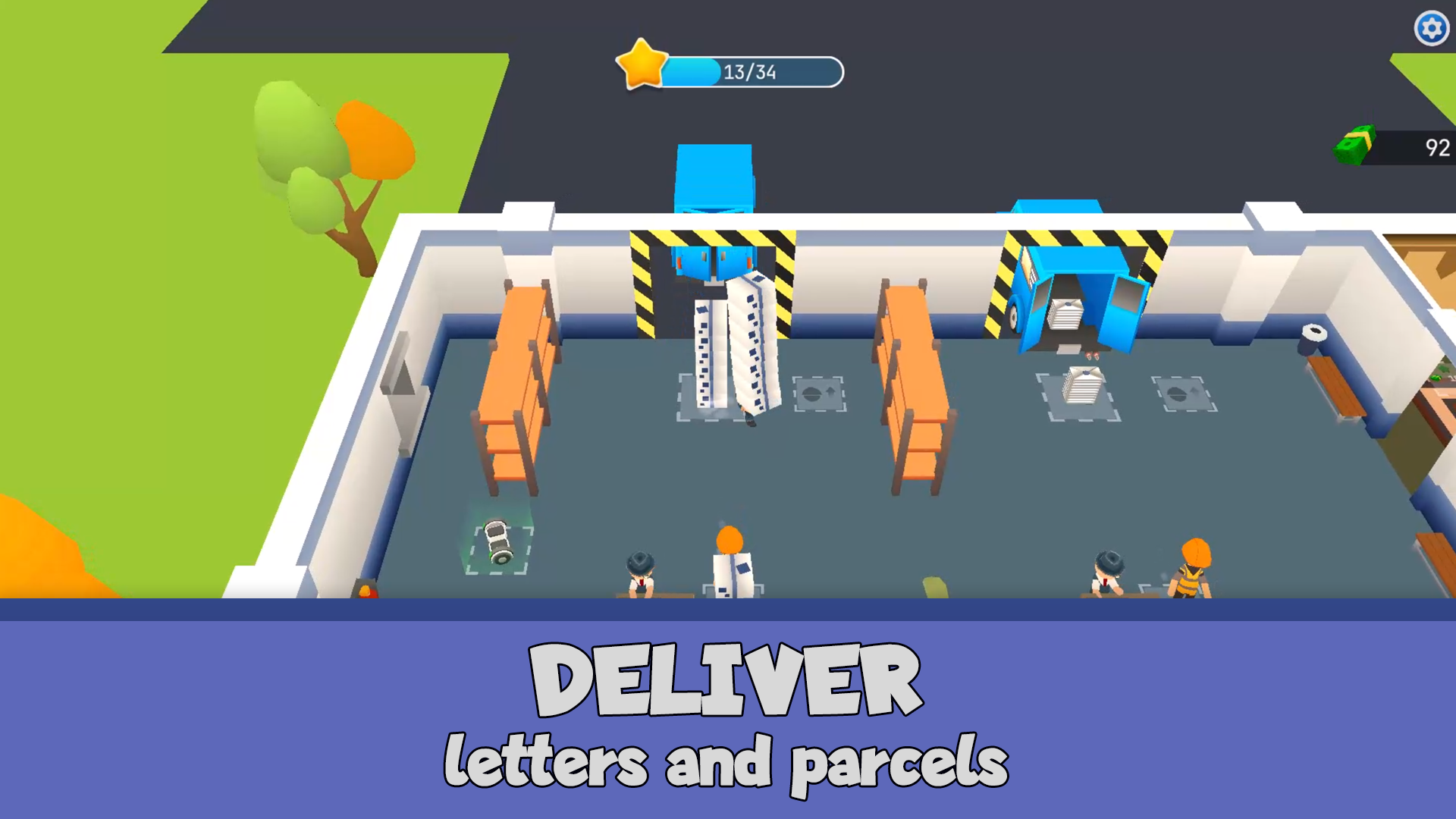
Open your own post office and grow it into a successful business! Start small – buy a desk, a delivery vehicle, and begin processing letters and parcels. Customers will pay for receiving their mail, and you’ll be able to expand your operations: hire employees, improve processing speed, buy mailboxes, and unlock new areas like an office, restrooms, and coffee machines. Plan your strategy, manage your finances, and use bonuses to speed things up. Can you turn a small post office into an efficient postal network?

Videos and screenshots
  • Postal Empire: Simulator screenshot 1
  • Postal Empire: Simulator screenshot 2
  • Postal Empire: Simulator screenshot 3
  • Postal Empire: Simulator screenshot 4
  • Postal Empire: Simulator screenshot 5
  • Postal Empire: Simulator screenshot 6
  • Postal Empire: Simulator screenshot 7
  • Postal Empire: Simulator screenshot 8
  • Postal Empire: Simulator screenshot 9
  • Postal Empire: Simulator screenshot 10
Play Now

14,706 players online

How to play

  1. Open the game

    Press Play now and the game opens on its own screen.

  2. Follow the in-game instructions

    The controls and goals are shown inside the game as you play.

  3. Use the game menu

    The floating button over the game reloads it, saves it to your favourites, or takes you back out.

Game instructions

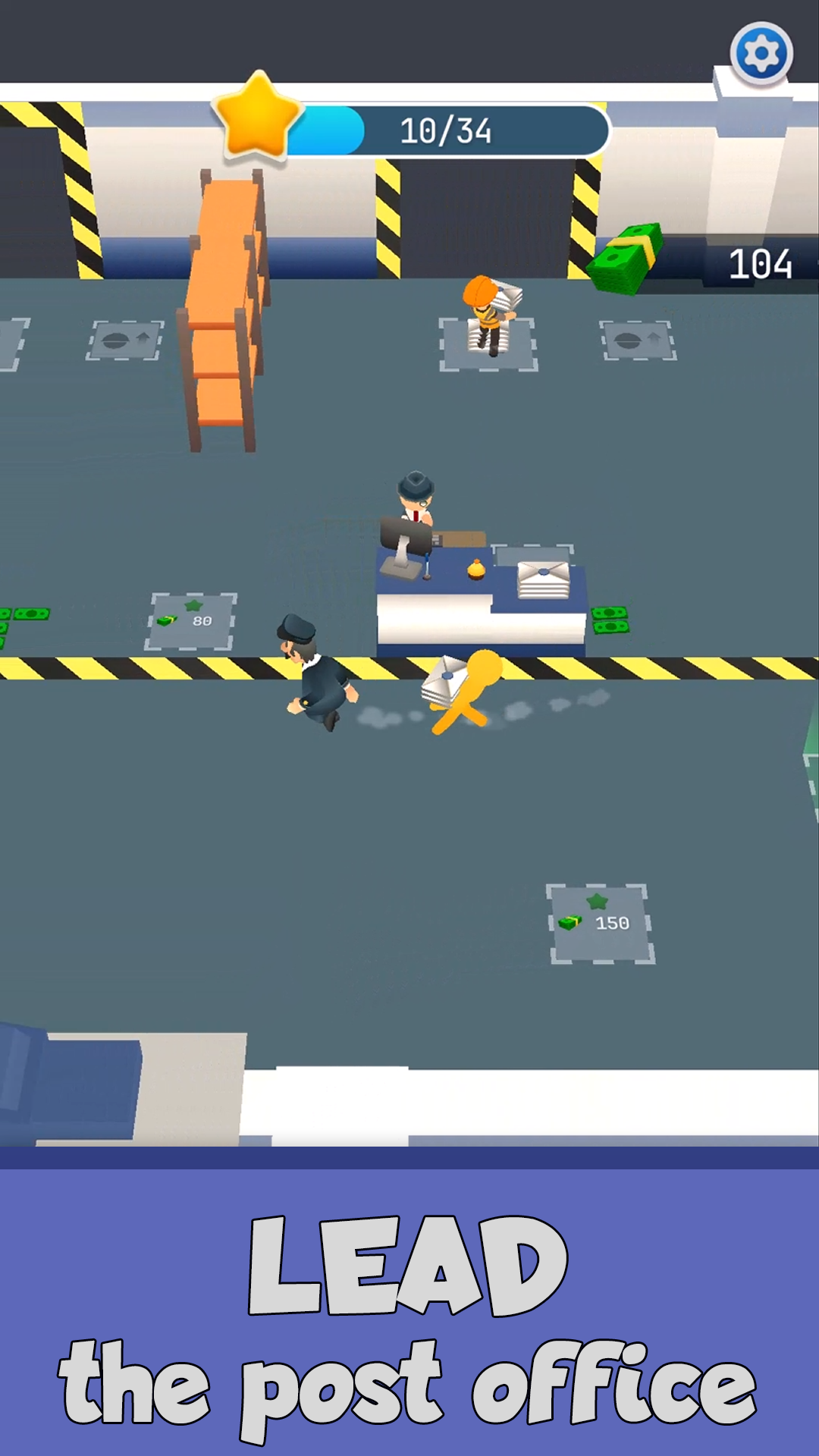
To earn money, you need to deliver letters and parcels to visitors. Carry them from the machines to the desks, then go to the counter to hand them out. The visitor will pay immediately, and you can collect the money. Use the money to buy new equipment, hire and upgrade staff across the post office. Explore the surroundings so you don’t miss any new unlockable areas. To complete a level, you must fill the star progress bar at the top of the screen. It fills as you purchase new equipment. Once the bar is full, a map becomes available in the office room, allowing you to move to the next level. On PC: Move your character using WASD, arrow keys, or mouse clicks. Press in-game buttons with the left mouse button. On mobile devices: Move your character by dragging your finger across the screen. Tap buttons to interact with them.

More games

More games