Skip to content
KG
Prison Escape: Exit Room Game

Prison Escape: Exit Room Game

6K plays 3.8 out of 5

Overview

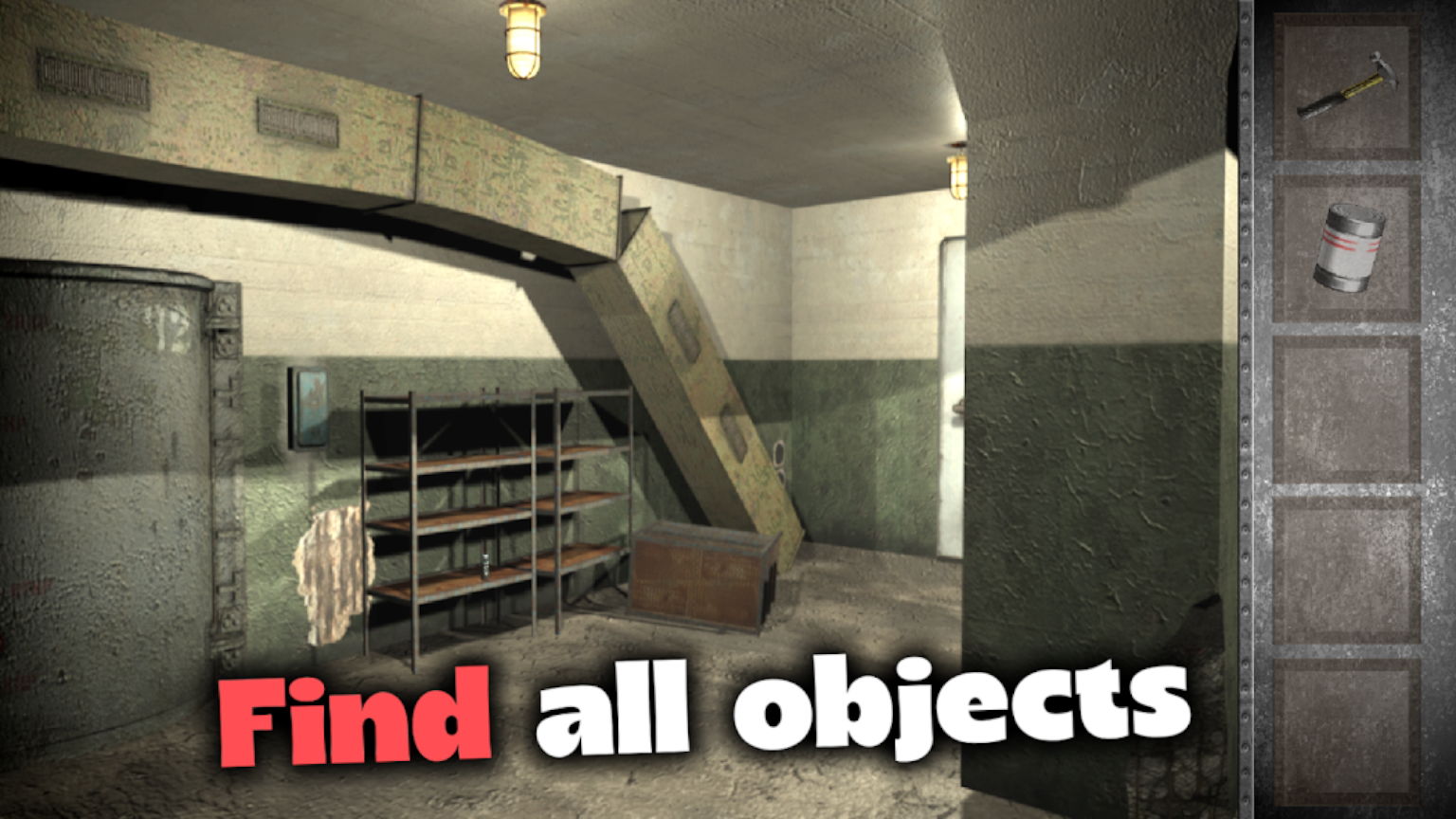
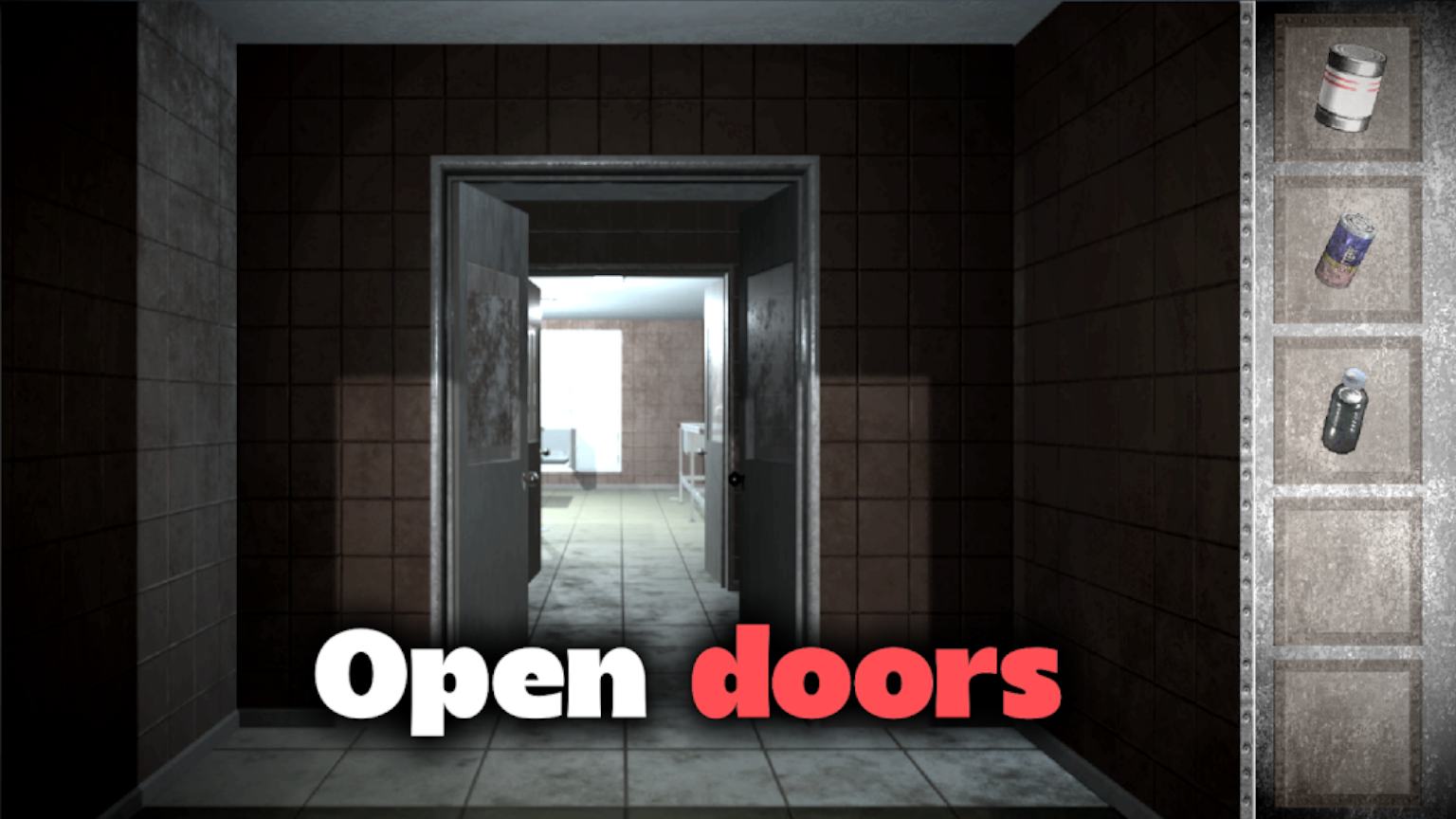
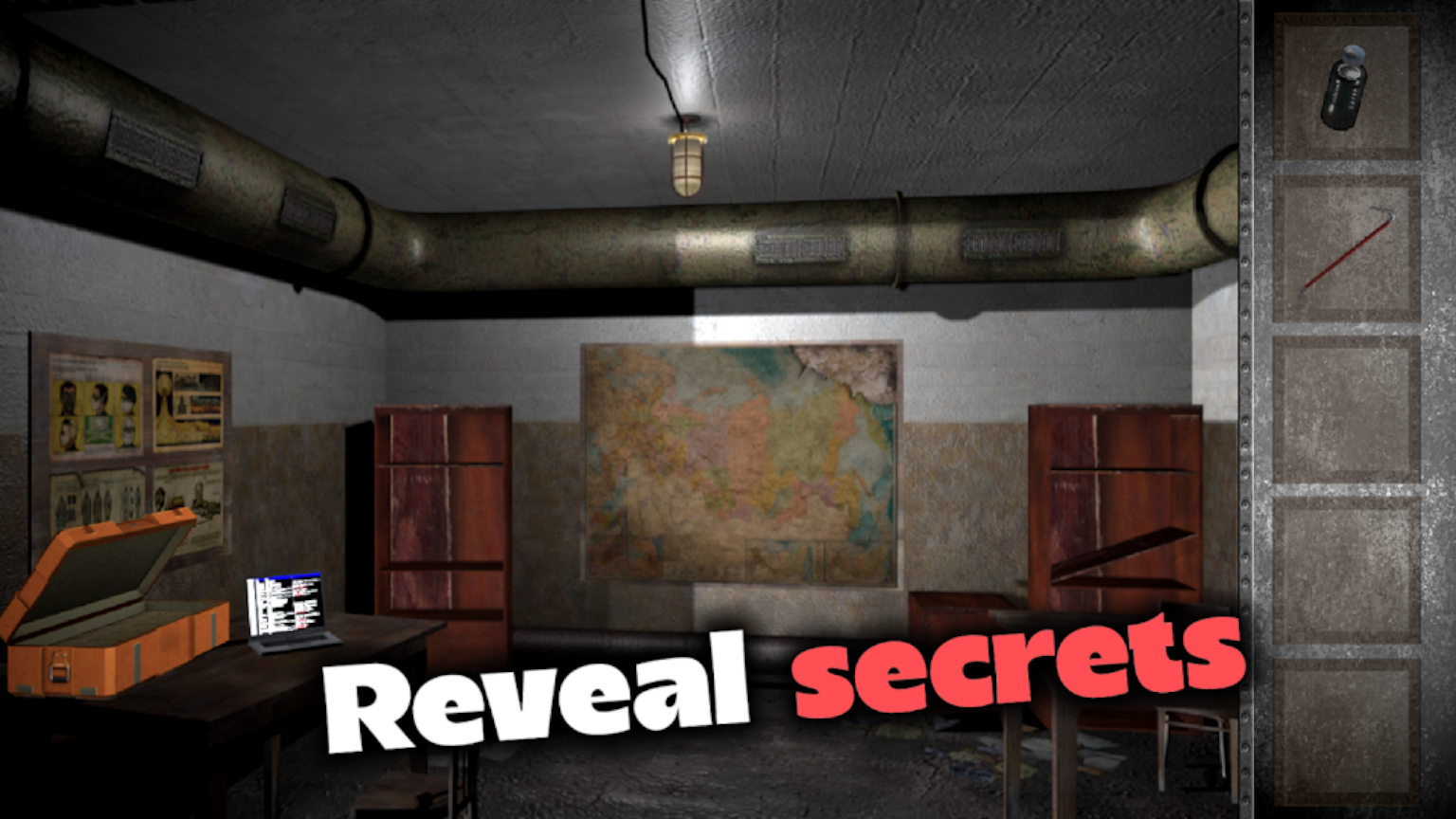
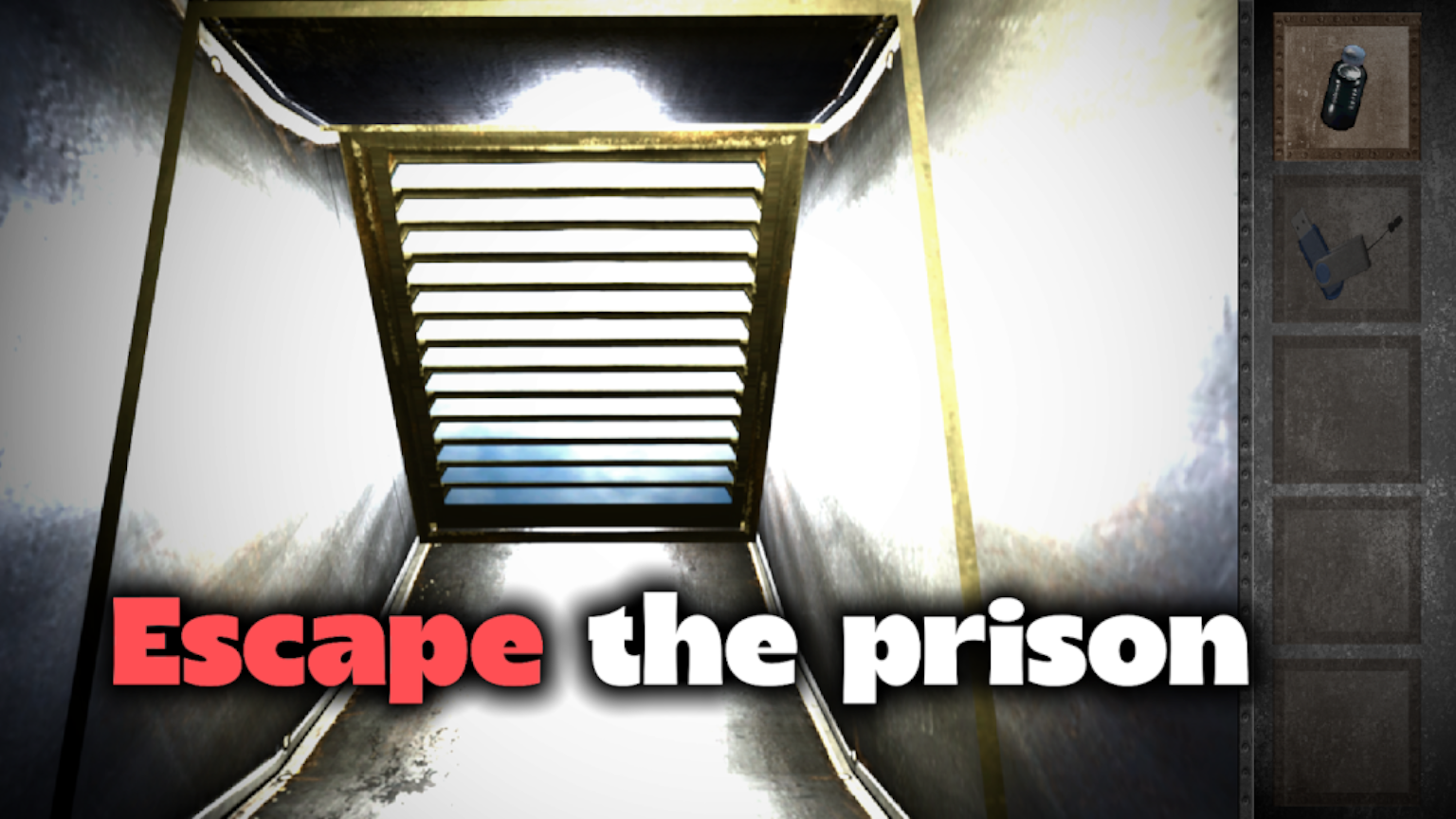
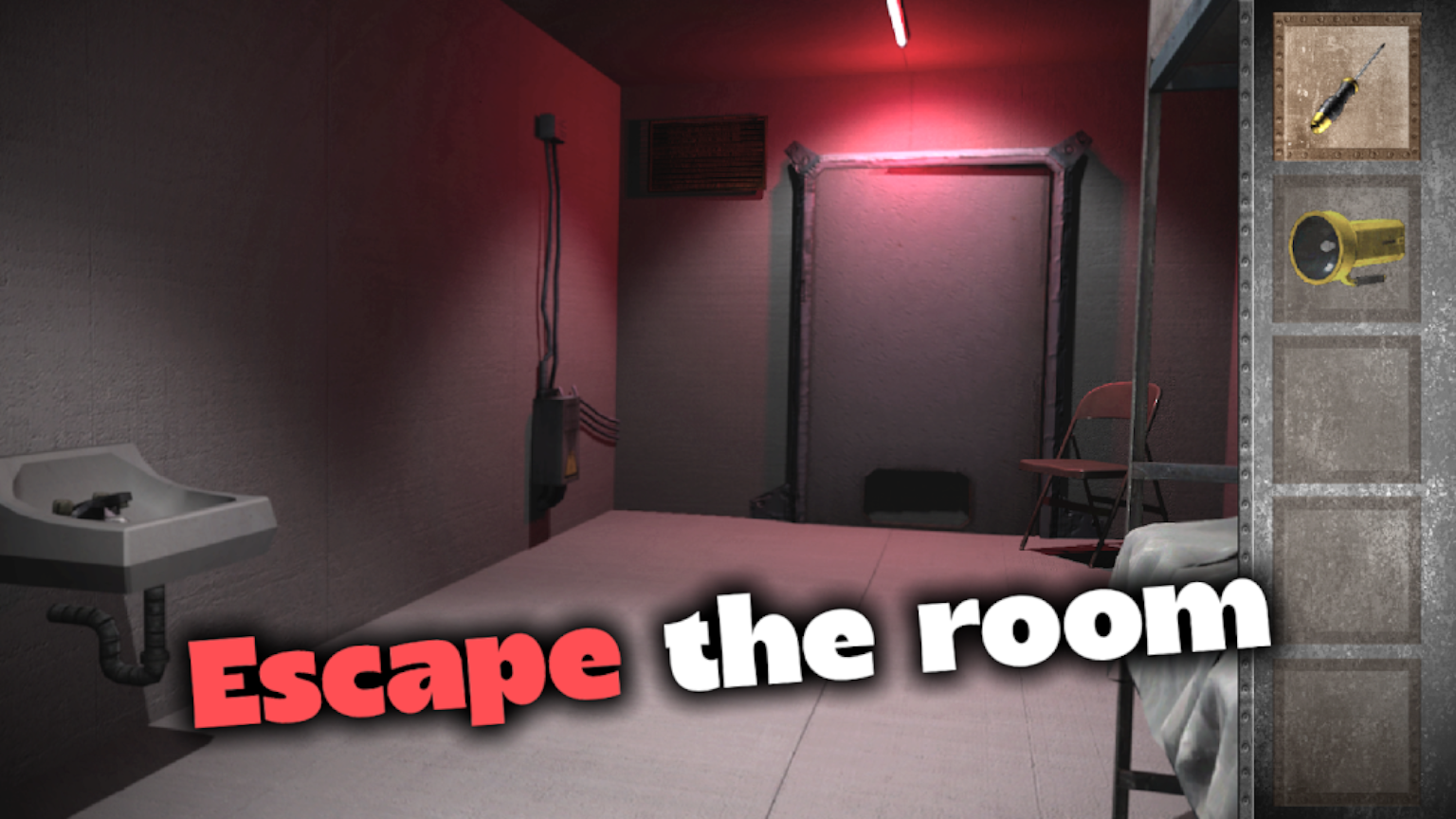
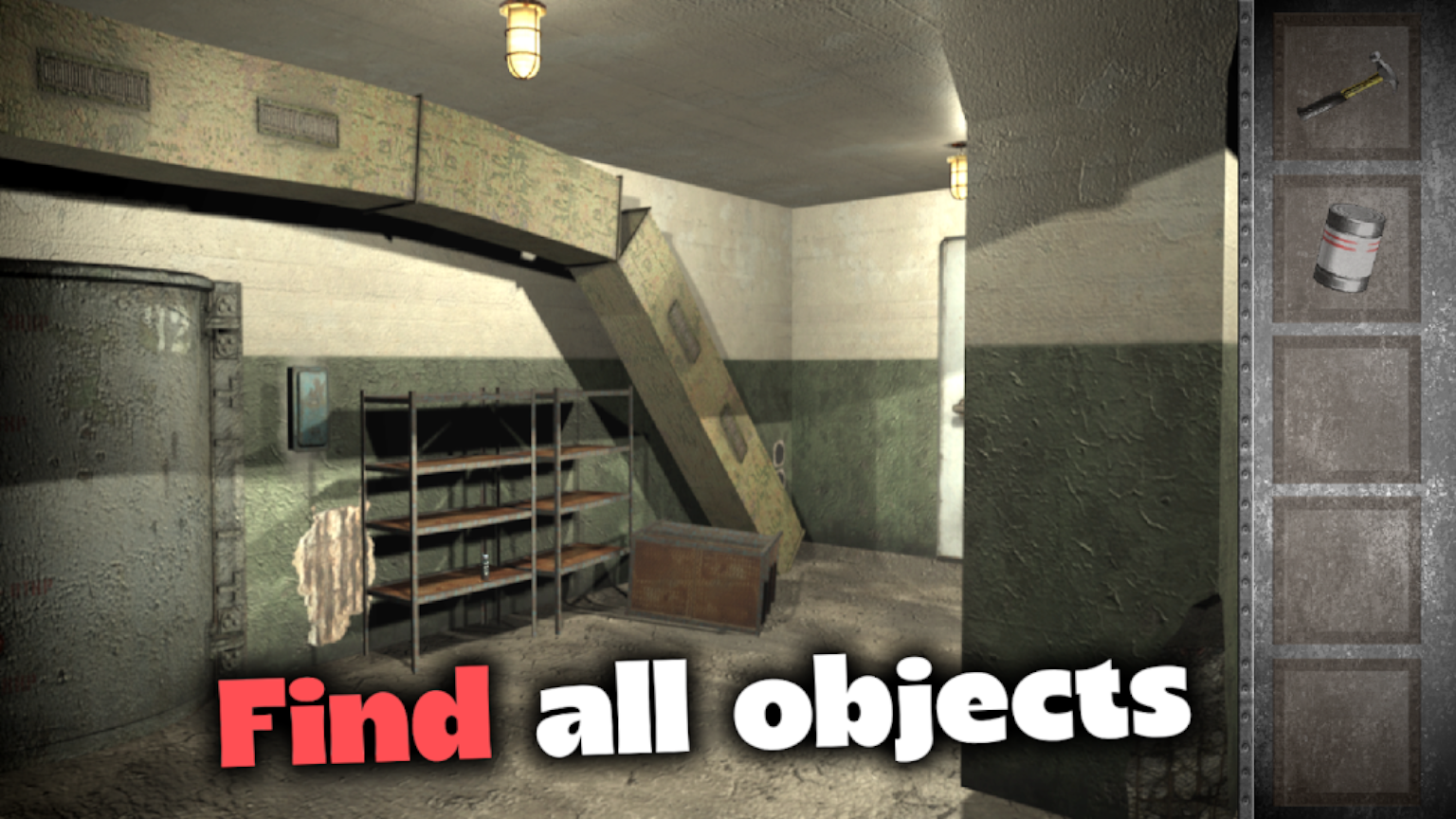
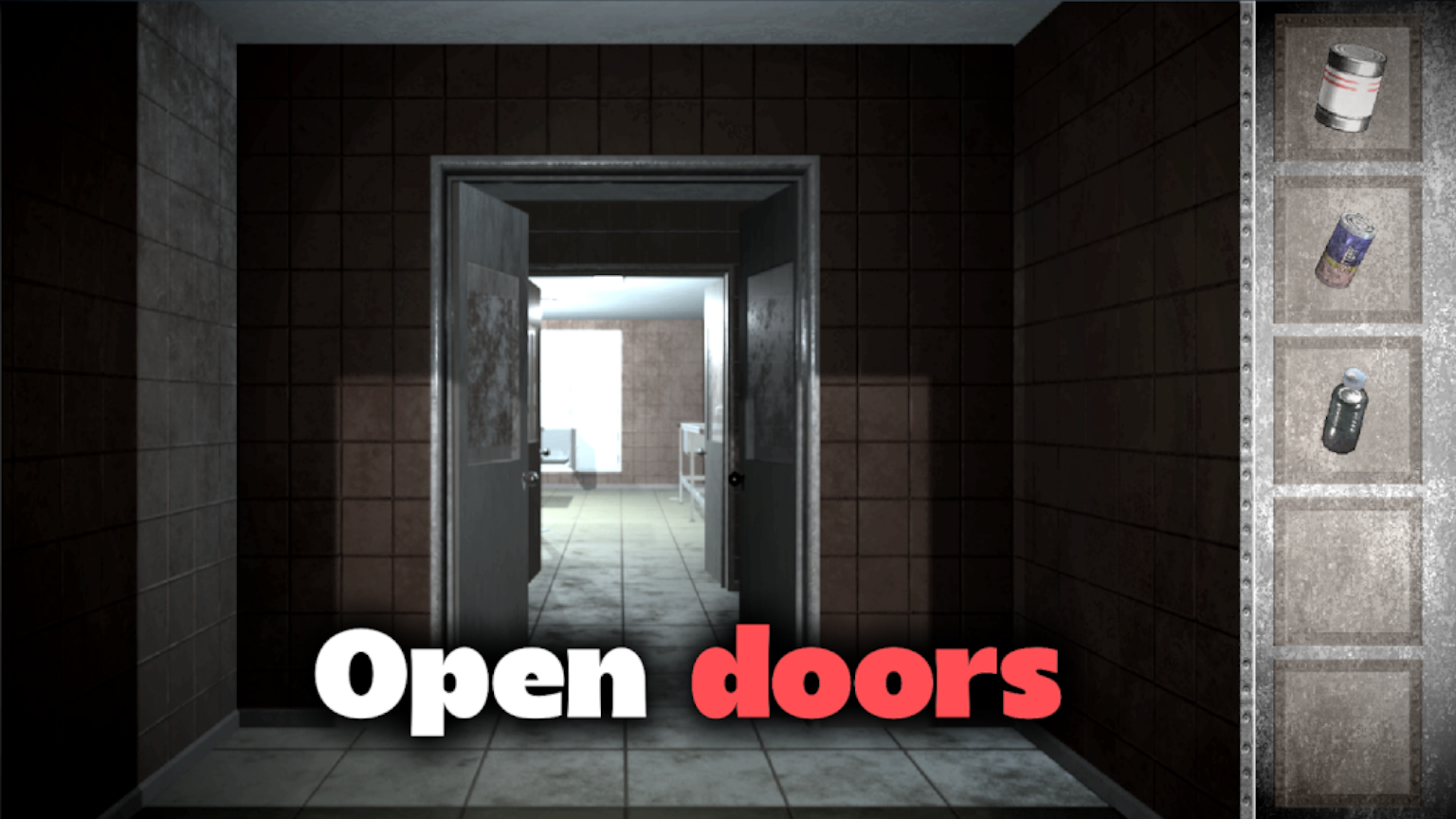
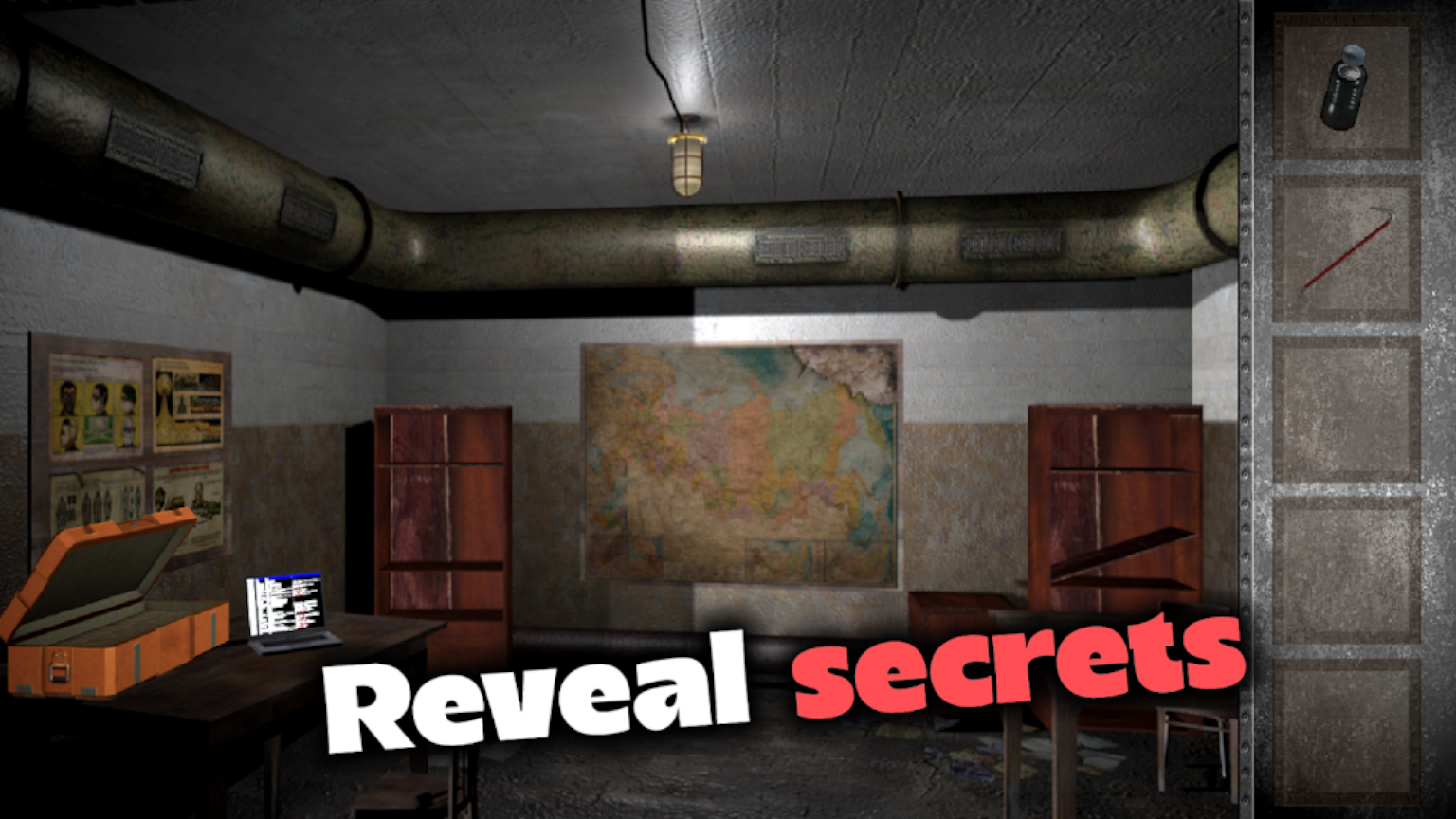
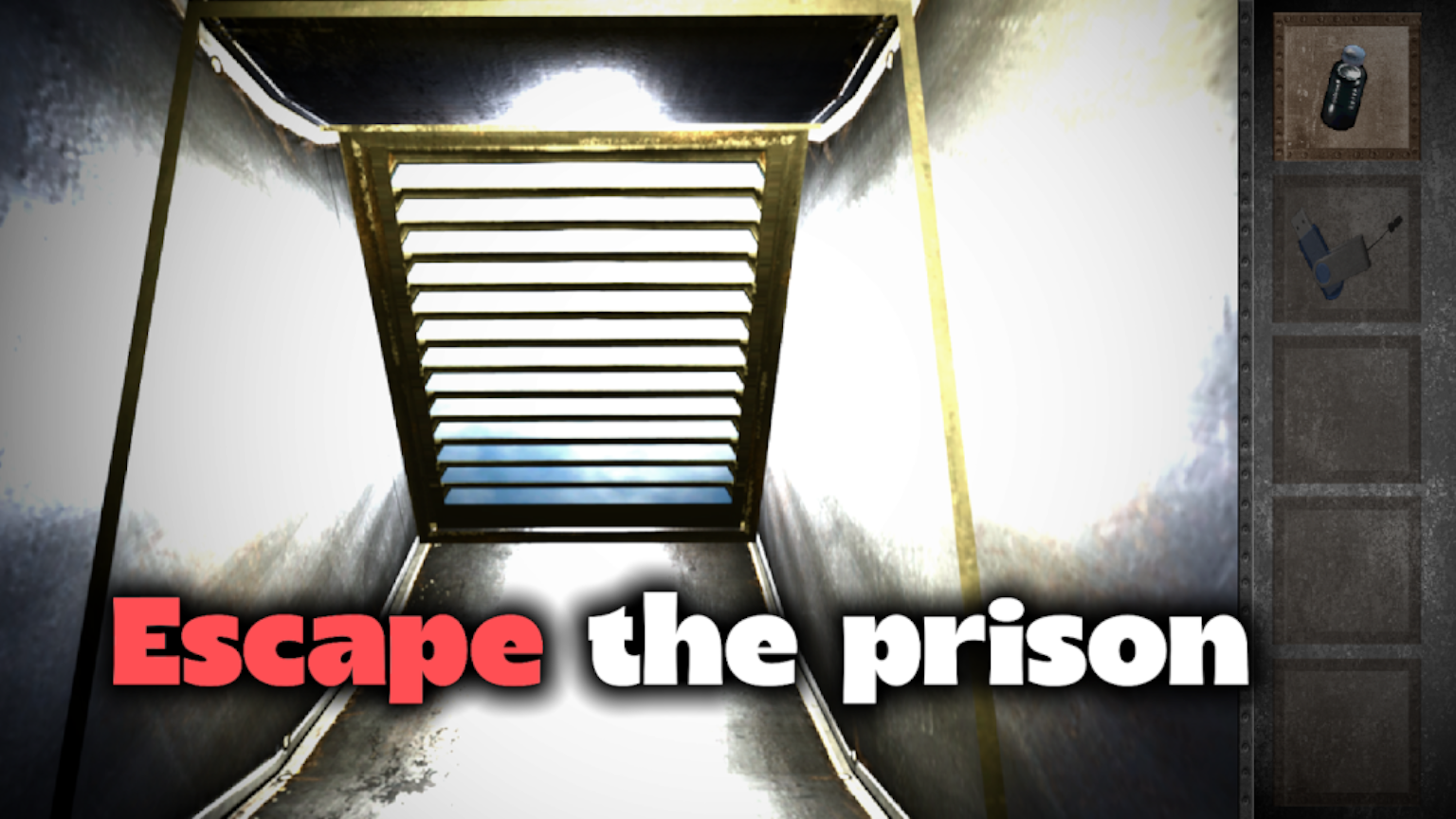
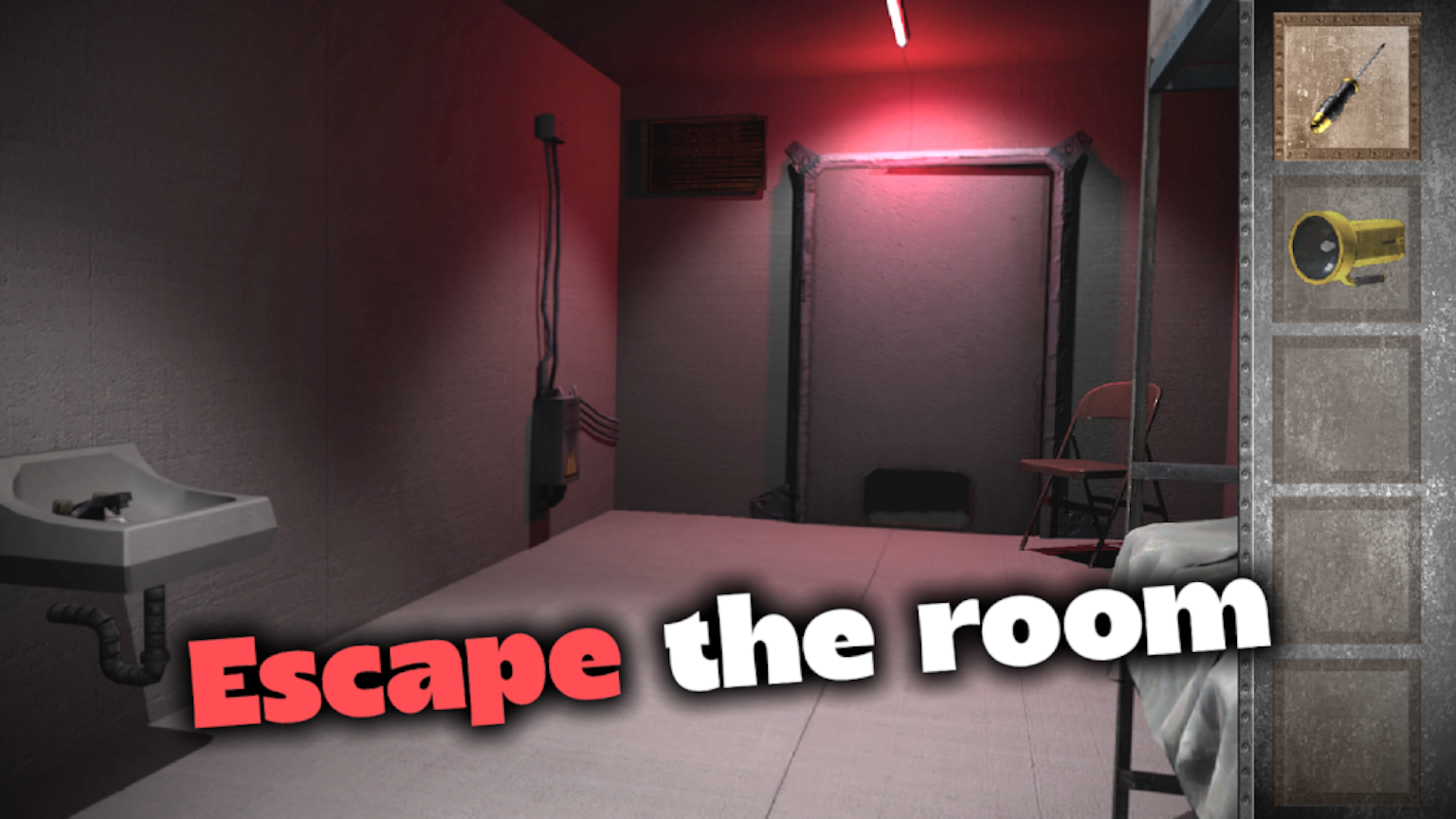
You ended up in jail. The main goal of the game is to help the hero solve dizzying puzzles and find all the hidden things that will get you out of prison. The first step is to solve the quest and escape from the cell. The gloomy prison cell in which you find yourself keeps secrets and seems impregnable. You will open the whole prison, consisting of a bunch of closed doors. Several paths will be available to you, each of which will need to be explored and studied. Some rooms will need to pick up items, and some items will need to be used. Be careful, the prison morgue is a rather creepy place that will make your blood freeze in your veins. One way or another, you will have to find the key to the morgue, since the things necessary for escaping are hidden there. 🔑 Prison escape game in escape room genre 🔑 Fancy soviet bunker atmosphere 🔑 Interesting puzzles and riddles 🔑 Many rooms to exit and closed doors 🔑 Hints and clear gameplay

Videos and screenshots
  • Prison Escape: Exit Room Game screenshot 1
  • Prison Escape: Exit Room Game screenshot 2
  • Prison Escape: Exit Room Game screenshot 3
  • Prison Escape: Exit Room Game screenshot 4
  • Prison Escape: Exit Room Game screenshot 5
  • Prison Escape: Exit Room Game screenshot 6
  • Prison Escape: Exit Room Game screenshot 7
  • Prison Escape: Exit Room Game screenshot 8
  • Prison Escape: Exit Room Game screenshot 9
  • Prison Escape: Exit Room Game screenshot 10
Play Now

11,926 players online

How to play

  1. Open the game

    Press Play now and the game opens on its own screen.

  2. Follow the in-game instructions

    The controls and goals are shown inside the game as you play.

  3. Use the game menu

    The floating button over the game reloads it, saves it to your favourites, or takes you back out.

Game instructions

1. Use your mouse or finger to click on doors and passages to find the right way out of the prison. 2. Use the arrow button in the upper left corner to return to the previous screen. 3. Click on objects that seem interactive to you. These objects will be moved to your inventory (the panel on the right) and will be needed for further progress. 4. Click on an item in the inventory to select it. The frame of the selected item will become brighter than the rest. Once the item is selected, click on the desired place on the screen to apply it. 5. During the game, you will encounter interactive puzzles. You will need to figure out their controls by trial and error and find a solution using the hints left in the game. 6. If you do not know what to do next, click on the button with a question mark [?] in the upper right corner.

More games

More games