Skip to content
KG
PunchBox 3D

PunchBox 3D

1K plays 3.7 out of 5

Overview

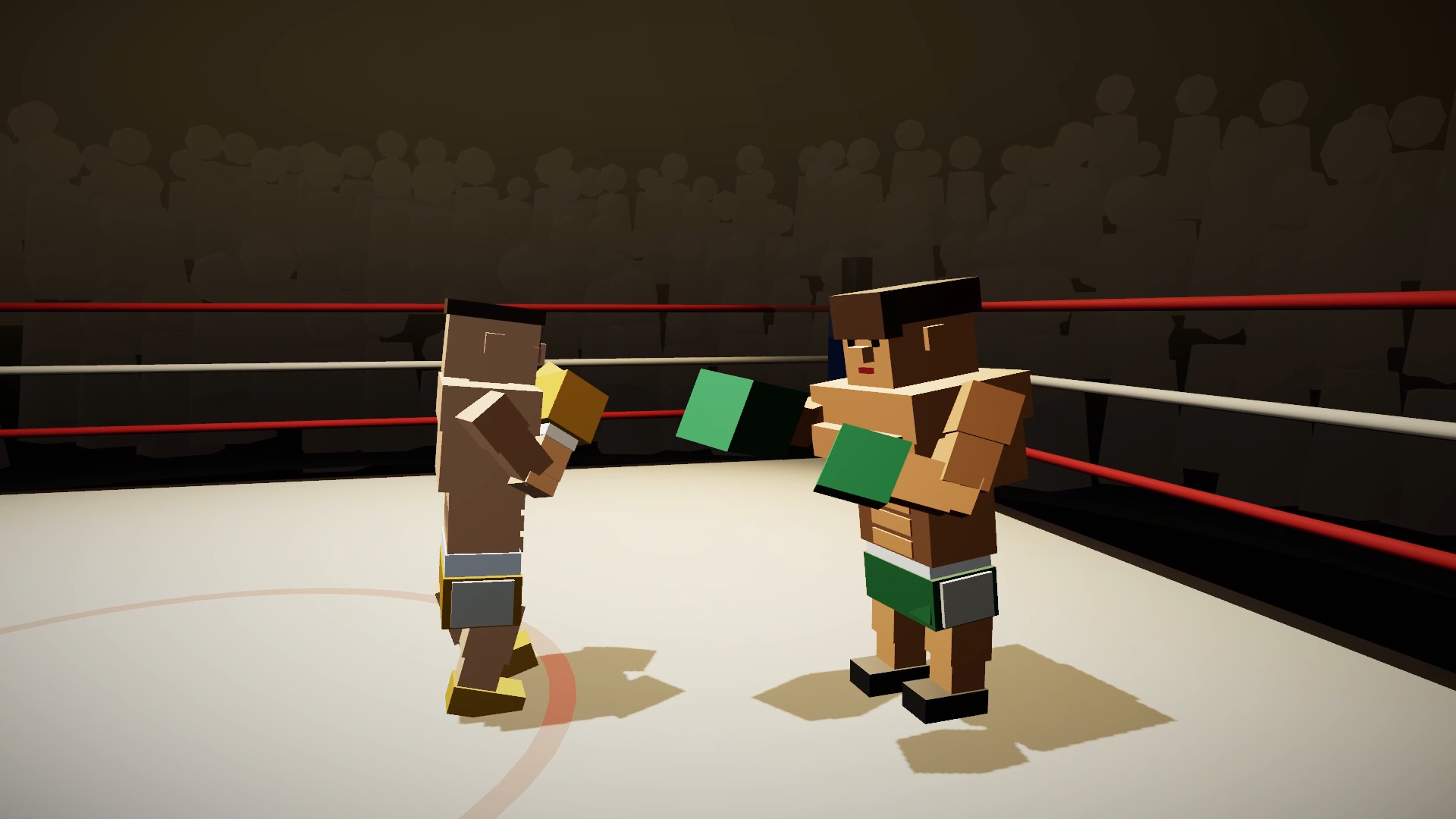
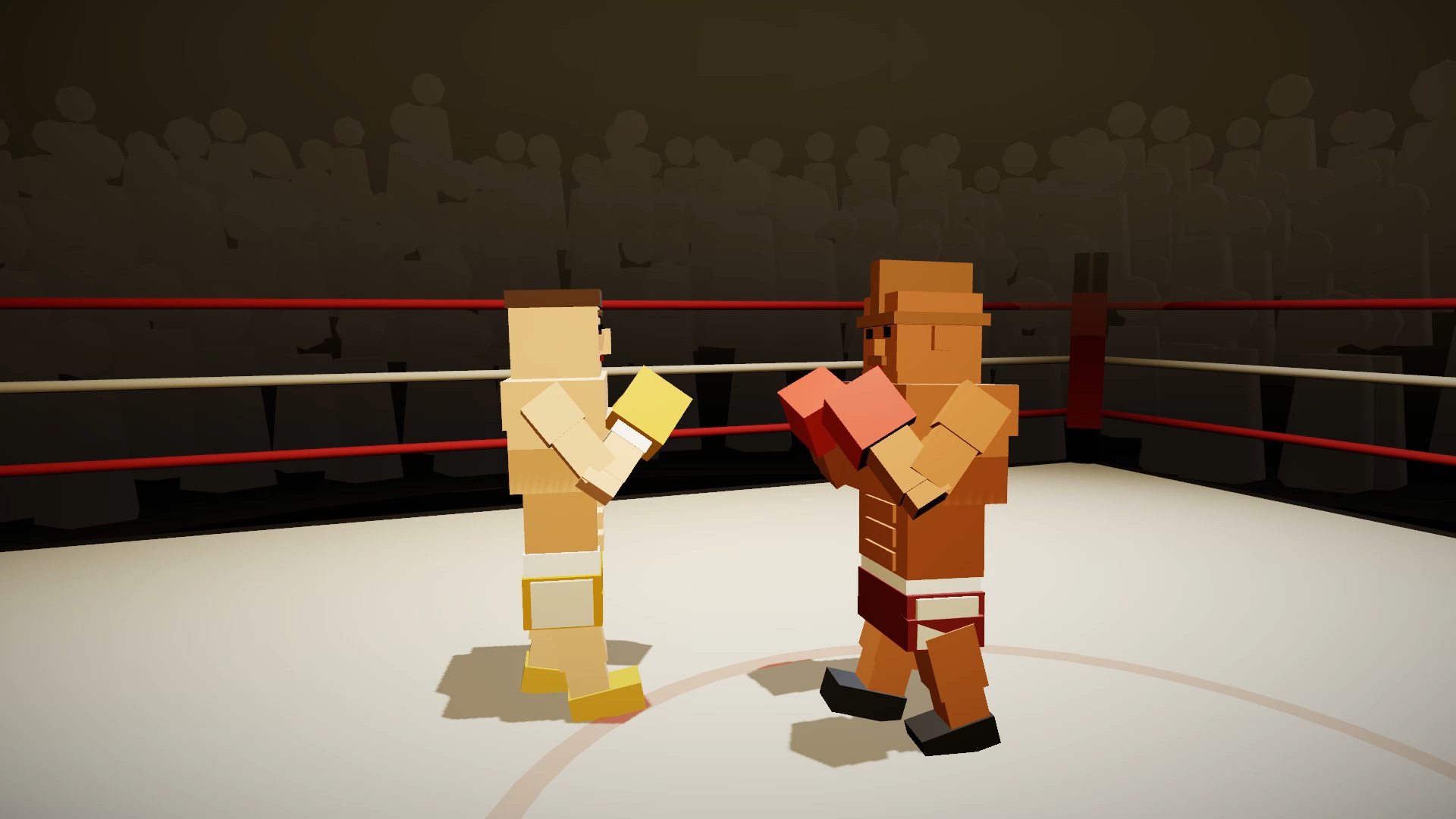
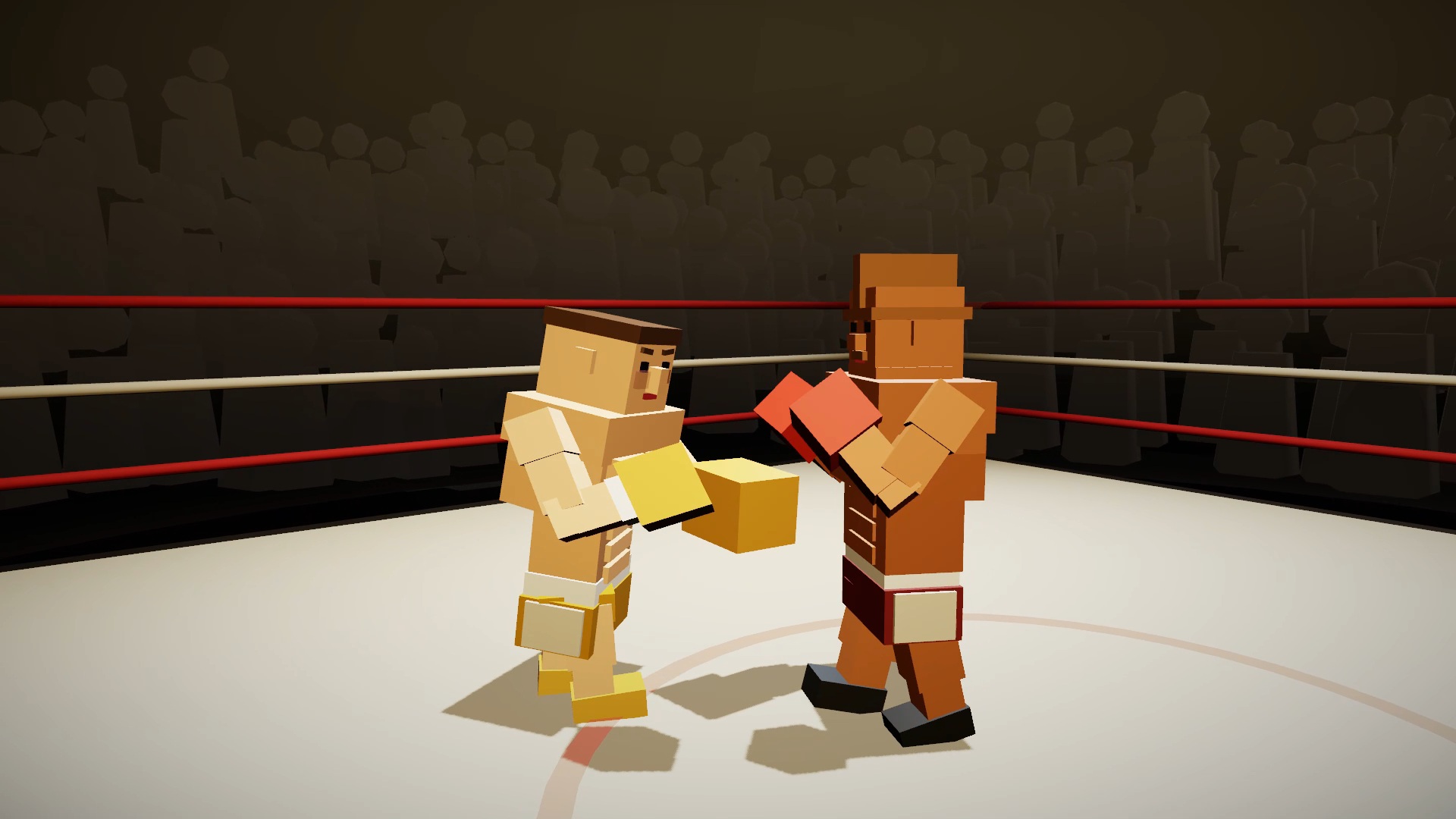
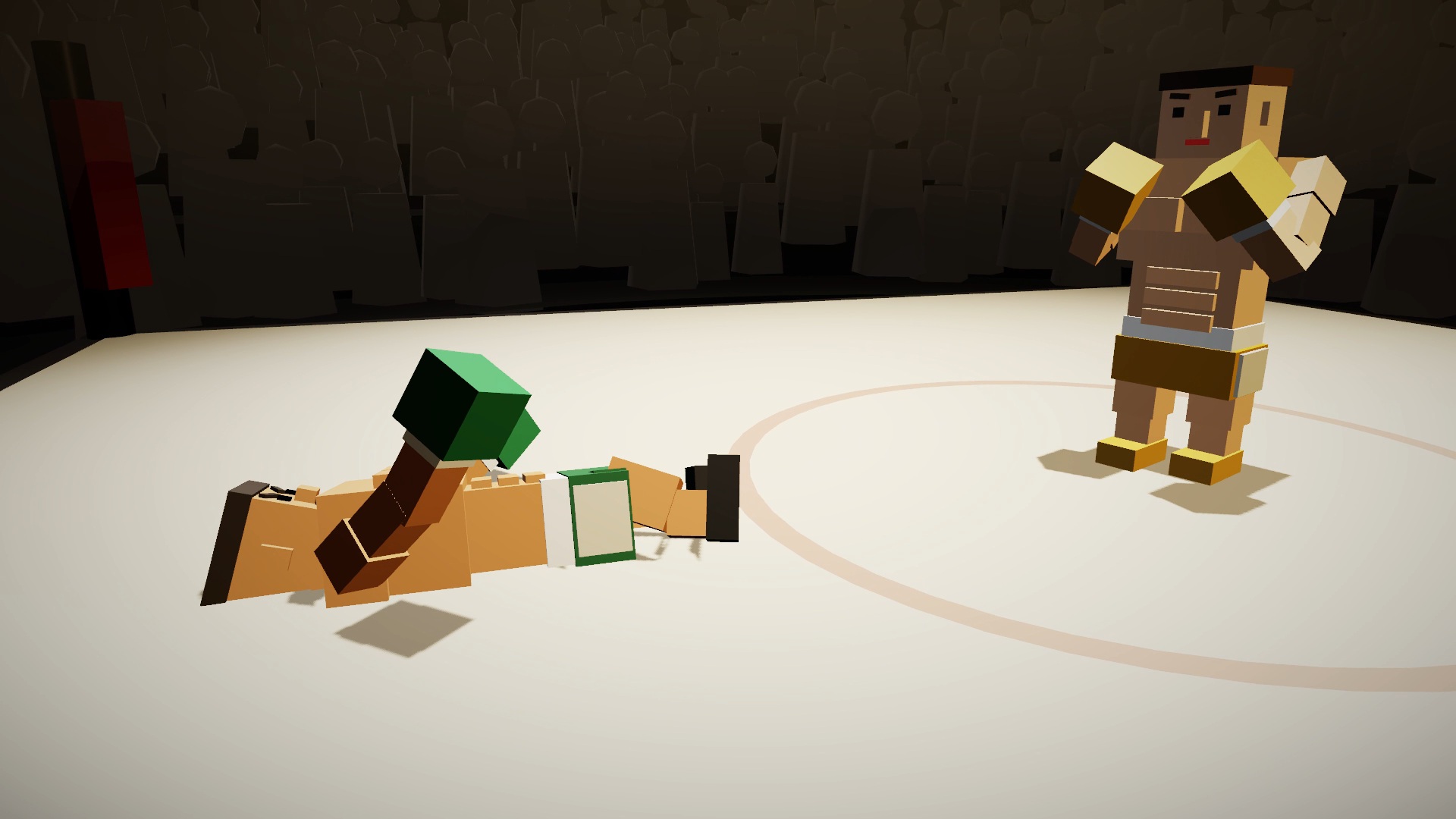
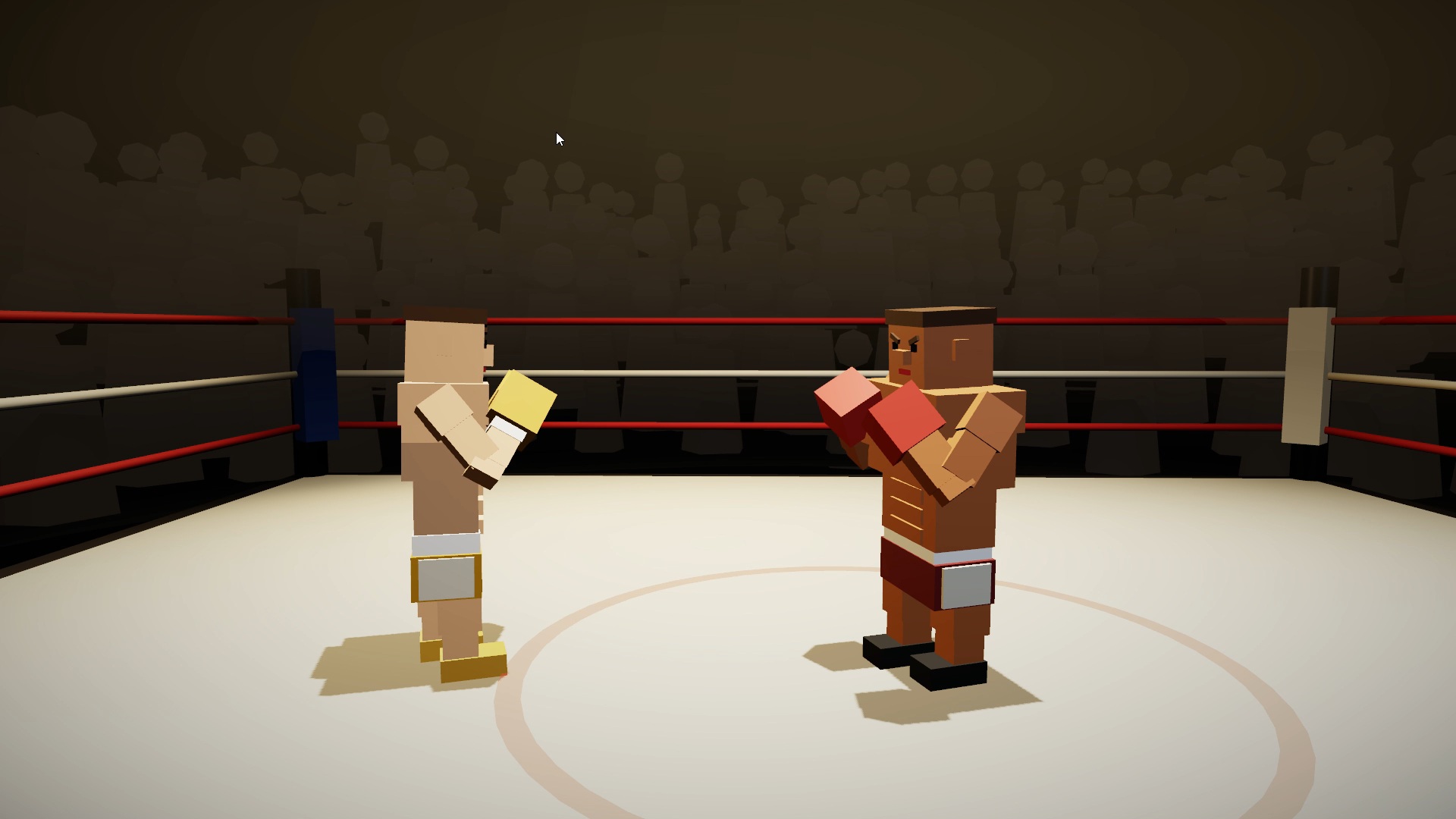
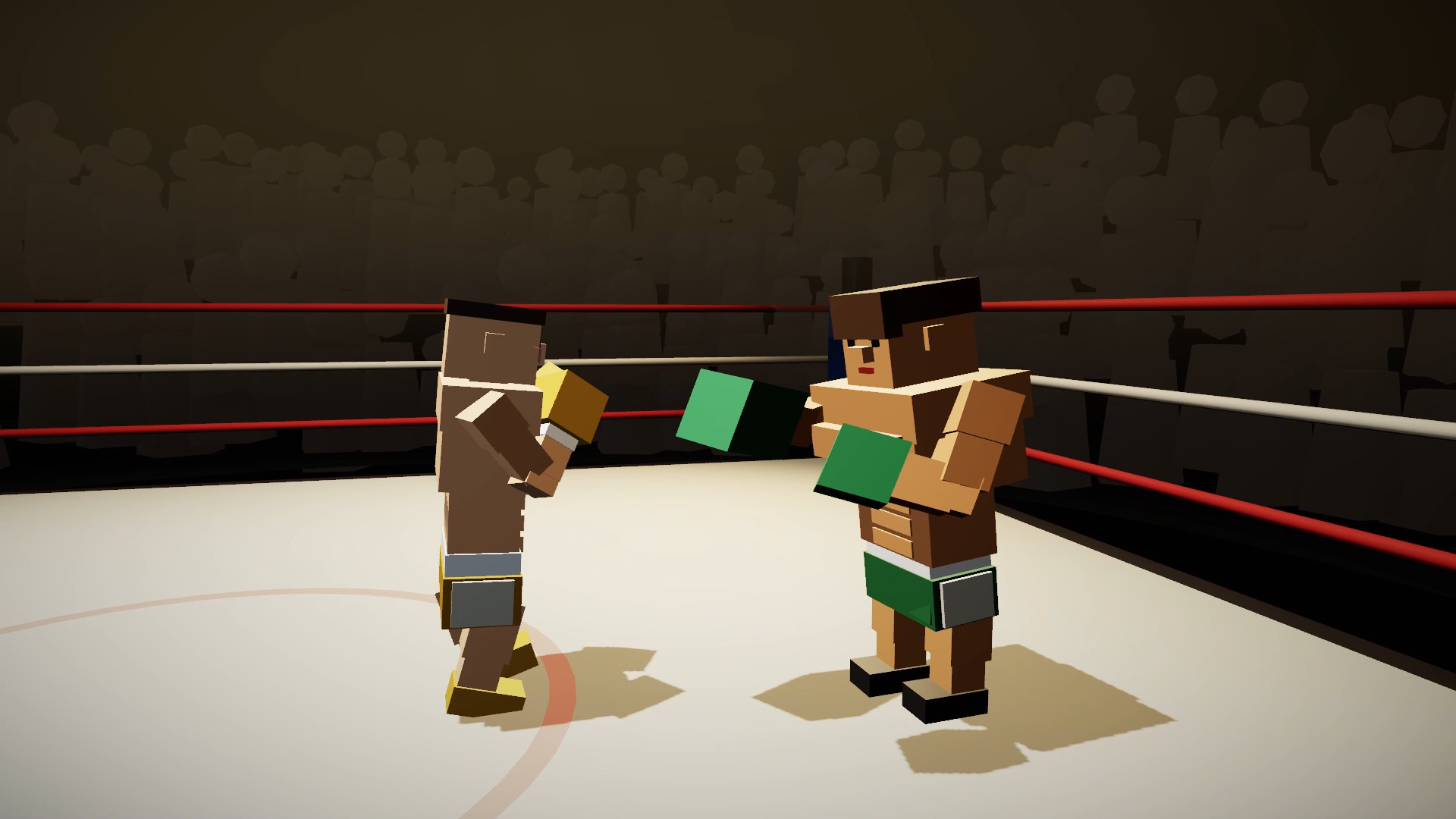
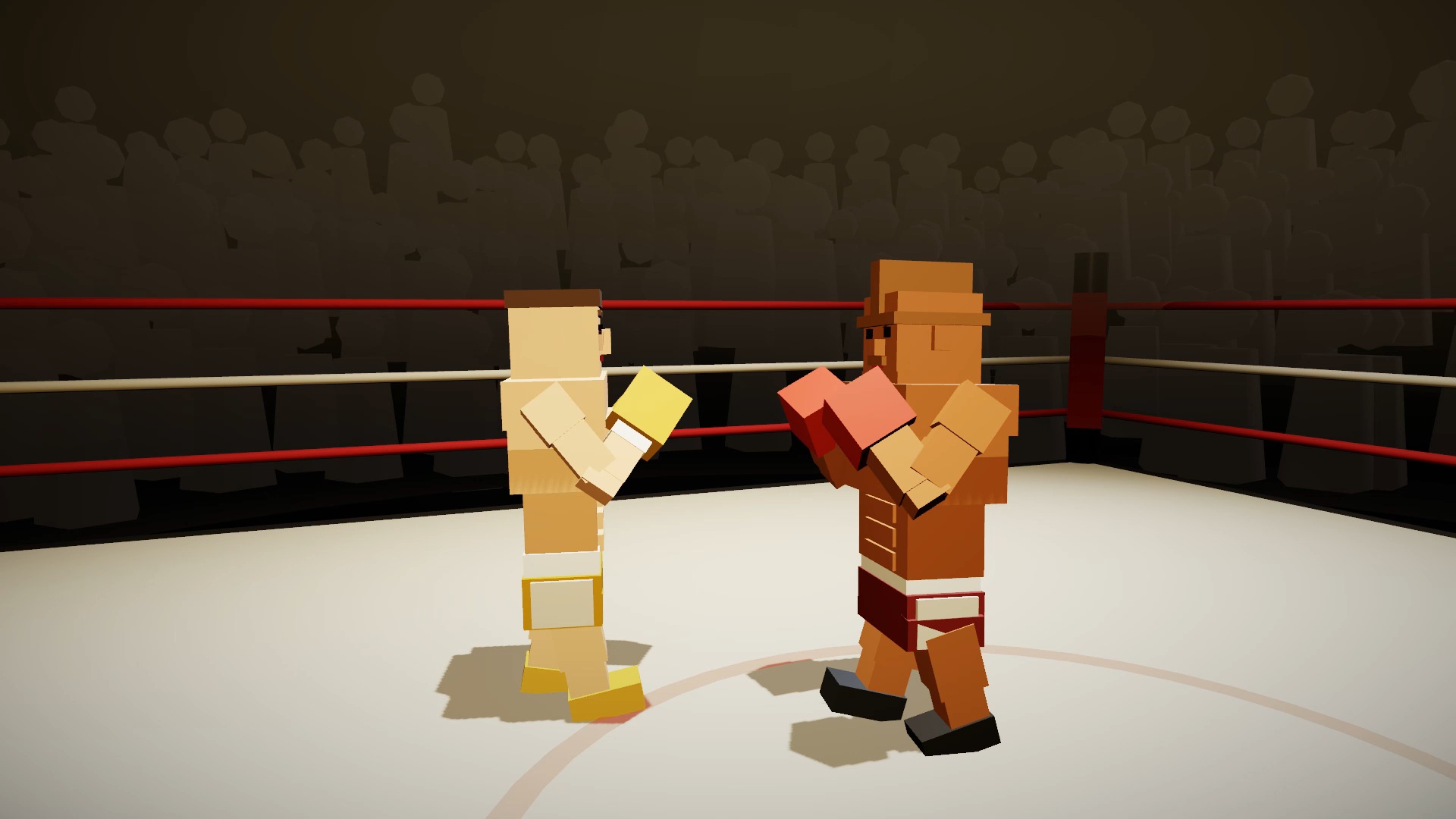
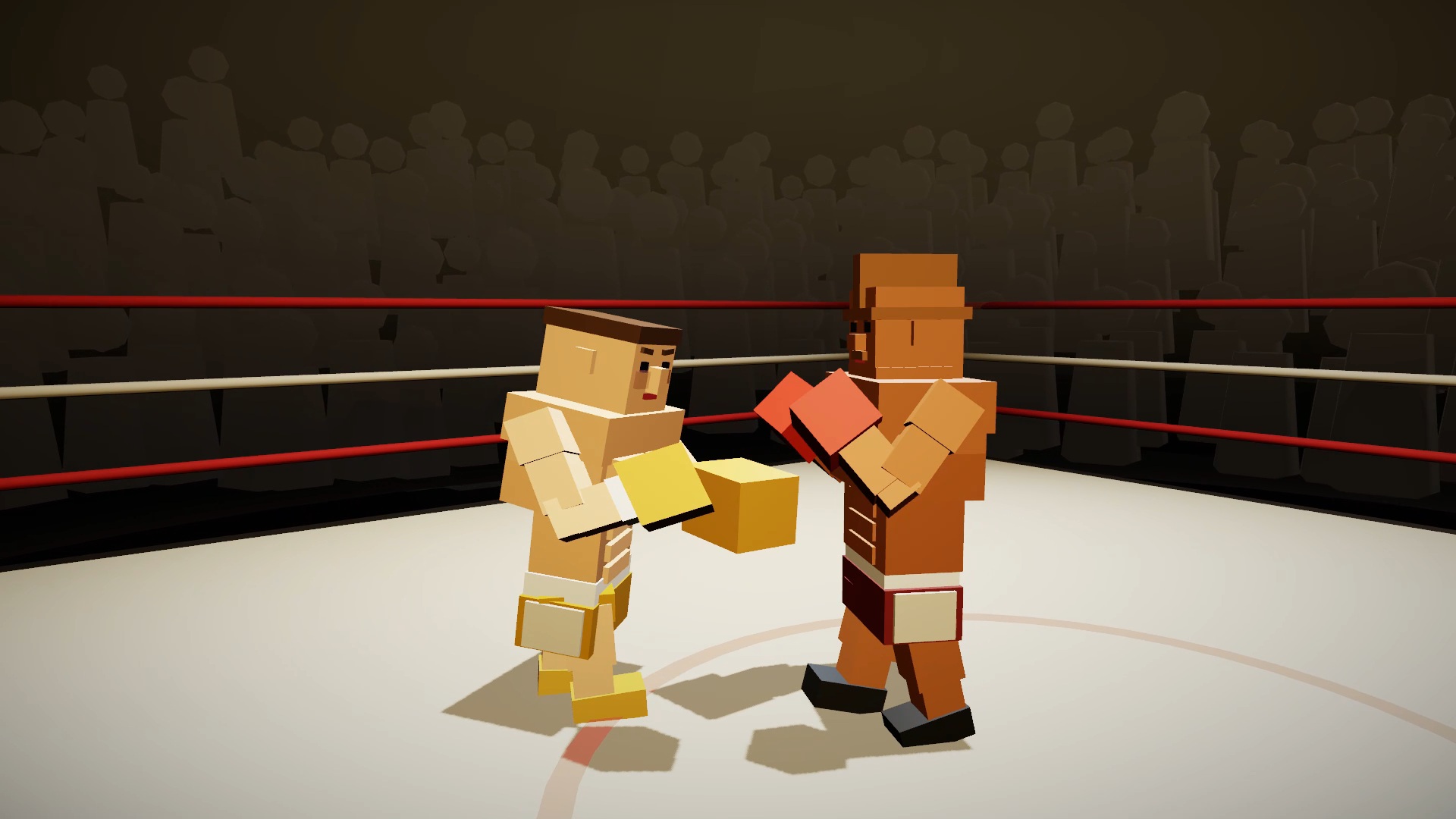
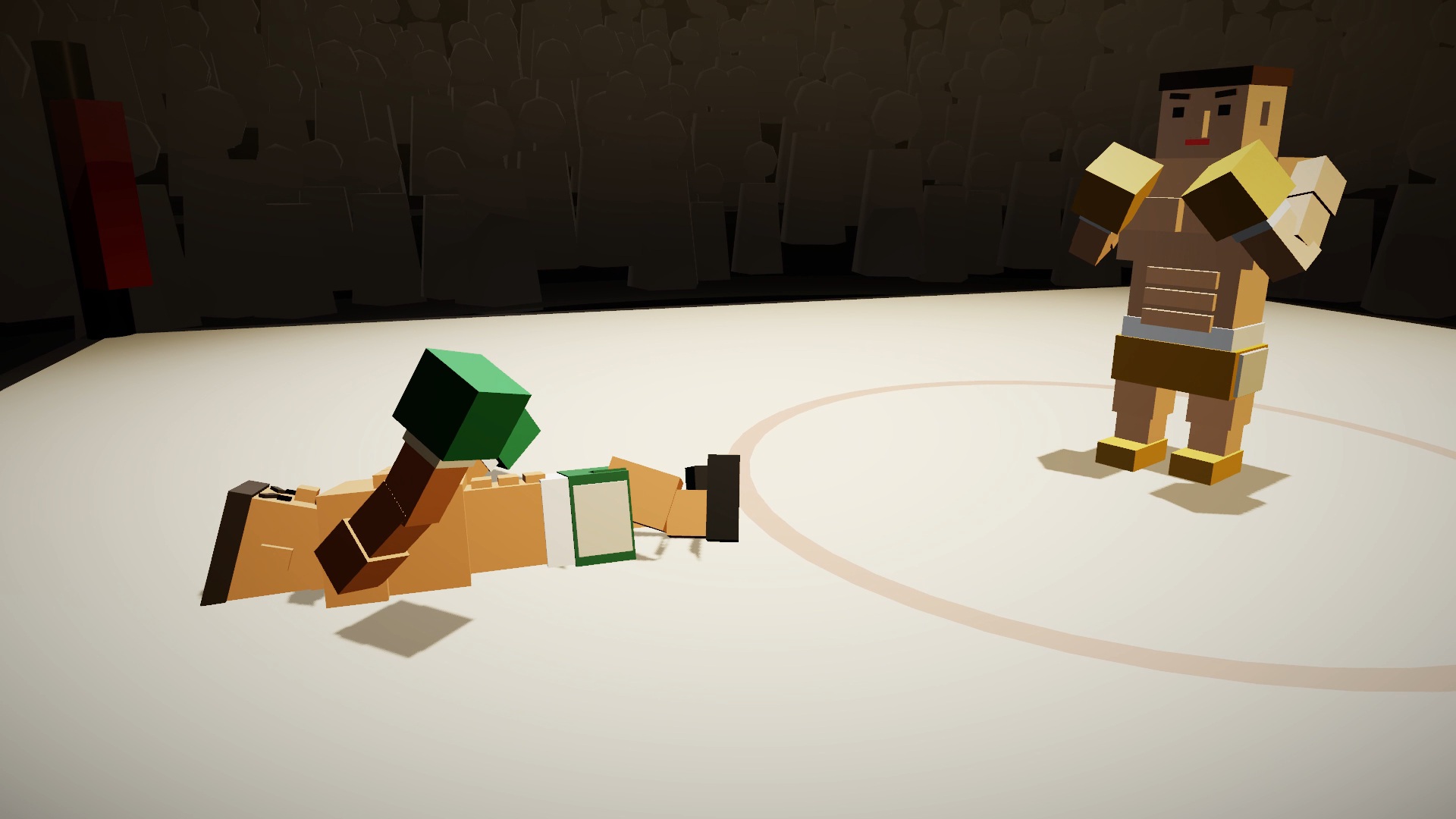
Step into the ring and begin your journey to the championship title in PunchBox 3D, a fast—paced arcade boxing game. Fight your rivals, win intense duels and unlock new challenges on your way to becoming a world champion. Between fights, improve your fighter's stats, increase strength, speed, stamina, and defense to deal with stronger opponents. Use the earned rewards to develop your character and change his appearance. Spectacular boxing matches, simple and intuitive controls, career mode, training and gradual progress to the top of the ranking are waiting for you. Prove that you are worthy to become a legend of the ring and a champion belt holder.

Videos and screenshots
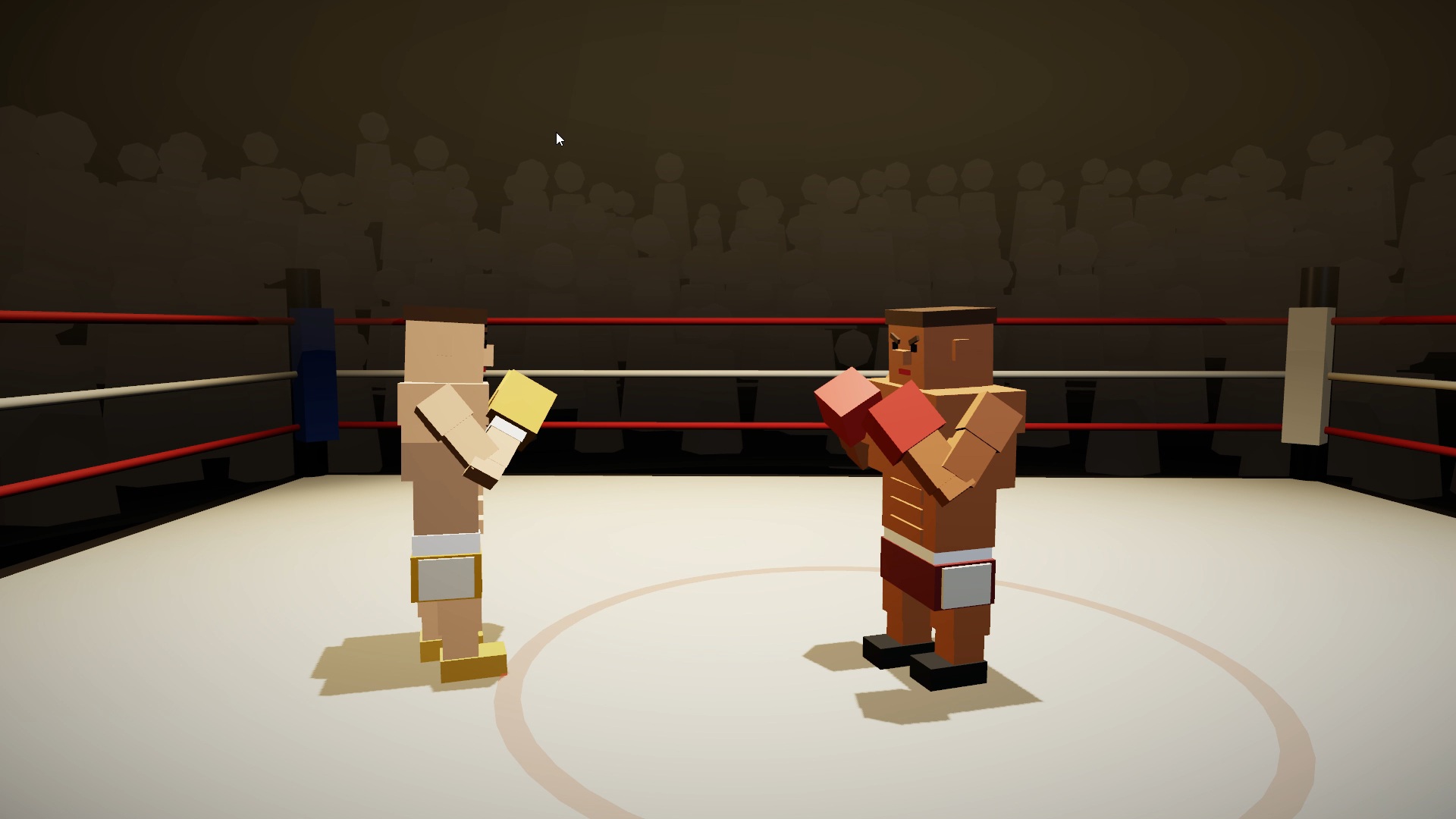
  • PunchBox 3D screenshot 1
  • PunchBox 3D screenshot 2
  • PunchBox 3D screenshot 3
  • PunchBox 3D screenshot 4
  • PunchBox 3D screenshot 5
  • PunchBox 3D screenshot 6
  • PunchBox 3D screenshot 7
  • PunchBox 3D screenshot 8
  • PunchBox 3D screenshot 9
  • PunchBox 3D screenshot 10
Play Now

13,499 players online

How to play

  1. Open the game

    Press Play now and the game opens on its own screen.

  2. Follow the in-game instructions

    The controls and goals are shown inside the game as you play.

  3. Use the game menu

    The floating button over the game reloads it, saves it to your favourites, or takes you back out.

Game instructions

Keyboard: • WASD or arrow keys — move around the ring (forward, backward, left, right) • J is a left blow to the head, K is a right one. Hold J or K — Uppercut • U — uppercut with any hand • N / M — left /right punch to the body • Space bar (hold) — block • Shift + A — tilt to the left, Shift + D — tilt to the right, Shift + S — dive • Esc pause Mouse: • LKM — left kick, PKM — right kick • A click above the opponent's belt — in the head, below — on the body • Wheel click — uppercut Touch control (phone/tablet): • Joystick on the left — movement • Tap in the ring — a blow: higher — in the head, lower — on the body • Swipe up the ring — uppercut • Buttons on the right: BLOCK and SLOPE (the tilt of the joystick sets the slope side) In knockdown: quickly press the space bar /J/K or tap on the screen frequently to reach the count of "10". In training: press the space bar, and on the bag — alternately J and K.

More games

More games