Overview
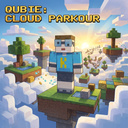
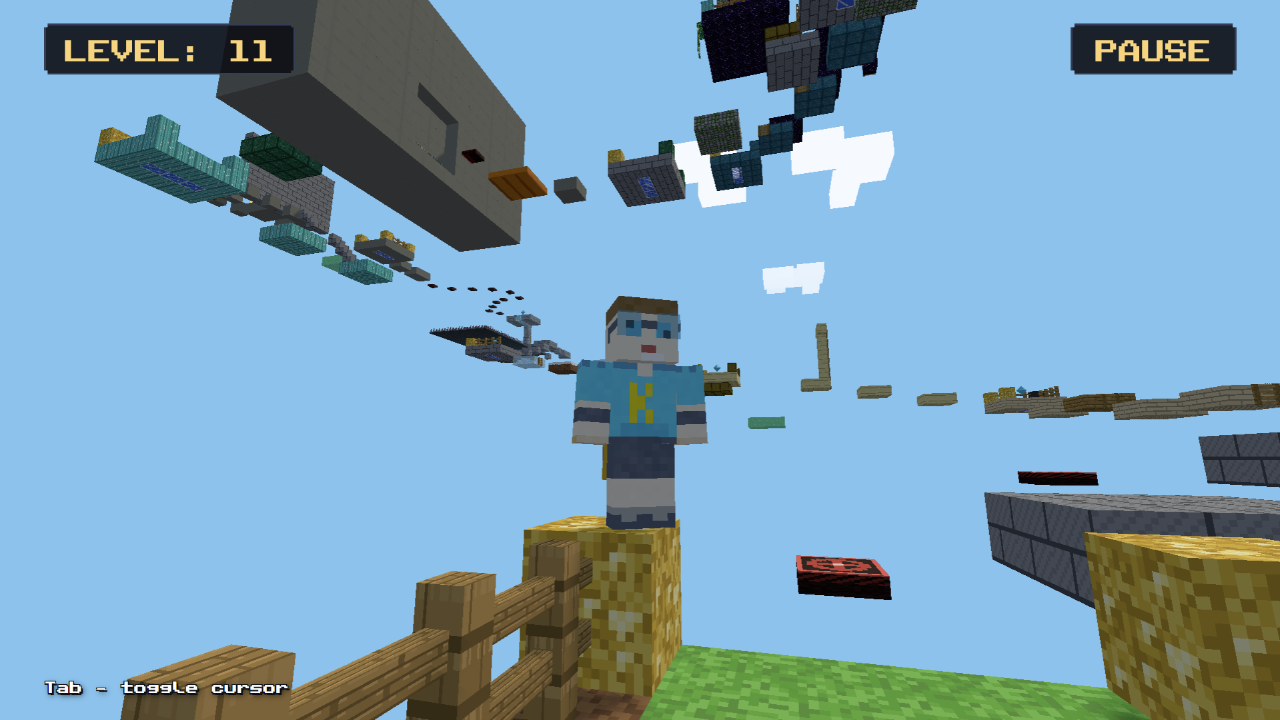
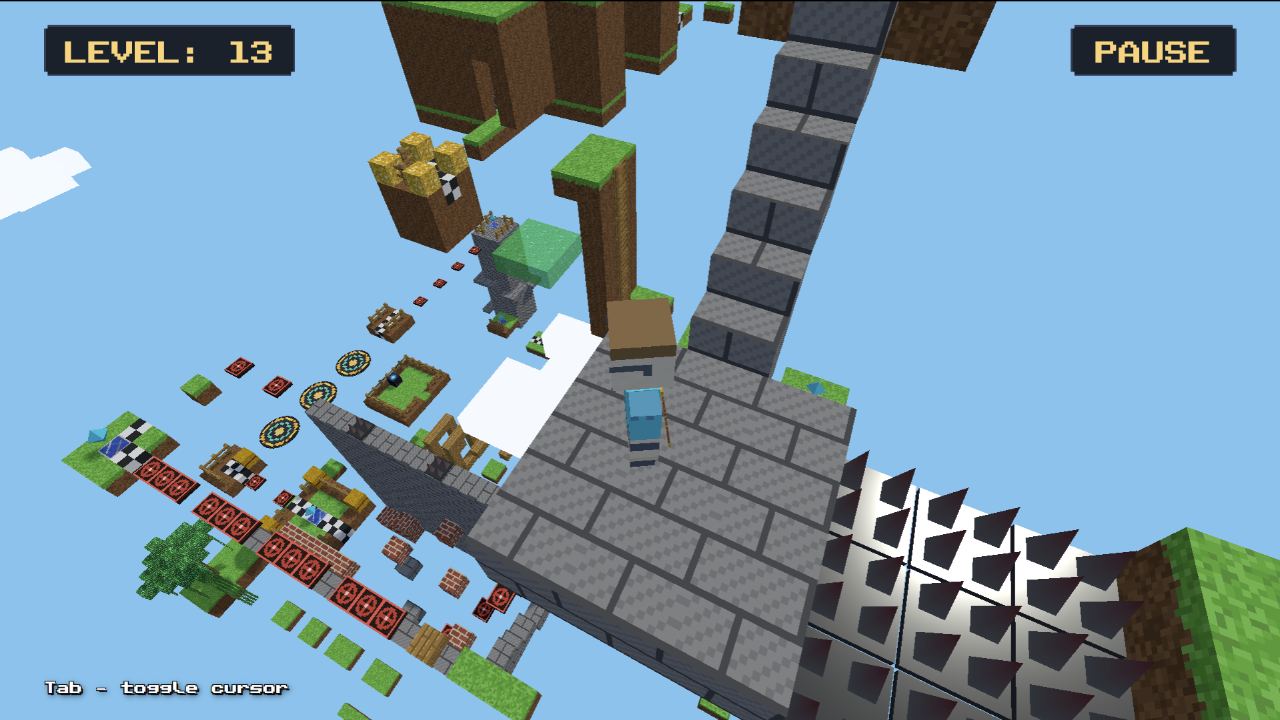
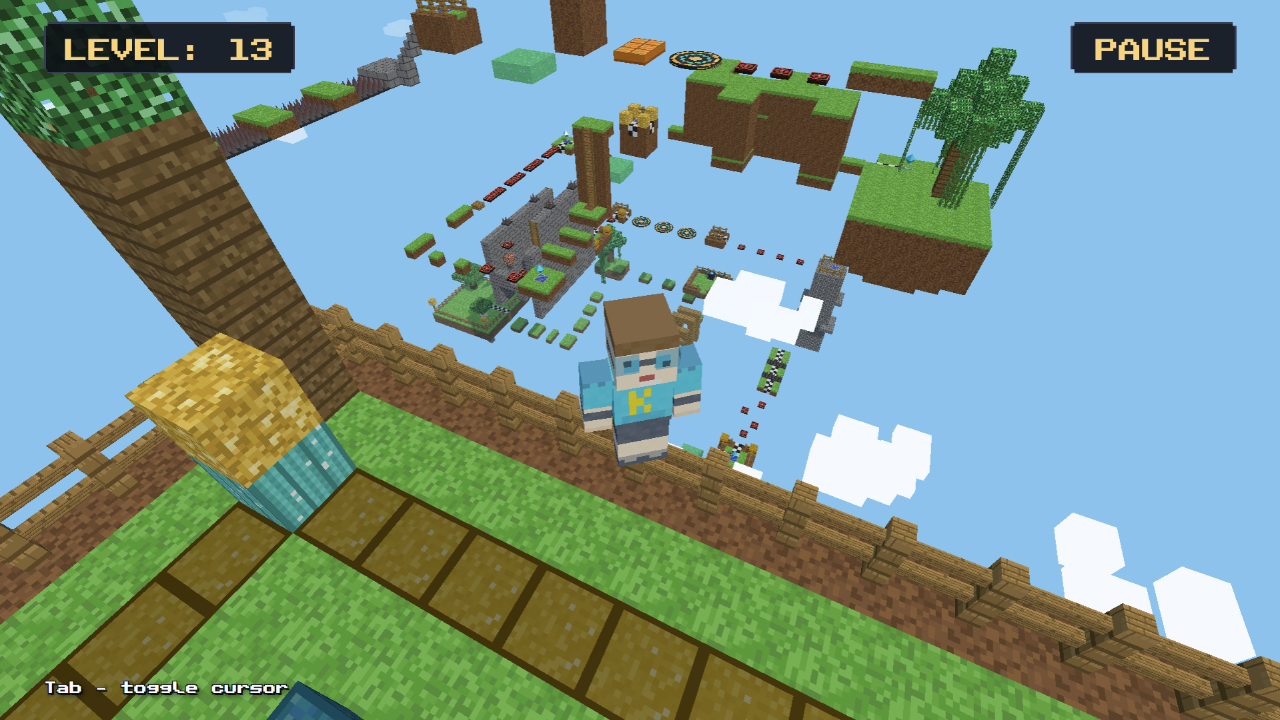
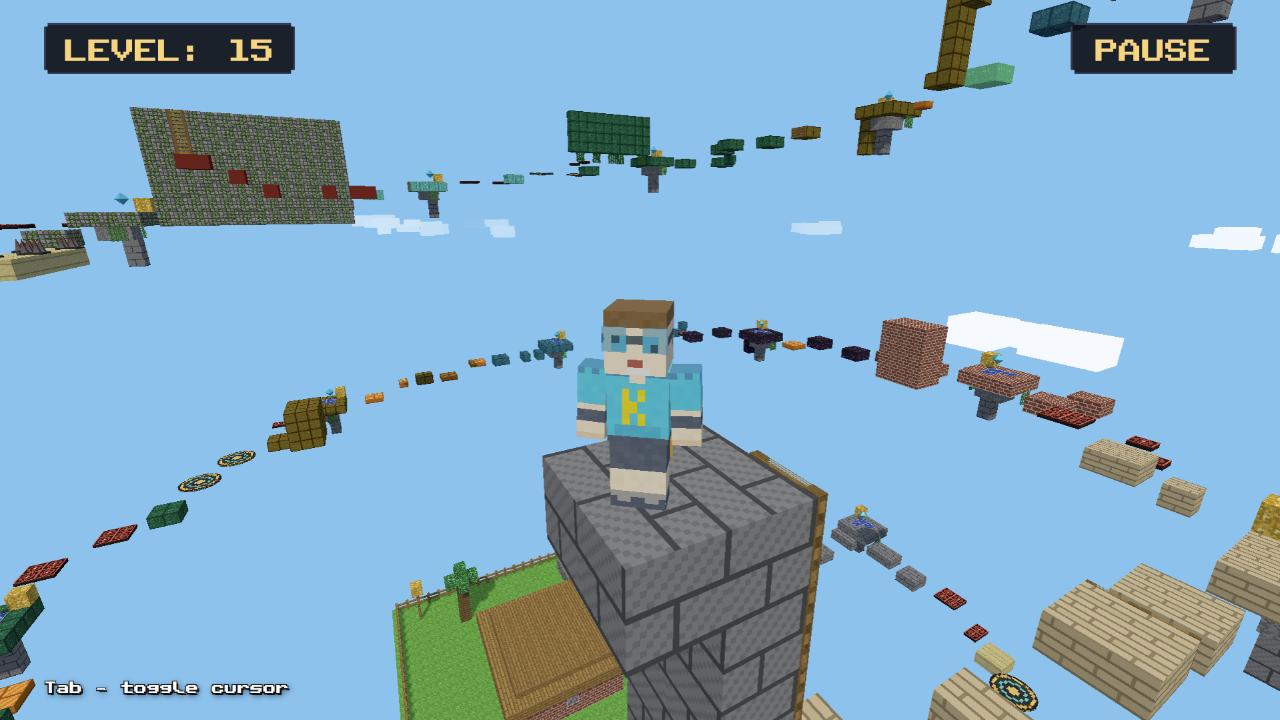
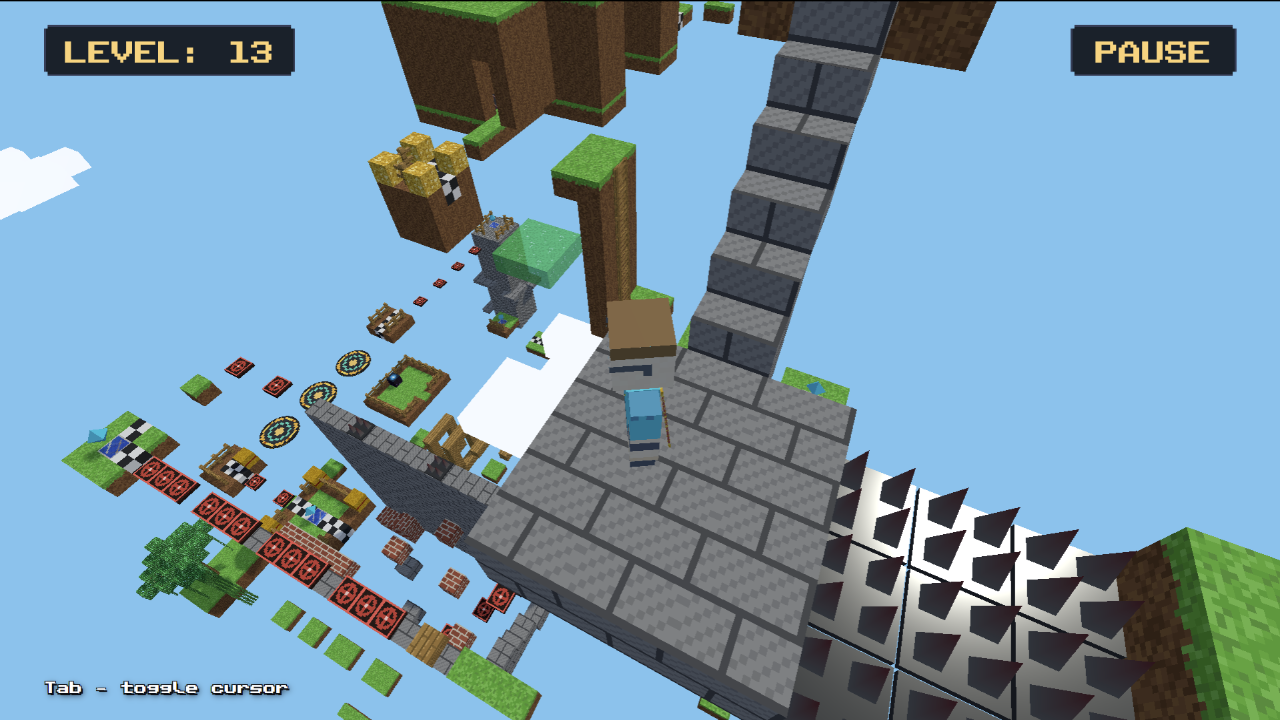
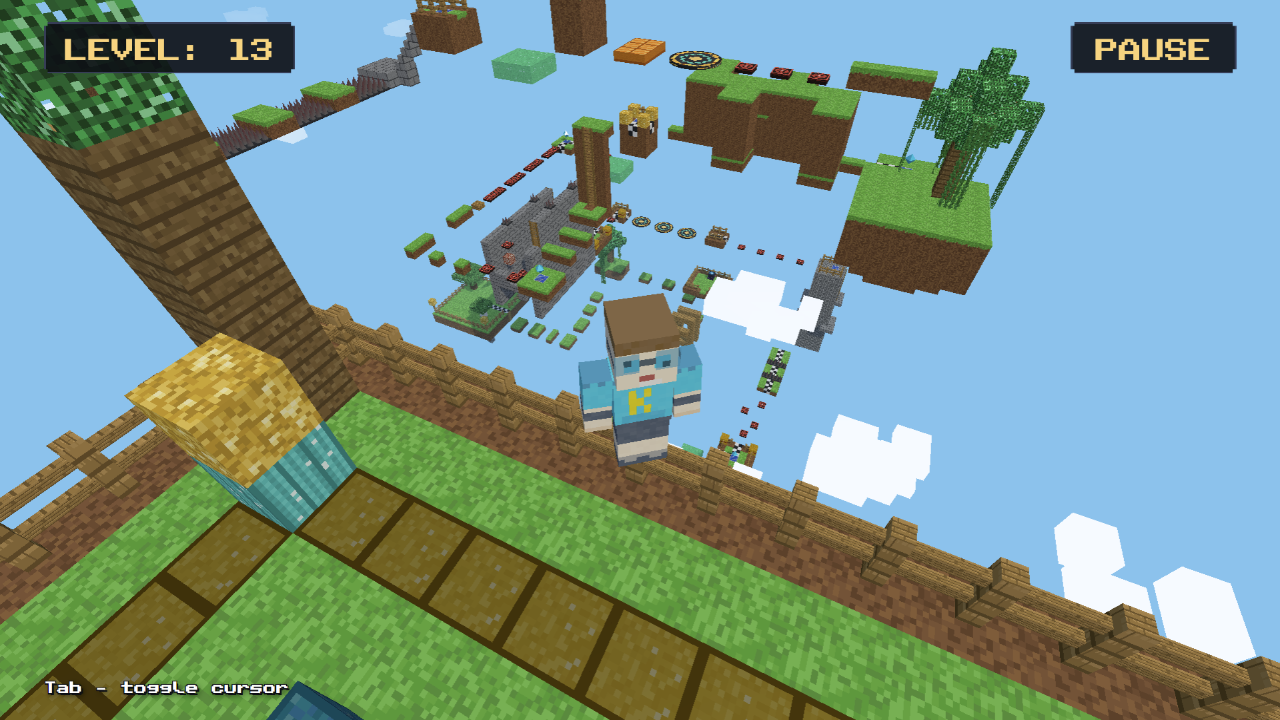
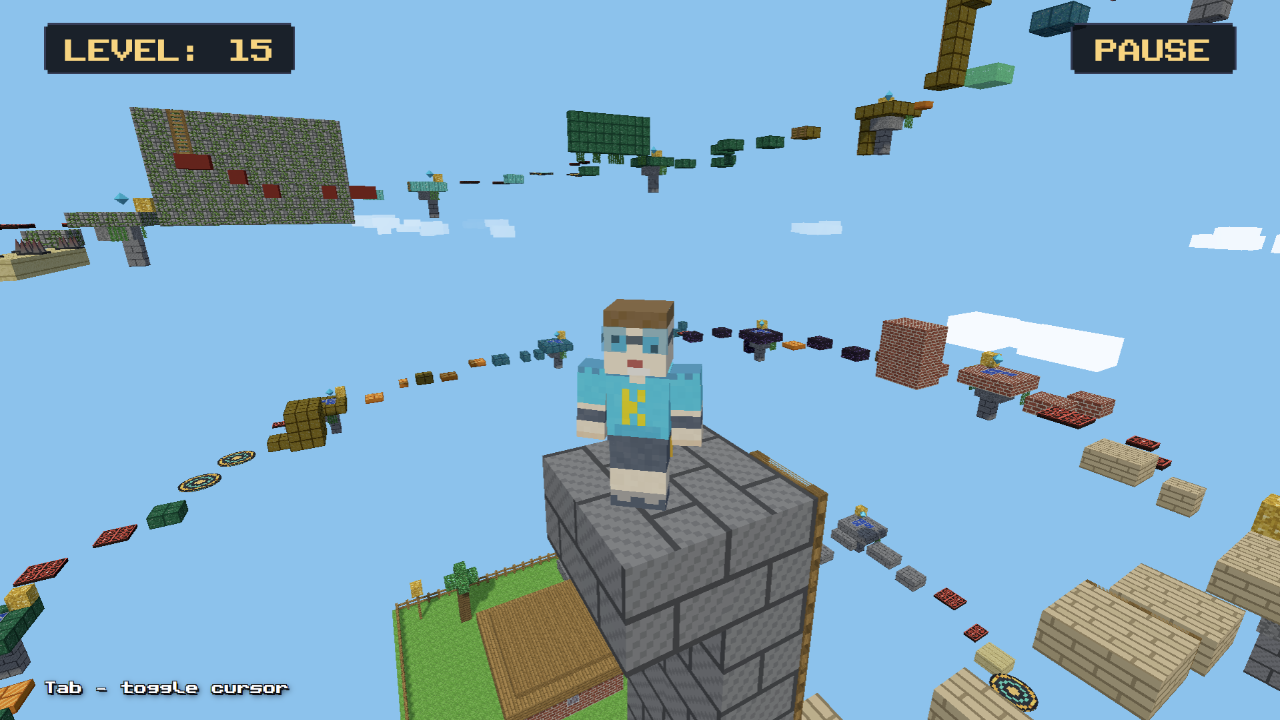
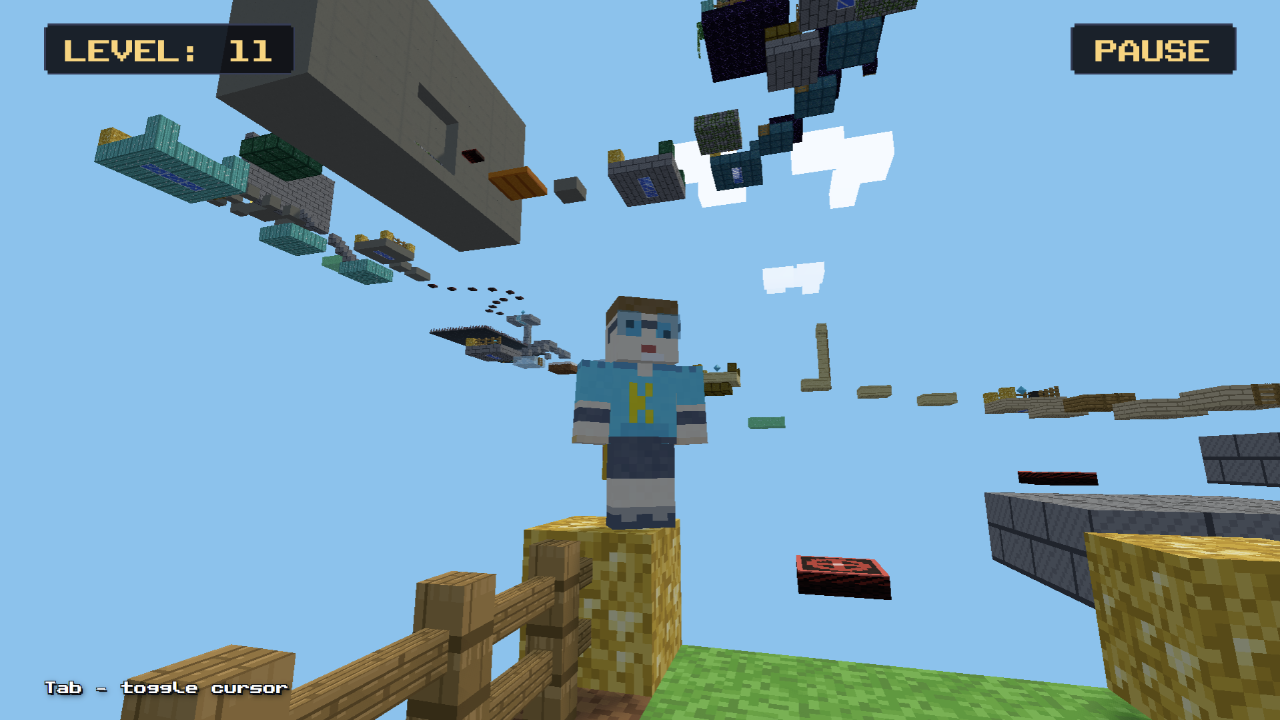
Welcome to an exciting 3D voxel parkour platformer!
Embark on a thrilling adventure across floating sky islands. Test your agility and reflexes across 15 unique levels with increasing difficulty!
Game features:
• 15 varied levels: cloud jumps, vertical climbs, and challenging obstacle courses.
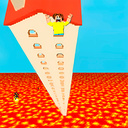
• Dangerous hazards: giant swinging spike hammers, moving presses, disappearing tiles, and burning lava!
• Unique mechanics: jump pads and slime blocks, speed boosters, paired teleporters, and climbable vines.
• Checkpoints: save your progress on island checkpoints.
• 1st & 3rd person view: switch camera perspectives anytime!
• Cloud saves: your level progress is automatically saved.
Can you conquer all sky trials and reach the final portal? Start your climb now!
Videos and screenshots
11,029 players online
How to play
-
Open the game
Press Play now and the game opens on its own screen.
-
Follow the in-game instructions
The controls and goals are shown inside the game as you play.
-
Use the game menu
The floating button over the game reloads it, saves it to your favourites, or takes you back out.