Skip to content
KG
Queen of Style: Hand Design

Queen of Style: Hand Design

472K plays 4.3 out of 5

Overview

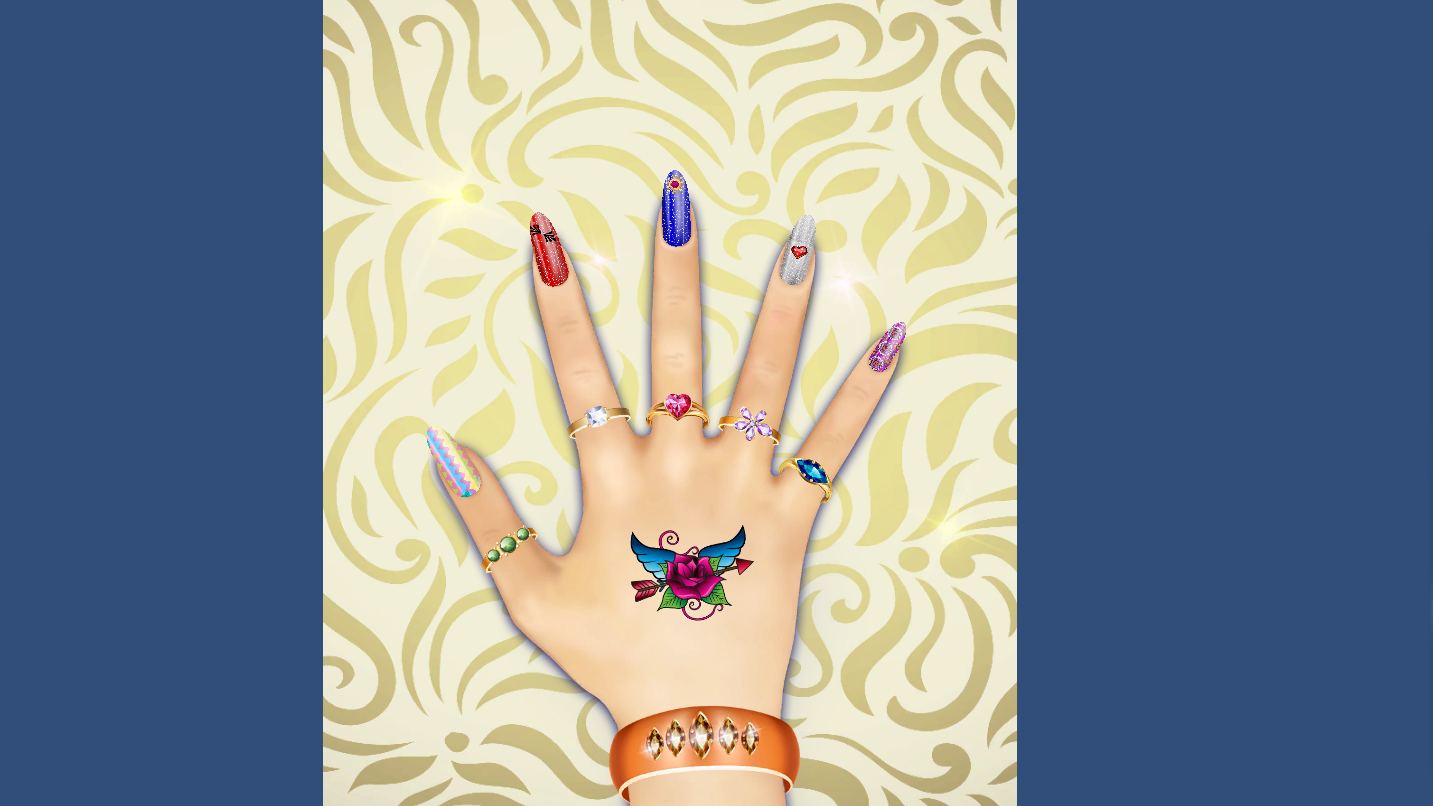
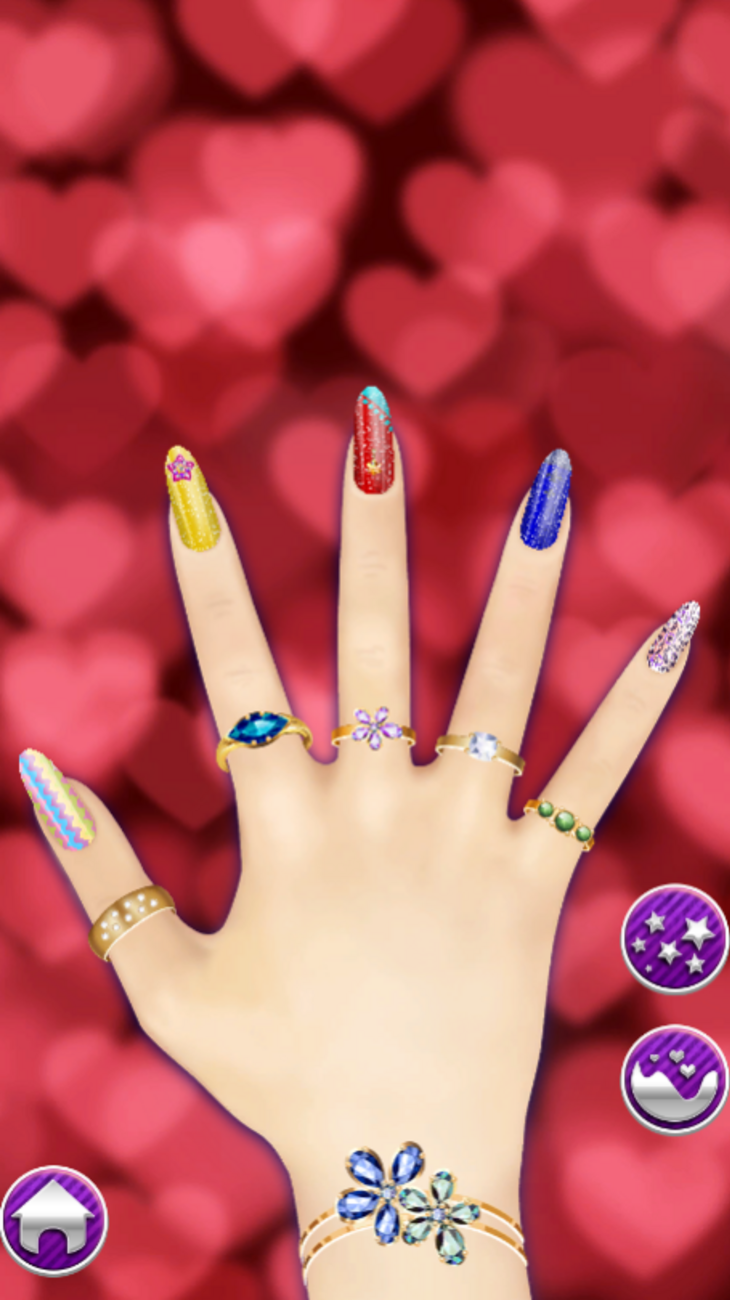
A huge arsenal of beauty tools awaits you in the game. You can coat your nails with different finishes, use stickers and other decorative elements to make each nail a little work of art. The process is completely flexible — you decide what to apply and where. Complete your look with bracelets and skin stickers. Create your own style!

Videos and screenshots
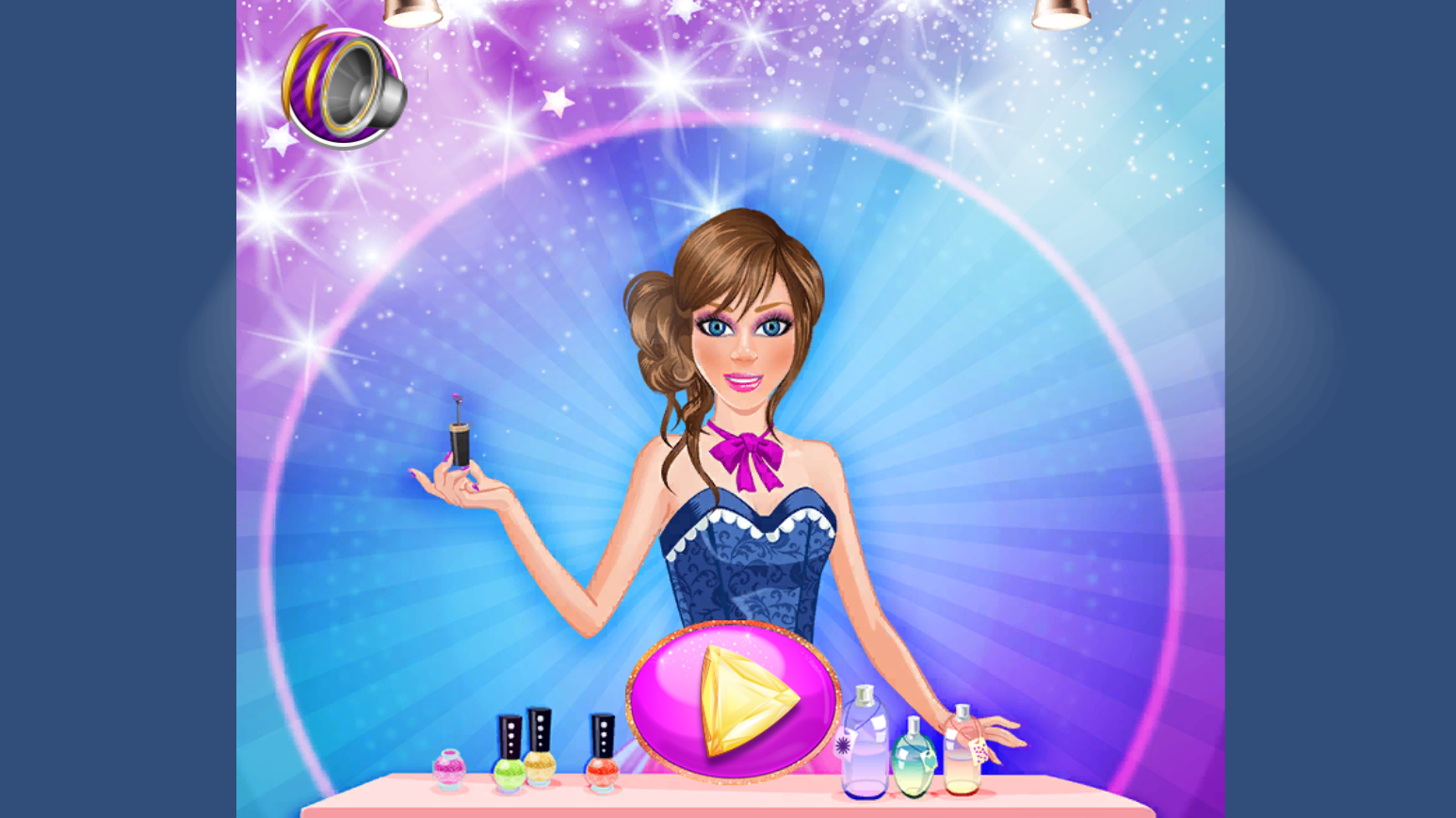
  • Queen of Style: Hand Design screenshot 1
  • Queen of Style: Hand Design screenshot 2
  • Queen of Style: Hand Design screenshot 3
  • Queen of Style: Hand Design screenshot 4
  • Queen of Style: Hand Design screenshot 5
  • Queen of Style: Hand Design screenshot 6
Play Now

12,098 players online

How to play

  1. Open the game

    Press Play now and the game opens on its own screen.

  2. Follow the in-game instructions

    The controls and goals are shown inside the game as you play.

  3. Use the game menu

    The floating button over the game reloads it, saves it to your favourites, or takes you back out.

Game instructions

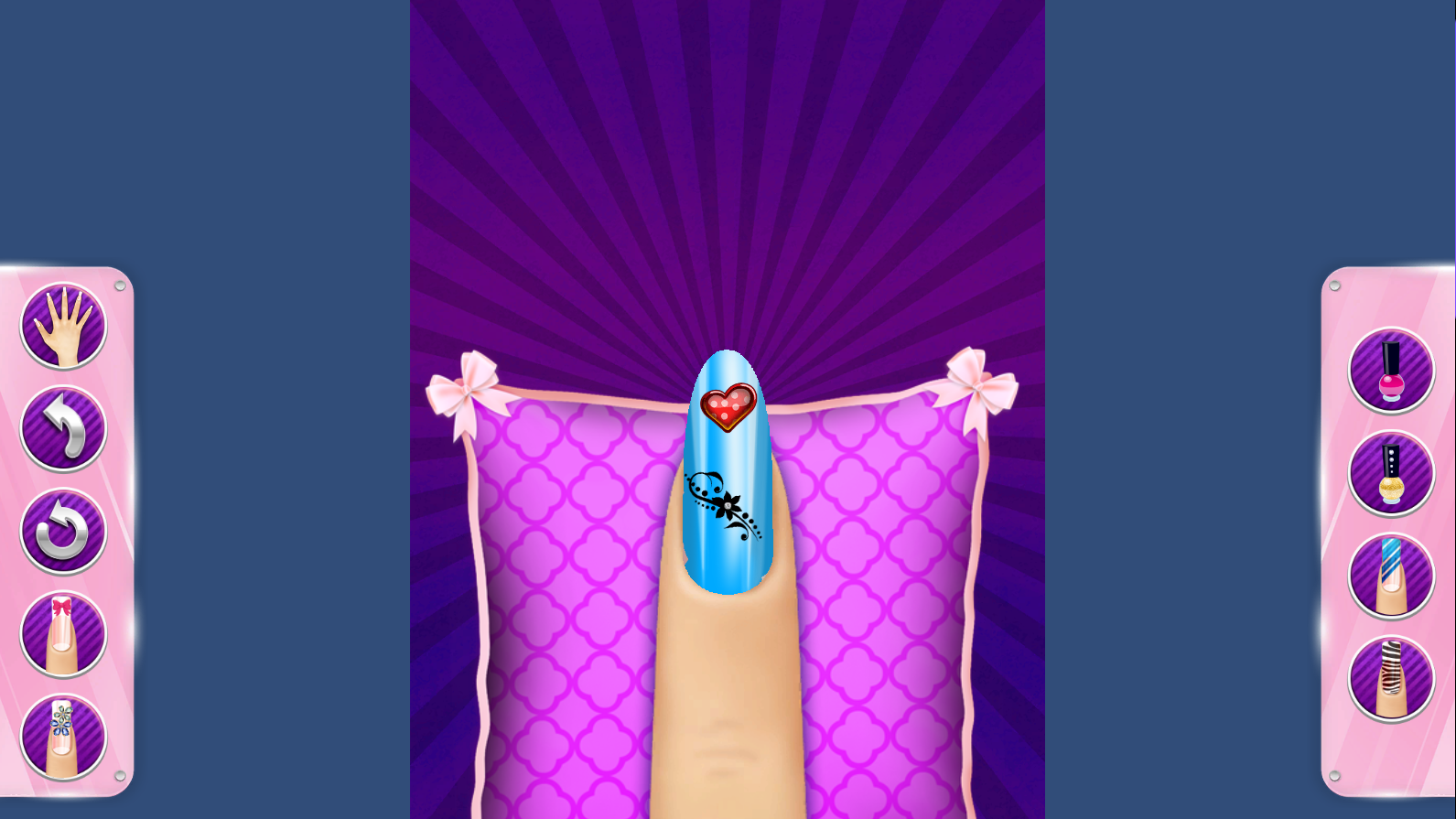
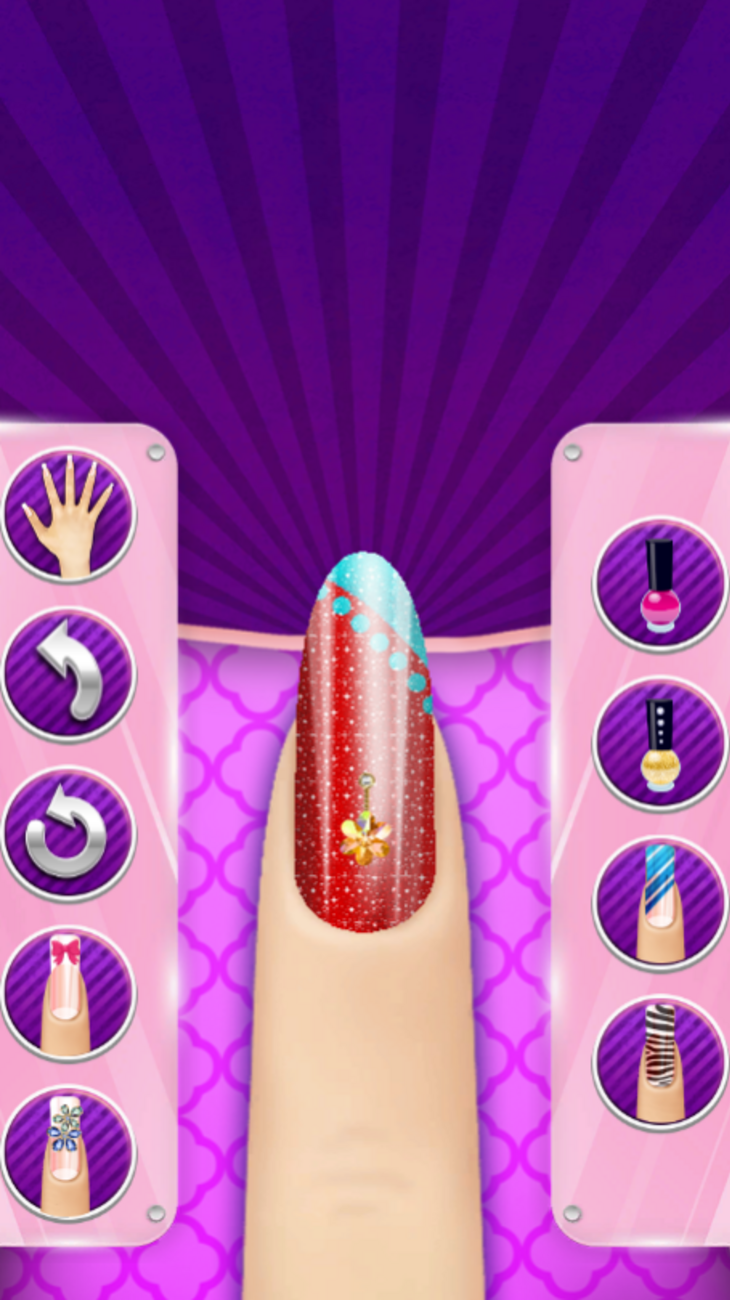
To paint a nail, just click on it — a separate window will open where you can apply polish or stickers. When you're done, go back. If you want to repeat a design on other nails, tap the icon with two nails. Arrows will appear above the nails. First select the nail you want to copy the design from, then mark the nails you want to apply it to. For rings: select a ring and it starts flashing on all fingers. Click on the finger where you want to leave it — the ring will stay there only. For skin stickers, there are three buttons: trash can — delete, circular arrows — resize, check mark — save. They appear when a sticker is selected, but not yet applied. The rest is simple: choose polish, bracelets, tattoos and stickers, click on the scene and design your hand as you like.

More games

More games