Skip to content
KG
Random Slime Simulator

Random Slime Simulator

2K plays 4.7 out of 5

Overview

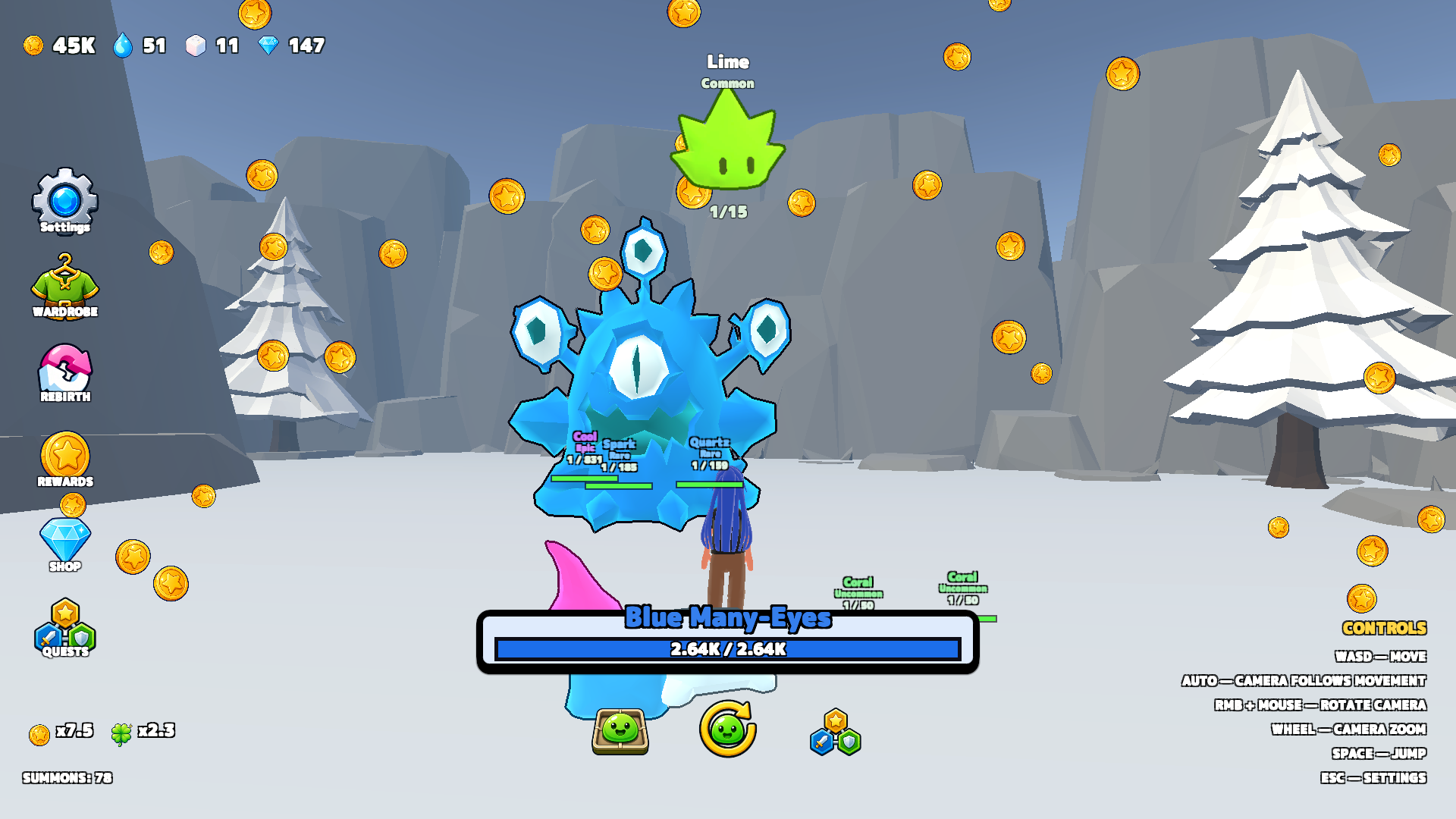
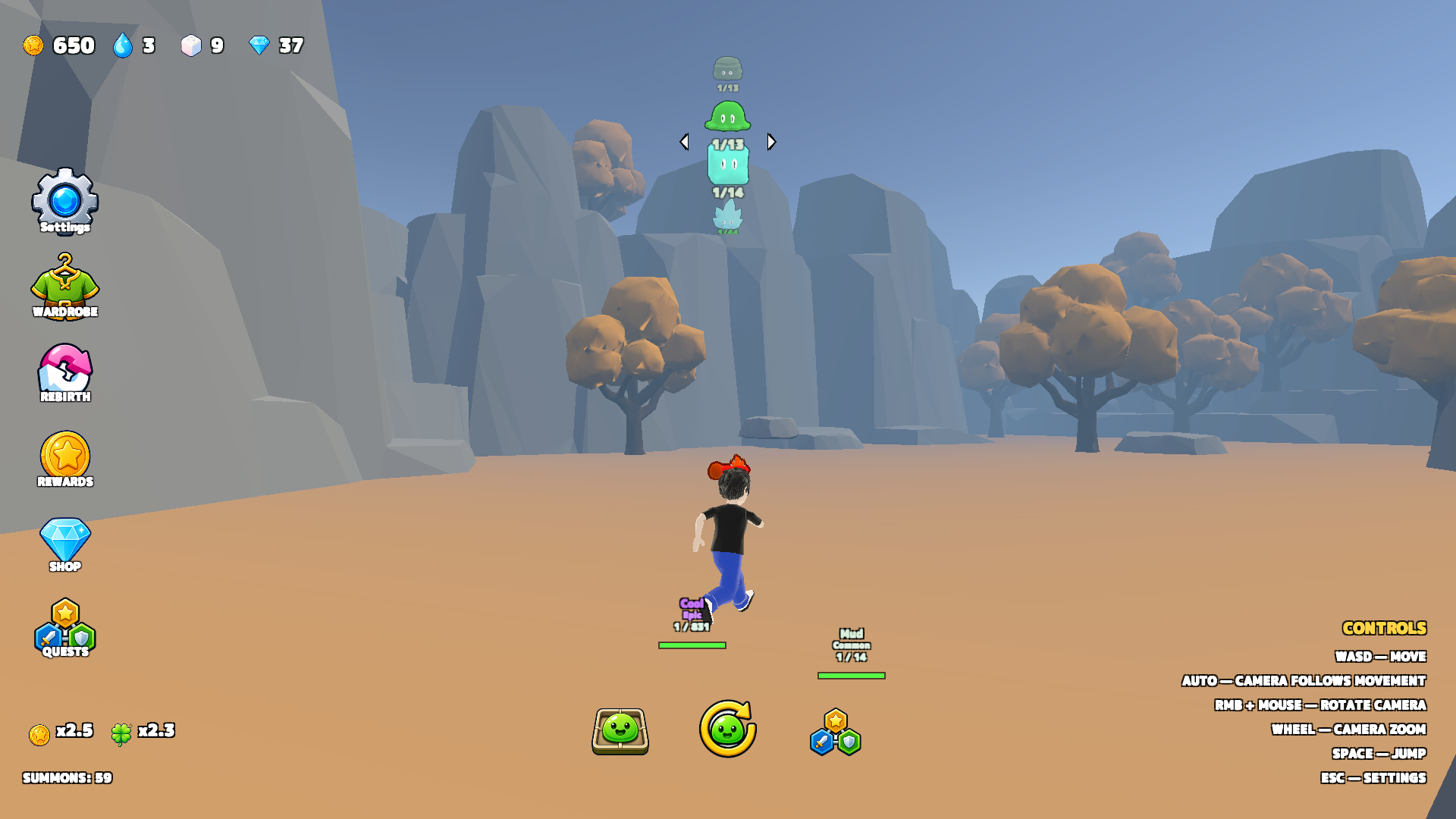
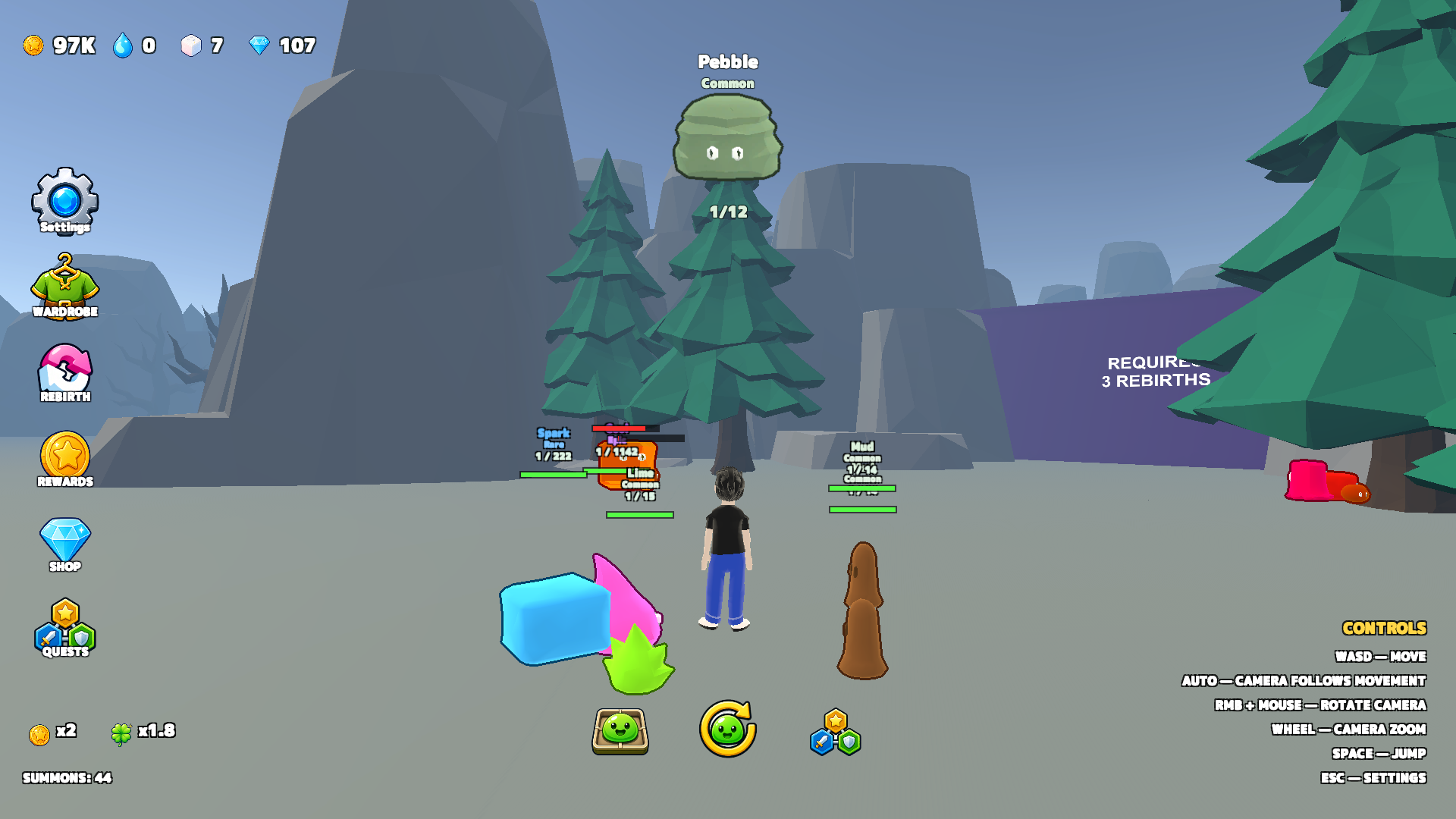
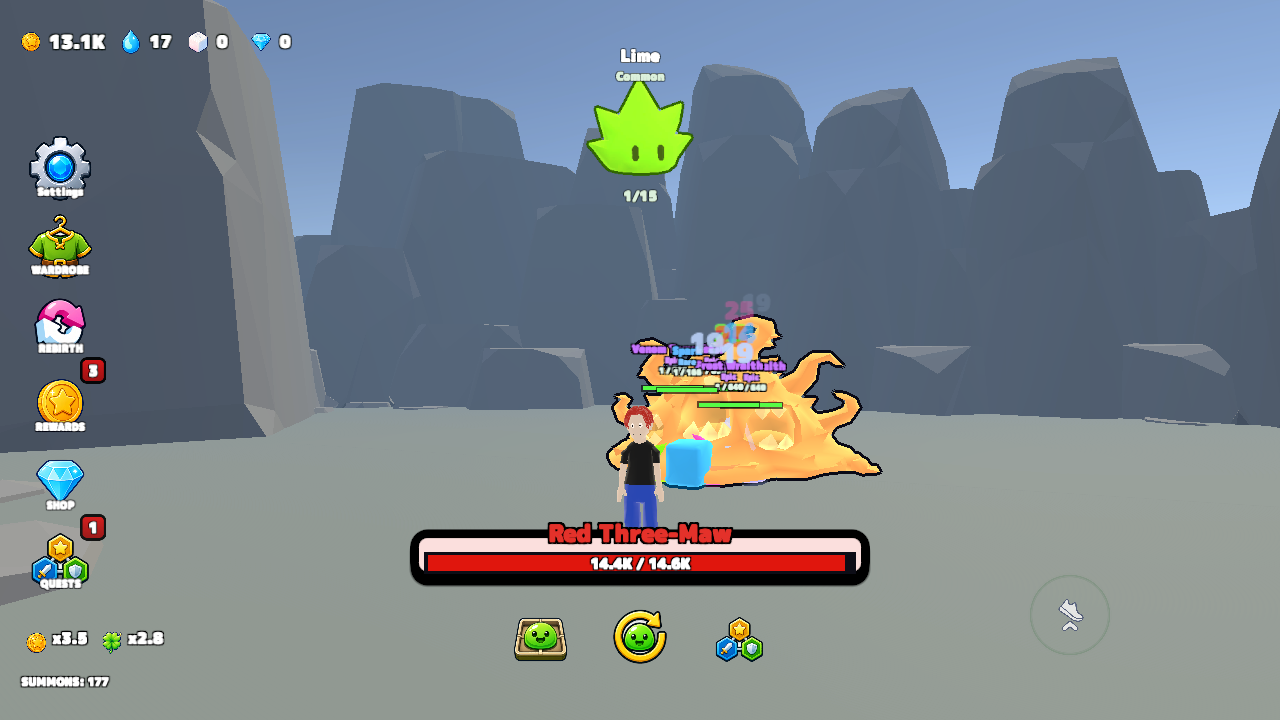
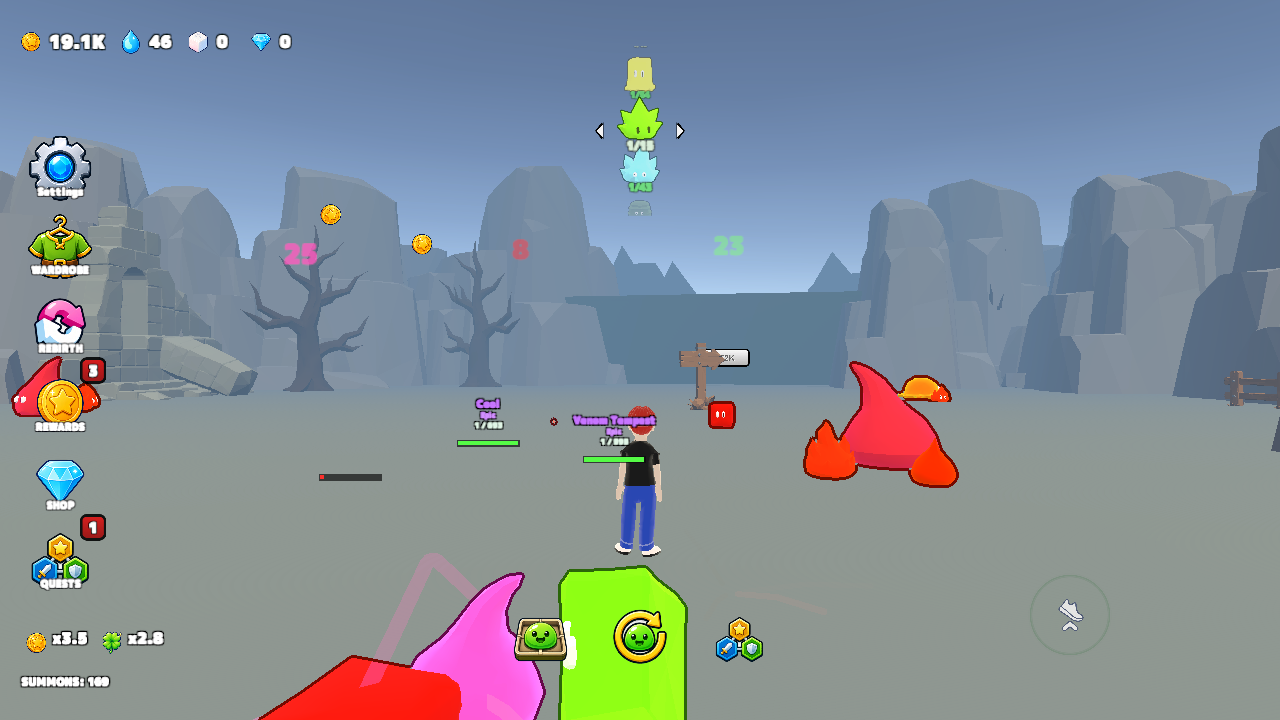
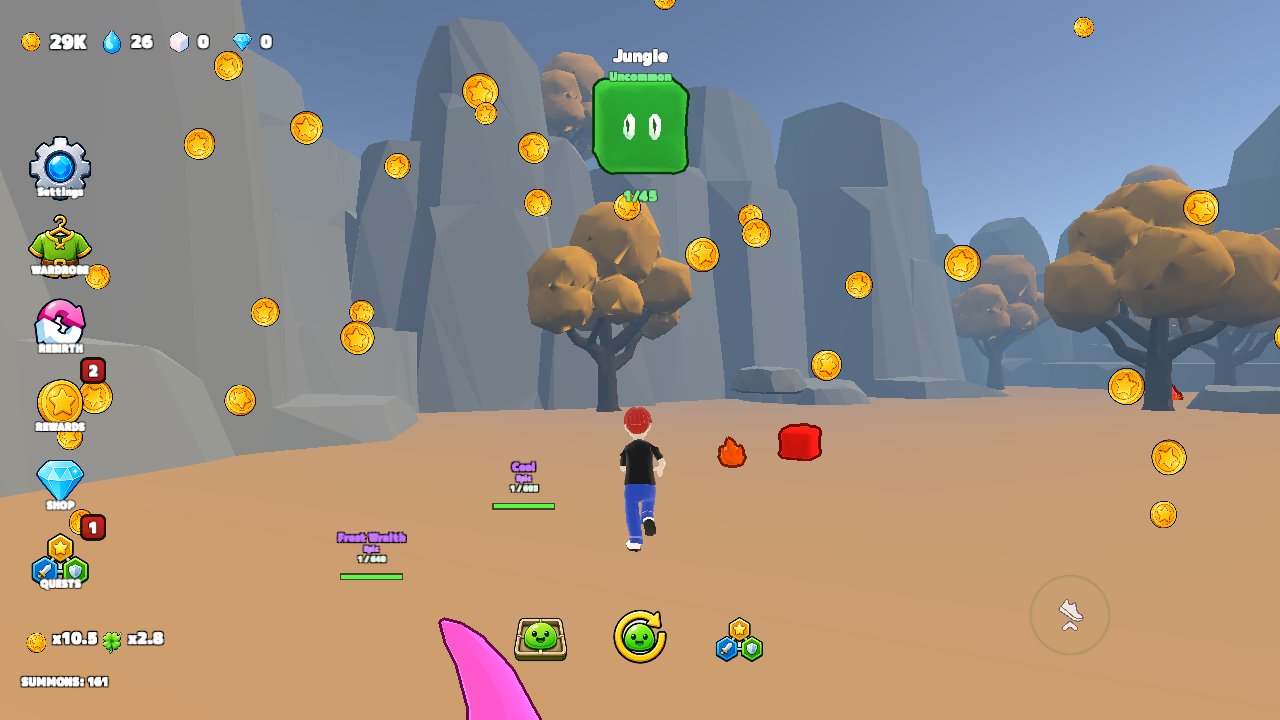
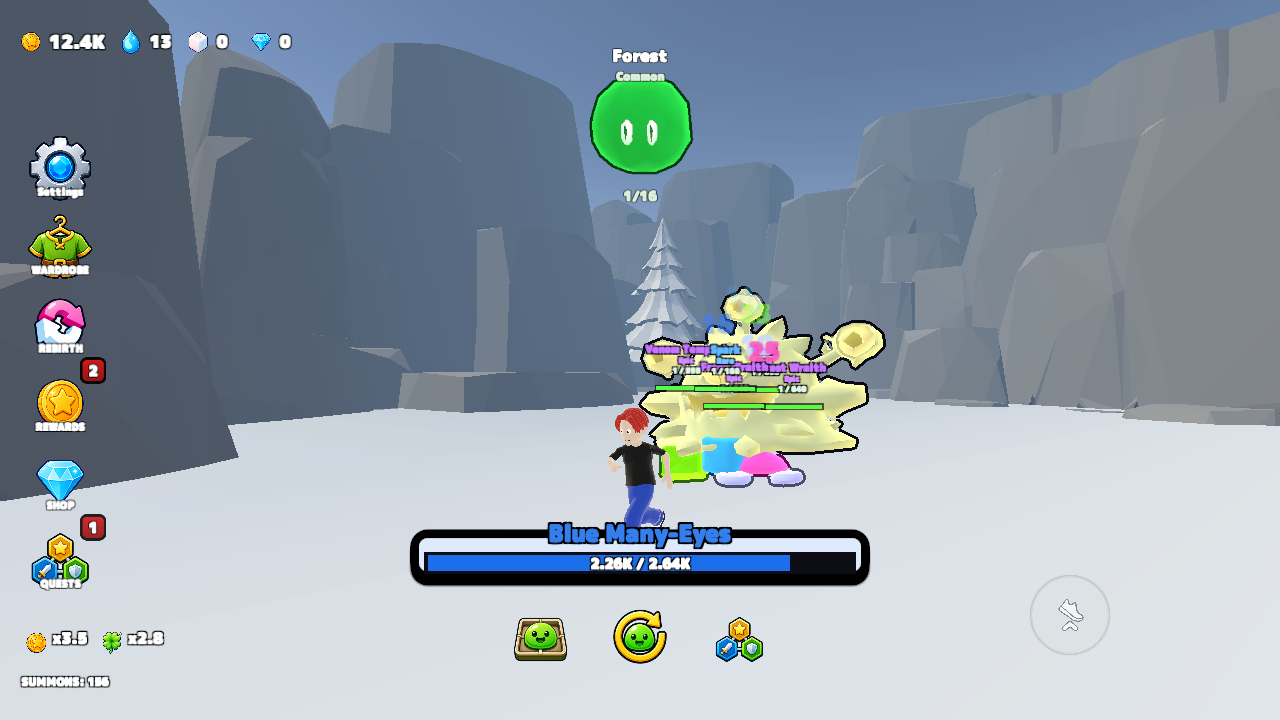
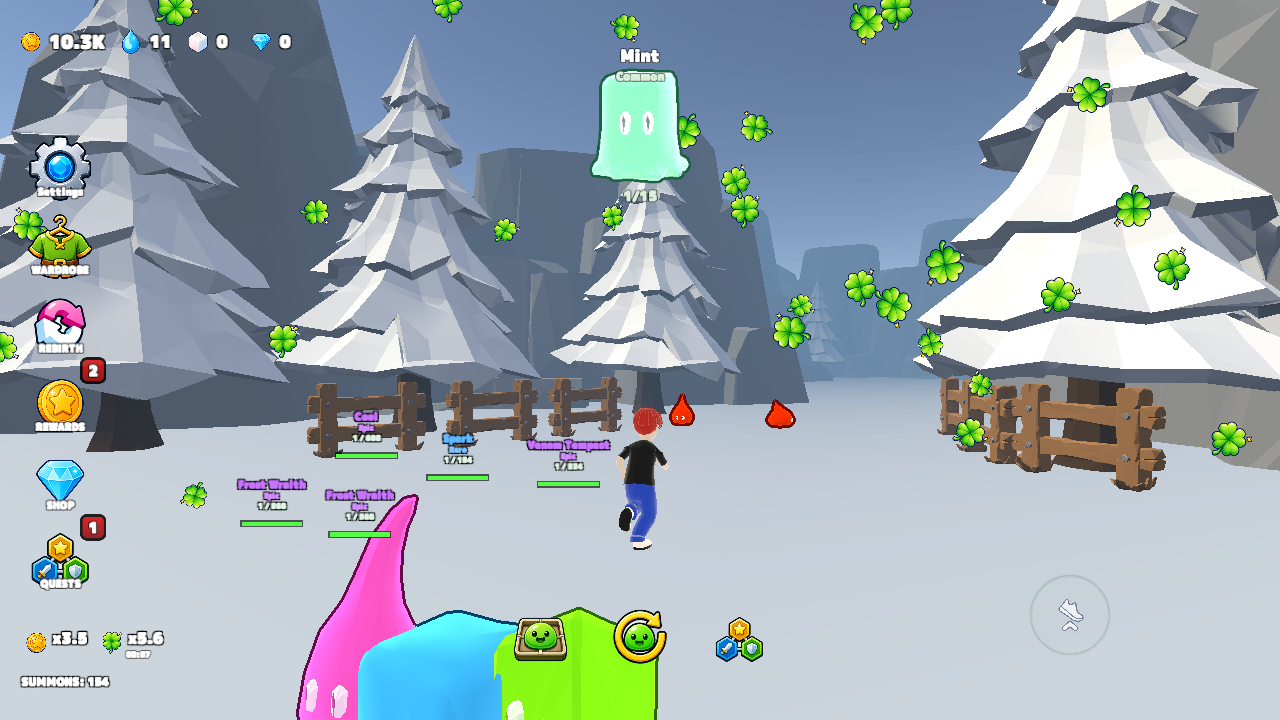
Random Slime Simulator is a slime-collecting adventure where every summon gives you a random slime, from common to mythic. Expand your collection, choose your strongest fighters, and build a squad that follows your hero and automatically attacks enemies. Defeat hostile slimes and bosses, unlock new rooms, and collect gold, essence, and sugar. Develop the upgrade tree, improve your luck, unlock higher rarities, and strengthen the whole squad. Feed sugar to your favorite slimes to level them up, complete daily quests, claim playtime rewards, and rebirth for permanent bonuses. Your goal is to assemble a powerful squad and advance as far as possible.

Videos and screenshots
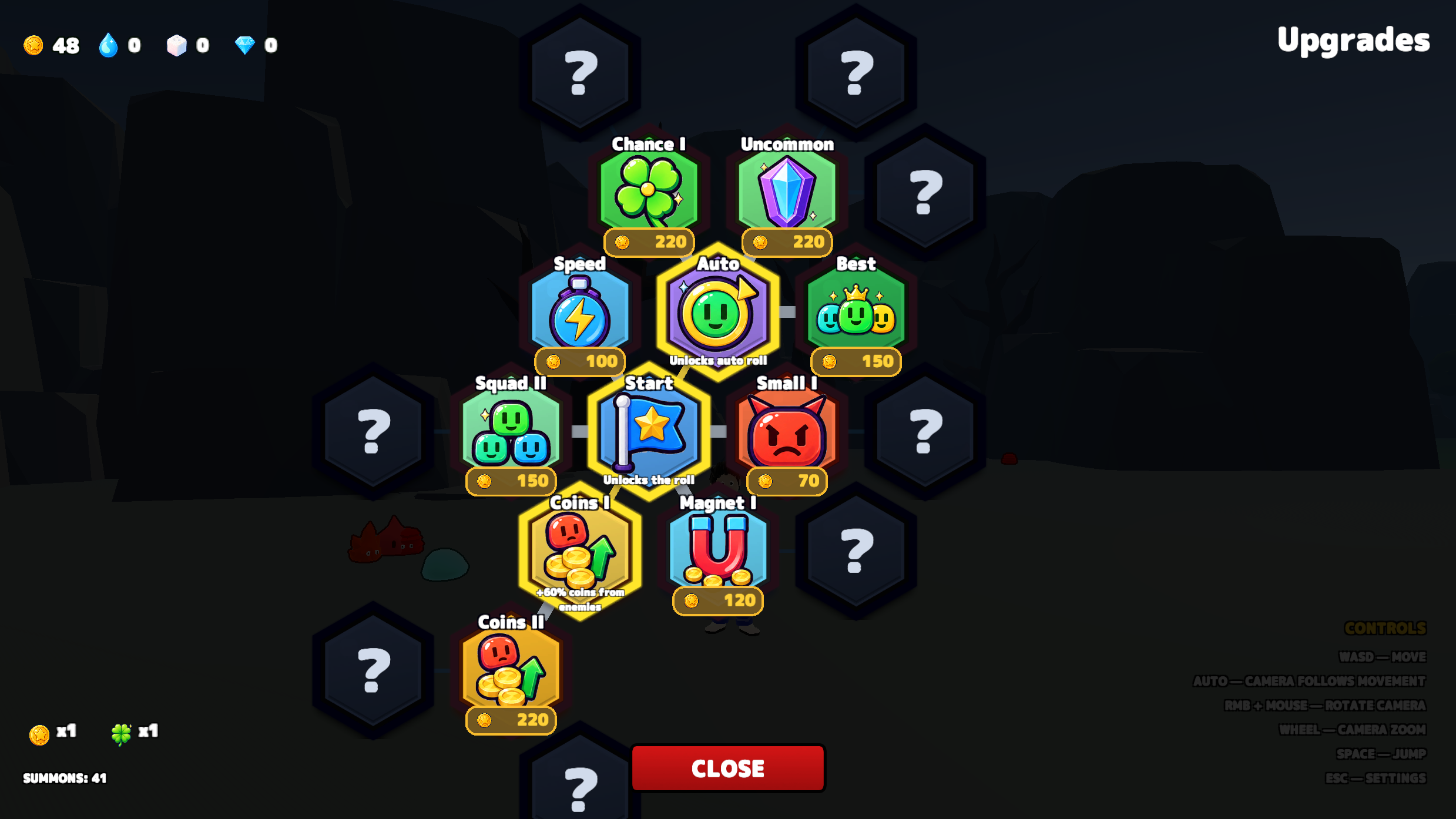
  • Random Slime Simulator screenshot 1
  • Random Slime Simulator screenshot 2
  • Random Slime Simulator screenshot 3
  • Random Slime Simulator screenshot 4
  • Random Slime Simulator screenshot 5
  • Random Slime Simulator screenshot 6
  • Random Slime Simulator screenshot 7
  • Random Slime Simulator screenshot 8
  • Random Slime Simulator screenshot 9
Play Now

12,497 players online

How to play

  1. Open the game

    Press Play now and the game opens on its own screen.

  2. Follow the in-game instructions

    The controls and goals are shown inside the game as you play.

  3. Use the game menu

    The floating button over the game reloads it, saves it to your favourites, or takes you back out.

Game instructions

Open Upgrades, select the Start node, and buy it to unlock summoning. Press the roll button to receive a random slime. Then open the inventory, choose slimes, and add them to your squad. Explore rooms and approach enemies: your squad attacks automatically. Collect gold, essence, and sugar. Spend resources on the upgrade tree, new rooms, and squad improvements. Feed sugar to individual slimes to level them up. Defeat bosses and use rebirth to gain permanent bonuses. Desktop controls: WASD to move; hold the right mouse button and move the mouse to rotate the camera; mouse wheel to zoom; Space to jump; Tab to show the cursor; Esc for settings. On mobile, use the on-screen joystick, buttons, and touch controls.

More games

More games