Overview
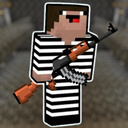
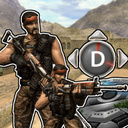
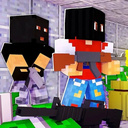
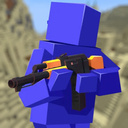
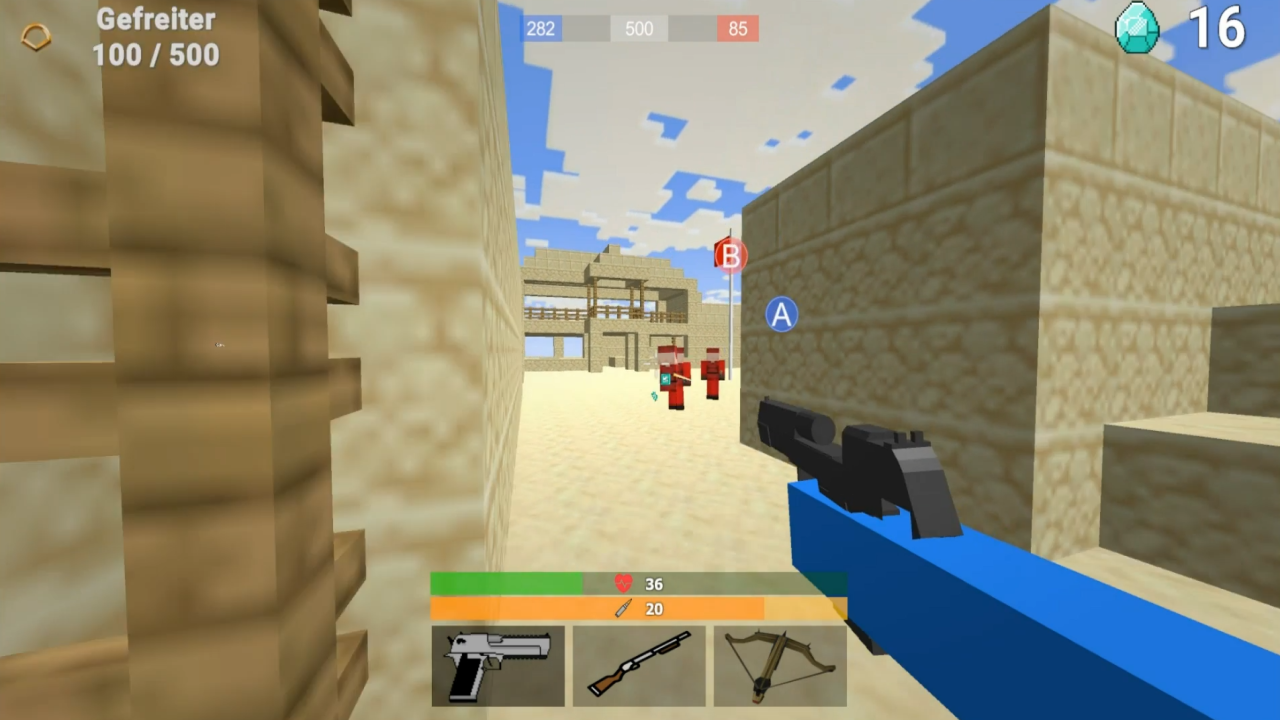
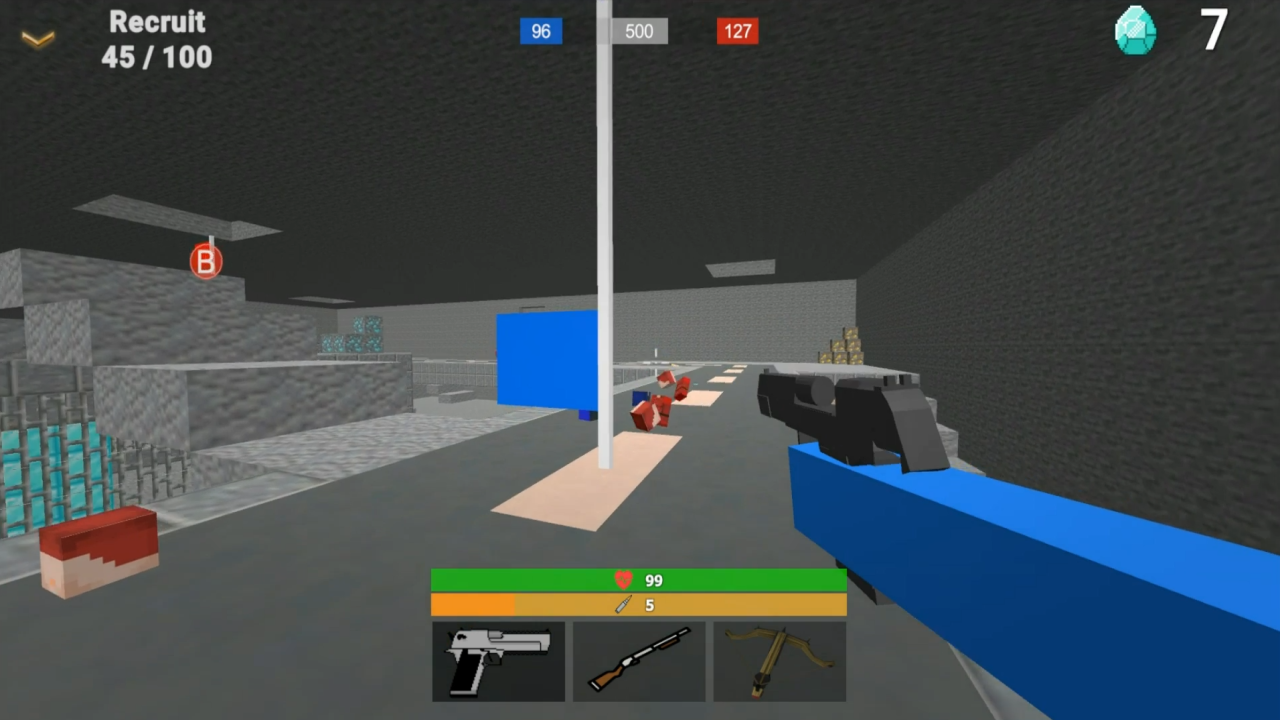
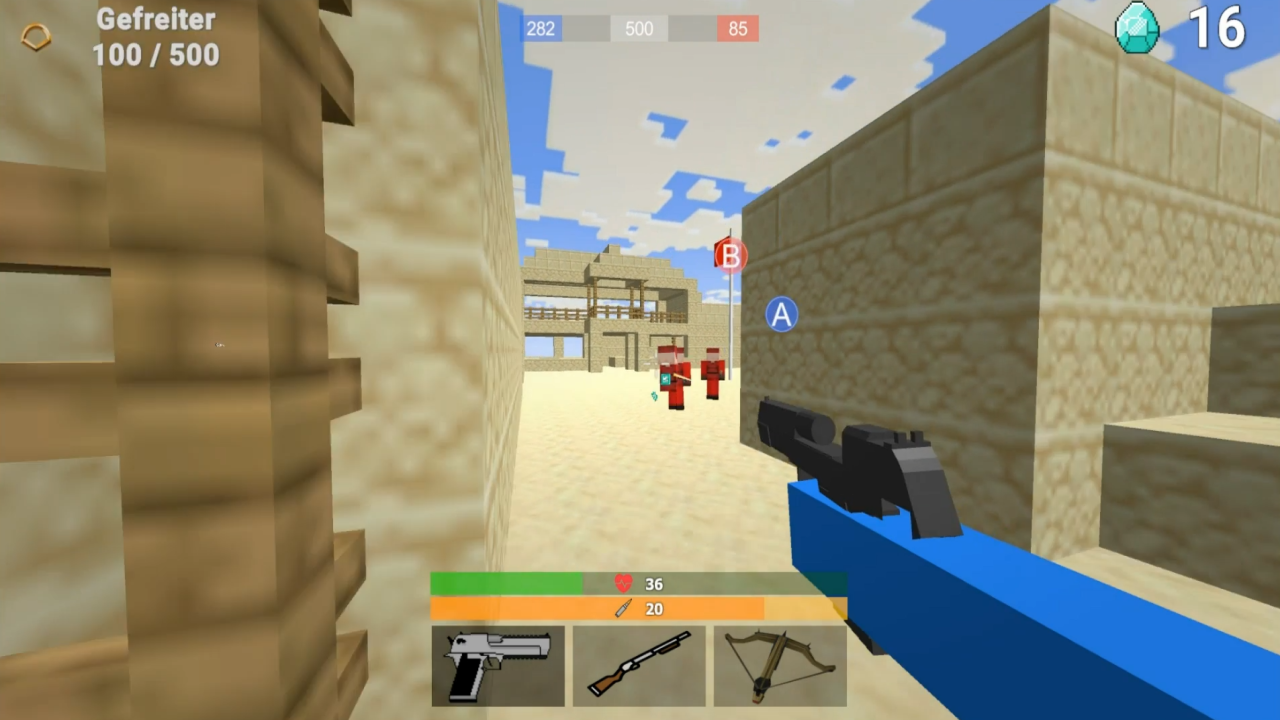
Raven 3D - Front Line is a fast-paced first-person shooter in the Minecraft style, where two sides are fighting a fierce war for control of the frontline. Join a team of brave fighters, choose your weapon, and engage in intense battles on the cubic battlefields.
🔫 Game Features:
- Minecraft-inspired cubic graphics - atmospheric and recognizable
- A diverse arsenal: submachine gun, shotgun, crossbow-grenade launcher
- Team battles and a rank system.
- Intense atmosphere and unexpected enemy attacks
- Optimized for mobile devices, and you can play directly in your browser without installing anything.
🔥 Feel like a real soldier in a world where every shot can change the course of battle. The enemy is always on the move, so stay alert and prove that you deserve to win!
Videos and screenshots
10,577 players online
How to play
-
Open the game
Press Play now and the game opens on its own screen.
-
Follow the in-game instructions
The controls and goals are shown inside the game as you play.
-
Use the game menu
The floating button over the game reloads it, saves it to your favourites, or takes you back out.