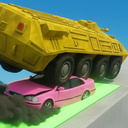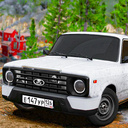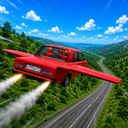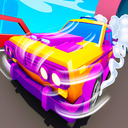
Overview
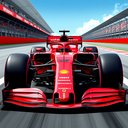
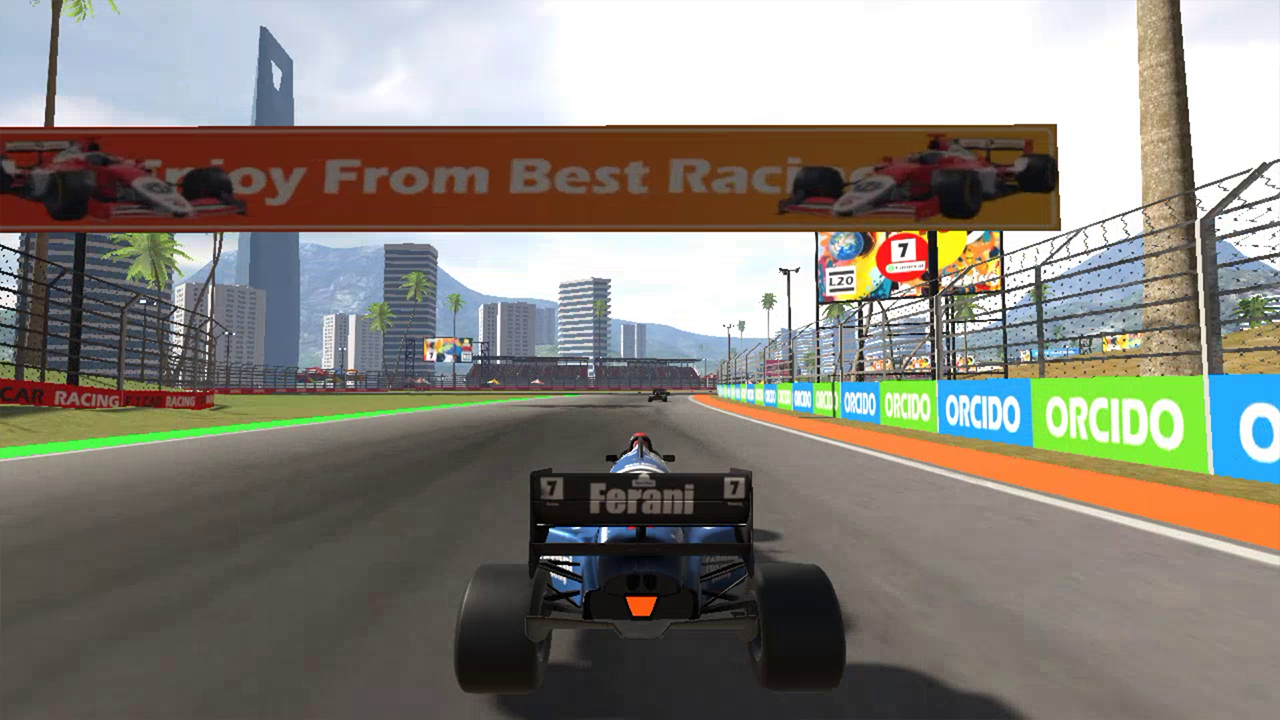
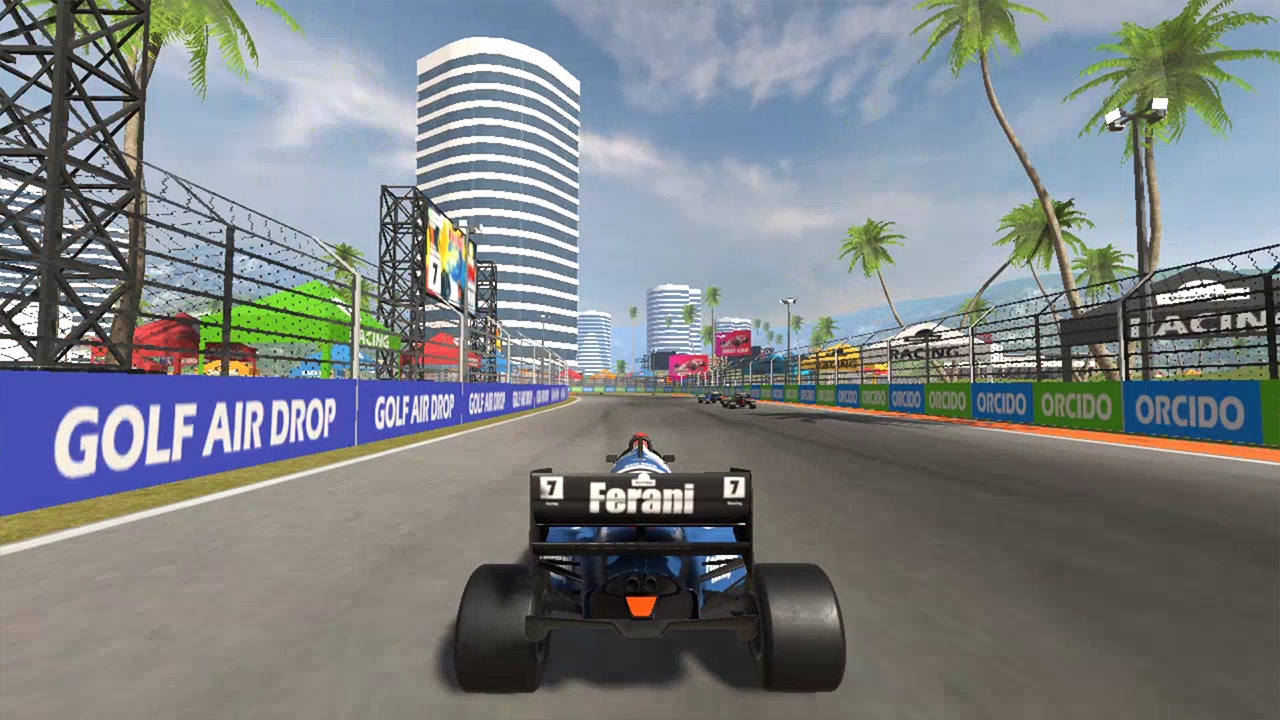
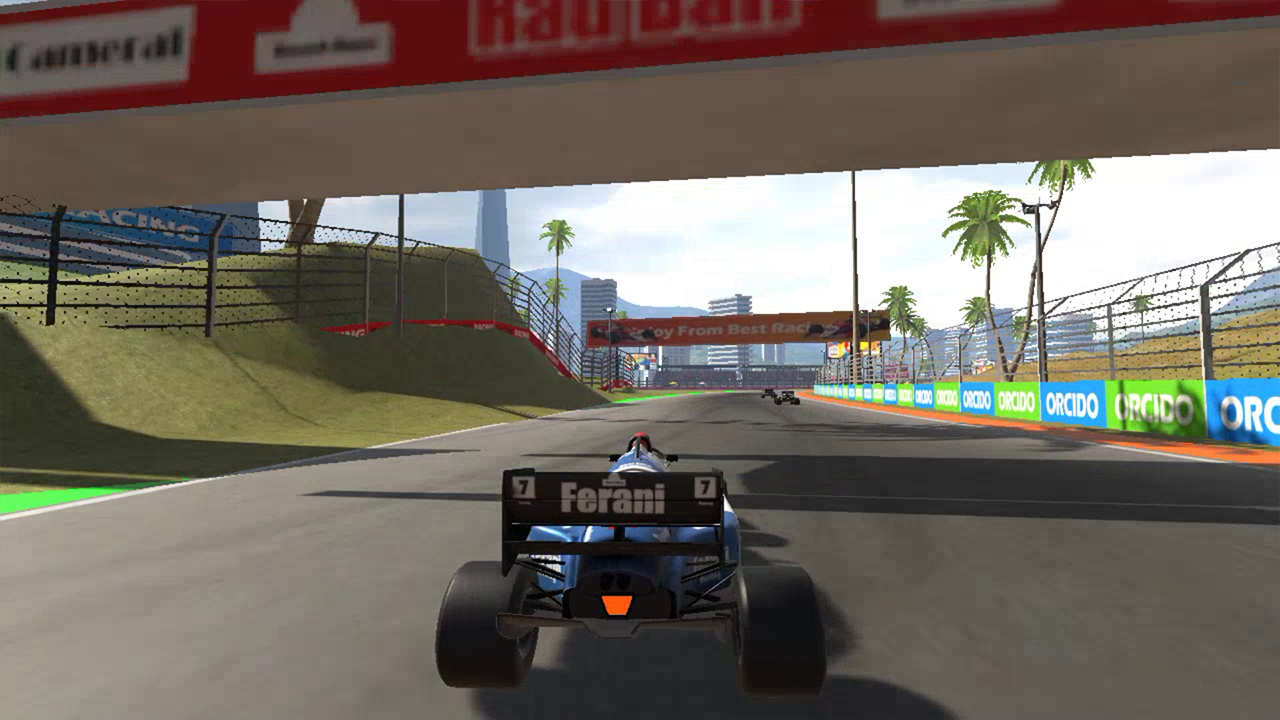
Feel like a world champion. Tracks with complex corners and overtaking zones await you. Car physics is as real as it gets: tire grip, aerodynamics and tyre condition matter.
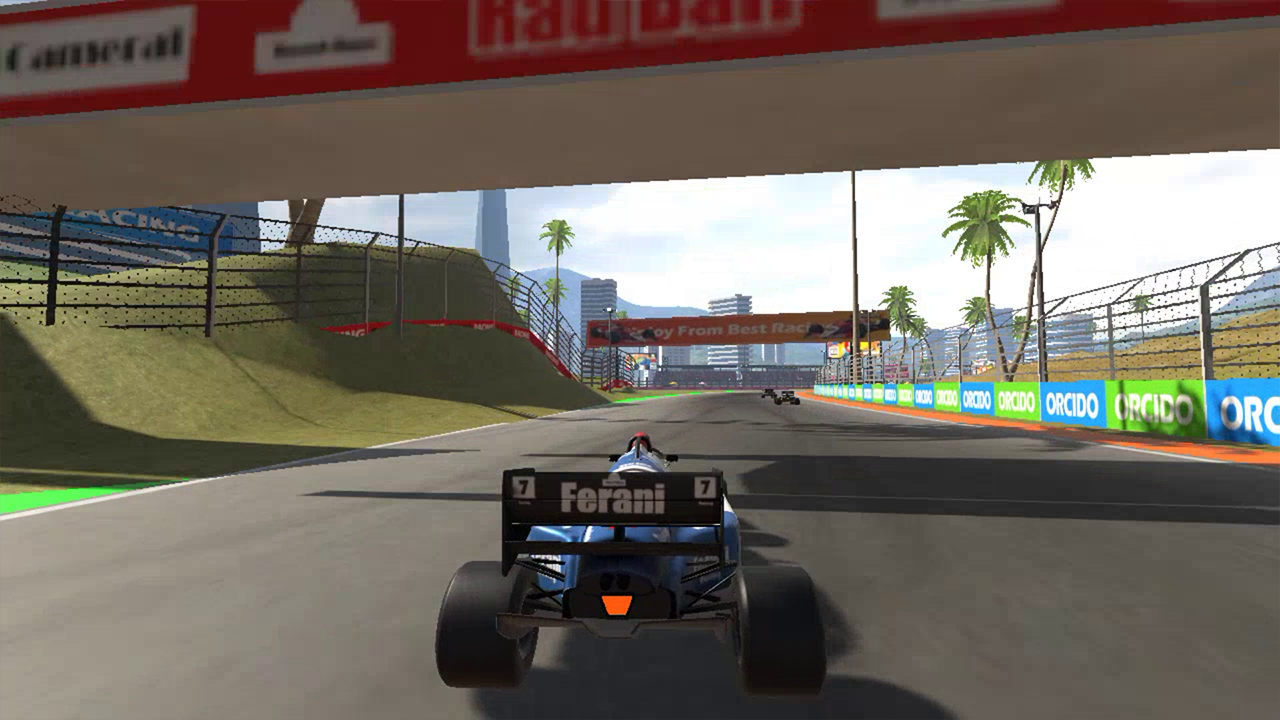
Choose the optimal trajectory, brake before sharp turns and hit the gas on straights. Every track is unique — from city streets to dedicated racetracks. Weather affects handling: rain reduces grip and requires smoother inputs.
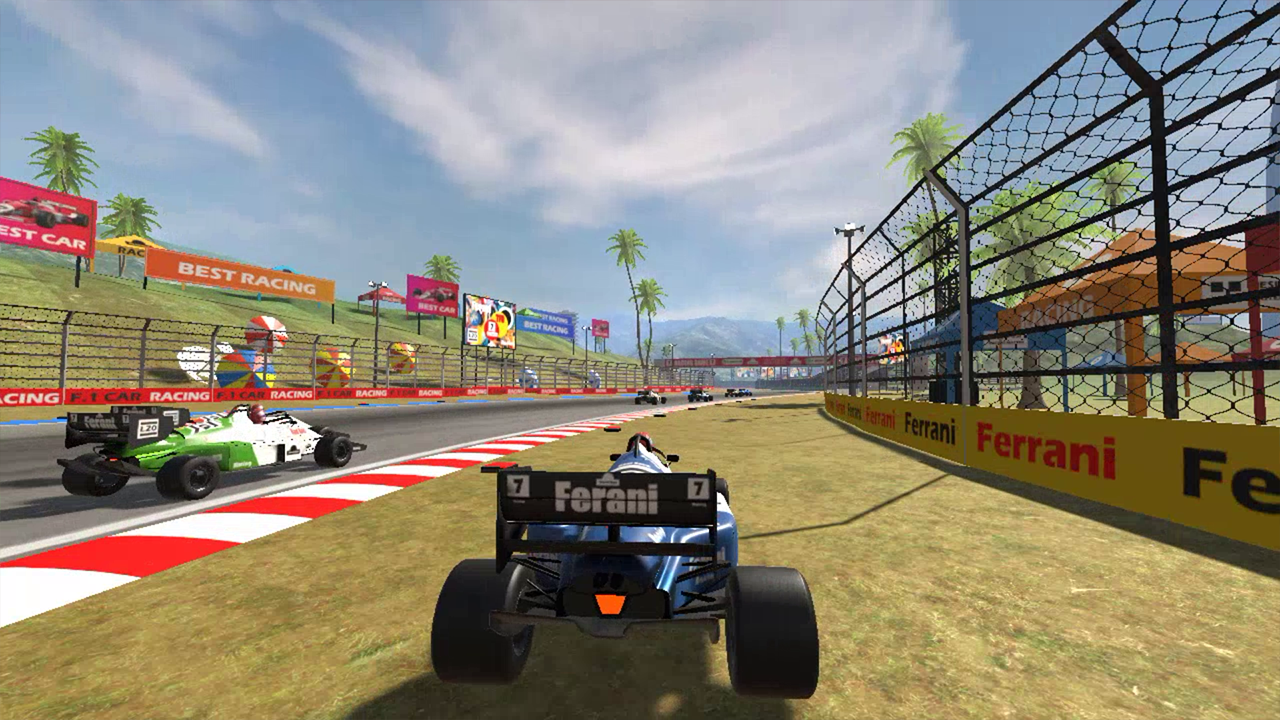
Opponents are smart and aggressive — they overtake at the slightest chance. A penalty system for collisions and off-track excursions keeps racing fair. Visual effects like smoke, sparks and dynamic cameras make every race spectacular.
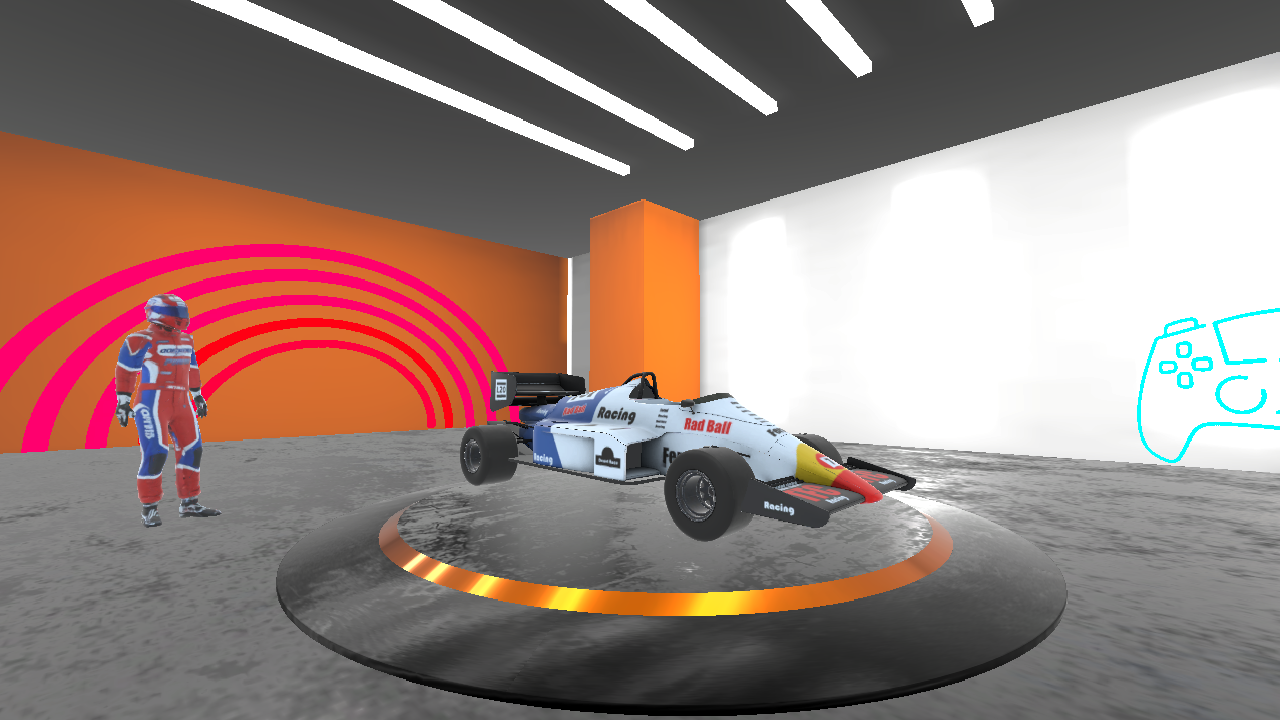
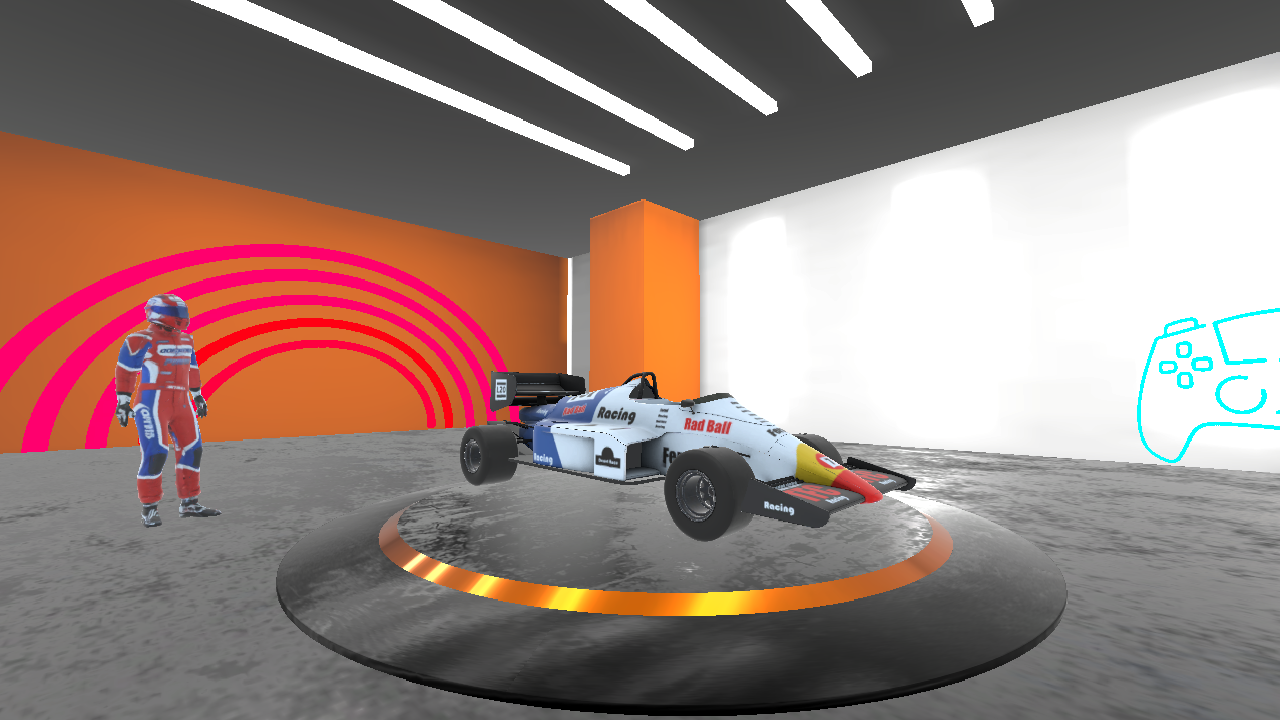
Unlock new cars and upgrade engine, brakes and aerodynamics. Quick race mode lets you start instantly, while championship requires consistency over multiple events. Leaderboards save your best lap times.
A perfect balance between arcade and simulation. No unnecessary buttons — just gas, brake and steering.
Videos and screenshots
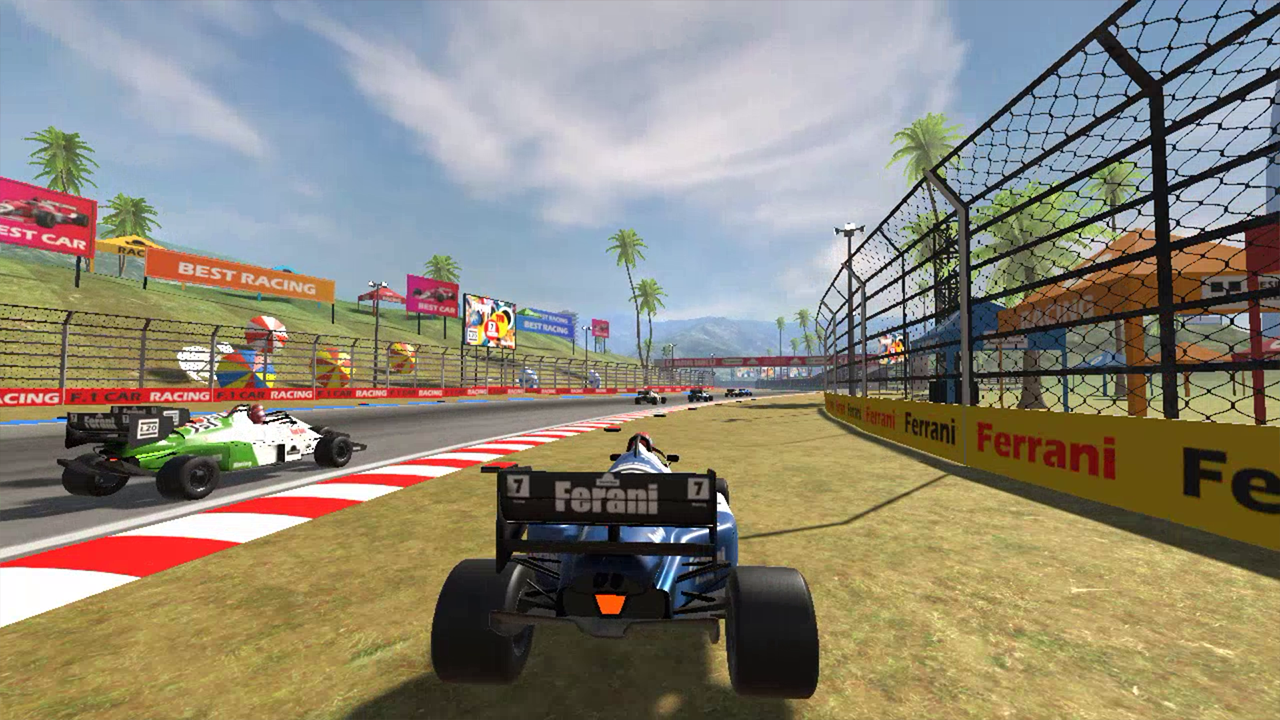
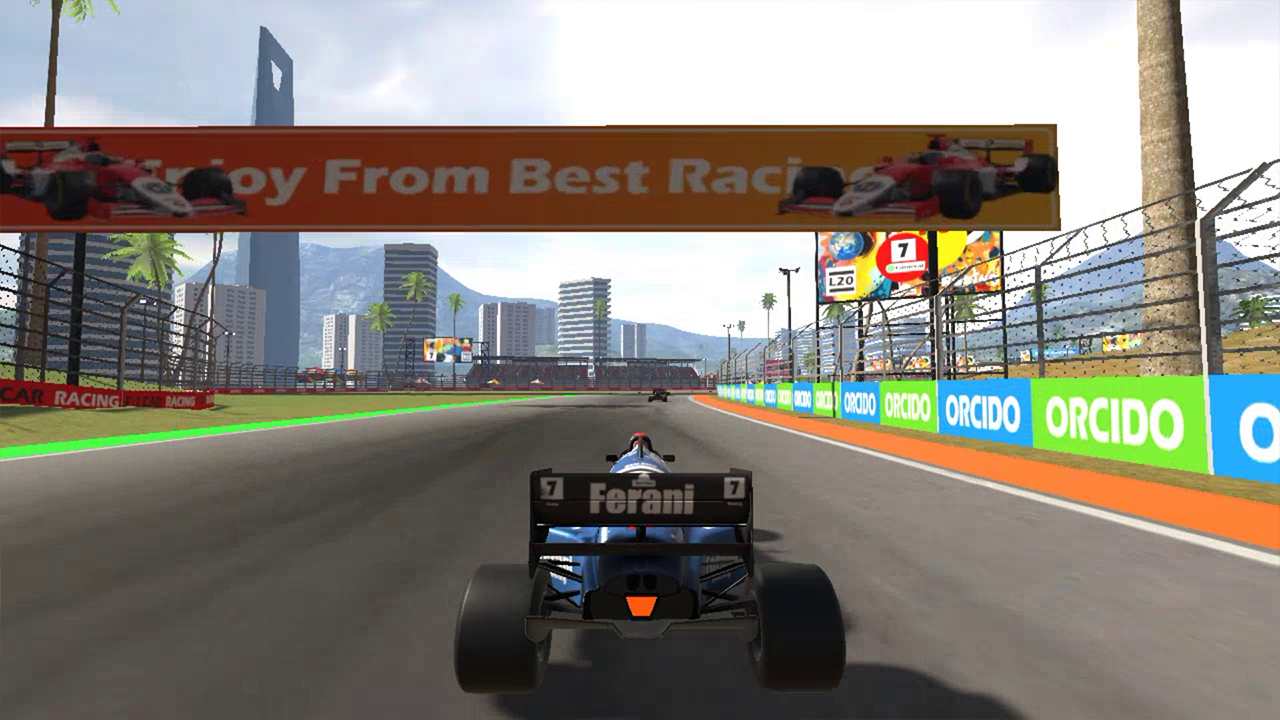
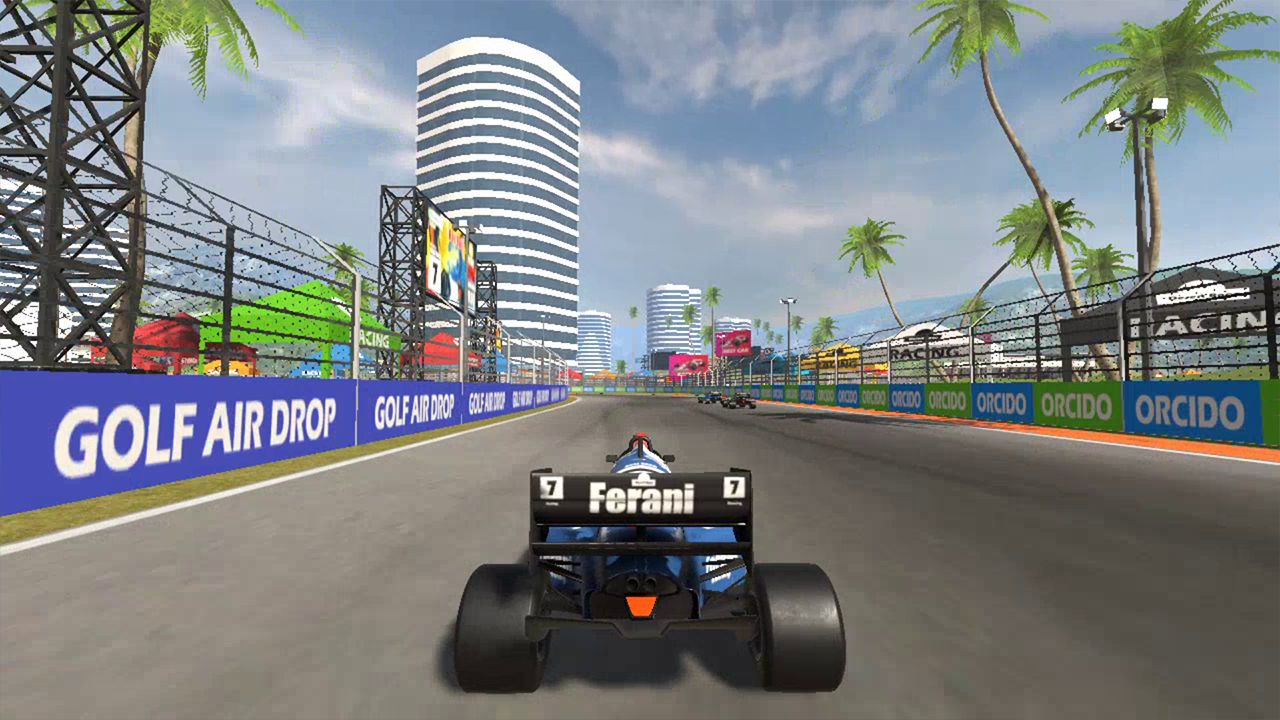
10,632 players online
How to play
-
Open the game
Press Play now and the game opens on its own screen.
-
Follow the in-game instructions
The controls and goals are shown inside the game as you play.
-
Use the game menu
The floating button over the game reloads it, saves it to your favourites, or takes you back out.