Overview
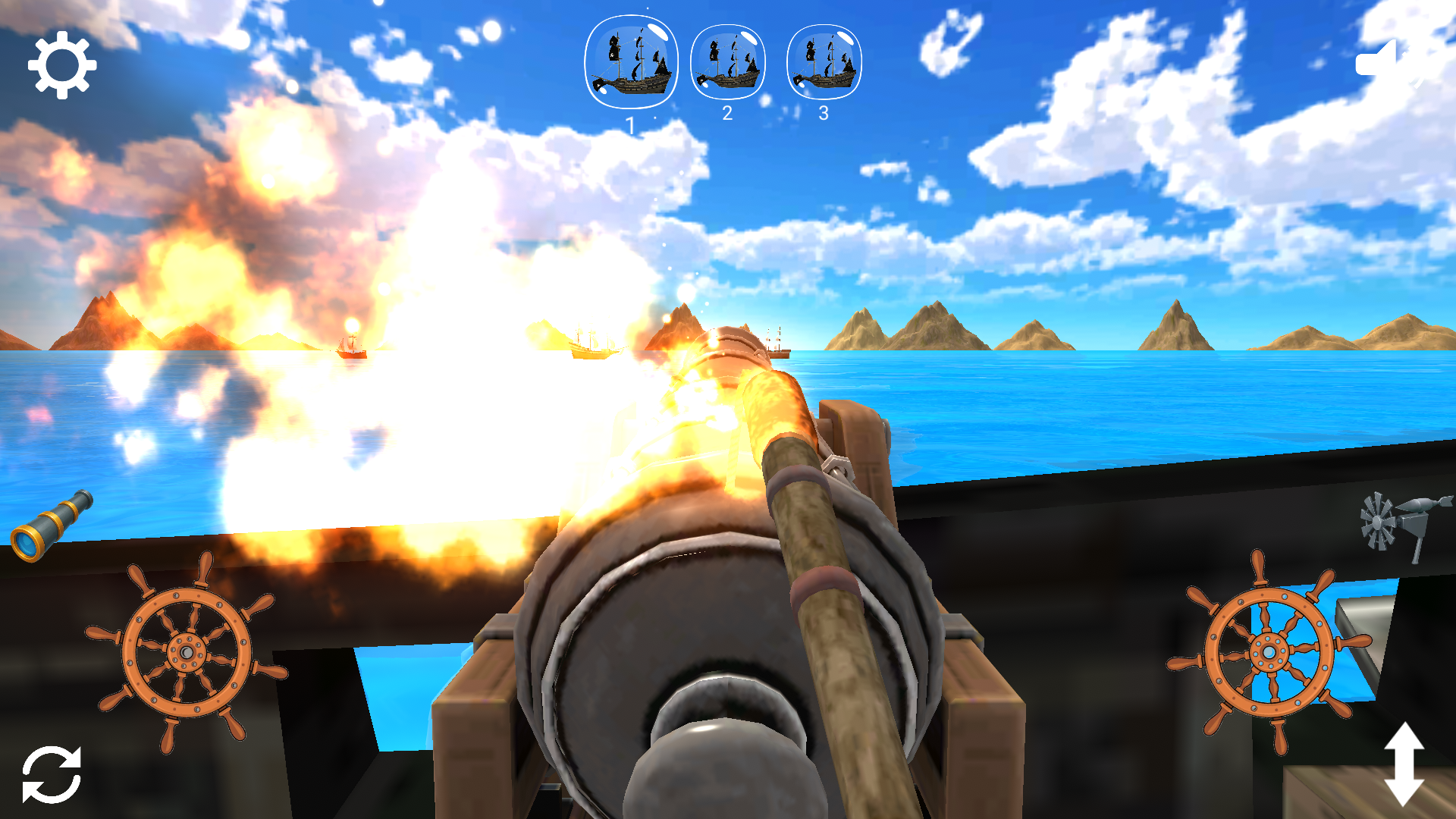
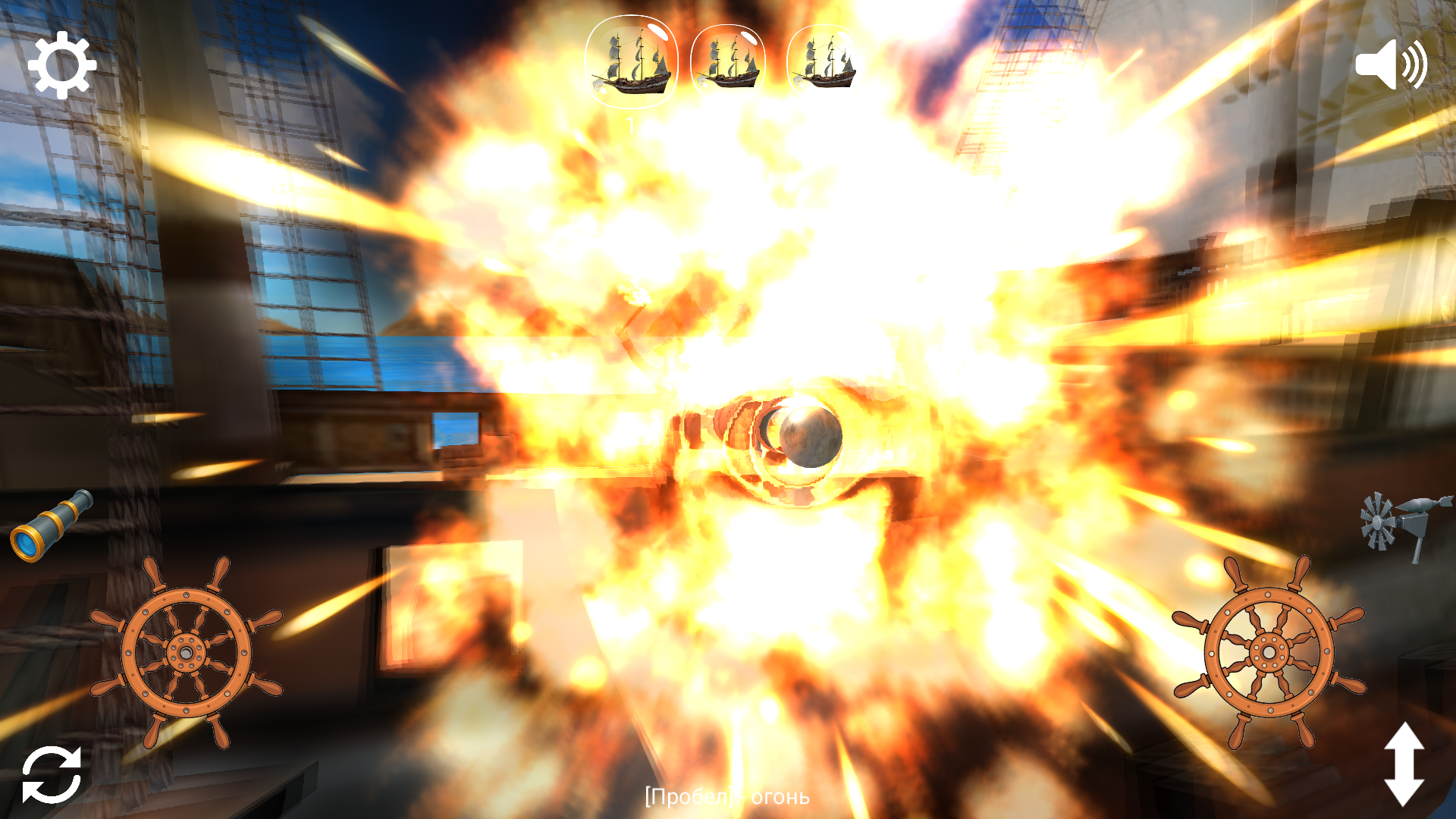
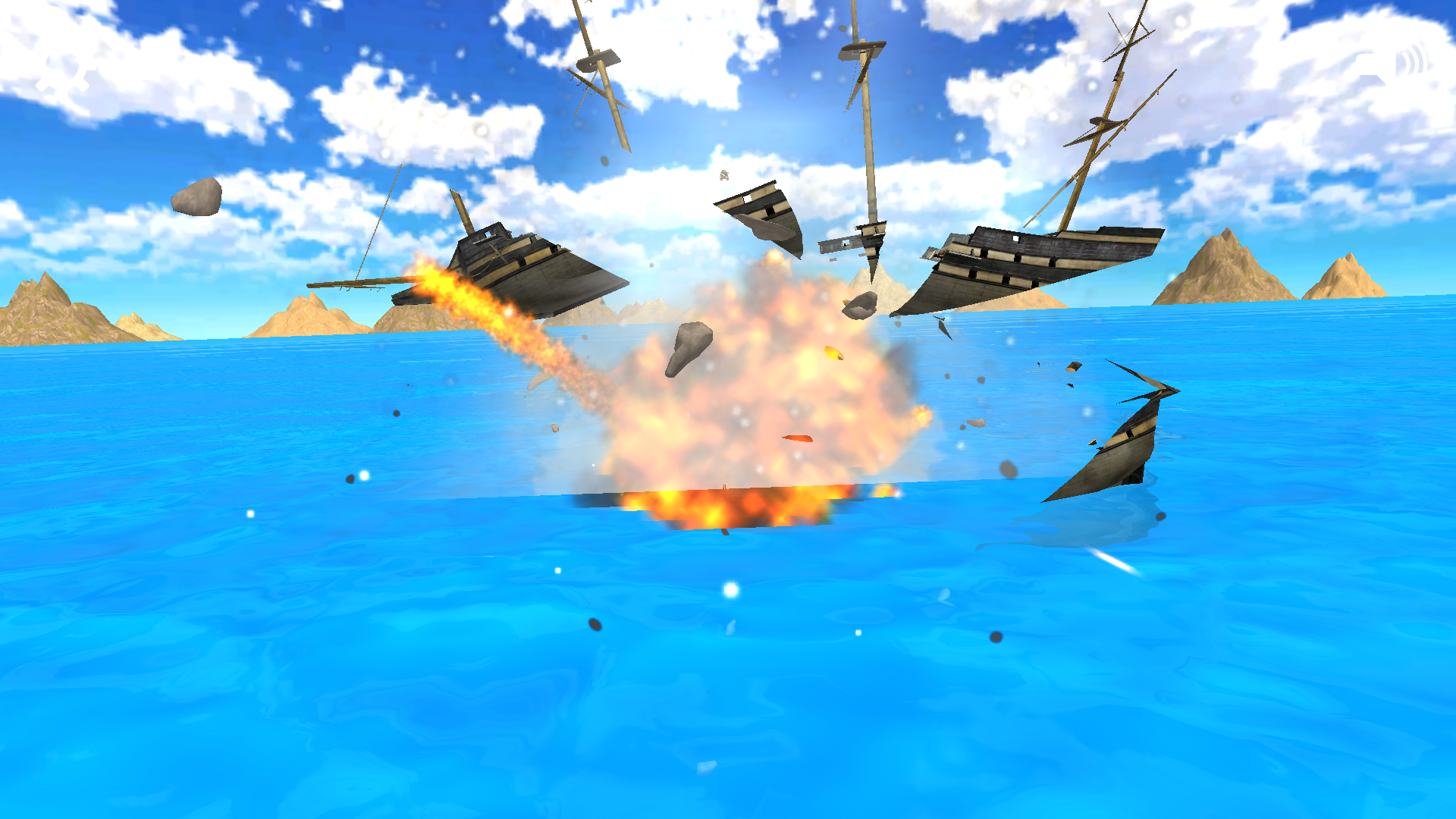
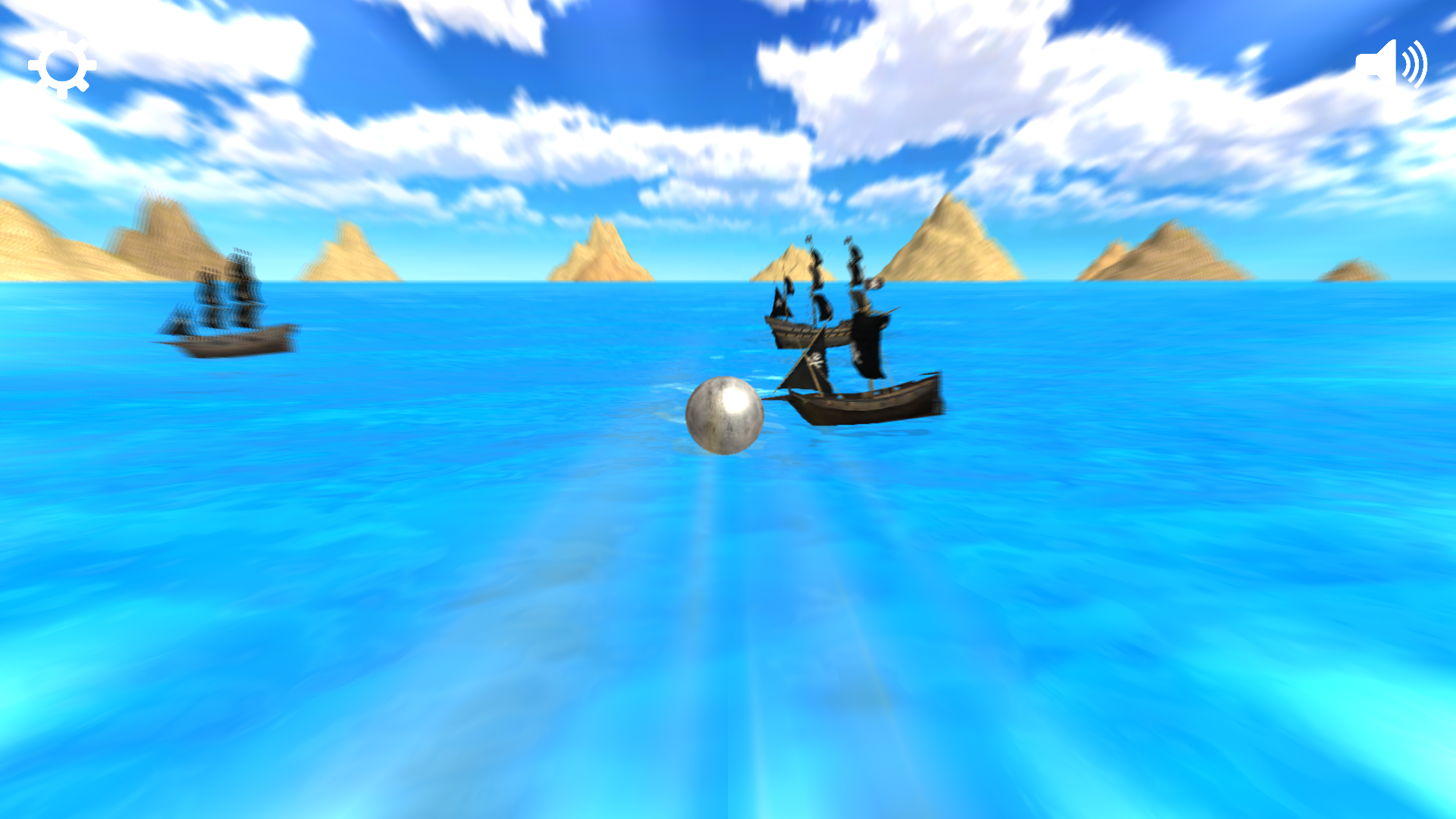
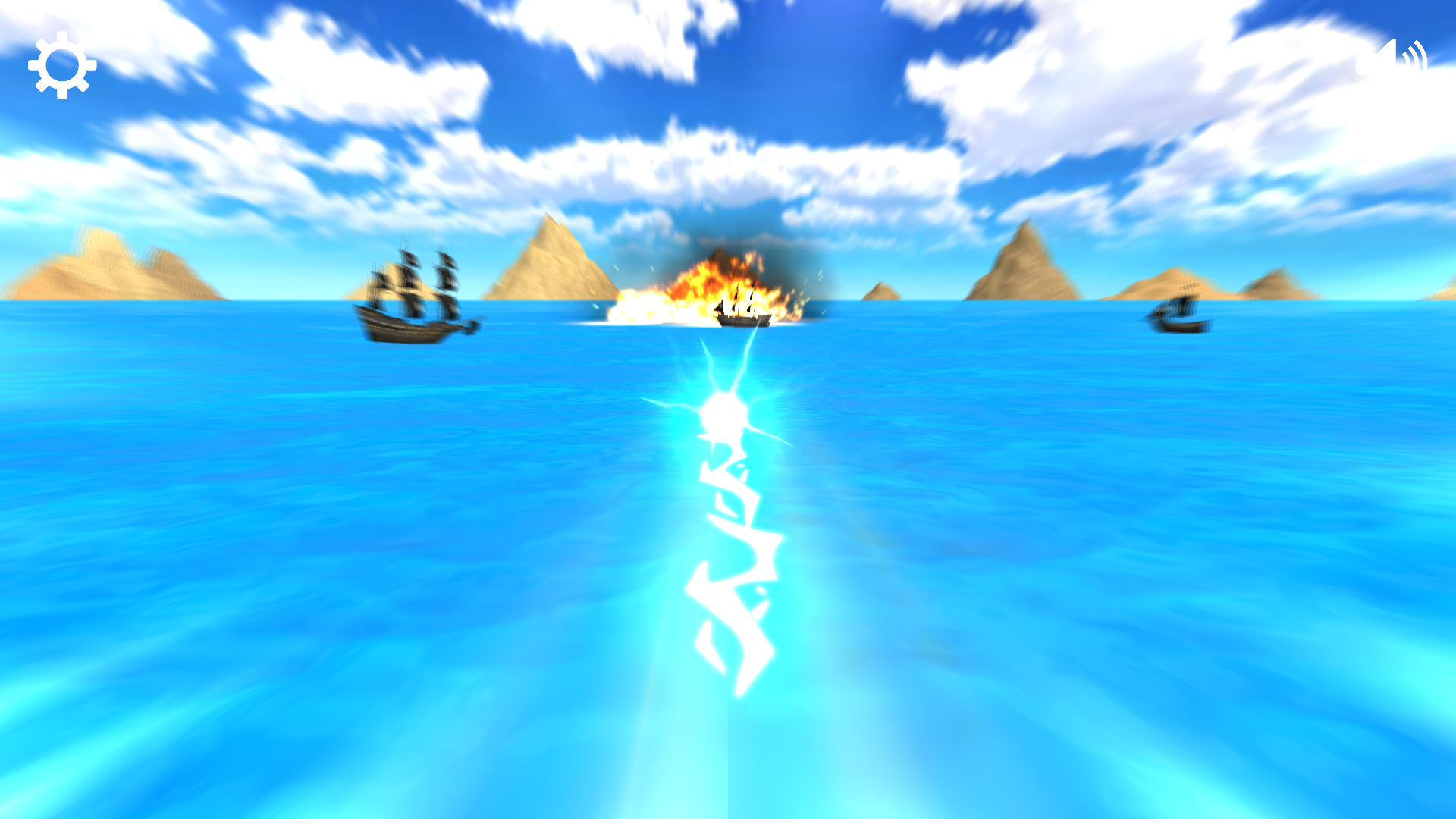
Real Sea Battle 3D is an addictive free game available on computers and mobile devices. In this game, you can test your strategic skills in PvP mode, fighting with friends or AI opponents.
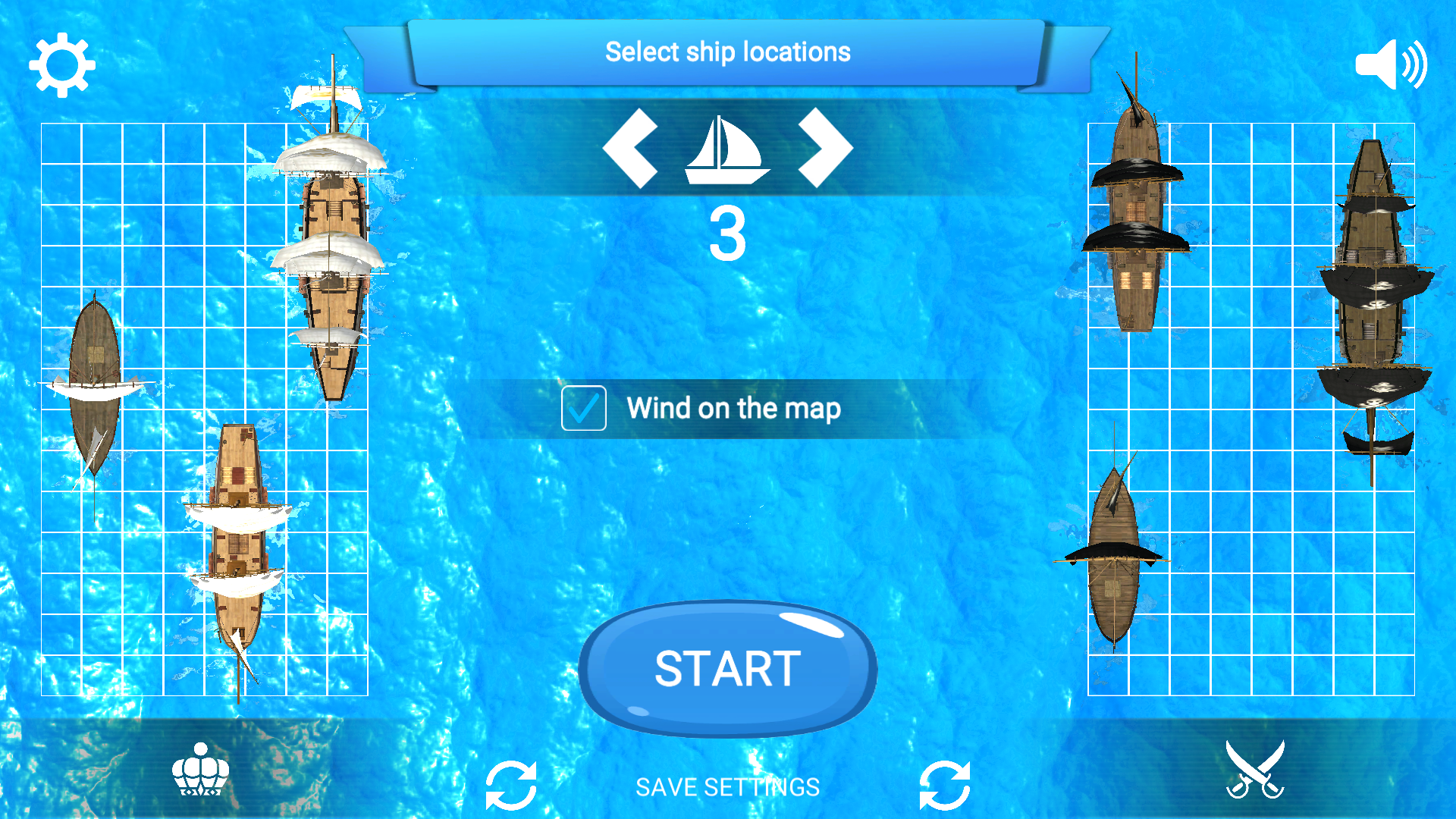
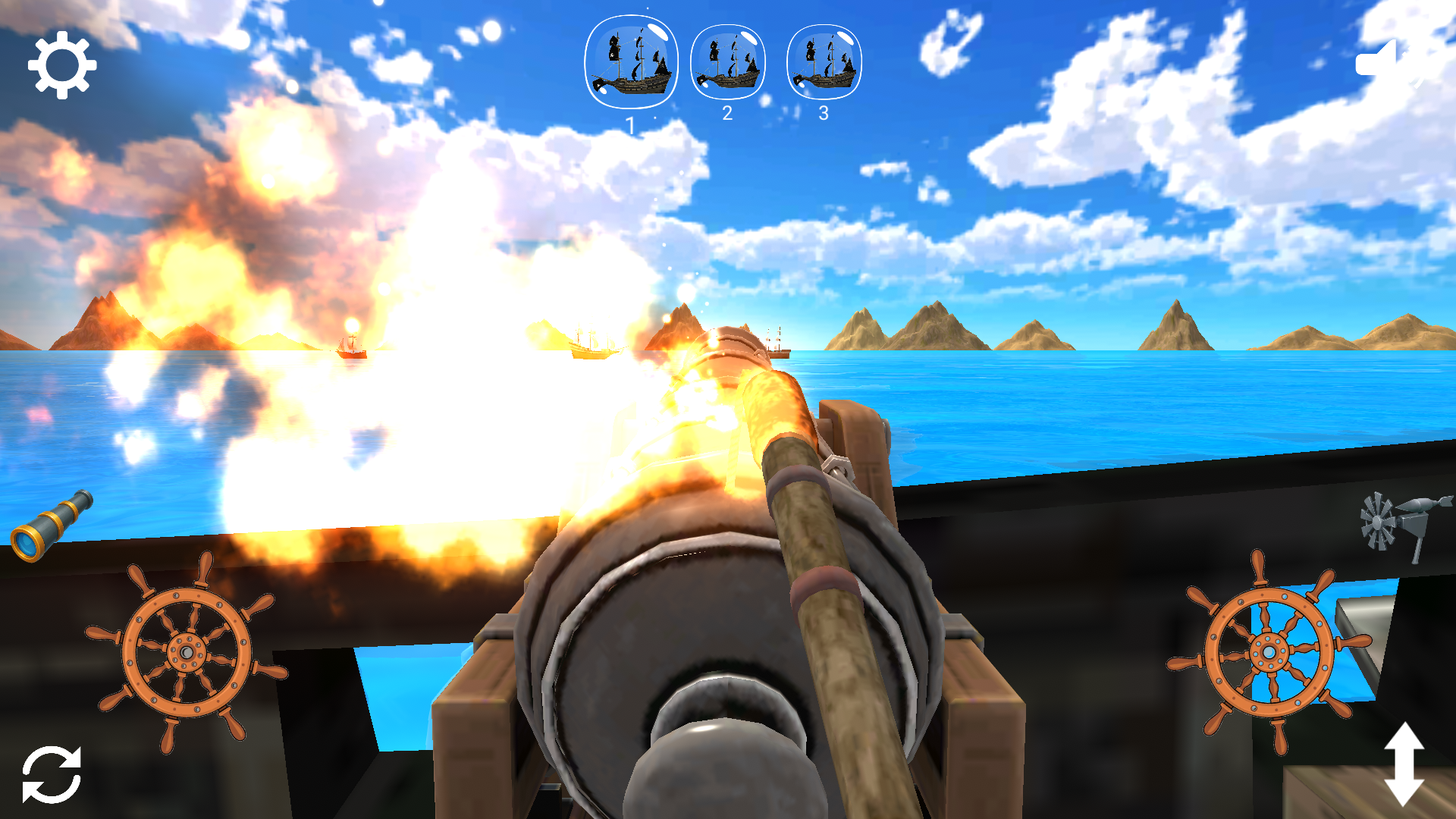
You control your squadron of ships equipped with powerful naval guns. Shoot different types of cannonballs using your wits and precision to sink enemy ships. Each choice of projectile affects the style of play and tactics, making each battle unique.
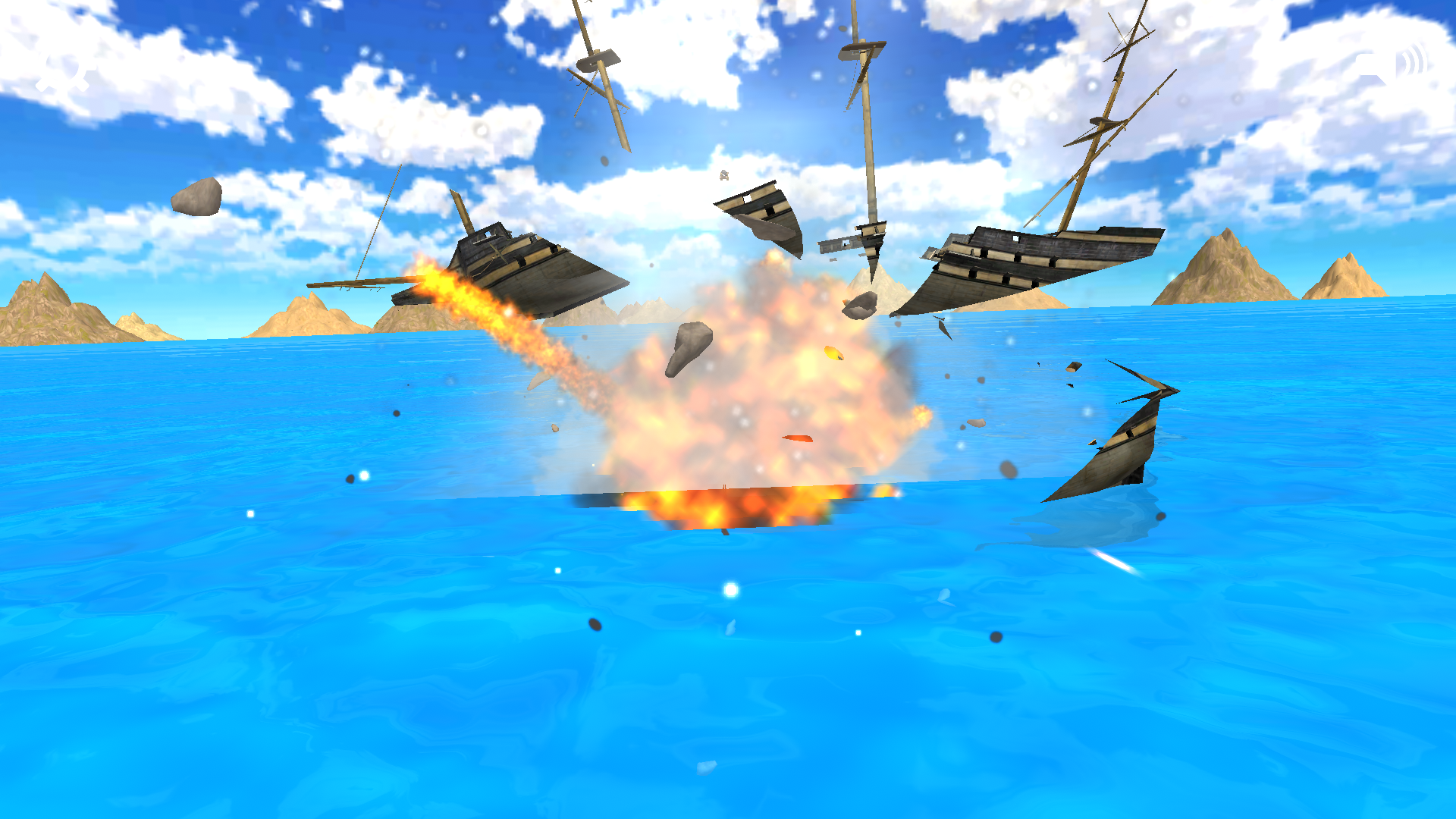
The game offers realistic 3D graphics and exciting naval battles, where you need to anticipate the enemy's moves and use the environment. Aim for victory, upgrade your guns.
Real Sea Battle 3D is the perfect choice for fans of naval strategies and exciting battles. Challenge your friends and become the best captain in the vast ocean!
The best players who manage to defeat the AI of the opponent at medium and difficult levels get into the table of the best players!
Videos and screenshots


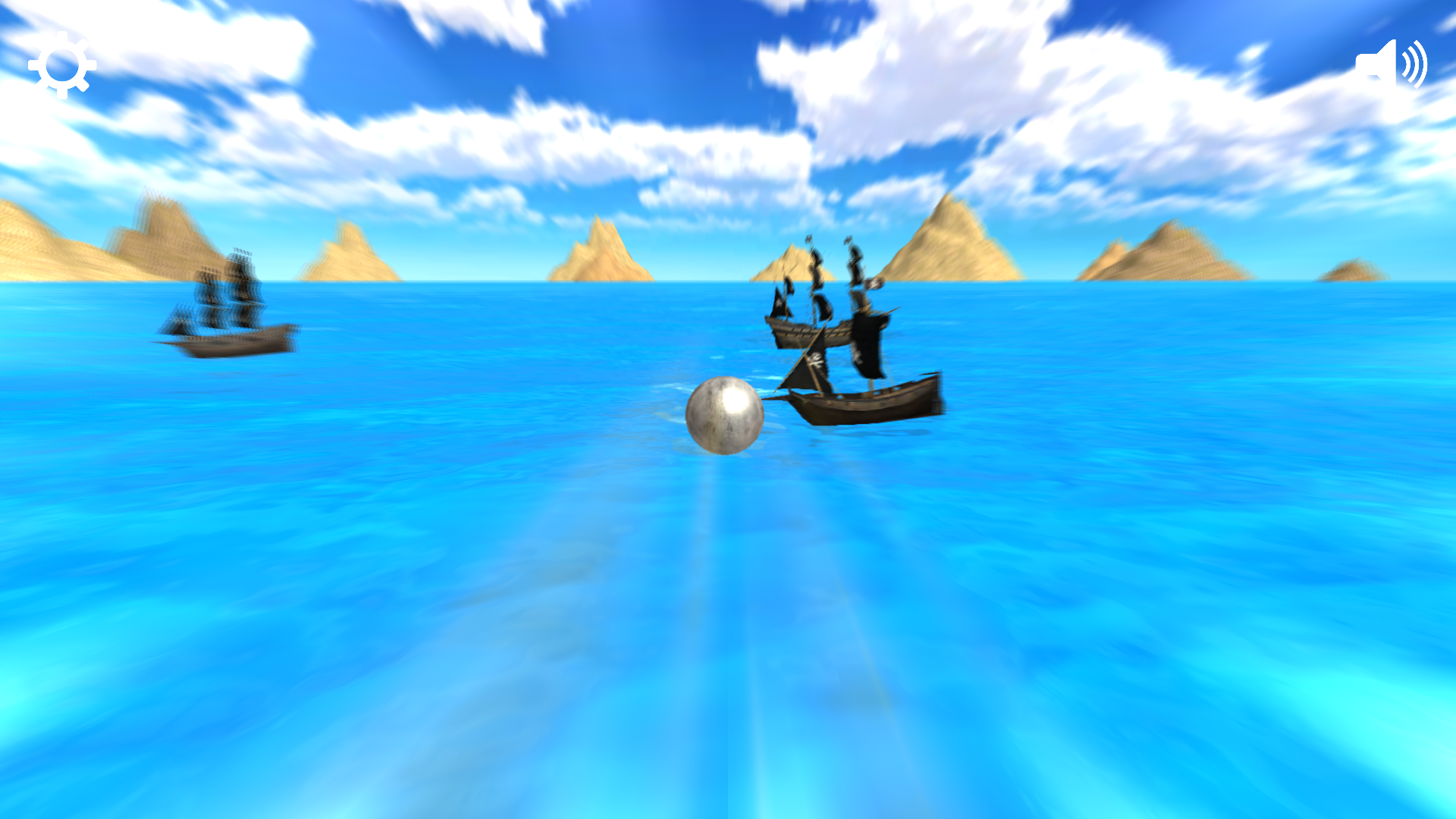
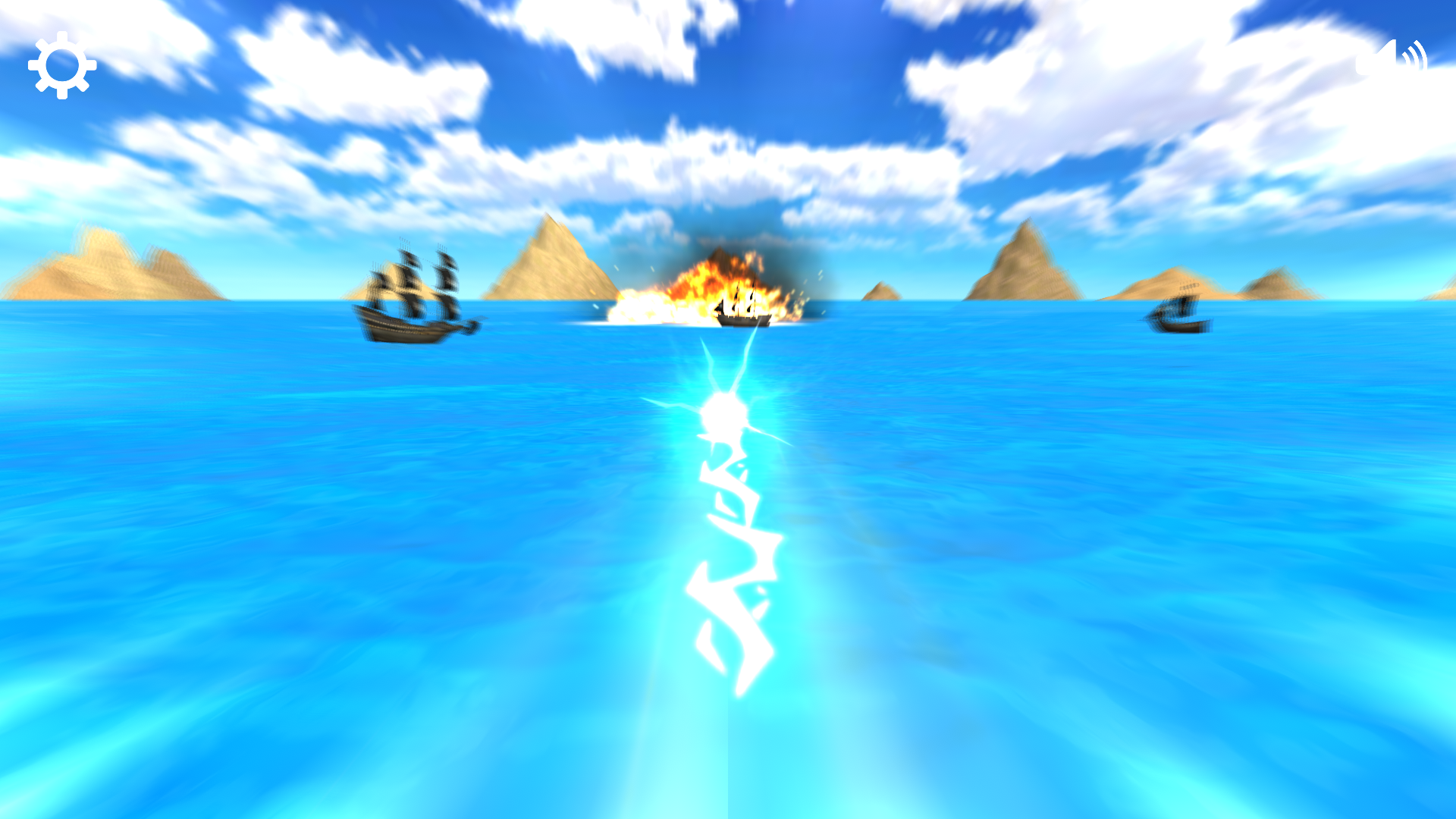
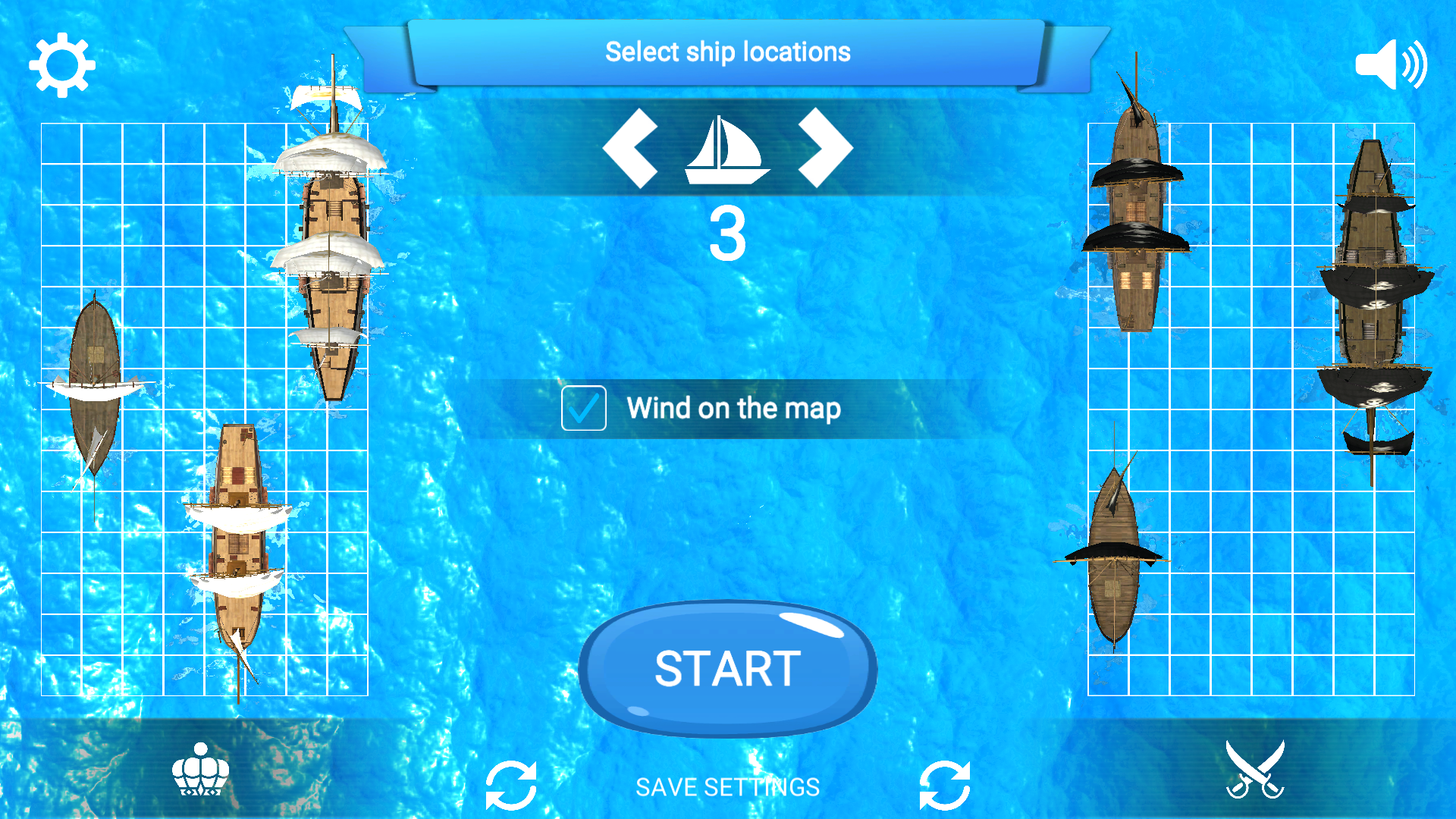

10,552 players online
How to play
-
Open the game
Press Play now and the game opens on its own screen.
-
Follow the in-game instructions
The controls and goals are shown inside the game as you play.
-
Use the game menu
The floating button over the game reloads it, saves it to your favourites, or takes you back out.