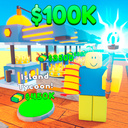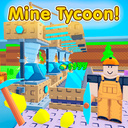
Overview
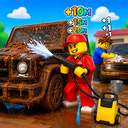
🔥In this roblox tycoon style game , you will become the architect of your home and business
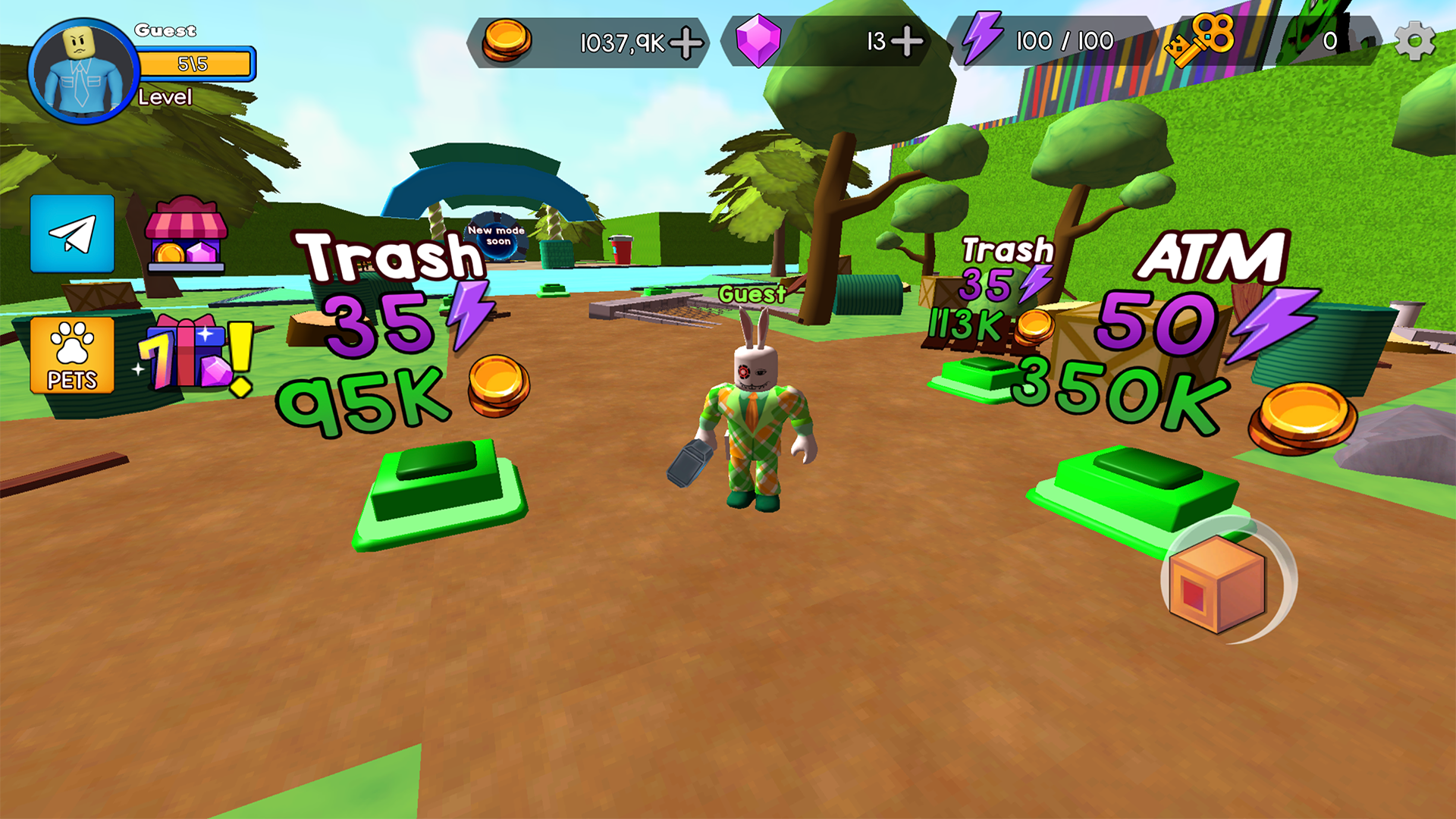
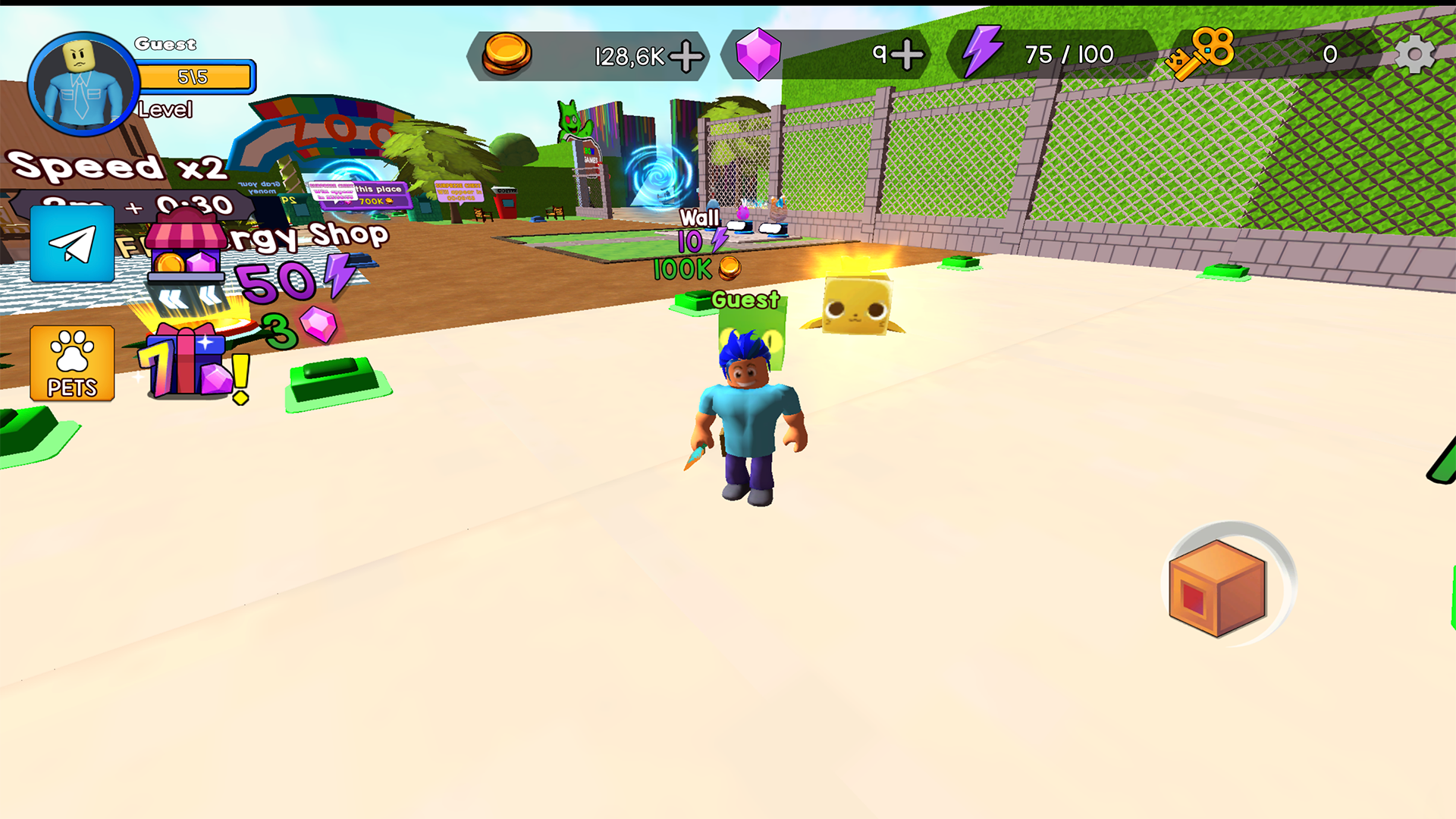
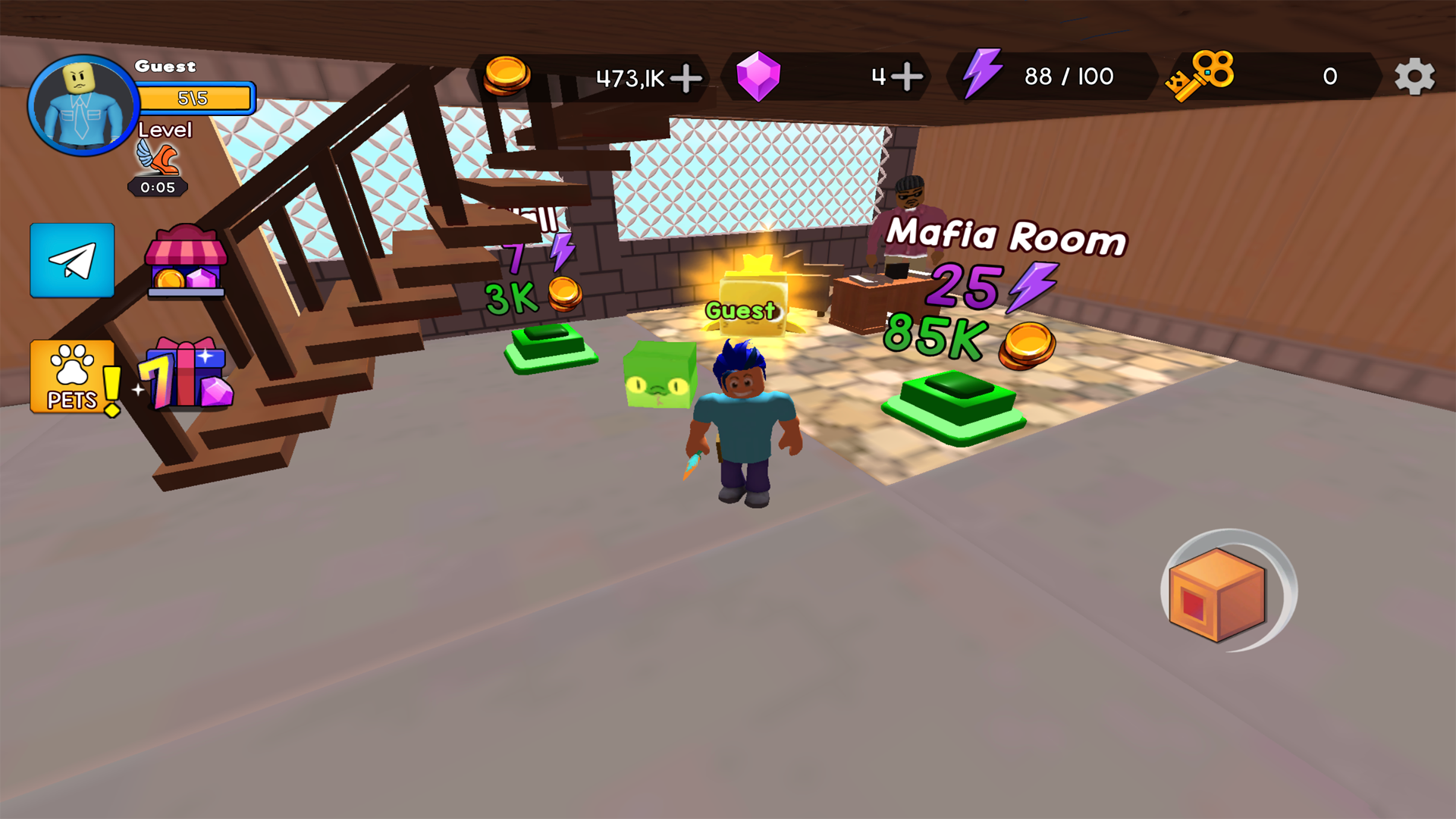
🛠️Your task is to step on the buttons to build various elements of the house. Each button has its own price, and in order to earn the necessary funds, you have to install pipelines and improve them through upgrades.
🚧 Start with a small piece of land and gradually turn it into a huge house.
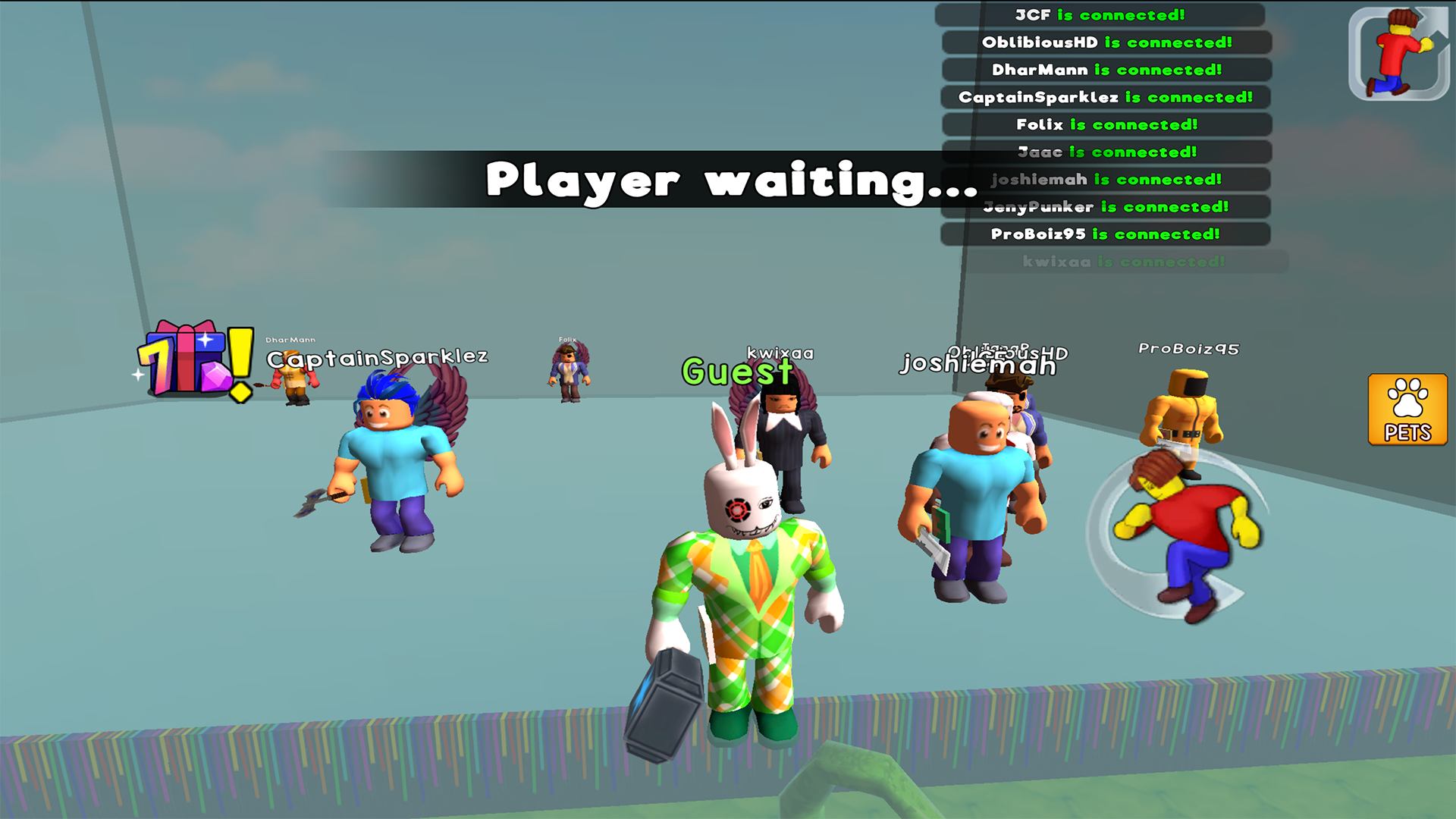
👉In addition to the main goal of building a house, players will find various mini-games. They will not only entertain you, but also allow you to earn additional funds for your construction project. From puzzles to speed challenges, each mini-game will offer unique challenges and rewards.
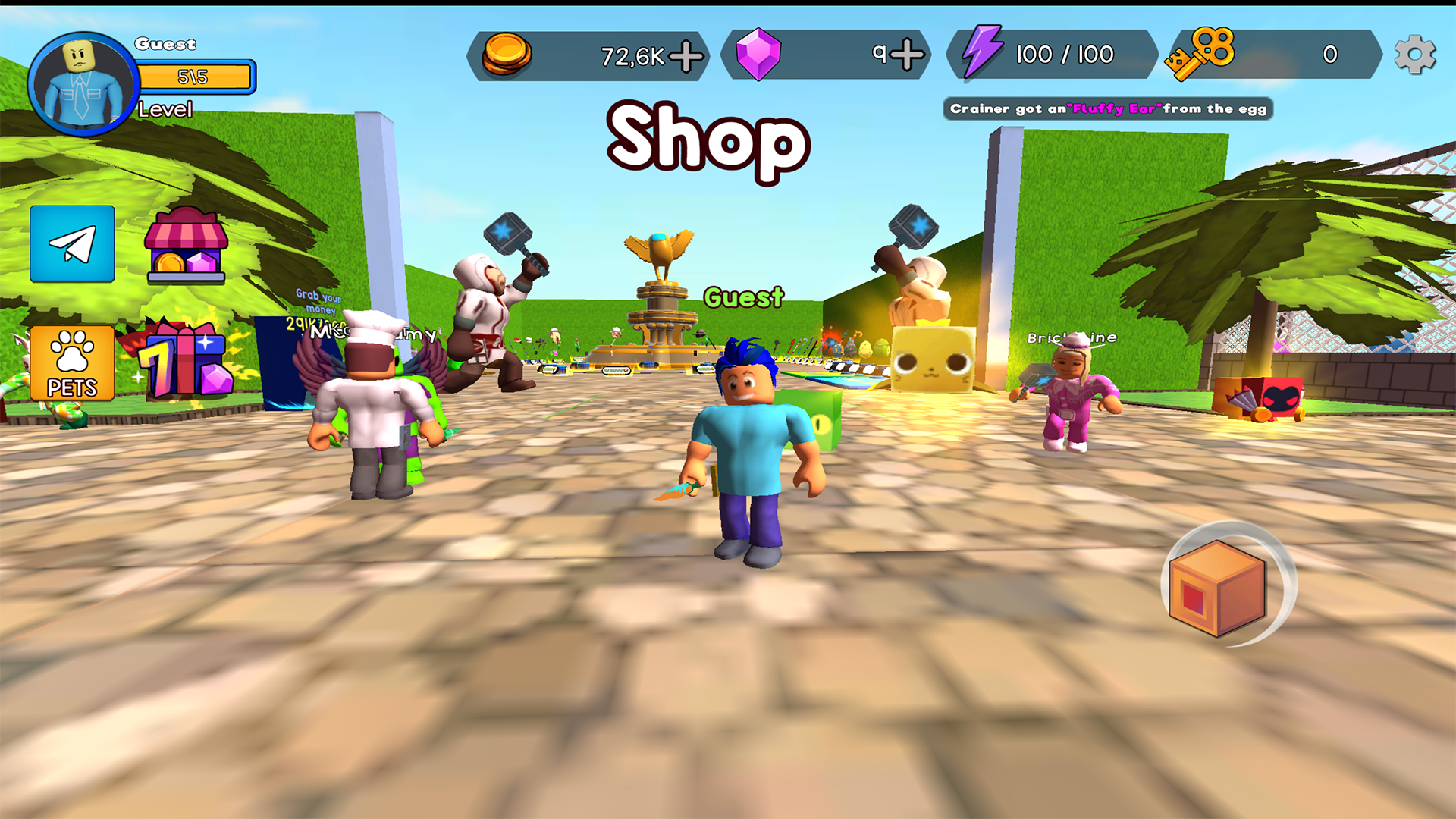
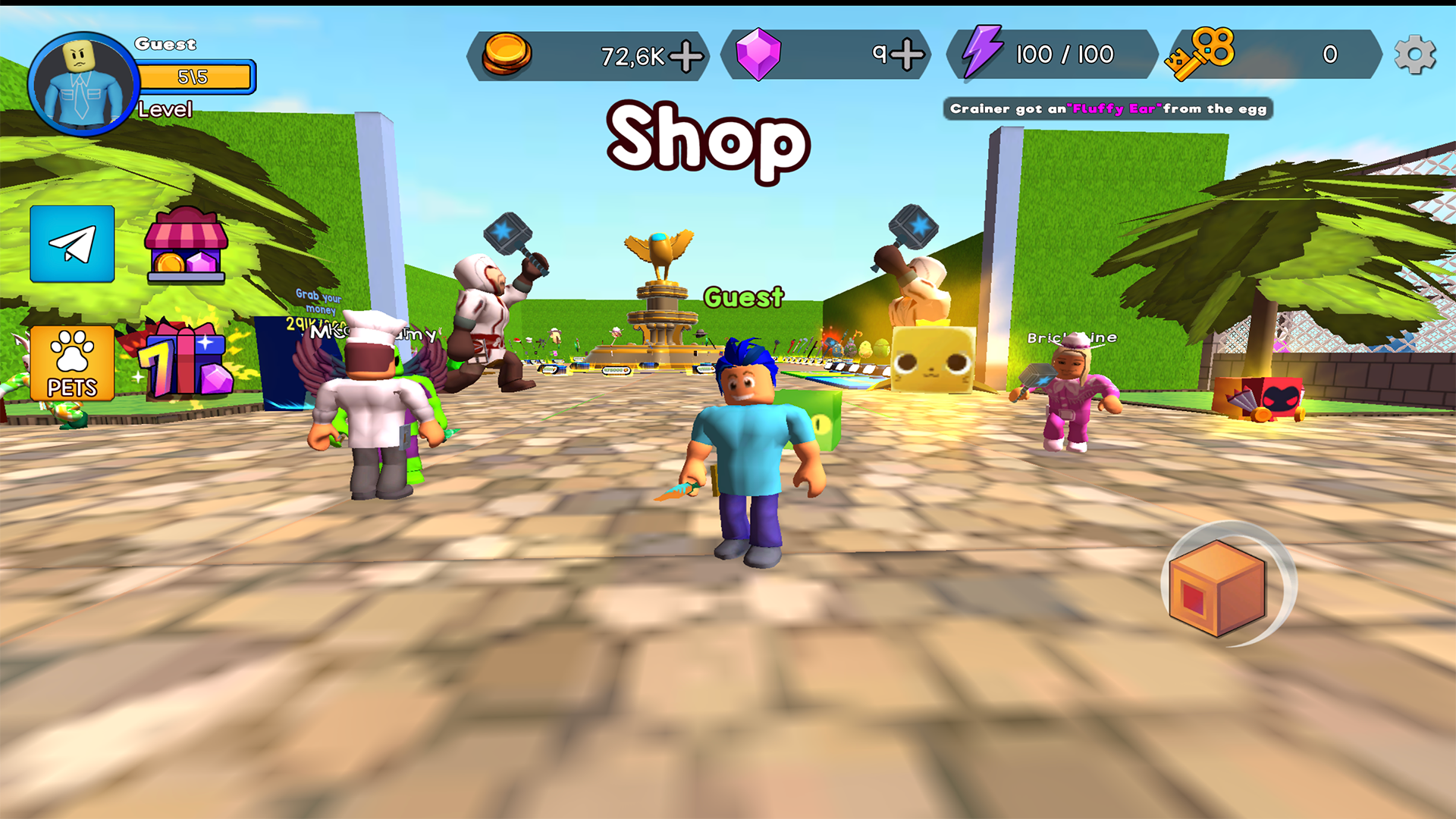
🦄 Buy amazing pets
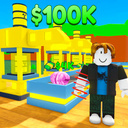
💸 Earn a lot of money from your business
👀 Check if you can open all the buildings of this typhoon
✅ You will definitely like the game if you are a fan of the roblox tyсoon genre
Videos and screenshots

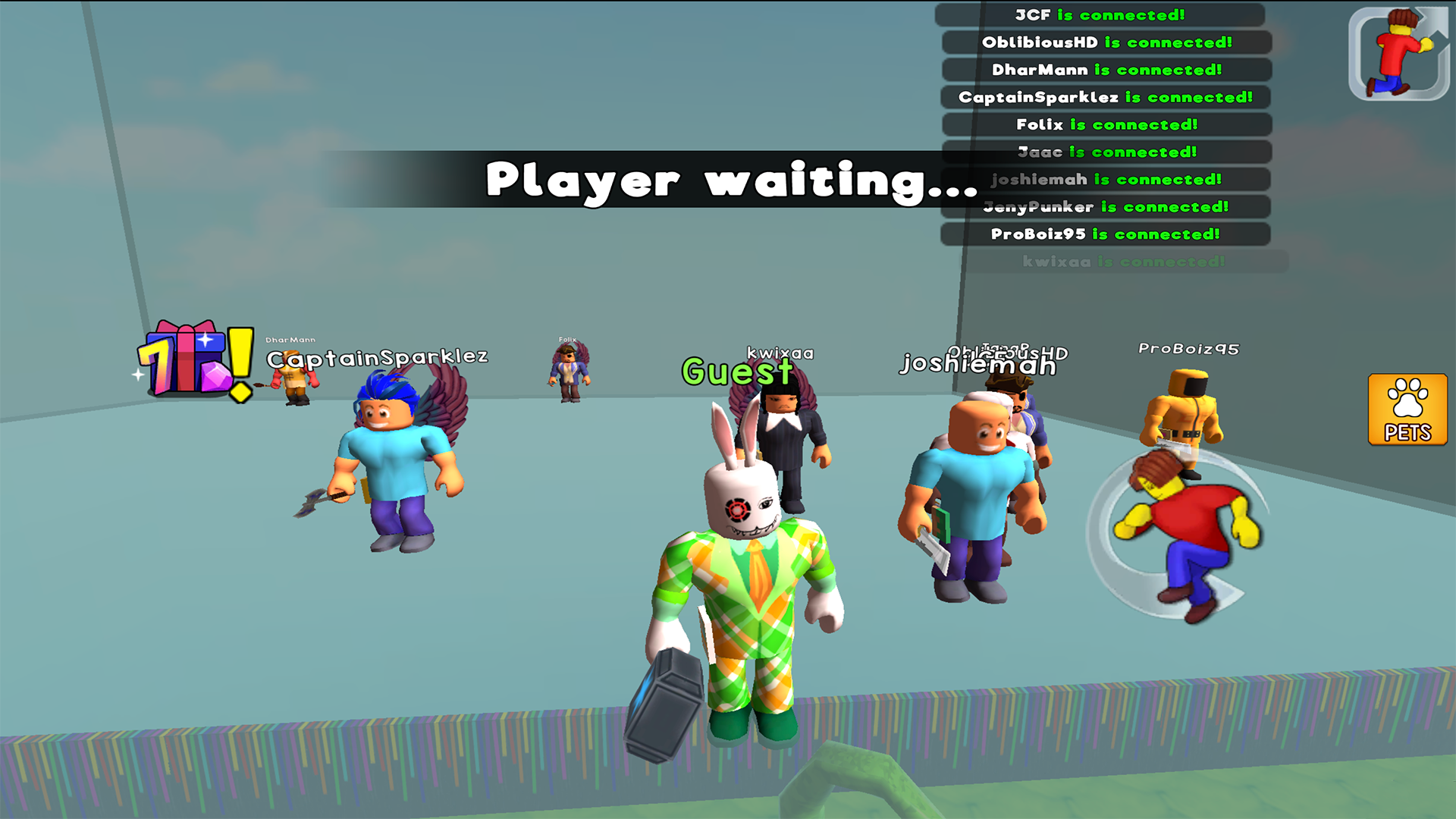
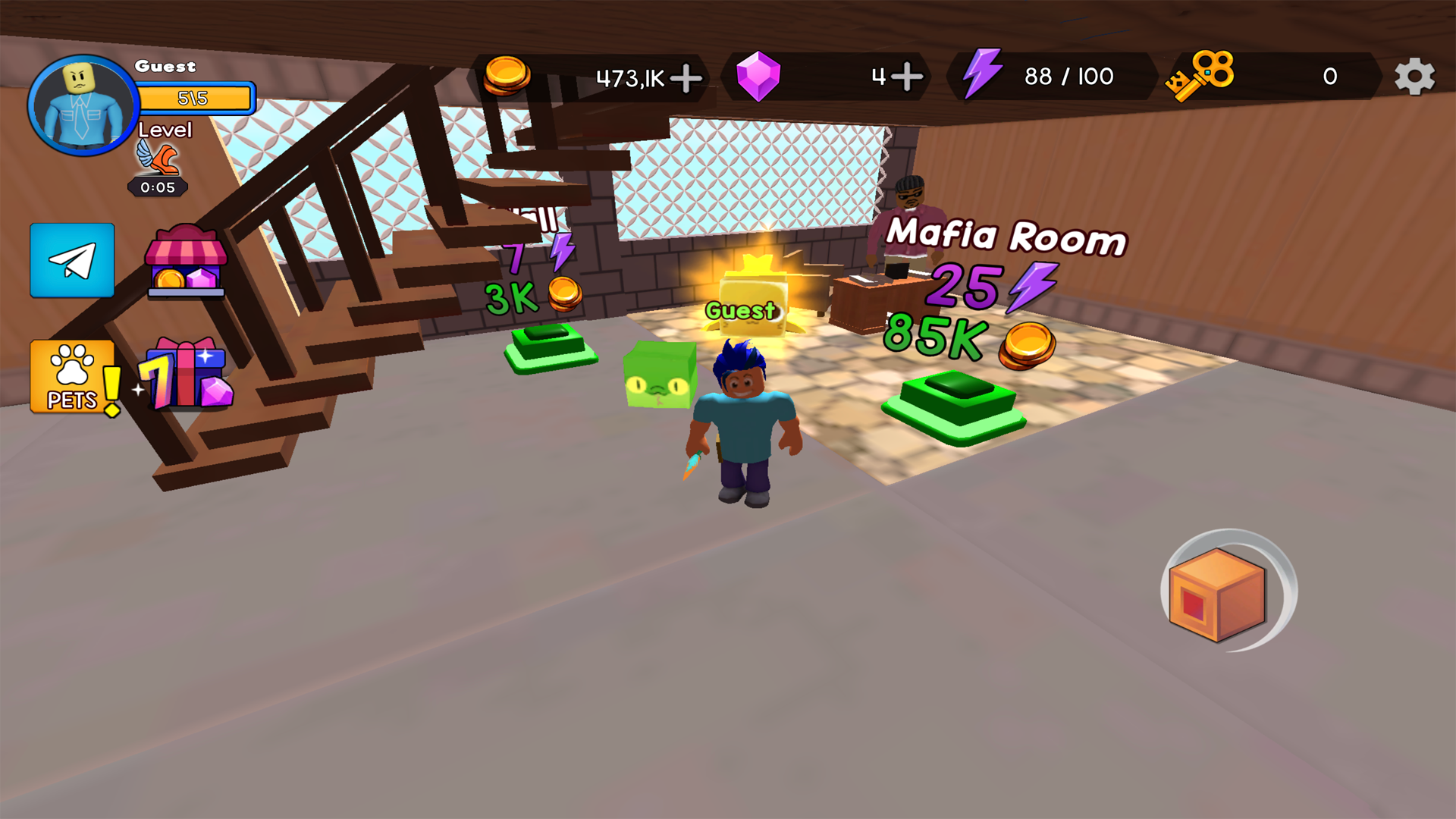
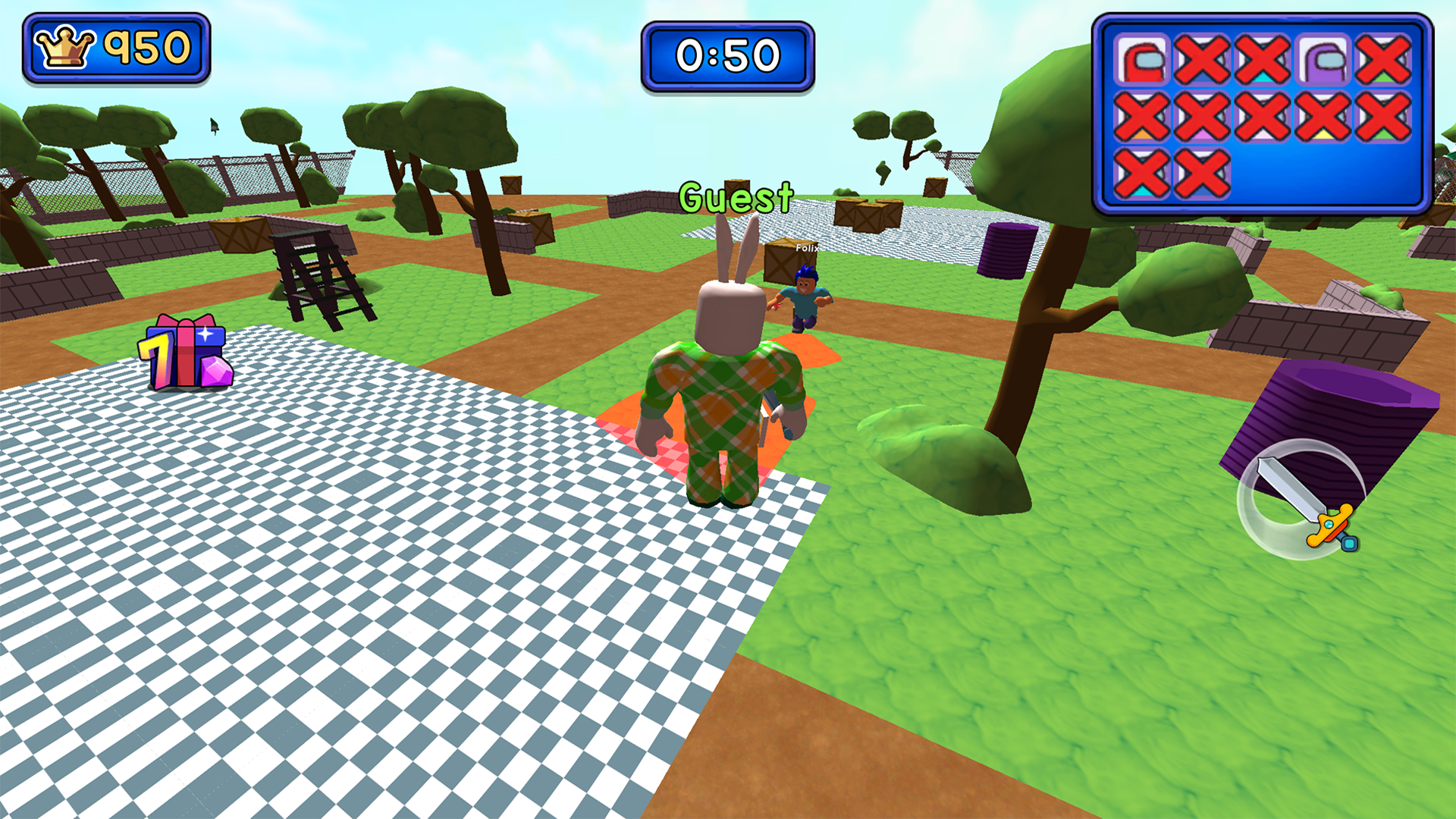
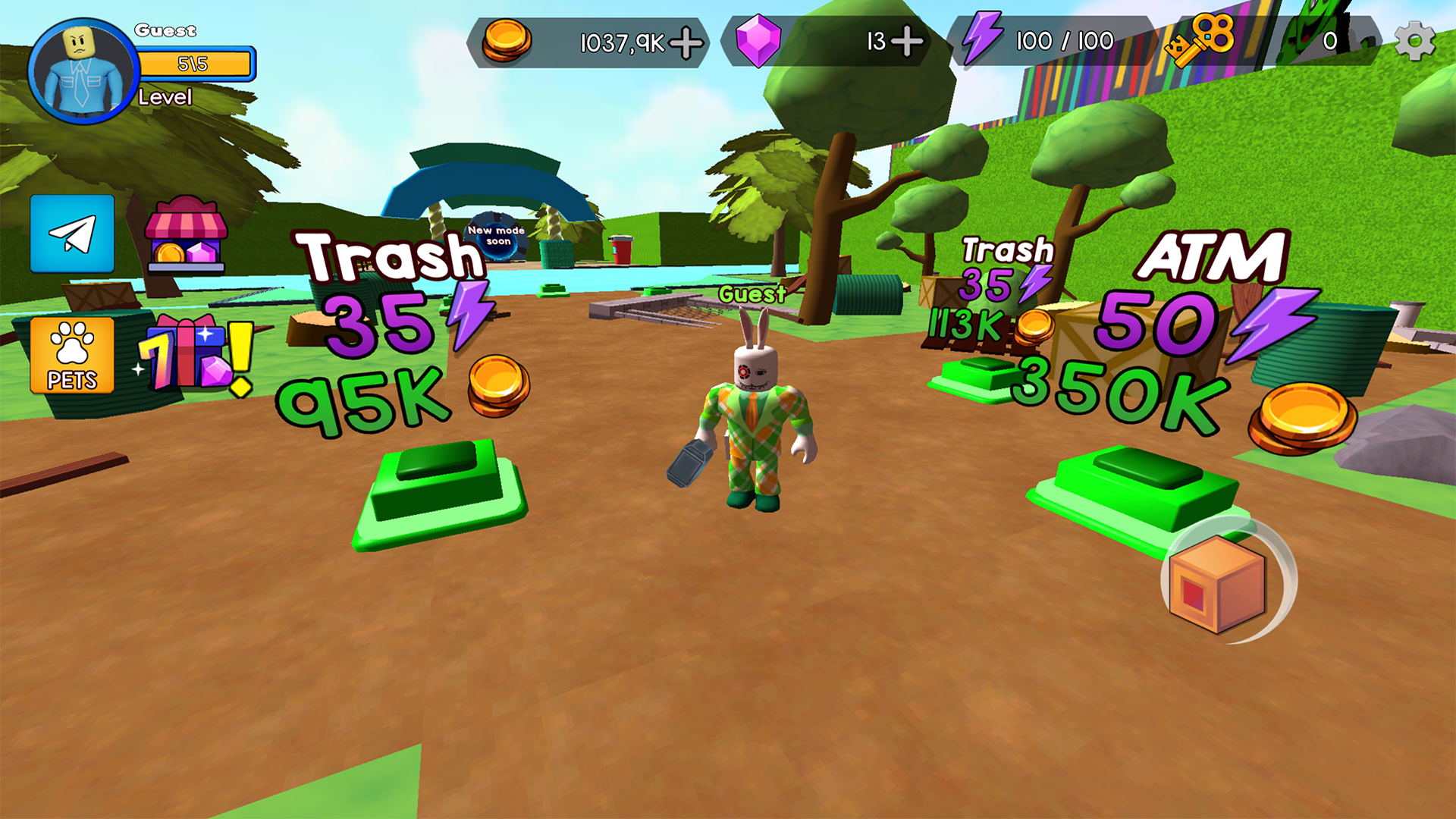

14,324 players online
How to play
-
Open the game
Press Play now and the game opens on its own screen.
-
Follow the in-game instructions
The controls and goals are shown inside the game as you play.
-
Use the game menu
The floating button over the game reloads it, saves it to your favourites, or takes you back out.