







Skip to content
Sandbox: Physics Simulator

Sandbox: Physics Simulator

7K plays 3.9 out of 5

Overview

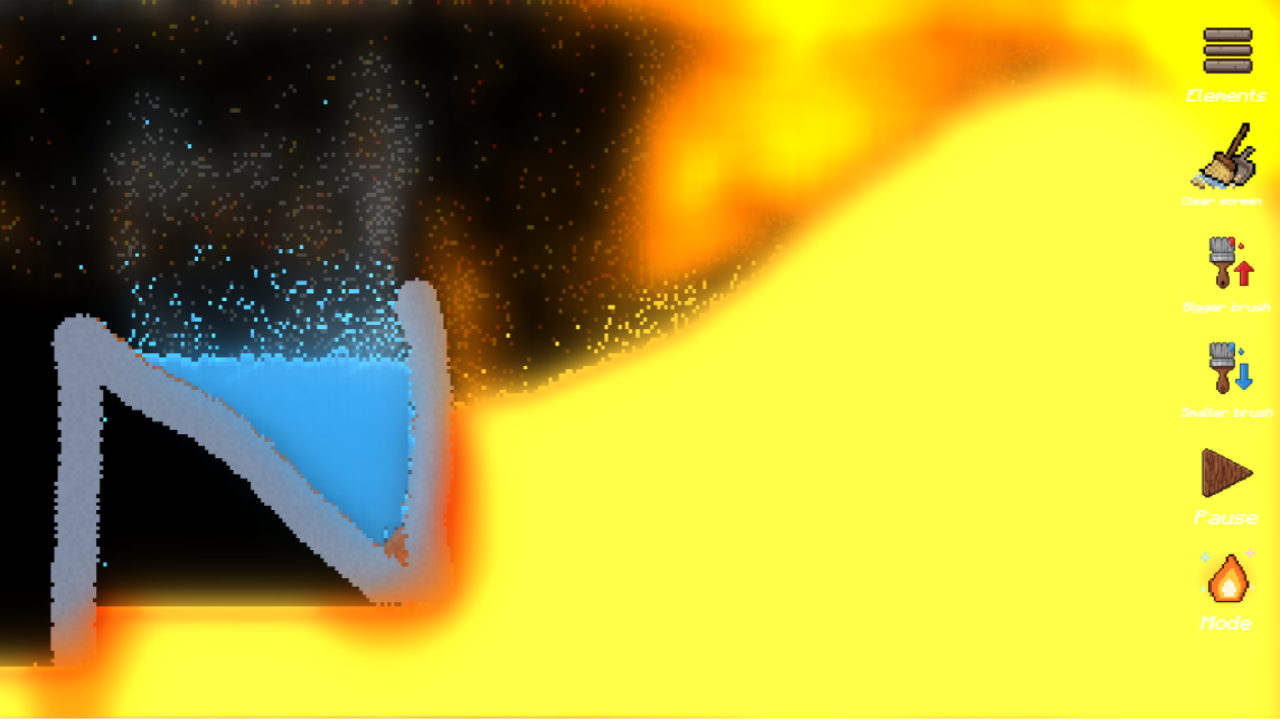
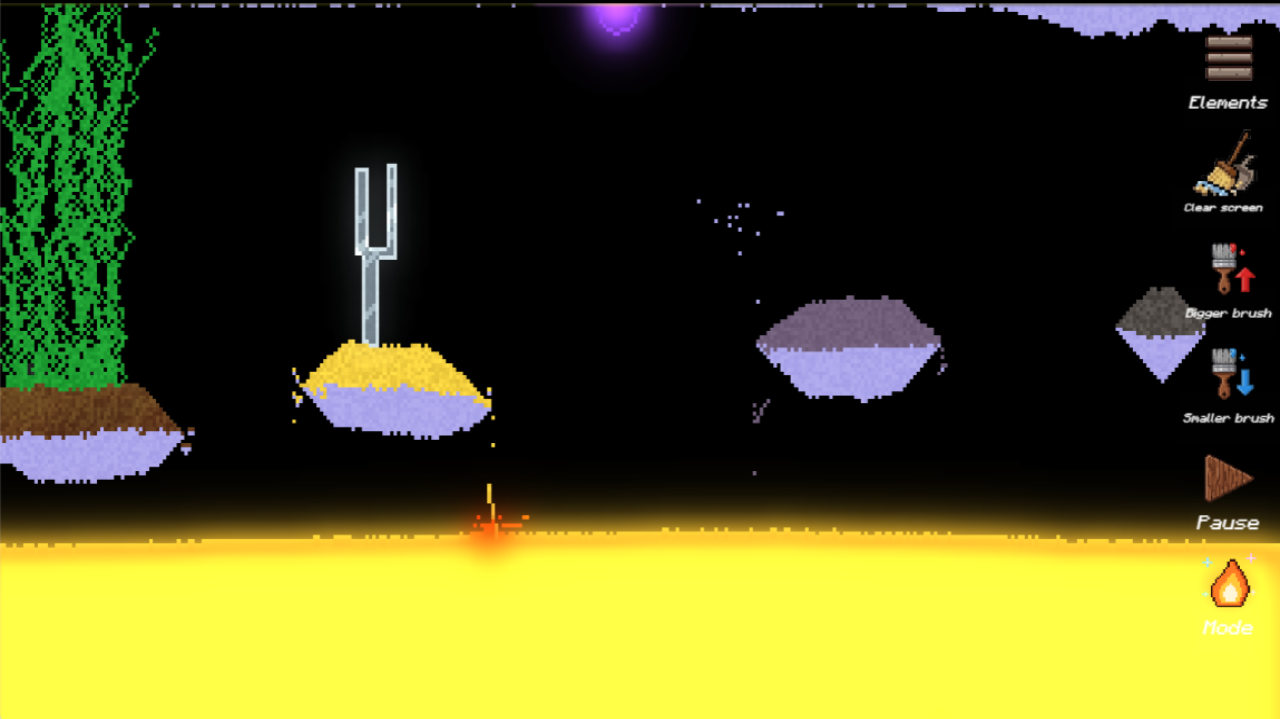
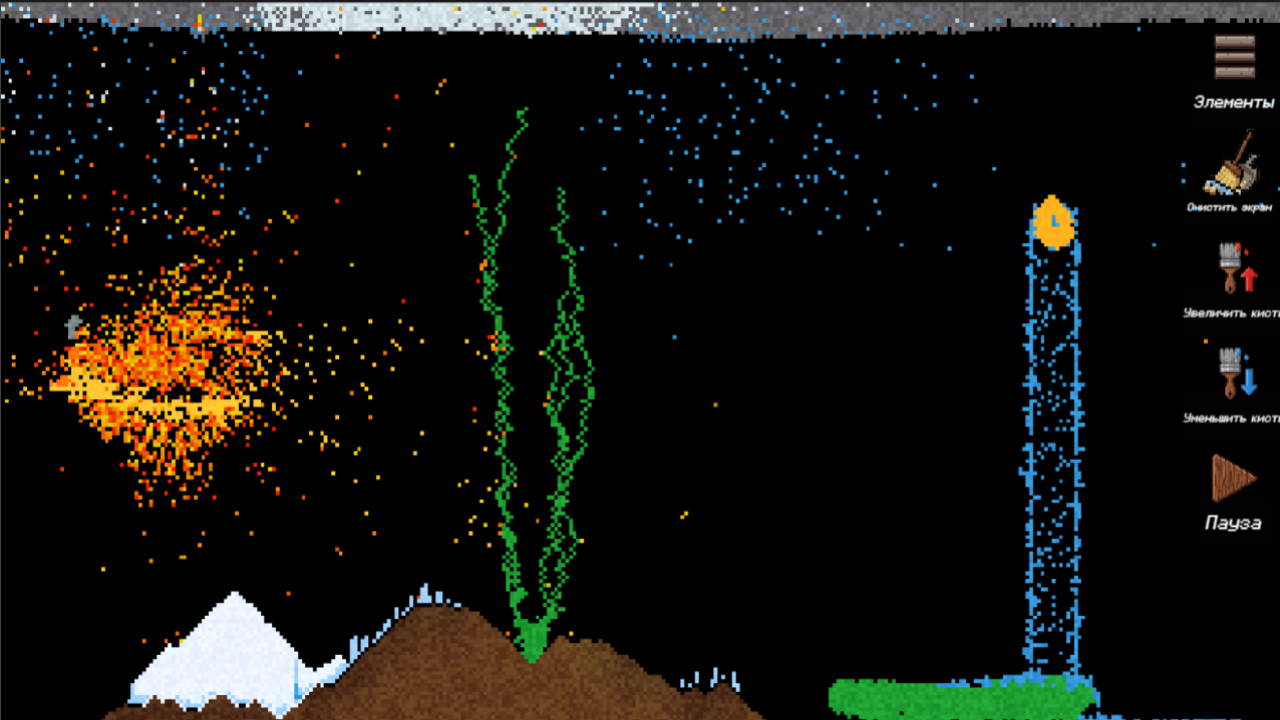
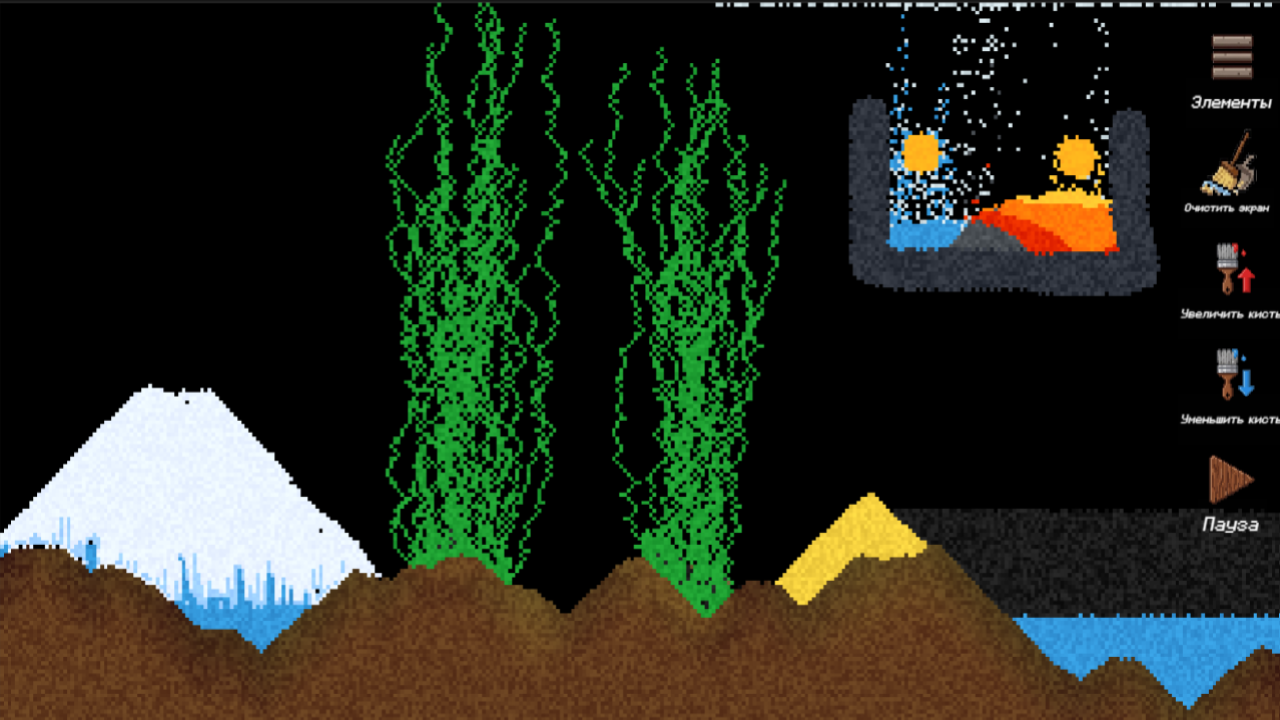
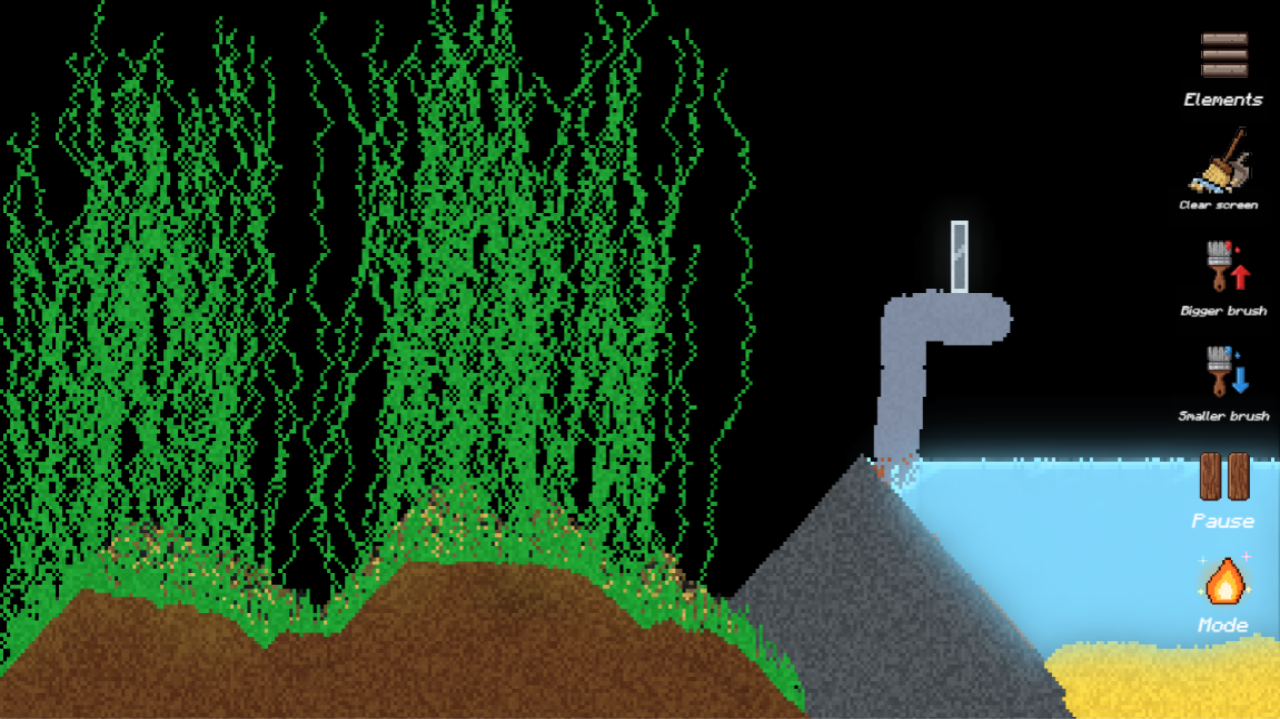
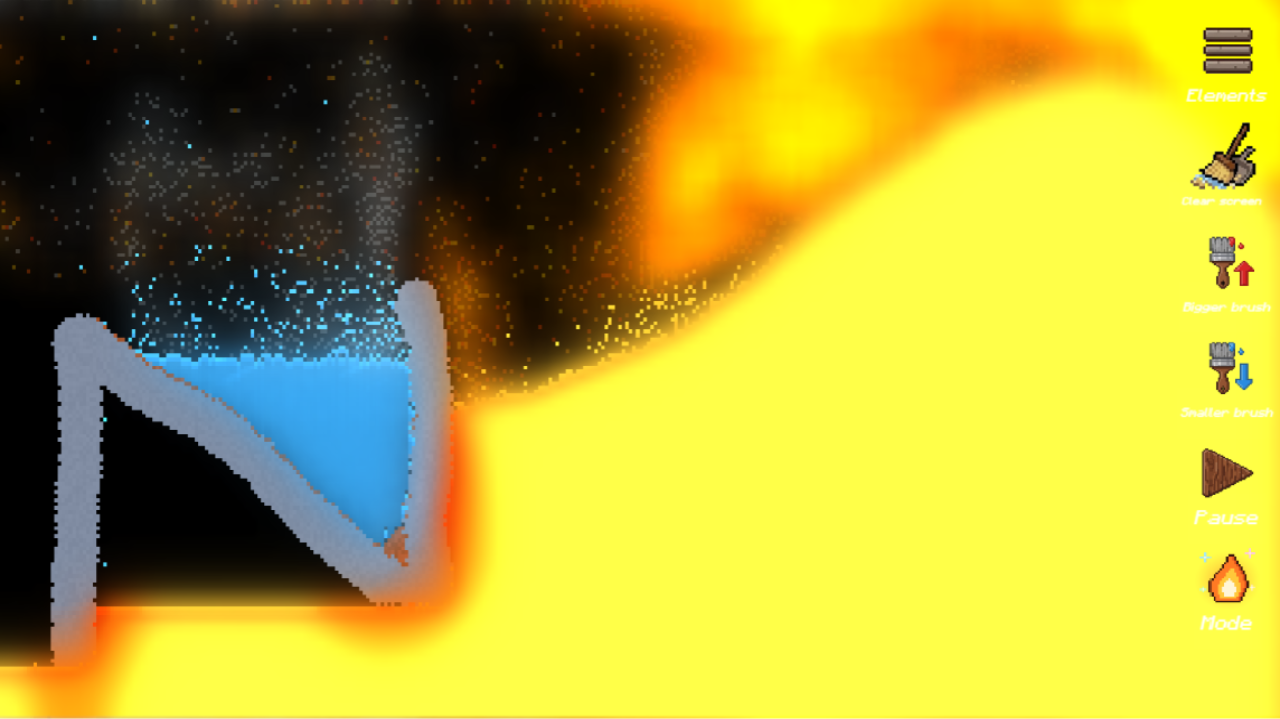
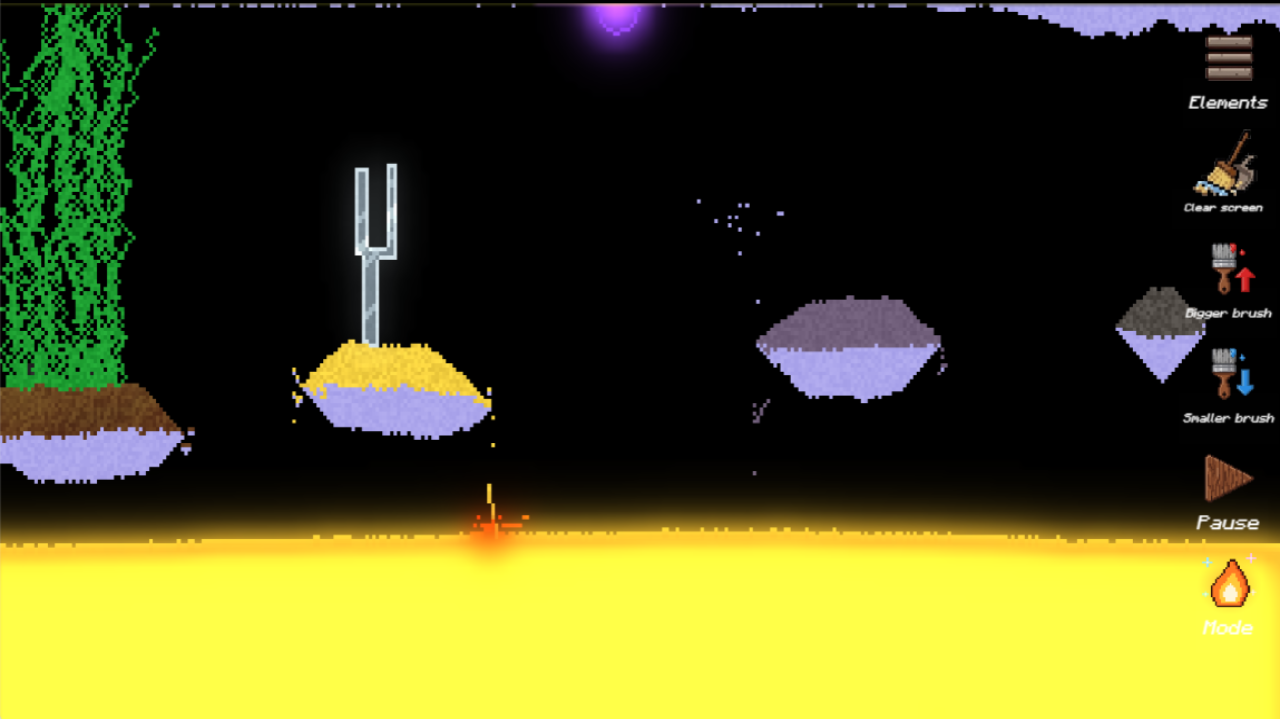
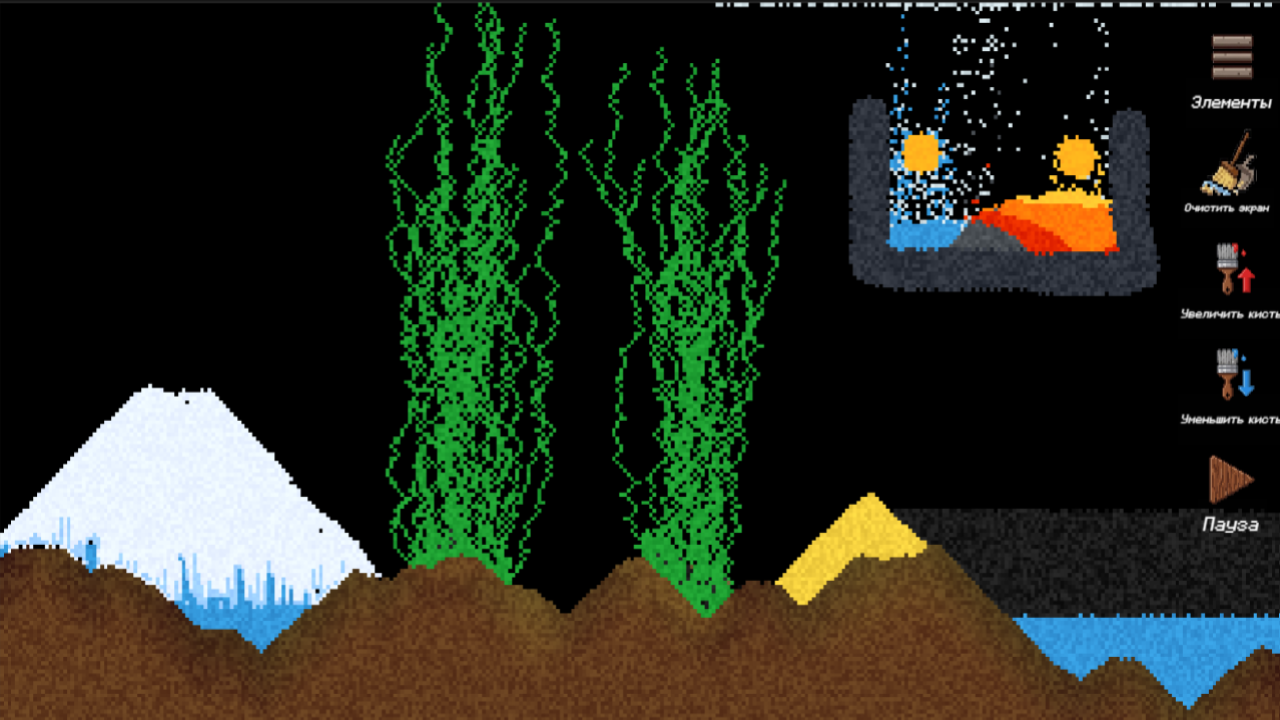
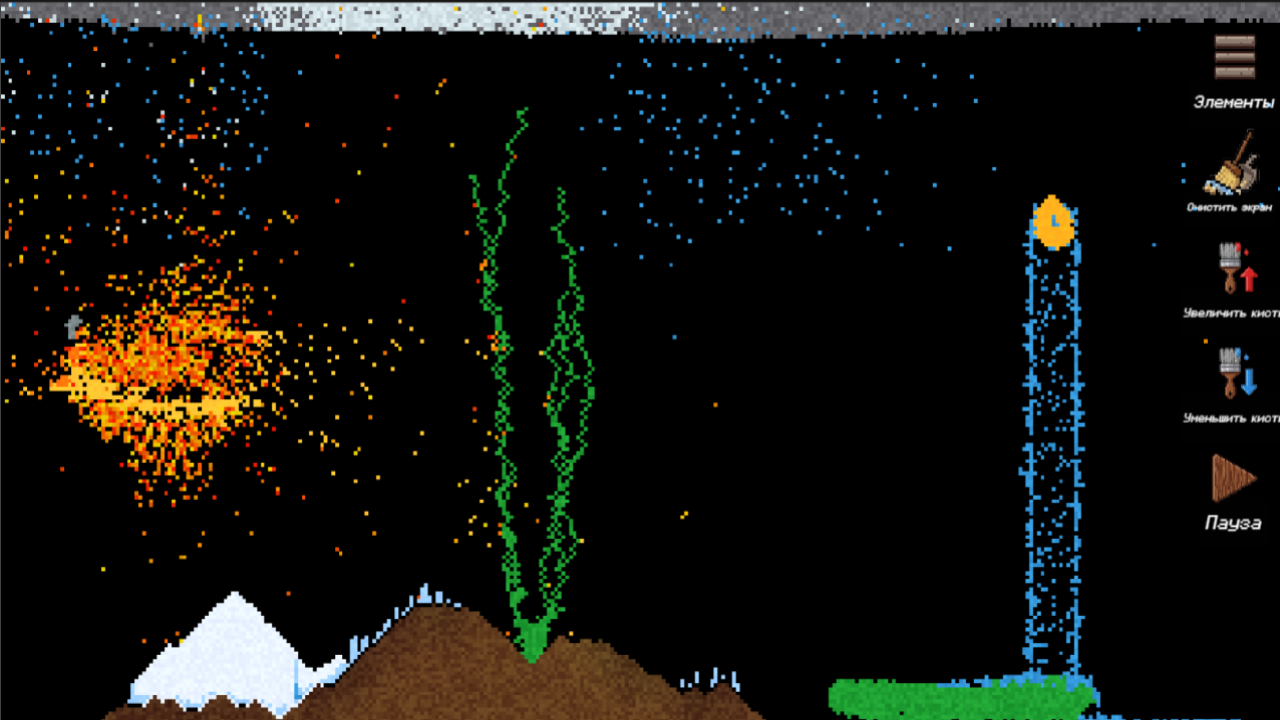
A classic 2D falling-sand sandbox based on cellular automata and thermodynamics. Create on a blank canvas using an arsenal of elements with unique properties: density, melting point, and flammability. Mechanics: Phase transitions: water freezes, fire evaporates liquids, and sand, glass, and iron melt into lava. Chemistry: acid dissolves materials releasing toxic vapors, salt makes water salty, and iron rusts. Explosions and burning: gunpowder, explosives, thermite, and solid saltpeter detonate from fire; oil burns out realistically. Biology: seeds sprout in moist soil, and saltpeter serves as an excellent fertilizer. Anomalies: black holes suck in pixels, anti-gravity dust falls upwards, and grey goo consumes matter. Automation: Clones (regular and destructible) endlessly generate selected substances. Controls: pause time for precise drawing and adjust the brush size.

Videos and screenshots
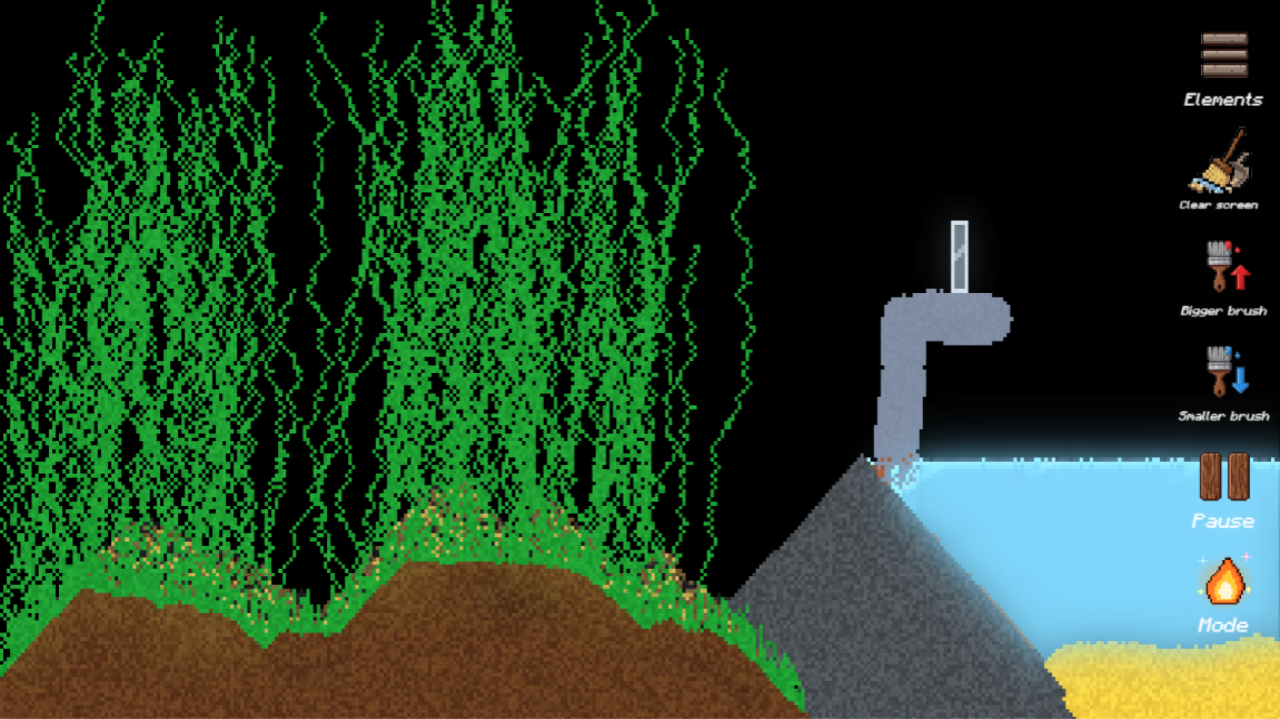
  • Sandbox: Physics Simulator screenshot
  • Sandbox: Physics Simulator screenshot
  • Sandbox: Physics Simulator screenshot
  • Sandbox: Physics Simulator screenshot
  • Sandbox: Physics Simulator screenshot
  • Sandbox: Physics Simulator screenshot
  • Sandbox: Physics Simulator screenshot
  • Sandbox: Physics Simulator screenshot
  • Sandbox: Physics Simulator screenshot
  • Sandbox: Physics Simulator screenshot
Play Now

14,917 players online

How to play

  1. Open the game

    Press Play now and the game opens on its own screen.

  2. Follow the in-game instructions

    The controls and goals are shown inside the game as you play.

  3. Use the game menu

    The floating button over the game reloads it, saves it to your favourites, or takes you back out.

Game instructions

Controls are adapted for mouse clicks on desktop and touch events on mobile devices. Selecting a substance: Open the "Elements" menu (button in the top right corner) and choose the desired material (Sand, Water, Fire, Acid, etc.). Drawing: Hold down the left mouse button or swipe your finger across the screen to generate particles of the selected substance. Brush size: Use the arrow buttons on the right panel to increase or decrease the drawing radius. Erasing: Select the "Eraser" in the elements menu to precisely erase particles. Clearing the canvas: Click the "Clear screen" button with the broom icon to instantly remove all substances from the field. Pause: The button in the bottom right corner stops the physics processing loop. While paused, you can continue drawing substances. Pressing it again will run the simulation of the drawn scene. Mode: The button with the fire icon at the very bottom of the right panel allows you to switch between the sandbox's visual modes.

More games

More games

Enjoying Kezi10 Games?

Your rating helps us make it better.

How was your experience?