Skip to content
KG
Schoolboy Escape 2: Village

Schoolboy Escape 2: Village

6K plays 4.0 out of 5

Overview

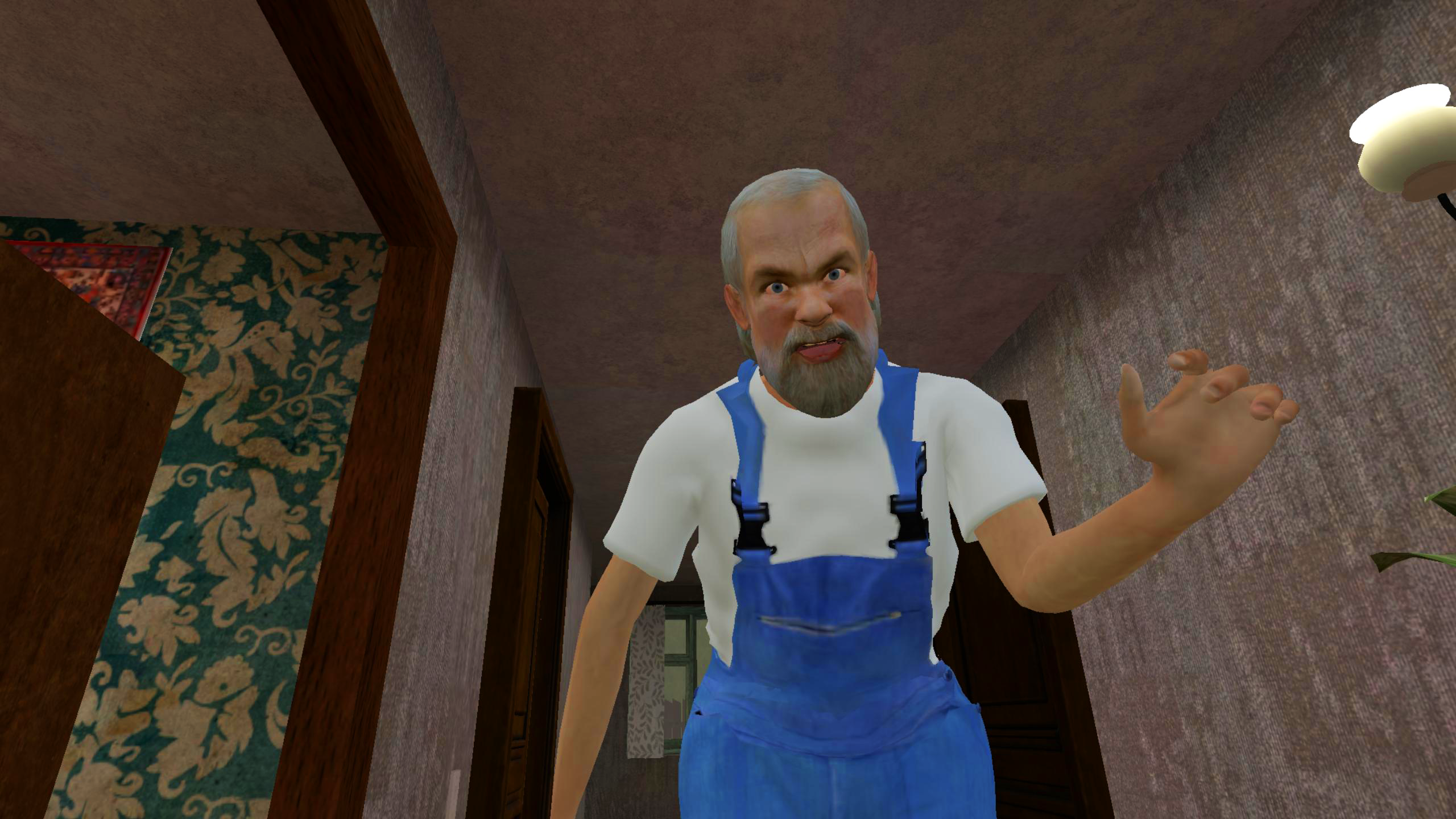
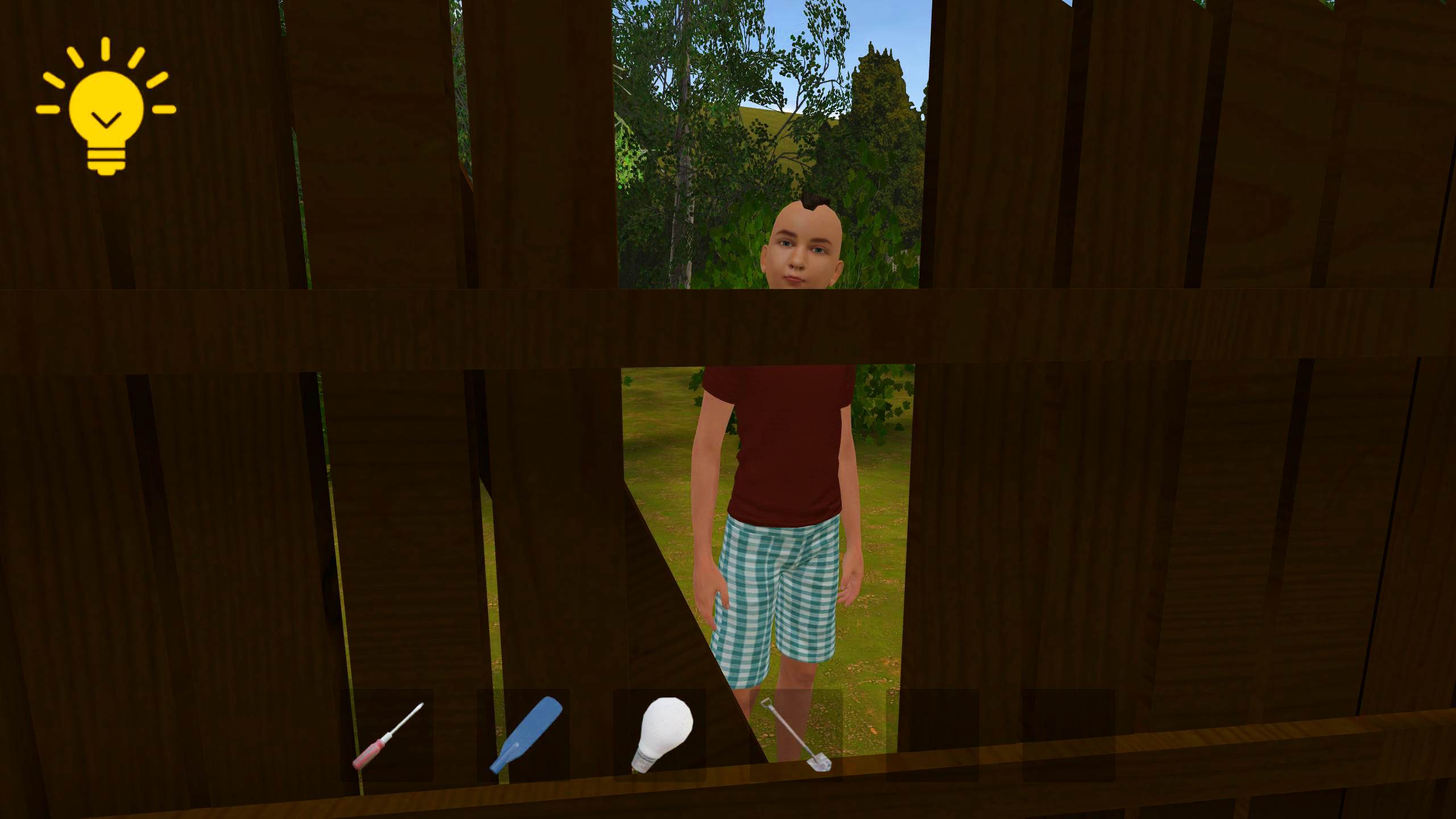
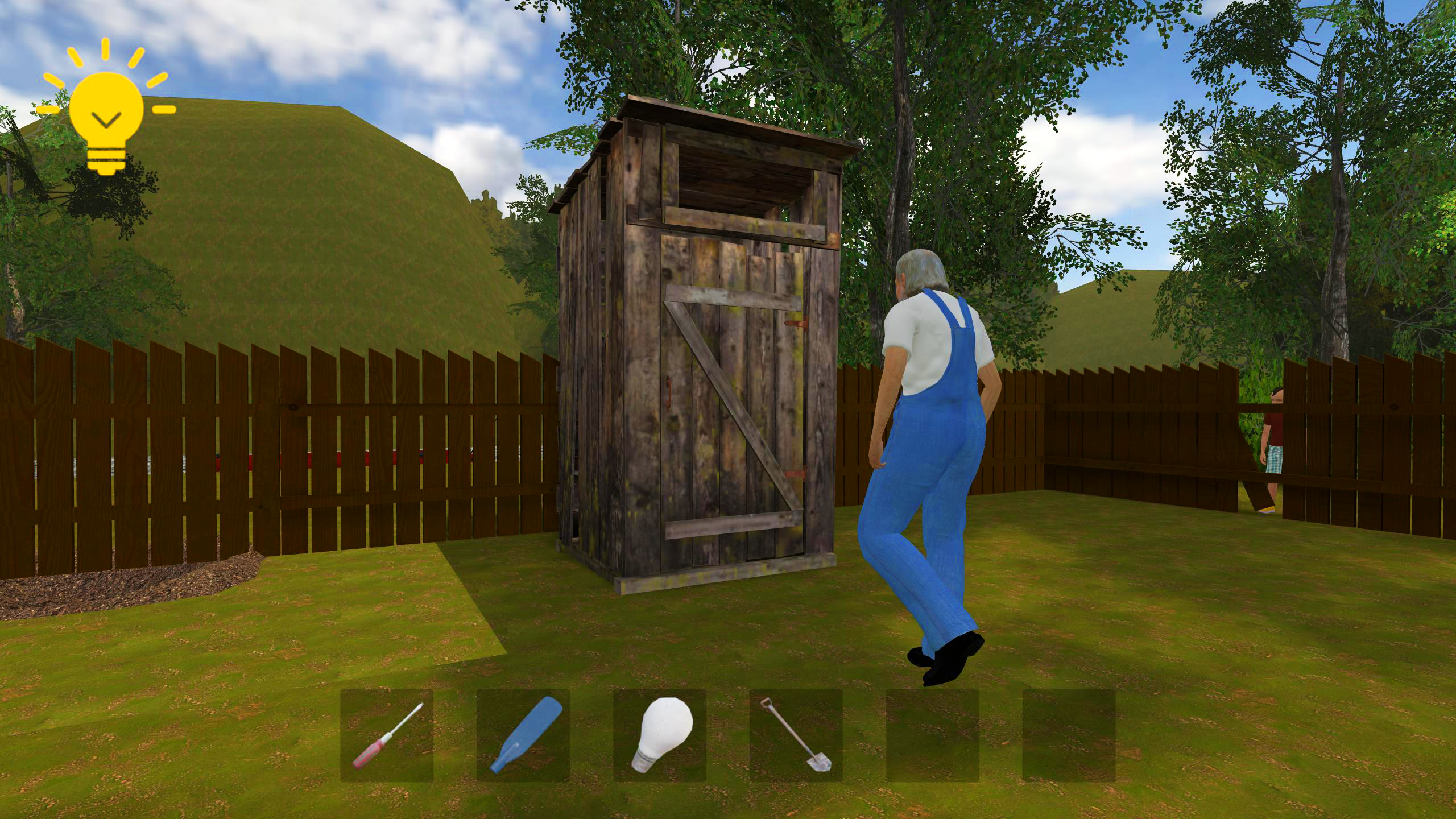
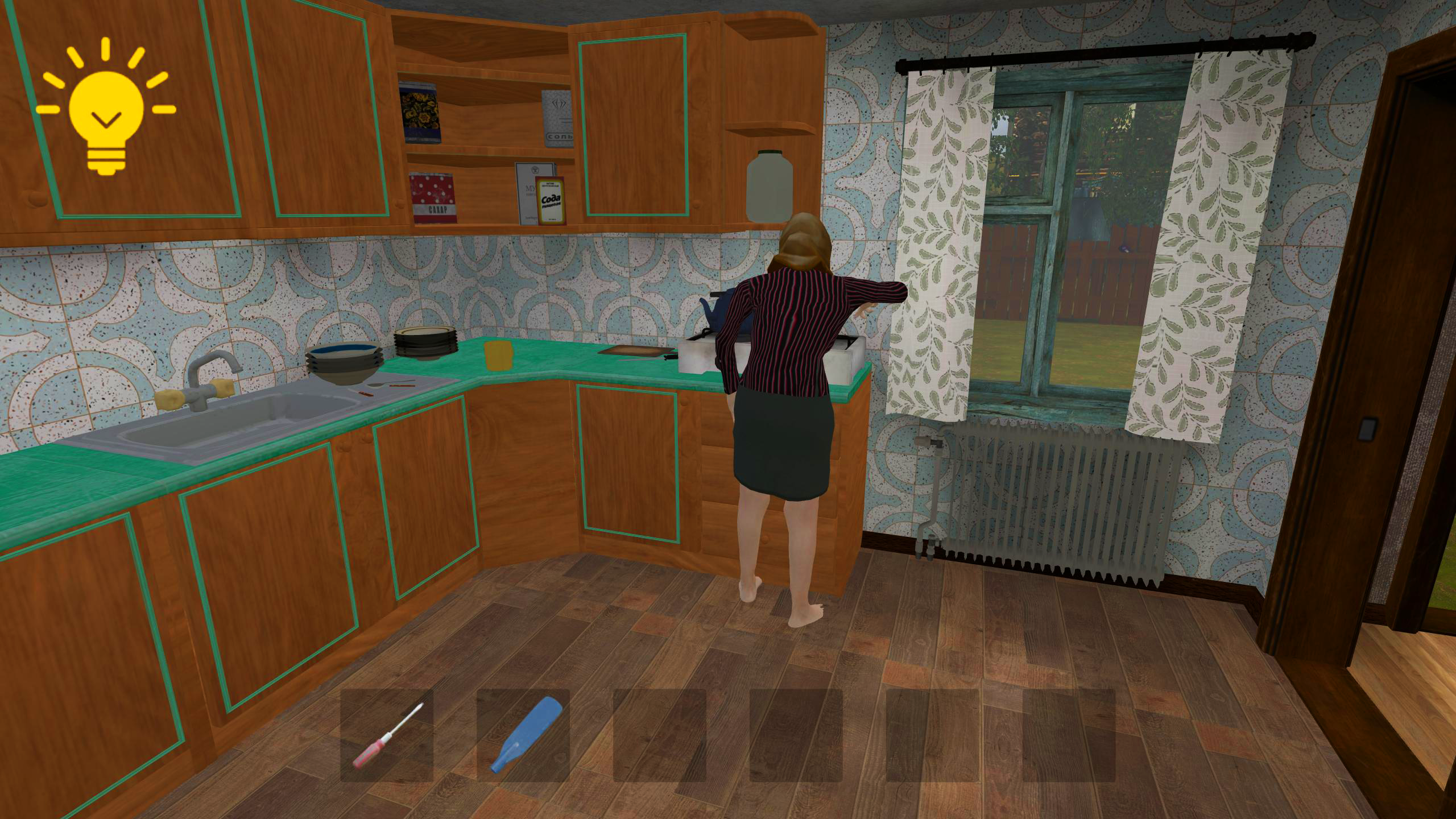
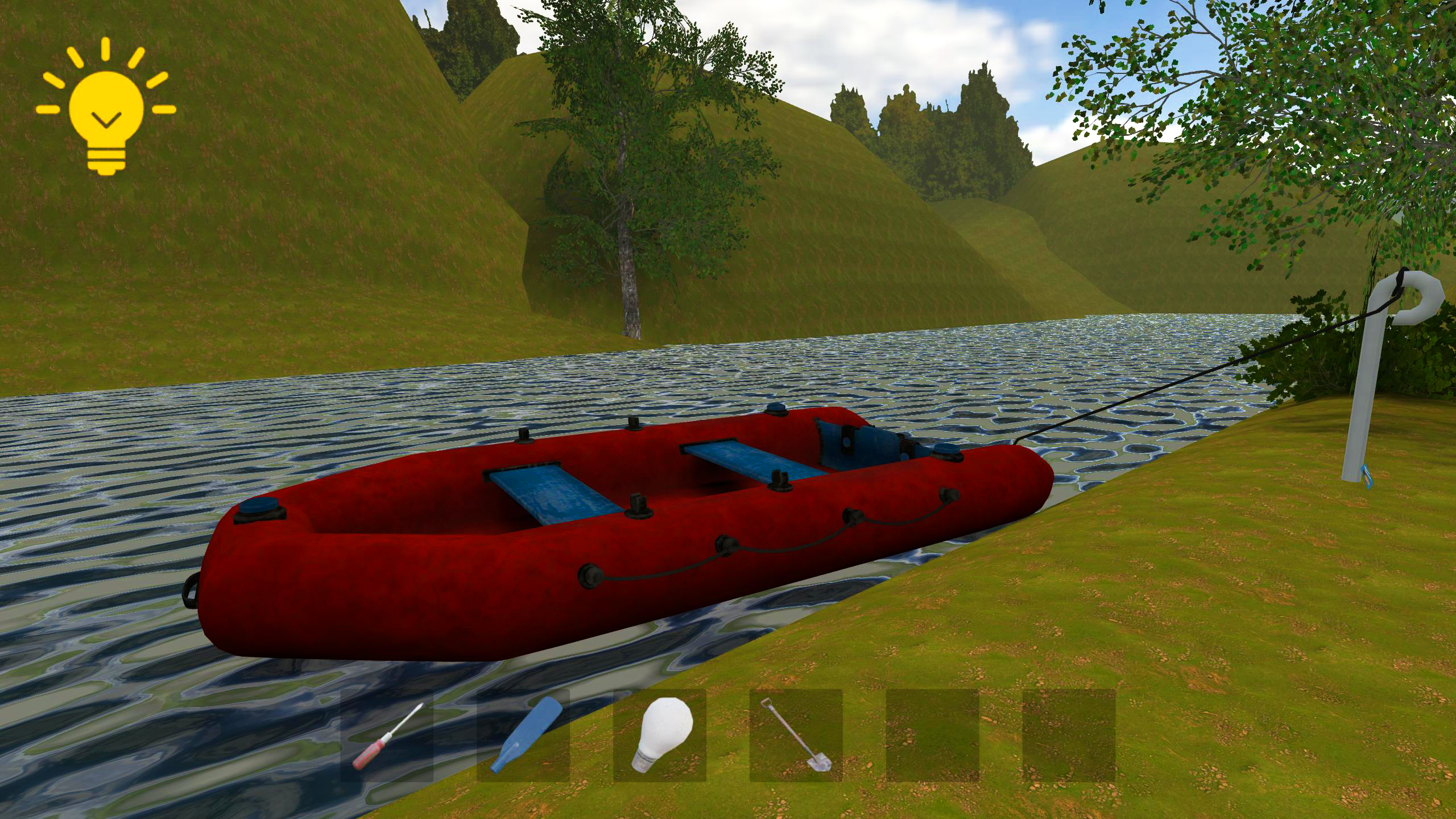
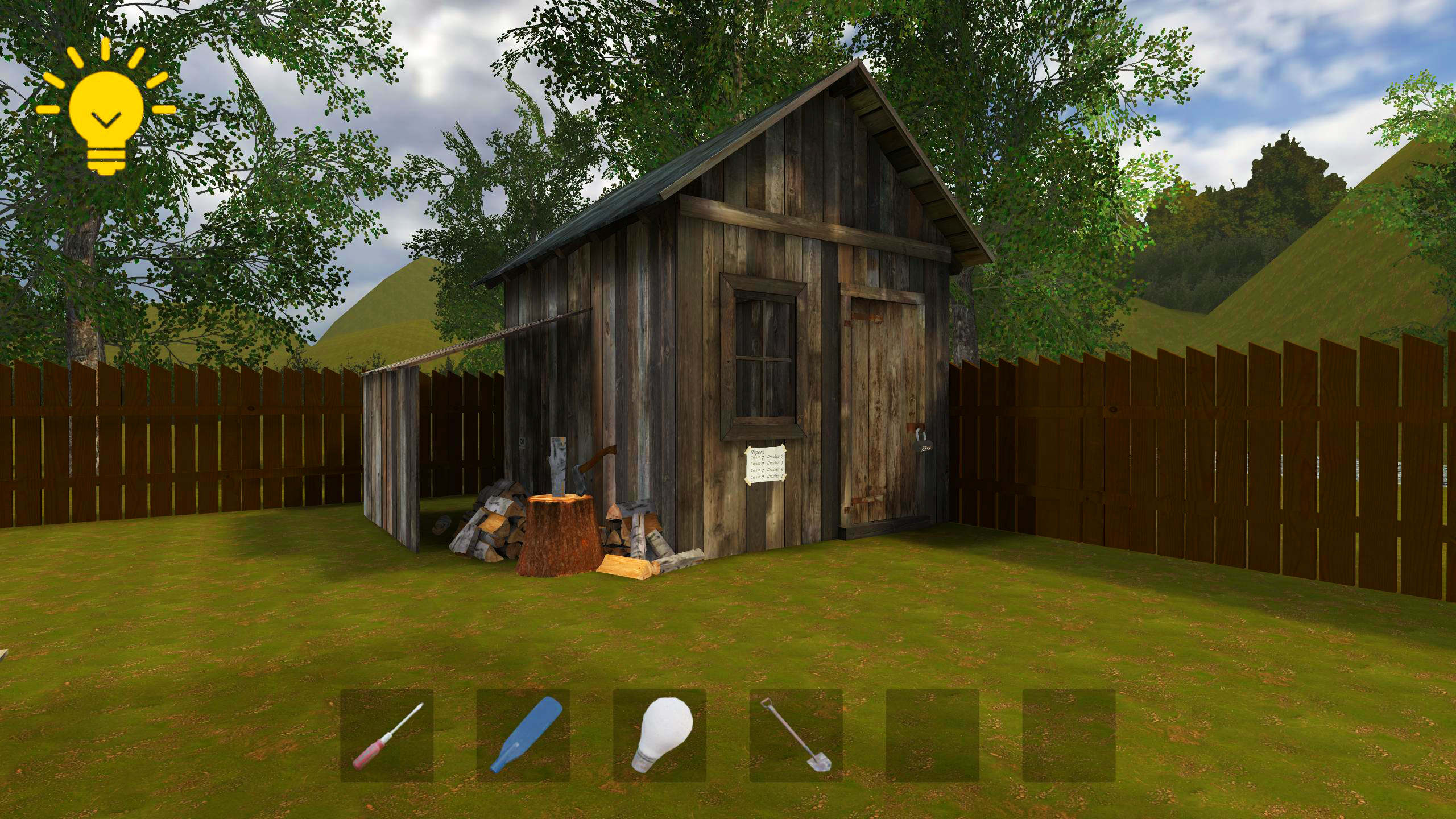
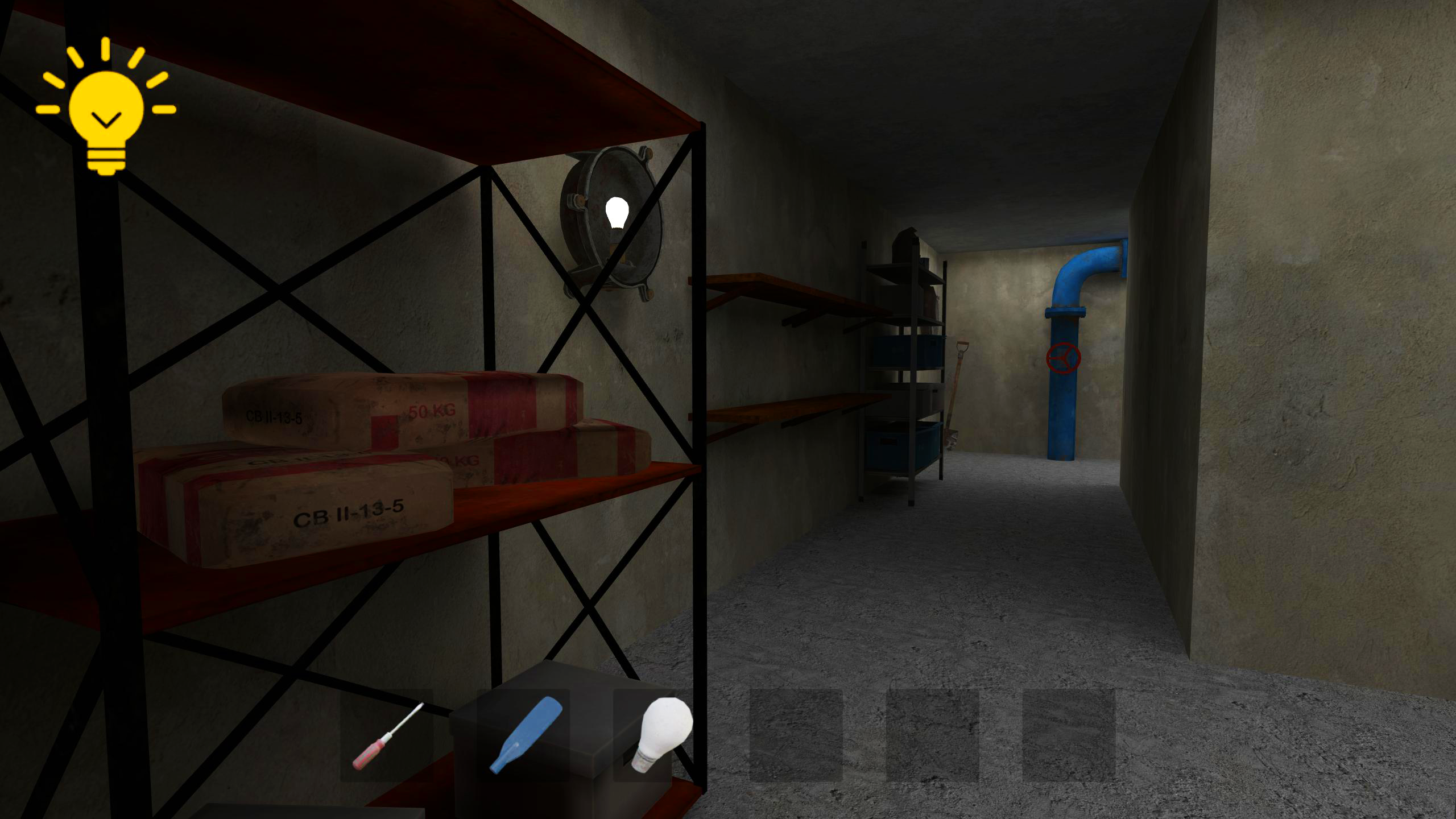
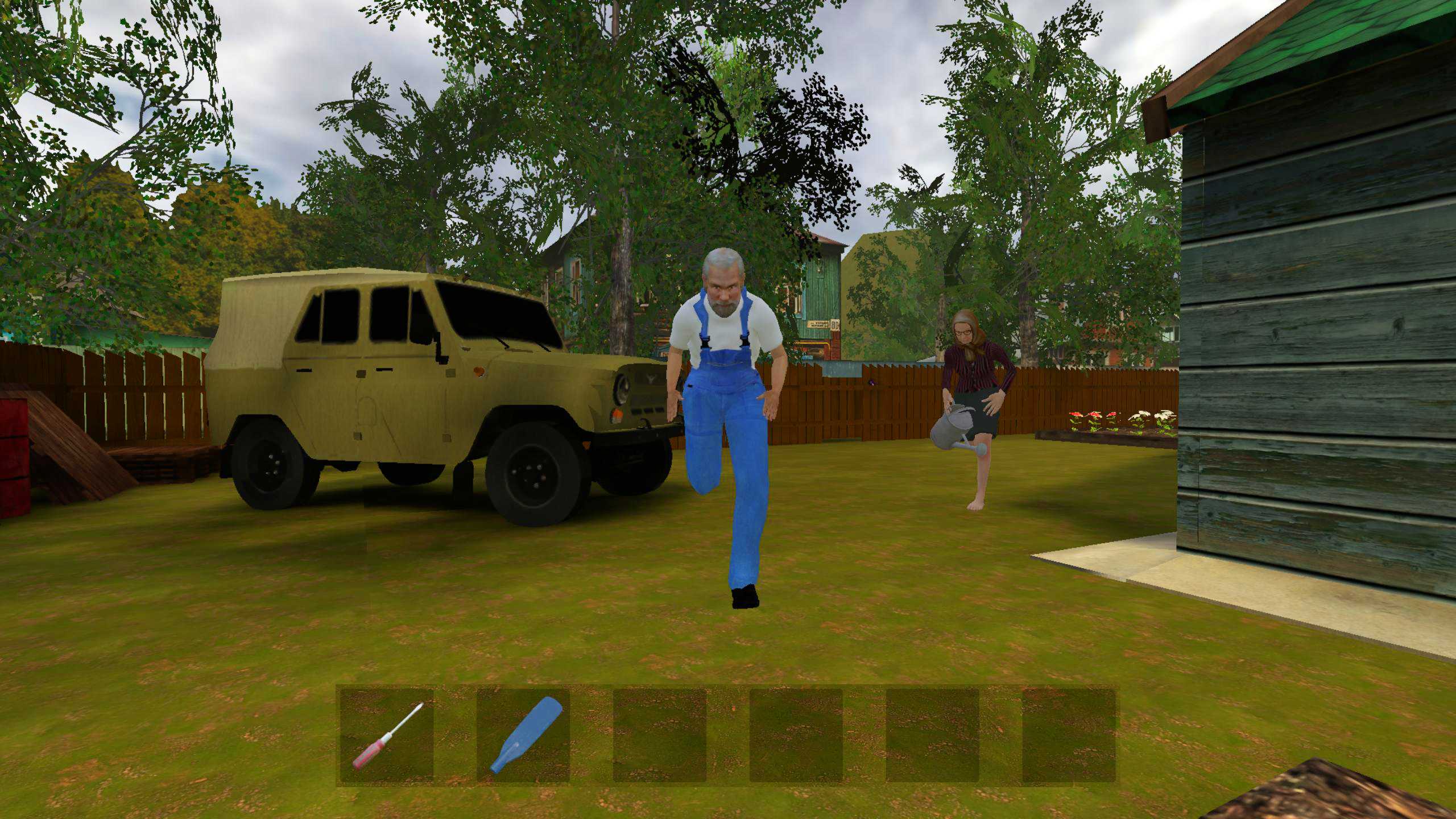
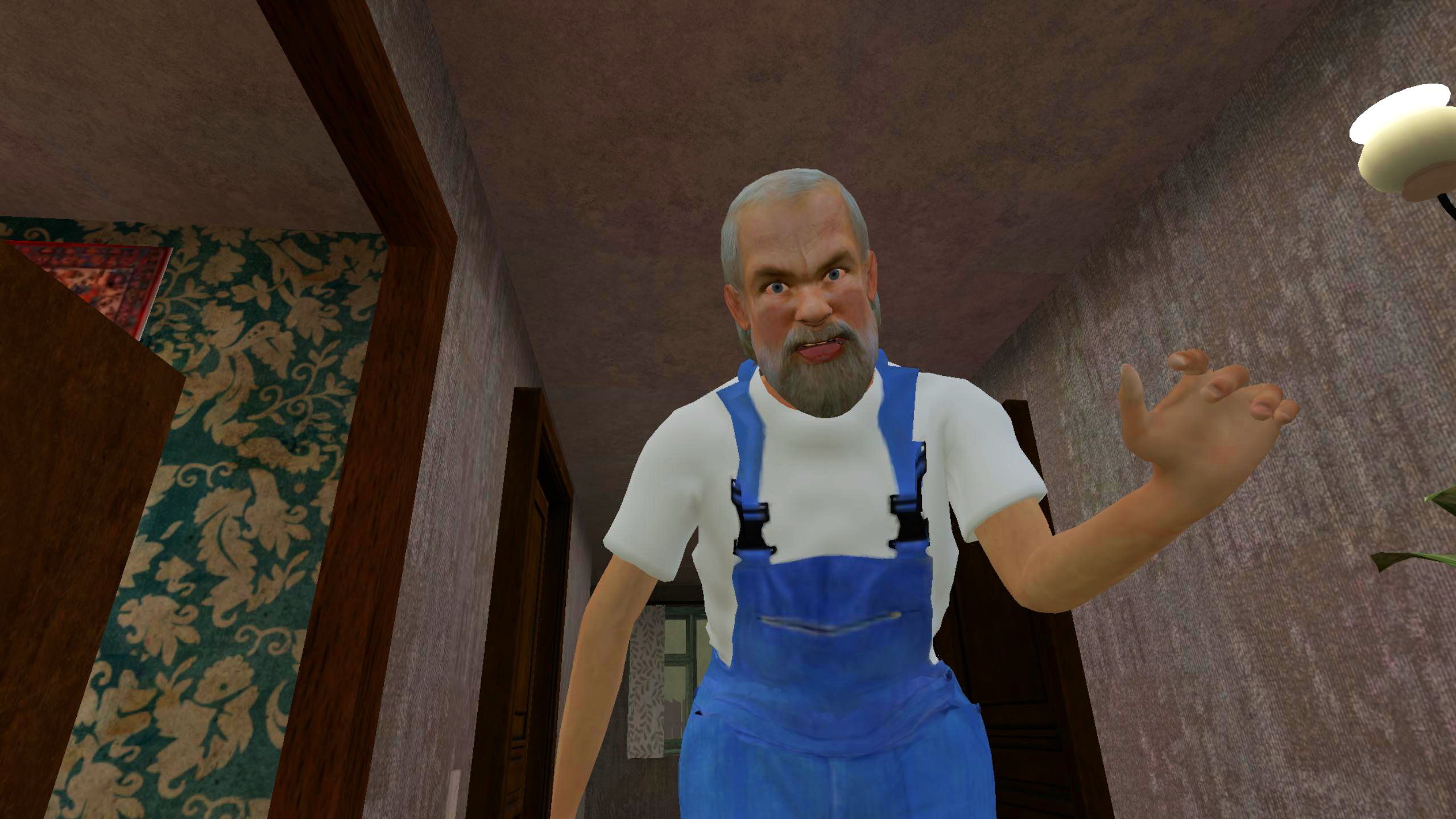
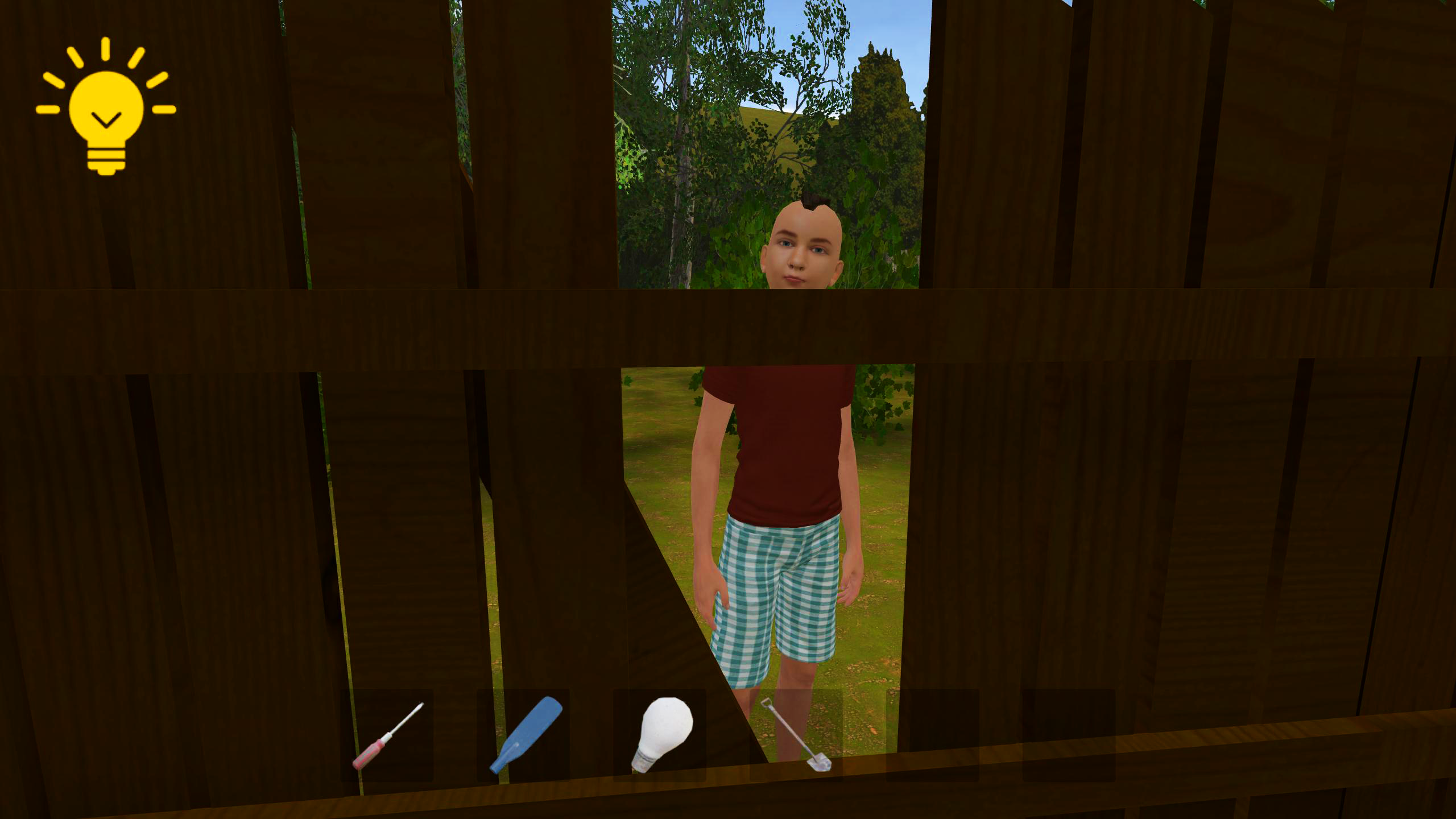
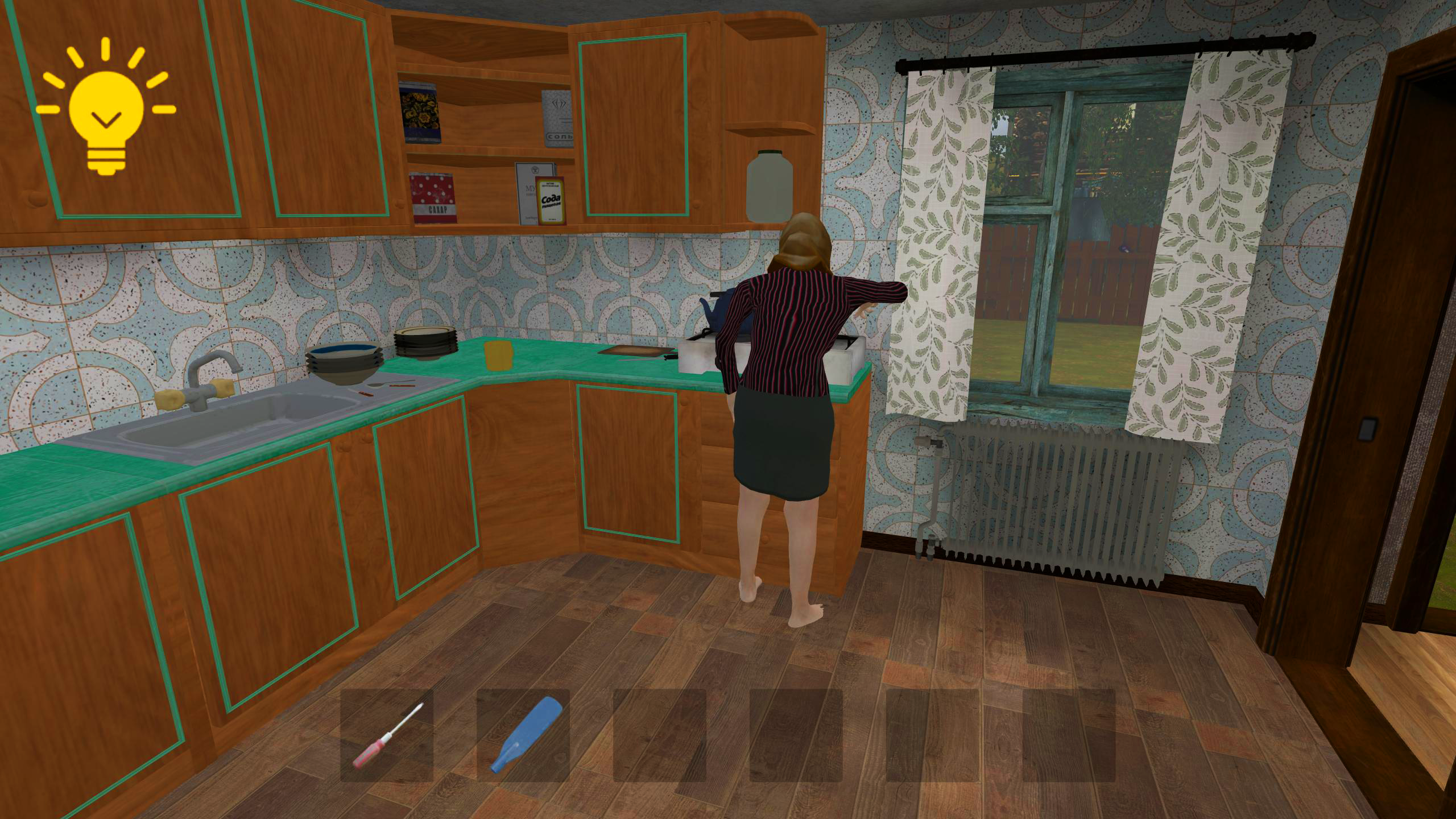
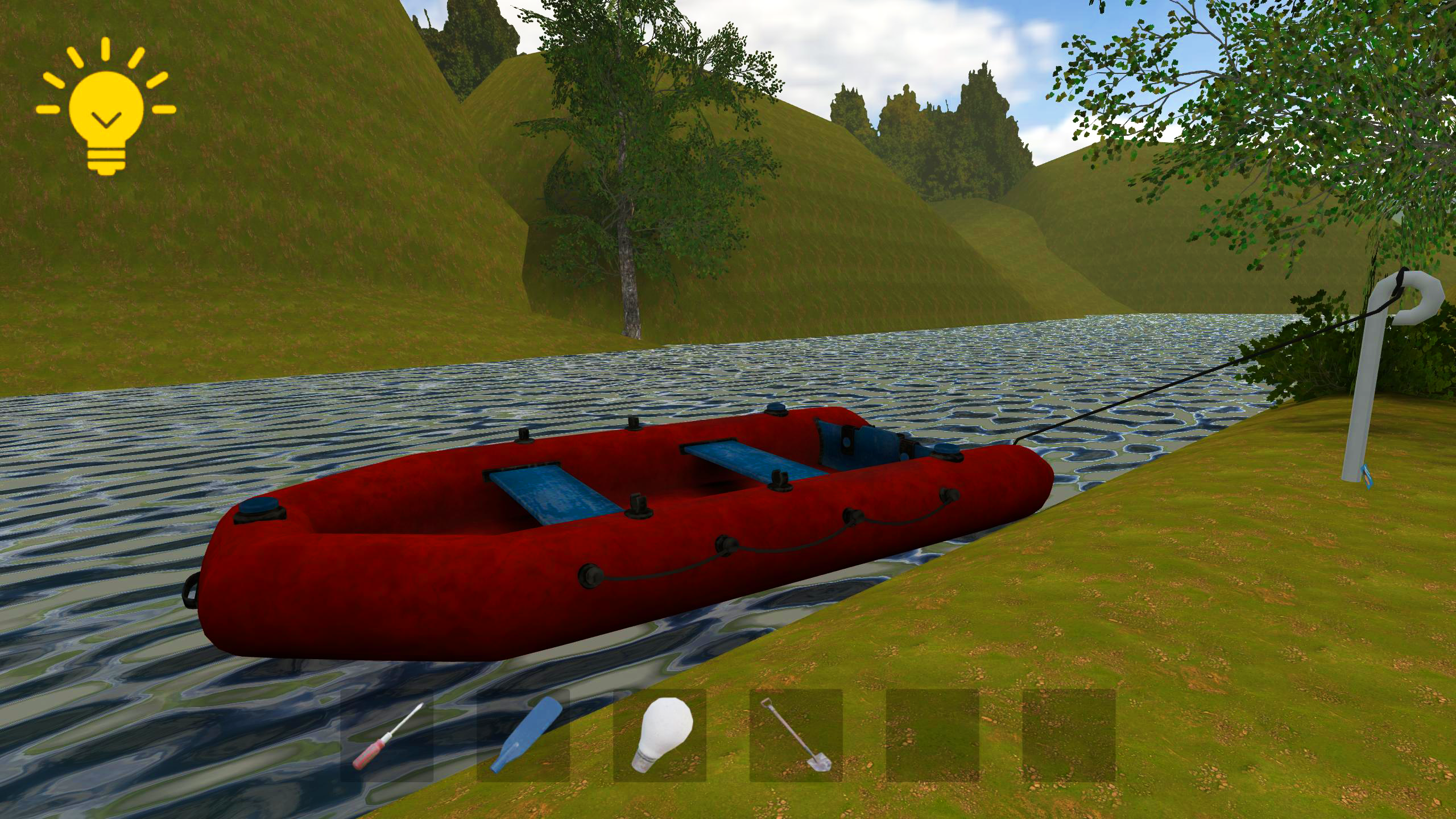
Schoolboy Escape 2: Village is a thrilling first-person stealth horror game that will take you into the atmosphere of horror, tension and fear. The main character is a kid who is locked up at home by his strict grandparents and forced to do work. But instead of boring homework, he dreams to escape to the street and go for a walk with friends. You will have to help him realize this risky plan, avoiding meetings with old people and using all available means to escape from home. You have given your word kid that you will meet up with your friends and organize an escape from home! Features of the horror game “Schoolboy Escape 2: Village”: - Act village from which the schoolboy will have to escape! - Stealth Mode: Hide, sneak and avoid meeting your parents. - Horror atmosphere: Beware of every unexpected sound, creak and rustle, peer into the dark corridors of the old house. - Interactive house: Explore every corner of the house, become a real detective.

Videos and screenshots

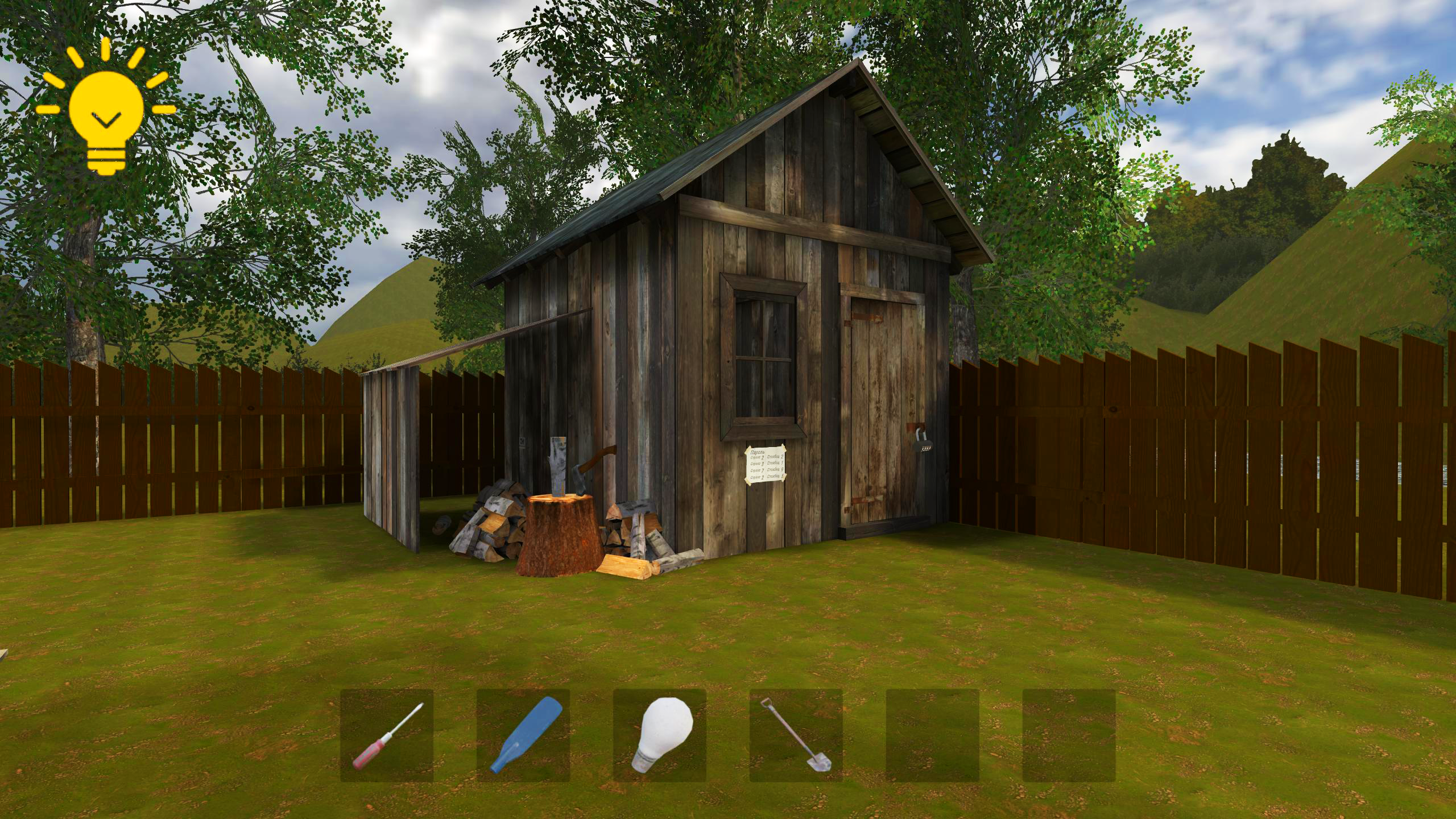
  • Schoolboy Escape 2: Village screenshot 1
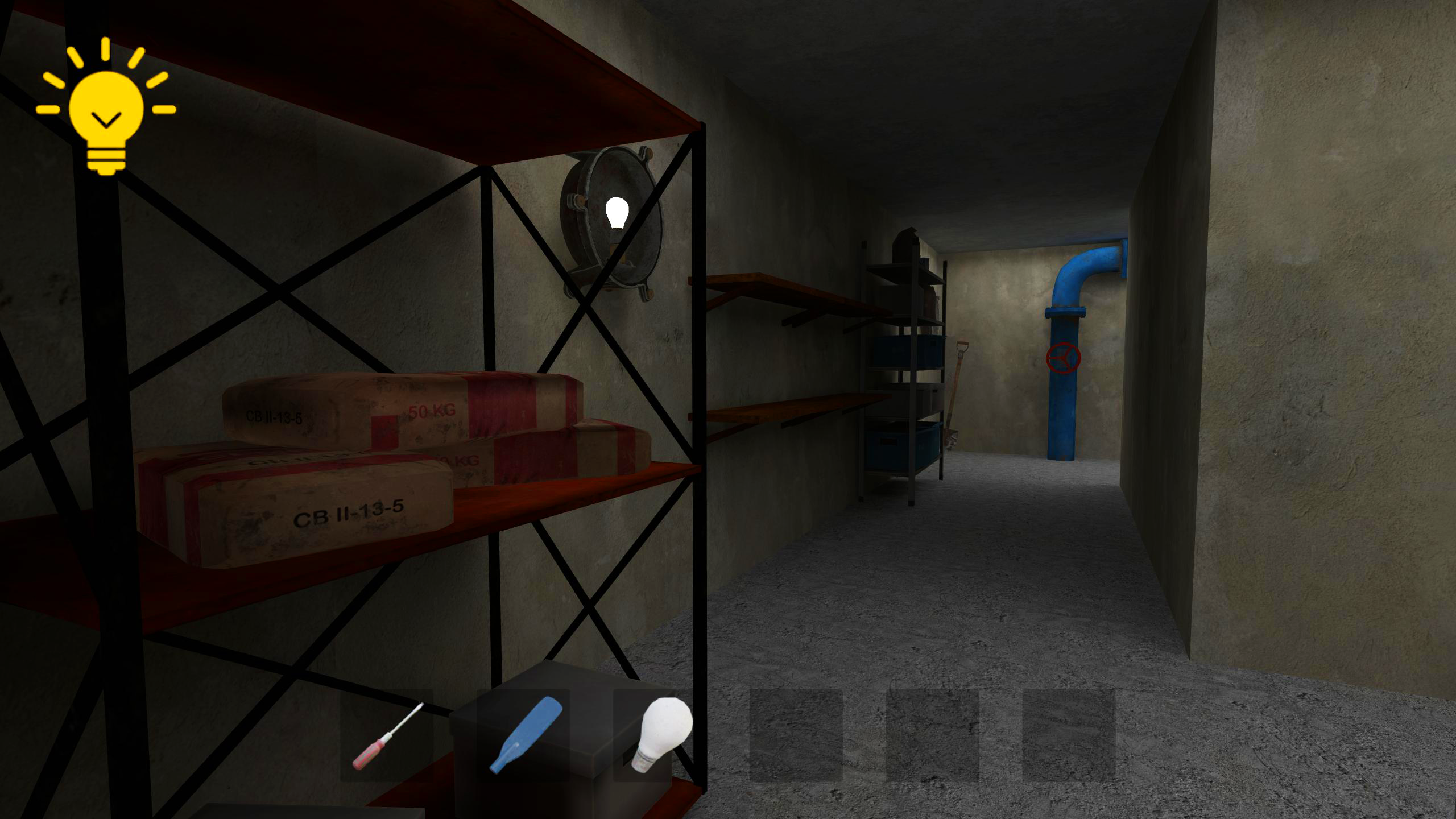
  • Schoolboy Escape 2: Village screenshot 2
  • Schoolboy Escape 2: Village screenshot 3
  • Schoolboy Escape 2: Village screenshot 4
  • Schoolboy Escape 2: Village screenshot 5
  • Schoolboy Escape 2: Village screenshot 6
  • Schoolboy Escape 2: Village screenshot 7
  • Schoolboy Escape 2: Village screenshot 8
  • Schoolboy Escape 2: Village screenshot 9
  • Schoolboy Escape 2: Village screenshot 10
  • Schoolboy Escape 2: Village screenshot 11
  • Schoolboy Escape 2: Village screenshot 12
  • Schoolboy Escape 2: Village screenshot 13
  • Schoolboy Escape 2: Village screenshot 14
  • Schoolboy Escape 2: Village screenshot 15
  • Schoolboy Escape 2: Village screenshot 16
  • Schoolboy Escape 2: Village screenshot 17
  • Schoolboy Escape 2: Village screenshot 18
  • Schoolboy Escape 2: Village screenshot 19
Play Now

10,934 players online

How to play

  1. Open the game

    Press Play now and the game opens on its own screen.

  2. Follow the in-game instructions

    The controls and goals are shown inside the game as you play.

  3. Use the game menu

    The floating button over the game reloads it, saves it to your favourites, or takes you back out.

Game instructions

1. Controls for PC: WASD - Move Mouse - Rotate the camera Left mouse button - Interaction P - Pause i - Hint c - Sit 2. Controls for the phone: Joystick on the left side of the screen - Move around Swipes on the screen - Rotate the camera Buttons on the screen - Interact, sit down, pause, and hint - If you don't know what to do, you can always get a hint for advertising! - You can change the sensitivity in the pause menu, and turn music and sounds on/off. - Each game session is unique. When you quit the game, no progress is saved.

More games

More games