Skip to content
KG
Schoolboy: Prison Escape

Schoolboy: Prison Escape

314K plays 4.1 out of 5

Overview

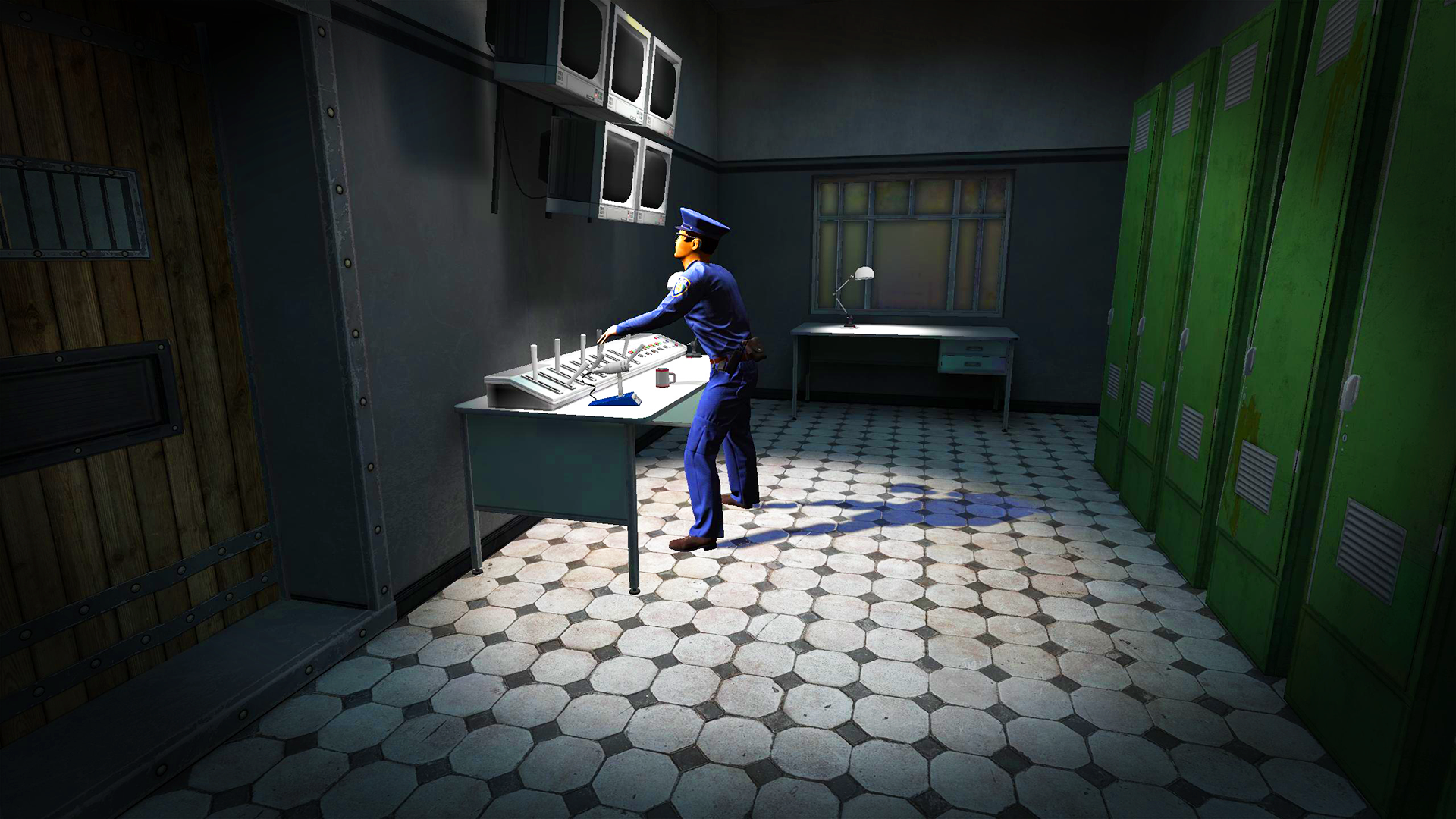
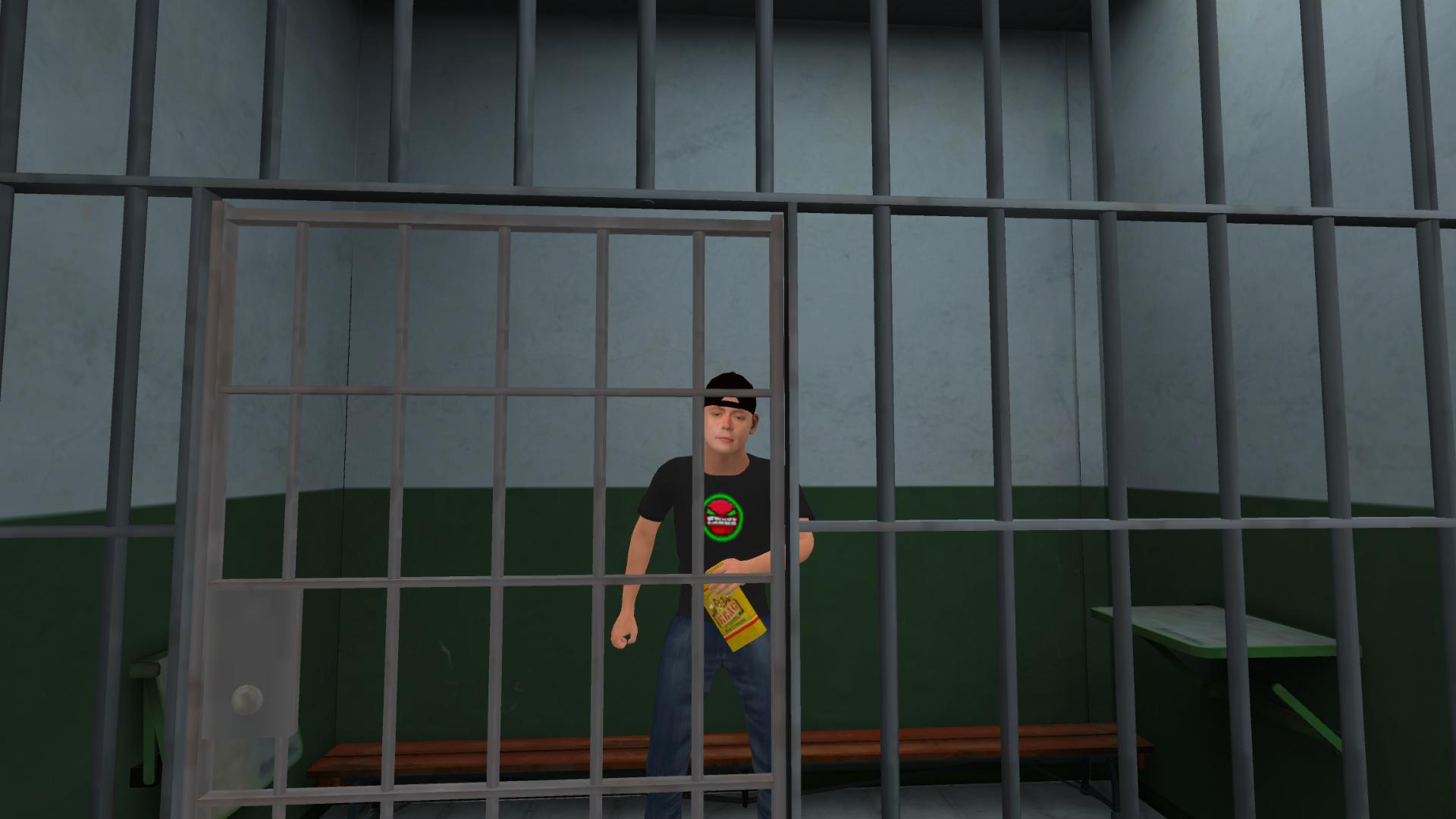
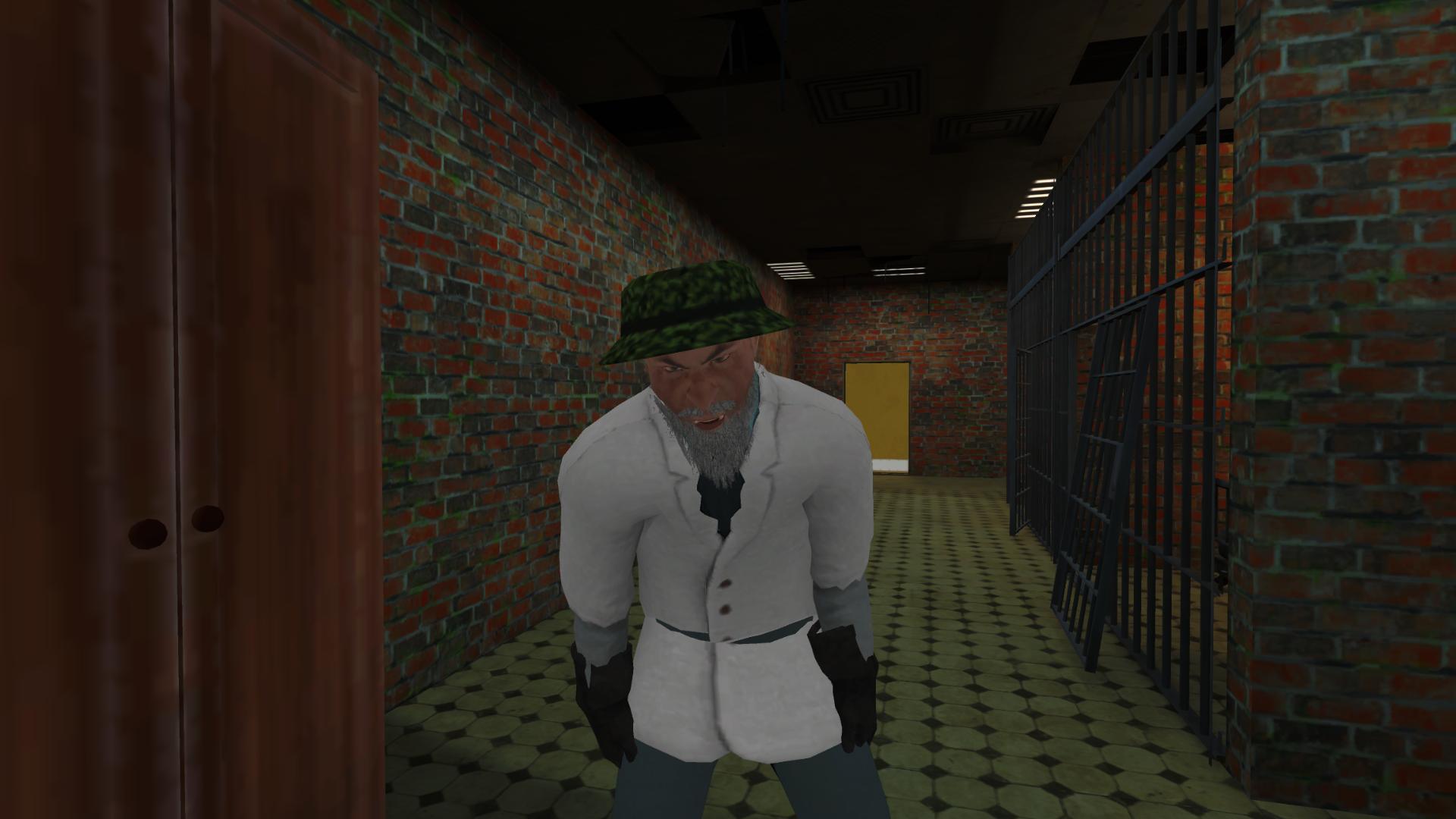
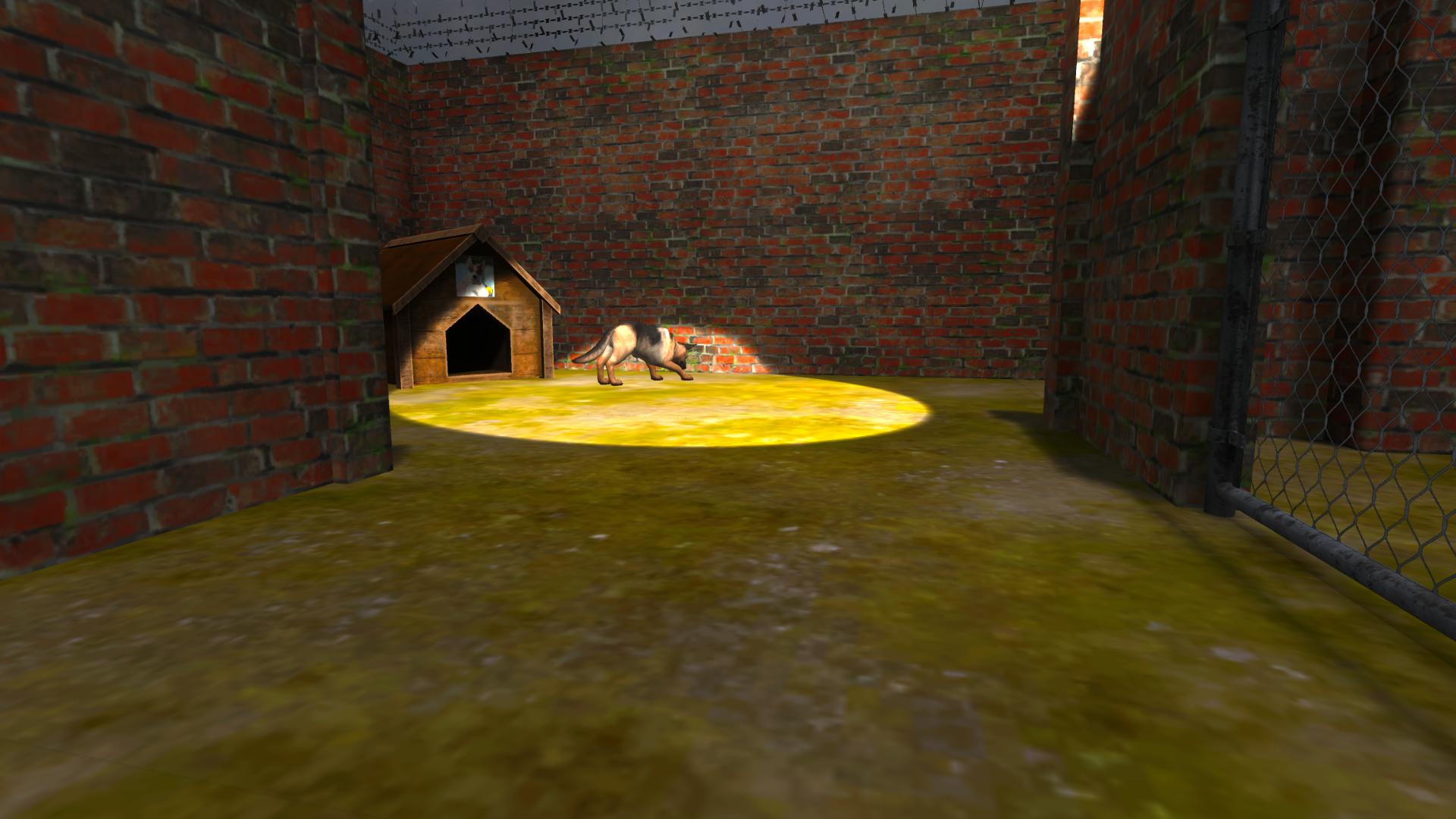
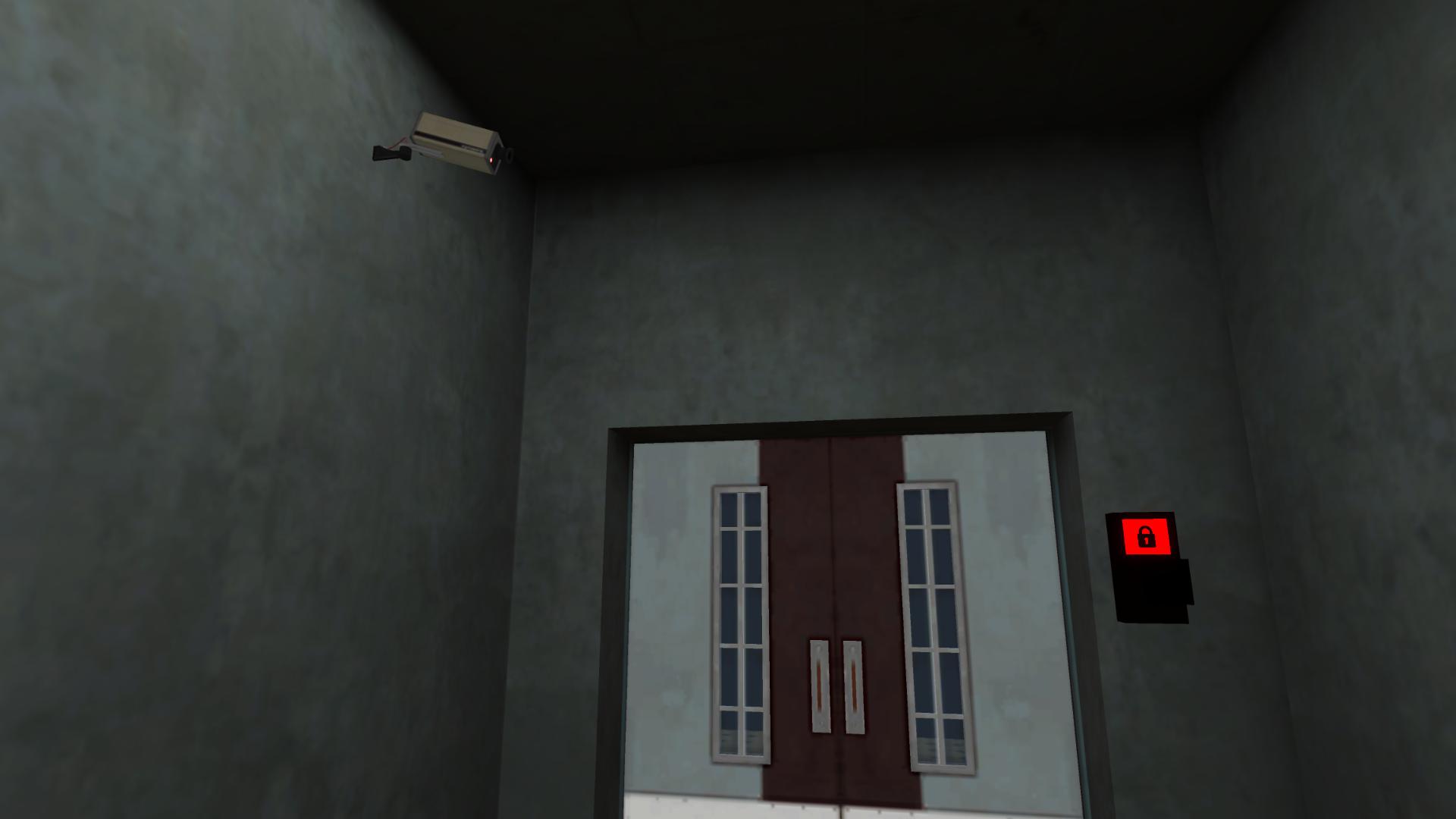
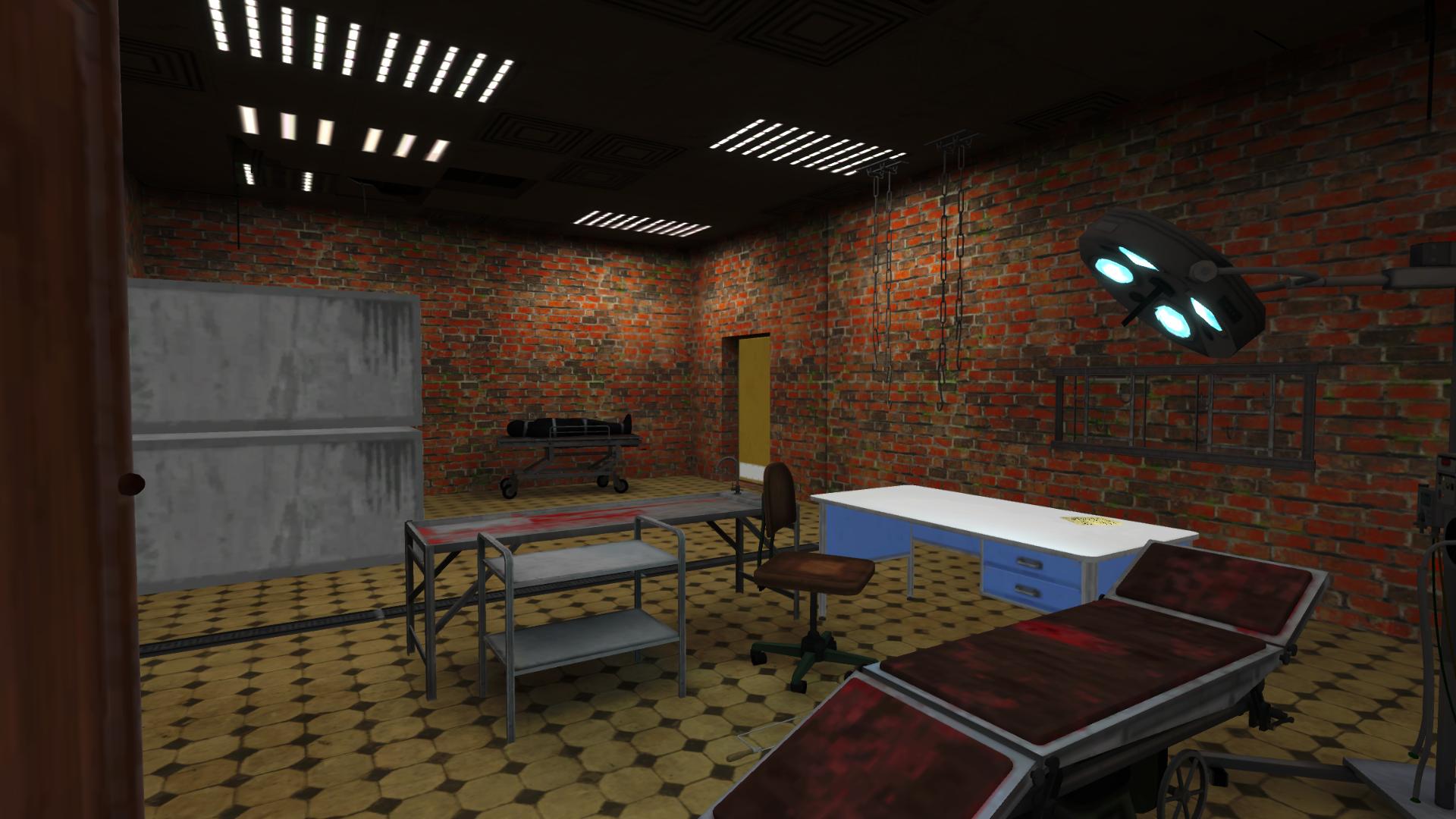
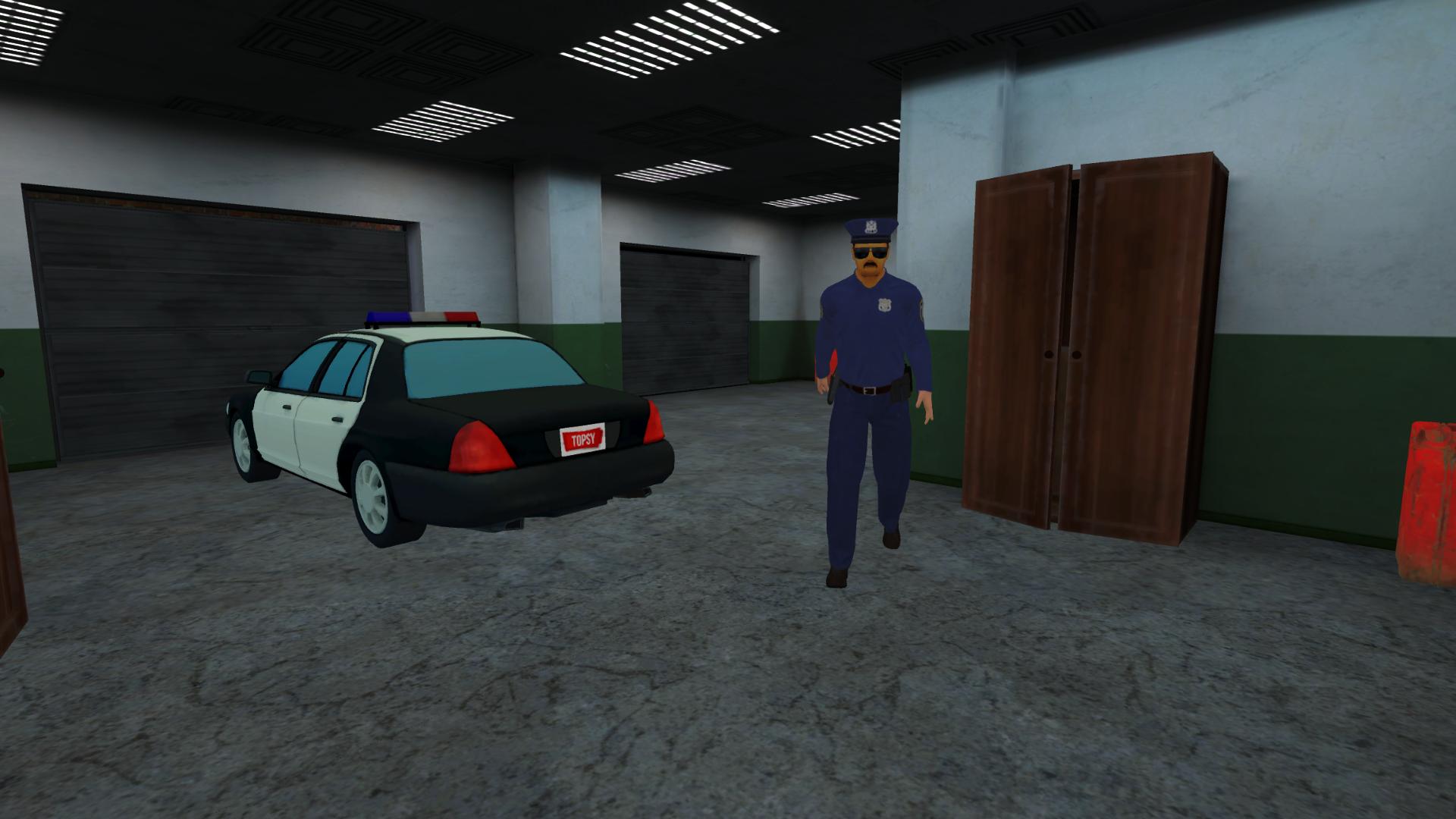
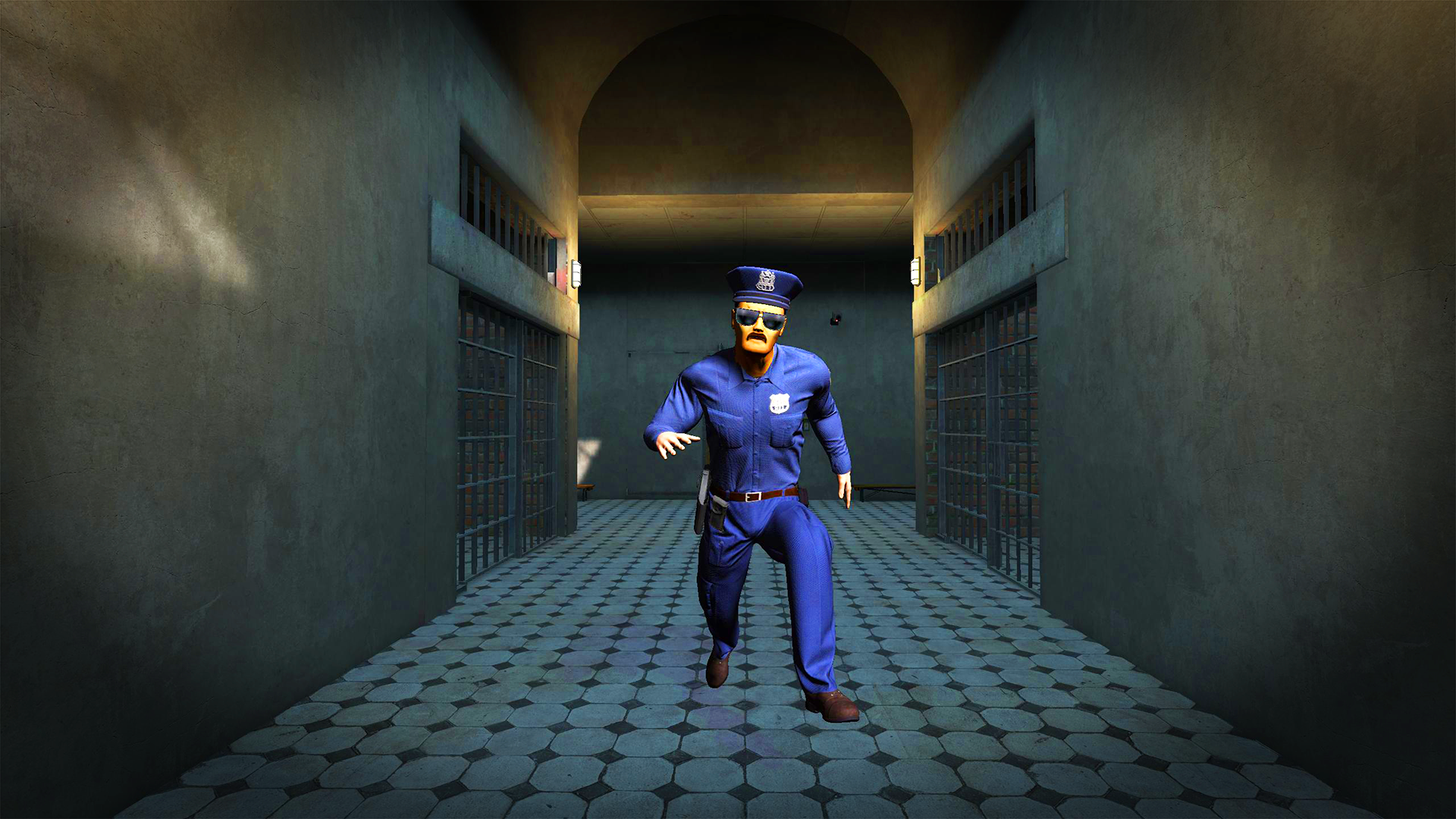
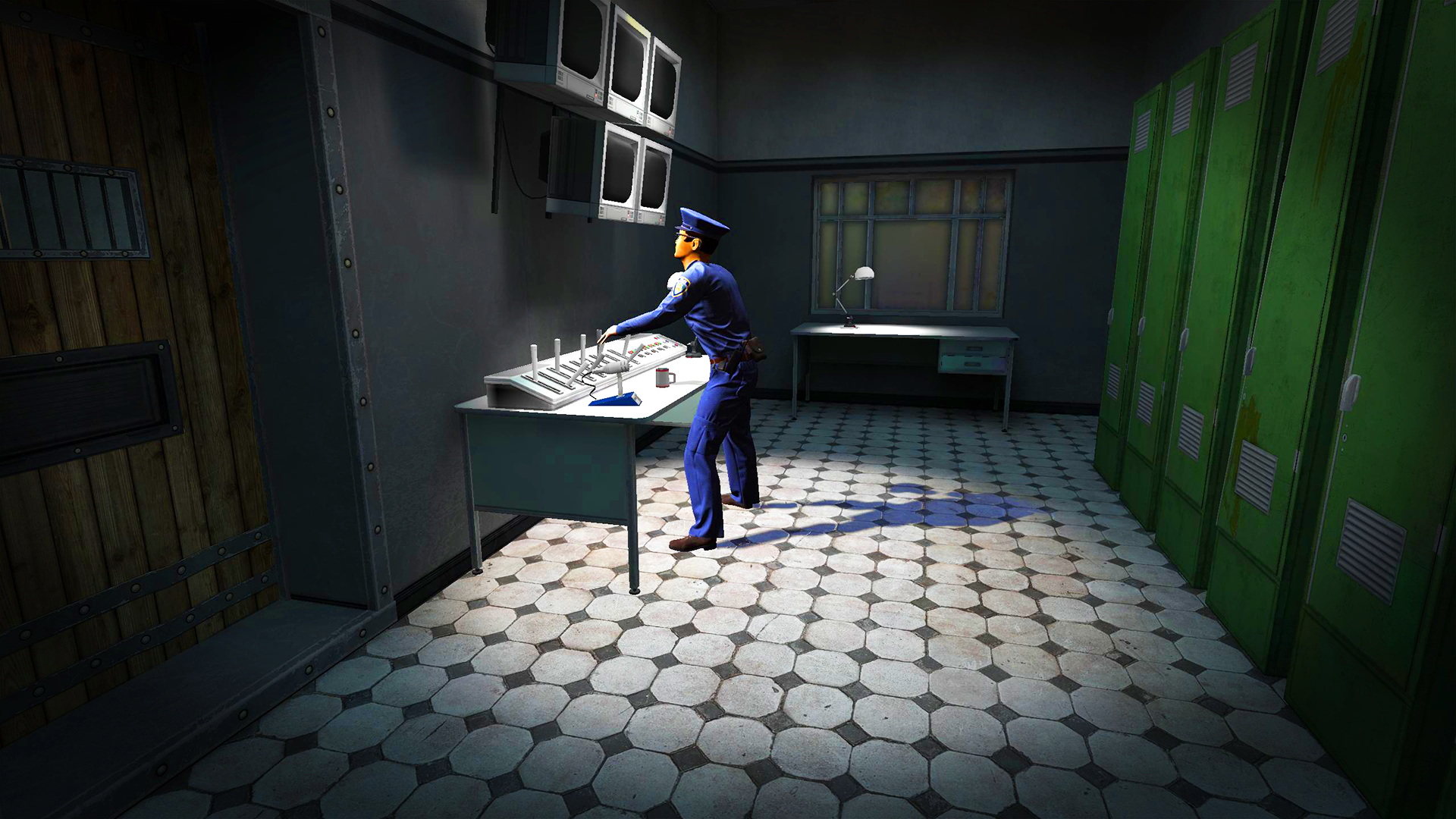
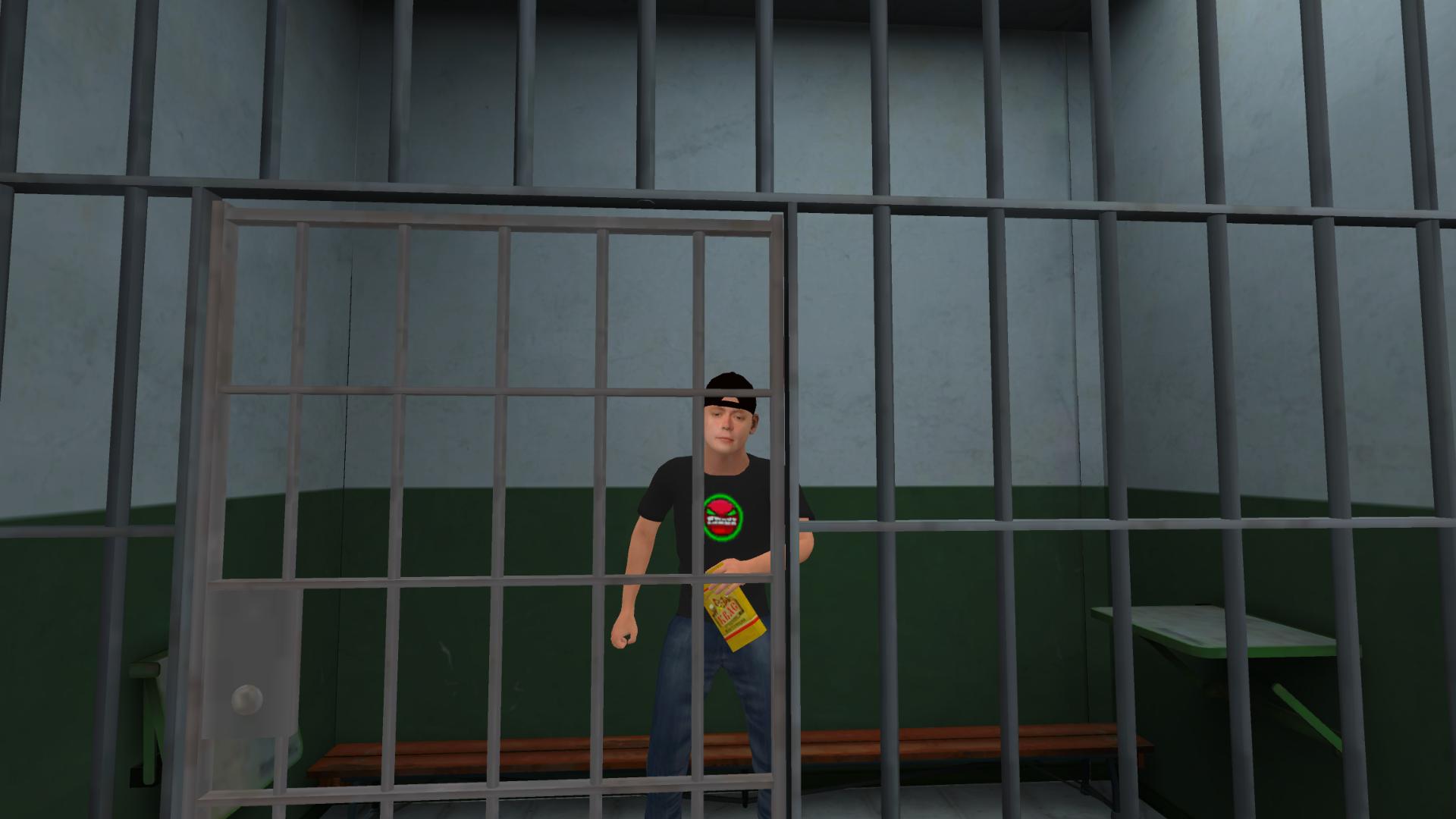
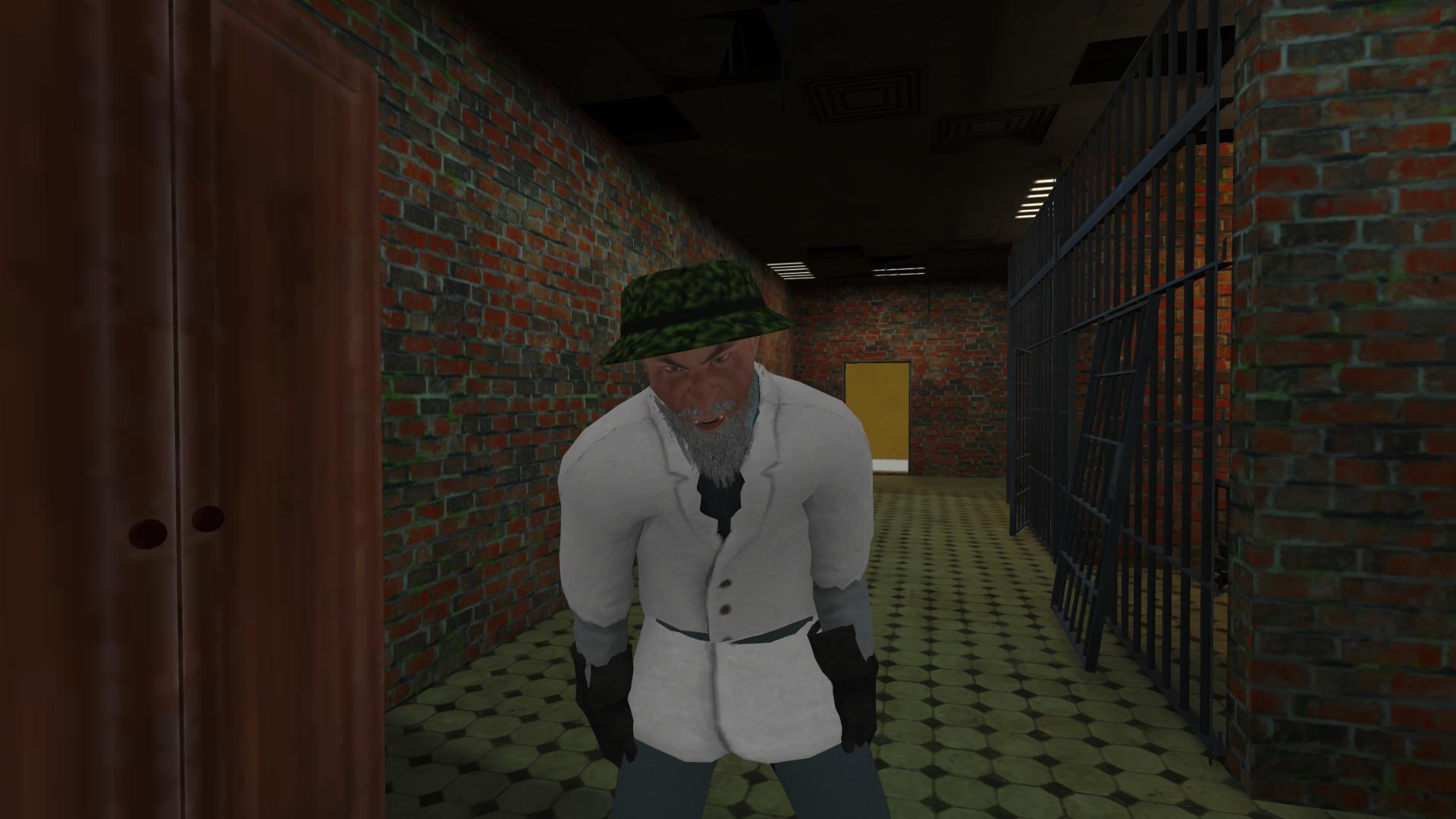
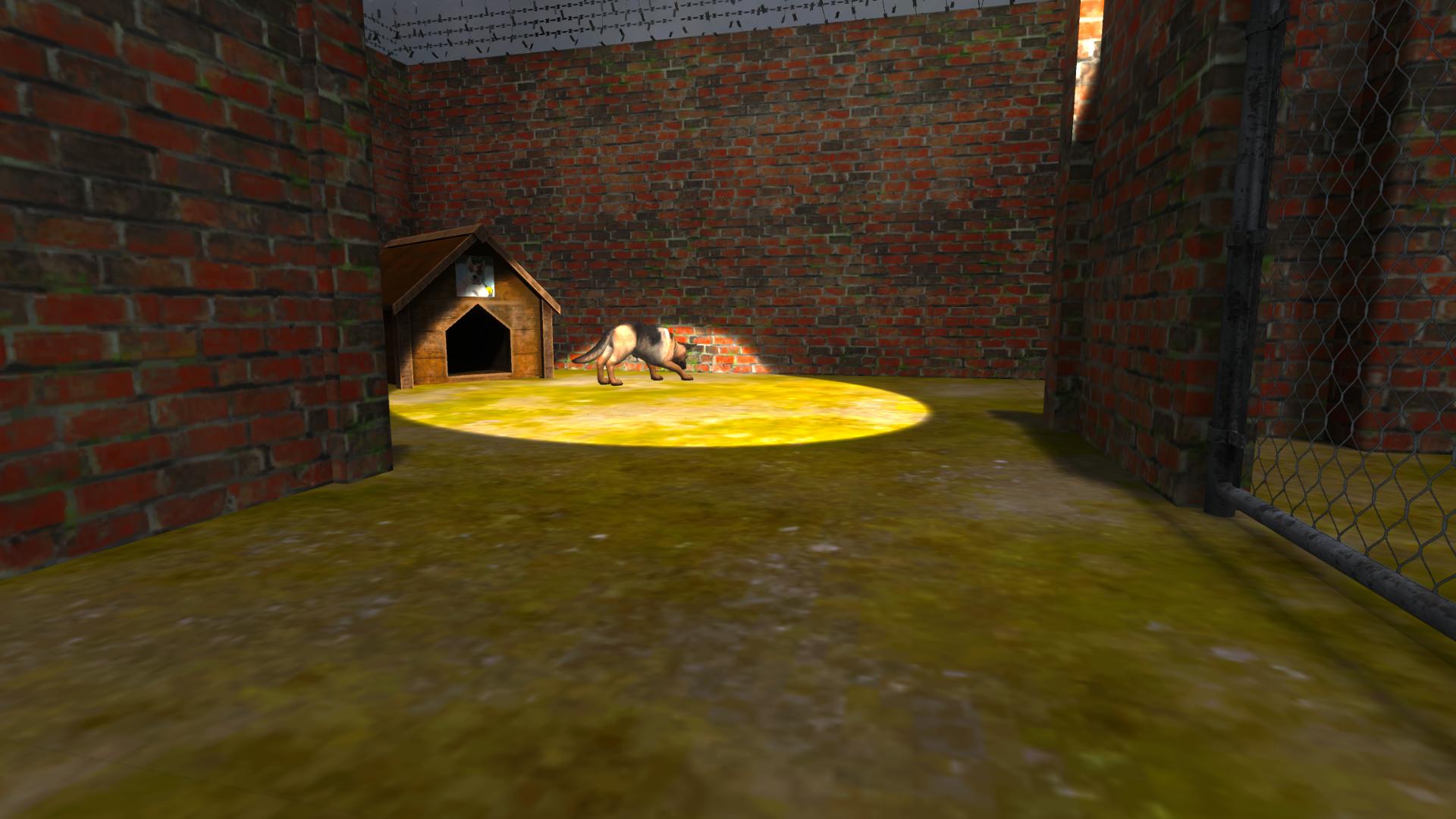
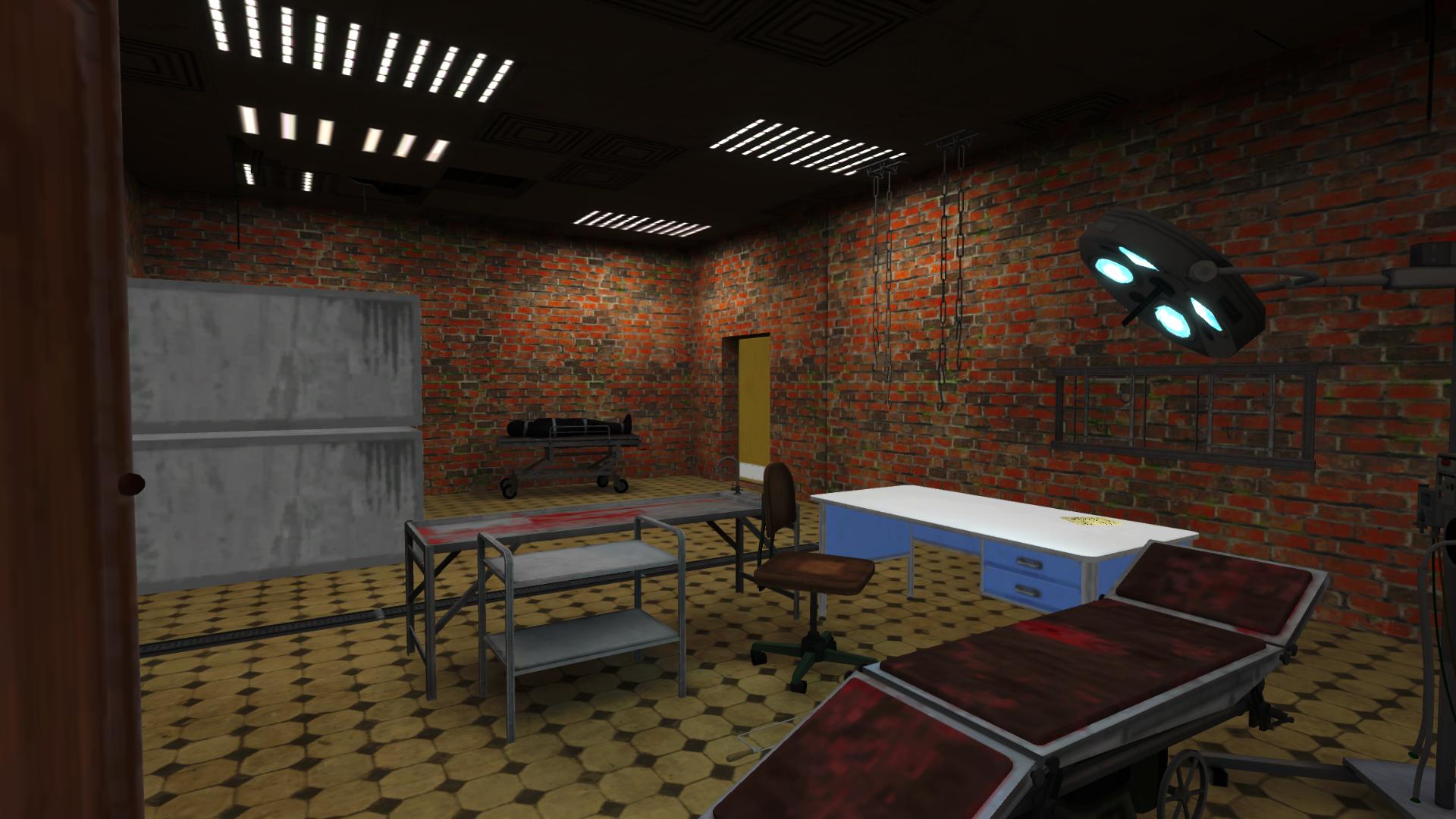
Schoolboy: Prison Escape – an exciting first-person action game with elements of horror, puzzles and adventure, where you will face one of the most terrifying trials. Will you manage to escape a locked cell filled with secrets, traps and dangers? You are once again in the role of an ordinary schoolboy, but this time you find yourself in a nightmare: you've been kidnapped and thrown into a dark, abandoned prison. To survive, you need to be attentive, cunning and ready to solve complex riddles, find hidden objects and move in complete silence to avoid attracting the guards' attention. The game combines stealth mechanics, logic puzzles, psychological horror and intense gameplay. Every step could be your last. Every room hides its own secret. And the scariest part is — you never know whether it's really happening or just a dream... Test yourself: can you break free and stay alive? Schoolboy: Prison Escape is waiting for you!

Videos and screenshots
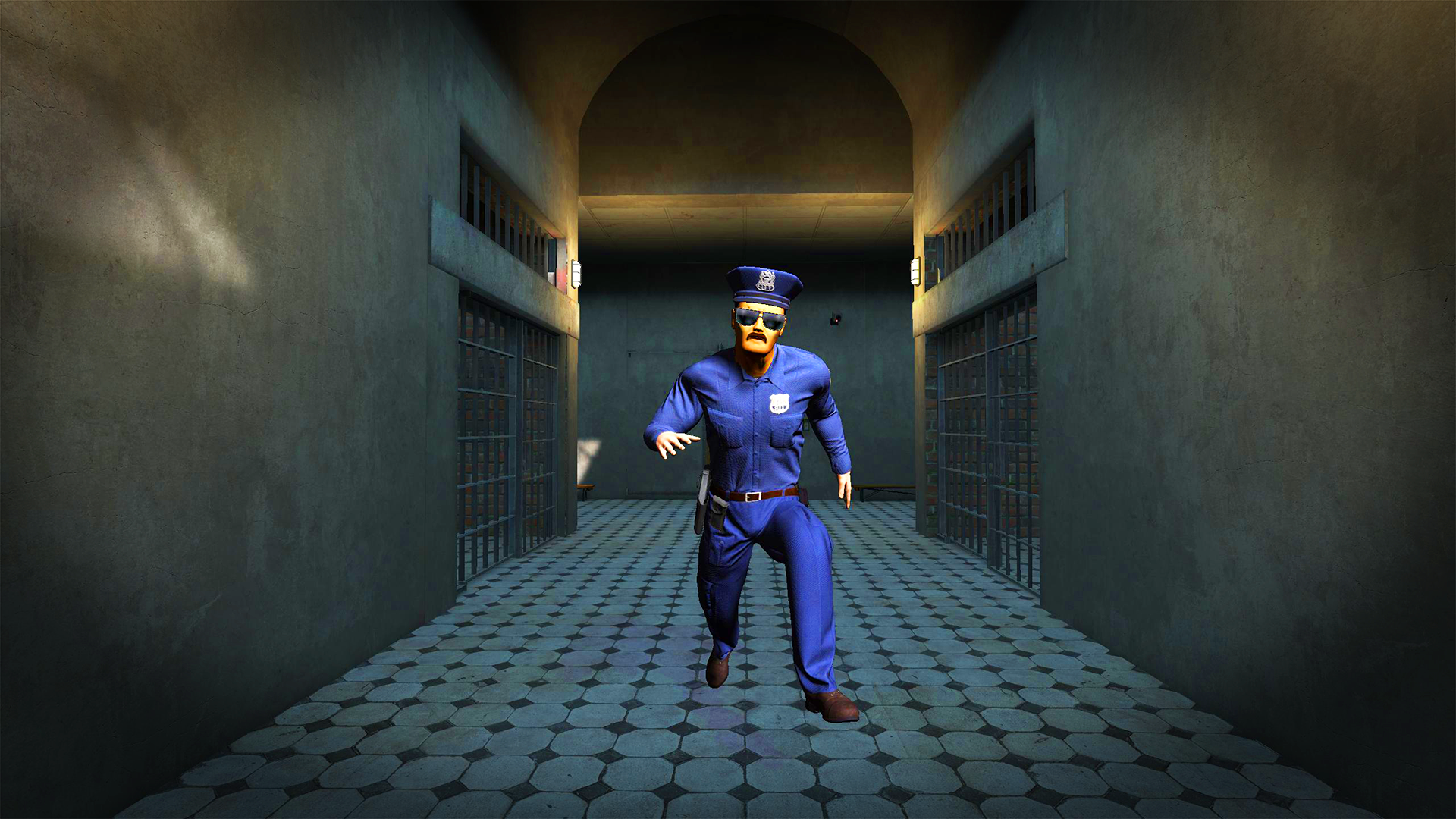
  • Schoolboy: Prison Escape screenshot 1
  • Schoolboy: Prison Escape screenshot 2
  • Schoolboy: Prison Escape screenshot 3
  • Schoolboy: Prison Escape screenshot 4
  • Schoolboy: Prison Escape screenshot 5
  • Schoolboy: Prison Escape screenshot 6
  • Schoolboy: Prison Escape screenshot 7
  • Schoolboy: Prison Escape screenshot 8
  • Schoolboy: Prison Escape screenshot 9
  • Schoolboy: Prison Escape screenshot 10
  • Schoolboy: Prison Escape screenshot 11
  • Schoolboy: Prison Escape screenshot 12
  • Schoolboy: Prison Escape screenshot 13
  • Schoolboy: Prison Escape screenshot 14
  • Schoolboy: Prison Escape screenshot 15
  • Schoolboy: Prison Escape screenshot 16
  • Schoolboy: Prison Escape screenshot 17
  • Schoolboy: Prison Escape screenshot 18
Play Now

10,159 players online

How to play

  1. Open the game

    Press Play now and the game opens on its own screen.

  2. Follow the in-game instructions

    The controls and goals are shown inside the game as you play.

  3. Use the game menu

    The floating button over the game reloads it, saves it to your favourites, or takes you back out.

Game instructions

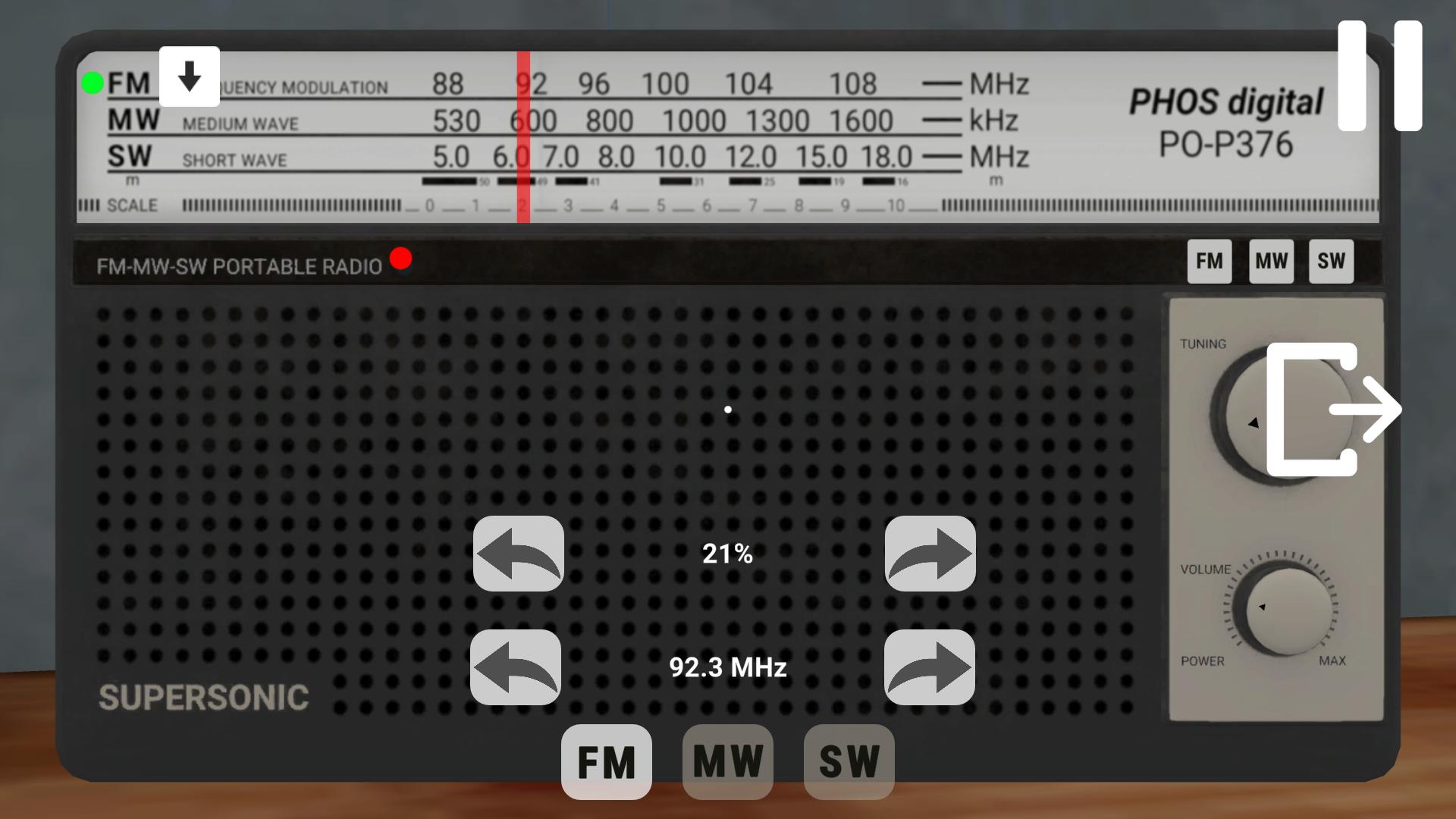
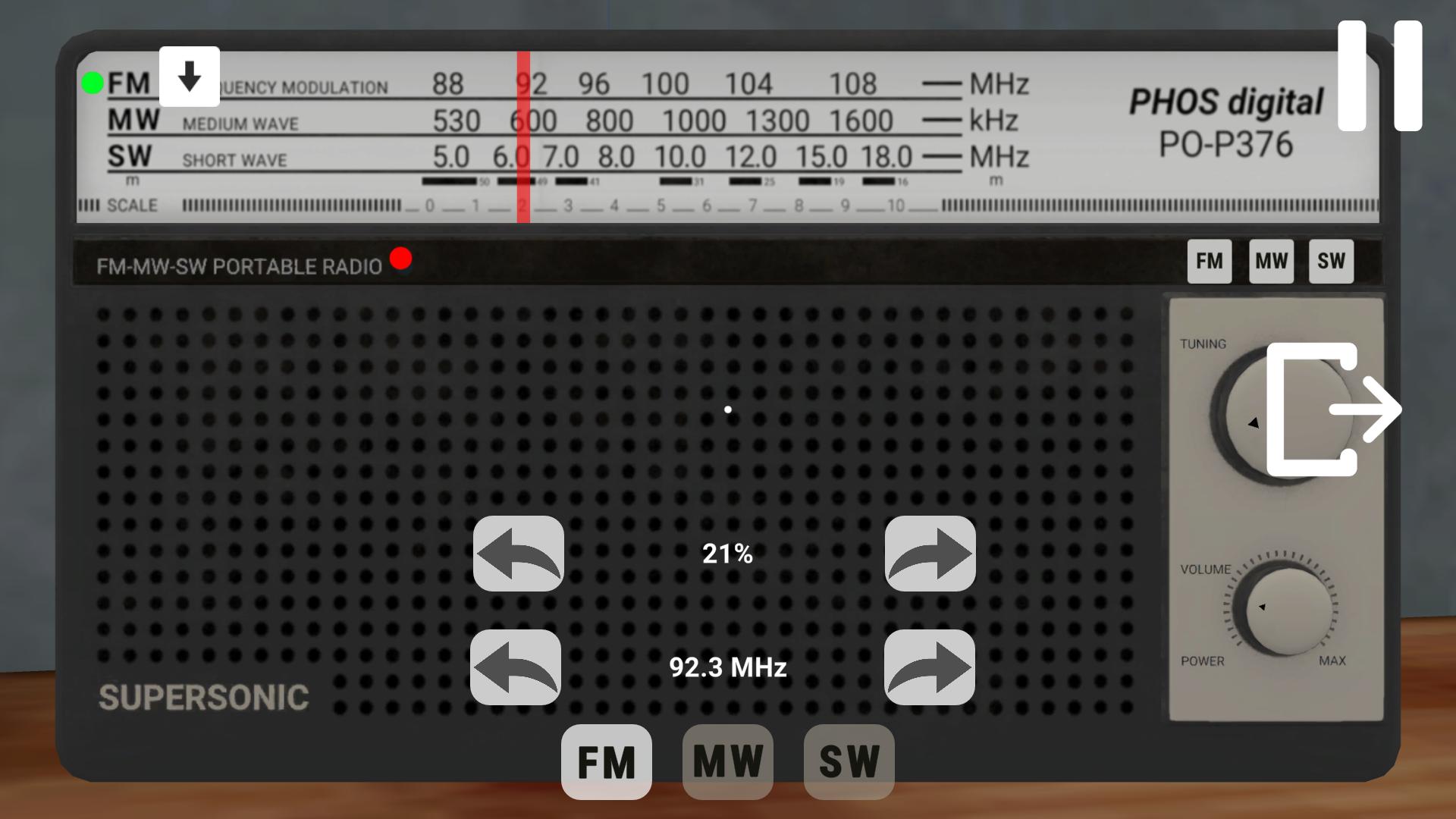
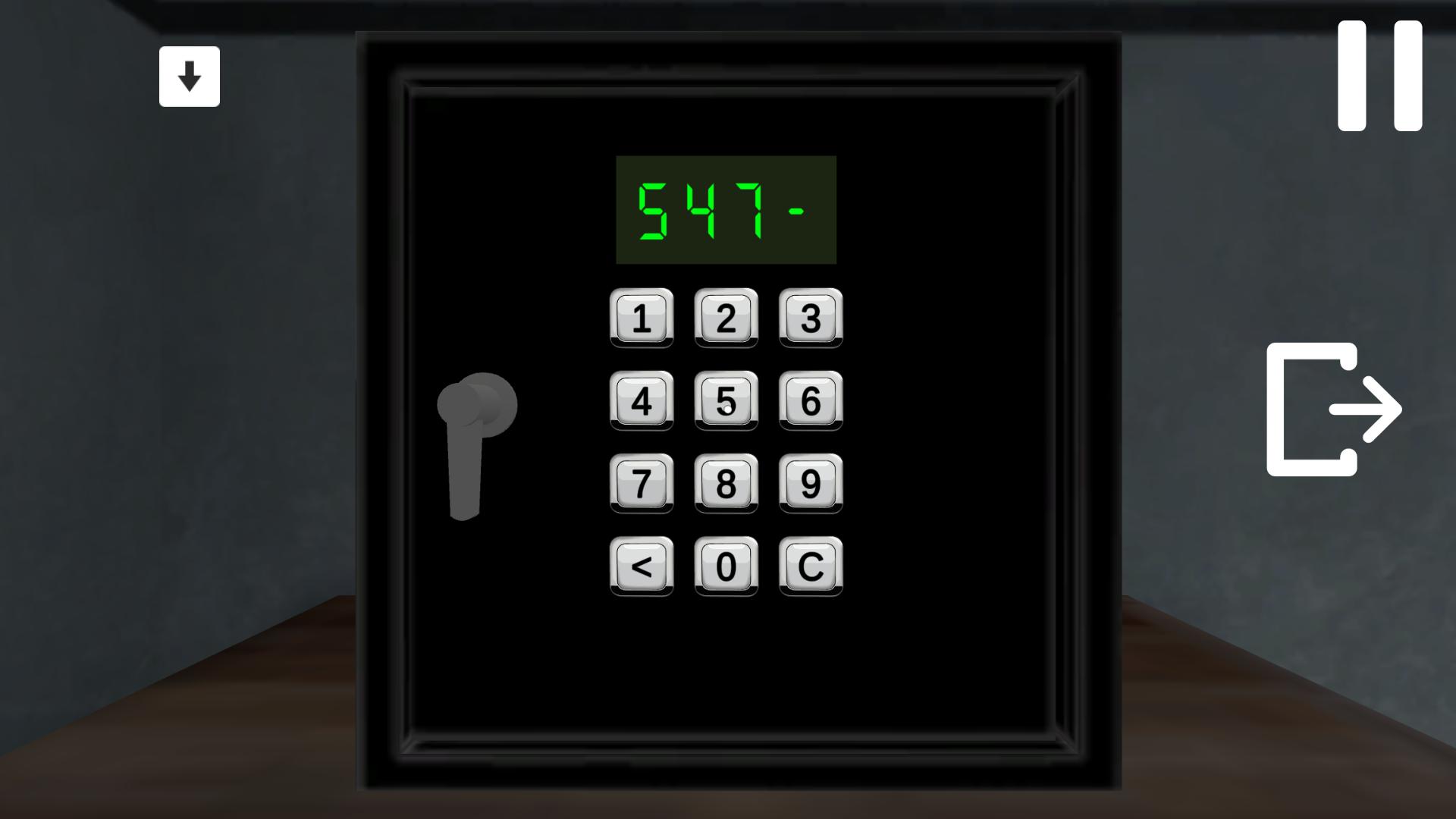
PC controls: WASD- movement controls, С - crouch/stand up, E - interact with objects, G - throw object, Q - exit, I - get a hint on advertising, 1,2,3,4,5 - switch inventory, TAB - pause menu. Phone controls: The joystick in the lower left part of the screen — movement control, The area on the right side of the screen — electric stove control, The button on the left side of the screen with images of human figures — sit down/stand up, The button near the inventory with an image of hands and a down arrow — throw an item The button on the right side of the screen with an arrow to the right — exit, The button in the upper left part of the screen with an image of light bulbs — get a hint for an advertisement, Icons with images of objects in the lower part of the screen in the center — switching inventory, The button with two vertical stripes in the upper right part of the screen — pause menu.

More games

More games