Skip to content
KG
Singing villager

Singing villager

601K plays 4.9 out of 5

Overview

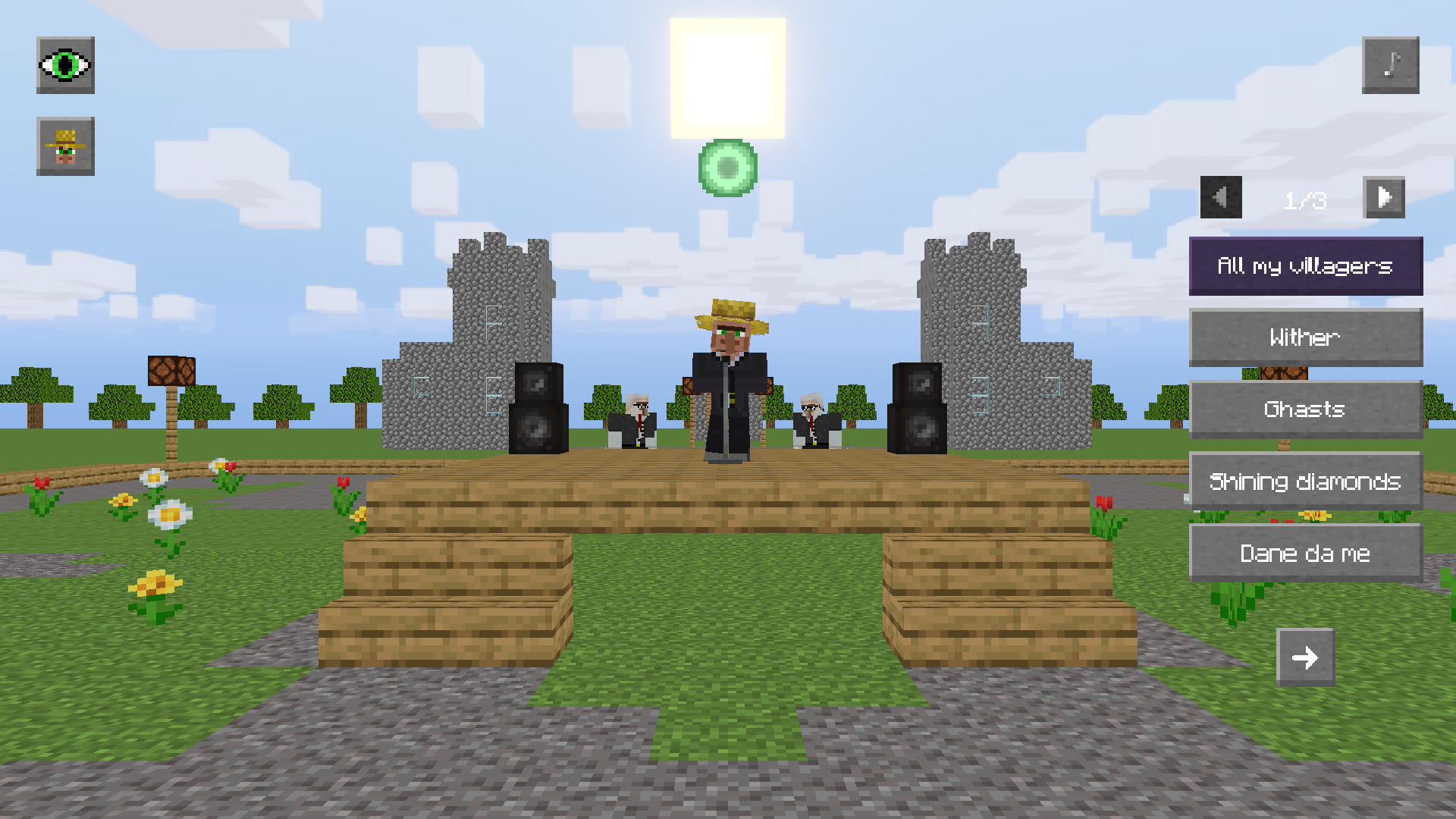
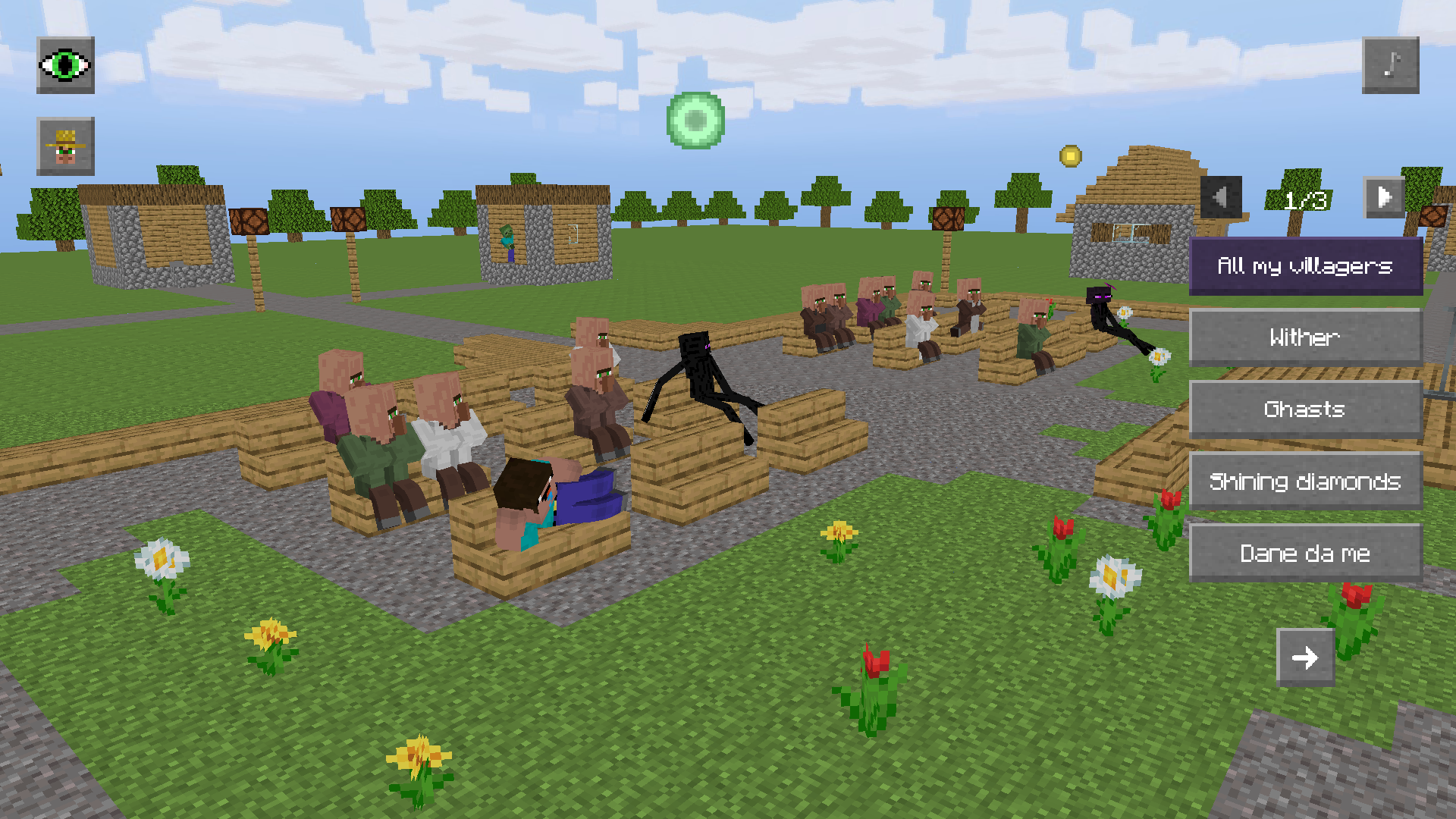
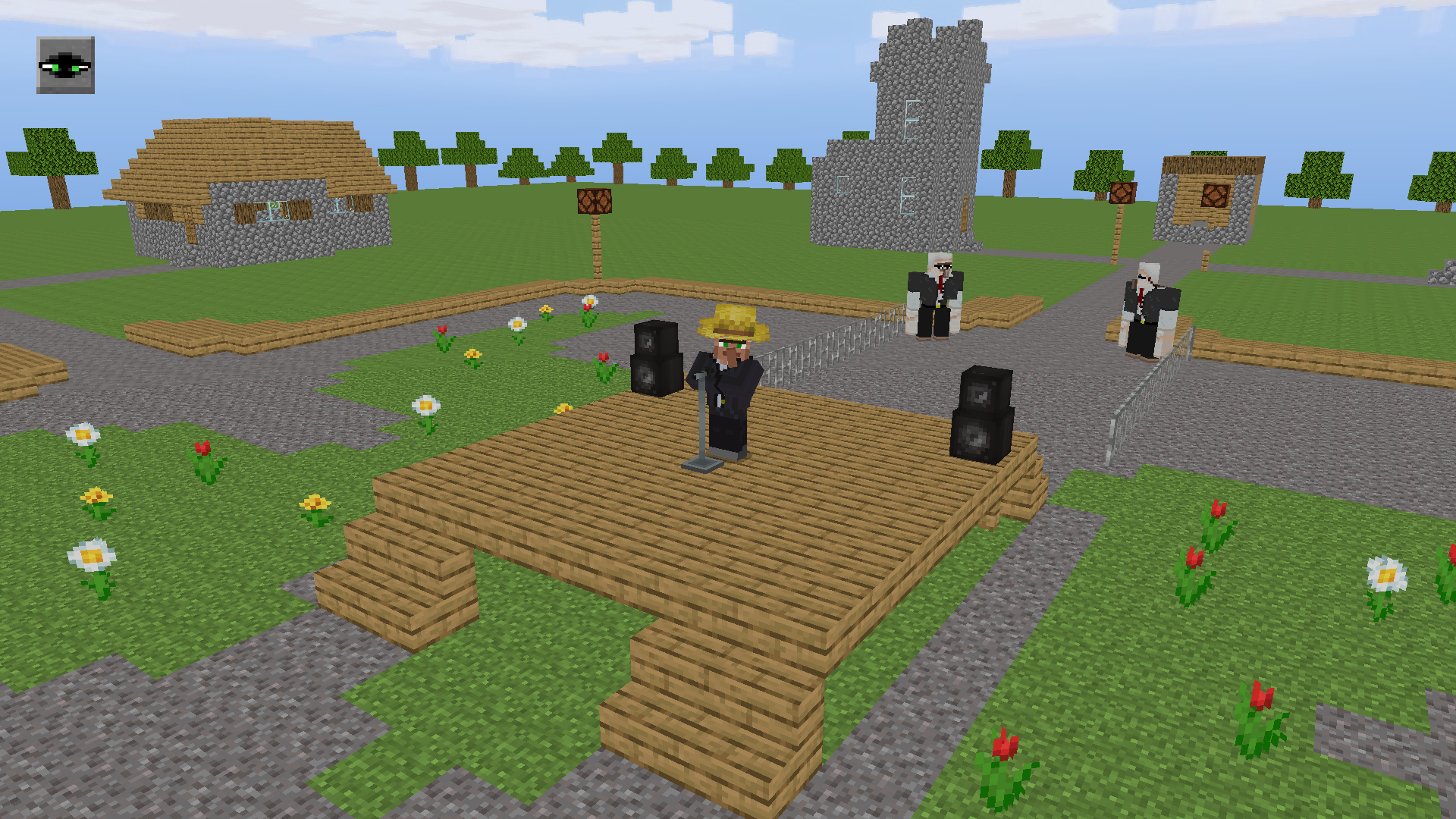
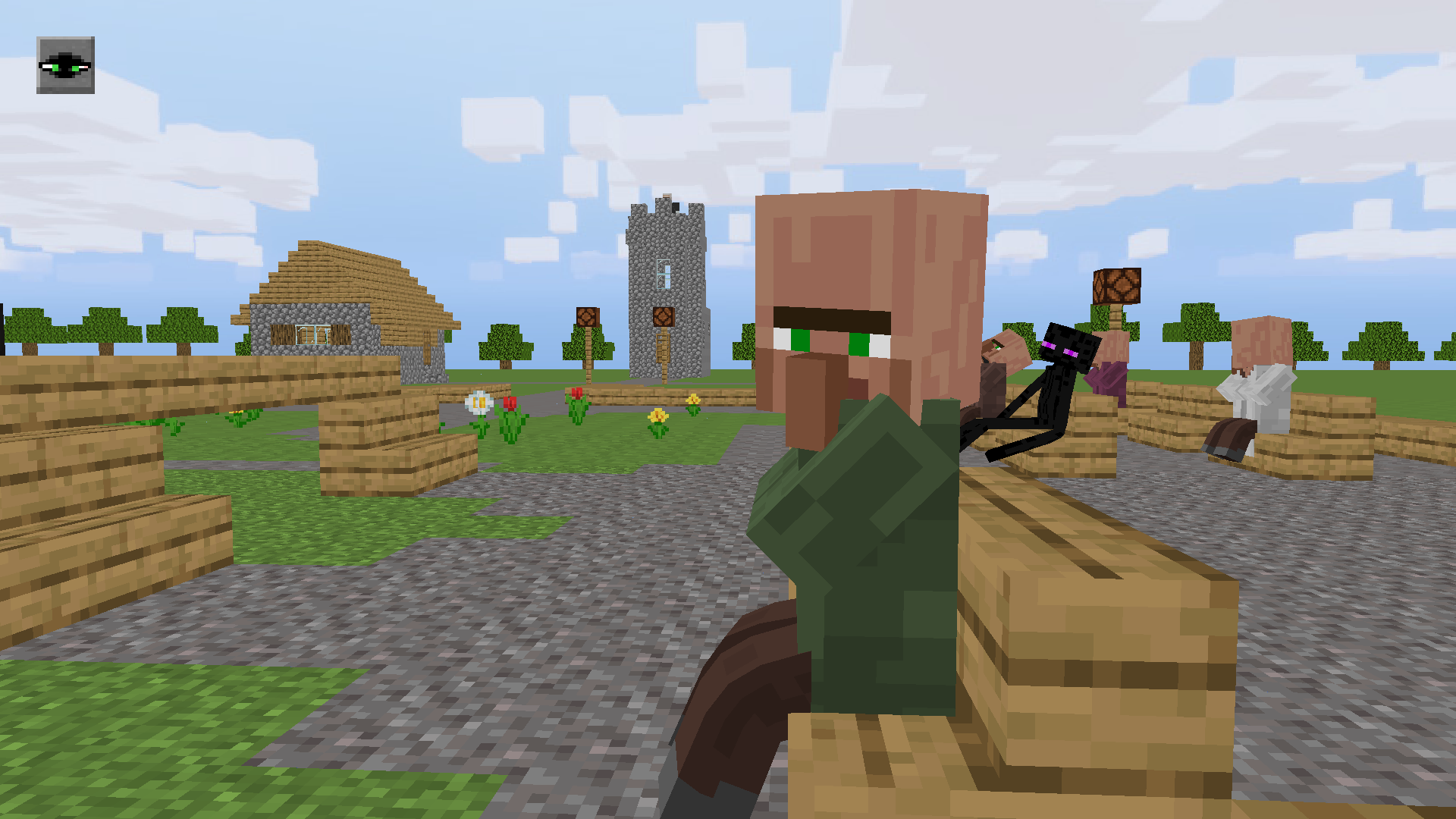
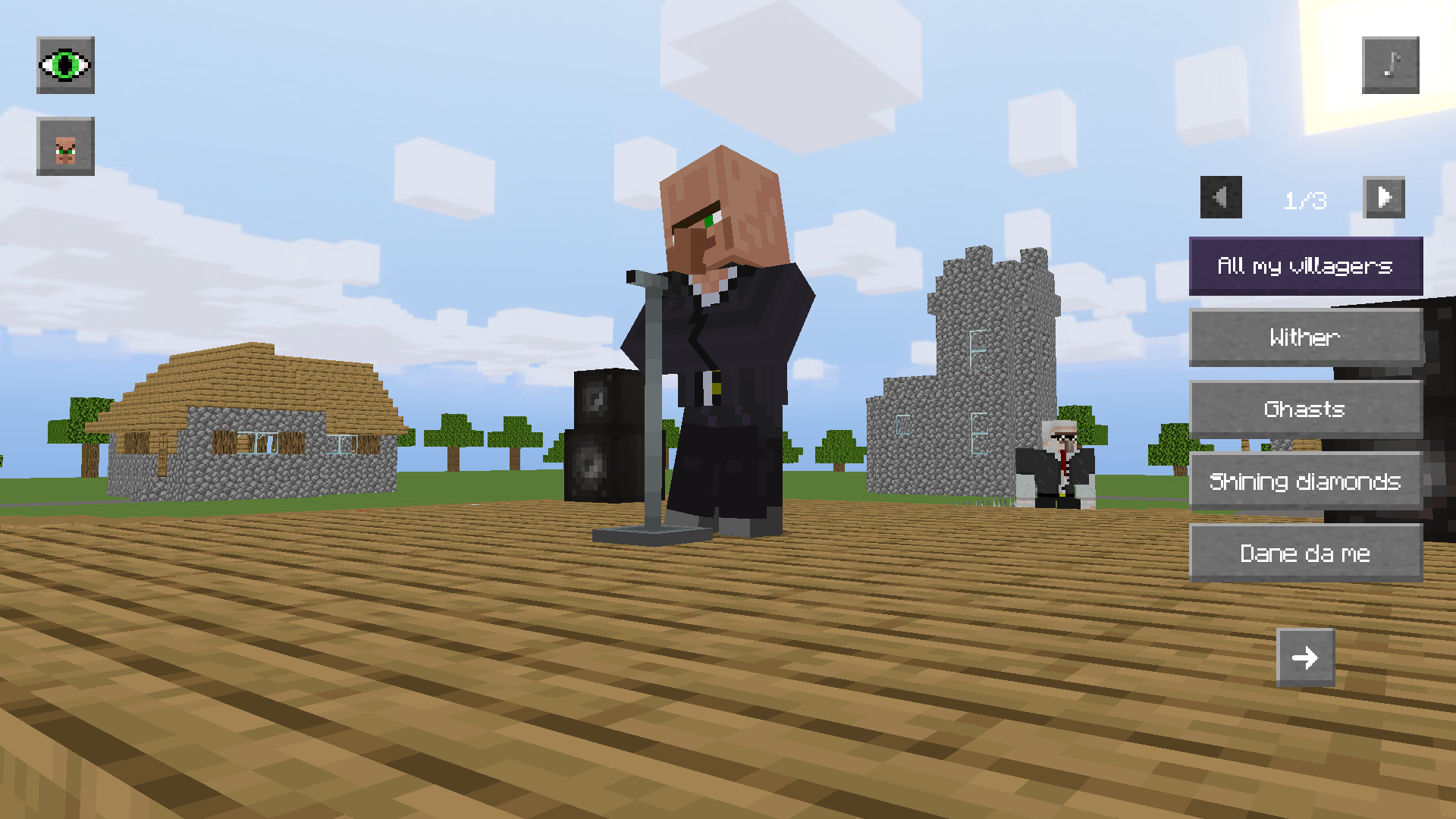
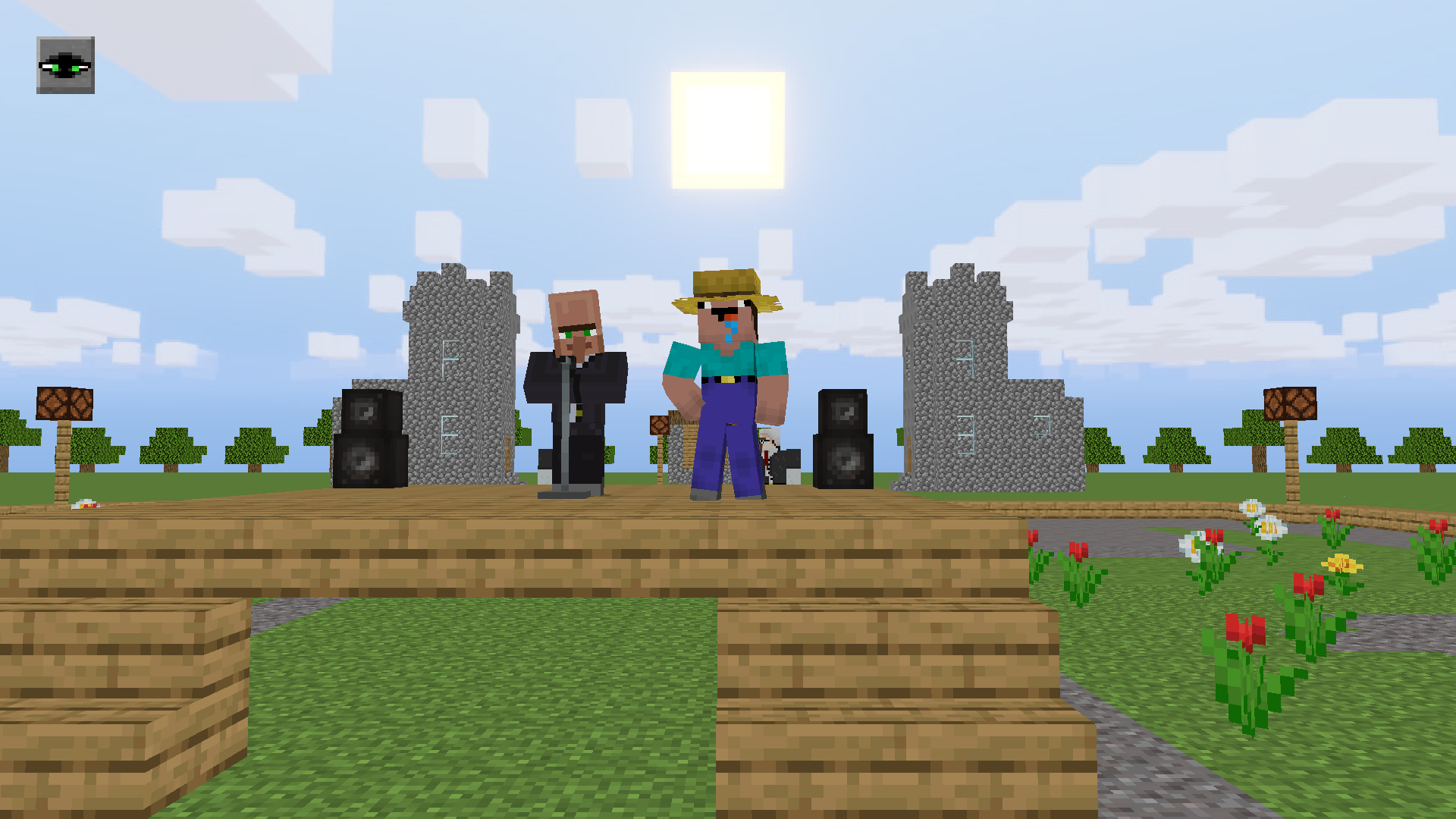
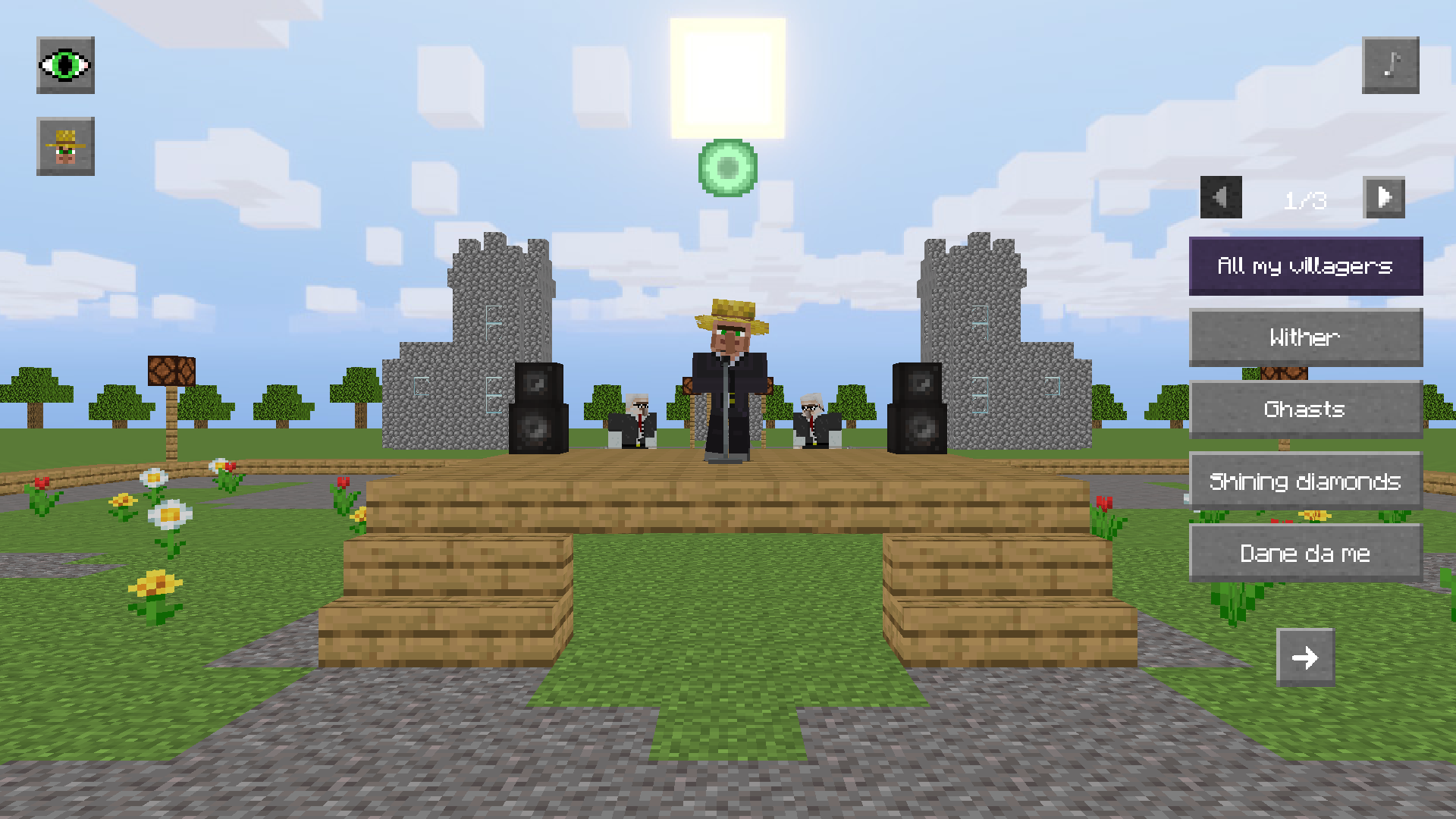
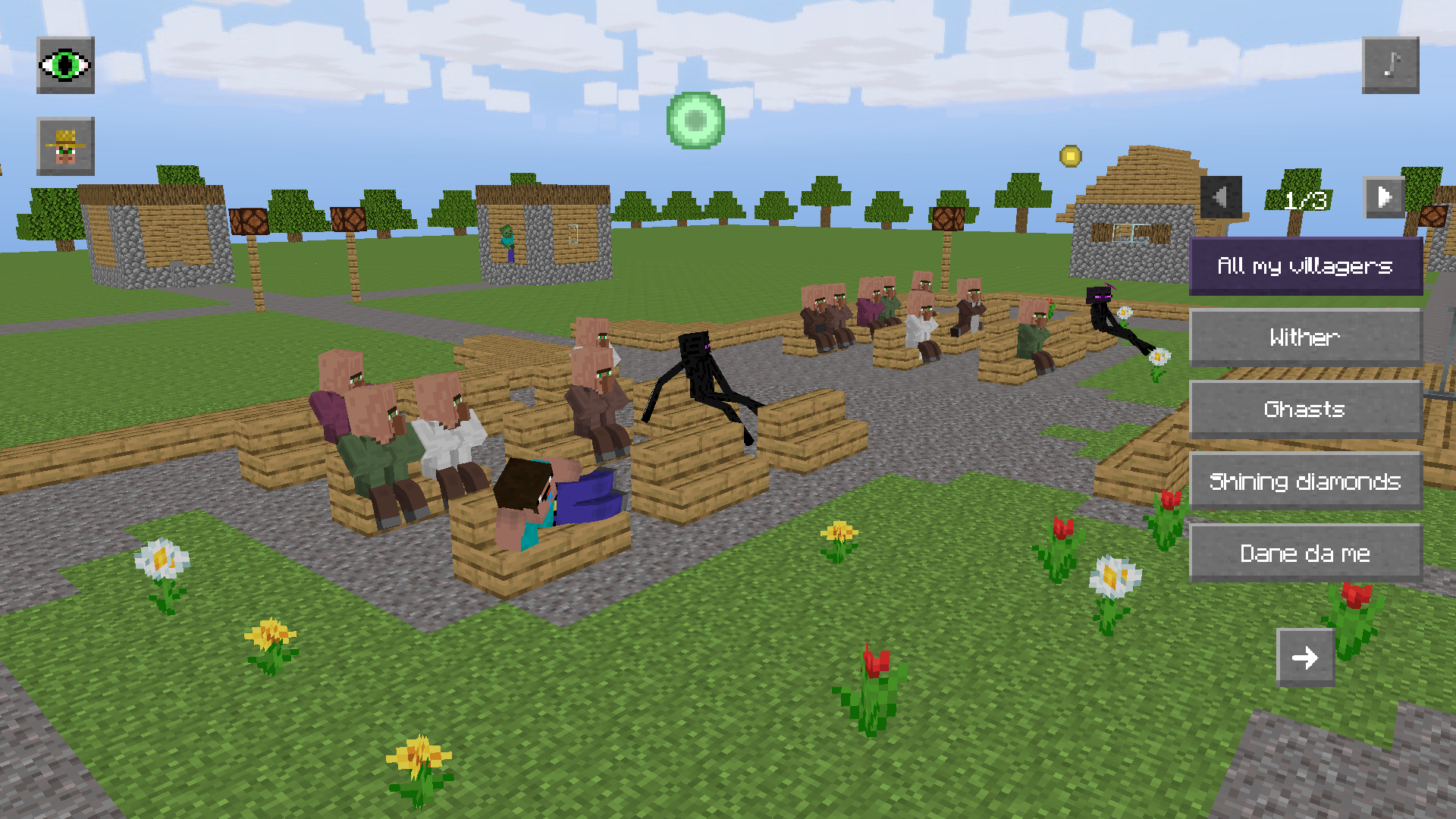
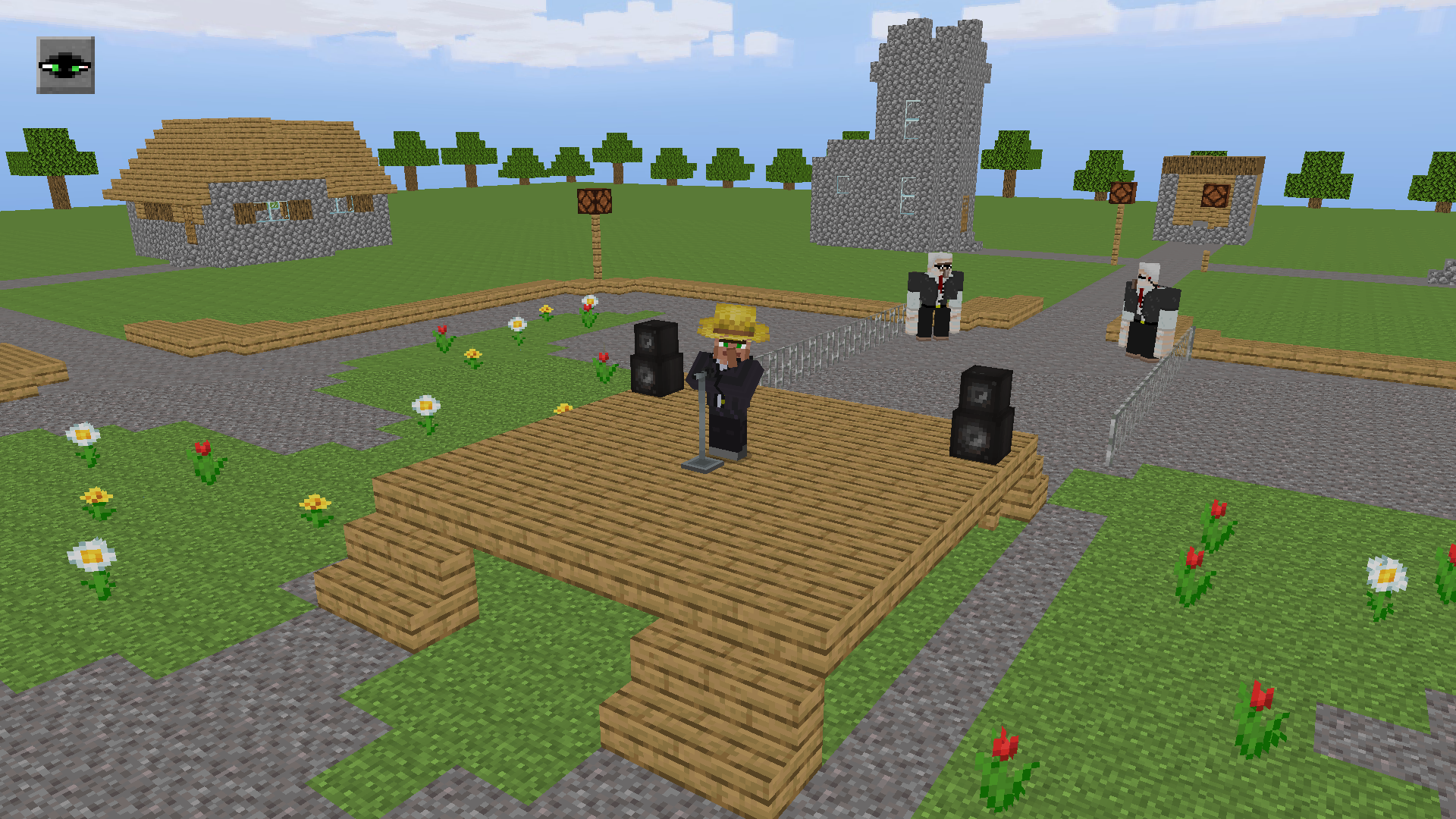
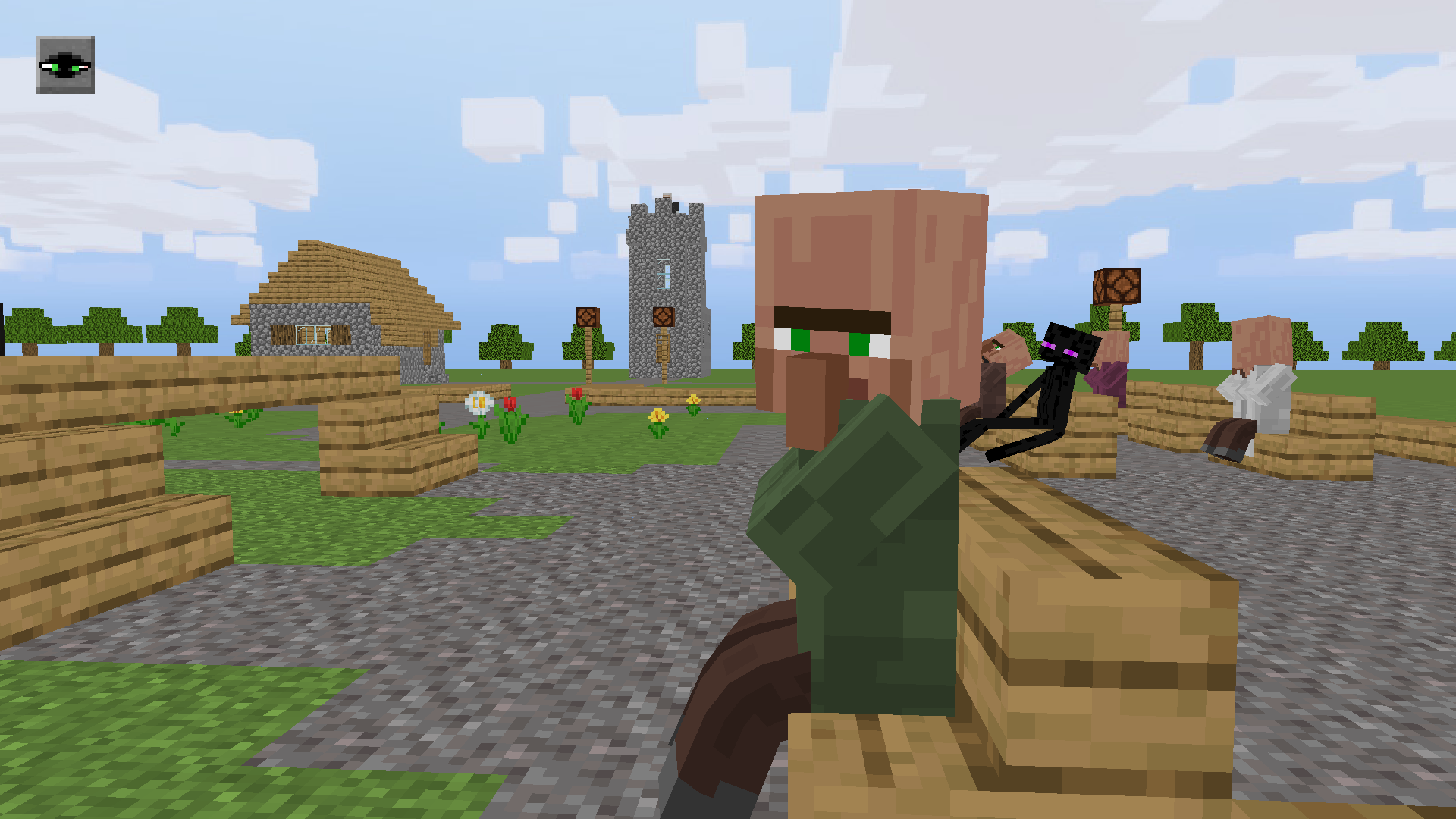
You play as Noob, who got to a concert of the famous Villager! Hurry up and take any free seat, because you're lucky, now he will perform any song of your choice. Dance and walk around the location together with the other villagers and endermens, to the rhythm of famous and meme songs performed in a funny voice by the talented Villager. He can literally sing everything! A bright and colorful scene, many different songs to choose from. Can you take the hat from the Villager?

Videos and screenshots
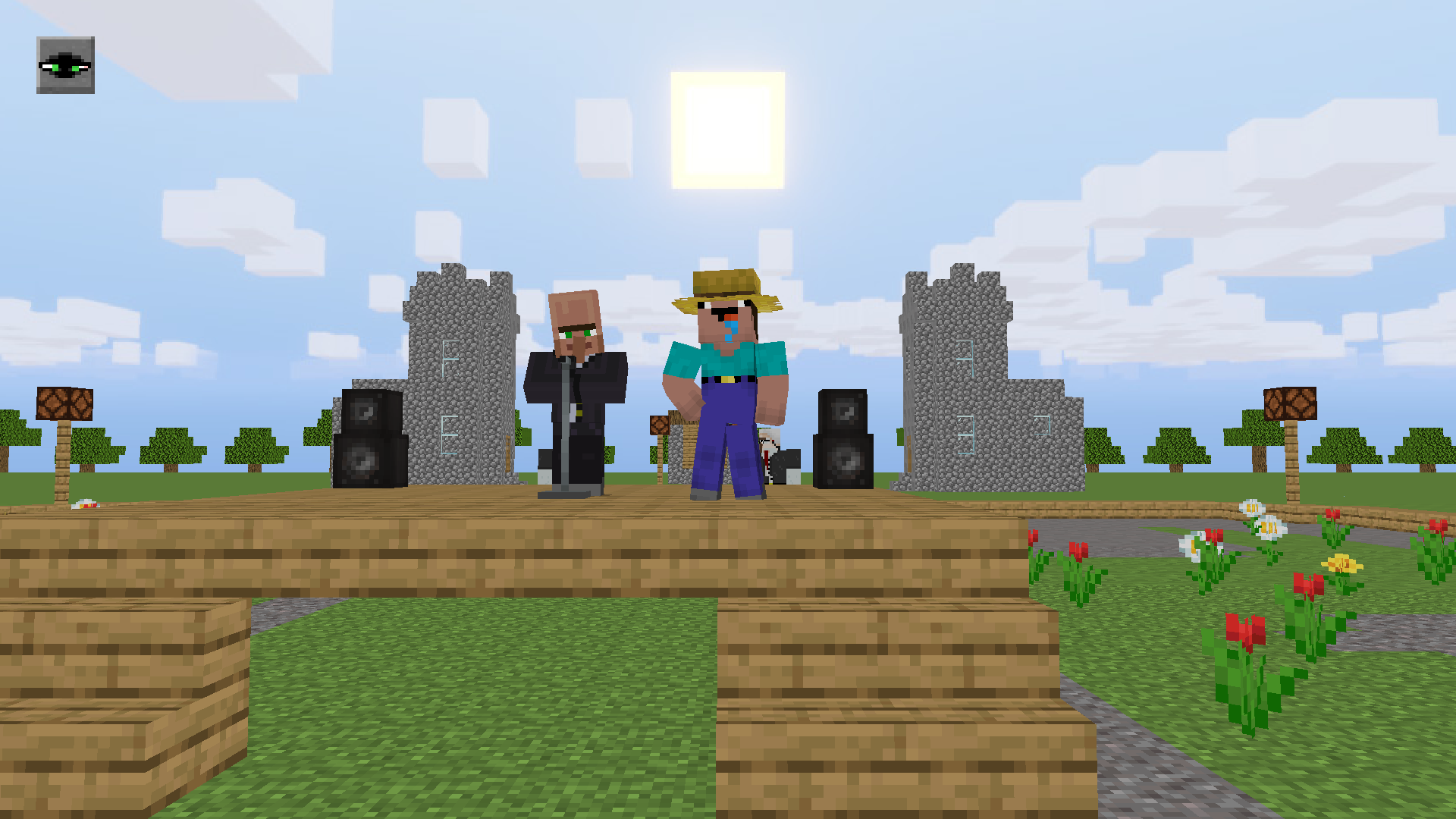
  • Singing villager screenshot 1
  • Singing villager screenshot 2
  • Singing villager screenshot 3
  • Singing villager screenshot 4
  • Singing villager screenshot 5
  • Singing villager screenshot 6
  • Singing villager screenshot 7
  • Singing villager screenshot 8
  • Singing villager screenshot 9
  • Singing villager screenshot 10
  • Singing villager screenshot 11
  • Singing villager screenshot 12
Play Now

10,130 players online

How to play

  1. Open the game

    Press Play now and the game opens on its own screen.

  2. Follow the in-game instructions

    The controls and goals are shown inside the game as you play.

  3. Use the game menu

    The floating button over the game reloads it, saves it to your favourites, or takes you back out.

Game instructions

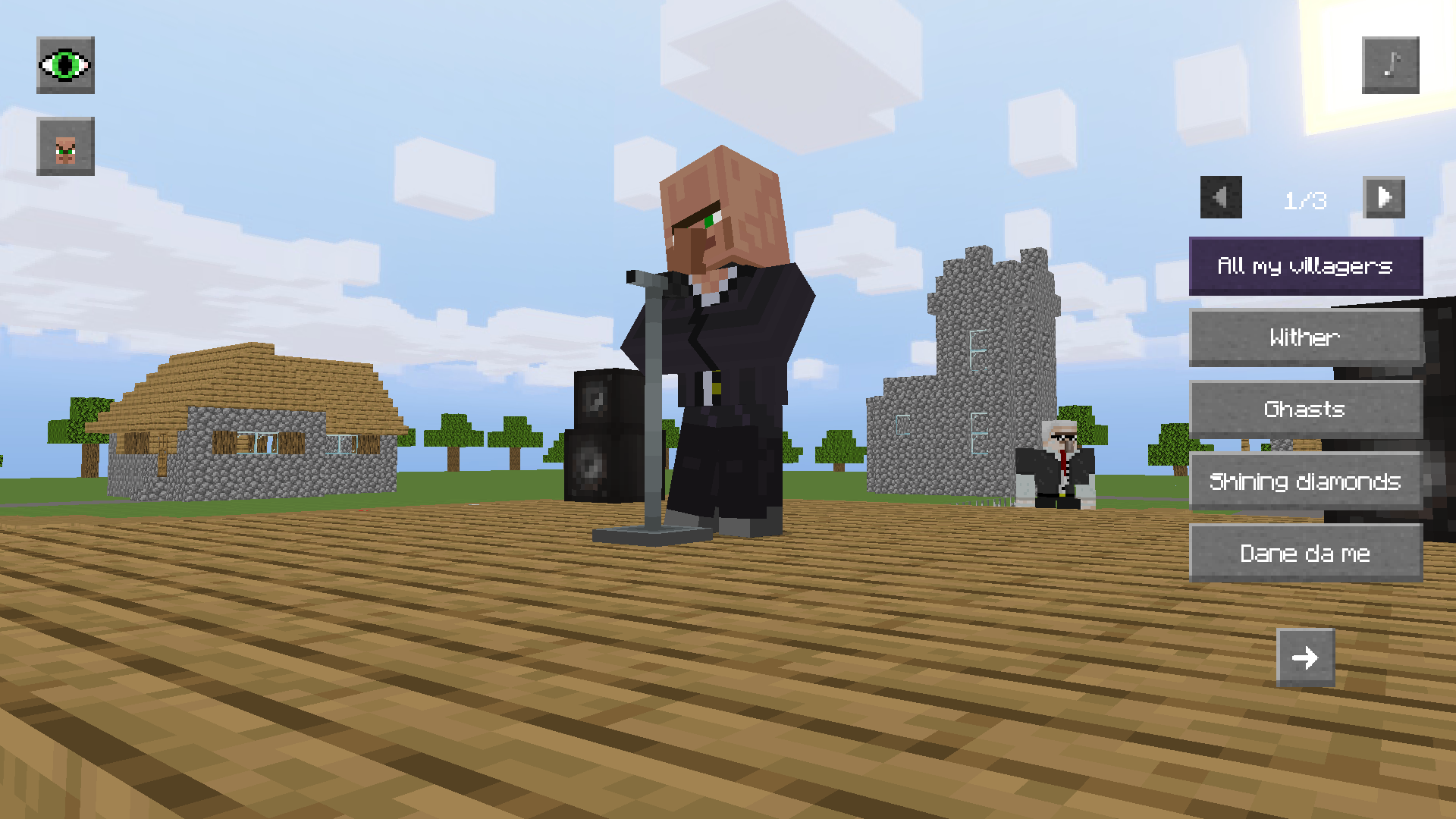
🎵 Songs: Click the buttons with the song titles on the right to make the Villager sing. Clicking on the song again will turn it off. The arrows at the top of the list turn the pages of songs. ❗To listen songs, you need an Internet connection.❗ 💻Interface: To hide/show the interface, click on the eye icon in the upper left corner. 🎥 Camera focus: To change the camera focus, click on the icon of one of the available focuses (yellow circle). You can switch between the scene or Noob. 🎮 Controls: PC: [W] [A] [S] [D] - walk; hold [Shift] while walking - run; hold [LMB] in a free area of ​​the screen to look around; [Mouse wheel] - camera zoom. Mobile devices: [Joystick] - walk; [Hold and tap on the right side of the screen] - look around; [Pinch] gesture - camera zoom. To sit on a bench, tap on the yellow circle. To get up from it, just make a Noob walking.

More games

More games