Overview
The exciting world of Slime Obby: Great Escape.
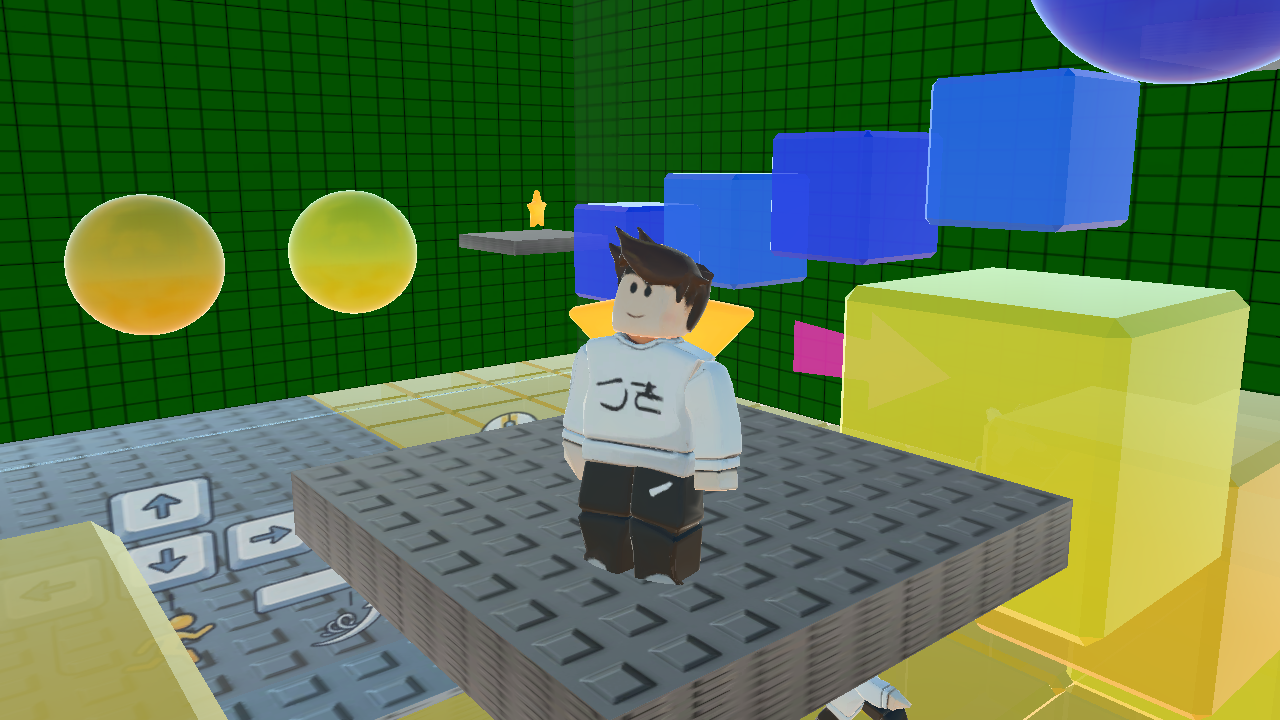
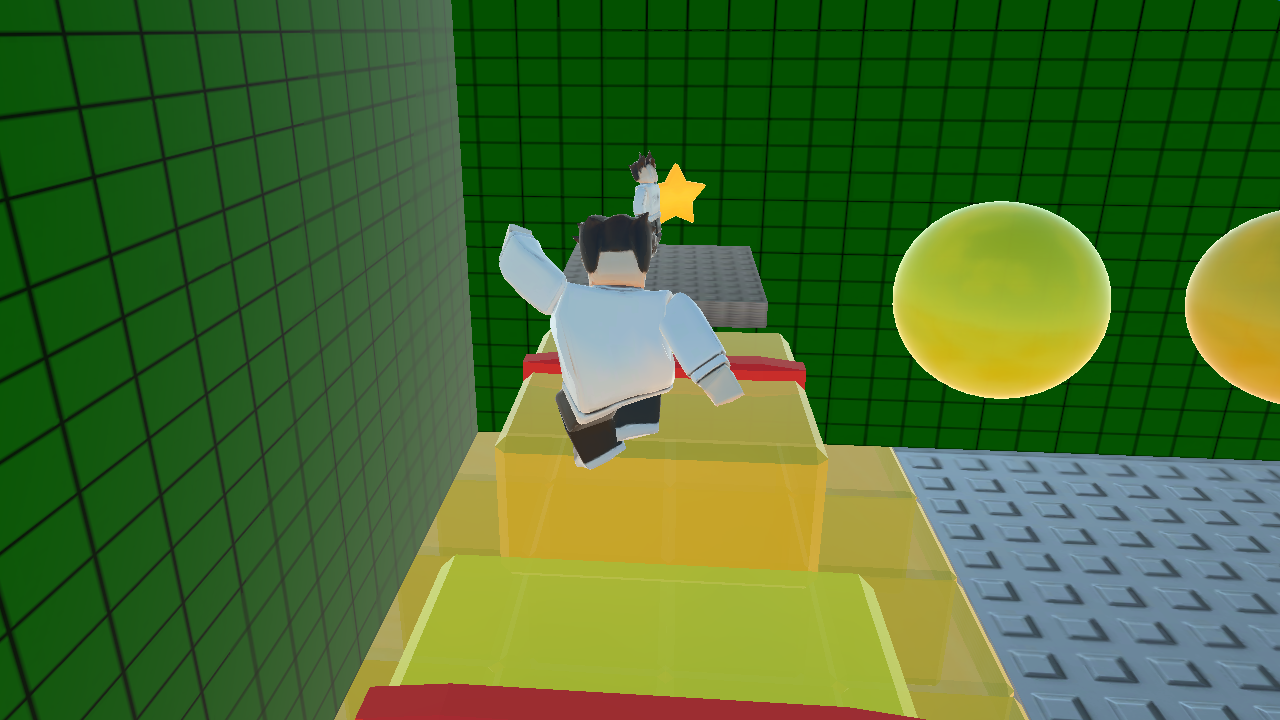
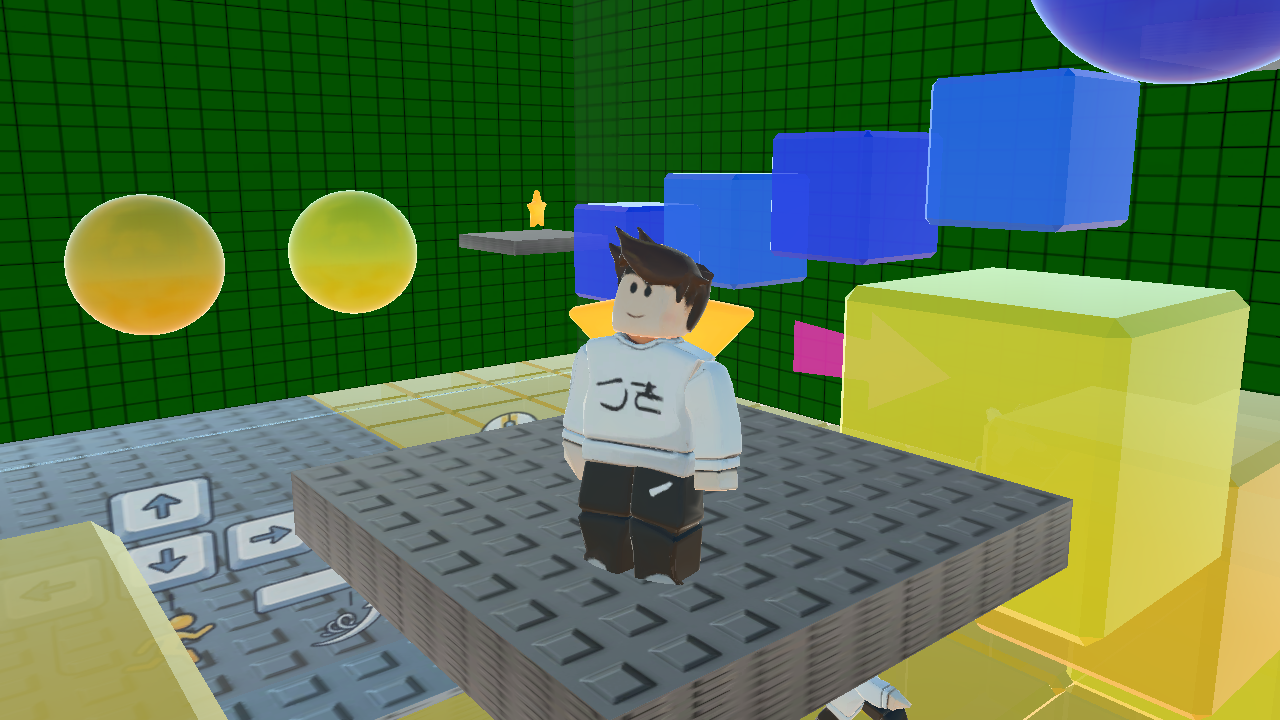
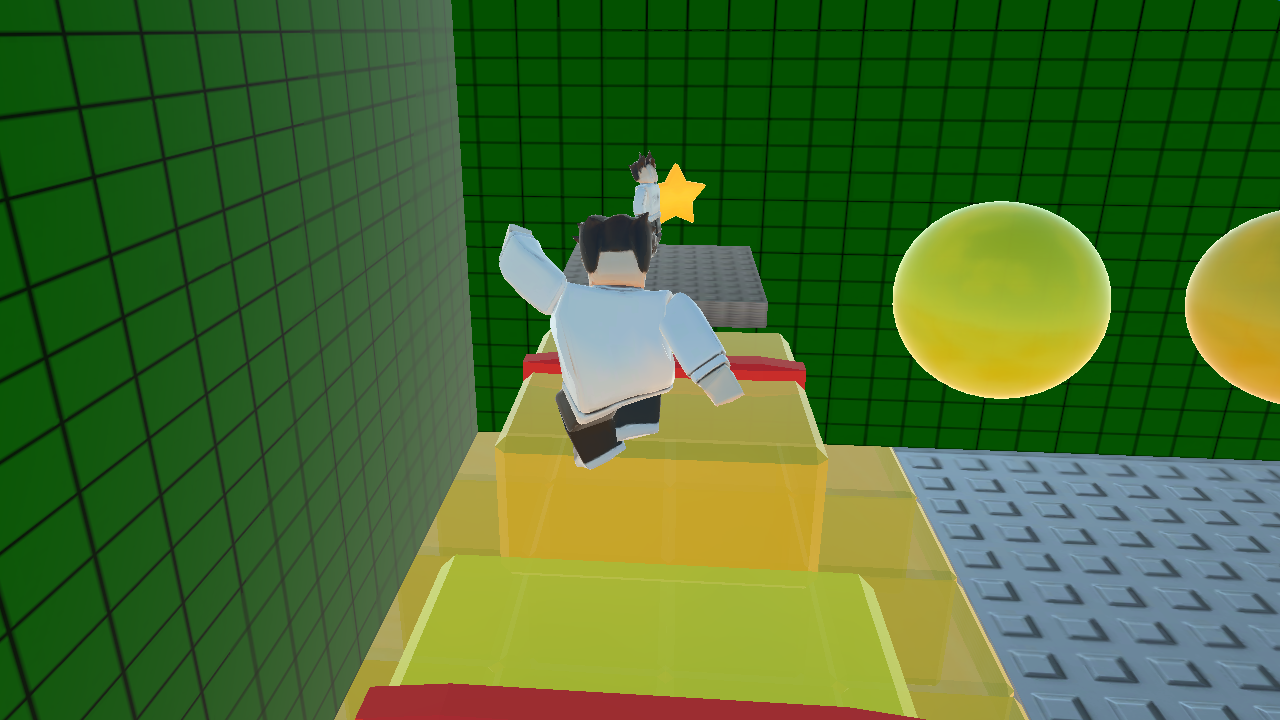
This is a dynamic 3D parkour platformer in the best traditions of Obby games that will test your agility and speed.
Your main goal is to make a Great Escape by overcoming a massive obstacle course full of dangerous traps, tricky jumps, and slippery blocks. There are checkpoints along the way, so don't be afraid of falling — you can always resume your adventure from your last saved spot!
Features:
• Bright 3D graphics and well-designed obstacle levels.
• Gold coins to collect for the most attentive players.
• A cool shop with unique skins — choose your own style!
• The coveted finish crown and a secret platform filled with slimes.
• A handy "Stuck" button for instant respawn.
• Full optimization for both PCs and mobile phones.
Can you pass all the trials and claim the crown? Start playing right now!
Videos and screenshots
12,124 players online
How to play
-
Open the game
Press Play now and the game opens on its own screen.
-
Follow the in-game instructions
The controls and goals are shown inside the game as you play.
-
Use the game menu
The floating button over the game reloads it, saves it to your favourites, or takes you back out.