Overview
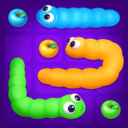
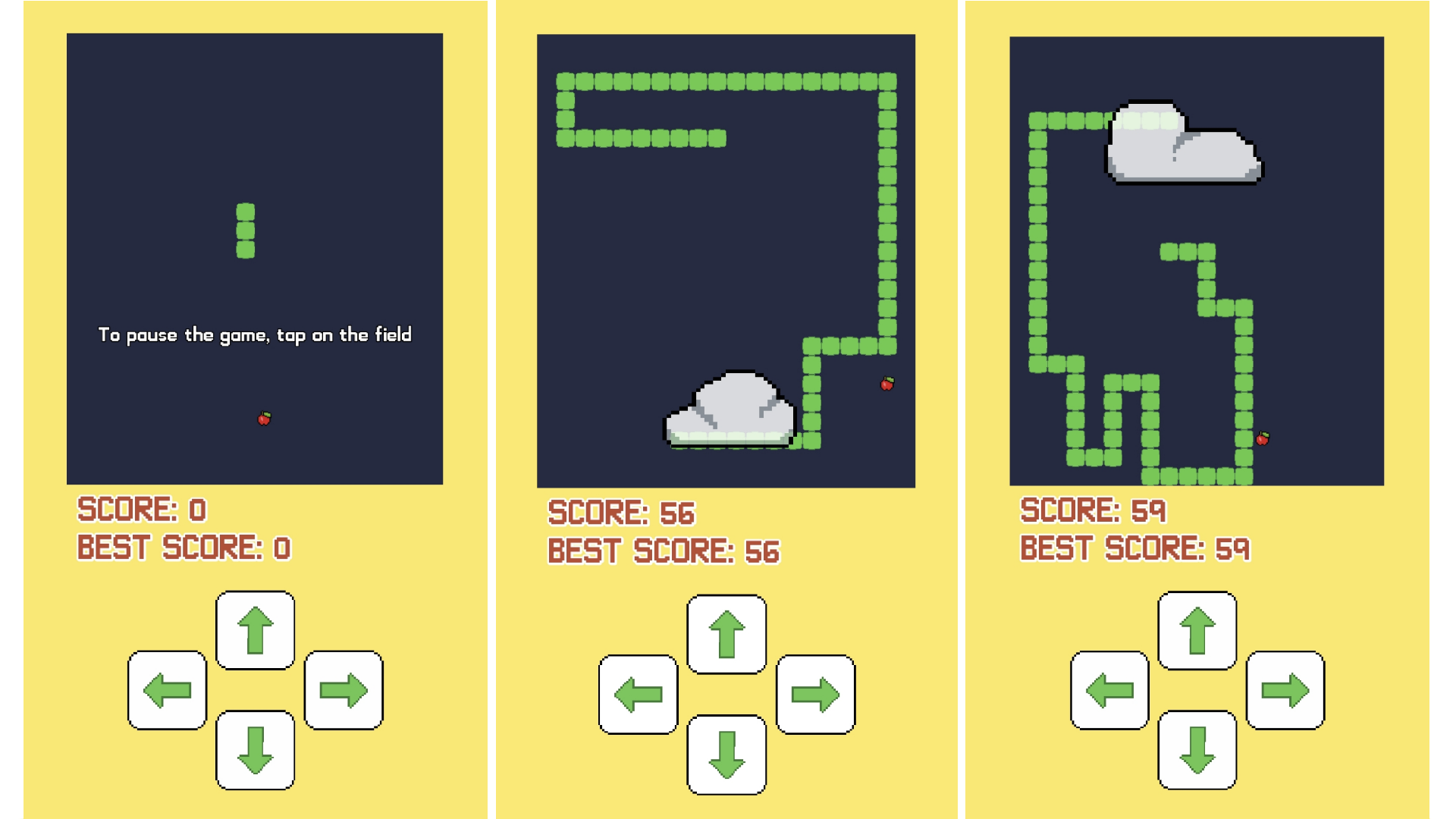
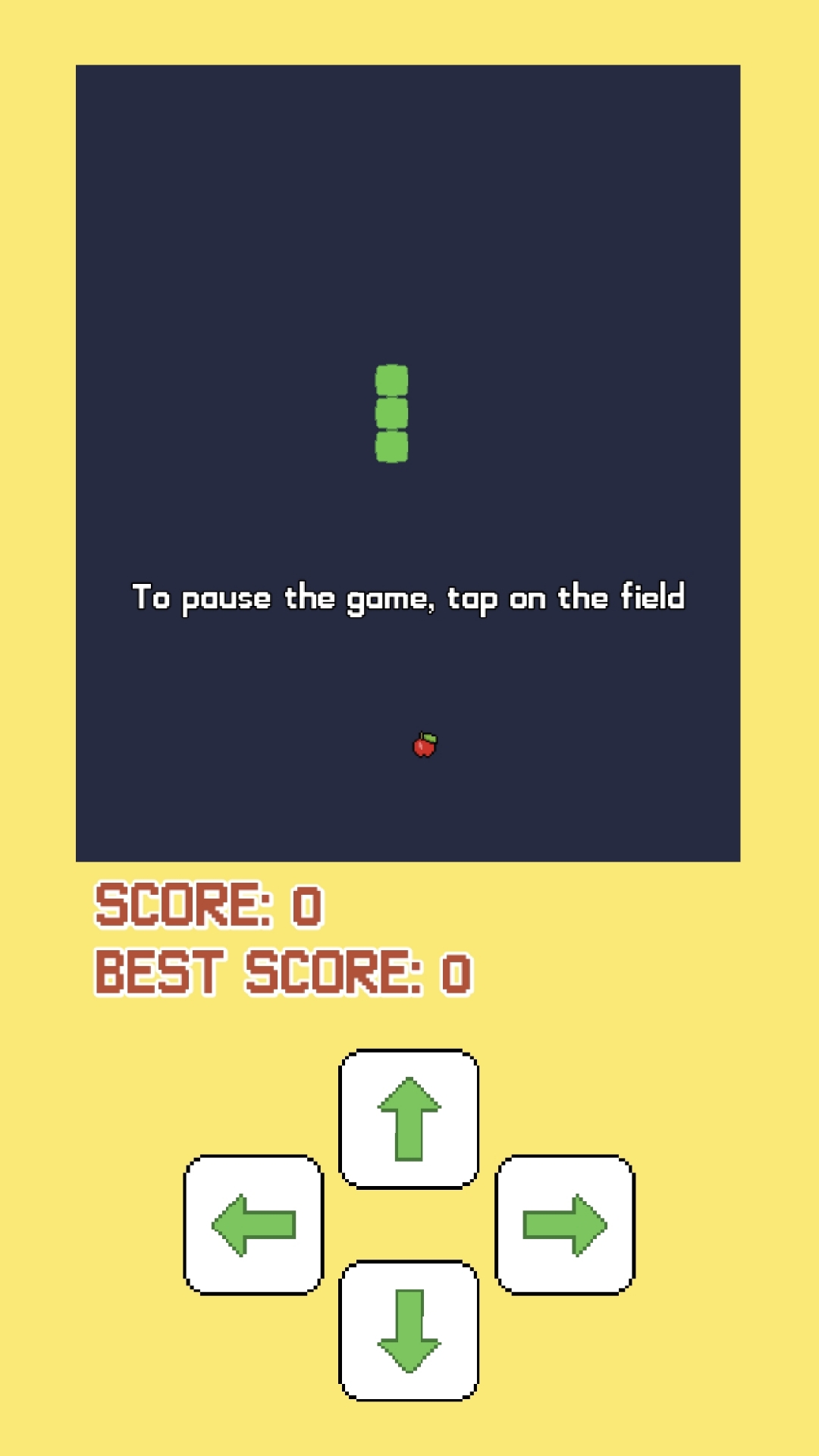
Snake and clouds moves in one of four directions — up, down, left or right. The player controls the direction of movement, but cannot stop or move back.
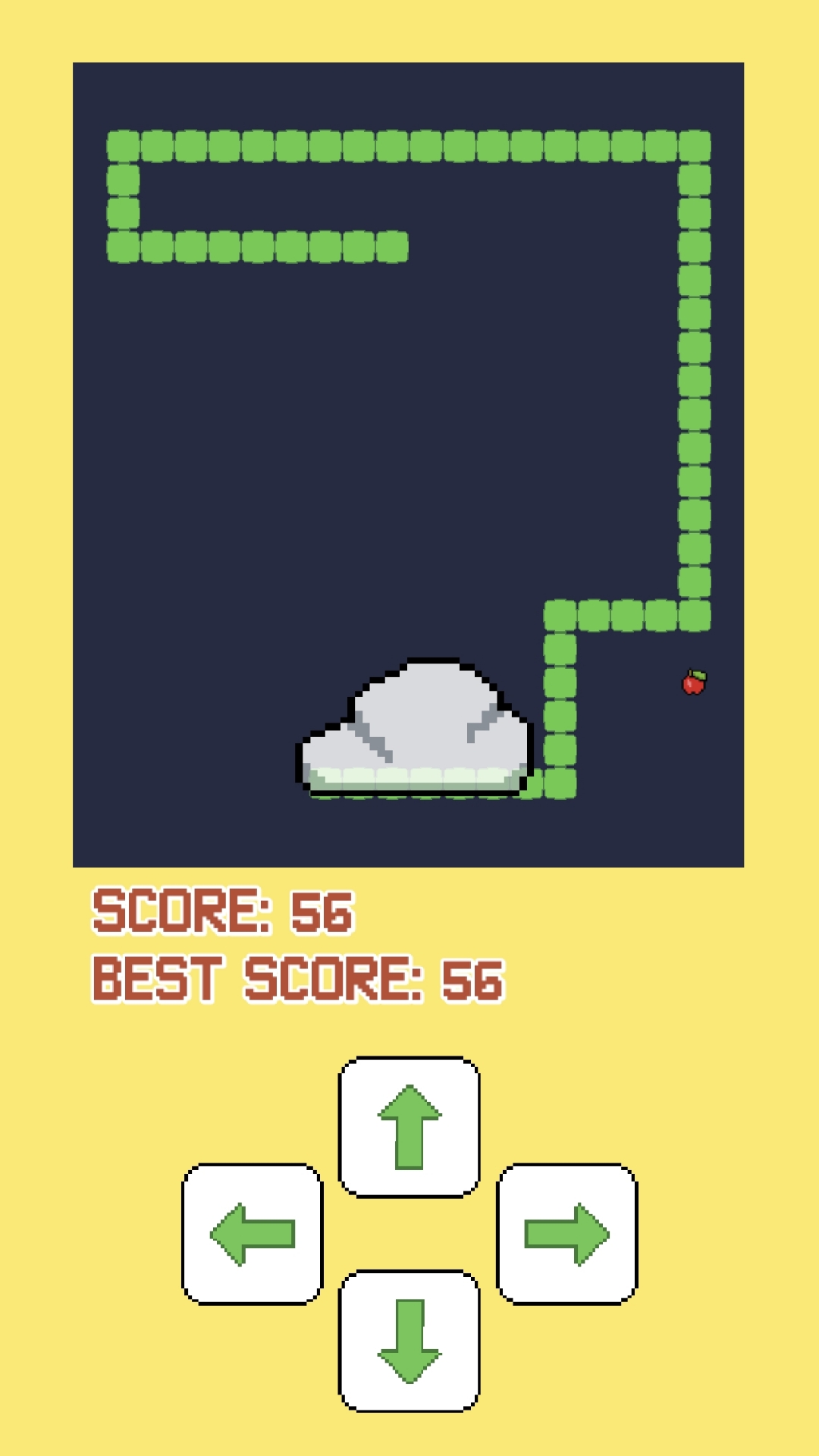
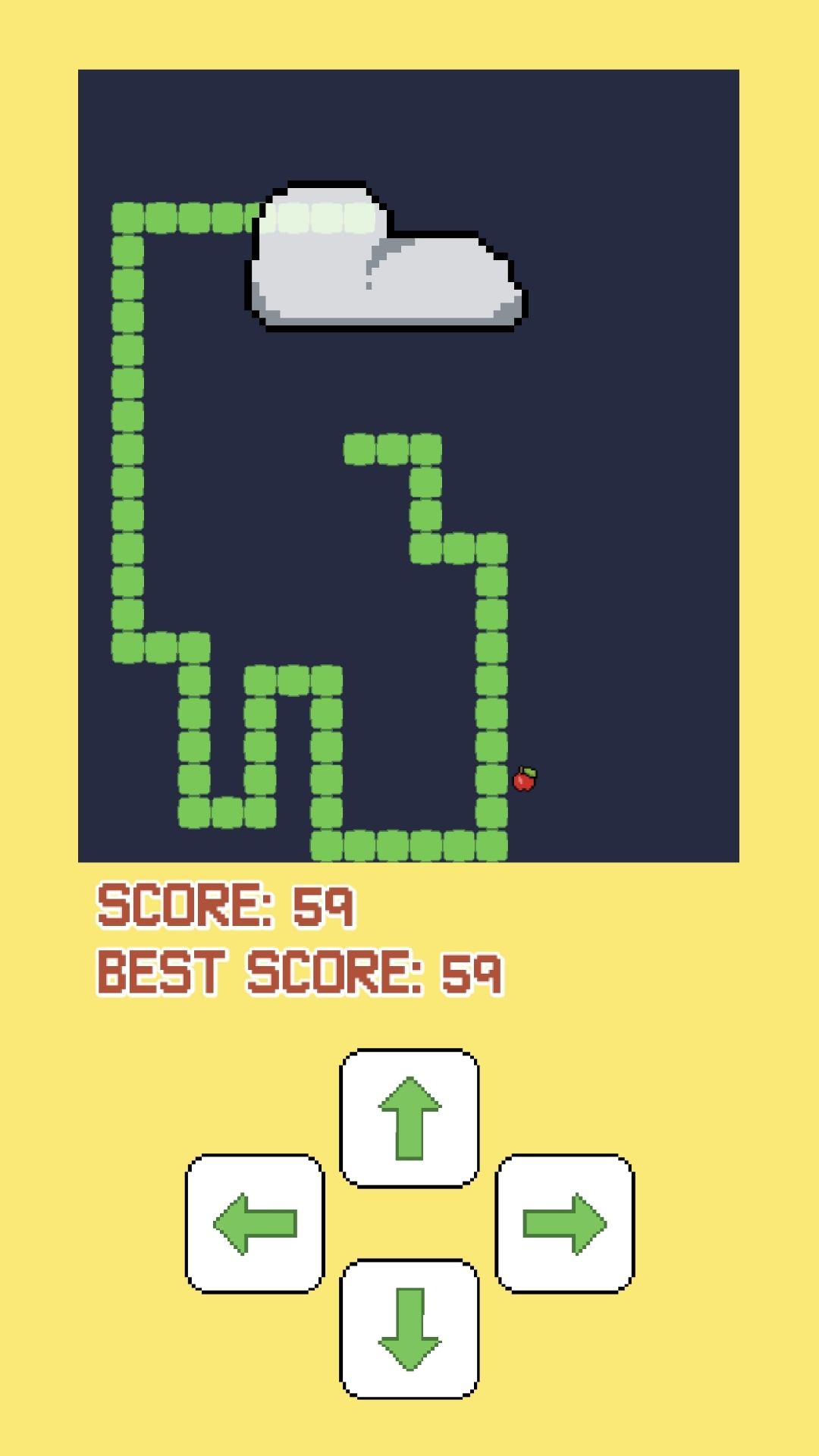
Each time a player eats an apple, it gets longer, which gradually complicates the game. During the game, clouds may appear on the screen, which can be "popped" by tapping on them, which also complicates the game.
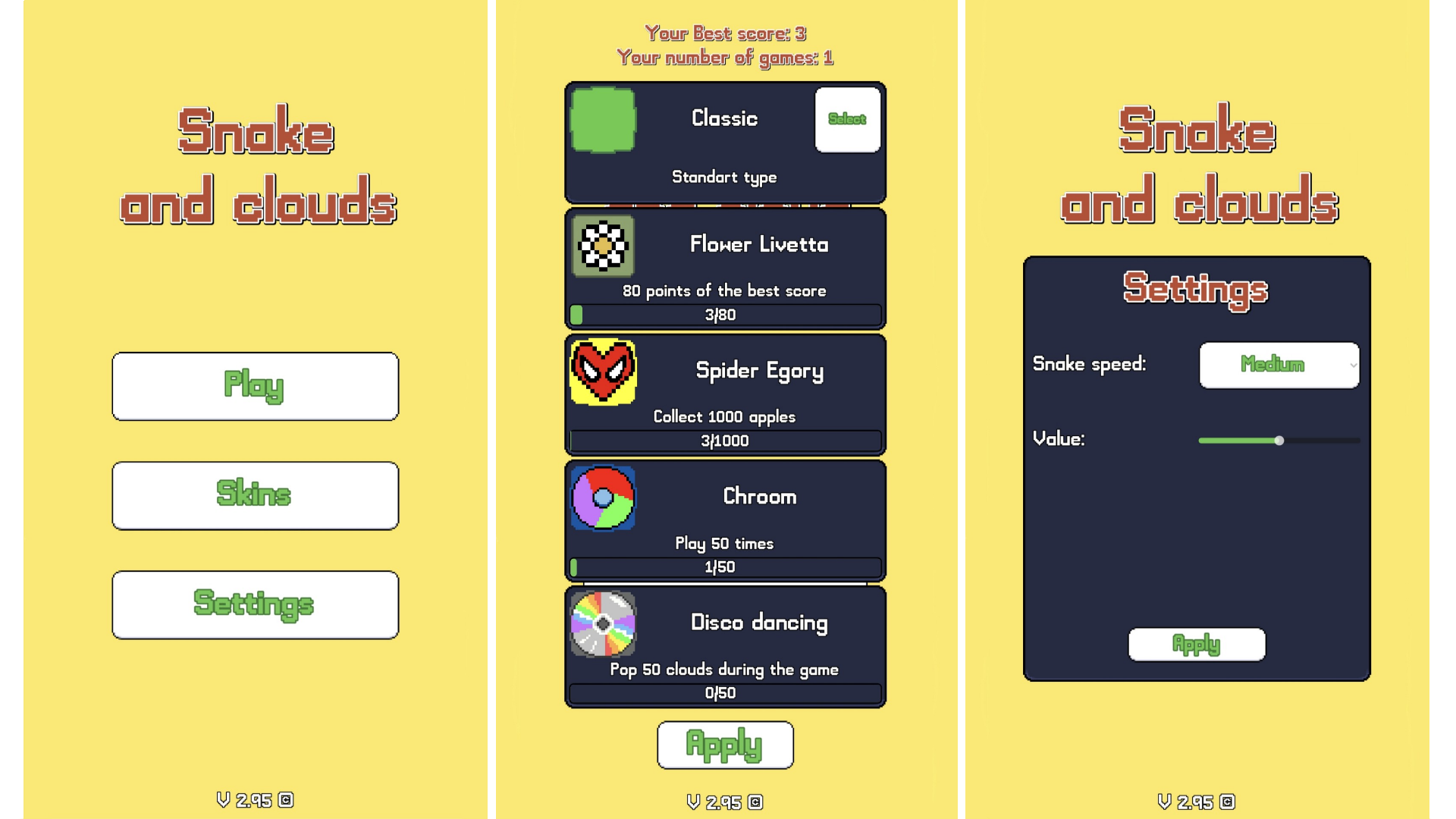
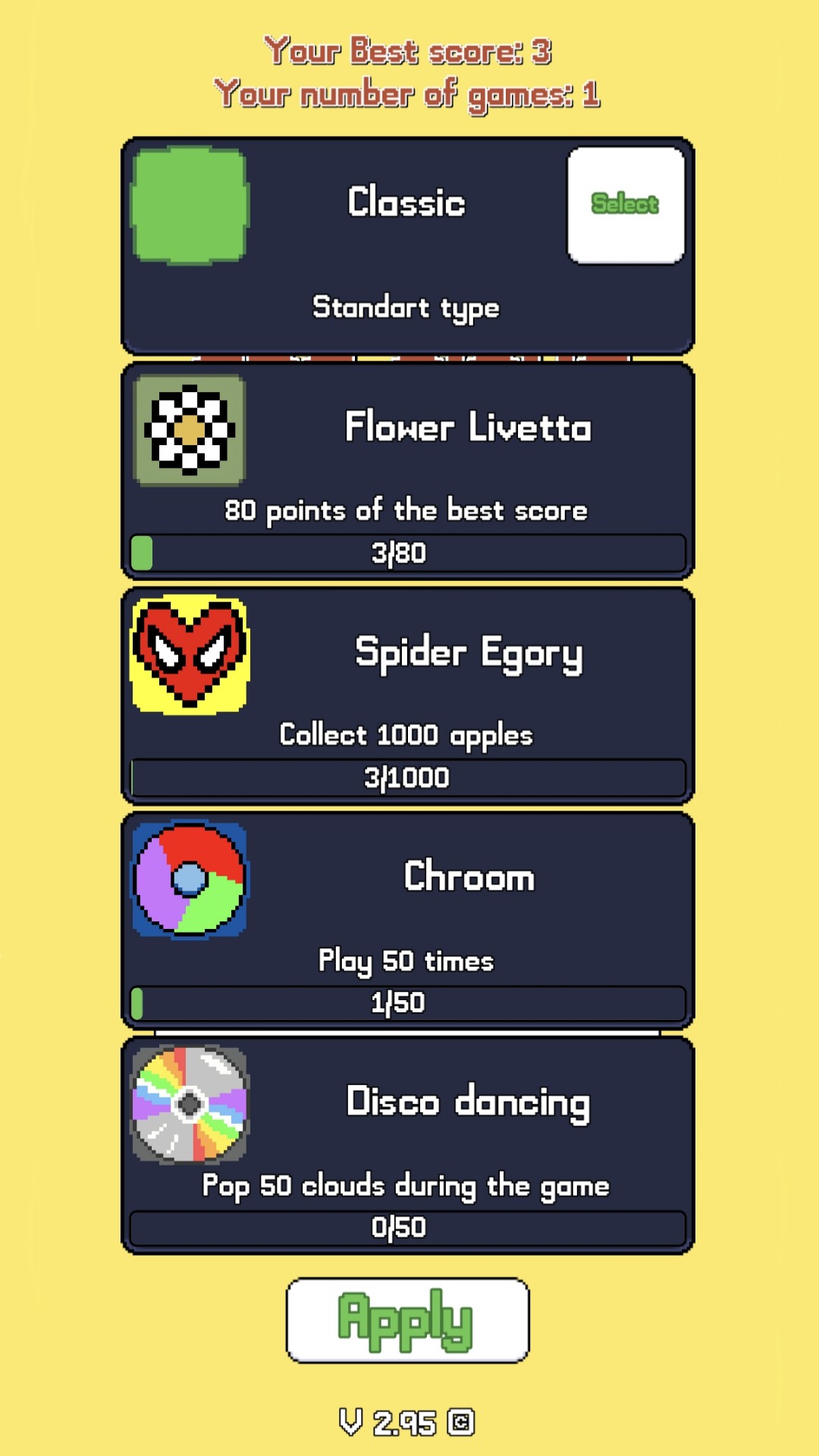
There are several exterior views in the game menu that can be opened by playing the game and collecting apples. There is also a special appearance that is initially hidden. But after completing the secret task, you will receive this skin)
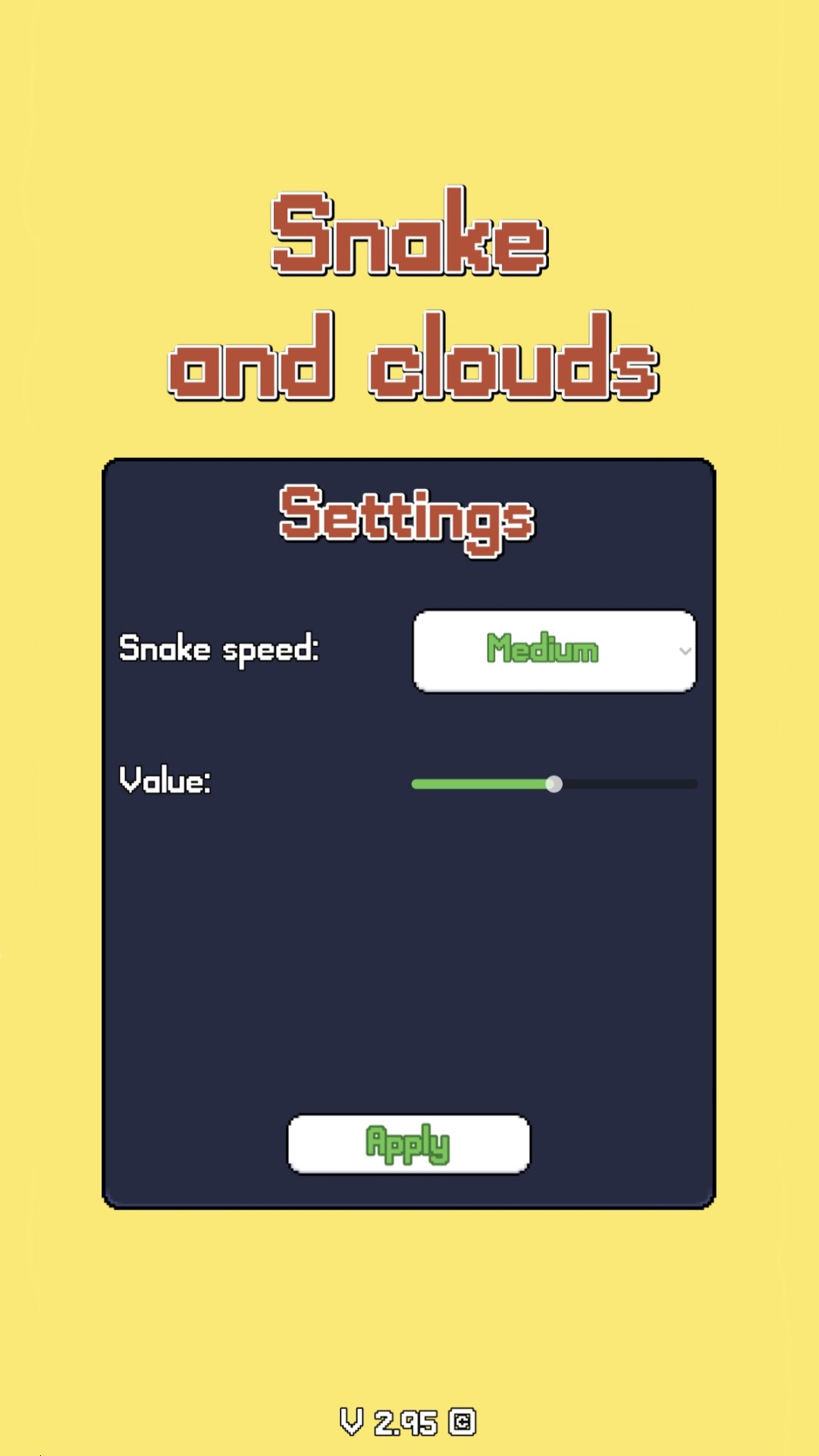
In the game settings, you can change the movement speed to make the game suitable for any player.
Videos and screenshots
14,684 players online
How to play
-
Open the game
Press Play now and the game opens on its own screen.
-
Follow the in-game instructions
The controls and goals are shown inside the game as you play.
-
Use the game menu
The floating button over the game reloads it, saves it to your favourites, or takes you back out.