Skip to content
KG
Solitaire: 10 Games

Solitaire: 10 Games

5K plays 4.6 out of 5

Overview

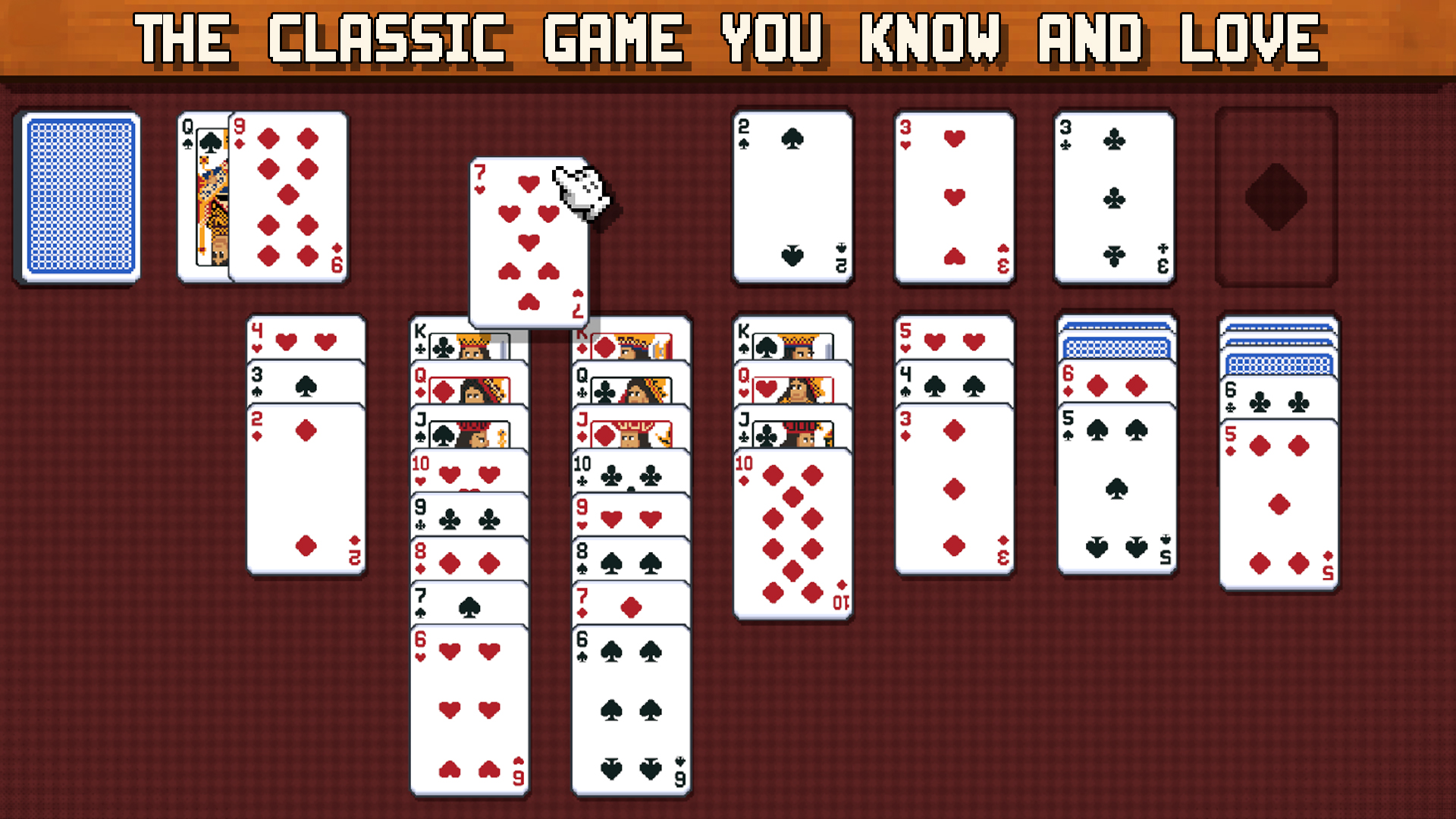
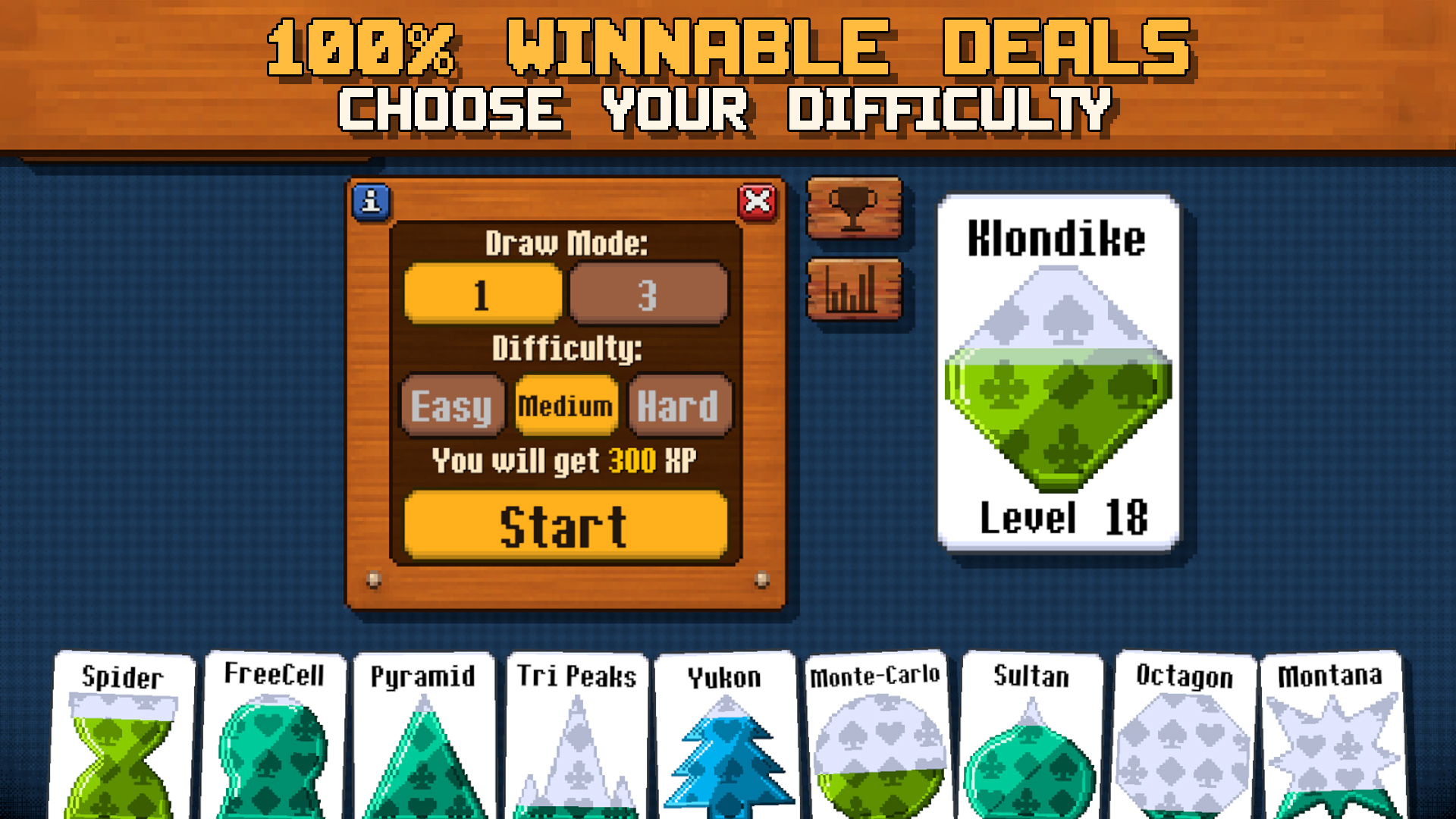
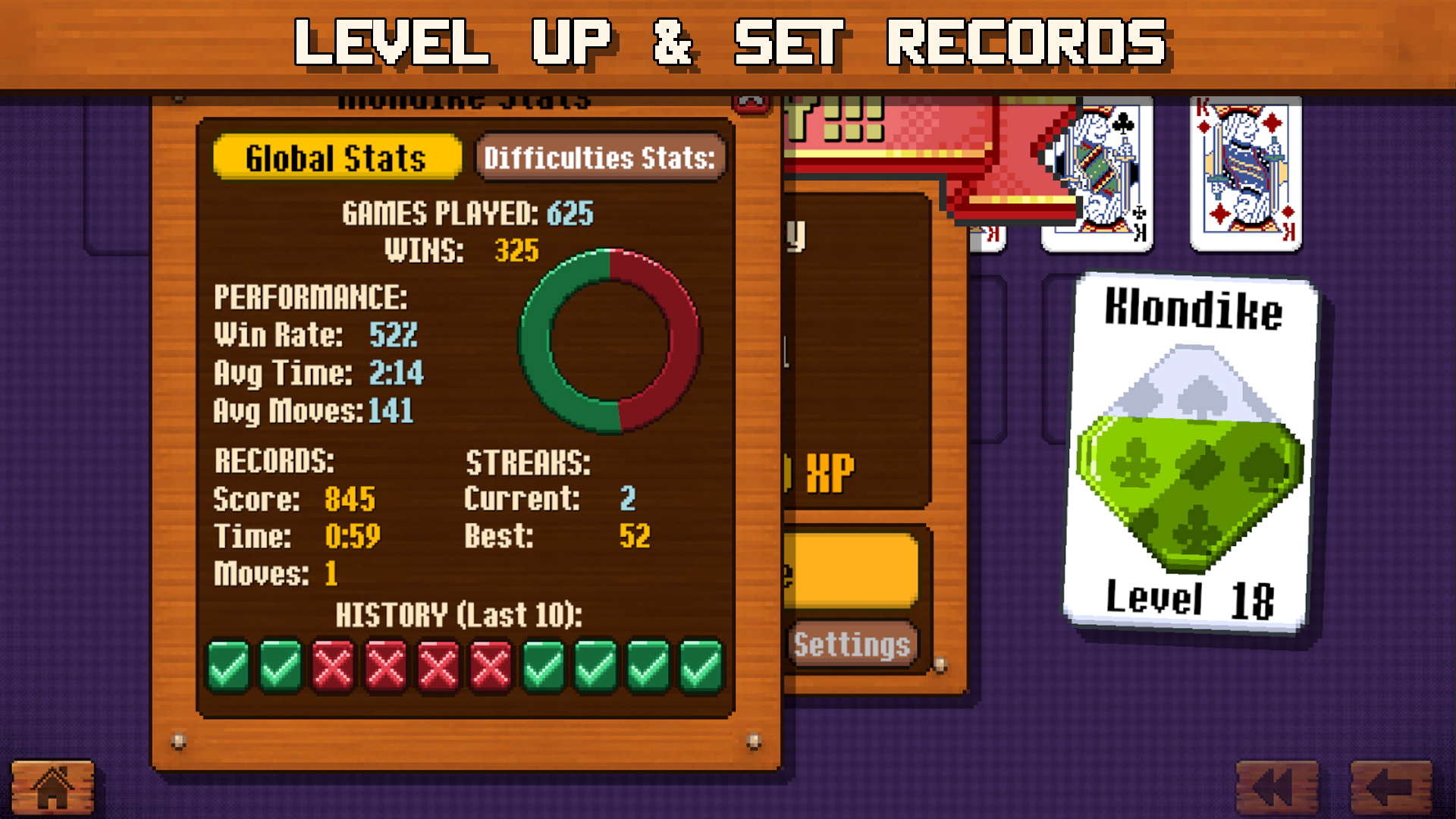
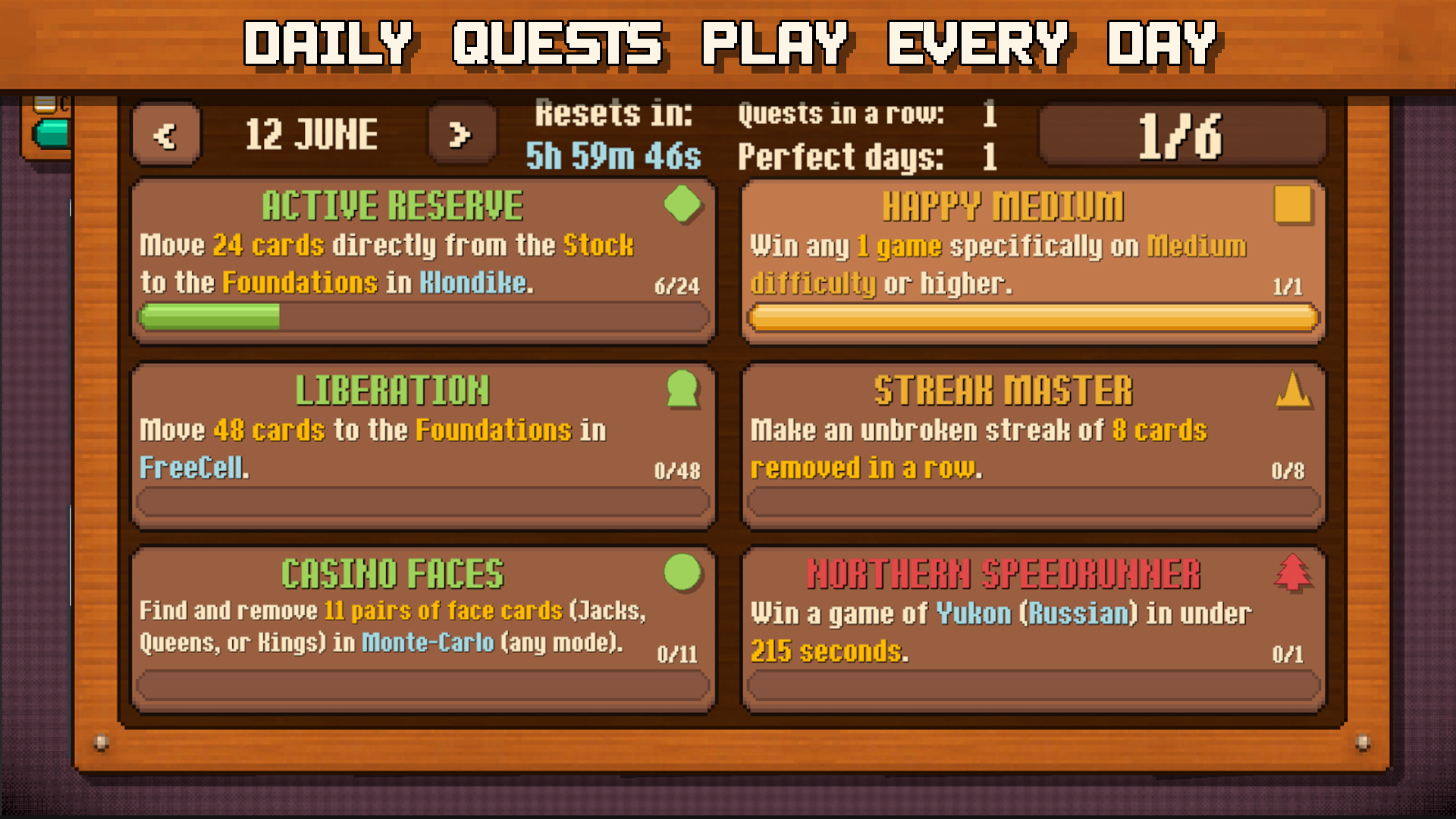
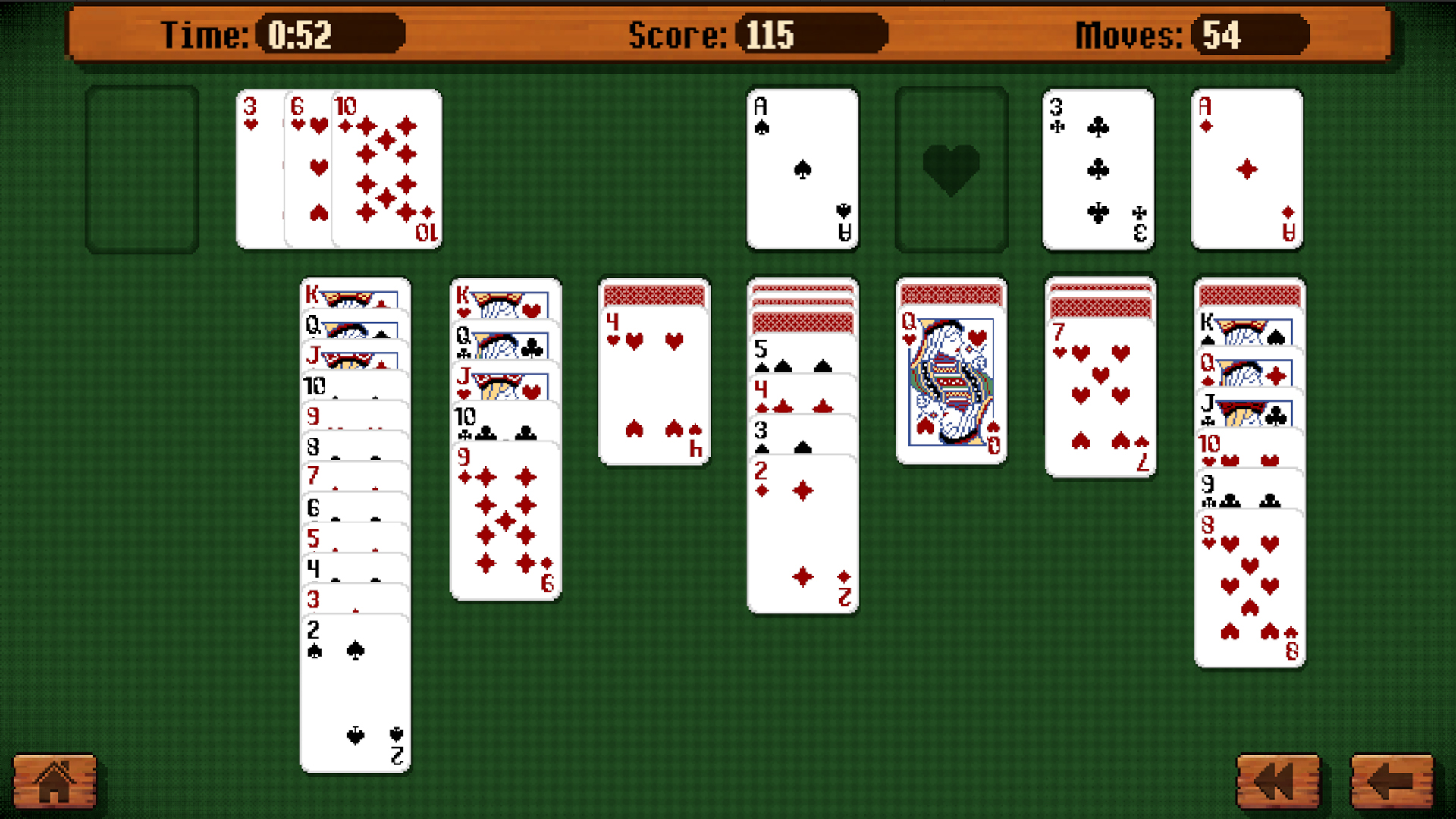
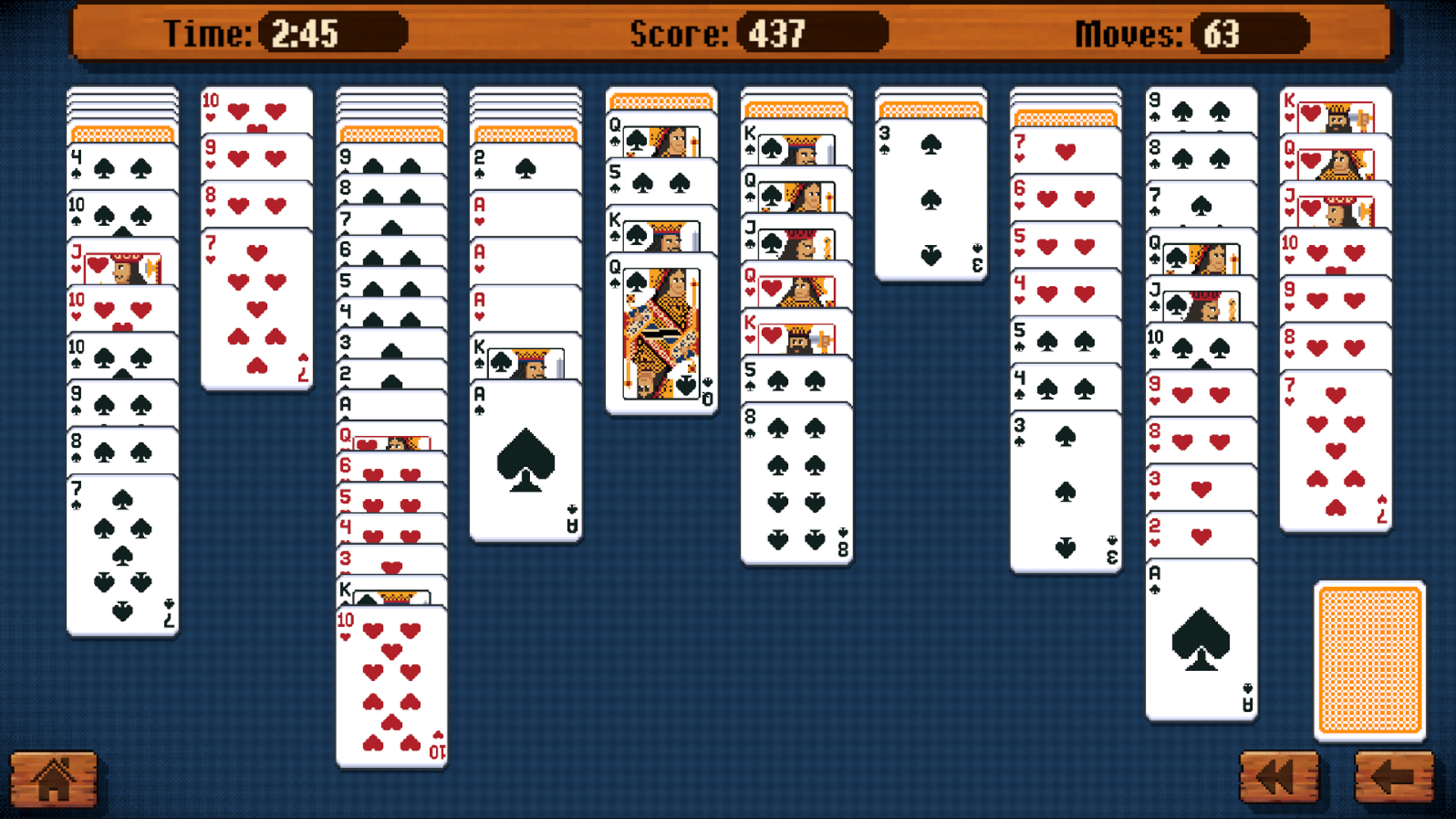
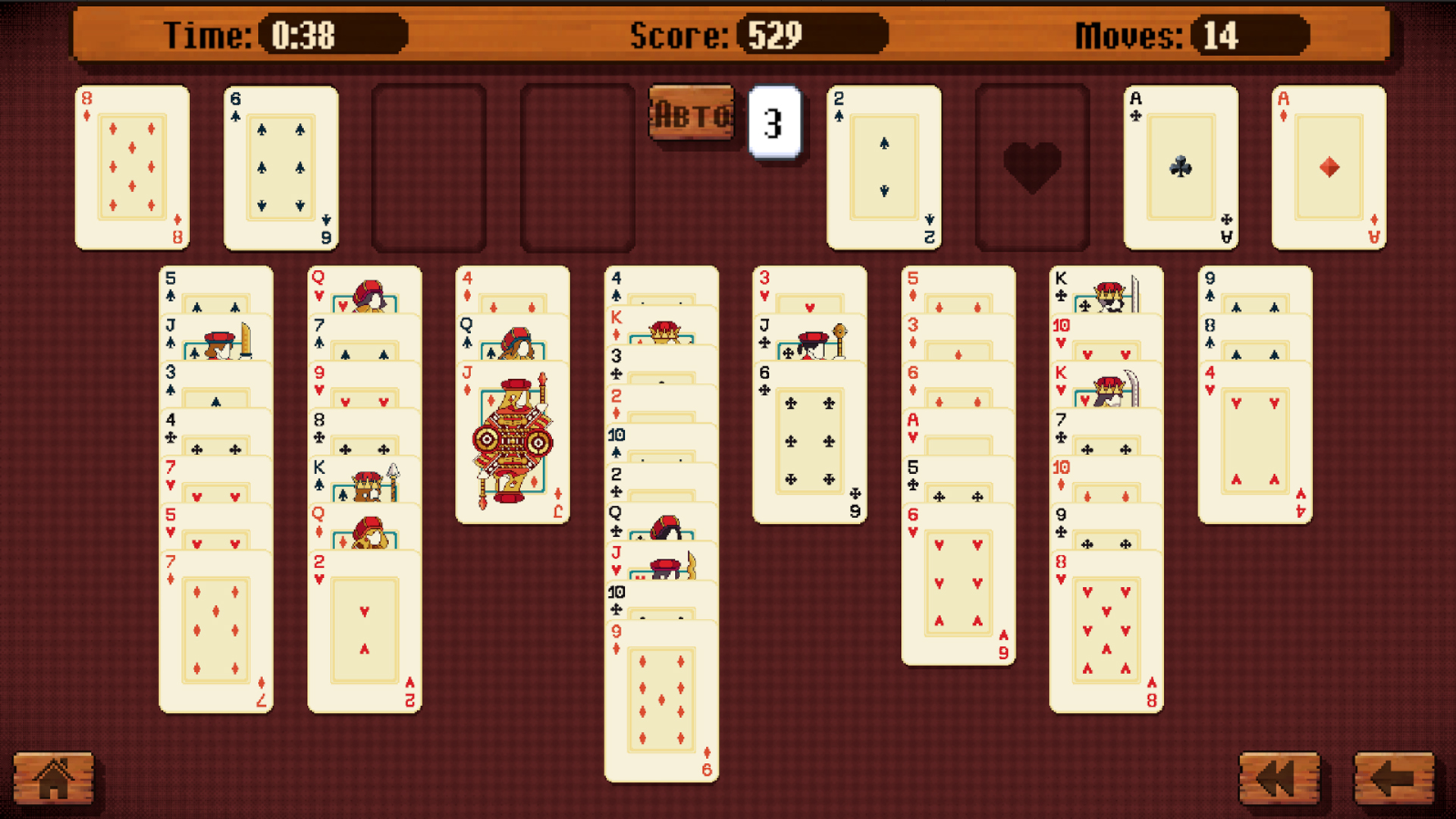
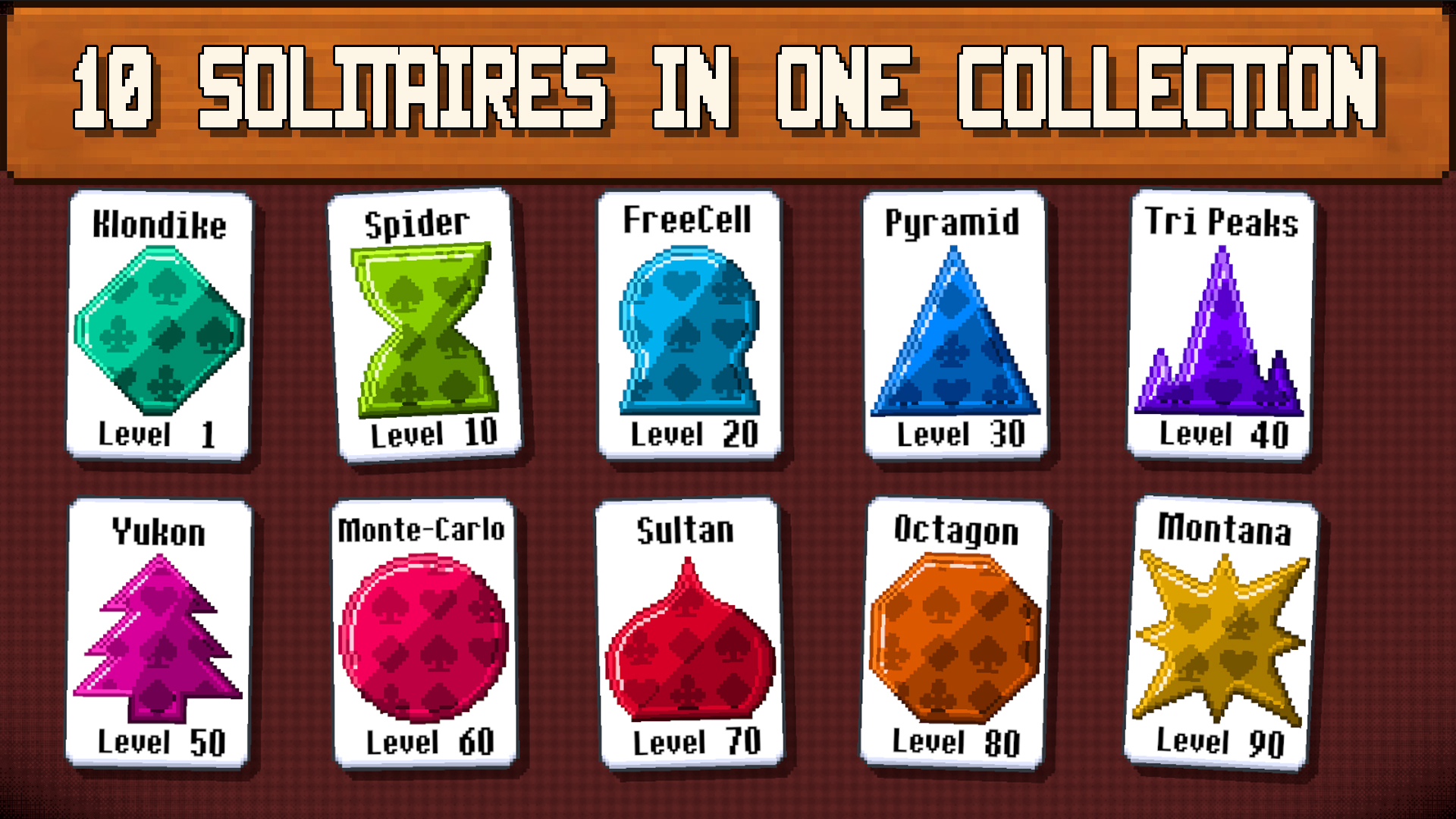
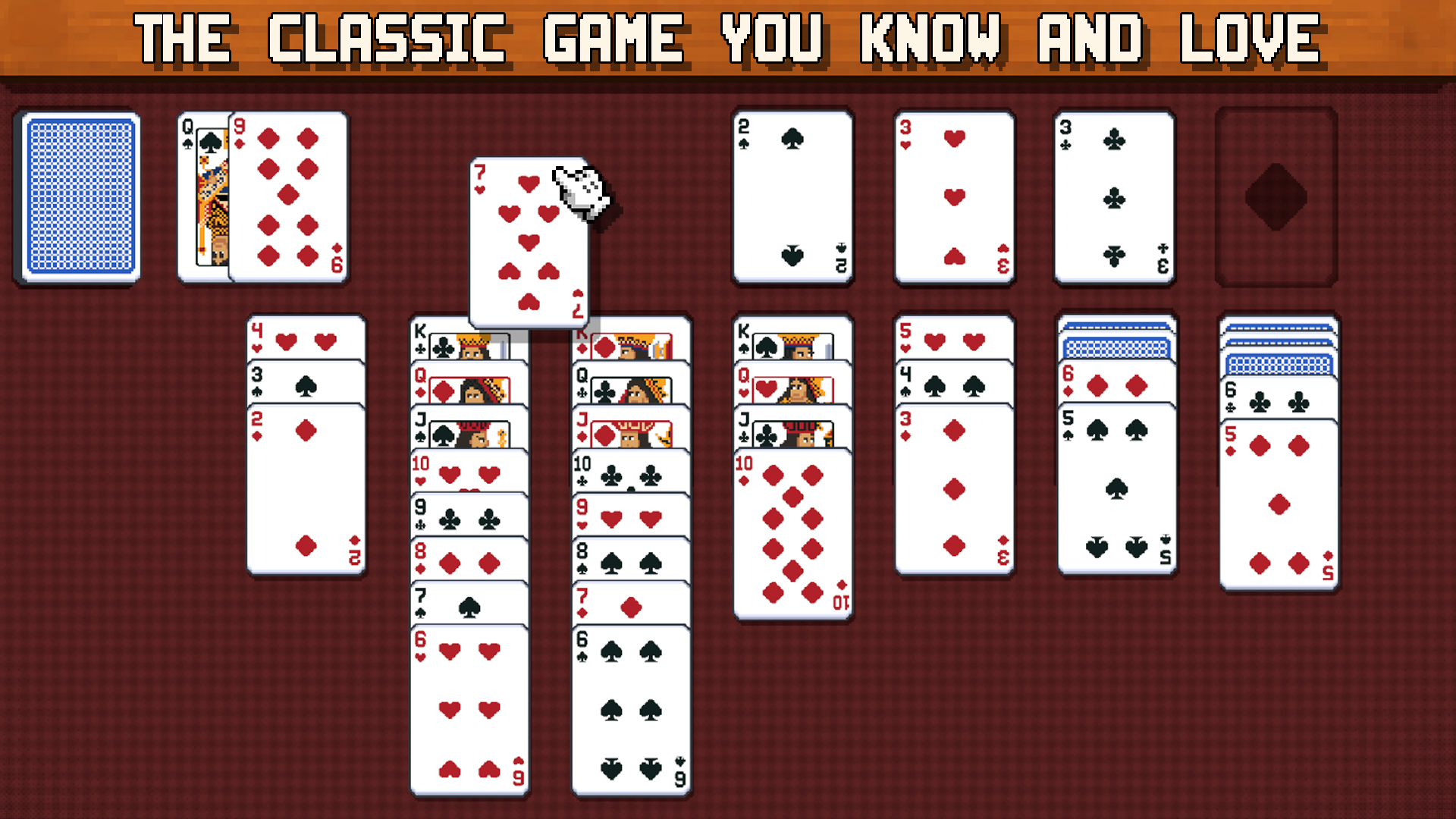
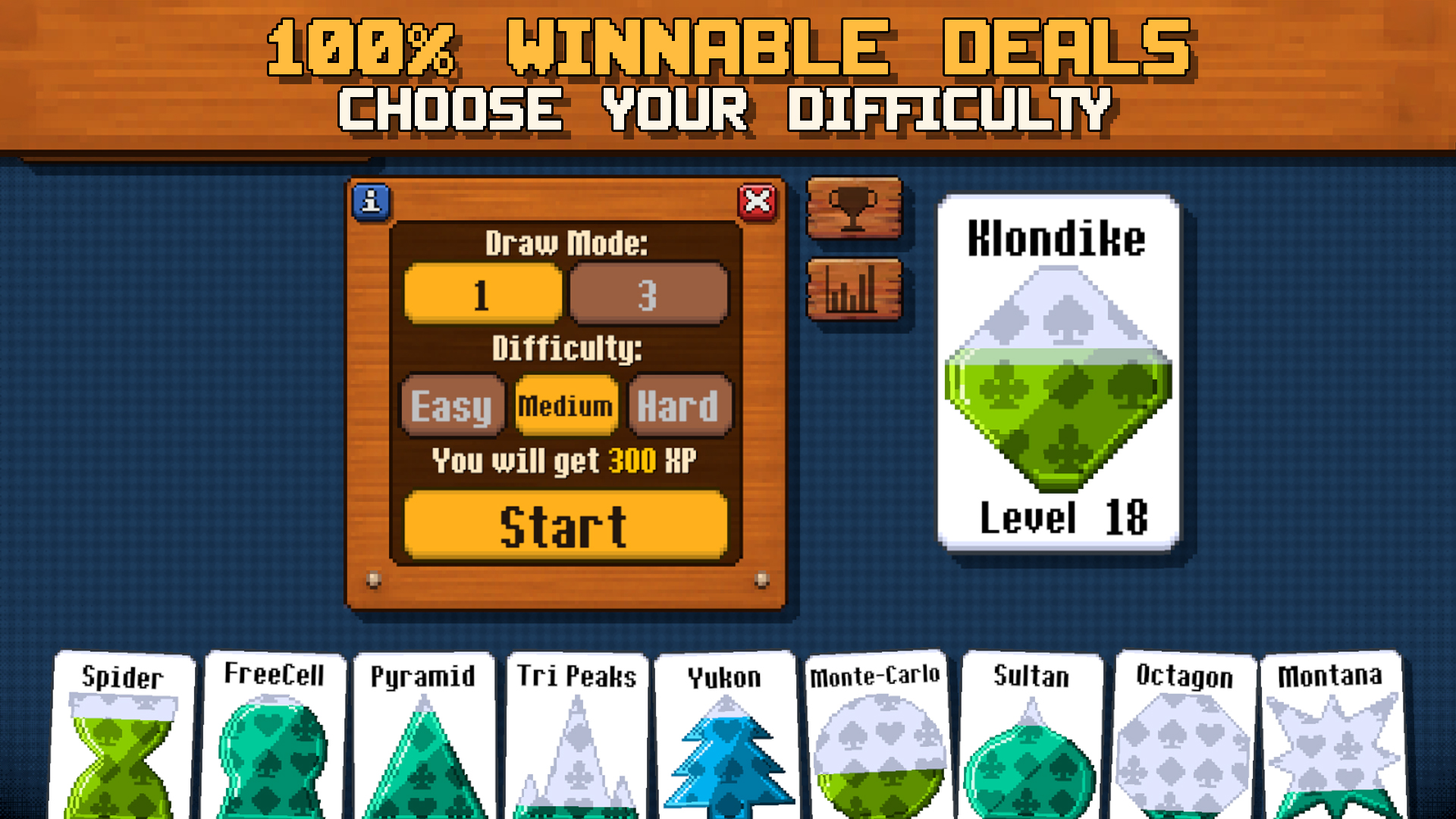
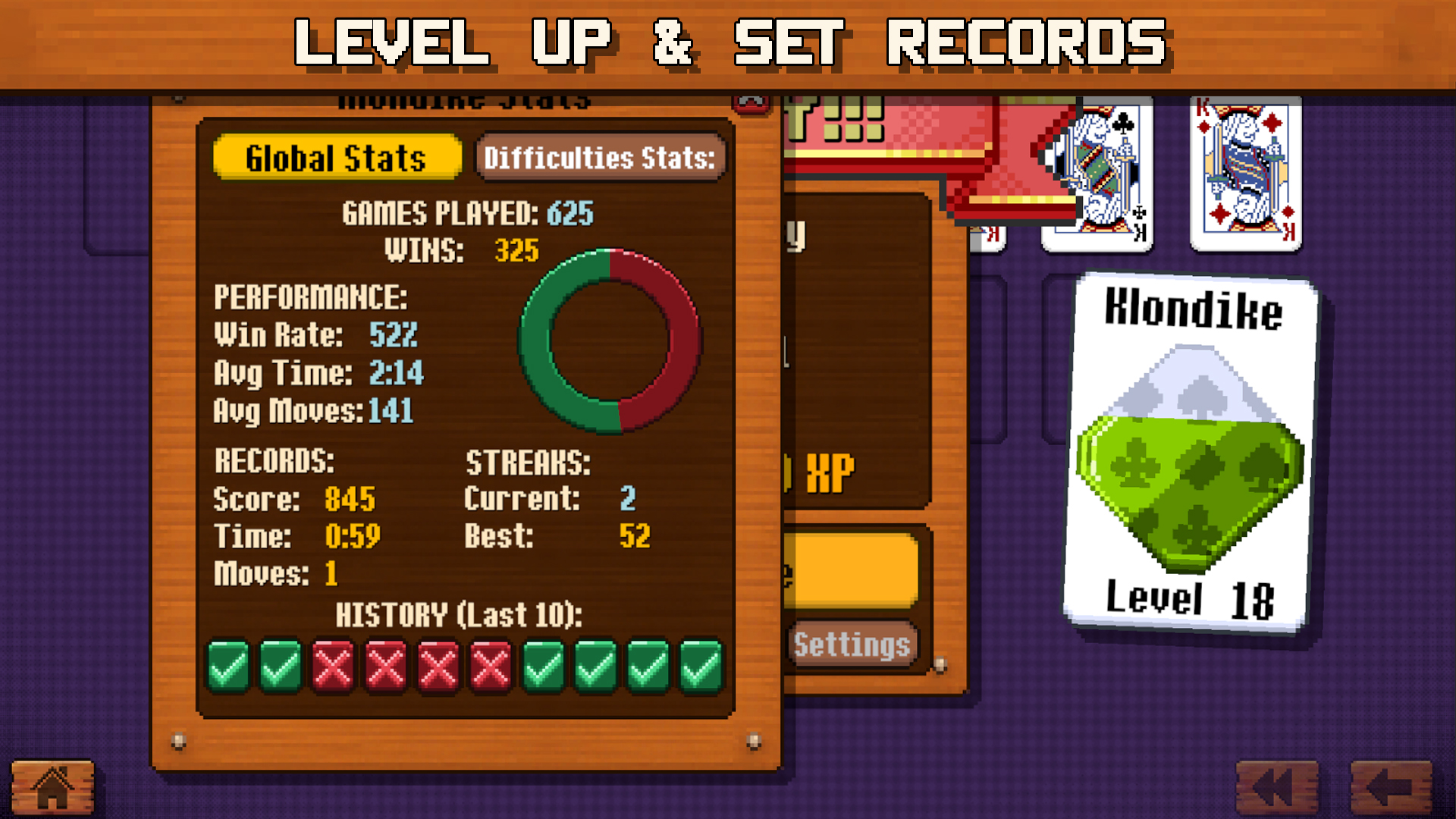
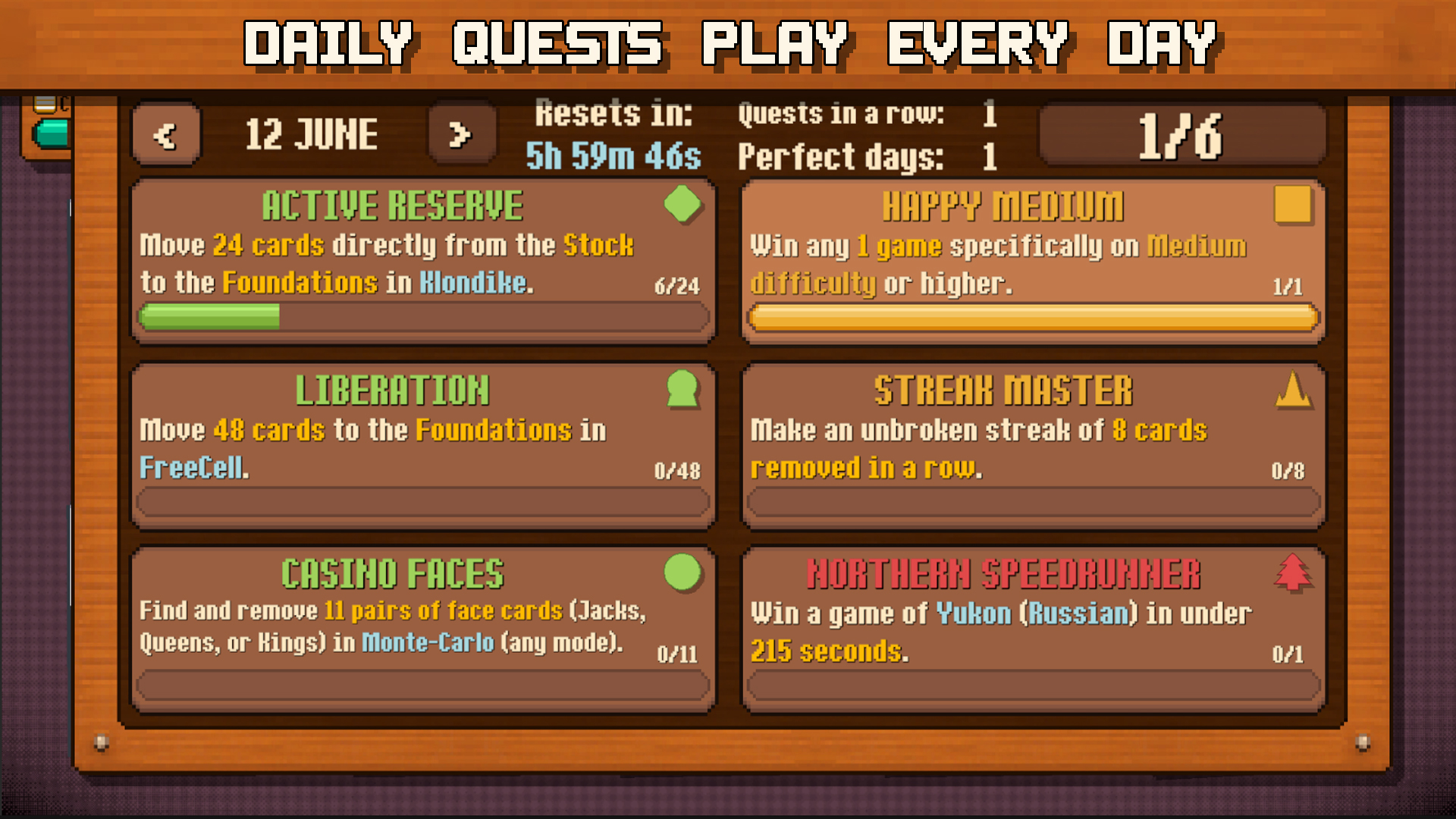
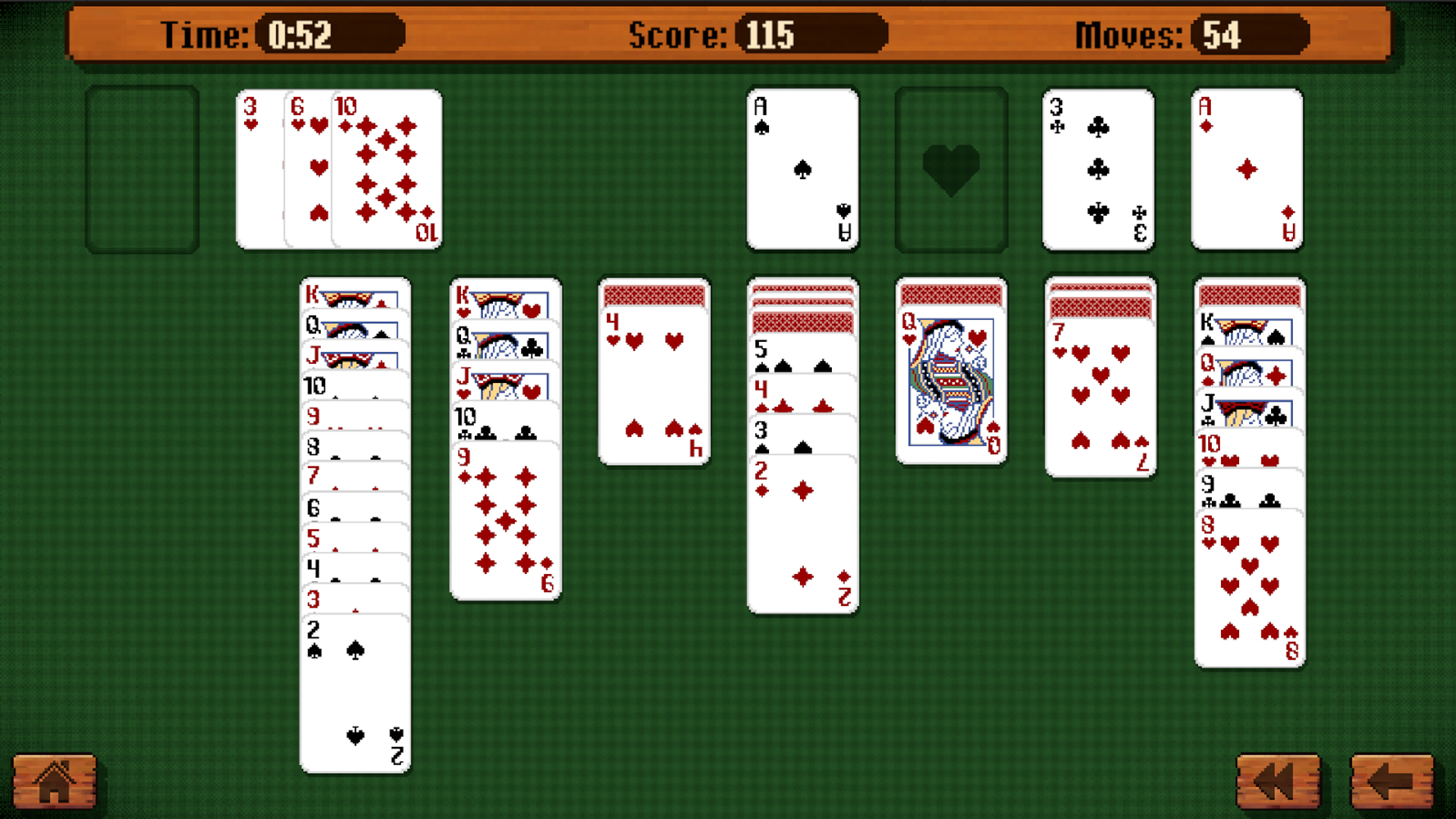
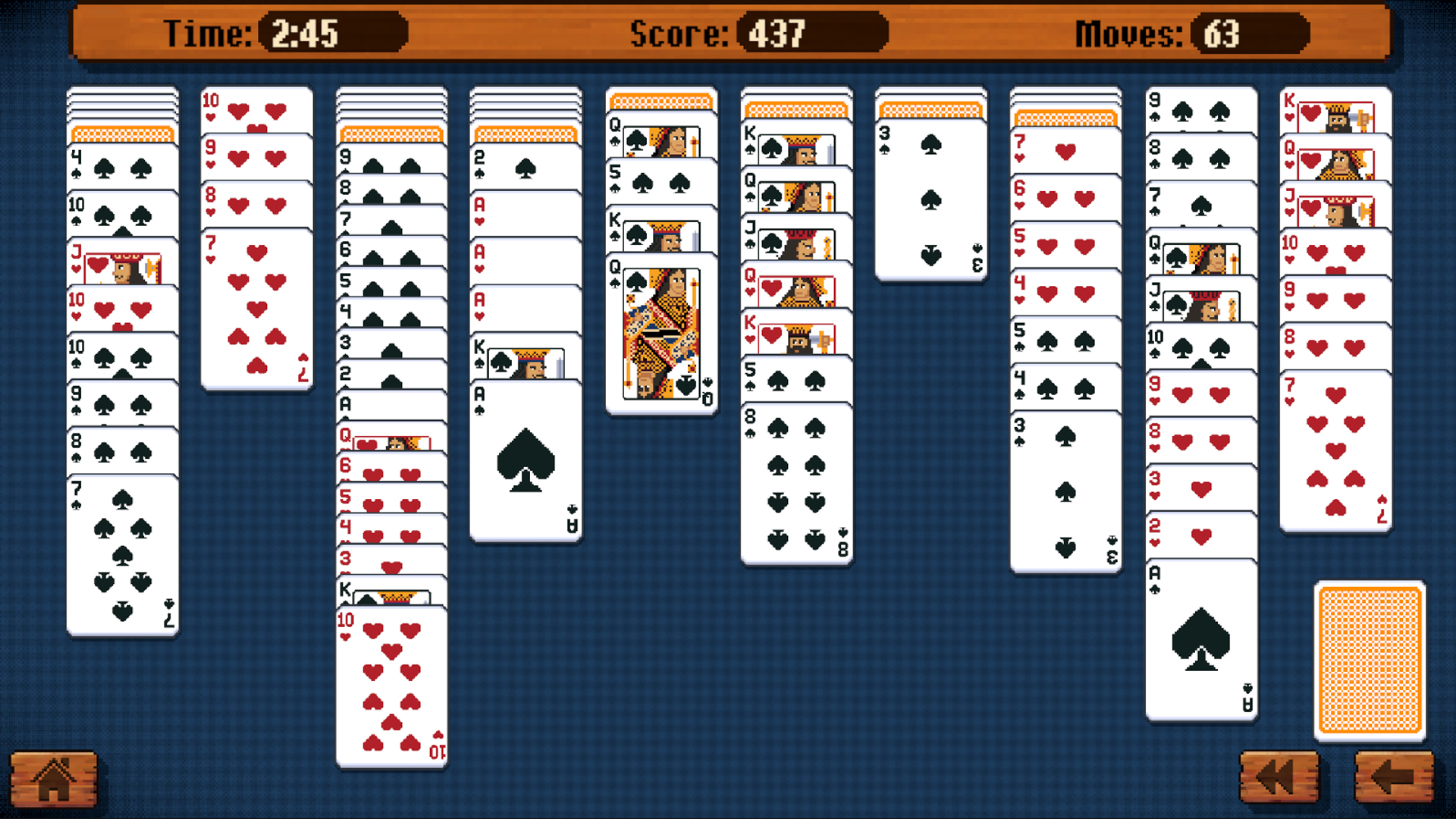
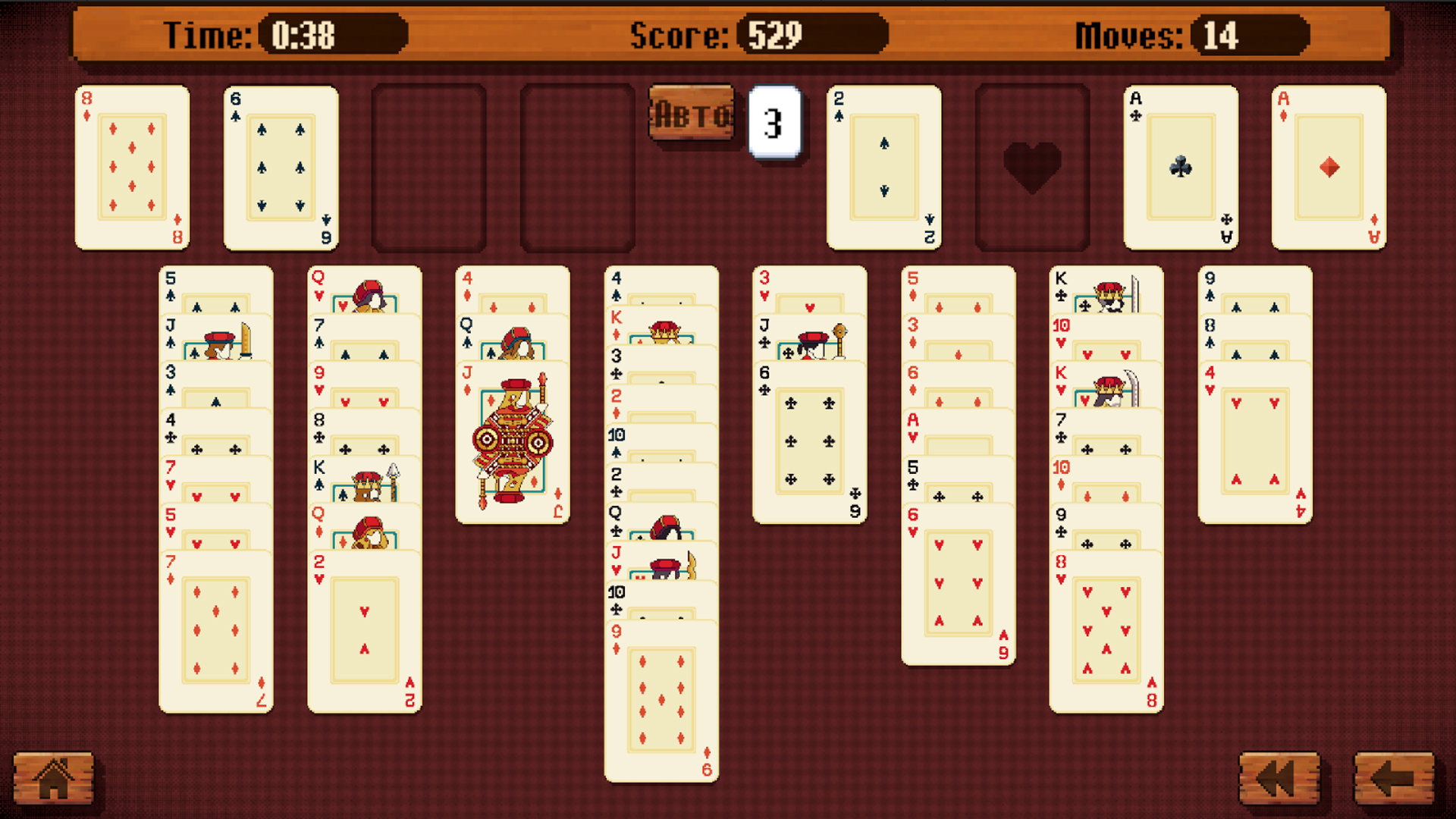
Solitaire: 10 Games is a collection of classic card solitaires in one game. All modes are available immediately, so you can choose any solitaire and play the way you like. The game features: ♠️ Klondike (Draw 1 or 3) ♥️ Spider (1, 2, or 4 suits) ♣️ FreeCell ♦️ Pyramid ♠️ TriPeaks ♥️ Yukon (Classic or Russian) ♣️ Monte Carlo (8-way or 4-way) ♦️ Montana (Classic or Hard) ♠️ Sultan ♥️ Octagon All deals in the game are winnable — every solitaire can be beaten with the right strategy. Choose the difficulty level to play relaxed or test your skills. Complete daily quests, earn experience, and improve your statistics. Convenient controls, smooth animations, and a clear interface make the game comfortable for both beginners and experienced players. Game features: • 10 popular solitaire games • 100% winnable deals • Smart hints that lead to victory • Multiple difficulty levels • Daily quests • Detailed statistics

Videos and screenshots
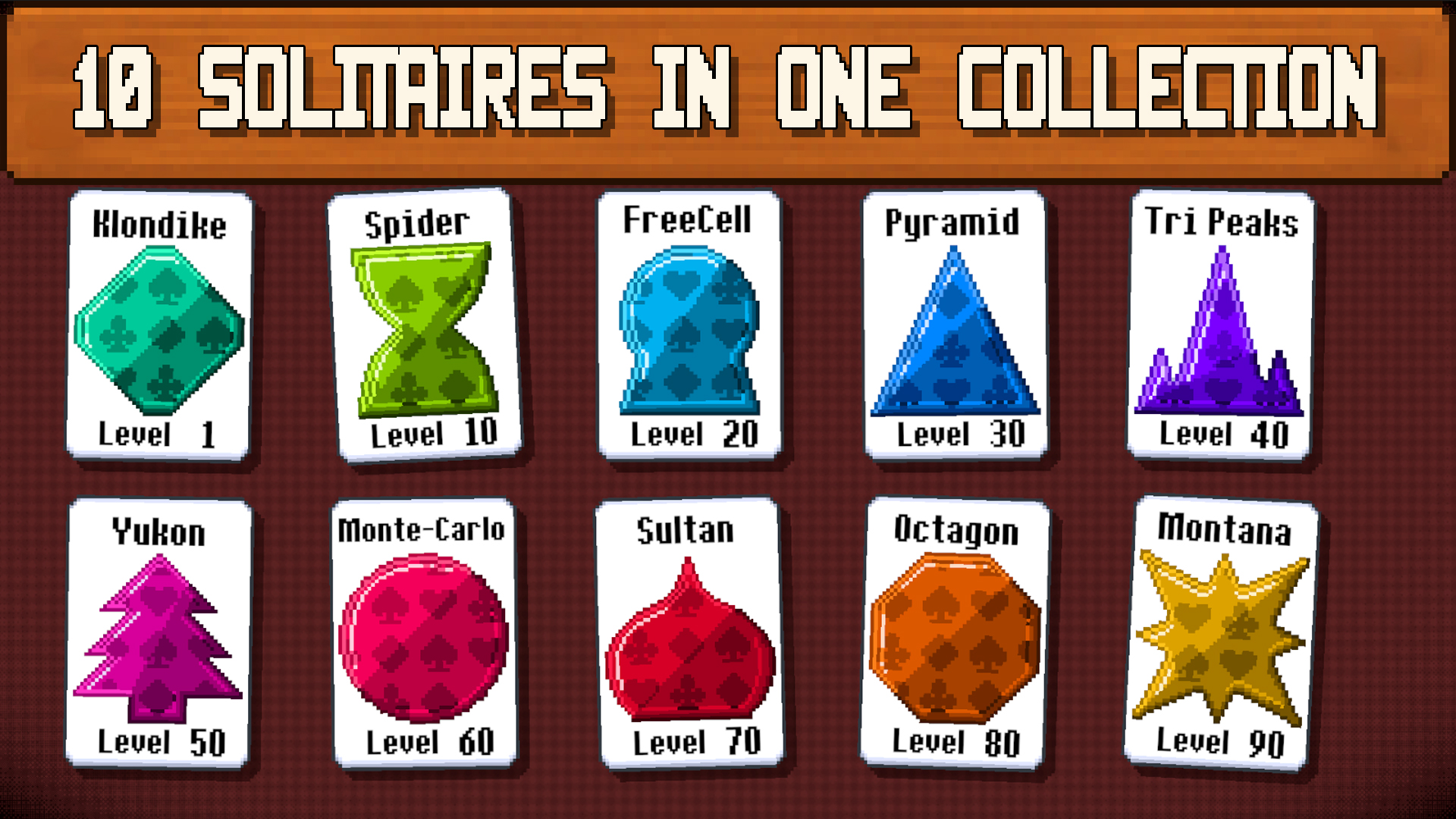
  • Solitaire: 10 Games screenshot 1
  • Solitaire: 10 Games screenshot 2
  • Solitaire: 10 Games screenshot 3
  • Solitaire: 10 Games screenshot 4
  • Solitaire: 10 Games screenshot 5
  • Solitaire: 10 Games screenshot 6
  • Solitaire: 10 Games screenshot 7
  • Solitaire: 10 Games screenshot 8
  • Solitaire: 10 Games screenshot 9
  • Solitaire: 10 Games screenshot 10
  • Solitaire: 10 Games screenshot 11
  • Solitaire: 10 Games screenshot 12
  • Solitaire: 10 Games screenshot 13
  • Solitaire: 10 Games screenshot 14
  • Solitaire: 10 Games screenshot 15
  • Solitaire: 10 Games screenshot 16
Play Now

10,199 players online

How to play

  1. Open the game

    Press Play now and the game opens on its own screen.

  2. Follow the in-game instructions

    The controls and goals are shown inside the game as you play.

  3. Use the game menu

    The floating button over the game reloads it, saves it to your favourites, or takes you back out.

Game instructions

How to play: In the main menu, choose one of the 10 solitaire games by tapping the corresponding card. Select the game mode and difficulty level, then press the start button. Controls (PC and mobile devices): Klondike, FreeCell, Spider, Yukon, Sultan, Octagon, and Montana: drag and drop cards manually or use the smart auto-move feature. By default, on phones and tablets, cards are moved to their place with a single tap, and on PC — with a double click. You can always change this preference to whatever suits you best in the game settings! Pyramid, TriPeaks, and Monte Carlo: simply tap (single click) the required cards to remove them from the board according to the rules. Tutorial: If you are playing for the first time or have forgotten the rules, don't worry! Each solitaire game has a detailed interactive tutorial. To launch it, tap the blue button with the "i" icon at the top of the mode and difficulty selection screen.

More games

More games