Overview
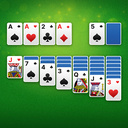
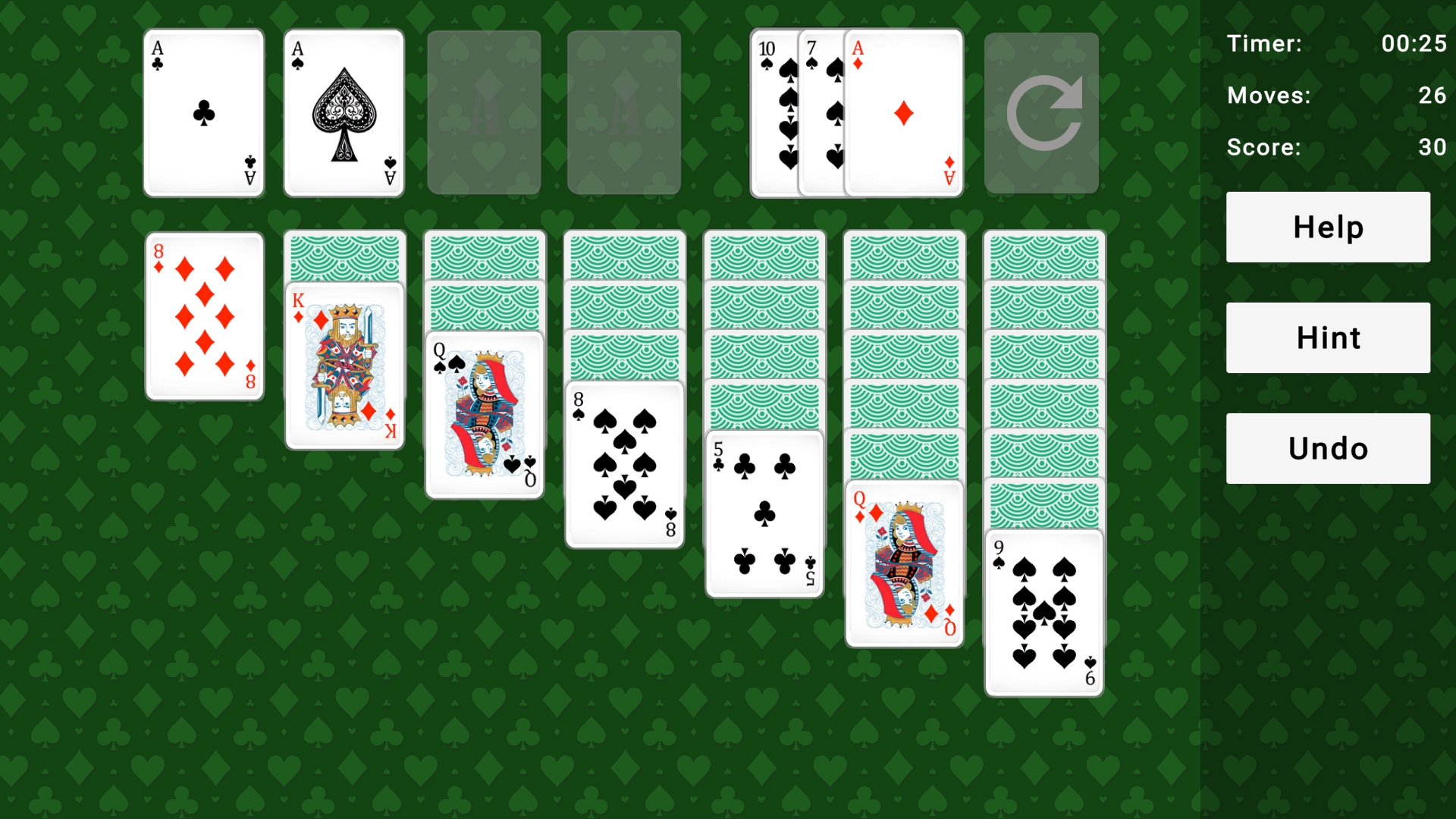
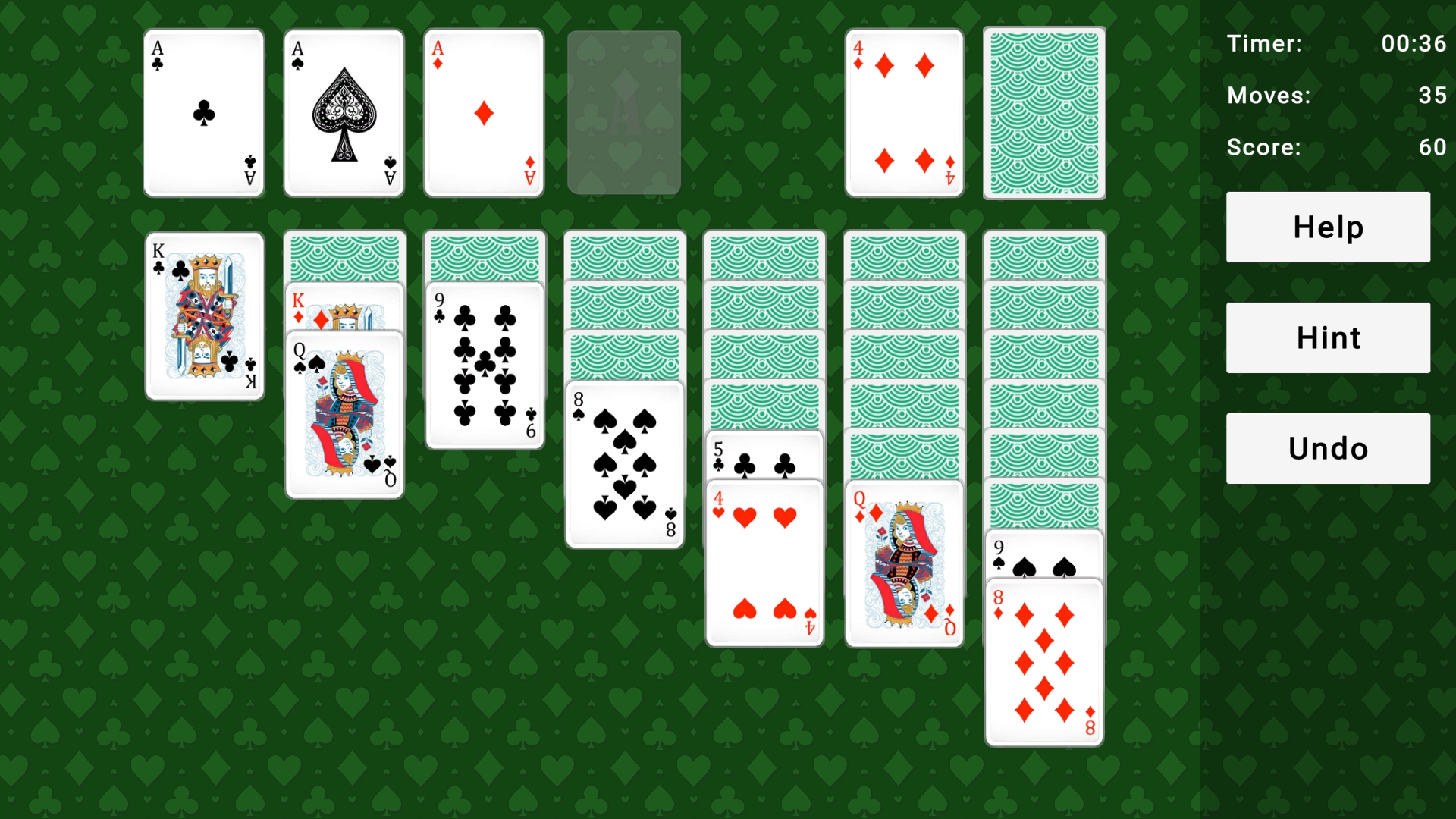
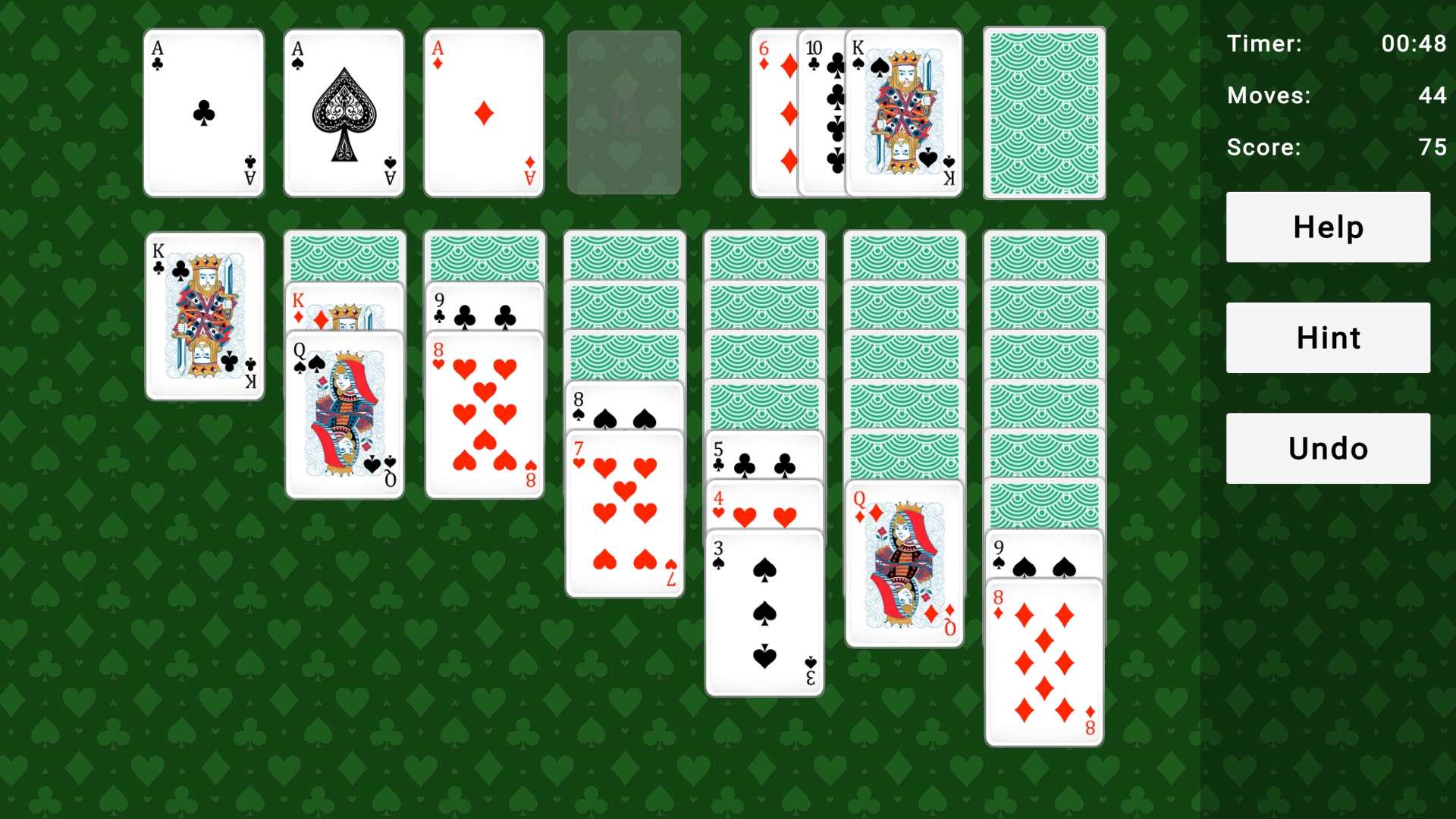
Solitaire - classic solitaire game that you can play for free right in your browser. The goal of the game is to sort all the cards by suit into four upper piles, starting with the Ace and ending with the King. In the lower columns, cards are arranged in descending order—from King to Ace—with alternating colors: red, black, red, and so on. During the game, you can move cards from the deck at the bottom and between columns to uncover hidden cards, free up moves, and find new combinations. Cards in Solitaire Klondike can be easily dragged with the mouse or simply clicked on, and they will automatically occupy the appropriate place. This version of Klondike is perfect for anyone who loves classic solitaire and wants to play without installing any extra software. Start playing solitaire, train your attention and logic, and enjoy the convenient format: Klondike online, solitaire for free, with no registration or time limits
Videos and screenshots
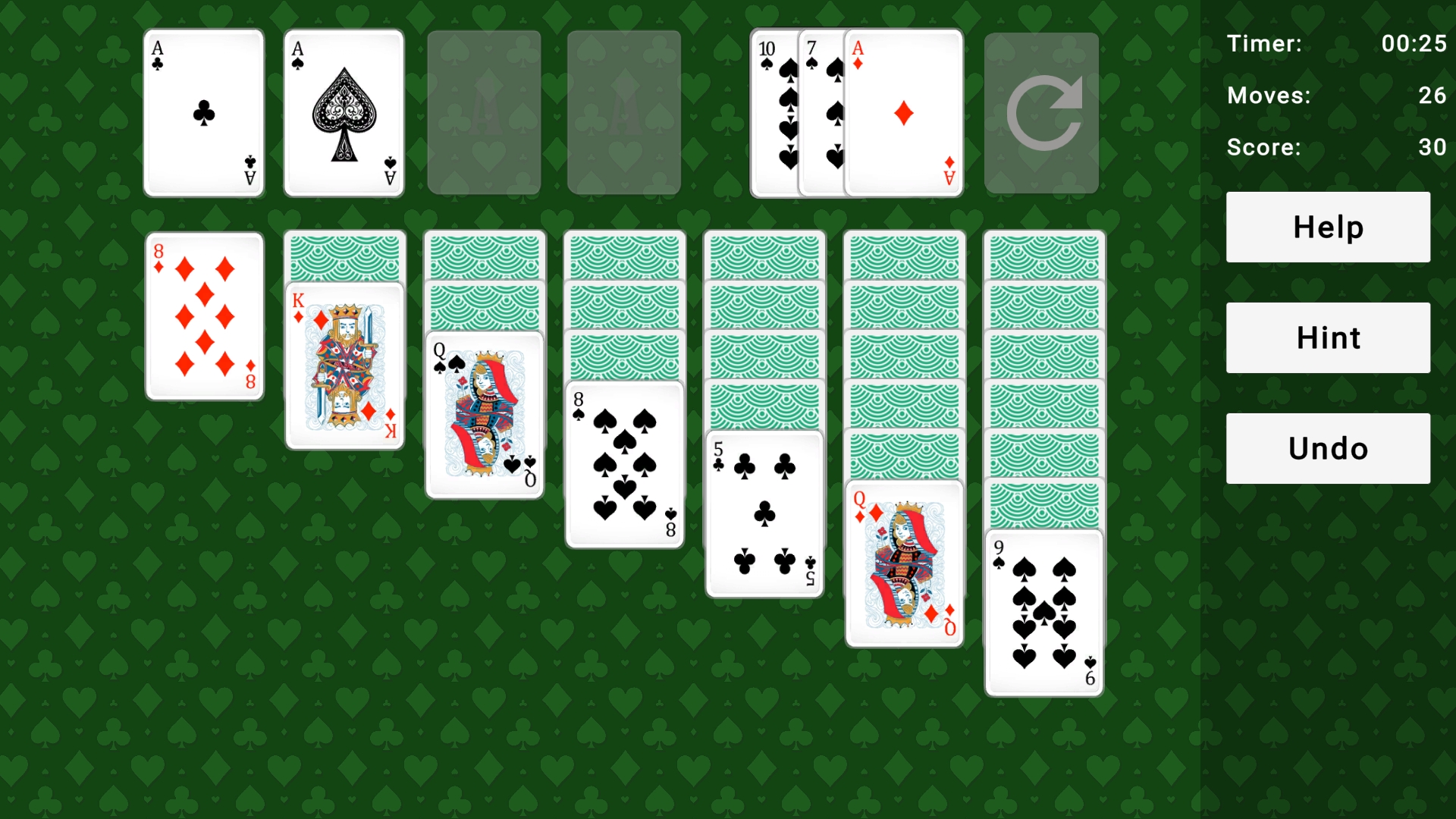
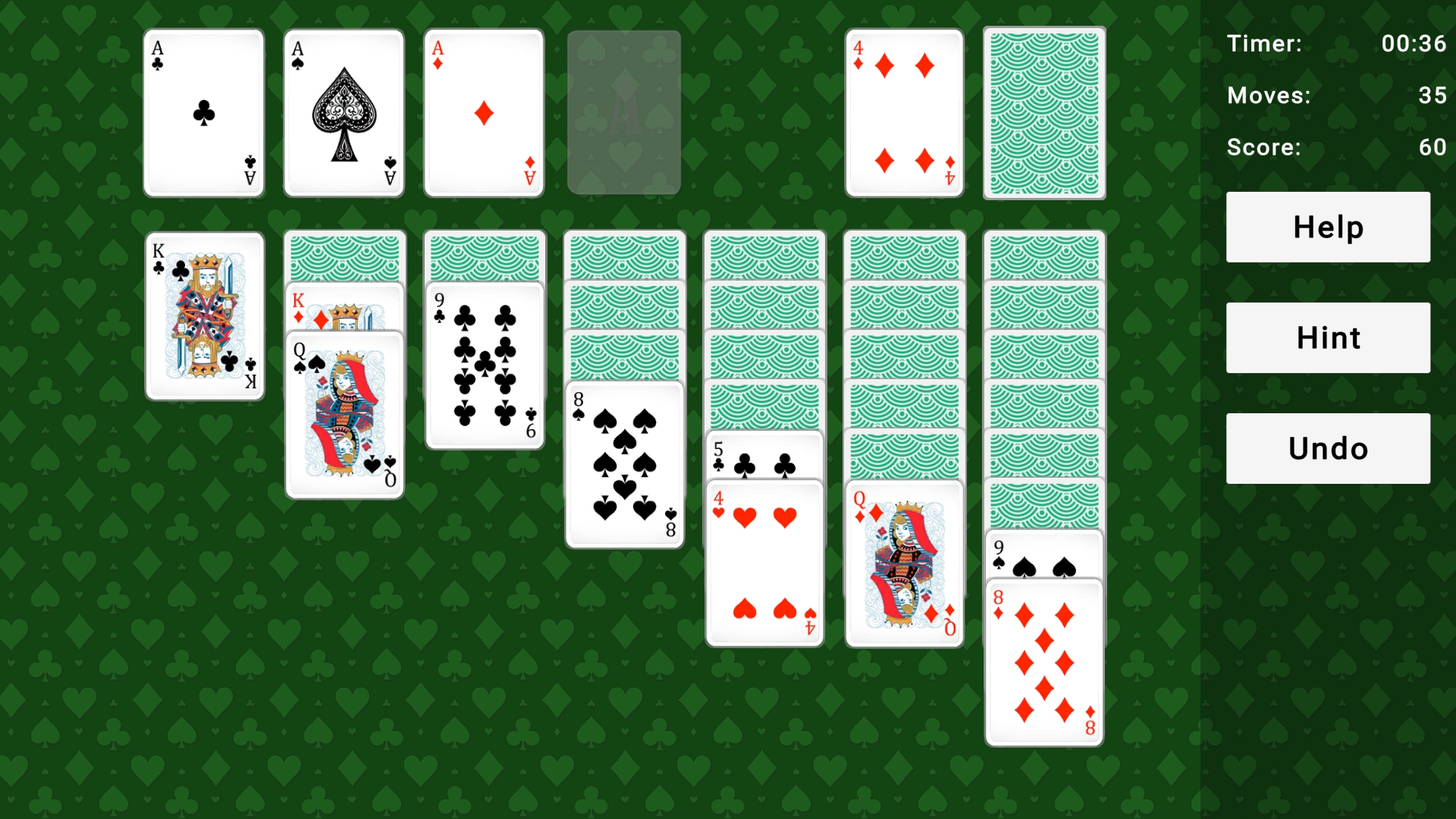
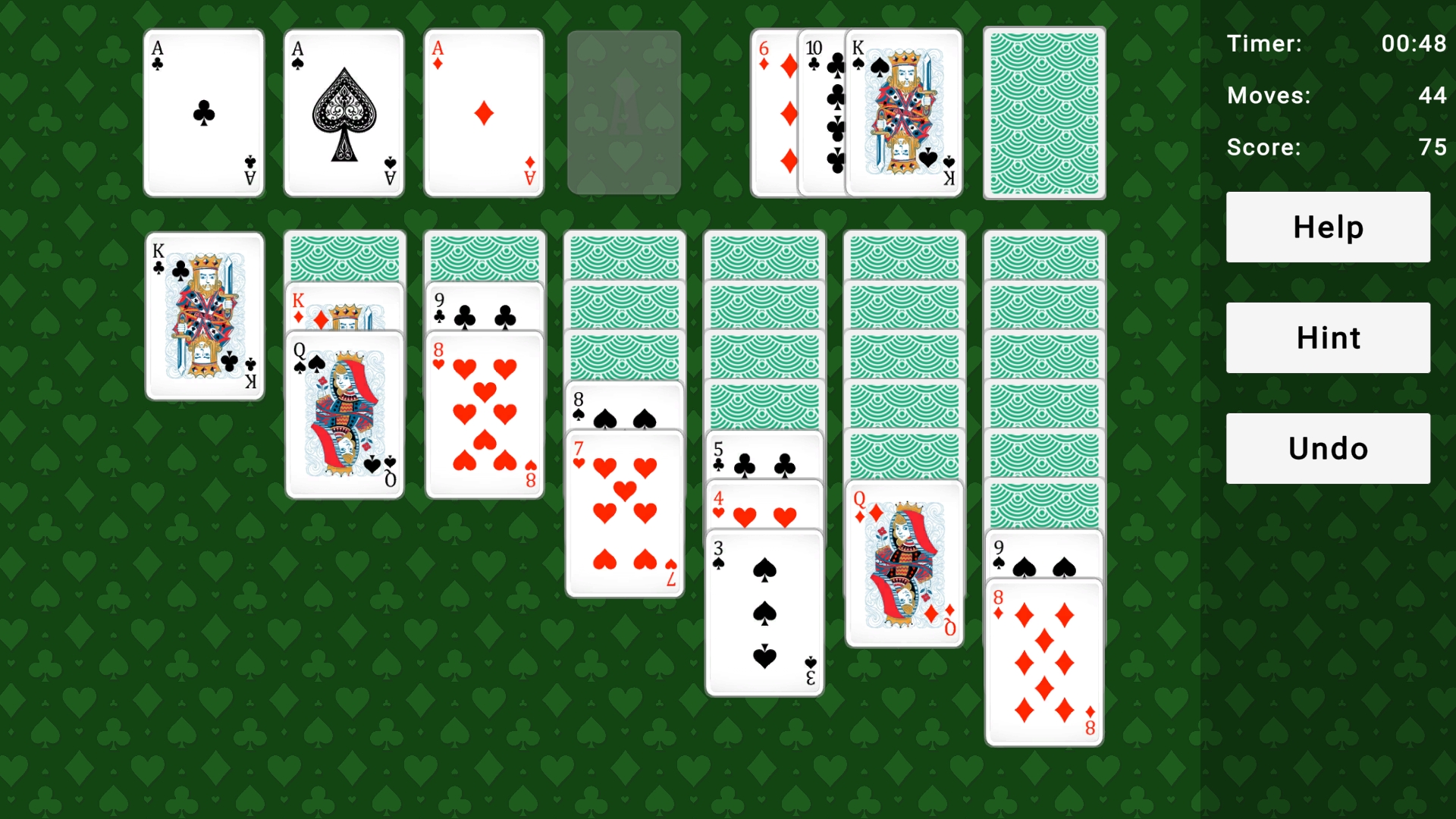
11,318 players online
How to play
-
Open the game
Press Play now and the game opens on its own screen.
-
Follow the in-game instructions
The controls and goals are shown inside the game as you play.
-
Use the game menu
The floating button over the game reloads it, saves it to your favourites, or takes you back out.