Overview
Rules of the game:
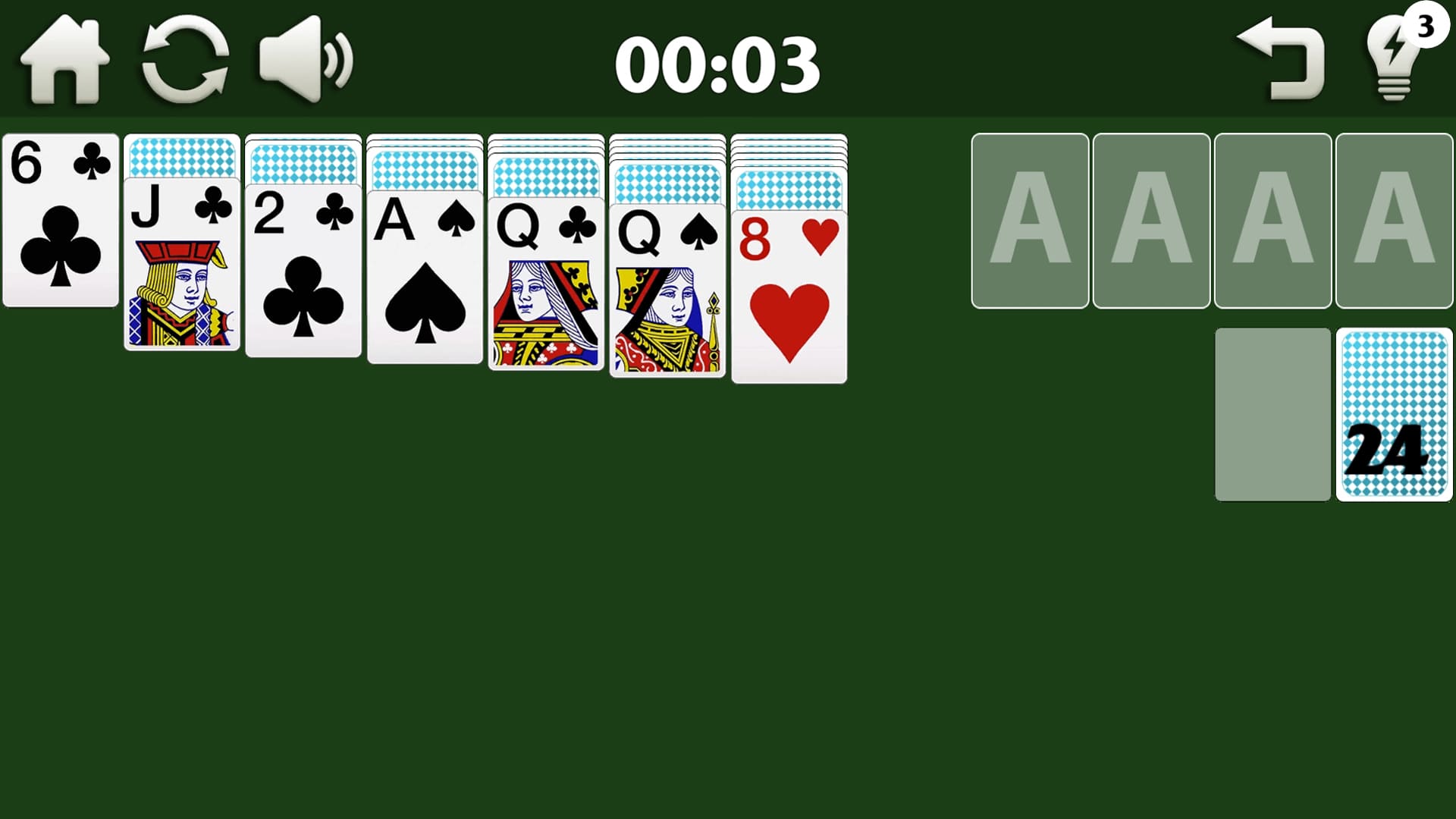
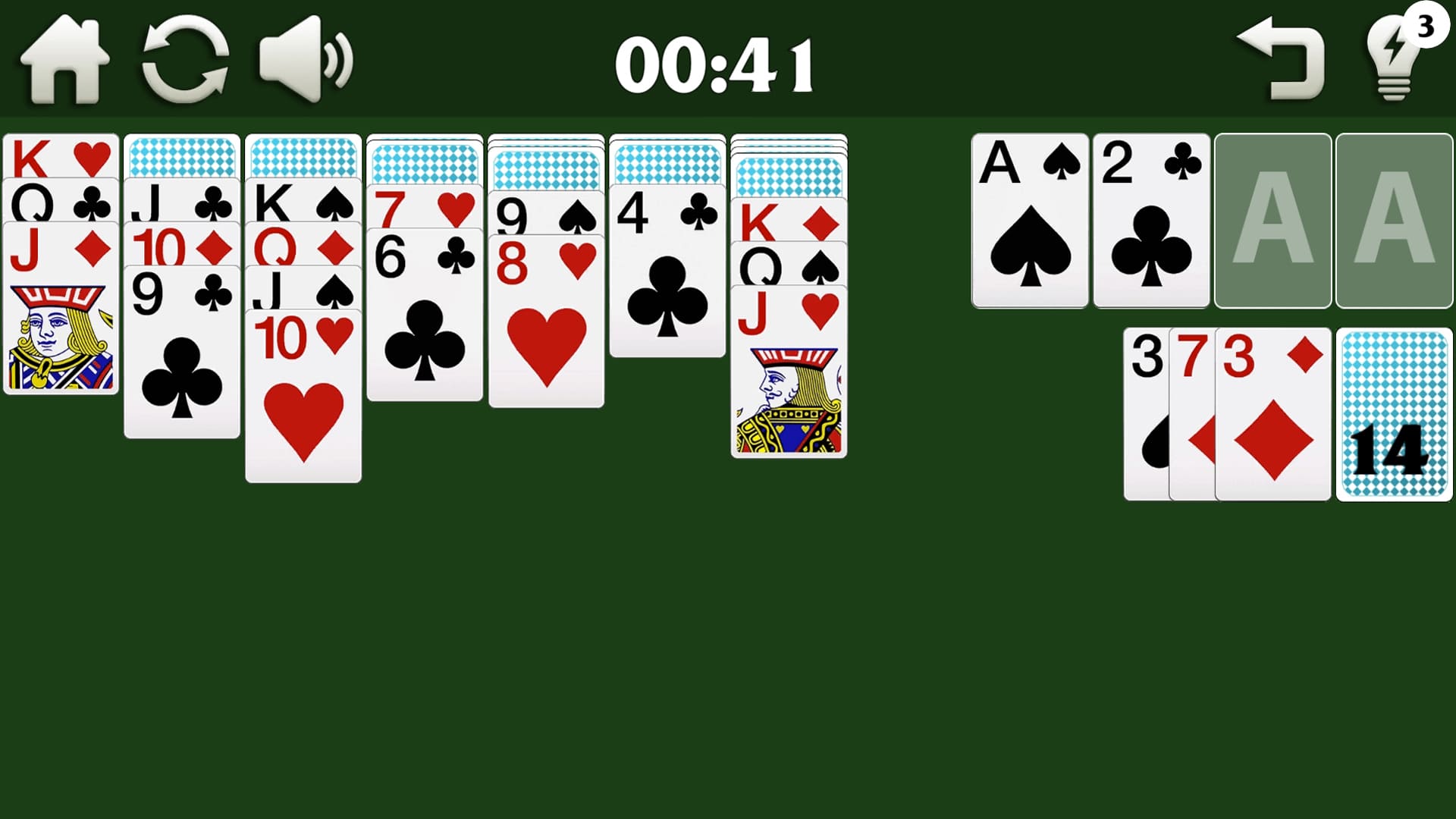
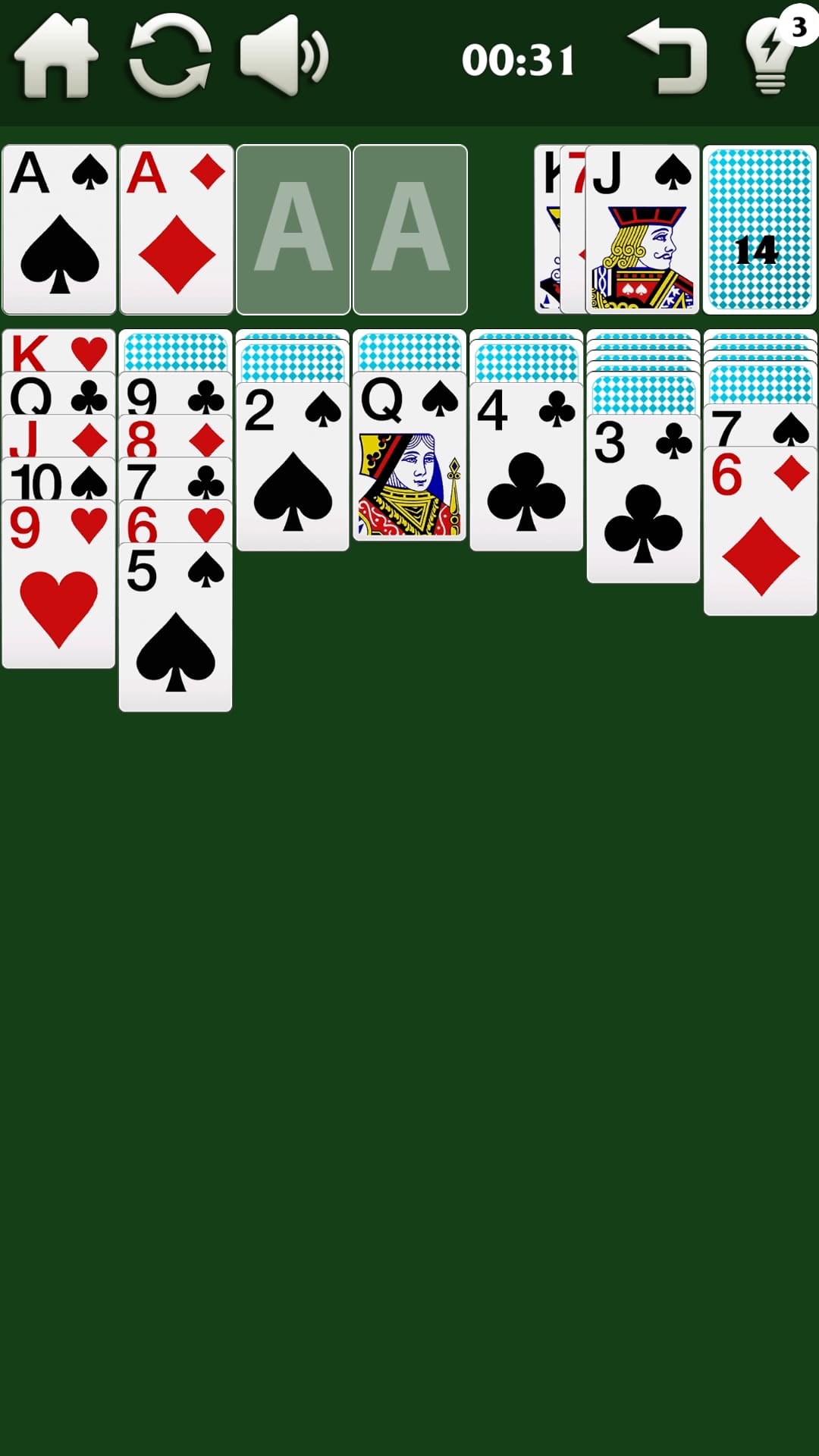
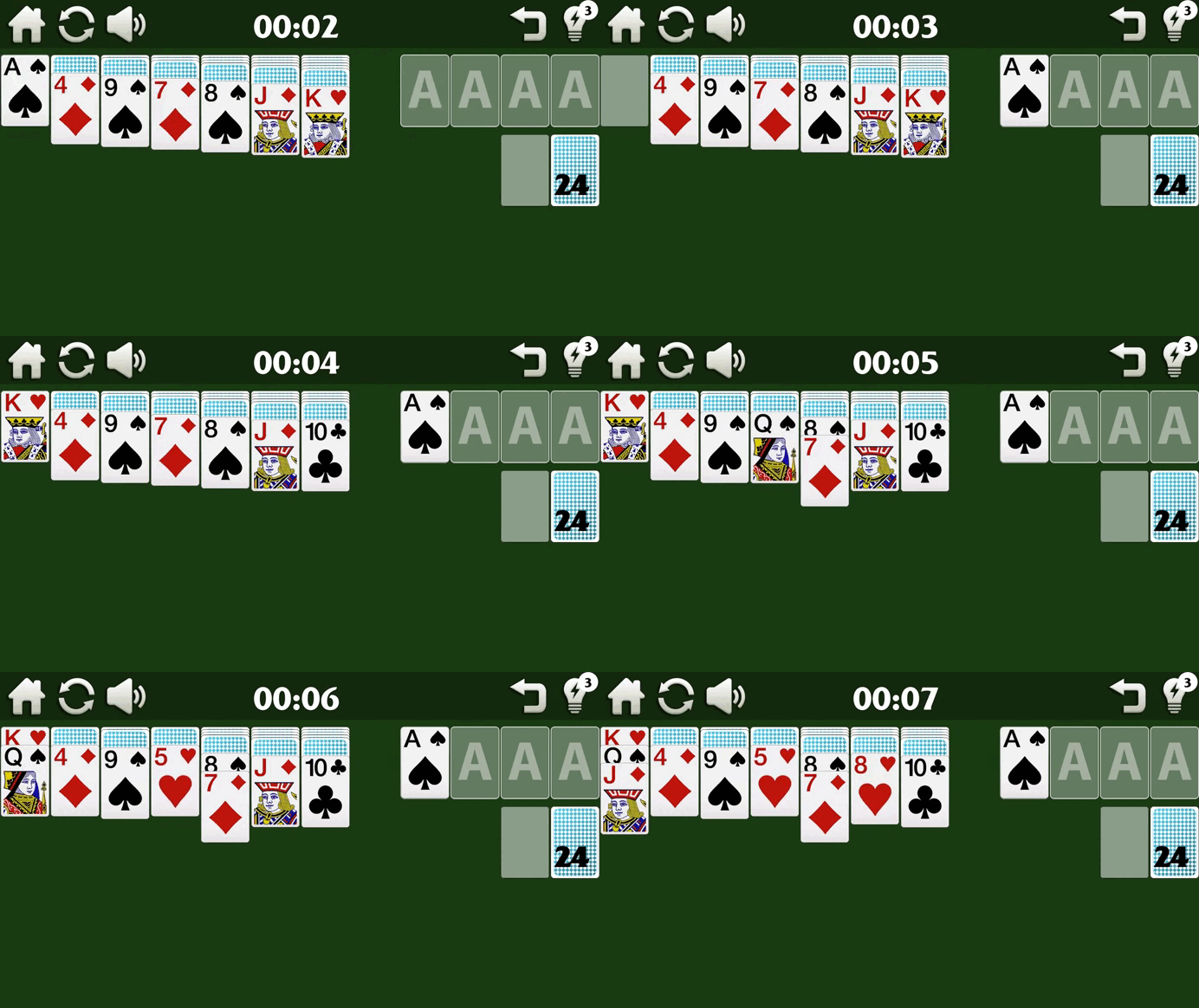
A deck of cards needs to be laid out into bases (houses). There are 4 bases in total, each suit has its own base. Cards need to be moved one onto another, while the rank of the card should be lower (card “5” can only be placed on card “6”), while also observing the alternation of the color of the suit. Those. “red 5” can only be placed on “black 6” and nothing else. And, accordingly, vice versa, a “black card” can be placed on a “red” one.
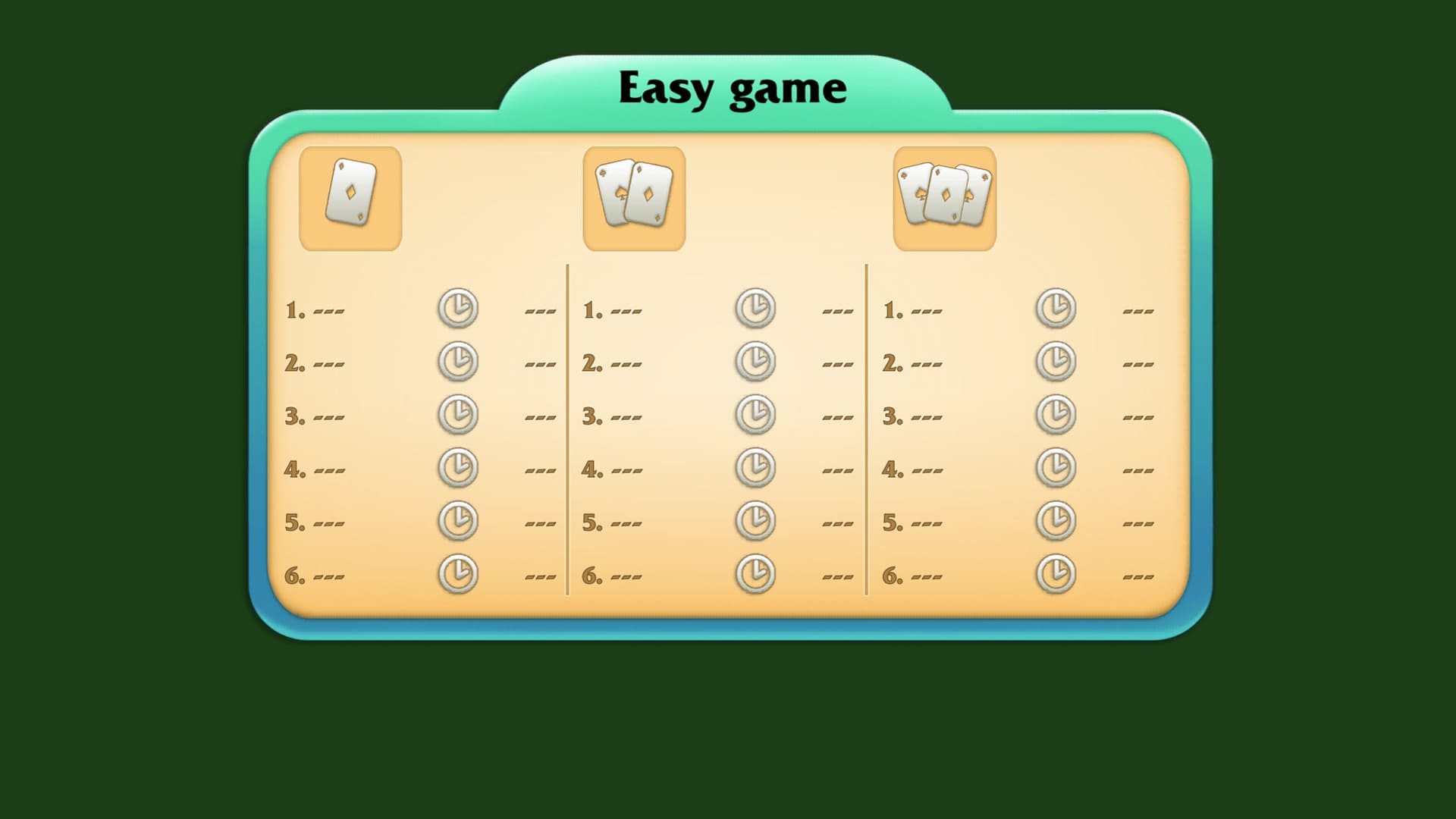
The first card that must be placed in the base is “ACE”, “two” is placed on it, then “three” and so on up to and including the king. Cards are taken from the deck 1 at a time. (at easy level) and 3 pcs. (on difficult). Only kings can be placed on empty (vacated) cells.
The victory in the game is considered to be the situation when all the cards are arranged in the bases.
Videos and screenshots


13,828 players online
How to play
-
Open the game
Press Play now and the game opens on its own screen.
-
Follow the in-game instructions
The controls and goals are shown inside the game as you play.
-
Use the game menu
The floating button over the game reloads it, saves it to your favourites, or takes you back out.