Skip to content
KG
Solitaire: Open Cell

Solitaire: Open Cell

28K plays 4.3 out of 5

Overview

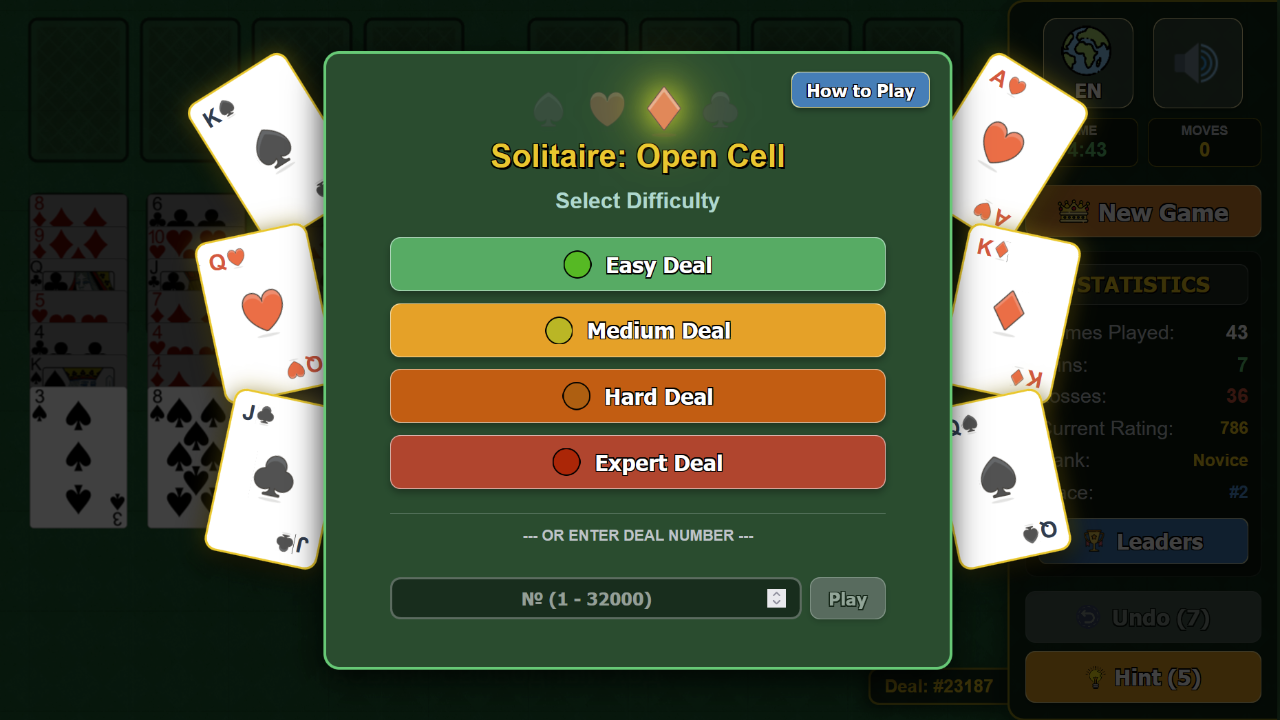
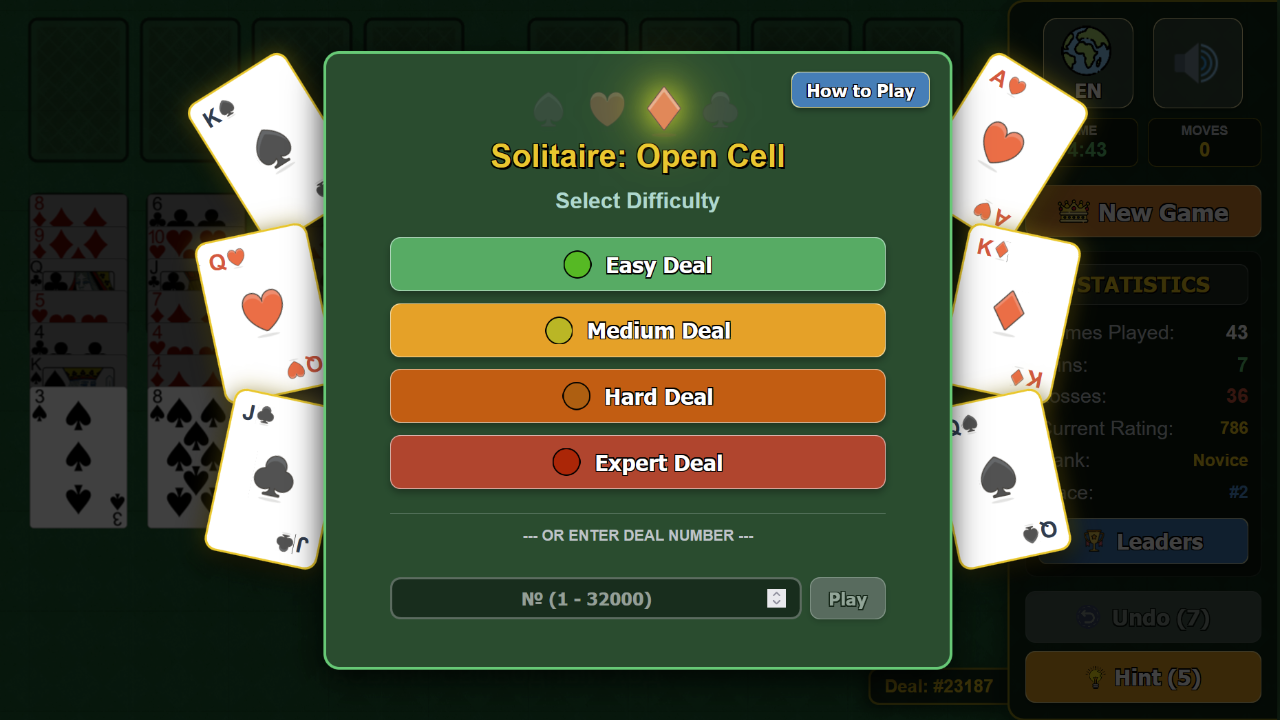
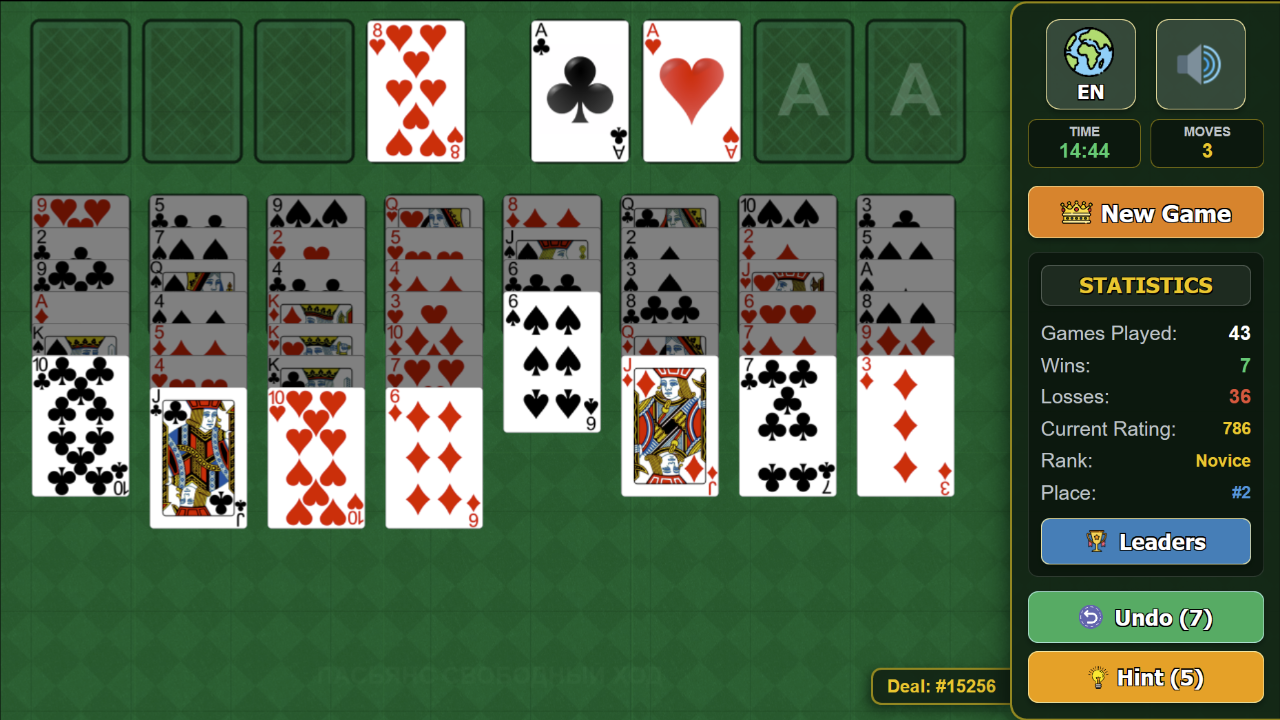
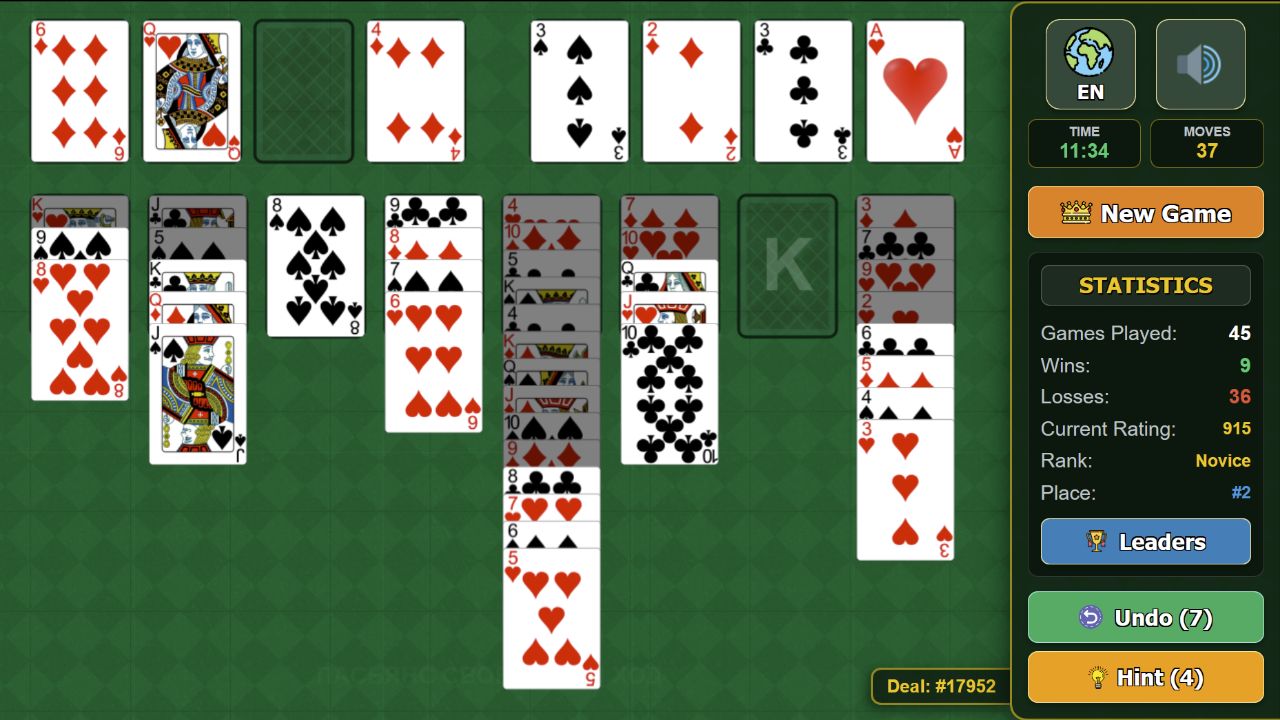
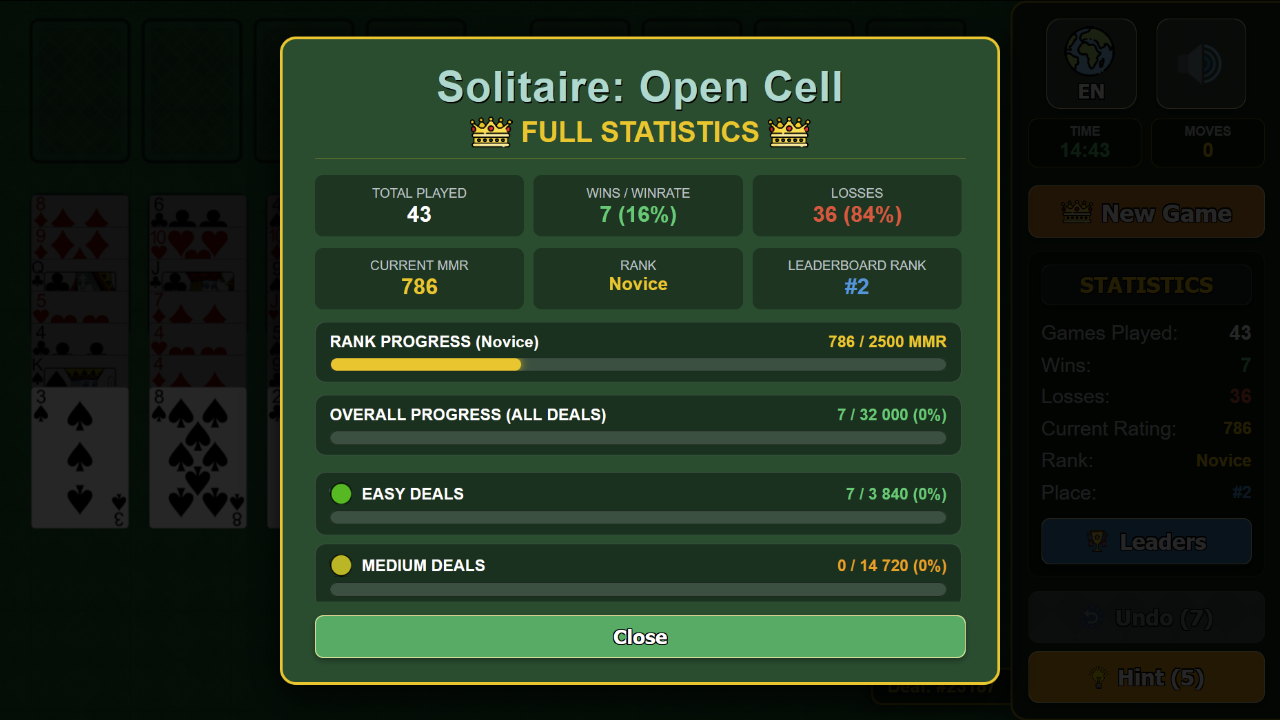
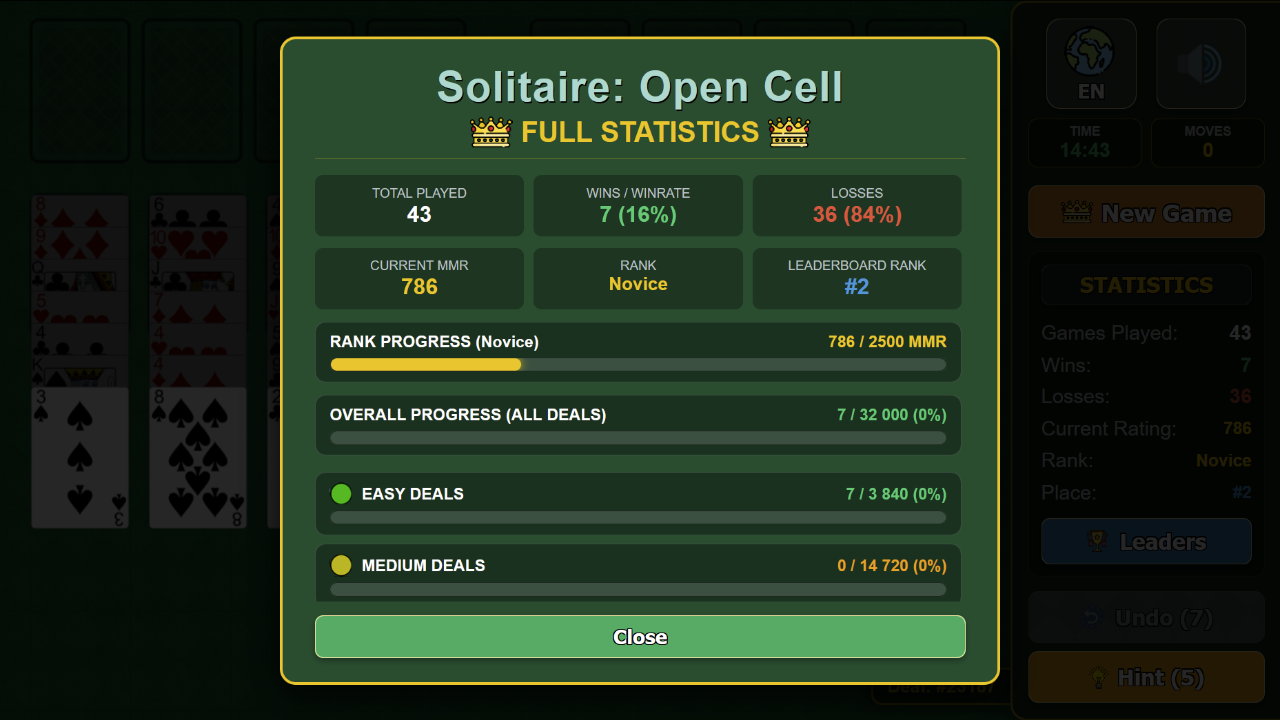
Welcome to Classic Solitaire: Open Cell! This is an intellectual card game where victory is 99% dependent on your skill and strategy. Game Features: - 32,000 Classic Deals — from easy to legendary expert levels. You can even choose a specific deal number! - 4 Difficulty Levels — suitable for both beginners and solitaire grandmasters. - MMR Rating & Leaderboard — compete with other players and earn the title of "Solitaire Legend"! - Hints & Undo Options — will help you find a way out of any dead end. - Full Statistics — track your win rate, win streaks, and progress for each difficulty level. - Convenient Supermove & Auto-move — transfer entire stacks of cards with a single click. Train your logic, boost your rating, and enjoy the game!

Videos and screenshots
  • Solitaire: Open Cell screenshot 1
  • Solitaire: Open Cell screenshot 2
  • Solitaire: Open Cell screenshot 3
  • Solitaire: Open Cell screenshot 4
  • Solitaire: Open Cell screenshot 5
  • Solitaire: Open Cell screenshot 6
  • Solitaire: Open Cell screenshot 7
  • Solitaire: Open Cell screenshot 8
Play Now

11,625 players online

How to play

  1. Open the game

    Press Play now and the game opens on its own screen.

  2. Follow the in-game instructions

    The controls and goals are shown inside the game as you play.

  3. Use the game menu

    The floating button over the game reloads it, saves it to your favourites, or takes you back out.

Game instructions

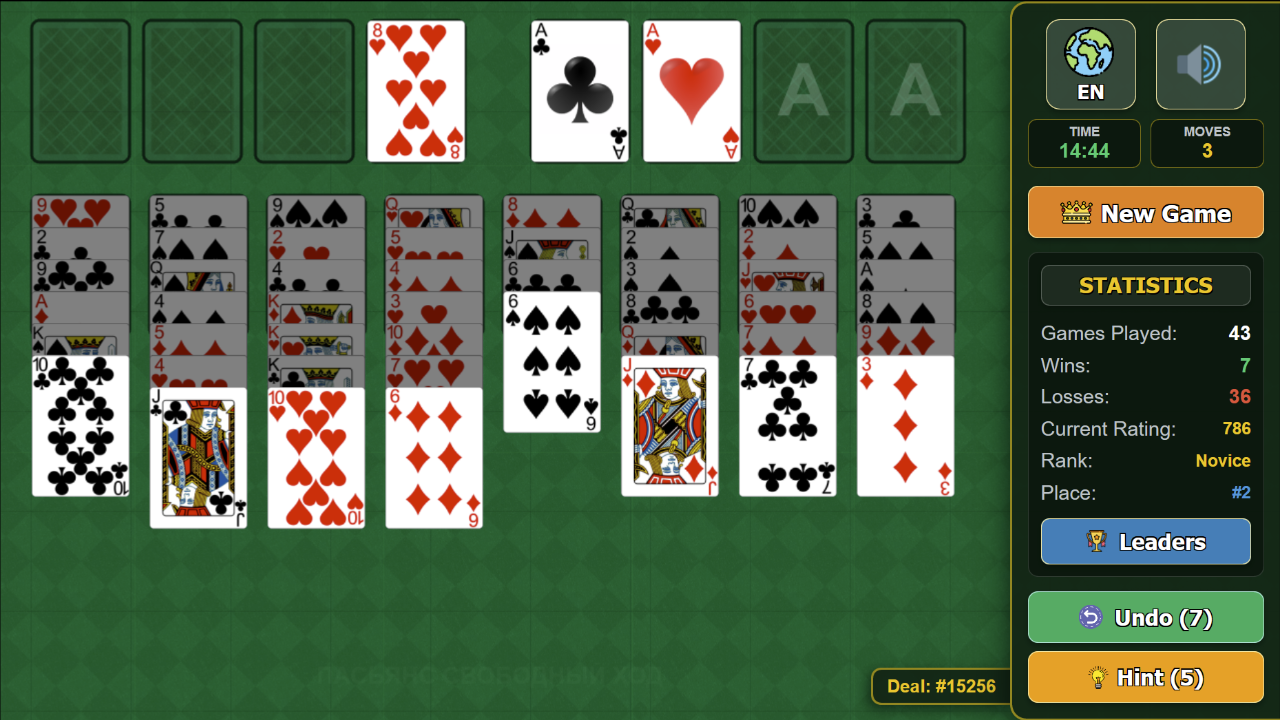
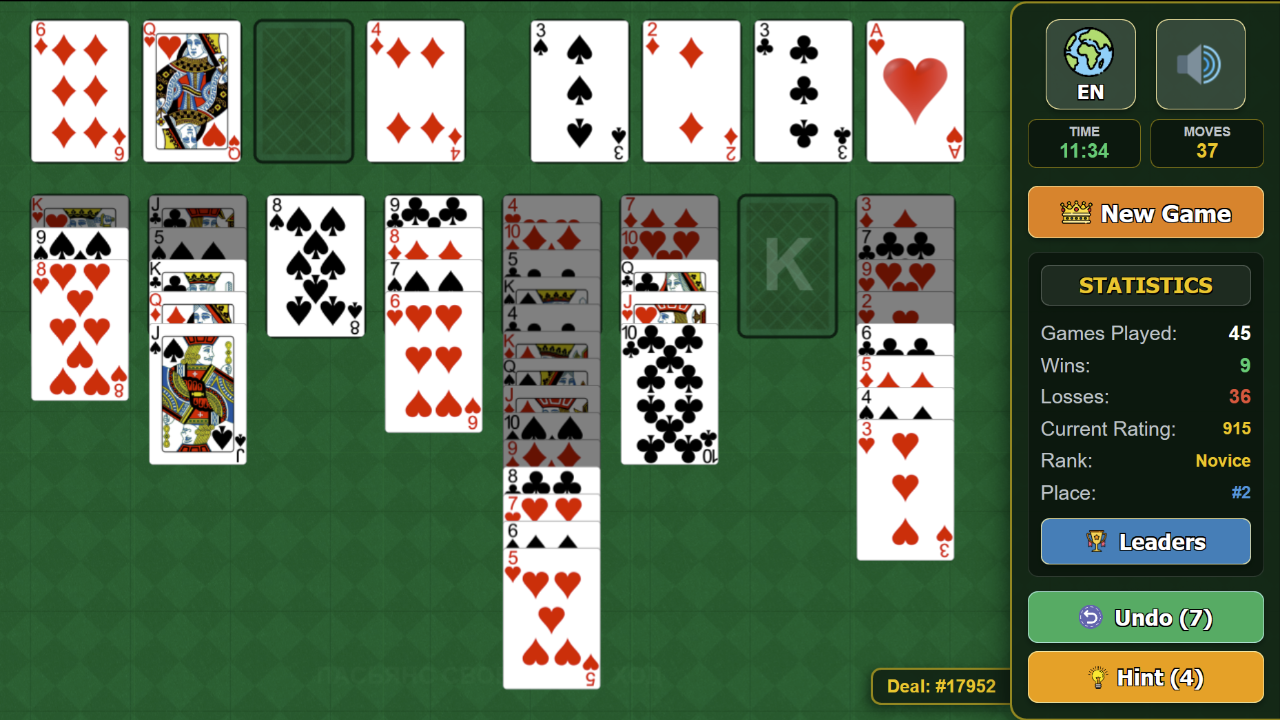
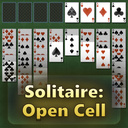
Objective: Move all 52 cards to the 4 Foundation piles (top right) by suit in ascending order: from Ace (A) to King (K). Rules and Game Board: - 4 Free Cells (top left) — serve as a temporary storage. Each cell can hold exactly 1 card. - 8 Tableau Columns — cards are stacked in descending order, alternating colors (Red on Black, Black on Red). You can place any card or sequence into an empty column. - Supermove — you can move an entire ordered sequence of cards at once! Controls: - On PC: Drag and drop cards by holding the left mouse button (LMB). Double-clicking LMB automatically sends a card to the Foundation or a Free Cell. - On Smartphones & Tablets: Drag cards by touching the screen. Double-tap for a quick auto-move. Assistance: - Undo — reverses an accidental move. Hint — highlights the best available move with an arrow.

More games

More games