Skip to content
KG
Sprunki 3D: Hide and Seek in the City

Sprunki 3D: Hide and Seek in the City

466K plays 4.6 out of 5

Overview

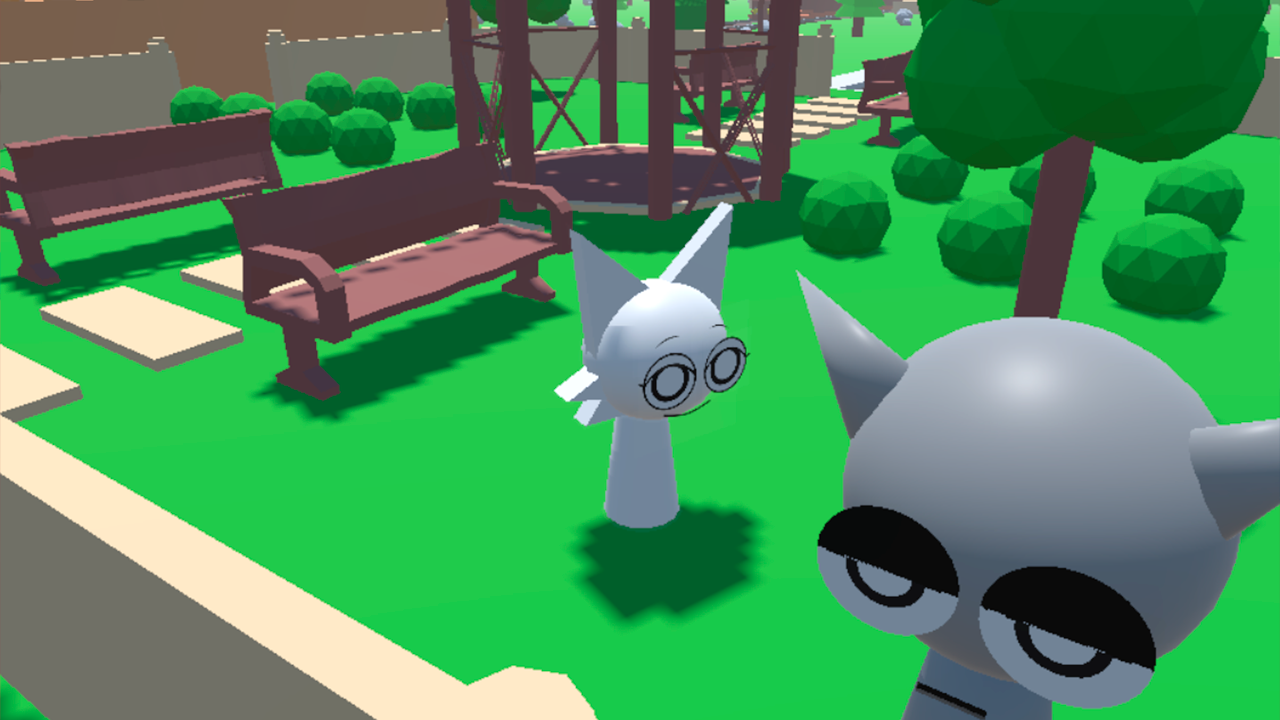
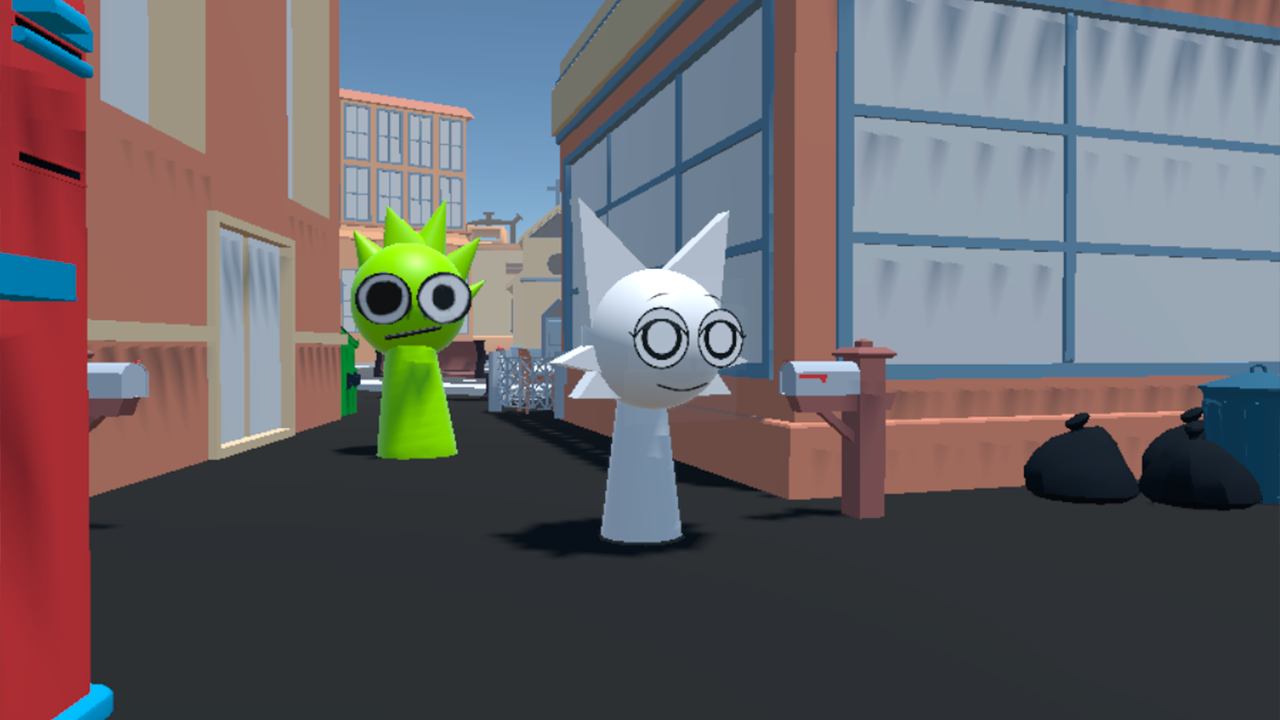
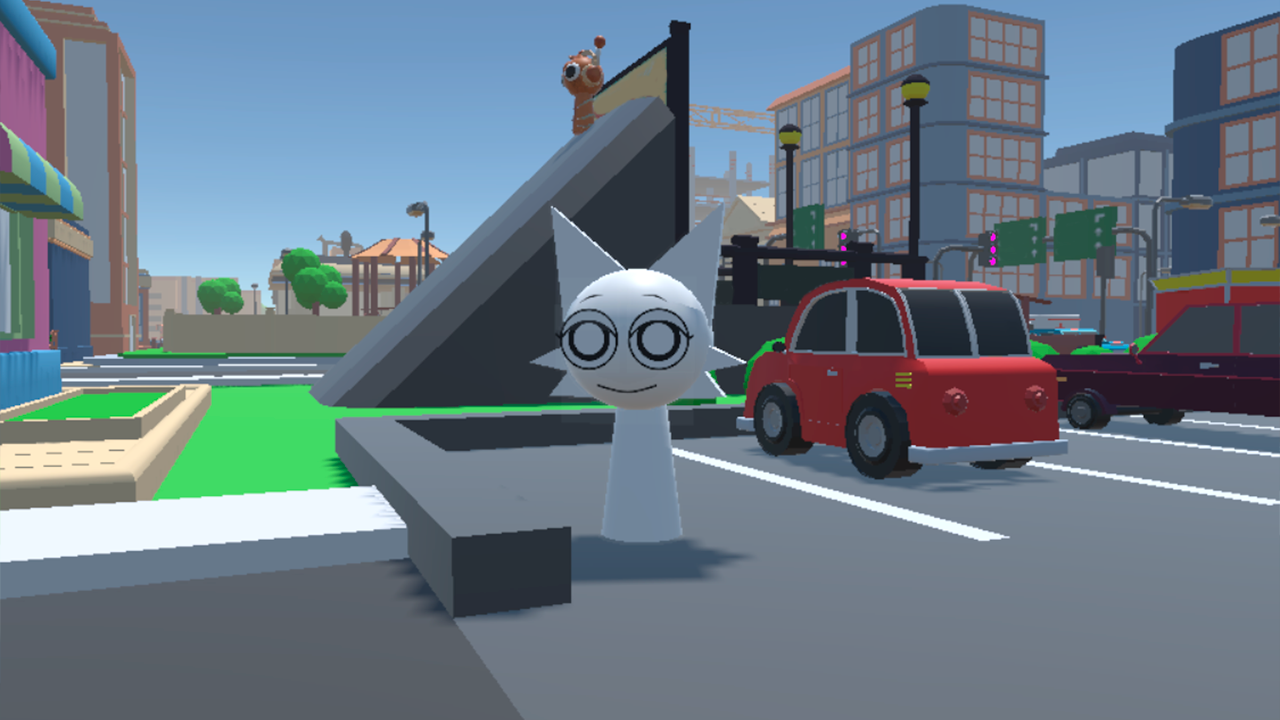
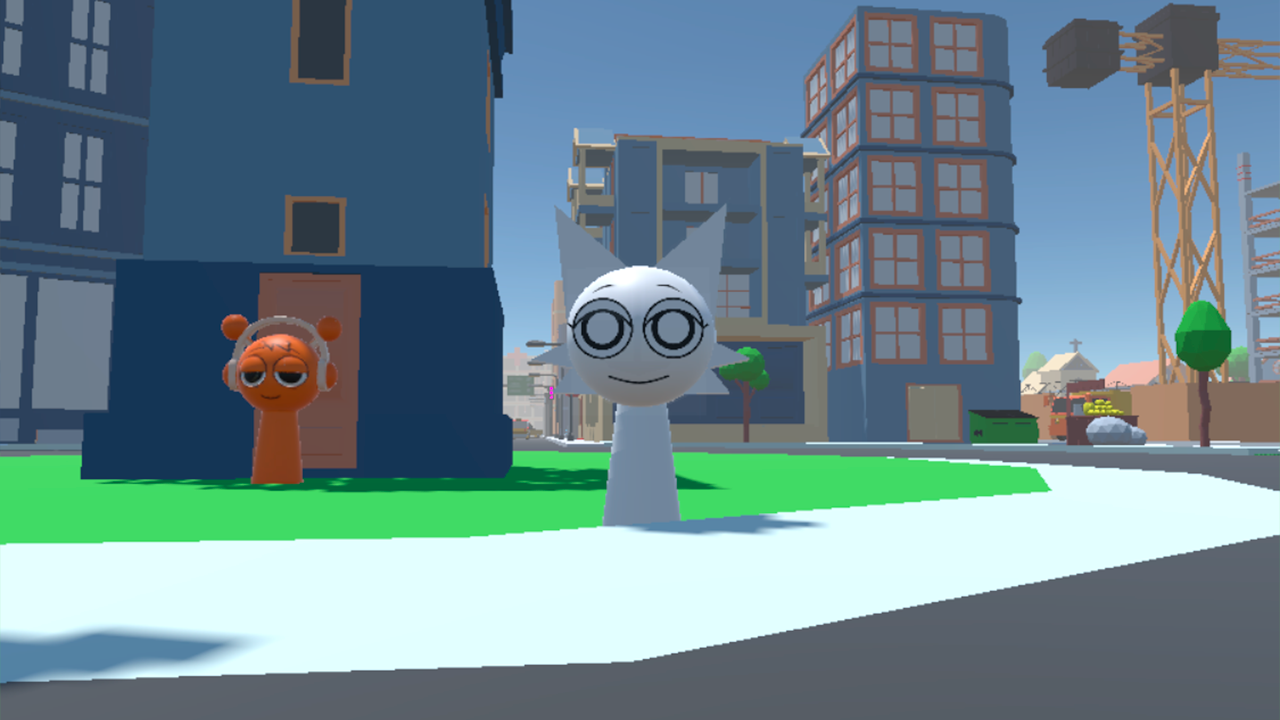
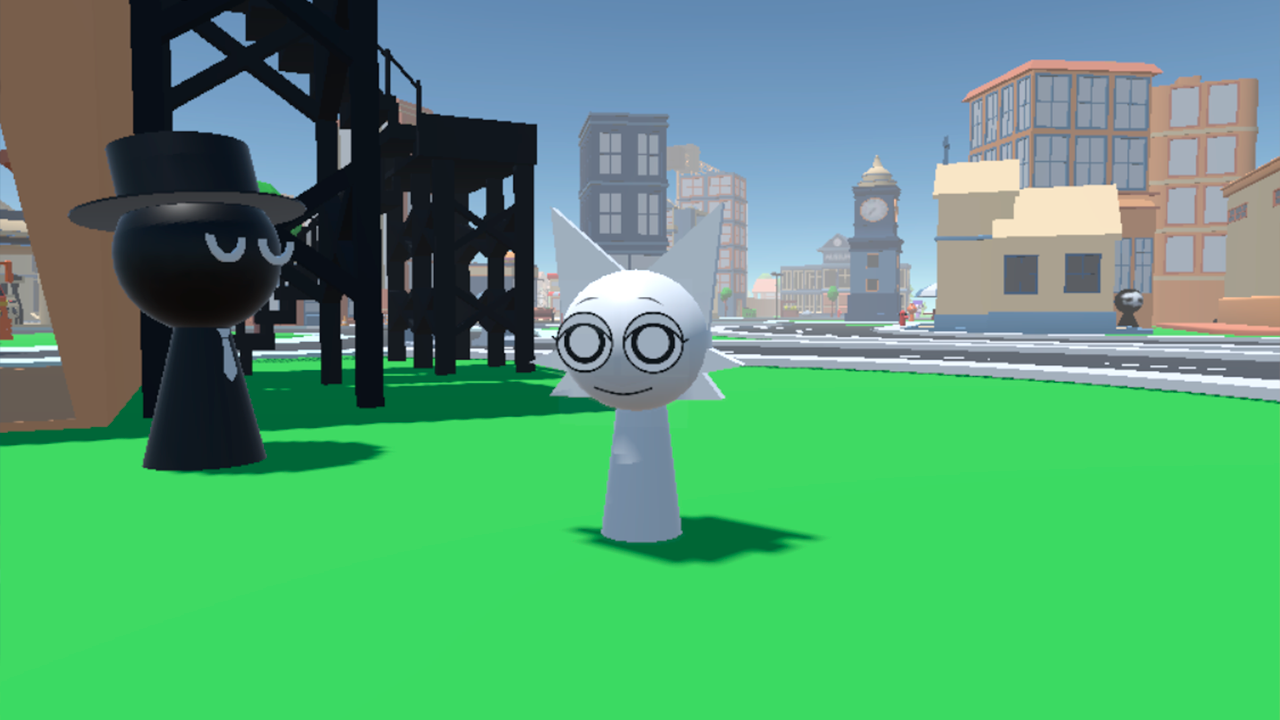
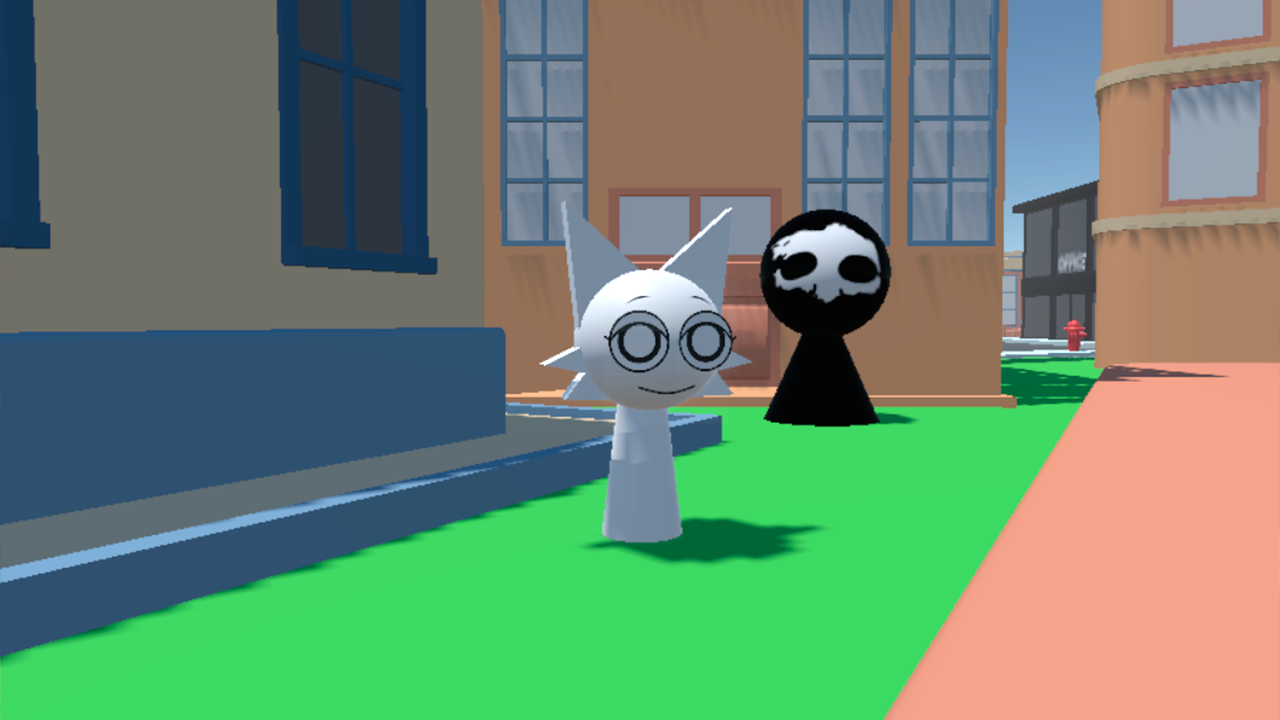
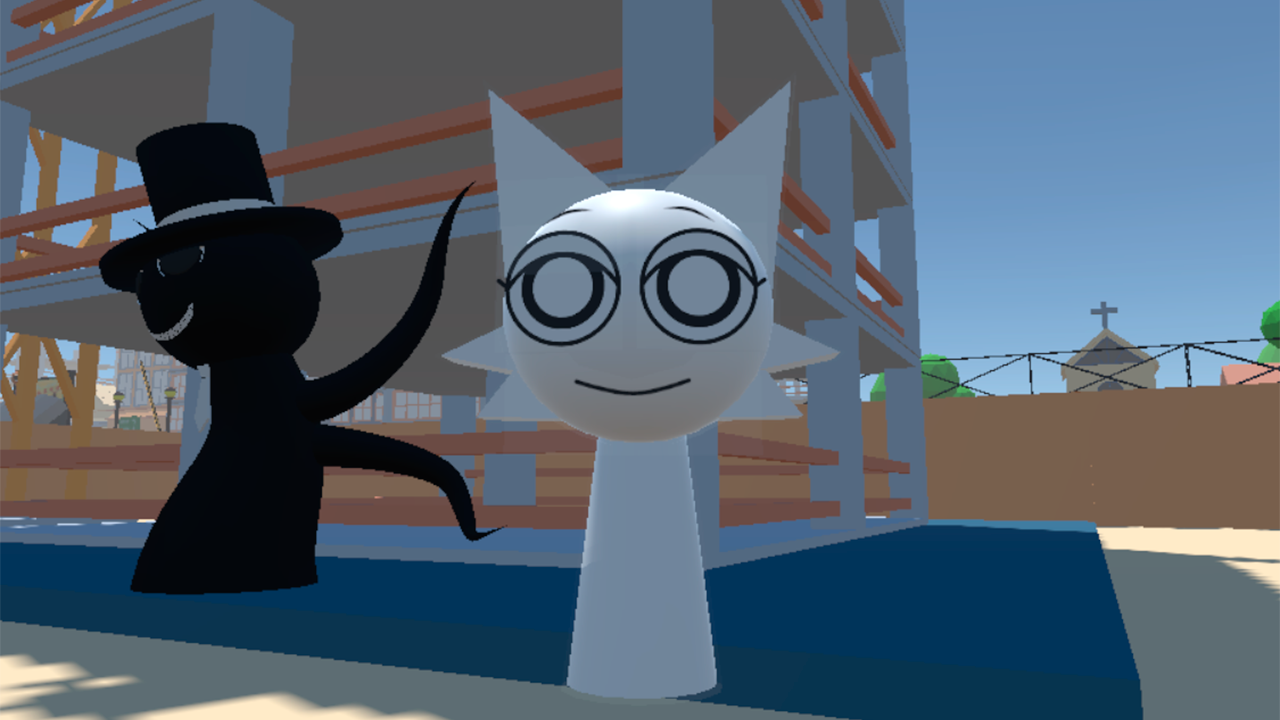
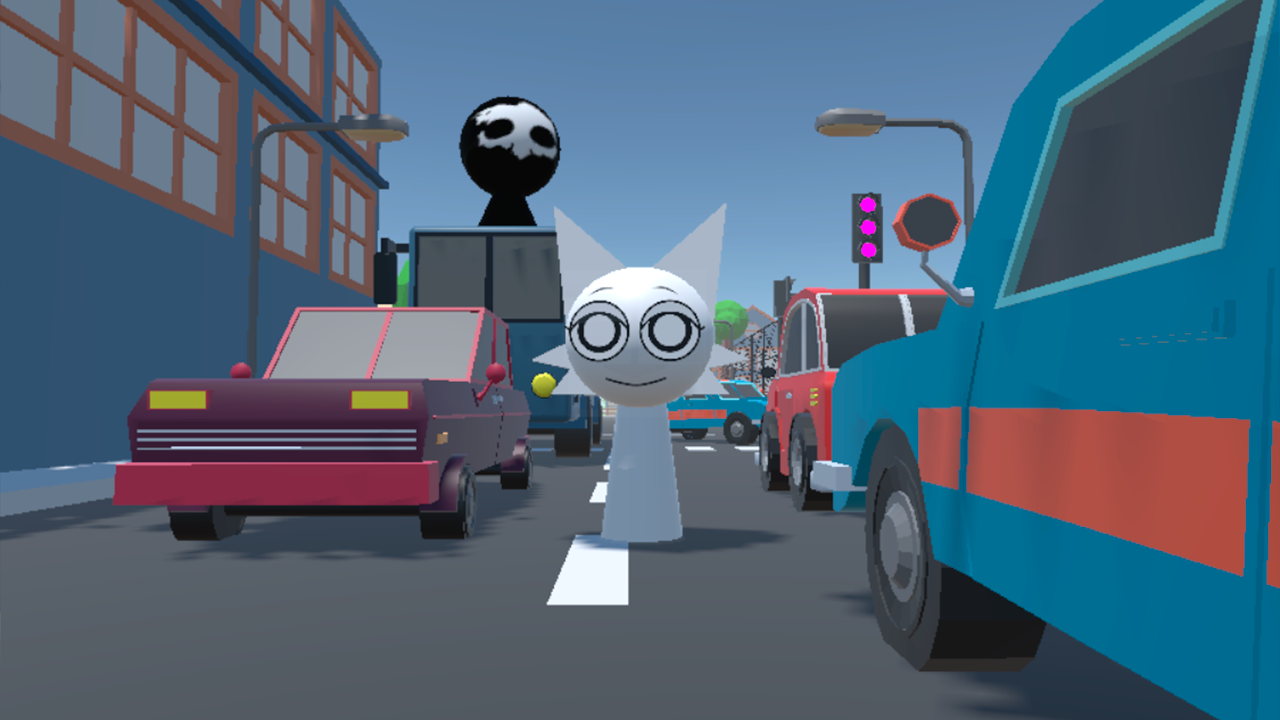
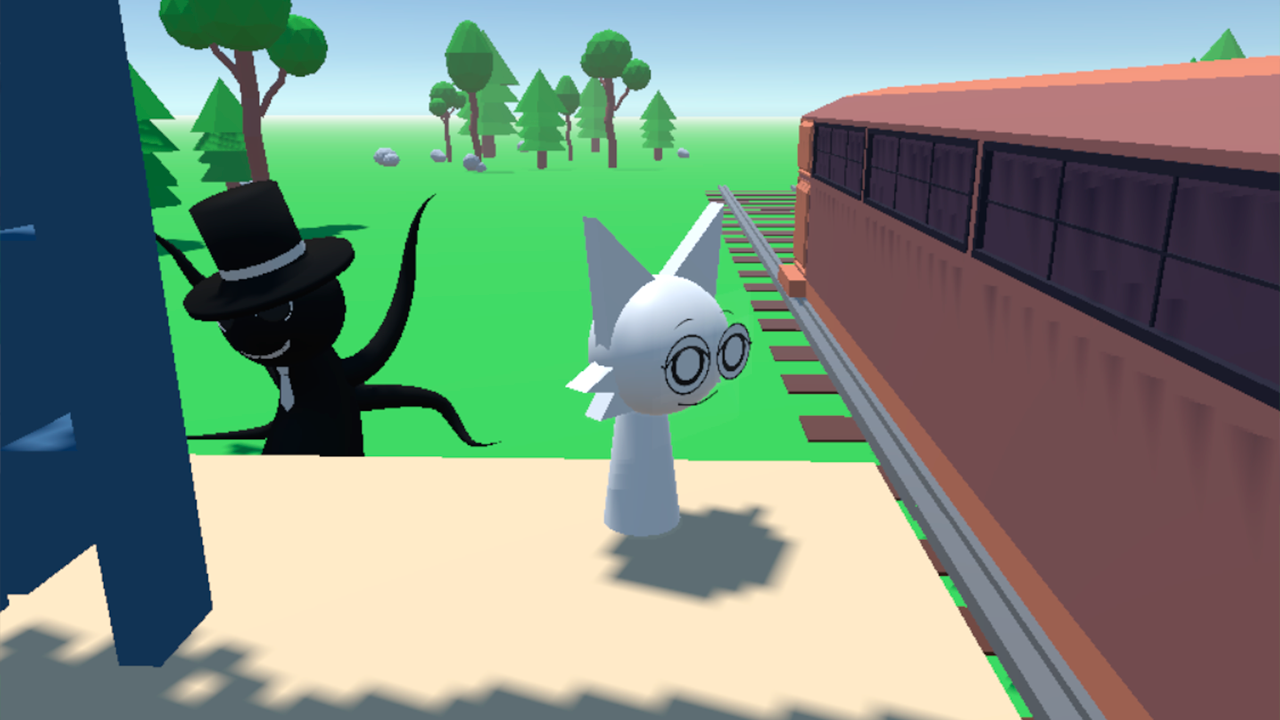
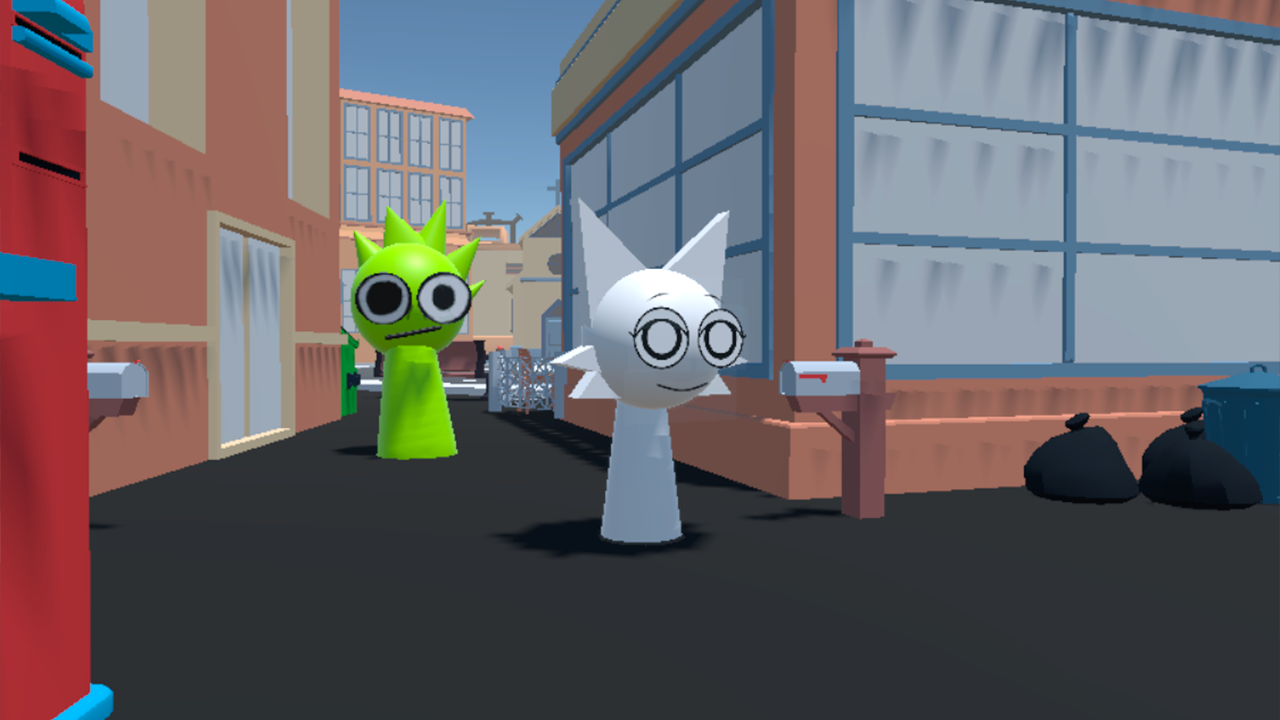
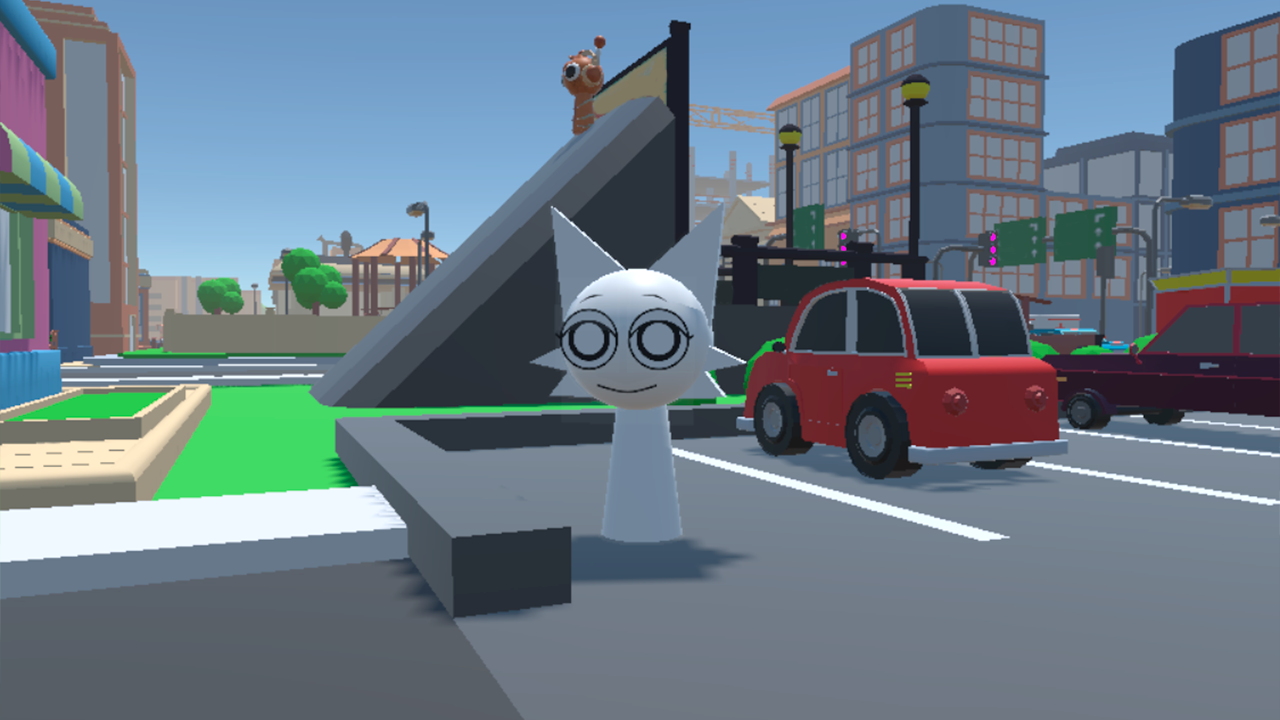
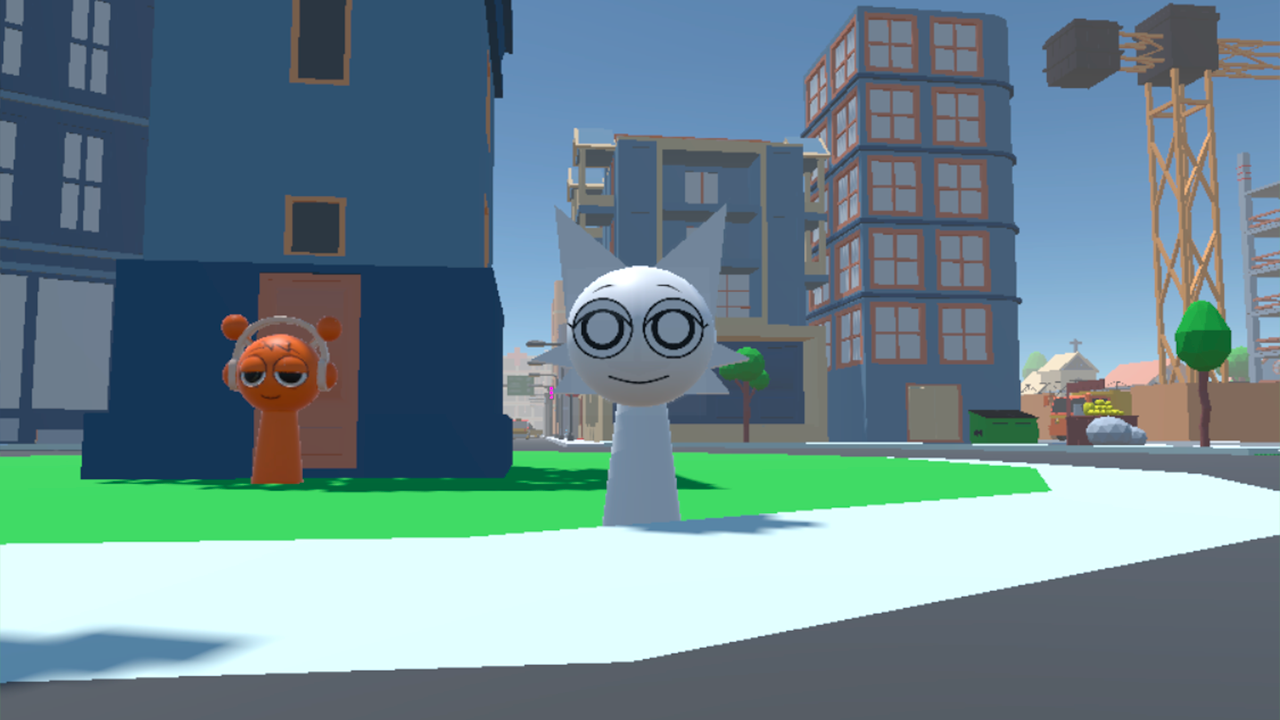
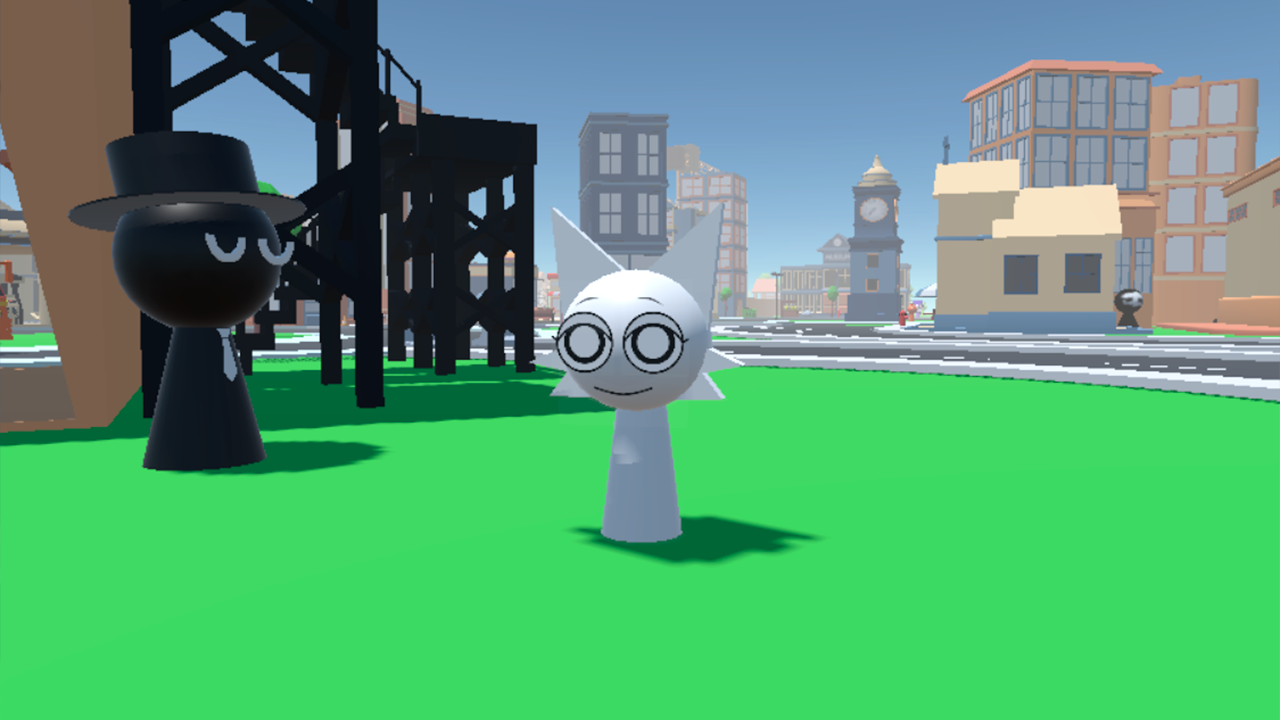
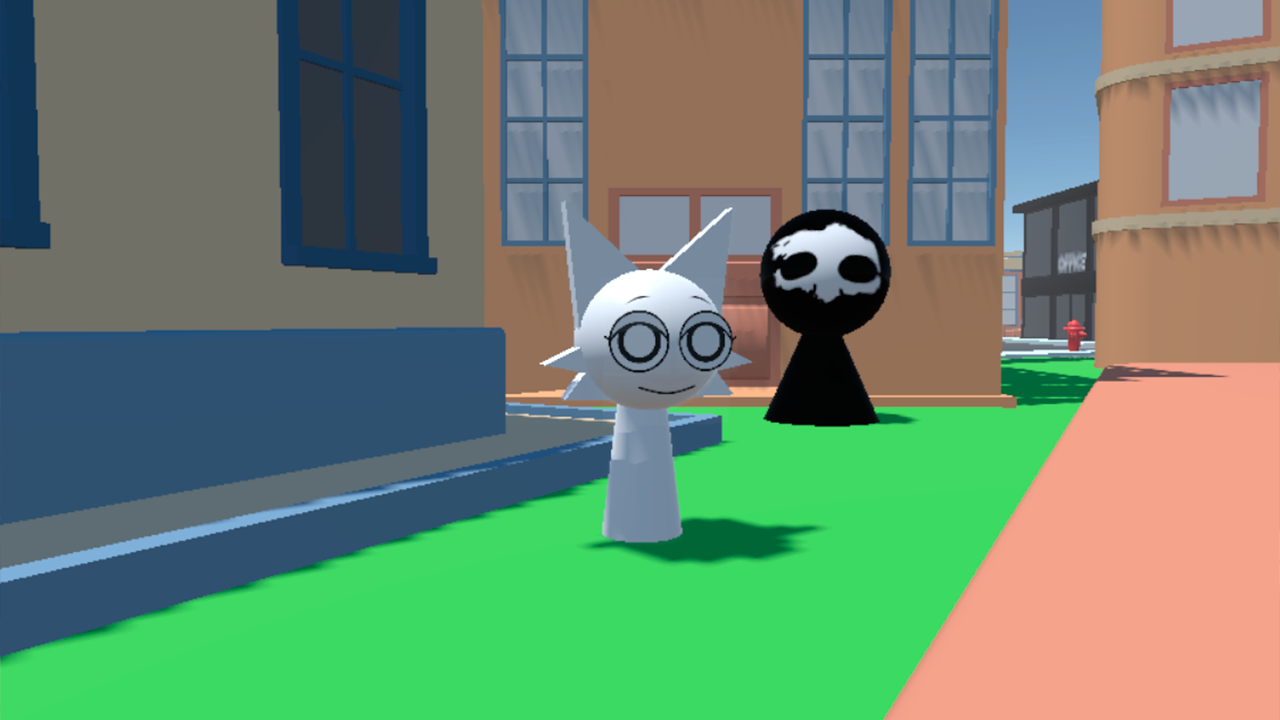
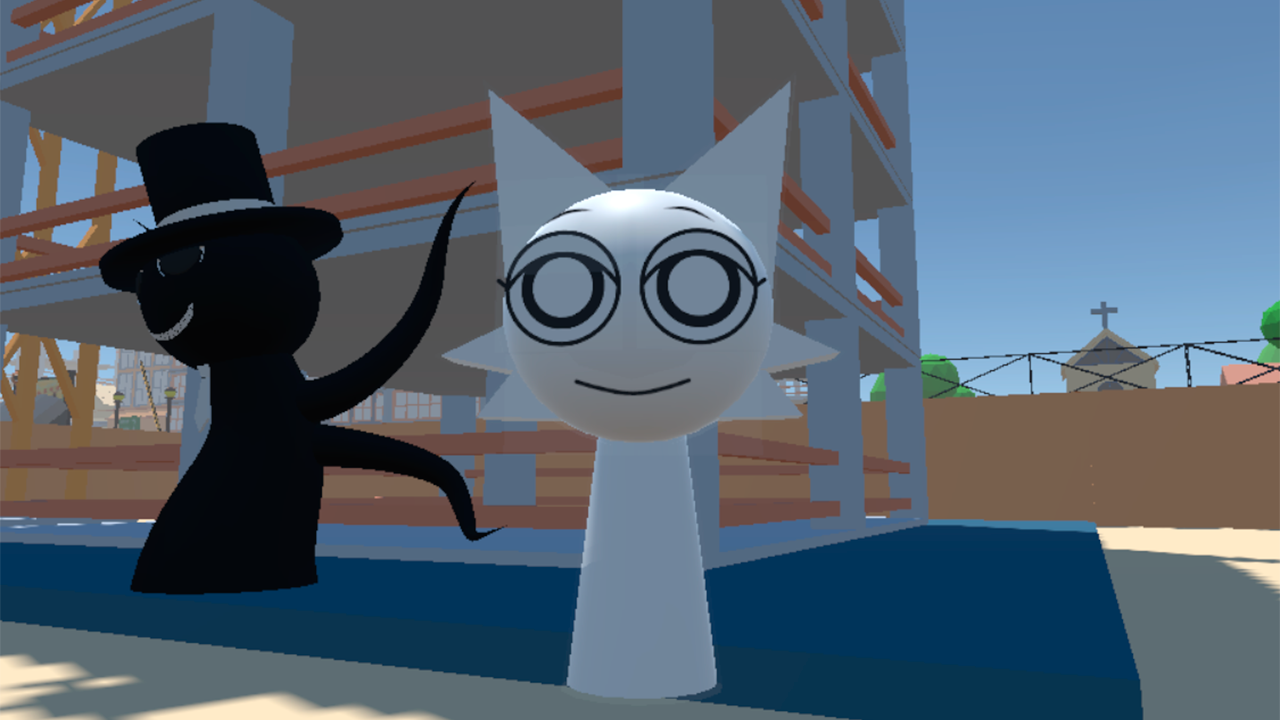
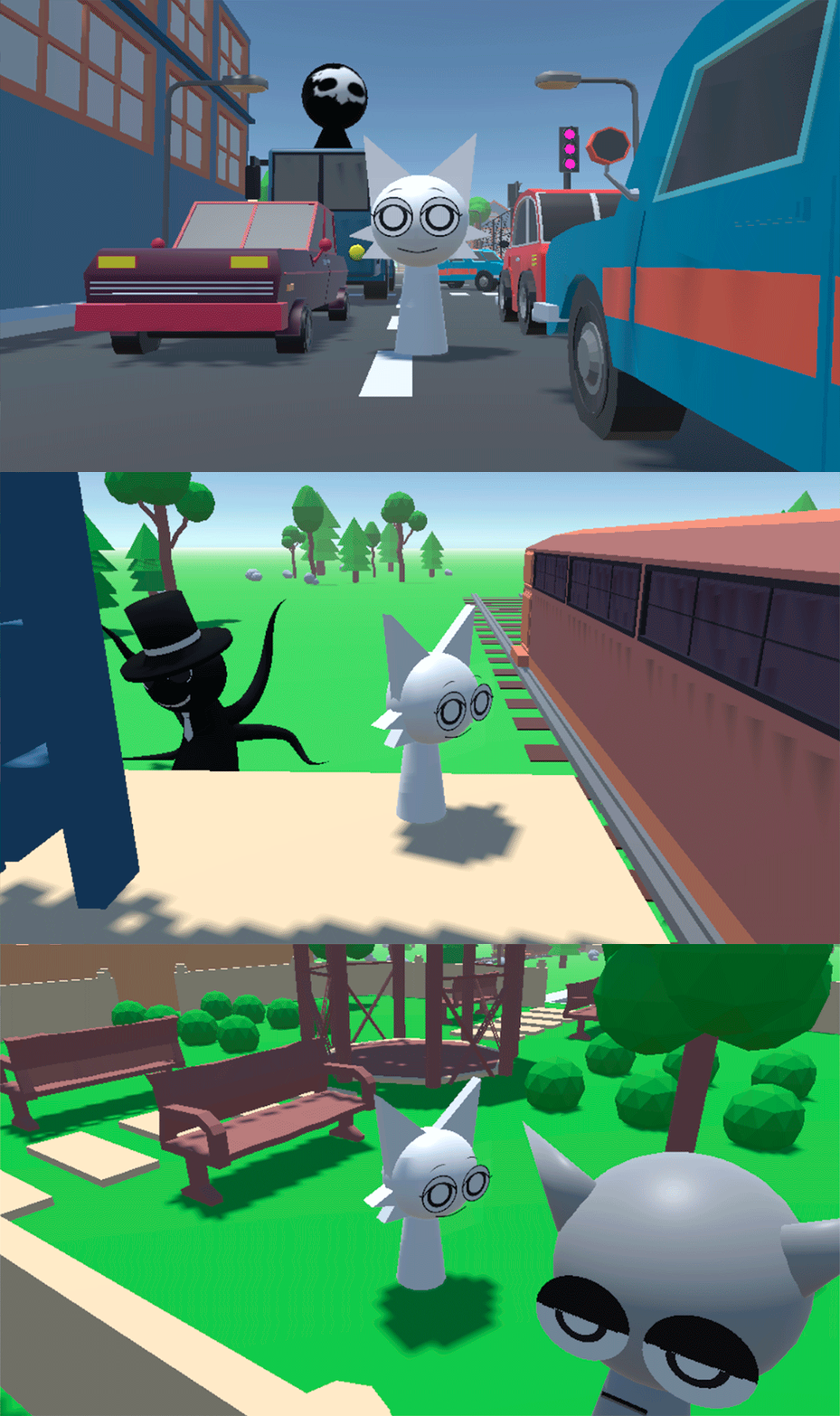
All the Sprunki are hiding in the city! Your task is to find all 20 Sprunki! Check all the streets, blocks, rooms, roofs and squares! No one will rush you, you can calmly search for Sprunki and admire the beautiful city. The more Sprunki you find, the higher you will be on the leaderboard! The Sprunki want to play hide and seek!

Videos and screenshots
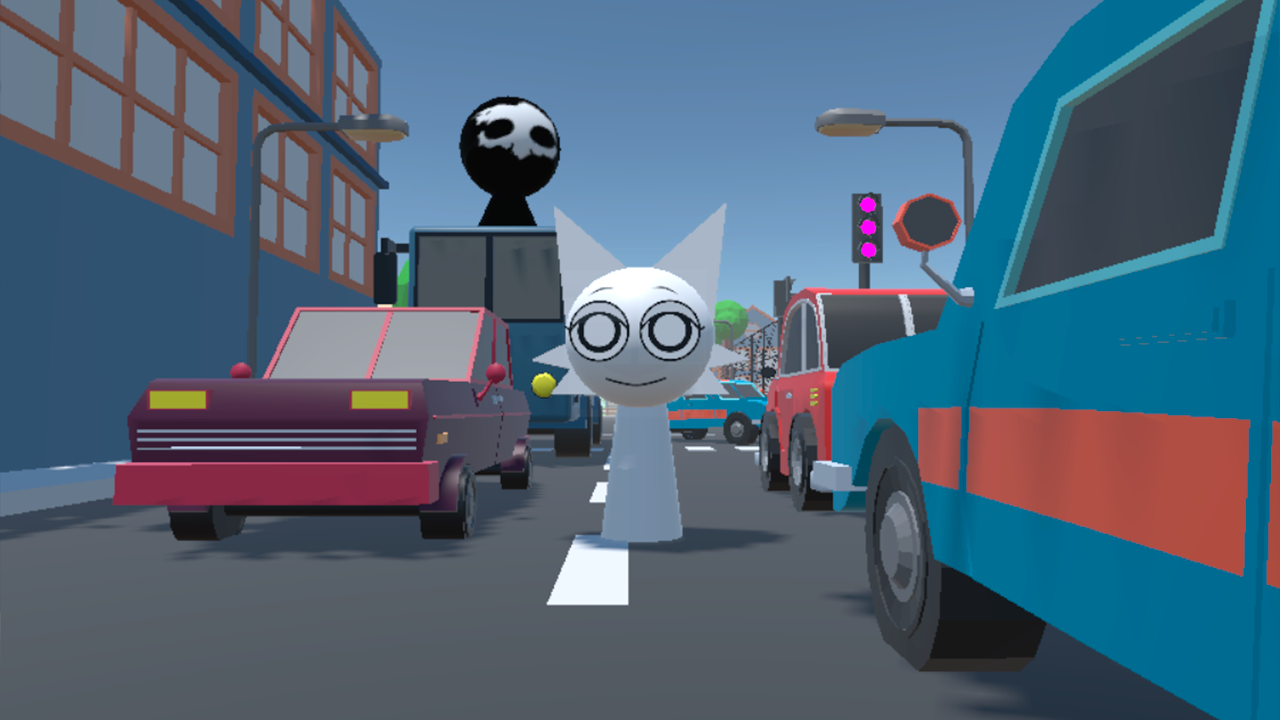
  • Sprunki 3D: Hide and Seek in the City screenshot 1
  • Sprunki 3D: Hide and Seek in the City screenshot 2
  • Sprunki 3D: Hide and Seek in the City screenshot 3
  • Sprunki 3D: Hide and Seek in the City screenshot 4
  • Sprunki 3D: Hide and Seek in the City screenshot 5
  • Sprunki 3D: Hide and Seek in the City screenshot 6
  • Sprunki 3D: Hide and Seek in the City screenshot 7
  • Sprunki 3D: Hide and Seek in the City screenshot 8
  • Sprunki 3D: Hide and Seek in the City screenshot 9
  • Sprunki 3D: Hide and Seek in the City screenshot 10
  • Sprunki 3D: Hide and Seek in the City screenshot 11
  • Sprunki 3D: Hide and Seek in the City screenshot 12
  • Sprunki 3D: Hide and Seek in the City screenshot 13
  • Sprunki 3D: Hide and Seek in the City screenshot 14
  • Sprunki 3D: Hide and Seek in the City screenshot 15
  • Sprunki 3D: Hide and Seek in the City screenshot 16
  • Sprunki 3D: Hide and Seek in the City screenshot 17
  • Sprunki 3D: Hide and Seek in the City screenshot 18
  • Sprunki 3D: Hide and Seek in the City screenshot 19
  • Sprunki 3D: Hide and Seek in the City screenshot 20
  • Sprunki 3D: Hide and Seek in the City screenshot 21
Play Now

11,923 players online

How to play

  1. Open the game

    Press Play now and the game opens on its own screen.

  2. Follow the in-game instructions

    The controls and goals are shown inside the game as you play.

  3. Use the game menu

    The floating button over the game reloads it, saves it to your favourites, or takes you back out.

Game instructions

On the computer: Control the character using the WASD keys or arrows. To look around, use the mouse to move the camera in the desired direction. Jump on the Space key. Button R - Restart the game Button Left Ctrl - Show the mouse cursor On mobile devices: - Use the left joystick on the screen to control the character's movement. - On the right is the area for controlling the camera view - move your finger along this area to look around. - The arrow button is the character's jump.

More games

More games