Overview
Welcome to the exciting sandbox, where unusual adventures, chaos and lots of fun mechanics await you!
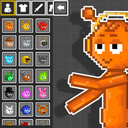
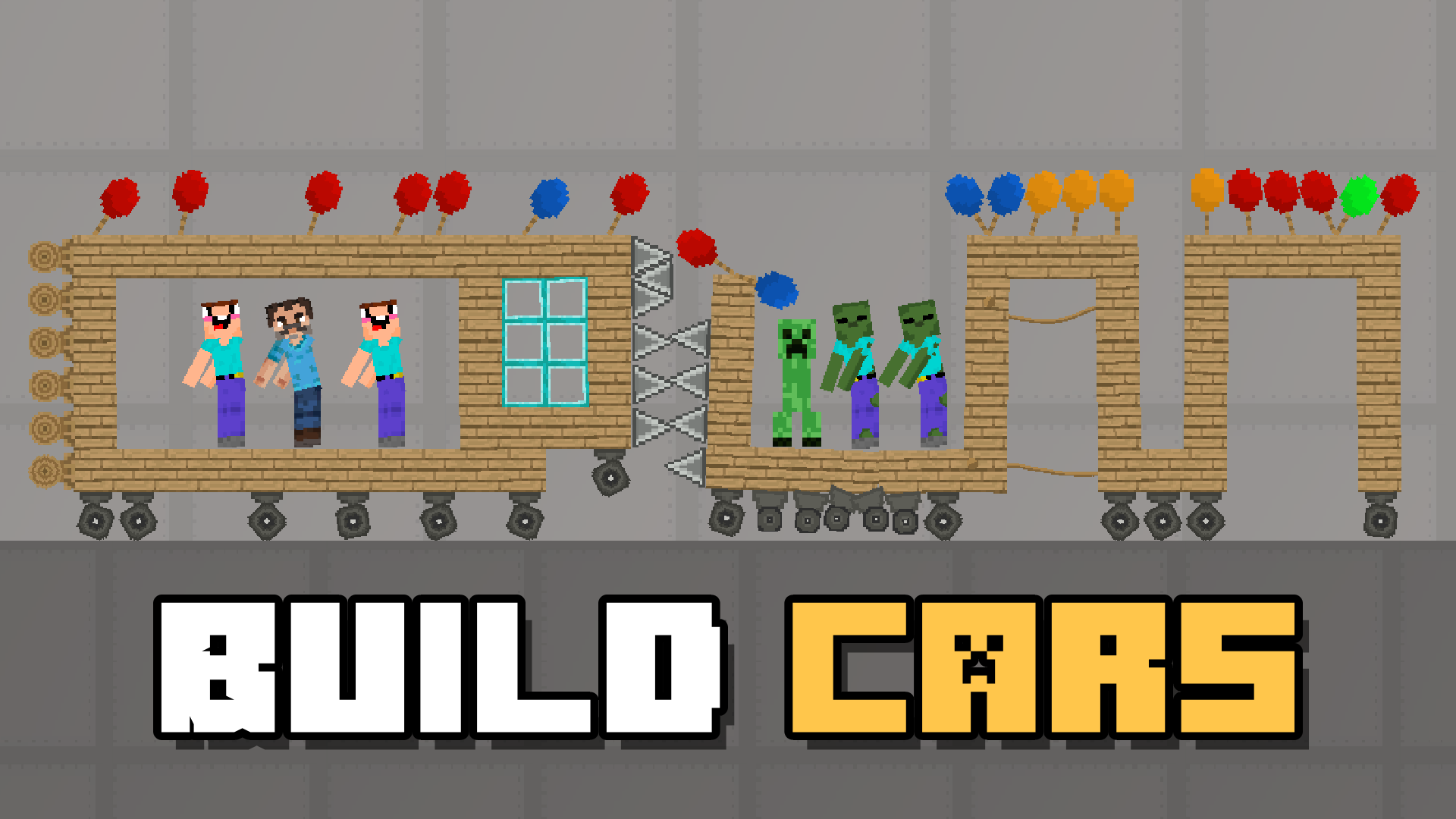
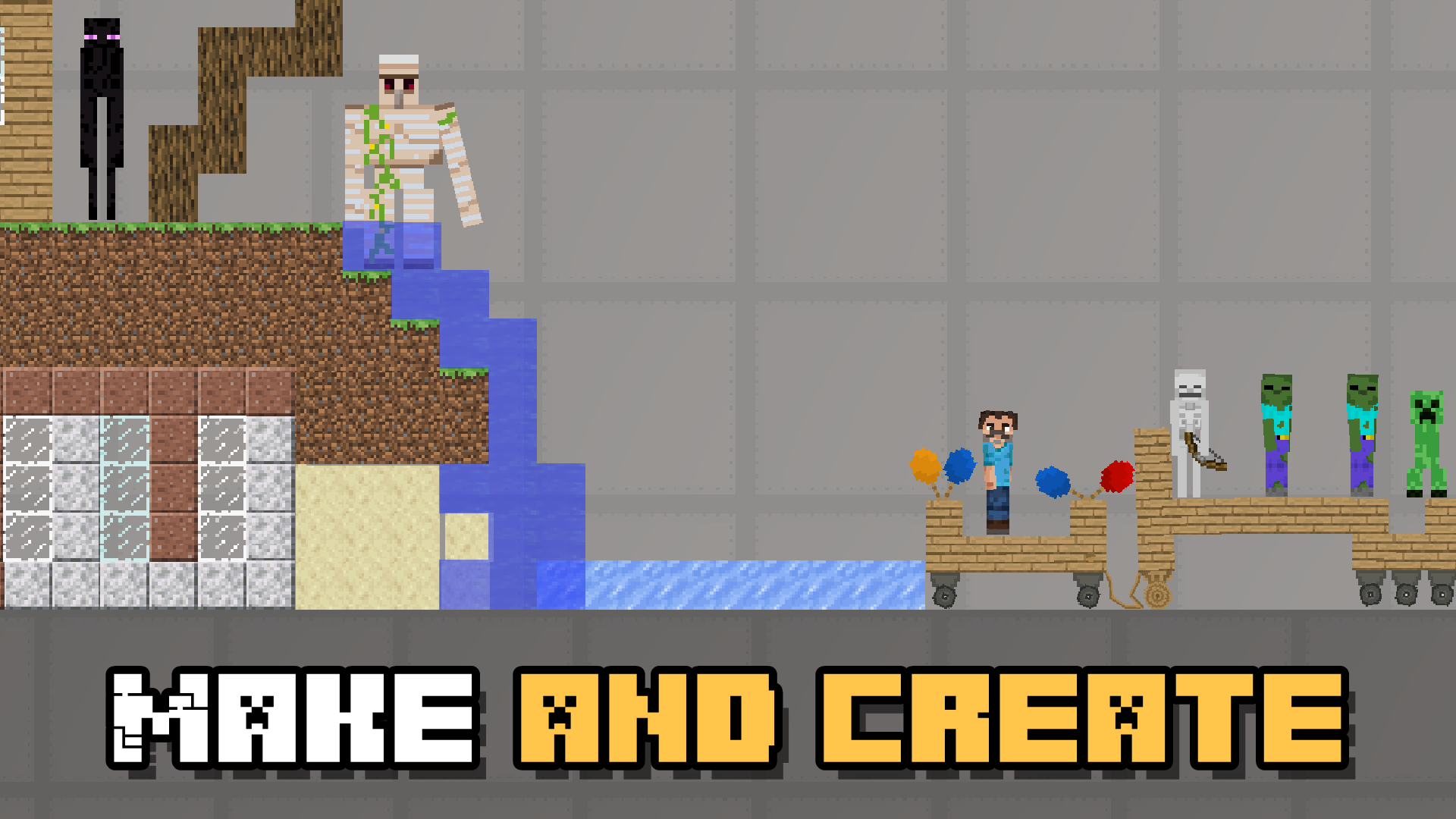
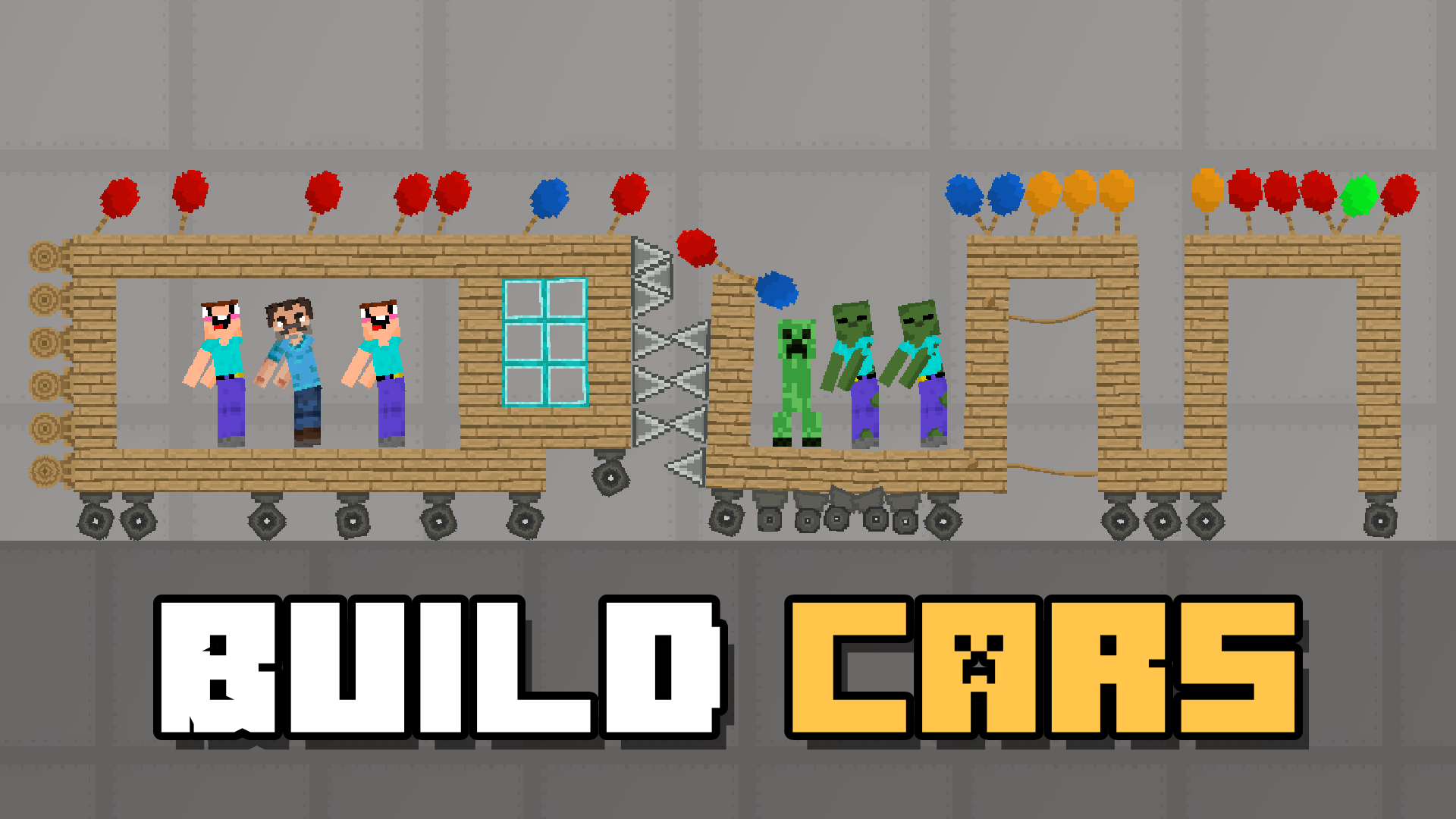
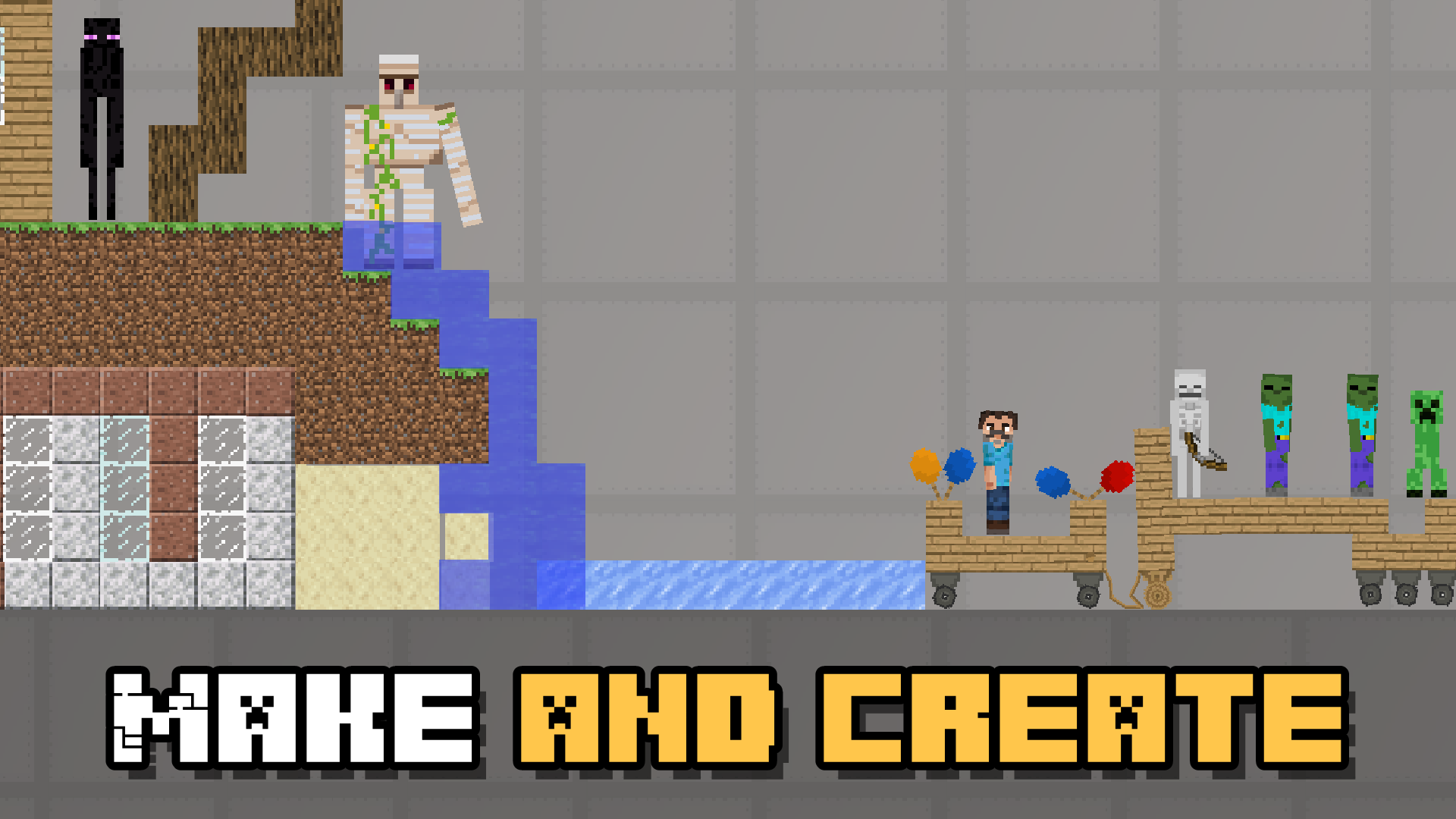
🚀 Create and test machines! Assemble vehicles, robots and mechanisms from various parts. Test them in extreme conditions and set up real challenges.
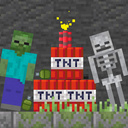
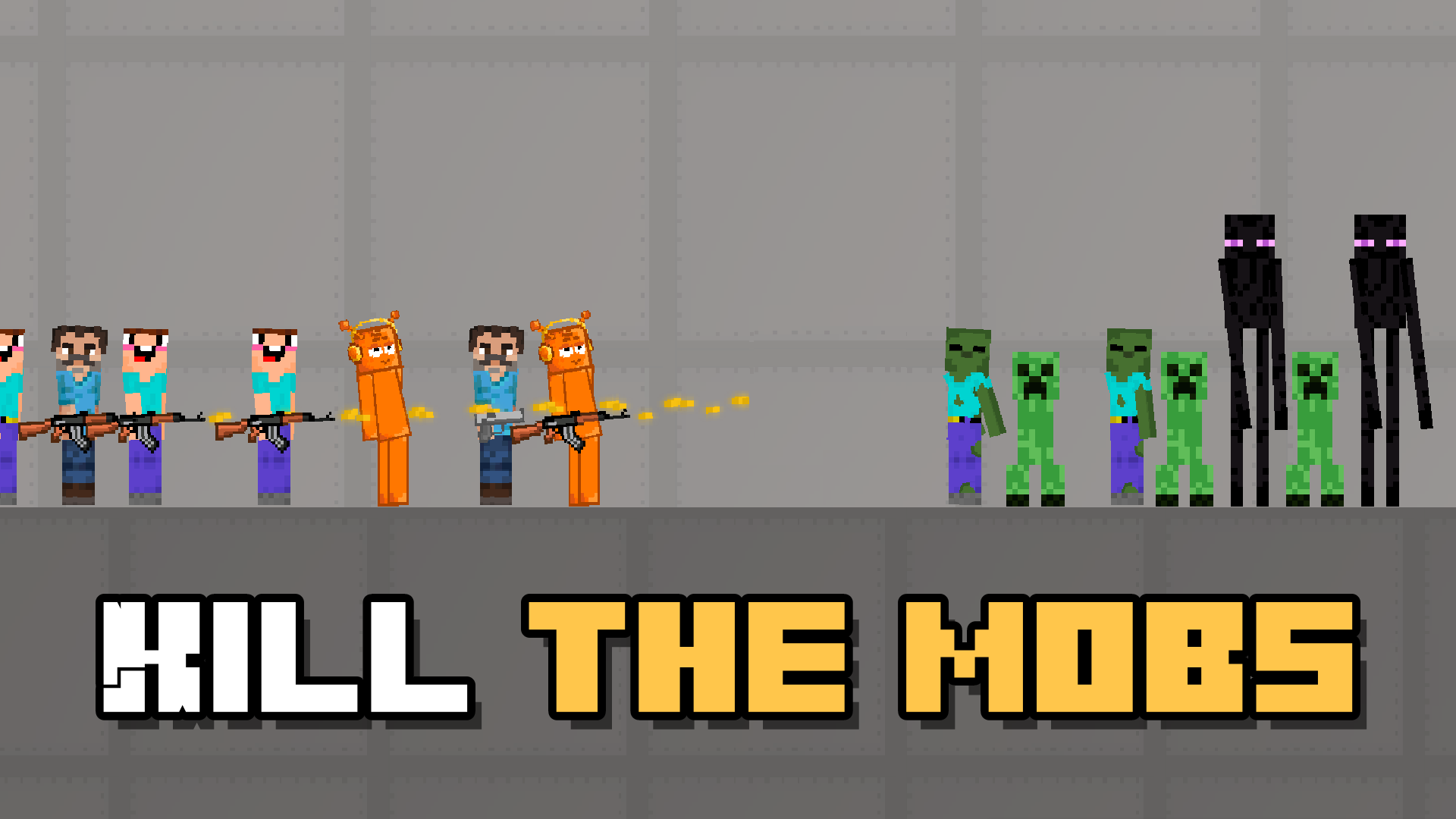
🤖 Fight the enemies! Face hordes of zombies, skeletons and other monsters. Ragdoll physics makes every battle even more fun!
💥 Use powerful weapons! A huge arsenal of guns, rocket launchers and explosives awaits you. Destroy objects, set off explosions and watch the epic effects.
Ride the trolleys! Build crazy tracks and embark on dynamic journeys full of surprises.
🔥 Play with physics! Lava, water, gravity – use natural forces to create cool challenges and unusual mechanics.
Create, experiment and have fun – "Sprunki and Nubik Playground: Machine mod" offers unlimited possibilities for creativity and fun! 🚀🔥
Videos and screenshots

11,461 players online
How to play
-
Open the game
Press Play now and the game opens on its own screen.
-
Follow the in-game instructions
The controls and goals are shown inside the game as you play.
-
Use the game menu
The floating button over the game reloads it, saves it to your favourites, or takes you back out.