Skip to content
KG
Sprunki Packets Craft

Sprunki Packets Craft

85K plays 4.3 out of 5

Overview

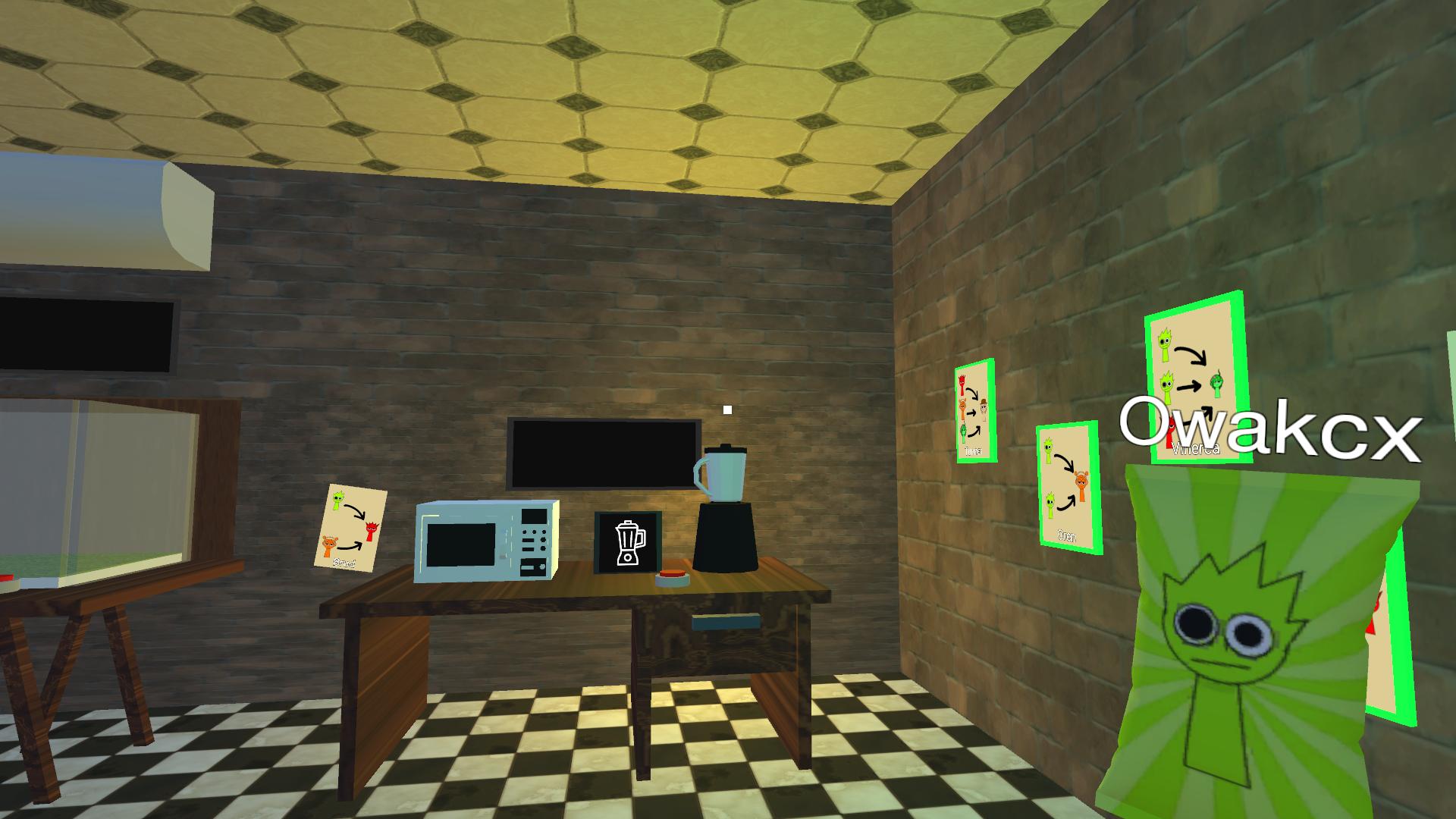
🍔 "Sprunki Packets Craft" is an exciting game where you become a chef and cook Sprunki straight from bags! Take orders 📝, collect ingredients 🥬🍅🧀 and discover new types of sprunki to please the picky customer 😋. Can you cope with the culinary challenge and become a master of cooking sprunki from bags? 🍴 Play now and find out! 🎮 Owakcx, Oren, Vineria, Raddy, many, many types of sprunka! Try to open them all!

Videos and screenshots
  • Sprunki Packets Craft screenshot 1
  • Sprunki Packets Craft screenshot 2
  • Sprunki Packets Craft screenshot 3
  • Sprunki Packets Craft screenshot 4
  • Sprunki Packets Craft screenshot 5
  • Sprunki Packets Craft screenshot 6
  • Sprunki Packets Craft screenshot 7
  • Sprunki Packets Craft screenshot 8
Play Now

13,515 players online

How to play

  1. Open the game

    Press Play now and the game opens on its own screen.

  2. Follow the in-game instructions

    The controls and goals are shown inside the game as you play.

  3. Use the game menu

    The floating button over the game reloads it, saves it to your favourites, or takes you back out.

Game instructions

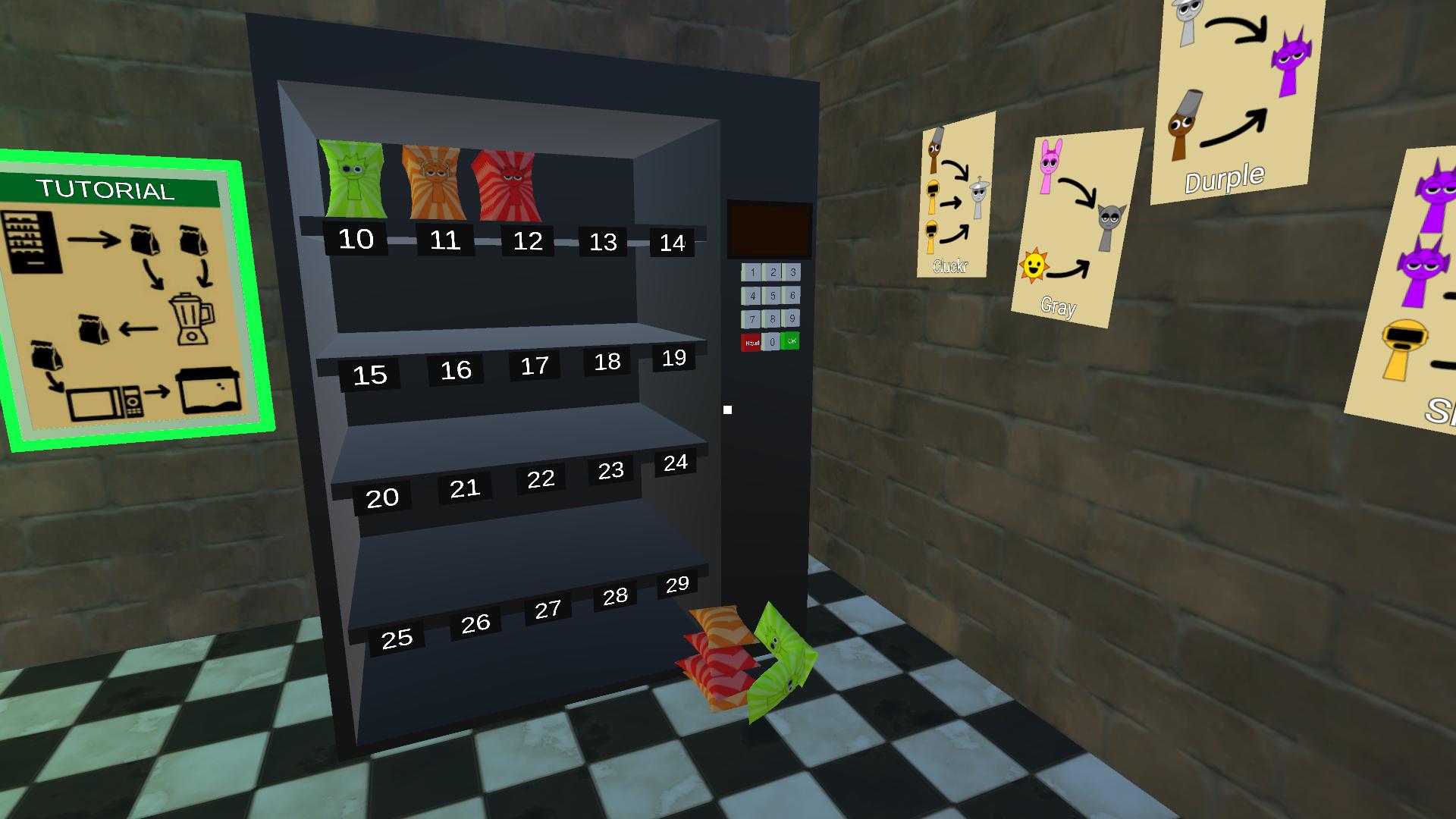
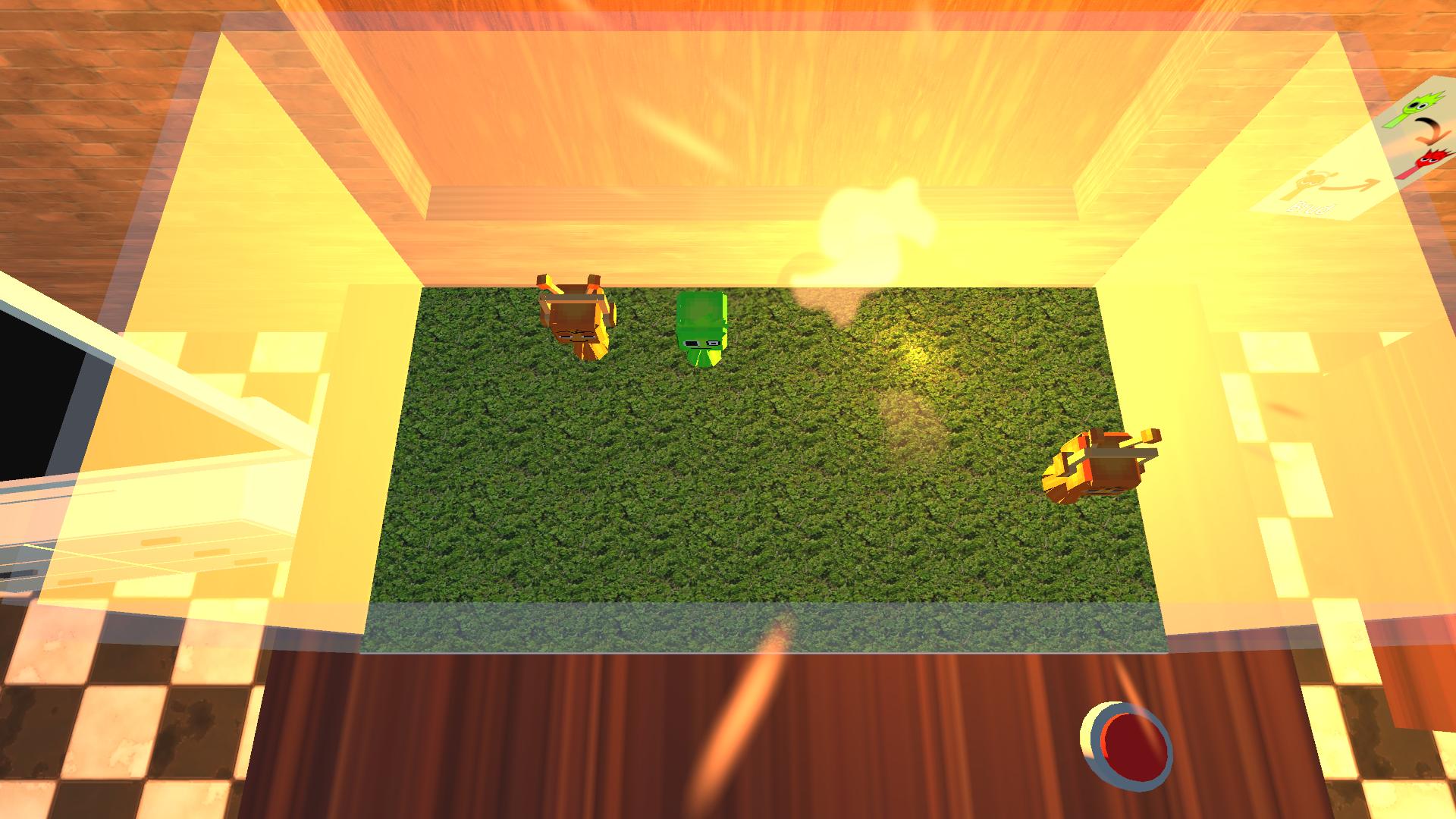
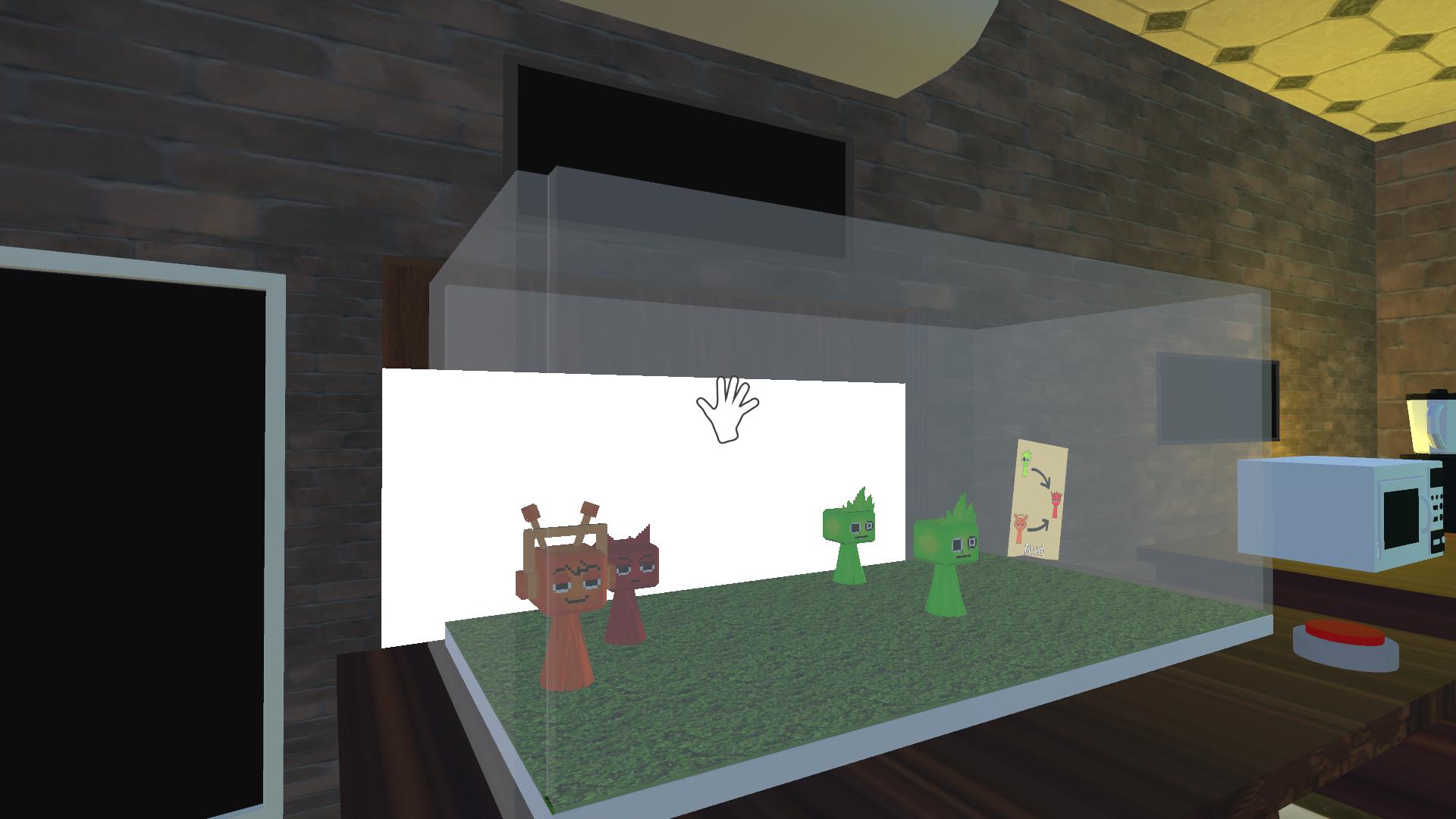
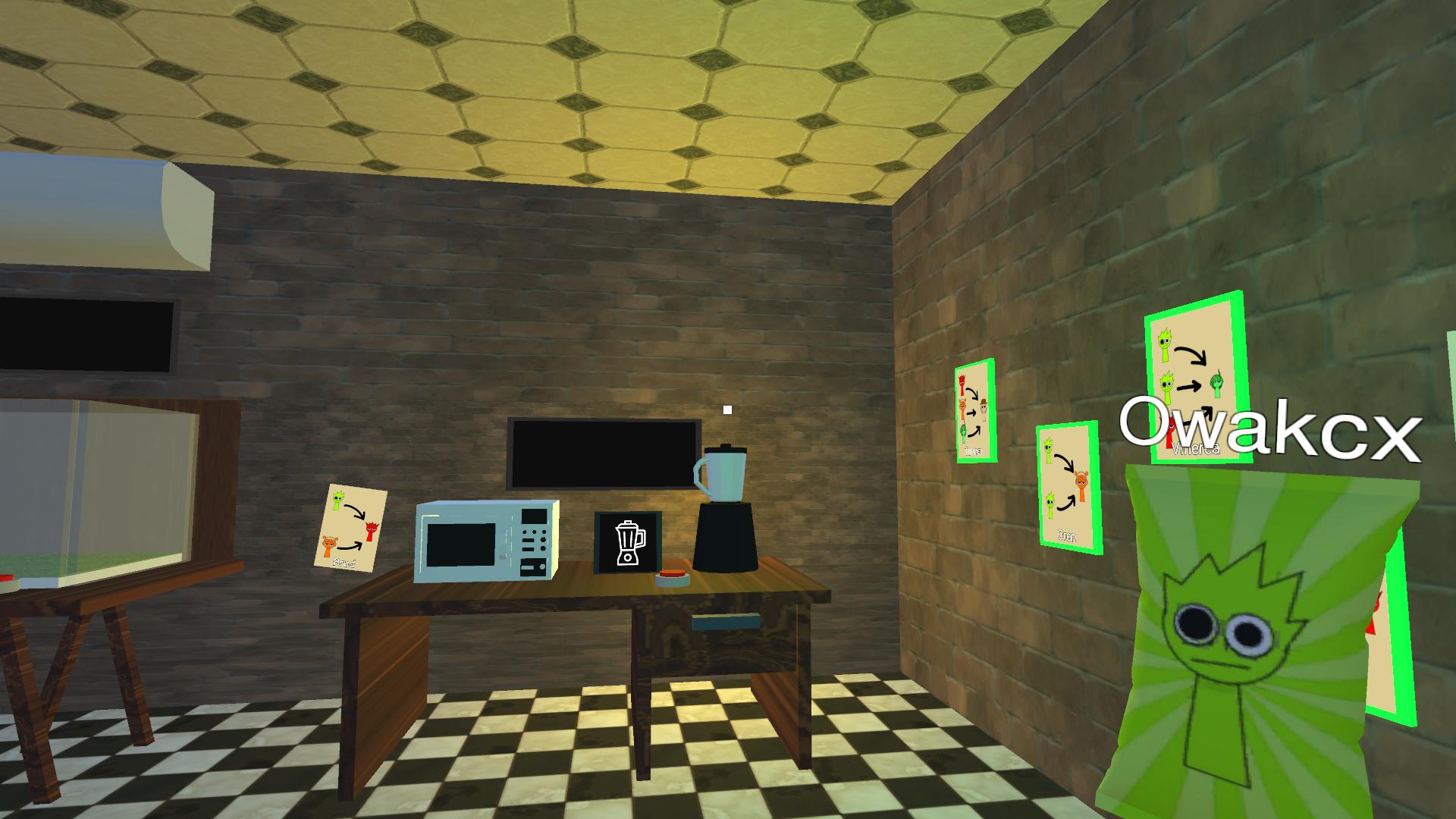
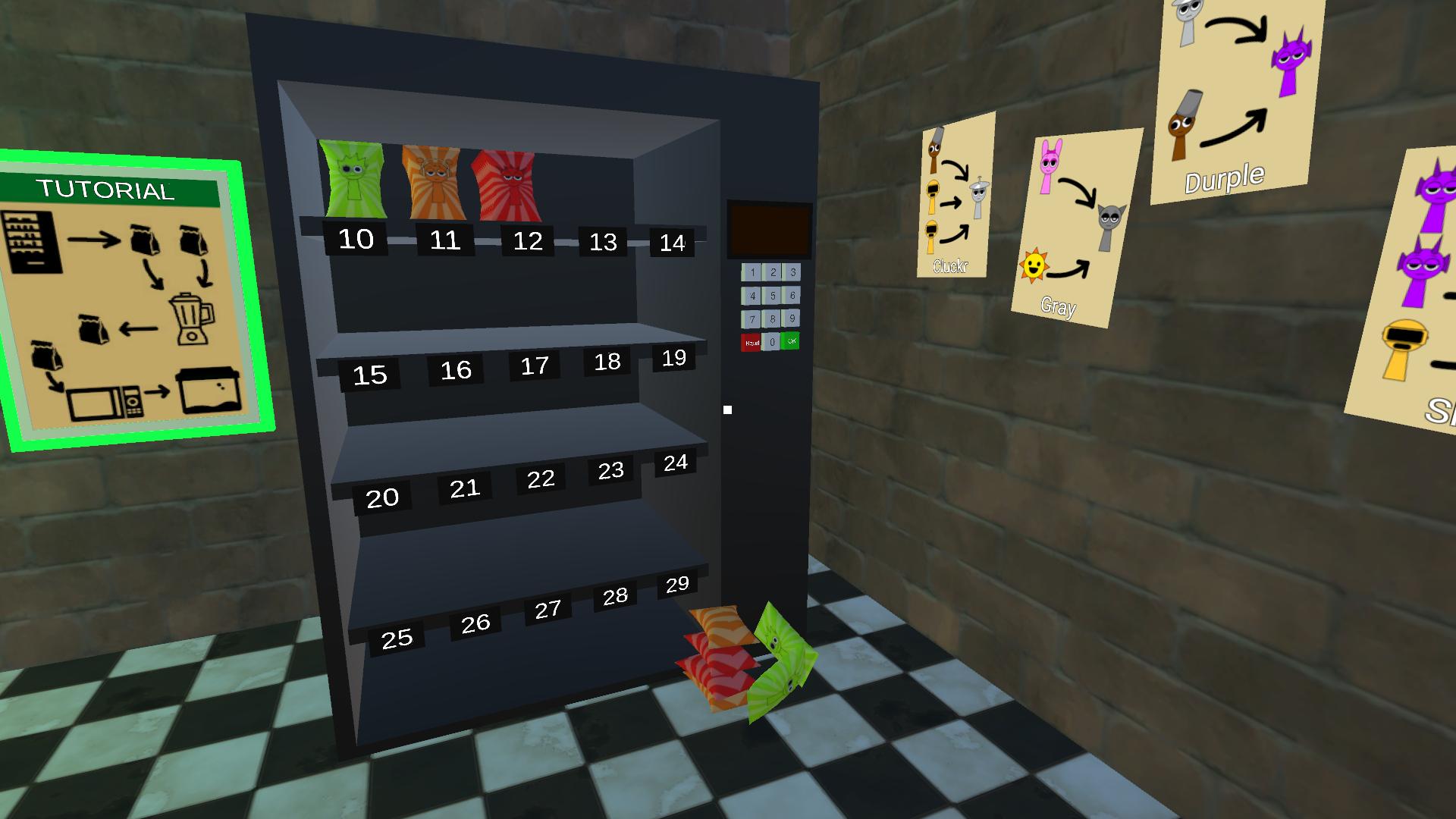
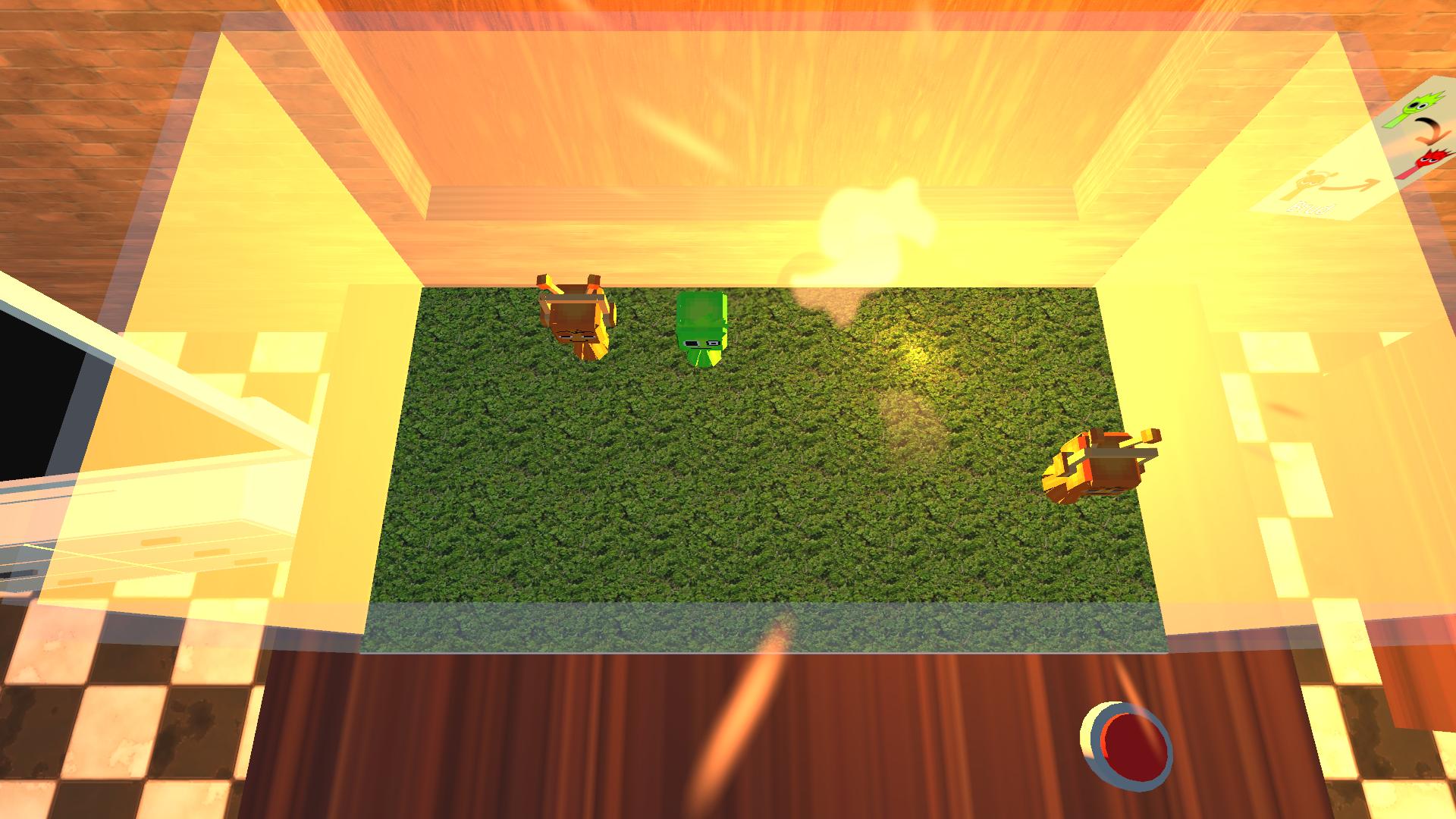
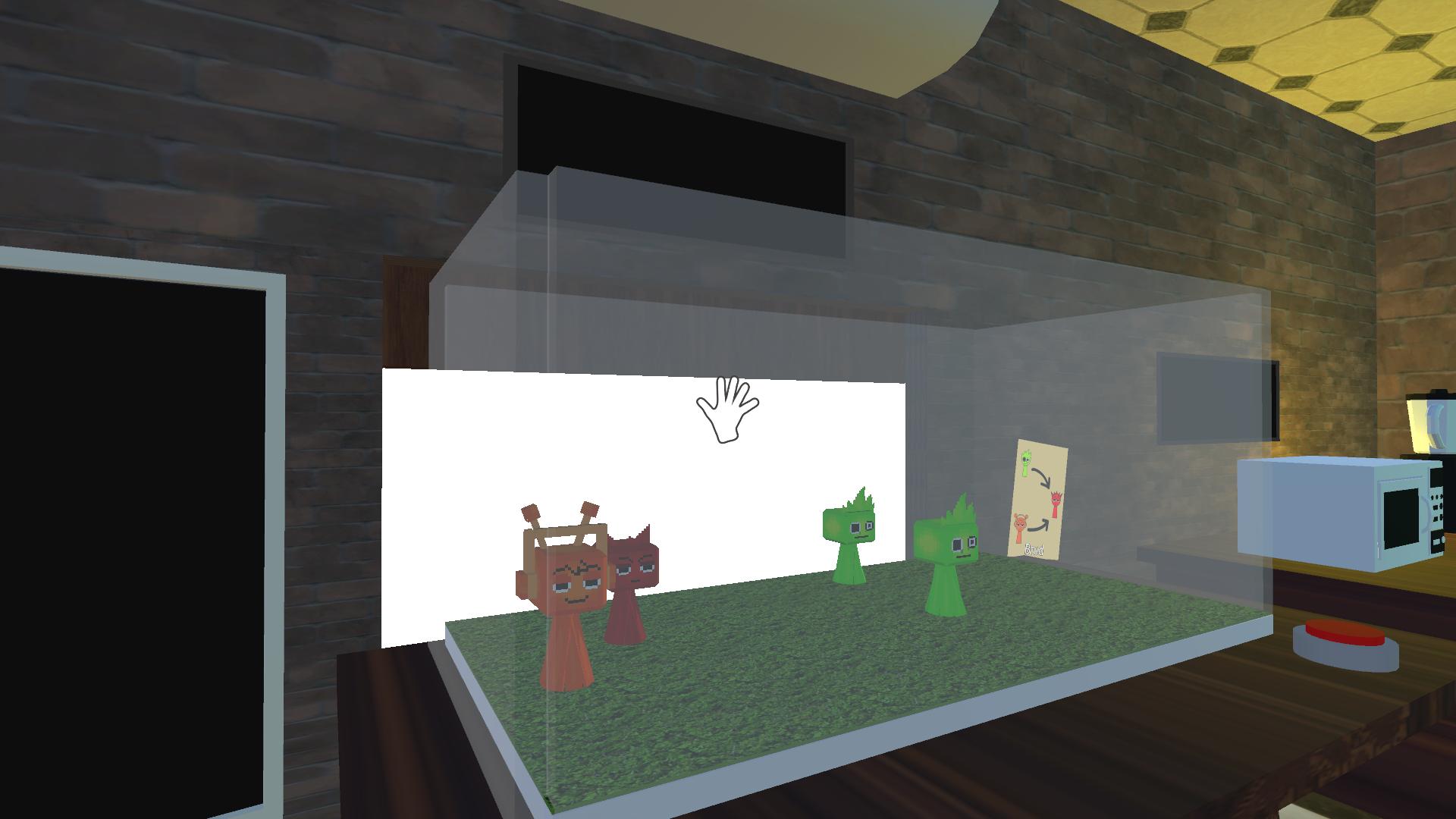
In the game, you need to open and prepare new sprunki for orders. Sprunki are prepared from bags using a microwave oven. New sprunki are obtained in a blender by mixing different sprunki according to recipes. Look carefully for recipes on the walls. The TV shows the composition of the order - a list of sprunki that you need to prepare - ready sprunki are automatically placed in the aquarium to form an order. On PC: Move with the WASD keys or arrows. To look around, use the mouse to move the camera in the desired direction. You can use the left mouse button to take bags from the dispenser, use the microwave oven and blender. To exit the zoom mode - use the right mouse button. On mobile devices: - Use the left joystick on the screen to control the character's movement. - On the right is an area for controlling the camera view - move your finger along this area to look around. - The button in the lower right corner is used to exit the camera zoom mode

More games

More games