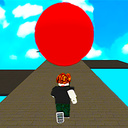
Overview
"Sprunki World Online RP - Play with Friends!" is a world of adventure and fun!
✨ What awaits you?
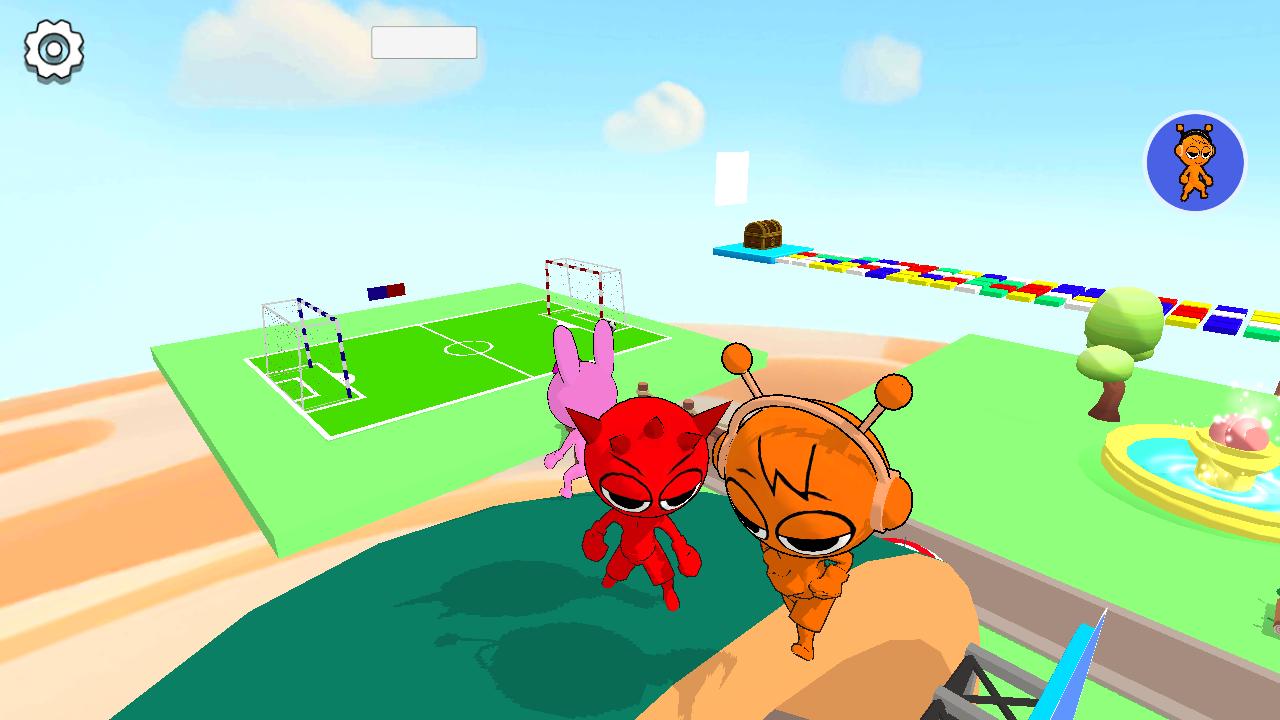
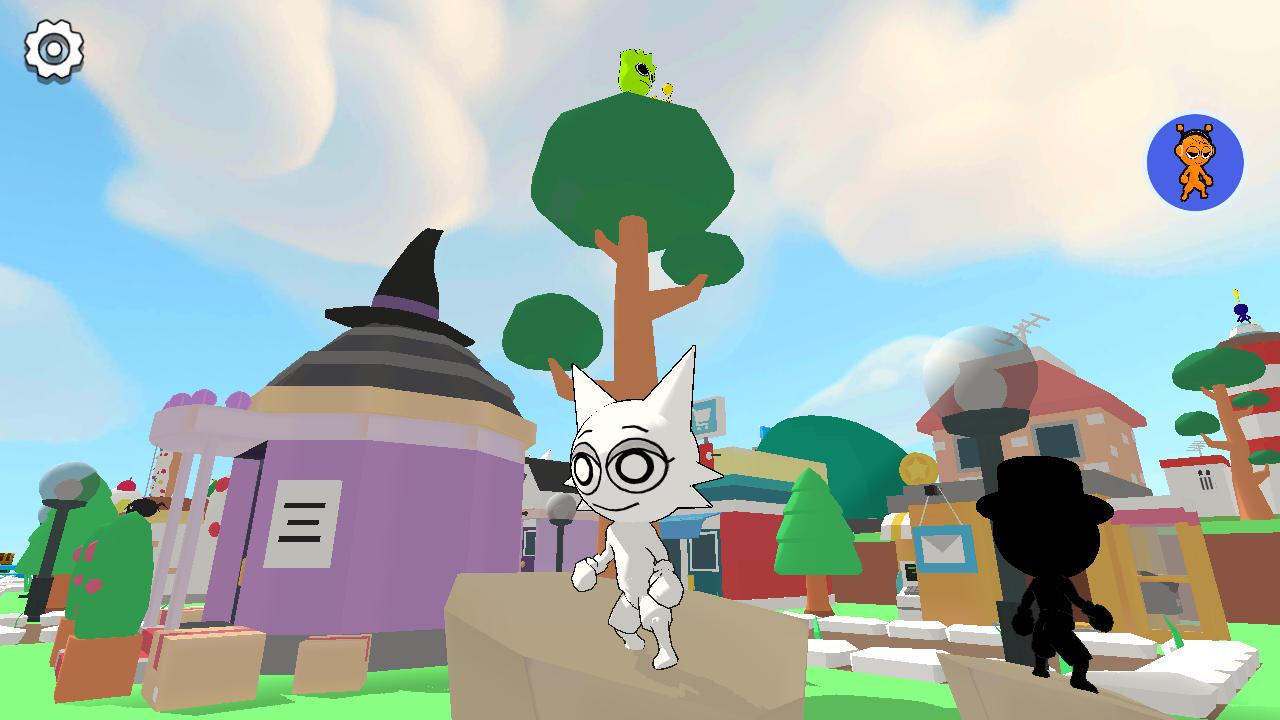
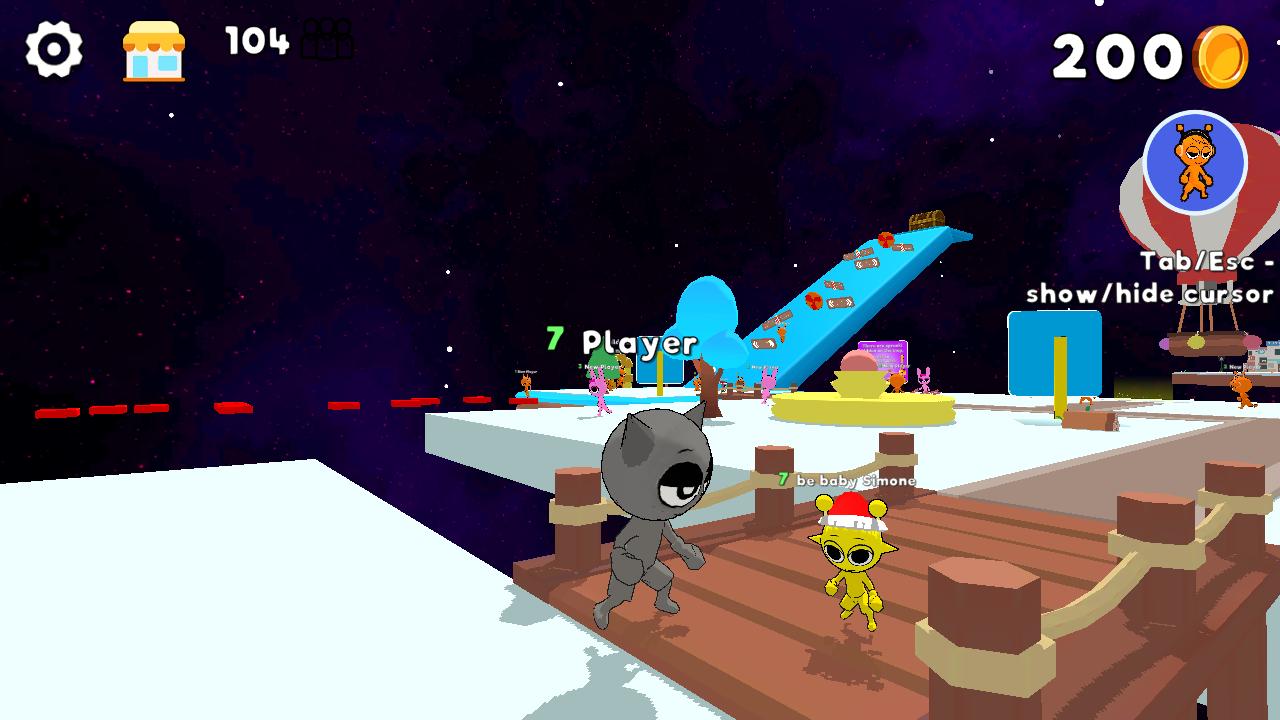
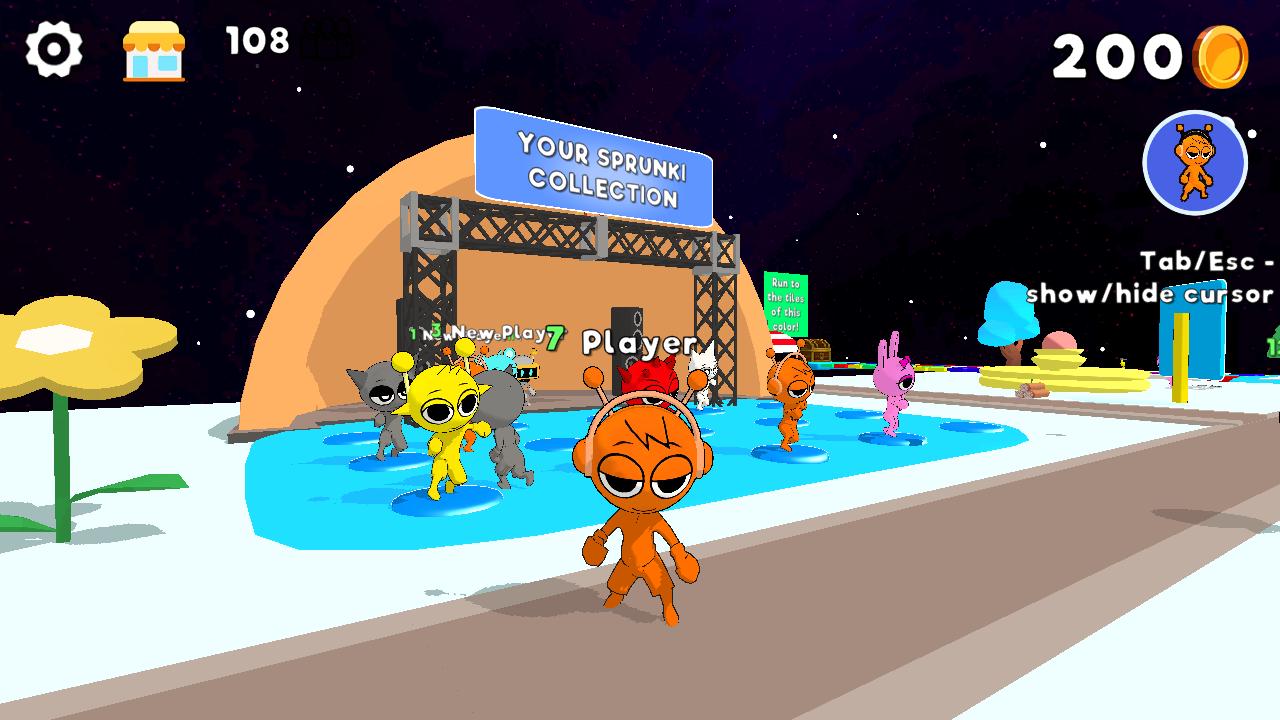
- 🗺️ Explore the world: find hidden Sprunki in different corners of the planet, discover new locations, and immerse yourself in an atmosphere of adventure.
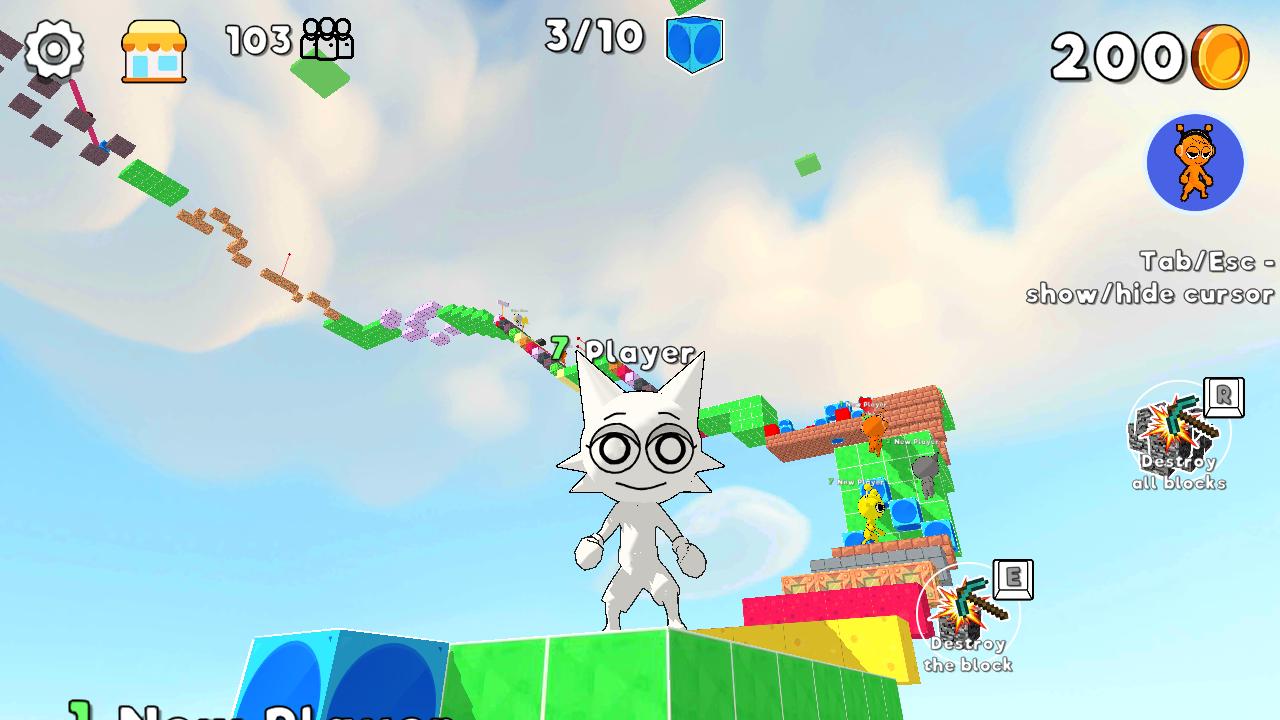
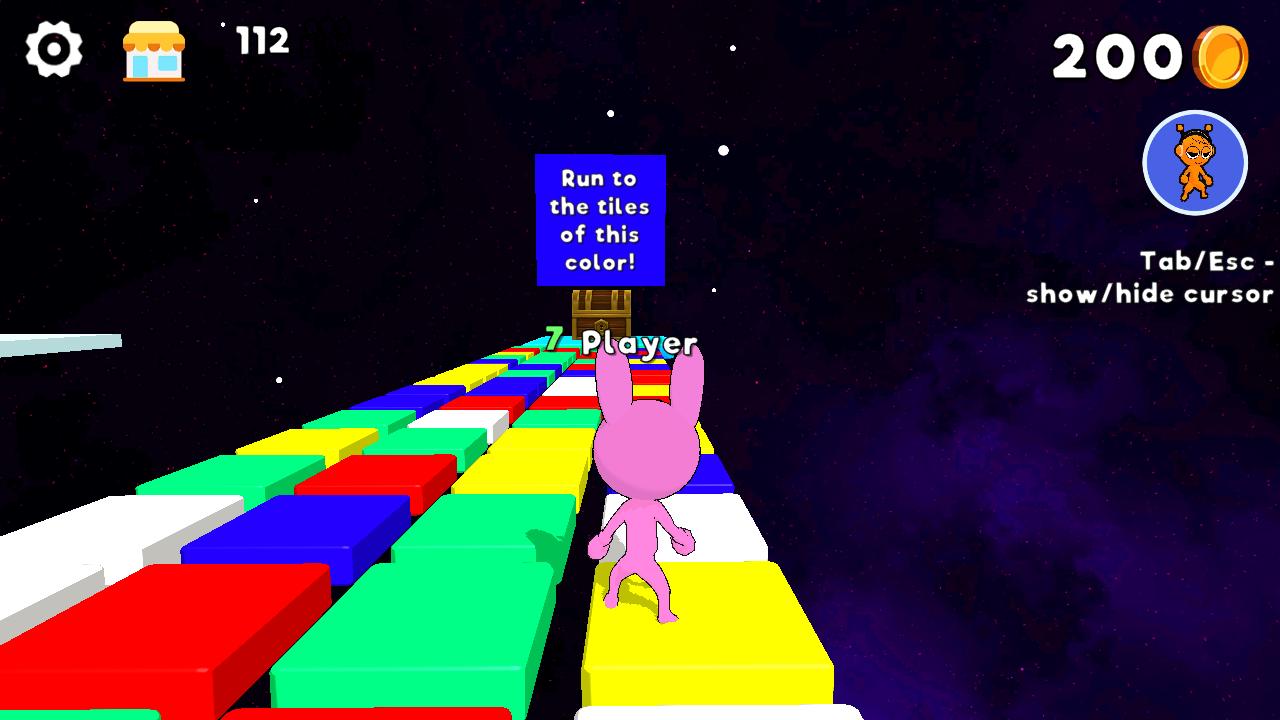
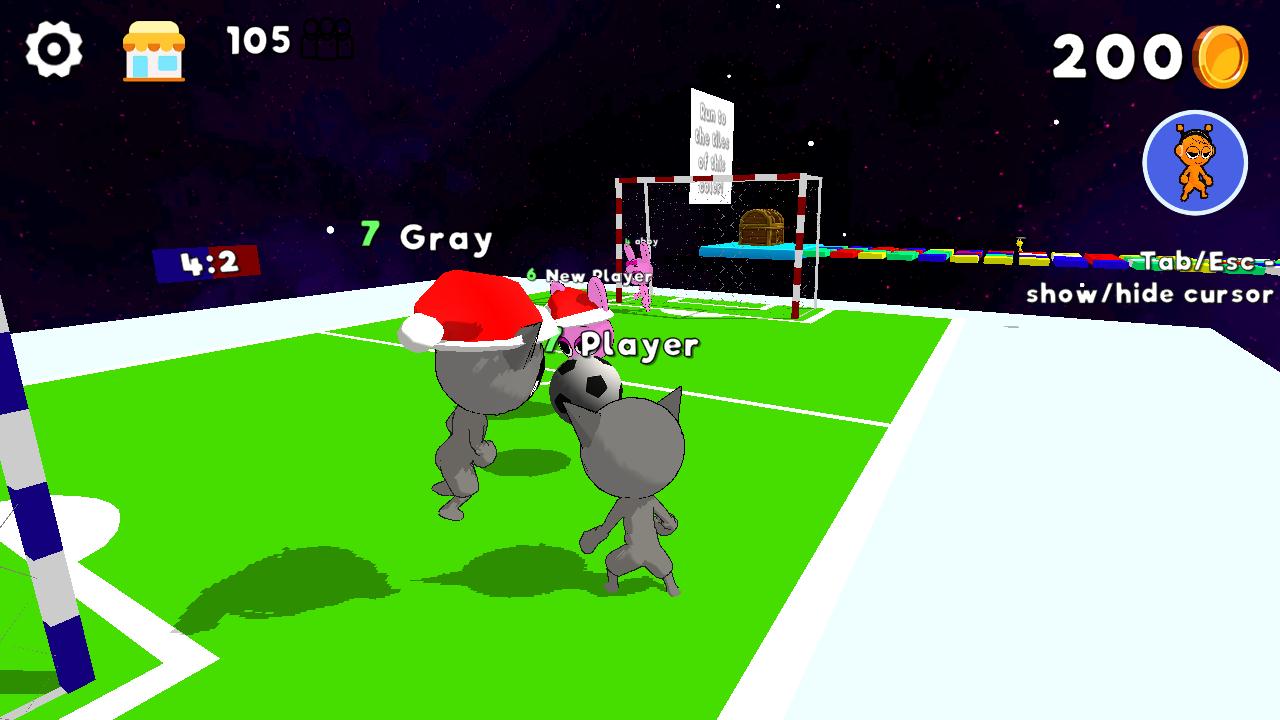
- 🎮 Variety of modes: choose the game mode that suits you—be it the Ferris Wheel or dynamic jumping on colorful platforms.
- ⚡️ Obby + Block Builder: overcome obstacles, build blocks, and create your own routes, inspired by the atmosphere of cube games.
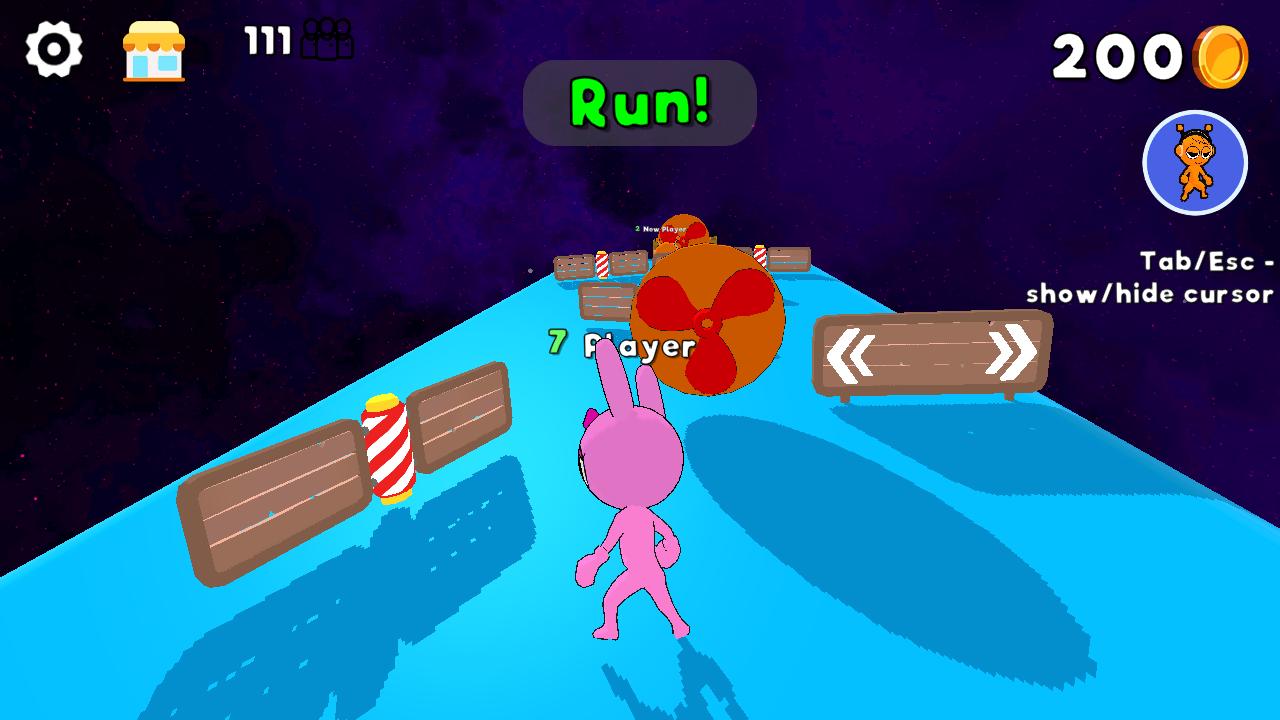
- ✨ Mini-games: diversify your gameplay with fun tasks and challenges, testing your dexterity and ingenuity.
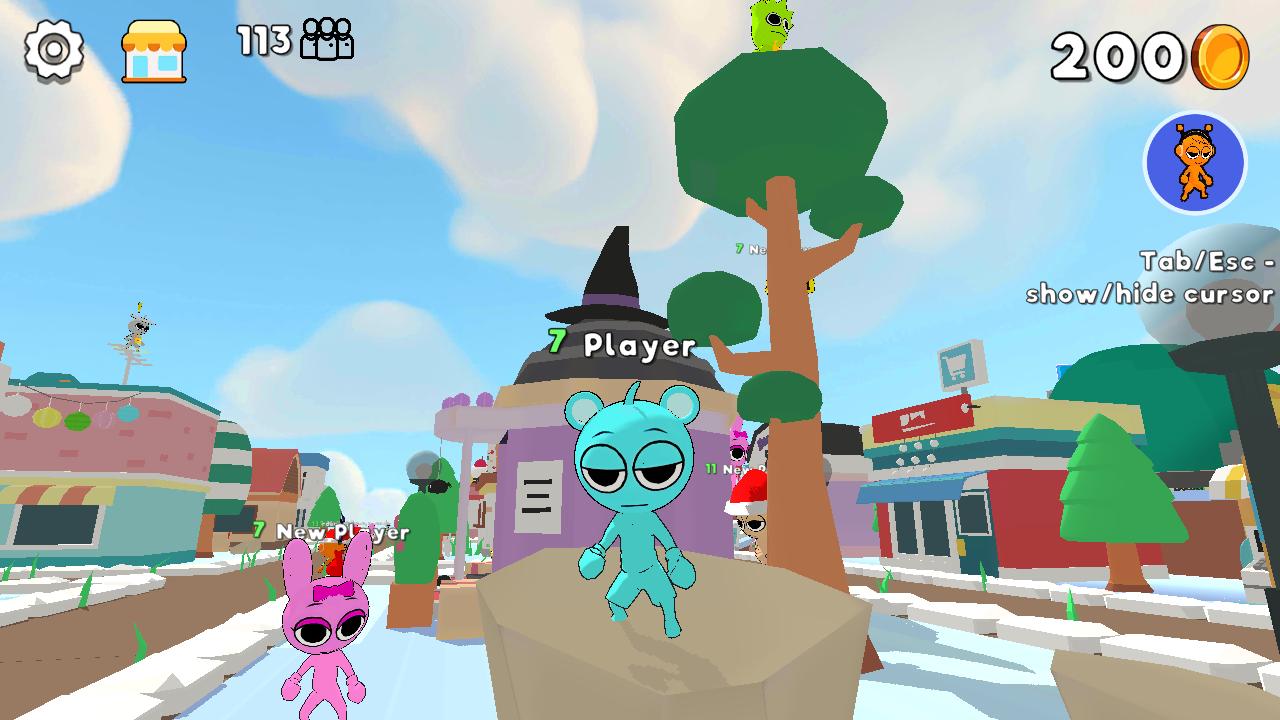
- 💬 Live communication: communicate with friends and new acquaintances in the game chat, share impressions and secrets for completing levels.
📈 The game is constantly updated, adding fresh quests and exciting events. Join now and immerse yourself in a world of vibrant emotions and unforgettable discoveries!
"Sprunki World Online RP - Play with Friends!" is waiting for you!
Videos and screenshots
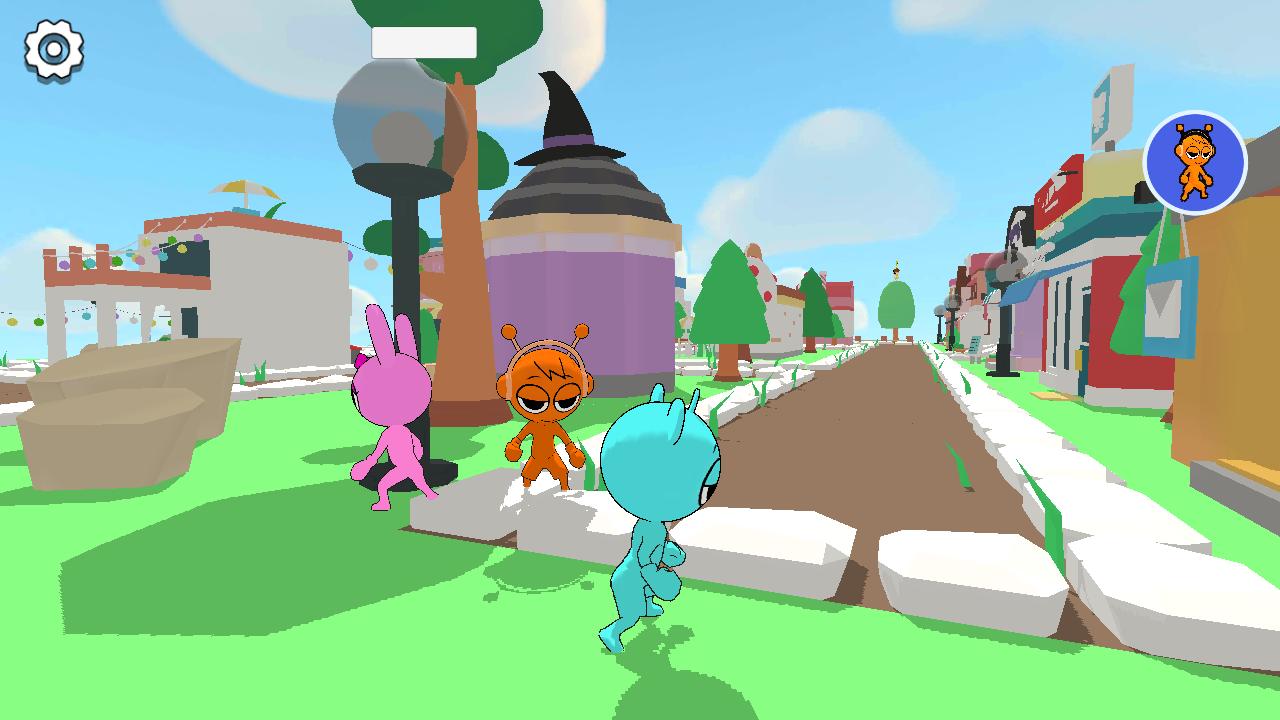
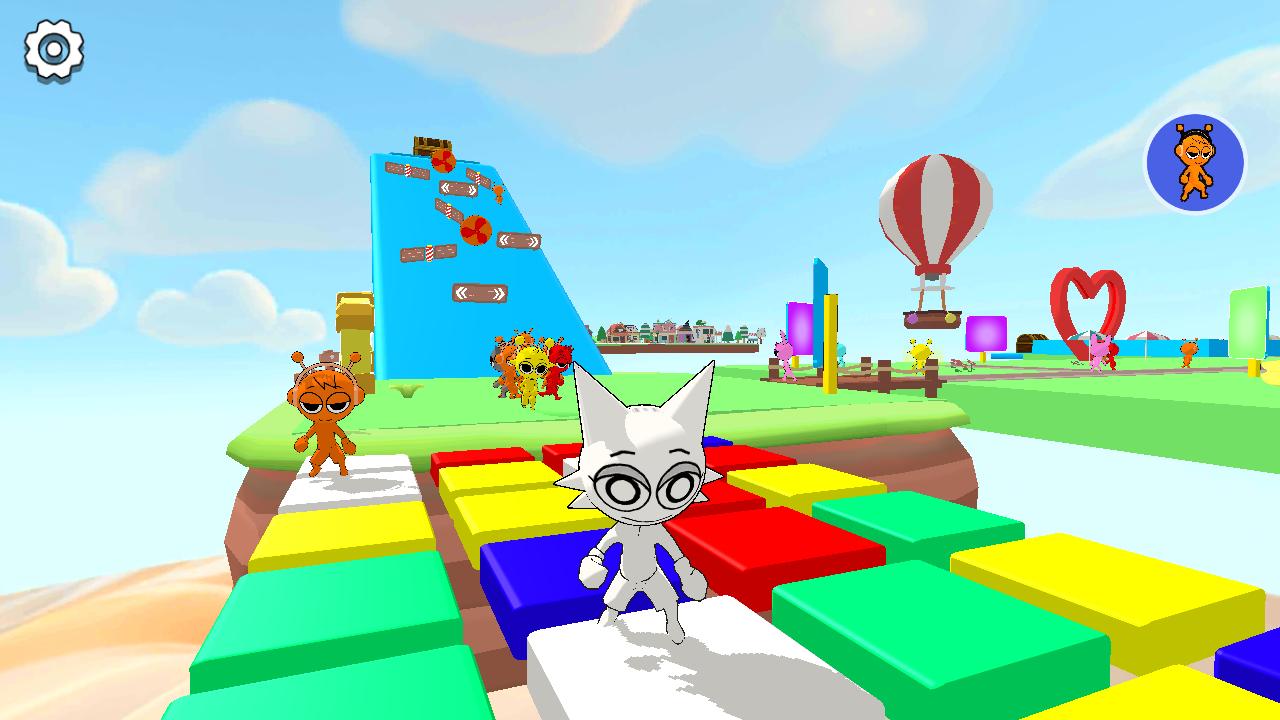
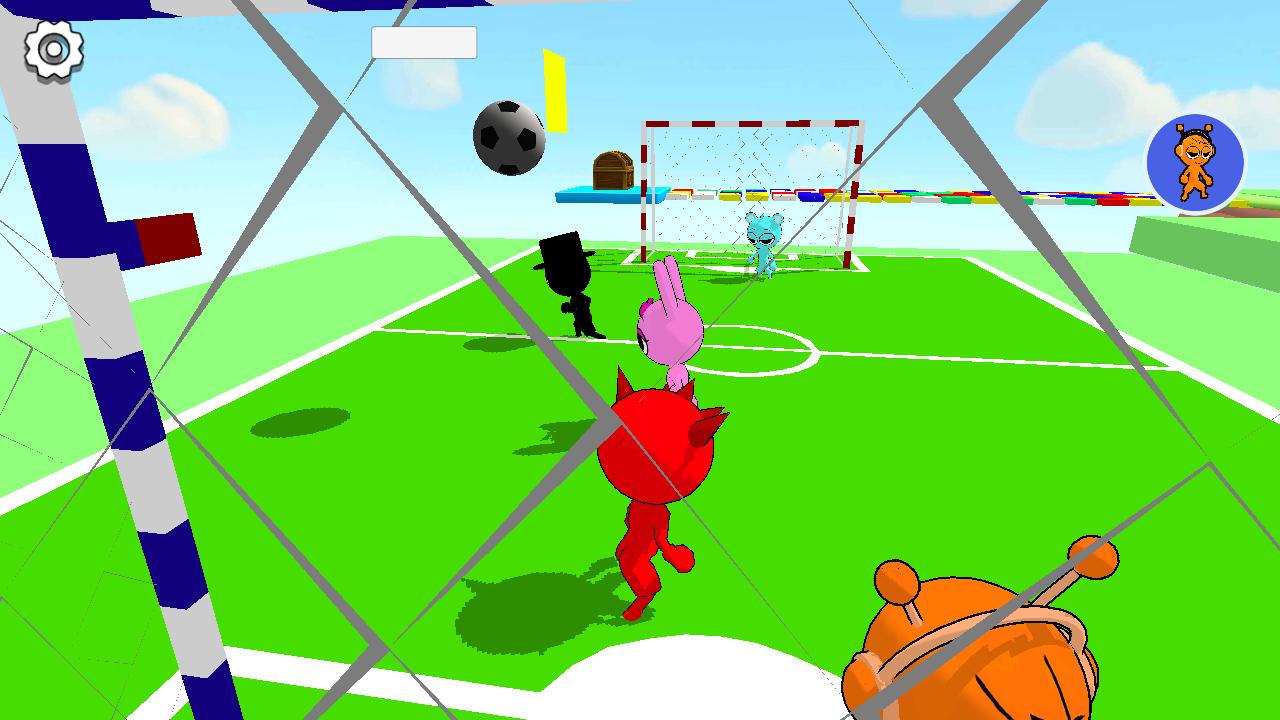
14,253 players online
How to play
-
Open the game
Press Play now and the game opens on its own screen.
-
Follow the in-game instructions
The controls and goals are shown inside the game as you play.
-
Use the game menu
The floating button over the game reloads it, saves it to your favourites, or takes you back out.