Skip to content
KG
Squid Game - Five Nights

Squid Game - Five Nights

2K plays 4.0 out of 5

Overview

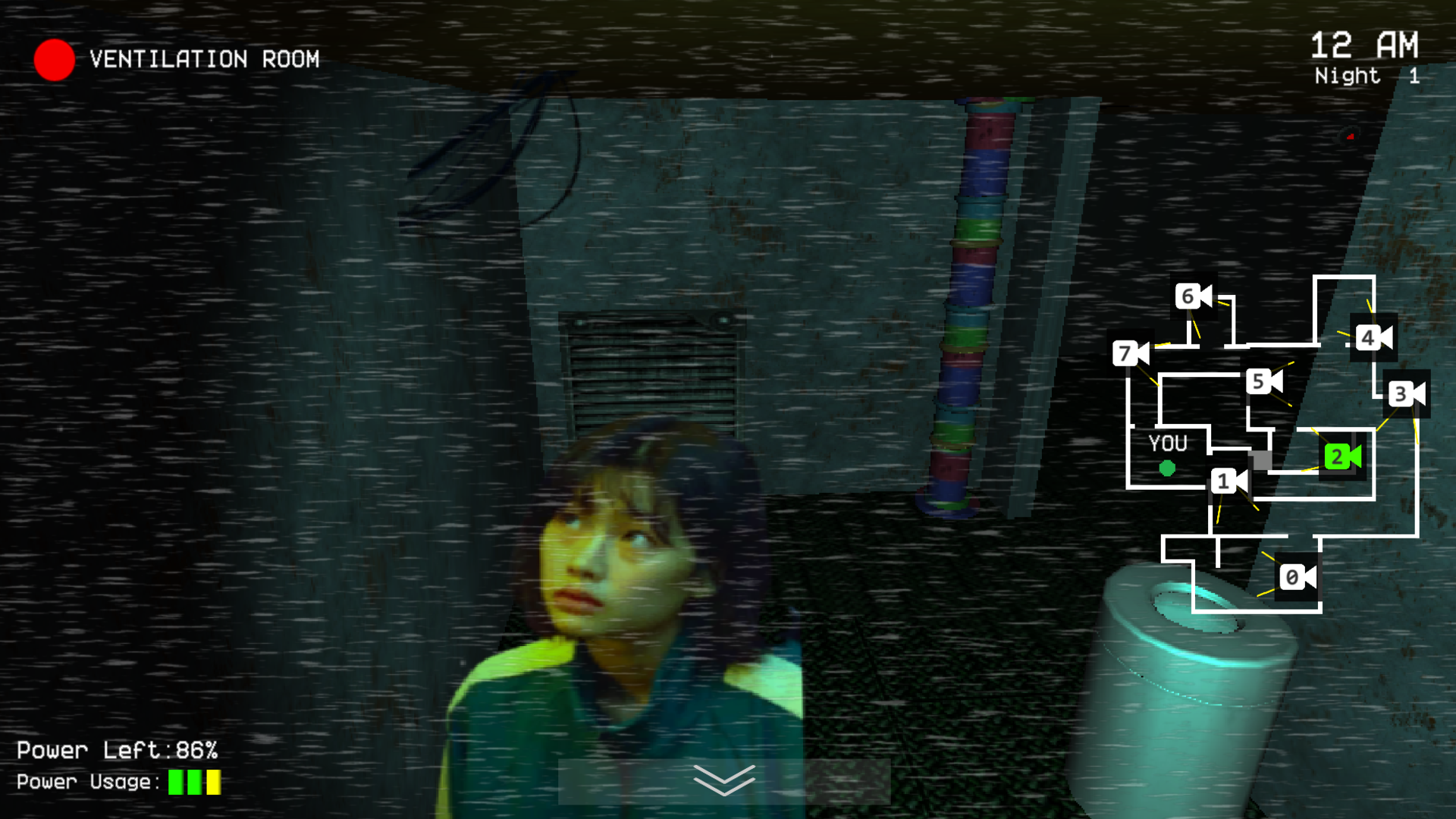
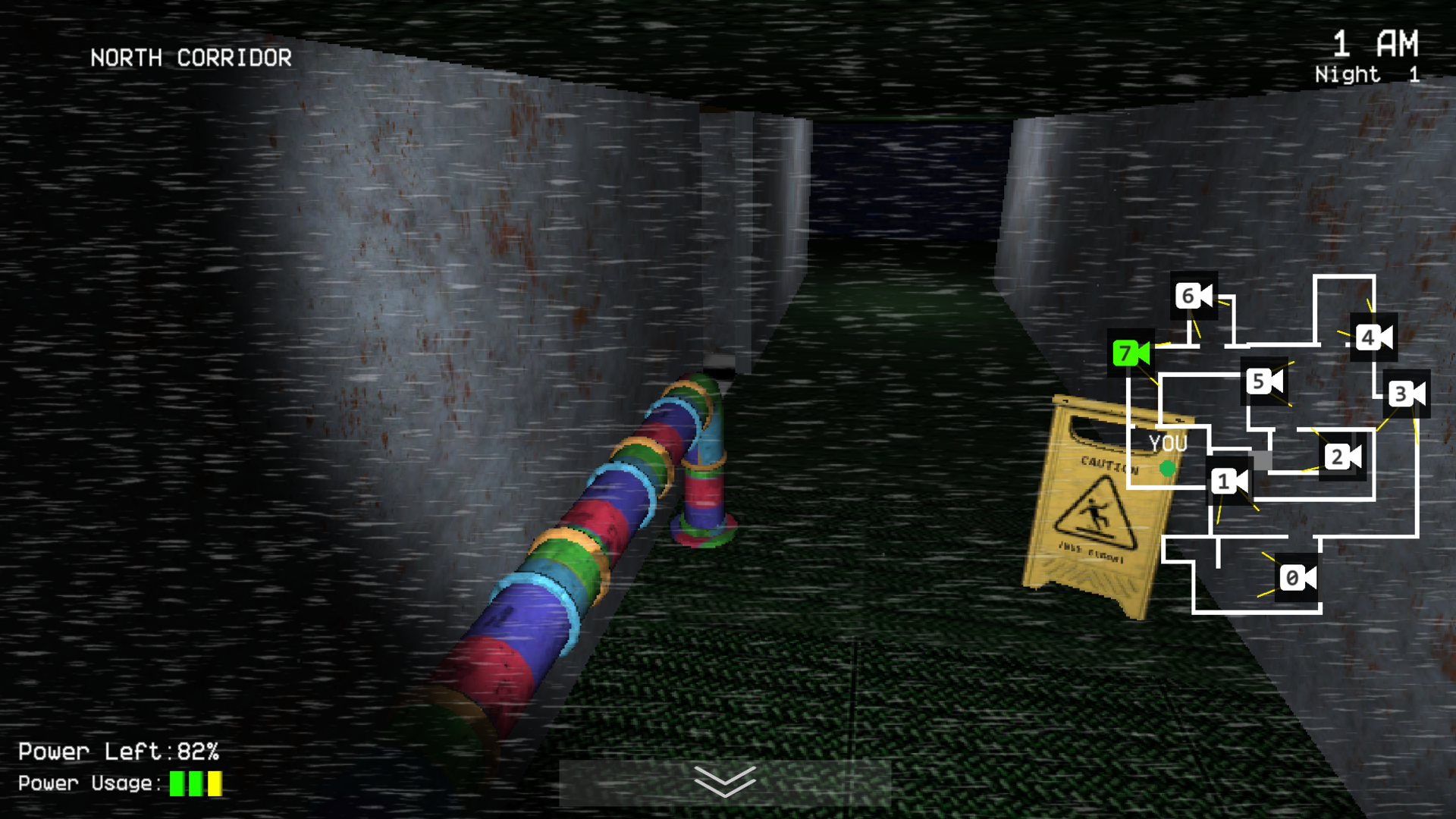
In this addictive game you have to play as the night guard of the attraction. But at night, characters from the squid game walk around the building. It's up to you to follow them through the cameras and close the doors.... The characters from the squid game are: 1) Song Ki-hoon-comes more often from the front, close the door! 2) Kang Sae-pyuk - comes from the right side, close the door! 3) Hwang In-ho - appears every time in a random room. Almost always comes in through the vent behind the right door, but can sometimes come in directly! 4) Oh Il-nam - is always behind the wall on camera 0, watch him on the cameras so he doesn't run!

Videos and screenshots
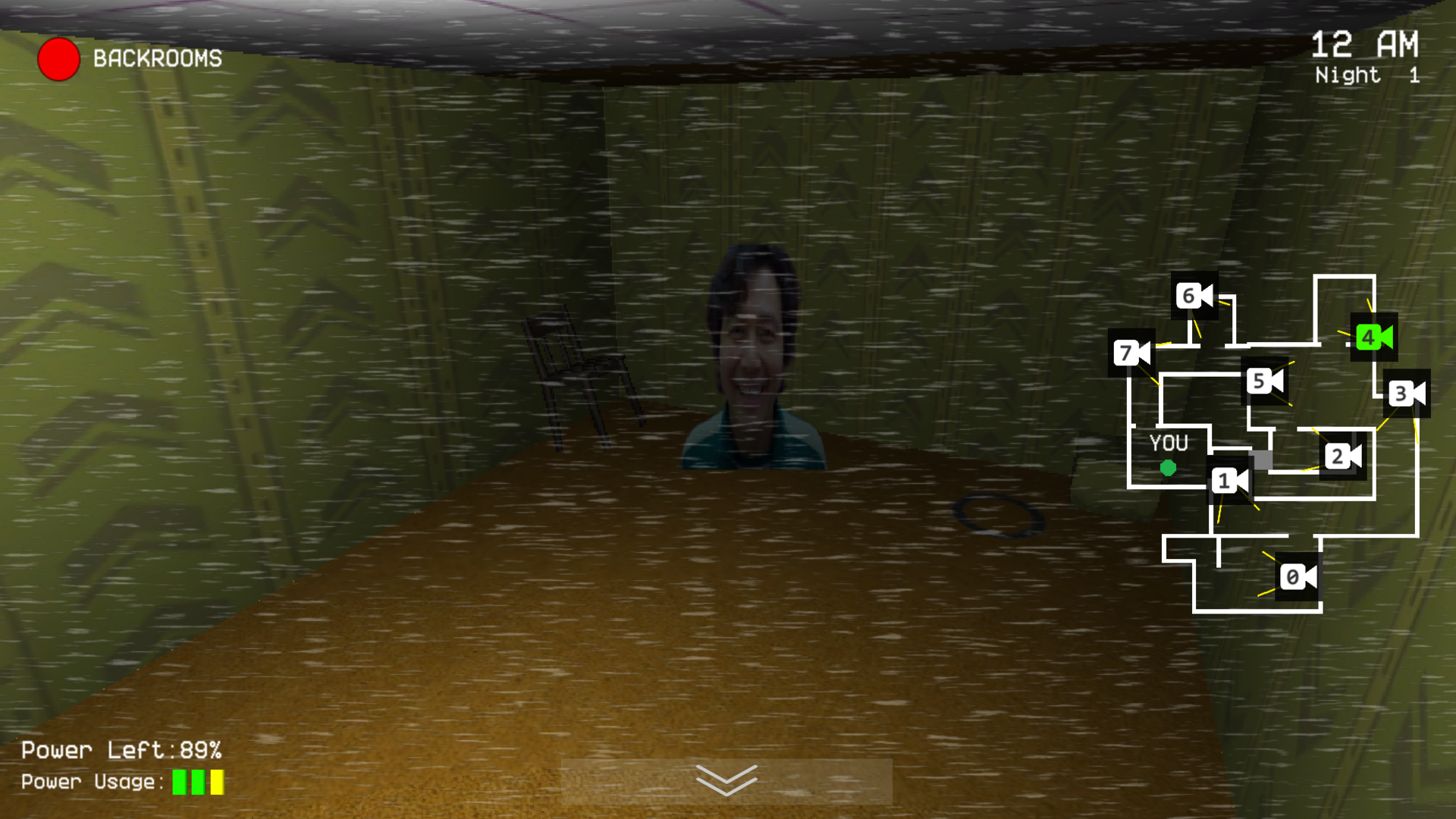
  • Squid Game - Five Nights screenshot 1
  • Squid Game - Five Nights screenshot 2
  • Squid Game - Five Nights screenshot 3
  • Squid Game - Five Nights screenshot 4
  • Squid Game - Five Nights screenshot 5
  • Squid Game - Five Nights screenshot 6
Play Now

11,515 players online

How to play

  1. Open the game

    Press Play now and the game opens on its own screen.

  2. Follow the in-game instructions

    The controls and goals are shown inside the game as you play.

  3. Use the game menu

    The floating button over the game reloads it, saves it to your favourites, or takes you back out.

Game instructions

The goal of the game is to survive for five nights, each more difficult than the previous ones. To do this, you have two doors (right and left) with lighted passages behind them and a tablet connected to the CCTV cameras. But not everything is so simple, because all these devices consume electricity, and it is limited, so spend it wisely! PC control: S - look through the cameras. Q (hold) - turn on the light in the left door. E (hold) - turn on the light in the right door. A - open/close the left door. D - open/close the right door. Or buttons on the sides of the doors. To rotate the character's head, move the mouse cursor over the buttons on the sides of the screen. Phone/tablet controls: Doors/light - buttons on the sides of the doors. Camera view - button at the bottom of the screen.

More games

More games