Overview
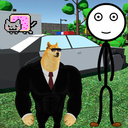
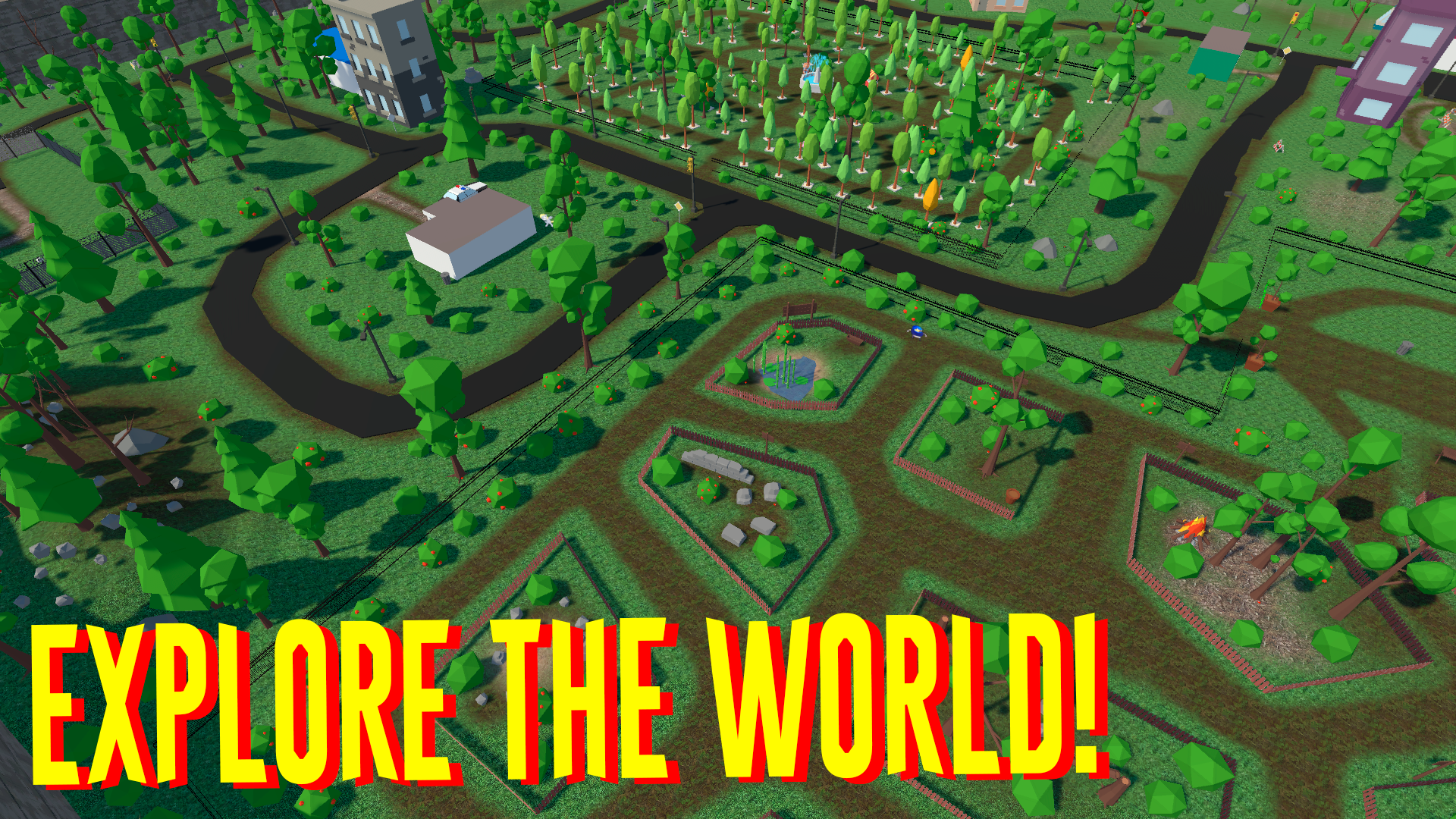
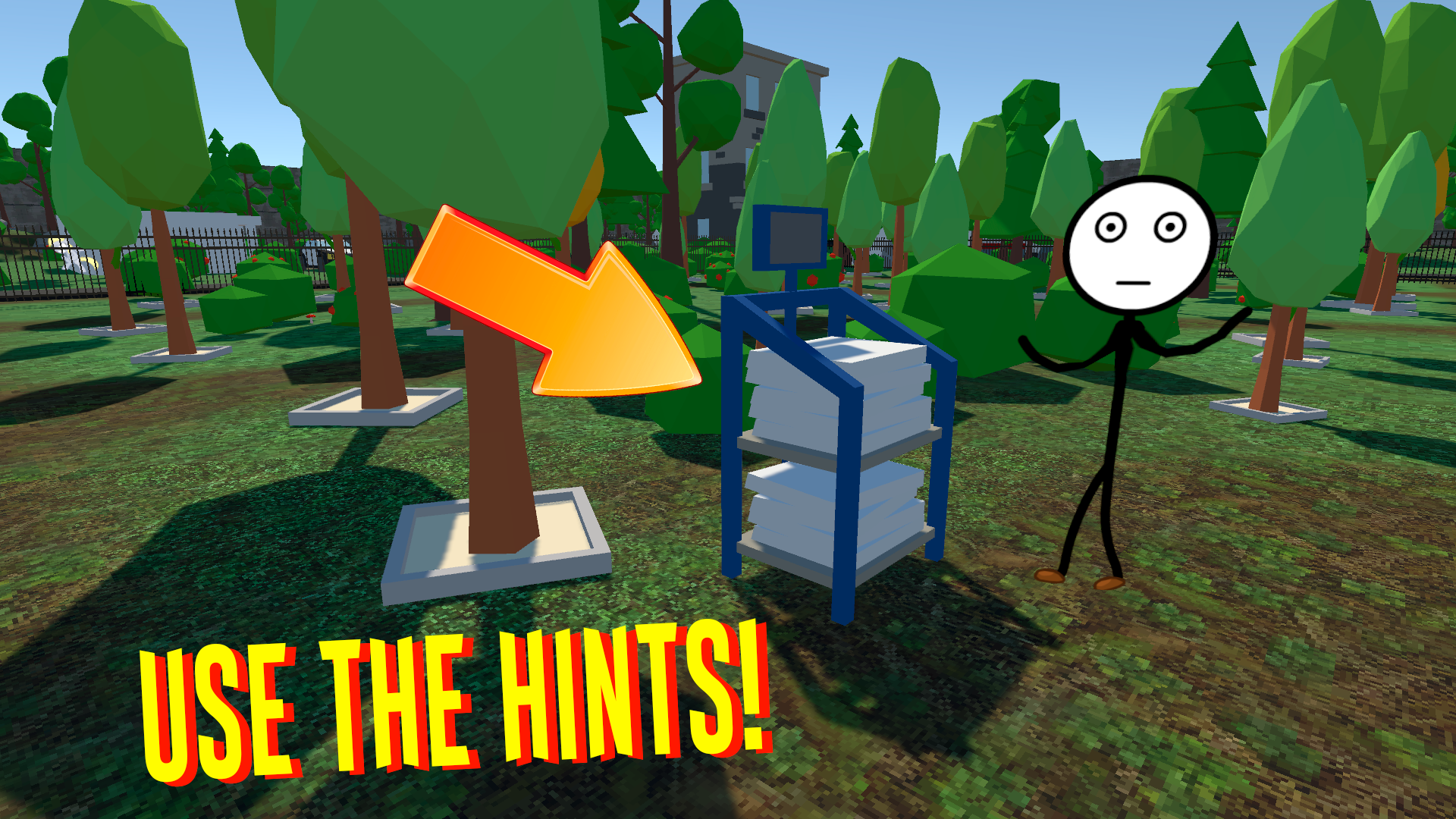
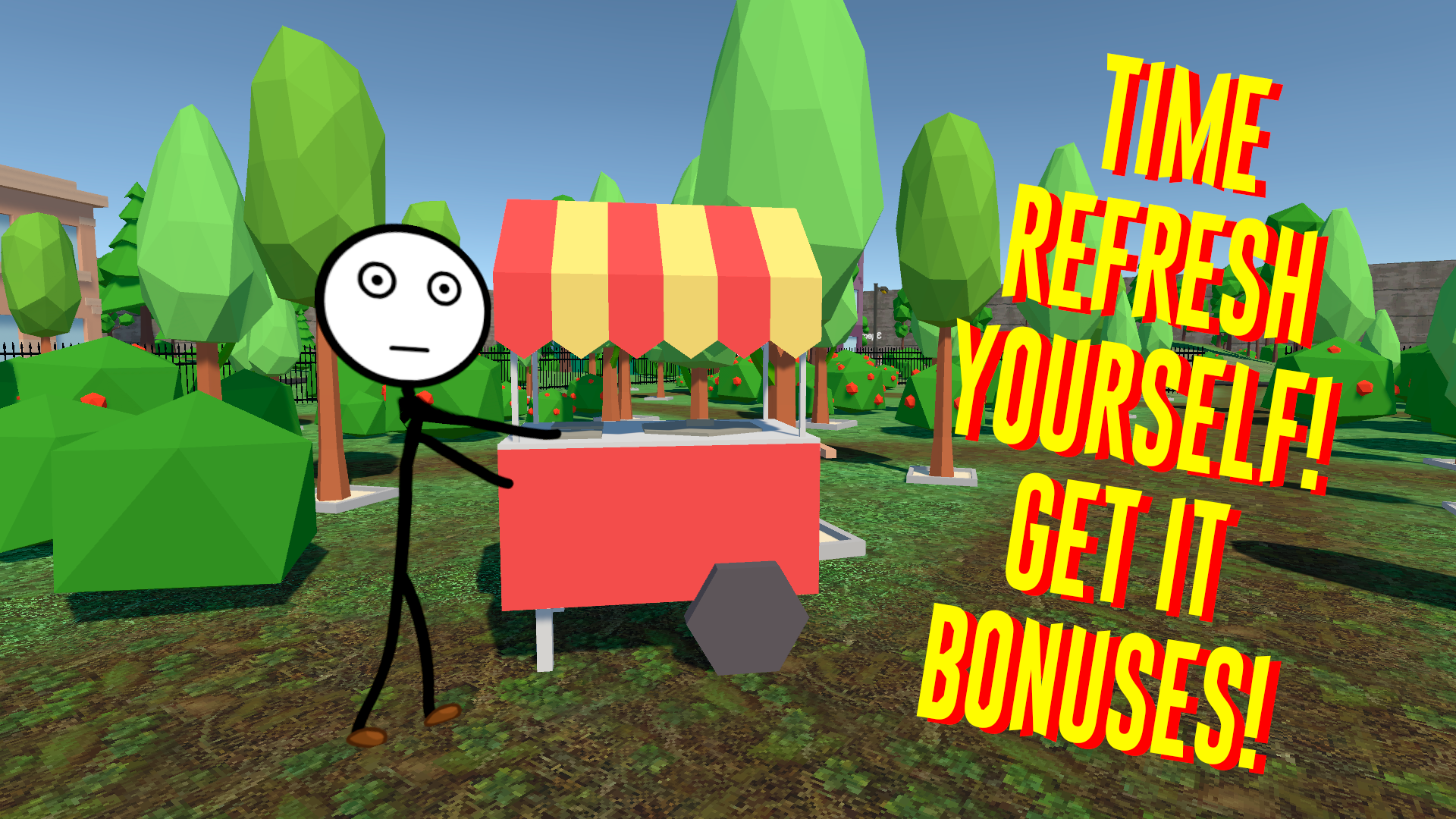
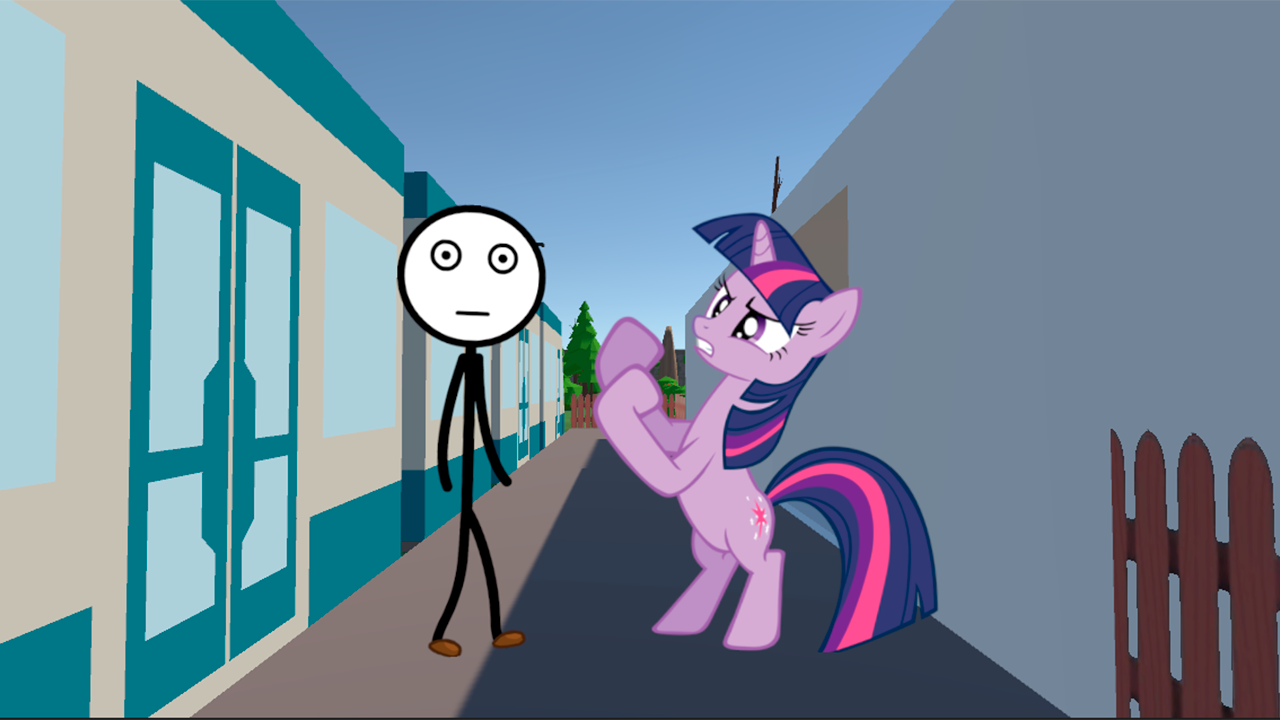
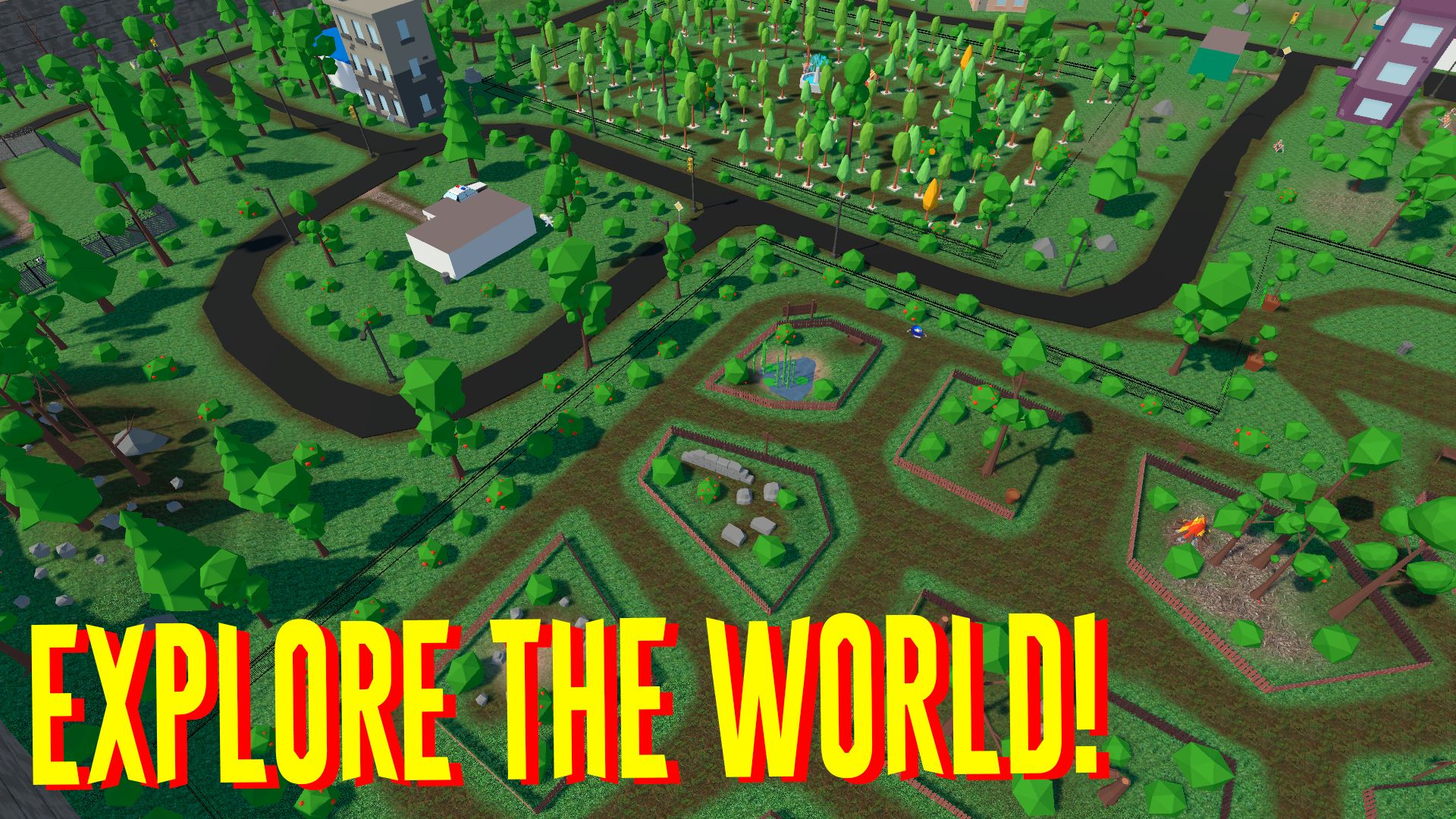
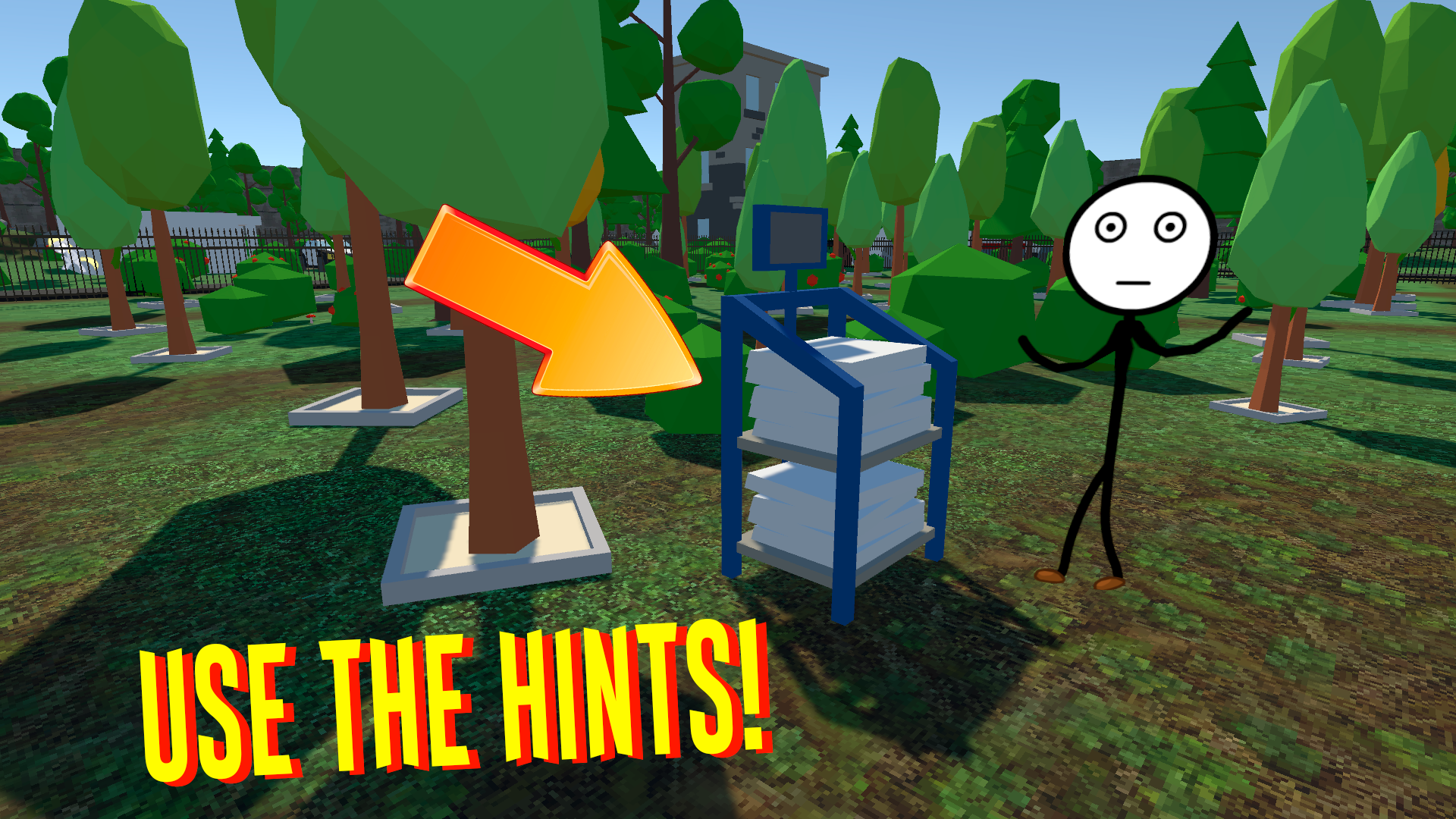
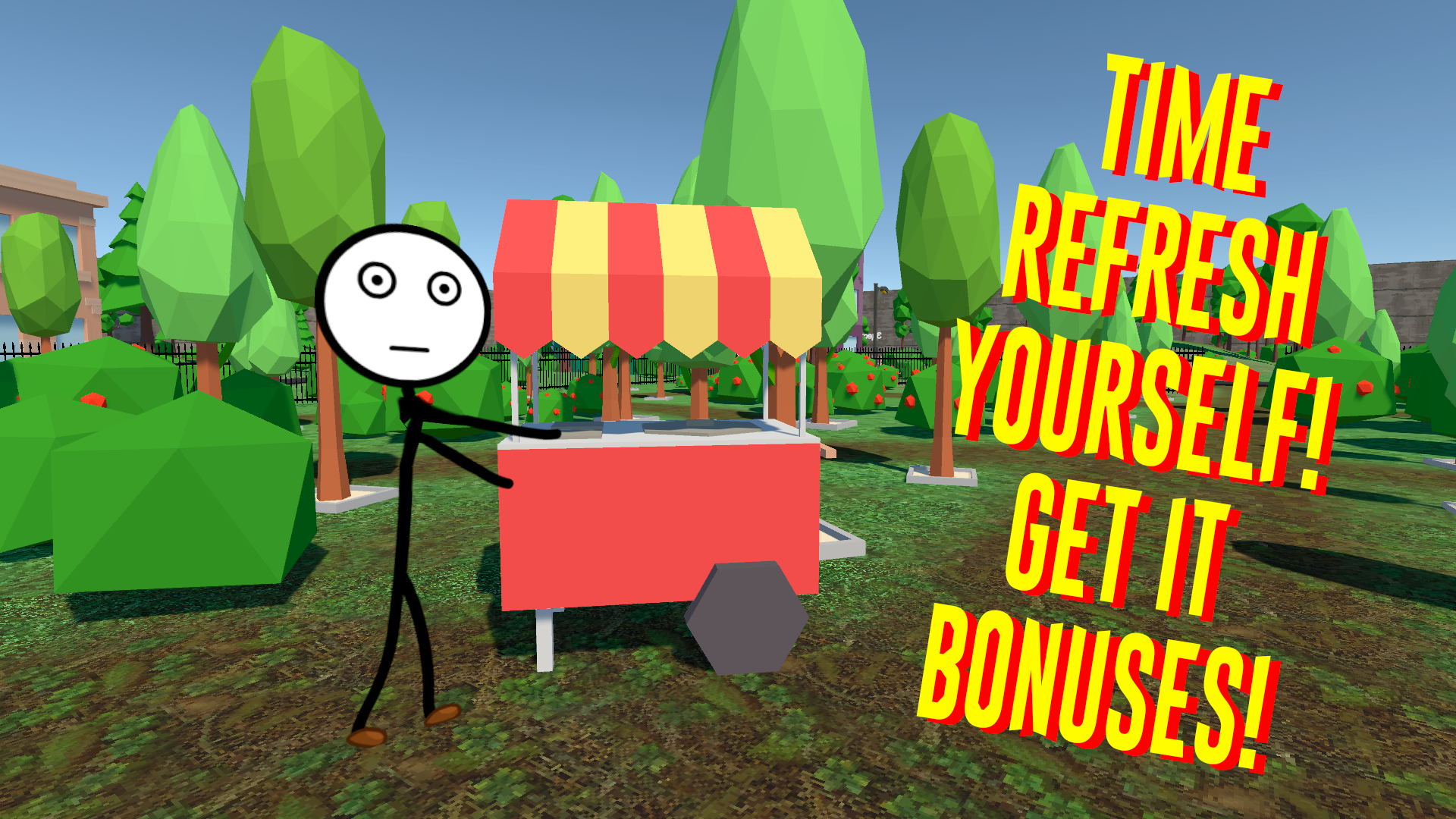
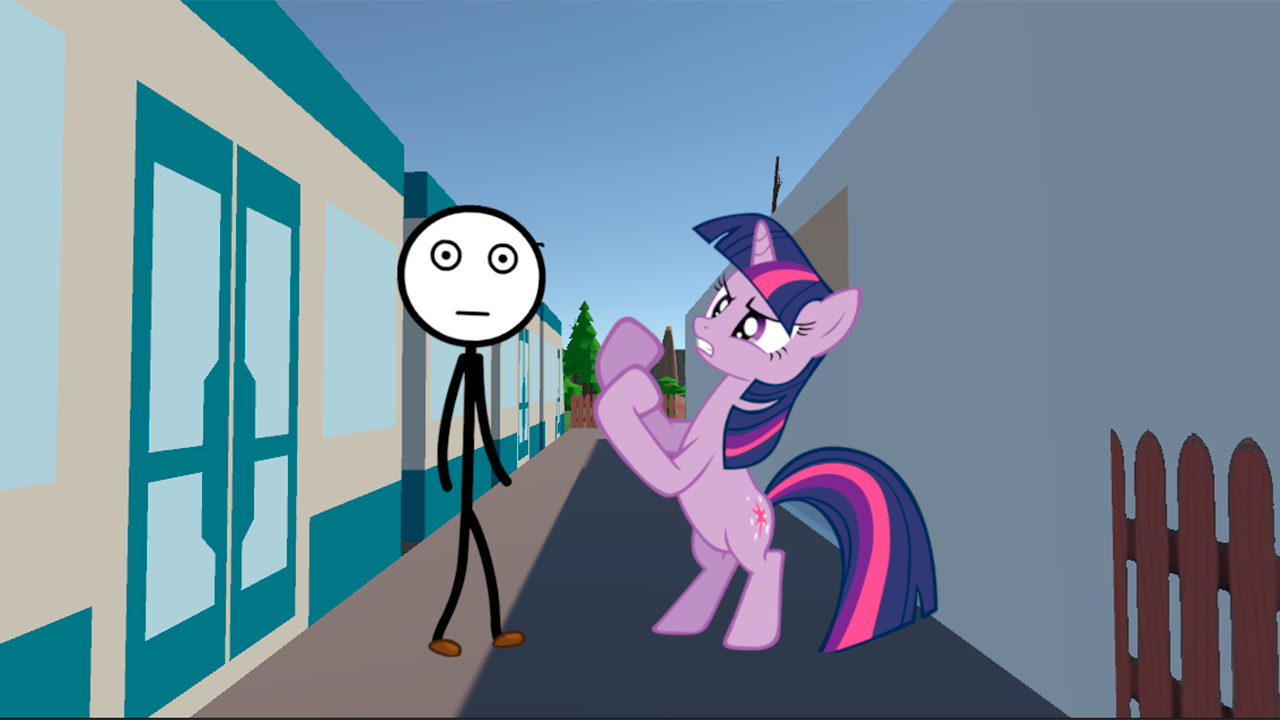
The main character Stick went to the city of memes for a week to relax and gain life experience. There is a lot of entertainment waiting for you in the city of memes! We need to help moms solve their problems, from watering trees to freeing pigeons from prison! This is just a small drop in the sea of possibilities of being in the city of memes! Interesting updates are waiting for you soon! The saturated city of content and entertainment makes this game stand out noticeably from the competition. This game will take a lot of your time, because it is interesting and exciting! So what are you waiting for? Let's go to this fabulous town for a week! Use the hints in the game!
Update:
- Cloud saving
- now you can pick mushrooms at least every day
- added feedback from players to the game
- we have introduced new different animals to the zoo
- More detailed descriptions for in-game controls (with pictures)
- Sounds added to the game
- updated the design for the main menu
- miscellaneous
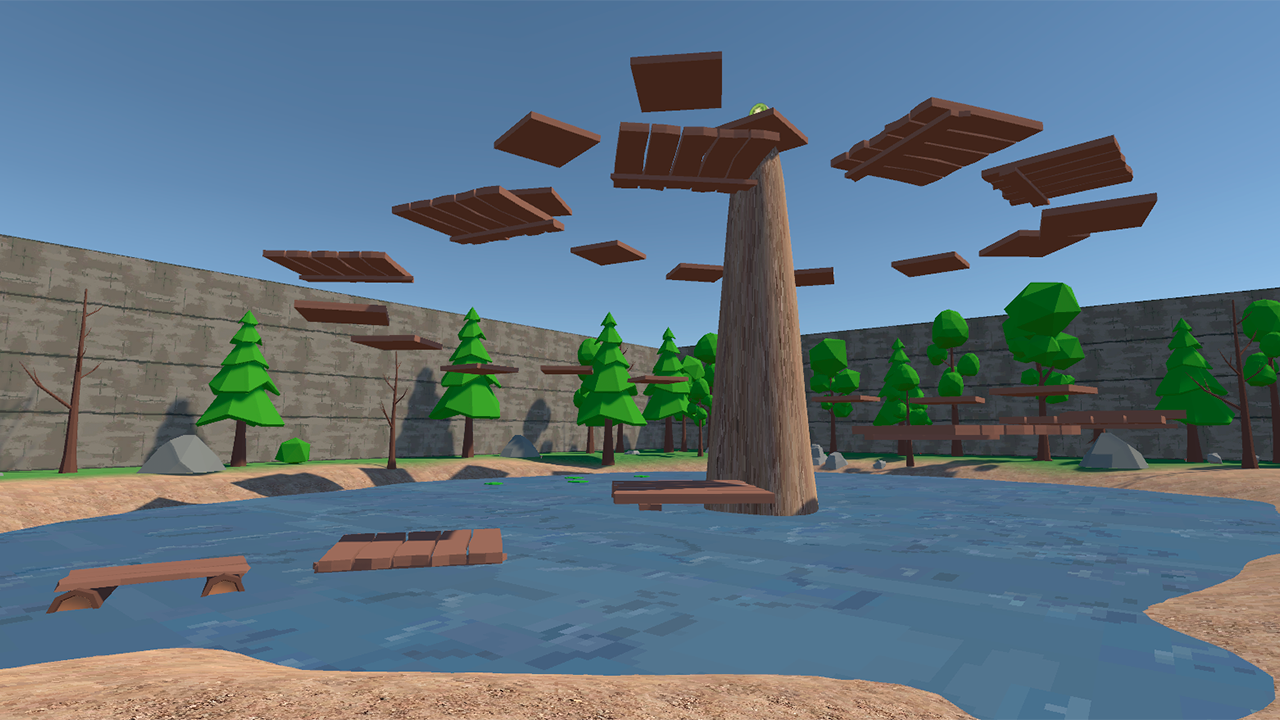
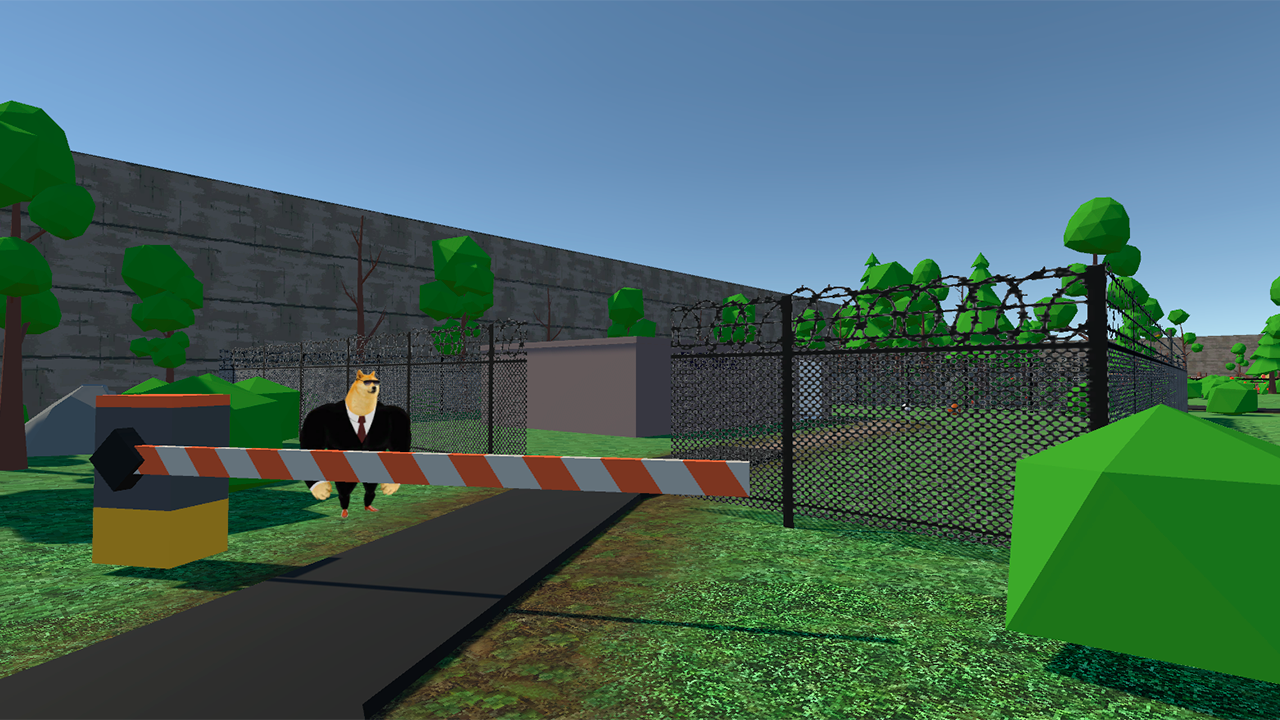
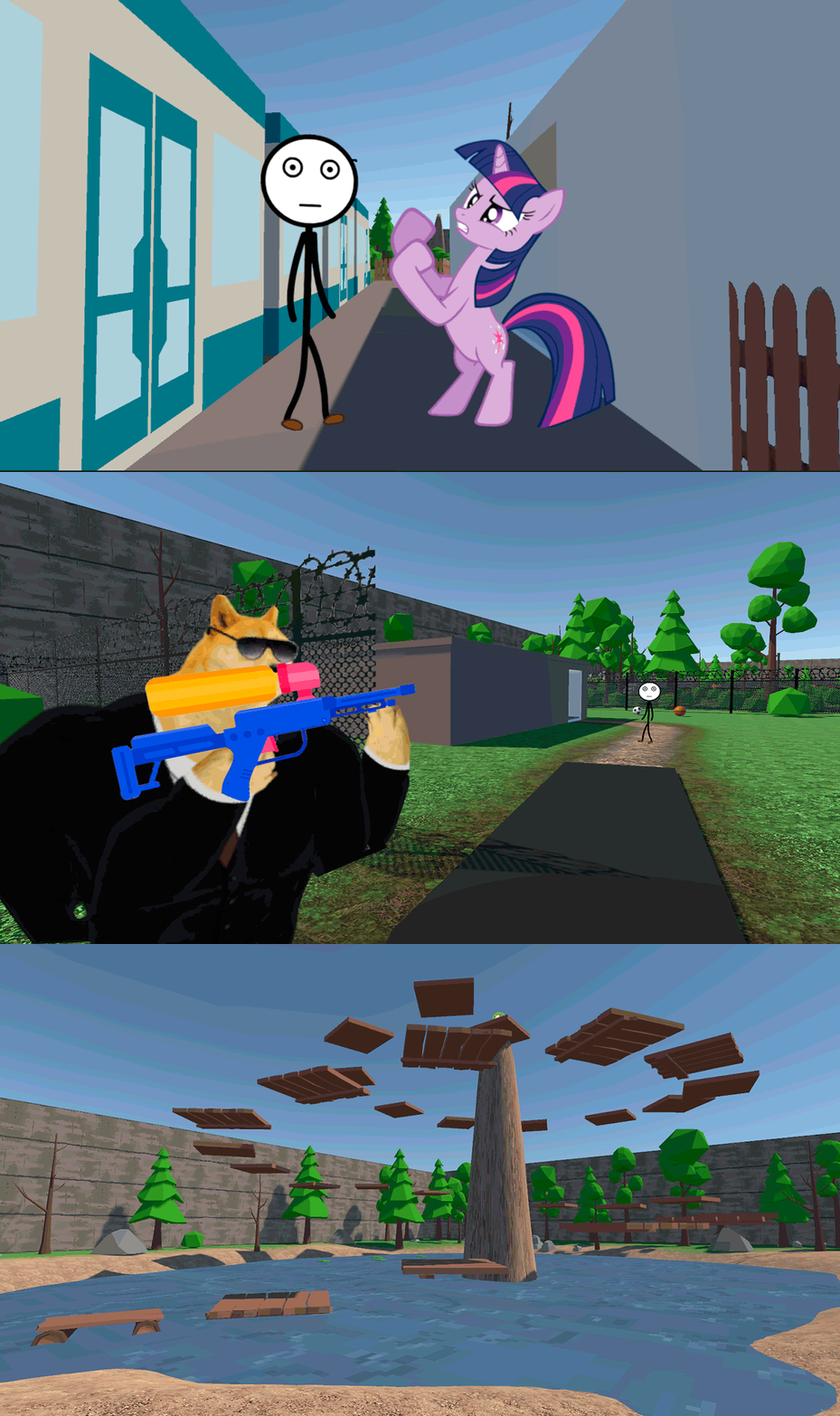
Videos and screenshots
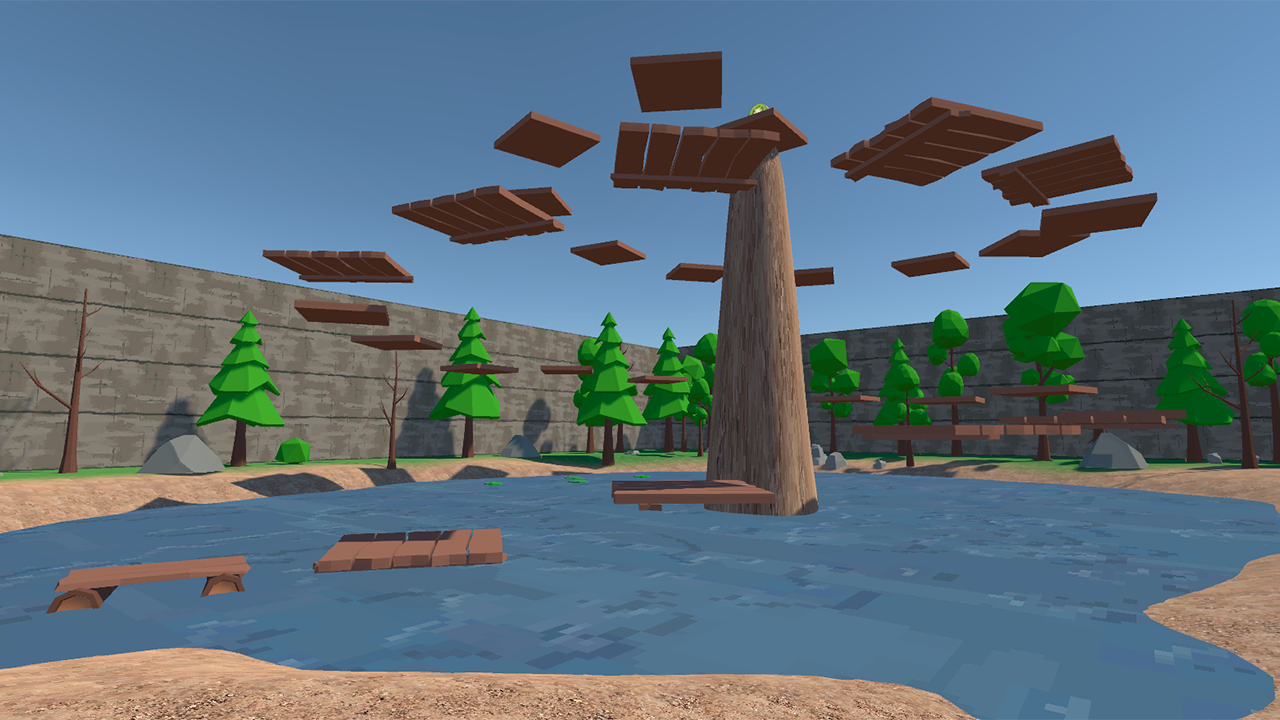
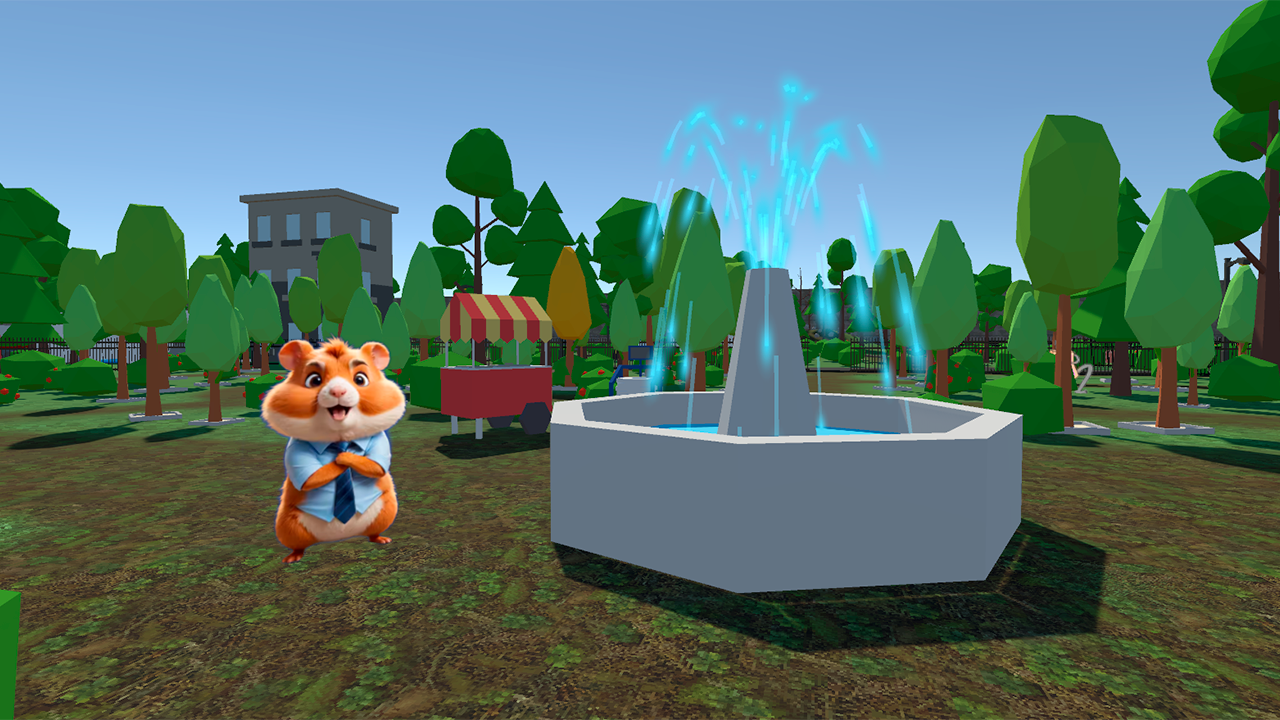
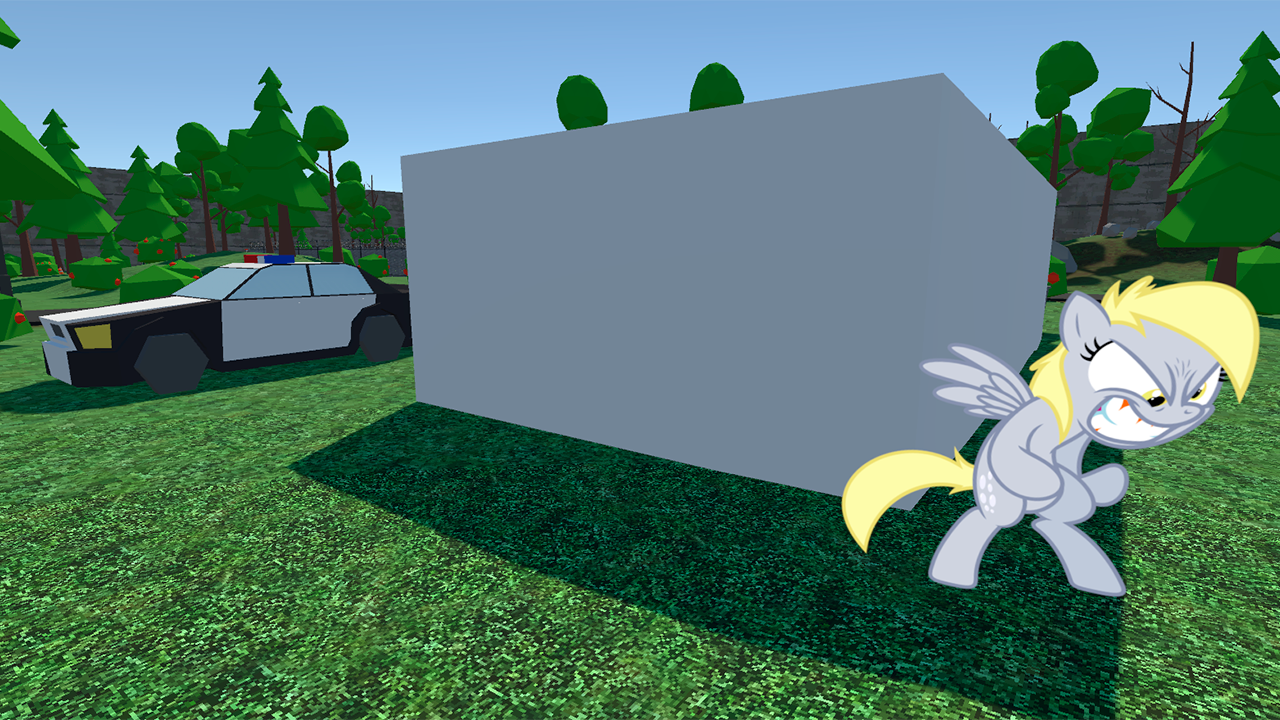
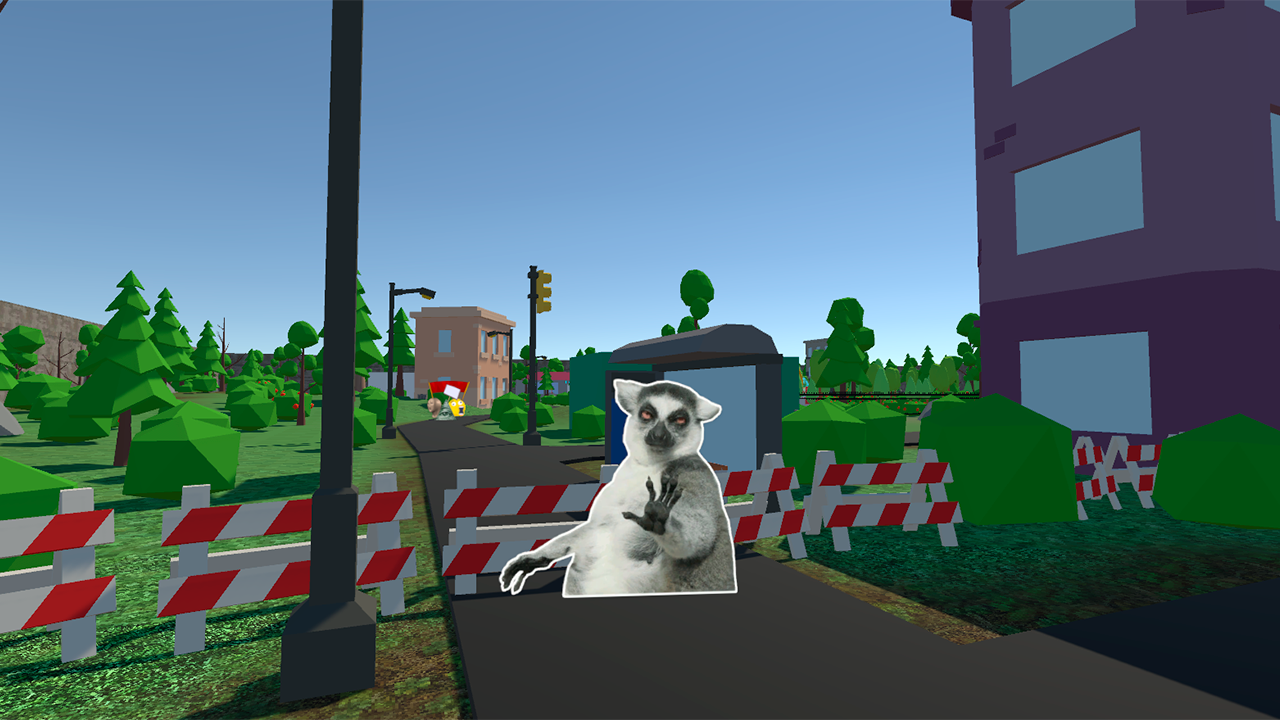



13,106 players online
How to play
-
Open the game
Press Play now and the game opens on its own screen.
-
Follow the in-game instructions
The controls and goals are shown inside the game as you play.
-
Use the game menu
The floating button over the game reloads it, saves it to your favourites, or takes you back out.