Overview
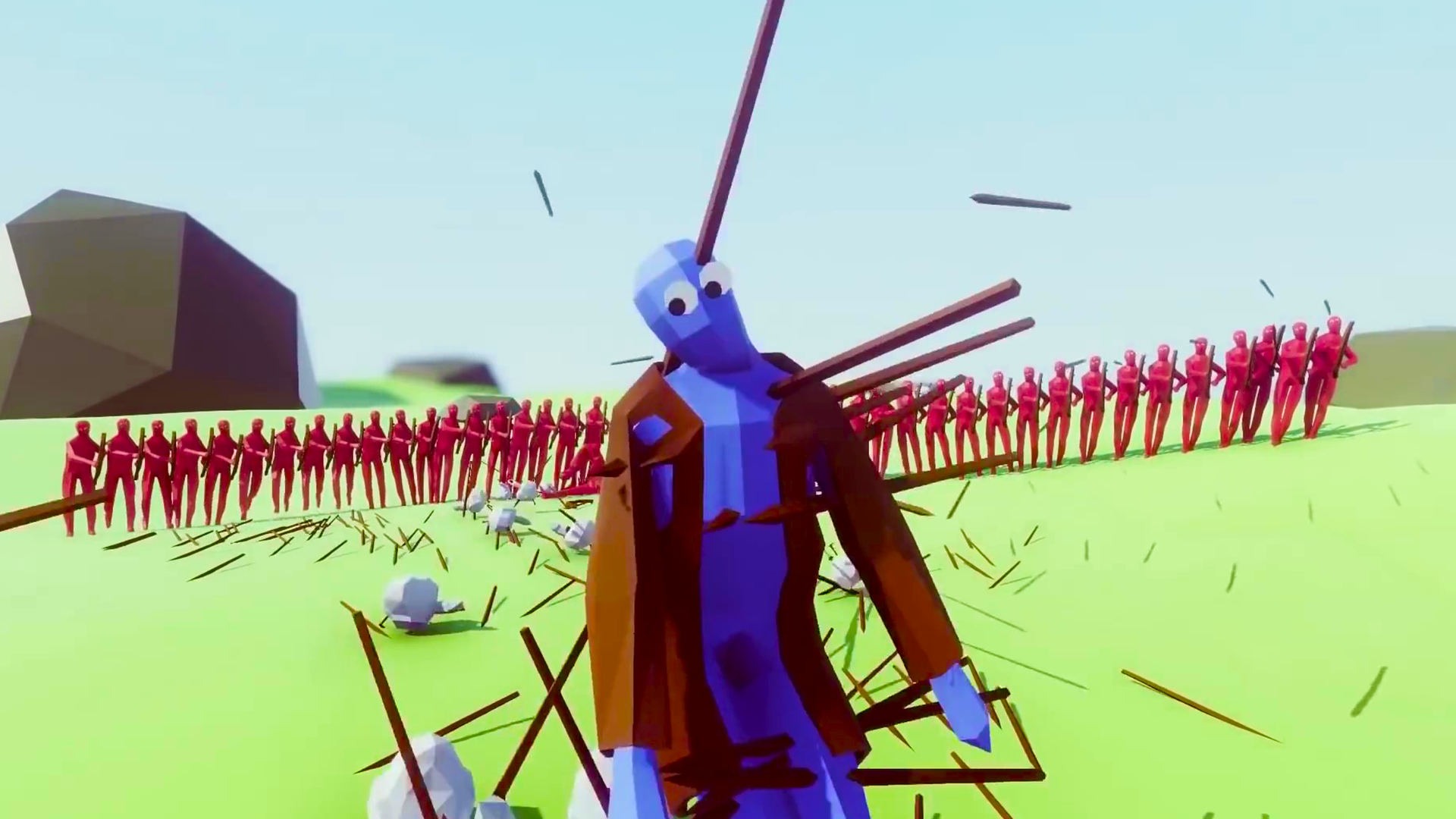
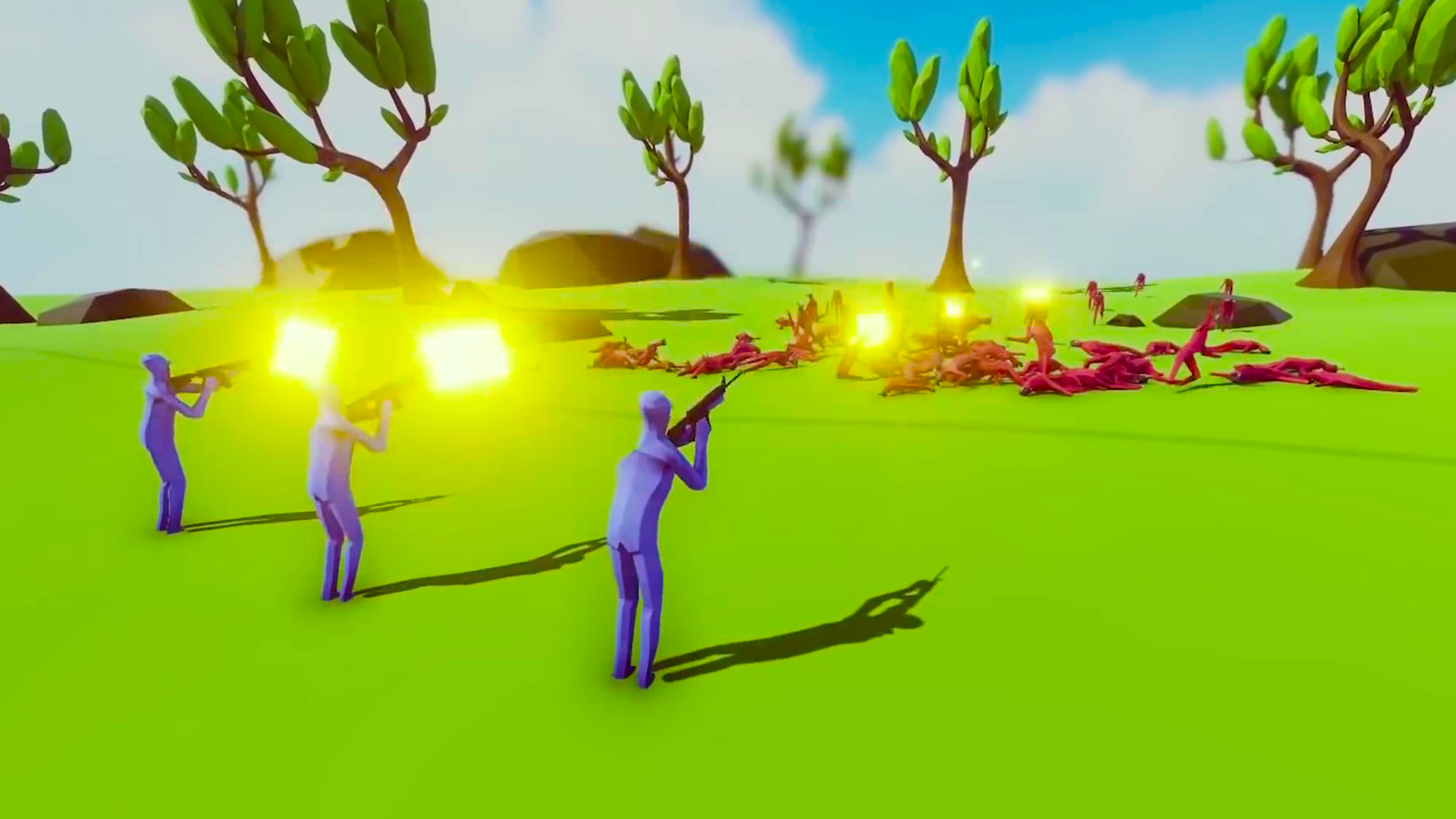
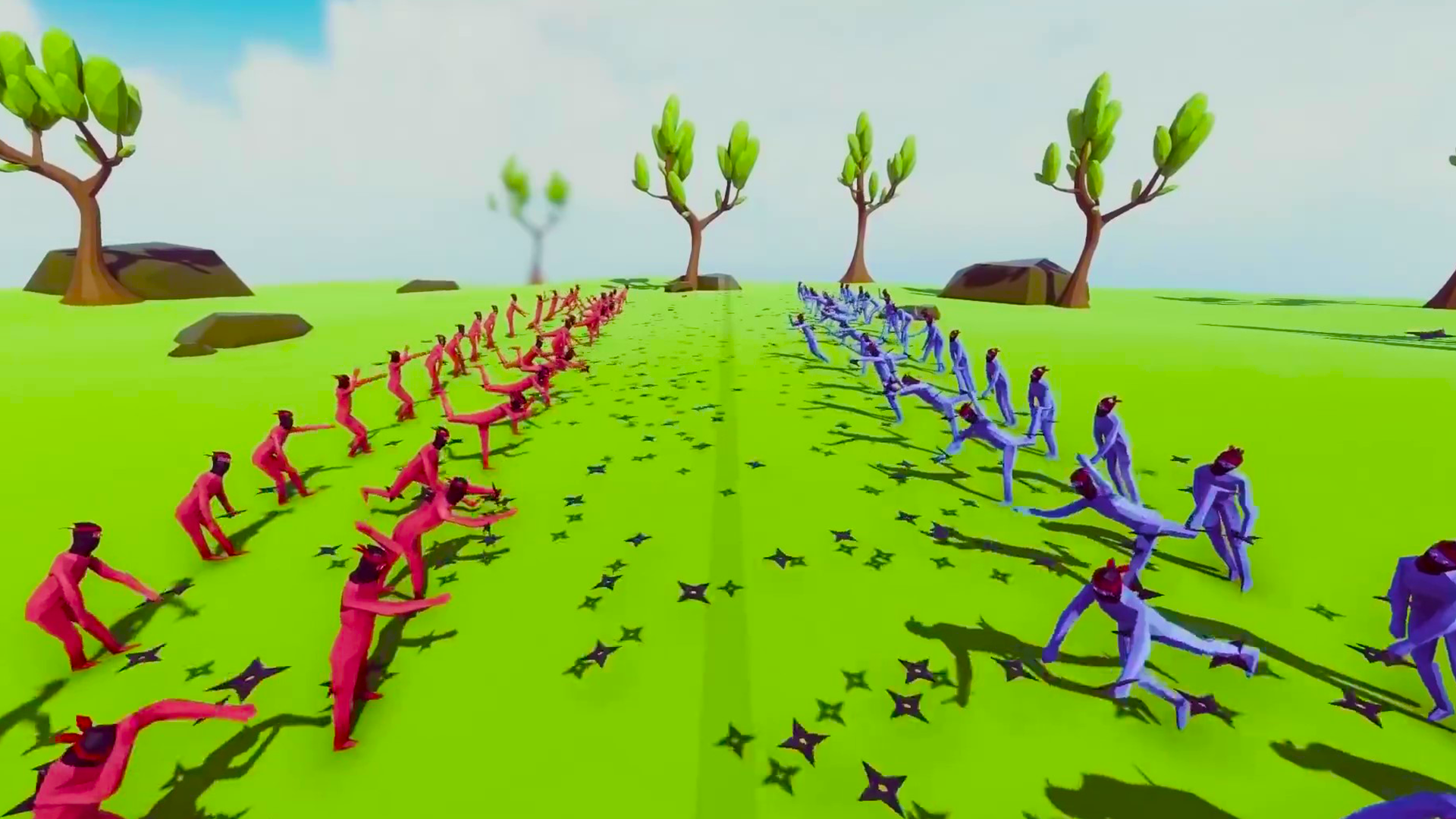
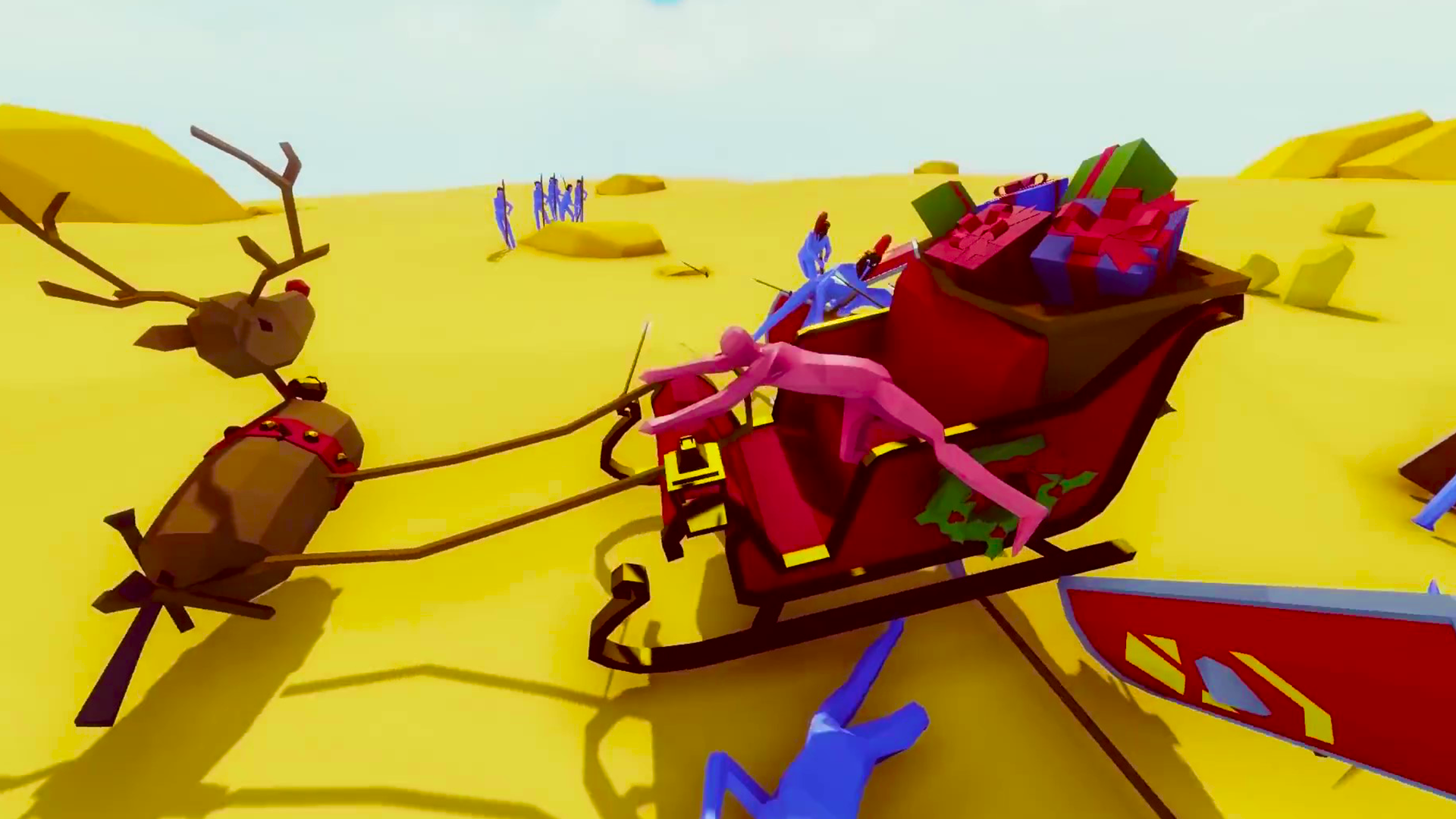
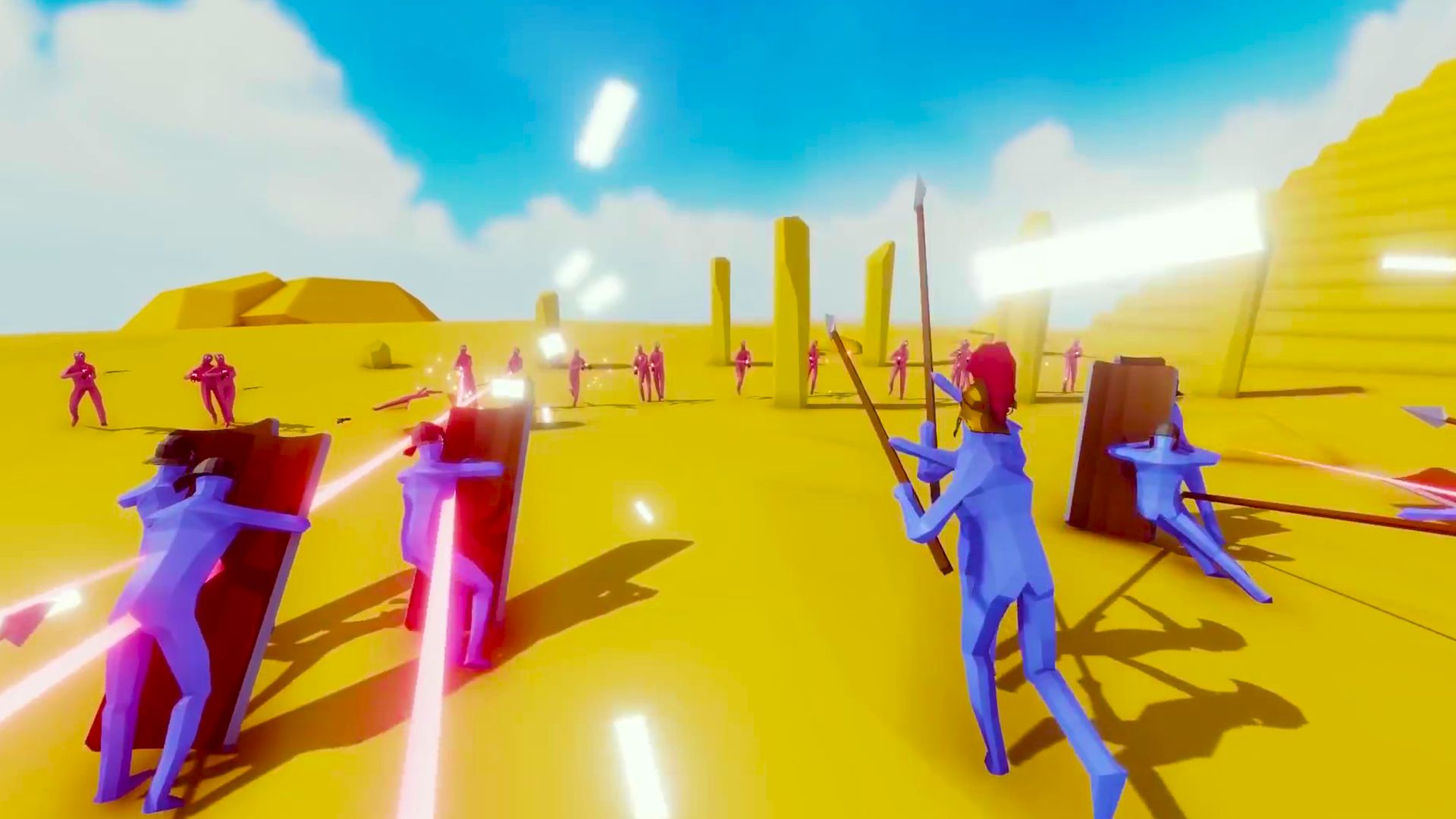
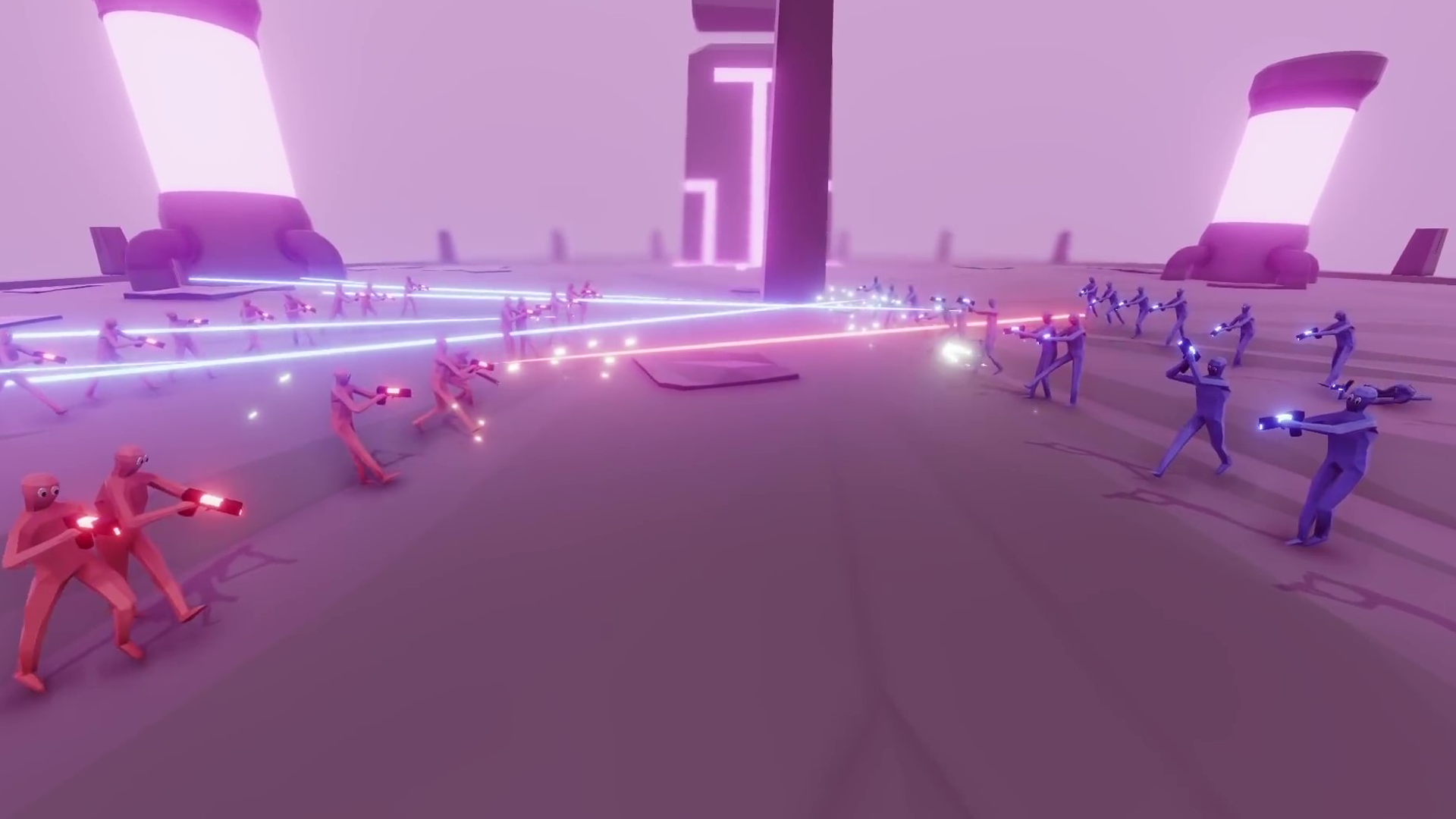
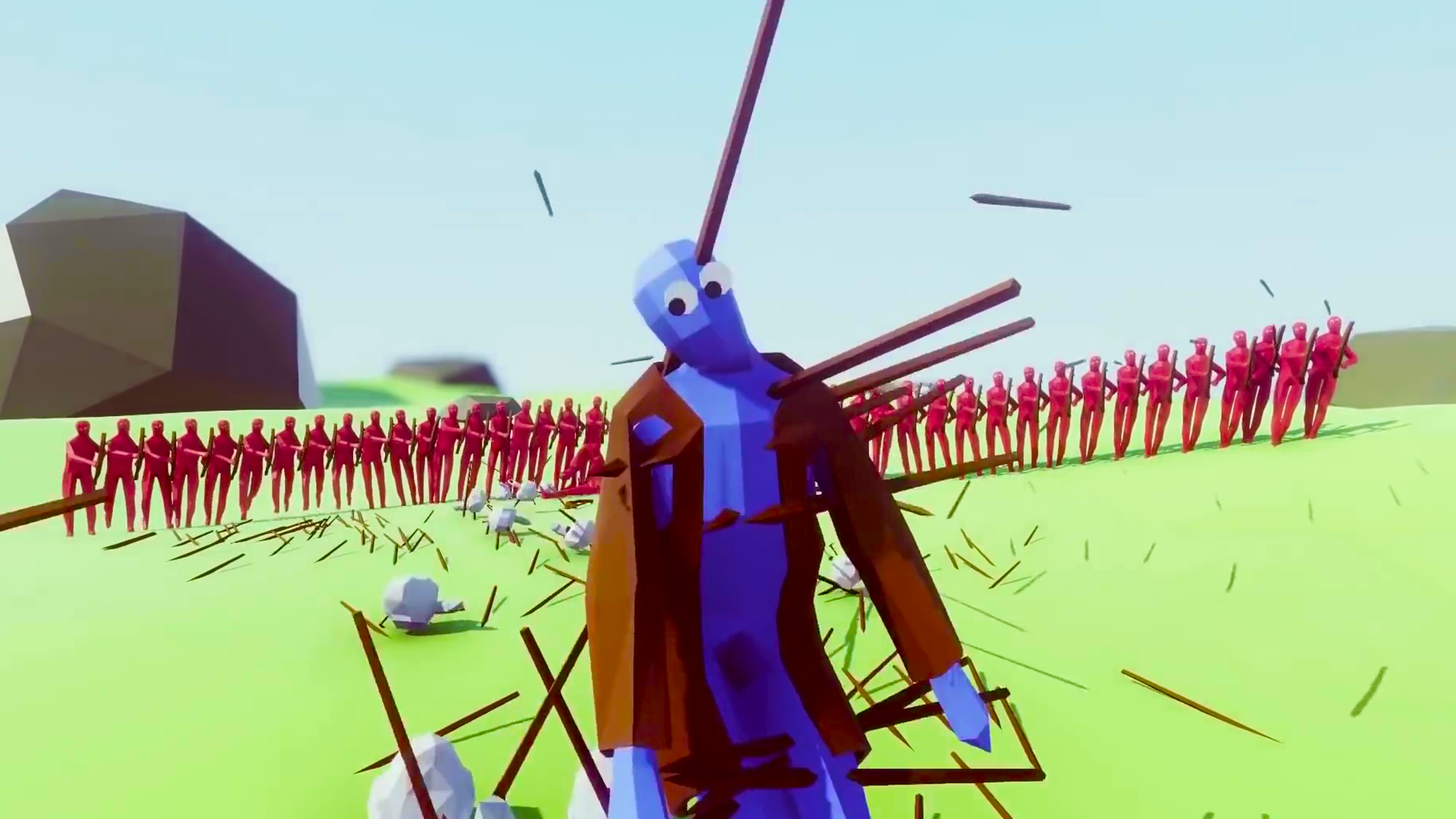
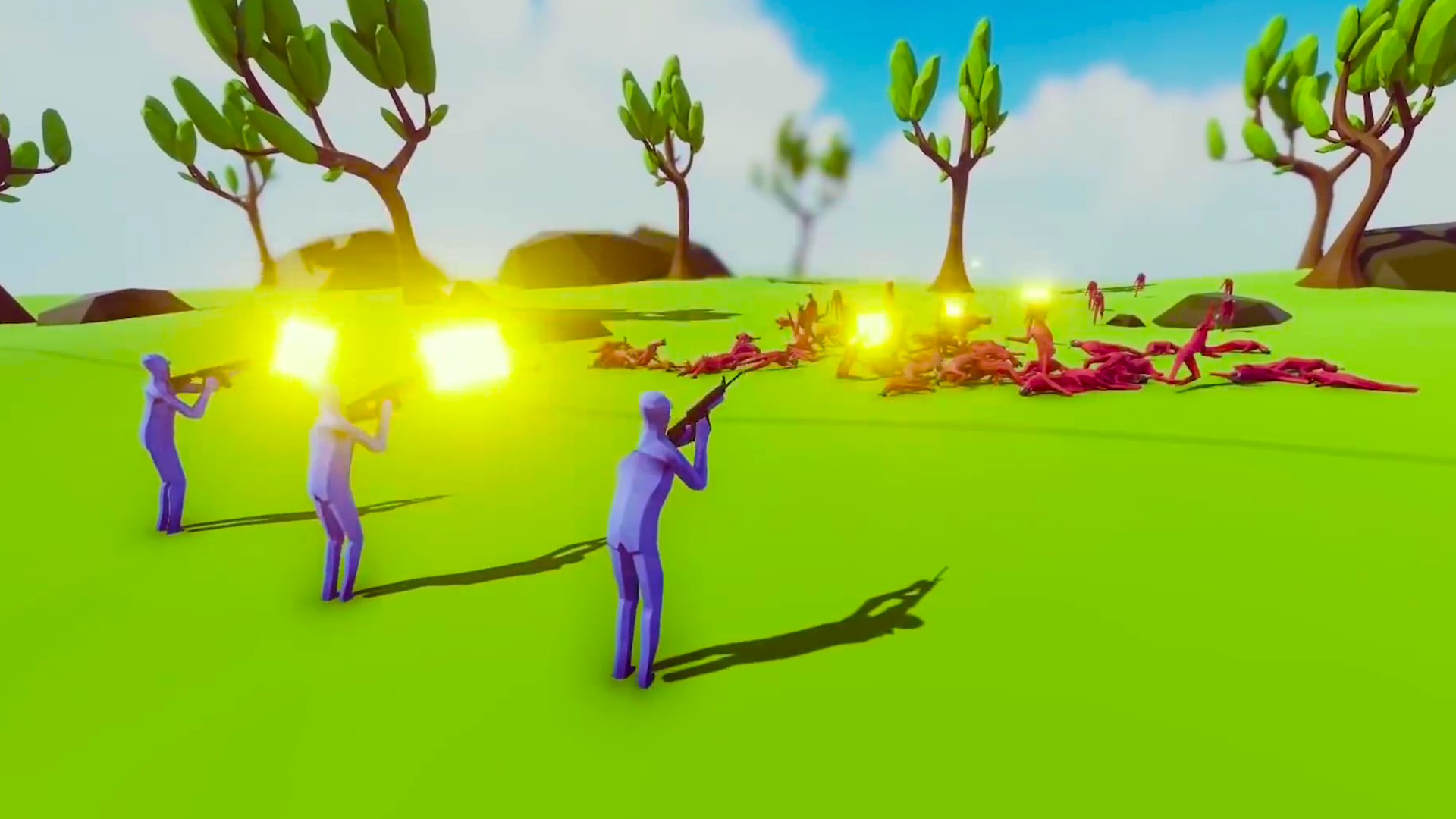
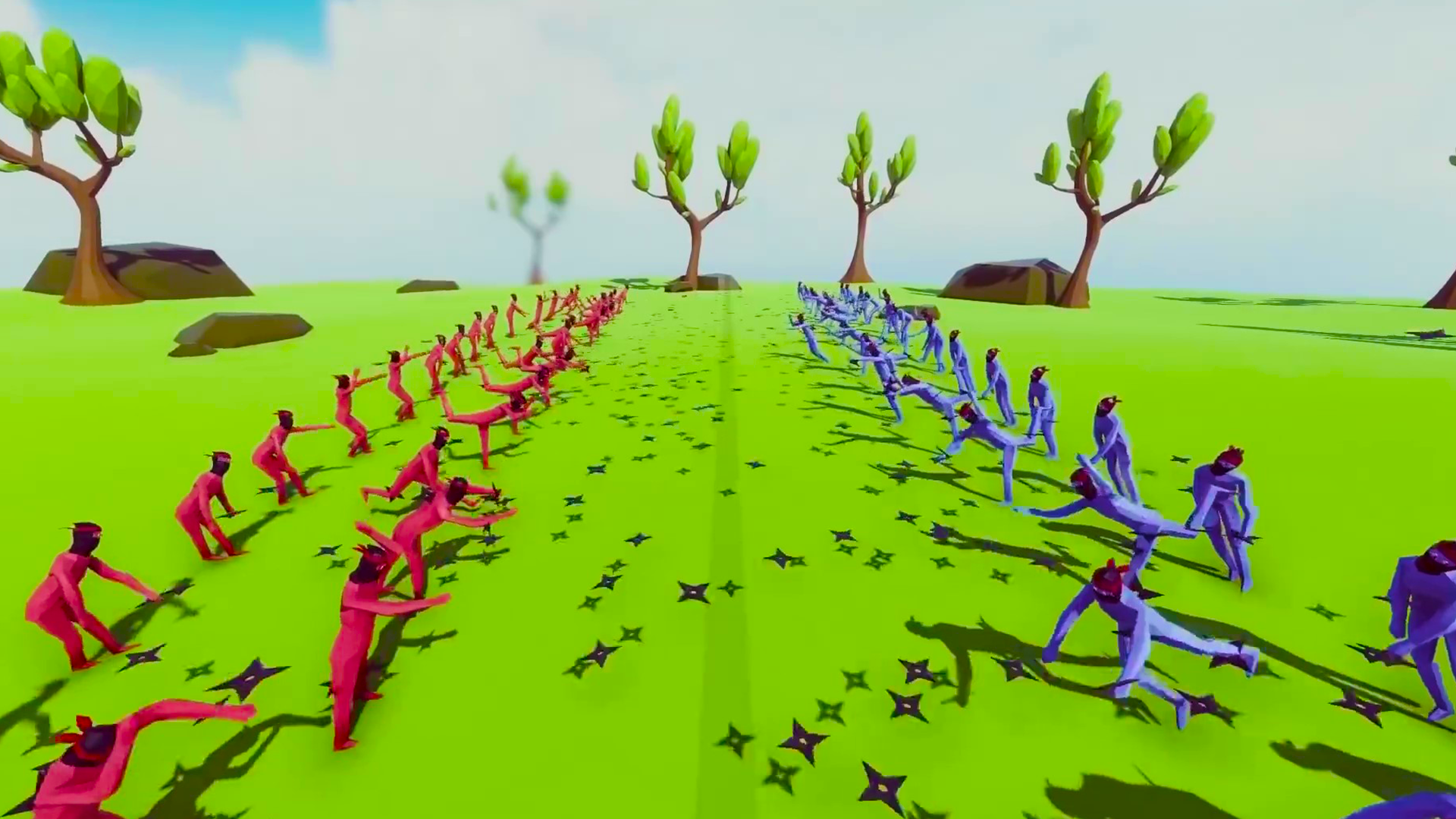
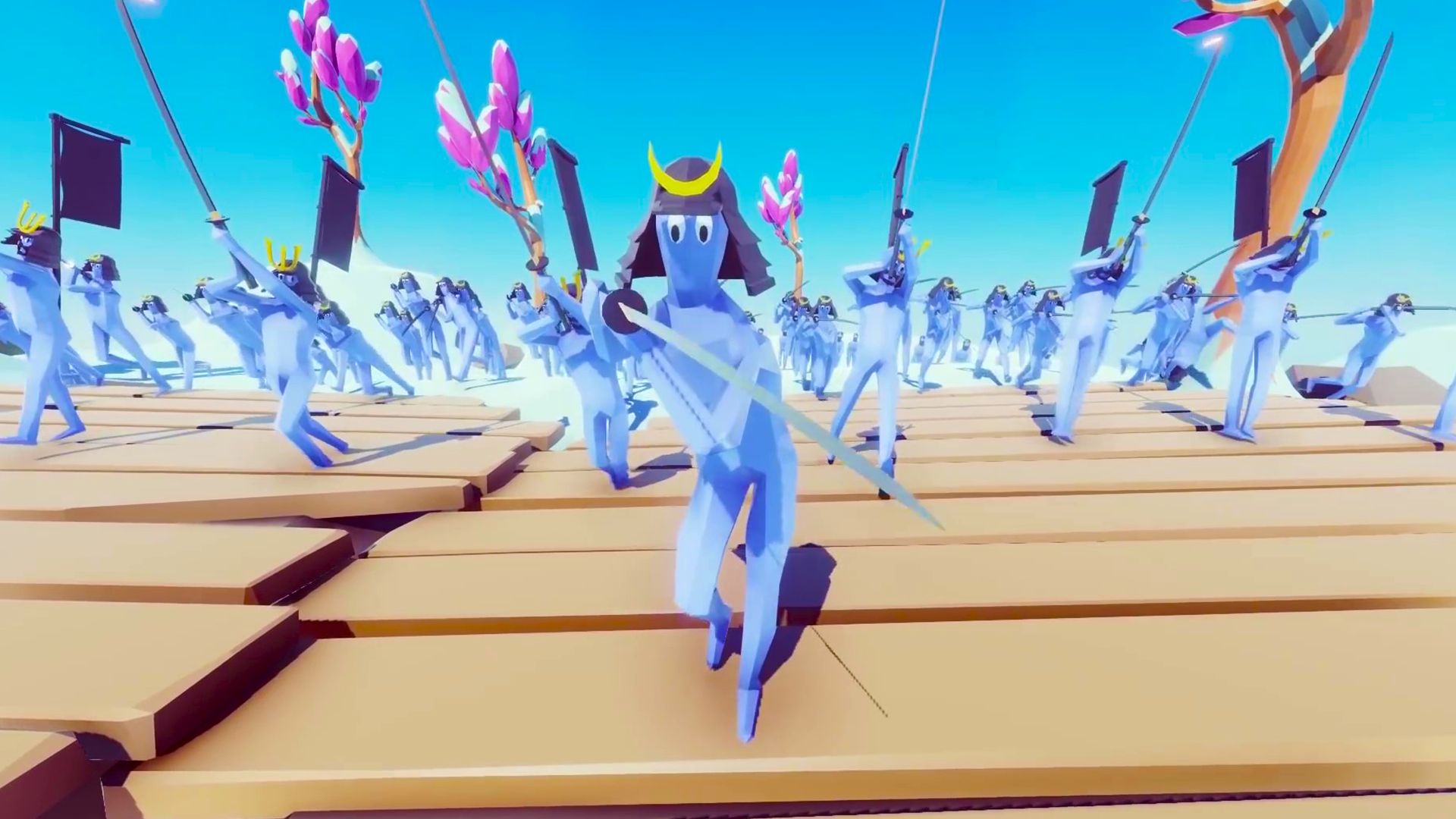
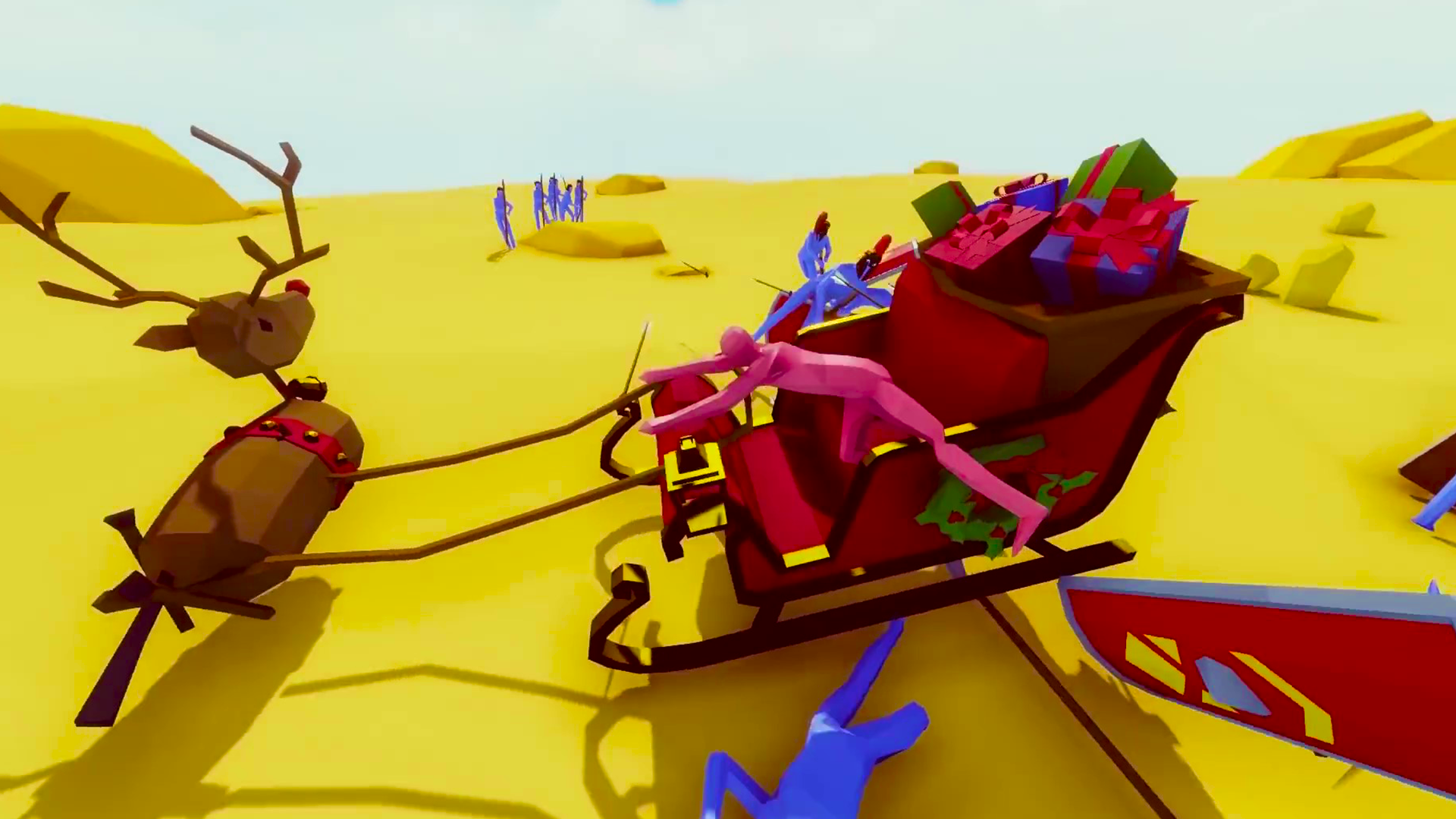
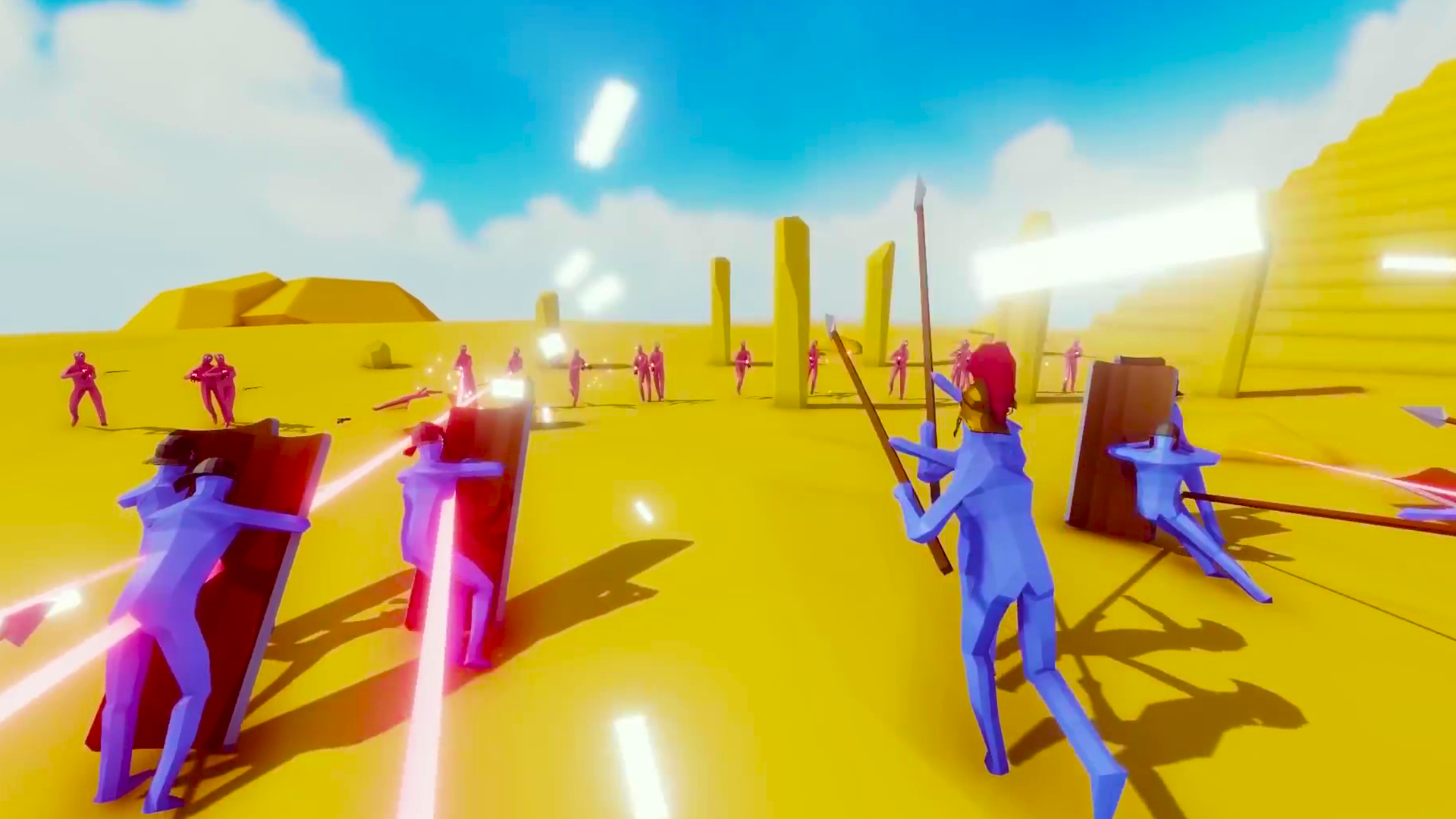
Welcome to TABS. The game has two main modes, Campaign and Sandbox. In the former, players are given a limited amount of in-game money to build an army and defeat enemy forces. In the latter, there is no money limit and players build both armies. The two opposing armies can be placed on opposite sides of the map . As soon as a player presses "Start", the battle begins and the two armies rush forward to attack each other. As soon as one of the armies is defeated, the battle stops and the player is informed who won.
Videos and screenshots


11,296 players online
How to play
-
Open the game
Press Play now and the game opens on its own screen.
-
Follow the in-game instructions
The controls and goals are shown inside the game as you play.
-
Use the game menu
The floating button over the game reloads it, saves it to your favourites, or takes you back out.