Skip to content
KG
Tanks: The Big Battle 2

Tanks: The Big Battle 2

112K plays 4.3 out of 5

Overview

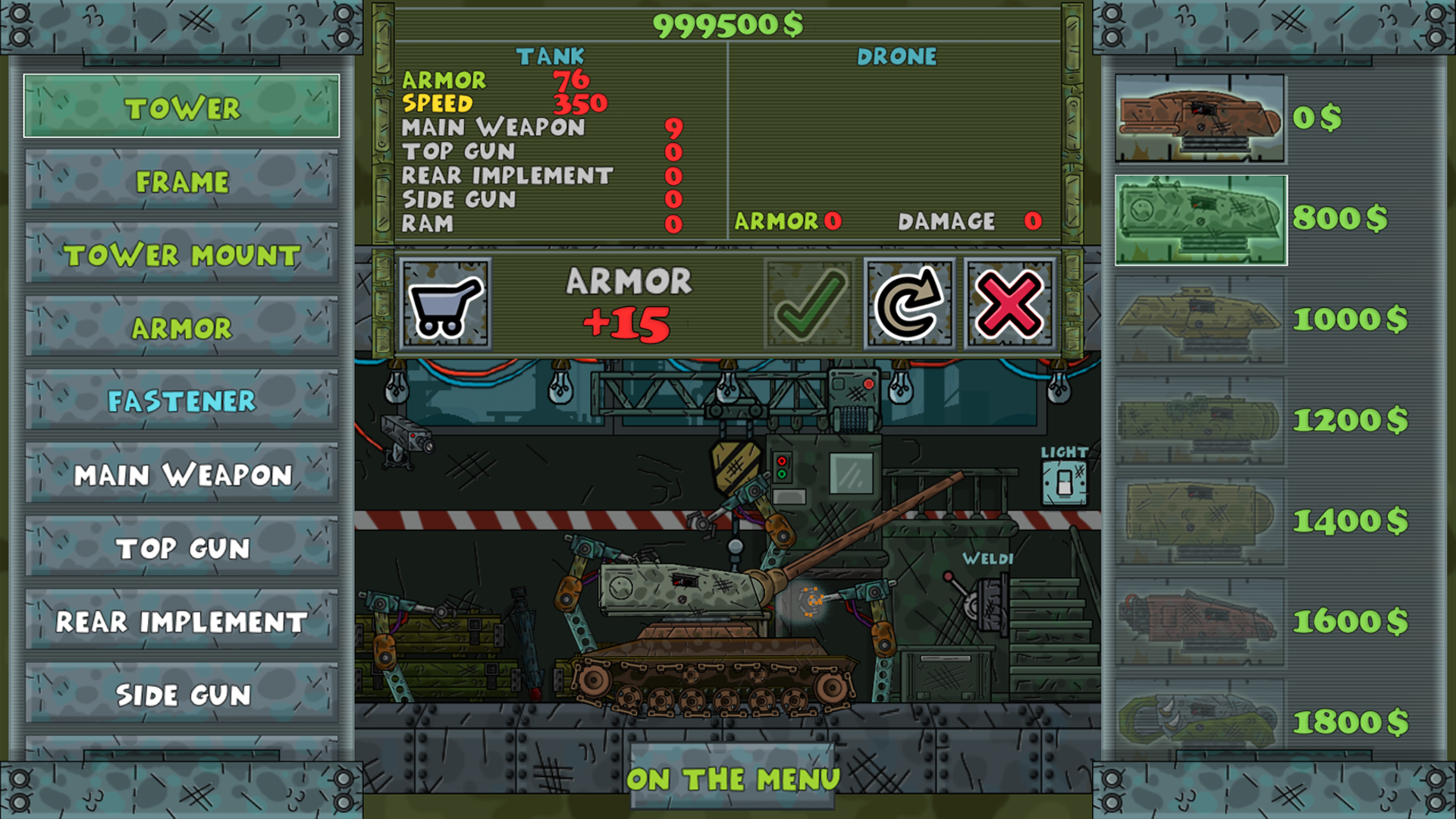
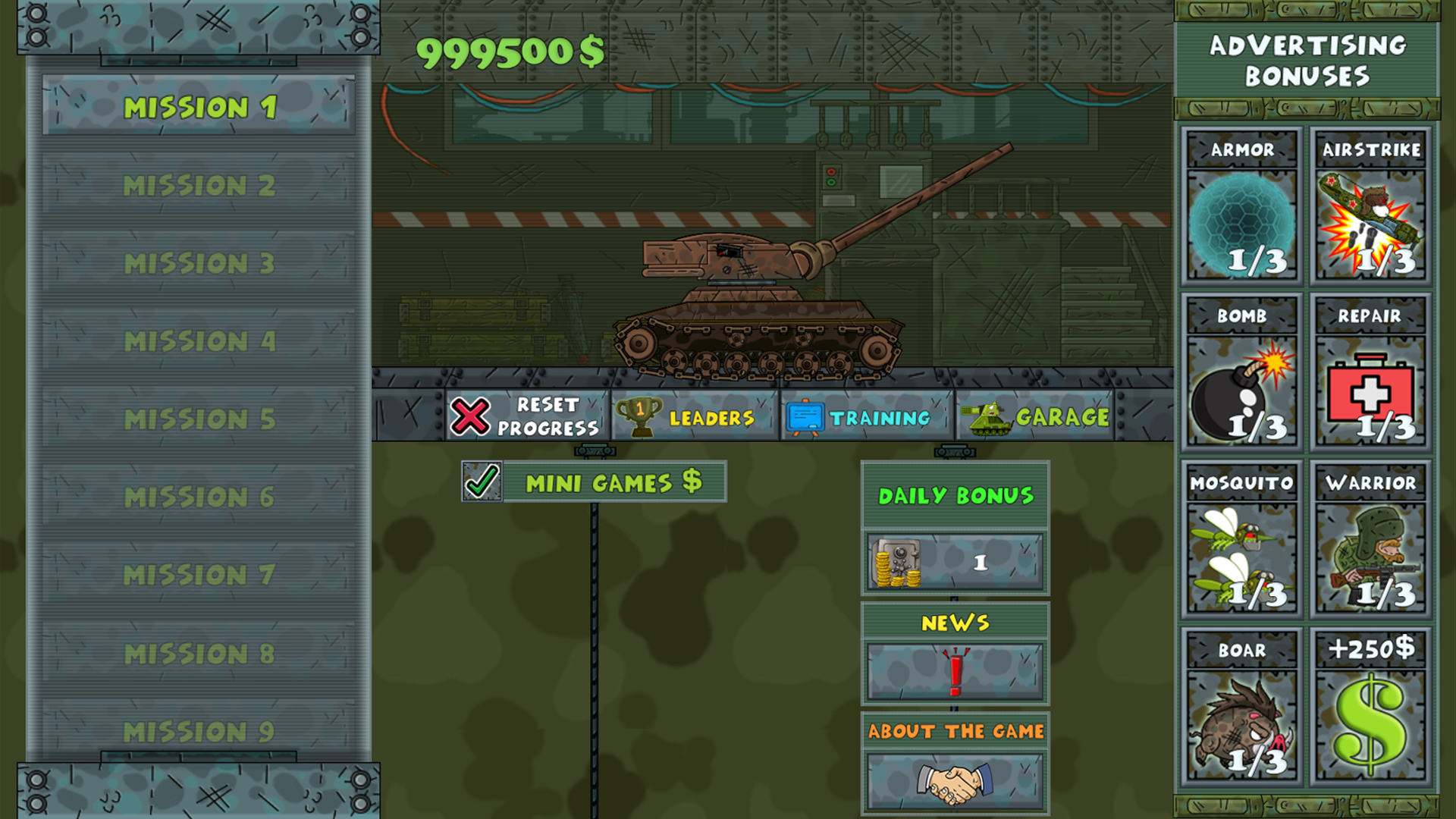
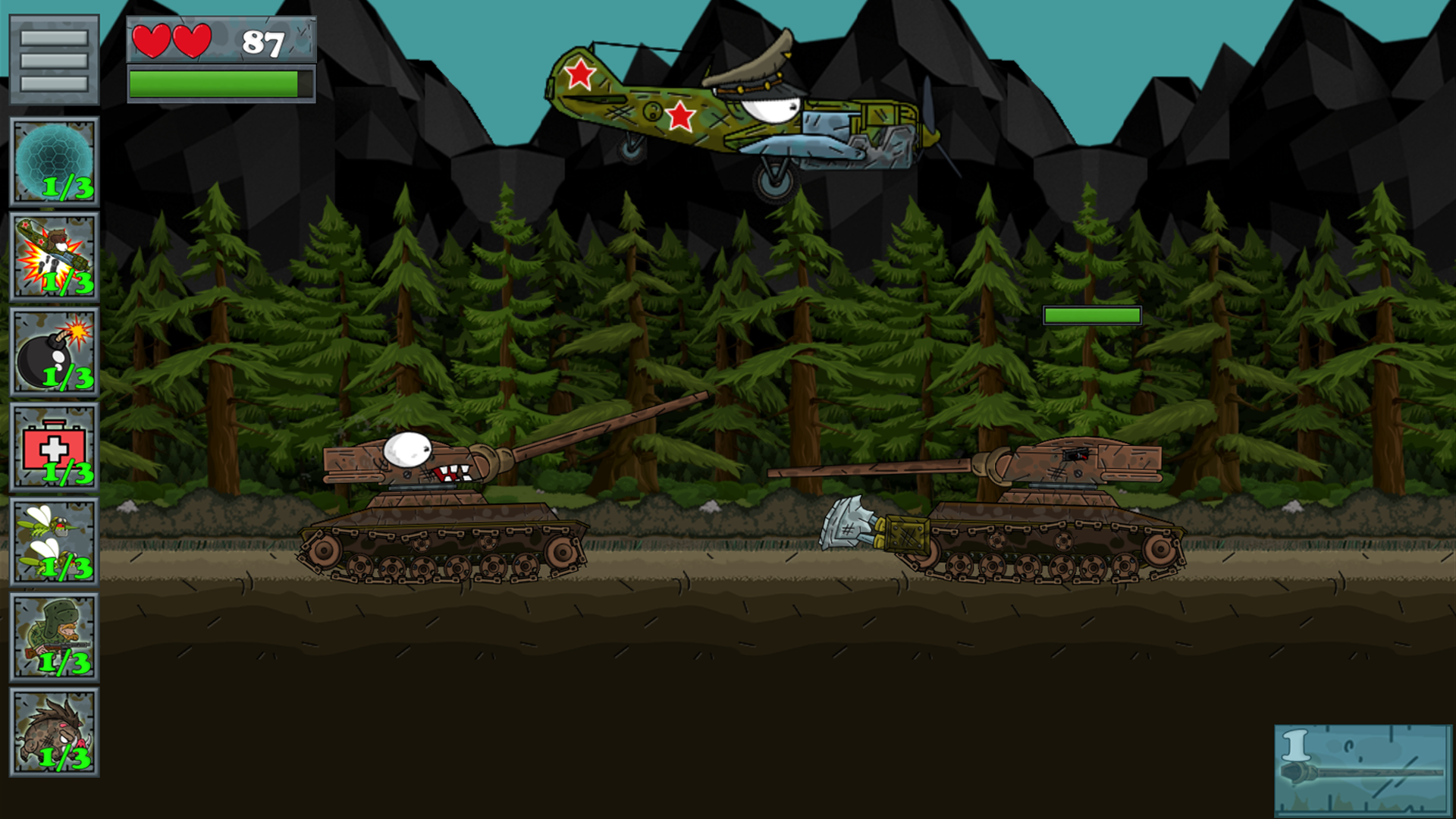
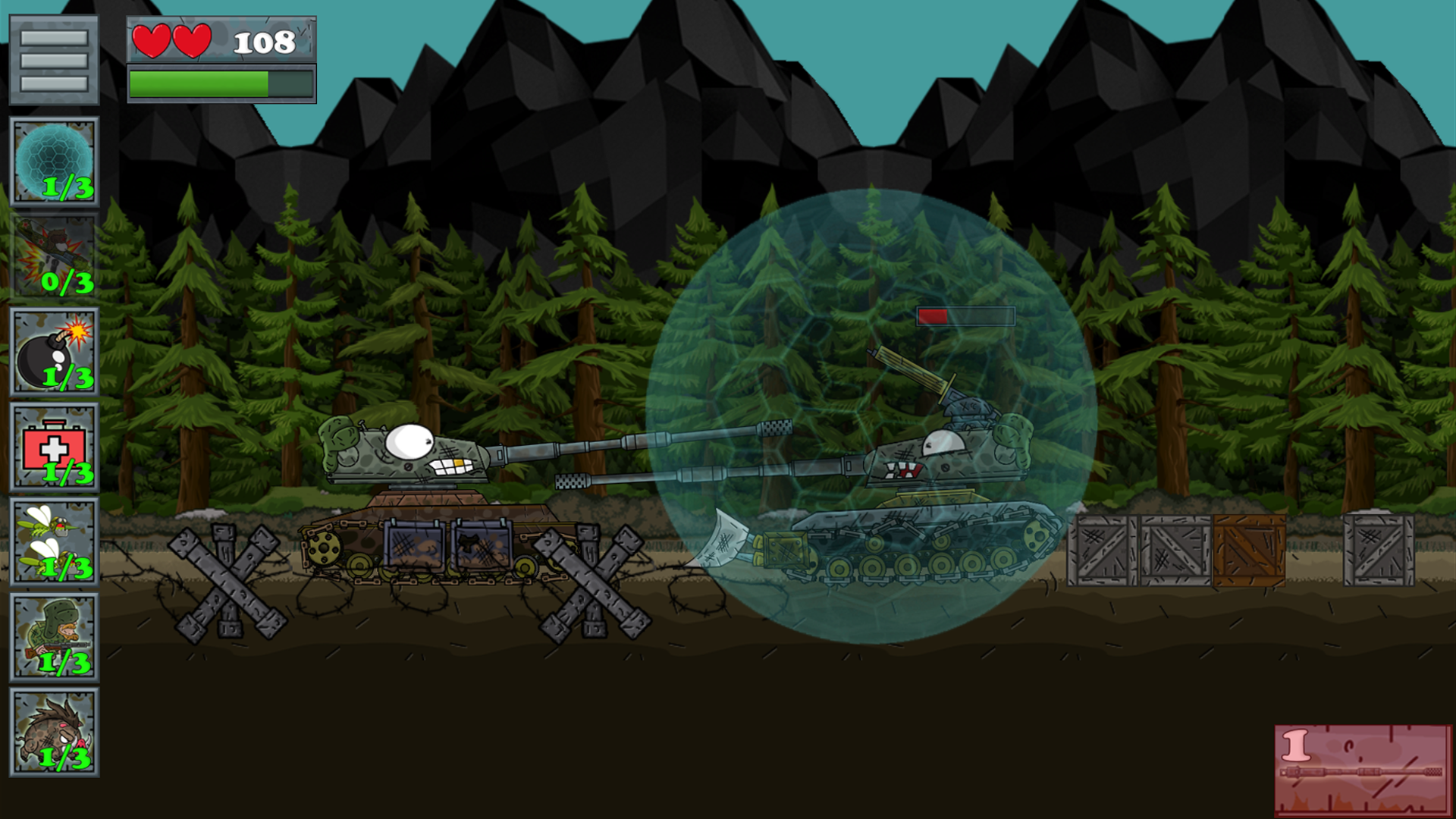
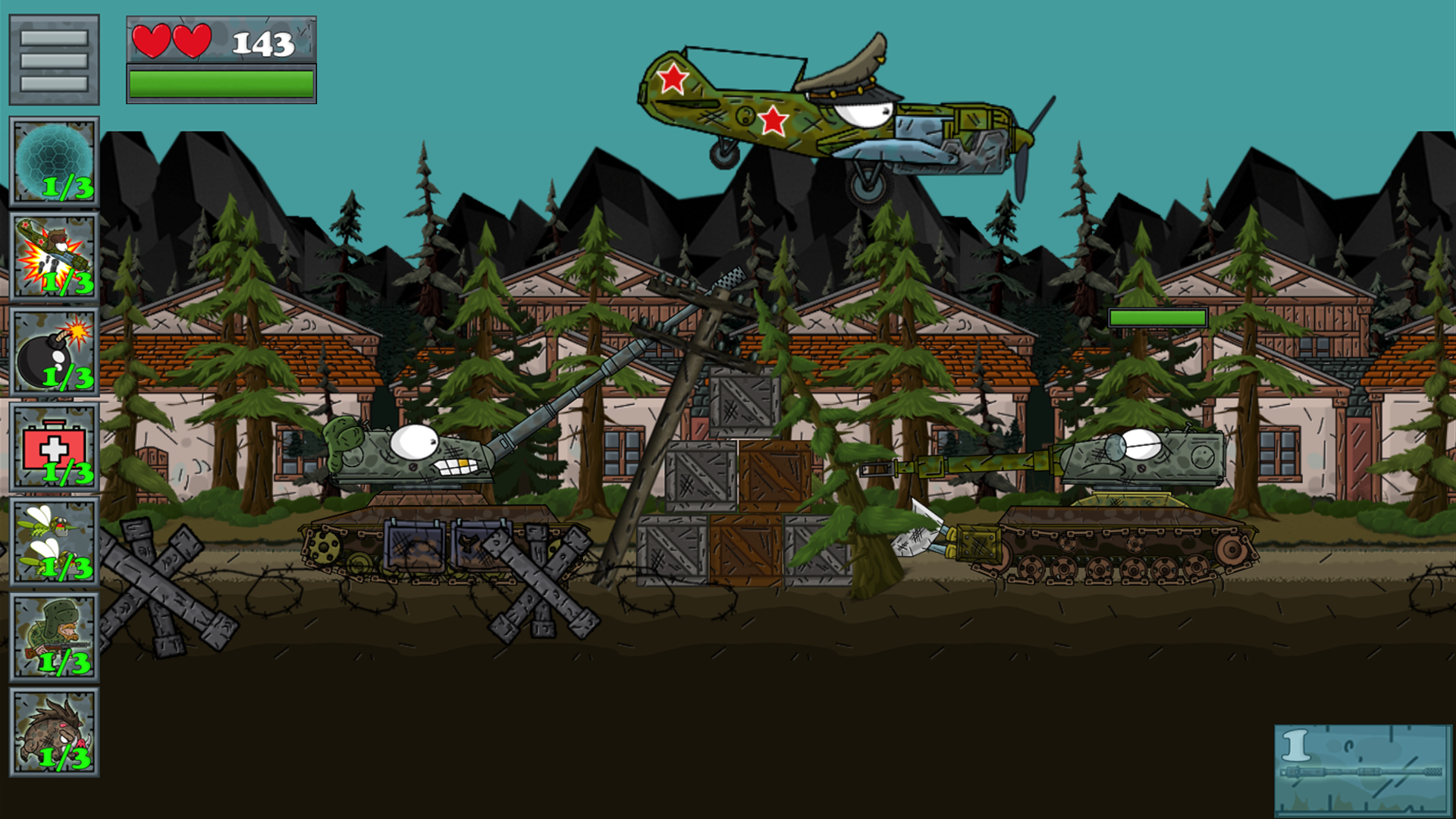
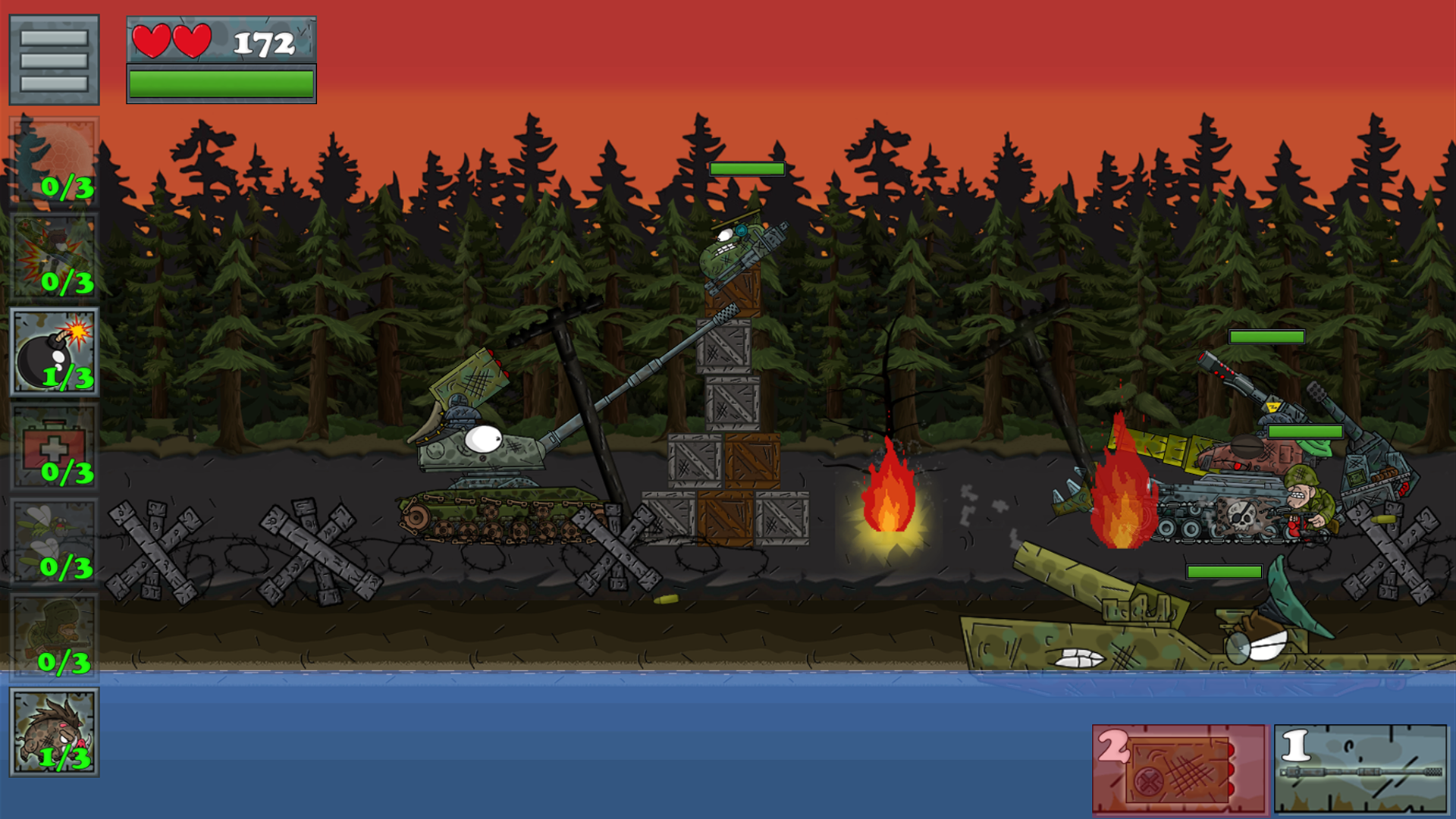
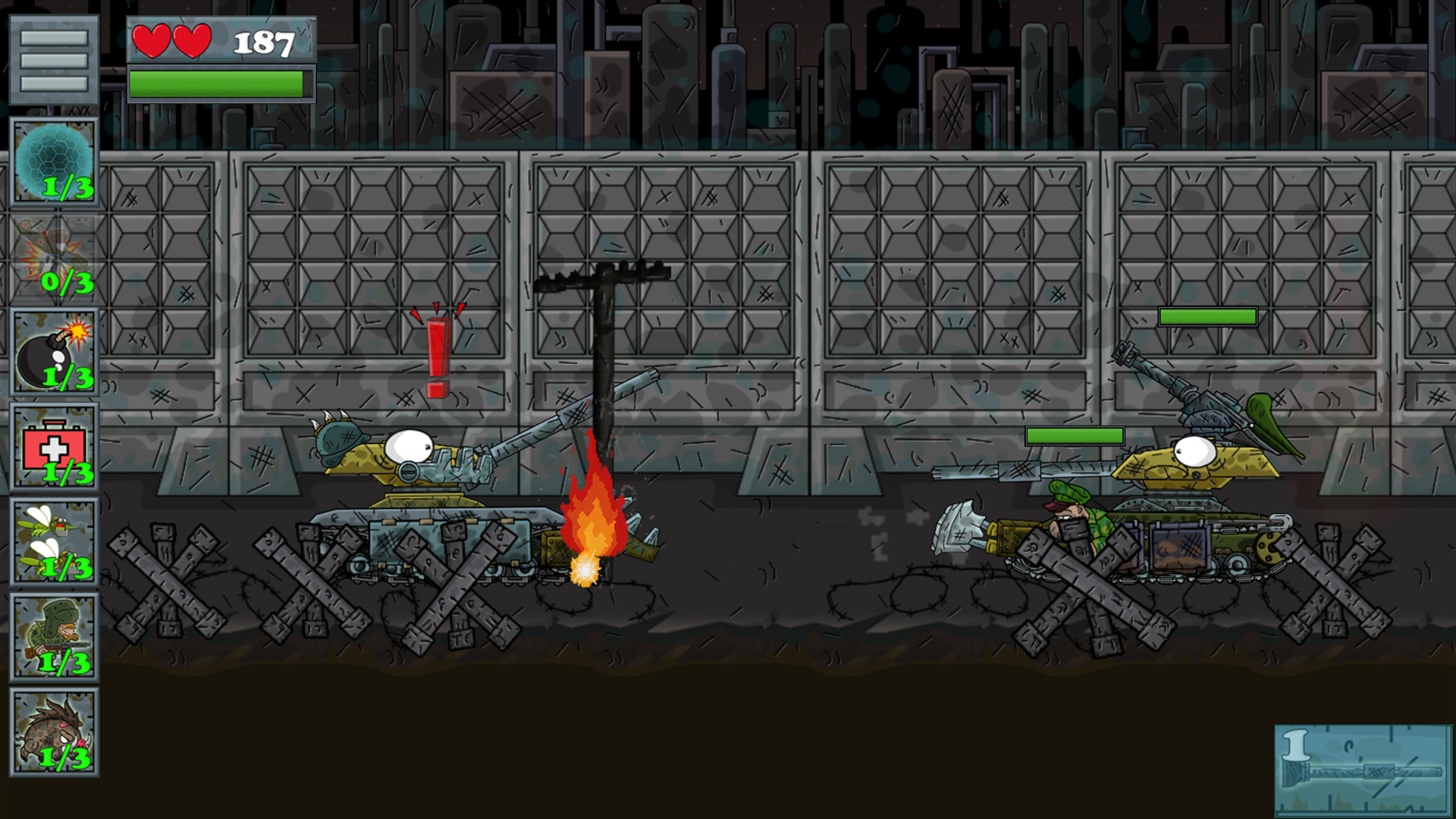
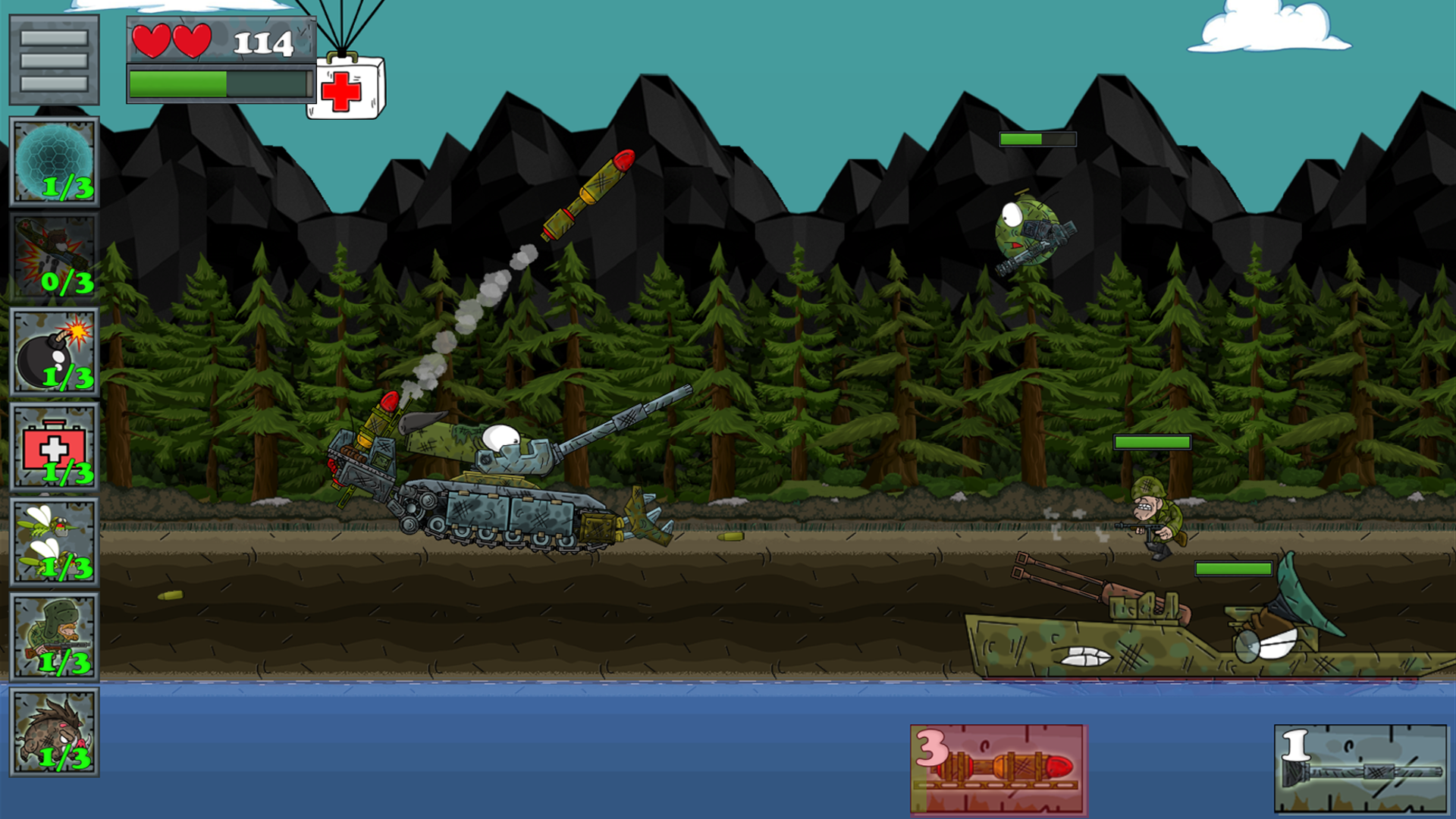
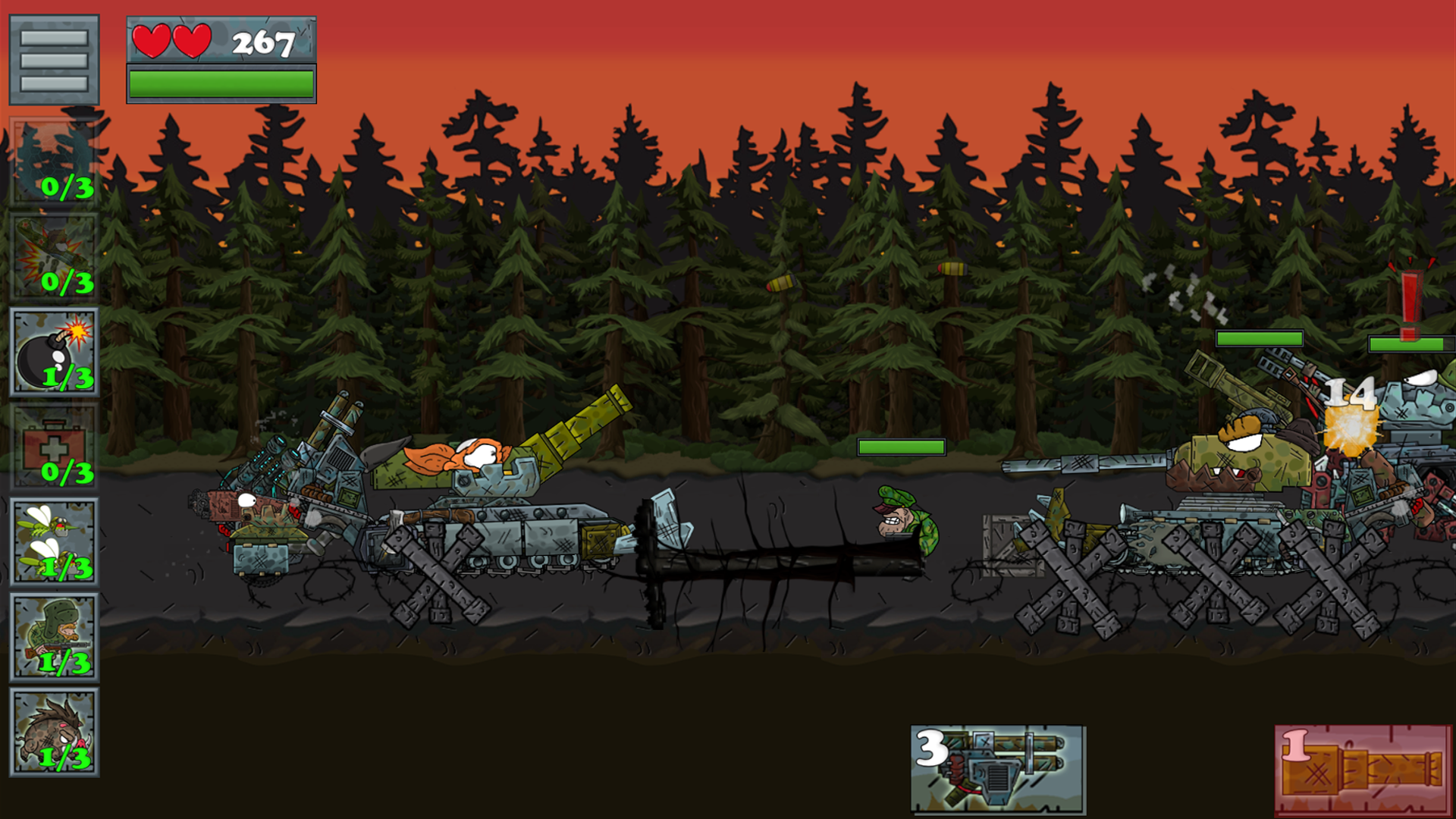
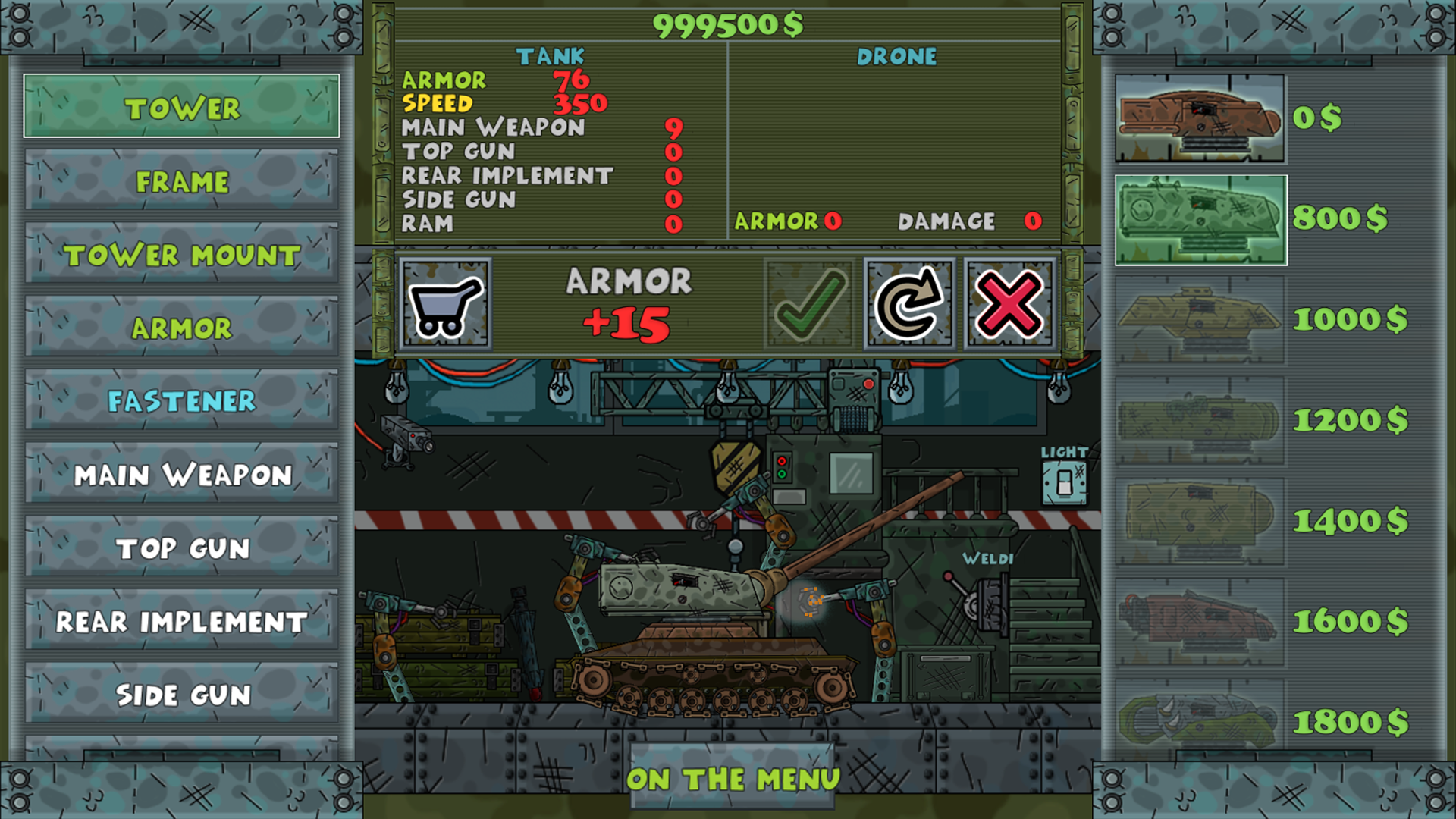
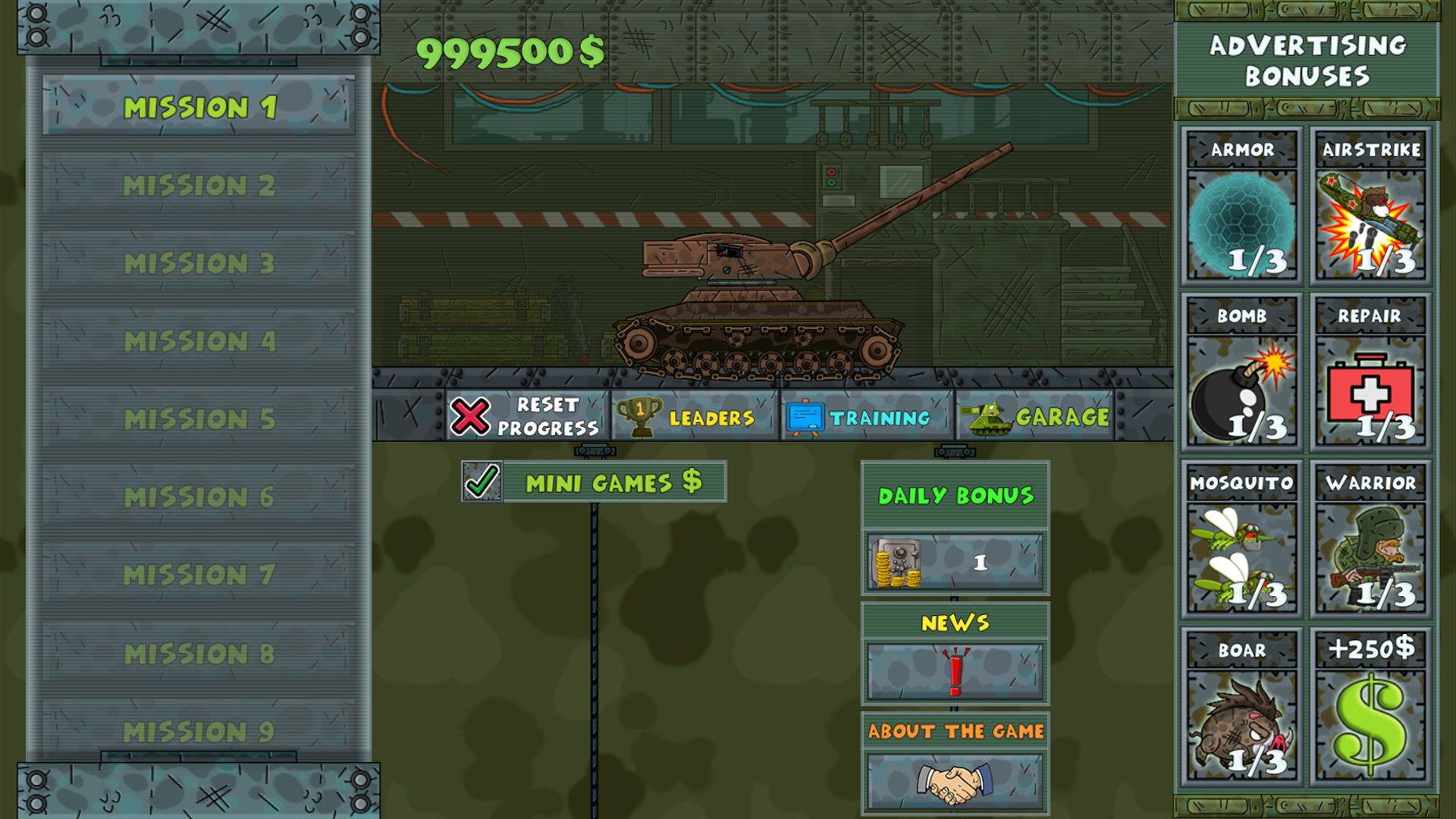
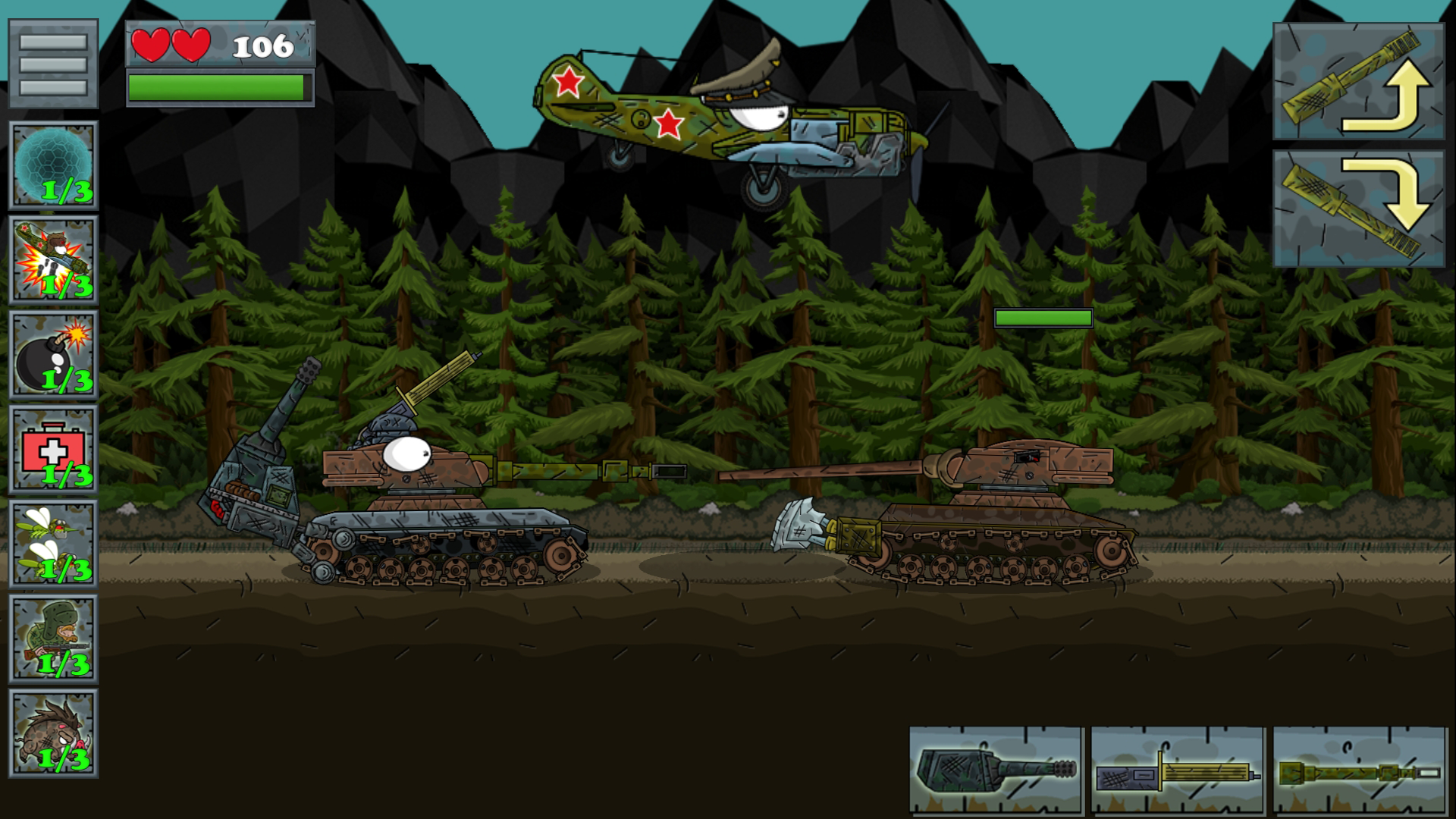
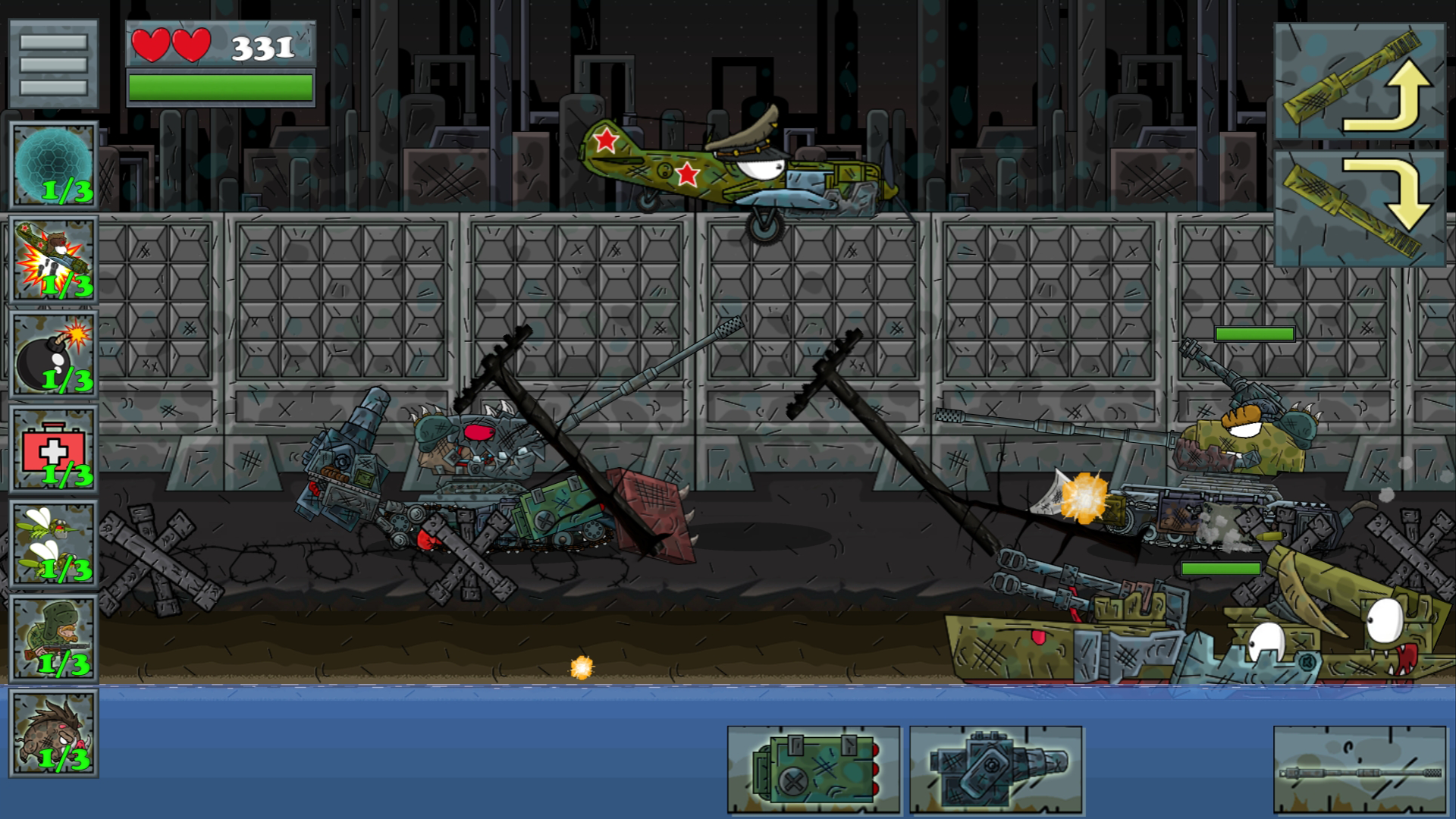
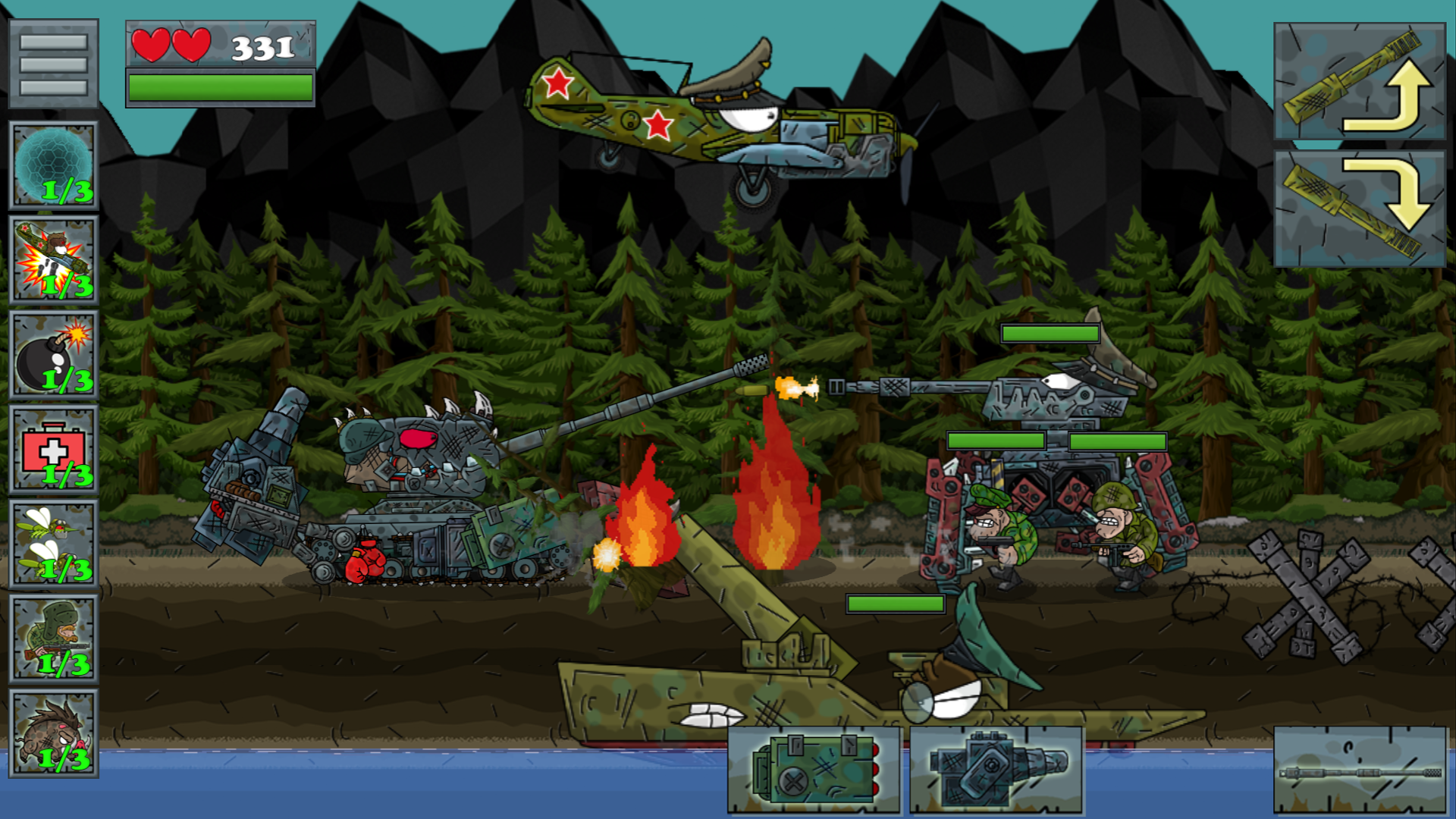
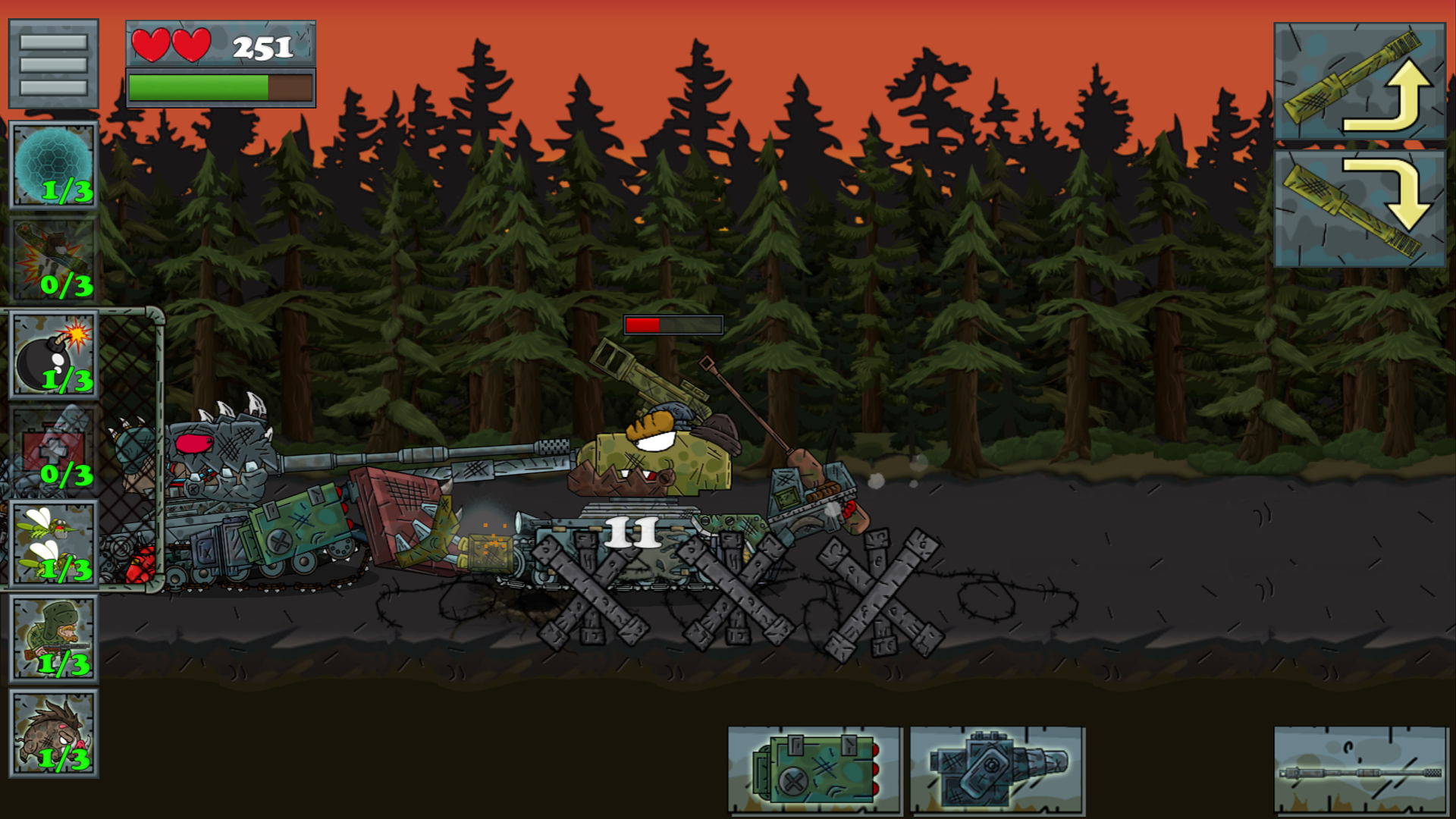
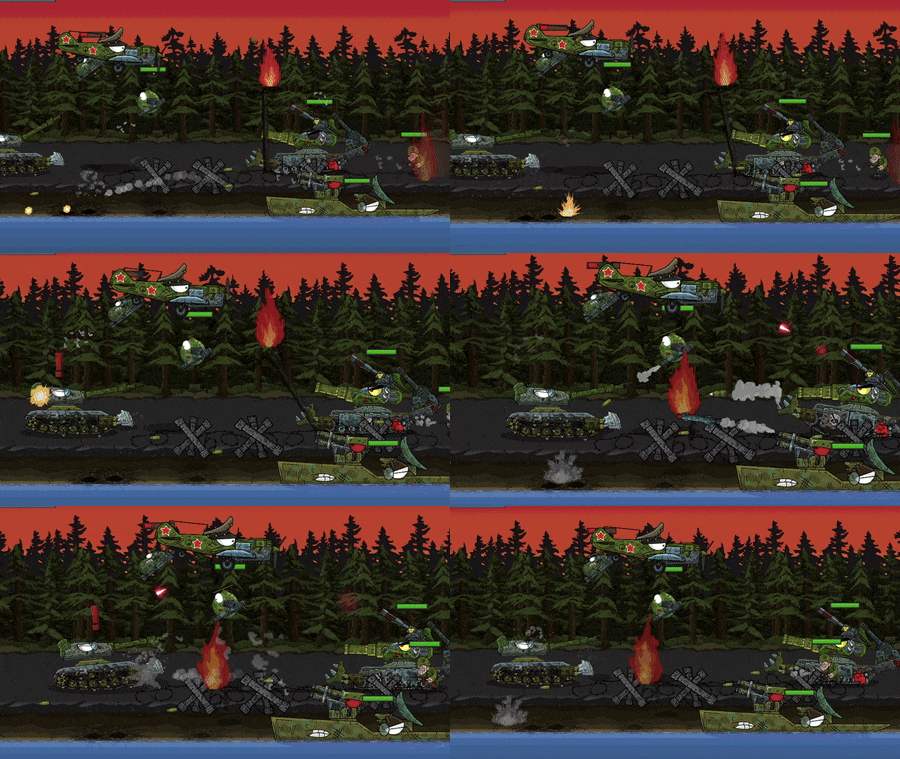
In the game you play the role of a tanker. Externally, the game characters have a cartoon appearance. From the very beginning, the body of an unequipped tank is available to you. During the game, you need to buy new equipment for the game currency: armor, hull, weapons, etc., thereby increasing the characteristics of the tank. There are many levels in the game. With each level there is an increase in the complexity of the enemy: from increasing armor, damage done and to the appearance of new diverse opponents. You can add new equipment in the Garage section. In the game, you can get boosts for watching rewarded ads: temporary armor, airstrike, bomb installation, combat mosquitoes, armor restoration, combat boar, warrior. Using them, you gain an advantage over the enemy. In addition to the main levels, the game has bonus mini-games. Passing them, you get the game currency. A lot of different details will help to create a truly exclusive tank.

Videos and screenshots
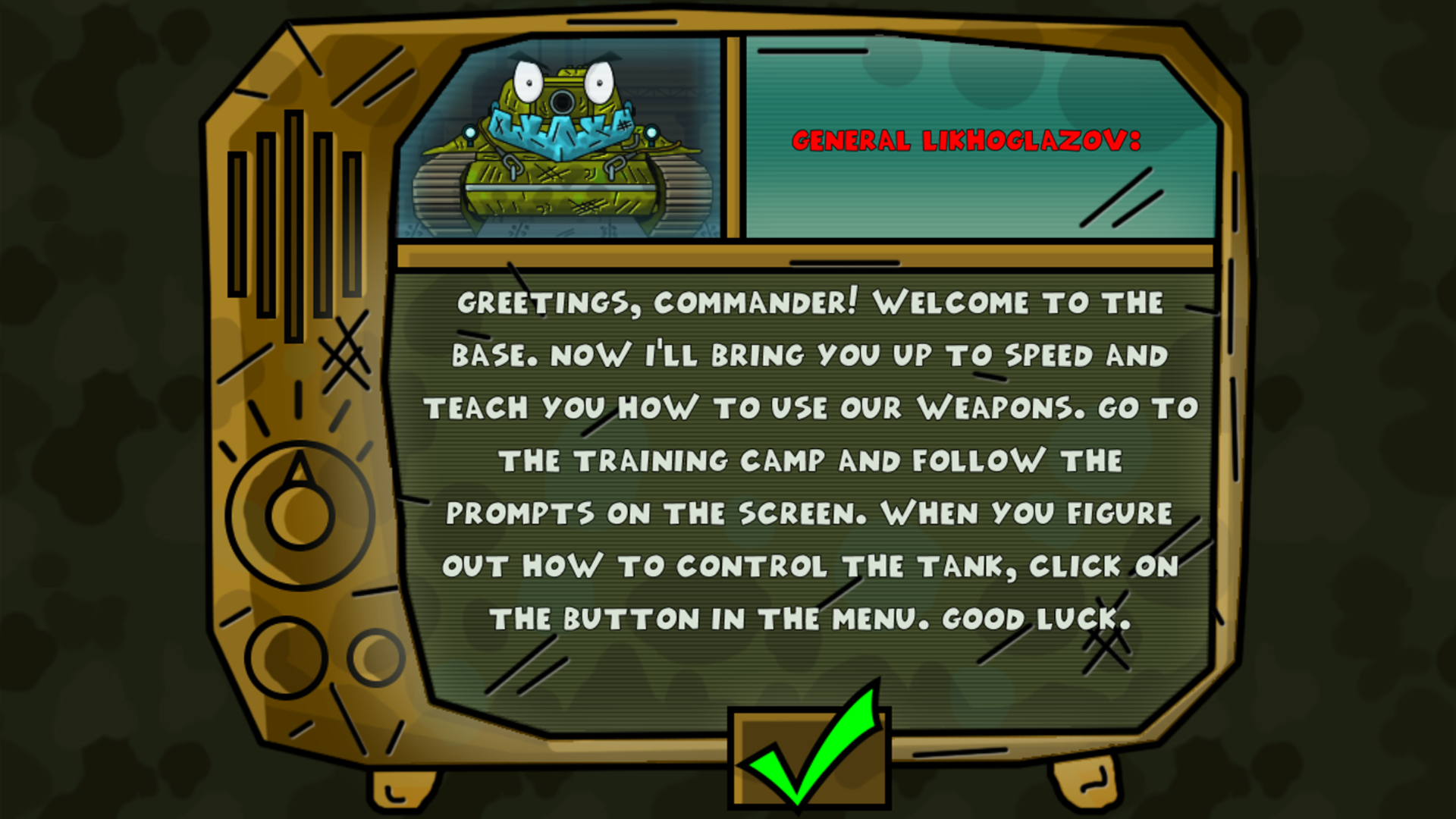
  • Tanks: The Big Battle 2 screenshot 1
  • Tanks: The Big Battle 2 screenshot 2
  • Tanks: The Big Battle 2 screenshot 3
  • Tanks: The Big Battle 2 screenshot 4
  • Tanks: The Big Battle 2 screenshot 5
  • Tanks: The Big Battle 2 screenshot 6
  • Tanks: The Big Battle 2 screenshot 7
  • Tanks: The Big Battle 2 screenshot 8
  • Tanks: The Big Battle 2 screenshot 9
  • Tanks: The Big Battle 2 screenshot 10
  • Tanks: The Big Battle 2 screenshot 11
  • Tanks: The Big Battle 2 screenshot 12
  • Tanks: The Big Battle 2 screenshot 13
  • Tanks: The Big Battle 2 screenshot 14
  • Tanks: The Big Battle 2 screenshot 15
  • Tanks: The Big Battle 2 screenshot 16
  • Tanks: The Big Battle 2 screenshot 17
  • Tanks: The Big Battle 2 screenshot 18
  • Tanks: The Big Battle 2 screenshot 19
  • Tanks: The Big Battle 2 screenshot 20
  • Tanks: The Big Battle 2 screenshot 21
Play Now

13,202 players online

How to play

  1. Open the game

    Press Play now and the game opens on its own screen.

  2. Follow the in-game instructions

    The controls and goals are shown inside the game as you play.

  3. Use the game menu

    The floating button over the game reloads it, saves it to your favourites, or takes you back out.
Game instructions

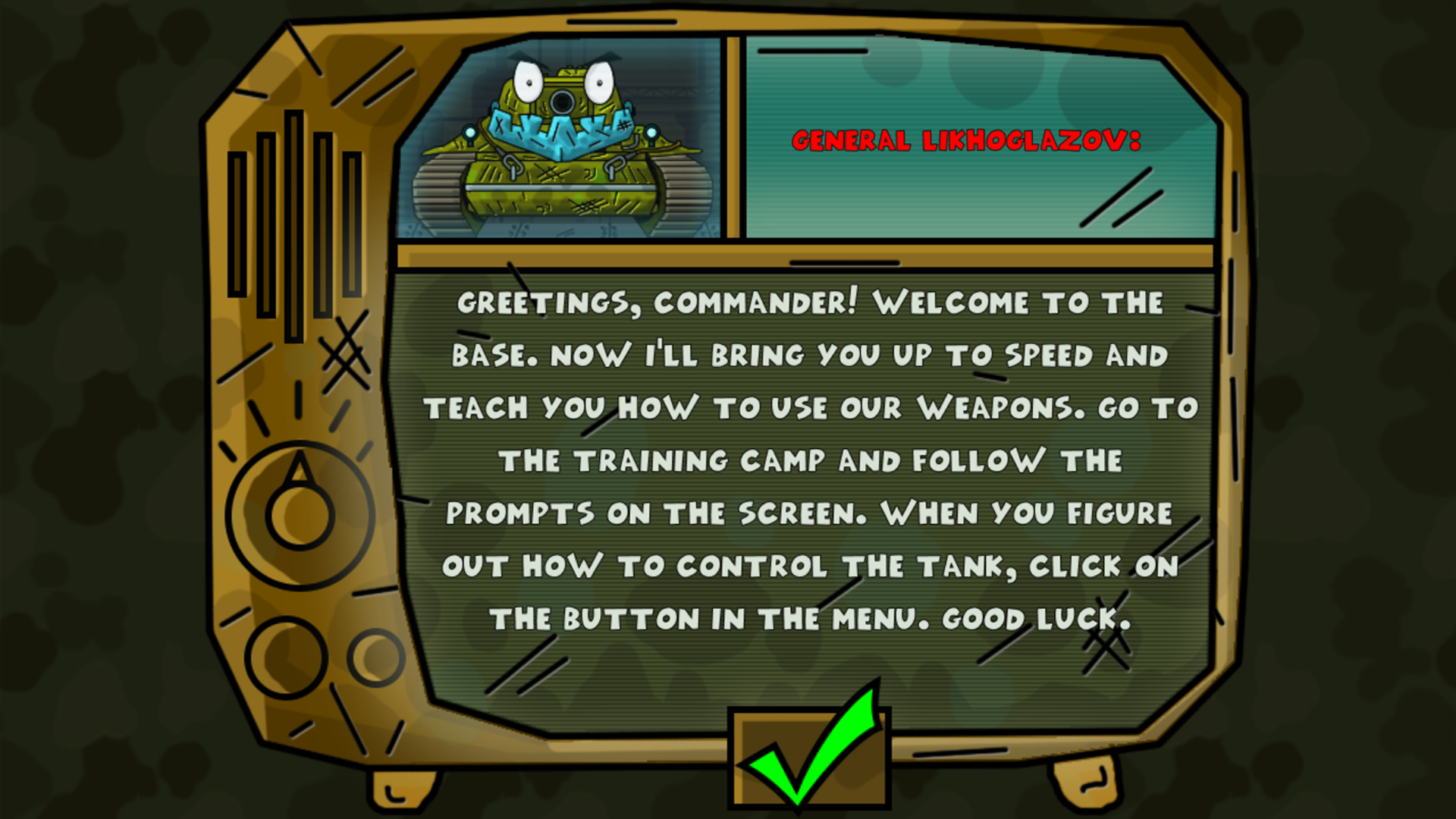
The main goal of the game is to complete all the missions. Management: Mobile devices: Movement - At the bottom left of the screen, tap and swipe right to move to the right or swipe left to move to the left. Attack - you can raise and lower the main weapon using the corresponding buttons located in the upper right part of the screen. To shoot, use the icons with weapons located in the lower right part of the screen. The device's desktop: Movement - Use the left arrow or A to move left, the right arrow or D to move right. Attack - you can raise and lower the main weapon using the W, S keys up arrow, down arrow, mouse wheel. To select a weapon, use the keys 1, 2, 3, 4 or the weapon icons located at the bottom right of the screen. Use the SPACE BAR to shoot. You can equip the tank in the Garage section, after purchasing the equipment, do not forget to apply it by clicking on the button with a check mark. For more information, see the "Training" section in the main menu of the game

More games

More games