Skip to content
KG
Tap Arrows: New Levels

Tap Arrows: New Levels

32K plays 4.5 out of 5

Overview

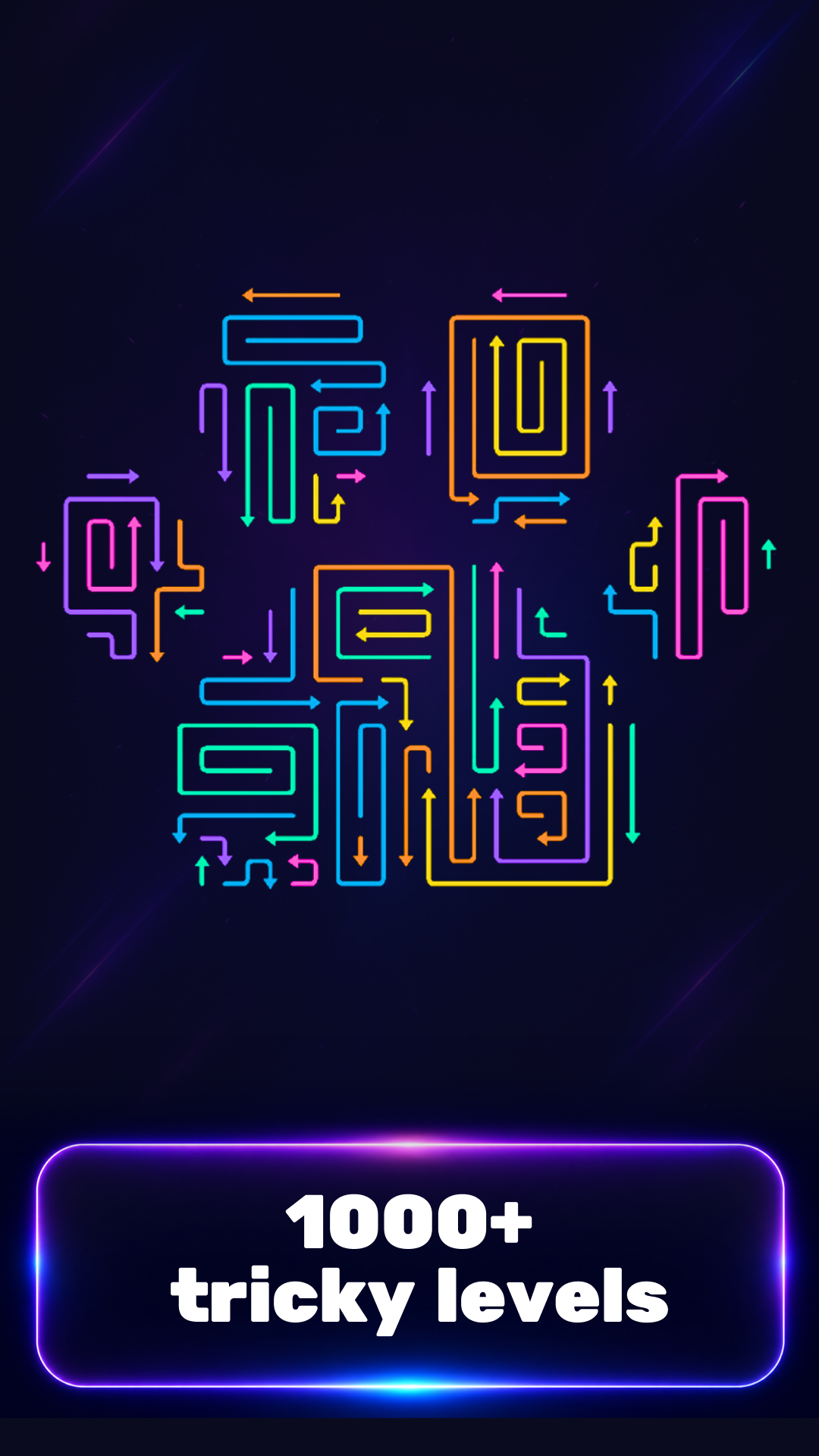
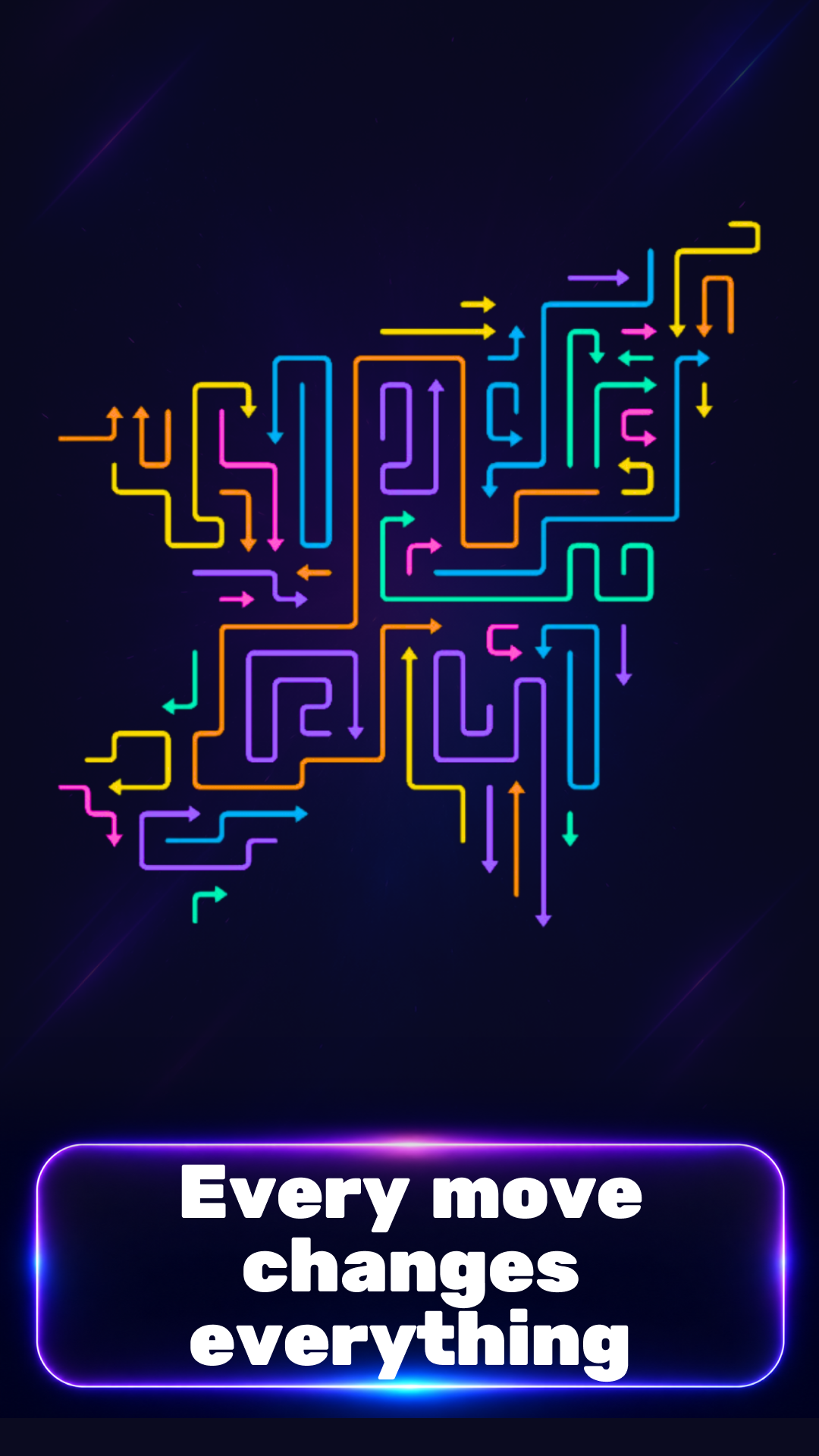
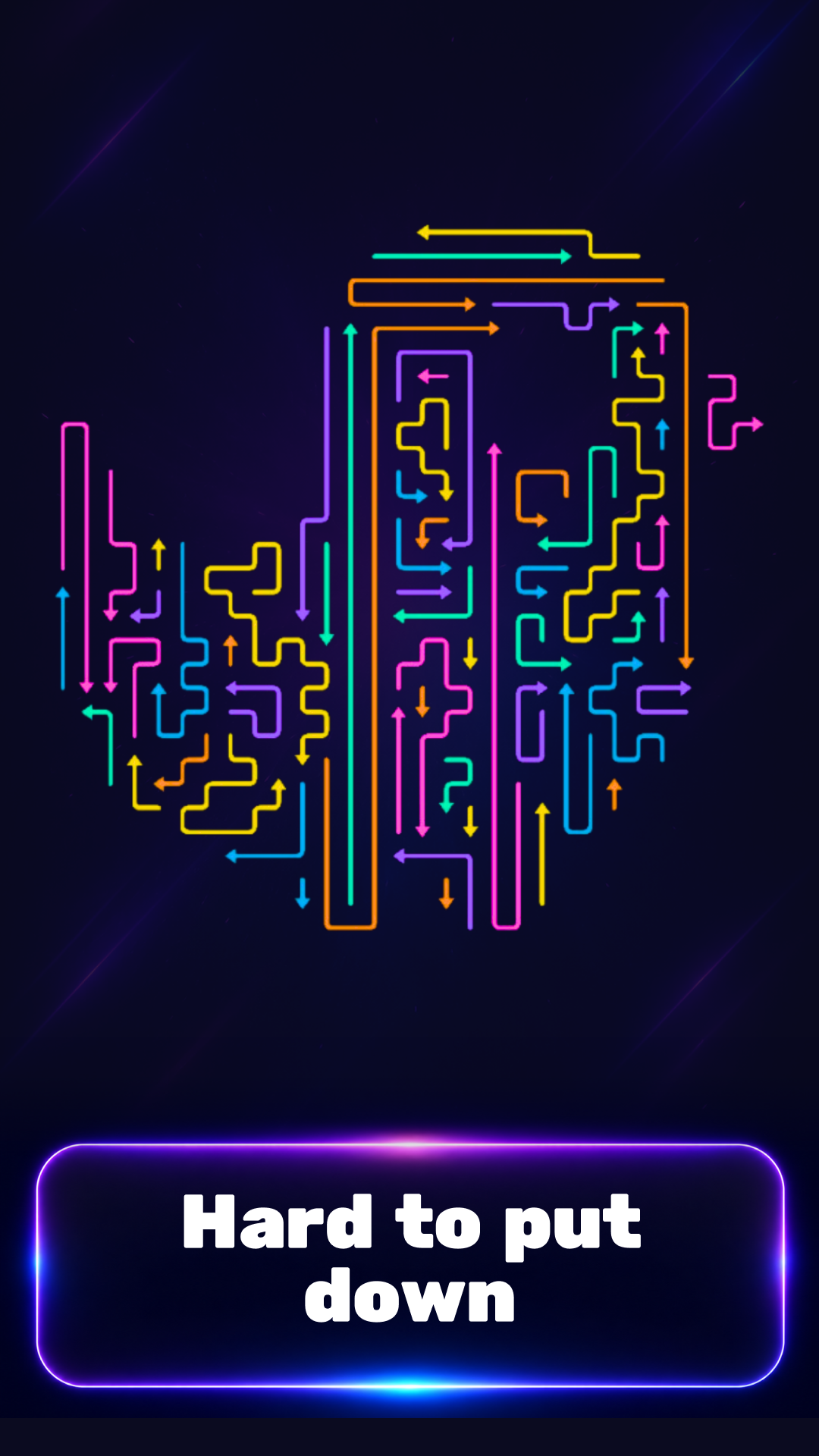
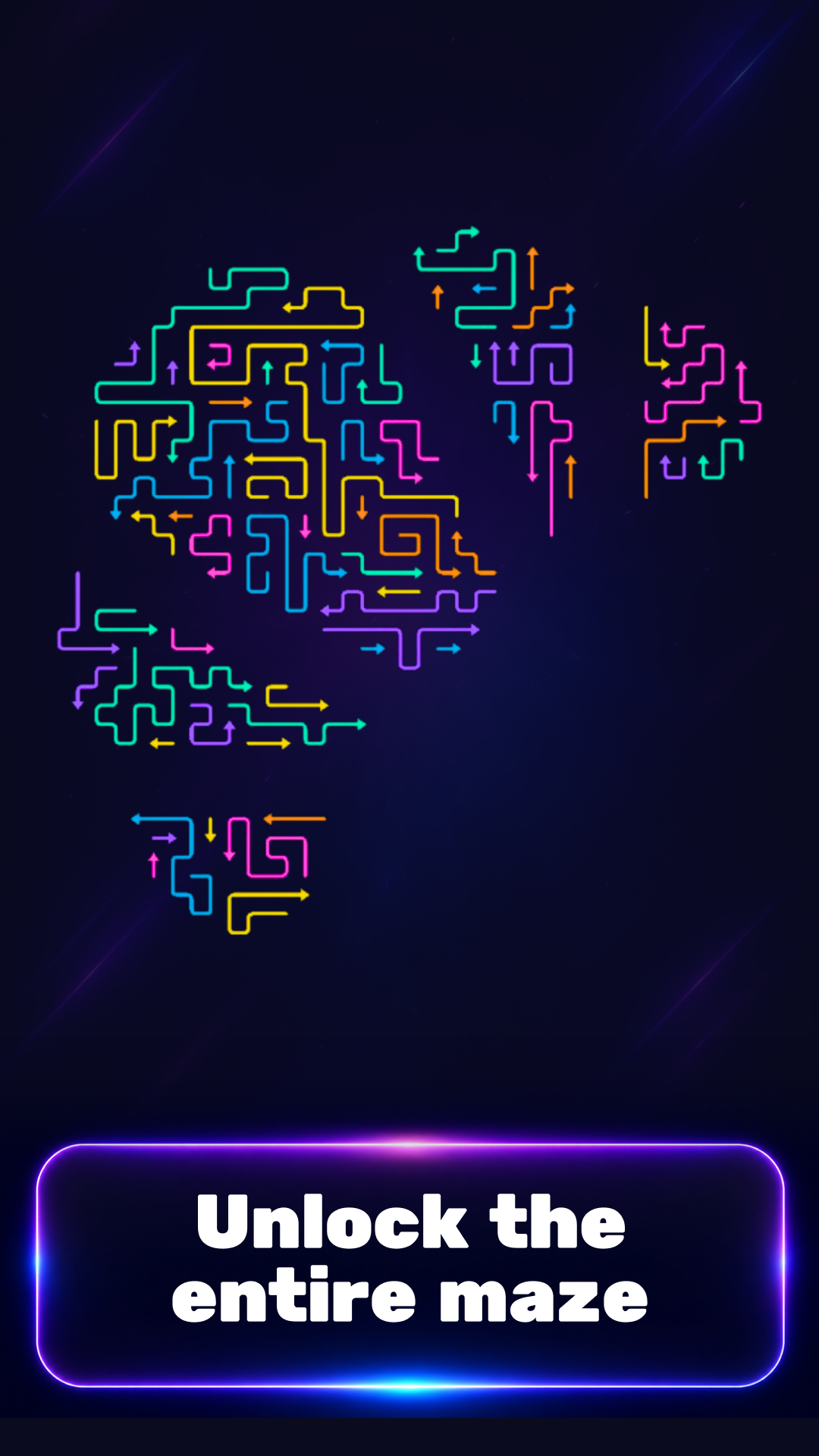
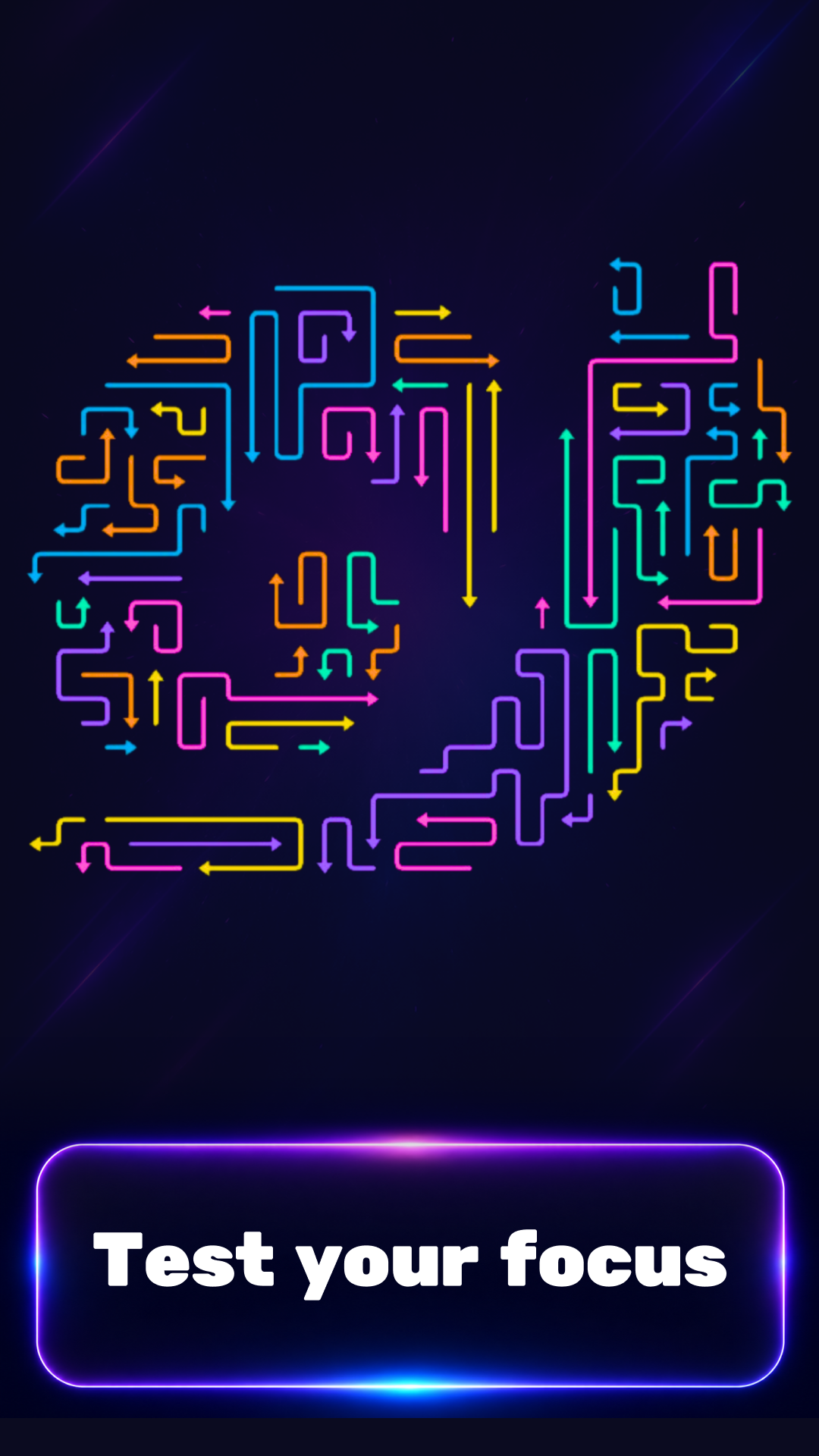
Tap the Arrows: New Levels is a bright puzzle game where you need to look carefully at the board and tap the arrows in the right order. Each arrow points in the direction it will move. If the path is clear, the arrow flies away from the board. If another arrow or obstacle blocks the way, you need to clear the path first. The further you go, the trickier the levels become: more colors, more directions, and more unexpected moves. Use hints, the hammer, and other boosters when you get stuck. Complete levels, train your attention, and find the best order of moves. Simple rules, a bright neon style, and short levels make the game great for relaxing, training your logic, and enjoying quick play sessions. 1000+ levels - see how many you can get!

Videos and screenshots

  • Tap Arrows: New Levels screenshot 1
  • Tap Arrows: New Levels screenshot 2
  • Tap Arrows: New Levels screenshot 3
  • Tap Arrows: New Levels screenshot 4
  • Tap Arrows: New Levels screenshot 5
  • Tap Arrows: New Levels screenshot 6
  • Tap Arrows: New Levels screenshot 7
  • Tap Arrows: New Levels screenshot 8
  • Tap Arrows: New Levels screenshot 9
  • Tap Arrows: New Levels screenshot 10
Play Now

13,689 players online

How to play

  1. Open the game

    Press Play now and the game opens on its own screen.

  2. Follow the in-game instructions

    The controls and goals are shown inside the game as you play.

  3. Use the game menu

    The floating button over the game reloads it, saves it to your favourites, or takes you back out.
Game instructions

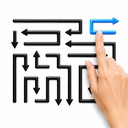
Tap the arrows on the game board. An arrow can fly away only in the direction it points. If the path in front of it is clear, it disappears from the board. If the path is blocked by another arrow or a line, you need to remove the obstacle first. The goal of each level is to clear all arrows from the board. Look at the direction of each arrow, plan the order of your moves, and take your time: sometimes you need to find the right move in advance. To look at the board more closely, use zoom. On a phone or tablet, zoom in and out with two fingers. On a computer, use the mouse wheel. If you get stuck, use boosters: hints, the hammer, and other bonuses. Play on your phone, tablet, or computer. On mobile devices, simply tap the arrows. On a computer, click them with your mouse.

More games

More games