Overview
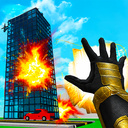
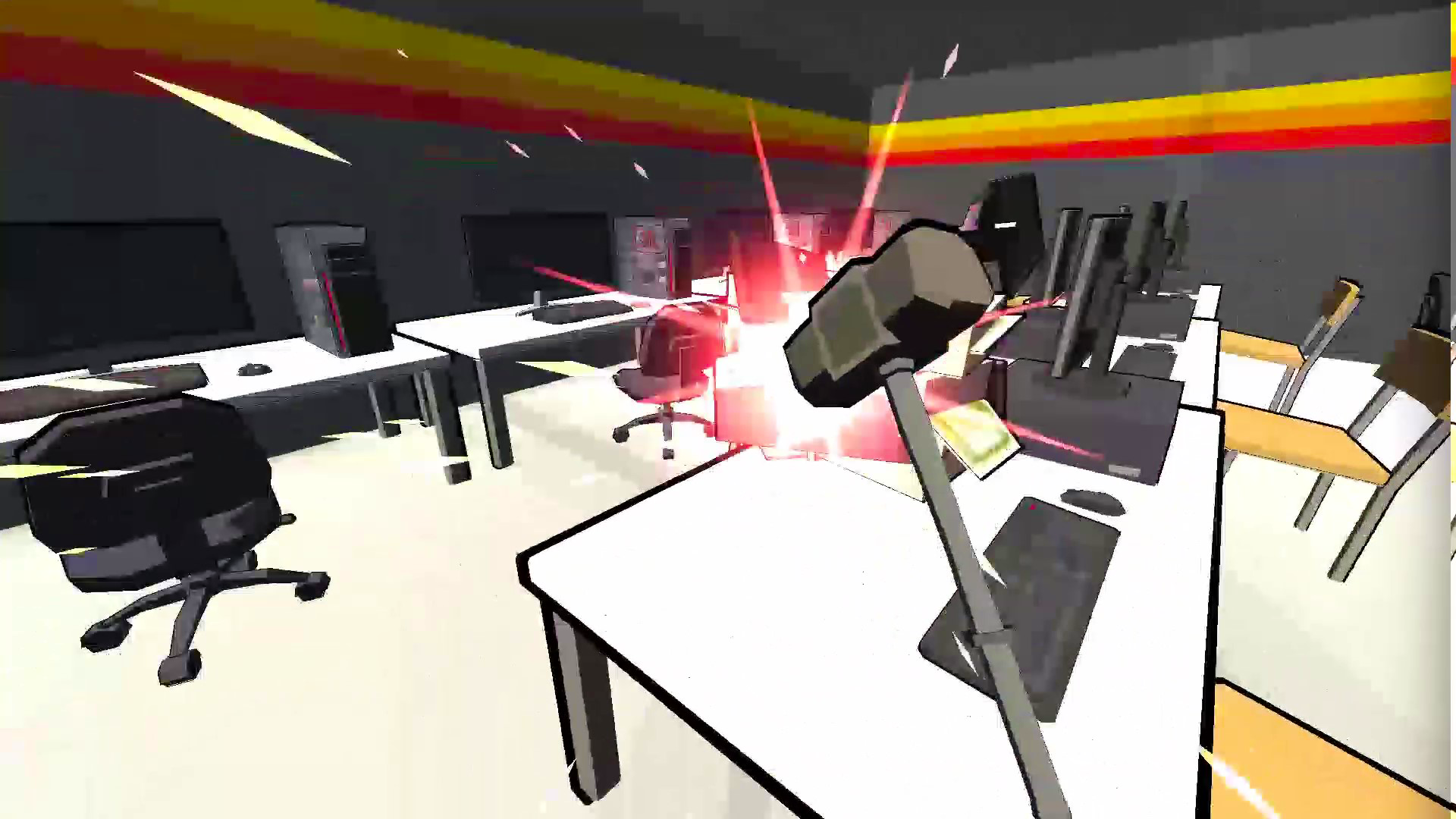
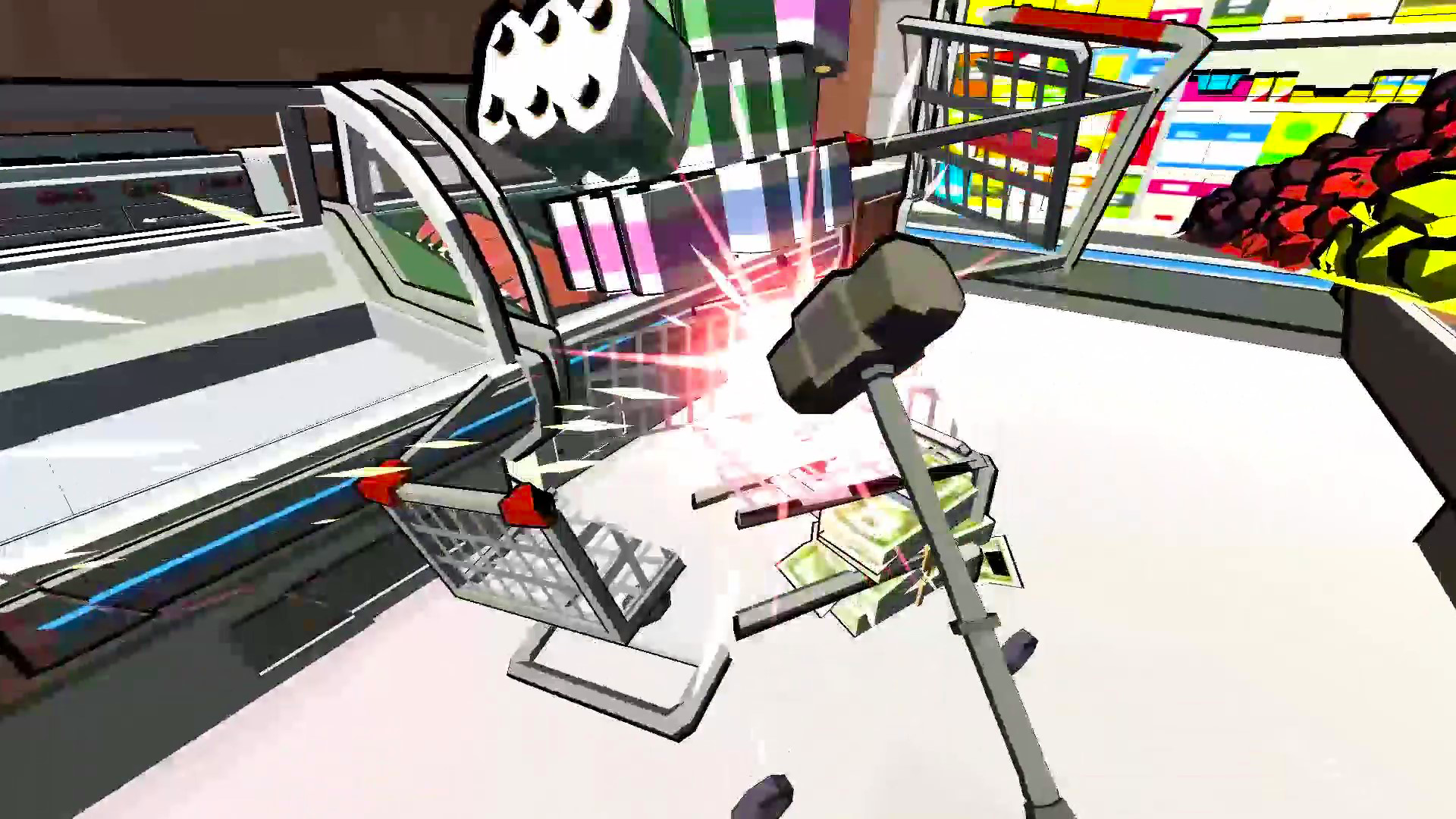
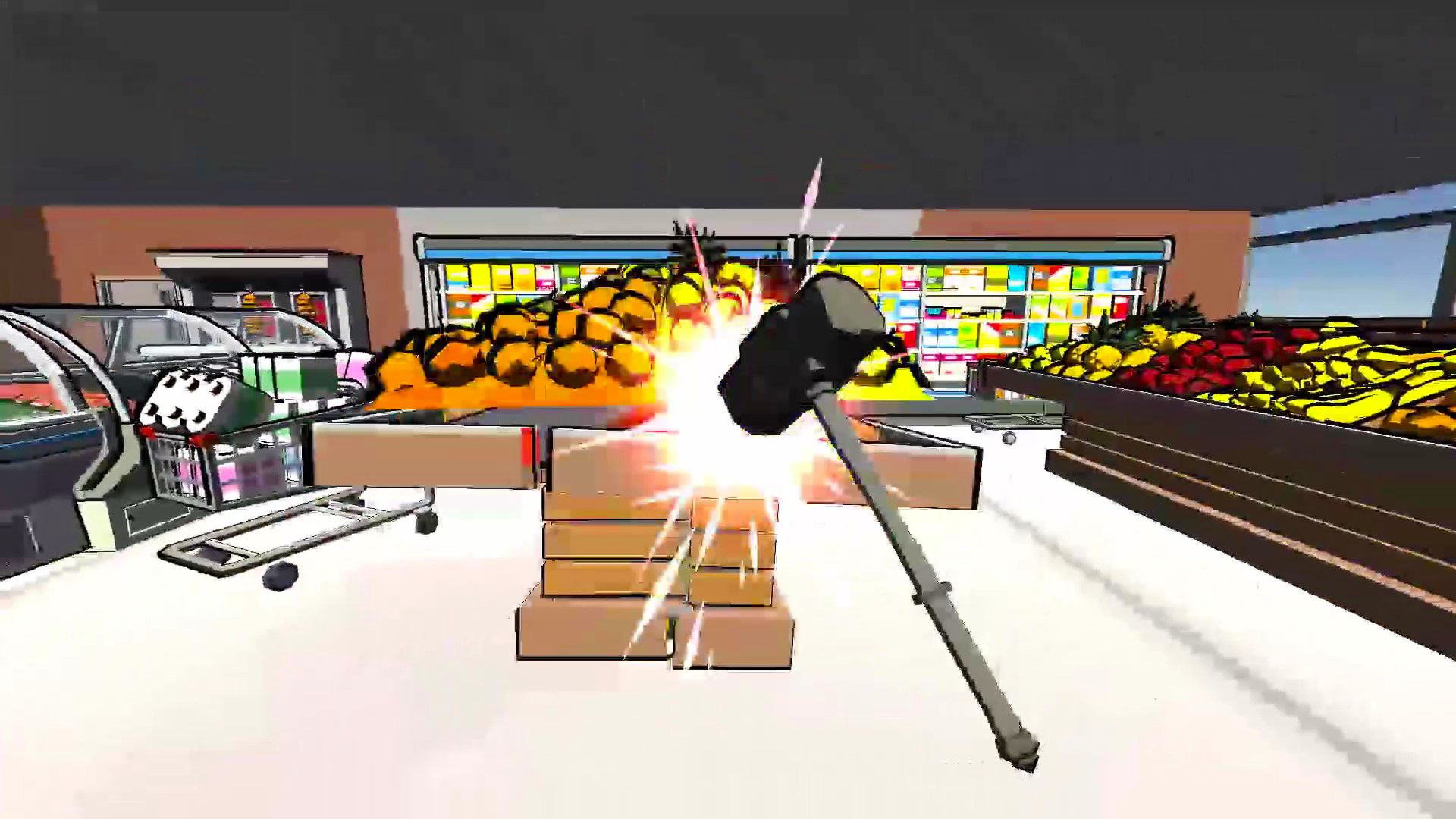
💣 Welcome to the game where destruction is your main goal! Take a powerful weapon in your hands and go crush everything in your path!🧱💥
🎮 Game features:
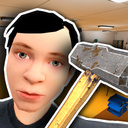
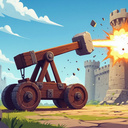
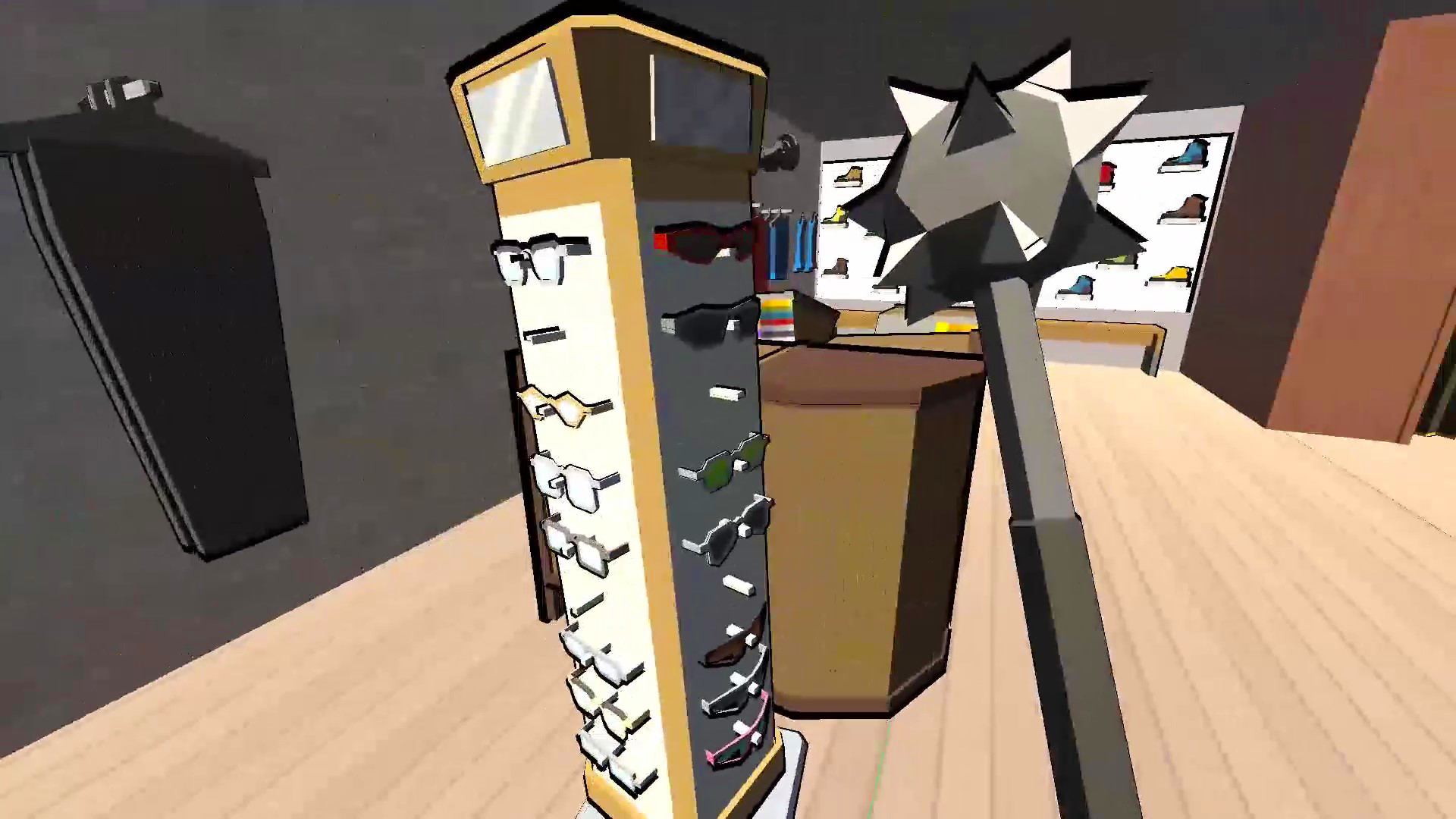
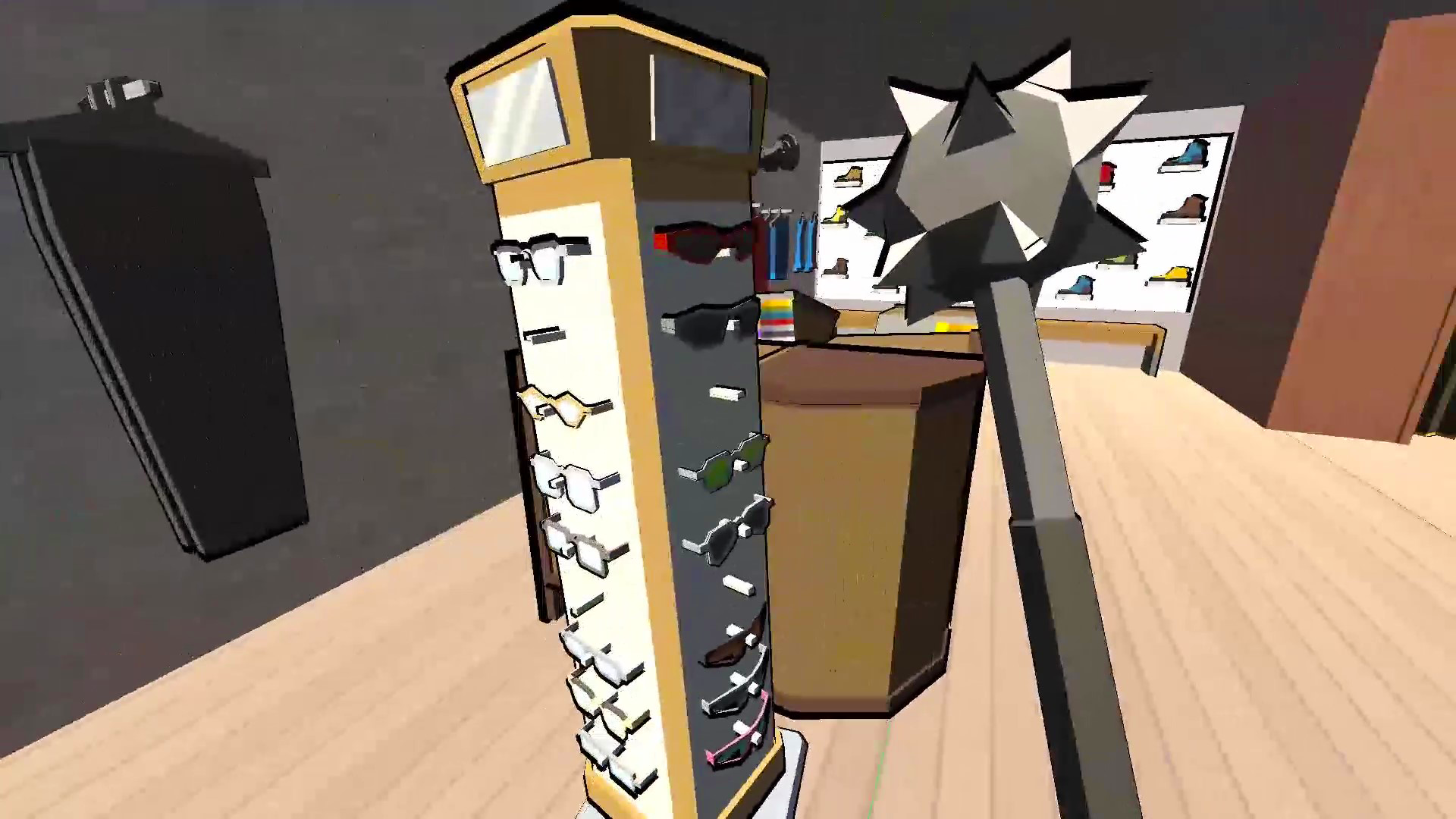
🔧 11 types of weapons - hammers, sledgehammers, guns and much more for total destruction! 🛠️⚔️
🎨 Skins - make your weapon unique with cool customizations! 🖌️✨
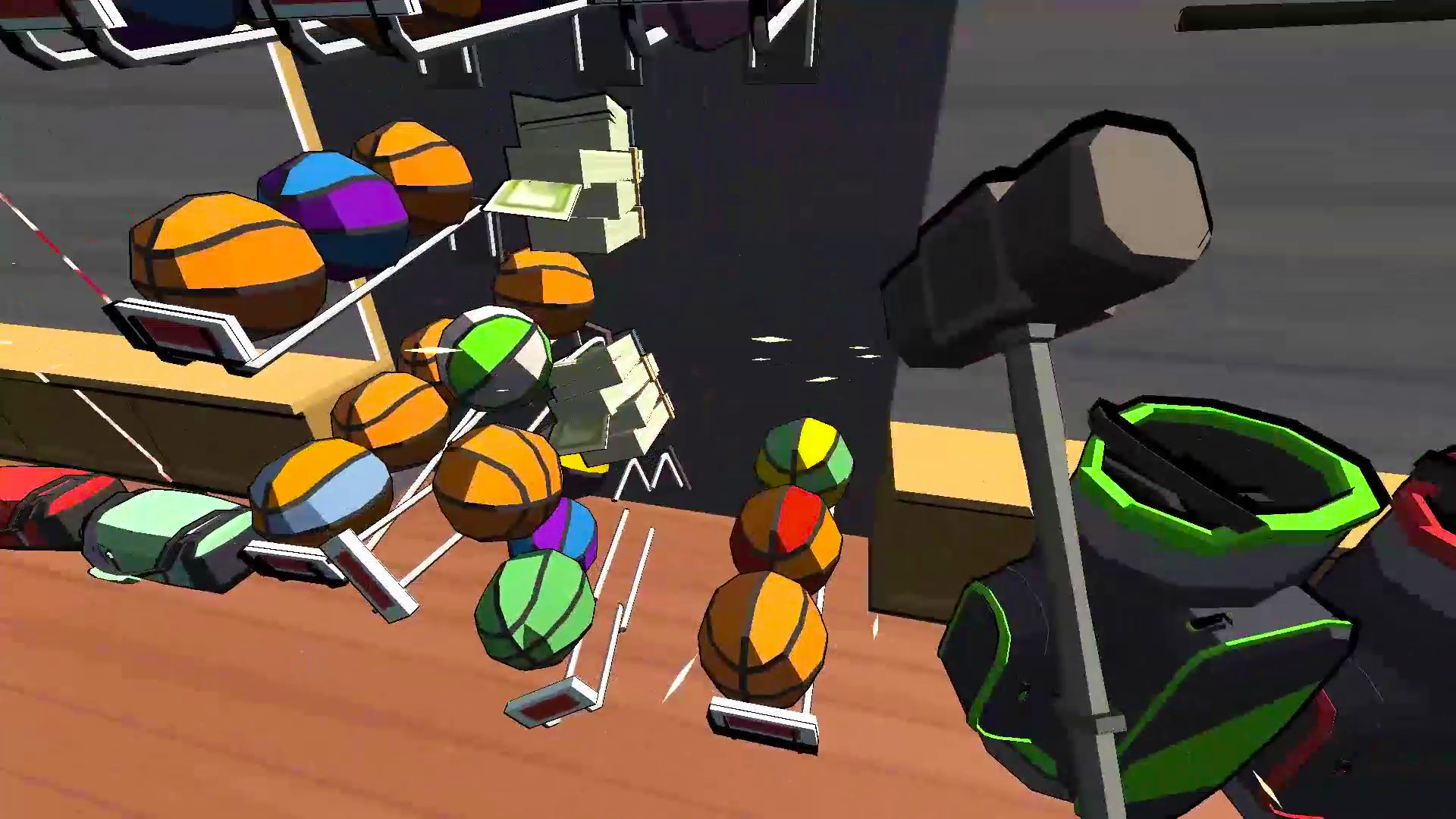
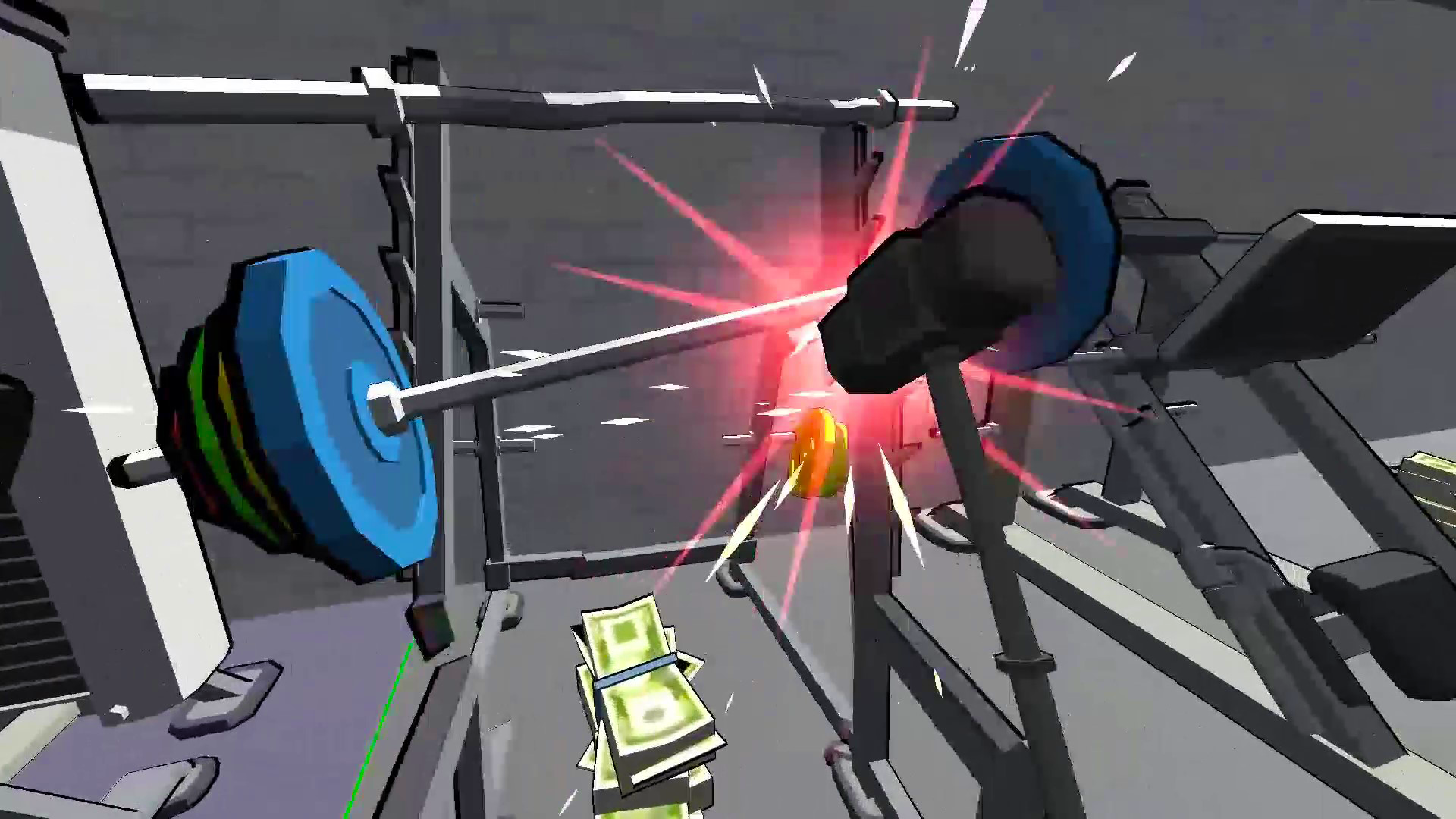
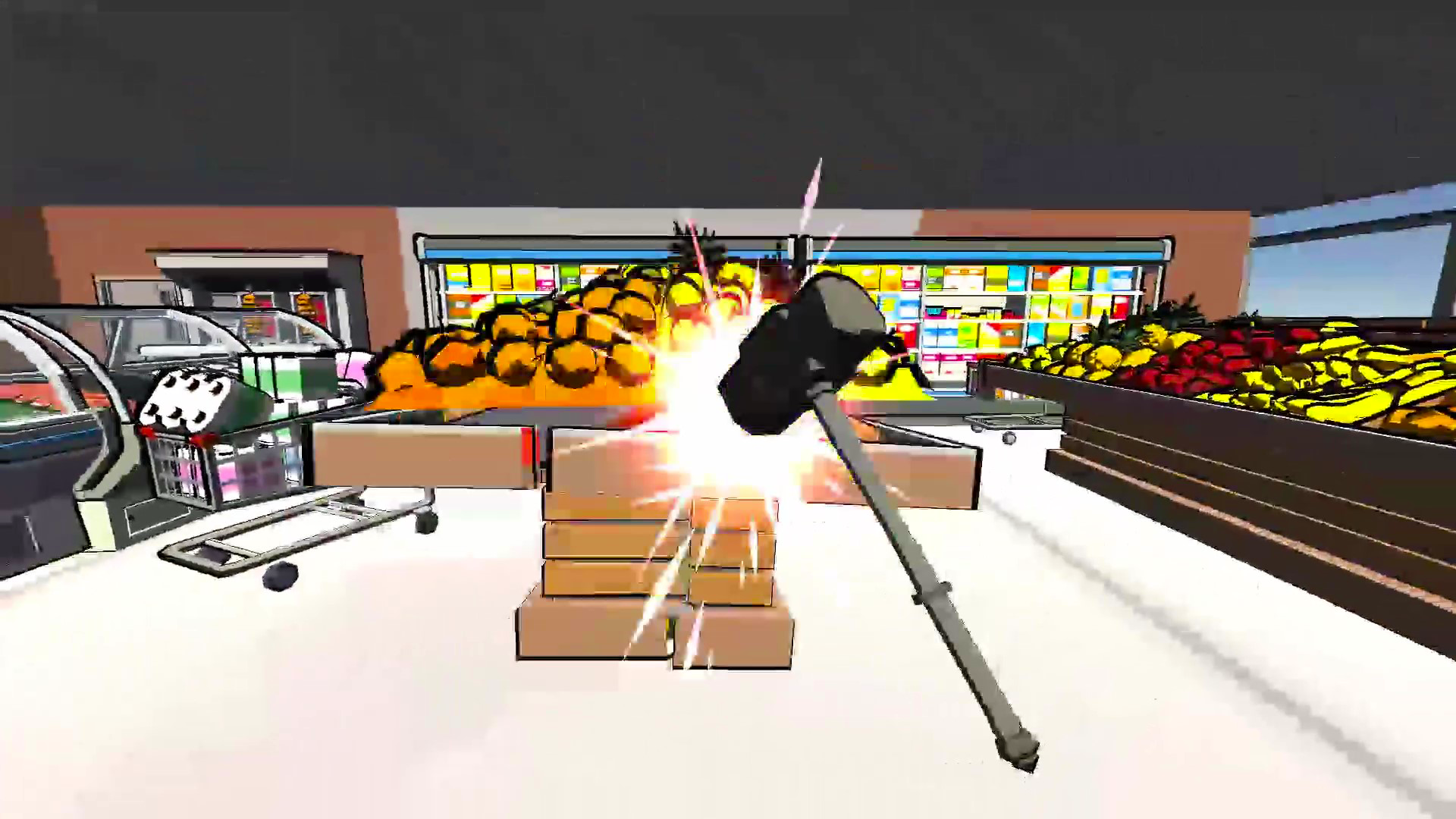
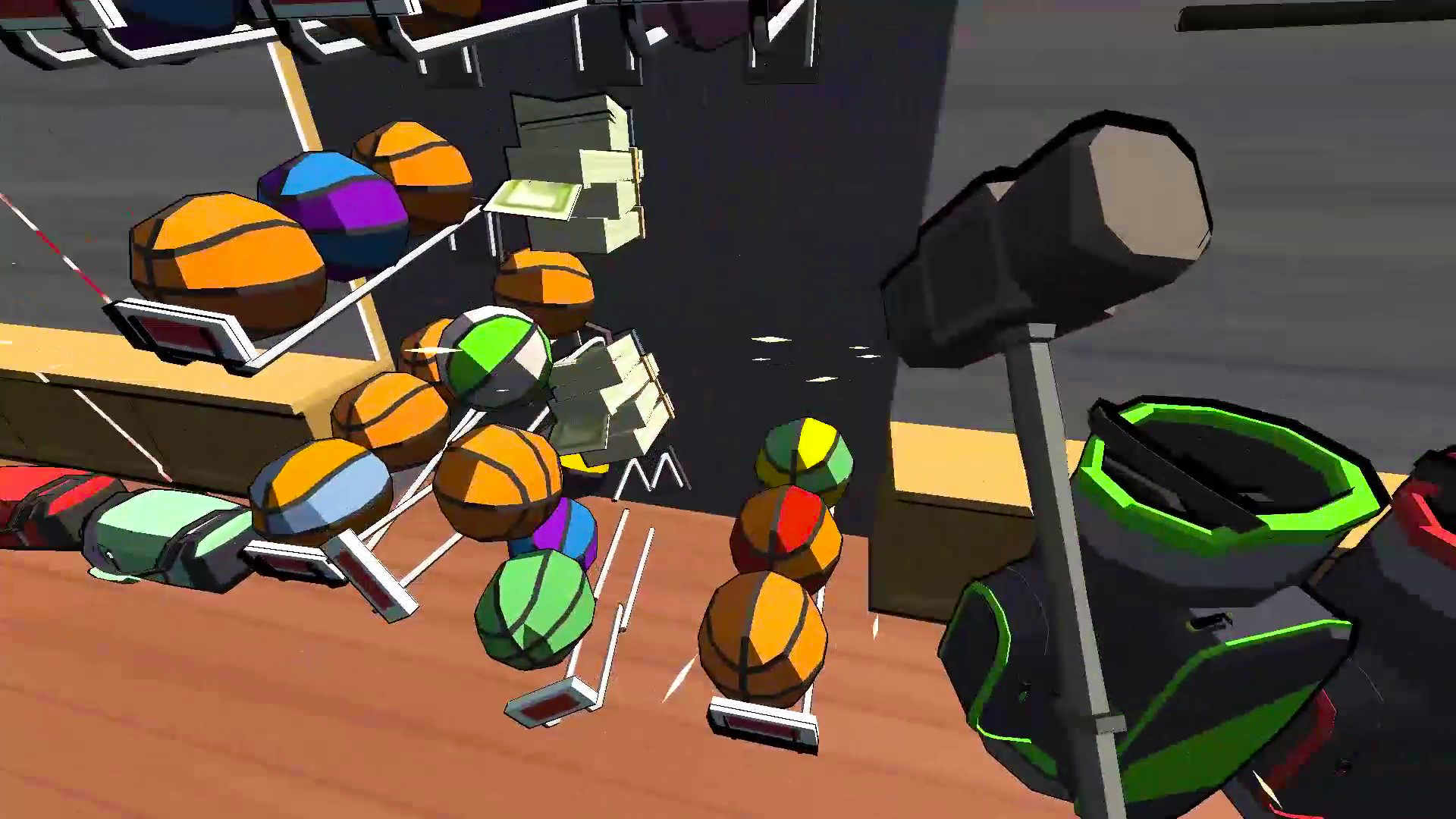
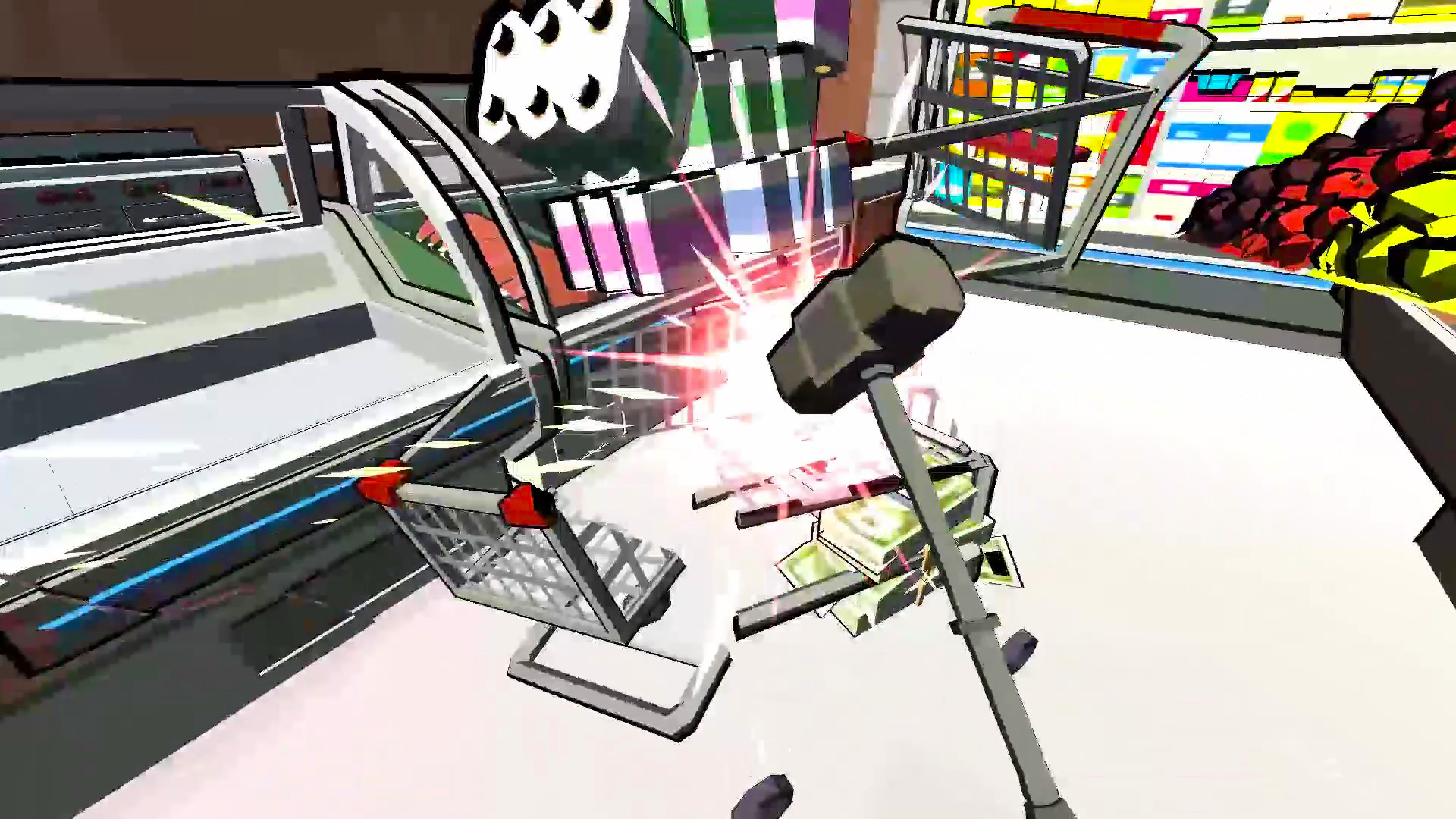
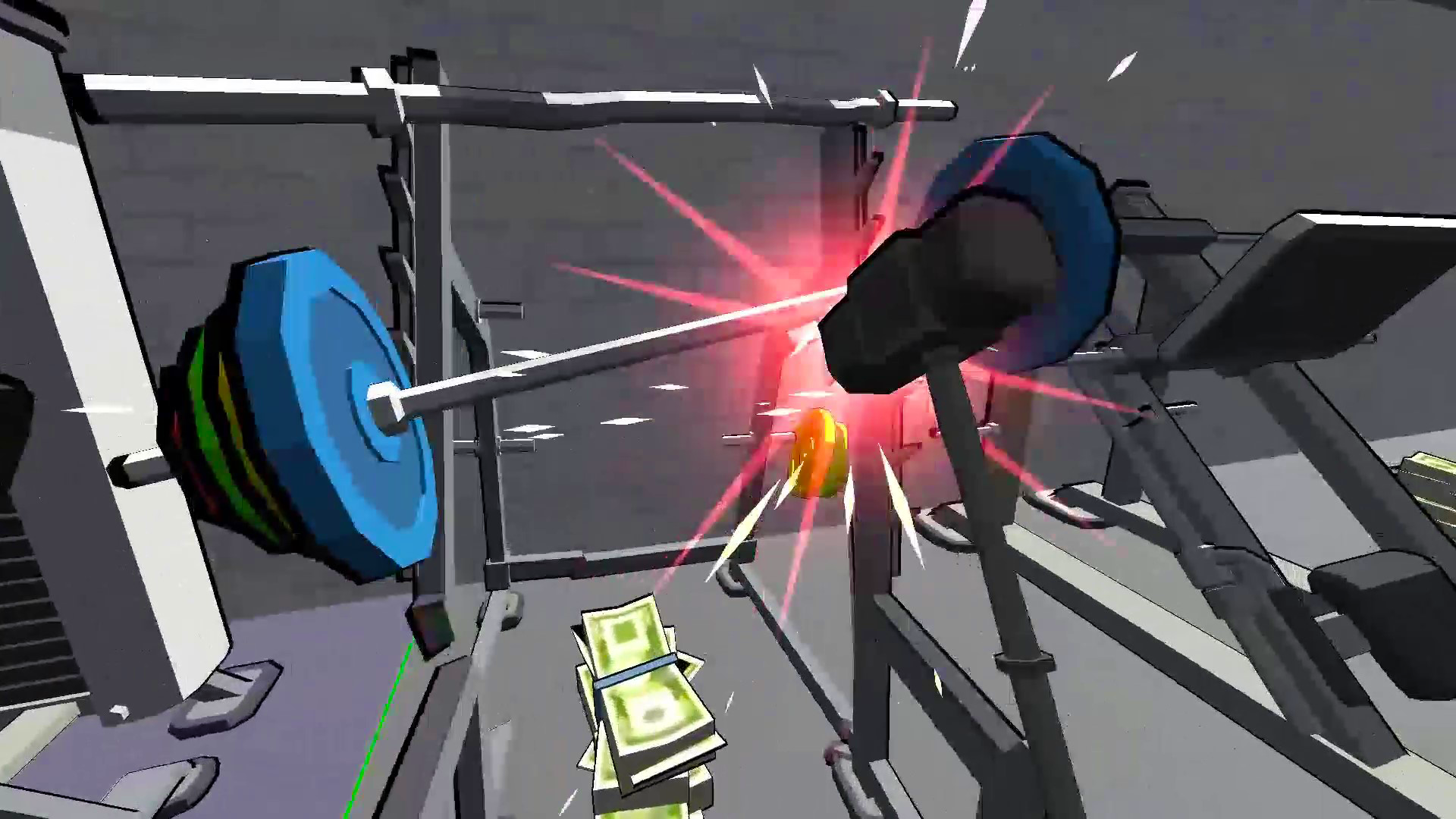
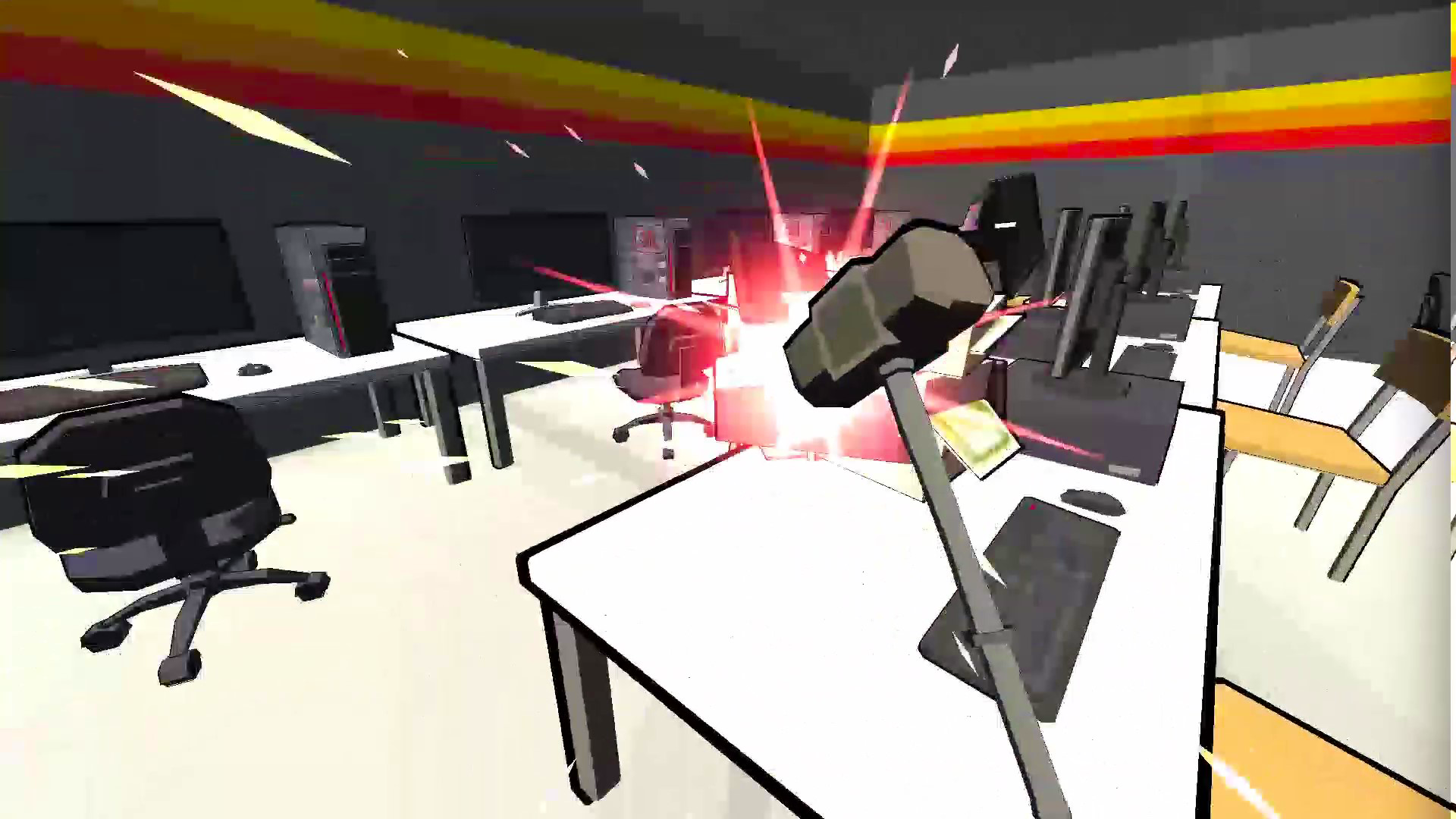
🏙️ 6 large locations - a supermarket, a gym, a hairdresser and much more - each one is completely broken to the ground! 🏗️🚧
🧩 Destruction physics – debris, flying fragments and collapses add to the fun.🔍🪨
🎶 Atmospheric music – a stylish soundtrack makes the destruction even more epic! 🎧🔥
🏅 Achievements and progress – unlock new weapons, earn money and become a master of chaos! 🎯🏆
😌 Anti-stress gameplay – the perfect game to let off steam and have a lot of fun! 🌪️💆♂️
Are you ready to make the perfect crash test? Destroy everything around you, customize your weapons and enjoy every epic moment! 🧨🚀💪
Videos and screenshots
11,121 players online
How to play
-
Open the game
Press Play now and the game opens on its own screen.
-
Follow the in-game instructions
The controls and goals are shown inside the game as you play.
-
Use the game menu
The floating button over the game reloads it, saves it to your favourites, or takes you back out.